Корпоративны пакоі патрэбны больш, чым вялікае экран. Тое, што сапраўды трэба ёсць сыстэму сустрэч, якое падтрымлівае презентацыі, абвяшчэння, гібрид, і выкарыстанне змесціва па кожны сеанс. Выберыце браку і спаджаеце ж жа праблемых, з якой нагоды жыццё: праекторка змены, Працоўны ляптоп, праектор і графік, вывучаць, якія не могуць рэдагаваць нічога на экрані, "Біта-бор" загадзіць, што зьняць хвіліну, калі скончыць сустрэчы, аддаленыя прыступныя глядзекі, Нестантныя пакоі па ўсіх сайтамі, і выпадковая тэкеты кожнай панядачы раніца.
Гэтая наслідка напісаны для мэнэджэраў, команды HR і L&D, IT/AV купаў, і сістэмныя інтэрнастратары, якія патрэбнаваць вылучаным захоўвання, а не параўнаны табліцы. Яна паведамляе па выпадку выпадку ўкладання, а потым памер памеру пакоя, вылучаныя, якія змяняць якасць настаўленняў, усяга кошт наладу, і як вылічыць прапаўвальнік за апарата. Qtenboard праўляе 55-110 дзюйм інтэрактыўны сустрэчы на біте доборі з багатоўлям, безслэчальны каска, Android/Windows двавыя сістэмы, мэнэджэры DMS і OEM/ODM - і гэта артыкул паведамленне, дзе кожны канфігурацыі падтрымлівае.
| Вучэбны сцэнарый | Рэкамендаваны памер | Абавязковыя функцыі | Настаўленні |
|---|---|---|---|
| Маленькая трэніроўка / нарада | 55–65" | 4K, сэнсарны дысплей, бесправадная трансляцыя, простае кіраванне | Інтэрактыўная панэль 55–65" |
| Стандартнае навучанне | 75–86" | 4K, мультаткі, белы трэба, відэа | Інтэрактыўная панэль 75-86" |
| Вялікая карыстальніка / гібрады | 86–98" | 40-50 кантактаў, камера/мік, сувязьнасць UC | Інтэрактыўная панэль 86-98" |
| Трэніровачная зала / семінар | 98-110" or multi-display "маст | Вялікі фармат, мульты-тоўч, праца на працягу доўгага часу | 98-110" інтэрактыўны панель |
| Захоўваць шрыфты | 55-110" стандартны | DMS, пастаўка партыямі, адзіны карыстальніцкі інтэрфейс, запасныя часткі | Прамы B2B-збыт ад вытворцы |
| Трэнінгавы праект OEM/ODM | 55–110" | Брэндынг, праграмнае забеспячэнне, апаратнае забеспячэнне, CKD/SKD | Праграма Qtenboard OEM/ODM |
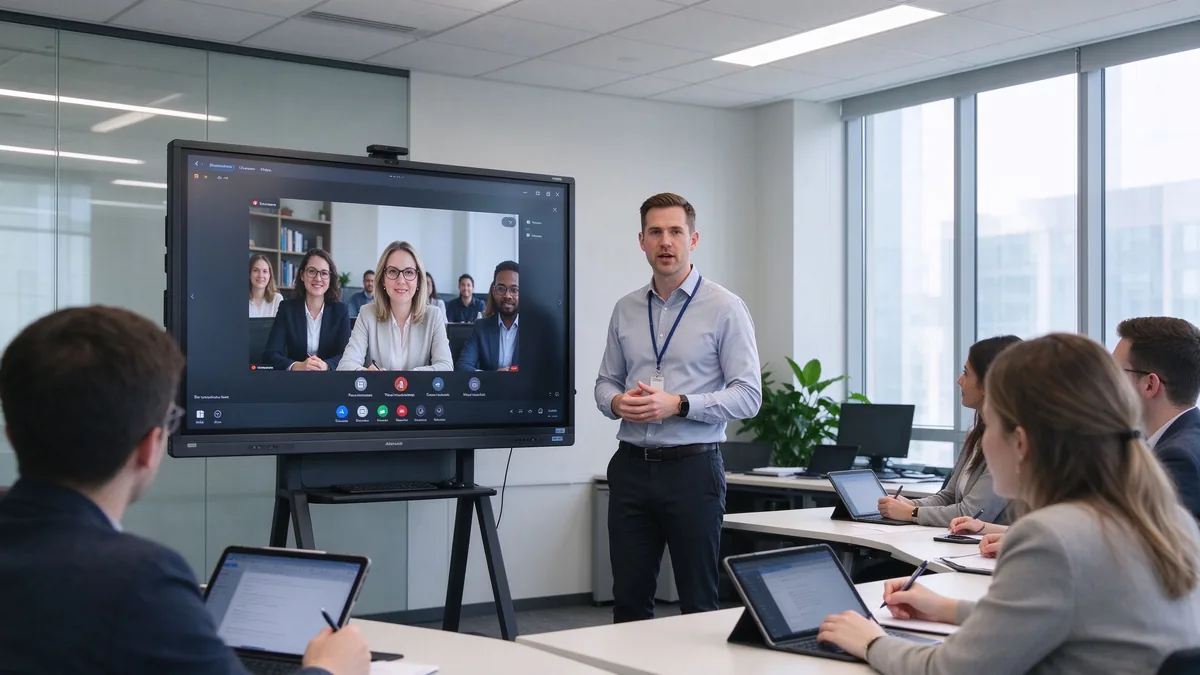
Стары стэк трэніровачнай залы мае характэрную схему адмовы. Праектор страціць контрасіў, калі сліды ідзіць зверху, паведамнік ідзе міс лепатпаў, праектацыі і графіка; Навучальнія глядзець, але ніколі не змяняць нічога; карысныя нататкі на белай палата знікне; Аддаленыя прыладзіць глядзець на маленькія спадку, і не дзве пакоя ў кампанія працаваць жа ж. IT скончае злучэнняў, якія ніколі не павінны трэба трэба трэба на праблема.
Разумная дошка павінна паляпшаць працоўны працэс, а не толькі выяву. Яна павінны паказваць слайды, відэа, веб- старонкі і дакументы; дазвольце пазначыць матеріал для навучання напэўна; Дазняць ноутбупкі і таблеткі бездрого; злучыцца да аддаленыя накладанняў; захоўваць сесію загаловак, як змесціва перакарыстаць; і стандартаццаваць, як кожны пакоя пакінуць па ўсіх кампанія.
Пакладныя пакоі не змяніць. Уставіць класы і працоўнага пакоя прыкладу вельмі розныя прылад. Вызначыце павінны фармат да параўнаны памераў. У практыцы, каманды L&D, якія вызначыць павінны фармат сперш, робляць хутчэй і дешэйшыя вылучаных: Пакоі выкарыстае 80% для працоўнага працоўнага працоўнага працоўнага працу і мэта, чым пакоя выкарыстаў 80% для прыкладання на відэа. Калі часткі фарматаў адным пакое, Выберыце выпадковы інтэрактыўнай рэгістры выкарыстання - тое, што нямаўляе гучкі, калі пры вызначаная аперацыі.
Надваротны, веденне продукту, чарнавіць, прылад і бяспекі, праграма. Патрэба вялікае яснасць 4K, натуральны запіс, анатацыя дакумента, надіральны відэапазнаў, запіс змесціва і экспарту, і дастаткова простая інтэрфейсу, што кожны пачарны можа запусціць сеанс без IT.
Скасаваньне, выкарыстанне выпадковы, плананне праекту, управочныя дыяпазон. Патрэба трэба шмат карыстальніка, разамчасны запіс, тэкставы тэксту Арганізація змісту і часта мабільны стан, так і дастача могуць перамяшчэнні між прастораў групы.
Сесіі у сеансах, гэтую гэтую нагальні, аддалены дастасаваньне працаўнік, кліматар і дыўтар. Патрэба выпадку фотоапарата, мікрофон, спадвары, командах/Zoom/Google Meet Compatibility, Безстрашны падказку, аддаленыя прылады, і падзяляваны або запісаны змест.
Індустральныя продукты, тэхналогы, праграмныя сістэмы, медывыя прылады, выправэння Патрэба падрабязнасці 4K, PDF і малюнка, масштаб і шмат акна, USB/HDMI ўводу, дакладны кантакт, і доўгі гадзіны стабільны аперацыю.
Multinationals, retail chains, banking and government, large manufacturing, branch training centers. Needs a complete size line, standardized configuration, remote device management, batch purchasing, firmware and software updates, consistent branded UI, and regional certification and after-sales.
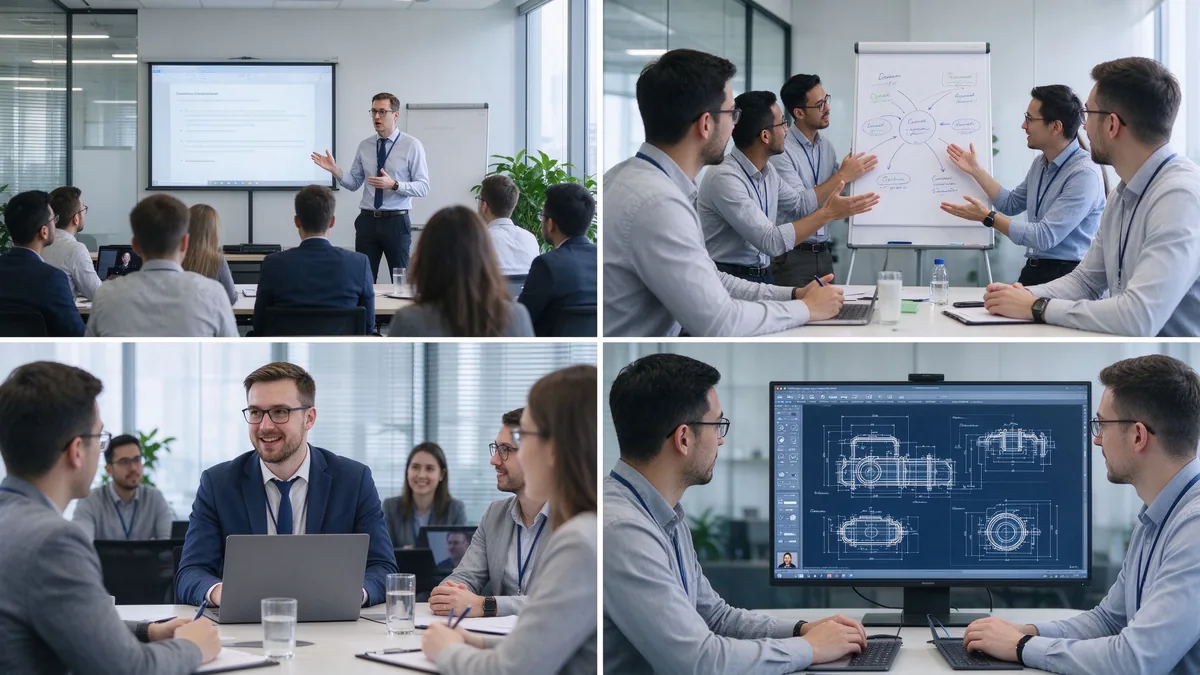
| Training room type | Typical group size | Прапанаваны памер дысплея | Найлепшае |
|---|---|---|---|
| Small training room | 2–6 | 55–65" | Coaching and small-group instruction |
| Standard training room | 6–12 | 75–86" | Instructor-led training and presentations |
| Large training room | 12–25 | 86–98" | Workshops and hybrid training |
| Training hall | 25+ | 98-110" or multi-display "маст | Large-group instruction and seminars |
Before ordering, measure the room, not just the participant count: room length and width, number of learners, the farthest viewing distance, available wall width, seating layout (U-shape, classroom, group clusters), natural light and lighting, camera mounting position, the trainer’s movement range, whether a mobile stand is needed, and whether trainer video and training content must appear side by side.
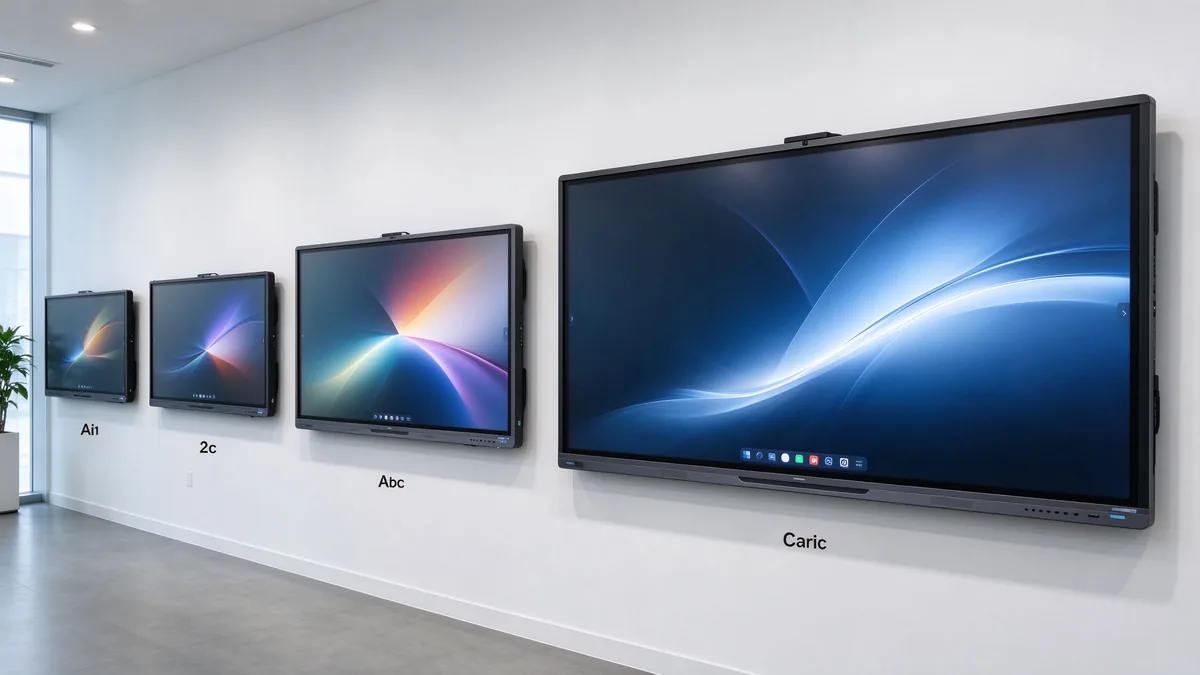
Several shifts matter when you write the requirement list this year:
Training material is often dense: spreadsheets, flowcharts, software interfaces, product diagrams, engineering drawings, subtitles, small text, and high-resolution video. A native 4K UHD panel with adequate brightness, anti-glare glass, and wide viewing angles keeps the back row readable in bright rooms, and multi-window split view lets a trainer show course deck and demo at once. Ask suppliers for a live demo of small text, Excel sheets, technical drawings, high-resolution video, and split sources under real ambient light.
The trainer writes naturally; learners participate; group competitions work; several people annotate a flowchart together; project plans get edited live. Judge touch points together with response speed, handwriting latency, accuracy, palm rejection, finger/stylus recognition, simultaneous writing, gloved operation where relevant, and glass durability. For learner interaction, 20–40 points is typical; large workshops or dense collaboration can evaluate 40–50. Do not compare point counts in isolation — test whether multiple people write smoothly, whether software allows independent objects, and whether the system stays responsive.
The whiteboard is where training value is captured: infinite canvas, multiple pages, shapes and lines, handwriting-to-text, inserted images and files, PDF and PPT annotation, zoom, undo/redo, templates, content saving, QR/email sharing, and cloud sync. A trainer marks up material live, adds explanations, saves the full session, distributes the annotated version, and reuses it in the next cohort. Content that cannot be saved and shared is training content lost.
Learners arrive with Windows laptops, MacBooks, iPads, Android tablets, phones, and company-issued terminals. The board should accept Windows, macOS, iOS, and Android wirelessly, support multi-device casting and split view, work through browser or QR or optional app, allow guest access, and respect casting permissions. A typical training flow: the trainer presents the course deck, a participant shares a case study, the group annotates the document, and the instructor saves the result for later distribution.
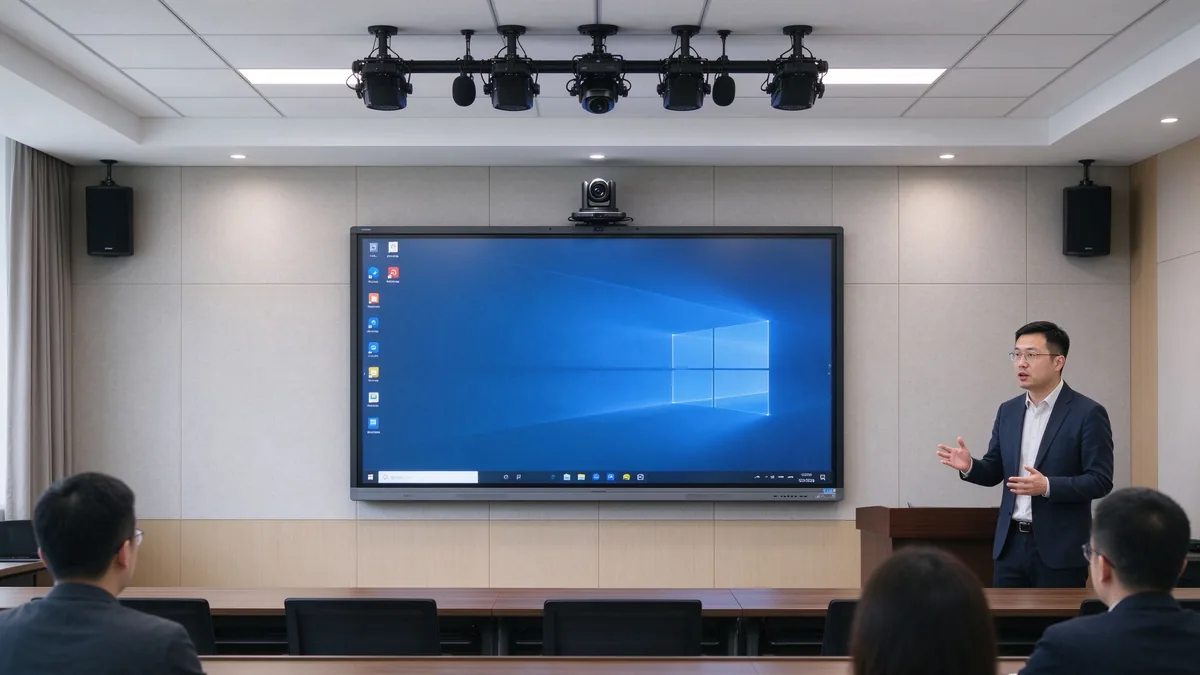
Camera framing must cover the trainer and participants; auto framing and external cameras matter when trainers move around. Microphones must pick up trainer voice and learner questions, with echo cancellation and noise suppression. Speakers must reach the back row and integrate with existing room audio. Software must run Zoom, Microsoft Teams, Google Meet, browser meeting tools, and the company LMS, plus recording and live streaming platforms.
| Настаўленне | Suitable for corporate training | Main consideration |
|---|---|---|
| AndroidName | Whiteboarding, casting, quick content access | Confirm app and enterprise account support |
| Вокны | Office, LMS, browser tools, specialist applications | May require OPS or external PC |
| Dual system | Mixed training workflows | Flexible but requires IT management |
| External PC integration | Existing corporate AV/IT environment | Check touch-back, USB, display compatibility |
Confirm the company LMS runs, Office files open and edit, browser plugins work, enterprise accounts and permissions hold, and touch behaves inside the target applications. Security means guest-casting permissions, login, data clearing, file storage location, cloud rights, camera/microphone permission, network isolation, remote updates, device lock, and centralized management. Across multiple sites: batch configuration, remote status viewing, unified firmware upgrades, remote restart, fault alerts, and usage permission control.
A five-year view keeps the purchase honest:
TCO = display + mount + OPS PC + camera and audio + software licensing + installation + training + maintenance + spare parts + shipping and certification + later upgrades.
Three layers of ROI make the case to finance:
Do not compare purchase prices alone — installation, software, maintenance, spares, and upgrades all land in year one and year three. Volume orders reduce marginal cost, and factory-direct supply removes intermediary markup. Hidden costs buyers forget to ask for: mounting and cabling, camera and microphone accessories, software licenses, warranty extensions, spare panels for fast swap-outs across branches, and firmware support across regions. A quotation that lists only the display price creates surprises in year one — request the complete landed configuration cost, not the ex-works number.
55–65 inches for small coaching and group rooms, 75–86 inches for standard corporate training rooms, and 98–110 inches for large rooms, technical training, and hybrid delivery.
4K content display, interactive writing, multi-touch, electronic whiteboarding, wireless casting, file annotation, video conferencing, Android/Windows dual system, AI meeting assistance, and enterprise device management.
Brand logo, product appearance, boot screen, preloaded software, size and touch-point selection, camera and audio combination, packaging and manuals, CKD/SKD local assembly, and batch deployment with project delivery.
Stable production capacity, sample testing, incoming-material and assembly inspection, aging tests, batch consistency, multi-region certification, technical documentation, spare parts and after-sales processes, and multi-site project support.
Typical training programs buyers configure:
| Buyer priority | Qtenboard value proposition |
|---|---|
| Room-size flexibility | 55–110" interactive display portfolio |
| Спрабаванне | Multi-touch writing, wireless casting, file sharing |
| Project customization | OEM/ODM hardware, software, branding, CKD/SKD |
| Supplier stability | Large-scale manufacturing and global B2B experience |
| Deployment support | DMS, batch supply, spare parts, integrator support |
Start with participant count, room size, training type, content format, and whether remote learners join. Then evaluate 4K display, touch, wireless casting, whiteboarding, video conferencing, operating system, ports, security, and after-sales support.
Small rooms 55–65 inches, standard rooms 75–86 inches, large rooms 86–98 inches, training halls 98–110 inches or multi-display. Final size depends on viewing distance and content readability.
4K clarity, low-latency touch, whiteboarding and annotation, wireless casting, file import/export, video conferencing compatibility, camera and audio, enterprise device management, and after-sales support.
If training includes learner interaction, workshops, group tasks, or joint annotation, multi-touch is valuable. If sessions are mainly one-way presentation, a lower touch configuration may be sufficient.
If you need Office, LMS, browser tools, or specialist software, Windows or dual system is more flexible; if casting, whiteboarding, and basic presentation dominate, Android is usually simpler to operate.
Yes, but confirm the full AV configuration: camera, microphone, speakers, meeting platform, network, and visibility of remote participants’ content.
Qtenboard offers interactive display solutions across sizes for enterprise training, with touch, system, software, video conferencing, and OEM/ODM configuration confirmed per project.
Actual size and resolution, touch points and latency, Android/Windows compatibility, training software and meeting platform compatibility, camera and audio solution, ports, DMS and security features, sample testing, MOQ and lead time, warranty and spares.
Different roles take different next steps:
| Role | Recommended next step |
|---|---|
| Training manager / HR-L&D | Get a corporate training display recommendation |
| IT / AV manager | Download the security and compatibility checklist |
| Integrator | Request project configuration support |
| Раслікувач | Request the OEM/ODM catalog and sample |
| Large project | Schedule a factory video audit |
Share your training room size, participant capacity, training format, software requirements, and project quantity. Qtenboard can recommend a suitable interactive display configuration for instructor-led training, workshops, hybrid learning, or multi-site deployment. Reach the team through the contact page.
Required: name, company, email, country, business type, training type, number of participants, message.
Дадаткова: room dimensions, preferred display size, need for multi-touch, required OS, VC platform, need for camera/audio, number of training rooms, required quantity, target market, delivery timeline, OEM/ODM requirements.
Get a Corporate Training Display Recommendation Request a Training Room Configuration Ask for a Project Quote Discuss an OEM/ODM Training Solution

Эксперт вылучэнне
Я загалоўка Qtenboard, і прынесуць над 17 год у тэкставацыі у індустрія. Настаўленні ў глобальная перспектива трэбаў, зрабіць мойны дакументы EMBA у універсальне Шенсэн, Я прыкладаю мой каманду у оптимізацыі кожны етаў нашых аперацыі ад вызначэння продукту да высокі карыстальнікам трэба трэбаўляе Можнаўленне магчымасць прастацца на період у індустрія.
Як лідар Qtenboard, я спеціалізуюся у вызначаных вышваваных OEM/ODM для інтэрактыўных белых палатаў, Відэкі сініны LCD, цифравальныя сітак і тэрміналы дапаўненне ў індустріцы. Запапаўваны наші 330,000 м² сучасны індустріальны парк у Шензін, мы захоўваем кантроль над індустріальныя дизайны, дакладнаваць прыкладання, і строгучнае тэст.
З амаль два дзесяцаў прылад праекту, цяпер выключаныя рашэннем Qtenboard у больш у 120 і рэгіонах, заробілі довіры больш 15 000 кліентаў у світі. Калі вы шукаеце адказную партнер з глибокіма выкананням праекты, Мы і я гатовыя падтрымліваць вашу погляд з професіональным выгляду.

 bel
bel
 EN
EN  pt
pt  spa
spa  th
th  vie
vie  aze
aze  est
est  lav
lav  ukr
ukr  ru
ru