A corporate training room needs more than a large screen. What it really needs is a collaboration system that supports presentation, annotation, multi-participant interaction, hybrid delivery, and content reuse across every session. Choose poorly and you inherit the same problems training teams have lived with for years: a projector washed out by daylight, a trainer juggling laptop, projector, and flip chart, learners who cannot edit anything on screen, whiteboard notes that vanish the moment the meeting ends, remote participants who are passive viewers, inconsistent rooms across sites, and IT support tickets every Monday morning.
This guide is written for training managers, HR and L&D teams, IT/AV buyers, and system integrators who need a defensible procurement decision rather than a spec-sheet comparison. It walks through training use cases first, then room size, the features that actually change instruction quality, total cost of ownership, and how to evaluate the supplier behind the hardware. Qtenboard offers 55–110 inch 4K interactive meeting whiteboards with multi-touch, wireless casting, Android/Windows dual system, DMS management, and OEM/ODM — and this article explains where each configuration fits.
| Training scenario | Recommended size | Kohustuslikud funktsioonid | Qtenboardi suunas |
|---|---|---|---|
| Small coaching / huddle | 55–65" | 4K, touch, wireless casting, easy operation | 55-65-tolline interaktiivne paneel |
| Standard instructor-led training | 75–86" | 4K, multi-touch, whiteboarding, video meetings | 75–86" interactive panel |
| Large workshop / hybrid training | 86–98" | 40–50 point touch, camera/mic, UC compatibility | 86–98" interactive panel |
| Training hall / seminar | 98–110" or multi-display | Large format, multi-touch, long-hour operation | 98–110" interactive panel |
| Mitme saidiga juurutamine | 55–110" standardized | DMS, partii tarnimine, ühendatud kasutajalises kasutajaliides, varuosad | Tehase otse B2B varustamine |
| OEM/ODM koolitusprojekt | 55–110" | Bränding, tarkvara, riistvara, CKD/SKD | Qtenboard OEM/ODM programm |
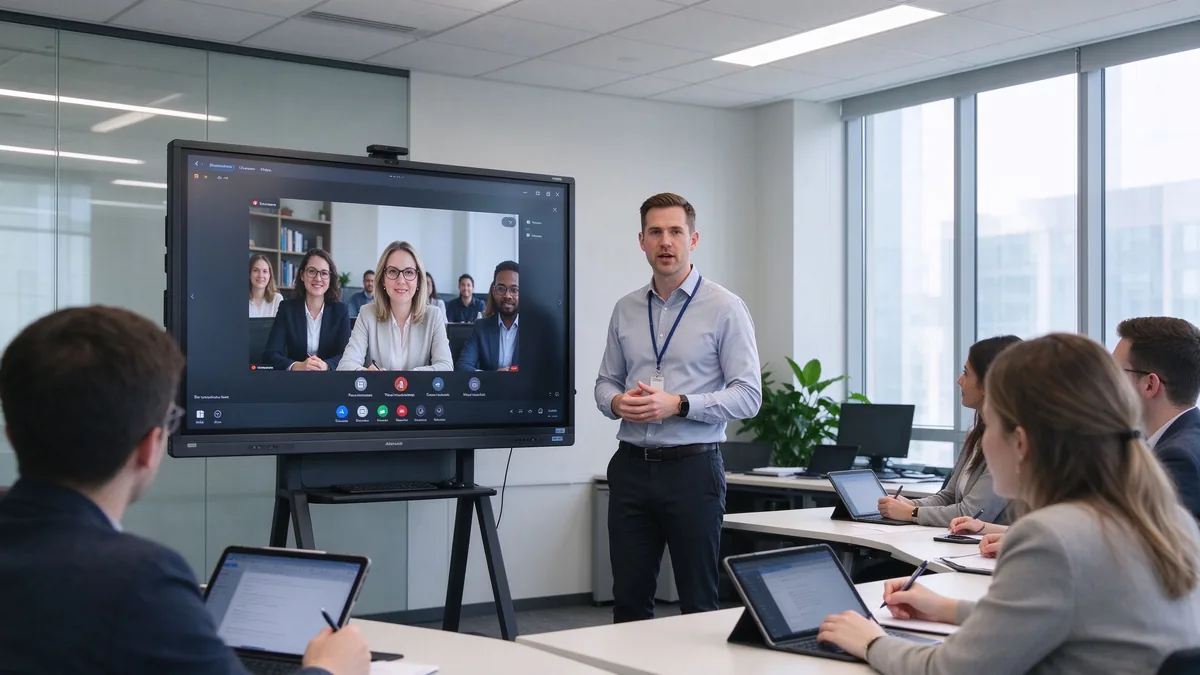
Vanal treeningruumi kuhjul on tuttav rikkekäitumine. Projektor kaotab kontrastimoodulid, mis läheb üles; treener kõnnib sülearvuti, projektsiooni ja flip kaardi vahel; õppijad vaatavad, kuid mitte kunagi muuta midagi; kasulikud märkmed valgeplaadil kaovad; Kaugel osalejad vahtivad väikest kõlarikasti; ja ükski kaks tuba ei tööta samamoodi. IT lõppeb vigastusteotsing ühendused, mis ei peaks kunagi vajalikuks.
Tark laud peaks parandama töövoo, mitte ainult pilti. See peaks esitama slaidid, video, veebilehte ja dokumendid; laskma koolitajal märkida koolitusmaterjali otse; lase mitmel õppijal osaleda; võtma sülearvutid ja tahvelarvutid traadita; ühendada kaugkoolitusplatvormidega; salvestada valge tahvli sessioon korduvkasutatava sisu; ja standardiseerida, kuidas iga treeningruum käitub kogu firmas.
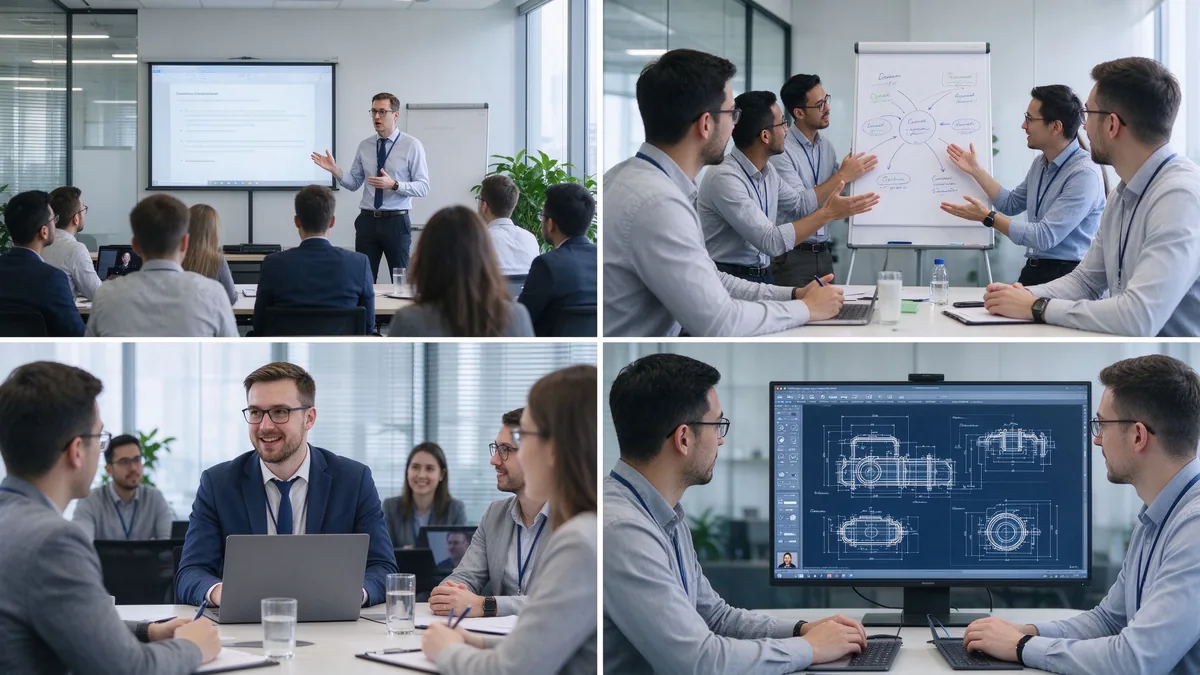
Koolitusruumid ei ole omavahel asendatavad. Nõuetele vastavuse õppeklass ja tootearendustöökoda vajavad väga erinevat riistvara. Määrake domineeriv formaat enne suuruste võrdlemist. Praktikas teevad valitsevat vormi määratlevad rühmad kõigepealt kiiremad ja odavamad otsused: 80% töökodade jaoks kasutatav ruum vajab erinevat puudutust ja mööblit kui 80% videopõhise vastavuskoolituse raames. Kui mitmed formaadid jagavad üks ruum, valida funktsioonid kõige interaktiivsemaks kasutamiseks - see, mis kõige valjemalt ebaõnnestub, kui riistvara on alamääratud.
Pardal, toote teadmised, müügi oskused, nõuetele vastavuse ja ohutuse, tarkvara kasutuselevõtud. Vajab suurt 4K selgust, looduslikku kirjutamist, dokumenti annotatsiooni, usaldusväärset videoesitust, sisu säästmine ja eksport, ja liides piisavalt lihtne, et iga treener saab alustada sessiooni ilma IT.
Brainstorming, case studies, project planning, management offsites. Needs multi-user touch, simultaneous writing, infinite canvas, insertable sticky notes and graphics, content organization and sharing, and often a mobile stand so the board can move between group spaces.
Cross-region sessions, headquarters-to-branch teaching, remote employee training, customer and dealer online training. Needs camera coverage, microphone array, speakers, Teams/Zoom/Google Meet compatibility, wireless casting, visible remote participants, and shared or recorded content.
Industrial products, engineering technology, software systems, medical devices, after-sales repair. Needs 4K detail, PDF and drawing annotation, zoom and multi-window, USB/HDMI inputs, precise touch, and long-hour stable operation.
Multinationals, retail chains, banking and government, large manufacturing, branch training centers. Needs a complete size line, standardized configuration, remote device management, batch purchasing, firmware and software updates, consistent branded UI, and regional certification and after-sales.
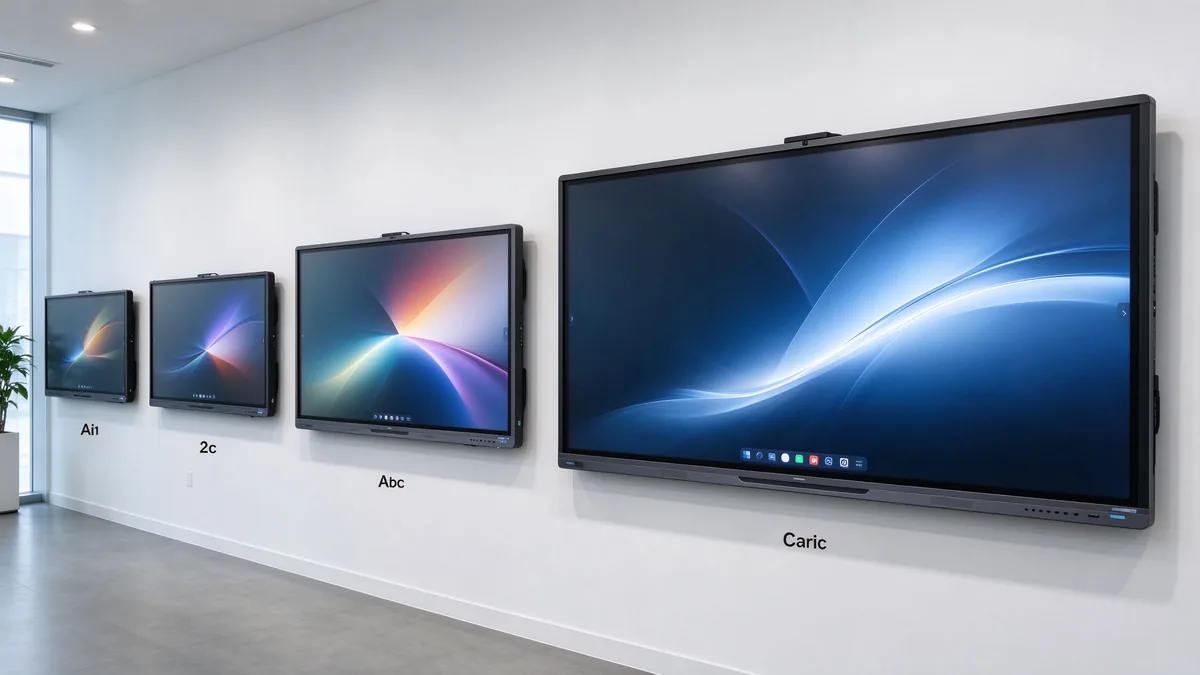
| Training room type | Typical group size | Soovitatav kuvamõõt | Parim. |
|---|---|---|---|
| Small training room | 2–6 | 55–65" | Coaching and small-group instruction |
| Standard training room | 6–12 | 75–86" | Instructor-led training and presentations |
| Large training room | 12–25 | 86–98" | Workshops and hybrid training |
| Training hall | 25+ | 98–110" or multi-display | Large-group instruction and seminars |
Before ordering, measure the room, not just the participant count: room length and width, number of learners, the farthest viewing distance, available wall width, seating layout (U-shape, classroom, group clusters), natural light and lighting, camera mounting position, the trainer’s movement range, whether a mobile stand is needed, and whether trainer video and training content must appear side by side.
Several shifts matter when you write the requirement list this year:
Training material is often dense: spreadsheets, flowcharts, software interfaces, product diagrams, engineering drawings, subtitles, small text, and high-resolution video. A native 4K UHD panel with adequate brightness, anti-glare glass, and wide viewing angles keeps the back row readable in bright rooms, and multi-window split view lets a trainer show course deck and demo at once. Ask suppliers for a live demo of small text, Excel sheets, technical drawings, high-resolution video, and split sources under real ambient light.
The trainer writes naturally; learners participate; group competitions work; several people annotate a flowchart together; project plans get edited live. Judge touch points together with response speed, handwriting latency, accuracy, palm rejection, finger/stylus recognition, simultaneous writing, gloved operation where relevant, and glass durability. For learner interaction, 20–40 points is typical; large workshops or dense collaboration can evaluate 40–50. Do not compare point counts in isolation — test whether multiple people write smoothly, whether software allows independent objects, and whether the system stays responsive.
The whiteboard is where training value is captured: infinite canvas, multiple pages, shapes and lines, handwriting-to-text, inserted images and files, PDF and PPT annotation, zoom, undo/redo, templates, content saving, QR/email sharing, and cloud sync. A trainer marks up material live, adds explanations, saves the full session, distributes the annotated version, and reuses it in the next cohort. Content that cannot be saved and shared is training content lost.
Learners arrive with Windows laptops, MacBooks, iPads, Android tablets, phones, and company-issued terminals. The board should accept Windows, macOS, iOS, and Android wirelessly, support multi-device casting and split view, work through browser or QR or optional app, allow guest access, and respect casting permissions. A typical training flow: the trainer presents the course deck, a participant shares a case study, the group annotates the document, and the instructor saves the result for later distribution.
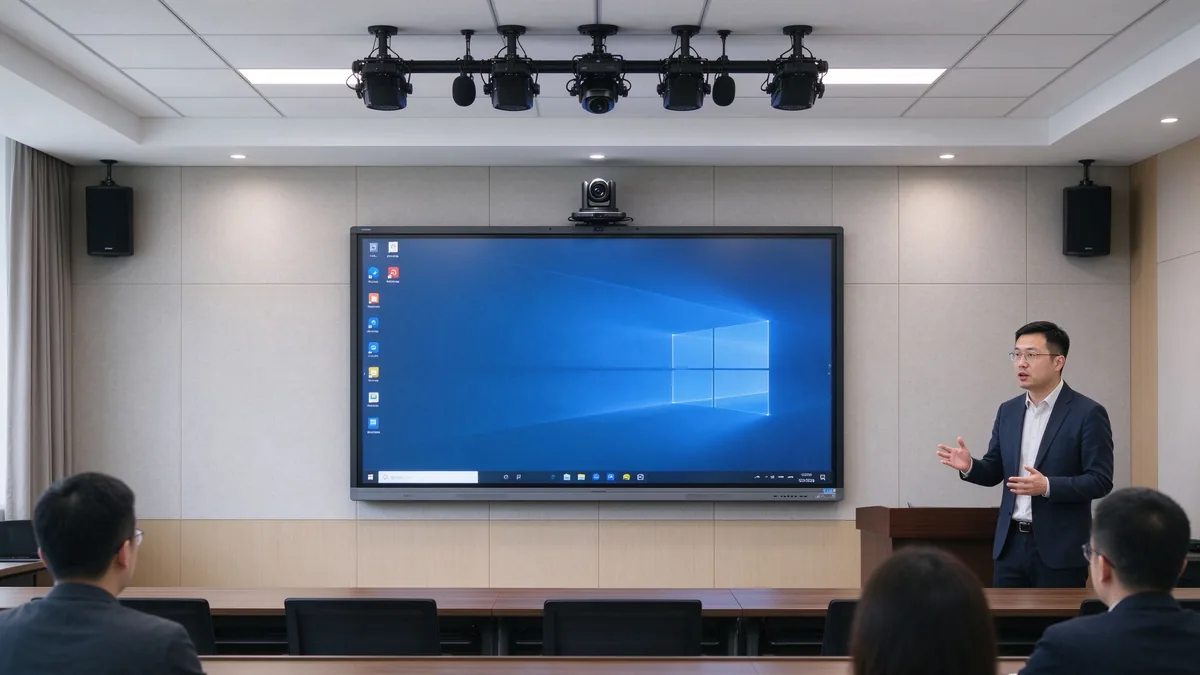
Camera framing must cover the trainer and participants; auto framing and external cameras matter when trainers move around. Microphones must pick up trainer voice and learner questions, with echo cancellation and noise suppression. Speakers must reach the back row and integrate with existing room audio. Software must run Zoom, Microsoft Teams, Google Meet, browser meeting tools, and the company LMS, plus recording and live streaming platforms.
| Seadistamine | Suitable for corporate training | Main consideration |
|---|---|---|
| Androidi | Whiteboarding, casting, quick content access | Confirm app and enterprise account support |
| Akend | Office, LMS, browser tools, specialist applications | May require OPS or external PC |
| Dual system | Mixed training workflows | Flexible but requires IT management |
| External PC integration | Existing corporate AV/IT environment | Check touch-back, USB, display compatibility |
Confirm the company LMS runs, Office files open and edit, browser plugins work, enterprise accounts and permissions hold, and touch behaves inside the target applications. Security means guest-casting permissions, login, data clearing, file storage location, cloud rights, camera/microphone permission, network isolation, remote updates, device lock, and centralized management. Across multiple sites: batch configuration, remote status viewing, unified firmware upgrades, remote restart, fault alerts, and usage permission control.
A five-year view keeps the purchase honest:
TCO = display + mount + OPS PC + camera and audio + software licensing + installation + training + maintenance + spare parts + shipping and certification + later upgrades.
Three layers of ROI make the case to finance:
Do not compare purchase prices alone — installation, software, maintenance, spares, and upgrades all land in year one and year three. Volume orders reduce marginal cost, and factory-direct supply removes intermediary markup. Hidden costs buyers forget to ask for: mounting and cabling, camera and microphone accessories, software licenses, warranty extensions, spare panels for fast swap-outs across branches, and firmware support across regions. A quotation that lists only the display price creates surprises in year one — request the complete landed configuration cost, not the ex-works number.
55–65 inches for small coaching and group rooms, 75–86 inches for standard corporate training rooms, and 98–110 inches for large rooms, technical training, and hybrid delivery.
4K content display, interactive writing, multi-touch, electronic whiteboarding, wireless casting, file annotation, video conferencing, Android/Windows dual system, AI meeting assistance, and enterprise device management.
Brand logo, product appearance, boot screen, preloaded software, size and touch-point selection, camera and audio combination, packaging and manuals, CKD/SKD local assembly, and batch deployment with project delivery.
Stable production capacity, sample testing, incoming-material and assembly inspection, aging tests, batch consistency, multi-region certification, technical documentation, spare parts and after-sales processes, and multi-site project support.
Typical training programs buyers configure:
| Buyer priority | Qtenboard value proposition |
|---|---|
| Room-size flexibility | 55–110" interactive display portfolio |
| Koostööd | Multi-touch writing, wireless casting, file sharing |
| Project customization | OEM/ODM hardware, software, branding, CKD/SKD |
| Supplier stability | Large-scale manufacturing and global B2B experience |
| Deployment support | DMS, batch supply, spare parts, integrator support |
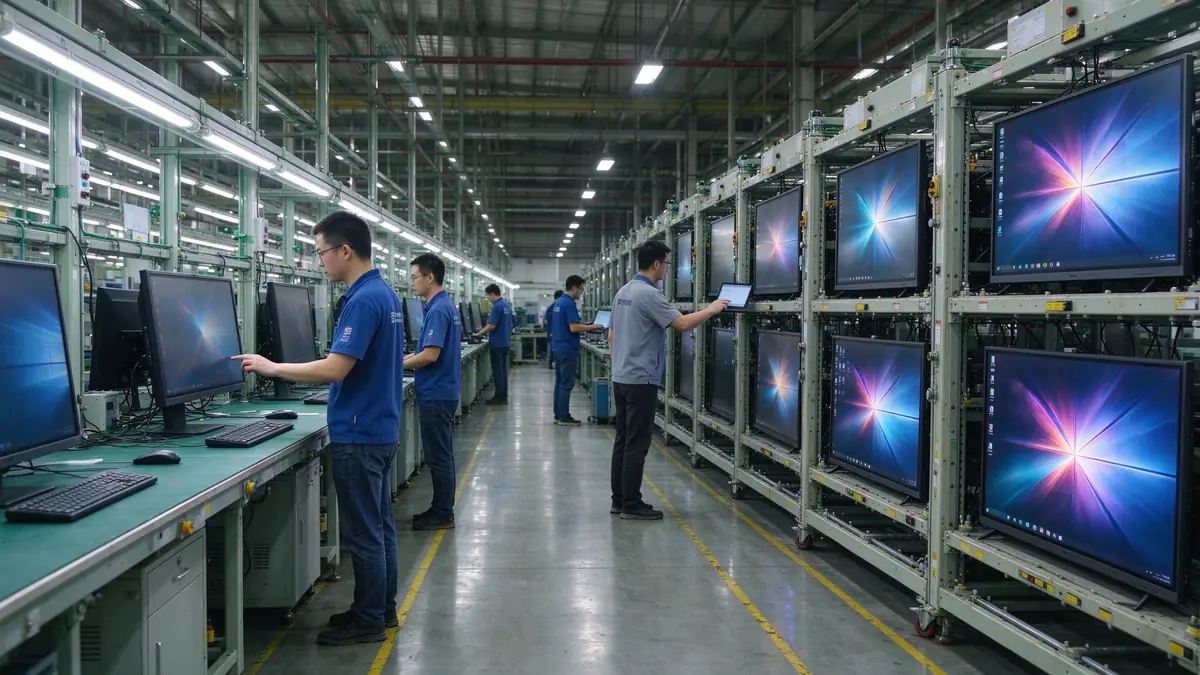
Start with participant count, room size, training type, content format, and whether remote learners join. Then evaluate 4K display, touch, wireless casting, whiteboarding, video conferencing, operating system, ports, security, and after-sales support.
Small rooms 55–65 inches, standard rooms 75–86 inches, large rooms 86–98 inches, training halls 98–110 inches or multi-display. Final size depends on viewing distance and content readability.
4K clarity, low-latency touch, whiteboarding and annotation, wireless casting, file import/export, video conferencing compatibility, camera and audio, enterprise device management, and after-sales support.
If training includes learner interaction, workshops, group tasks, or joint annotation, multi-touch is valuable. If sessions are mainly one-way presentation, a lower touch configuration may be sufficient.
If you need Office, LMS, browser tools, or specialist software, Windows or dual system is more flexible; if casting, whiteboarding, and basic presentation dominate, Android is usually simpler to operate.
Yes, but confirm the full AV configuration: camera, microphone, speakers, meeting platform, network, and visibility of remote participants’ content.
Qtenboard offers interactive display solutions across sizes for enterprise training, with touch, system, software, video conferencing, and OEM/ODM configuration confirmed per project.
Actual size and resolution, touch points and latency, Android/Windows compatibility, training software and meeting platform compatibility, camera and audio solution, ports, DMS and security features, sample testing, MOQ and lead time, warranty and spares.
Different roles take different next steps:
| Role | Recommended next step |
|---|---|
| Training manager / HR-L&D | Get a corporate training display recommendation |
| IT / AV manager | Download the security and compatibility checklist |
| Integrator | Request project configuration support |
| Levitaja | Request the OEM/ODM catalog and sample |
| Large project | Schedule a factory video audit |
Share your training room size, participant capacity, training format, software requirements, and project quantity. Qtenboard can recommend a suitable interactive display configuration for instructor-led training, workshops, hybrid learning, or multi-site deployment. Reach the team through the contact page.
Required: name, company, email, country, business type, training type, number of participants, message.
Valikuline: room dimensions, preferred display size, need for multi-touch, required OS, VC platform, need for camera/audio, number of training rooms, required quantity, target market, delivery timeline, OEM/ODM requirements.
Get a Corporate Training Display Recommendation Request a Training Room Configuration Ask for a Project Quote Discuss an OEM/ODM Training Solution

Tegevjuht | Interaktiivne ekraani ja koostöö lahendusekspert
Olen Qtenboardi asutaja, tuues üle 17-aastase praktilise oskusteadmisega puute kuvatööstusesse. Võttes arvesse ülemaailmse juhtimise perspektiivi, mis on saavutatud minu EMBA uuringud ShenZheni ülikoolis, Ma juhin Tootmisvõime jääb tööstuse esirinnas.
Qtenboardi juhina olen spetsialiseerunud kohandatud OEM/ODM-lahenduste pakkumisele interaktiivsetele valgeplaatidele, LCD video seinad, digitaalsed signaalid ja tööstusliku kvaliteediga puuteterminalid. Toetas meie 330.000 m nüüdisaegse tööstuspargi Shenzhenis, säilitame täispuhastuse kontrolli tööstusdisaini, täpsuse tootmise, ja range jõudluse testimine.
Peaaegu kaks aastakümne pikkune projektikogemus kasutatakse Qtenboardi ekraani lahendusi nüüd rohkem kui 120 riigis ja piirkonnas, teenis usaldust üle 15000 ettevõtluskliendi üle maailma. Kui otsite tundlik partner sügava tootmise aluse oma kohandatud touch kuva projekte, Minu meeskonnaga oleme valmis toetama teie nägemust professionaalselt.

 est
est
 EN
EN  pt
pt  spa
spa  th
th  vie
vie  aze
aze  bel
bel  lav
lav  ukr
ukr  ru
ru