Korporativ təlim otağına yalnız böyük ekran lazım deyil. Bu əslində ehtiyac duyğunu təqdirdə təqdirdə, anlaması, çox-qeytçılıq, hibrid təslimləri dəstəkləyən əməkdaşlıq sistemidir. və məzmunu hər sesyon arasında yenidən istifadə edir. Zəif seçin və illər ərzində tərbiyə qurtarmaq qruplar yaşadığı eyni problemləri miras alacaqsınız. Laptop, projektor və flip çarəsiz, ekranda heç nə düzəltməyə bilməyən öyrənlər, Whiteboard qeyd edir ki, görüş sona çatdığı vaxt, pasive baxışları olan uzaq iştirakçılar, müxtəlif saytlar üzrə uyğunsuz otaqlar və hər bazar ertəsi səhər İT dəstəyi biletləri.
Bu məsuliyyəti təlim idarəçiləri, HR və L&D teams, IT / AV alıcılar üçün yazılmışdır. və sistem integratorlar ehtiyacı olan müqayisə müqayisə etmək əvəzinə ehtiyacı var. Əvvəlcə, sonra otağın böyüklüyü, əslində təlim keyfiyyətini dəyişən xüsusiyyətlər, xüsusiyyətlərin tam qiyməti Vəziyyət arxasında tədqiqatçını necə hesablamaq. Qtenboard 55-110 inç 4K interaktiv toplantı ilə çoxlu-laqlı, wizləşmiş cast. Android/Windows iki sistem, DMS idarəçisi və OEM/ODM - və bu məqalə hər qurğuları haradan uyğun olduğunu izah edir.
| Təlim ssenarisi | Roğlan böyüklüyü | Olması vacib olan xüsusiyyətlər | Qtenboard səviyə |
|---|---|---|---|
| Kiçik məşq / toplanış | 55–65" | 4K, toxunma, simsiz yayım, asan istifadə | 55-65 düymlük interaktiv panel |
| Standart təlimçi rəhbərliyi ilə təlim | 75–86" | 4K, çoxtoxunuşlu, lövhə funksiyası, video görüşlər | 75-86" interaktiv panel |
| Böyük təlim / hibrid təlim | 86–98" | 40-50 toxunma nöqtəsi, kamera/mikrofon, UC uyğunluğu | 86-98" interaktivi paneli |
| Təlim zalı / seminar | 98-110" və ya çoxluq ekranı | Böyük format, çox toxunuşlu, uzun müddətli işləmə | 98-110" interaktiv panel |
| Çoxsaylı saytlı tətbiqetmə | 55-110" standartlaşdırılmış | DMS, batch verdiyi, birləşdirilmiş UI, spare parçaları | Fabrikadan birbaşa B2B təchizatı |
| OEM/ODM təlim layihəsi | 55–110" | Qeyd, proqram, hardwaraq, CKD/SKD | Qtenboard OEM/ODM proqramı |
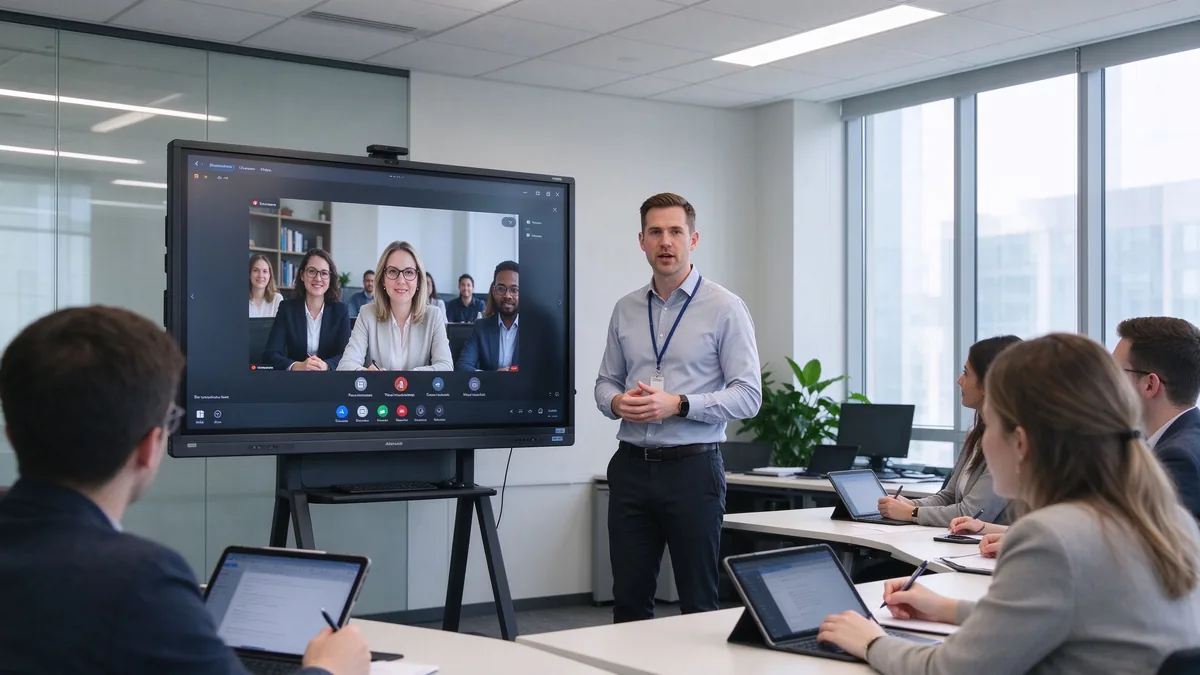
Köhnə təlim otağı yığınında tanış bir uğursuzluq nümunəsi var. Projektor korların gözündən fərqlənməsi itirir; təlim verən laptop, proxışya və flip çarəsiz arasında gedir; Müəyyənlər baxışır, ancaq heç vaxt heç nə dəyişməz; ağ bordadakı faydalı qeydlər yoxlayır. Qarşıda iştirak edənlər balaca natiq qutuya baxırlar. İT nəticədə heç vaxt həll edilməli olmayan əlaqələri həll etməyə çalışır.
Ağıllı lövhə yalnız görüntüyü deyil, iş axışını da tənzimləməlidir. Bu slayışlar, video, veb səhifələri və sənədləri təqdim etmək lazımdır. Qoy təlim veriliyyət materialı bir neçə öyrənənlərin iştirak etsinlər; Laptoplar və tabletləri dəstəkləməklə qəbul edin; uzaq təlim platformlara bağlanır; ağboard iclası yenidən istifadə edilə bilən məzmununu qeyd et; Hər təlim otaqların bütün şirkətində necə davrandığını standartlayır.
Təlim otaqları bir-birinin əvəzini edə bilməz. Əslində sinif otaqın və müvəffəqiyyət otaqın mükafatı çox fərqlənir. Bütün şəkillərini müqayisə etməzdən əvvəl əsas formatı tə'yin edin. Əvvəlcə, əsas formatı təsdiq edən L&D qrupları daha sürət, bacağı qərarlar verir: Bu otaq otaq video əsaslanan təlimlər üçün 80% istifadə edilən otaqlardan fərqli və meyl ehtiyacı var. Birlik format bir ota paylaşanda, Ən interaktiv istifadəçi hadisəsi üçün xüsusiyyətlər seç
Üstəlik, təxminən bilik, satış qabiliyyət, təhlükəsizlik və proqramları təqdim edirlər. Böyük 4K aydınlıq, təbii yazma, sənəd anlama, etibarlı video playback, məz Hər hansı tərbiyəsi IT olmadan sesyona başlaya bilə bilər.
Beyin fırtınası, iş təcrübələri, layihə planlaşdırması, idarəetmə görüşləri. Çox istifadəçi təslim, eyni vaxt yazı, ehtiyacları, qulaq qala bilən qulaqlar və grafiklər ehtiyacı var. məzmunu təşkilatı və paylama, və tez - tez mobil mövqeydir.
Qısa-rehigi sevinclər, baş idarədə təlim, uzaq işçi təlim, müjdə və alışçı təlim. Kamera ehtiyacı var, mikrofon array, nurutçılar, Teams/Zoom/Google Meet compatibiliyi ehtiyac, Qıssızlıq, görünən uzaq iştirakçılar, paylamalı və ya qeyd olunur.
Industrial məhsulları, mühənci texnologiyaları, proqram sistemləri, tibbi avadanlıqlar, satlardan sonra araşdırma. 4K təfərrüatı, PDF və rəsmi anlamaya, uzazmaq və çox-pəncəf, USB/HDMI inputlar ehtiyacı var. və uzun saat möhkəm operasiya.
Multinationals, retail chains, banking and government, large manufacturing, branch training centers. Needs a complete size line, standardized configuration, remote device management, batch purchasing, firmware and software updates, consistent branded UI, and regional certification and after-sales.
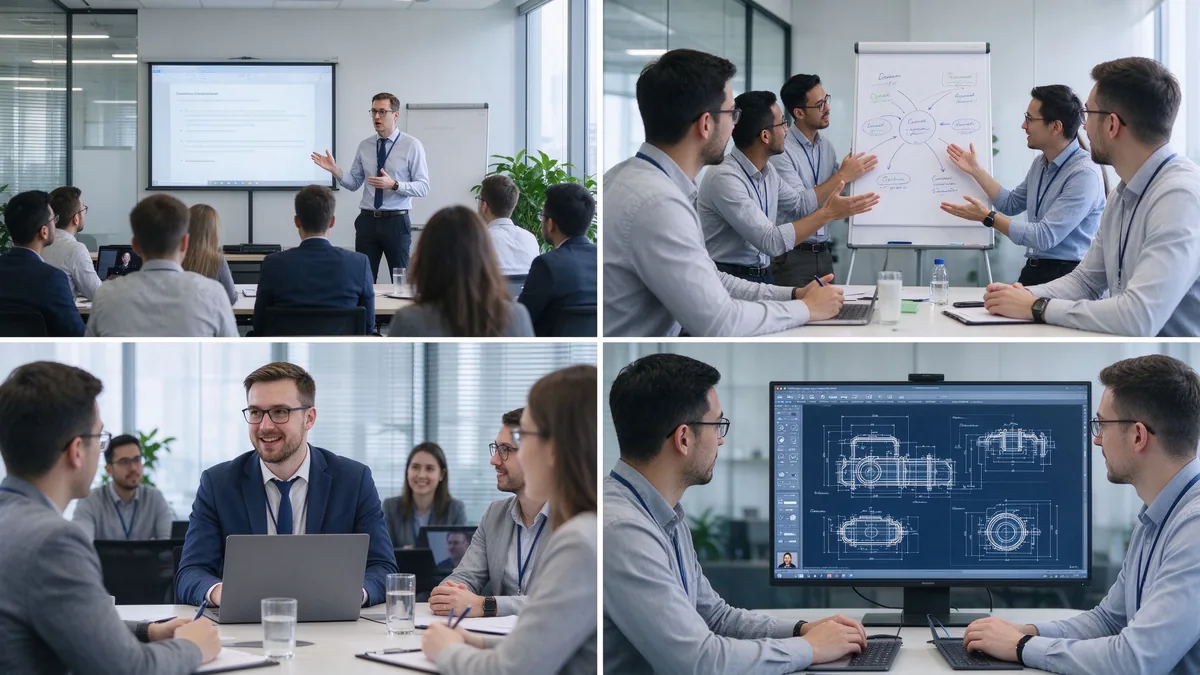
| Training room type | Typical group size | Bağlan | Ən yaxşı et |
|---|---|---|---|
| Small training room | 2–6 | 55–65" | Coaching and small-group instruction |
| Standard training room | 6–12 | 75–86" | Instructor-led training and presentations |
| Large training room | 12–25 | 86–98" | Workshops and hybrid training |
| Training hall | 25+ | 98-110" və ya çoxluq ekranı | Large-group instruction and seminars |
Before ordering, measure the room, not just the participant count: room length and width, number of learners, the farthest viewing distance, available wall width, seating layout (U-shape, classroom, group clusters), natural light and lighting, camera mounting position, the trainer’s movement range, whether a mobile stand is needed, and whether trainer video and training content must appear side by side.
Several shifts matter when you write the requirement list this year:
Training material is often dense: spreadsheets, flowcharts, software interfaces, product diagrams, engineering drawings, subtitles, small text, and high-resolution video. A native 4K UHD panel with adequate brightness, anti-glare glass, and wide viewing angles keeps the back row readable in bright rooms, and multi-window split view lets a trainer show course deck and demo at once. Ask suppliers for a live demo of small text, Excel sheets, technical drawings, high-resolution video, and split sources under real ambient light.
The trainer writes naturally; learners participate; group competitions work; several people annotate a flowchart together; project plans get edited live. Judge touch points together with response speed, handwriting latency, accuracy, palm rejection, finger/stylus recognition, simultaneous writing, gloved operation where relevant, and glass durability. For learner interaction, 20–40 points is typical; large workshops or dense collaboration can evaluate 40–50. Do not compare point counts in isolation — test whether multiple people write smoothly, whether software allows independent objects, and whether the system stays responsive.
The whiteboard is where training value is captured: infinite canvas, multiple pages, shapes and lines, handwriting-to-text, inserted images and files, PDF and PPT annotation, zoom, undo/redo, templates, content saving, QR/email sharing, and cloud sync. A trainer marks up material live, adds explanations, saves the full session, distributes the annotated version, and reuses it in the next cohort. Content that cannot be saved and shared is training content lost.
Learners arrive with Windows laptops, MacBooks, iPads, Android tablets, phones, and company-issued terminals. The board should accept Windows, macOS, iOS, and Android wirelessly, support multi-device casting and split view, work through browser or QR or optional app, allow guest access, and respect casting permissions. A typical training flow: the trainer presents the course deck, a participant shares a case study, the group annotates the document, and the instructor saves the result for later distribution.
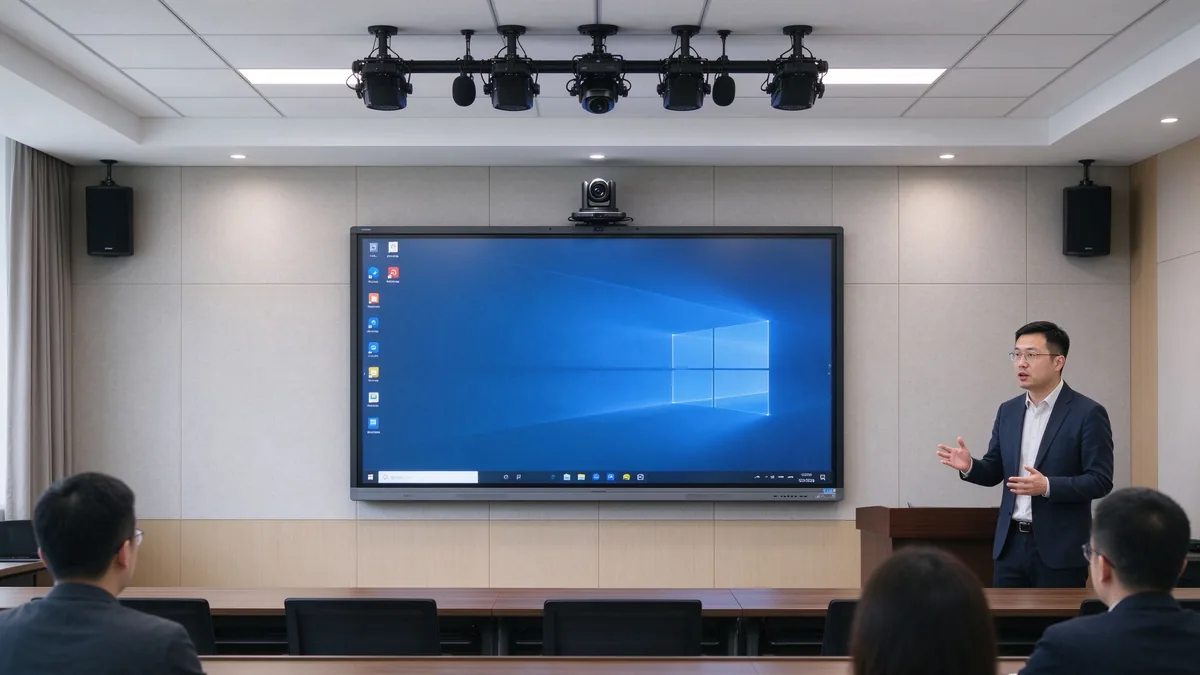
Camera framing must cover the trainer and participants; auto framing and external cameras matter when trainers move around. Microphones must pick up trainer voice and learner questions, with echo cancellation and noise suppression. Speakers must reach the back row and integrate with existing room audio. Software must run Zoom, Microsoft Teams, Google Meet, browser meeting tools, and the company LMS, plus recording and live streaming platforms.
| Quraşdırma | Suitable for corporate training | Main consideration |
|---|---|---|
| Android: | Whiteboarding, casting, quick content access | Confirm app and enterprise account support |
| Pəncərə Adı | Office, LMS, browser tools, specialist applications | May require OPS or external PC |
| Dual system | Mixed training workflows | Flexible but requires IT management |
| External PC integration | Existing corporate AV/IT environment | Check touch-back, USB, display compatibility |
Confirm the company LMS runs, Office files open and edit, browser plugins work, enterprise accounts and permissions hold, and touch behaves inside the target applications. Security means guest-casting permissions, login, data clearing, file storage location, cloud rights, camera/microphone permission, network isolation, remote updates, device lock, and centralized management. Across multiple sites: batch configuration, remote status viewing, unified firmware upgrades, remote restart, fault alerts, and usage permission control.
A five-year view keeps the purchase honest:
TCO = display + mount + OPS PC + camera and audio + software licensing + installation + training + maintenance + spare parts + shipping and certification + later upgrades.
Three layers of ROI make the case to finance:
Do not compare purchase prices alone — installation, software, maintenance, spares, and upgrades all land in year one and year three. Volume orders reduce marginal cost, and factory-direct supply removes intermediary markup. Hidden costs buyers forget to ask for: mounting and cabling, camera and microphone accessories, software licenses, warranty extensions, spare panels for fast swap-outs across branches, and firmware support across regions. A quotation that lists only the display price creates surprises in year one — request the complete landed configuration cost, not the ex-works number.
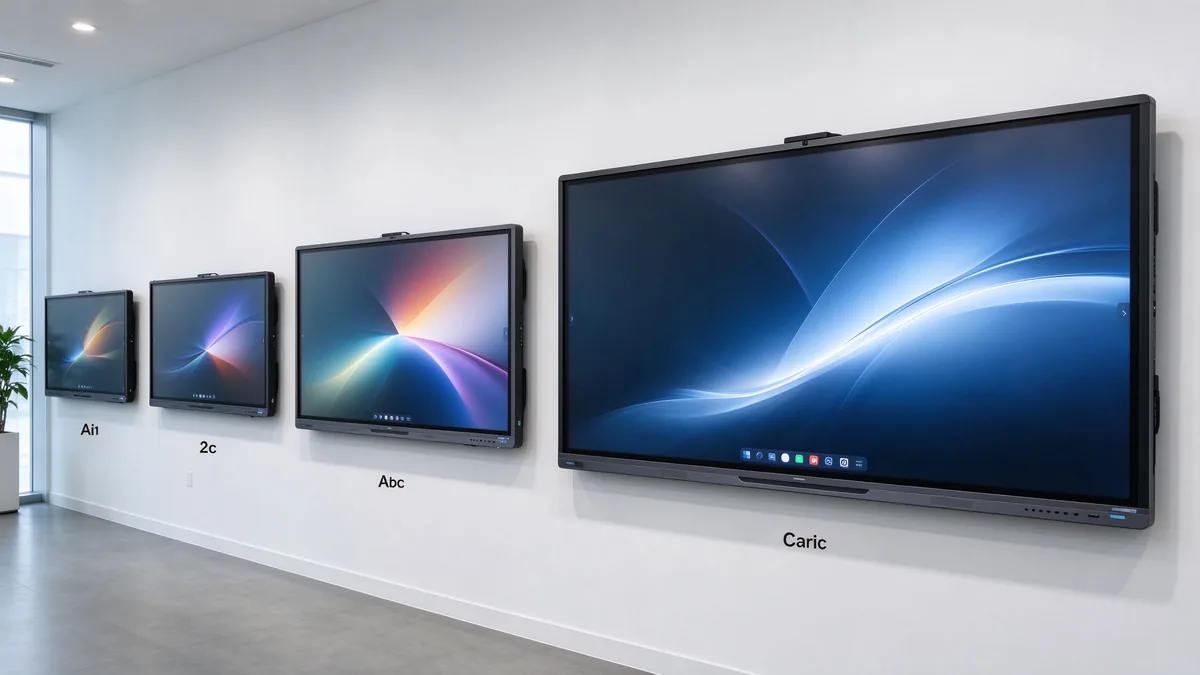
55–65 inches for small coaching and group rooms, 75–86 inches for standard corporate training rooms, and 98–110 inches for large rooms, technical training, and hybrid delivery.
4K content display, interactive writing, multi-touch, electronic whiteboarding, wireless casting, file annotation, video conferencing, Android/Windows dual system, AI meeting assistance, and enterprise device management.
Brand logo, product appearance, boot screen, preloaded software, size and touch-point selection, camera and audio combination, packaging and manuals, CKD/SKD local assembly, and batch deployment with project delivery.
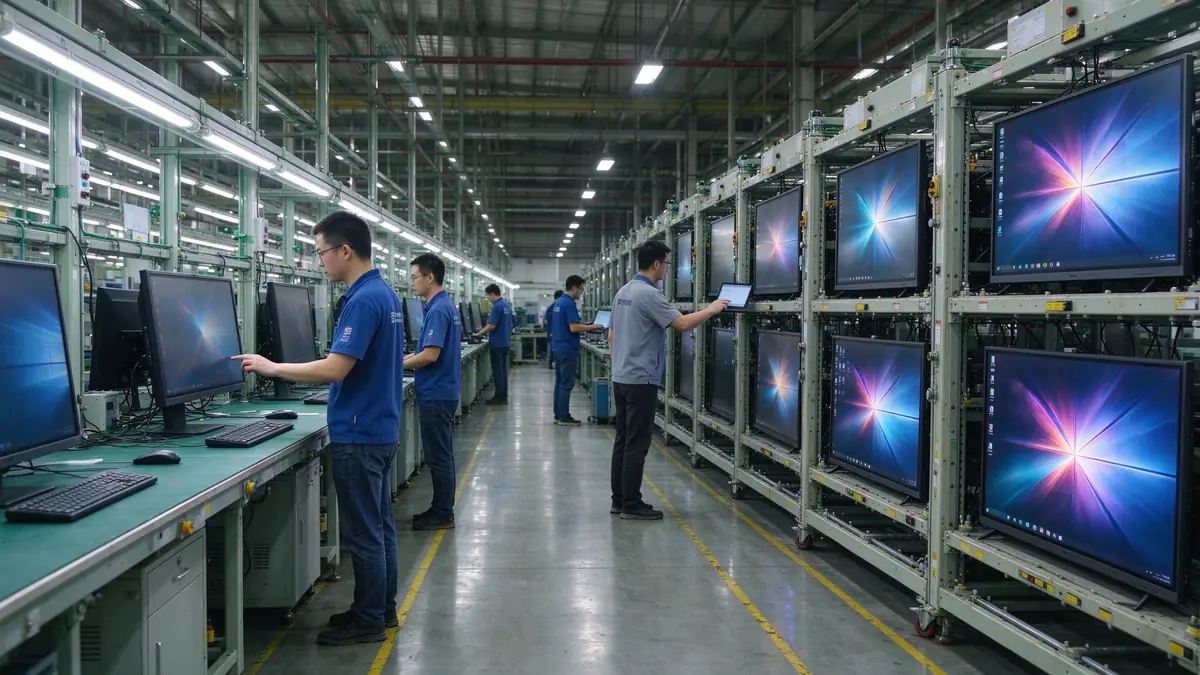
Stable production capacity, sample testing, incoming-material and assembly inspection, aging tests, batch consistency, multi-region certification, technical documentation, spare parts and after-sales processes, and multi-site project support.
Typical training programs buyers configure:
| Buyer priority | Qtenboard value proposition |
|---|---|
| Room-size flexibility | 55–110" interactive display portfolio |
| Bağlan | Multi-touch writing, wireless casting, file sharing |
| Project customization | OEM/ODM hardware, software, branding, CKD/SKD |
| Supplier stability | Large-scale manufacturing and global B2B experience |
| Deployment support | DMS, batch supply, spare parts, integrator support |
Start with participant count, room size, training type, content format, and whether remote learners join. Then evaluate 4K display, touch, wireless casting, whiteboarding, video conferencing, operating system, ports, security, and after-sales support.
Small rooms 55–65 inches, standard rooms 75–86 inches, large rooms 86–98 inches, training halls 98–110 inches or multi-display. Final size depends on viewing distance and content readability.
4K clarity, low-latency touch, whiteboarding and annotation, wireless casting, file import/export, video conferencing compatibility, camera and audio, enterprise device management, and after-sales support.
If training includes learner interaction, workshops, group tasks, or joint annotation, multi-touch is valuable. If sessions are mainly one-way presentation, a lower touch configuration may be sufficient.
If you need Office, LMS, browser tools, or specialist software, Windows or dual system is more flexible; if casting, whiteboarding, and basic presentation dominate, Android is usually simpler to operate.
Yes, but confirm the full AV configuration: camera, microphone, speakers, meeting platform, network, and visibility of remote participants’ content.
Qtenboard offers interactive display solutions across sizes for enterprise training, with touch, system, software, video conferencing, and OEM/ODM configuration confirmed per project.
Actual size and resolution, touch points and latency, Android/Windows compatibility, training software and meeting platform compatibility, camera and audio solution, ports, DMS and security features, sample testing, MOQ and lead time, warranty and spares.
Different roles take different next steps:
| Role | Recommended next step |
|---|---|
| Training manager / HR-L&D | Get a corporate training display recommendation |
| IT / AV manager | Download the security and compatibility checklist |
| Integrator | Request project configuration support |
| Dağıtcı | Request the OEM/ODM catalog and sample |
| Large project | Schedule a factory video audit |
Share your training room size, participant capacity, training format, software requirements, and project quantity. Qtenboard can recommend a suitable interactive display configuration for instructor-led training, workshops, hybrid learning, or multi-site deployment. Reach the team through the contact page.
Required: name, company, email, country, business type, training type, number of participants, message.
İxtiyari: room dimensions, preferred display size, need for multi-touch, required OS, VC platform, need for camera/audio, number of training rooms, required quantity, target market, delivery timeline, OEM/ODM requirements.
Get a Corporate Training Display Recommendation Request a Training Room Configuration Ask for a Project Quote Discuss an OEM/ODM Training Solution

İEO | Interaktiv Display və Koleyt Solution Müəyyət
Mən Qtenboard şirkətinin təsisçisi olaraq, sensorlu displey sənayesində 17 ildən artıq praktiki təcrübəm var. ShenZen Universitetində EMBA öyrənmələrim vasitəsilə qazanmış qlobal idarəçi təhlükəsizlikdən istifadə edir. Mənim əməkdaşlarımızın hər bir mərhəməti təhlükəsizliyindən güclü ehtiyatlı təmində zəncir idarə edir. Müxtəlif qabiliyyətlər industrinin önündə qalır.
Qtenboard lideri kimi, interaktiv ağ bordlar üçün müntəzəm OEM/ODM həlllər təqdim etməkdə xüsusiyyət edirəm, LCD video divarları, rəqtəsi simaları və industriya rəftarın terminalları. Shenzhendəki müasir industriya parkirlərimizin 330 000 m m. və sərt əməl sınaqlar.
Təxminən iki il proyiey təcrübə ilə Qtenboardın nümayişləri 120 ölkə və ərazilərdə istifadə edilib. Bütün dünyada 15 000 - dən çox əməkdaşlarının etibarına qazanmışdı. Əgər siz mütləq rəftar proyüsləriniz üçün dərin faydalı təsdiqləyən əməkdaşı axtarırsınızsa, Mənim qrupam və mən sizin görünüşünüzü dəstəkləyəcək.

 aze
aze
 EN
EN  pt
pt  spa
spa  th
th  vie
vie  bel
bel  est
est  lav
lav  ukr
ukr  ru
ru