Một phòng đào tạo doanh nghiệp cần nhiều hơn là chỉ một màn hình lớn. Những gì nó thực sự cần là một hệ thống hợp tác hỗ trợ trình bày, chú thích, tương tác nhiều người tham gia, phân phối lai và tái sử dụng nội dung trên mỗi phiên. Chọn kém và Bạn Thừa hưởng cùng một đội ngũ đào tạo vấn đề Đã Sống trong nhiều năm: Một chiếc máy chiếu bị ánh sáng ban ngày rửa sạch, một huấn luyện viên tung hứng máy tính xách tay, máy chiếu và biểu đồ lật, người học không thể chỉnh sửa bất cứ điều gì trên màn hình, ghi chú bảng trắng biến mất ngay khi cuộc họp kết thúc, những người tham gia từ xa là những người xem thụ động, Các phòng không nhất quán trên các trang web, và nó hỗ trợ vé mỗi sáng thứ hai.
Hướng dẫn này được viết cho các nhà quản lý đào tạo, đội ngũ nhân sự và L & D, người mua CNTT/AV và các nhà Tích hợp hệ thống, những người cần một quyết định mua sắm có thể phòng thủ hơn là so sánh bảng thông số. Nó đi qua các trường hợp sử dụng đào tạo Trước tiên, sau đó là kích thước phòng, các tính năng thực sự thay đổi chất lượng hướng dẫn, tổng chi phí sở hữu, và làm thế nào để đánh giá Nhà cung cấp đằng sau phần cứng. Qtenboard cung cấp bảng trắng hội nghị tương tác 55-110 inch 4K với hệ thống đúc không dây cảm ứng đa điểm, hệ thống kép Android/Windows, Quản Lý DMS, và OEM/ODM-và bài viết này giải thích nơi mà mỗi cấu hình phù hợp.
| Kịch bản tập luyện | Kích thước đề xuất | Các tính năng không thể thiếu | Hướng qtenboard |
|---|---|---|---|
| Huấn luyện nhỏ/ôm | 55–65" | 4K, cảm ứng, đúc không dây, thao tác dễ dàng | Bảng tương tác 55-65" |
| Huấn luyện hướng dẫn tiêu chuẩn | 75–86" | 4K, cảm ứng đa điểm, bảng trắng, các cuộc họp Video | Bảng tương tác 75-86" |
| Hội thảo quy mô lớn/đào tạo kết hợp | 86–98" | Tương thích cảm ứng 40-50 điểm, Camera/Mic, UC | Bảng tương tác 86-98" |
| Phòng đào tạo/hội thảo | 98-110 "hoặc đa màn hình | Định dạng lớn, cảm ứng đa điểm, hoạt động lâu dài | Bảng tương tác 98-110" |
| Triển khai nhiều trang web | Tiêu chuẩn 55-110" | DMS, cung cấp hàng loạt, giao diện người dùng thống nhất, phụ tùng thay thế | Nguồn cung cấp B2B trực tiếp từ nhà máy |
| Dự án đào tạo OEM/ODM | 55–110" | Xây dựng thương hiệu, phần mềm, phần cứng, ckd/skd | Chương trình OEM/ODM qtenboard |
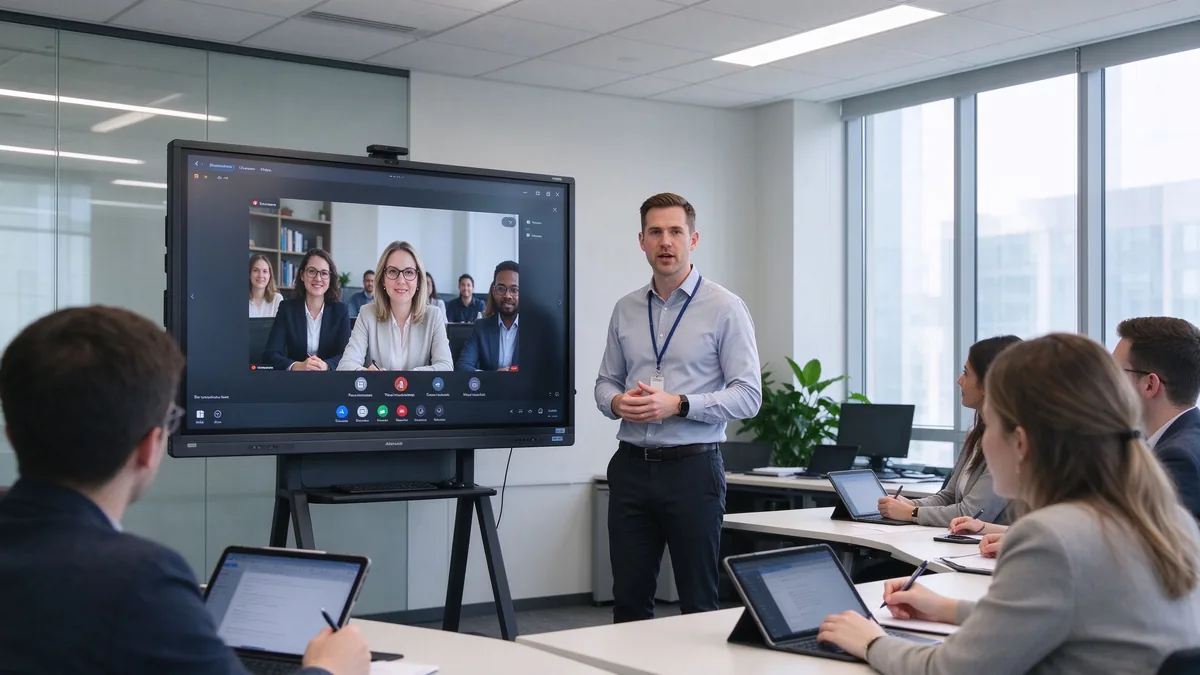
Ngăn xếp trong phòng huấn luyện cũ có một kiểu lỗi quen thuộc. Một chiếc máy chiếu mất độ tương phản ngay khi Rèm lên; huấn luyện viên đi giữa máy tính xách tay, hình chiếu và biểu đồ lật; người học xem nhưng không bao giờ chỉnh sửa bất cứ điều gì; các ghi chú hữu ích trên bảng trắng biến mất; những người tham gia từ xa nhìn chằm chằm vào một hộp loa nhỏ; và không có hai phòng nào trong công ty hoạt động giống nhau. Cuối cùng, bộ phận CNTT phải khắc phục sự cố kết nối mà đáng lẽ không bao giờ cần phải xử lý.
Một bảng thông minh nên sửa quy trình làm việc, không chỉ là hình ảnh. Nó sẽ trình bày các slide, Video, trang web và tài liệu; hãy để huấn luyện viên đánh dấu trực tiếp tài liệu đào tạo; để một số người học tham gia; chấp nhận máy tính xách tay và máy tính bảng không dây; kết nối với các nền tảng đào tạo từ xa; lưu phiên bảng trắng như nội dung có thể tái sử dụng; và chuẩn hóa cách mọi phòng tập thể dục hoạt động trên toàn công ty.
Các phòng đào tạo không thể thay thế cho nhau. Một lớp học tuân thủ và một phòng sản phẩm hội thảo thưởng cho phần cứng rất khác nhau. Xác định định định dạng chi phối trước khi bạn so sánh kích thước. Trên thực tế, các đội L & D xác định định định dạng thống trị trước tiên đưa ra các quyết định nhanh hơn, rẻ hơn: một phòng được sử dụng năm 80% cho các nhà xưởng cần cảm ứng khác nhau và đồ nội thất hơn một phòng sử dụng năm 80% để đào tạo tuân thủ video. Khi nhiều định dạng chia sẻ một phòng, hãy chọn tính năng cho trường hợp sử dụng tương tác nhất-Tính năng không lớn nhất khi phần cứng được chỉ định dưới.
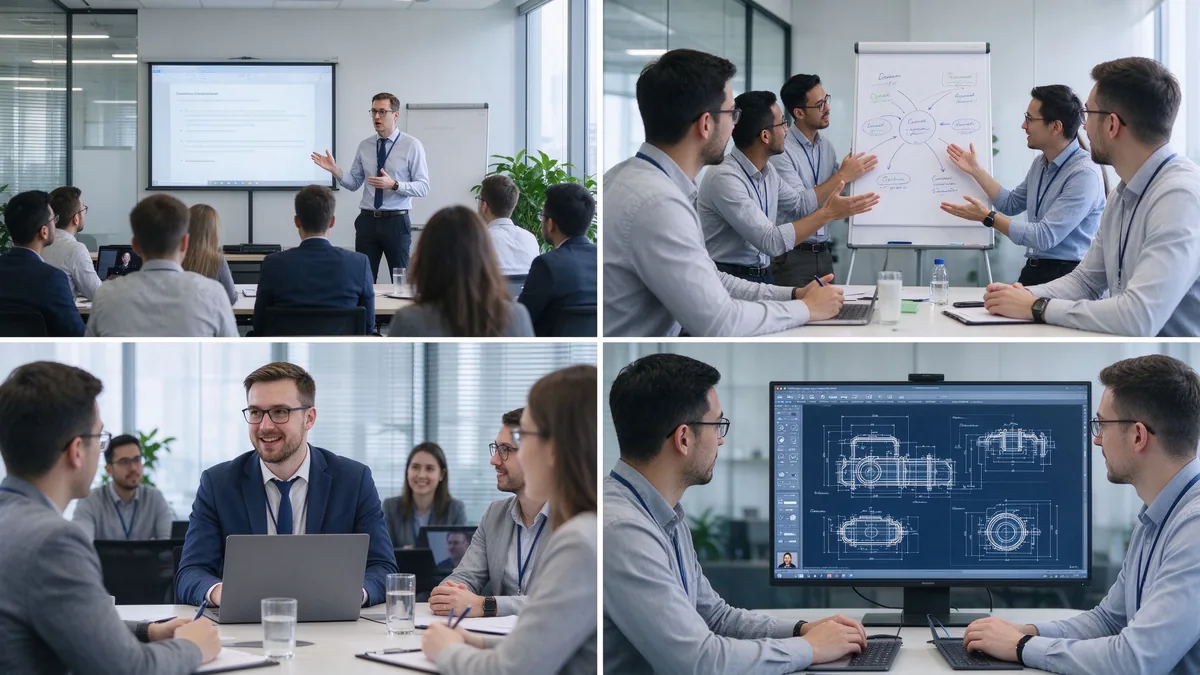
Lên máy bay, kiến thức sản phẩm, kỹ năng bán hàng, tuân thủ và an toàn, tuyển sinh phần mềm. Cần lớn 4K rõ ràng, viết tự nhiên, chú thích tài liệu, Phát lại video đáng tin cậy, tiết kiệm nội dung và xuất khẩu, và một giao diện đơn giản đủ để bất kỳ huấn luyện viên có thể bắt đầu một phiên mà không cần nó.
Động não, nghiên cứu trường hợp, lập kế hoạch dự án, hoạt động quản lý. Cần cảm ứng đa người dùng, viết đồng thời, vải bạt vô hạn, ghi chú và đồ họa có thể chèn, sắp xếp nội dung và chia sẻ, và thường là một giá đỡ di động để bảng có thể di chuyển giữa các không gian nhóm.
Các buổi học xuyên khu vực, giảng dạy từ trụ sở đến chi nhánh, đào tạo nhân viên từ xa, đào tạo trực tuyến của khách hàng và đại lý. Cần bảo hiểm máy ảnh, mảng micro, loa, đội/Zoom/Google đáp ứng khả năng tương thích, đúc không dây, người tham gia từ xa có thể nhìn thấy, và nội dung được chia sẻ hoặc ghi lại.
Sản phẩm công nghiệp, công nghệ kỹ thuật, hệ thống phần mềm, thiết bị y tế, sửa chữa sau bán hàng. Cần chi tiết 4K, PDF và vẽ chú thích, thu phóng và nhiều cửa sổ, đầu vào USB/HDMI, cảm ứng chính xác và hoạt động ổn định trong thời gian dài.
Multinationals, retail chains, banking and government, large manufacturing, branch training centers. Needs a complete size line, standardized configuration, remote device management, batch purchasing, firmware and software updates, consistent branded UI, and regional certification and after-sales.
| Training room type | Typical group size | Kích thước hiển thị đề xuất | Tốt nhất cho |
|---|---|---|---|
| Small training room | 2–6 | 55–65" | Coaching and small-group instruction |
| Standard training room | 6–12 | 75–86" | Instructor-led training and presentations |
| Large training room | 12–25 | 86–98" | Workshops and hybrid training |
| Training hall | 25+ | 98-110 "hoặc đa màn hình | Large-group instruction and seminars |
Before ordering, measure the room, not just the participant count: room length and width, number of learners, the farthest viewing distance, available wall width, seating layout (U-shape, classroom, group clusters), natural light and lighting, camera mounting position, the trainer’s movement range, whether a mobile stand is needed, and whether trainer video and training content must appear side by side.
Several shifts matter when you write the requirement list this year:
Training material is often dense: spreadsheets, flowcharts, software interfaces, product diagrams, engineering drawings, subtitles, small text, and high-resolution video. A native 4K UHD panel with adequate brightness, anti-glare glass, and wide viewing angles keeps the back row readable in bright rooms, and multi-window split view lets a trainer show course deck and demo at once. Ask suppliers for a live demo of small text, Excel sheets, technical drawings, high-resolution video, and split sources under real ambient light.
The trainer writes naturally; learners participate; group competitions work; several people annotate a flowchart together; project plans get edited live. Judge touch points together with response speed, handwriting latency, accuracy, palm rejection, finger/stylus recognition, simultaneous writing, gloved operation where relevant, and glass durability. For learner interaction, 20–40 points is typical; large workshops or dense collaboration can evaluate 40–50. Do not compare point counts in isolation — test whether multiple people write smoothly, whether software allows independent objects, and whether the system stays responsive.
The whiteboard is where training value is captured: infinite canvas, multiple pages, shapes and lines, handwriting-to-text, inserted images and files, PDF and PPT annotation, zoom, undo/redo, templates, content saving, QR/email sharing, and cloud sync. A trainer marks up material live, adds explanations, saves the full session, distributes the annotated version, and reuses it in the next cohort. Content that cannot be saved and shared is training content lost.
Learners arrive with Windows laptops, MacBooks, iPads, Android tablets, phones, and company-issued terminals. The board should accept Windows, macOS, iOS, and Android wirelessly, support multi-device casting and split view, work through browser or QR or optional app, allow guest access, and respect casting permissions. A typical training flow: the trainer presents the course deck, a participant shares a case study, the group annotates the document, and the instructor saves the result for later distribution.
Camera framing must cover the trainer and participants; auto framing and external cameras matter when trainers move around. Microphones must pick up trainer voice and learner questions, with echo cancellation and noise suppression. Speakers must reach the back row and integrate with existing room audio. Software must run Zoom, Microsoft Teams, Google Meet, browser meeting tools, and the company LMS, plus recording and live streaming platforms.
| Cấu hình | Suitable for corporate training | Main consideration |
|---|---|---|
| Hệ điều hành Android | Whiteboarding, casting, quick content access | Confirm app and enterprise account support |
| Hệ điều hành Windows | Office, LMS, browser tools, specialist applications | May require OPS or external PC |
| Dual system | Mixed training workflows | Flexible but requires IT management |
| External PC integration | Existing corporate AV/IT environment | Check touch-back, USB, display compatibility |
Confirm the company LMS runs, Office files open and edit, browser plugins work, enterprise accounts and permissions hold, and touch behaves inside the target applications. Security means guest-casting permissions, login, data clearing, file storage location, cloud rights, camera/microphone permission, network isolation, remote updates, device lock, and centralized management. Across multiple sites: batch configuration, remote status viewing, unified firmware upgrades, remote restart, fault alerts, and usage permission control.
A five-year view keeps the purchase honest:
TCO = display + mount + OPS PC + camera and audio + software licensing + installation + training + maintenance + spare parts + shipping and certification + later upgrades.
Three layers of ROI make the case to finance:
Do not compare purchase prices alone — installation, software, maintenance, spares, and upgrades all land in year one and year three. Volume orders reduce marginal cost, and factory-direct supply removes intermediary markup. Hidden costs buyers forget to ask for: mounting and cabling, camera and microphone accessories, software licenses, warranty extensions, spare panels for fast swap-outs across branches, and firmware support across regions. A quotation that lists only the display price creates surprises in year one — request the complete landed configuration cost, not the ex-works number.
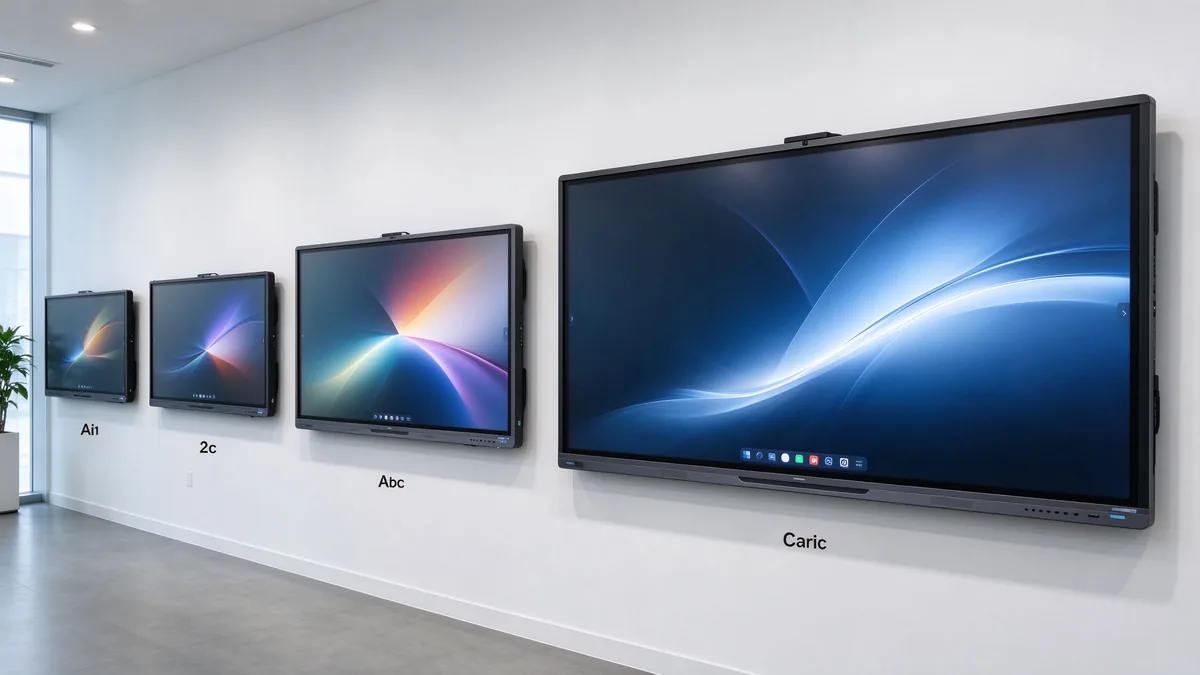
55–65 inches for small coaching and group rooms, 75–86 inches for standard corporate training rooms, and 98–110 inches for large rooms, technical training, and hybrid delivery.
4K content display, interactive writing, multi-touch, electronic whiteboarding, wireless casting, file annotation, video conferencing, Android/Windows dual system, AI meeting assistance, and enterprise device management.
Brand logo, product appearance, boot screen, preloaded software, size and touch-point selection, camera and audio combination, packaging and manuals, CKD/SKD local assembly, and batch deployment with project delivery.
Stable production capacity, sample testing, incoming-material and assembly inspection, aging tests, batch consistency, multi-region certification, technical documentation, spare parts and after-sales processes, and multi-site project support.
Typical training programs buyers configure:
| Buyer priority | Qtenboard value proposition |
|---|---|
| Room-size flexibility | 55–110" interactive display portfolio |
| Hợp tác | Multi-touch writing, wireless casting, file sharing |
| Project customization | OEM/ODM hardware, software, branding, CKD/SKD |
| Supplier stability | Large-scale manufacturing and global B2B experience |
| Deployment support | DMS, batch supply, spare parts, integrator support |
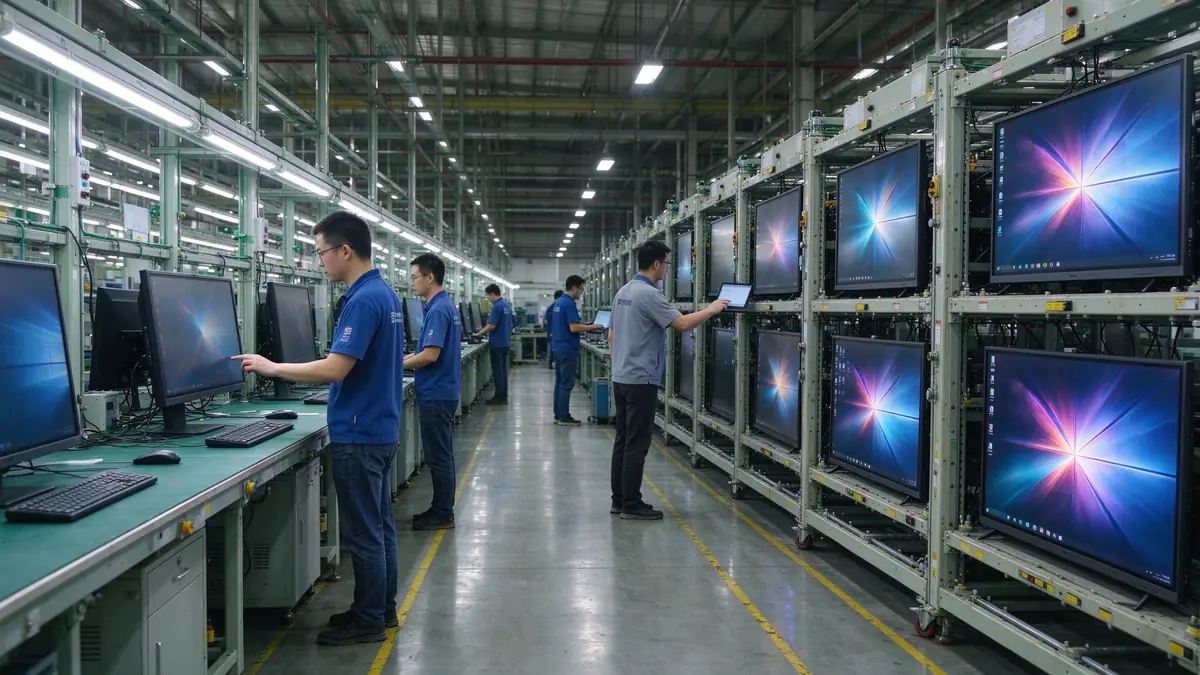
Start with participant count, room size, training type, content format, and whether remote learners join. Then evaluate 4K display, touch, wireless casting, whiteboarding, video conferencing, operating system, ports, security, and after-sales support.
Small rooms 55–65 inches, standard rooms 75–86 inches, large rooms 86–98 inches, training halls 98–110 inches or multi-display. Final size depends on viewing distance and content readability.
4K clarity, low-latency touch, whiteboarding and annotation, wireless casting, file import/export, video conferencing compatibility, camera and audio, enterprise device management, and after-sales support.
If training includes learner interaction, workshops, group tasks, or joint annotation, multi-touch is valuable. If sessions are mainly one-way presentation, a lower touch configuration may be sufficient.
If you need Office, LMS, browser tools, or specialist software, Windows or dual system is more flexible; if casting, whiteboarding, and basic presentation dominate, Android is usually simpler to operate.
Yes, but confirm the full AV configuration: camera, microphone, speakers, meeting platform, network, and visibility of remote participants’ content.
Qtenboard offers interactive display solutions across sizes for enterprise training, with touch, system, software, video conferencing, and OEM/ODM configuration confirmed per project.
Actual size and resolution, touch points and latency, Android/Windows compatibility, training software and meeting platform compatibility, camera and audio solution, ports, DMS and security features, sample testing, MOQ and lead time, warranty and spares.
Different roles take different next steps:
| Role | Recommended next step |
|---|---|
| Training manager / HR-L&D | Get a corporate training display recommendation |
| IT / AV manager | Download the security and compatibility checklist |
| Integrator | Request project configuration support |
| Bộ phân phối | Request the OEM/ODM catalog and sample |
| Large project | Schedule a factory video audit |
Share your training room size, participant capacity, training format, software requirements, and project quantity. Qtenboard can recommend a suitable interactive display configuration for instructor-led training, workshops, hybrid learning, or multi-site deployment. Reach the team through the contact page.
Required: name, company, email, country, business type, training type, number of participants, message.
Tùy chọn: room dimensions, preferred display size, need for multi-touch, required OS, VC platform, need for camera/audio, number of training rooms, required quantity, target market, delivery timeline, OEM/ODM requirements.
Get a Corporate Training Display Recommendation Request a Training Room Configuration Ask for a Project Quote Discuss an OEM/ODM Training Solution

Giám đốc điều hành | chuyên gia giải pháp trưng bày và hợp tác tương tác
Tôi Là Người sáng lập qtenboard, mang đến hơn 17 năm kinh nghiệm thực hành cho ngành công nghiệp màn hình cảm ứng. Dựa trên quan điểm quản lý toàn cầu thu được thông qua nghiên cứu emba của tôi tại Đại học thâm quyến, tôi dẫn dắt đội ngũ của tôi trong việc tối ưu hóa mọi giai đoạn hoạt động của chúng tôi-từ định nghĩa sản phẩm đến Quản Lý Chuỗi Cung ứng hiệu quả cao-Đảm bảo khả năng sản xuất của chúng tôi luôn đi đầu trong ngành.
Là lãnh đạo của qtenboard, tôi chuyên cung cấp các giải pháp OEM/ODM phù hợp cho bảng trắng tương tác, tường video LCD, biển báo kỹ thuật số và thiết bị đầu cuối cảm ứng cấp công nghiệp. Được hỗ trợ bởi khu công nghiệp hiện đại 330,000 m² ở thâm quyến, chúng tôi duy trì kiểm soát toàn bộ vòng đời đối với thiết kế công nghiệp, sản xuất chính xác và kiểm tra hiệu suất nghiêm ngặt.
Với gần hai thập kỷ kinh nghiệm của dự án, các giải pháp trưng bày của qtenboard hiện được triển khai tại hơn 120 quốc gia và khu vực, đã giành được sự tin tưởng của hơn 15,000 khách hàng doanh nghiệp trên toàn thế giới. Nếu bạn đang tìm kiếm một đối tác phản hồi với nền tảng sản xuất sâu cho các dự án màn hình cảm ứng tùy chỉnh của bạn, nhóm của tôi và tôi đã sẵn sàng hỗ trợ tầm nhìn của bạn với sự xuất sắc chuyên nghiệp.

 vie
vie
 EN
EN  pt
pt  spa
spa  th
th  aze
aze  bel
bel  est
est  lav
lav  ukr
ukr  ru
ru