Uzņēmuma apmācību telpai ir vajadzīgs kas vairāk nekā tikai liels ekrāns. Tam patiesībā ir nepieciešama sadarbības sistēma, kas atbalsta prezentācijas, piezīmju veidošanu, vairāku dalībnieku mijiedarbību, hibrīda formāta norisi un satura atkārtotu izmantošanu katrā sesijā. Izvēlieties slikti un jūs mantotu tādas pašas problēmas treniņu komandas ir dzīvojuši ar gadiem: projektors izskalots ar dienasgaismu, treneris žonglējošs klēpjdators, projektors, un flip chart, skolotāji, kuri nevar rediģēt neko uz ekrāna, whiteboard piezīmes, ka pazūd brīdi, kad tikšanās beidzas, attālinātie dalībnieki, kas ir pasīvie skatītāji, Nesaskaņotas telpas dažādās atrašanās vietās un IT atbalsta pieprasījumi katru pirmdienu no rīta.
Šis ceļvedis ir paredzēts apmācību vadītājiem, HR un mācību un attīstības komandām, IT/AV iepirkumu speciālistiem un sistēmu integrētājiem, kuriem nepieciešams pamatots lēmums par iepirkumu, nevis tikai specifikāciju salīdzinājums. Tas vispirms apskata apmācības lietošanas gadījumus, pēc tam telpu izmēru, funkcijas, kas patiešām ietekmē mācību kvalitāti, kopējās īpašuma izmaksas un to, kā novērtēt aparatūras piegādātāju. Qtenboard piedāvā 55–110 collu 4K interaktīvos sanāksmju tāfeles ar multitouch, bezvadu straumēšanu, Android/Windows divkāršo sistēmu, DMS pārvaldību un OEM/ODM pakalpojumiem — un šajā rakstā ir skaidrots, kurās situācijās piemērojams katrs konfigurāciju variants.
| Apmācības scenārijs | Ieteicamais izmērs | Obligāti nepieciešamās funkcijas | Qtenborda virziens |
|---|---|---|---|
| Neliela apmācība/apspriede | 55–65" | 4K, skārienjūtīgs, bezvadu straumēšana, vienkārša lietošana | 55-65" interaktīvais panelis |
| Standarta apmācība ar pasniedzēju | 75–86" | 4K, multi-touch, tāfeles funkcija, videozvani | 75-86" interaktīvais panelis |
| Liela darbnīca/hibrīdais apmācību pasākums | 86–98" | 40–50 punktu skāriens, kamera/mikrofons, saderība ar UC | 86-98" interaktīvais panelis |
| Treniņu zāle/seminārs | 98-110" vai vairāki displeji | Lielais formāts, multi-skāriens, ilgstoša darbība | 98-110" interaktīvais panelis |
| Daudzveidīgu vietņu izvietošana | 55-110" standartizēts | DMS, partiju piegāde, vienota lietotāja saskarne, rezerves daļas | Tiešā B2B piegāde no rūpnīcas |
| OEM/ODM apmācības projekts | 55–110" | Zīmolvedība, programmatūra, aparatūra, CKD/SKD | Qtenboard OEM/ODM programma |
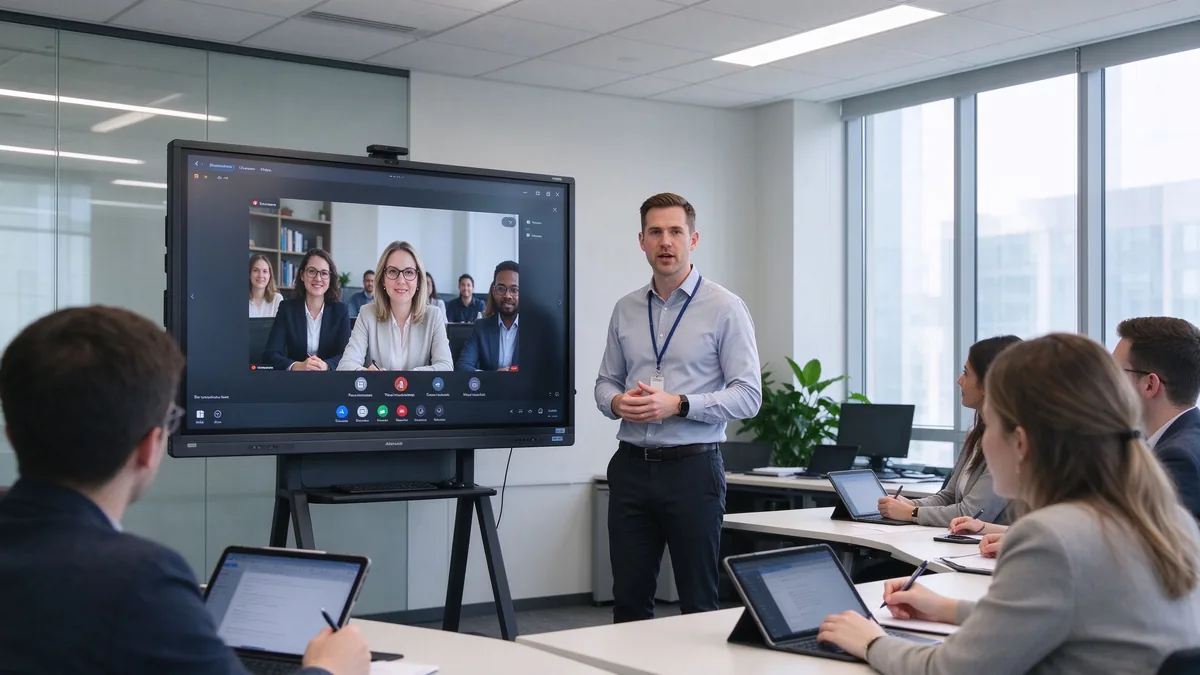
Vecajā apmācību telpas krājumā ir pazīstama kļūdu rakstura tendence. Projektors zaudē kontrastu, tiklīdz tiek paceltas žalūzijas; apmācītājs staigā starp klēpjdatoru, projekciju un flipchart; dalībnieki vēro, bet nekad neko nepareģo; noderīgie pieraksti uz tāfeles pazūd; attālinātie dalībnieki blenž uz mazu skaļruņa kasti; un neviena no uzņēmuma telpām nedarbojas vienādi. Tas beidzas ar to, ka tiek risināti savienojumu traucējumi, kuriem nekad nevajadzētu būt.
Viedā tāfele jāuzlabo darbplūsma, nevis tikai attēls. Tam būtu jāprezentē slaidi, video, tīmekļa lapas un dokumenti; ļaujiet trenerim iezīmēt mācību materiālu tieši; ļaujiet vairākiem izglītojamajiem piedalīties; pieņemt klēpjdatoriem un planšetdatoriem bezvadu; savienot ar attālinālajām treniņu platformām; saglabāt whiteboard sesiju kā atkārtoti izmantojamu saturu; un standartizēt, kā katra mācību telpa uzvedas visā uzņēmumā.
Apmācību telpas nav savstarpēji aizvietojamas. Atbilstības mācību telpa un produktu darbnīcas telpa prasa ļoti atšķirīgu aprīkojumu. Nosakiet dominējošo formātu, pirms salīdzināt izmērus. Praksē mācību un attīstības komandas, kas vispirms nosaka galveno formātu, pieņem ātrākus un lētākus lēmumus: telpai, kas par 80% tiek izmantota darbnīcām, ir nepieciešama cita apdare un mēbeles nekā telpai, kas par 80% tiek izmantota videoformāta atbilstības apmācībai. Kad vienā telpā tiek izmantoti vairāki formāti, izvēlieties funkcijas interaktīvākajam lietojumam — tam, kurš visklusāk darbosies, ja aparatūra būs nepietiekami jaudīga.
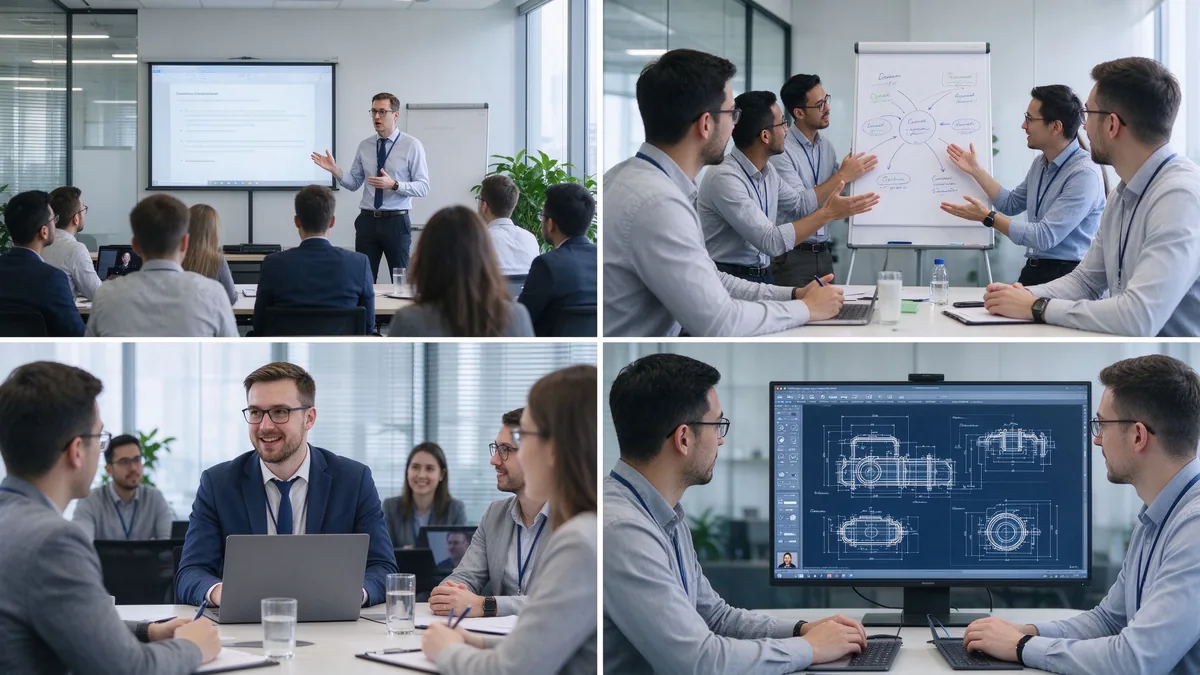
Integrācija, produktu zināšanas, pārdošanas prasmes, atbilstība un drošība, programmatūras ieviešana. Ir nepieciešama augstas izšķirtspējas 4K attēla kvalitāte, dabiska rakstīšana, dokumentu anotēšana, uzticama video atskaņošana, satura saglabāšana un eksportēšana, kā arī pietiekami vienkārša saskarne, lai jebkurš apmācītājs varētu sākt sesiju bez IT atbalsta.
Prāta vētras, gadījumu izpētes, projektu plānošana, vadības atkabināšanās pasākumi. Ir nepieciešama daudzlietotāju skārienjūtība, vienlaicīga rakstīšana, bezgalīgs darba lauks, pievienojamas līmlapiņas un grafikas, satura organizēšana un kopīgošana, kā arī bieži vien mobilais statīvs, lai tāfele varētu pārvietoties starp grupu telpām.
Pārreģionu sesijas, mācības no galvenās biroja filiālēm, attālinātās darbinieku apmācības, klientu un dīleru tiešsaistes apmācības. Ir nepieciešama kameras uzņemšana, mikrofonu virkne, skaļruņi, saderība ar Teams/Zoom/Google Meet, bezvadu straumēšana, redzami attālinātie dalībnieki un koplietota vai ierakstīta saturs.
Rūpniecības produkti, inženiertehnoloģijas, programmatūras sistēmas, medicīniskās ierīces, pēcpārdošanas remonts. Ir nepieciešama 4K izšķirtspēja, PDF un zīmējumu anotācijas, palielināšana un vairāku logu režīms, USB/HDMI ieejas, precīza skāriena atsaucība un ilgstoša, stabila darbība.
Daudznacionālās korporācijas, mazumtirdzniecības ķēdes, banku un valsts sektors, lielie ražošanas uzņēmumi, nozares apmācības centri. Ir nepieciešama pilnīga izmēru līnija, standartizēta konfigurācija, attālināta ierīču pārvaldība, vairumtirdzniecības iepirkumi, programmaparatūras un programmatūras atjauninājumi, vienota zīmola lietotāja saskarne, kā arī reģionālās sertifikācijas un pēcpārdošanas pakalpojumi.
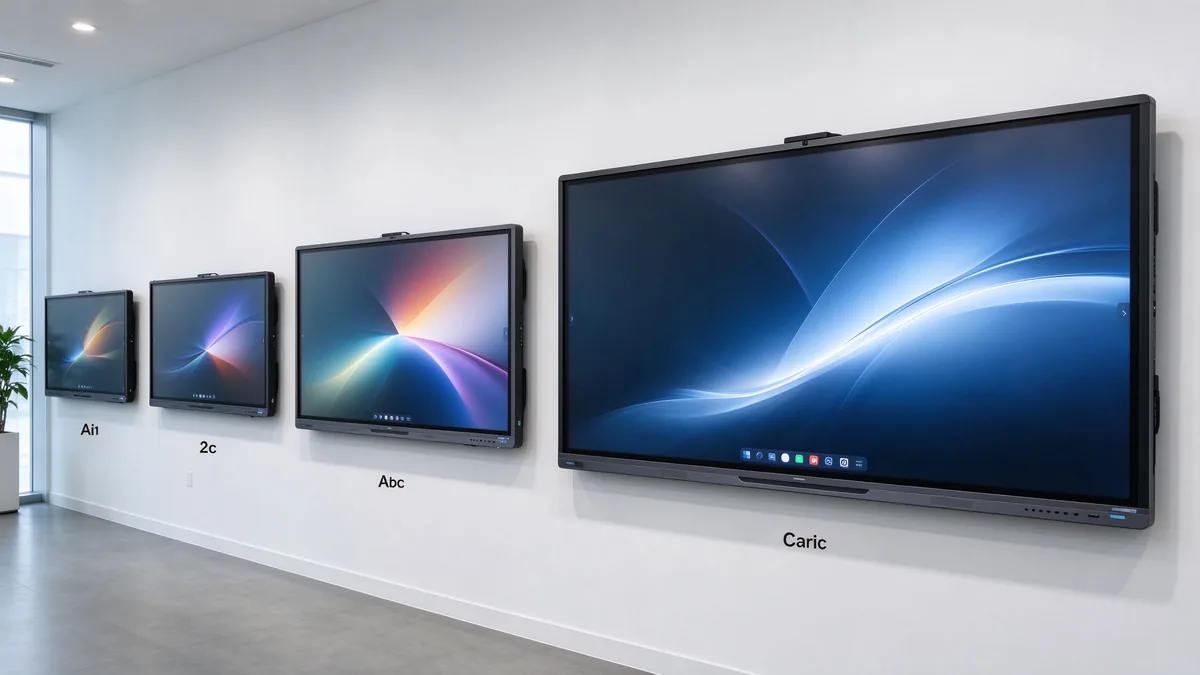
| Training room type | Typical group size | Ieteicamais displeja izmērs | Labākais par |
|---|---|---|---|
| Small training room | 2–6 | 55–65" | Coaching and small-group instruction |
| Standard training room | 6–12 | 75–86" | Instructor-led training and presentations |
| Large training room | 12–25 | 86–98" | Workshops and hybrid training |
| Training hall | 25+ | 98-110" vai vairāki displeji | Large-group instruction and seminars |
Before ordering, measure the room, not just the participant count: room length and width, number of learners, the farthest viewing distance, available wall width, seating layout (U-shape, classroom, group clusters), natural light and lighting, camera mounting position, the trainer’s movement range, whether a mobile stand is needed, and whether trainer video and training content must appear side by side.
Several shifts matter when you write the requirement list this year:
Training material is often dense: spreadsheets, flowcharts, software interfaces, product diagrams, engineering drawings, subtitles, small text, and high-resolution video. A native 4K UHD panel with adequate brightness, anti-glare glass, and wide viewing angles keeps the back row readable in bright rooms, and multi-window split view lets a trainer show course deck and demo at once. Ask suppliers for a live demo of small text, Excel sheets, technical drawings, high-resolution video, and split sources under real ambient light.
The trainer writes naturally; learners participate; group competitions work; several people annotate a flowchart together; project plans get edited live. Judge touch points together with response speed, handwriting latency, accuracy, palm rejection, finger/stylus recognition, simultaneous writing, gloved operation where relevant, and glass durability. For learner interaction, 20–40 points is typical; large workshops or dense collaboration can evaluate 40–50. Do not compare point counts in isolation — test whether multiple people write smoothly, whether software allows independent objects, and whether the system stays responsive.
The whiteboard is where training value is captured: infinite canvas, multiple pages, shapes and lines, handwriting-to-text, inserted images and files, PDF and PPT annotation, zoom, undo/redo, templates, content saving, QR/email sharing, and cloud sync. A trainer marks up material live, adds explanations, saves the full session, distributes the annotated version, and reuses it in the next cohort. Content that cannot be saved and shared is training content lost.
Learners arrive with Windows laptops, MacBooks, iPads, Android tablets, phones, and company-issued terminals. The board should accept Windows, macOS, iOS, and Android wirelessly, support multi-device casting and split view, work through browser or QR or optional app, allow guest access, and respect casting permissions. A typical training flow: the trainer presents the course deck, a participant shares a case study, the group annotates the document, and the instructor saves the result for later distribution.
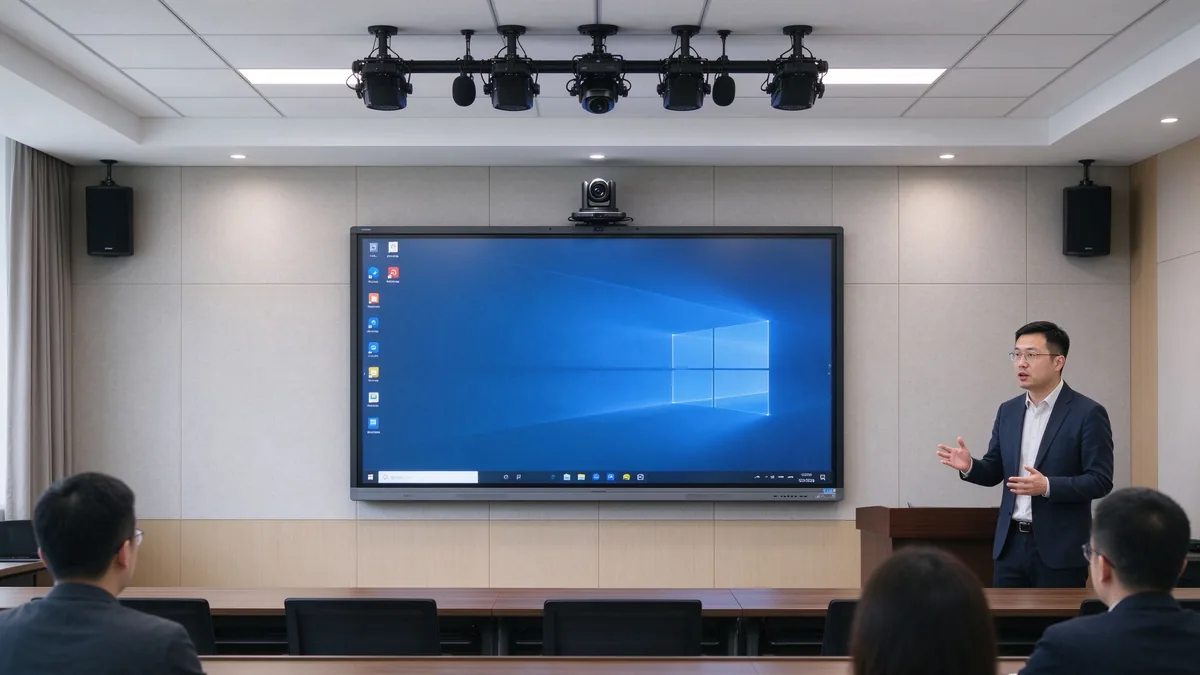
Camera framing must cover the trainer and participants; auto framing and external cameras matter when trainers move around. Microphones must pick up trainer voice and learner questions, with echo cancellation and noise suppression. Speakers must reach the back row and integrate with existing room audio. Software must run Zoom, Microsoft Teams, Google Meet, browser meeting tools, and the company LMS, plus recording and live streaming platforms.
| Konfigurācija | Suitable for corporate training | Main consideration |
|---|---|---|
| Android | Whiteboarding, casting, quick content access | Confirm app and enterprise account support |
| Logi | Office, LMS, browser tools, specialist applications | May require OPS or external PC |
| Dual system | Mixed training workflows | Flexible but requires IT management |
| External PC integration | Existing corporate AV/IT environment | Check touch-back, USB, display compatibility |
Confirm the company LMS runs, Office files open and edit, browser plugins work, enterprise accounts and permissions hold, and touch behaves inside the target applications. Security means guest-casting permissions, login, data clearing, file storage location, cloud rights, camera/microphone permission, network isolation, remote updates, device lock, and centralized management. Across multiple sites: batch configuration, remote status viewing, unified firmware upgrades, remote restart, fault alerts, and usage permission control.
A five-year view keeps the purchase honest:
TCO = display + mount + OPS PC + camera and audio + software licensing + installation + training + maintenance + spare parts + shipping and certification + later upgrades.
Three layers of ROI make the case to finance:
Do not compare purchase prices alone — installation, software, maintenance, spares, and upgrades all land in year one and year three. Volume orders reduce marginal cost, and factory-direct supply removes intermediary markup. Hidden costs buyers forget to ask for: mounting and cabling, camera and microphone accessories, software licenses, warranty extensions, spare panels for fast swap-outs across branches, and firmware support across regions. A quotation that lists only the display price creates surprises in year one — request the complete landed configuration cost, not the ex-works number.
55–65 inches for small coaching and group rooms, 75–86 inches for standard corporate training rooms, and 98–110 inches for large rooms, technical training, and hybrid delivery.
4K content display, interactive writing, multi-touch, electronic whiteboarding, wireless casting, file annotation, video conferencing, Android/Windows dual system, AI meeting assistance, and enterprise device management.
Brand logo, product appearance, boot screen, preloaded software, size and touch-point selection, camera and audio combination, packaging and manuals, CKD/SKD local assembly, and batch deployment with project delivery.
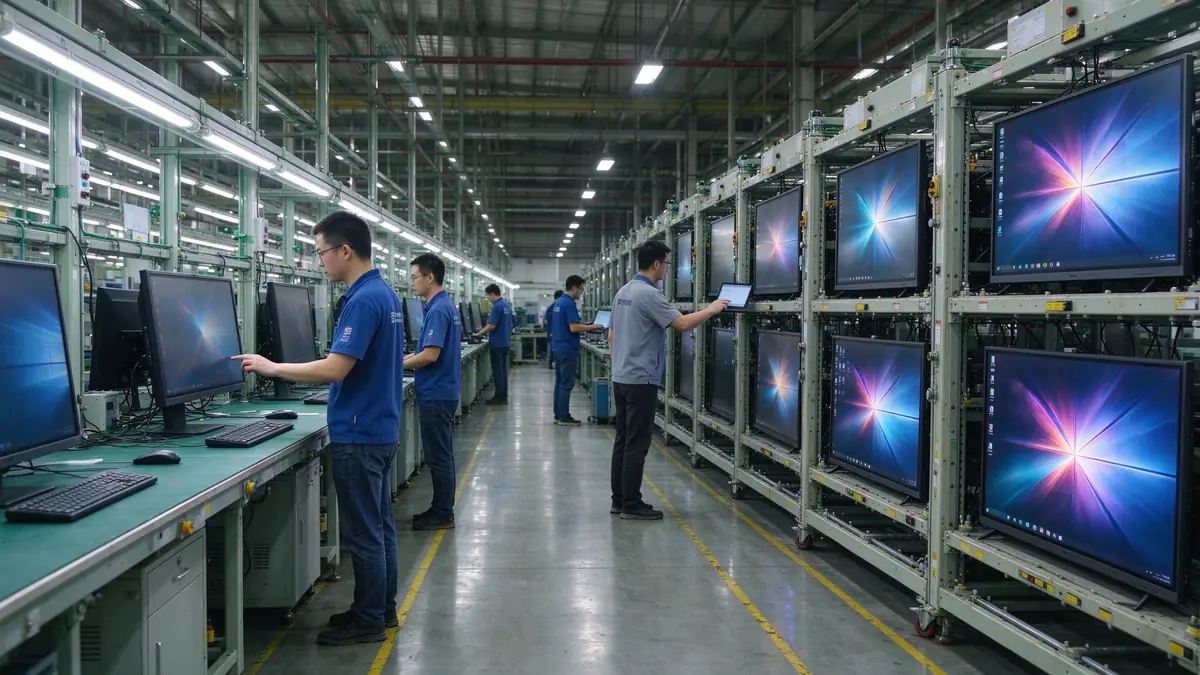
Stable production capacity, sample testing, incoming-material and assembly inspection, aging tests, batch consistency, multi-region certification, technical documentation, spare parts and after-sales processes, and multi-site project support.
Typical training programs buyers configure:
| Pircēja prioritāte | Qtenboard value proposition |
|---|---|
| Room-size flexibility | 55–110" interactive display portfolio |
| Sadarbība | Multi-touch writing, wireless casting, file sharing |
| Project customization | OEM/ODM hardware, software, branding, CKD/SKD |
| Supplier stability | Large-scale manufacturing and global B2B experience |
| Deployment support | DMS, batch supply, spare parts, integrator support |
Start with participant count, room size, training type, content format, and whether remote learners join. Then evaluate 4K display, touch, wireless casting, whiteboarding, video conferencing, operating system, ports, security, and after-sales support.
Small rooms 55–65 inches, standard rooms 75–86 inches, large rooms 86–98 inches, training halls 98–110 inches or multi-display. Final size depends on viewing distance and content readability.
4K clarity, low-latency touch, whiteboarding and annotation, wireless casting, file import/export, video conferencing compatibility, camera and audio, enterprise device management, and after-sales support.
If training includes learner interaction, workshops, group tasks, or joint annotation, multi-touch is valuable. If sessions are mainly one-way presentation, a lower touch configuration may be sufficient.
If you need Office, LMS, browser tools, or specialist software, Windows or dual system is more flexible; if casting, whiteboarding, and basic presentation dominate, Android is usually simpler to operate.
Yes, but confirm the full AV configuration: camera, microphone, speakers, meeting platform, network, and visibility of remote participants’ content.
Qtenboard offers interactive display solutions across sizes for enterprise training, with touch, system, software, video conferencing, and OEM/ODM configuration confirmed per project.
Actual size and resolution, touch points and latency, Android/Windows compatibility, training software and meeting platform compatibility, camera and audio solution, ports, DMS and security features, sample testing, MOQ and lead time, warranty and spares.
Different roles take different next steps:
| Role | Recommended next step |
|---|---|
| Training manager / HR-L&D | Get a corporate training display recommendation |
| IT / AV manager | Download the security and compatibility checklist |
| Integrator | Request project configuration support |
| Izplatītājs | Request the OEM/ODM catalog and sample |
| Large project | Schedule a factory video audit |
Share your training room size, participant capacity, training format, software requirements, and project quantity. Qtenboard can recommend a suitable interactive display configuration for instructor-led training, workshops, hybrid learning, or multi-site deployment. Reach the team through the contact page.
Required: name, company, email, country, business type, training type, number of participants, message.
Optional: room dimensions, preferred display size, need for multi-touch, required OS, VC platform, need for camera/audio, number of training rooms, required quantity, target market, delivery timeline, OEM/ODM requirements.
Get a Corporate Training Display Recommendation Request a Training Room Configuration Ask for a Project Quote Discuss an OEM/ODM Training Solution

Ceo | interaktīva displeja un sadarbības risinājumu eksperts
Esmu Qtenboard dibinātājs, un man ir vairāk nekā 17 gadu praktiskas pieredzes skārienjūtīgo ekrānu nozarē. Pamatojoties uz globālās vadības perspektīvu, kas iegūta, izmantojot emba studijas šengenas universitātē, es vadu savu komandu, optimizējot katru darbības posmu-no produktu definīcijas līdz augstas efektivitātes piegādes ķēdes pārvaldībai-nodrošinot, ka mūsu ražošanas spējas paliek nozares priekšgalā.
Kā qtenboard līderis, es specializējos, lai nodrošinātu pielāgotus oem/odm risinājumus interaktīvajām tāfelēm, lcd video sienām, ciparu apzīmēm un rūpnieciskās kvalitātes pieskāriena termināļiem. Atbalstīts mūsu 330,000 m² mūsdienu rūpniecības parks shenzhen, mēs uzturēt pilnu dzīves cikla kontroli pār rūpniecisko dizainu, precizitāti ražošanu un stingru veiktspējas testēšanu.
Ar gandrīz divus gadu desmitus ilgu projekta pieredzi, qtenboard displeja risinājumi tagad tiek izvietoti vairāk nekā 120 valstīs un reģionos, nopelnījis vairāk nekā 15,000 uzņēmumu klientu uzticību visā pasaulē. Ja jūs meklējat atsaucīgu partneri ar dziļu ražošanas pamatu jūsu pielāgotiem touch displeja projektiem, mans komanda un es esam gatavi atbalstīt jūsu vīziju ar profesionālu izcilību.

 lav
lav
 EN
EN  pt
pt  spa
spa  th
th  vie
vie  aze
aze  bel
bel  est
est  ukr
ukr  ru
ru