Upgrading an office meeting room is not simply replacing a screen. It is a chance to fix the whole meeting workflow: presenting, annotating, wireless casting, video conferencing, and device management. A new panel that keeps every old friction point in place is an expensive renovation that nobody notices.
Most traditional rooms have the same symptoms: someone hunts for the right HDMI cable, remote participants cannot read the slide on the projector, daylight washes out the image, whiteboard notes are erased and forgotten, each room works differently, and IT cannot manage the fleet remotely. An office smart board upgrade should solve these, not just add a bigger display.
This guide sorts smart board features for office use into must-have, nice-to-have, and project-specific categories, so you spend budget on what actually changes meeting efficiency — and avoid devices that cannot fit your existing IT and meeting systems. Qtenboard builds 55–110 inch 4K interactive meeting displays with wireless collaboration, Android/Windows dual-system options, DMS device management, and OEM/ODM configuration.
| Priority | Features | Why it matters |
|---|---|---|
| Must-have | 4K UHD, responsive touch, wireless casting, UC compatibility, enough ports, commercial-grade reliability, warranty | Directly affects meeting efficiency and deployment risk |
| Nice-to-have | AI transcription, auto framing, multi-device split screen, cloud sync, NFC login, DMS | Improves experience; can be phased in project by project |
| Project-specific | Windows OPS, multi-display, custom UI, logo, CKD/SKD, special certification | Decided by industry, region, and batch project requirements |
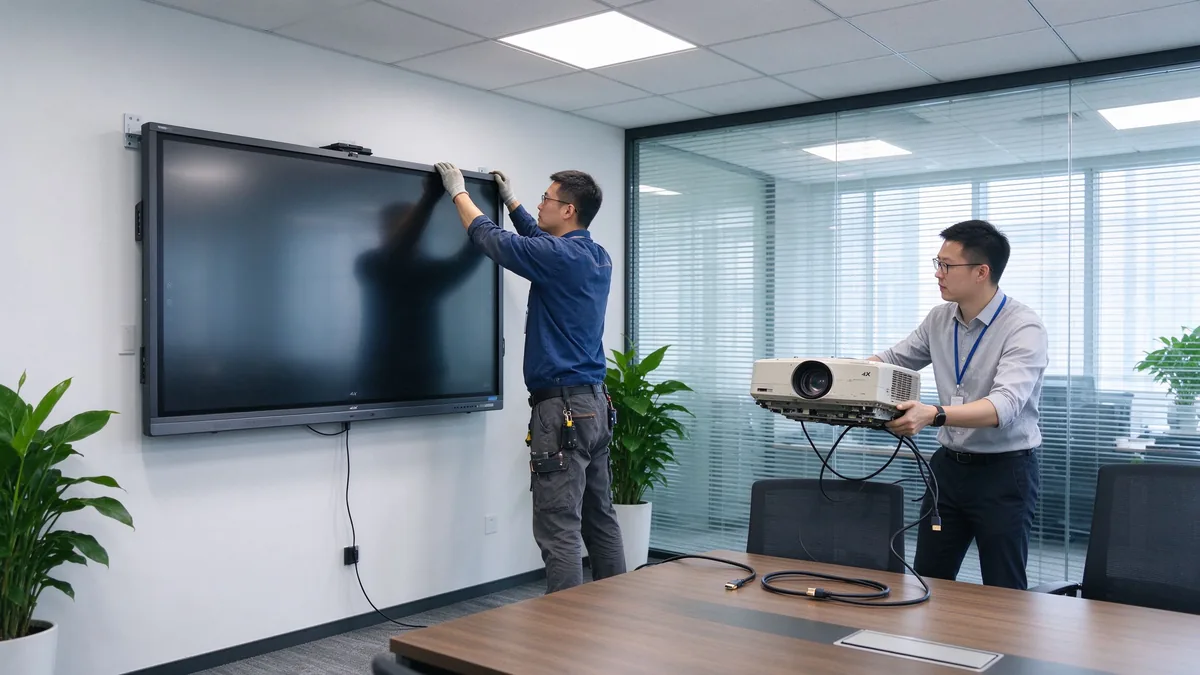
The point of an upgrade is workflow improvement, not hardware substitution. If your device shortlist does not change how a meeting starts, runs, and ends, it is the wrong shortlist.
List the real use cases: slide and data presentations, video meetings, document annotation, group brainstorming, training and demos, client hosting, and cross-region collaboration. The features you need follow from the room’s actual agenda, not from a generic wish list.
Executives, everyday employees, IT administrators, visiting clients, trainers, remote participants, and your system integrator each have different needs. That determines whether the room needs simple operation, guest casting, access control, or centralized management.
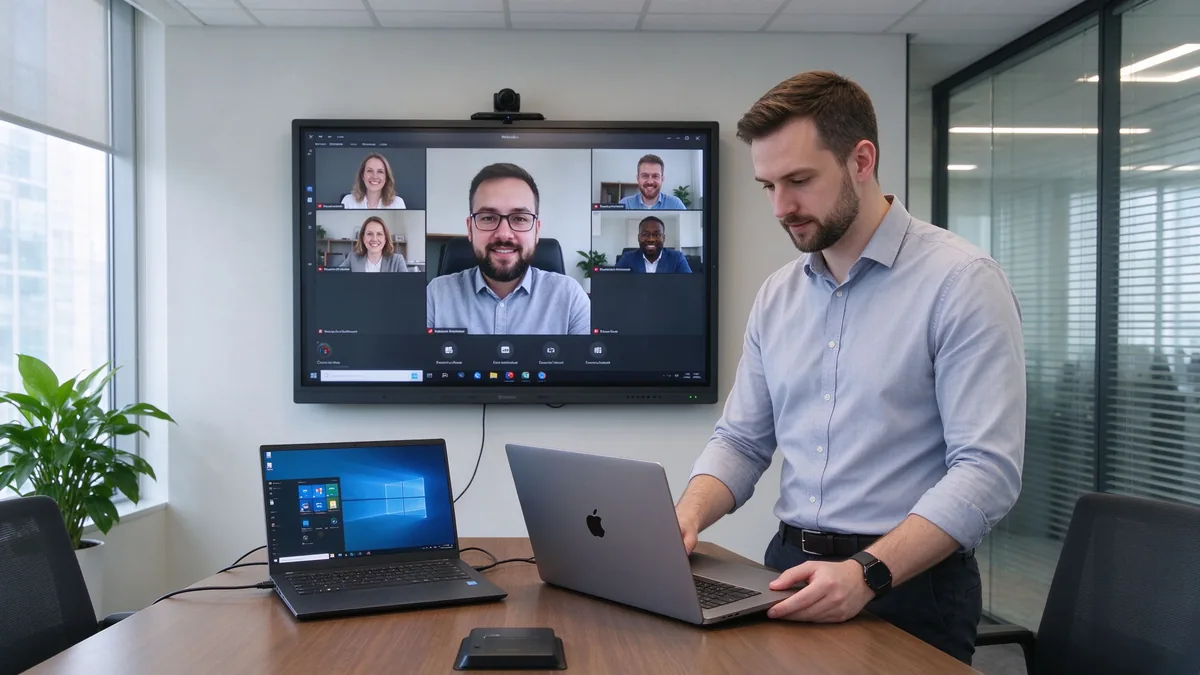
Twelve feature points collapse into seven groups. Each group below is explained by business value and by the confirmation questions you should ask a supplier.
Business value: native 4K UHD keeps Excel sheets, financial data, operational dashboards, engineering drawings, and product designs readable from the back row. Split-screen and multi-window support reduce the constant zooming in and out. Low-latency touch lets several people annotate and edit project plans naturally. Anti-glare glass keeps the image legible in bright offices.
Confirm: native 4K; touch points, writing latency, and palm rejection; simultaneous multi-user writing; anti-glare, brightness, and viewing angles; comfort over long sessions.

Business value: fewer cables, shorter meeting start time, easier guest demos, and a real BYOD environment where anyone can present from their own device.
Confirm: Windows, macOS, iOS, and Android support; simultaneous multi-device casting and split-screen; whether an app must be installed, or browser and QR-code joining; casting permission control and guest mode to prevent unauthorized access; file sharing and meeting export.
Business value: traditional whiteboard content is erased and forgotten. A digital whiteboard saves decisions, produces meeting-note material, sends annotated files, and lets work continue later — cutting the time spent photographing and tidying up notes.
Confirm: infinite canvas and multi-page boards; shape recognition and handwriting-to-text; image and file insertion, PDF annotation; save, email, or cloud sharing and export formats; multi-user collaboration.
Business value: remote participants should be participants, not audience. Camera, microphone, and speaker coverage decide hybrid meeting quality, and UC-platform compatibility avoids extra bridge hardware.
Confirm: built-in or external camera, field of view, auto framing; microphone pickup range, echo cancellation, noise suppression; speaker coverage and USB peripherals; Teams, Zoom, and Google Meet compatibility; BYOD support; connection to existing room hosts, cameras, and audio.
Business value: the operating system decides software flexibility and IT management complexity. Port compatibility decides whether you can keep existing room equipment, connect employee laptops, attach cameras and audio, and expand later.
| System option | Best for | Advantages | Considerations |
|---|---|---|---|
| Android | Whiteboarding, casting, quick meetings | Fast startup, easy operation | May not run every desktop application |
| Windows | Office applications and advanced workflows | Familiar business software environment | Usually requires an OPS or external PC |
| Dual system | Mixed corporate environments | Flexible for different users and apps | Higher configuration and management effort |
Confirm: whether Windows is built in or runs through OPS; whether systems switch cleanly; whether the OS version meets your software needs; enterprise account login and system updates; whether touch, casting, and camera behave the same on both systems; and the full port list — HDMI, USB-A, USB-C, LAN, Wi-Fi, Bluetooth, DisplayPort, RS-232, OPS slot, and audio in/out.
Business value: the gap between a consumer smart screen and a business-grade device is security, management, and long-term stability. Across many rooms, IT needs centralized management, batch updates, and remote diagnostics.
Confirm: user permissions, casting access control, network isolation, data wiping; account management, firmware updates, remote device monitoring, app installation rights; camera and microphone permissions and where meeting files are stored; centralized management, batch updates, online status, remote reboot, and fault diagnosis; commercial-grade duty cycle and aging testing; touch-glass durability, batch traceability, outgoing inspection, and spare parts.
Business value: mounting affects room layout, camera sightlines, and maintenance access. Warranty and after-sales decide long-term risk.
Confirm: wall mount, mobile cart, electric lift, tabletop, freestanding, or multi-display; VESA pattern, wall load, power and network positions; mounting height, camera sightline, and service space; warranty length and coverage, DOA policy; spare-parts lead time, firmware upgrade cycle, support response time; installation and training materials, distributor and integrator support.
| Office space | Recommended focus | Suitable Qtenboard direction |
|---|---|---|
| Huddle room | Fast casting, compact size, easy operation | 55–65-inch interactive panel |
| Standard conference room | 4K, touch, whiteboarding, video meetings | 75–86-inch interactive panel |
| Executive boardroom | Visibility, premium appearance, secure collaboration | 86–110-inch configuration |
| Training room | Large display, multi-touch, mobile stand | 86–110-inch panel |
| Open collaboration area | Mobility, quick access, flexible connectivity | Display on a mobile trolley |
| Multi-room office | Remote management, consistency, service support | Standardized multi-size deployment |
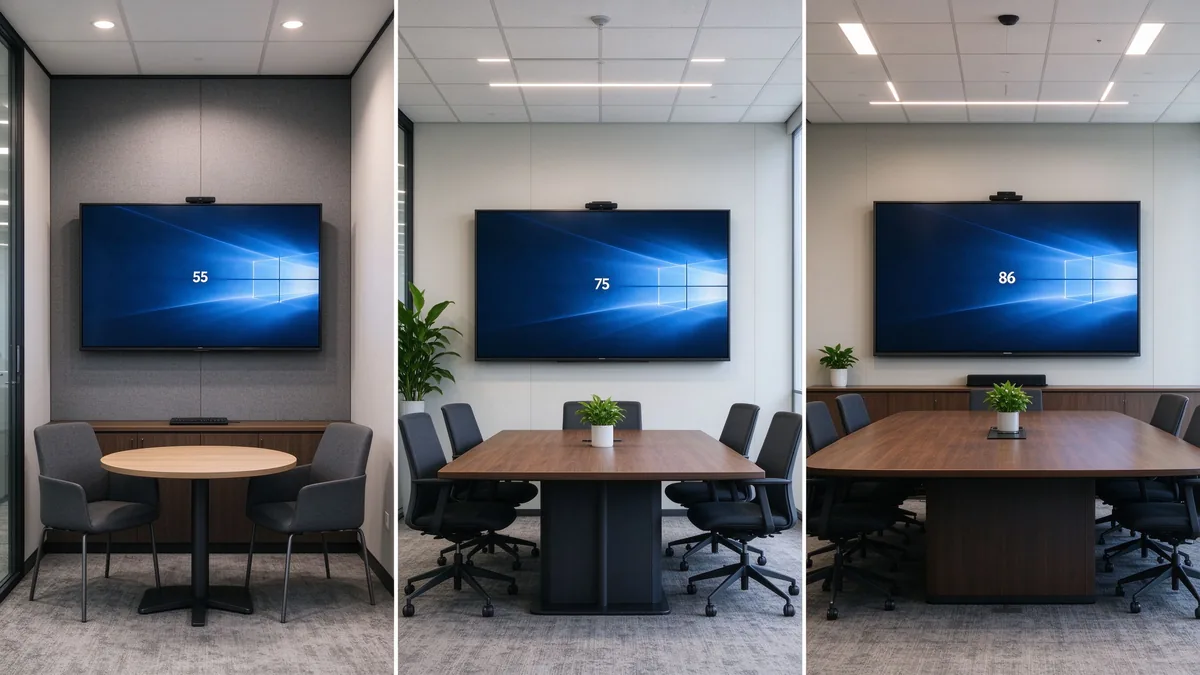
Size is not headcount alone. Factor in the farthest viewing distance, the smallest text you show, room lighting, seating layout, whether remote faces must be visible, and whether two content sources are shown at once. The interactive flat panel size calculator helps translate your room into a recommended class.
TCO = device price + installation + software licensing + training + maintenance and spare parts + energy + international shipping and certification.
55 to 110 inches, matching everything from huddle rooms to large training spaces with one consistent product family.
4K display, interactive writing, wireless casting, file and whiteboard collaboration, dual system, video conferencing connectivity, AI meeting assistance, and enterprise device management.
Built for regional distributors, system integrators, commercial display brands, corporate volume projects, and government or education contractors. Customization directions include logo, packaging, boot screen, OS configuration, camera and audio, port mix, preloaded software, and project-specific features.
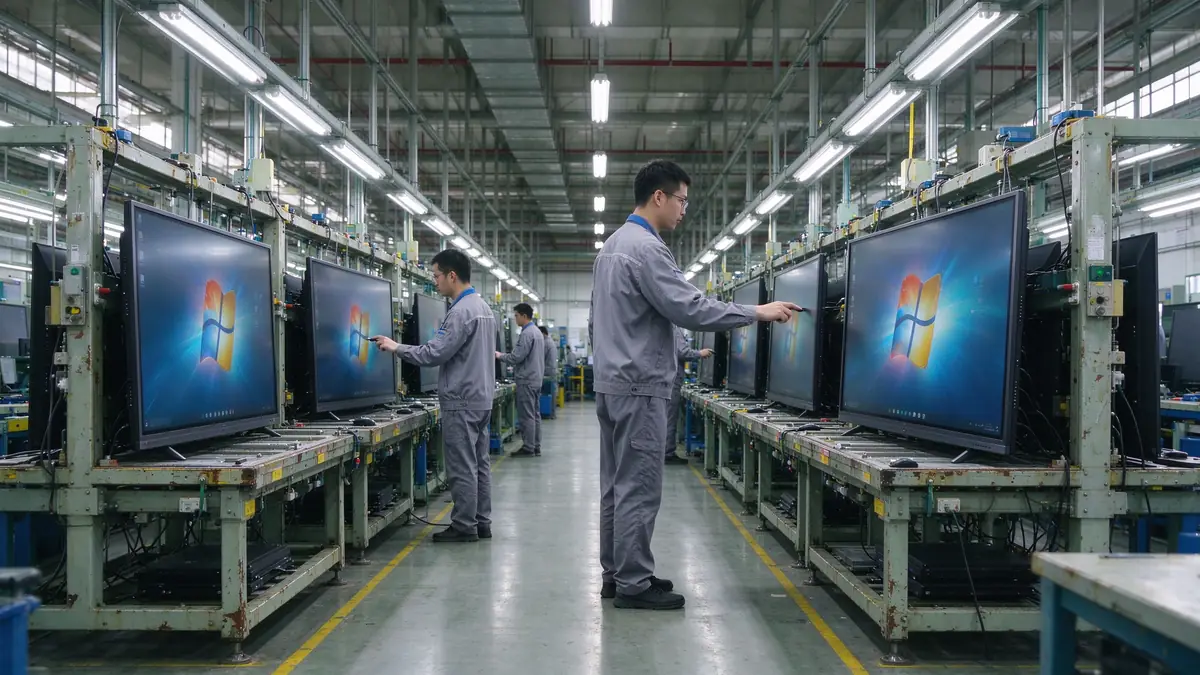
Ask Qtenboard to confirm production capacity, incoming material inspection, assembly checks, aging tests, touch and display testing, outgoing inspection, batch consistency, global delivery, and after-sales support. The company page describes the manufacturing setup and the warranty policy the standard terms.
| Buyer priority | Qtenboard value proposition |
|---|---|
| Room-size flexibility | 55–110" interactive display portfolio |
| Collaboration | Touch writing, wireless casting, and file sharing |
| Project customization | OEM/ODM hardware, software, branding, and CKD/SKD |
| Supplier stability | Large-scale manufacturing and global B2B experience |
| Deployment support | DMS, batch supply, spare parts, and integrator support |
Prioritize 4K display, low-latency touch, wireless casting, whiteboard collaboration, video conferencing compatibility, operating system, ports, security management, commercial stability, and after-sales support. AI and remote management are advanced features chosen per project.
There is no single answer. Standard offices need device compatibility and wireless casting; executive rooms need display clarity and video conferencing; multi-room deployments need remote management and after-sales support.
If you often show data tables, engineering drawings, financial materials, or video calls, 4K usually pays back. Small, rarely used rooms can evaluate it against budget.
No. Confirm the operating system, app installation method, camera, microphone, speakers, and USB peripheral compatibility before assuming.
If you run Office, browser plugins, enterprise apps, or professional software, Windows or a dual system fits better. If the room mainly whiteboards, casts, and holds simple meetings, Android may be enough.
Combine room dimensions, farthest viewing distance, headcount, and content type. Typical office rooms evaluate 65–86 inches; large rooms and training spaces evaluate 98–110 inches.
AI transcription, summaries, and meeting assistance improve hybrid efficiency, but not every company needs them. Before buying, confirm language support, data storage, privacy policy, and subscription model.
Yes — logo, packaging, system, software, hardware ports, camera, audio, and local assembly can be discussed per project. MOQ, lead time, and configuration are evaluated by Qtenboard per project.
Different roles need different next steps:
| Role | Recommended next step |
|---|---|
| Enterprise procurement | Get an office upgrade recommendation |
| IT manager | Download the security and compatibility checklist |
| AV integrator | Request project configuration support |
| Distributor | Request the OEM/ODM catalog and sample |
| Large project | Schedule a factory video audit |
Share your meeting room size, number of users, current equipment, preferred software, screen size, and project quantity. Qtenboard can recommend a suitable interactive display configuration for office upgrades, multi-room deployments, or OEM/ODM projects. Reach the team through the contact page.
Required: name, company, email, country, business type, number of meeting rooms, message.
Optional: current meeting room equipment, preferred screen size, required OS, VC platform, OEM/ODM need, estimated quantity, target delivery date, technical requirements.
Get an Office Upgrade Recommendation Request Smart Board Specifications Ask for a Project Quote

CEO | Interactive Display & Collaboration Solution Expert
I am the founder of Qtenboard, bringing over 17 years of hands-on expertise to the touch display industry. Drawing on the global management perspective gained through my EMBA studies at ShenZhen University, I lead my team in optimizing every stage of our operations—from product definition to high-efficiency supply chain management—ensuring our manufacturing capabilities remain at the forefront of the industry.
As the leader of Qtenboard, I specialize in providing tailored OEM/ODM solutions for interactive whiteboards, LCD video walls, digital signage, and industrial-grade touch terminals. Backed by our 330,000 m² modern industrial park in Shenzhen, we maintain full-lifecycle control over industrial design, precision manufacturing, and rigorous performance testing.
With nearly two decades of project experience, Qtenboard’s display solutions are now deployed in over 120 countries and regions, earned the trust of more than 15,000 enterprise customers worldwide. If you are seeking a responsive partner with a deep manufacturing foundation for your customized touch display projects, my team and I are ready to support your vision with professional excellence.

 ukr
ukr
 EN
EN  pt
pt  spa
spa  th
th  vie
vie  aze
aze  bel
bel  est
est  lav
lav  ru
ru