Most business-grade smart boards advertise multi-touch, but “supports multi-touch” is not the same as “built for real multi-user collaboration.” A smart board with multi-touch that works beautifully for one presenter may turn into confusion the moment three colleagues lean in to annotate at once. This guide answers the buying question behind the marketing: which smart boards support multi-user touch input, and how do you tell the difference between a 20-point rating and a genuinely collaborative surface?
The uncomfortable truth: 20 touch points is not 20 people writing, and 50 touch points is not 50 people operating. What actually decides the experience is a bundle of factors — touch-point count, latency, palm rejection, simultaneous writing behavior, operating-system support, whiteboard software, screen size, and room layout. This article builds a procurement framework: concepts first, then touch-point comparison, touch technology, evaluation criteria, use cases, and a pre-order test checklist.
Qtenboard offers 20–50 point multi-touch configurations across infrared interactive whiteboards and PCAP interactive tables, with OEM/ODM options for distributors, integrators, and brand projects. We explain where each configuration fits — and where it is overkill.
| Touch-point level | Typical interaction | Suitable business use | Qtenboard direction |
|---|---|---|---|
| 10-point | 1–2 users with basic gestures | Small meetings and presentations | Standard interactive panel |
| 20-point | 2–4 users writing or annotating | Standard conference rooms | Business interactive whiteboard |
| 40-point | Several users interacting simultaneously | Workshops, training, brainstorming | Business / large-format panel |
| 50-point | High-density collaborative interaction | Large groups, specialized projects | Large-format collaborative panel |
| Up to 40-point PCAP | Multi-directional touch | Exhibition, retail, group consultation | PCAP interactive table |
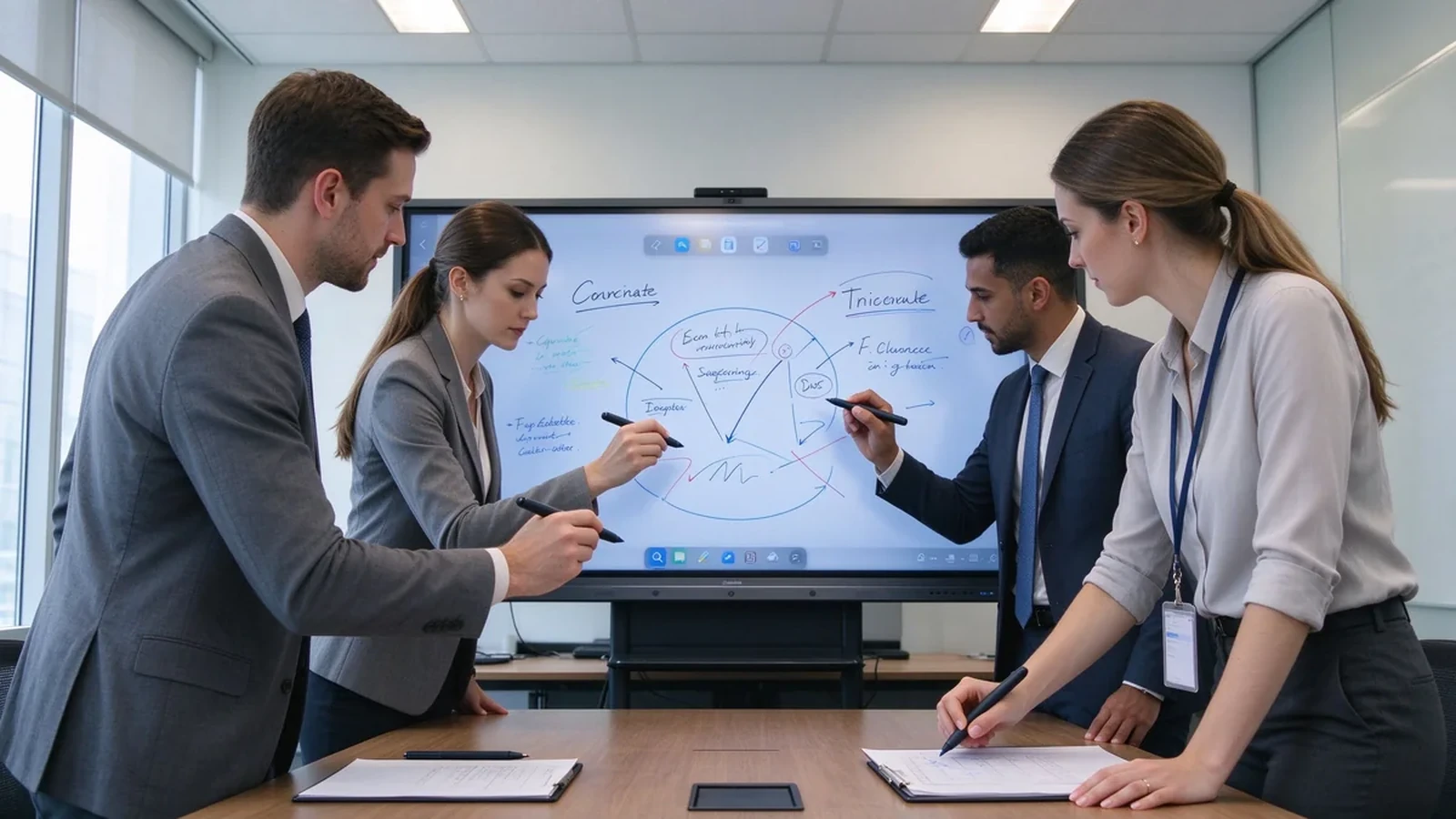
Three terms are often used interchangeably, but they mean different things — and confusing them is how buyers over-specify or under-buy.
| Concept | Meaning |
|---|---|
| Multi-touch | The screen can recognize several touch points at the same time. |
| Multi-user touch | Several people can write, drag, zoom, or annotate simultaneously. |
| Collaborative whiteboarding | Beyond touch: whiteboard software, content sharing, file saving, and a real collaboration workflow. |
Multi-user touch earns its place in brainstorming sessions, project-plan discussions, engineering and design reviews, joint editing of sales proposals, corporate training, trade-show demos, client workshops, and strategy offsites. In these rooms, the board is a shared canvas — not a projector for one presenter.
In practice, the cost of a mismatched touch capability is easy to underestimate: a workshop that stalls while people take turns at the screen, a design review where the second annotator cannot draw, or a training session where the board lags under four hands. These are rarely product failures; they are a mismatch between touch configuration and room workflow — the exact gap this guide helps you close before purchase.

| Touch-point level | Typical interaction | Suitable business use |
|---|---|---|
| 10-point | One or two users with basic gestures | Small meetings and presentations |
| 20-point | Two to four users writing or annotating | Standard conference rooms |
| 40-point | Several users interacting simultaneously | Workshops, training, and brainstorming |
| 50-point | High-density collaborative interaction | Large groups and specialized projects |
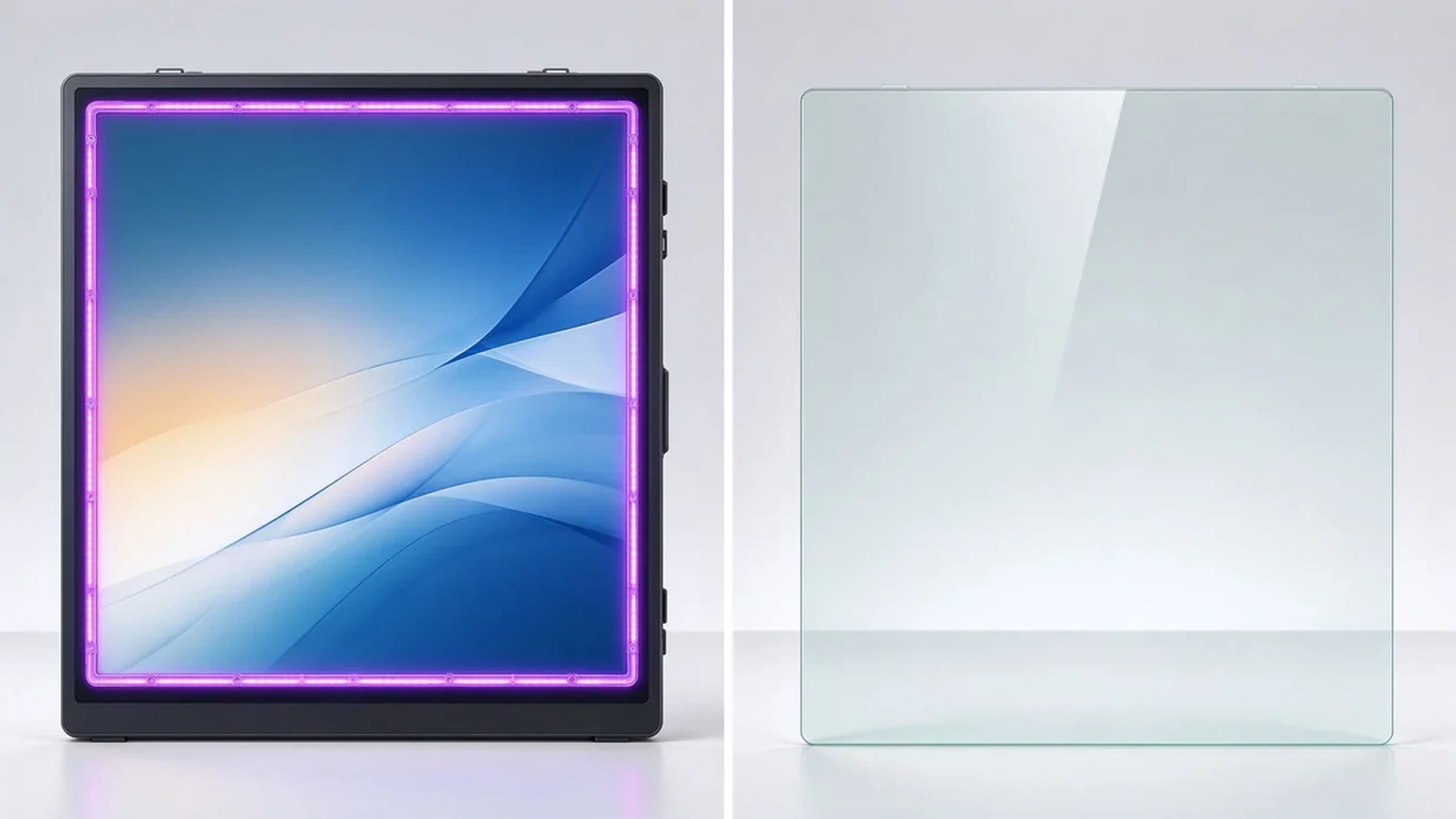
Infrared frames sense touch across the bezel grid and commonly support higher touch-point counts. They work with fingers and styli, and some models support gloved operation. They suit meeting rooms, classrooms, training rooms, and industrial environments, with flexible screen sizes and touch-area customization.
Projected capacitive touch feels like a smartphone or tablet: sensitive, with a flat smooth surface. It suits interactive tables, retail displays, and lightweight collaboration. Exact touch-point counts and sizes depend on the model.
Projector systems can support multi-touch, but the experience depends on the projection surface, ambient light, and calibration. For office upgrade projects, maintenance and installation complexity are usually higher. When a business wants stable 4K, low-latency touch, and one integrated deployment, an interactive flat panel is typically easier to manage.
A standard display can gain touch through an external frame or sensor. Buyers should confirm touch-layer and display-layer compatibility, touch-area coverage, latency, mounting flatness, replacement cost, and whether the overlay affects anti-glare and image quality.
| Touch technology | Strengths | Limitations | Common B2B applications |
|---|---|---|---|
| Infrared touch | High touch-point options, finger or stylus, suits large displays | Frame more exposed to dust or impact | Meeting rooms, classrooms, training |
| PCAP touch | Smooth smartphone-like feel, flat surface, high sensitivity | Large sizes and dense touch configurations cost more | Interactive tables, retail, premium collaboration |
| Optical touch | Good precision and large-format flexibility | Depends on design and calibration | Large interactive displays |
| Projector-based touch | Creates large interactive surfaces | Sensitive to lighting, alignment, maintenance | Specialized rooms and projection environments |
The best touch technology depends on display size, use environment, user behavior, and maintenance requirements — not on the maximum touch-point number alone.
Ask what the spec means in practice: advertised points, points under Windows, points under Android, whether touch is dropped when several users write together, and whether full touch needs special software.
Does the stylus follow the hand? Does fast writing break strokes? Does latency rise when several people act at once? Does the experience stay consistent when you switch from Android to Windows?
Does a resting palm create stray marks? Are finger, pen, and eraser recognized automatically? Is palm rejection consistent across whiteboard apps?
Test two people writing, three to four annotating, multiple people dragging objects, one person writing while another erases, one person presenting via casting while others write — users in different regions of the screen at the same time.
Corner accuracy, small-text and small-icon tapping, stylus offset, calibration needs, and parallax on the glass surface.
Multi-page and infinite canvas, multi-user annotation, object move and zoom, PDF/PPT/image import, PDF/image export, email/QR/cloud sharing, and meeting content saving.
Full multi-touch on Android, HID touch on Windows, OPS support, compatibility with common whiteboard apps and Microsoft Office, browser-based collaboration tools, and clean dual-system switching.
55–65 inches suits 1–2 people; 75–86 inches suits standard rooms and small workshops; 98–110 inches suits training rooms, large rooms, and dense collaboration. If people stand around the screen on all sides, an interactive table or multi-display system may fit better. Size and people are not fixed rules — they depend on room layout and task type.
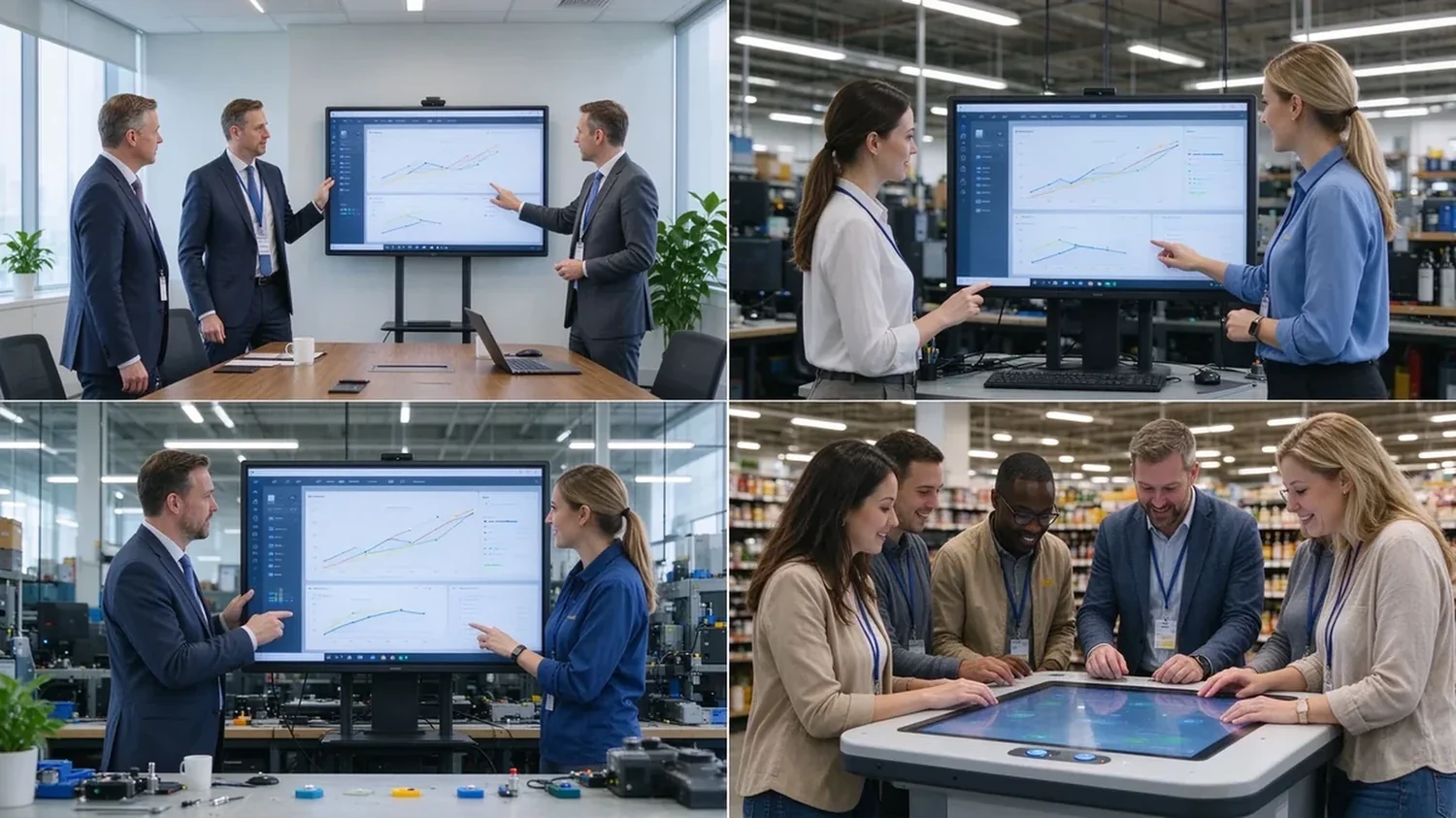
| Use case | Recommended touch | Key considerations | Qtenboard direction |
|---|---|---|---|
| Corporate meetings | 20-point | 2–4 users annotating, wireless casting, file export | Business interactive whiteboard |
| Brainstorming workshops | 40-point or higher | Large screen, independent multi-user operation, infinite canvas | Large-format collaborative panel |
| Corporate training | 20–40-point | Instructor writing, learner interaction, 86"+, file sharing | 75–98" interactive panel |
| Engineering and design review | 20–40-point | 4K, precise touch, low latency, PDF/CAD/image/video | 4K interactive display |
| Retail and exhibition | Up to 40-point PCAP | Multi-directional touch, high brightness, custom appearance | PCAP interactive table |
A realistic lifecycle view keeps high touch-point counts in proportion:
TCO = device price + software licensing + installation + training + maintenance + spare parts + upgrades.
ROI view: annual collaboration gain = collaborative meetings per year × minutes saved per meeting × average participant hourly cost.
Hidden costs to ask about: mounting and cabling, software licensing, warranty extensions, spare panels for fast swap-outs, and firmware support across a multi-region fleet. A quotation that lists only the panel price will surprise you in year one — ask suppliers for the complete landed cost, not the ex-works number.
Exact touch points depend on size, touch technology, and configuration — confirm against the target model.
Infrared touch with large-format display, finger and stylus input, low-latency response, and palm rejection. Built for meetings, training, and education, with OEM/ODM size and configuration customization.
40-point PCAP touch, 4K display, Windows and Android dual system, four-side operation, corporate brainstorming, exhibition, and retail consultation, with custom color, size, and peripherals.
Target size and touch-point level, infrared or PCAP technology, Android/Windows/dual system, logo and boot screen, preloaded software, camera/microphone/speaker options, external scanners, packaging and manuals, CKD/SKD local assembly, batch delivery, and after-sales support.
Typical configurations buyers request:
| Buyer priority | Qtenboard value proposition |
|---|---|
| Touch-point flexibility | 20 / 40 / 50-point options |
| Touch technology | Infrared and PCAP configurations |
| Room-size flexibility | 32–110" interactive display portfolio |
| Project customization | OEM/ODM hardware, software, branding, CKD/SKD |
| Deployment support | DMS, batch supply, spare parts, integrator support |
A sample or demo unit should survive this checklist before you sign a bulk order:
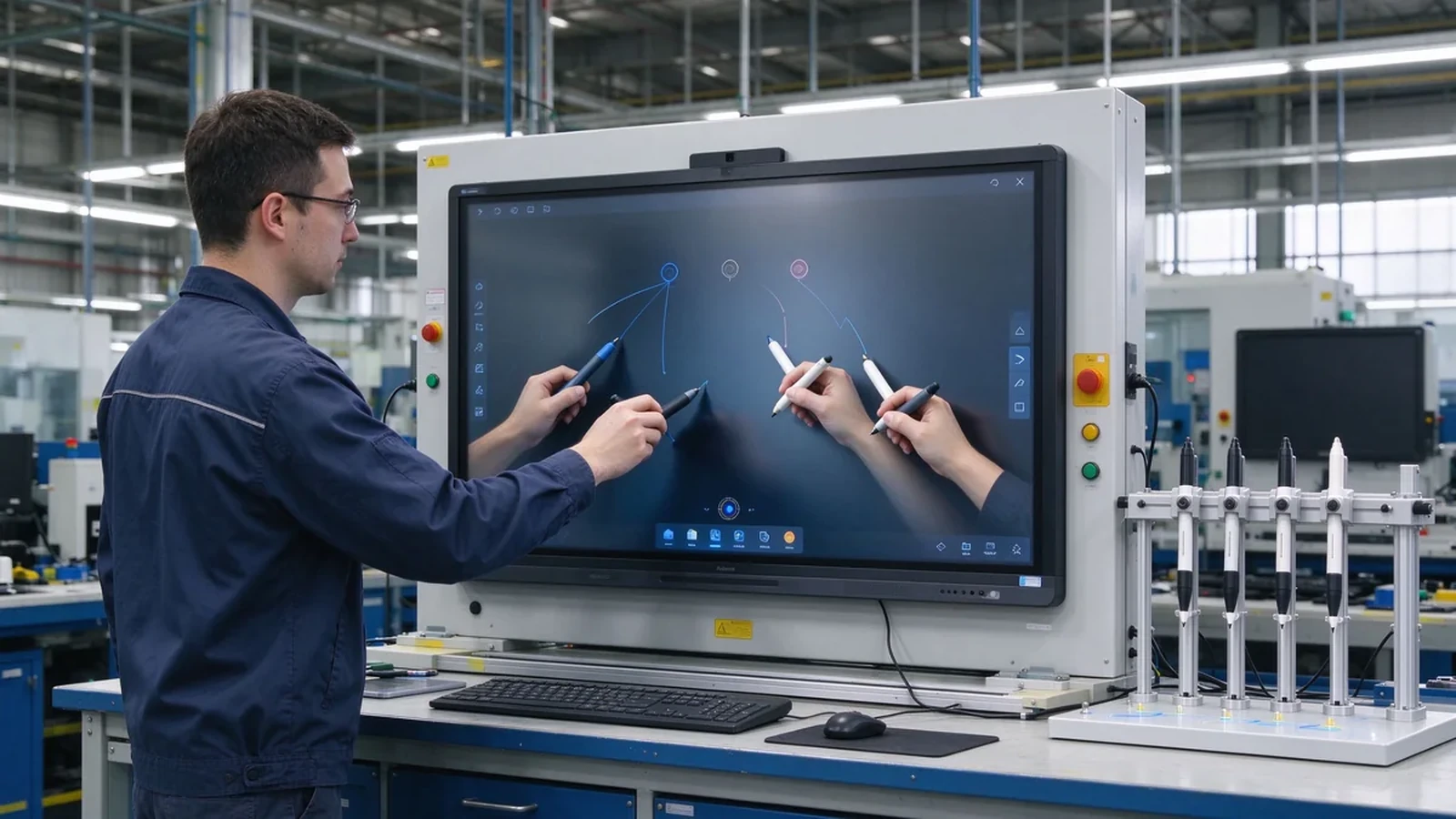
Most commercial interactive panels support 10–20 point multi-touch; products built for dense collaboration may reach 40–50 points. Selected Qtenboard interactive whiteboards support 20–50 points, depending on model, size, and touch technology.
For ordinary meetings, multi-user annotation, and two to four people writing at once, 20 points is usually a reasonable configuration. Screen size, whiteboard software, touch latency, and user behavior still matter.
40 points does not mean 40 people. The real number depends on how many points each person uses, whether they write, the screen size, and the space between users.
20 points fits ordinary meetings and moderate multi-user collaboration; 50 points suits training, workshops, large brainstorming, and dense interaction. High touch points add value only when software and space support them.
Not always. Models may support different touch protocols, software, and point counts under Android and Windows. Ask the supplier to confirm real behavior on both systems before ordering.
Each fits different scenarios. Infrared is common in large interactive panels and reaches higher point counts; PCAP feels more like a phone or tablet and suits interactive tables and premium displays.
Yes. Selected Qtenboard interactive whiteboards support 20, 40, or 50 point multi-touch for simultaneous writing, annotation, and collaboration; confirm the exact capability for your model and software environment.
Yes. OEM/ODM buyers can specify touch points, size, system, appearance, ports, software, and packaging per project.
Different roles need different next steps:
| Role | Recommended next step |
|---|---|
| Enterprise procurement | Request a multi-touch specification |
| IT / AV manager | Download the touch performance checklist |
| Integrator | Request project configuration support |
| Distributor | Request the OEM/ODM catalog and sample |
| Large project | Schedule a factory video audit |
Tell us how many people need to interact with the screen, your preferred display size, room type, operating system, and target quantity. Qtenboard can recommend a suitable 20-, 40-, or 50-point touch configuration for business, training, retail, or OEM/ODM applications. Reach the team through the contact page.
Required: name, company, email, country, business type, application, number of simultaneous users, message.
Optional: preferred screen size, required touch-point level, operating system, video conferencing need, required quantity, target country, OEM/ODM requirements, expected delivery date.
Request a Multi-Touch Specification Get a Qtenboard Product Recommendation Ask for a Sample or Quote Discuss an OEM/ODM Touch Display

CEO | Interactive Display & Collaboration Solution Expert
I am the founder of Qtenboard, bringing over 17 years of hands-on expertise to the touch display industry. Drawing on the global management perspective gained through my EMBA studies at ShenZhen University, I lead my team in optimizing every stage of our operations—from product definition to high-efficiency supply chain management—ensuring our manufacturing capabilities remain at the forefront of the industry.
As the leader of Qtenboard, I specialize in providing tailored OEM/ODM solutions for interactive whiteboards, LCD video walls, digital signage, and industrial-grade touch terminals. Backed by our 330,000 m² modern industrial park in Shenzhen, we maintain full-lifecycle control over industrial design, precision manufacturing, and rigorous performance testing.
With nearly two decades of project experience, Qtenboard’s display solutions are now deployed in over 120 countries and regions, earned the trust of more than 15,000 enterprise customers worldwide. If you are seeking a responsive partner with a deep manufacturing foundation for your customized touch display projects, my team and I are ready to support your vision with professional excellence.

 EN
EN
 pt
pt  spa
spa  th
th  vie
vie  aze
aze  bel
bel  est
est  lav
lav  ukr
ukr  ru
ru