Enamik äripäraseid nutikaid reklaamib multi-touch, kuid “toetab multi-touch” ei ole sama nagu “ehitatud tõelise mitme kasutaja koostöö.” A nutikas tahvel mitme puutega See töötab ilusalt ühele esitajale võib muutuda segaduseks hetkel, kui kolm kolleegi kalduvad sisse, et märgistada korraga. See juhend annab vastuse turunduse taga olevale ostuküsimusele: Mis nutikalauad toetavad mitme kasutaja puute sisendja kuidas teha vahet 20-punktisel hinnangul ja tõeliselt koostööalusel pinnal?
Ebamugav tõde: 20 puutepunkti ei ole 20 inimest kirjutades, ja 50 puutepunkti ei ole 50 inimest töötavad. See, mis tegelikult otsustab kogemuse, on tegurid - puutepunktide arv, latentsus, peopesa äratõuke, üheaegse kirjutamise käitumise, operatsioonisüsteemi tugi, valgeplaadi tarkvara, ekraani suurus ja ruumi paigutus. See artikkel loob hanke raamistik: mõisted esmalt, seejärel puutepunkti võrdlus, puutehnoloogia, hindamiskriteeriumid, kasutada juhtumeid ja eelkäsklubi testi kontrollnimekirja.
Qtenboard pakub 20-50 punkti multipuute konfiguratsioone infrapuna interaktiivsete valgeplaatide ja PCAP interaktiivsete tabelite vahel, OEM/ODMi võimalustega turustajatele, integraatoritele ja kaubamärgiprojektidele. Selgitame, kus iga konfiguratsioon sobib – ja kus see on ülepingutamine.
| Puutepunkti tase | Tüüpiline koostoimeid | Sobiv ärikasutus | Qtenboardi suunas |
|---|---|---|---|
| 10-punkti | 1–2 kasutajat põhiliste žestidega | Väikesed kohtumised ja ettekanded | Standard interaktiivne paneel |
| 20 punkti | 2-4 kasutaja kirjutamine või annoteerimine | Standardkonverentsiruumid | Äri interaktiivne tahvel |
| 40-punktiline | Mitmed kasutajad suhtlevad samaaegselt | Töötoad, koolitused, ajurünnakud | Äri / suur formaat paneelName |
| 50-punktiline | Kõrge tihedusega koostöine interaktsioon | Suured rühmad, spetsiaalsed projektid | Suure formaadiga koostööpaneel |
| PCAP kuni 40-punkti | Mitmesuunaline puudutus | Näitus, jaemüük, grupinõustamine | PCAP interaktiivne laud |
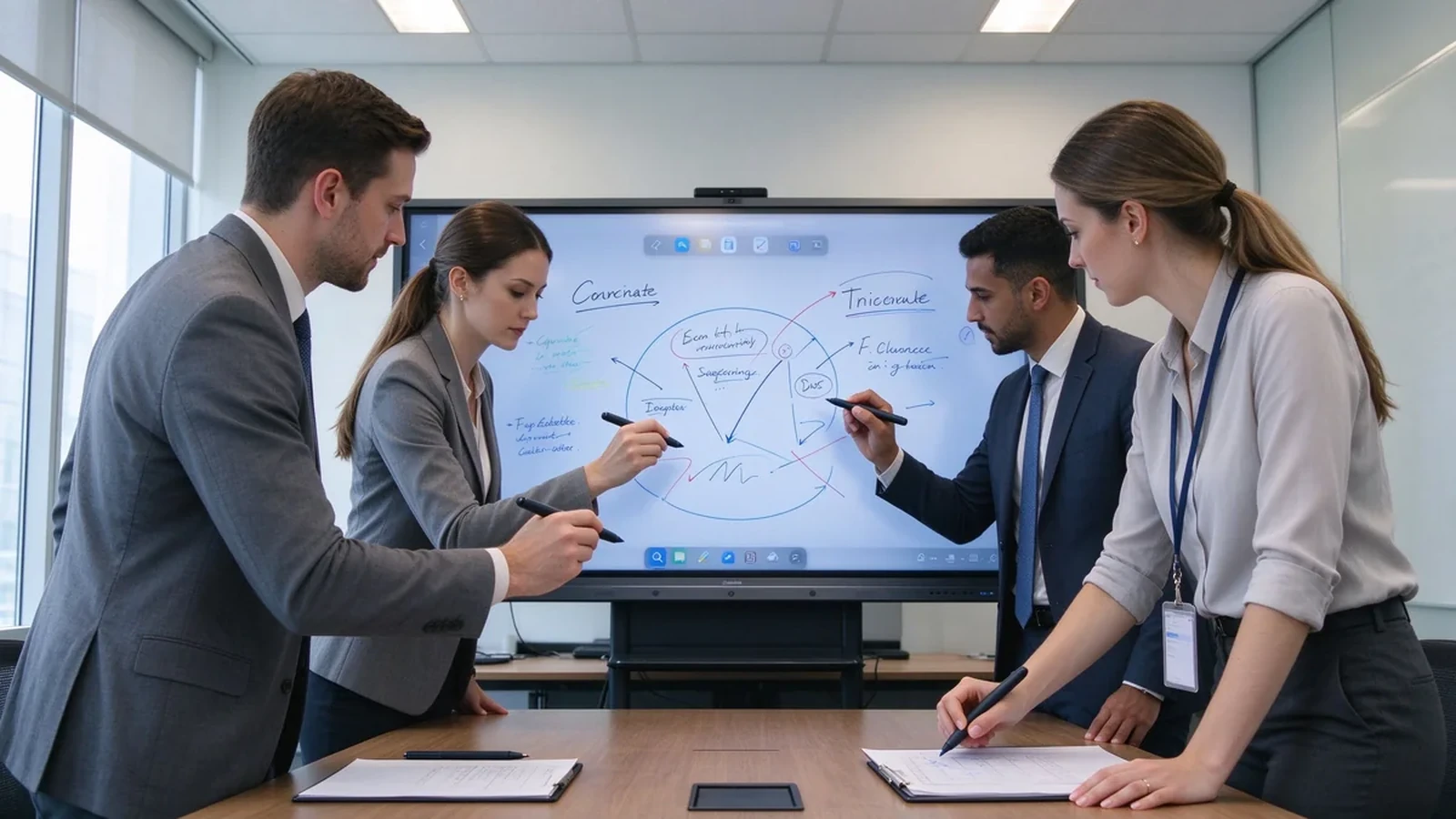
Three terms are often used interchangeably, but they mean different things — and confusing them is how buyers over-specify or under-buy.
| Concept | Tähendus |
|---|---|
| Mitmepuudutus | The screen can recognize several touch points at the same time. |
| Mitme kasutajaga puuteekraan | Several people can write, drag, zoom, or annotate simultaneously. |
| Collaborative whiteboarding | Beyond touch: whiteboard software, content sharing, file saving, and a real collaboration workflow. |
Multi-user touch earns its place in brainstorming sessions, project-plan discussions, engineering and design reviews, joint editing of sales proposals, corporate training, trade-show demos, client workshops, and strategy offsites. In these rooms, the board is a shared canvas — not a projector for one presenter.
In practice, the cost of a mismatched touch capability is easy to underestimate: a workshop that stalls while people take turns at the screen, a design review where the second annotator cannot draw, or a training session where the board lags under four hands. These are rarely product failures; they are a mismatch between touch configuration and room workflow — the exact gap this guide helps you close before purchase.

| Puutepunkti tase | Tüüpiline koostoimeid | Sobiv ärikasutus |
|---|---|---|
| 10-punkti | One or two users with basic gestures | Väikesed kohtumised ja ettekanded |
| 20 punkti | Two to four users writing or annotating | Standardkonverentsiruumid |
| 40-punktiline | Mitmed kasutajad suhtlevad samaaegselt | Workshops, training, and brainstorming |
| 50-punktiline | Kõrge tihedusega koostöine interaktsioon | Large groups and specialized projects |
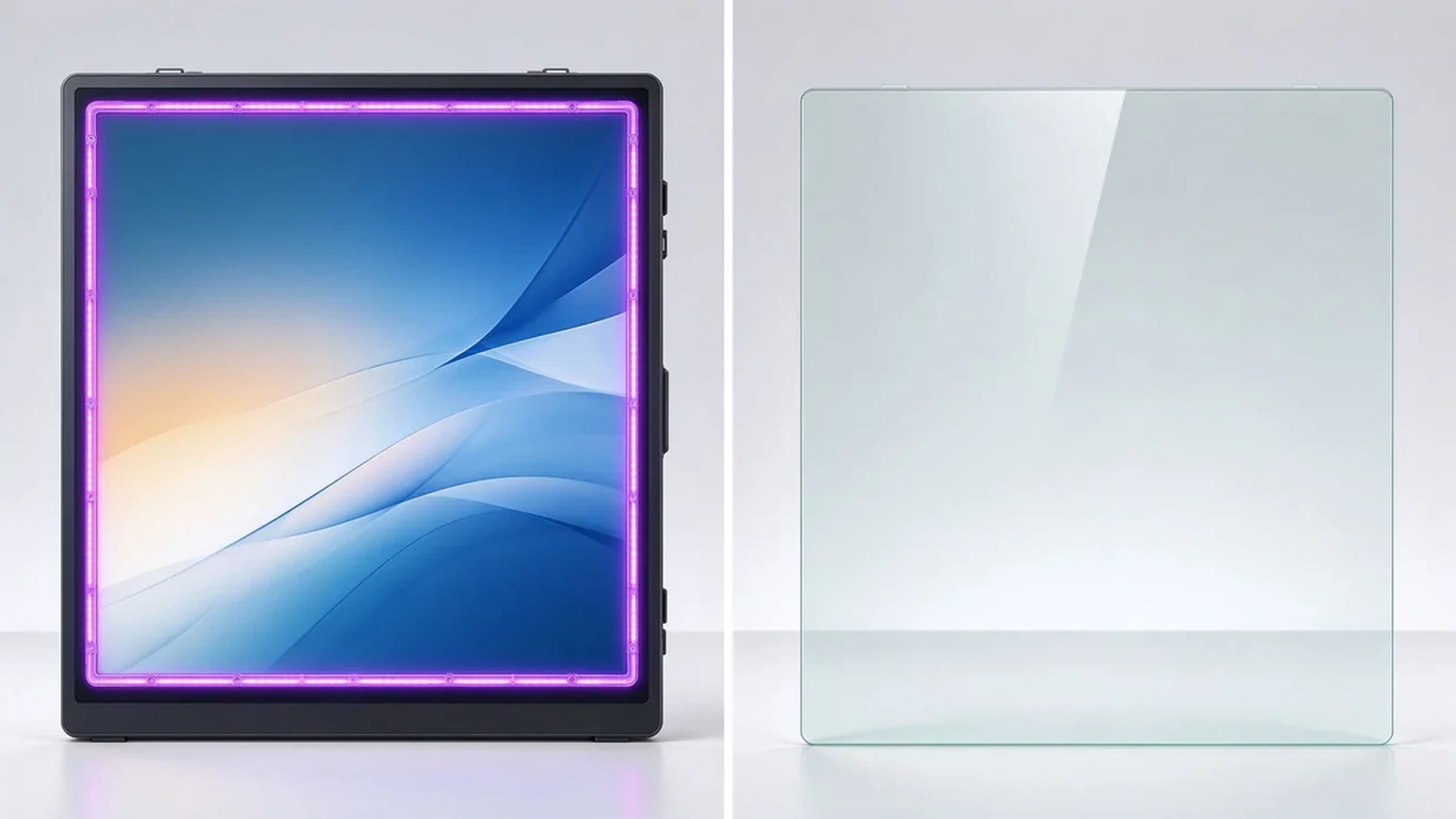
Infrared frames sense touch across the bezel grid and commonly support higher touch-point counts. They work with fingers and styli, and some models support gloved operation. They suit meeting rooms, classrooms, training rooms, and industrial environments, with flexible screen sizes and touch-area customization.
Projected capacitive touch feels like a smartphone or tablet: sensitive, with a flat smooth surface. It suits interactive tables, retail displays, and lightweight collaboration. Exact touch-point counts and sizes depend on the model.
Projector systems can support multi-touch, but the experience depends on the projection surface, ambient light, and calibration. For office upgrade projects, maintenance and installation complexity are usually higher. When a business wants stable 4K, low-latency touch, and one integrated deployment, an interactive flat panel is typically easier to manage.
A standard display can gain touch through an external frame or sensor. Buyers should confirm touch-layer and display-layer compatibility, touch-area coverage, latency, mounting flatness, replacement cost, and whether the overlay affects anti-glare and image quality.
| Puutehnoloogia | Strengths | Piirangud | Common B2B applications |
|---|---|---|---|
| Infrared touch | High touch-point options, finger or stylus, suits large displays | Frame more exposed to dust or impact | Koosolekuruumid, klassiruumid, koolitus |
| PCAP touch | Smooth smartphone-like feel, flat surface, high sensitivity | Large sizes and dense touch configurations cost more | Interactive tables, retail, premium collaboration |
| Optical touch | Good precision and large-format flexibility | Depends on design and calibration | Large interactive displays |
| Projector-based touch | Creates large interactive surfaces | Sensitive to lighting, alignment, maintenance | Specialized rooms and projection environments |
The best touch technology depends on display size, use environment, user behavior, and maintenance requirements — not on the maximum touch-point number alone.
Ask what the spec means in practice: advertised points, points under Windows, points under Android, whether touch is dropped when several users write together, and whether full touch needs special software.
Does the stylus follow the hand? Does fast writing break strokes? Does latency rise when several people act at once? Does the experience stay consistent when you switch from Android to Windows?
Does a resting palm create stray marks? Are finger, pen, and eraser recognized automatically? Is palm rejection consistent across whiteboard apps?
Test two people writing, three to four annotating, multiple people dragging objects, one person writing while another erases, one person presenting via casting while others write — users in different regions of the screen at the same time.
Corner accuracy, small-text and small-icon tapping, stylus offset, calibration needs, and parallax on the glass surface.
Multi-page and infinite canvas, multi-user annotation, object move and zoom, PDF/PPT/image import, PDF/image export, email/QR/cloud sharing, and meeting content saving.
Full multi-touch on Android, HID touch on Windows, OPS support, compatibility with common whiteboard apps and Microsoft Office, browser-based collaboration tools, and clean dual-system switching.
55–65 inches suits 1–2 people; 75–86 inches suits standard rooms and small workshops; 98–110 inches suits training rooms, large rooms, and dense collaboration. If people stand around the screen on all sides, an interactive table or multi-display system may fit better. Size and people are not fixed rules — they depend on room layout and task type.
| Use case | Recommended touch | Key considerations | Qtenboardi suunas |
|---|---|---|---|
| Corporate meetings | 20 punkti | 2–4 users annotating, wireless casting, file export | Äri interaktiivne tahvel |
| Brainstorming workshops | 40-point or higher | Large screen, independent multi-user operation, infinite canvas | Suure formaadiga koostööpaneel |
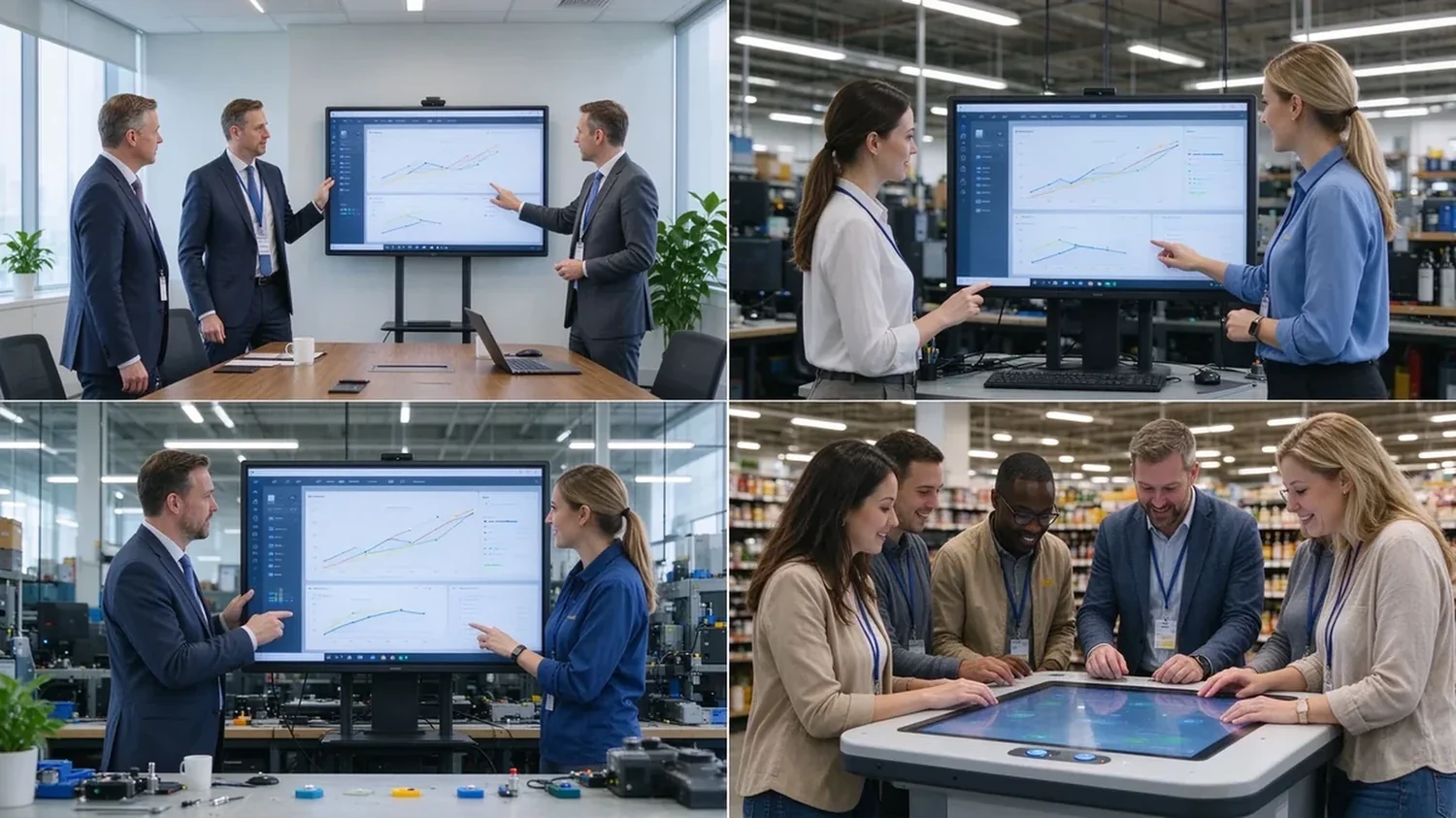
| Corporate training | 20–40-point | Instructor writing, learner interaction, 86"+, file sharing | 75–98" interactive panel |
| Engineering and design review | 20–40-point | 4K, precise touch, low latency, PDF/CAD/image/video | 4K interaktiivne ekraan |
| Retail and exhibition | PCAP kuni 40-punkti | Multi-directional touch, high brightness, custom appearance | PCAP interaktiivne laud |
A realistic lifecycle view keeps high touch-point counts in proportion:
TCO = device price + software licensing + installation + training + maintenance + spare parts + upgrades.
ROI view: annual collaboration gain = collaborative meetings per year × minutes saved per meeting × average participant hourly cost.
Hidden costs to ask about: mounting and cabling, software licensing, warranty extensions, spare panels for fast swap-outs, and firmware support across a multi-region fleet. A quotation that lists only the panel price will surprise you in year one — ask suppliers for the complete landed cost, not the ex-works number.
Exact touch points depend on size, touch technology, and configuration — confirm against the target model.
Infrared touch with large-format display, finger and stylus input, low-latency response, and palm rejection. Built for meetings, training, and education, with OEM/ODM size and configuration customization.
40-point PCAP touch, 4K display, Windows and Android dual system, four-side operation, corporate brainstorming, exhibition, and retail consultation, with custom color, size, and peripherals.
Target size and touch-point level, infrared or PCAP technology, Android/Windows/dual system, logo and boot screen, preloaded software, camera/microphone/speaker options, external scanners, packaging and manuals, CKD/SKD local assembly, batch delivery, and after-sales support.
Typical configurations buyers request:
| Buyer priority | Qtenboard value proposition |
|---|---|
| Touch-point flexibility | 20 / 40 / 50-point options |
| Puutehnoloogia | Infrared and PCAP configurations |
| Room-size flexibility | 32–110" interactive display portfolio |
| Project customization | OEM/ODM hardware, software, branding, CKD/SKD |
| Deployment support | DMS, batch supply, spare parts, integrator support |
A sample or demo unit should survive this checklist before you sign a bulk order:
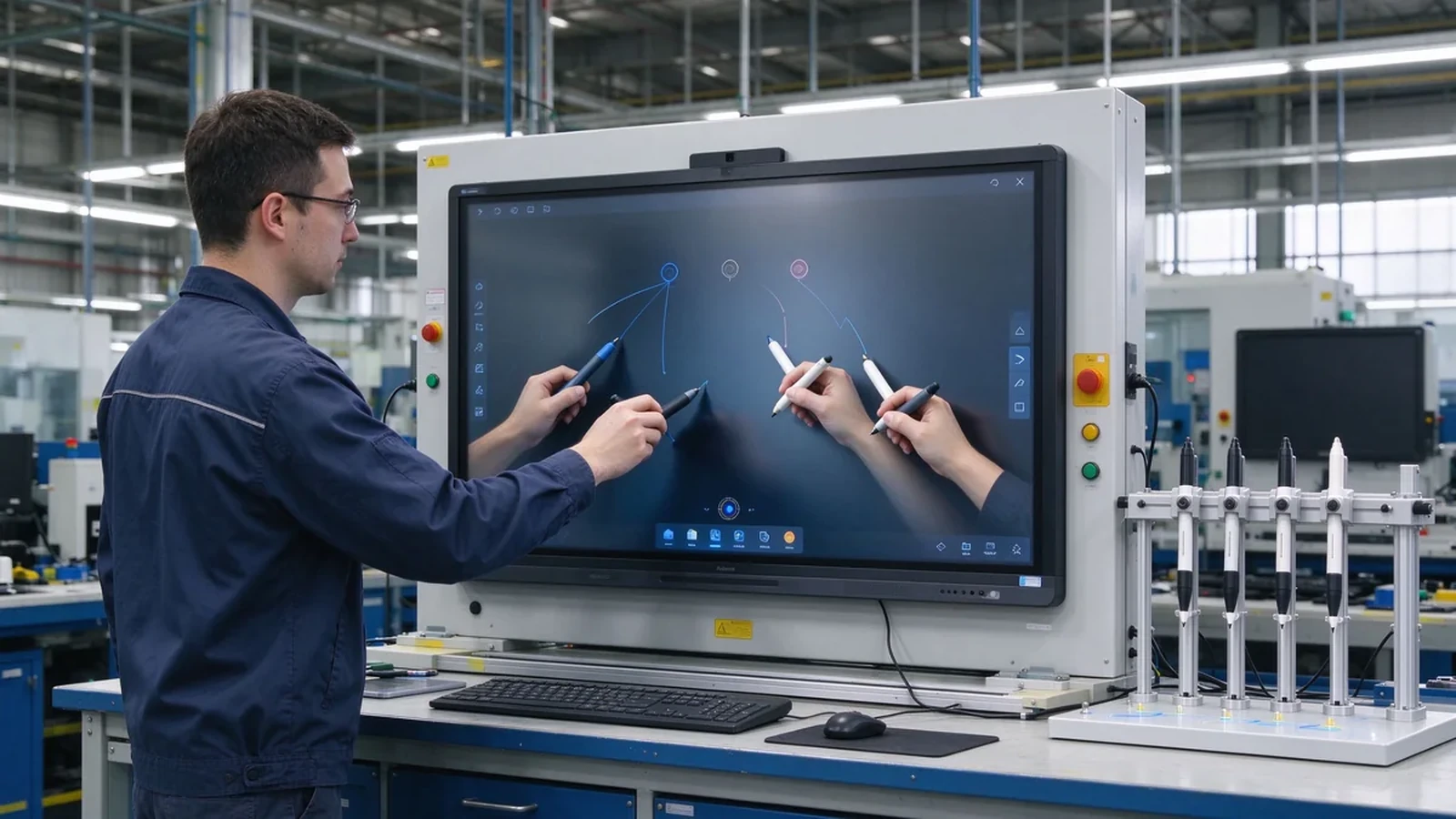
Most commercial interactive panels support 10–20 point multi-touch; products built for dense collaboration may reach 40–50 points. Selected Qtenboard interactive whiteboards support 20–50 points, depending on model, size, and touch technology.
For ordinary meetings, multi-user annotation, and two to four people writing at once, 20 points is usually a reasonable configuration. Screen size, whiteboard software, touch latency, and user behavior still matter.
40 points does not mean 40 people. The real number depends on how many points each person uses, whether they write, the screen size, and the space between users.
20 points fits ordinary meetings and moderate multi-user collaboration; 50 points suits training, workshops, large brainstorming, and dense interaction. High touch points add value only when software and space support them.
Not always. Models may support different touch protocols, software, and point counts under Android and Windows. Ask the supplier to confirm real behavior on both systems before ordering.
Each fits different scenarios. Infrared is common in large interactive panels and reaches higher point counts; PCAP feels more like a phone or tablet and suits interactive tables and premium displays.
Yes. Selected Qtenboard interactive whiteboards support 20, 40, or 50 point multi-touch for simultaneous writing, annotation, and collaboration; confirm the exact capability for your model and software environment.
Yes. OEM/ODM buyers can specify touch points, size, system, appearance, ports, software, and packaging per project.
Different roles need different next steps:
| Role | Recommended next step |
|---|---|
| Enterprise procurement | Request a multi-touch specification |
| IT / AV manager | Download the touch performance checklist |
| Integrator | Request project configuration support |
| Levitaja | Request the OEM/ODM catalog and sample |
| Large project | Schedule a factory video audit |
Tell us how many people need to interact with the screen, your preferred display size, room type, operating system, and target quantity. Qtenboard can recommend a suitable 20-, 40-, or 50-point touch configuration for business, training, retail, or OEM/ODM applications. Reach the team through the contact page.
Required: name, company, email, country, business type, application, number of simultaneous users, message.
Valikuline: preferred screen size, required touch-point level, operating system, video conferencing need, required quantity, target country, OEM/ODM requirements, expected delivery date.
Request a Multi-Touch Specification Get a Qtenboard Product Recommendation Ask for a Sample or Quote Discuss an OEM/ODM Touch Display

Tegevjuht | Interaktiivne ekraani ja koostöö lahendusekspert
Olen Qtenboardi asutaja, tuues üle 17-aastase praktilise oskusteadmisega puute kuvatööstusesse. Võttes arvesse ülemaailmse juhtimise perspektiivi, mis on saavutatud minu EMBA uuringud ShenZheni ülikoolis, Ma juhin Tootmisvõime jääb tööstuse esirinnas.
Qtenboardi juhina olen spetsialiseerunud kohandatud OEM/ODM-lahenduste pakkumisele interaktiivsetele valgeplaatidele, LCD video seinad, digitaalsed signaalid ja tööstusliku kvaliteediga puuteterminalid. Toetas meie 330.000 m nüüdisaegse tööstuspargi Shenzhenis, säilitame täispuhastuse kontrolli tööstusdisaini, täpsuse tootmise, ja range jõudluse testimine.
Peaaegu kaks aastakümne pikkune projektikogemus kasutatakse Qtenboardi ekraani lahendusi nüüd rohkem kui 120 riigis ja piirkonnas, teenis usaldust üle 15000 ettevõtluskliendi üle maailma. Kui otsite tundlik partner sügava tootmise aluse oma kohandatud touch kuva projekte, Minu meeskonnaga oleme valmis toetama teie nägemust professionaalselt.

 est
est
 EN
EN  pt
pt  spa
spa  th
th  vie
vie  aze
aze  bel
bel  lav
lav  ukr
ukr  ru
ru