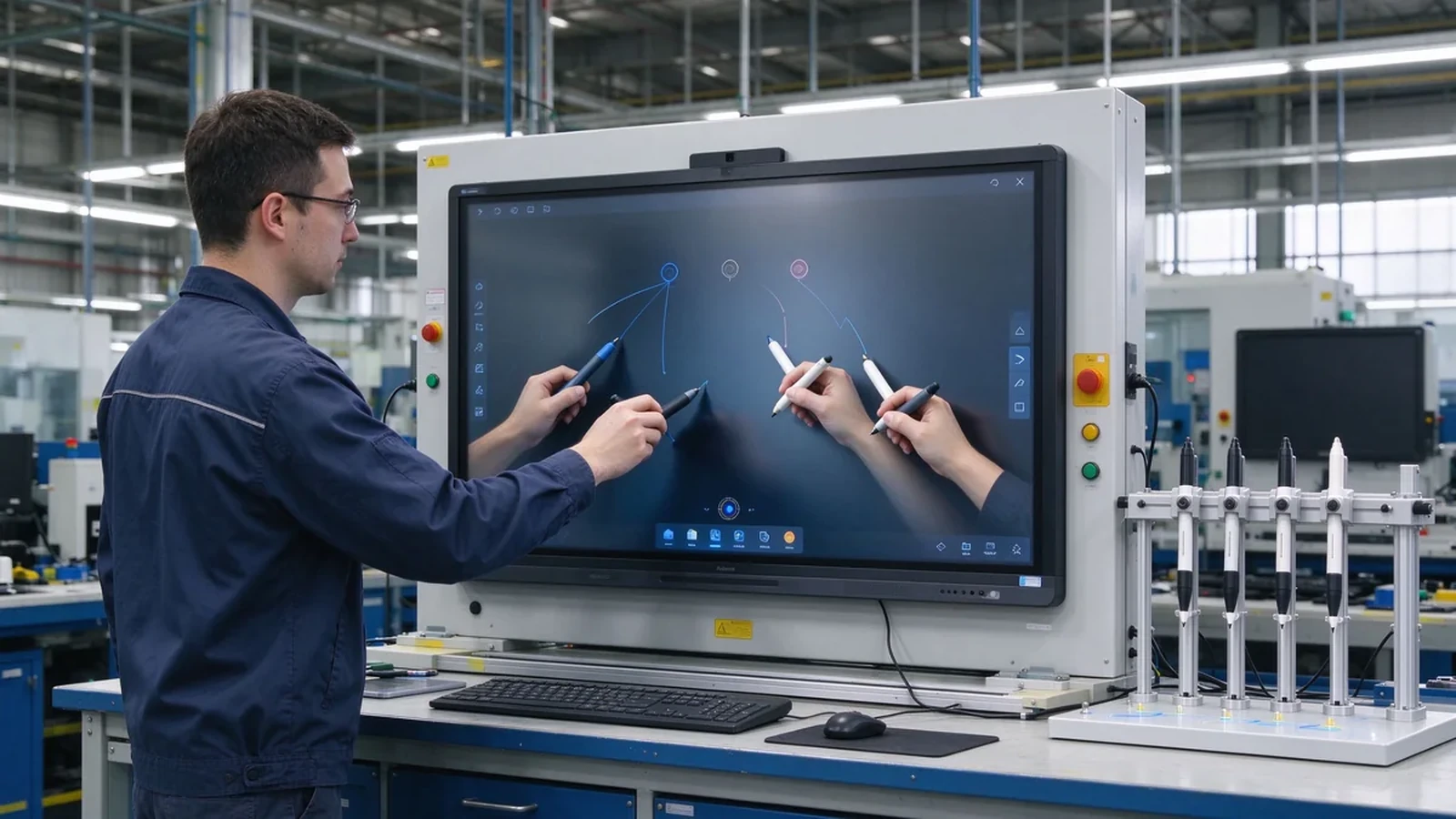
Hầu hết các bảng thông minh cấp doanh nghiệp đều quảng cáo cảm ứng đa điểm, nhưng "hỗ trợ cảm ứng đa điểm" không giống như "được xây dựng cho sự hợp tác đa người dùng thực sự." Bảng thông minh có cảm ứng đa điểm Nó hoạt động tốt cho một người thuyết trình có thể biến thành sự nhầm lẫn trong thời điểm ba đồng nghiệp nghiêng vào để chú thích cùng một lúc. Hướng dẫn này Trả lời câu hỏi mua hàng đằng sau tiếp thị: Bảng thông minh nào hỗ trợ đầu vào cảm ứng đa người dùngVà làm thế nào để bạn biết sự khác biệt giữa xếp hạng 20 điểm và bề mặt hợp tác thực sự?
Sự thật không thoải mái: 20 điểm tiếp xúc không phải là 20 người viết và 50 điểm tiếp xúc không phải là 50 người hoạt động. Điều thực sự quyết định trải nghiệm là một bó các yếu tố-Đếm điểm cảm ứng, độ trễ, từ chối lòng bàn tay, hành vi viết đồng thời, hỗ trợ hệ điều hành, phần mềm bảng trắng, kích thước màn hình và bố trí phòng. Bài viết này xây dựng khung mua sắm: Các khái niệm trước, sau đó so sánh điểm chạm, công nghệ cảm ứng, tiêu Chí Đánh Giá, Trường hợp sử dụng và danh sách kiểm tra kiểm tra đặt hàng trước.
Qtenboard Cung Cấp Các cấu hình cảm ứng đa điểm 20-50 điểm trên bảng trắng tương tác hồng ngoại và bảng tương tác pcap, với các tùy chọn OEM/ODM cho các nhà phân phối, nhà tích hợp và các dự án thương hiệu. Chúng tôi giải thích nơi mà mỗi cấu hình phù hợp-và nơi nó là Overkill.
| Cấp độ điểm cảm ứng | Tương tác điển hình | Sử dụng phù hợp cho công việc | Hướng qtenboard |
|---|---|---|---|
| 10 điểm | 1-2 người dùng có cử chỉ cơ bản | Các cuộc họp và thuyết trình nhỏ | Bảng tương tác tiêu chuẩn |
| 20 điểm | 2-4 người dùng viết hoặc chú thích | Phòng họp tiêu chuẩn | Bảng tương tác kinh doanh |
| 40 điểm | Một số người dùng tương tác đồng thời | Hội thảo, tập luyện, động não | Bảng công sở/Khổ Lớn |
| 50 điểm | Tương tác hợp tác mật độ cao | Nhóm lớn, dự án chuyên dụng | Bảng Hợp tác khổ lớn |
| Nắp đậy tối đa 40 điểm | Cảm ứng đa hướng | Triển lãm, bán lẻ, tư vấn nhóm | Bảng tương tác pcap |
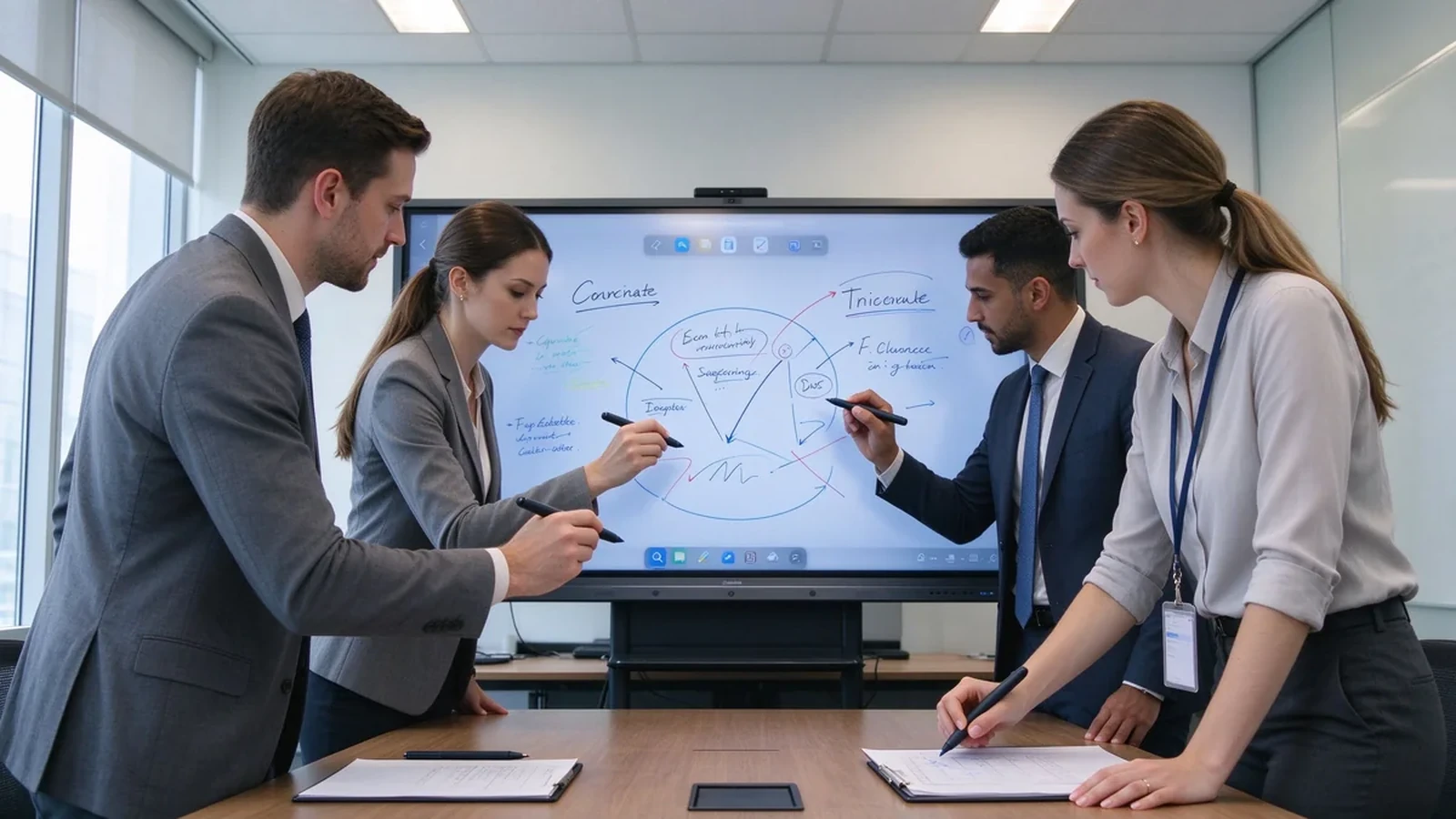
Ba thuật ngữ thường được sử dụng thay thế cho nhau, nhưng chúng có nghĩa là những thứ khác nhau-và gây nhầm lẫn cho chúng là cách người mua chỉ định quá mức hoặc mua thấp.
| Khái niệm | Ý nghĩa |
|---|---|
| Cảm ứng đa điểm | Màn hình có thể nhận ra một số điểm cảm ứng cùng một lúc. |
| Cảm ứng đa người dùng | Một số người có thể viết, kéo, phóng to hoặc chú thích đồng thời. |
| Whiteboarding hợp tác | Ngoài cảm ứng: Phần mềm bảng trắng, chia sẻ nội dung, lưu tệp và quy trình làm việc hợp tác thực sự. |
Cảm ứng đa người dùng có được vị trí trong các buổi động não, thảo luận về kế hoạch dự án, đánh giá kỹ thuật và thiết kế, chỉnh sửa các đề xuất bán hàng, Đào Tạo Doanh Nghiệp, trình diễn triển lãm thương mại, hội thảo khách hàng, và trang bị chiến lược. Trong các phòng này, bảng là một tấm vải bạt chia sẻ-không phải là máy chiếu cho một người thuyết trình.
Trên thực tế, chi phí của một khả năng cảm ứng không phù hợp là dễ dàng để đánh giá thấp: một hội thảo gian hàng trong khi mọi người thay phiên nhau ở màn hình, một Đánh giá thiết kế nơi chú thích thứ hai không thể vẽ, hoặc một buổi tập luyện mà Hội Đồng Quản trị tụt xuống dưới bốn tay. Đây hiếm khi là sản phẩm Thất Bại; chúng không khớp giữa cấu hình cảm ứng và quy trình làm việc trong phòng-Khoảng cách chính xác hướng dẫn này giúp bạn đóng lại trước khi mua.
| Cấp độ điểm cảm ứng | Tương tác điển hình | Sử dụng phù hợp cho công việc |
|---|---|---|
| 10 điểm | Một hoặc hai người dùng có cử chỉ cơ bản | Các cuộc họp và thuyết trình nhỏ |
| 20 điểm | Hai đến bốn người dùng viết hoặc chú thích | Phòng họp tiêu chuẩn |
| 40 điểm | Một số người dùng tương tác đồng thời | Hội thảo, đào tạo và động não |
| 50 điểm | Tương tác hợp tác mật độ cao | Các nhóm lớn và các dự án chuyên biệt |
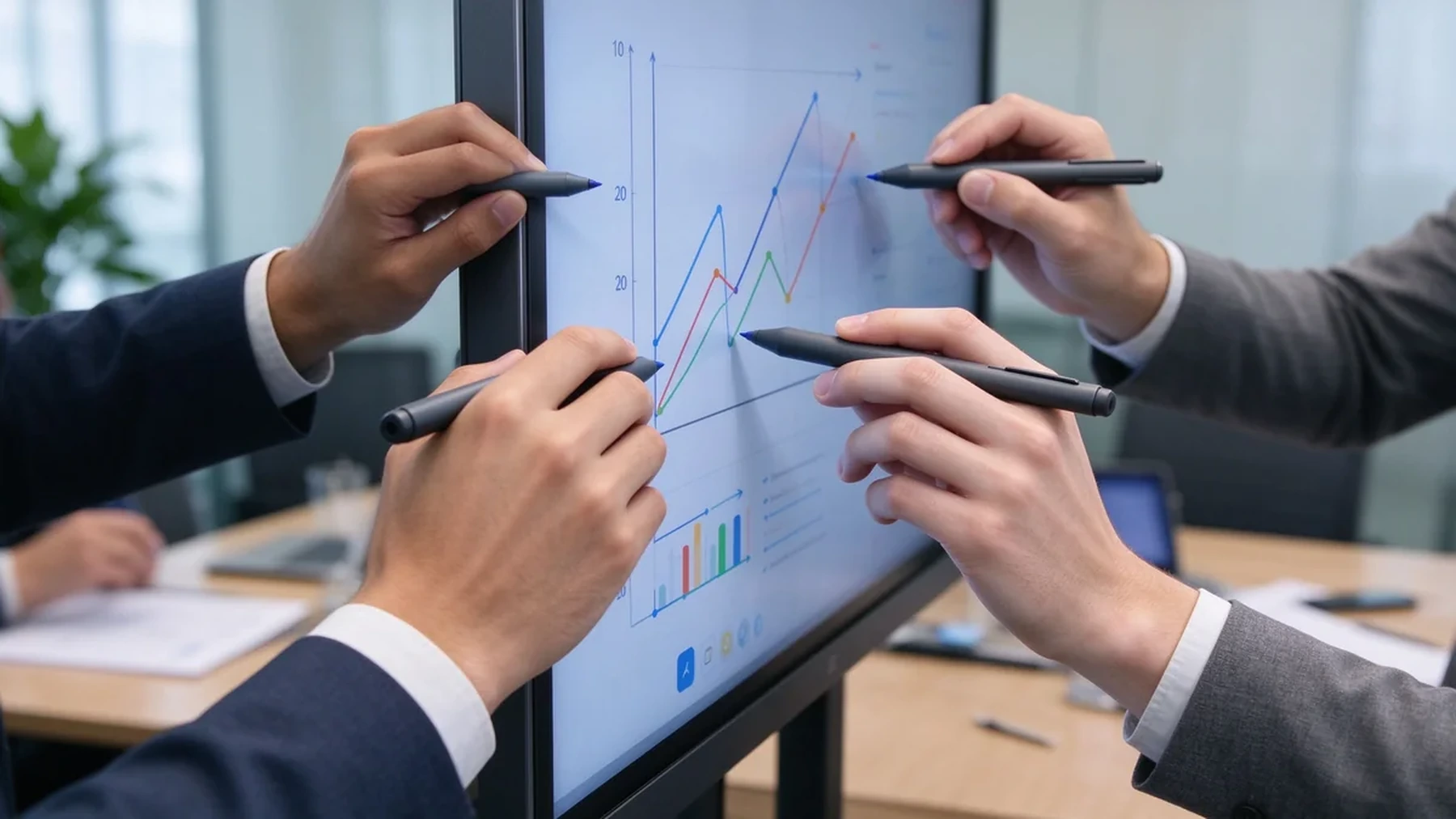
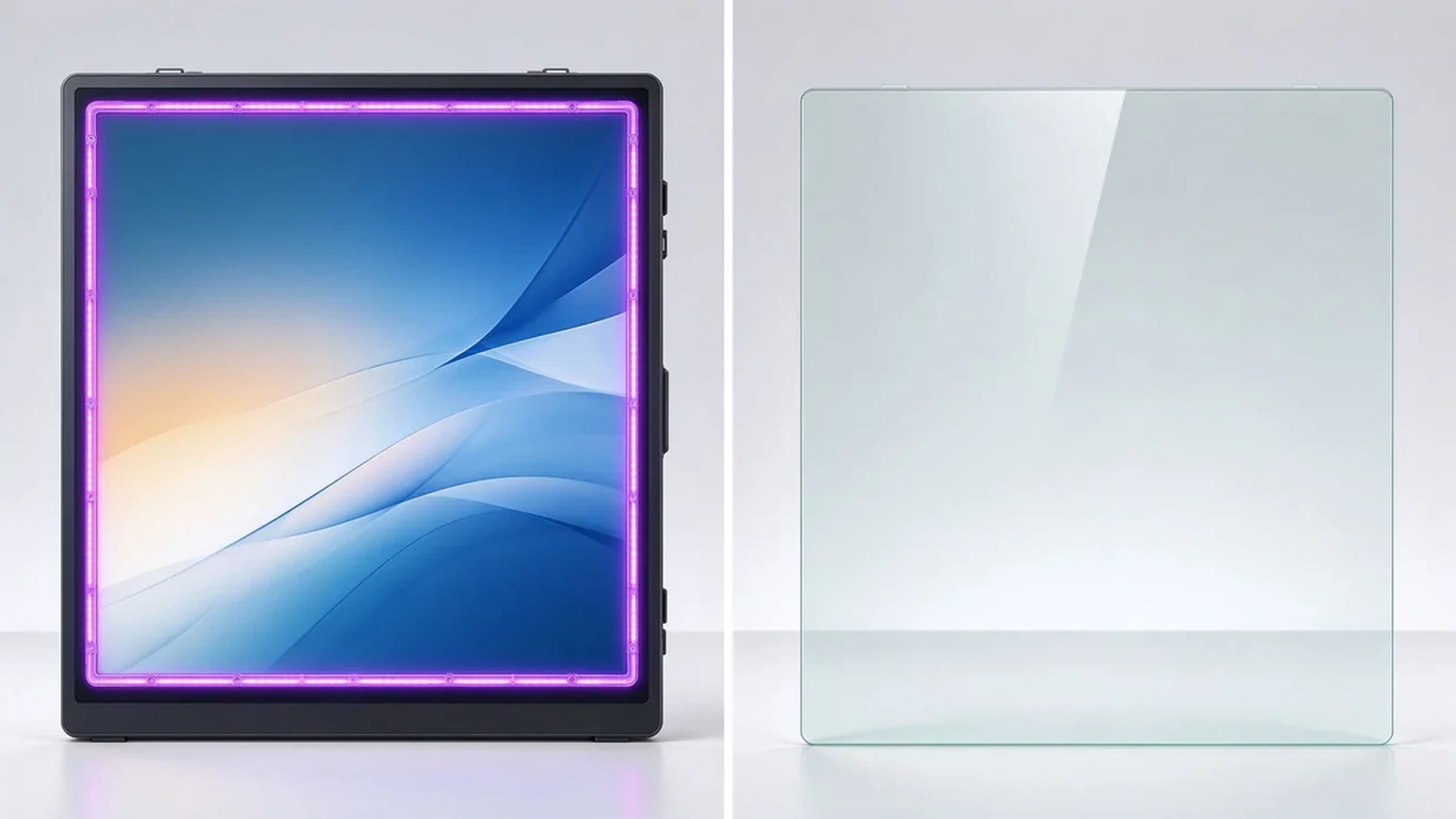
Khung hồng ngoại có cảm giác chạm trên lưới bezel và thường Hỗ trợ số điểm cảm ứng cao hơn. Sản phẩm hoạt động với ngón tay và kiểu cách, và một số mô hình hỗ trợ hoạt động đeo găng tay. Chúng phù hợp với phòng họp, lớp học, phòng tập luyện và môi trường công nghiệp, với kích thước màn hình linh hoạt và tùy chỉnh khu vực cảm ứng.
Cảm ứng điện dung dự kiến có cảm giác giống như điện thoại thông minh hoặc máy tính bảng: nhạy cảm, có bề mặt nhẵn phẳng. Nó phù hợp với bàn tương tác, màn hình bán lẻ và sự hợp tác nhẹ. Số lượng và kích cỡ điểm cảm ứng chính xác phụ thuộc vào người mẫu.
Hệ thống máy chiếu có thể hỗ trợ cảm ứng đa điểm, nhưng trải nghiệm này phụ thuộc vào Bề mặt chiếu, ánh sáng xung quanh và hiệu chuẩn. Đối với các dự án nâng cấp văn phòng, độ phức tạp bảo trì và lắp đặt thường cao hơn. Khi một doanh nghiệp muốn ổn định 4K, cảm ứng độ trễ thấp và một triển khai tích hợp, một màn hình phẳng tương tác thường dễ quản lý hơn.
Màn hình tiêu chuẩn có thể cảm ứng thông qua khung hoặc cảm biến bên ngoài. Người mua nên xác nhận khả năng tương thích lớp cảm ứng và lớp hiển thị, vùng phủ sóng cảm ứng, độ trễ, độ phẳng lắp đặt, chi phí thay thế, và liệu Lớp phủ có ảnh hưởng đến khả năng chống lóa và chất lượng hình ảnh hay không.
| Công nghệ cảm ứng | Điểm mạnh | Hạn chế | Ứng dụng B2B phổ biến |
|---|---|---|---|
| Cảm ứng hồng ngoại | Tùy chọn điểm cảm ứng cao, ngón tay hoặc bút stylus, phù hợp với màn hình lớn | Frame more exposed to dust or impact | Phòng họp, lớp học, tập luyện |
| PCAP touch | Smooth smartphone-like feel, flat surface, high sensitivity | Large sizes and dense touch configurations cost more | Interactive tables, retail, premium collaboration |
| Optical touch | Good precision and large-format flexibility | Depends on design and calibration | Large interactive displays |
| Projector-based touch | Creates large interactive surfaces | Sensitive to lighting, alignment, maintenance | Specialized rooms and projection environments |
The best touch technology depends on display size, use environment, user behavior, and maintenance requirements — not on the maximum touch-point number alone.
Ask what the spec means in practice: advertised points, points under Windows, points under Android, whether touch is dropped when several users write together, and whether full touch needs special software.
Does the stylus follow the hand? Does fast writing break strokes? Does latency rise when several people act at once? Does the experience stay consistent when you switch from Android to Windows?
Does a resting palm create stray marks? Are finger, pen, and eraser recognized automatically? Is palm rejection consistent across whiteboard apps?
Test two people writing, three to four annotating, multiple people dragging objects, one person writing while another erases, one person presenting via casting while others write — users in different regions of the screen at the same time.
Corner accuracy, small-text and small-icon tapping, stylus offset, calibration needs, and parallax on the glass surface.
Multi-page and infinite canvas, multi-user annotation, object move and zoom, PDF/PPT/image import, PDF/image export, email/QR/cloud sharing, and meeting content saving.
Full multi-touch on Android, HID touch on Windows, OPS support, compatibility with common whiteboard apps and Microsoft Office, browser-based collaboration tools, and clean dual-system switching.
55–65 inches suits 1–2 people; 75–86 inches suits standard rooms and small workshops; 98–110 inches suits training rooms, large rooms, and dense collaboration. If people stand around the screen on all sides, an interactive table or multi-display system may fit better. Size and people are not fixed rules — they depend on room layout and task type.
| Trường hợp sử dụng | Recommended touch | Key considerations | Hướng qtenboard |
|---|---|---|---|
| Corporate meetings | 20 điểm | 2–4 users annotating, wireless casting, file export | Bảng tương tác kinh doanh |
| Brainstorming workshops | 40-point or higher | Large screen, independent multi-user operation, infinite canvas | Bảng Hợp tác khổ lớn |
| Corporate training | 20–40-point | Instructor writing, learner interaction, 86"+, file sharing | 75–98" interactive panel |
| Engineering and design review | 20–40-point | 4K, precise touch, low latency, PDF/CAD/image/video | Màn hình tương tác 4k |
| Retail and exhibition | Nắp đậy tối đa 40 điểm | Multi-directional touch, high brightness, custom appearance | Bảng tương tác pcap |
A realistic lifecycle view keeps high touch-point counts in proportion:
TCO = device price + software licensing + installation + training + maintenance + spare parts + upgrades.
ROI view: annual collaboration gain = collaborative meetings per year × minutes saved per meeting × average participant hourly cost.
Hidden costs to ask about: mounting and cabling, software licensing, warranty extensions, spare panels for fast swap-outs, and firmware support across a multi-region fleet. A quotation that lists only the panel price will surprise you in year one — ask suppliers for the complete landed cost, not the ex-works number.
Exact touch points depend on size, touch technology, and configuration — confirm against the target model.
Infrared touch with large-format display, finger and stylus input, low-latency response, and palm rejection. Built for meetings, training, and education, with OEM/ODM size and configuration customization.
40-point PCAP touch, 4K display, Windows and Android dual system, four-side operation, corporate brainstorming, exhibition, and retail consultation, with custom color, size, and peripherals.
Target size and touch-point level, infrared or PCAP technology, Android/Windows/dual system, logo and boot screen, preloaded software, camera/microphone/speaker options, external scanners, packaging and manuals, CKD/SKD local assembly, batch delivery, and after-sales support.
Typical configurations buyers request:
| Buyer priority | Qtenboard value proposition |
|---|---|
| Touch-point flexibility | 20 / 40 / 50-point options |
| Công nghệ cảm ứng | Infrared and PCAP configurations |
| Room-size flexibility | 32–110" interactive display portfolio |
| Project customization | OEM/ODM hardware, software, branding, CKD/SKD |
| Deployment support | DMS, batch supply, spare parts, integrator support |
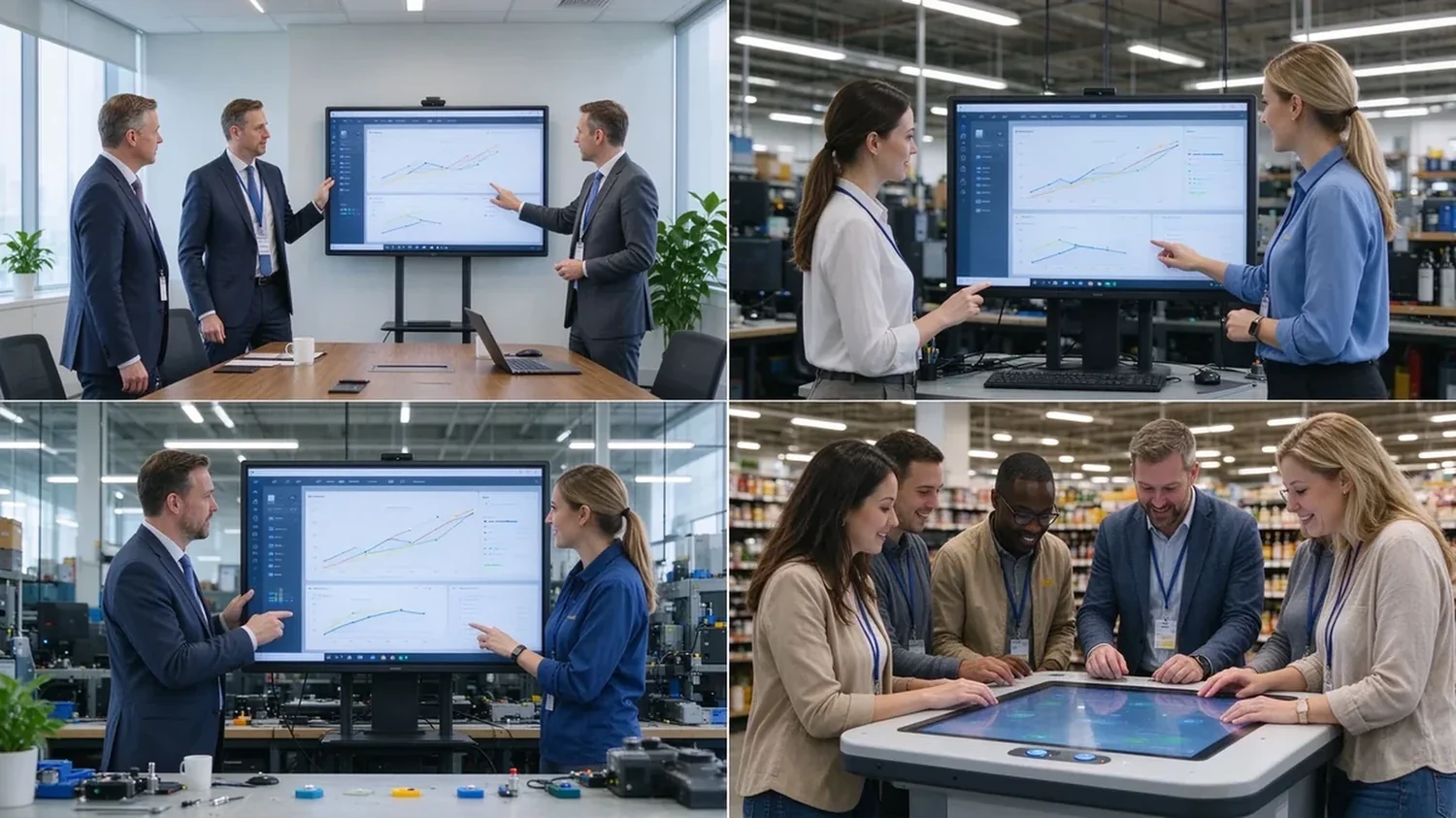
A sample or demo unit should survive this checklist before you sign a bulk order:
Most commercial interactive panels support 10–20 point multi-touch; products built for dense collaboration may reach 40–50 points. Selected Qtenboard interactive whiteboards support 20–50 points, depending on model, size, and touch technology.
For ordinary meetings, multi-user annotation, and two to four people writing at once, 20 points is usually a reasonable configuration. Screen size, whiteboard software, touch latency, and user behavior still matter.
40 points does not mean 40 people. The real number depends on how many points each person uses, whether they write, the screen size, and the space between users.
20 points fits ordinary meetings and moderate multi-user collaboration; 50 points suits training, workshops, large brainstorming, and dense interaction. High touch points add value only when software and space support them.
Not always. Models may support different touch protocols, software, and point counts under Android and Windows. Ask the supplier to confirm real behavior on both systems before ordering.
Each fits different scenarios. Infrared is common in large interactive panels and reaches higher point counts; PCAP feels more like a phone or tablet and suits interactive tables and premium displays.
Yes. Selected Qtenboard interactive whiteboards support 20, 40, or 50 point multi-touch for simultaneous writing, annotation, and collaboration; confirm the exact capability for your model and software environment.
Yes. OEM/ODM buyers can specify touch points, size, system, appearance, ports, software, and packaging per project.
Different roles need different next steps:
| Role | Recommended next step |
|---|---|
| Enterprise procurement | Request a multi-touch specification |
| IT / AV manager | Download the touch performance checklist |
| Integrator | Request project configuration support |
| Bộ phân phối | Request the OEM/ODM catalog and sample |
| Large project | Schedule a factory video audit |
Tell us how many people need to interact with the screen, your preferred display size, room type, operating system, and target quantity. Qtenboard can recommend a suitable 20-, 40-, or 50-point touch configuration for business, training, retail, or OEM/ODM applications. Reach the team through the contact page.
Required: name, company, email, country, business type, application, number of simultaneous users, message.
Tùy chọn: preferred screen size, required touch-point level, operating system, video conferencing need, required quantity, target country, OEM/ODM requirements, expected delivery date.
Request a Multi-Touch Specification Get a Qtenboard Product Recommendation Ask for a Sample or Quote Discuss an OEM/ODM Touch Display

Giám đốc điều hành | chuyên gia giải pháp trưng bày và hợp tác tương tác
Tôi Là Người sáng lập qtenboard, mang đến hơn 17 năm kinh nghiệm thực hành cho ngành công nghiệp màn hình cảm ứng. Dựa trên quan điểm quản lý toàn cầu thu được thông qua nghiên cứu emba của tôi tại Đại học thâm quyến, tôi dẫn dắt đội ngũ của tôi trong việc tối ưu hóa mọi giai đoạn hoạt động của chúng tôi-từ định nghĩa sản phẩm đến Quản Lý Chuỗi Cung ứng hiệu quả cao-Đảm bảo khả năng sản xuất của chúng tôi luôn đi đầu trong ngành.
Là lãnh đạo của qtenboard, tôi chuyên cung cấp các giải pháp OEM/ODM phù hợp cho bảng trắng tương tác, tường video LCD, biển báo kỹ thuật số và thiết bị đầu cuối cảm ứng cấp công nghiệp. Được hỗ trợ bởi khu công nghiệp hiện đại 330,000 m² ở thâm quyến, chúng tôi duy trì kiểm soát toàn bộ vòng đời đối với thiết kế công nghiệp, sản xuất chính xác và kiểm tra hiệu suất nghiêm ngặt.
Với gần hai thập kỷ kinh nghiệm của dự án, các giải pháp trưng bày của qtenboard hiện được triển khai tại hơn 120 quốc gia và khu vực, đã giành được sự tin tưởng của hơn 15,000 khách hàng doanh nghiệp trên toàn thế giới. Nếu bạn đang tìm kiếm một đối tác phản hồi với nền tảng sản xuất sâu cho các dự án màn hình cảm ứng tùy chỉnh của bạn, nhóm của tôi và tôi đã sẵn sàng hỗ trợ tầm nhìn của bạn với sự xuất sắc chuyên nghiệp.

 vie
vie
 EN
EN  pt
pt  spa
spa  th
th  aze
aze  bel
bel  est
est  lav
lav  ukr
ukr  ru
ru