สมาร์ทบอร์ดเกรดธุรกิจส่วนใหญ่โฆษณาแบบมัลติทัชแต่ "รองรับมัลติทัช" ไม่เหมือนกับ "สร้างขึ้นสำหรับการทำงานร่วมกันของผู้ใช้หลายคนจริง" สมาร์ทบอร์ดพร้อมมัลติทัช ที่ทำงานอย่างสวยงามสำหรับผู้จัดรายการหนึ่งอาจกลายเป็นความสับสนในช่วงเวลาที่เพื่อนร่วมงานสามคนยันเพื่อรบกวนในครั้งเดียวคู่มือนี้ตอบคำถามการซื้อที่อยู่เบื้องหลังการตลาด: ซึ่งสมาร์ทบอร์ดรองรับอินพุตแบบสัมผัสสำหรับผู้ใช้หลายคนและคุณจะบอกความแตกต่างระหว่างคะแนน20จุดและพื้นผิวการทำงานร่วมกันอย่างแท้จริงได้อย่างไร?
ความจริงที่อึดอัด: จุดสัมผัส20จุดไม่ใช่การเขียน20คนและจุดสัมผัส50จุดสัมผัสไม่ใช่50คนที่ดำเนินการสิ่งที่ตัดสินใจว่าประสบการณ์คือชุดของปัจจัย-การนับจุดสัมผัส, เวลาแฝง, การปฏิเสธปาล์ม, พฤติกรรมการเขียนพร้อมกัน, การสนับสนุนระบบปฏิบัติการ, ซอฟต์แวร์ไวท์บอร์ด, ขนาดหน้าจอและรูปแบบห้องบทความนี้สร้างกรอบการจัดซื้อ: แนวคิดก่อนจากนั้นการเปรียบเทียบแบบสัมผัสเทคโนโลยีการสัมผัสเกณฑ์การประเมินผลกรณีการใช้งานและรายการตรวจสอบการทดสอบก่อนสั่งซื้อ
มีการกำหนดค่าแบบมัลติทัช20-50จุดในกระดานไวท์บอร์ดแบบโต้ตอบอินฟราเรดและโต๊ะโต้ตอบเราอธิบายว่าแต่ละการกำหนดค่าเหมาะกับ-และที่มันถูกฆ่าเกิน
| ระดับจุดสัมผัส | ปฏิสัมพันธ์ทั่วไป | การใช้งานทางธุรกิจที่เหมาะสม | Qtenboard ทิศทาง |
|---|---|---|---|
| แบบ10จุด | 1-2ผู้ใช้ที่มีท่าทางพื้นฐาน | การประชุมและการนำเสนอขนาดเล็ก | แผงอินเตอร์แอคทีฟมาตรฐาน |
| ป20 | 2-4ผู้ใช้เขียนหรือคำอธิบายประกอบ | ห้องประชุมมาตรฐาน | กระดานไวท์บอร์ดแบบโต้ตอบธุรกิจ |
| 40คะแนน | ผู้ใช้หลายคนมีปฏิสัมพันธ์พร้อมกัน | การประชุมเชิงปฏิบัติการการฝึกอบรมการระดมความคิด | ธุรกิจ/แผงขนาดใหญ่ |
| 50-Point ค่ะ | ปฏิสัมพันธ์ระหว่างความหนาแน่นสูง | กลุ่มใหญ่, โครงการเฉพาะ | แผงการทำงานร่วมกันในรูปแบบขนาดใหญ่ |
| มากถึง40จุด PCAP | สัมผัสได้หลายทิศทาง | นิทรรศการขายปลีกให้คำปรึกษาเป็นกลุ่ม | โต๊ะโต้ตอบแบบฝาพับ |
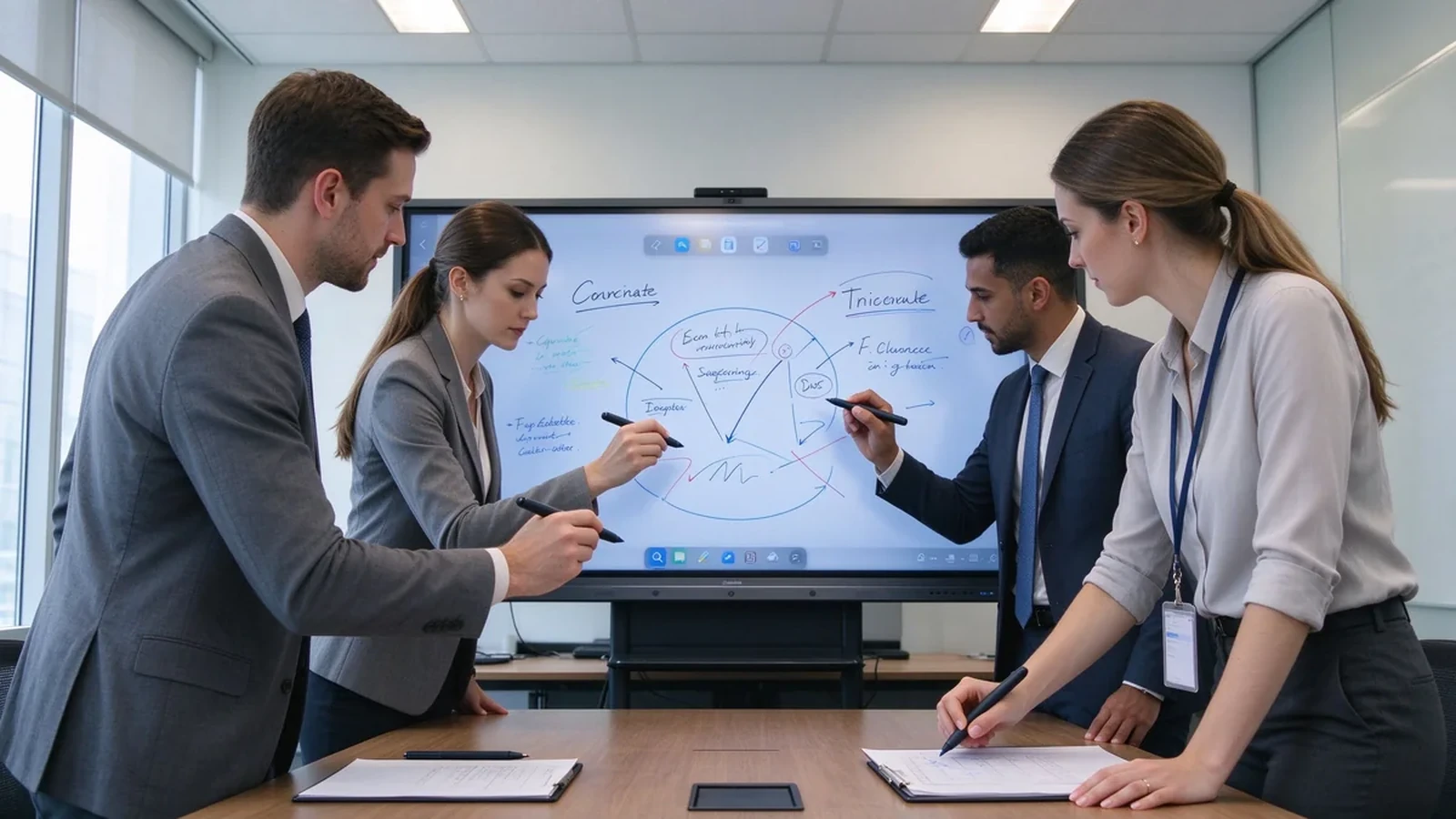
คำศัพท์สามคำมักใช้แทนกันได้แต่หมายถึงสิ่งต่างๆและทำให้สับสนคือวิธีที่ผู้ซื้อระบุเกินหรือซื้อต่ำกว่า
| คอนเซปต์ | ความหมาย |
|---|---|
| มัลติทัช | หน้าจอสามารถจดจำจุดสัมผัสได้หลายจุดพร้อมกัน |
| ผู้ใช้หลายคนสัมผัส | หลายคนสามารถเขียนลากซูมหรือใส่คำอธิบายประกอบพร้อมกันได้ |
| การทำงานของไวท์บอร์ดบอร์ด | BEYOND Touch: ซอฟต์แวร์ไวท์บอร์ดการแชร์เนื้อหาการบันทึกไฟล์และเวิร์กโฟลว์การทำงานร่วมกันจริง |
Multi-user touch earns its place in brainstorming sessions, project-plan discussions, engineering and design reviews, joint editing of sales proposals, corporate training, trade-show demos, client workshops, and strategy offsites. In these rooms, the board is a shared canvas — not a projector for one presenter.
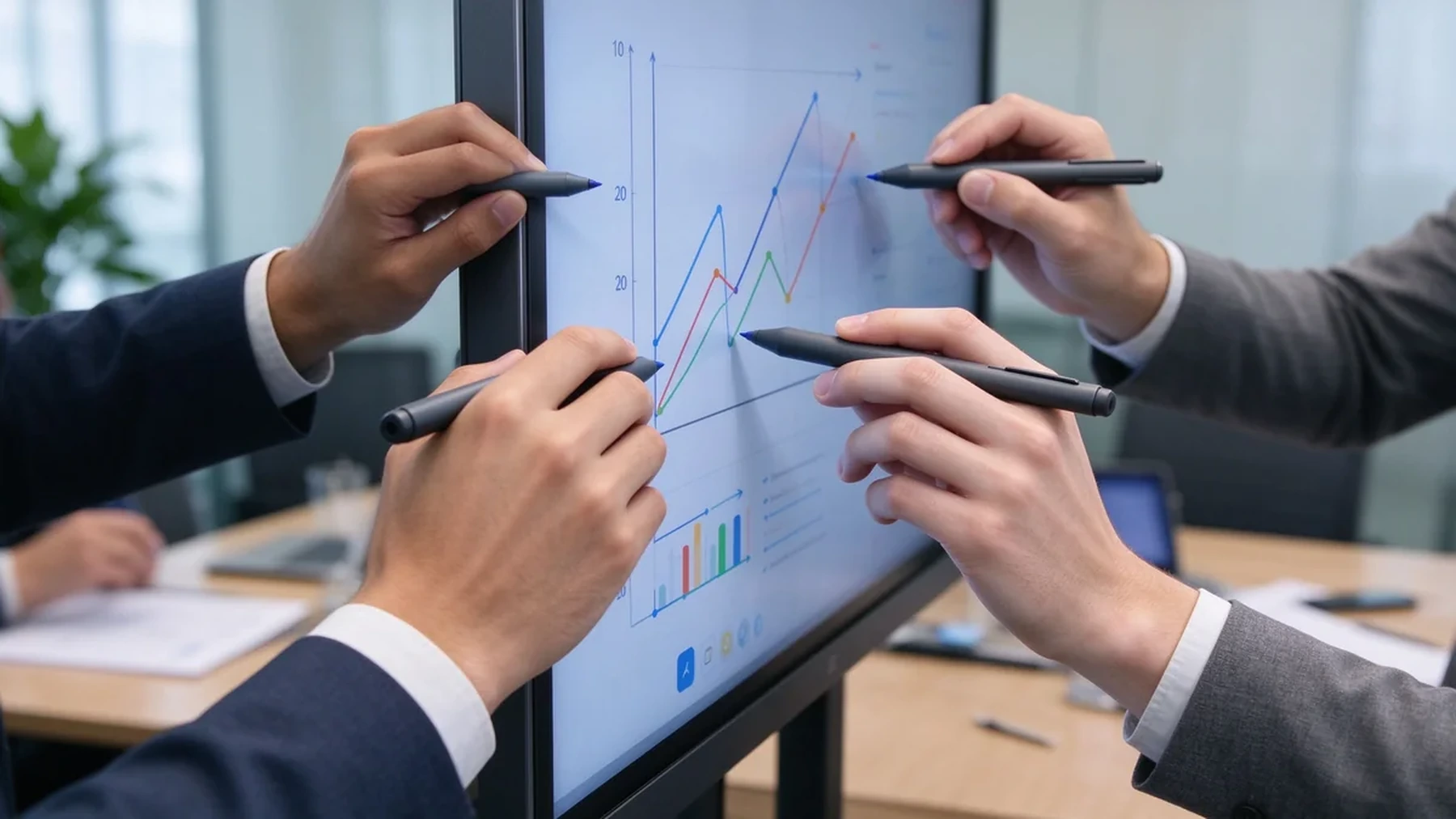
ในทางปฏิบัติค่าใช้จ่ายของความสามารถในการสัมผัสที่ไม่ตรงกันเป็นเรื่องง่ายที่จะประมาท: การประชุมเชิงปฏิบัติการที่แผงลอยในขณะที่ผู้คนผลัดกันที่หน้าจอการตรวจสอบการออกแบบที่ annotator ที่สองไม่สามารถวาด, หรือเซสชั่นการฝึกอบรมที่กระดานล่าช้าภายใต้สี่มือเหล่านี้ไม่ค่อยความล้มเหลวของผลิตภัณฑ์; พวกเขาไม่ตรงกันระหว่างการกำหนดค่าแบบสัมผัสและเวิร์กโฟลว์ห้อง-ช่องว่างที่แน่นอนคู่มือนี้จะช่วยให้คุณปิดก่อนที่จะซื้อ
| ระดับจุดสัมผัส | ปฏิสัมพันธ์ทั่วไป | การใช้งานทางธุรกิจที่เหมาะสม |
|---|---|---|
| แบบ10จุด | ผู้ใช้หนึ่งหรือสองคนที่มีท่าทางพื้นฐาน | การประชุมและการนำเสนอขนาดเล็ก |
| ป20 | Two to four users writing or annotating | ห้องประชุมมาตรฐาน |
| 40คะแนน | ผู้ใช้หลายคนมีปฏิสัมพันธ์พร้อมกัน | การประชุมเชิงปฏิบัติการการฝึกอบรมและการระดมความคิด |
| 50-Point ค่ะ | ปฏิสัมพันธ์ระหว่างความหนาแน่นสูง | Large groups and specialized projects |
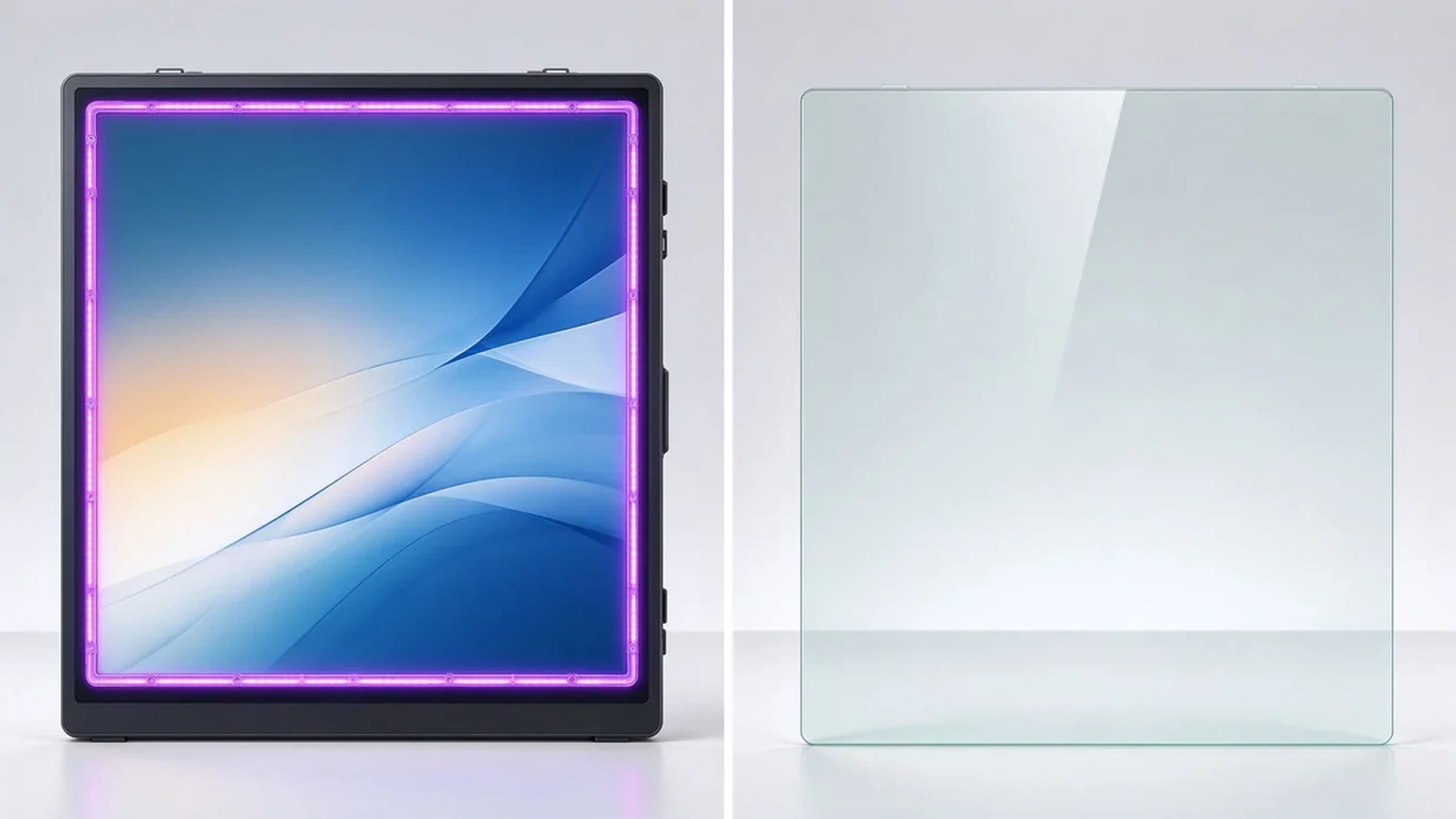
Infrared frames sense touch across the bezel grid and commonly support higher touch-point counts. They work with fingers and styli, and some models support gloved operation. They suit meeting rooms, classrooms, training rooms, and industrial environments, with flexible screen sizes and touch-area customization.
Projected capacitive touch feels like a smartphone or tablet: sensitive, with a flat smooth surface. It suits interactive tables, retail displays, and lightweight collaboration. Exact touch-point counts and sizes depend on the model.
Projector systems can support multi-touch, but the experience depends on the projection surface, ambient light, and calibration. For office upgrade projects, maintenance and installation complexity are usually higher. When a business wants stable 4K, low-latency touch, and one integrated deployment, an interactive flat panel is typically easier to manage.
A standard display can gain touch through an external frame or sensor. Buyers should confirm touch-layer and display-layer compatibility, touch-area coverage, latency, mounting flatness, replacement cost, and whether the overlay affects anti-glare and image quality.
| สัมผัสเทคโนโลยี | Strengths | ข้อจำกัดของ | Common B2B applications |
|---|---|---|---|
| Infrared touch | High touch-point options, finger or stylus, suits large displays | Frame more exposed to dust or impact | ห้องประชุมห้องเรียนการฝึกอบรม |
| PCAP touch | Smooth smartphone-like feel, flat surface, high sensitivity | Large sizes and dense touch configurations cost more | ตารางโต้ตอบขายปลีกการทำงานร่วมกันระดับพรีเมียม |
| Optical touch | Good precision and large-format flexibility | Depends on design and calibration | Large interactive displays |
| Projector-based touch | Creates large interactive surfaces | Sensitive to lighting, alignment, maintenance | Specialized rooms and projection environments |
The best touch technology depends on display size, use environment, user behavior, and maintenance requirements — not on the maximum touch-point number alone.
Ask what the spec means in practice: advertised points, points under Windows, points under Android, whether touch is dropped when several users write together, and whether full touch needs special software.
Does the stylus follow the hand? Does fast writing break strokes? Does latency rise when several people act at once? Does the experience stay consistent when you switch from Android to Windows?
Does a resting palm create stray marks? Are finger, pen, and eraser recognized automatically? Is palm rejection consistent across whiteboard apps?
Test two people writing, three to four annotating, multiple people dragging objects, one person writing while another erases, one person presenting via casting while others write — users in different regions of the screen at the same time.
Corner accuracy, small-text and small-icon tapping, stylus offset, calibration needs, and parallax on the glass surface.
Multi-page and infinite canvas, multi-user annotation, object move and zoom, PDF/PPT/image import, PDF/image export, email/QR/cloud sharing, and meeting content saving.
Full multi-touch on Android, HID touch on Windows, OPS support, compatibility with common whiteboard apps and Microsoft Office, browser-based collaboration tools, and clean dual-system switching.
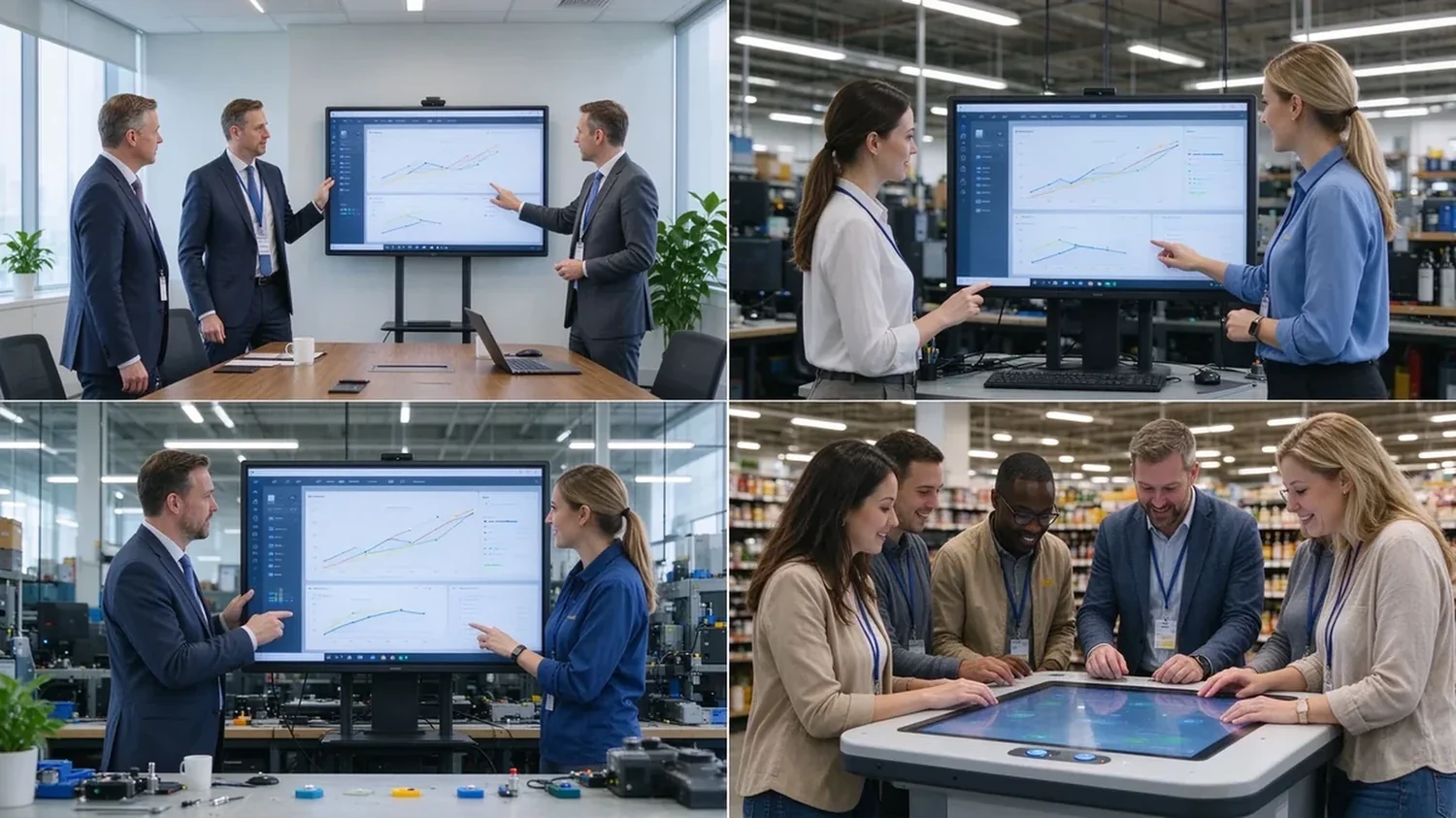
55–65 inches suits 1–2 people; 75–86 inches suits standard rooms and small workshops; 98–110 inches suits training rooms, large rooms, and dense collaboration. If people stand around the screen on all sides, an interactive table or multi-display system may fit better. Size and people are not fixed rules — they depend on room layout and task type.
| Use case | Recommended touch | Key considerations | Qtenboard ทิศทาง |
|---|---|---|---|
| Corporate meetings | ป20 | 2–4 users annotating, wireless casting, file export | กระดานไวท์บอร์ดแบบโต้ตอบธุรกิจ |
| Brainstorming workshops | 40-point or higher | Large screen, independent multi-user operation, infinite canvas | แผงการทำงานร่วมกันในรูปแบบขนาดใหญ่ |
| Corporate training | 20–40-point | Instructor writing, learner interaction, 86"+, file sharing | 75–98" interactive panel |
| Engineering and design review | 20–40-point | 4K, precise touch, low latency, PDF/CAD/image/video | 4K interactive display |
| Retail and exhibition | มากถึง40จุด PCAP | Multi-directional touch, high brightness, custom appearance | โต๊ะโต้ตอบแบบฝาพับ |
A realistic lifecycle view keeps high touch-point counts in proportion:
TCO = device price + software licensing + installation + training + maintenance + spare parts + upgrades.
ROI view: annual collaboration gain = collaborative meetings per year × minutes saved per meeting × average participant hourly cost.
Hidden costs to ask about: mounting and cabling, software licensing, warranty extensions, spare panels for fast swap-outs, and firmware support across a multi-region fleet. A quotation that lists only the panel price will surprise you in year one — ask suppliers for the complete landed cost, not the ex-works number.
Exact touch points depend on size, touch technology, and configuration — confirm against the target model.
Infrared touch with large-format display, finger and stylus input, low-latency response, and palm rejection. Built for meetings, training, and education, with OEM/ODM size and configuration customization.
40-point PCAP touch, 4K display, Windows and Android dual system, four-side operation, corporate brainstorming, exhibition, and retail consultation, with custom color, size, and peripherals.
Target size and touch-point level, infrared or PCAP technology, Android/Windows/dual system, logo and boot screen, preloaded software, camera/microphone/speaker options, external scanners, packaging and manuals, CKD/SKD local assembly, batch delivery, and after-sales support.
Typical configurations buyers request:
| Buyer priority | Qtenboard value proposition |
|---|---|
| Touch-point flexibility | 20 / 40 / 50-point options |
| สัมผัสเทคโนโลยี | Infrared and PCAP configurations |
| Room-size flexibility | 32–110" interactive display portfolio |
| Project customization | OEM/ODM hardware, software, branding, CKD/SKD |
| Deployment support | DMS, batch supply, spare parts, integrator support |
A sample or demo unit should survive this checklist before you sign a bulk order:
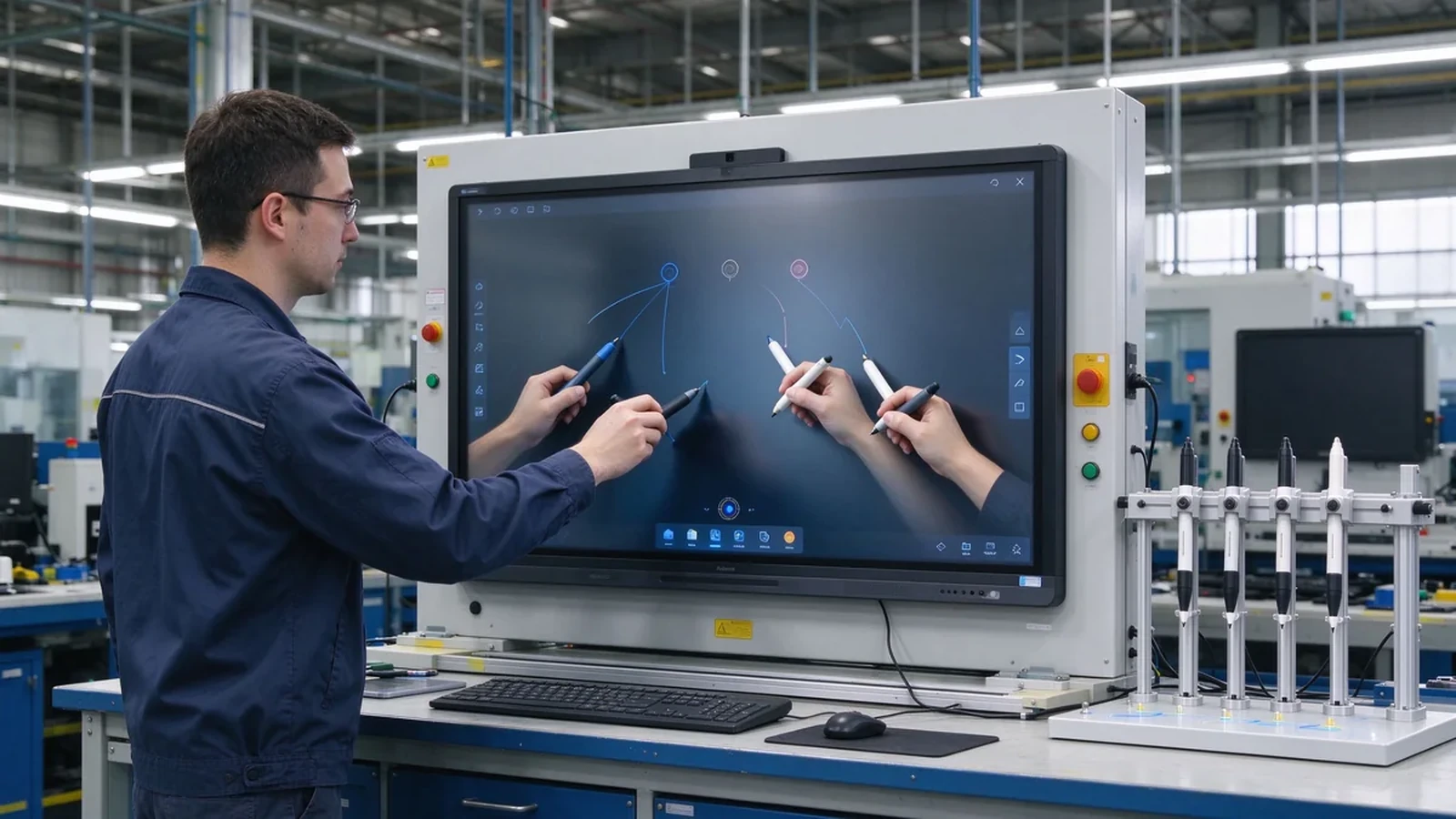
Most commercial interactive panels support 10–20 point multi-touch; products built for dense collaboration may reach 40–50 points. Selected Qtenboard interactive whiteboards support 20–50 points, depending on model, size, and touch technology.
For ordinary meetings, multi-user annotation, and two to four people writing at once, 20 points is usually a reasonable configuration. Screen size, whiteboard software, touch latency, and user behavior still matter.
40 points does not mean 40 people. The real number depends on how many points each person uses, whether they write, the screen size, and the space between users.
20 points fits ordinary meetings and moderate multi-user collaboration; 50 points suits training, workshops, large brainstorming, and dense interaction. High touch points add value only when software and space support them.
Not always. Models may support different touch protocols, software, and point counts under Android and Windows. Ask the supplier to confirm real behavior on both systems before ordering.
Each fits different scenarios. Infrared is common in large interactive panels and reaches higher point counts; PCAP feels more like a phone or tablet and suits interactive tables and premium displays.
Yes. Selected Qtenboard interactive whiteboards support 20, 40, or 50 point multi-touch for simultaneous writing, annotation, and collaboration; confirm the exact capability for your model and software environment.
Yes. OEM/ODM buyers can specify touch points, size, system, appearance, ports, software, and packaging per project.
Different roles need different next steps:
| Role | Recommended next step |
|---|---|
| Enterprise procurement | Request a multi-touch specification |
| IT / AV manager | Download the touch performance checklist |
| Integrator | Request project configuration support |
| จำหน่ายโดยตัวแทนจำหน่าย | Request the OEM/ODM catalog and sample |
| Large project | Schedule a factory video audit |
Tell us how many people need to interact with the screen, your preferred display size, room type, operating system, and target quantity. Qtenboard can recommend a suitable 20-, 40-, or 50-point touch configuration for business, training, retail, or OEM/ODM applications. Reach the team through the contact page.
Required: name, company, email, country, business type, application, number of simultaneous users, message.
อุปกรณ์เสริม: preferred screen size, required touch-point level, operating system, video conferencing need, required quantity, target country, OEM/ODM requirements, expected delivery date.
Request a Multi-Touch Specification Get a Qtenboard Product Recommendation Ask for a Sample or Quote Discuss an OEM/ODM Touch Display

ซีอีโอ | ผู้เชี่ยวชาญด้านโซลูชันการแสดงผลแบบโต้ตอบและการทำงานร่วมกัน
ฉันเป็นผู้ก่อตั้ง qtenboard นำความเชี่ยวชาญด้านการลงมือปฏิบัติมากกว่า17ปีมาสู่อุตสาหกรรมการแสดงผลแบบสัมผัสจากมุมมองการจัดการทั่วโลกที่ได้รับจากการศึกษา EMBA ของฉันที่มหาวิทยาลัยเซินเจิ้นฉันนำทีมของฉันในการเพิ่มประสิทธิภาพทุกขั้นตอนของการดำเนินงานของเรา-จากความละเอียดของผลิตภัณฑ์ที่มีประสิทธิภาพสูงการจัดการห่วงโซ่อุปทาน-มั่นใจความสามารถในการผลิตของเรายังคงอยู่ในระดับแนวหน้าของอุตสาหกรรม
ในฐานะผู้นำของ qtenboard ฉันเชี่ยวชาญในการให้บริการโซลูชั่น oem/odm ที่ปรับแต่งสำหรับกระดานไวท์บอร์ดแบบโต้ตอบผนังวิดีโอ LCD ป้ายดิจิตอลและเทอร์มินัลสัมผัสระดับอุตสาหกรรมสนับสนุนโดย330,000ตารางเมตรสวนอุตสาหกรรมที่ทันสมัยของเราในเซินเจิ้น, เรารักษาเต็ม Lifecycle ควบคุมการออกแบบอุตสาหกรรม, การผลิตที่มีความแม่นยำ, และการทดสอบประสิทธิภาพที่เข้มงวด.
ด้วยประสบการณ์โครงการเกือบสองทศวรรษโซลูชันการแสดงผลของ qtenboard จึงถูกนำไปใช้ในกว่า120ประเทศและภูมิภาคได้รับความไว้วางใจจากลูกค้าระดับองค์กรมากกว่า15,000รายทั่วโลกหากคุณกำลังมองหาพันธมิตรที่ตอบสนองต่อการผลิตที่ลึกซึ้งสำหรับโครงการแสดงผลแบบสัมผัสที่กำหนดเองของคุณทีมของฉันและฉันพร้อมที่จะสนับสนุนวิสัยทัศน์ของคุณด้วยความเป็นเลิศระดับมืออาชีพ

 th
th
 EN
EN  pt
pt  spa
spa  vie
vie  aze
aze  bel
bel  est
est  lav
lav  ukr
ukr  ru
ru