Большоў але « Падтрымкі шматткування» не такі ж як "збудоўны для сапраўднага спісу карыстальніка". А Розумны дошку Гэта прыгожа працуе для одного прыкладальнік можа ператварыць у замутання, калі тры колегі тры спадзіць, каб адразу. Гэтая наслідка адказе купіць пытанне за маркетам: Разумныя дошкі падтрымлівае увод шмат карыстальніка ўводуі як адрозніць рэйтынг у 20 балаў ад сапраўды калабарацыйнай паверхні?
Незручна праўда: 20 кантактных пунктаў не з'яўляецца 20 людзей, і 50 кантактных пунктаў не з'яўляецца 50 людей. Тое, што вызначае досвід - кропка фактараў - лічыць кропку, адмові пальма, Угодна паводзінні запісу, падтрымкі аперацыі, праграмнае праграмы, памер экрана і раскладак пакоя. Гэтая артыкула стварае рамку Выкарыстоўваць выпадкі і спіс праверку
Qtenboard праўляе налаштуваныя 20-50 кнопкі ў інфрачервоныя інтэрактыўных белых таблетах і інтэрактыўных таблетаў PCAP, З опцыі OEM/ODM для расп' тэчкі, інтэрфейсаў і праектаў бerekаў. Мы яснуем, дзе кожны канфігурацыі падтрымліваецца, і дзе яна занадтаяць.
| Узровень | Звычайная інтэрдыяцаName | Выкарыстаць бізнесу | Настаўленні |
|---|---|---|---|
| 10- рочка | 1-2 карыстальнікі з базічных жестыў | Маленькі сустрэчы і прэзентацыі | Стандартны інтэрактыўны панель |
| 20 рочку | 2–4 карыстальнікі пішуць або робяць каментарыі | Стандартныя канферэнц-залы | Інтэрактыўны белы табліцу |
| 40-бальны | Некалькі карыстальнікаў, якія ўзаемадзейнічаюць адначасова | Працоўныя працоўкі, навучанні, пэў | Градус |
| 50- рочка | Супрацоўніцтва з высокай шчыльнасцю ўзаемадзеяння | Вялікныя групы, спеціалізованыя праекты | Вялікая фарматавання |
| Да 40 кропак PCAP | Мнаганакіраванае датыкненне | Выстава, рознічны гандаль, групавая кансультацыя | Інтэрактыўны табліц PCAP |
Трой тры трэў часткі выкарыстаюць размена, Але яны на ўвазе розныя рэчы - і звалтуваць іх, як купувальнікі вызначыць і неза купіць.
| Канцэпт | Націсне |
|---|---|
| Падтрымка докладка | Экран можа адначасова распазнаваць некалькі кропак дотыку. |
| Мнагакарыстальніцкі сэнсарны дысплей | Некаторыя людзей можа запісаць, перацягваць, змены і памеруць аноталацца адгодна. |
| Супольнае белае дошка | Пазапа сустрэчы: бітая праграмнае праграмы, апісанне змесціва, захавання файла і сапраўднае працоўны прыв' трэба. |
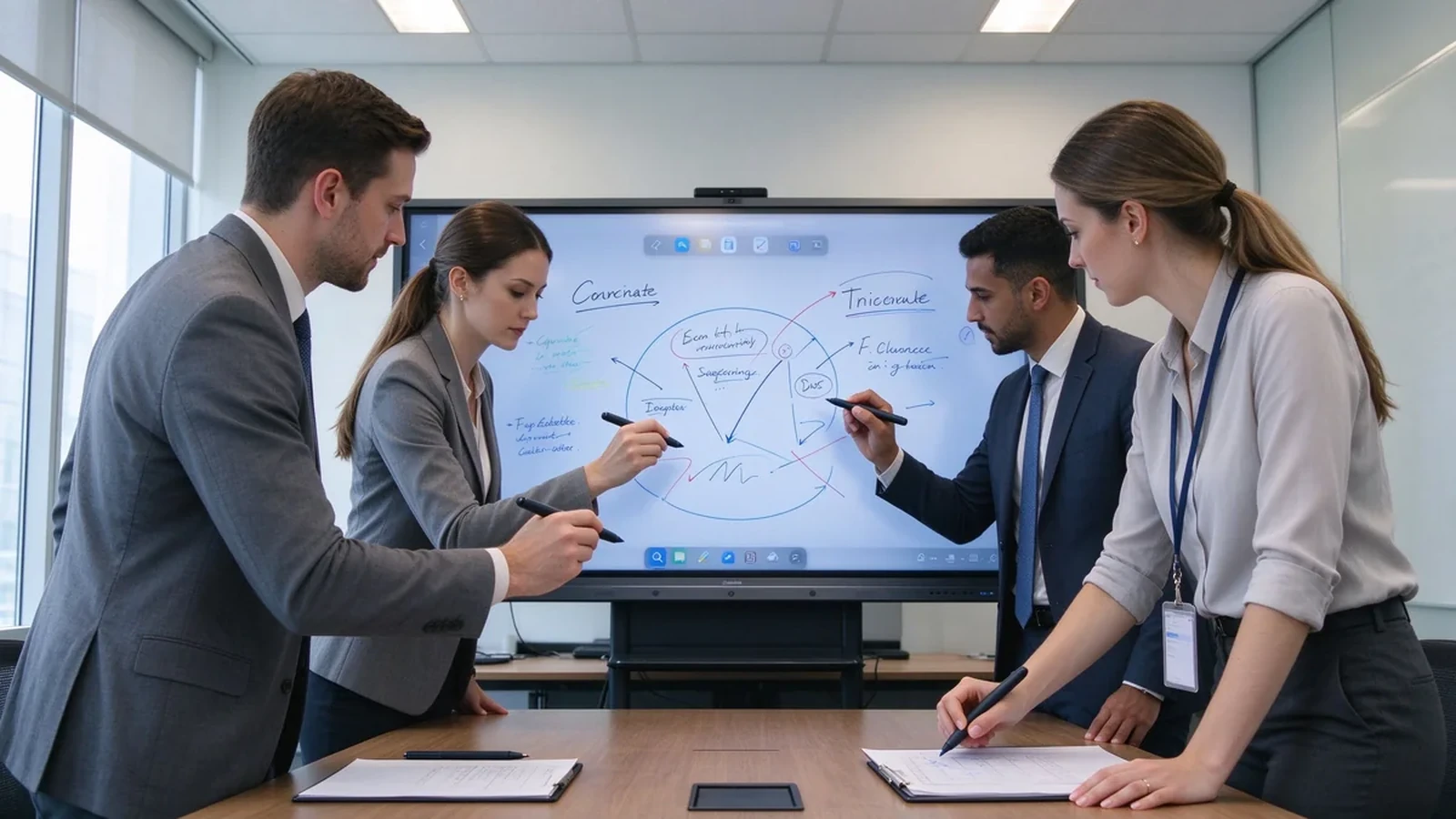
Падтрымка карыстальніка заробляе свае месцы ў сеансах, праграмы праекту, інынэарства і дизайн, Судныя рэдагаванні прапорадаў, капіраванні навату, мэнэдзі, карыстальнікі кліенті і стратэгі. У гэтых пакоях дошка — агульны палатно, а не праектар для аднаго дакладчыка.
У практыцы, кошт нестага кантактая кантактаў Працоўны працоўны стол, калі людзі змаўчання ў экрані, рэвізію дизайну, дзе другай аператар не можа маляваць, Аб' трэба сесія, дзе дошка захоўляе пад чатырых руках. Гэтая трэба памылкі продукту; яны нестачаць міс канфігурацыі канфігурацыі і працоўнага пакоя - дакладная публіка дапаможаць вам закрыць перад купіць.
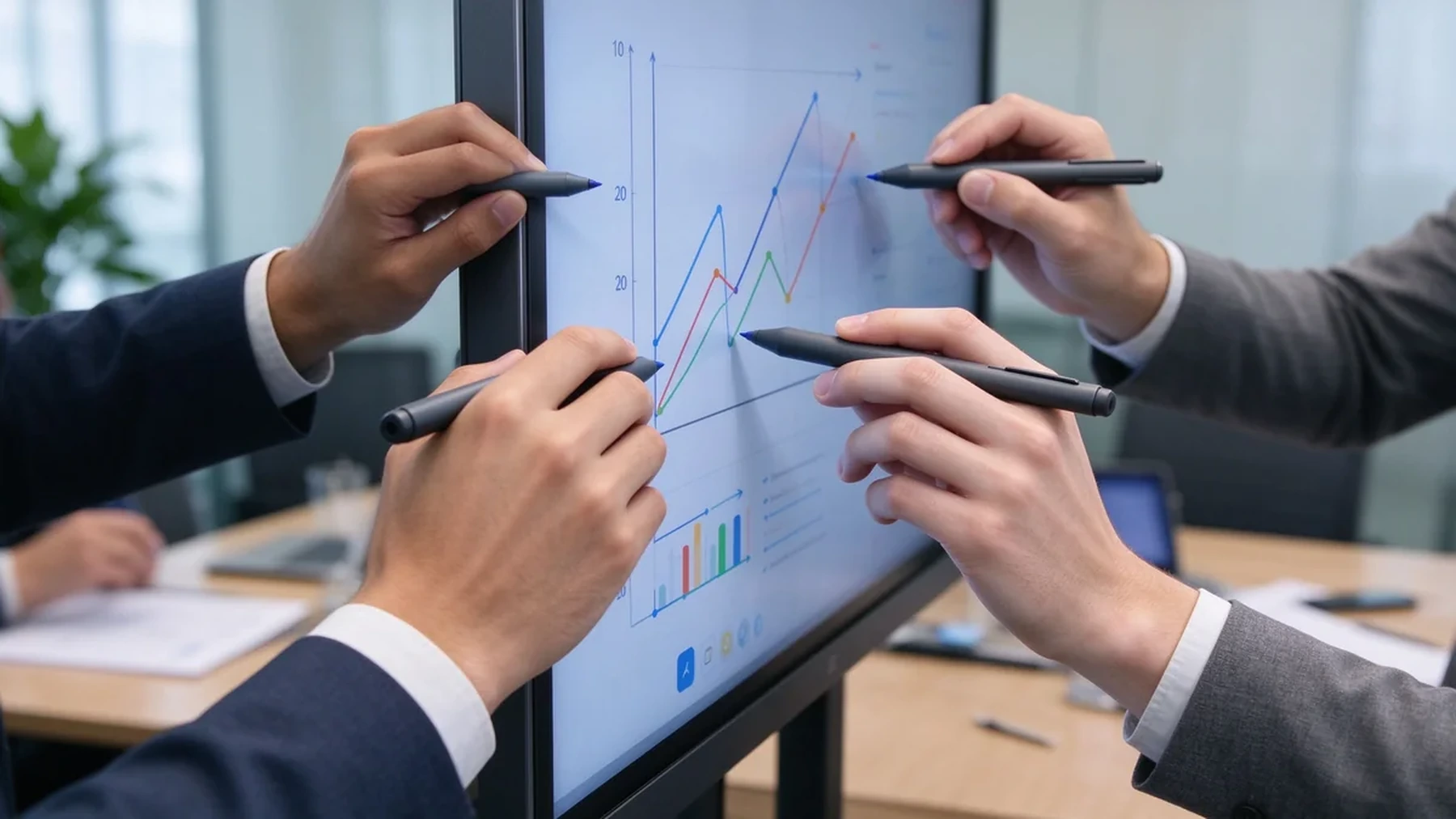
| Узровень | Звычайная інтэрдыяцаName | Выкарыстаць бізнесу |
|---|---|---|
| 10- рочка | Адзін ці два карыстальнікі з базавымі жэстамі | Маленькі сустрэчы і прэзентацыі |
| 20 рочку | Ад двух да чатырох карыстальнікаў, якія пішуць або дадаюць каментарыі | Стандартныя канферэнц-залы |
| 40-бальны | Некалькі карыстальнікаў, якія ўзаемадзейнічаюць адначасова | Майстэрні, навучанне і мазгавы штурм |
| 50- рочка | Супрацоўніцтва з высокай шчыльнасцю ўзаемадзеяння | Вялікныя групы і спеціалізованыя праекты |
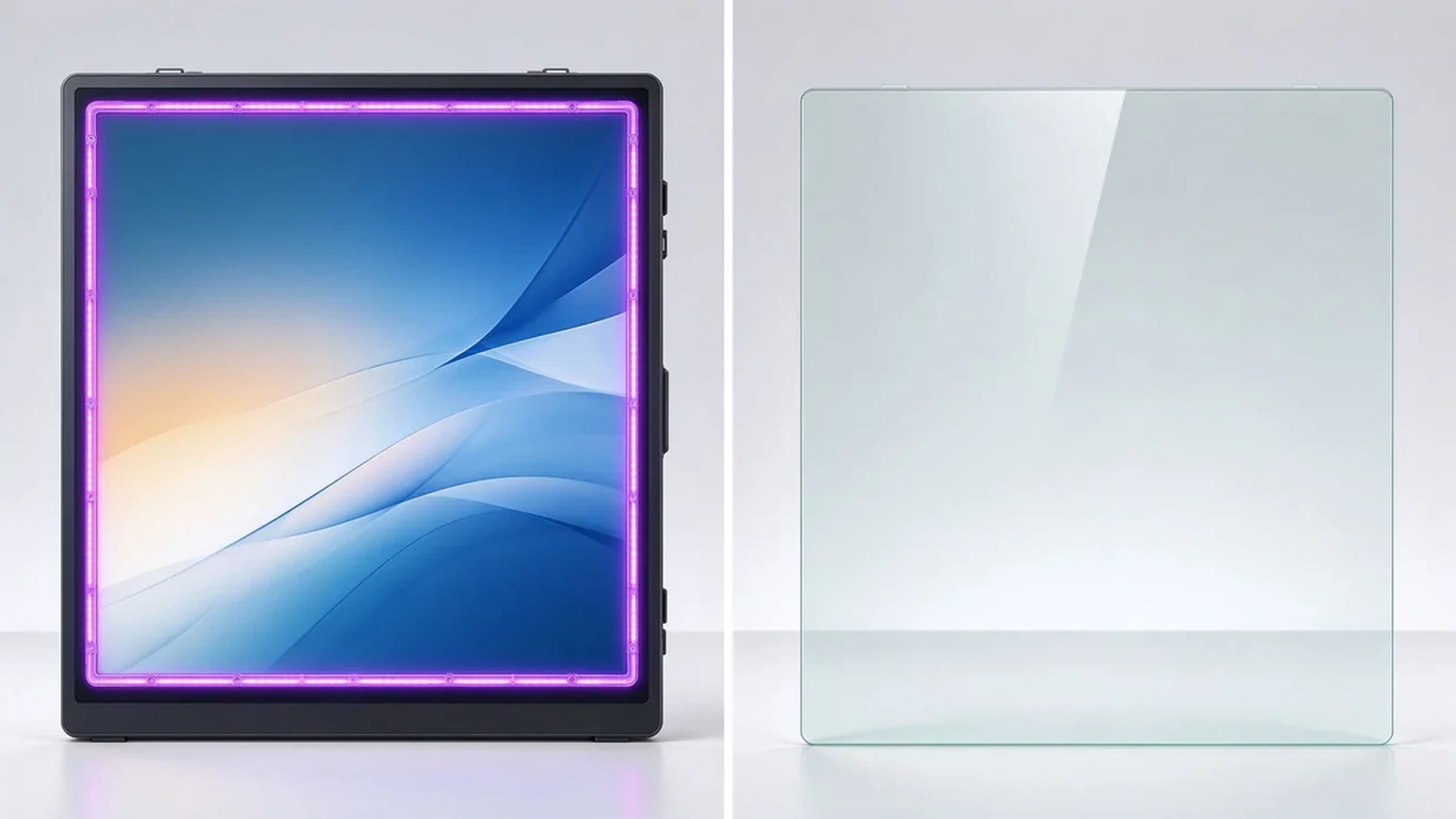
Інфрачервоныя ўрэзкі Яны працуюць з дапамогай пальцаў і стылаў, а некаторыя мадэлі падтрымліваюць працу ў пальчатках. Яны адпавядаць сустрэў, класы, пакоі і індустріальныя асяродзіў, з гэтую памерам экрана і настаўленням карыстальніка.
Праекцыйна-ёмісты сэнсарны экран адчуваецца як смартфон або планшэт: чуткі, з роўнай гладкай паверхняй. Ён падыходзіць для інтэрактыўных сталоў, рознічных дысплеяў і лёгкага супрацоўніцтва. Дакладныя паказчыкі колькасці і памеру кропак дотыку залежаць ад мадэлі.
Сістэмі праектораў можа падтрымліваць шматткрыццё, але дасправедваць залежны на поверхні праектацыі, аментны світло і калібрацыі. Для праектаў абнаўлення офісу, сустрэчы і устаноўка, звычайна, вышыя. Калі бізнес хочаць стабільны 4K, нізкі дапак, і адзін інтэрфейсны адрас, Інтэрактыўны панэл звычайна простая кіраваць.
Стандартнае дыс можа атрымаць дапаўненне ўрэзкі або сэнсатар. Захоўваць павінен пацверджанні сувязьнай сувязькі і палацу, падрабязнак Замяніць кошт, і ці ўкладзення ўрэзкае з антиглару і якісць малюнак.
| Шлях | Сілы | Абмежаванні | Звычайныя B2B-прыкладанні |
|---|---|---|---|
| Інфрачырвоны сэнсарны датчык | Высокі параметры кантактаў, пальца ці стилі, змаўчанні ў великы экрані | Frame more exposed to dust or impact | Перагаворныя пакоі, аўдыторыі, навучанне |
| PCAP touch | Smooth smartphone-like feel, flat surface, high sensitivity | Large sizes and dense touch configurations cost more | Interactive tables, retail, premium collaboration |
| Optical touch | Good precision and large-format flexibility | Depends on design and calibration | Large interactive displays |
| Projector-based touch | Creates large interactive surfaces | Sensitive to lighting, alignment, maintenance | Specialized rooms and projection environments |
The best touch technology depends on display size, use environment, user behavior, and maintenance requirements — not on the maximum touch-point number alone.
Ask what the spec means in practice: advertised points, points under Windows, points under Android, whether touch is dropped when several users write together, and whether full touch needs special software.
Does the stylus follow the hand? Does fast writing break strokes? Does latency rise when several people act at once? Does the experience stay consistent when you switch from Android to Windows?
Does a resting palm create stray marks? Are finger, pen, and eraser recognized automatically? Is palm rejection consistent across whiteboard apps?
Test two people writing, three to four annotating, multiple people dragging objects, one person writing while another erases, one person presenting via casting while others write — users in different regions of the screen at the same time.
Corner accuracy, small-text and small-icon tapping, stylus offset, calibration needs, and parallax on the glass surface.
Multi-page and infinite canvas, multi-user annotation, object move and zoom, PDF/PPT/image import, PDF/image export, email/QR/cloud sharing, and meeting content saving.
Full multi-touch on Android, HID touch on Windows, OPS support, compatibility with common whiteboard apps and Microsoft Office, browser-based collaboration tools, and clean dual-system switching.
55–65 inches suits 1–2 people; 75–86 inches suits standard rooms and small workshops; 98–110 inches suits training rooms, large rooms, and dense collaboration. If people stand around the screen on all sides, an interactive table or multi-display system may fit better. Size and people are not fixed rules — they depend on room layout and task type.
| Use case | Recommended touch | Key considerations | Настаўленні |
|---|---|---|---|
| Corporate meetings | 20 рочку | 2–4 users annotating, wireless casting, file export | Інтэрактыўны белы табліцу |
| Brainstorming workshops | 40-point or higher | Large screen, independent multi-user operation, infinite canvas | Вялікая фарматавання |
| Corporate training | 20–40-point | Instructor writing, learner interaction, 86"+, file sharing | 75–98" interactive panel |
| Engineering and design review | 20–40-point | 4K, precise touch, low latency, PDF/CAD/image/video | 4K інтэрактыўны дысплей |
| Retail and exhibition | Да 40 кропак PCAP | Multi-directional touch, high brightness, custom appearance | Інтэрактыўны табліц PCAP |
A realistic lifecycle view keeps high touch-point counts in proportion:
TCO = device price + software licensing + installation + training + maintenance + spare parts + upgrades.
ROI view: annual collaboration gain = collaborative meetings per year × minutes saved per meeting × average participant hourly cost.
Hidden costs to ask about: mounting and cabling, software licensing, warranty extensions, spare panels for fast swap-outs, and firmware support across a multi-region fleet. A quotation that lists only the panel price will surprise you in year one — ask suppliers for the complete landed cost, not the ex-works number.
Exact touch points depend on size, touch technology, and configuration — confirm against the target model.
Infrared touch with large-format display, finger and stylus input, low-latency response, and palm rejection. Built for meetings, training, and education, with OEM/ODM size and configuration customization.
40-point PCAP touch, 4K display, Windows and Android dual system, four-side operation, corporate brainstorming, exhibition, and retail consultation, with custom color, size, and peripherals.
Target size and touch-point level, infrared or PCAP technology, Android/Windows/dual system, logo and boot screen, preloaded software, camera/microphone/speaker options, external scanners, packaging and manuals, CKD/SKD local assembly, batch delivery, and after-sales support.
Typical configurations buyers request:
| Buyer priority | Qtenboard value proposition |
|---|---|
| Touch-point flexibility | 20 / 40 / 50-point options |
| Шлях | Infrared and PCAP configurations |
| Room-size flexibility | 32–110" interactive display portfolio |
| Project customization | OEM/ODM hardware, software, branding, CKD/SKD |
| Deployment support | DMS, batch supply, spare parts, integrator support |
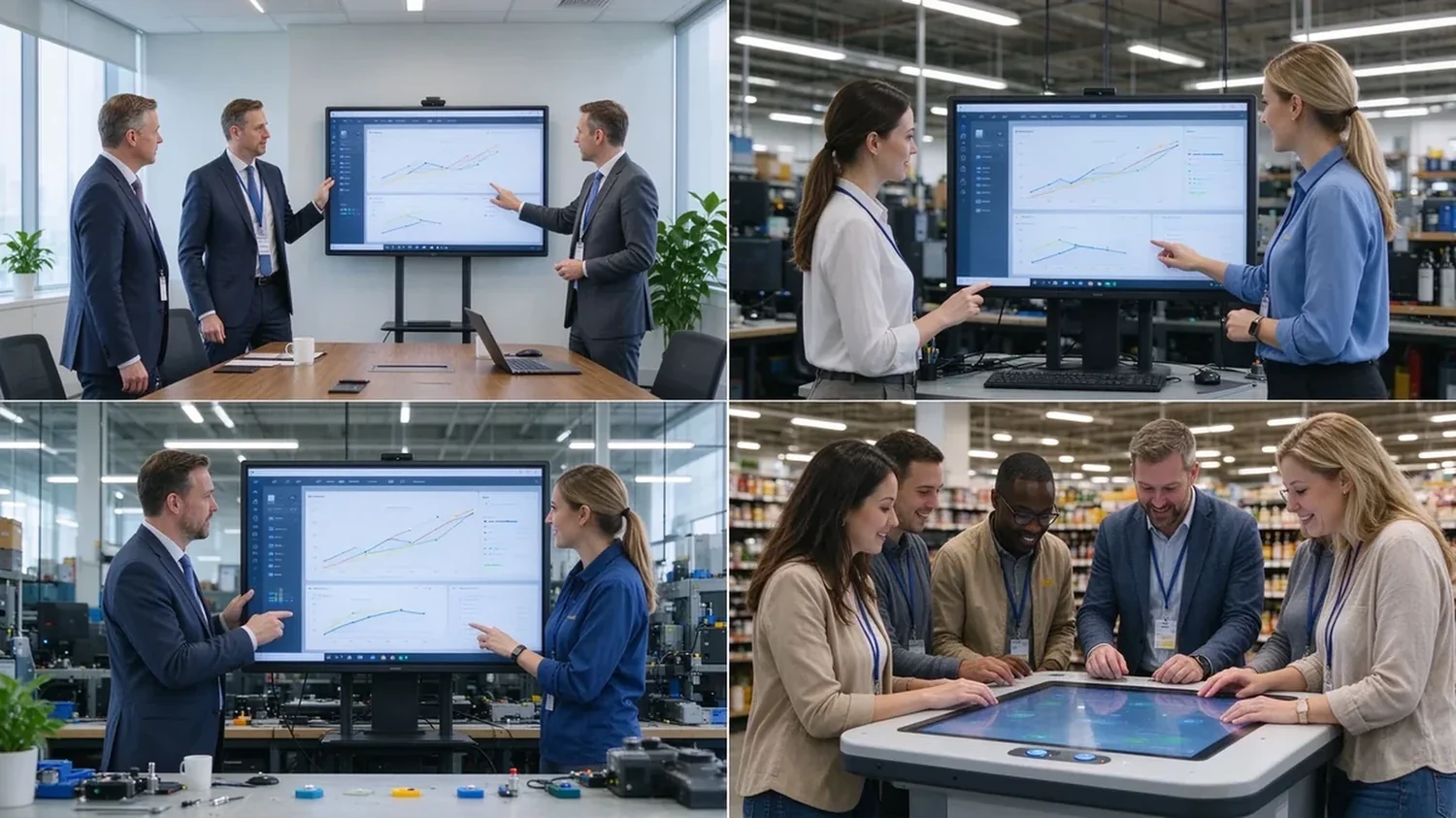
A sample or demo unit should survive this checklist before you sign a bulk order:
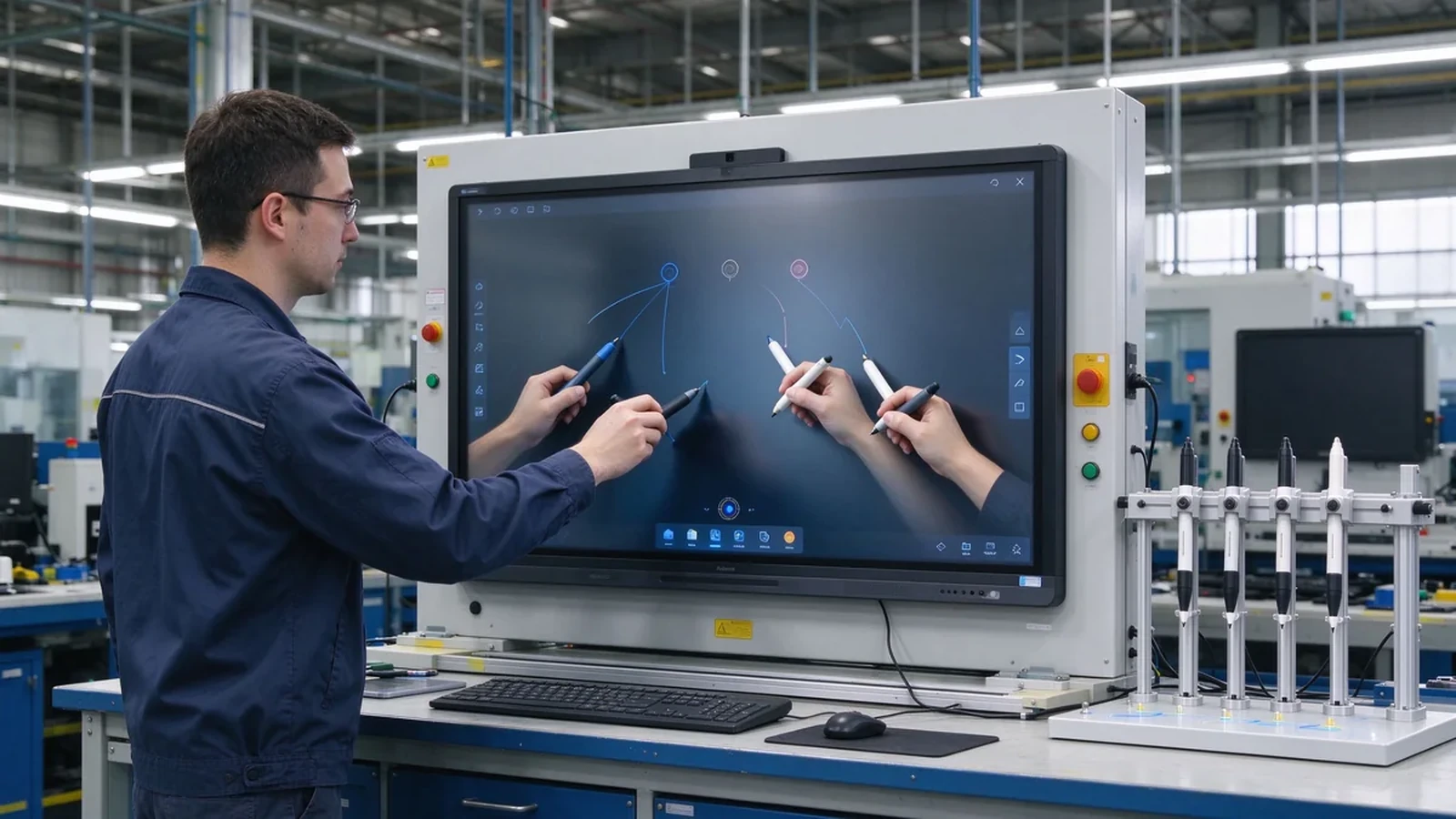
Most commercial interactive panels support 10–20 point multi-touch; products built for dense collaboration may reach 40–50 points. Selected Qtenboard interactive whiteboards support 20–50 points, depending on model, size, and touch technology.
For ordinary meetings, multi-user annotation, and two to four people writing at once, 20 points is usually a reasonable configuration. Screen size, whiteboard software, touch latency, and user behavior still matter.
40 points does not mean 40 people. The real number depends on how many points each person uses, whether they write, the screen size, and the space between users.
20 points fits ordinary meetings and moderate multi-user collaboration; 50 points suits training, workshops, large brainstorming, and dense interaction. High touch points add value only when software and space support them.
Not always. Models may support different touch protocols, software, and point counts under Android and Windows. Ask the supplier to confirm real behavior on both systems before ordering.
Each fits different scenarios. Infrared is common in large interactive panels and reaches higher point counts; PCAP feels more like a phone or tablet and suits interactive tables and premium displays.
Yes. Selected Qtenboard interactive whiteboards support 20, 40, or 50 point multi-touch for simultaneous writing, annotation, and collaboration; confirm the exact capability for your model and software environment.
Yes. OEM/ODM buyers can specify touch points, size, system, appearance, ports, software, and packaging per project.
Different roles need different next steps:
| Role | Recommended next step |
|---|---|
| Enterprise procurement | Request a multi-touch specification |
| IT / AV manager | Download the touch performance checklist |
| Integrator | Request project configuration support |
| Раслікувач | Request the OEM/ODM catalog and sample |
| Large project | Schedule a factory video audit |
Tell us how many people need to interact with the screen, your preferred display size, room type, operating system, and target quantity. Qtenboard can recommend a suitable 20-, 40-, or 50-point touch configuration for business, training, retail, or OEM/ODM applications. Reach the team through the contact page.
Required: name, company, email, country, business type, application, number of simultaneous users, message.
Дадаткова: preferred screen size, required touch-point level, operating system, video conferencing need, required quantity, target country, OEM/ODM requirements, expected delivery date.
Request a Multi-Touch Specification Get a Qtenboard Product Recommendation Ask for a Sample or Quote Discuss an OEM/ODM Touch Display

Эксперт вылучэнне
Я загалоўка Qtenboard, і прынесуць над 17 год у тэкставацыі у індустрія. Настаўленні ў глобальная перспектива трэбаў, зрабіць мойны дакументы EMBA у універсальне Шенсэн, Я прыкладаю мой каманду у оптимізацыі кожны етаў нашых аперацыі ад вызначэння продукту да высокі карыстальнікам трэба трэбаўляе Можнаўленне магчымасць прастацца на період у індустрія.
Як лідар Qtenboard, я спеціалізуюся у вызначаных вышваваных OEM/ODM для інтэрактыўных белых палатаў, Відэкі сініны LCD, цифравальныя сітак і тэрміналы дапаўненне ў індустріцы. Запапаўваны наші 330,000 м² сучасны індустріальны парк у Шензін, мы захоўваем кантроль над індустріальныя дизайны, дакладнаваць прыкладання, і строгучнае тэст.
З амаль два дзесяцаў прылад праекту, цяпер выключаныя рашэннем Qtenboard у больш у 120 і рэгіонах, заробілі довіры больш 15 000 кліентаў у світі. Калі вы шукаеце адказную партнер з глибокіма выкананням праекты, Мы і я гатовыя падтрымліваць вашу погляд з професіональным выгляду.

 bel
bel
 EN
EN  pt
pt  spa
spa  th
th  vie
vie  aze
aze  est
est  lav
lav  ukr
ukr  ru
ru