Модернизация офисного конференц-зала-это не просто замена экрана. Это шанс исправить весь рабочий процесс собрания: представление, аннотирование, беспроводной кастинг, видеоконференции и управление устройствами. Новая панель, которая удерживает каждую старую точку трения на месте, является дорогостоящим ремонтом, который никто не замечает.
Большинство традиционных комнат имеют те же симптомы: кто-то охотится за правильным кабелем HDMI, удаленные участники не могут прочитать слайд на проекторе, дневной свет смывает изображение, заметки на доске стираются и забываются, каждая комната работает по-разному, и ИТ-специалисты не могут управлять автопарком удаленно. Один Обновление офисной умной доски Следует решить эти проблемы, а не просто добавить больший дисплей.
Это руководство виды Особенности умной доски для офиса Использовать в категориях «обязательные», «приятные» и «специфические» для проекта, чтобы тратить бюджет на то, что на самом деле изменяет эффективность совещаний, и избегать устройств, которые не подходят для существующих ИТ-систем и систем совещаний. Qtenboard создает 55-110-дюймовые интерактивные дисплеи для совещаний 4K с беспроводной совместной работой, опциями двух систем Android/Windows, управлением устройствами DMS и конфигурацией OEM/ODM.
| Приоритет | Особенности | Почему это важно |
|---|---|---|
| Должен-иметь | 4K UHD, отзывчивое касание, беспроводное литье, совместимость с UC, достаточное количество портов, надежность коммерческого уровня, гарантия | Непосредственно влияет на эффективность совещаний и риск развертывания |
| Приятно-иметь | Расшифровка AI, автоматическое кадрирование, разделение экрана на несколько устройств, облачная синхронизация, вход в систему NFC, DMS | Улучшает пользовательский опыт; может внедряться поэтапно, проект за проектом. |
| Проект-специфический | Windows OPS, мульти-дисплей, пользовательский интерфейс, логотип, CKD/SKD, специальная сертификация | Определяется отраслевыми, регионом и требованиями к пакетному проекту |
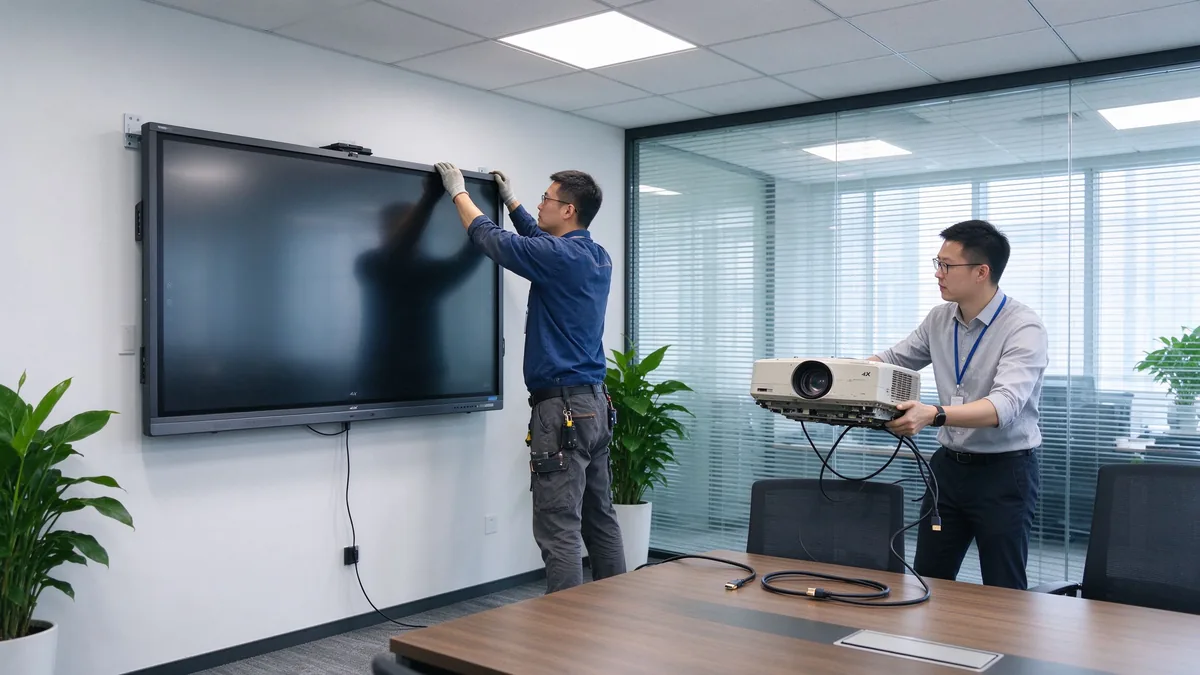
Смысл обновления-это улучшение рабочего процесса, а не замена оборудования. Если короткий список устройств не меняет порядок начала, запуска и окончания собрания, это неправильный короткий список.
Перечислите реальные варианты использования: презентации слайдов и данных, видео-встречи, аннотации документов, групповой мозговой штурм, обучение и демонстрации, хостинг клиентов и межрегионального сотрудничества. Функции, которые вам нужны, следуют из фактической повестки дня комнаты, а не из общего списка желаний.
Руководители, повседневные сотрудники, ИТ-администраторы, посещающие клиенты, тренеры, удаленные участники и ваш системный интегратор имеют разные потребности. Это определяет, нужна ли комнате простая деятельность, кастинг гостя, управление доступом, или централизованное управление.
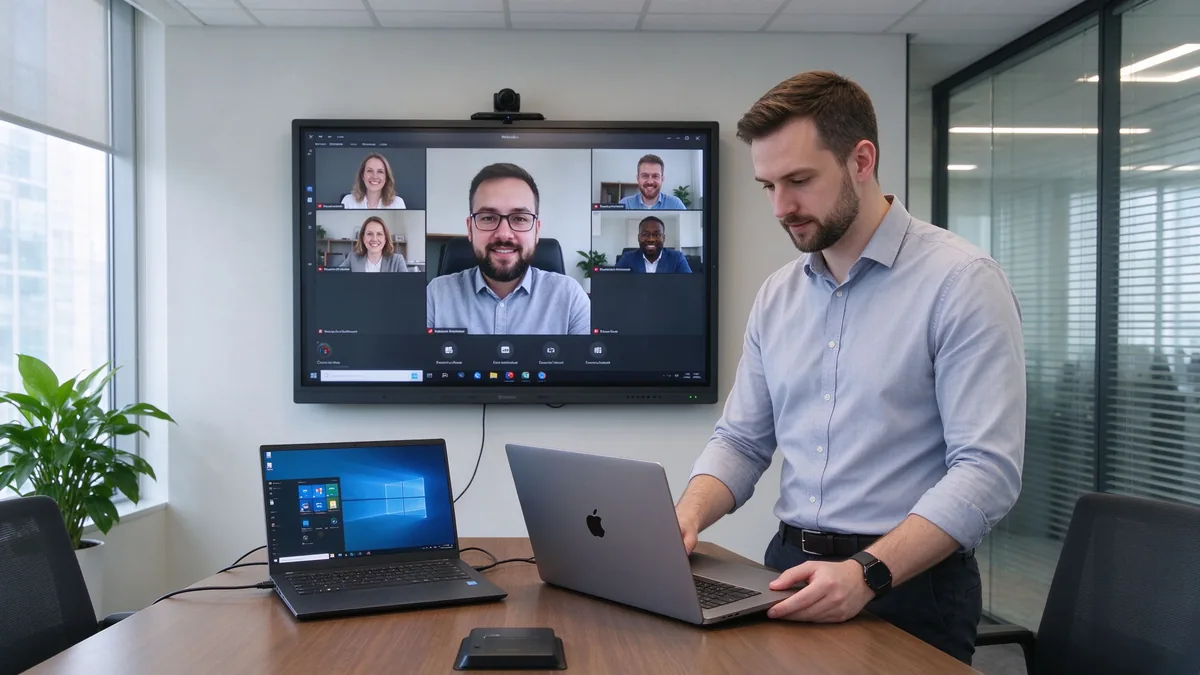
Twelve feature points collapse into seven groups. Each group below is explained by business value and by the confirmation questions you should ask a supplier.
Business value: native 4K UHD keeps Excel sheets, financial data, operational dashboards, engineering drawings, and product designs readable from the back row. Split-screen and multi-window support reduce the constant zooming in and out. Low-latency touch lets several people annotate and edit project plans naturally. Anti-glare glass keeps the image legible in bright offices.
Confirm: native 4K; touch points, writing latency, and palm rejection; simultaneous multi-user writing; anti-glare, brightness, and viewing angles; comfort over long sessions.
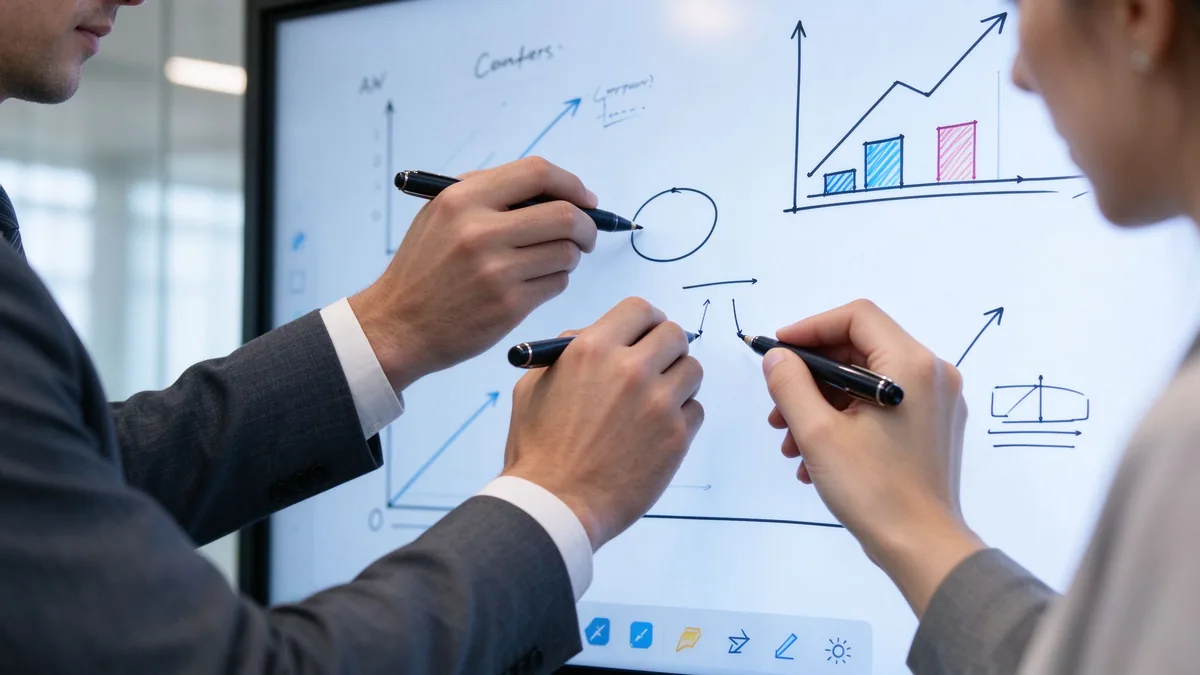
Business value: fewer cables, shorter meeting start time, easier guest demos, and a real BYOD environment where anyone can present from their own device.
Confirm: Windows, macOS, iOS, and Android support; simultaneous multi-device casting and split-screen; whether an app must be installed, or browser and QR-code joining; casting permission control and guest mode to prevent unauthorized access; file sharing and meeting export.
Business value: traditional whiteboard content is erased and forgotten. A digital whiteboard saves decisions, produces meeting-note material, sends annotated files, and lets work continue later — cutting the time spent photographing and tidying up notes.
Confirm: infinite canvas and multi-page boards; shape recognition and handwriting-to-text; image and file insertion, PDF annotation; save, email, or cloud sharing and export formats; multi-user collaboration.
Business value: remote participants should be participants, not audience. Camera, microphone, and speaker coverage decide hybrid meeting quality, and UC-platform compatibility avoids extra bridge hardware.
Confirm: built-in or external camera, field of view, auto framing; microphone pickup range, echo cancellation, noise suppression; speaker coverage and USB peripherals; Teams, Zoom, and Google Meet compatibility; BYOD support; connection to existing room hosts, cameras, and audio.
Business value: the operating system decides software flexibility and IT management complexity. Port compatibility decides whether you can keep existing room equipment, connect employee laptops, attach cameras and audio, and expand later.
| System option | Лучшее для | Advantages | Considerations |
|---|---|---|---|
| Андроид | Whiteboarding, casting, quick meetings | Fast startup, easy operation | May not run every desktop application |
| Окна | Office applications and advanced workflows | Familiar business software environment | Usually requires an OPS or external PC |
| Dual system | Mixed corporate environments | Flexible for different users and apps | Higher configuration and management effort |
Confirm: whether Windows is built in or runs through OPS; whether systems switch cleanly; whether the OS version meets your software needs; enterprise account login and system updates; whether touch, casting, and camera behave the same on both systems; and the full port list — HDMI, USB-A, USB-C, LAN, Wi-Fi, Bluetooth, DisplayPort, RS-232, OPS slot, and audio in/out.
Business value: the gap between a consumer smart screen and a business-grade device is security, management, and long-term stability. Across many rooms, IT needs centralized management, batch updates, and remote diagnostics.
Confirm: user permissions, casting access control, network isolation, data wiping; account management, firmware updates, remote device monitoring, app installation rights; camera and microphone permissions and where meeting files are stored; centralized management, batch updates, online status, remote reboot, and fault diagnosis; commercial-grade duty cycle and aging testing; touch-glass durability, batch traceability, outgoing inspection, and spare parts.
Business value: mounting affects room layout, camera sightlines, and maintenance access. Warranty and after-sales decide long-term risk.
Confirm: wall mount, mobile cart, electric lift, tabletop, freestanding, or multi-display; VESA pattern, wall load, power and network positions; mounting height, camera sightline, and service space; warranty length and coverage, DOA policy; spare-parts lead time, firmware upgrade cycle, support response time; installation and training materials, distributor and integrator support.
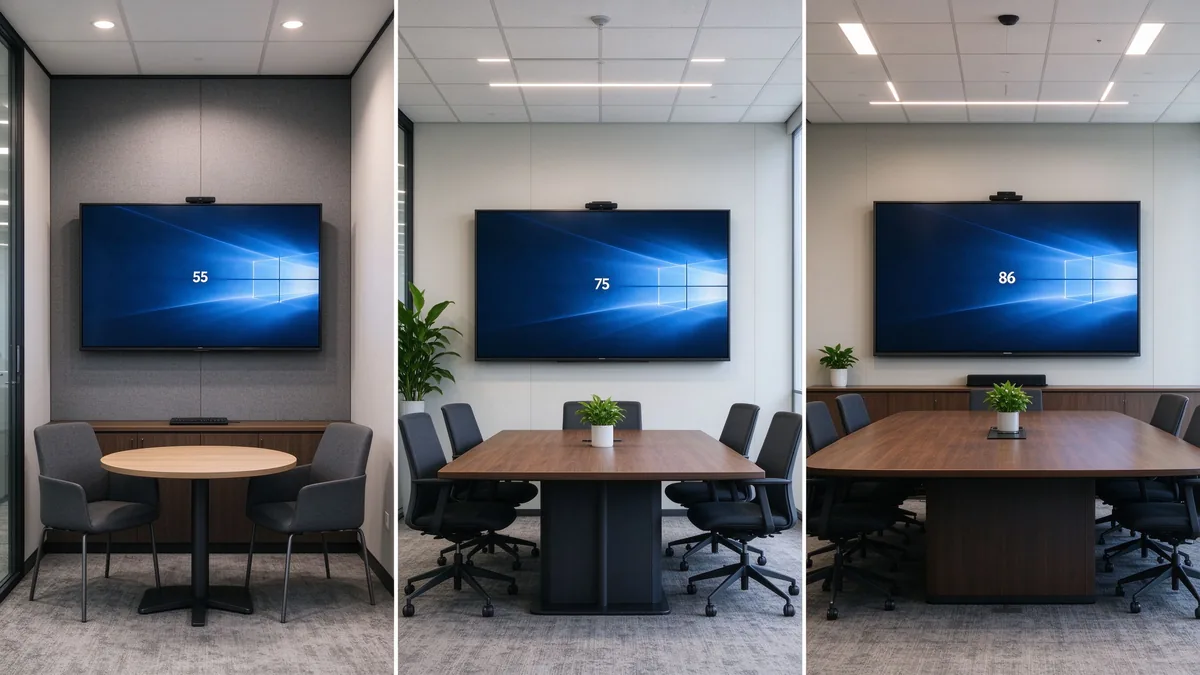
| Office space | Recommended focus | Suitable Qtenboard direction |
|---|---|---|
| Huddle room | Fast casting, compact size, easy operation | 55–65-inch interactive panel |
| Standard conference room | 4K, touch, whiteboarding, video meetings | 75–86-inch interactive panel |
| Executive boardroom | Visibility, premium appearance, secure collaboration | 86–110-inch configuration |
| Training room | Large display, multi-touch, mobile stand | 86–110-inch panel |
| Open collaboration area | Mobility, quick access, flexible connectivity | Display on a mobile trolley |
| Multi-room office | Remote management, consistency, service support | Standardized multi-size deployment |
Size is not headcount alone. Factor in the farthest viewing distance, the smallest text you show, room lighting, seating layout, whether remote faces must be visible, and whether two content sources are shown at once. The Интерактивный калькулятор размера плоской панели helps translate your room into a recommended class.
TCO = device price + installation + software licensing + training + maintenance and spare parts + energy + international shipping and certification.
55 to 110 inches, matching everything from huddle rooms to large training spaces with one consistent product family.
4K display, interactive writing, wireless casting, file and whiteboard collaboration, dual system, video conferencing connectivity, AI meeting assistance, and enterprise device management.
Built for regional distributors, system integrators, commercial display brands, corporate volume projects, and government or education contractors. Customization directions include logo, packaging, boot screen, OS configuration, camera and audio, port mix, preloaded software, and project-specific features.
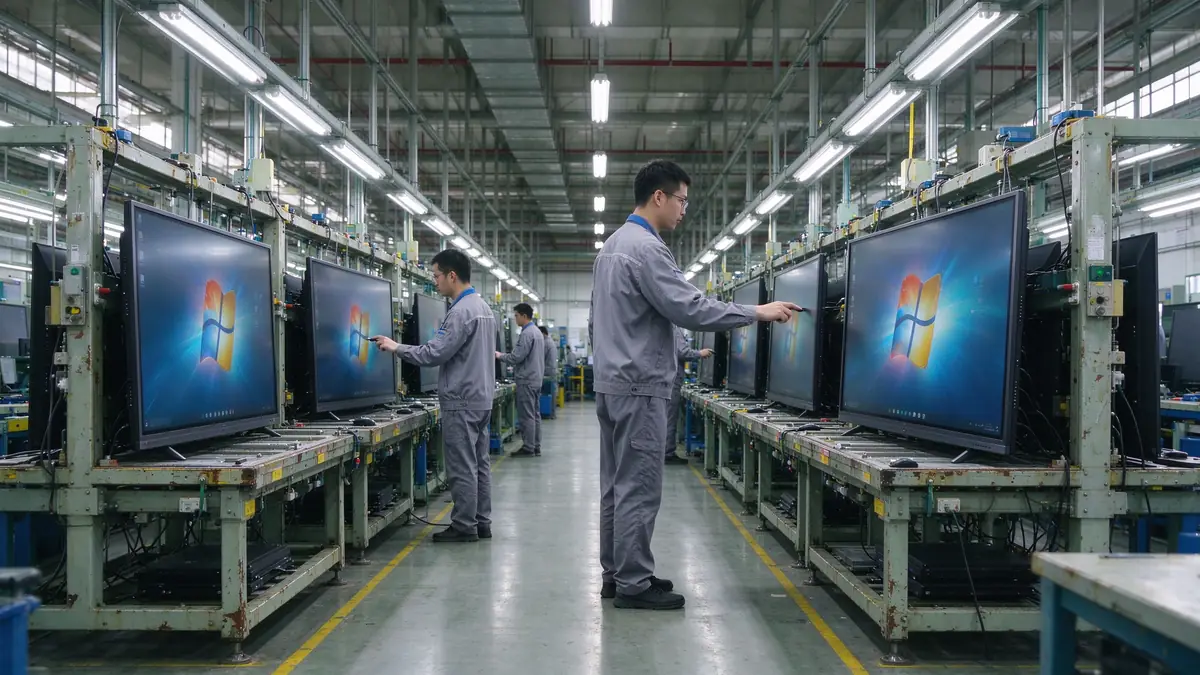
Ask Qtenboard to confirm production capacity, incoming material inspection, assembly checks, aging tests, touch and display testing, outgoing inspection, batch consistency, global delivery, and after-sales support. The company page describes the manufacturing setup and the warranty policy the standard terms.
| Buyer priority | Qtenboard value proposition |
|---|---|
| Room-size flexibility | 55–110" interactive display portfolio |
| Сотрудничество | Touch writing, wireless casting, and file sharing |
| Project customization | OEM/ODM hardware, software, branding, and CKD/SKD |
| Supplier stability | Large-scale manufacturing and global B2B experience |
| Deployment support | DMS, batch supply, spare parts, and integrator support |
Prioritize 4K display, low-latency touch, wireless casting, whiteboard collaboration, video conferencing compatibility, operating system, ports, security management, commercial stability, and after-sales support. AI and remote management are advanced features chosen per project.
There is no single answer. Standard offices need device compatibility and wireless casting; executive rooms need display clarity and video conferencing; multi-room deployments need remote management and after-sales support.
If you often show data tables, engineering drawings, financial materials, or video calls, 4K usually pays back. Small, rarely used rooms can evaluate it against budget.
No. Confirm the operating system, app installation method, camera, microphone, speakers, and USB peripheral compatibility before assuming.
If you run Office, browser plugins, enterprise apps, or professional software, Windows or a dual system fits better. If the room mainly whiteboards, casts, and holds simple meetings, Android may be enough.
Combine room dimensions, farthest viewing distance, headcount, and content type. Typical office rooms evaluate 65–86 inches; large rooms and training spaces evaluate 98–110 inches.
AI transcription, summaries, and meeting assistance improve hybrid efficiency, but not every company needs them. Before buying, confirm language support, data storage, privacy policy, and subscription model.
Yes — logo, packaging, system, software, hardware ports, camera, audio, and local assembly can be discussed per project. MOQ, lead time, and configuration are evaluated by Qtenboard per project.
Different roles need different next steps:
| Role | Recommended next step |
|---|---|
| Enterprise procurement | Get an office upgrade recommendation |
| IT manager | Download the security and compatibility checklist |
| AV integrator | Request project configuration support |
| Дистрибьютор | Request the OEM/ODM catalog and sample |
| Large project | Schedule a factory video audit |
Share your meeting room size, number of users, current equipment, preferred software, screen size, and project quantity. Qtenboard can recommend a suitable interactive display configuration for office upgrades, multi-room deployments, or OEM/ODM projects. Reach the team through the contact page.
Required: name, company, email, country, business type, number of meeting rooms, message.
Необязательно: current meeting room equipment, preferred screen size, required OS, VC platform, OEM/ODM need, estimated quantity, target delivery date, technical requirements.
Get an Office Upgrade Recommendation Request Smart Board Specifications Ask for a Project Quote

CEO | Интерактивный дисплей & Сотрудничество Решение Эксперт
Я являюсь основателем Qtenboard, привнеся более 17 лет практического опыта в индустрию сенсорных дисплеев. Опираясь на перспективы глобального управления, полученные в ходе моих исследований EMBA в Университете Шэньчжэня, я возглавляю свою команду по оптимизации каждого этапа нашей деятельности-от определения продукта до высокоэффективного управления цепочками поставок-гарантируя, что наши производственные возможности остаются на переднем крае отрасли.
Как руководитель Qtenboard, я специализируюсь на предоставлении адаптированных OEM/ODM-решений для интерактивных досок, ЖК-видеостен, цифровых вывесок и сенсорных терминалов промышленного уровня. Опираясь на наш современный промышленный парк площадью 330 000 м² в Шэньчжэне, мы поддерживаем полный контроль жизненного цикла промышленного дизайна, точного производства и тщательного тестирования производительности.
Обладая почти двадцатилетним опытом работы в проектах, решения Qtenboard в настоящее время развернуты в более чем 120 странах и регионах, заслужив доверие более 15 000 корпоративных клиентов по всему миру. Если вы ищете отзывчивого партнера с глубоким учредлением производства для ваших подгонянных проектов дисплея касания, то моя команда и я готовы поддержать ваше зрение с профессиональным передовым опытом.

 ru
ru
 EN
EN  pt
pt  spa
spa  th
th  vie
vie  aze
aze  bel
bel  est
est  lav
lav  ukr
ukr