Biroja sanāksmju telpas modernizēšana nav vienkārši ekrāna nomaiņa. Tā ir iespēja pilnībā uzlabot sanāksmju darbplūsmu: prezentācijas, piezīmju pievienošana, bezvadu attēlošana, videokonferences un ierīču pārvaldība. Jauns panelis, kas saglabā katru iepriekšējo strīdus punktu savā vietā, ir dārgs remonts, ko neviens pat nepamana.
Lielākajā daļā tradicionālo telpu ir vienādi trūkumi: kāds meklē īsto HDMI kabeli, attālinātie dalībnieki nevar izlasīt slaidu uz projekcijas ekrāna, dienas gaisma izbalina attēlu, baltās tāfeles piezīmes tiek noslaucītas un aizmirstas, katra telpa darbojas savādāk, un IT nodaļa nevar attālināti pārvaldīt visu aprīkojumu. An biroja viedās tāfeles uzlabošana vajadzētu atrisināt šīs problēmas, nevis vienkārši pievienot lielāku displeju.
Šis ceļvedis kārto viedās tāfeles funkcijas birojam Izvēlieties kategorijas „obligāti”, „noderīgi” un „projektam specifiski”, lai budžetu tērētu tam, kas patiešām uzlabo sanāksmju efektivitāti, un izvairītos no ierīcēm, kas nav saderīgas ar jūsu esošajām IT un sanāksmju sistēmām. Qtenboard ražo 55–110 collu 4K interaktīvus sanāksmju displejus ar bezvadu sadarbības funkciju, Android un Windows divkāršās sistēmas opcijām, DMS ierīču pārvaldību un OEM/ODM konfigurāciju.
| Prioritāte | Iezīmes | Kāpēc tas ir svarīgi |
|---|---|---|
| Must-have | 4K UHD, reaģējošs skārienekrāns, bezvadu straumēšana, saderība ar UC, pietiekami pieslēgvietas, komerciāla līmeņa uzticamība, garantija | Directly affects meeting efficiency and deployment risk |
| Piemērots, bet ne obligāts | AI transcription, auto framing, multi-device split screen, cloud sync, NFC login, DMS | Uzlabo pieredzi; var tikt ieviests pakāpeniski projektu pa projektam |
| Project-specific | Windows OPS, vairāki displeji, pielāgota lietotāja saskarne, logotips, CKD/SKD, īpaša sertifikācija | Decided by industry, region, and batch project requirements |
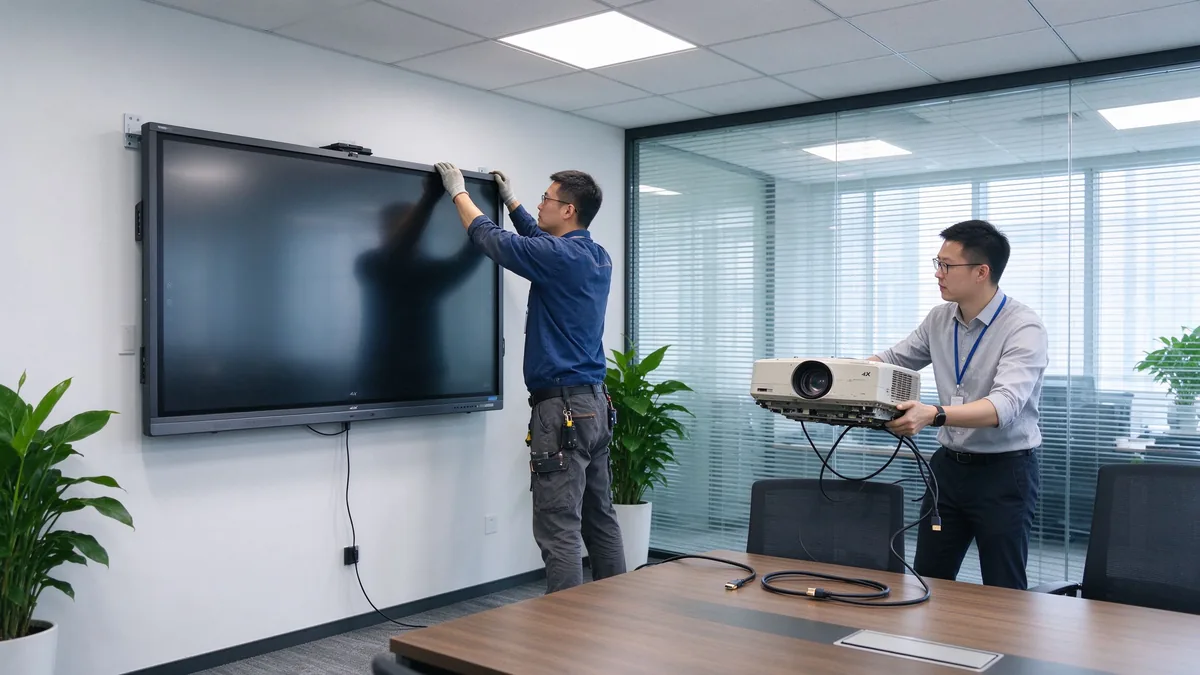
Jaunināšanas punkts ir darba plūsmas uzlabošana, nevis aparatūras aizvietošana. Ja jūsu ierīces īssaraksts nemainās, kā sanāksme sākas, darbojas un beidzas, tas ir nepareizs īssaraksts.
Uzskaitiet reālos lietošanas gadījumus: slaidu un datu prezentācijas, video sapulces, dokumentu anotēšana, grupu prāta vētra, apmācības un demonstrācijas, klientu uzņemšana un sadarbība starp dažādām reģionām. Jums nepieciešamās funkcijas izriet no telpas konkrētā darba kārtības, nevis no vispārīga vēlmju saraksta.
Vadītājiem, ikdienas darbiniekiem, IT administratoriem, viesošanās klientiem, apmācību veicējiem, attālinātajiem dalībniekiem un jūsu sistēmu integrētājam ir atšķirīgas vajadzības. Tas nosaka, vai telpai ir nepieciešama vienkārša darbība, viesu kontrole, piekļuves kontrole vai centralizēta vadība.
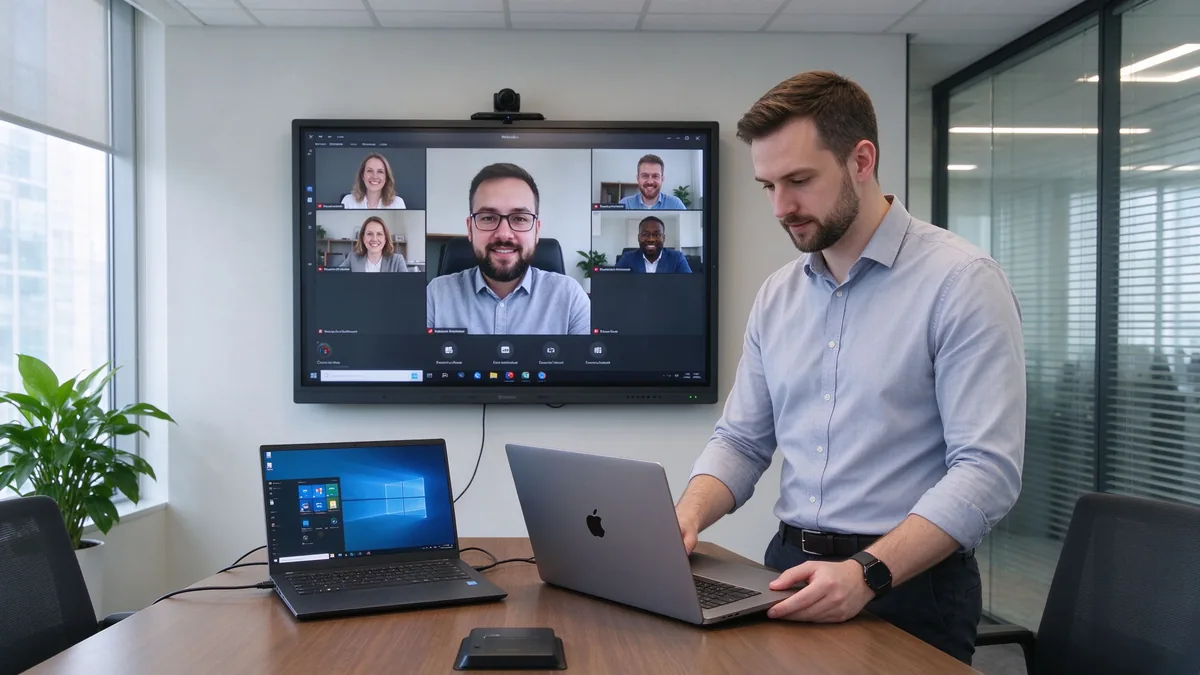
Twelve feature points collapse into seven groups. Each group below is explained by business value and by the confirmation questions you should ask a supplier.
Business value: native 4K UHD keeps Excel sheets, financial data, operational dashboards, engineering drawings, and product designs readable from the back row. Split-screen and multi-window support reduce the constant zooming in and out. Low-latency touch lets several people annotate and edit project plans naturally. Anti-glare glass keeps the image legible in bright offices.
Confirm: native 4K; touch points, writing latency, and palm rejection; simultaneous multi-user writing; anti-glare, brightness, and viewing angles; comfort over long sessions.
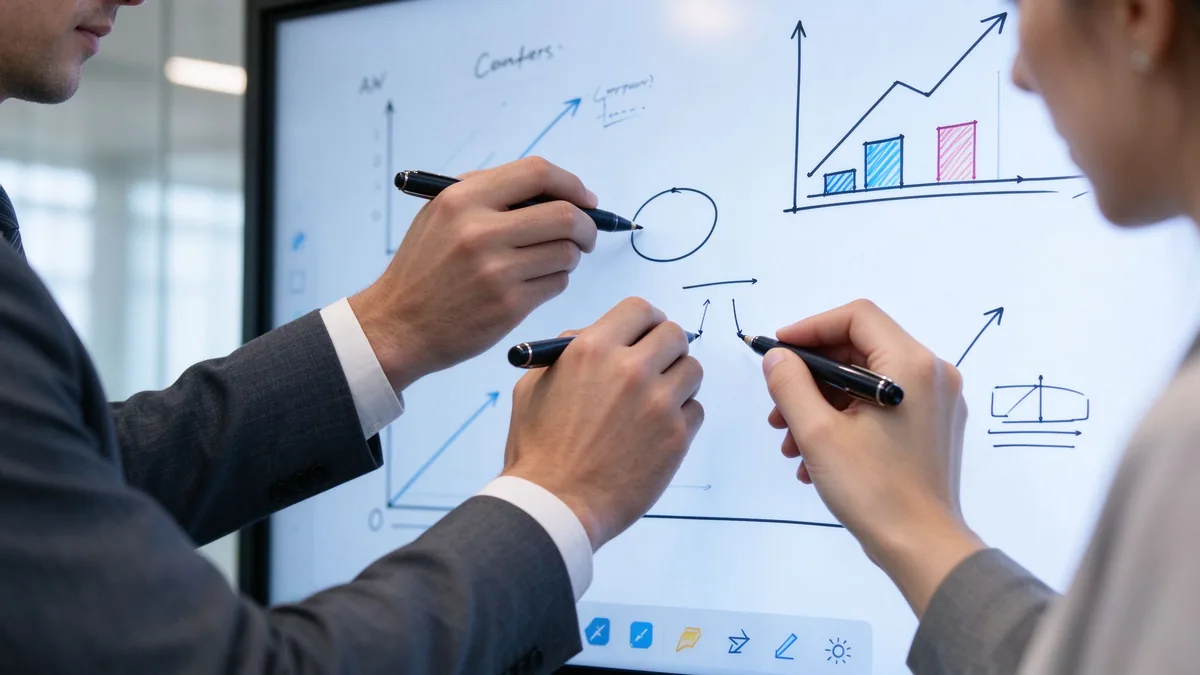
Business value: fewer cables, shorter meeting start time, easier guest demos, and a real BYOD environment where anyone can present from their own device.
Confirm: Windows, macOS, iOS, and Android support; simultaneous multi-device casting and split-screen; whether an app must be installed, or browser and QR-code joining; casting permission control and guest mode to prevent unauthorized access; file sharing and meeting export.
Business value: traditional whiteboard content is erased and forgotten. A digital whiteboard saves decisions, produces meeting-note material, sends annotated files, and lets work continue later — cutting the time spent photographing and tidying up notes.
Confirm: infinite canvas and multi-page boards; shape recognition and handwriting-to-text; image and file insertion, PDF annotation; save, email, or cloud sharing and export formats; multi-user collaboration.
Business value: remote participants should be participants, not audience. Camera, microphone, and speaker coverage decide hybrid meeting quality, and UC-platform compatibility avoids extra bridge hardware.
Confirm: built-in or external camera, field of view, auto framing; microphone pickup range, echo cancellation, noise suppression; speaker coverage and USB peripherals; Teams, Zoom, and Google Meet compatibility; BYOD support; connection to existing room hosts, cameras, and audio.
Business value: the operating system decides software flexibility and IT management complexity. Port compatibility decides whether you can keep existing room equipment, connect employee laptops, attach cameras and audio, and expand later.
| System option | Labākais par | Advantages | Considerations |
|---|---|---|---|
| Android | Whiteboarding, casting, quick meetings | Fast startup, easy operation | May not run every desktop application |
| Logi | Office applications and advanced workflows | Familiar business software environment | Usually requires an OPS or external PC |
| Dual system | Mixed corporate environments | Flexible for different users and apps | Higher configuration and management effort |
Confirm: whether Windows is built in or runs through OPS; whether systems switch cleanly; whether the OS version meets your software needs; enterprise account login and system updates; whether touch, casting, and camera behave the same on both systems; and the full port list — HDMI, USB-A, USB-C, LAN, Wi-Fi, Bluetooth, DisplayPort, RS-232, OPS slot, and audio in/out.
Business value: the gap between a consumer smart screen and a business-grade device is security, management, and long-term stability. Across many rooms, IT needs centralized management, batch updates, and remote diagnostics.
Confirm: user permissions, casting access control, network isolation, data wiping; account management, firmware updates, remote device monitoring, app installation rights; camera and microphone permissions and where meeting files are stored; centralized management, batch updates, online status, remote reboot, and fault diagnosis; commercial-grade duty cycle and aging testing; touch-glass durability, batch traceability, outgoing inspection, and spare parts.
Business value: mounting affects room layout, camera sightlines, and maintenance access. Warranty and after-sales decide long-term risk.
Confirm: wall mount, mobile cart, electric lift, tabletop, freestanding, or multi-display; VESA pattern, wall load, power and network positions; mounting height, camera sightline, and service space; warranty length and coverage, DOA policy; spare-parts lead time, firmware upgrade cycle, support response time; installation and training materials, distributor and integrator support.
| Office space | Recommended focus | Suitable Qtenboard direction |
|---|---|---|
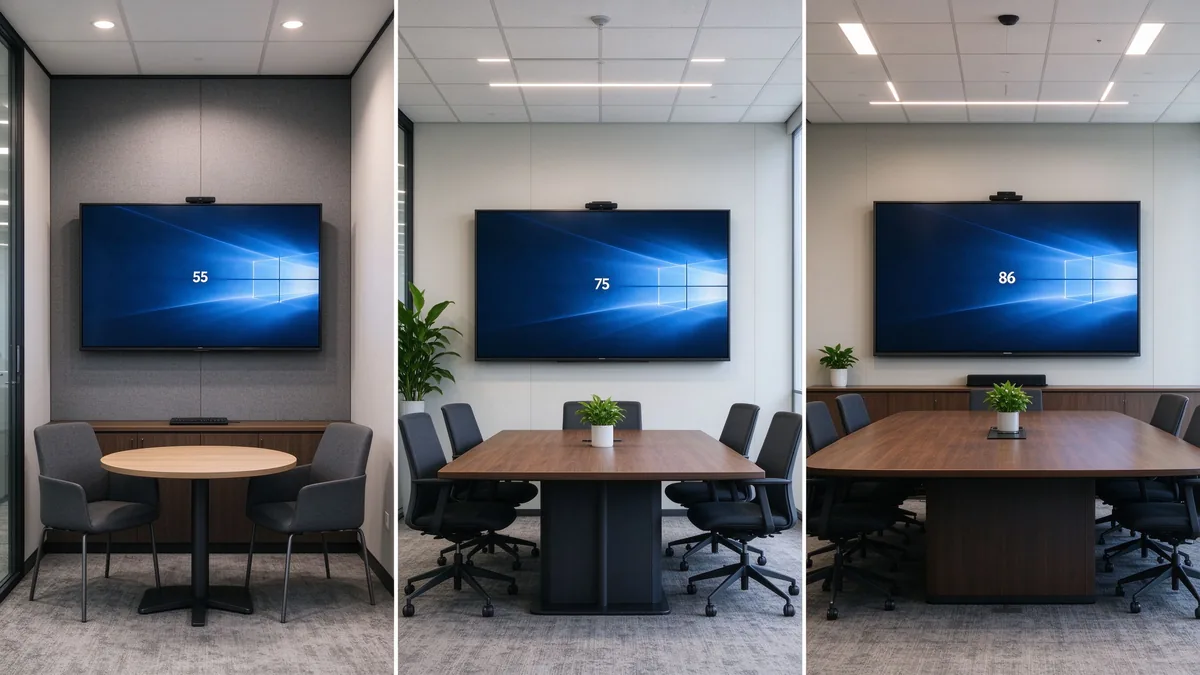
| Huddle room | Fast casting, compact size, easy operation | 55–65-inch interactive panel |
| Standard conference room | 4K, touch, whiteboarding, video meetings | 75–86-inch interactive panel |
| Executive boardroom | Visibility, premium appearance, secure collaboration | 86–110-inch configuration |
| Training room | Large display, multi-touch, mobile stand | 86–110-inch panel |
| Open collaboration area | Mobility, quick access, flexible connectivity | Display on a mobile trolley |
| Multi-room office | Remote management, consistency, service support | Standardized multi-size deployment |
Size is not headcount alone. Factor in the farthest viewing distance, the smallest text you show, room lighting, seating layout, whether remote faces must be visible, and whether two content sources are shown at once. The Interaktīvā plakanā paneļa izmēru kalkulators helps translate your room into a recommended class.
TCO = device price + installation + software licensing + training + maintenance and spare parts + energy + international shipping and certification.
55 to 110 inches, matching everything from huddle rooms to large training spaces with one consistent product family.
4K display, interactive writing, wireless casting, file and whiteboard collaboration, dual system, video conferencing connectivity, AI meeting assistance, and enterprise device management.
Built for regional distributors, system integrators, commercial display brands, corporate volume projects, and government or education contractors. Customization directions include logo, packaging, boot screen, OS configuration, camera and audio, port mix, preloaded software, and project-specific features.
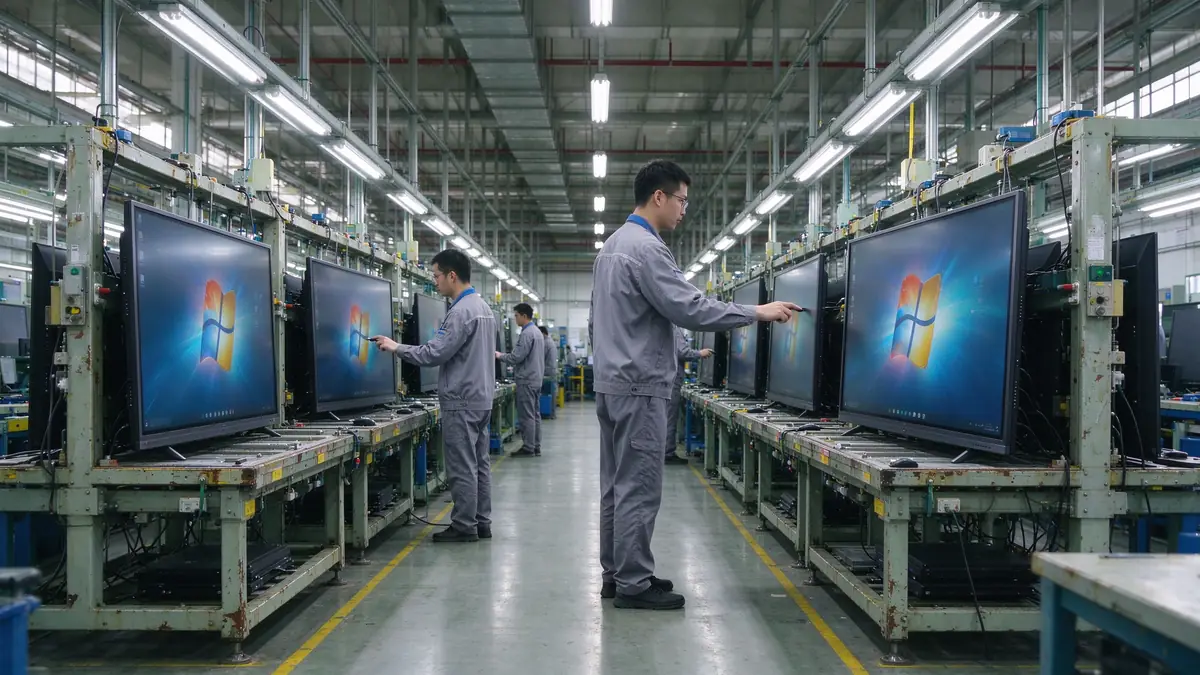
Ask Qtenboard to confirm production capacity, incoming material inspection, assembly checks, aging tests, touch and display testing, outgoing inspection, batch consistency, global delivery, and after-sales support. The company page describes the manufacturing setup and the warranty policy the standard terms.
| Buyer priority | Qtenboard value proposition |
|---|---|
| Room-size flexibility | 55–110" interactive display portfolio |
| Sadarbība | Touch writing, wireless casting, and file sharing |
| Project customization | OEM/ODM hardware, software, branding, and CKD/SKD |
| Supplier stability | Large-scale manufacturing and global B2B experience |
| Deployment support | DMS, batch supply, spare parts, and integrator support |
Prioritize 4K display, low-latency touch, wireless casting, whiteboard collaboration, video conferencing compatibility, operating system, ports, security management, commercial stability, and after-sales support. AI and remote management are advanced features chosen per project.
There is no single answer. Standard offices need device compatibility and wireless casting; executive rooms need display clarity and video conferencing; multi-room deployments need remote management and after-sales support.
If you often show data tables, engineering drawings, financial materials, or video calls, 4K usually pays back. Small, rarely used rooms can evaluate it against budget.
No. Confirm the operating system, app installation method, camera, microphone, speakers, and USB peripheral compatibility before assuming.
If you run Office, browser plugins, enterprise apps, or professional software, Windows or a dual system fits better. If the room mainly whiteboards, casts, and holds simple meetings, Android may be enough.
Combine room dimensions, farthest viewing distance, headcount, and content type. Typical office rooms evaluate 65–86 inches; large rooms and training spaces evaluate 98–110 inches.
AI transcription, summaries, and meeting assistance improve hybrid efficiency, but not every company needs them. Before buying, confirm language support, data storage, privacy policy, and subscription model.
Yes — logo, packaging, system, software, hardware ports, camera, audio, and local assembly can be discussed per project. MOQ, lead time, and configuration are evaluated by Qtenboard per project.
Different roles need different next steps:
| Role | Recommended next step |
|---|---|
| Enterprise procurement | Get an office upgrade recommendation |
| IT manager | Download the security and compatibility checklist |
| AV integrator | Request project configuration support |
| Izplatītājs | Request the OEM/ODM catalog and sample |
| Large project | Schedule a factory video audit |
Share your meeting room size, number of users, current equipment, preferred software, screen size, and project quantity. Qtenboard can recommend a suitable interactive display configuration for office upgrades, multi-room deployments, or OEM/ODM projects. Reach the team through the contact page.
Required: name, company, email, country, business type, number of meeting rooms, message.
Optional: current meeting room equipment, preferred screen size, required OS, VC platform, OEM/ODM need, estimated quantity, target delivery date, technical requirements.
Get an Office Upgrade Recommendation Request Smart Board Specifications Ask for a Project Quote

Ceo | interaktīva displeja un sadarbības risinājumu eksperts
Esmu Qtenboard dibinātājs, un man ir vairāk nekā 17 gadu praktiskas pieredzes skārienjūtīgo ekrānu nozarē. Pamatojoties uz globālās vadības perspektīvu, kas iegūta, izmantojot emba studijas šengenas universitātē, es vadu savu komandu, optimizējot katru darbības posmu-no produktu definīcijas līdz augstas efektivitātes piegādes ķēdes pārvaldībai-nodrošinot, ka mūsu ražošanas spējas paliek nozares priekšgalā.
Kā qtenboard līderis, es specializējos, lai nodrošinātu pielāgotus oem/odm risinājumus interaktīvajām tāfelēm, lcd video sienām, ciparu apzīmēm un rūpnieciskās kvalitātes pieskāriena termināļiem. Atbalstīts mūsu 330,000 m² mūsdienu rūpniecības parks shenzhen, mēs uzturēt pilnu dzīves cikla kontroli pār rūpniecisko dizainu, precizitāti ražošanu un stingru veiktspējas testēšanu.
Ar gandrīz divus gadu desmitus ilgu projekta pieredzi, qtenboard displeja risinājumi tagad tiek izvietoti vairāk nekā 120 valstīs un reģionos, nopelnījis vairāk nekā 15,000 uzņēmumu klientu uzticību visā pasaulē. Ja jūs meklējat atsaucīgu partneri ar dziļu ražošanas pamatu jūsu pielāgotiem touch displeja projektiem, mans komanda un es esam gatavi atbalstīt jūsu vīziju ar profesionālu izcilību.

 lav
lav
 EN
EN  pt
pt  spa
spa  th
th  vie
vie  aze
aze  bel
bel  est
est  ukr
ukr  ru
ru