Qtenboard interactive flat panels help public sector agencies and enterprises run paperless meetings, enable hybrid collaboration, and manage meeting room devices at scale — with compliance-ready options for GDPR, NIST, TAA, and Section 508.
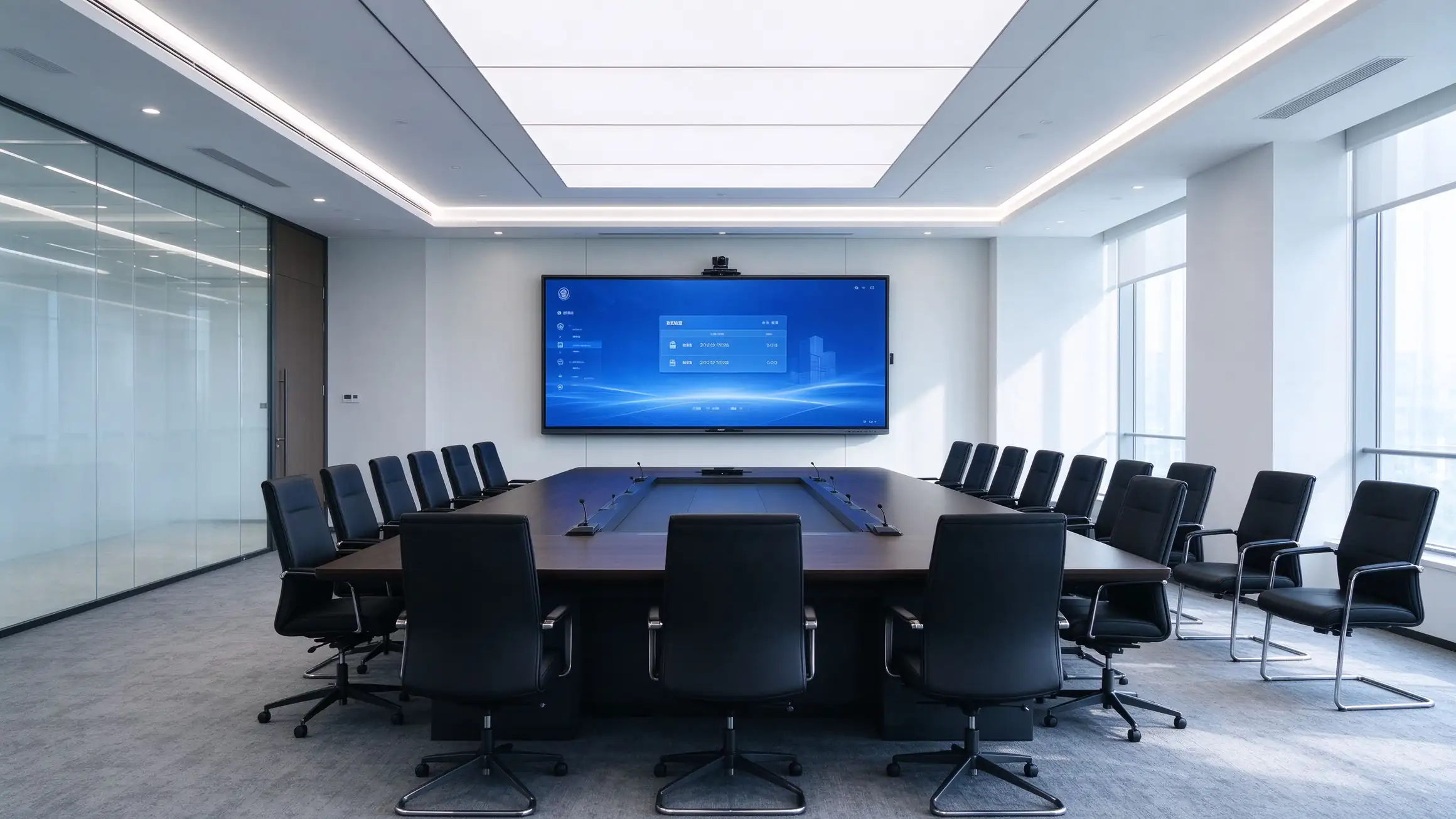
Procurement decisions are driven by hybrid work, paperless mandates, compliance obligations, and the need for predictable management and cost.
Seamless remote collaboration and wireless presentation are table stakes for every meeting room.
Digital agendas, minutes, and document sharing reduce cost, waste, and security exposure.
Public sector procurement demands compliance, accessibility, and supply chain transparency.
IT teams need fleet visibility, remote updates, and predictable 5-year TCO across every room.
Meeting rooms must work with Microsoft, Zoom, Cisco, and Google ecosystems already in use.
Encryption, access control, and data protection requirements apply to every connected device.
One platform that serves the people who buy it, the people who run it, and the people who deploy it.
Council chambers, boardrooms, and public meeting rooms with compliance-ready deployment options.
Standardized meeting room technology across offices, regions, and hybrid work sites.
OEM/ODM, white-label, bulk pricing, and a structured partner program.
RFP-ready specifications, TAA options, and cooperative contract support.
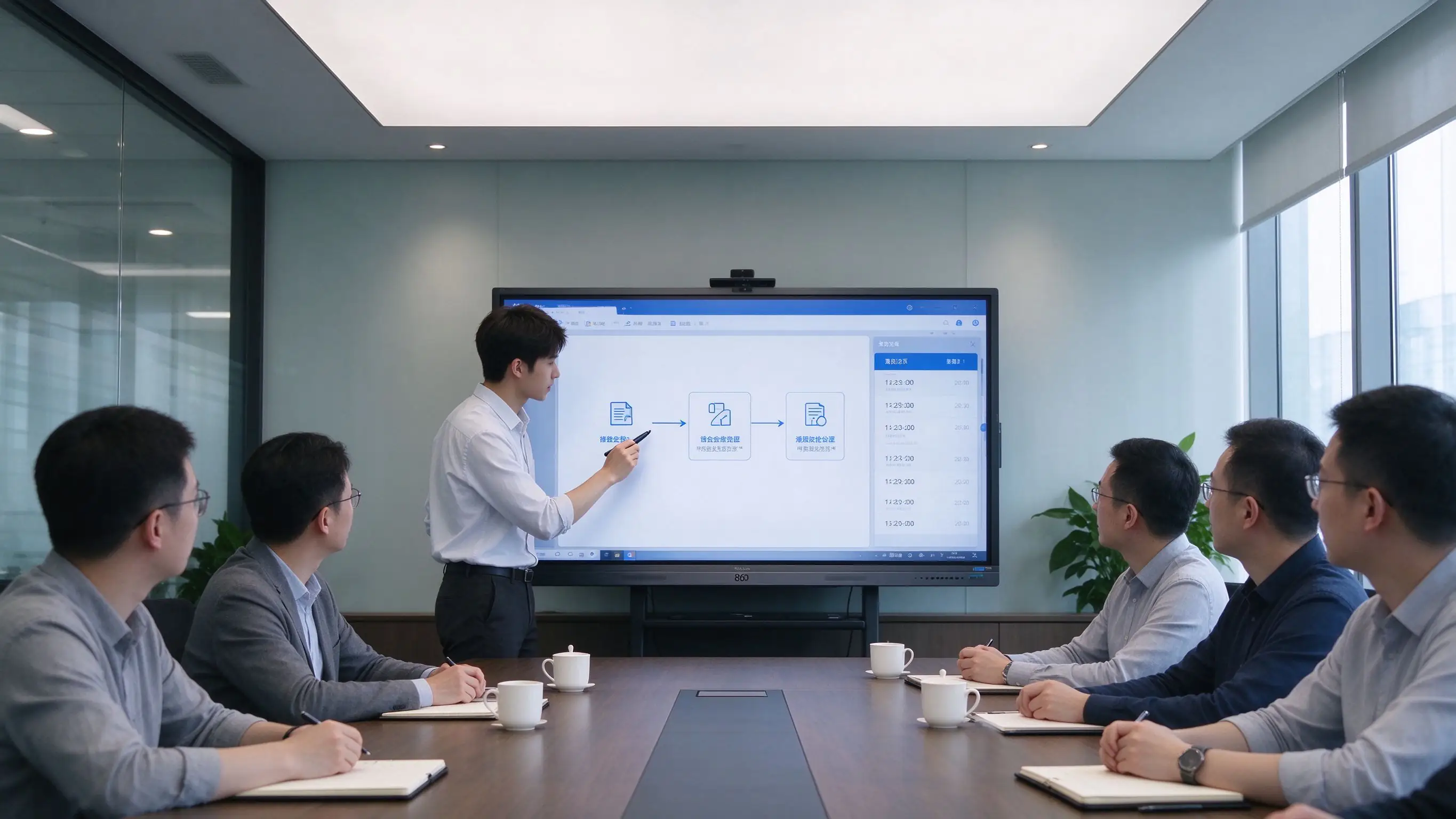
From agenda preparation to archival — every phase of a meeting runs on one interactive flat panel.
| Phase | What happens on the Qtenboard panel |
|---|---|
| Before the Meeting | Agenda, documents, and presentations are prepared in Microsoft 365, Google Workspace, or the organization’s DMS. Materials are distributed digitally — no printing, no re-printing after edits. |
| During the Meeting | Wireless presentation from laptops and mobile devices. Annotation, whiteboarding, and document markup. Hybrid participants join via Microsoft Teams, Zoom, Cisco Webex, or Google Meet. |
| After the Meeting | One-touch meeting recording. Minutes and whiteboard content saved as PDF/PNG. QR code or link sharing. Upload to SharePoint, OneDrive, Google Drive, or the meeting archive. |
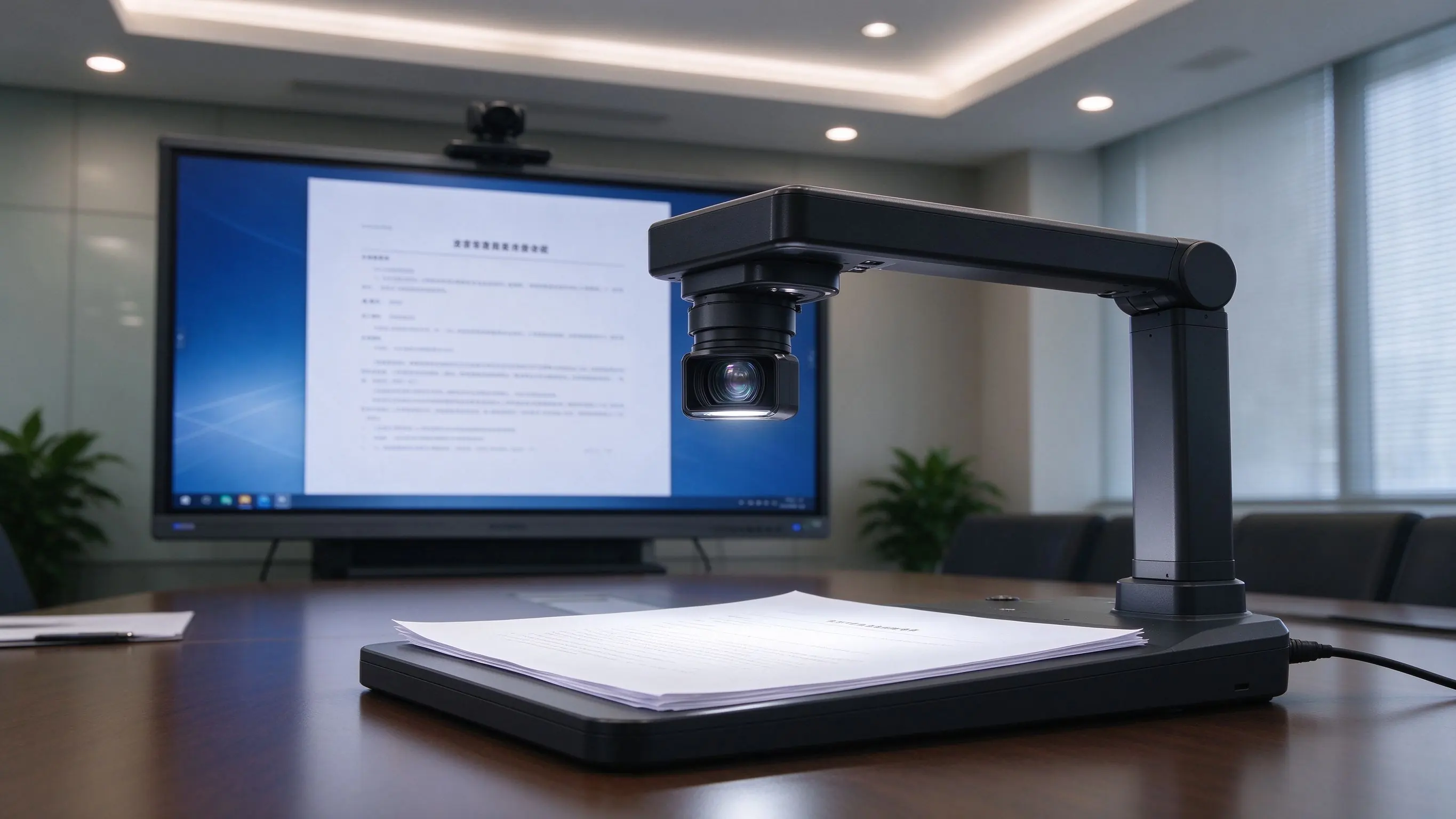
Document camera integration displays physical documents and exhibits on screen — ideal for hearings, reviews, and public meetings.
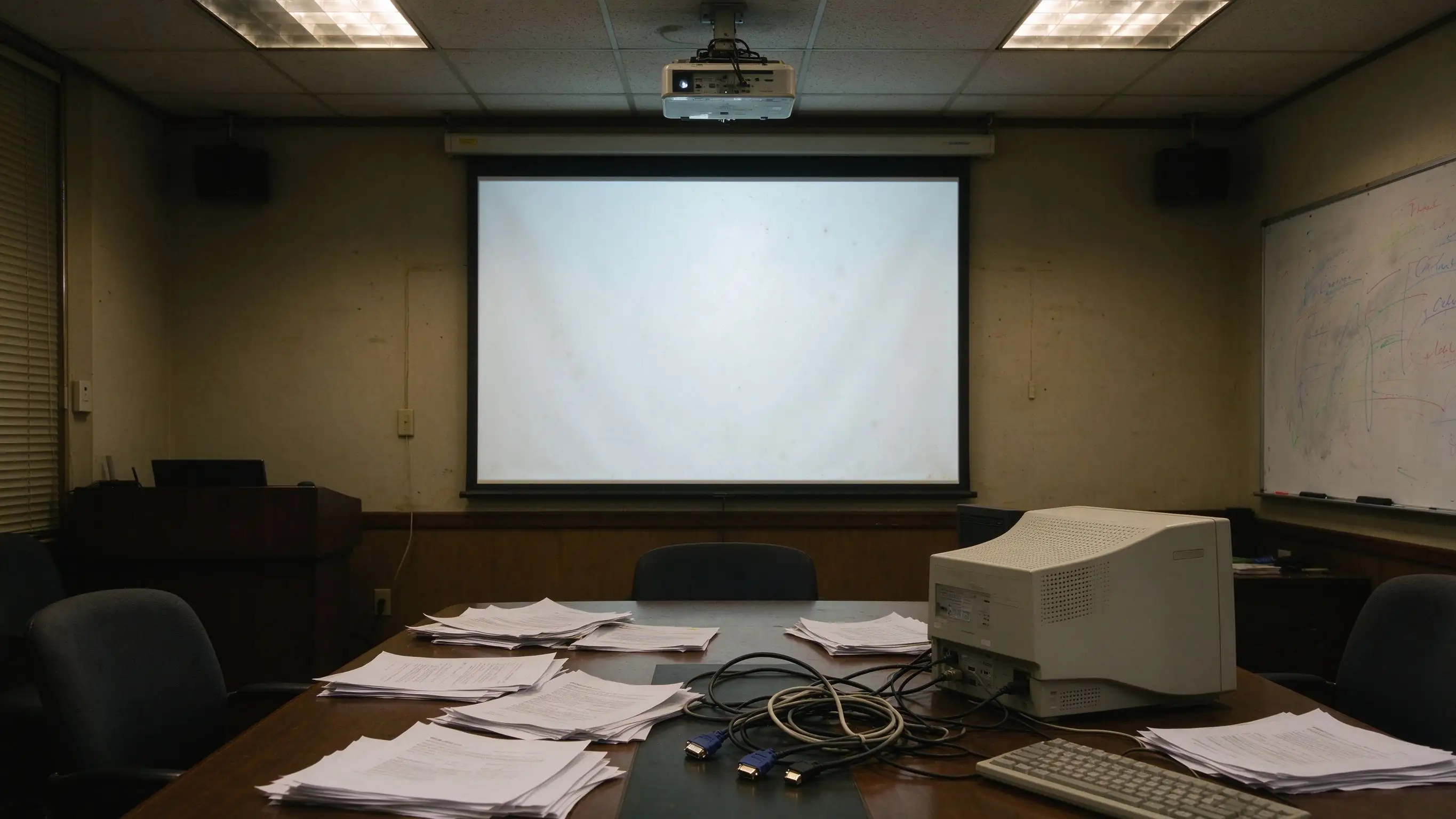
These gaps surface repeatedly in audits, operations, and daily use — and they are the direct trigger for an upgrade.
| Pain Point | Traditional Setup | Qtenboard Solution |
|---|---|---|
| No meeting capture | Whiteboard erased, no review, no follow-up | One-touch recording + QR/link sharing |
| Limited interaction | Single-user operation | Multi-touch, multi-user collaboration |
| Fragmented resources | USB, PC, cloud scattered | Microsoft 365, Google Workspace, LMS, FTP, WebDAV |
| Complex cabling | Projector, PC, speakers, cables everywhere | All-in-one IFP, wireless casting |
| No fleet management | Manual, room-by-room maintenance | DMS/MDM, remote update, scheduled power |
| Compliance gaps | Hard to meet GDPR, NIST, TAA, Section 508 | Compliance-ready options and documentation |
A layered design that deploys in a single room today and scales to a multi-site fleet tomorrow — with room to integrate existing control systems, directories, and meeting platforms.
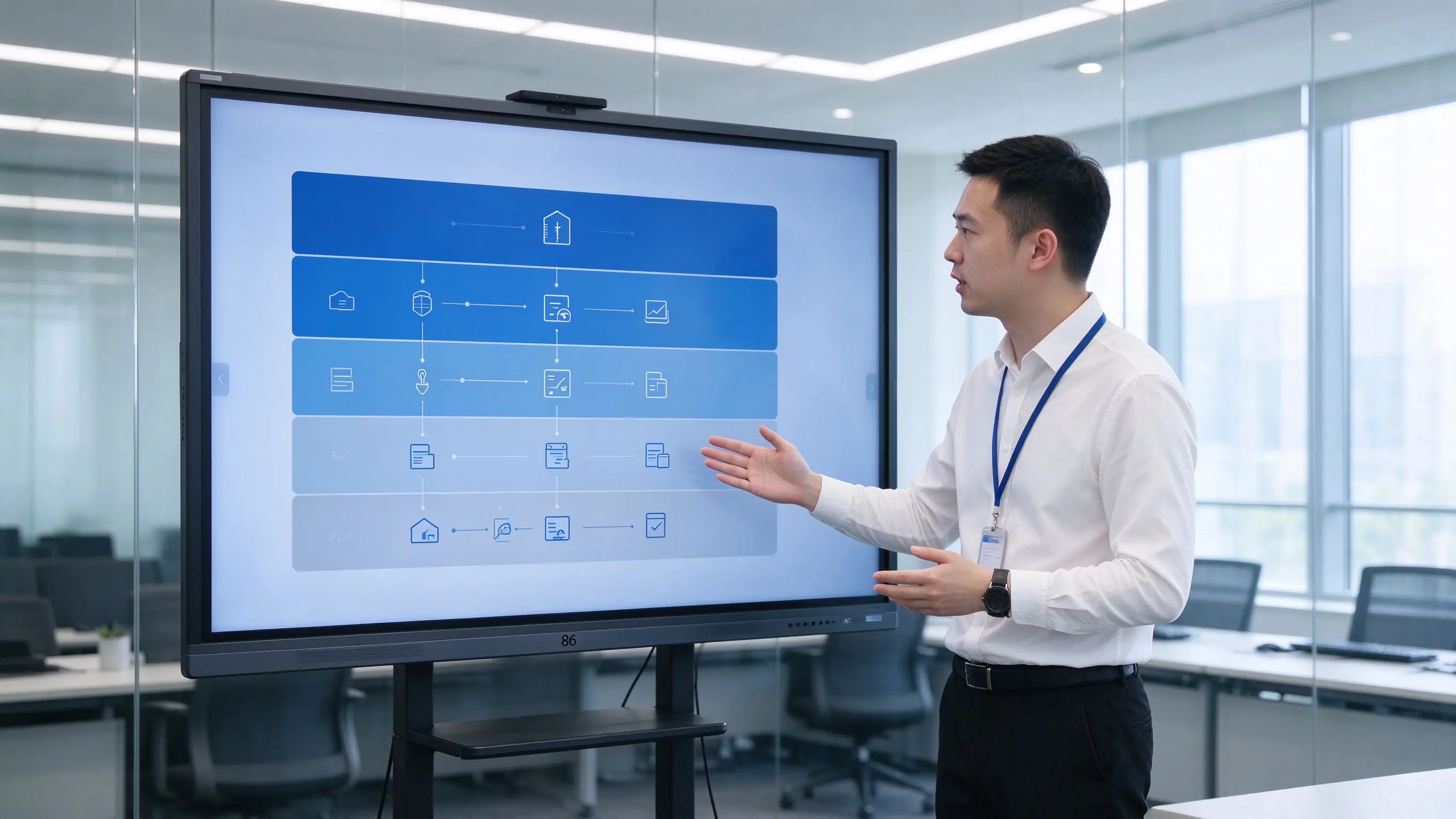
Capabilities are organized by the value they deliver — paperless efficiency, hybrid collaboration, compliance, security, user comfort, and fleet operations.
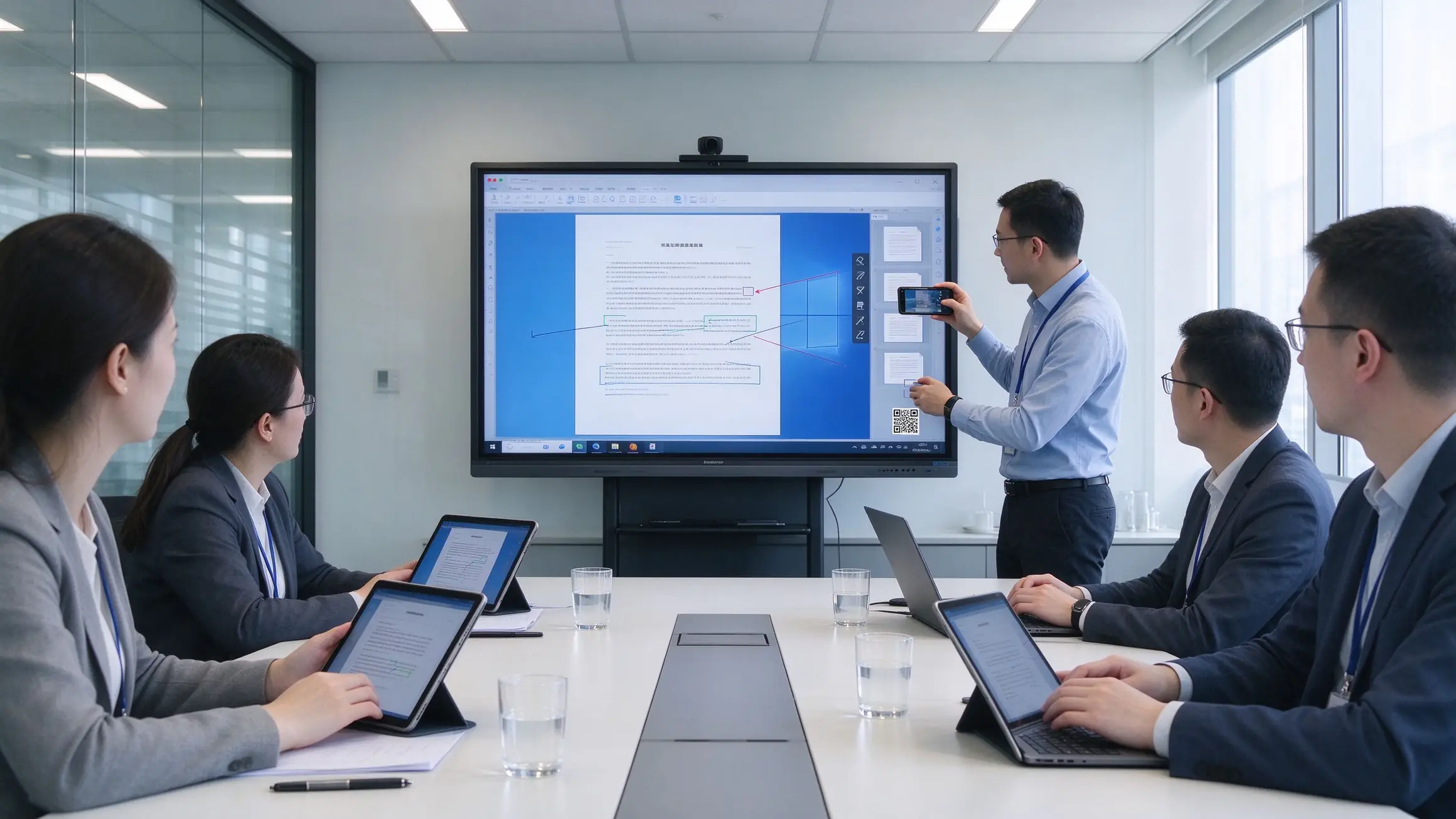
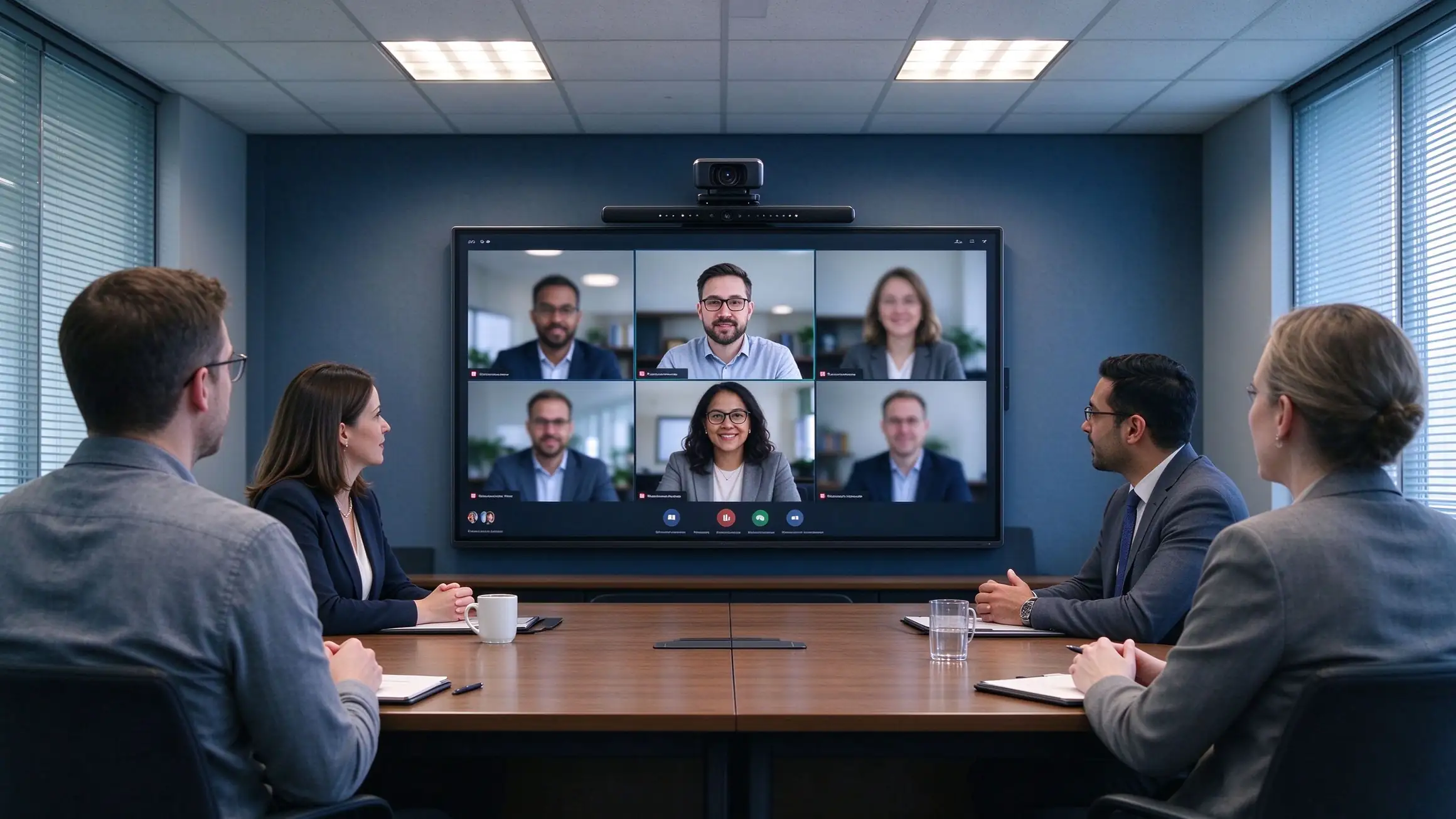
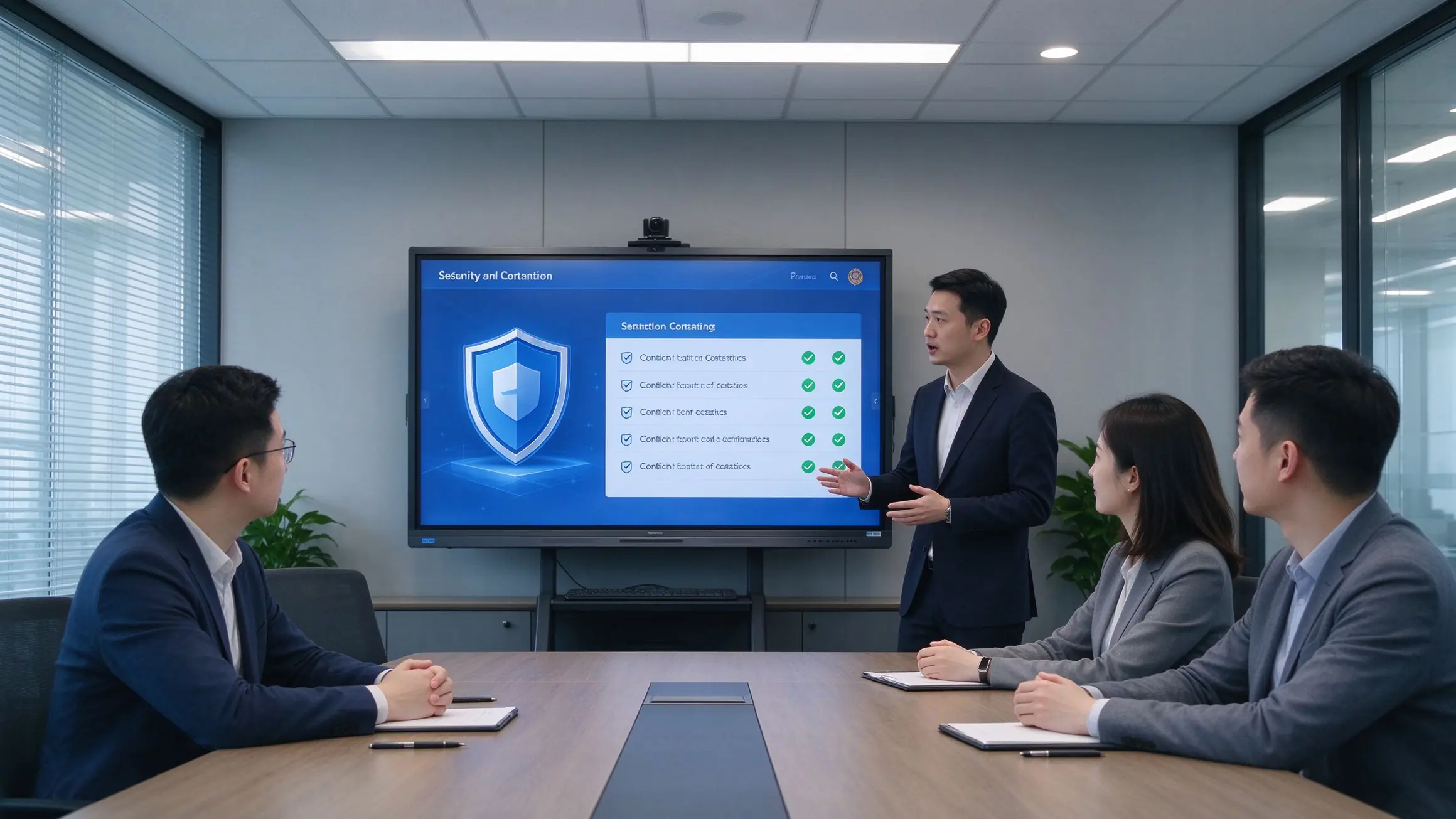
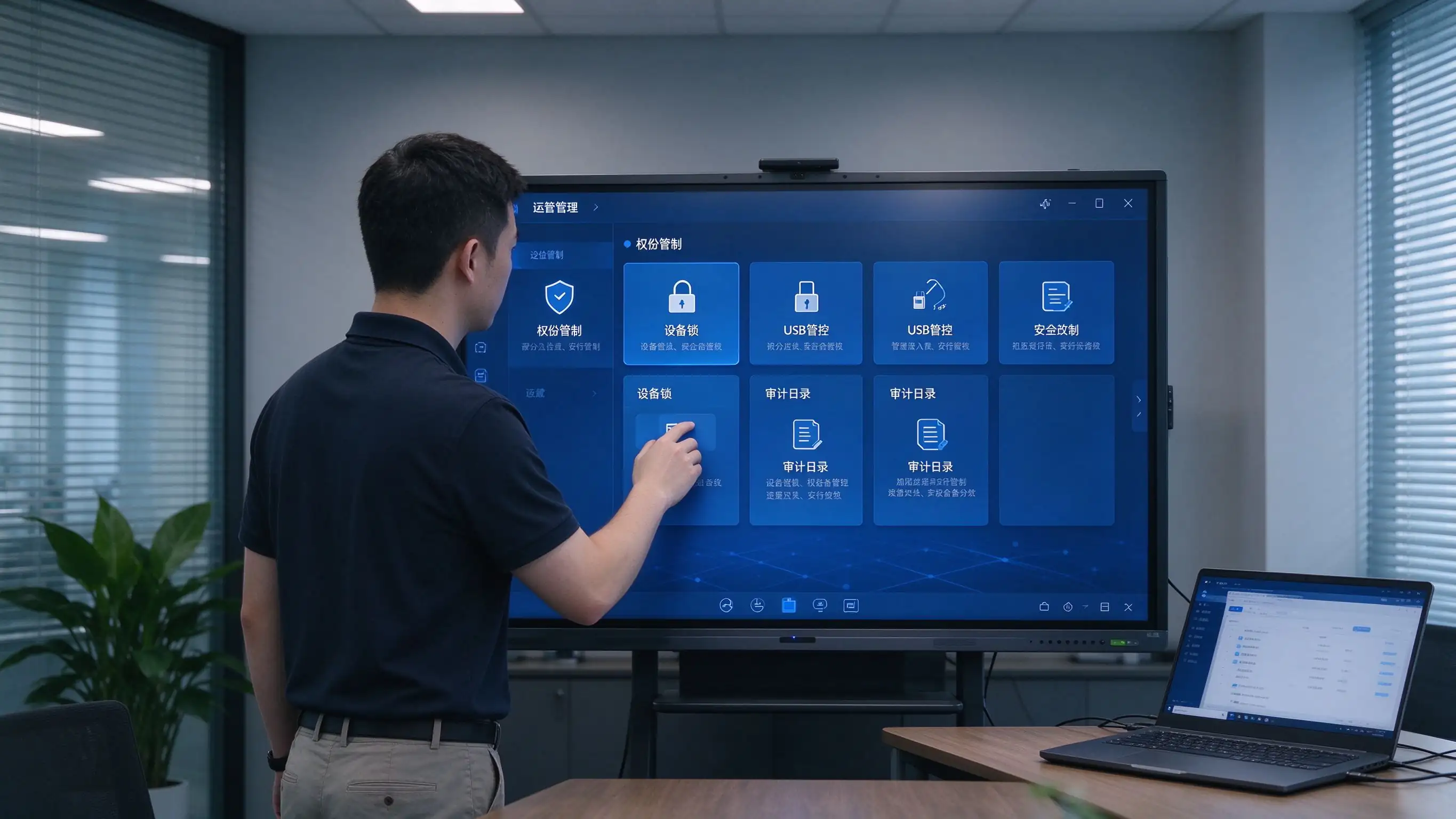
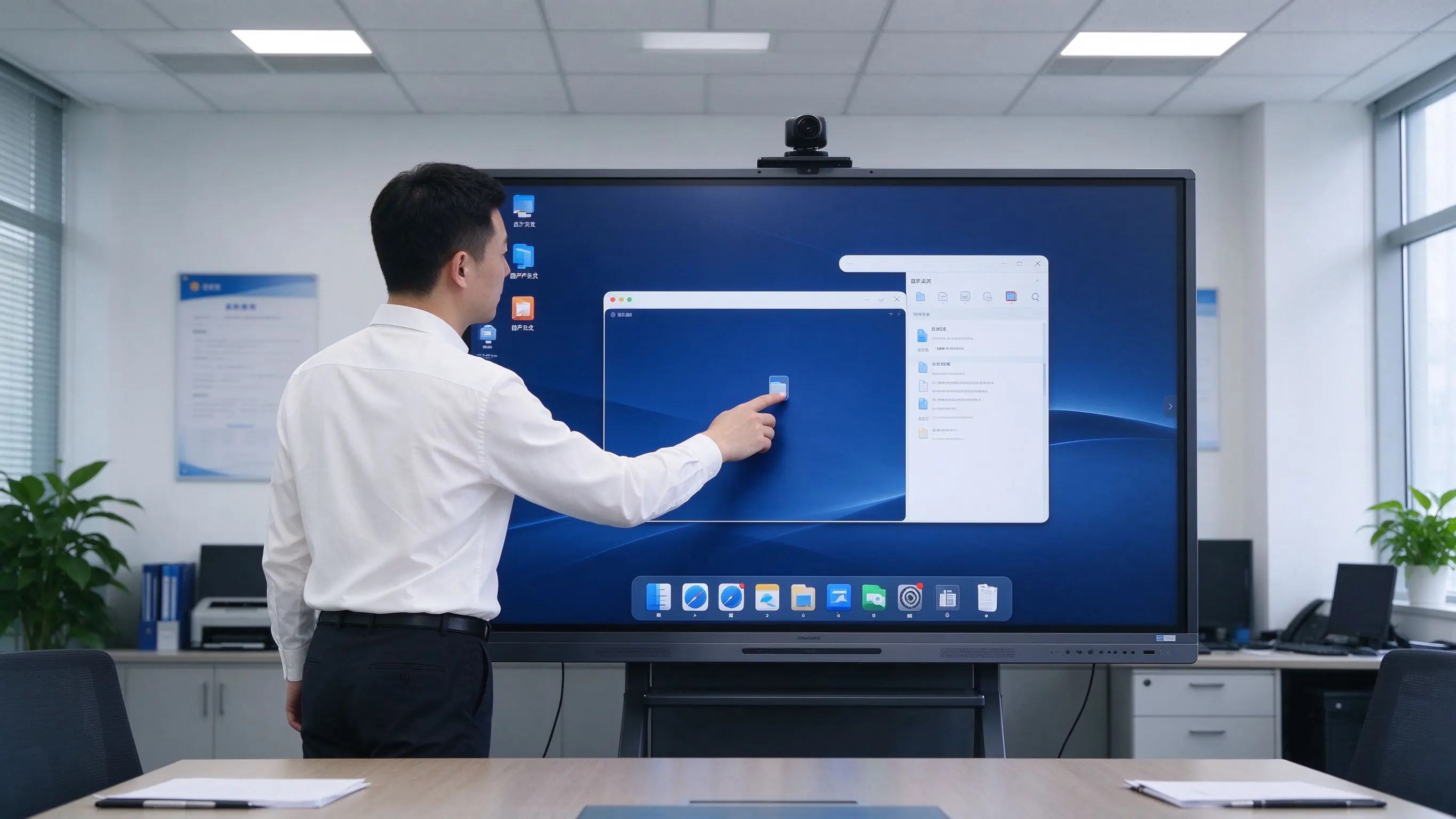
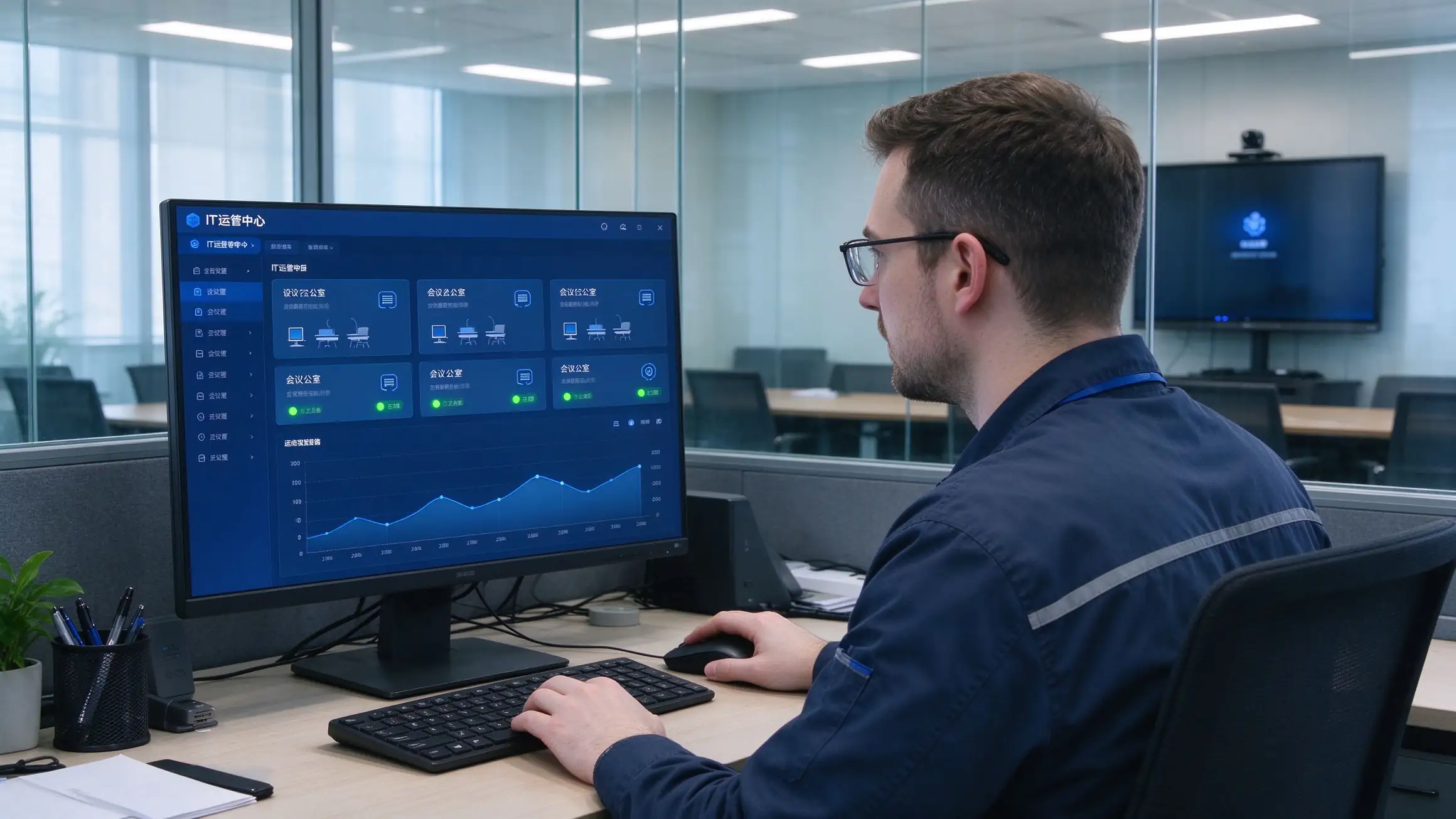
Four recommended configurations for fast comparison and budget planning. Final selection depends on room depth, viewing distance, and security requirements.
| Configuration | Room Size | Size | System | OPS | Camera / Mic | Document Camera | Compliance |
|---|---|---|---|---|---|---|---|
| Standard Meeting Room | 8–12 people | 65–75″ | Android | Optional | Built-in / optional | Optional | Basic security |
| Large Meeting Room | 12–30 people | 86″ | Android + OPS | Recommended | Wide-angle camera + mic array | Recommended | NIST / GDPR ready |
| Boardroom / Command Center | 30+ people | 86″ or larger | Android + OPS | Recommended | Professional AV | Recommended | NIST + FIPS options |
| Government / Secure Room | Per requirement | 65–86″ | Android + OPS | TAA options | Optional | As needed | TAA / NDAA / Section 508 |
Optional add-ons: OPS Windows module, Chromebox, wireless casting dongle, meeting recording module, room scheduling integration, wall mount / mobile cart / recessed installation.
A standardized six-step process for integrators and project teams — each step has a clear deliverable and a clear owner.
Room count, sizes, existing equipment, security level, compliance requirements, meeting platform in use.
Device selection, network and cabling, system integration, compliance documentation, RFP specifications.
Install, configure, train, and evaluate one room to validate the solution before scale.
Phased installation, unified configuration, DMS/MDM onboarding, device registration.
Functional acceptance, compliance acceptance, end-user training, IT handover documentation.
Warranty terms, spare parts, response-time SLA, scheduled health checks.
Multi-room, multi-region projects and long-term managed service agreements are supported.
The hidden costs of projector setups live in lamps, filters, cleaning, room-by-room maintenance, and travel. Count them, and the conclusion changes.
| Dimension | Projector + Whiteboard | TV + PC | Qtenboard IFP |
|---|---|---|---|
| Upfront cost | Medium | Medium-low | Medium-high |
| 3–5 year maintenance | High (lamps, filters, cleaning, cables, multiple failure points) | Medium (PC failures, aging peripherals) | Low (no lamps, no filters, solid-state components) |
| Meeting efficiency | Slow start, no capture | No whiteboard capture, low interaction | One-touch start, capture and share |
| Travel cost | High (poor remote experience) | Medium | Low (hybrid collaboration) |
| Management efficiency | Manual, room-by-room | Manual | DMS/MDM centralized |
| Compliance | Hard to meet GDPR, NIST, TAA | Hard to meet | Compliance-ready options |
| Lifespan | 3–5 years | 3–5 years | 10-year class |

With no lamps, no filters, and no projector ceiling maintenance, long-term ownership costs are significantly lower than projector setups — while reducing per-room inspections and travel.
Public procurement has many gates and many scoring criteria. Qtenboard provides the documentation to pass them.
Draft technical specifications ready to adapt to your solicitation document.
Trade Agreements Act compliant configurations for eligible procurements.
Supply chain documentation provided upon request.
GDPR, CCPA, NIST, ISO 27001, and SOC 2 supporting documentation.
Section 508 / ADA / WCAG 2.1 AA considerations documented.
CE, FCC, RoHS, REACH, WEEE, ENERGY STAR, EPEAT.
Sample units for pilot testing, case-study authorization, and reference letters.
Support for GSA, Sourcewell, OMNIA Partners, and TIPS procurement vehicles.
Deployment references to be completed with verifiable project details before publication.
Uz — council chamber displays, agenda management, and public meeting recording. Deployed room count, acceptance result, and user feedback to be filled in.
Kz — standardized interactive flat panels across agency offices with DMS fleet management. Deployed room count and procurement vehicle to be filled in.
CA — enterprise headquarters boardrooms with Microsoft Teams Rooms integration and hybrid rollout. Deployed room count and pilot results to be filled in.
Additional proof available: district testimonials, procurement references, pilot results, certification and compliance documentation.
The questions that come up most often in RFI responses and procurement calls.
Q1: What size interactive flat panel is recommended for a meeting room?
8–12 people: 65–75″. 12–30 people: 86″. Boardrooms and command centers: 86″ or larger. Also consider room depth and the last row’s viewing distance so the acceptance test never fails on legibility.
Q2: Is it compatible with Microsoft Teams Rooms and Zoom Rooms?
Yes. Panels work with Microsoft Teams, Zoom, Cisco Webex, and Google Meet, including Teams Rooms and Zoom Rooms deployments, with room scheduling integration available.
Q3: How do we save and share meeting minutes and whiteboard content?
One-touch recording saves minutes, annotations, and whiteboard content as PDF/PNG. Share by QR code or link with access control, or upload to SharePoint, OneDrive, or Google Drive for archival.
Q4: How many users can collaborate on screen at once?
Multi-touch panels support several simultaneous users writing, annotating, and manipulating content at the same time — designed for real collaborative sessions, not single-user kiosks.
Q5: How do IT teams manage and update devices at scale?
DMS/MDM gives a single console for scheduled power, remote firmware and app updates, device status monitoring, grouping, permissions, kiosk mode, and audit logs across every room.
Q6: Does Qtenboard support GDPR, NIST, TAA, and Section 508?
Yes. Compliance-ready options and documentation cover GDPR, CCPA, NIST, ISO 27001, SOC 2, FIPS 140-2/3 where applicable, TAA, NDAA Section 889 upon request, and Section 508 / ADA / WCAG 2.1 AA considerations.
Q7: Does Qtenboard support OEM/ODM and white-label?
Yes. Logo, UI, language, preloaded apps, OPS, camera and microphone options, mounting, packaging, DMS integration, and security configuration can be customized. Contact us for OEM/ODM terms.
Q8: What is the warranty and RMA process?
Standard warranty with spare-parts stock, response-time SLA, and a documented RMA process. Extended warranty and managed service agreements are available for multi-site deployments.

CEO | Interactive Display & Collaboration Solution Expert
I am the founder of Qtenboard, bringing over 17 years of hands-on expertise to the touch display industry. Drawing on the global management perspective gained through my EMBA studies at ShenZhen University, I lead my team in optimizing every stage of our operations—from product definition to high-efficiency supply chain management—ensuring our manufacturing capabilities remain at the forefront of the industry.
As the leader of Qtenboard, I specialize in providing tailored OEM/ODM solutions for interactive whiteboards, LCD video walls, digital signage, and industrial-grade touch terminals. Backed by our 330,000 m² modern industrial park in Shenzhen, we maintain full-lifecycle control over industrial design, precision manufacturing, and rigorous performance testing.
With nearly two decades of project experience, Qtenboard’s display solutions are now deployed in over 120 countries and regions, earned the trust of more than 15,000 enterprise customers worldwide. If you are seeking a responsive partner with a deep manufacturing foundation for your customized touch display projects, my team and I are ready to support your vision with professional excellence.

 EN
EN
 pt
pt  spa
spa  th
th  vie
vie  aze
aze  bel
bel  est
est  lav
lav  ukr
ukr  ru
ru