Qtenboard interaktīvie plakanie paneļi palīdz valsts pārvaldes iestādēm un uzņēmumiem rīkot sanāksmes bez papīra, nodrošināt hibrīda sadarbību un centralizēti pārvaldīt sanāksmju telpu iekārtas — piedāvājot atbilstošus risinājumus GDPR, NIST, TAA un 508. sadaļai.
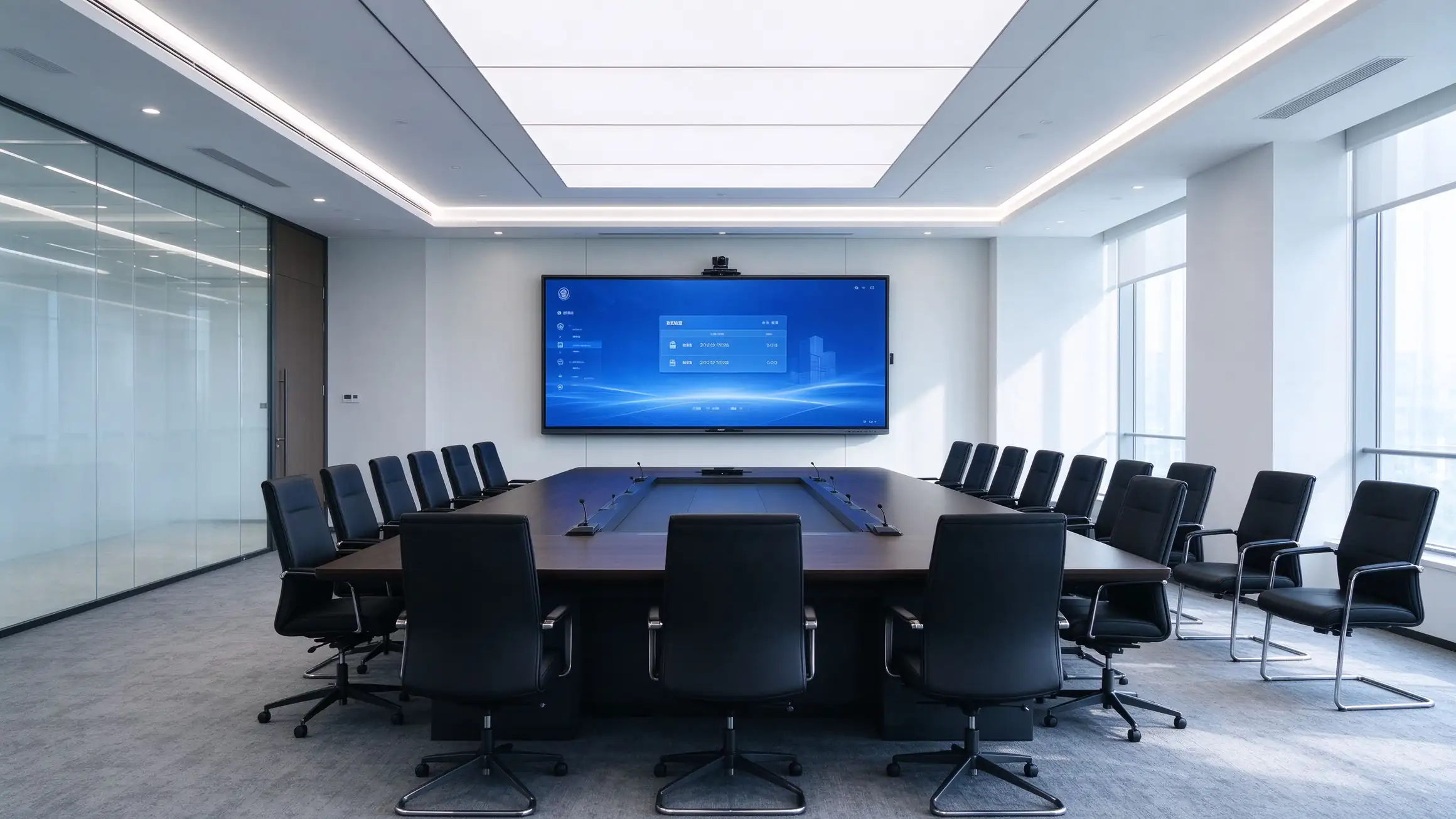
Iepirkumu lēmumus vada hibrīds darbs, bezpapīra mandāti, atbilstības pienākumi un paredzamā pārvaldības un izmaksu nepieciešamība.
Bezšuvju tālvadības sadarbība un bezvadu prezentācija ir galda likmes katrai konferenču zālei.
Digitālās dienaskārtības, protokoli un dokumentu koplietošana samazina izmaksas, atkritumu daudzumu un drošības riskus.
Publiskā sektora iepirkumos ir jāievēro atbilstība, pieejamība un piegādes ķēžu caurspīdīgums.
IT komandām ir nepieciešama informācija par visu aprīkojumu, attālinātas atjaunināšanas un paredzama kopējā īpašuma izmaksu analīze piecu gadu periodam katrā telpā.
Sanāksmju telpas ir jāstrādā ar microsoft, zoom, cisco un google ekosistēmām, kas jau tiek izmantotas.
Šifrēšana, piekļuves kontrole un datu aizsardzības prasības attiecas uz katru pieslēgto ierīci.
Viena platforma, kas kalpo gan tās pircējiem, gan tās vadītājiem, gan tās izmantotājiem.
Domes sēžu zāles, valdes sanāksmju telpas un publiskās sanāksmju telpas ar atbilstībai paredzētiem izvietošanas risinājumiem.
Standartizēta sapulču telpu tehnoloģija pāri birojiem, reģioniem un hibrīda darba vietām.
Oem/odm, white-label, bulk cenas, un strukturēta partnera programma.
Rfp-ready specifikācijas, taa opcijas, un sadarbības līguma atbalsts.
No darba kārtības sagatavošanas līdz arhīvam-katrs sanāksmes posms darbojas vienā interaktīvajā plakanā panelī.
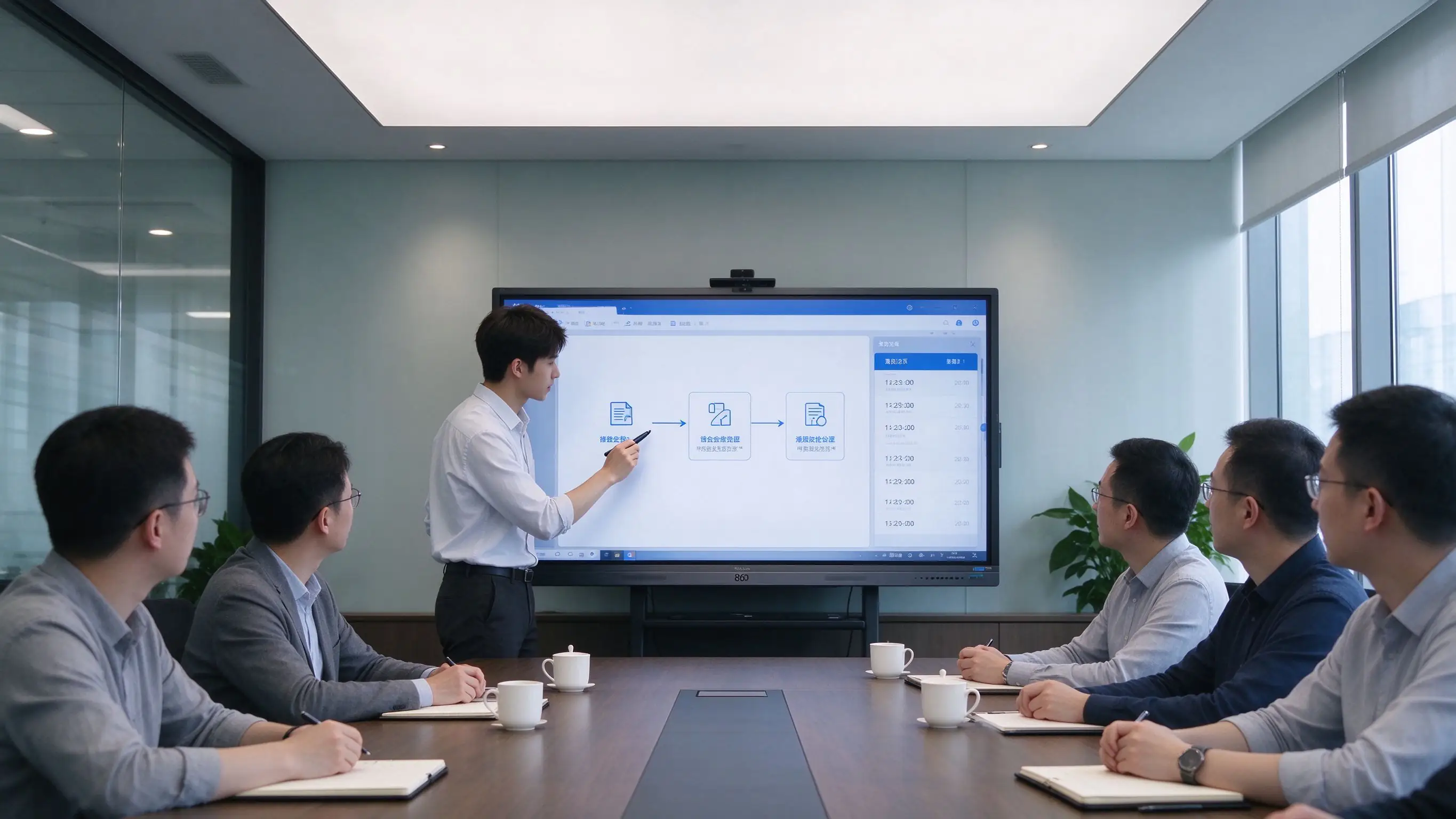
| Fāze | Kas notiek Qtenboard panelī? |
|---|---|
| Pirms sanāksmes | Darba kārtības, dokumenti un prezentācijas tiek sagatavoti Microsoft 365, Google Workspace vai organizācijas DMS. Materiāli tiek izplatīti digitāli – nav nepieciešama druka, un pēc labojumiem tos nav jādrukā atkārtoti. |
| During the Meeting | Wireless presentation from laptops and mobile devices. Annotation, whiteboarding, and document markup. Hybrid participants join via Microsoft Teams, Zoom, Cisco Webex, or Google Meet. |
| After the Meeting | One-touch meeting recording. Minutes and whiteboard content saved as PDF/PNG. QR code or link sharing. Upload to SharePoint, OneDrive, Google Drive, or the meeting archive. |
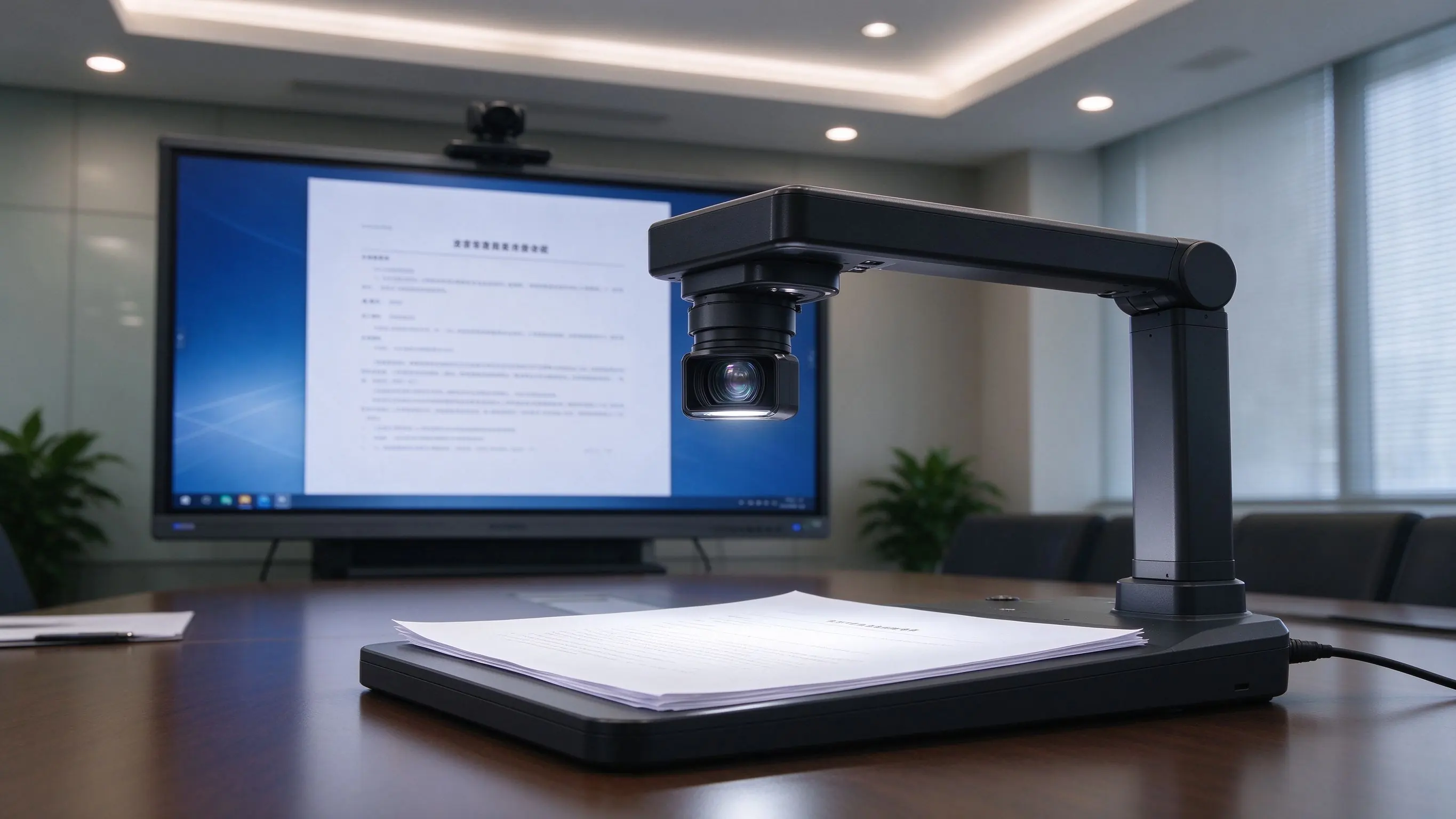
Document camera integration displays physical documents and exhibits on screen — ideal for hearings, reviews, and public meetings.
These gaps surface repeatedly in audits, operations, and daily use — and they are the direct trigger for an upgrade.
| Pain Point | Traditional Setup | Qtenboard risinājums |
|---|---|---|
| No meeting capture | Whiteboard erased, no review, no follow-up | One-touch recording + QR/link sharing |
| Limited interaction | Single-user operation | Multi-touch, multi-user collaboration |
| Fragmented resources | USB, PC, cloud scattered | Microsoft 365, Google Workspace, LMS, FTP, WebDAV |
| Complex cabling | Projector, PC, speakers, cables everywhere | All-in-one IFP, wireless casting |
| No fleet management | Manual, room-by-room maintenance | DMS/MDM, remote update, scheduled power |
| Compliance gaps | Hard to meet GDPR, NIST, TAA, Section 508 | Compliance-ready options and documentation |
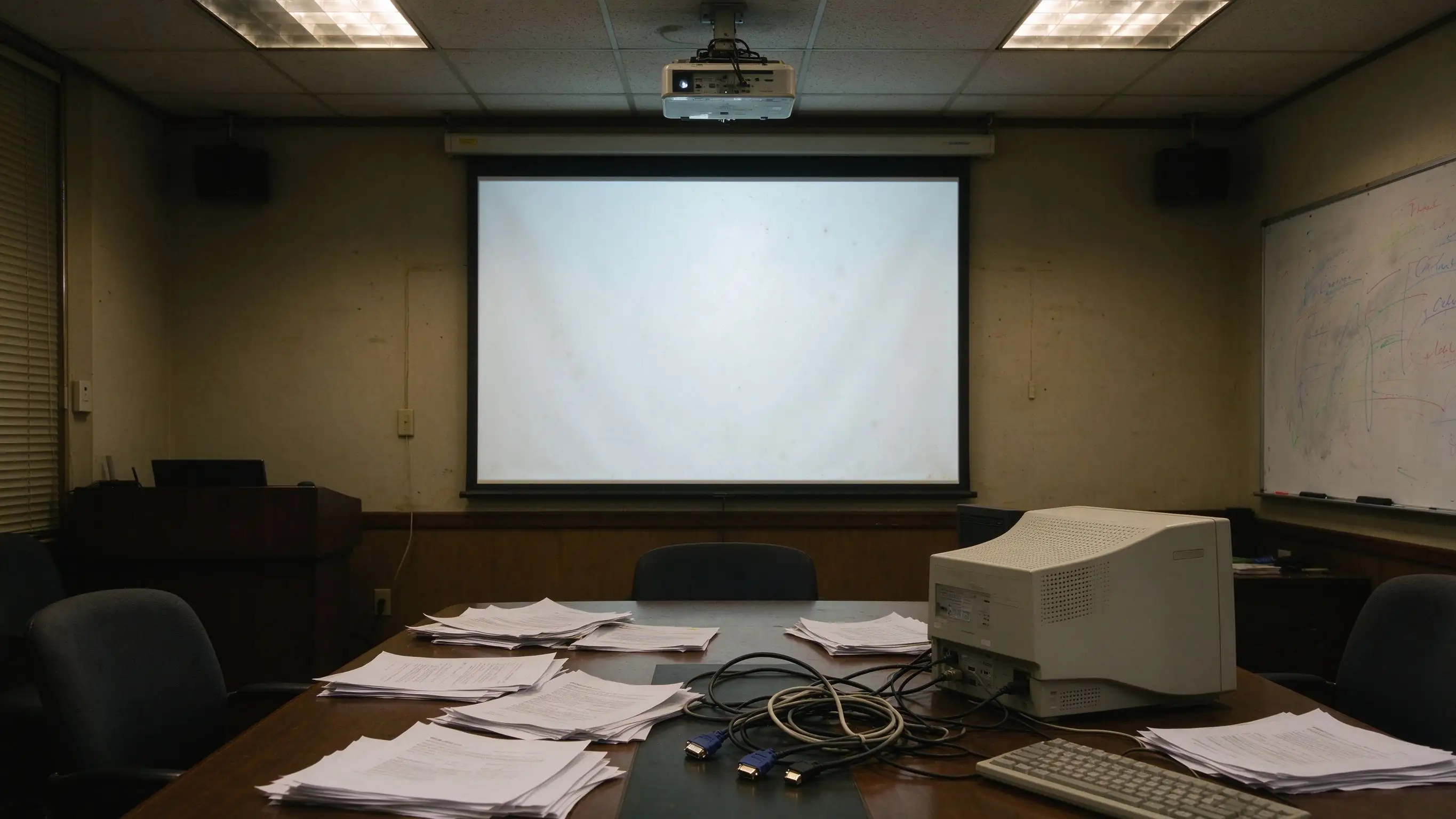
A layered design that deploys in a single room today and scales to a multi-site fleet tomorrow — with room to integrate existing control systems, directories, and meeting platforms.
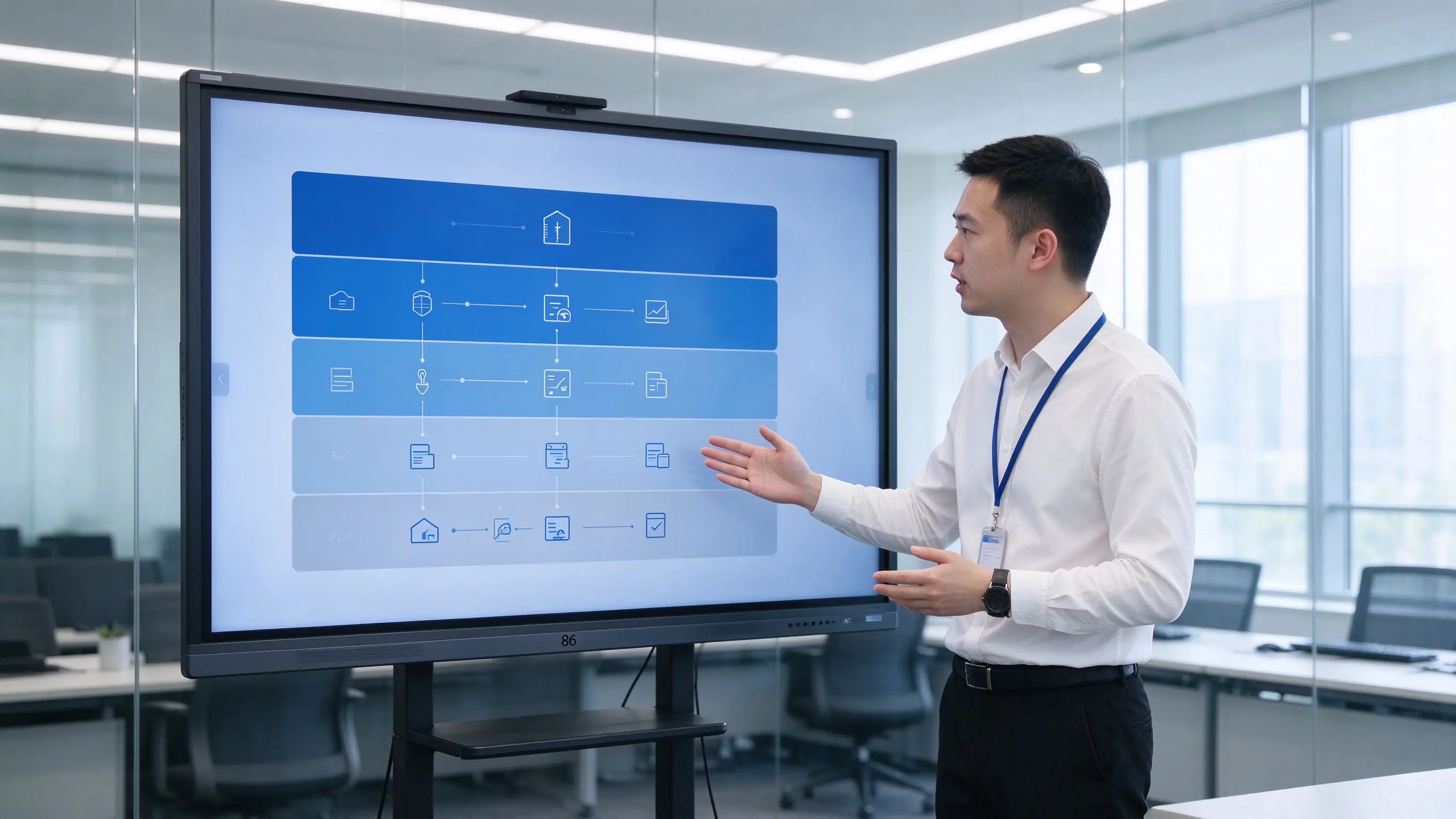
Capabilities are organized by the value they deliver — paperless efficiency, hybrid collaboration, compliance, security, user comfort, and fleet operations.
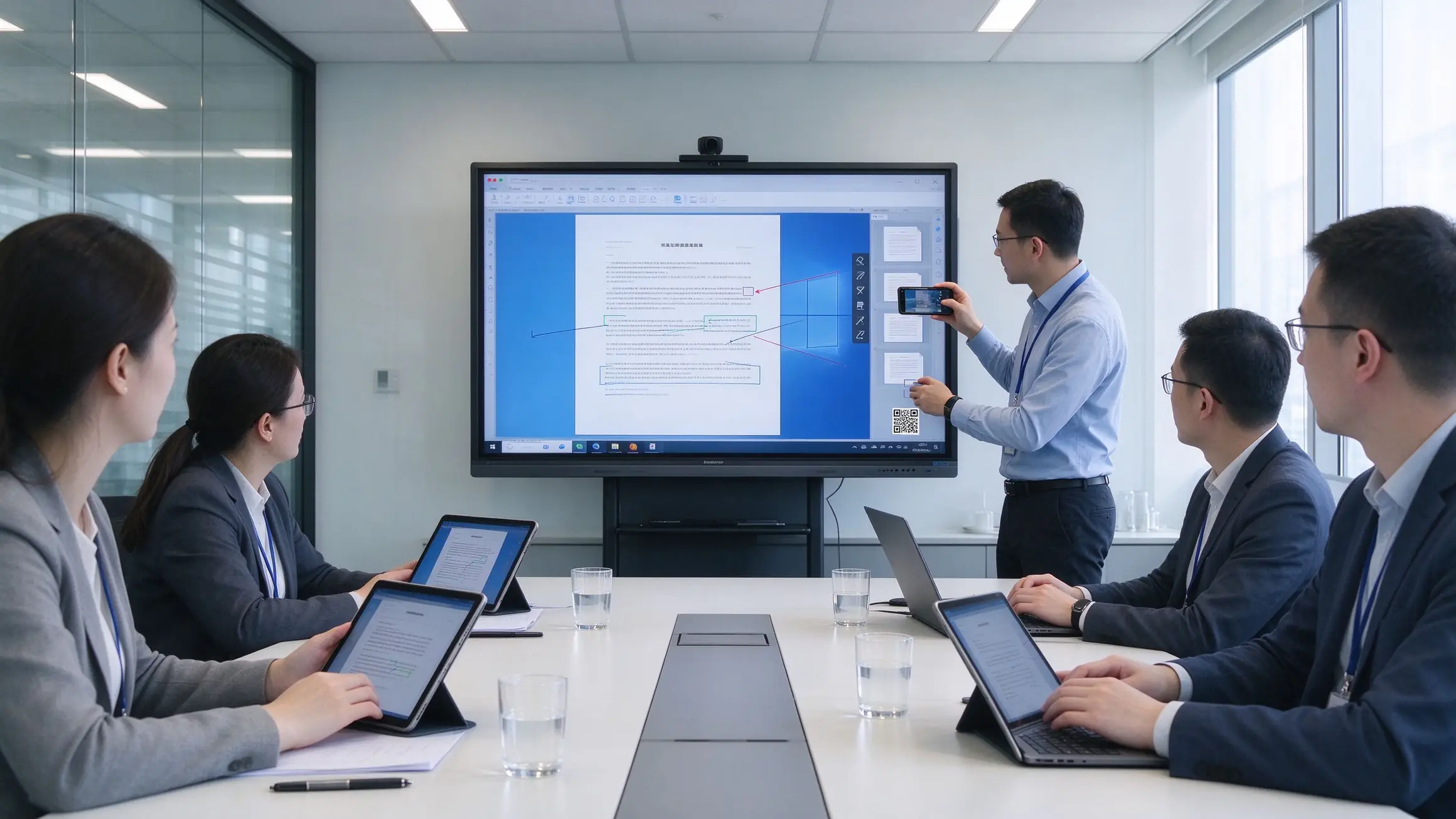
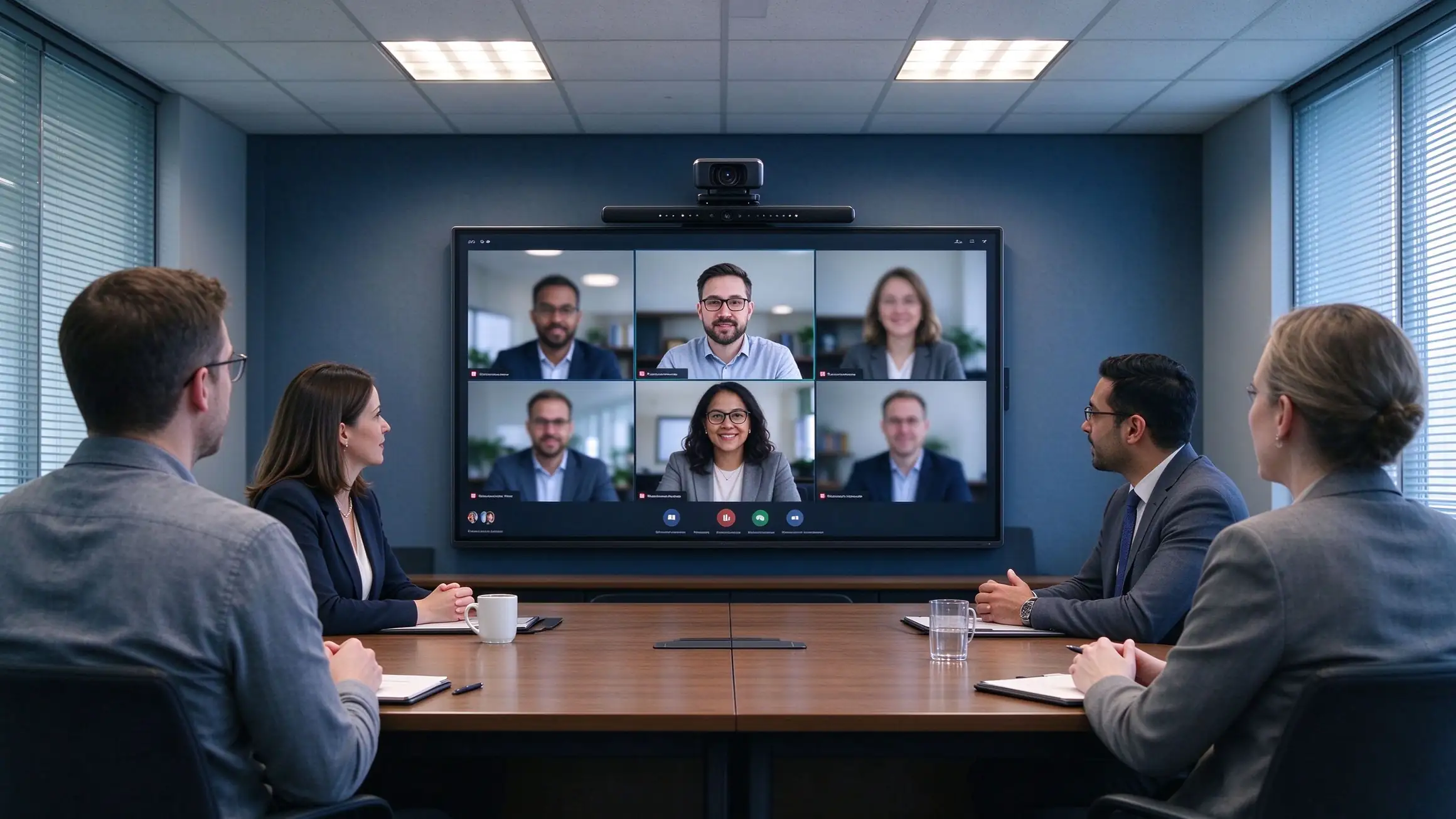
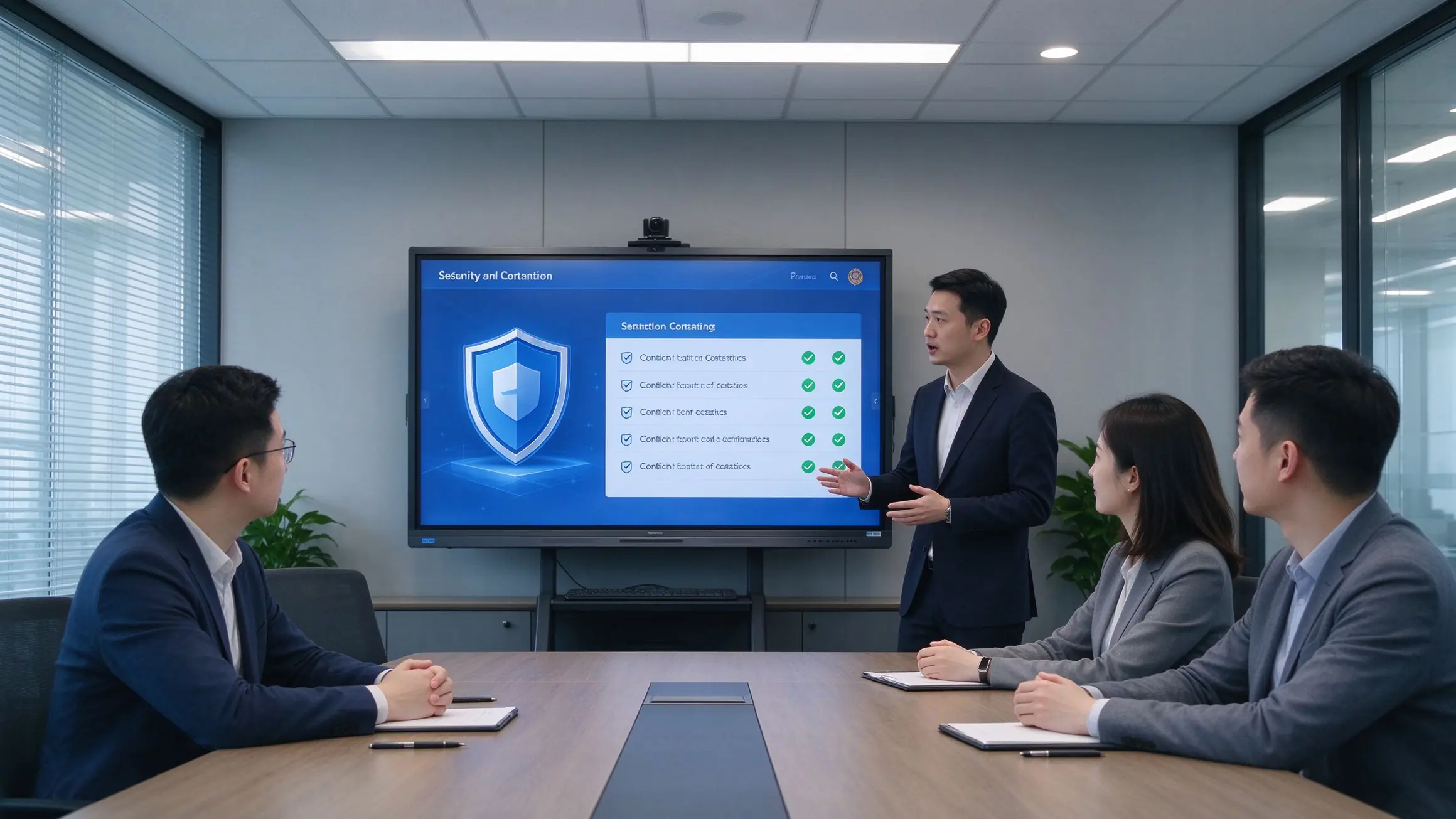
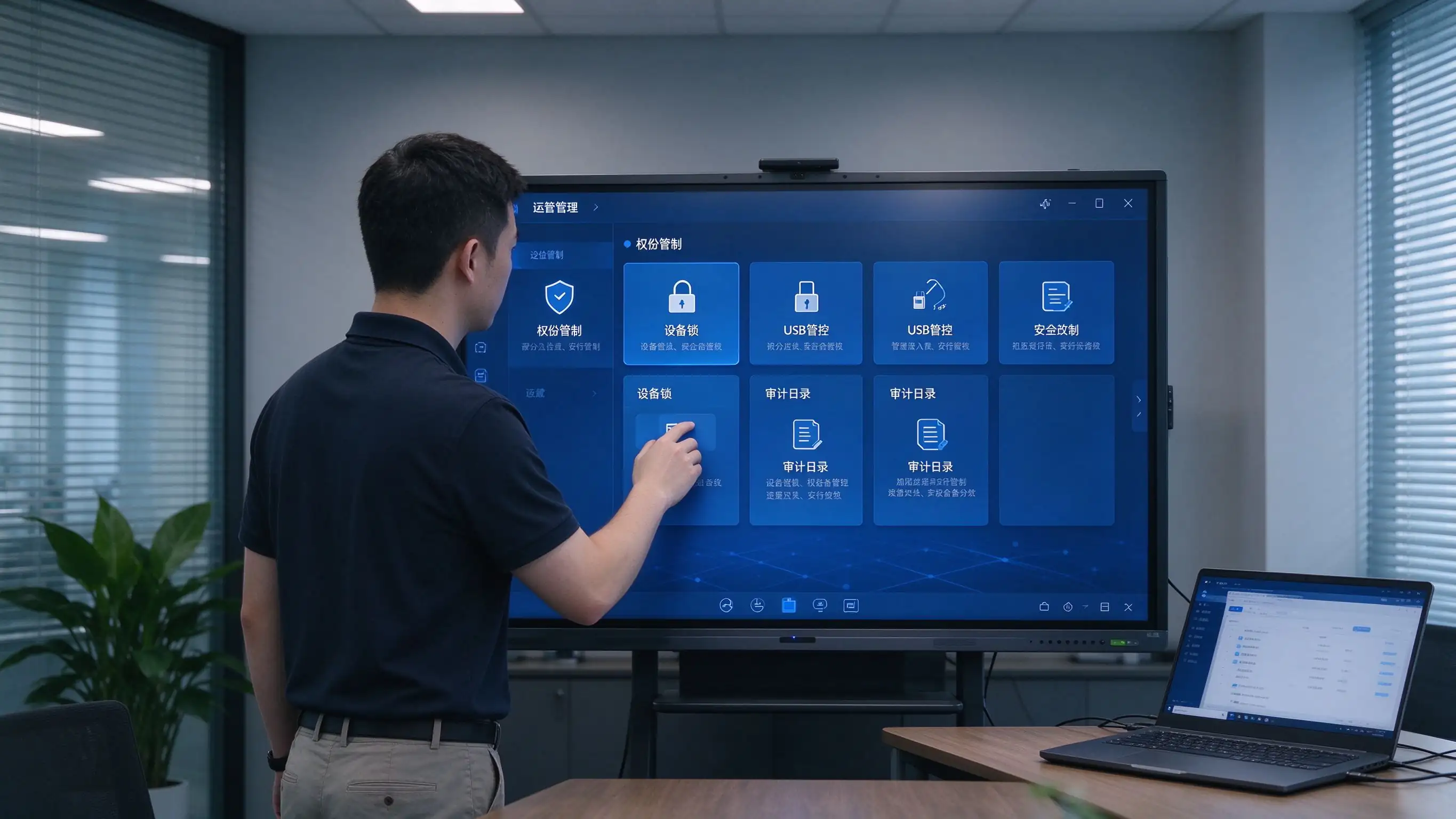
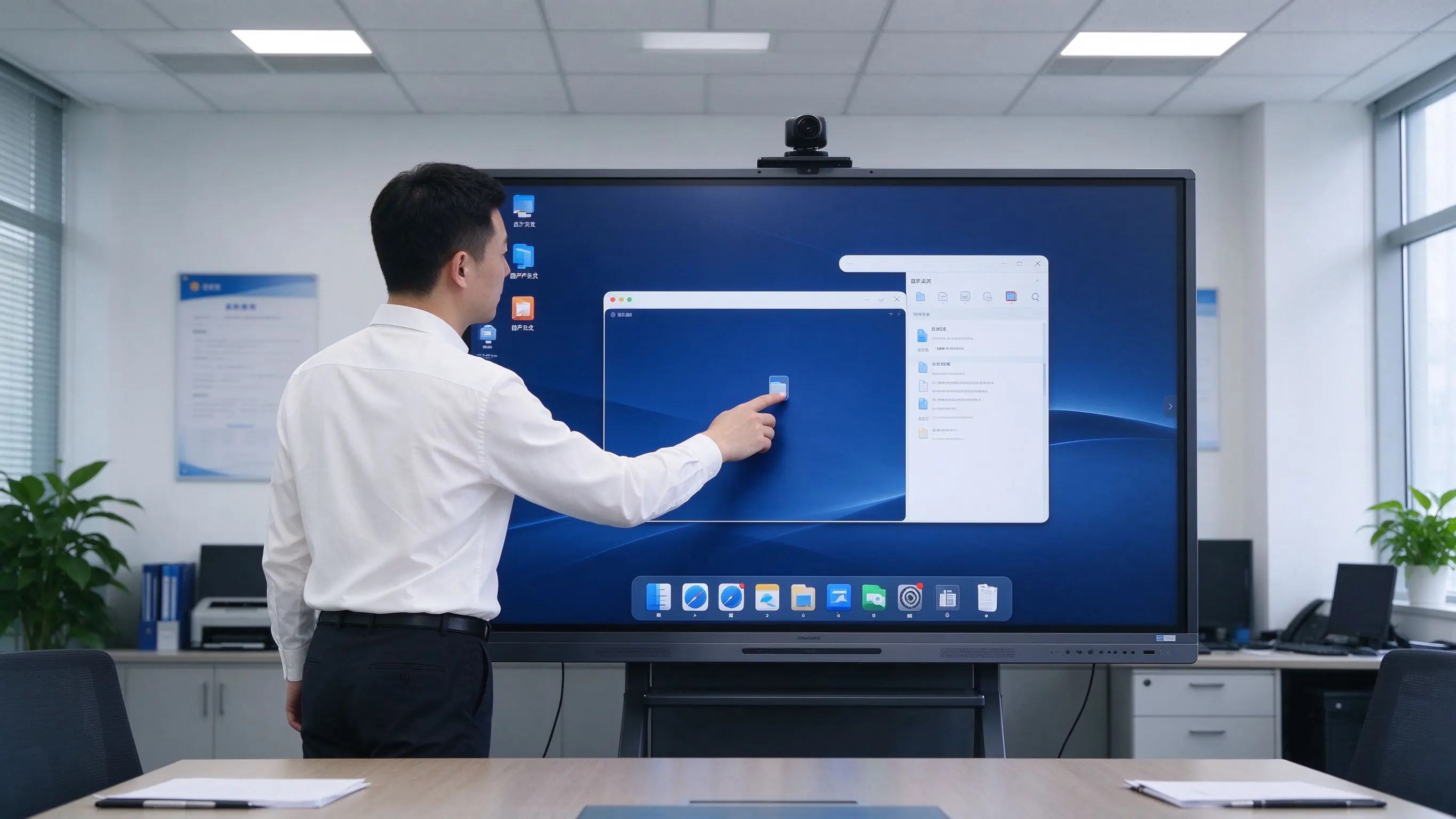
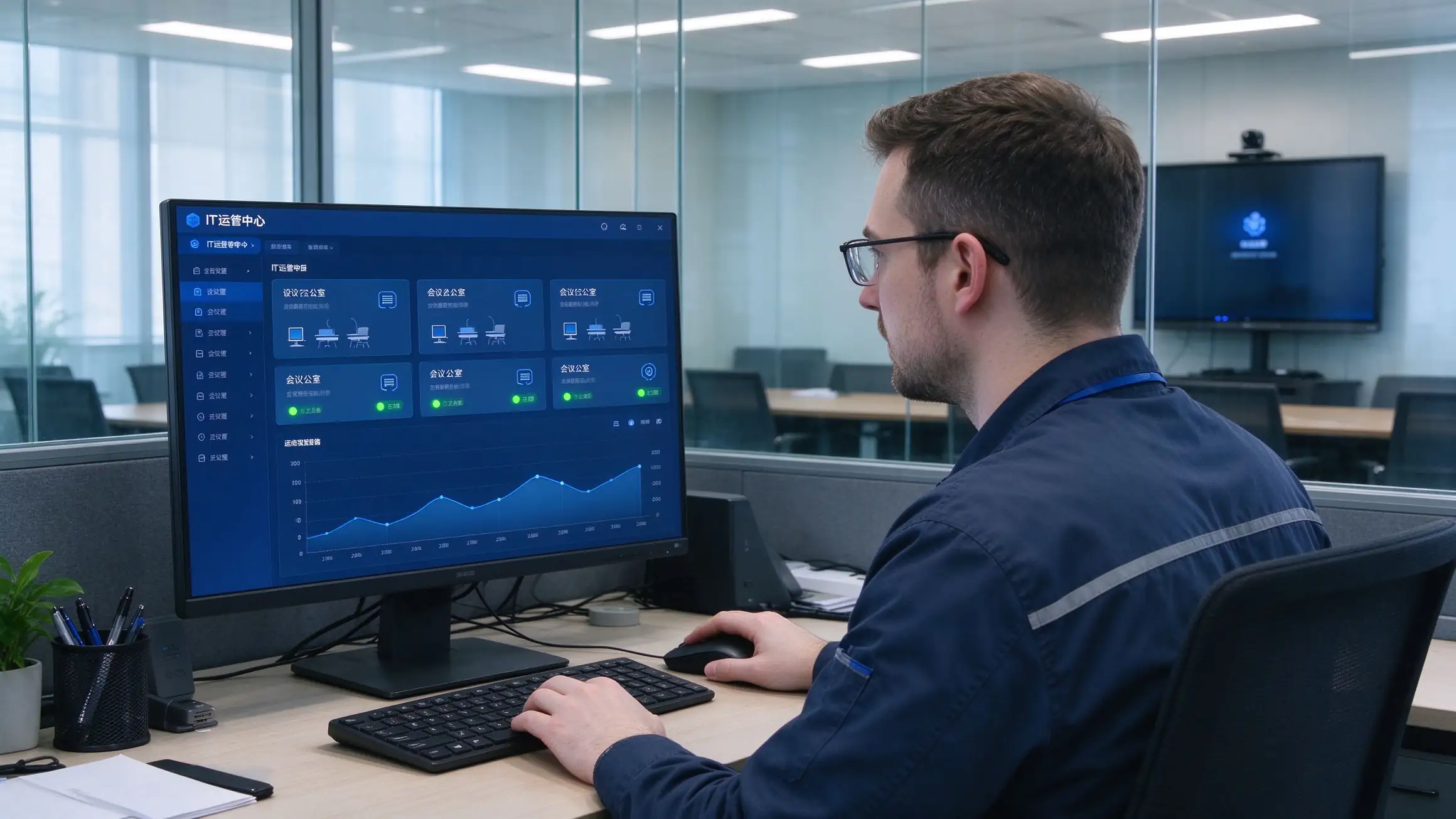
Four recommended configurations for fast comparison and budget planning. Final selection depends on room depth, viewing distance, and security requirements.
| Konfigurācija | Room Size | Izmērs | Sistēma | Ops | Kamera/Mikrofons | Dokumentu kamera | Atbilstība |
|---|---|---|---|---|---|---|---|
| Standard Meeting Room | 8–12 people | 65–75″ | Android | Pēc izvēles | Built-in / optional | Pēc izvēles | Basic security |
| Large Meeting Room | 12–30 people | 86″ | Android + OPS | Ieteicams | Wide-angle camera + mic array | Ieteicams | NIST / GDPR ready |
| Boardroom / Command Center | 30+ people | 86″ or larger | Android + OPS | Ieteicams | Professional AV | Ieteicams | NIST + FIPS options |
| Government / Secure Room | Per requirement | 65–86″ | Android + OPS | TAA options | Pēc izvēles | As needed | TAA / NDAA / Section 508 |
Papildu iespējas: OPS Windows module, Chromebox, wireless casting dongle, meeting recording module, room scheduling integration, wall mount / mobile cart / recessed installation.
A standardized six-step process for integrators and project teams — each step has a clear deliverable and a clear owner.
Room count, sizes, existing equipment, security level, compliance requirements, meeting platform in use.
Device selection, network and cabling, system integration, compliance documentation, RFP specifications.
Install, configure, train, and evaluate one room to validate the solution before scale.
Phased installation, unified configuration, DMS/MDM onboarding, device registration.
Functional acceptance, compliance acceptance, end-user training, IT handover documentation.
Warranty terms, spare parts, response-time SLA, scheduled health checks.
Multi-room, multi-region projects and long-term managed service agreements are supported.
The hidden costs of projector setups live in lamps, filters, cleaning, room-by-room maintenance, and travel. Count them, and the conclusion changes.
| Dimensija | Projektors whiteboard | Tv pc | Qtenboard IFP |
|---|---|---|---|
| Iepriekšējās izmaksas | Vidējs | Vidēji zems | Vidēji augsts |
| 3–5 gadu apkope | High (lamps, filters, cleaning, cables, multiple failure points) | Medium (PC failures, aging peripherals) | Low (no lamps, no filters, solid-state components) |
| Tikšanās efektivitāte | Slow start, no capture | No whiteboard capture, low interaction | One-touch start, capture and share |
| Travel cost | High (poor remote experience) | Vidējs | Low (hybrid collaboration) |
| Vadības efektivitāte | Manuāli, telpa pa telpai | Manuālā | DMS/MDM centralized |
| Atbilstība | Hard to meet GDPR, NIST, TAA | Hard to meet | Compliance-ready options |
| Dzīves ilgums | 3–5 gadi | 3–5 gadi | 10-year class |
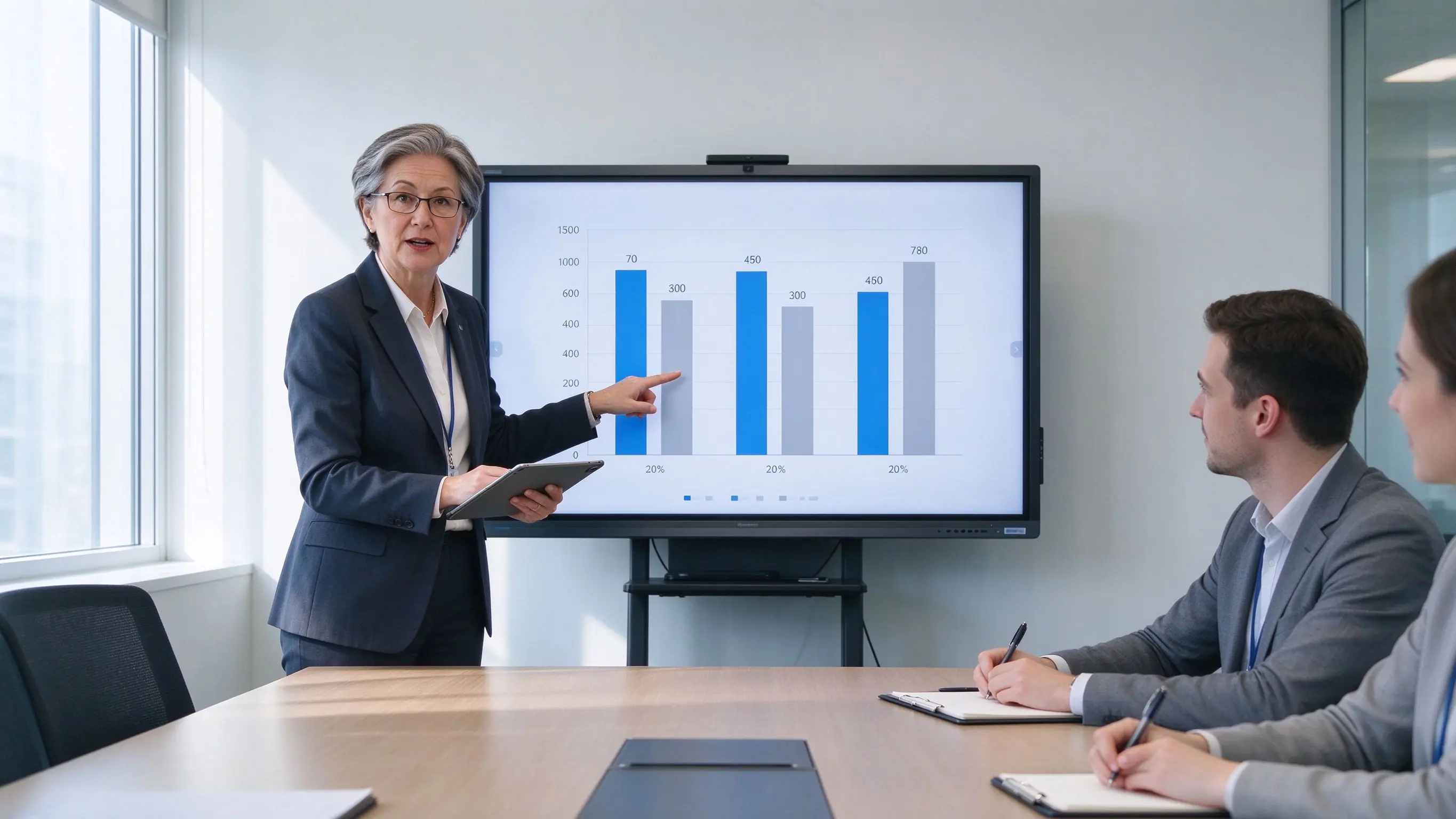
With no lamps, no filters, and no projector ceiling maintenance, long-term ownership costs are significantly lower than projector setups — while reducing per-room inspections and travel.
Public procurement has many gates and many scoring criteria. Qtenboard provides the documentation to pass them.
Draft technical specifications ready to adapt to your solicitation document.
Trade Agreements Act compliant configurations for eligible procurements.
Supply chain documentation provided upon request.
GDPR, CCPA, NIST, ISO 27001, and SOC 2 supporting documentation.
Section 508 / ADA / WCAG 2.1 AA considerations documented.
CE, FCC, RoHS, REACH, WEEE, ENERGY STAR, EPEAT.
Sample units for pilot testing, case-study authorization, and reference letters.
Support for GSA, Sourcewell, OMNIA Partners, and TIPS procurement vehicles.
Deployment references to be completed with verifiable project details before publication.
Uz — council chamber displays, agenda management, and public meeting recording. Deployed room count, acceptance result, and user feedback to be filled in.
Kz — standardized interactive flat panels across agency offices with DMS fleet management. Deployed room count and procurement vehicle to be filled in.
Ca — enterprise headquarters boardrooms with Microsoft Teams Rooms integration and hybrid rollout. Deployed room count and pilot results to be filled in.
Additional proof available: district testimonials, procurement references, pilot results, certification and compliance documentation.
The questions that come up most often in RFI responses and procurement calls.
Q1: What size interactive flat panel is recommended for a meeting room?
8–12 people: 65–75″. 12–30 people: 86″. Boardrooms and command centers: 86″ or larger. Also consider room depth and the last row’s viewing distance so the acceptance test never fails on legibility.
Q2: Is it compatible with Microsoft Teams Rooms and Zoom Rooms?
Yes. Panels work with Microsoft Teams, Zoom, Cisco Webex, and Google Meet, including Teams Rooms and Zoom Rooms deployments, with room scheduling integration available.
Q3: How do we save and share meeting minutes and whiteboard content?
One-touch recording saves minutes, annotations, and whiteboard content as PDF/PNG. Share by QR code or link with access control, or upload to SharePoint, OneDrive, or Google Drive for archival.
Q4: How many users can collaborate on screen at once?
Multi-touch panels support several simultaneous users writing, annotating, and manipulating content at the same time — designed for real collaborative sessions, not single-user kiosks.
Q5: How do IT teams manage and update devices at scale?
DMS/MDM gives a single console for scheduled power, remote firmware and app updates, device status monitoring, grouping, permissions, kiosk mode, and audit logs across every room.
Q6: Does Qtenboard support GDPR, NIST, TAA, and Section 508?
Yes. Compliance-ready options and documentation cover GDPR, CCPA, NIST, ISO 27001, SOC 2, FIPS 140-2/3 where applicable, TAA, NDAA Section 889 upon request, and Section 508 / ADA / WCAG 2.1 AA considerations.
Q7: Does Qtenboard support OEM/ODM and white-label?
Yes. Logo, UI, language, preloaded apps, OPS, camera and microphone options, mounting, packaging, DMS integration, and security configuration can be customized. Contact us for OEM/ODM terms.
Q8: What is the warranty and RMA process?
Standard warranty with spare-parts stock, response-time SLA, and a documented RMA process. Extended warranty and managed service agreements are available for multi-site deployments.

Ceo | interaktīva displeja un sadarbības risinājumu eksperts
Esmu Qtenboard dibinātājs, un man ir vairāk nekā 17 gadu praktiskas pieredzes skārienjūtīgo ekrānu nozarē. Pamatojoties uz globālās vadības perspektīvu, kas iegūta, izmantojot emba studijas šengenas universitātē, es vadu savu komandu, optimizējot katru darbības posmu-no produktu definīcijas līdz augstas efektivitātes piegādes ķēdes pārvaldībai-nodrošinot, ka mūsu ražošanas spējas paliek nozares priekšgalā.
Kā qtenboard līderis, es specializējos, lai nodrošinātu pielāgotus oem/odm risinājumus interaktīvajām tāfelēm, lcd video sienām, ciparu apzīmēm un rūpnieciskās kvalitātes pieskāriena termināļiem. Atbalstīts mūsu 330,000 m² mūsdienu rūpniecības parks shenzhen, mēs uzturēt pilnu dzīves cikla kontroli pār rūpniecisko dizainu, precizitāti ražošanu un stingru veiktspējas testēšanu.
Ar gandrīz divus gadu desmitus ilgu projekta pieredzi, qtenboard displeja risinājumi tagad tiek izvietoti vairāk nekā 120 valstīs un reģionos, nopelnījis vairāk nekā 15,000 uzņēmumu klientu uzticību visā pasaulē. Ja jūs meklējat atsaucīgu partneri ar dziļu ražošanas pamatu jūsu pielāgotiem touch displeja projektiem, mans komanda un es esam gatavi atbalstīt jūsu vīziju ar profesionālu izcilību.

 lav
lav
 EN
EN  pt
pt  spa
spa  th
th  vie
vie  aze
aze  bel
bel  est
est  ukr
ukr  ru
ru