Tấm phẳng tương tác qtenboard giúp các cơ quan khu vực công và các doanh nghiệp thực hiện các cuộc họp không cần giấy tờ, cho phép hợp tác lai và quản lý các thiết bị phòng họp theo quy mô-với các tùy chọn sẵn sàng tuân thủ cho gdpr, nist, taa, và mục 508.
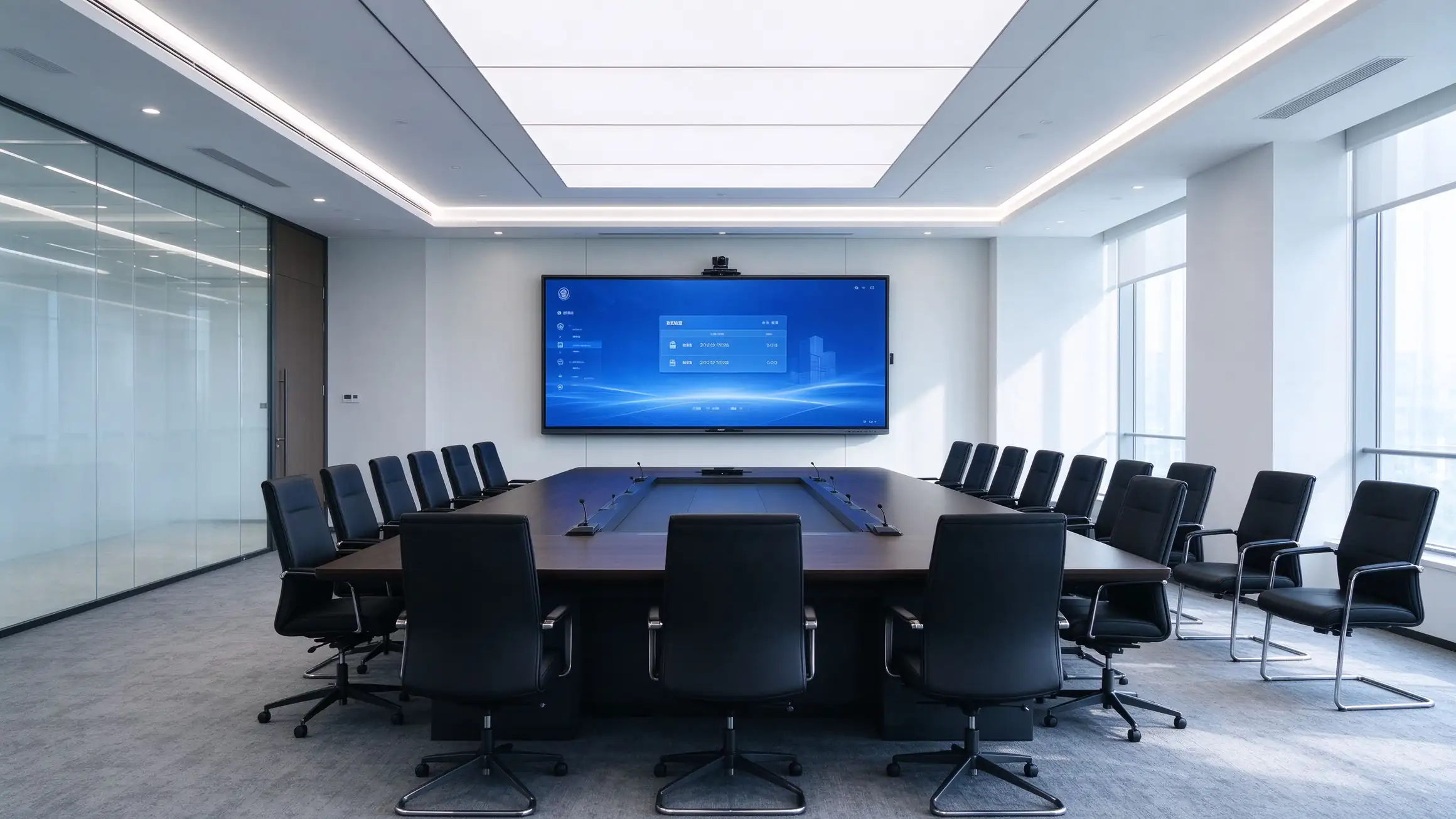
Các quyết định mua sắm được thúc đẩy bởi công việc lai tạo, Nhiệm Vụ không cần giấy tờ, Nghĩa Vụ tuân thủ và nhu cầu quản lý và chi phí có thể dự đoán được.
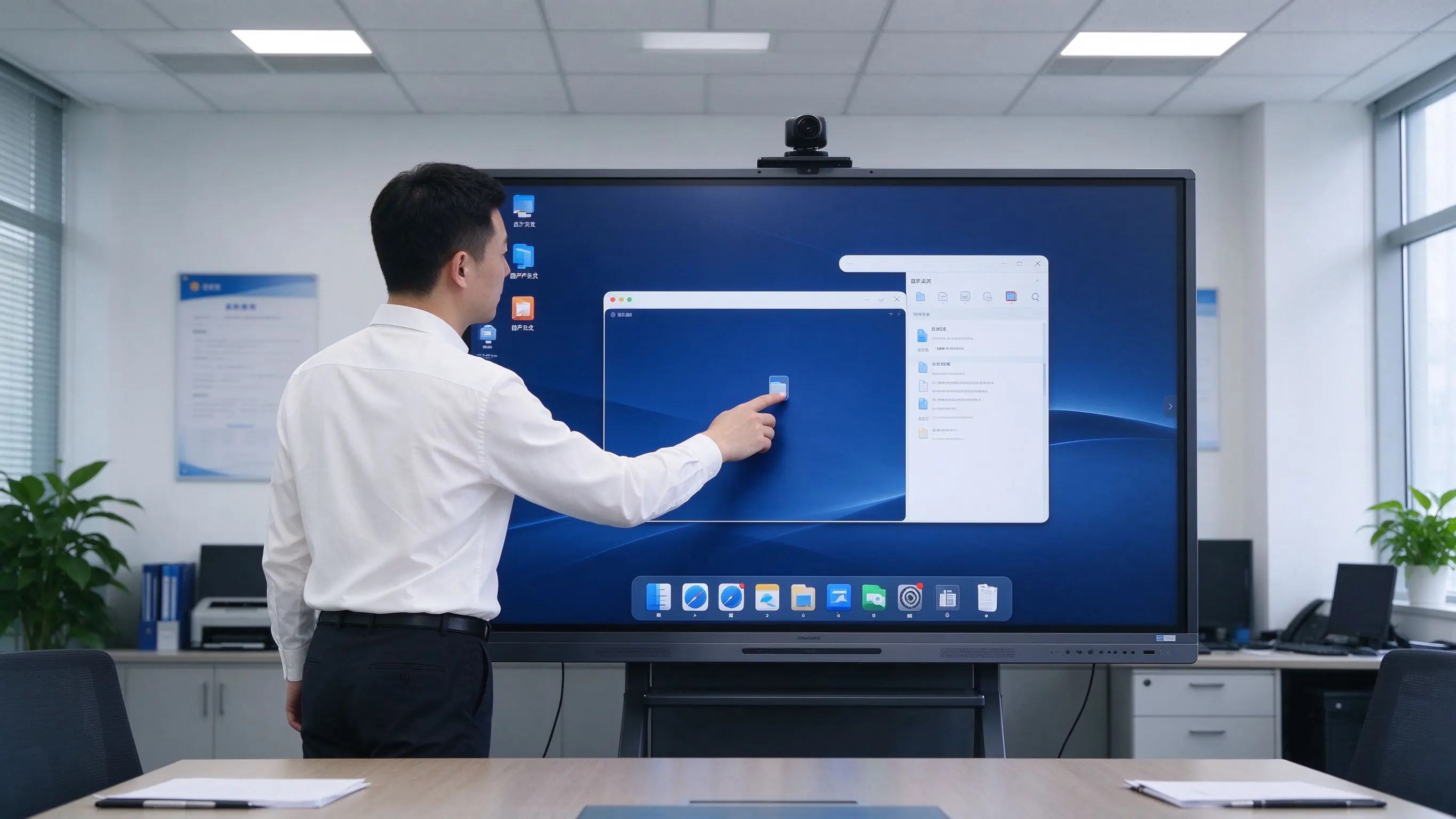
Sự hợp tác từ xa liền mạch và trình bày không dây là cọc để bàn cho mỗi phòng họp.
Chương trình nghị sự kỹ thuật số, biên bản và chia sẻ tài liệu giúp giảm chi phí, Lãng Phí và phơi nhiễm an ninh.
Mua sắm khu vực công đòi hỏi sự tuân thủ, khả năng tiếp cận và minh bạch trong chuỗi cung ứng.
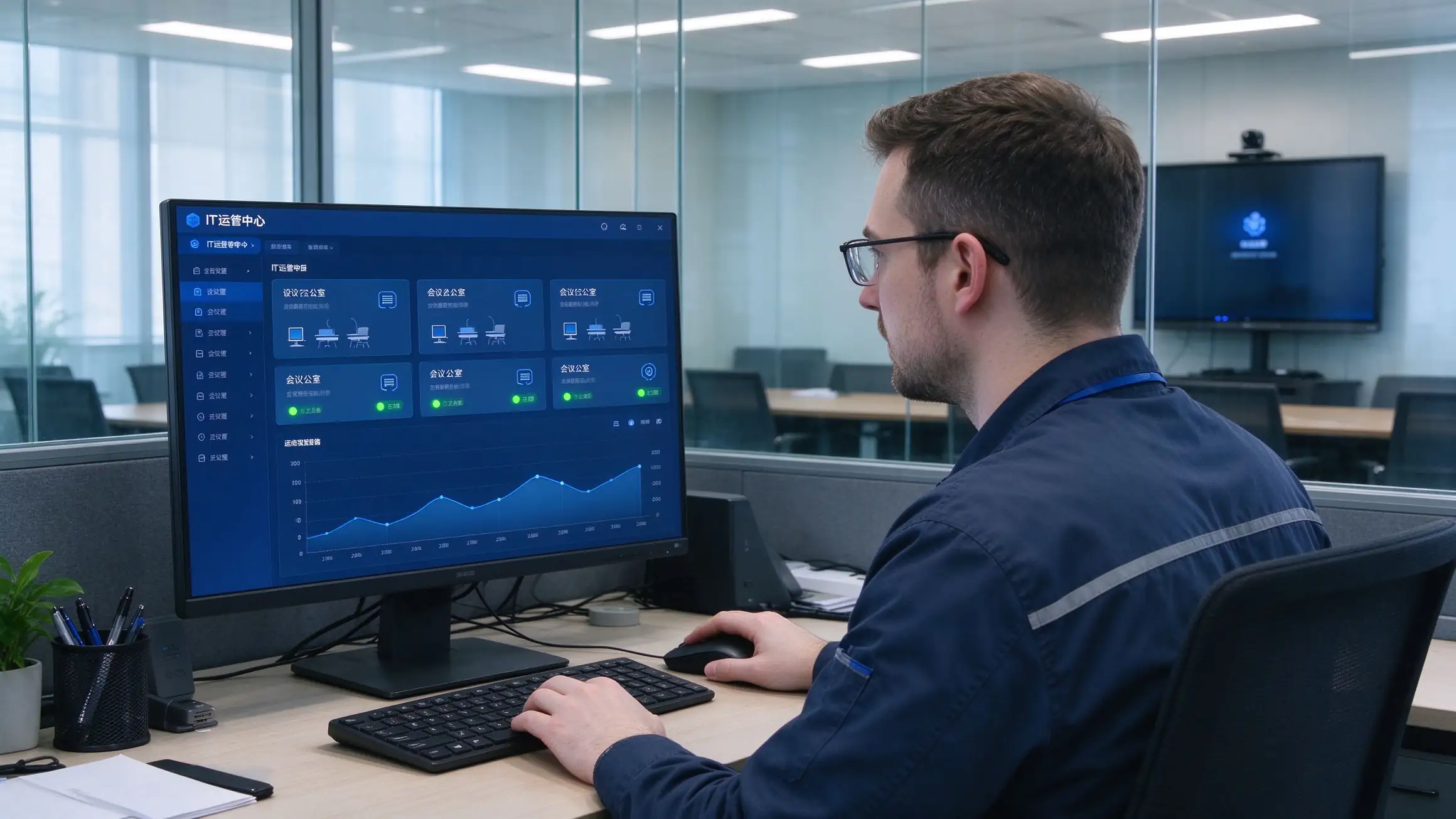
Các đội CNTT cần khả năng hiển thị Hạm Đội, cập nhật từ xa và tCo 5 năm có thể dự đoán được trên mỗi phòng.
Phòng họp phải làm việc với Microsoft, zoom, Cisco và Google ecosystems đã được sử dụng.
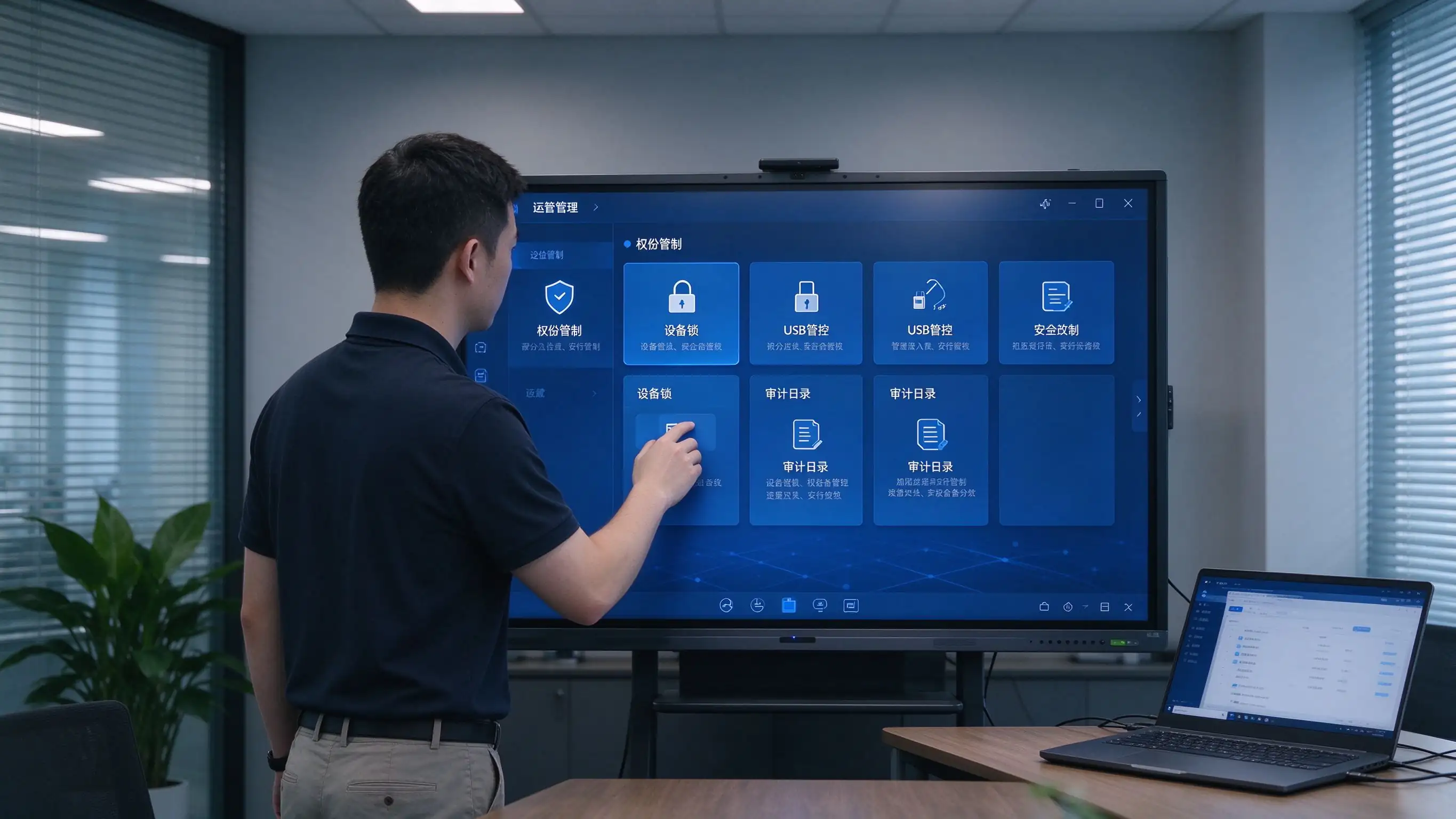
Yêu cầu mã hóa, kiểm soát truy cập và bảo vệ dữ liệu áp dụng cho mọi thiết bị được kết nối.
Một nền tảng phục vụ những người mua nó, những người điều hành nó và những người triển khai nó.
Phòng hội đồng, phòng họp và phòng họp công cộng với các tùy chọn triển khai sẵn sàng tuân thủ.
Công nghệ phòng họp tiêu chuẩn hóa trên khắp văn phòng, khu vực và các khu vực làm việc hỗn hợp.
OEM/ODM, nhãn trắng, giá sỉ và một chương trình đối tác được thiết kế bài bản.
Thông số kỹ thuật sẵn sàng rfp, tùy chọn taa và hỗ trợ hợp đồng hợp tác.
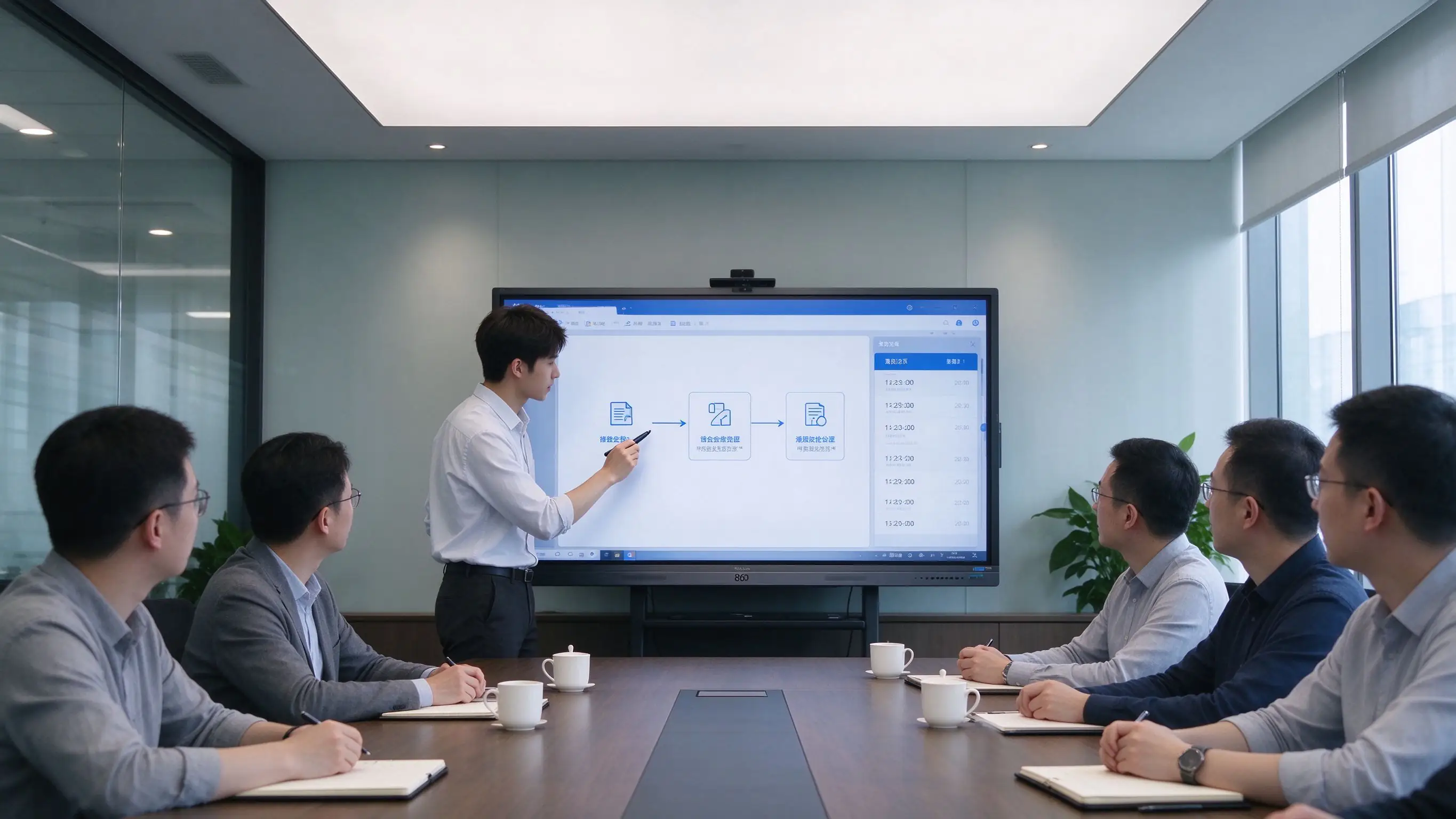
Từ chuẩn bị chương trình nghị sự đến lưu trữ-Mỗi giai đoạn của một cuộc họp chạy trên một màn hình phẳng tương tác.
| Giai đoạn | Điều Gì Xảy ra trên bảng điều khiển qtenboard |
|---|---|
| Trước cuộc họp | Chương trình nghị sự, tài liệu và thuyết trình được chuẩn bị trong Microsoft 365, không gian làm việc của Google hoặc DMS của tổ chức. Vật liệu được phân phối kỹ thuật số-không in, không in lại sau khi chỉnh sửa. |
| Trong cuộc họp | Trình bày không dây từ máy tính xách tay và thiết bị di động. Chú thích, bảng trắng và đánh dấu tài liệu. Những người tham gia Hybrid tham gia thông qua các đội Microsoft, zoom, Cisco webex hoặc Google Meet. |
| Sau cuộc họp | Ghi âm cuộc họp chỉ với một chạm. Phút và nội dung bảng trắng được lưu dưới dạng PDF/PNG. Chia sẻ mã QR hoặc liên kết. Tải lên SharePoint, OneDrive, Google Drive hoặc kho lưu trữ cuộc họp. |
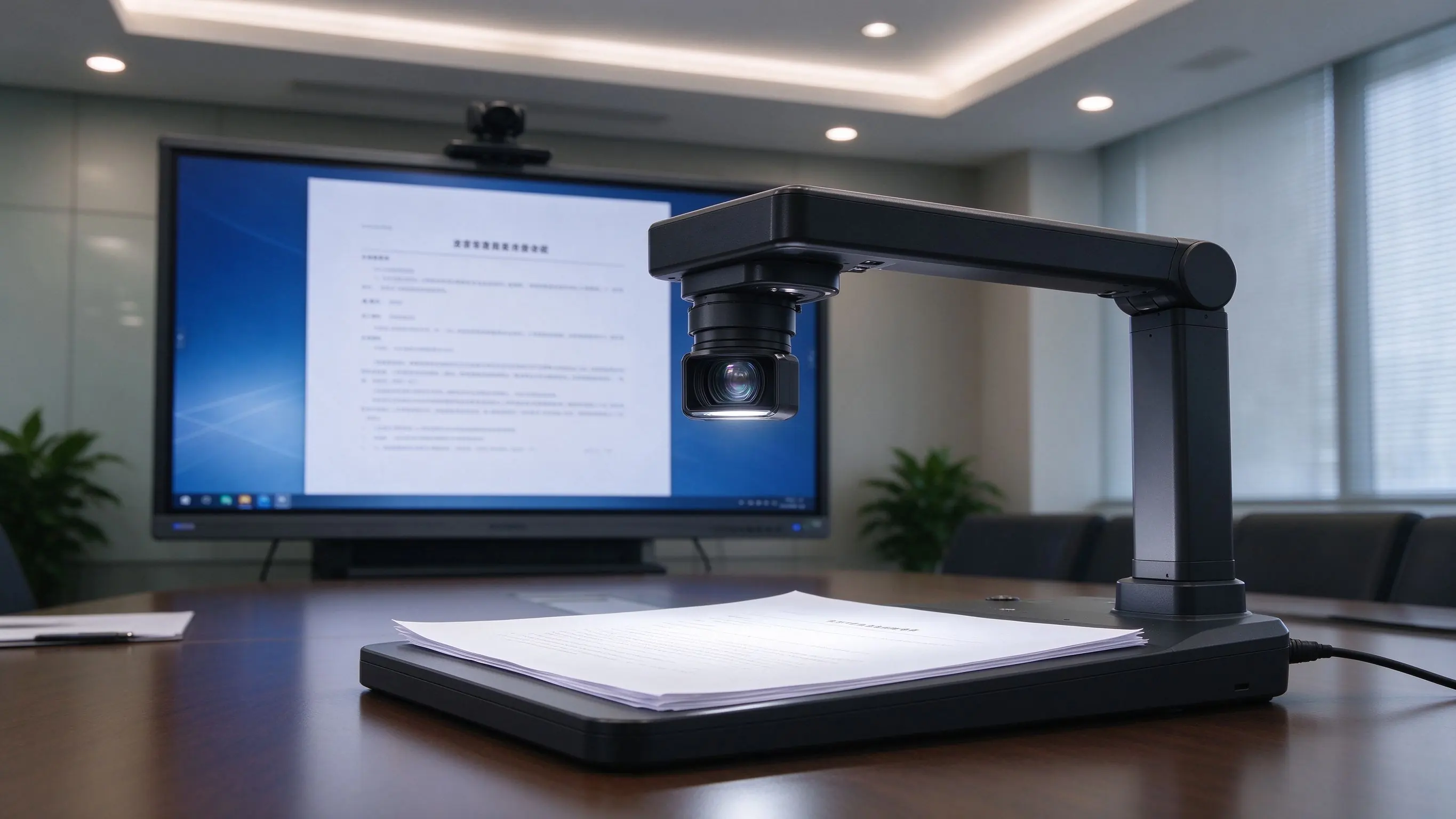
Tích hợp camera tài liệu hiển thị các tài liệu vật lý và triển lãm trên màn hình-Lý tưởng cho các phiên điều trần, đánh giá và các cuộc họp công cộng.
Những Khoảng Trống này liên tục xuất hiện trong các cuộc kiểm toán, vận hành và sử dụng hàng ngày-và chúng là kích hoạt trực tiếp để nâng cấp.
| Điểm đau | Thiết lập truyền thống | Giải pháp qtenboard |
|---|---|---|
| Không có cuộc họp chụp | Bảng trắng bị xóa, không đánh giá, không theo dõi | Chia sẻ QR/Link ghi âm một chạm |
| Tương tác hạn chế | Thao tác một người dùng | Hợp tác đa điểm, đa người dùng |
| Tài nguyên phân mảnh | USB, PC, mây rải rác | Microsoft 365, Google workspace, lms, FTP, webdav |
| Cáp phức tạp | Máy chiếu, PC, loa, dây cáp ở mọi nơi | IFP tất cả trong một, đúc không dây |
| Không quản lý Hạm Đội | Hướng dẫn sử dụng, bảo trì từng phòng | DMS/MDM, cập nhật từ xa, nguồn dự kiến |
| Khoảng cách tuân thủ | Khó gặp gdpr, nist, taa, phần 508 | Các tùy chọn và tài liệu sẵn sàng tuân thủ |
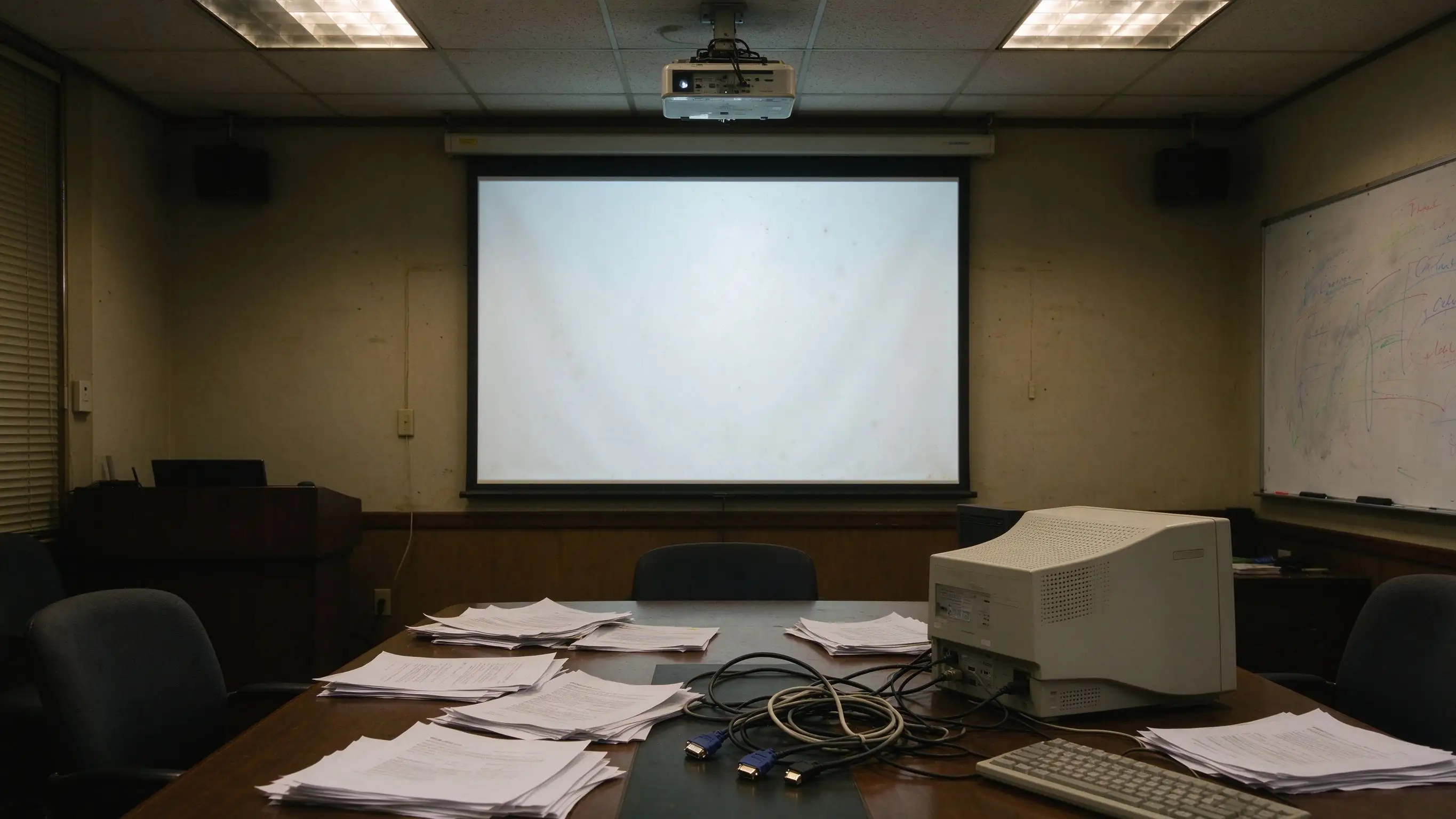
Một thiết kế nhiều lớp triển khai trong một phòng duy nhất Ngày Hôm Nay và quy mô cho một Hạm Đội nhiều trang web vào ngày mai-Có chỗ để tích hợp các hệ thống điều khiển, thư mục và nền tảng cuộc họp hiện có.
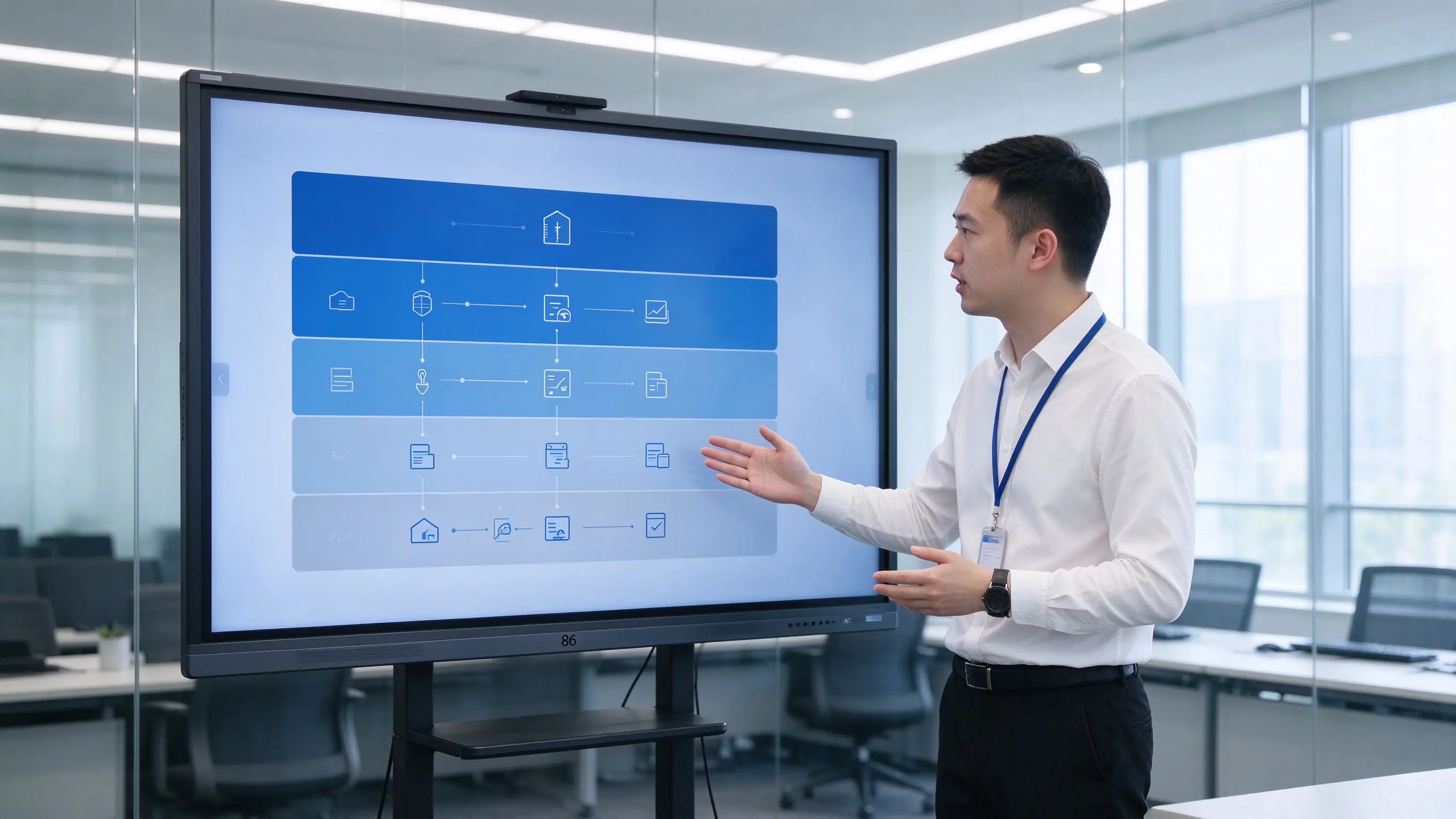
Khả năng được tổ chức theo giá trị mà họ cung cấp-hiệu quả không cần giấy tờ, hợp tác lai, tuân thủ, an ninh, sự thoải mái của người dùng và các hoạt động của Hạm đội.
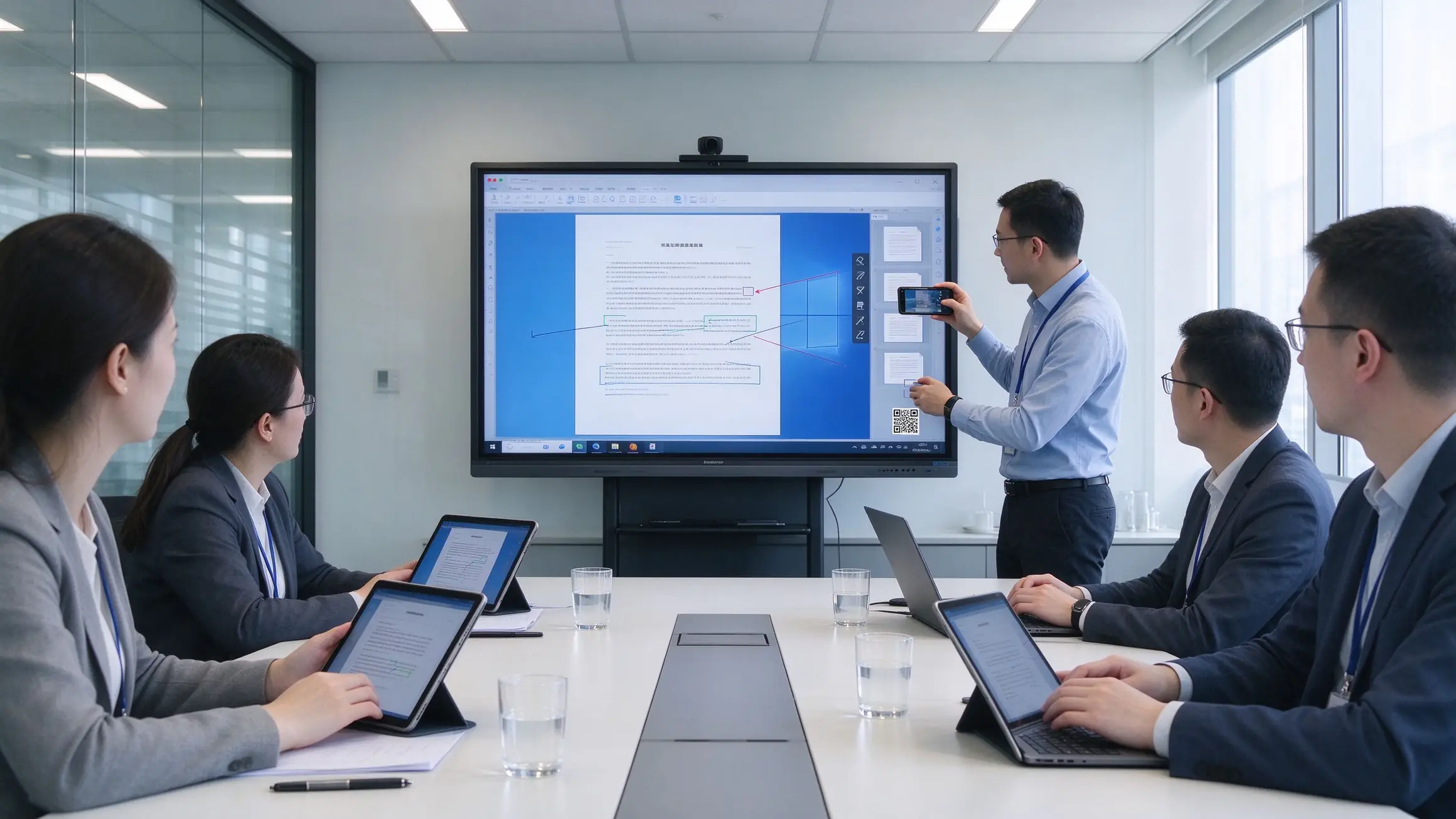
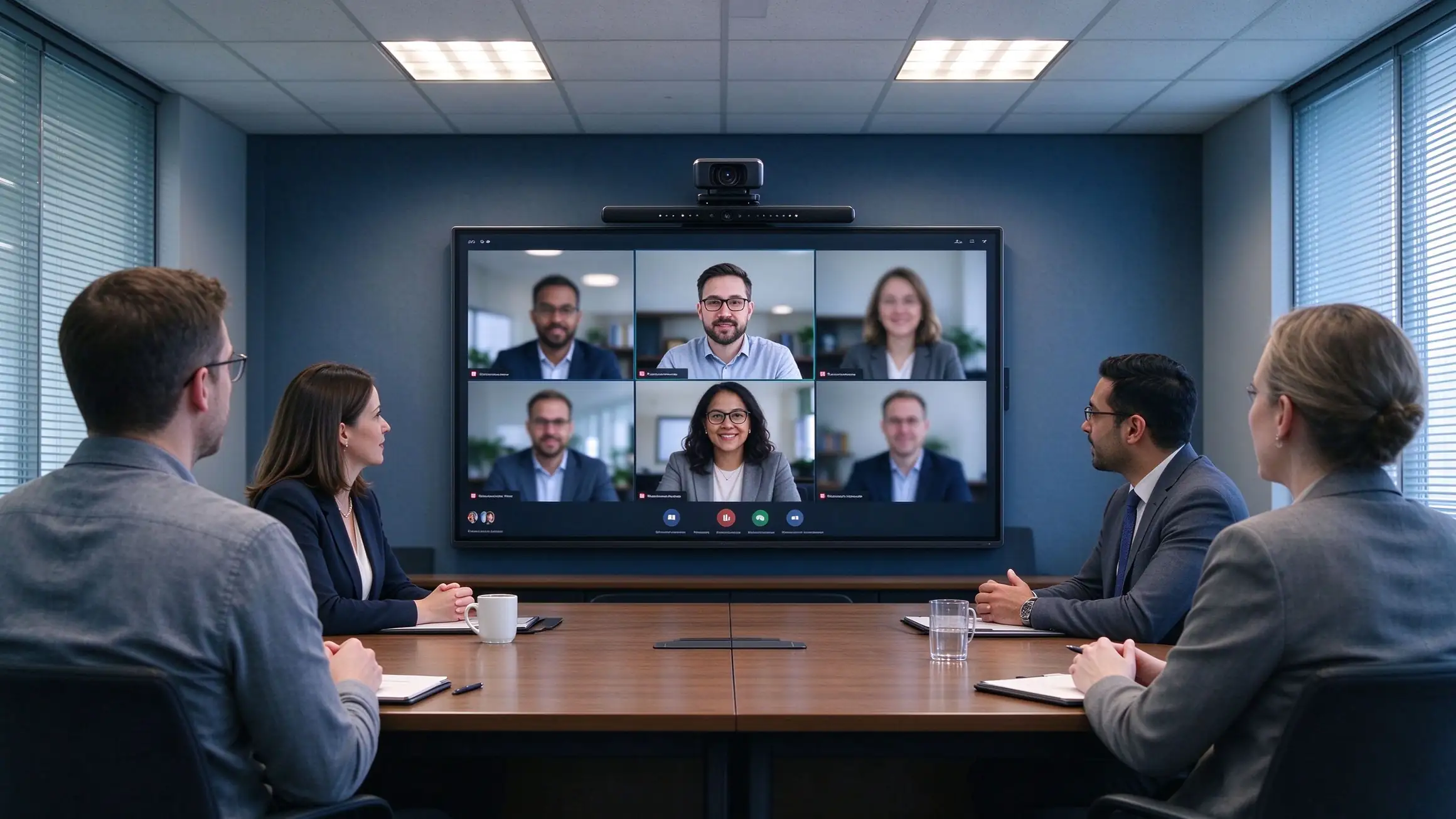
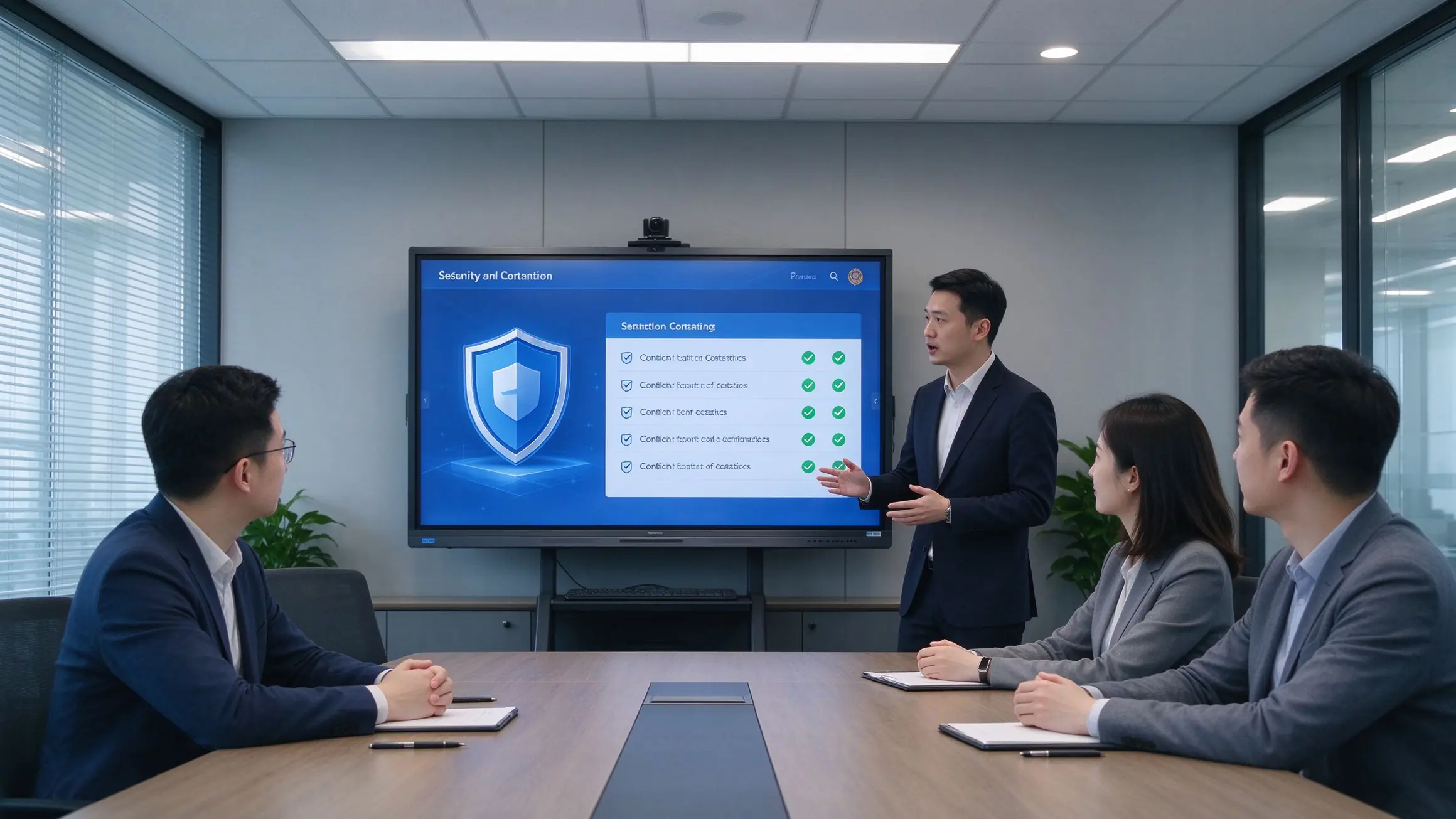
Four recommended configurations for fast comparison and budget planning. Final selection depends on room depth, viewing distance, and security requirements.
| Cấu hình | Room Size | Kích thước | Hệ thống | Dịch vụ khách hàng | Máy ảnh/Mic | Máy ảnh tài liệu | Tuân thủ |
|---|---|---|---|---|---|---|---|
| Standard Meeting Room | 8–12 people | 65–75″ | Hệ điều hành Android | Tùy chọn | Built-in / optional | Tùy chọn | Basic security |
| Large Meeting Room | 12–30 people | 86″ | Android + OPS | Được đề xuất | Wide-angle camera + mic array | Được đề xuất | NIST / GDPR ready |
| Boardroom / Command Center | 30+ people | 86″ or larger | Android + OPS | Được đề xuất | Professional AV | Được đề xuất | NIST + FIPS options |
| Government / Secure Room | Per requirement | 65–86″ | Android + OPS | TAA options | Tùy chọn | As needed | TAA / NDAA / Section 508 |
Tiện ích bổ sung tùy chọn: OPS Windows module, Chromebox, wireless casting dongle, meeting recording module, room scheduling integration, wall mount / mobile cart / recessed installation.
A standardized six-step process for integrators and project teams — each step has a clear deliverable and a clear owner.
Room count, sizes, existing equipment, security level, compliance requirements, meeting platform in use.
Device selection, network and cabling, system integration, compliance documentation, RFP specifications.
Install, configure, train, and evaluate one room to validate the solution before scale.
Phased installation, unified configuration, DMS/MDM onboarding, device registration.
Functional acceptance, compliance acceptance, end-user training, IT handover documentation.
Warranty terms, spare parts, response-time SLA, scheduled health checks.
Multi-room, multi-region projects and long-term managed service agreements are supported.
The hidden costs of projector setups live in lamps, filters, cleaning, room-by-room maintenance, and travel. Count them, and the conclusion changes.
| Kích thước | Bảng trắng máy chiếu | TV PC | Qtenboard IFP |
|---|---|---|---|
| Chi phí phía trước | Trung bình | Trung bình-thấp | Trung bình cao |
| Bảo trì 3-5 năm | High (lamps, filters, cleaning, cables, multiple failure points) | Medium (PC failures, aging peripherals) | Low (no lamps, no filters, solid-state components) |
| Hiệu quả cuộc họp | Slow start, no capture | No whiteboard capture, low interaction | One-touch start, capture and share |
| Travel cost | High (poor remote experience) | Trung bình | Low (hybrid collaboration) |
| Management efficiency | Manual, room-by-room | Hướng dẫn sử dụng | DMS/MDM centralized |
| Tuân thủ | Hard to meet GDPR, NIST, TAA | Hard to meet | Compliance-ready options |
| Tuổi thọ | 3-5 năm | 3-5 năm | 10-year class |
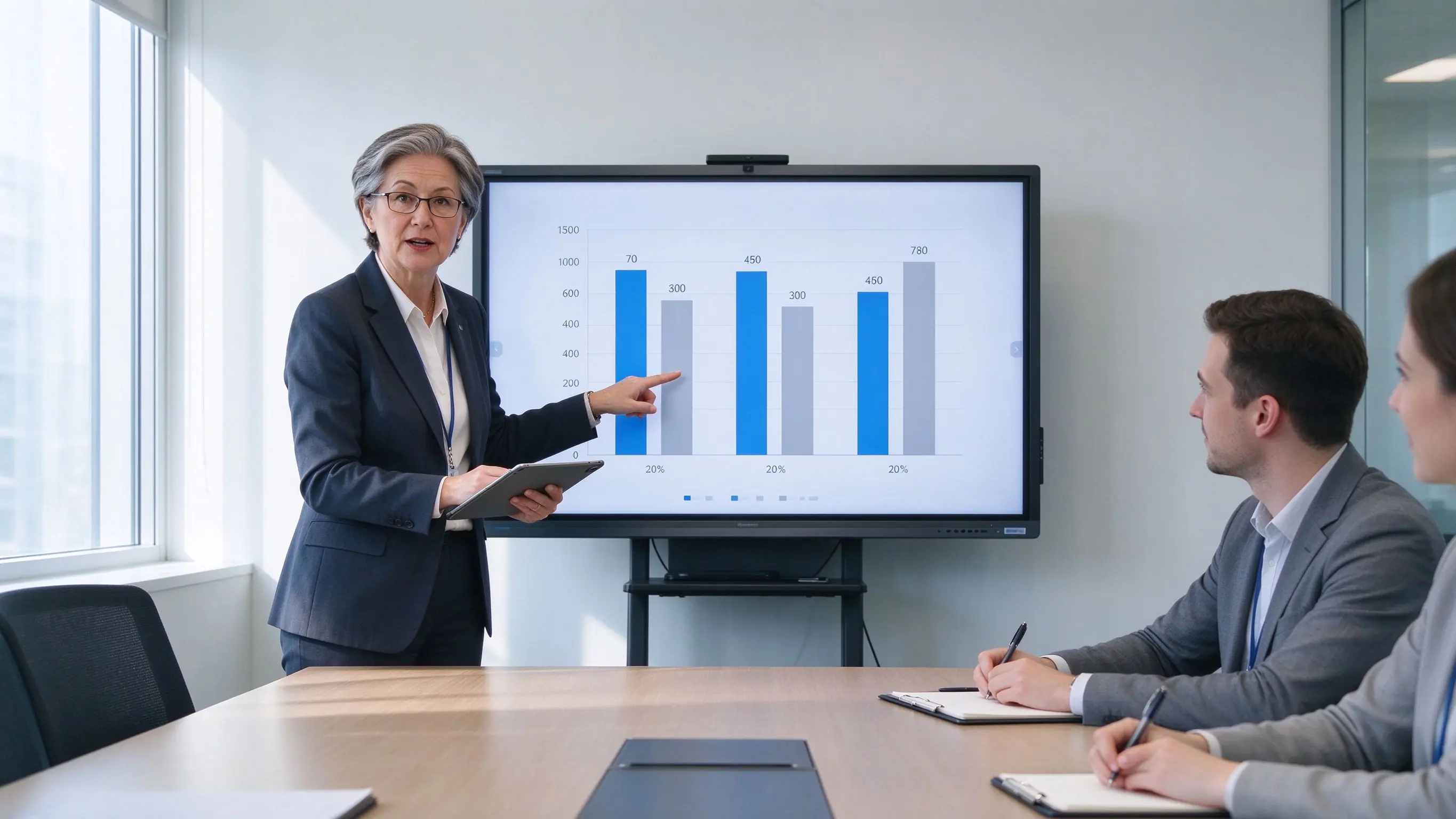
With no lamps, no filters, and no projector ceiling maintenance, long-term ownership costs are significantly lower than projector setups — while reducing per-room inspections and travel.
Public procurement has many gates and many scoring criteria. Qtenboard provides the documentation to pass them.
Draft technical specifications ready to adapt to your solicitation document.
Trade Agreements Act compliant configurations for eligible procurements.
Supply chain documentation provided upon request.
GDPR, CCPA, NIST, ISO 27001, and SOC 2 supporting documentation.
Section 508 / ADA / WCAG 2.1 AA considerations documented.
CE, FCC, RoHS, REACH, WEEE, ENERGY STAR, EPEAT.
Sample units for pilot testing, case-study authorization, and reference letters.
Support for GSA, Sourcewell, OMNIA Partners, and TIPS procurement vehicles.
Deployment references to be completed with verifiable project details before publication.
Uz — council chamber displays, agenda management, and public meeting recording. Deployed room count, acceptance result, and user feedback to be filled in.
Kz — standardized interactive flat panels across agency offices with DMS fleet management. Deployed room count and procurement vehicle to be filled in.
California — enterprise headquarters boardrooms with Microsoft Teams Rooms integration and hybrid rollout. Deployed room count and pilot results to be filled in.
Additional proof available: district testimonials, procurement references, pilot results, certification and compliance documentation.
The questions that come up most often in RFI responses and procurement calls.
Q1: What size interactive flat panel is recommended for a meeting room?
8–12 people: 65–75″. 12–30 people: 86″. Boardrooms and command centers: 86″ or larger. Also consider room depth and the last row’s viewing distance so the acceptance test never fails on legibility.
Q2: Is it compatible with Microsoft Teams Rooms and Zoom Rooms?
Yes. Panels work with Microsoft Teams, Zoom, Cisco Webex, and Google Meet, including Teams Rooms and Zoom Rooms deployments, with room scheduling integration available.
Q3: How do we save and share meeting minutes and whiteboard content?
One-touch recording saves minutes, annotations, and whiteboard content as PDF/PNG. Share by QR code or link with access control, or upload to SharePoint, OneDrive, or Google Drive for archival.
Q4: How many users can collaborate on screen at once?
Multi-touch panels support several simultaneous users writing, annotating, and manipulating content at the same time — designed for real collaborative sessions, not single-user kiosks.
Q5: How do IT teams manage and update devices at scale?
DMS/MDM gives a single console for scheduled power, remote firmware and app updates, device status monitoring, grouping, permissions, kiosk mode, and audit logs across every room.
Q6: Does Qtenboard support GDPR, NIST, TAA, and Section 508?
Yes. Compliance-ready options and documentation cover GDPR, CCPA, NIST, ISO 27001, SOC 2, FIPS 140-2/3 where applicable, TAA, NDAA Section 889 upon request, and Section 508 / ADA / WCAG 2.1 AA considerations.
Q7: Does Qtenboard support OEM/ODM and white-label?
Yes. Logo, UI, language, preloaded apps, OPS, camera and microphone options, mounting, packaging, DMS integration, and security configuration can be customized. Contact us for OEM/ODM terms.
Q8: What is the warranty and RMA process?
Standard warranty with spare-parts stock, response-time SLA, and a documented RMA process. Extended warranty and managed service agreements are available for multi-site deployments.

Giám đốc điều hành | chuyên gia giải pháp trưng bày và hợp tác tương tác
Tôi Là Người sáng lập qtenboard, mang đến hơn 17 năm kinh nghiệm thực hành cho ngành công nghiệp màn hình cảm ứng. Dựa trên quan điểm quản lý toàn cầu thu được thông qua nghiên cứu emba của tôi tại Đại học thâm quyến, tôi dẫn dắt đội ngũ của tôi trong việc tối ưu hóa mọi giai đoạn hoạt động của chúng tôi-từ định nghĩa sản phẩm đến Quản Lý Chuỗi Cung ứng hiệu quả cao-Đảm bảo khả năng sản xuất của chúng tôi luôn đi đầu trong ngành.
Là lãnh đạo của qtenboard, tôi chuyên cung cấp các giải pháp OEM/ODM phù hợp cho bảng trắng tương tác, tường video LCD, biển báo kỹ thuật số và thiết bị đầu cuối cảm ứng cấp công nghiệp. Được hỗ trợ bởi khu công nghiệp hiện đại 330,000 m² ở thâm quyến, chúng tôi duy trì kiểm soát toàn bộ vòng đời đối với thiết kế công nghiệp, sản xuất chính xác và kiểm tra hiệu suất nghiêm ngặt.
Với gần hai thập kỷ kinh nghiệm của dự án, các giải pháp trưng bày của qtenboard hiện được triển khai tại hơn 120 quốc gia và khu vực, đã giành được sự tin tưởng của hơn 15,000 khách hàng doanh nghiệp trên toàn thế giới. Nếu bạn đang tìm kiếm một đối tác phản hồi với nền tảng sản xuất sâu cho các dự án màn hình cảm ứng tùy chỉnh của bạn, nhóm của tôi và tôi đã sẵn sàng hỗ trợ tầm nhìn của bạn với sự xuất sắc chuyên nghiệp.

 vie
vie
 EN
EN  pt
pt  spa
spa  th
th  aze
aze  bel
bel  est
est  lav
lav  ukr
ukr  ru
ru