Tấm phẳng tương tác qtenboard 55-86 inch cho phòng họp doanh nghiệp

2026-10-09
Giải pháp hiển thị tương tác · Nhà sản xuất IFP · OEM / ODM
Giải pháp màn hình phẳng tương tác cho phòng họp doanh nghiệp

Giải pháp IFP cho phòng họp doanh nghiệp: Làm thế nào Tấm phẳng tương tác 55-86 inch Tăng cường hợp tác

Chia sẻ màn hình không dây, chú thích kỹ thuật số và hợp nhất Thiết bị giúp doanh nghiệp cắt giảm chi phí thiết bị phòng họp và cáp. Một màn hình phẳng tương tác thay thế cho máy chiếu, PC, Bảng Viết, loa và camera-biến thiết lập 10 phút thành một khởi động Cắm và chạy 2 phút.

Tấm bản địa 4k Cảm ứng hồng ngoại Chia sẻ màn hình không dây Quản lý thiết bị DMS Tùy chỉnh OEM / ODM
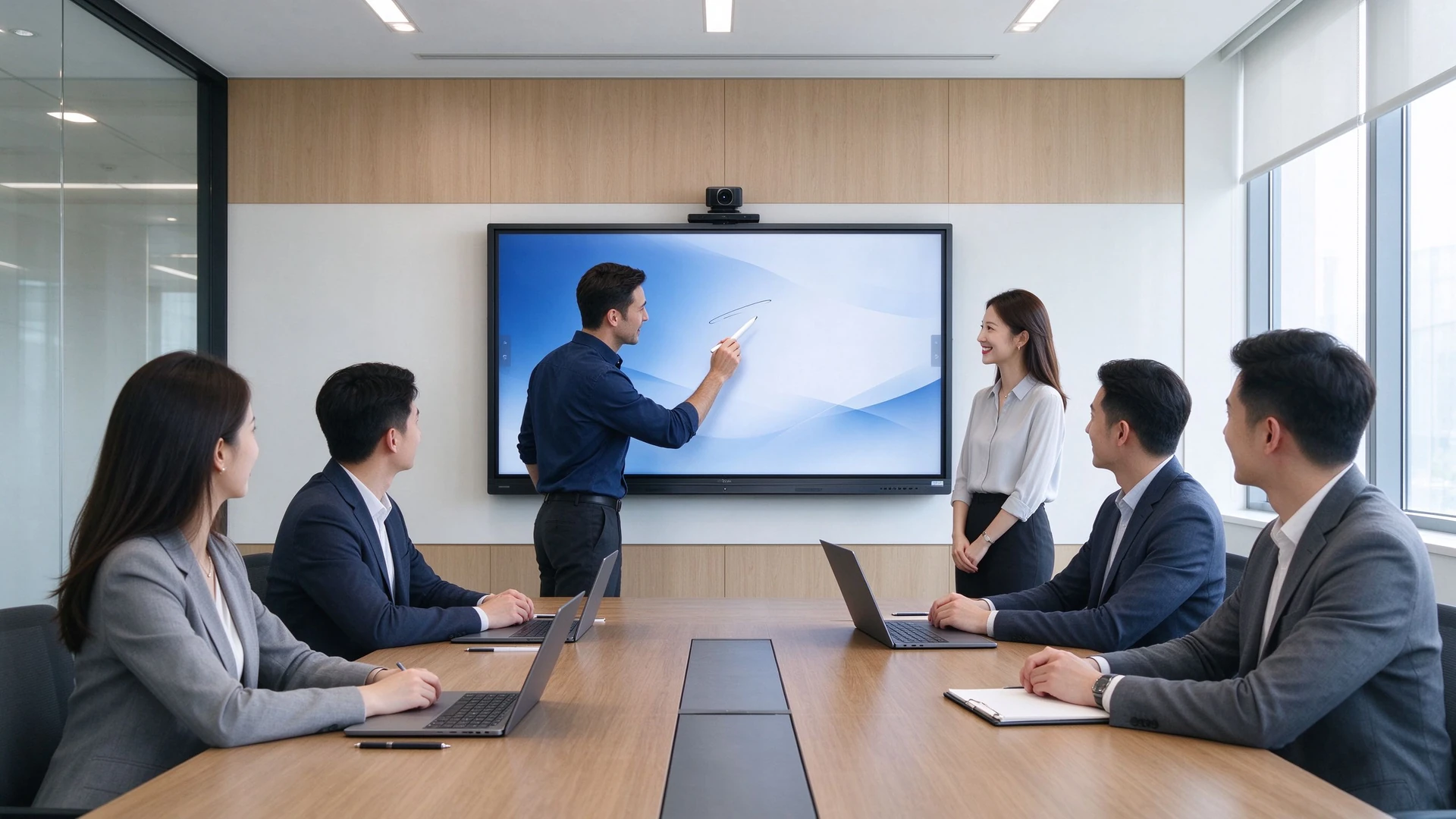
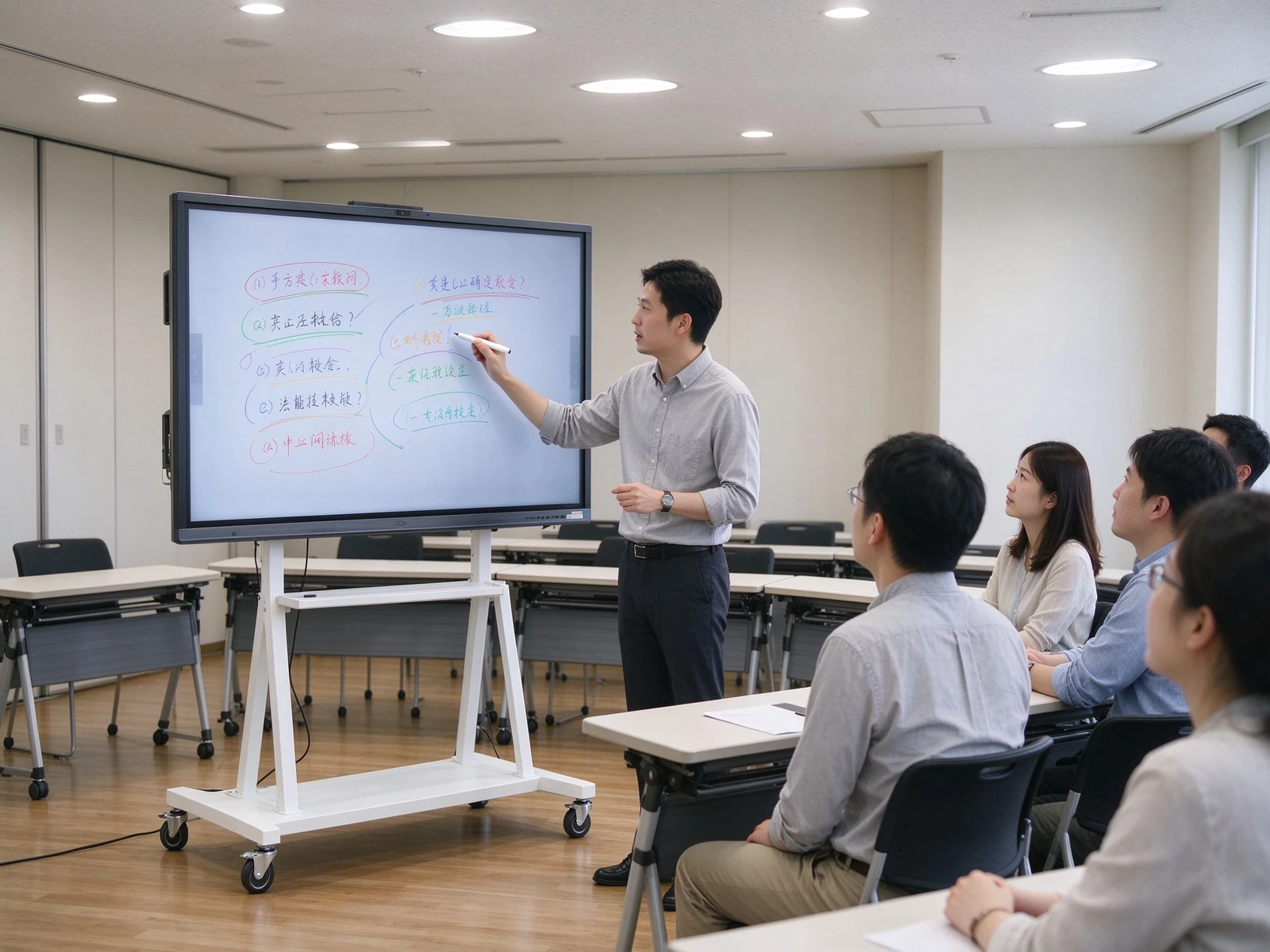
Enterprise meeting room all-in-one main visual
10→2phút
Thời gian bắt đầu cuộc họp (trước → sau)
70→95%
Chia sẻ màn hình không dây Thành Công (trước → sau)
1
IFP thay thế 5 loại thiết bị
55–110trong
Phạm vi kích thước đầy đủ IFP
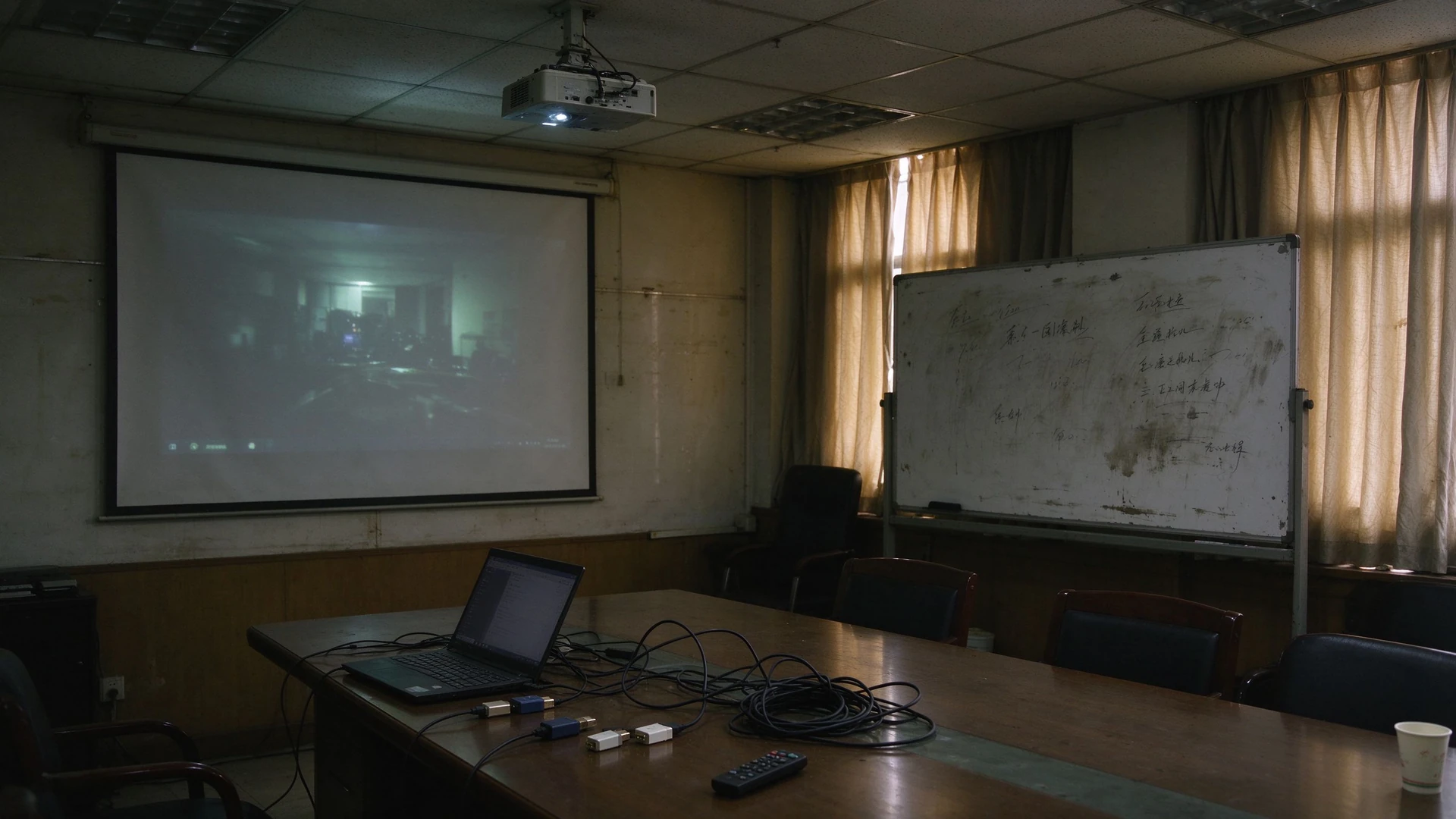
01 · điểm đau phòng họp

Phòng họp phân mảnh giết chết hiệu quả hợp tác

Máy chiếu, máy tính cá nhân, bảng viết, loa và máy ảnh mỗi hoạt động Cách Ly-đến khi hệ thống cáp và gỡ lỗi được thực hiện, cuộc họp đã mất 10 phút.

01

Máy chiếu quá mờ trong ánh sáng ban ngày

Màn hình khó đọc vào ban ngày; đóng rèm cửa và tắt đèn làm tổn thương việc ghi chú và chất lượng video từ xa.

02

Quá nhiều thiết bị, không tích hợp

Máy tính cá nhân, máy chiếu, Bảng Viết, loa và máy ảnh được mua riêng và không bao giờ nói chuyện với nhau-Thúc đẩy cả chi phí mua sắm và bảo trì.

03

Cáp và cổng không khớp

HDMI, VGA và bộ chuyển đổi chồng chất; mỗi máy tính xách tay đều có các cổng khác nhau, vì vậy mỗi cuộc họp bắt đầu bằng một Cuộc Săn cáp.

04

Chia sẻ màn hình không dây không đáng tin cậy

Các phiên bản dongles và phần mềm không tương thích buộc phải gỡ lỗi trước cuộc họp lặp đi lặp lại; làm rơi bản demo làm tổn thương ấn tượng của khách hàng và đối tác.

05

Ghi chú cuộc họp khó lưu hoặc chia sẻ

Bề mặt viết lấp đầy và bị xóa; ghi chú dựa vào ảnh và gõ thủ công, vì vậy kết luận quan trọng và các mặt hàng hành động bị mất.

06

Không thể nhìn thấy trong phòng họp

Không thể kiểm tra trạng thái thiết bị từ xa; Lỗi cần báo cáo tại chỗ, phần sụn và ứng dụng phải được cập nhật từng phòng.

07

Trải nghiệm không nhất quán, tổng chi phí tăng

Các mô hình thiết bị hỗn hợp trên các tầng tạo ra những trải nghiệm gặp gỡ không đồng đều ảnh hưởng đến nhận thức của khách hàng và đối tác; mua sắm bị phân mảnh, cáp và bảo trì tiếp tục đẩy mạnh tổng chi phí sở hữu.

Ý Tưởng cốt lõi đằng sau nâng cấp phòng họp

Nâng cấp không phải là về trao đổi thiết bị-đó là về việc kết hợp một Màn hình phẳng tương tác với chia sẻ màn hình không dây Để giảm số lượng thiết bị, đơn giản hóa hệ thống cáp và tiết kiệm thời gian trước khi cuộc họp bắt đầu.

Traditional meeting room projector whiteboard cables
02 · Tổng quan về giải pháp

Một tấm phẳng tương tác thay thế ngăn xếp thiết bị truyền thống

IFP hợp nhất hiển thị, chú thích, âm thanh, chia sẻ màn hình và hội nghị truyền hình thành một bảng 55-86 inch duy nhất.

Thiết lập phòng họp truyền thống
  • Màn hình máy chiếu, ánh sáng ban ngày quá mờ
  • Kết nối riêng cho PC hoặc laptop
  • Bảng viết bị xóa sau mỗi phiên, ghi chú khó giữ
  • Loa ngoài và micro để thiết lập
  • Máy ảnh được mua và lắp riêng
  • Một mớ Cáp HDMI/VGA/Bộ chuyển đổi
Giải pháp qtenboard IFP
  • IFP 55-86 inch với màn hình chống lóa 4k
  • Tích hợp Android, Windows Ops tùy chọn
  • Phần mềm chú thích tích hợp cho chú thích đa người dùng
  • Loa tích hợp và mảng Micro
  • Camera HD tùy chọn, hội nghị truyền hình cắm và chạy
  • Khóa điện tử chia sẻ màn hình không dây giá đỡ di động/giá treo tường, không có cáp
Ít thiết bị hơn để mua
Ít cáp hơn và ít cổng hơn
Ít điểm Thất Bại hơn
Bắt đầu cuộc họp nhanh hơn
Chia sẻ màn hình không dây tốt hơn
Cuộc họp từ xa tốt hơn
Trải nghiệm nhất quán giữa các phòng
03 · Sản phẩm & cấu hình

Ifps 55-86 inch, kích thước phù hợp với phòng họp của bạn

Từ 4-6 phòng ôm ghế đến 12-20 phòng họp ghế, chọn kích thước bảng điều khiển bằng khoảng cách xem và cấu hình theo kịch bản sử dụng.

Loại phòngKích thước đề xuấtKhoảng cách xem
Phòng họp nhỏ (4-6 người)55-65 trong2-3 m
PHÒNG HỌP TRUNG Bình (8-12 người)75 trong3-4 m
Phòng họp lớn (12-20 người)86 in4-6 m

Tham khảo kích cỡ: Bảng qtenboard bao phủ toàn bộ phạm vi 55-110 inch-dòng PRO (55-75 inch) phù hợp với phòng vừa và nhỏ, trong khi Dòng max (86-110 inch) phù hợp với phòng lớn và sảnh đa năng.

4K

Tấm bản địa 4k

3840 × 2160 với độ tương phản cao và góc nhìn rộng giúp chú thích và trình bày rõ nét.

AG

Chống chói

Giảm phản xạ để phòng Bên Cửa Sổ có thể đọc được ánh sáng ban ngày.

LB

Ánh sáng Xanh Thấp

Dễ nhìn hơn trong các buổi họp dài và các buổi tập luyện.

Hồng ngoại

Cảm ứng hồng ngoại

Viết chính xác, độ trễ thấp với bút stylus, xóa ngón tay và lòng bàn tay.

20

Cảm ứng 20 điểm

Nhiều người có thể chú thích cùng một lúc mà không có xung đột.

Một

Hệ điều hành Android

Cài đặt ứng dụng hệ sinh thái Android tích hợp và bắt đầu cuộc họp trong vài giây.

Dịch vụ khách hàng

Vòng cửa sổ tùy chọn

Mô-đun Ops cắm cho các ứng dụng máy tính phức tạp và phần mềm văn phòng hiện có.

SP

Loa tích hợp

Rõ ràng, THẬM CHÍ cả âm thanh không có loa phụ để mua.

Người dẫn chương trình

Mảng Micro tích hợp

Bộ thu âm trường Xa thu được mọi loa rõ ràng.

California

Tùy chọn máy ảnh

Max series includes a built-in 12MP camera; video conferencing is plug-and-play.

SC

Chia sẻ màn hình không dây

USB dongle or software casting from laptops, phones and tablets with one tap.

Hệ thống quản lý phân phối

Quản lý thiết bị DMS

Remote power control, batch upgrades, status monitoring and fault alerts.

Meeting display mobile stand training room

Mobile Stand: One IFP, Many Spaces

Move the panel from meeting rooms to training rooms, multi-purpose halls and demo areas — one device covers multiple spaces.

Trường hợp sử dụng

  • Meeting rooms that need flexible layouts
  • Training rooms and multi-purpose halls
  • Temporary rooms and visitor areas
  • Showrooms and client demo areas

Key Specs

  • Load capacity and stability
  • Height and tilt adjustment
  • Castors with brakes
  • Cable management and anti-theft design
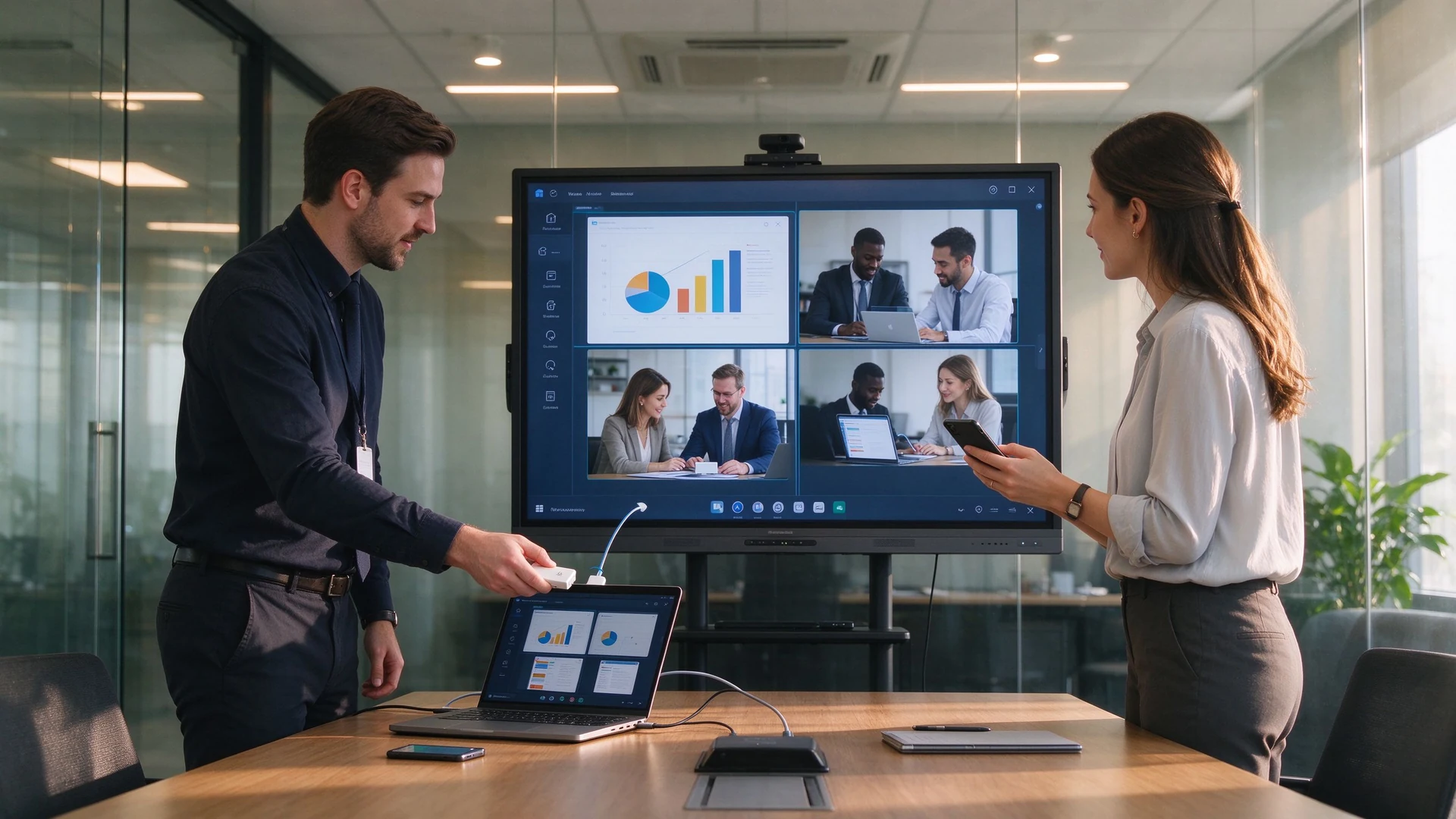
Wireless screen sharing collaboration

Wireless Screen Sharing: No More Cables or Adapters

Plug in the USB dongle and share from phones, tablets and laptops without drivers; run multiple sources side by side.

Sharing Options

  • USB dongle, plug and share
  • Software casting, no hardware
  • Share from phone, tablet or laptop
  • Multiple devices on screen at once

Key Specs

  • Latency and stability
  • Multi-device concurrency and reverse touch
  • Secure casting with guest PIN
  • Works with Teams, Zoom and Tencent Meeting
04 · Requirements & Matching Solutions

What IT and Facilities Teams Care About: Efficiency and Cost, Not Spec Sheets

Five of the most common meeting room upgrade requirements, each matched to a specific IFP capability.

1

Faster, Smoother Meetings

What You Need

  • Start meetings quickly
  • Less setup and debugging
  • Reliable wireless screen sharing
  • Chú thích nhiều người dùng
  • Save and share meeting notes

What You Get

  • IFP ready in seconds
  • One-tap wireless screen sharing
  • Built-in multi-user annotation
  • Export notes as PDF, image or Word
  • Share via QR code or email
2

Wireless Screen Sharing & Collaboration

What You Need

  • Share from phone, tablet and laptop
  • Multiple devices at once
  • Split-screen comparison
  • Reverse touch control
  • Share into remote meetings

What You Get

  • Windows / macOS / Android / iOS
  • Up to 9 concurrent devices (Pro series)
  • Quad split-screen with reverse touch
  • Works with Teams, Zoom, Tencent Meeting
  • Local and remote sharing channels
3

Lower Procurement & Cabling Costs

What You Need

  • Buy fewer projectors, PCs, boards, speakers and cameras
  • Ít cáp hơn và ít cổng hơn
  • Ít điểm Thất Bại hơn
  • Lower maintenance cost

What You Get

  • One IFP replaces multiple devices
  • Built-in speakers, mics and camera
  • Wireless sharing removes cables
  • Mobile stands cut installation cost
  • DMS remote management reduces site visits
4

Remote & Hybrid Meetings

What You Need

  • Stable, clear video calls
  • Remote co-annotation
  • Cloud-stored meeting records
  • Multi-site sessions

What You Get

  • Built-in or optional HD camera and mics
  • Works with Teams, Zoom, Tencent Meeting
  • Remote annotation collaboration
  • AI minutes saved to cloud and exported
  • Central management across rooms
5

Central Management Across Rooms

What You Need

  • Giám sát trạng thái thiết bị
  • Remote power on/off
  • App and firmware management
  • Fault alerts

What You Get

  • DMS / CMS device management
  • Remote power control and monitoring
  • Batch firmware and app updates
  • Device grouping and role permissions
  • Alerts and remote troubleshooting
6

Quantifiable Upgrade Benefits

Our Commitment

  • Pilot the IFP before you commit
  • Config list sized to your rooms
  • 5-year TCO comparison
  • Volume pricing and OEM customization

Các bước tiếp theo

  • Book a demo
  • Get a project quote
  • See peer case studies
  • Plan installation and support
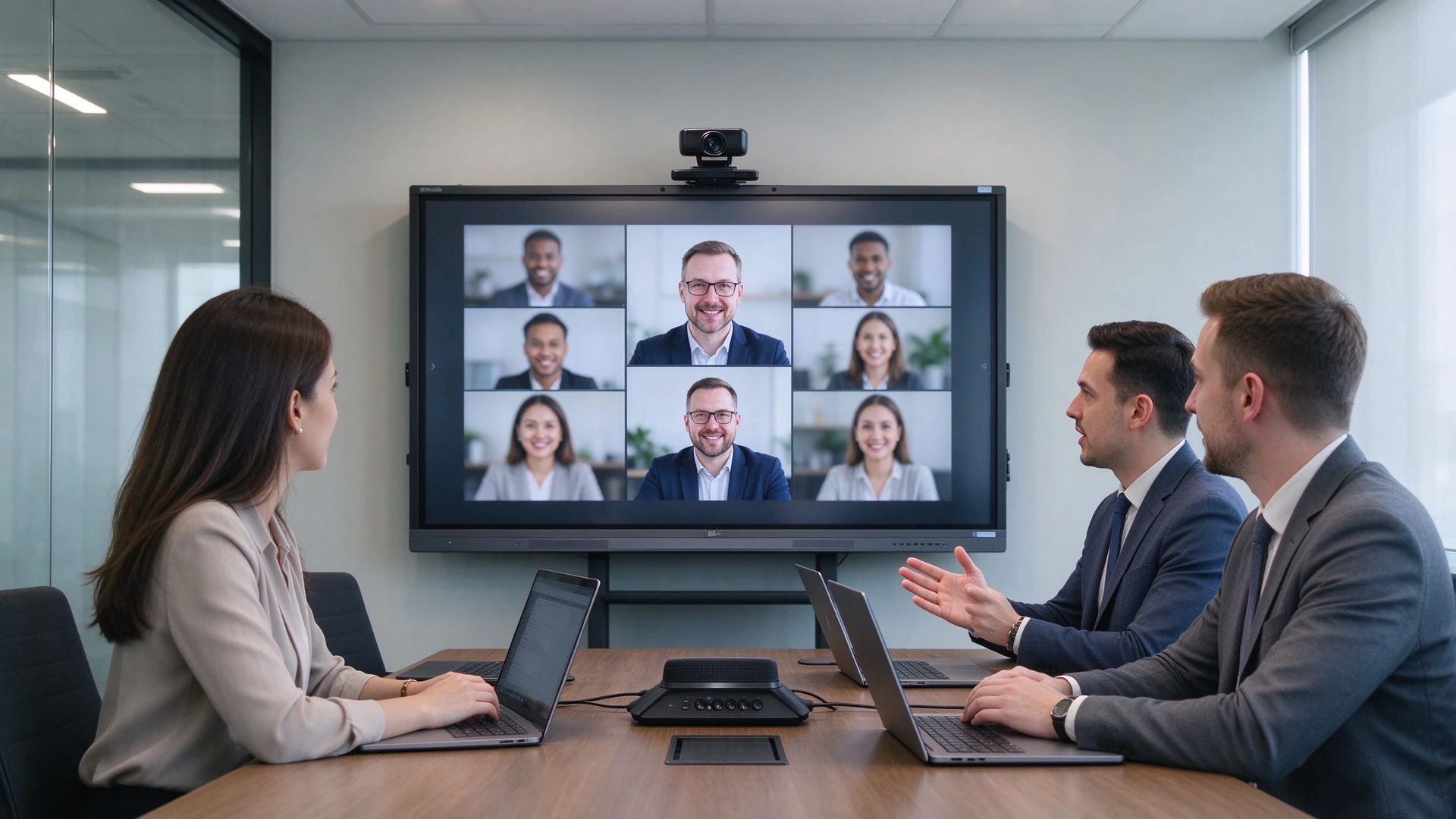
Remote video meeting hybrid office
Remote and hybrid meetings: built-in camera and microphone array, one-tap join for Teams / Zoom / Tencent Meeting
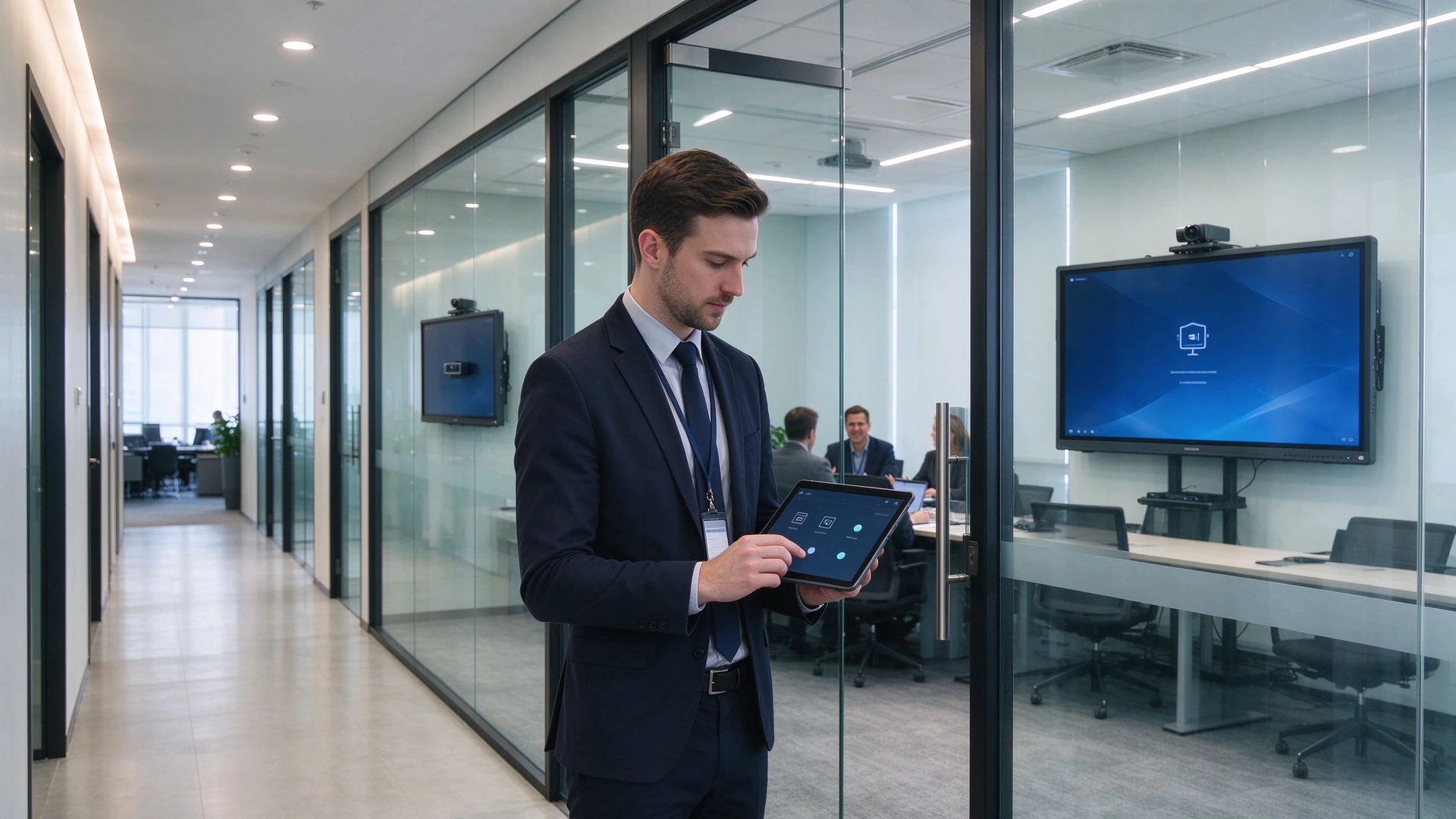
IT admin remote device management
Central management: IT monitors device status, pushes batch upgrades and receives fault alerts via DMS
05 · Why Qtenboard

From Standard Products to Custom Projects: Qtenboard Delivers Flexible Enterprise Meeting Solutions

Built for enterprise IT, facilities teams, system integrators and project buyers — an IFP manufacturer and an OEM / ODM delivery partner.

20+
Years in Interactive Display
3
Self-Owned Factories · 33,000 m²
1000+
Skilled Technical Workers
102
Countries & Regions Served
50+
Authorized Global Distributors

Qtenboard Pro Series (55–75 in)

Small & medium rooms · ready in seconds

  • Trưng bày:BOE and other tier-1 4K native panels, anti-glare and low blue light
  • Hệ thống:Android 14 with optional i3 / i5 OPS expansion
  • Sharing:Wireless screen sharing for up to 9 devices, latency ≤0.1s
  • Meetings:One-tap video conferencing compatible with Tencent Meeting and Zoom
  • Minutes:AI-generated meeting minutes, exportable to Word / Excel

Qtenboard Max Series (86–110 in)

Large rooms · global collaboration

  • Bo mạch chủ:Flagship AI mainboard with 8K decoding and triple-screen output
  • A/V:Built-in 12MP camera and mic array — 8 m pickup, 90% noise reduction
  • Collaboration:Cross-site annotation on shared documents and slides
  • Multi-view:Minutes, dashboards and video on one screen
  • AI:Real-time translation in 16 languages, smart minutes, voice assistant, on-screen Q&A

Customization: From Hardware to System, Delivered to Project Specs

LO

Logo & Boot Screen

UI

UI & Language

AP

Preloaded Software

California

Camera & Mic Config

ST

Stand & Mounting

PK

Packaging & Labeling

CL

DMS / CMS Integration

BD

Batch Delivery & Spare Parts

CC

RoHS / CE / CCC Certified

OD

Full OEM / ODM Workflow

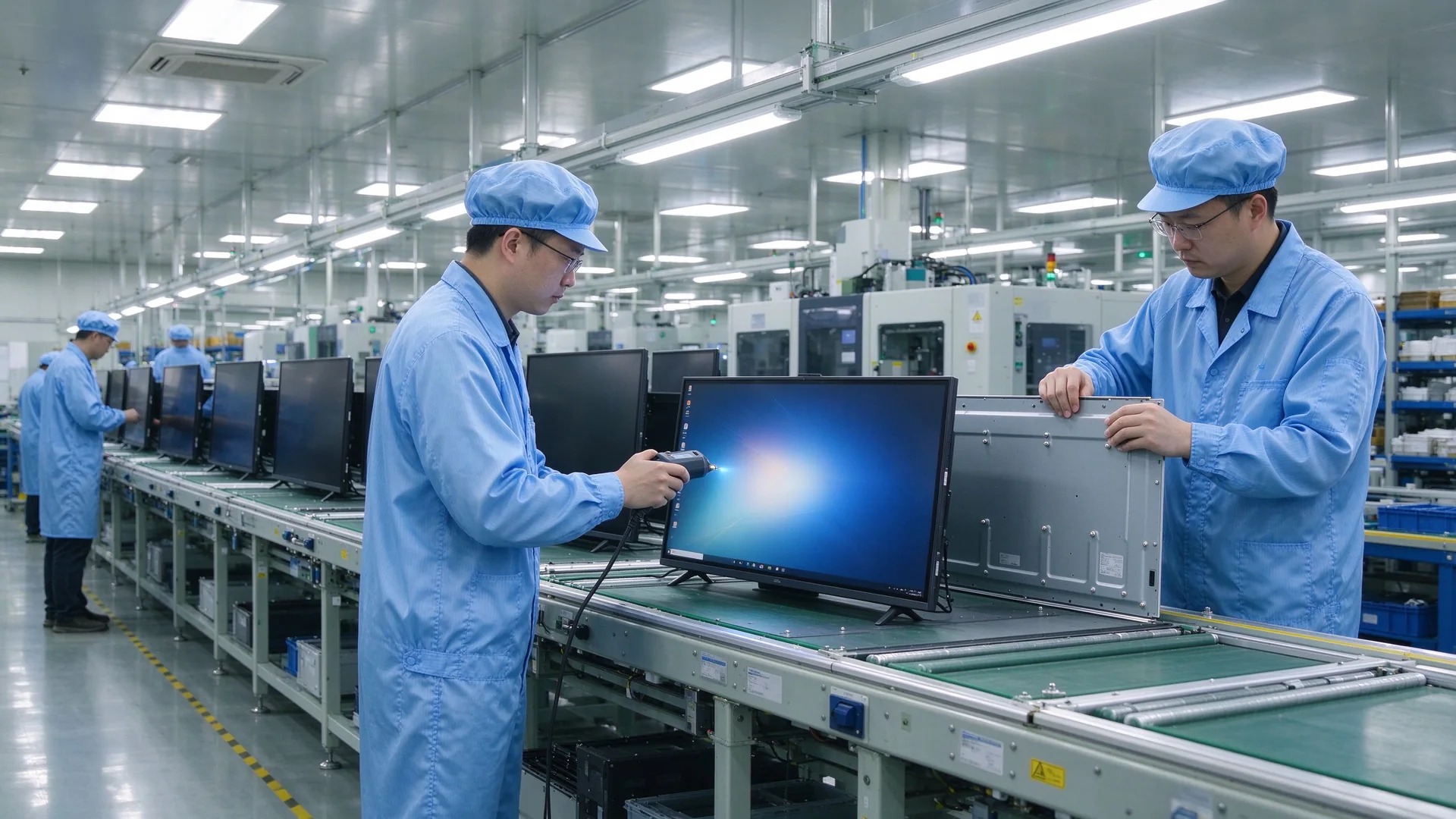
Qtenboard meeting display factory line

In-House Manufacturing & Quality Control

Qtenboard runs an integrated R&D – procurement – production – testing – service model. Core components (panels, mainboards, touch frames) come from tier-1 brands; every batch passes RoHS, CE and CCC certification, and automated lines keep the defect rate below 0.3%.

  • 72-hour burn-in and temperature cycling tests
  • 1,000,000 touch taps and 500,000 write / erase cycles tested
  • EMC Class B compliance for reliable operation in demanding environments
  • Warranty and spare parts, remote technical support and local installation guidance

Project Delivery Process

Step 1

Requirement Review & Demo

A configuration list sized to your room count and usage; pilot the IFP to verify screen sharing and video compatibility first.

Step 2

Solution & Quotation

Itemized pricing for size, stand, dongles, cameras and DMS, including a 5-year TCO comparison.

Step 3

Production & QC

OEM and volume orders scheduled; every unit passes power-on and burn-in testing before shipment.

Step 4

Installation & Setup

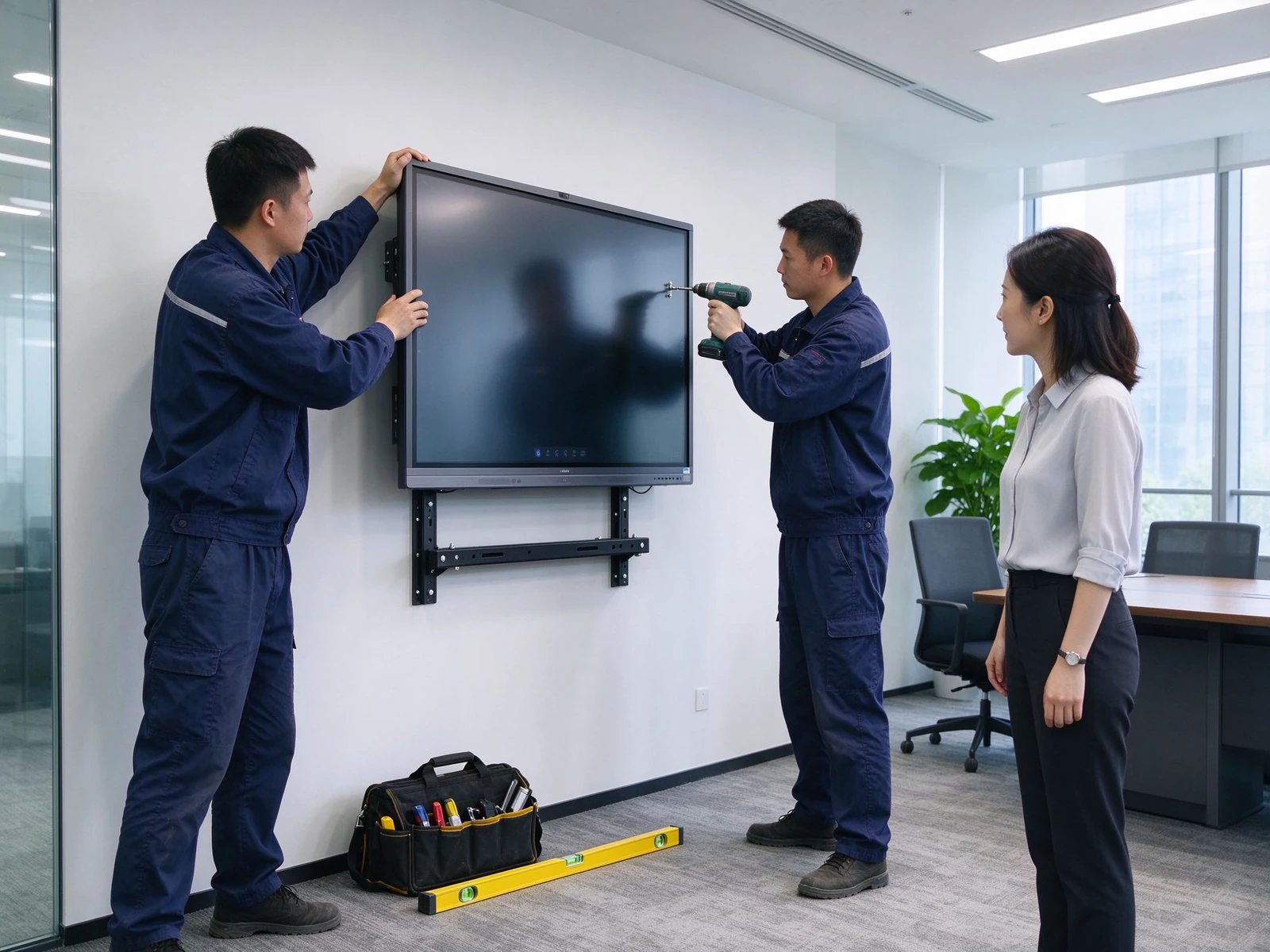
Wall mount or stand installation, dongle pairing and DMS onboarding — plug-and-play across every room.

Step 5

Bảo hành & Hỗ trợ

Spare parts and repairs within warranty, continuous firmware and app updates, responsive remote support.

Who It's For

Đội CNTT doanh nghiệp
Facilities & Administration
Bộ tích hợp hệ thống
Fit-Out & Low-Voltage Contractors
Regional IT of Multinationals
Multi-Site Enterprises
06 · Case Studies

From Projectors to IFPs: How Companies Improved Meeting Efficiency

Three typical upgrade scenarios: small business, multi-site enterprise and system integrator delivery.

Engineer wall mounting meeting displayCase 1 · Small & Mid-Size Business

10 Meeting Rooms, One Standardized Upgrade

Phông Nền

  • Projector + PC + writing board setup
  • Unstable sharing, constant pre-meeting debugging
  • Notes hard to save and share

Triển khai

  • 10× 75-inch IFPs
  • 5 mobile stands + 5 wall mounts
  • 20 wireless screen sharing dongles
  • DMS device management
  • Meeting start time: 10 min → 2 min
  • Screen sharing success: 70% → 95%
  • Meeting notes saved and shared
  • Lower maintenance cost
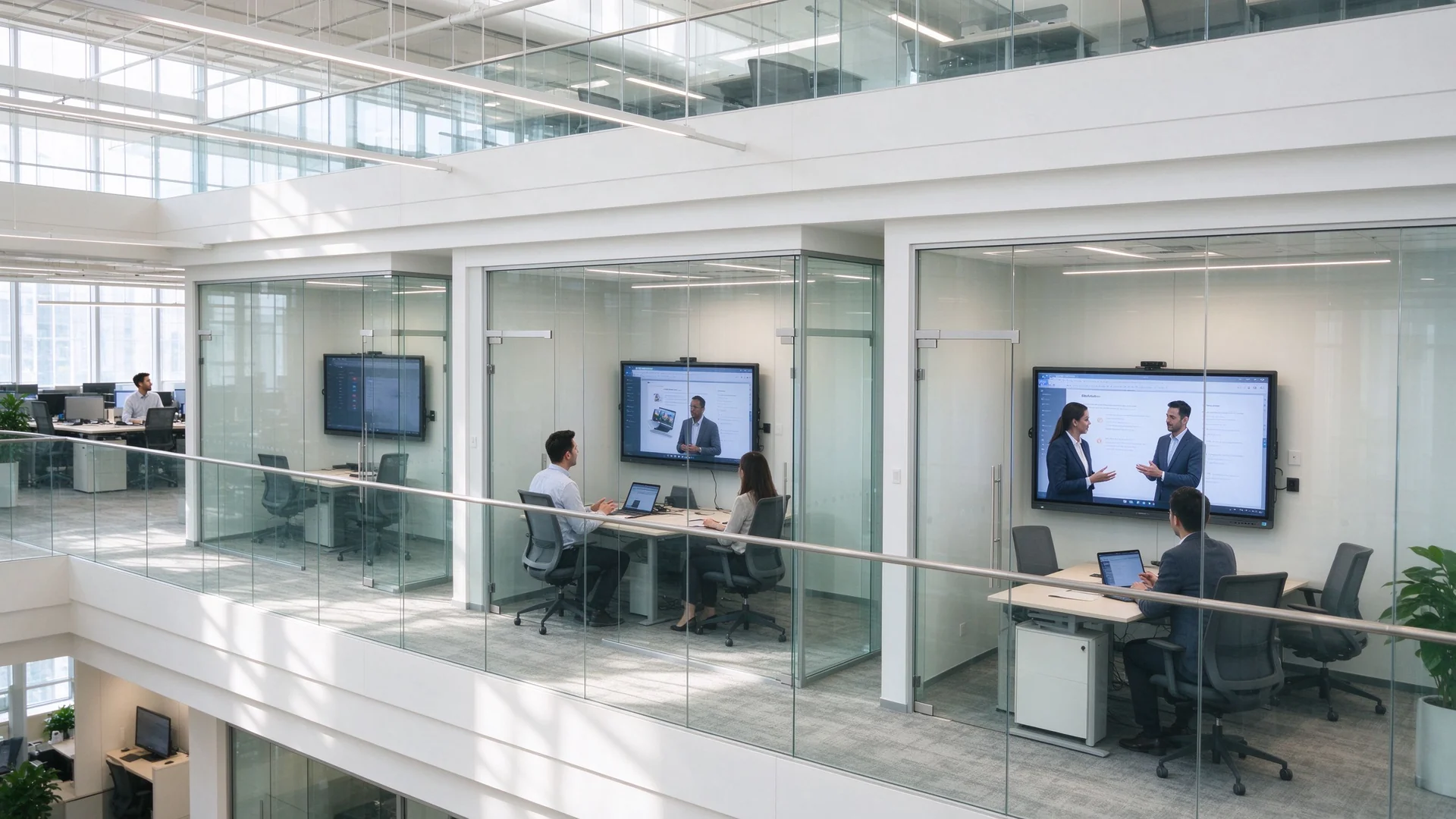
Multi-site enterprise meeting roomsCase 2 · Multi-Site Enterprise

Consistent Collaboration Across Sites

Phông Nền

  • Inconsistent experiences across office sites
  • Poor remote video and audio quality
  • Scattered devices, hard to manage

Triển khai

  • Mixed 55 / 65 / 75 / 86 inch IFPs
  • Camera and mic tuned per room size
  • Teams / Zoom compatible
  • Central DMS management
  • Consistent experience everywhere
  • Cuộc họp từ xa tốt hơn
  • Remote device status visibility
  • Faster fault response
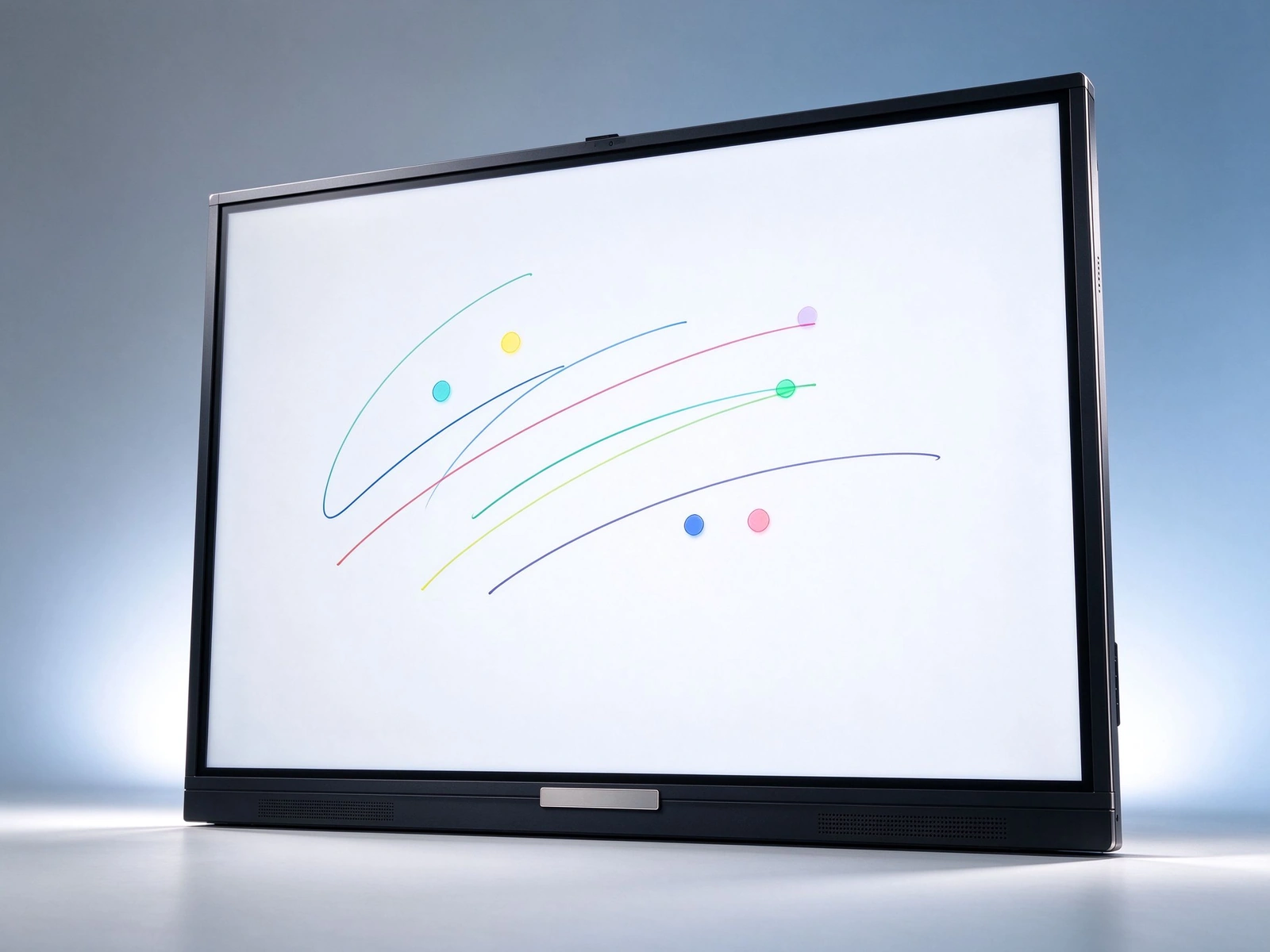
Qtenboard meeting display front viewCase 3 · System Integrator Delivery

White-Label Batch Delivery

Phông Nền

  • Multi-room upgrade for an enterprise client
  • Unified branding and configuration
  • Fast delivery and installation

Triển khai

  • Qtenboard IFPs under OEM
  • Custom logo and boot screen
  • Batch production and delivery
  • Installation guidance and after-sales
  • Client brand shown consistently
  • On-time delivery
  • Full after-sales support
  • Higher client satisfaction
07 · Buying Guide

How Should IT and Facilities Teams Choose an IFP?

Eight decision dimensions covering everything from sizing to five-year total cost of ownership.

Kích thước bảng điều khiển

55–65 inch for small rooms, 75 inch for medium rooms, 86 inch and above for large rooms; confirm by a 2–6 m viewing distance so text stays readable and the panel fits the wall.

Hệ điều hành

  • Android: core meetings and screen sharing, ready instantly
  • Windows OPS: complex apps and software compatibility
  • Dual system: flexible for the full office software stack

Camera & Microphone

Small rooms: built-in or simple camera; medium rooms: wide-angle camera with mic array; large rooms: professional camera and audio system — check pickup distance and noise reduction.

Chia sẻ màn hình không dây

  • Dongles sized per meeting room count
  • Multi-device concurrency and split screen
  • Latency and stability
  • Secure casting with guest PIN

Lắp đặt

Mobile stand: flexible, training and multi-purpose spaces; wall mount: fixed, clean cabling; recessed: premium integrated fit-out.

Quản lý thiết bị

  • DMS remote management
  • Remote power control and status
  • Batch firmware updates
  • Fault alerts and alarms

Bảo hành & Hỗ trợ

  • Warranty terms and spare parts
  • Local service and remote technical support
  • Installation guidance and training

Budget & TCO

Evaluate five-year total cost of ownership across procurement, installation, maintenance, energy and consumables — consolidated IFP setups typically show clear savings from year three.

08 · FAQ

Interactive Flat Panel FAQ for Enterprise Meeting Rooms

Straight answers to the questions buyers ask most.

Q1: What size IFP does my meeting room need?
Match the panel to room size and viewing distance: 55–65 inch for small rooms (4–6 people, 2–3 m), 75 inch for medium rooms (8–12 people, 3–4 m), and 86 inch for large rooms (12–20 people, 4–6 m). Qtenboard covers the full 55–110 inch range, so rooms of different sizes can be mixed within one deployment.
Q2: How does an IFP improve meeting efficiency?
Four time-savers: instant startup, one-tap wireless screen sharing, multi-user annotation, and meeting notes that are saved and shared. Combined with AI meeting minutes, a structured summary is generated in about 5 seconds — cutting note-taking effort for a one-hour meeting by more than 75%.
Q3: How does an IFP cut procurement and cabling costs?
One panel replaces a projector, PC, writing board, speakers and camera; built-in speakers, microphones and an optional camera remove separate purchases; wireless screen sharing eliminates cables and adapters; mobile stands reduce installation cost; and DMS remote operations cut on-site maintenance.
Q4: What screen sharing options does Qtenboard support?
USB dongle, software casting, and sharing from phones, tablets and laptops across Windows, macOS, Android and iOS; multiple devices can share at once with split-screen display. The Qtenboard Pro series supports up to 9 concurrent devices with ≤0.1 s latency.
Q5: How can enterprises manage IFPs across many rooms?
DMS / CMS device management provides remote power control, app and firmware management, status monitoring and fault alerts; role-based permissions by department, region and device type, with batch publishing and minute-level emergency notifications.
Q6: Does Qtenboard support customization?
Yes — custom logo and boot screen, UI and language, preloaded software, camera and microphone configuration, stand and mounting, packaging and labeling, DMS / CMS integration, plus batch delivery and full OEM / ODM workflows.
Q7: Does the panel work with Teams, Zoom and Tencent Meeting?
Yes. The Qtenboard Pro series offers one-tap video conferencing compatible with Tencent Meeting and Zoom; the Max series adds a built-in 12MP camera and mic array with 8 m pickup and 90% noise reduction; the system runs Android 14 with the Google EDLA-certified Android ecosystem.
Q8: How do OEM / ODM projects guarantee delivery and after-sales?
Through a defined flow: demo → batch production → unit-by-unit QC (defect rate below 0.3%, 72-hour burn-in) → delivery and installation → warranty and spare parts — backed by remote technical support, local partner installation guidance and continuous firmware updates.

Data note: Qtenboard product parameters, manufacturing and case data are from its official website and public sources (qtenboard.com / qtenboard.asia); before/after efficiency and TCO figures are illustrative estimates — final numbers depend on the project quotation.


Qtenboard Queenie Wang

Queenie Wang

Giám đốc điều hành | chuyên gia giải pháp trưng bày và hợp tác tương tác

Tôi Là Người sáng lập qtenboard, mang đến hơn 17 năm kinh nghiệm thực hành cho ngành công nghiệp màn hình cảm ứng. Dựa trên quan điểm quản lý toàn cầu thu được thông qua nghiên cứu emba của tôi tại Đại học thâm quyến, tôi dẫn dắt đội ngũ của tôi trong việc tối ưu hóa mọi giai đoạn hoạt động của chúng tôi-từ định nghĩa sản phẩm đến Quản Lý Chuỗi Cung ứng hiệu quả cao-Đảm bảo khả năng sản xuất của chúng tôi luôn đi đầu trong ngành.

Là lãnh đạo của qtenboard, tôi chuyên cung cấp các giải pháp OEM/ODM phù hợp cho bảng trắng tương tác, tường video LCD, biển báo kỹ thuật số và thiết bị đầu cuối cảm ứng cấp công nghiệp. Được hỗ trợ bởi khu công nghiệp hiện đại 330,000 m² ở thâm quyến, chúng tôi duy trì kiểm soát toàn bộ vòng đời đối với thiết kế công nghiệp, sản xuất chính xác và kiểm tra hiệu suất nghiêm ngặt.

Với gần hai thập kỷ kinh nghiệm của dự án, các giải pháp trưng bày của qtenboard hiện được triển khai tại hơn 120 quốc gia và khu vực, đã giành được sự tin tưởng của hơn 15,000 khách hàng doanh nghiệp trên toàn thế giới. Nếu bạn đang tìm kiếm một đối tác phản hồi với nền tảng sản xuất sâu cho các dự án màn hình cảm ứng tùy chỉnh của bạn, nhóm của tôi và tôi đã sẵn sàng hỗ trợ tầm nhìn của bạn với sự xuất sắc chuyên nghiệp.