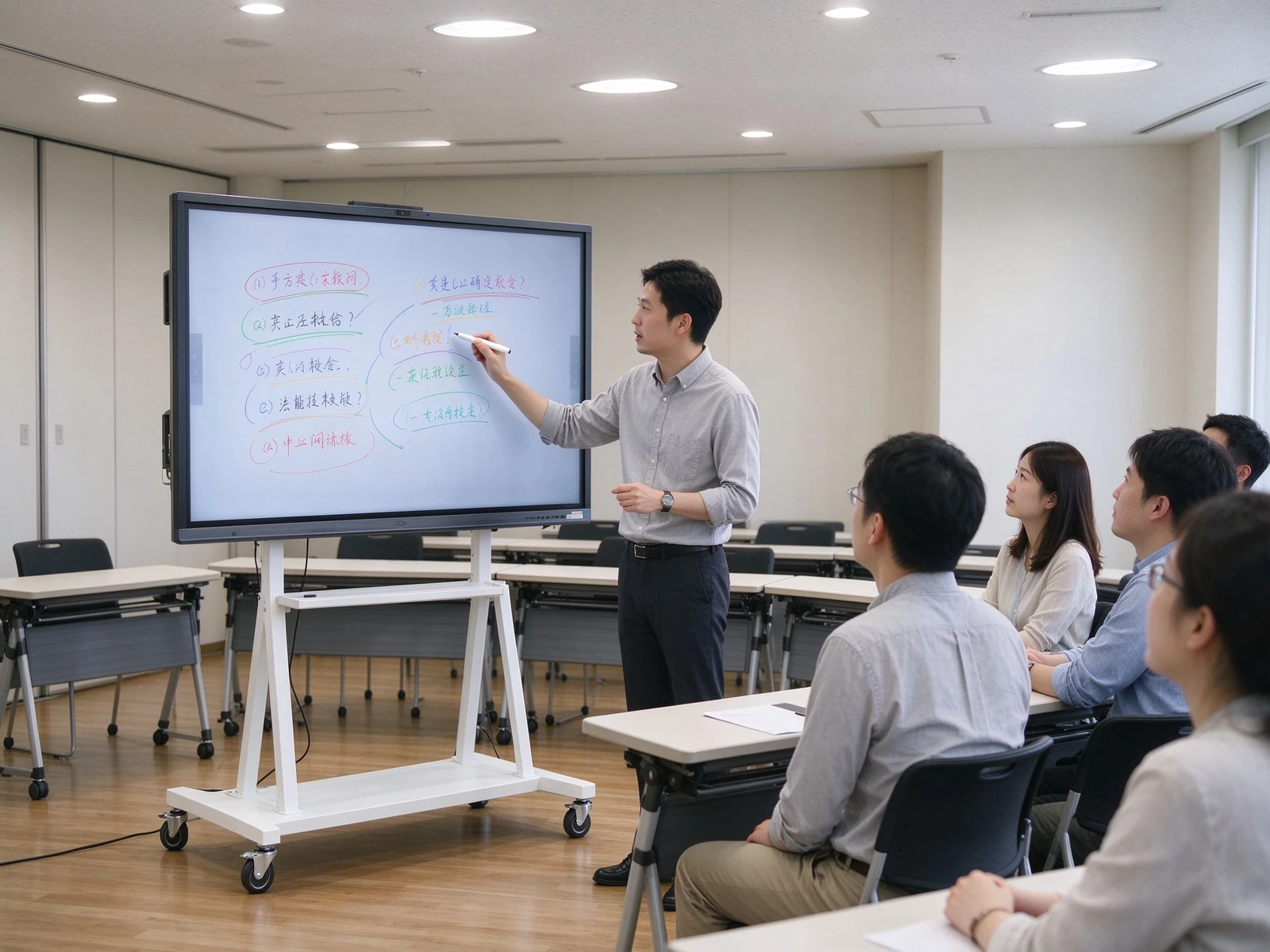
Vacib görüş Oda IFP Solutions 55-86 inç Qtenboard Interactive Flat Paneler

2026-10-09
Interactive Display Solutions · IFP Manufacturer · OEM / ODM
Interactive Flat Panel Solutions for Enterprise Meeting Rooms

IFP Solutions for Enterprise Meeting Rooms: How 55-86 Hər Boost Collaboration

Wireless screen sharing, digital annotation and device consolidation help enterprises cut meeting room equipment and cabling costs. One interactive flat panel replaces a projector, PC, writing board, speakers and camera — turning a 10-minute setup into a 2-minute plug-and-play start.

4K Native Paneli Infraqr tamaşlar Qeyd Ecran paylaması DMS Device Management OEM / ODM Xüsusilməsi
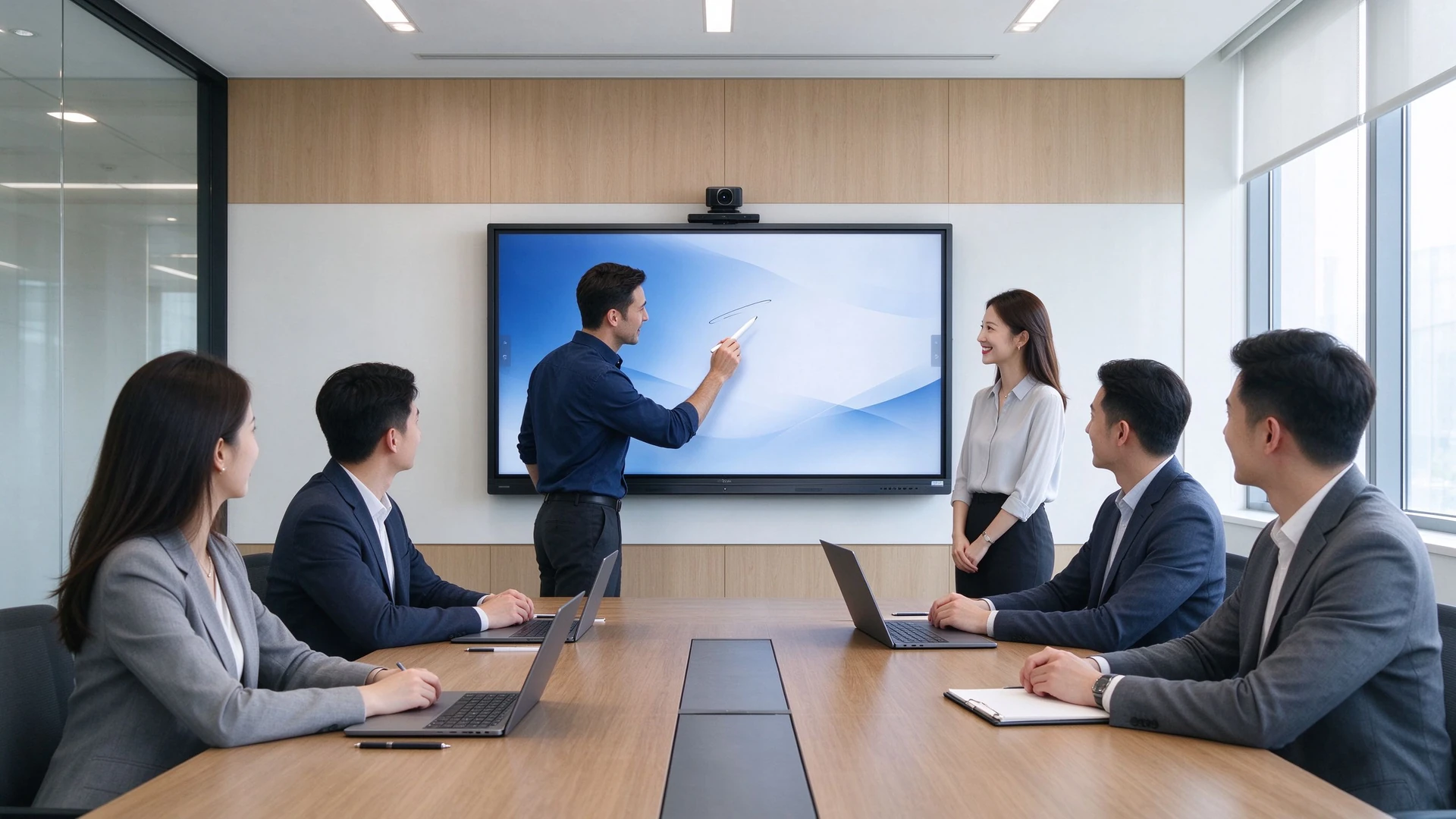
Enterprise meeting room all-in-one main visual
10→2min
İlişdirilmiş başlama vaxt (→ sonra əvvəl)
70→95%
Qıfsız ekran paylama uğursuz
1
IFP 5 avadanlığı növlərini əvəz edir
55–110Buç
Full IFP size range coverage
01 .

Fragmented Meeting Rooms Kill Collaboration Efficiency

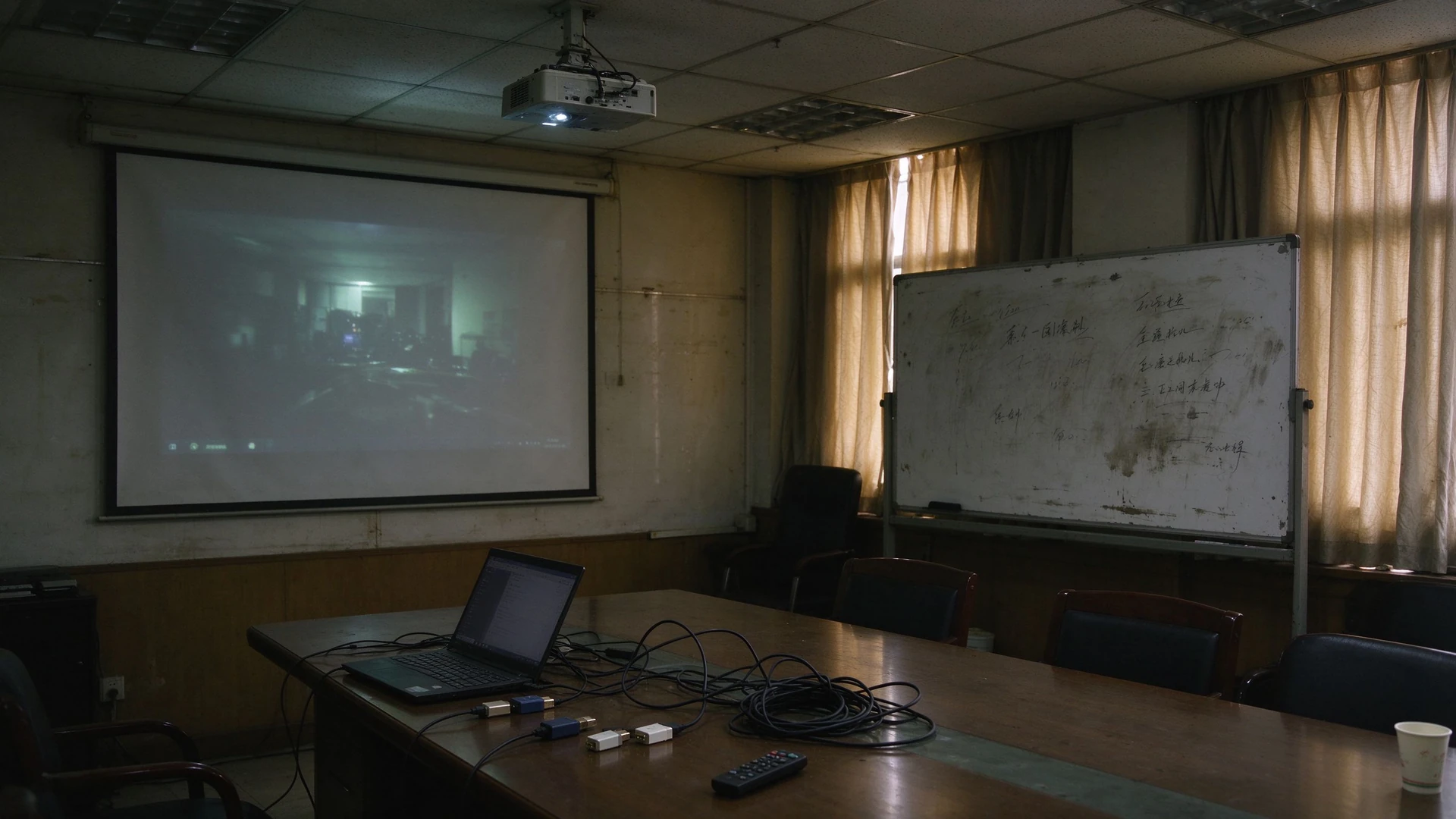
Projektor, PC, yazı lövhələr, Hər bir yerdə tənha - cablin və layihəni yarana baxandan sonra, görüş 10 dəqiqə itirmiş.

01

Projectors too dim in daylight

Bu gün ərzində ekranlar oxumaq çətindir. Pəyyyətlər bağlamaq və işıq satınlamaq qeyd almaq və uzaq video keyfiyyətini xəstə edir.

02

Too many devices, zero integration

PC, projektor, yazma lütləri, Natiqlər və kameralar ayrı - ayrı satın alır və heç vaxt bir - biri ilə danışmırlar.

03

Cables and mismatched ports

HDMI, VGA and adapters pile up; every laptop has different ports, so every meeting starts with a cable hunt.

04

Unreliable wireless screen sharing

Incompatible dongles and software versions force repeated pre-meeting debugging; dropped demos hurt client and partner impressions.

05

Meeting notes are hard to save or share

Yazma yerləri dolduru və yoxlayır; qeydlər şəkillər və əli yazmağına e’tibar edir.

06

No visibility across meeting rooms

Avadan vəziyyəti uzaq olaraq yox edilə bilməz; səthində raportlama ehtiyacı var, firmware və proqramları oda yenilə məktub olmalıdır.

07

Inconsistent experiences, rising total cost

Uşaqlar arasında bir-birindəki avadanlıq modelləri mürəkkəb və əməkdaşlıq hissləri tə’sir edən müəsbətə tə’sirlər yaradır; parçalıllı meyvələr, Kablar və qoruyub saxlamaq müvəffəqiyyətlərin tam qiyməti artır.

The Core Idea Behind Meeting Room Upgrades

Yaziyyət üçün dəyişiklik tərzdə deyil - bu, birləşdirmək haqqıdır. interactive flat panel with wireless screen sharing to reduce the number of devices, simplify cabling and save time before the meeting even starts.

Traditional meeting room projector whiteboard cables
02 · Solution Overview

Bir Interactiva Flat paneli Aliyyəti Avadanı Də əvəz edir

An IFP consolidates display, annotation, audio, screen sharing and video conferencing into a single 55–86 inch panel.

Traditional Meeting Room Setup
  • Projector + screen, too dim in daylight
  • PC or laptop connected separately
  • Writing boards wiped after each session, notes hard to keep
  • External speakers and microphones to set up
  • Camera purchased and cabled separately
  • A tangle of HDMI / VGA / adapter cables
Qtenboard IFP Solution
  • 55–86 inch IFP with 4K anti-glare display
  • Built-in Android, optional Windows OPS
  • Built-in annotation software for multi-user co-annotation
  • Built-in speakers and microphone array
  • Optional HD camera, plug-and-play video conferencing
  • Wireless screen sharing dongle + mobile stand / wall mount, no cabling
Fewer devices to buy
Less cabling and fewer ports
Fewer failure points
Faster meeting start
Better wireless screen sharing
Better remote meetings
Consistent experience across rooms
03 · Products & Configurations

55–86 inch IFPs, Sized to Your Meeting Room

From 4–6 seat huddle rooms to 12–20 seat boardrooms, pick the panel size by viewing distance and the configuration by usage scenario.

Room TypeTəsdiqlənən böyüklüyüBaxış məsafəsi
Small meeting room (4–6 people)55–65 in2-3 m
Medium meeting room (8–12 people)75 in3-4 m
Large meeting room (12–20 people)86 in4–6 m

Sizing reference: Qtenboard covers the full 55–110 inch range — the Pro series (55–75 inch) suits small and medium rooms, while the Max series (86–110 inch) suits large rooms and multi-purpose halls.

4K

4K Native Paneli

3840×2160 with high contrast and wide viewing angles for crisp annotation and presentations.

AG

Anti-Gerra

Reduces reflections so window-side rooms stay readable in daylight.

LB

Kiçik Blancı

Easier on the eyes during long meetings and training sessions.

IR

Infraqr tamaşlar

Precise, low-latency writing with stylus, finger and palm erase.

20

20-Point Touch

Multiple people can annotate at once without conflicts.

A

Android OS

Built-in Android ecosystem — install apps and start the meeting in seconds.

OPS

Optional Windows OPS

Plug-in OPS module for complex PC applications and existing office software.

SP

İnşa-dər

Clear, even audio with no extra speakers to buy.

MC

Built-in Microphone Array

Far-field pickup captures every speaker clearly.

CA

Camera Options

Max series includes a built-in 12MP camera; video conferencing is plug-and-play.

SC

Qeyd Ecran paylaması

USB dongle or software casting from laptops, phones and tablets with one tap.

DMS

DMS Device Management

Remote power control, batch upgrades, status monitoring and fault alerts.

Meeting display mobile stand training room

Mobile Stand: One IFP, Many Spaces

Move the panel from meeting rooms to training rooms, multi-purpose halls and demo areas — one device covers multiple spaces.

İstifadəçi işlət

  • Meeting rooms that need flexible layouts
  • Training rooms and multi-purpose halls
  • Temporary rooms and visitor areas
  • Showrooms and client demo areas

Key Specs

  • Load capacity and stability
  • Height and tilt adjustment
  • Castors with brakes
  • Cable management and anti-theft design
Wireless screen sharing collaboration

Wireless Screen Sharing: No More Cables or Adapters

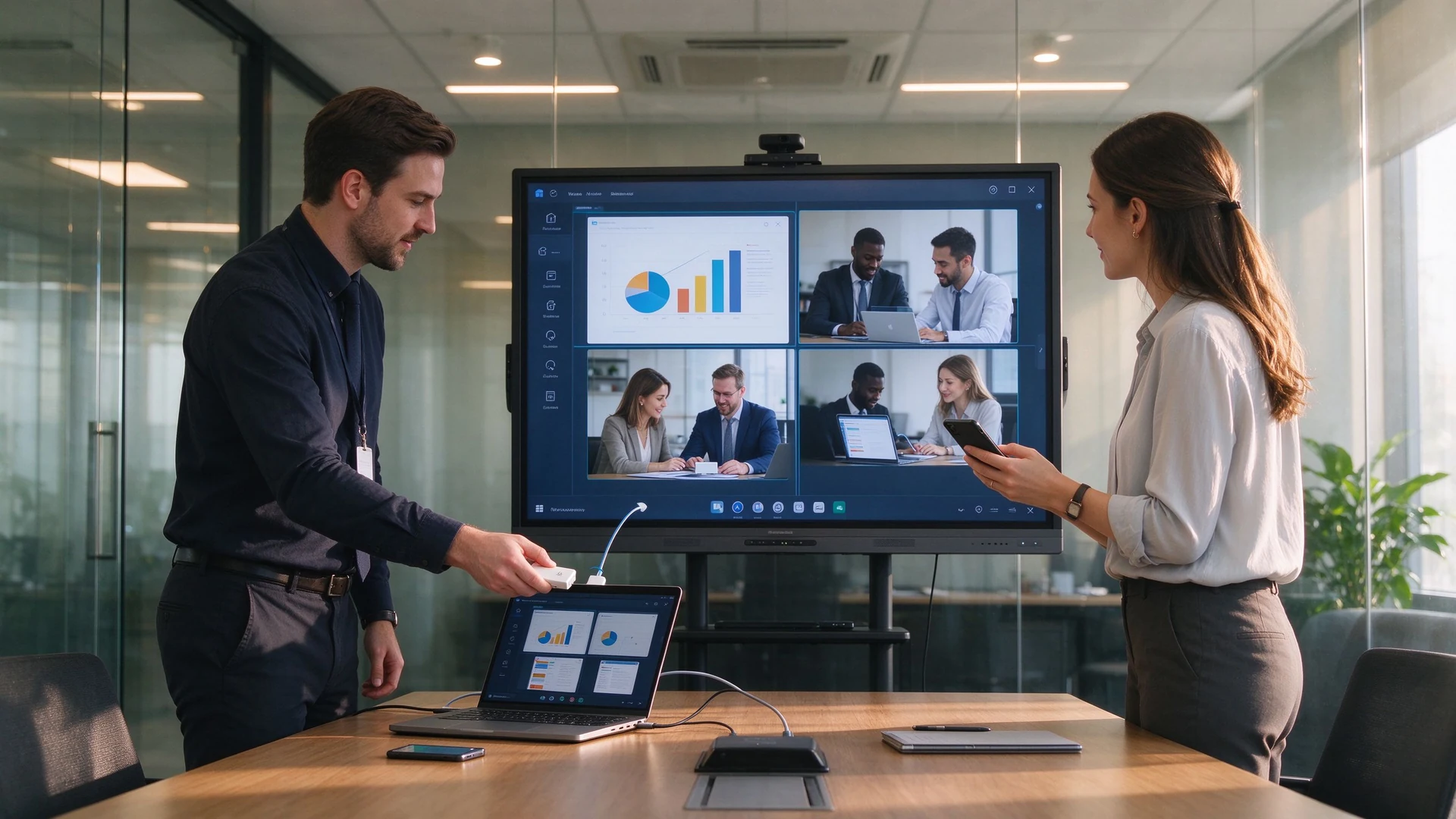
Plug in the USB dongle and share from phones, tablets and laptops without drivers; run multiple sources side by side.

Sharing Options

  • USB dongle, plug and share
  • Software casting, no hardware
  • Share from phone, tablet or laptop
  • Multiple devices on screen at once

Key Specs

  • Latency and stability
  • Multi-device concurrency and reverse touch
  • Secure casting with guest PIN
  • Works with Teams, Zoom and Tencent Meeting
04 · Requirements & Matching Solutions

What IT and Facilities Teams Care About: Efficiency and Cost, Not Spec Sheets

Five of the most common meeting room upgrade requirements, each matched to a specific IFP capability.

1

Faster, Smoother Meetings

What You Need

  • Start meetings quickly
  • Less setup and debugging
  • Reliable wireless screen sharing
  • Çoxlu qullarının fikrini
  • Save and share meeting notes

What You Get

  • IFP ready in seconds
  • One-tap wireless screen sharing
  • Built-in multi-user annotation
  • Export notes as PDF, image or Word
  • Share via QR code or email
2

Wireless Screen Sharing & Collaboration

What You Need

  • Share from phone, tablet and laptop
  • Multiple devices at once
  • Split-screen comparison
  • Reverse touch control
  • Share into remote meetings

What You Get

  • Windows / macOS / Android / iOS
  • Up to 9 concurrent devices (Pro series)
  • Quad split-screen with reverse touch
  • Works with Teams, Zoom, Tencent Meeting
  • Local and remote sharing channels
3

Lower Procurement & Cabling Costs

What You Need

  • Buy fewer projectors, PCs, boards, speakers and cameras
  • Less cabling and fewer ports
  • Fewer failure points
  • Lower maintenance cost

What You Get

  • One IFP replaces multiple devices
  • Built-in speakers, mics and camera
  • Wireless sharing removes cables
  • Mobile stands cut installation cost
  • DMS remote management reduces site visits
4

Remote & Hybrid Meetings

What You Need

  • Stable, clear video calls
  • Remote co-annotation
  • Cloud-stored meeting records
  • Multi-site sessions

What You Get

  • Built-in or optional HD camera and mics
  • Works with Teams, Zoom, Tencent Meeting
  • Remote annotation collaboration
  • AI minutes saved to cloud and exported
  • Central management across rooms
5

Central Management Across Rooms

What You Need

  • Device status monitoring
  • Remote power on/off
  • App and firmware management
  • Fault alerts

What You Get

  • DMS / CMS device management
  • Remote power control and monitoring
  • Batch firmware and app updates
  • Device grouping and role permissions
  • Alerts and remote troubleshooting
6

Quantifiable Upgrade Benefits

Our Commitment

  • Pilot the IFP before you commit
  • Config list sized to your rooms
  • 5-year TCO comparison
  • Volume pricing and OEM customization

Sonrakı addım

  • Book a demo
  • Get a project quote
  • See peer case studies
  • Plan installation and support
Remote video meeting hybrid office
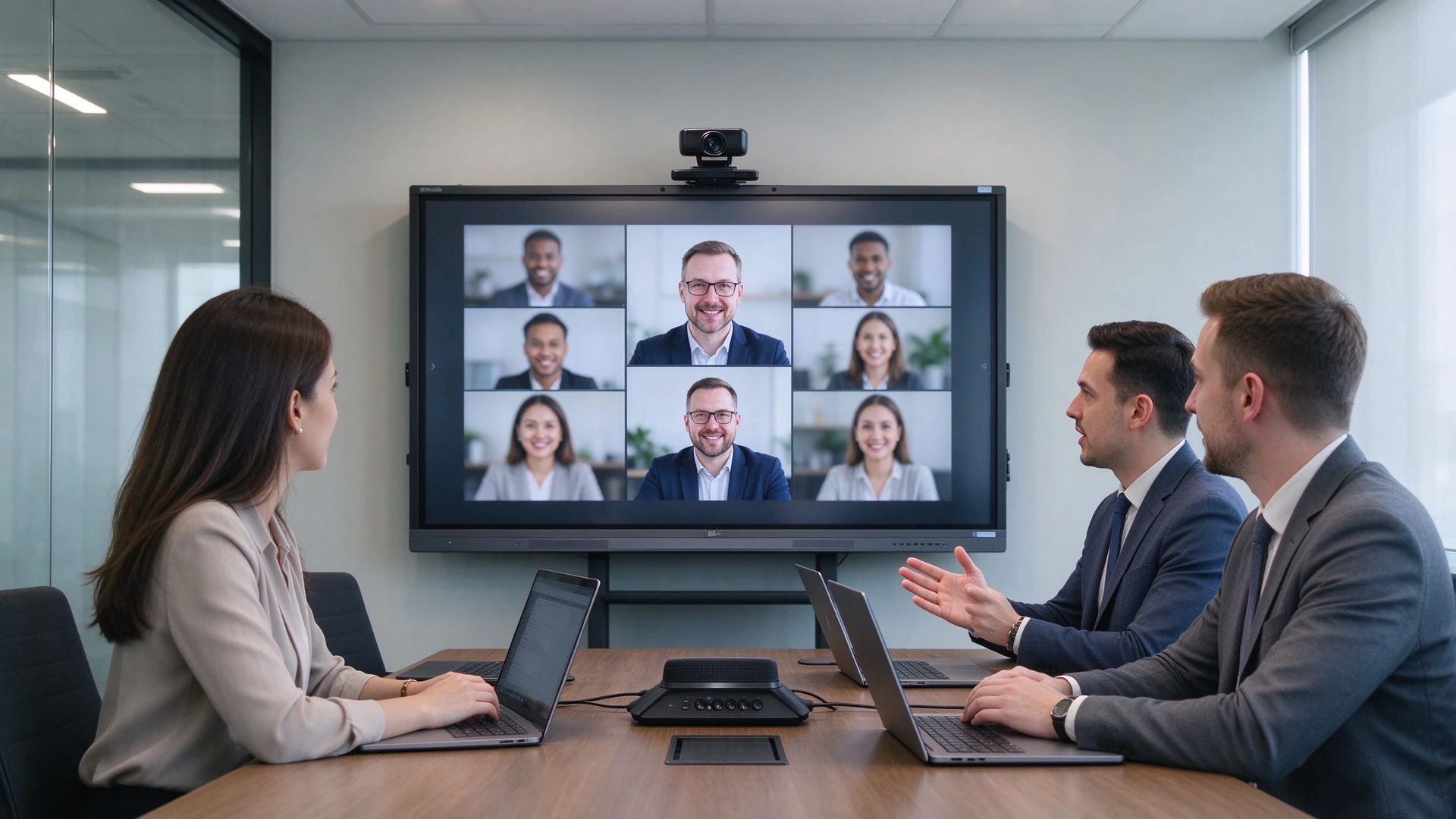
Remote and hybrid meetings: built-in camera and microphone array, one-tap join for Teams / Zoom / Tencent Meeting
IT admin remote device management
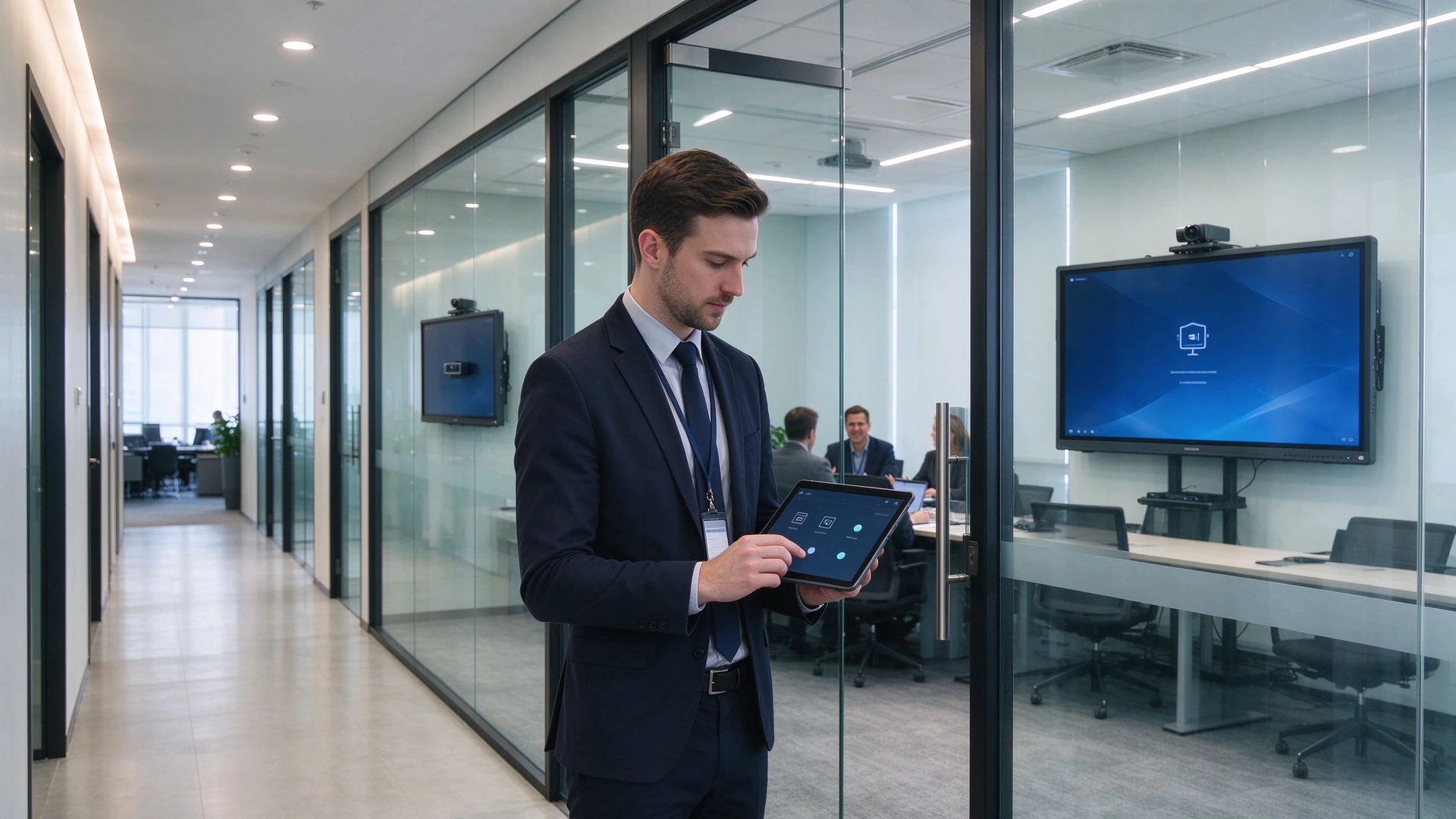
Central management: IT monitors device status, pushes batch upgrades and receives fault alerts via DMS
05 · Why Qtenboard

From Standard Products to Custom Projects: Qtenboard Delivers Flexible Enterprise Meeting Solutions

Built for enterprise IT, facilities teams, system integrators and project buyers — an IFP manufacturer and an OEM / ODM delivery partner.

20+
Years in Interactive Display
3
Self-Owned Factories · 33,000 m²
1000+
Skilled Technical Workers
102
Countries & Regions Served
50+
Authorized Global Distributors

Qtenboard Pro Series (55–75 in)

Small & medium rooms · ready in seconds

  • GöstərBOE and other tier-1 4K native panels, anti-glare and low blue light
  • Sistem:Android 14 with optional i3 / i5 OPS expansion
  • Sharing:Wireless screen sharing for up to 9 devices, latency ≤0.1s
  • Meetings:One-tap video conferencing compatible with Tencent Meeting and Zoom
  • Minutes:AI-generated meeting minutes, exportable to Word / Excel

Qtenboard Max Series (86–110 in)

Large rooms · global collaboration

  • Motherboard:Flagship AI mainboard with 8K decoding and triple-screen output
  • A/V:Built-in 12MP camera and mic array — 8 m pickup, 90% noise reduction
  • Collaboration:Cross-site annotation on shared documents and slides
  • Multi-view:Minutes, dashboards and video on one screen
  • AI:Real-time translation in 16 languages, smart minutes, voice assistant, on-screen Q&A

Customization: From Hardware to System, Delivered to Project Specs

LO

Logo & Boot Screen

UI

UI & Language

AP

Preloaded Software

CA

Camera & Mic Config

ST

Stand & Mounting

PK

Packaging & Labeling

CL

DMS / CMS Integration

BD

Batch Delivery & Spare Parts

CC

RoHS / CE / CCC Certified

OD

Full OEM / ODM Workflow

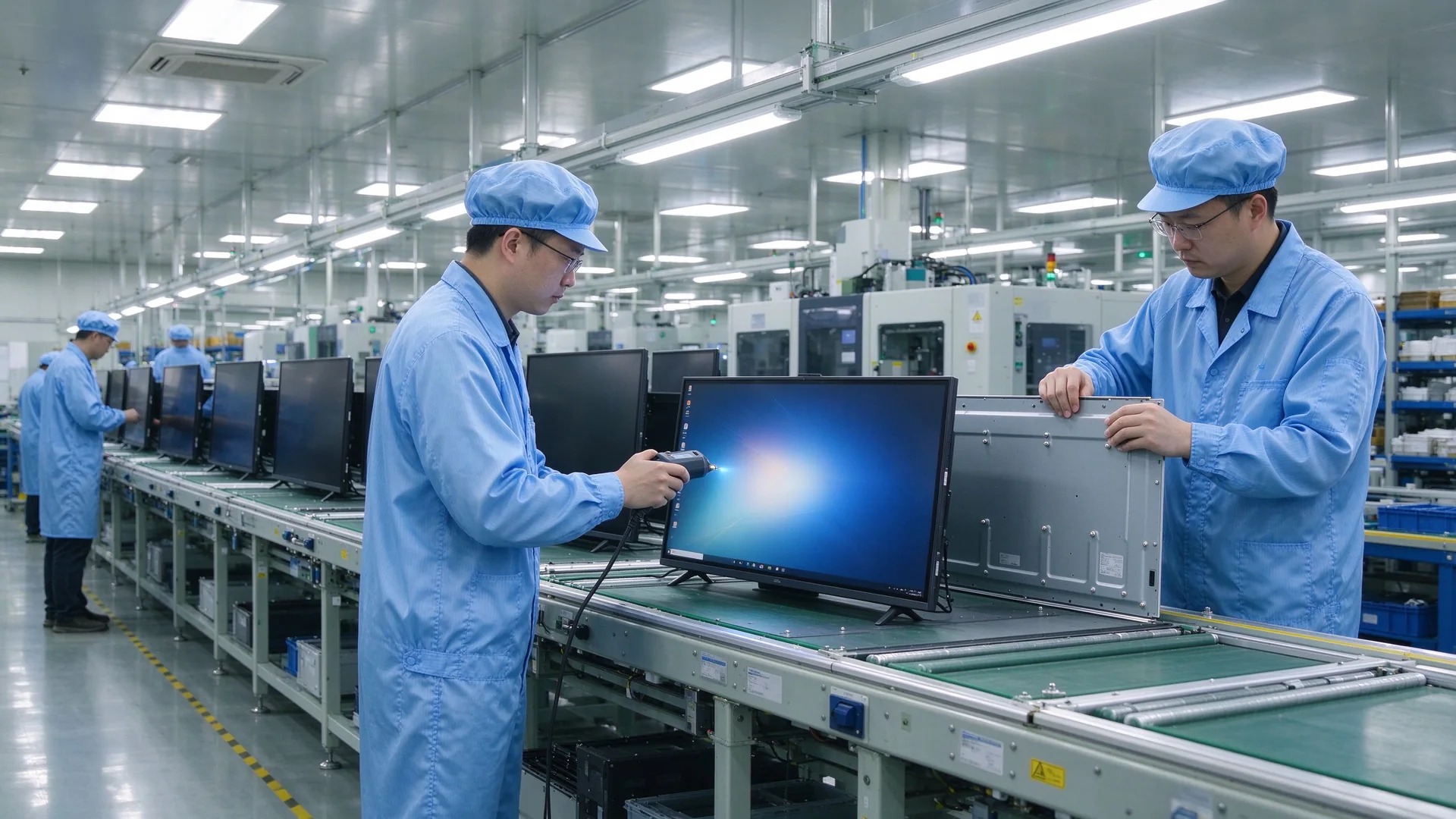
Qtenboard meeting display factory line

In-House Manufacturing & Quality Control

Qtenboard runs an integrated R&D – procurement – production – testing – service model. Core components (panels, mainboards, touch frames) come from tier-1 brands; every batch passes RoHS, CE and CCC certification, and automated lines keep the defect rate below 0.3%.

  • 72-hour burn-in and temperature cycling tests
  • 1,000,000 touch taps and 500,000 write / erase cycles tested
  • EMC Class B compliance for reliable operation in demanding environments
  • Warranty and spare parts, remote technical support and local installation guidance

Project Delivery Process

Step 1

Requirement Review & Demo

A configuration list sized to your room count and usage; pilot the IFP to verify screen sharing and video compatibility first.

Step 2

Solution & Quotation

Itemized pricing for size, stand, dongles, cameras and DMS, including a 5-year TCO comparison.

Step 3

İstehsal və QC

OEM and volume orders scheduled; every unit passes power-on and burn-in testing before shipment.

Step 4

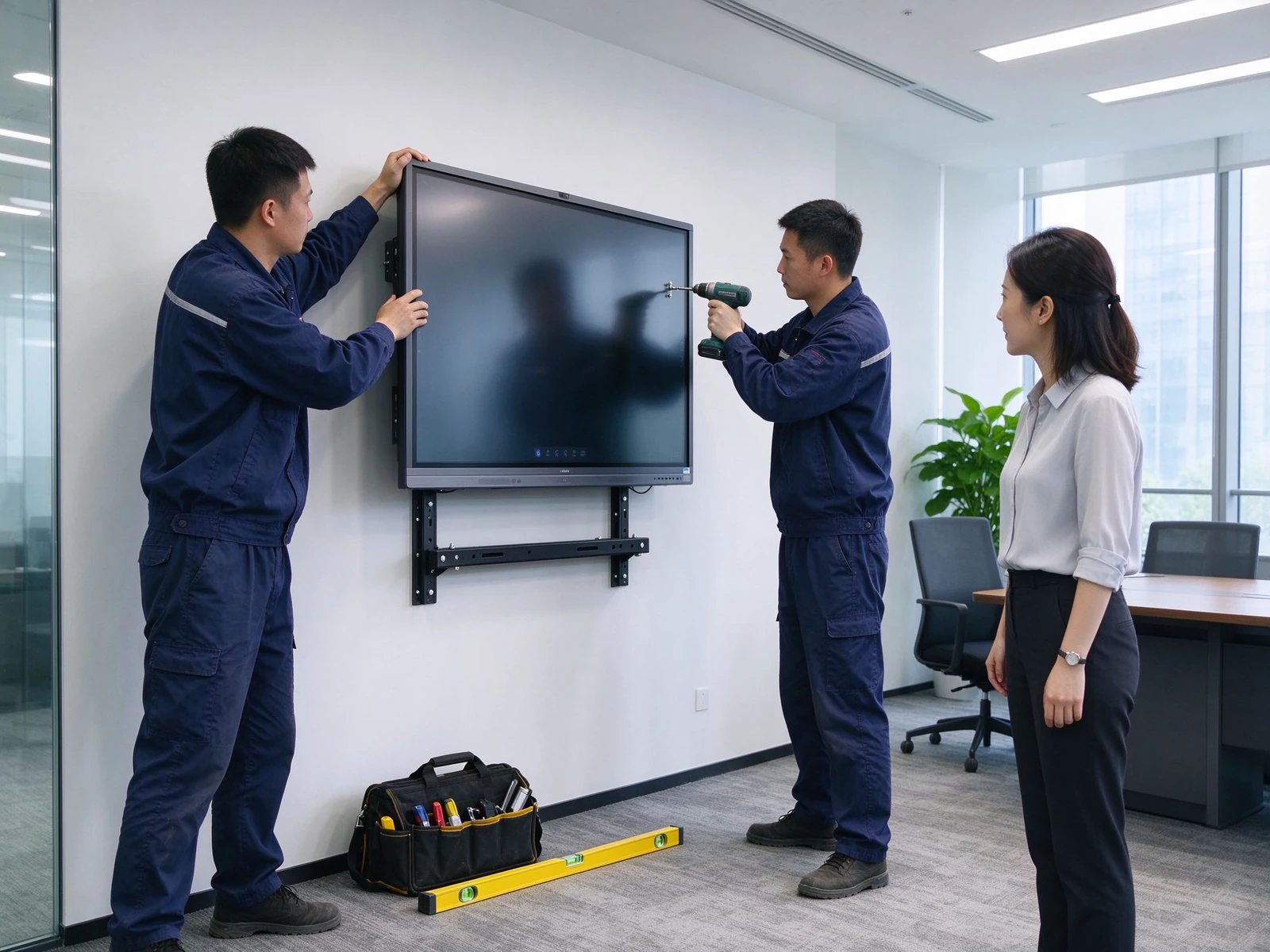
Installation & Setup

Wall mount or stand installation, dongle pairing and DMS onboarding — plug-and-play across every room.

Step 5

Warranty və Dəstəklər

Spare parts and repairs within warranty, continuous firmware and app updates, responsive remote support.

Who It's For

İT Teamsi
Facilities & Administration
Sistem İntegratorları
Fit-Out & Low-Voltage Contractors
Regional IT of Multinationals
Multi-Site Enterprises
06 · Case Studies

From Projectors to IFPs: How Companies Improved Meeting Efficiency

Three typical upgrade scenarios: small business, multi-site enterprise and system integrator delivery.

Engineer wall mounting meeting displayCase 1 · Small & Mid-Size Business

10 Meeting Rooms, One Standardized Upgrade

Arxa planı

  • Projector + PC + writing board setup
  • Unstable sharing, constant pre-meeting debugging
  • Notes hard to save and share

Qısal

  • 10× 75-inch IFPs
  • 5 mobile stands + 5 wall mounts
  • 20 wireless screen sharing dongles
  • DMS device management
  • Meeting start time: 10 min → 2 min
  • Screen sharing success: 70% → 95%
  • Meeting notes saved and shared
  • Lower maintenance cost
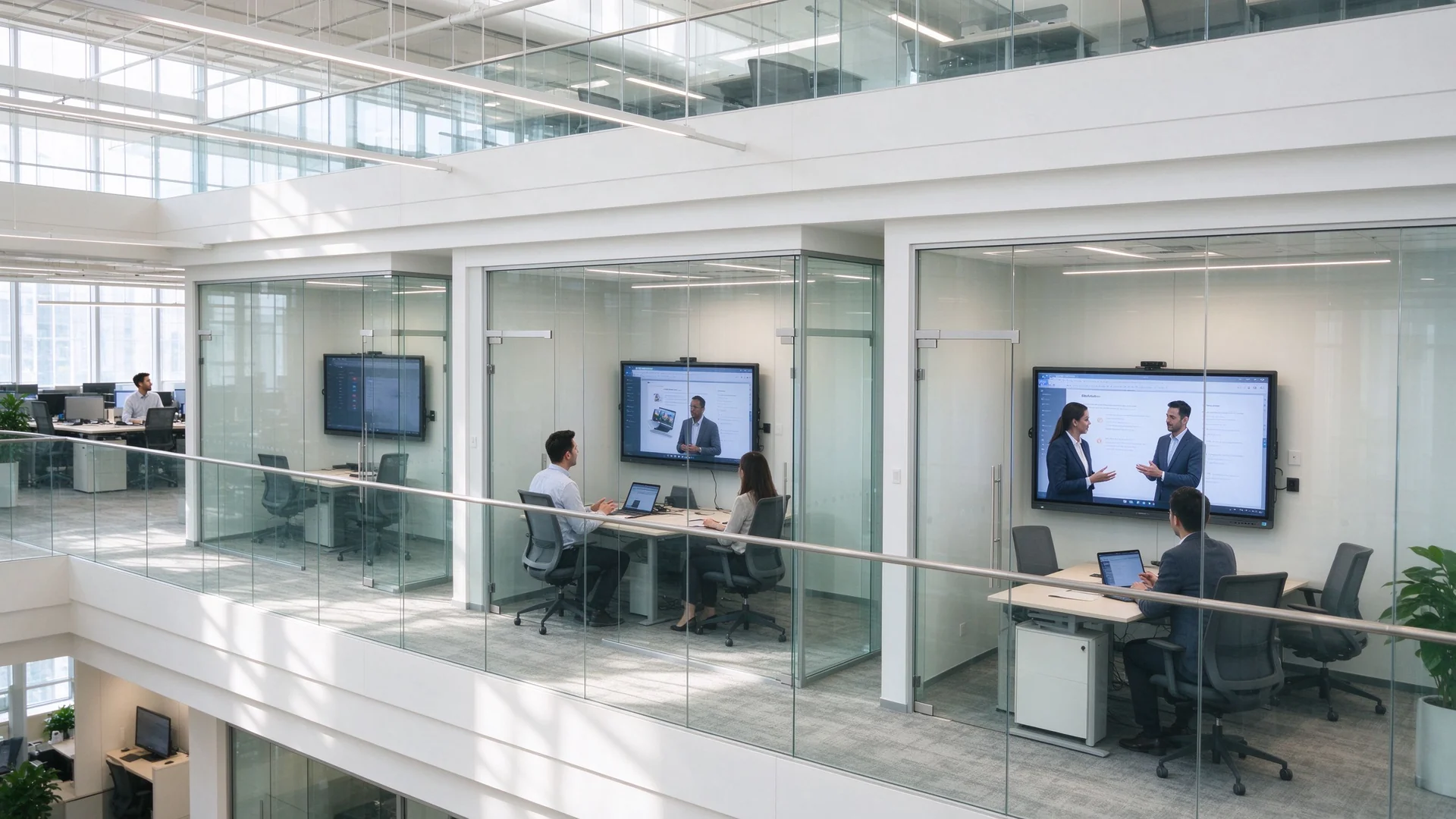
Multi-site enterprise meeting roomsCase 2 · Multi-Site Enterprise

Consistent Collaboration Across Sites

Arxa planı

  • Inconsistent experiences across office sites
  • Poor remote video and audio quality
  • Scattered devices, hard to manage

Qısal

  • Mixed 55 / 65 / 75 / 86 inch IFPs
  • Camera and mic tuned per room size
  • Teams / Zoom compatible
  • Central DMS management
  • Consistent experience everywhere
  • Better remote meetings
  • Remote device status visibility
  • Faster fault response
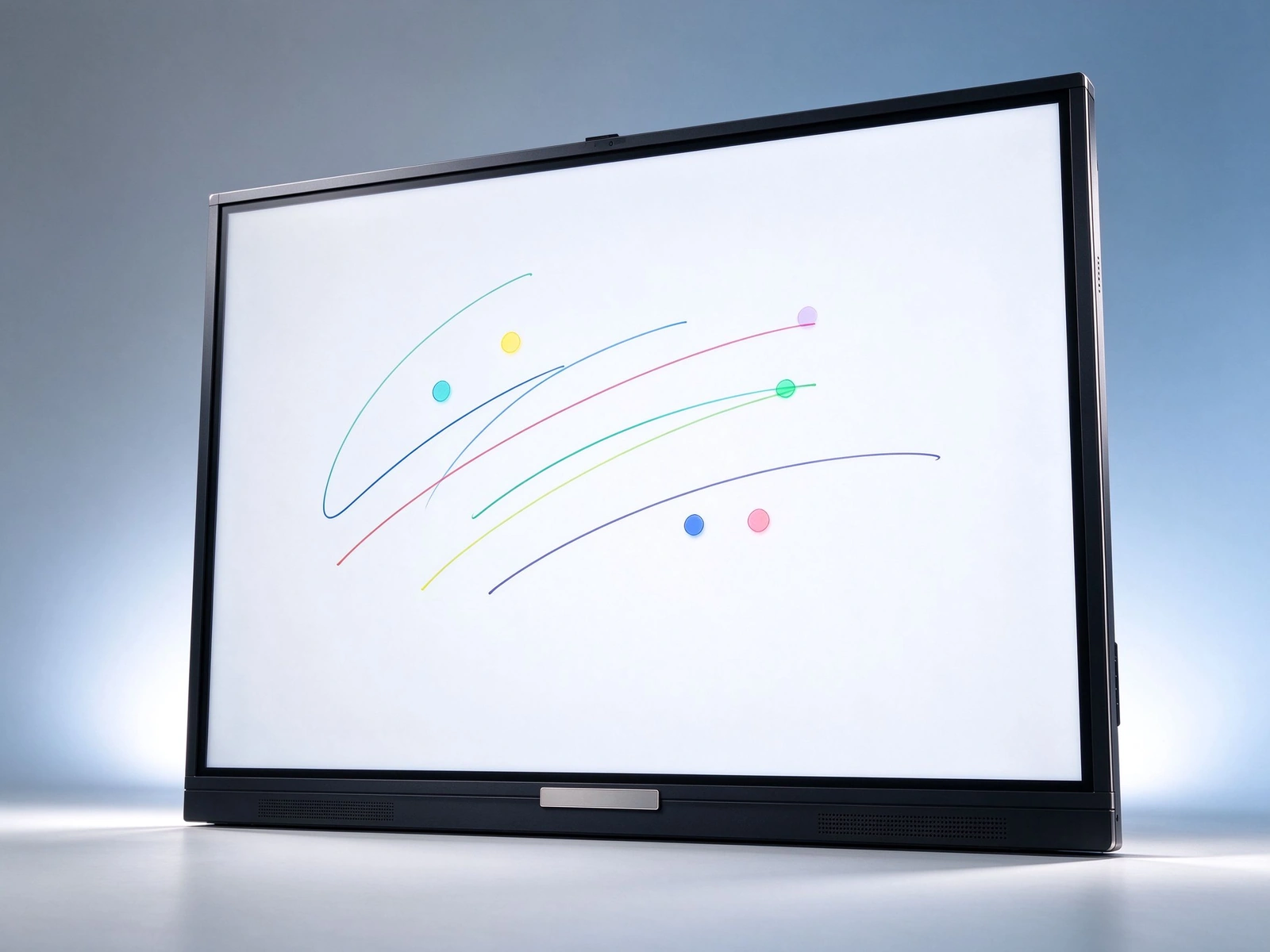
Qtenboard meeting display front viewCase 3 · System Integrator Delivery

White-Label Batch Delivery

Arxa planı

  • Multi-room upgrade for an enterprise client
  • Unified branding and configuration
  • Fast delivery and installation

Qısal

  • Qtenboard IFPs under OEM
  • Custom logo and boot screen
  • Batch production and delivery
  • Installation guidance and after-sales
  • Client brand shown consistently
  • On-time delivery
  • Full after-sales support
  • Higher client satisfaction
07 · Buying Guide

How Should IT and Facilities Teams Choose an IFP?

Eight decision dimensions covering everything from sizing to five-year total cost of ownership.

Panel böyüklüyü

55–65 inch for small rooms, 75 inch for medium rooms, 86 inch and above for large rooms; confirm by a 2–6 m viewing distance so text stays readable and the panel fits the wall.

İşləmə sistemisi

  • Android: core meetings and screen sharing, ready instantly
  • Windows OPS: complex apps and software compatibility
  • Dual system: flexible for the full office software stack

Camera & Microphone

Small rooms: built-in or simple camera; medium rooms: wide-angle camera with mic array; large rooms: professional camera and audio system — check pickup distance and noise reduction.

Qeyd Ecran paylaması

  • Dongles sized per meeting room count
  • Multi-device concurrency and split screen
  • Latency and stability
  • Secure casting with guest PIN

Bağlan

Mobile stand: flexible, training and multi-purpose spaces; wall mount: fixed, clean cabling; recessed: premium integrated fit-out.

Üzvləri İdarəsi

  • DMS remote management
  • Remote power control and status
  • Batch firmware updates
  • Fault alerts and alarms

Warranty və Dəstəklər

  • Warranty terms and spare parts
  • Local service and remote technical support
  • Installation guidance and training

Budget & TCO

Evaluate five-year total cost of ownership across procurement, installation, maintenance, energy and consumables — consolidated IFP setups typically show clear savings from year three.

08 · FAQ

Interactive Flat Panel FAQ for Enterprise Meeting Rooms

Straight answers to the questions buyers ask most.

Q1: What size IFP does my meeting room need?
Match the panel to room size and viewing distance: 55–65 inch for small rooms (4–6 people, 2–3 m), 75 inch for medium rooms (8–12 people, 3–4 m), and 86 inch for large rooms (12–20 people, 4–6 m). Qtenboard covers the full 55–110 inch range, so rooms of different sizes can be mixed within one deployment.
Q2: How does an IFP improve meeting efficiency?
Four time-savers: instant startup, one-tap wireless screen sharing, multi-user annotation, and meeting notes that are saved and shared. Combined with AI meeting minutes, a structured summary is generated in about 5 seconds — cutting note-taking effort for a one-hour meeting by more than 75%.
Q3: How does an IFP cut procurement and cabling costs?
One panel replaces a projector, PC, writing board, speakers and camera; built-in speakers, microphones and an optional camera remove separate purchases; wireless screen sharing eliminates cables and adapters; mobile stands reduce installation cost; and DMS remote operations cut on-site maintenance.
Q4: What screen sharing options does Qtenboard support?
USB dongle, software casting, and sharing from phones, tablets and laptops across Windows, macOS, Android and iOS; multiple devices can share at once with split-screen display. The Qtenboard Pro series supports up to 9 concurrent devices with ≤0.1 s latency.
Q5: How can enterprises manage IFPs across many rooms?
DMS / CMS device management provides remote power control, app and firmware management, status monitoring and fault alerts; role-based permissions by department, region and device type, with batch publishing and minute-level emergency notifications.
Q6: Does Qtenboard support customization?
Yes — custom logo and boot screen, UI and language, preloaded software, camera and microphone configuration, stand and mounting, packaging and labeling, DMS / CMS integration, plus batch delivery and full OEM / ODM workflows.
Q7: Does the panel work with Teams, Zoom and Tencent Meeting?
Yes. The Qtenboard Pro series offers one-tap video conferencing compatible with Tencent Meeting and Zoom; the Max series adds a built-in 12MP camera and mic array with 8 m pickup and 90% noise reduction; the system runs Android 14 with the Google EDLA-certified Android ecosystem.
Q8: How do OEM / ODM projects guarantee delivery and after-sales?
Through a defined flow: demo → batch production → unit-by-unit QC (defect rate below 0.3%, 72-hour burn-in) → delivery and installation → warranty and spare parts — backed by remote technical support, local partner installation guidance and continuous firmware updates.

Data note: Qtenboard product parameters, manufacturing and case data are from its official website and public sources (qtenboard.com / qtenboard.asia); before/after efficiency and TCO figures are illustrative estimates — final numbers depend on the project quotation.


Qtenboard Queenie Wang

Qavini

İEO | Interaktiv Display və Koleyt Solution Müəyyət

Mən Qtenboard şirkətinin təsisçisi olaraq, sensorlu displey sənayesində 17 ildən artıq praktiki təcrübəm var. ShenZen Universitetində EMBA öyrənmələrim vasitəsilə qazanmış qlobal idarəçi təhlükəsizlikdən istifadə edir. Mənim əməkdaşlarımızın hər bir mərhəməti təhlükəsizliyindən güclü ehtiyatlı təmində zəncir idarə edir. Müxtəlif qabiliyyətlər industrinin önündə qalır.

Qtenboard lideri kimi, interaktiv ağ bordlar üçün müntəzəm OEM/ODM həlllər təqdim etməkdə xüsusiyyət edirəm, LCD video divarları, rəqtəsi simaları və industriya rəftarın terminalları. Shenzhendəki müasir industriya parkirlərimizin 330 000 m m. və sərt əməl sınaqlar.

Təxminən iki il proyiey təcrübə ilə Qtenboardın nümayişləri 120 ölkə və ərazilərdə istifadə edilib. Bütün dünyada 15 000 - dən çox əməkdaşlarının etibarına qazanmışdı. Əgər siz mütləq rəftar proyüsləriniz üçün dərin faydalı təsdiqləyən əməkdaşı axtarırsınızsa, Mənim qrupam və mən sizin görünüşünüzü dəstəkləyəcək.