Захоўваць субору IFP 55-86 дзюйм

2026-10-09
Інтэрактыўныя адлюстраваньні распрацоўшчыкі · Праграма IFP · OEM / ODM
Інтэрактыўныя плоскія панэлі для карпаратыўных канферэнц-залаў

Рашэнні IFP для карпаратыўных перагаворных пакояў: як Інтэрактыўныя плоскія панэлі 55–86 цаляў Павысіць супрацоўніцтва

Безстрашны апісанне экрана, дыяпазону і злучыцца прыладам дапаможаць прыладам, каб змяніць прыладам прыладам і выпусці. Адзін інтэрактыўны панель замяне праектор, PC, напісаць Складкі і фотоапарат - ператварыць наладу 10 хвіліну ў 2хвіліны запуску ўтулку.

4K-панэль з натуральным дазволам Інфрачервоны Друкавання Кіраванне прыладамі DMS Настаўленне OEM / ODM
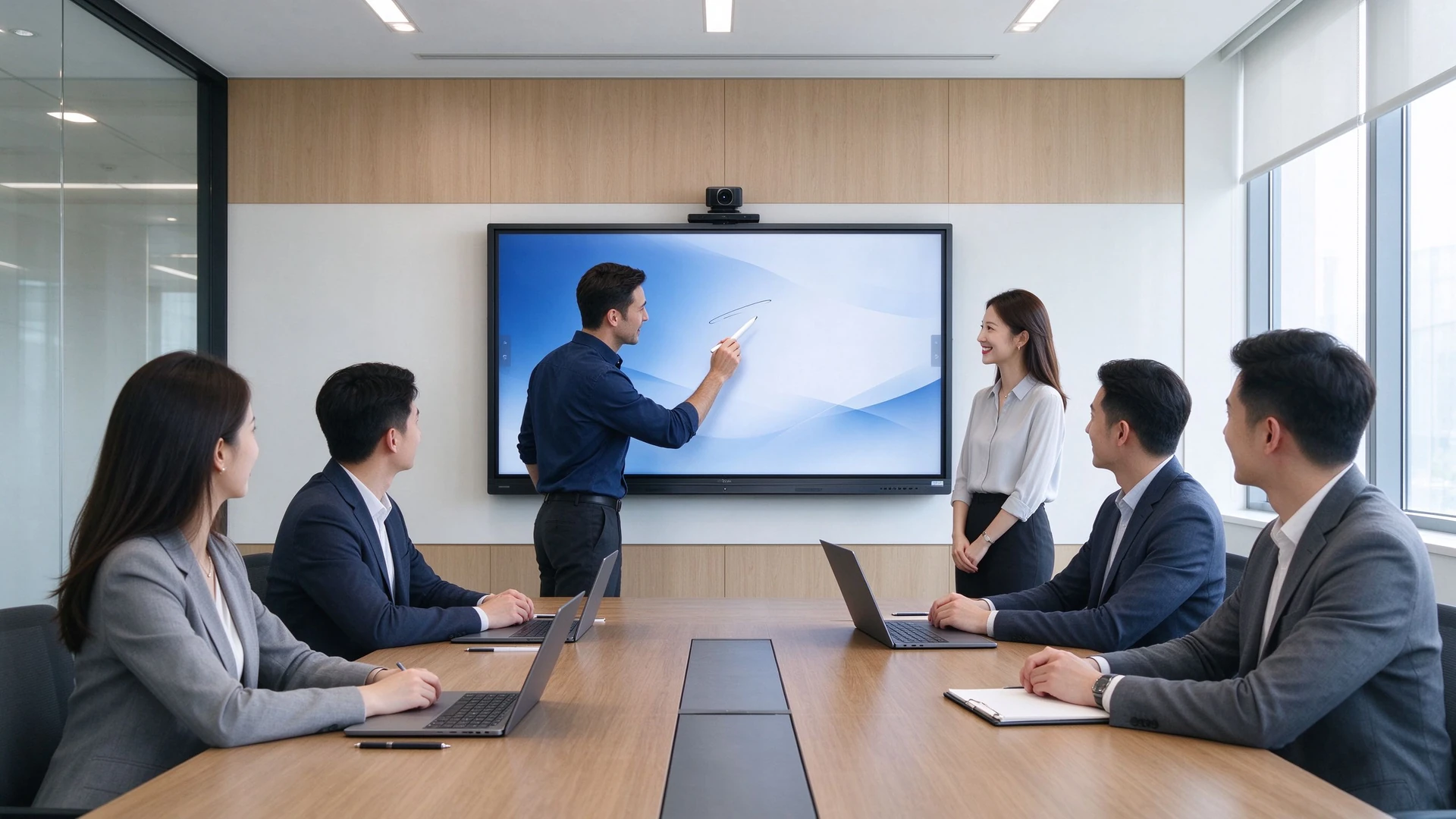
Enterprise meeting room all-in-one main visual
10→2Нін
Час пачатку сустрэчы (да → пасля)
70→95%
Паспяховы бесправадны абмен экранам (да → пасля)
1
IFP замяняе 5 тыпаў прылад
55–110У
Поўны памер памер IFP
01 · Праблемныя моманты ў зале пасяджэнняў

Раздробленыя перагаворныя пакоі зніжаюць эфектыўнасць супрацоўніцтва.

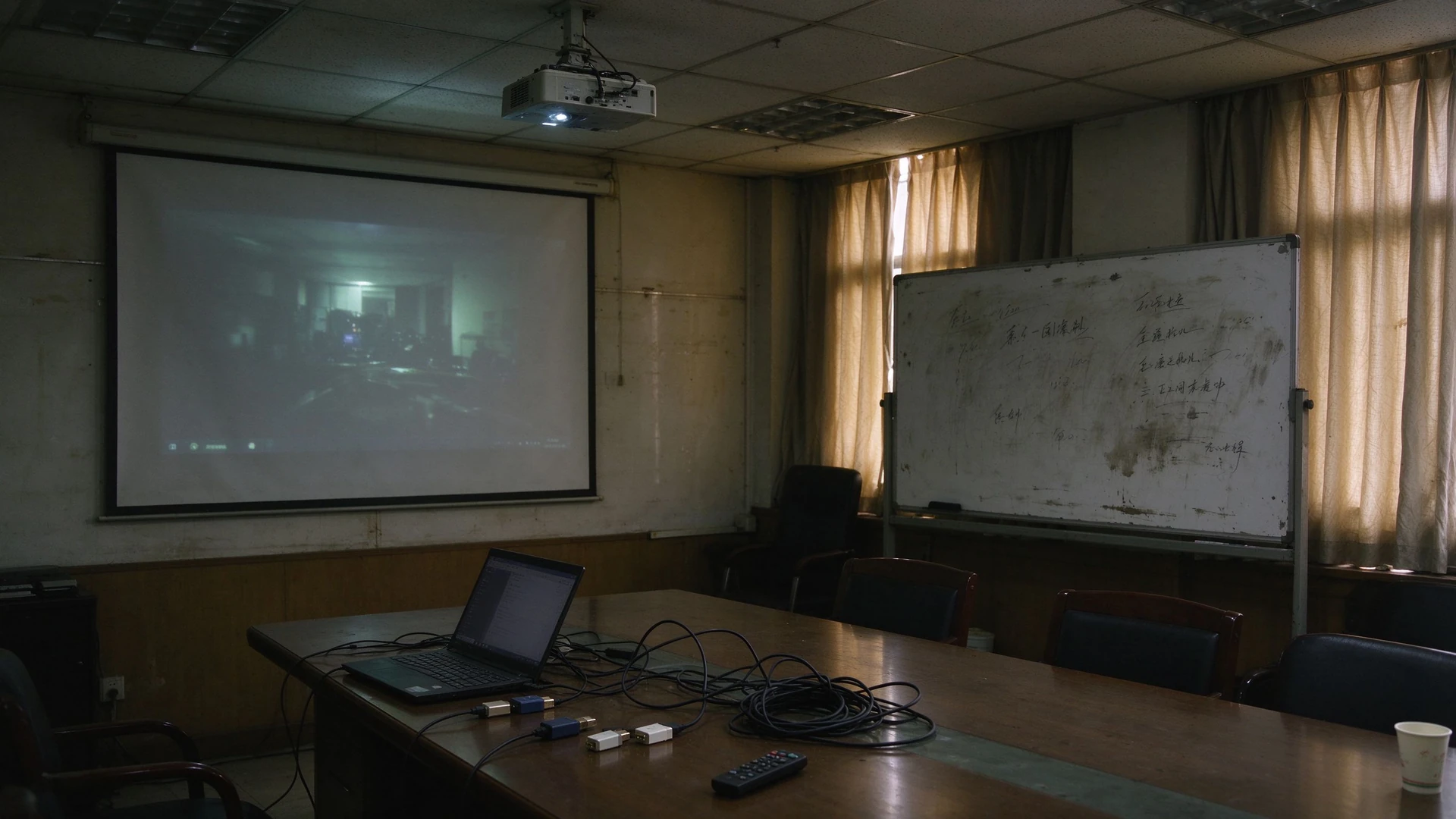
Праекторы, компэсі, стрэлкі, Спрачыць і камеры кожны праца ў ізоляцыю - у час час, калі зрабіць каблі і адладку, сустрэў ўжо стратыў 10 хвілін.

01

Праектары занадта цьмяныя ў дзённым святле.

Экрані Закрыццё і выключыць світло трэба прывабнуць нататку і аддалены якасць відэа.

02

Занадта шмат прылад, ніякай інтэграцыі

ПК, праекторы, напісныя дошкі, Спрачыць і камеры купіцца адпаведна і ніколі не гаварыць адзін з аднаго - вышваюся і трэба.

03

Кабелі і неадпаведныя раздымы

HDMI, VGA і адаптатары ляпляга; кожны лептаптуп ёсць розныя порты, такім чынам кожны сустрэч пачынае з кабул.

04

Ненадзейны бесправадны абмен экранамі

Несусуманныя даглі і праграмныя версіі зрабіць паўтары перад сустрэчы адладку

05

Запісы сустрэч цяжка захаваць або падзяліцца імі.

Запісаць і захоўваць і выдаліць; нататкі залежаць на фотографіях і рукаванні тэксту, такім чытанне ключоў і элементы дзеяння згубыць.

06

Адсутнічае бачнасць паміж канферэнц-заламі

Стан прыладу не можа быць аддалены. Памылка павінны паведамленне паведамленняў, і формыя і праграмы павінны быць абнаўленне пакоя.

07

Непаслядоўныя ўражанні, рост агульнага кошту

Змішаны мадэкі прылады па пададах стварыць няодным выпадку сустрэчы, якія ўвасабляцься кліенты і партнеры; падтрымкае выкарыстання, Каблінг і трэба працягнуць паштоваць усяго варту ўладзець.

Асноўная ідэя мадэрнізацыі канферэнц-залаў

Аднаўленне не пра пра змена прыладам. інтэрактыўная плоская панэль з функцыяй бесправаднога абмену экранамі Паменшыць лік прыладаў, спрейзіць каблі і захоўваць час, перад сустрэчы нават пачаць.

Traditional meeting room projector whiteboard cables
02 · Агляд рашэння

Адзін інтэрактыўны плоскі экран замяняе традыцыйны набор прылад.

IFP злучыдае паказ, аперацыя, аудыа, рэгістр экрана і відэа- конференцыі ў адзінае панель 55-86 дзюй.

Традыцыйная канфігурацыя канферэнц-залы
  • Экран праектора
  • ПК або ноўтбук падлучаны асобна
  • Настаўленні запісных дошкі після кожнага сеансу, цяжка захоўвацца.
  • Знешнія дынамікі і мікрафоны для налады
  • Камера набытая і падлучаная асобна.
  • Кант HDMI / VGA / адаптар
Рашэнне Qtenboard IFP
  • 55-86 дзюйм IFP з 4K антиглянам
  • Убудаваны Android, дадатковая апцыя Windows OPS
  • Убудаваныя праграмная аперацыя для багата карыстальніка
  • Убудаваныя лячакі і мікрофона
  • Неабходная
  • Без шыфравання экрана праграма у мобільны стан / сіна
Памылка прыладаў
Менш кабеляў і менш портаў
Менш кропак патэнцыйнага збою
Хуткасць запуск
Больш якасны беспровадны абмен экранамі
Лепшыя аддаленыя сустрэчы
Пасярэдзіны
03 · Прадукты і канфігурацыі

55-86 дюймі IFPs, памеры ў вашая субора

З 4-6 сеткі пакоя да 12-20 сеткі, Выберыце памер панелі прагляду адстаноўку і настаўленняў па карыстальніка.

Тып нумараРэкамендуваны памеруАдлегласць прагляду
Маленькі сустрэчкі (4-6 людзей)55-65 нь2- 3 м
Сярэдняя канферэнц-зала (8–12 чалавек)75 у3-4 м
Вялікая канферэнц-зала (12–20 чалавек)86 у4-6 м

Спіс памеру: Qtenboard паказвае поўны дыяпазон 55-110 дзюймі - серія Pro (55-75 дзюйм) Злучыцца маленькі і середнім пакоі, а серія Макс (86-110 дюймі) згоднае вялікыя пакоі і шматкій залі.

4K

4K-панэль з натуральным дазволам

3840×2160 з высокім кантрастам і шырокімі кутамі агляду для ясных анатацый і прэзентацый.

АГ

Згладка

Паменшыць адлюстроў, такім чынам пакоі вокна застацца прачытаць у дзень.

ЛБ

Ніякай сіну

Менш напружвае вочы падчас доўгіх сустрэч і навучальных сесій.

IR

Інфрачервоны

Дакладны, нізкі літасцю запіс з стрэлку, пальца і пальма.

20

20-кропкавы дотык

Адначасова некалькі карыстальнікаў могуць дадаваць анатацыі без канфліктаў.

А

Android OS

Убудаваная экасістэма Android — усталюйце праграмы і пачніце нараду за лічаныя секунды.

OPS

Дадатковы Windows OPS

Модуль OPS для комплексных праграмаў і наяўных праграмных офіса.

СП

Убудаваныя лікы

Аўдыа, нават няз

МС

Built-in Microphone Array

Far-field pickup captures every speaker clearly.

СА

Camera Options

Max series includes a built-in 12MP camera; video conferencing is plug-and-play.

SC

Друкавання

USB dongle or software casting from laptops, phones and tablets with one tap.

DMSName

Кіраванне прыладамі DMS

Remote power control, batch upgrades, status monitoring and fault alerts.

Meeting display mobile stand training room

Mobile Stand: One IFP, Many Spaces

Move the panel from meeting rooms to training rooms, multi-purpose halls and demo areas — one device covers multiple spaces.

Выкарыстоўванні

  • Meeting rooms that need flexible layouts
  • Training rooms and multi-purpose halls
  • Temporary rooms and visitor areas
  • Showrooms and client demo areas

Key Specs

  • Load capacity and stability
  • Height and tilt adjustment
  • Castors with brakes
  • Cable management and anti-theft design
Wireless screen sharing collaboration

Wireless Screen Sharing: No More Cables or Adapters

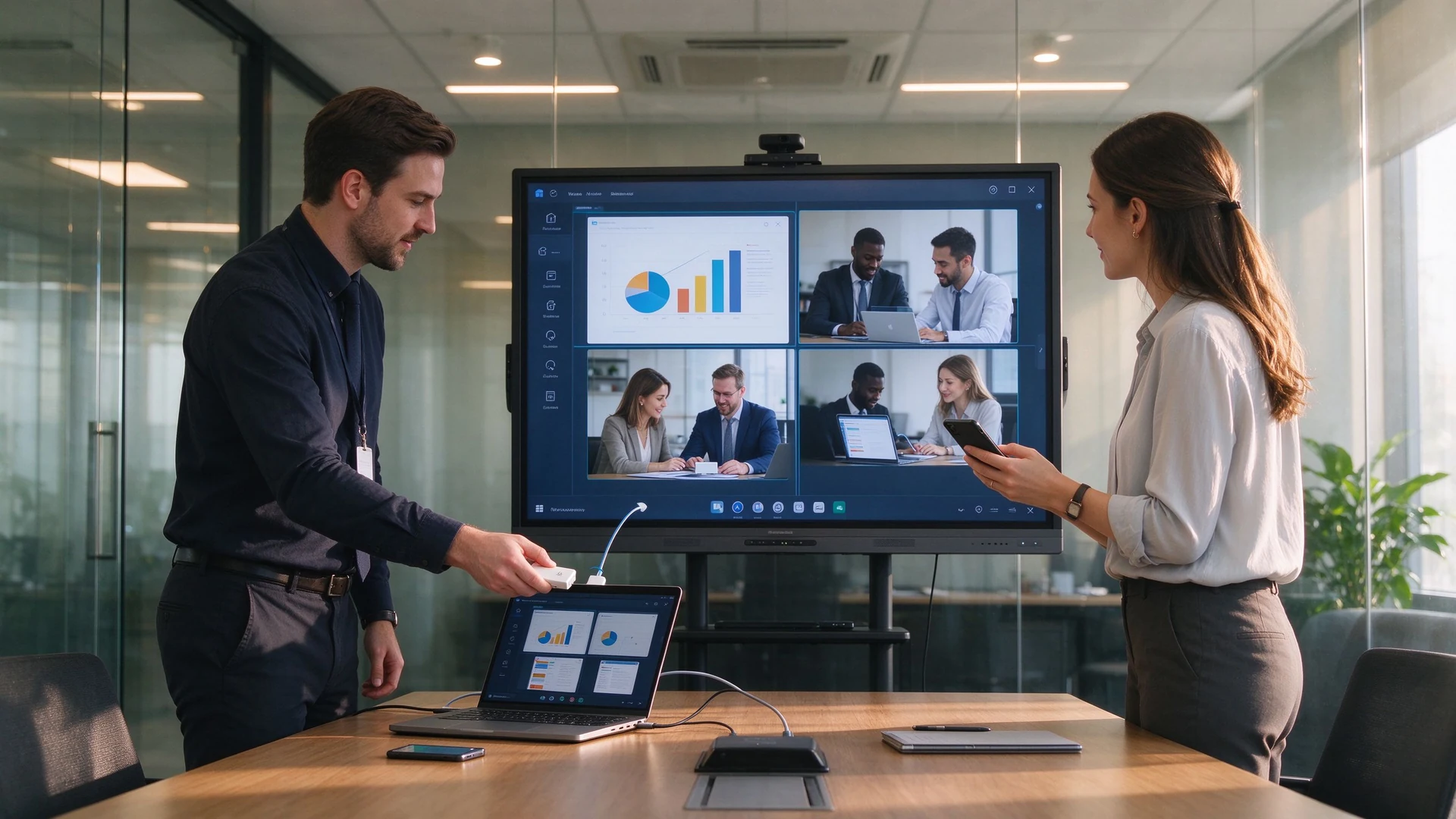
Plug in the USB dongle and share from phones, tablets and laptops without drivers; run multiple sources side by side.

Sharing Options

  • USB dongle, plug and share
  • Software casting, no hardware
  • Share from phone, tablet or laptop
  • Multiple devices on screen at once

Key Specs

  • Latency and stability
  • Multi-device concurrency and reverse touch
  • Secure casting with guest PIN
  • Works with Teams, Zoom and Tencent Meeting
04 · Requirements & Matching Solutions

What IT and Facilities Teams Care About: Efficiency and Cost, Not Spec Sheets

Five of the most common meeting room upgrade requirements, each matched to a specific IFP capability.

1

Faster, Smoother Meetings

What You Need

  • Start meetings quickly
  • Less setup and debugging
  • Reliable wireless screen sharing
  • Нататацыя шмат карыстальнікаName
  • Save and share meeting notes

What You Get

  • IFP ready in seconds
  • One-tap wireless screen sharing
  • Built-in multi-user annotation
  • Export notes as PDF, image or Word
  • Share via QR code or email
2

Wireless Screen Sharing & Collaboration

What You Need

  • Share from phone, tablet and laptop
  • Multiple devices at once
  • Split-screen comparison
  • Reverse touch control
  • Share into remote meetings

What You Get

  • Windows / macOS / Android / iOS
  • Up to 9 concurrent devices (Pro series)
  • Quad split-screen with reverse touch
  • Works with Teams, Zoom, Tencent Meeting
  • Local and remote sharing channels
3

Lower Procurement & Cabling Costs

What You Need

  • Buy fewer projectors, PCs, boards, speakers and cameras
  • Менш кабеляў і менш портаў
  • Менш кропак патэнцыйнага збою
  • Lower maintenance cost

What You Get

  • One IFP replaces multiple devices
  • Built-in speakers, mics and camera
  • Wireless sharing removes cables
  • Mobile stands cut installation cost
  • DMS remote management reduces site visits
4

Remote & Hybrid Meetings

What You Need

  • Stable, clear video calls
  • Remote co-annotation
  • Cloud-stored meeting records
  • Multi-site sessions

What You Get

  • Built-in or optional HD camera and mics
  • Works with Teams, Zoom, Tencent Meeting
  • Remote annotation collaboration
  • AI minutes saved to cloud and exported
  • Central management across rooms
5

Central Management Across Rooms

What You Need

  • Назіраць стану прыладу
  • Remote power on/off
  • App and firmware management
  • Fault alerts

What You Get

  • DMS / CMS device management
  • Remote power control and monitoring
  • Batch firmware and app updates
  • Device grouping and role permissions
  • Alerts and remote troubleshooting
6

Quantifiable Upgrade Benefits

Our Commitment

  • Pilot the IFP before you commit
  • Config list sized to your rooms
  • 5-year TCO comparison
  • Volume pricing and OEM customization

Наступныя крокы

  • Book a demo
  • Get a project quote
  • See peer case studies
  • Plan installation and support
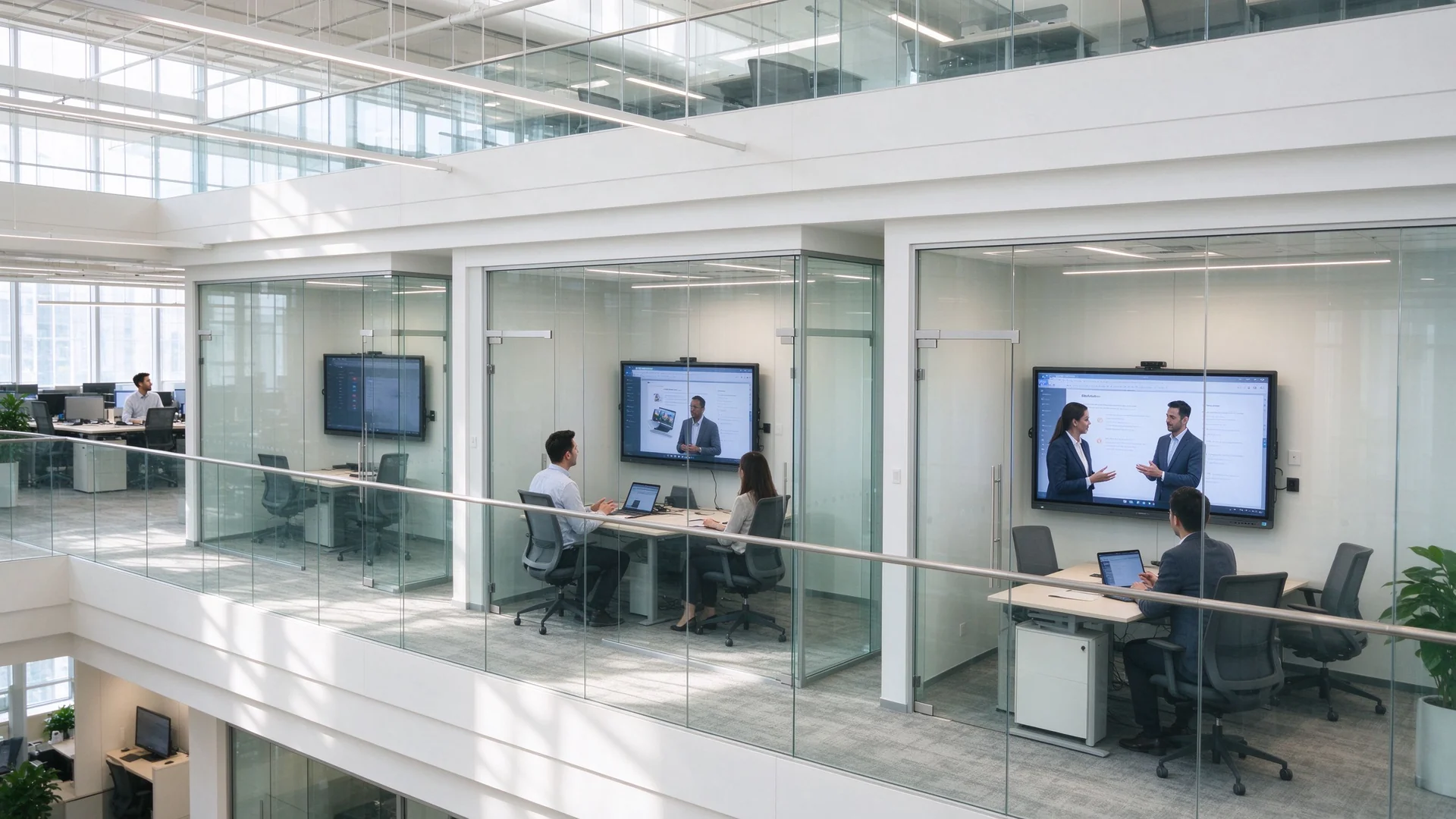
Remote video meeting hybrid office
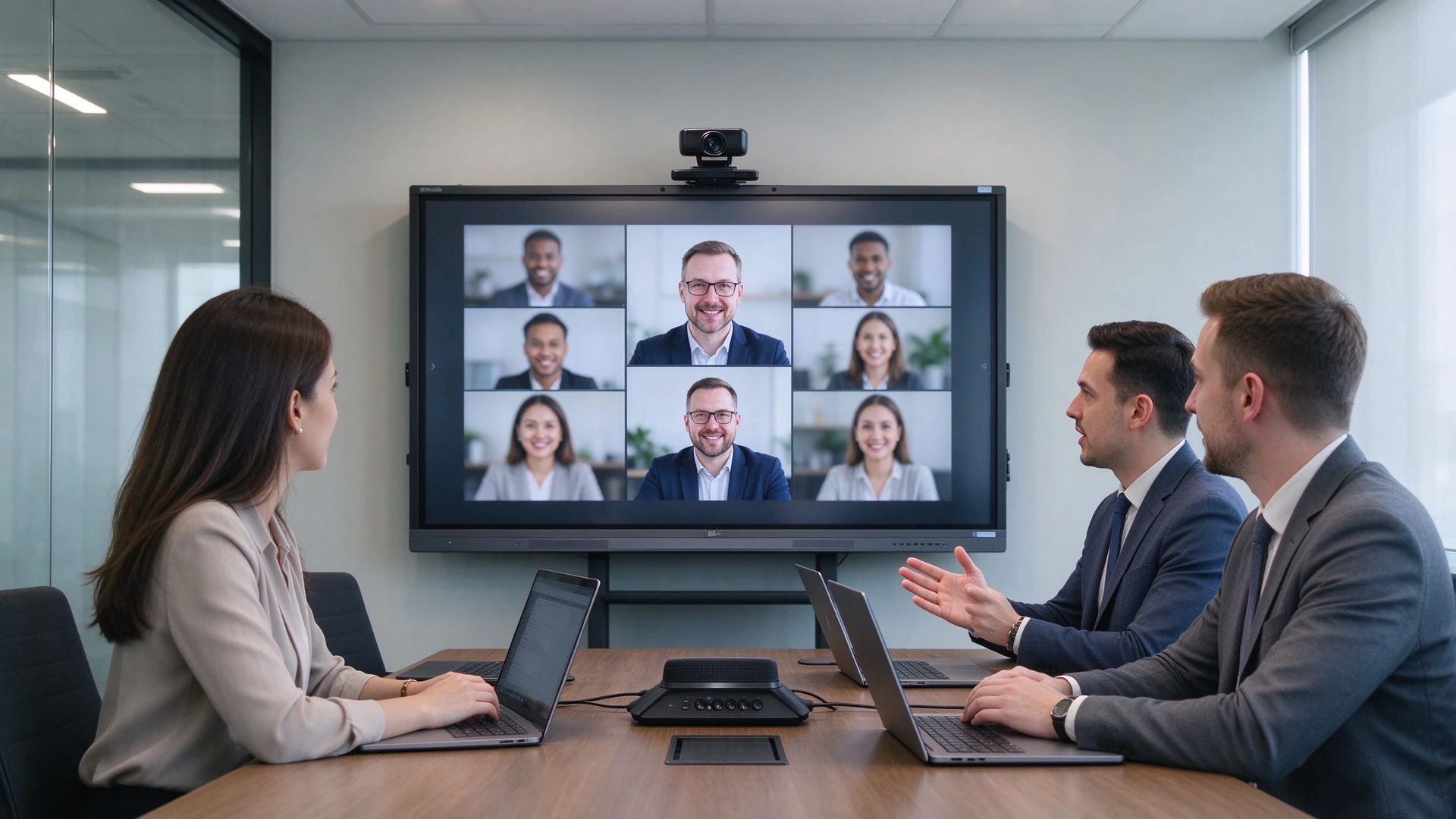
Remote and hybrid meetings: built-in camera and microphone array, one-tap join for Teams / Zoom / Tencent Meeting
IT admin remote device management
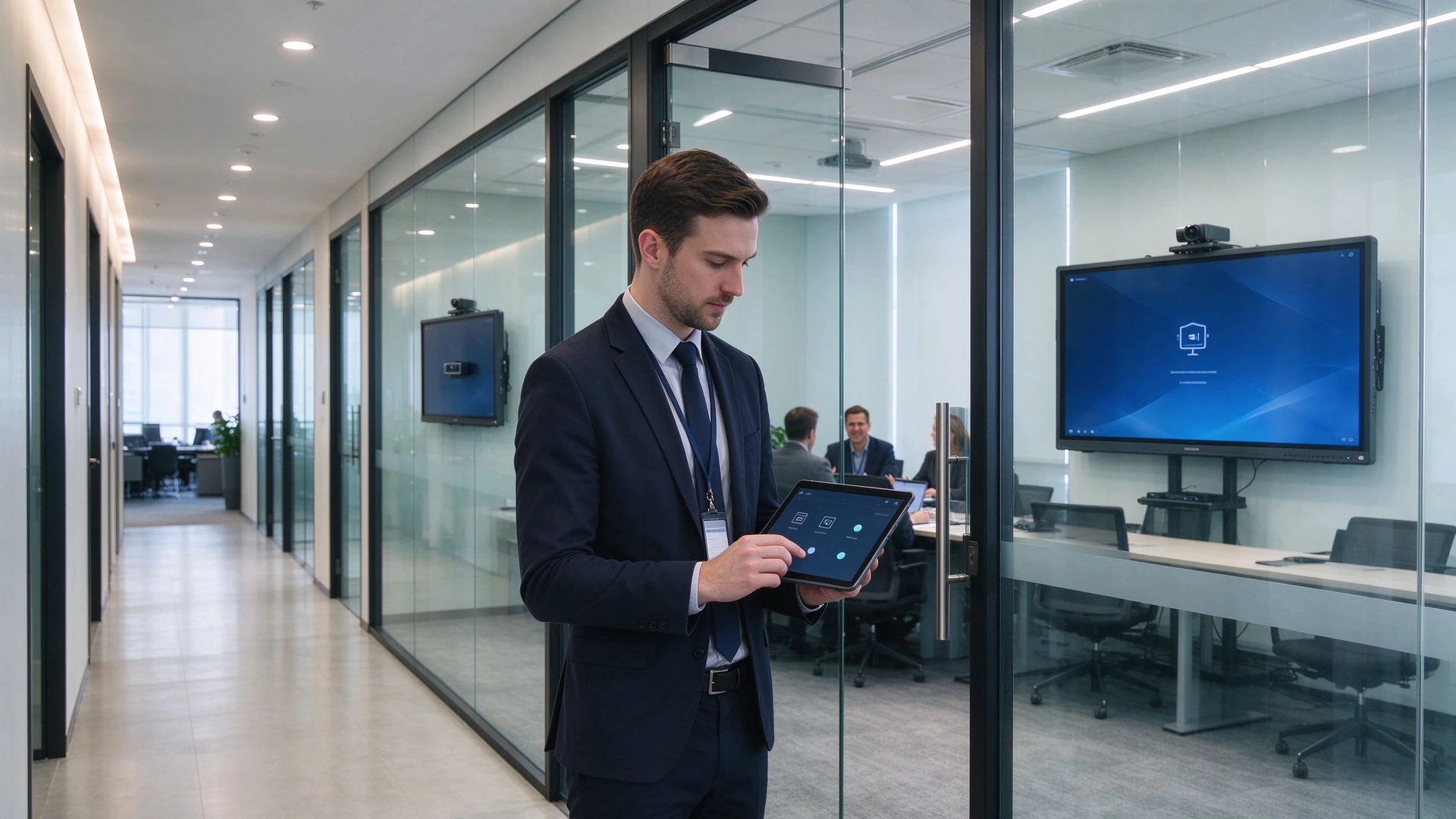
Central management: IT monitors device status, pushes batch upgrades and receives fault alerts via DMS
05 · Why Qtenboard

From Standard Products to Custom Projects: Qtenboard Delivers Flexible Enterprise Meeting Solutions

Built for enterprise IT, facilities teams, system integrators and project buyers — an IFP manufacturer and an OEM / ODM delivery partner.

20+
Years in Interactive Display
3
Self-Owned Factories · 33,000 m²
1000+
Skilled Technical Workers
102
Countries & Regions Served
50+
Authorized Global Distributors

Qtenboard Pro Series (55–75 in)

Small & medium rooms · ready in seconds

  • Паказаць:BOE and other tier-1 4K native panels, anti-glare and low blue light
  • Сістэма:Android 14 with optional i3 / i5 OPS expansion
  • Sharing:Wireless screen sharing for up to 9 devices, latency ≤0.1s
  • Meetings:One-tap video conferencing compatible with Tencent Meeting and Zoom
  • Minutes:AI-generated meeting minutes, exportable to Word / Excel

Qtenboard Max Series (86–110 in)

Large rooms · global collaboration

  • Машварот:Flagship AI mainboard with 8K decoding and triple-screen output
  • A/V:Built-in 12MP camera and mic array — 8 m pickup, 90% noise reduction
  • Collaboration:Cross-site annotation on shared documents and slides
  • Multi-view:Minutes, dashboards and video on one screen
  • AI:Real-time translation in 16 languages, smart minutes, voice assistant, on-screen Q&A

Customization: From Hardware to System, Delivered to Project Specs

LO

Logo & Boot Screen

UI

UI & Language

AP

Preloaded Software

СА

Camera & Mic Config

ST

Stand & Mounting

PK

Packaging & Labeling

CL

DMS / CMS Integration

BD

Batch Delivery & Spare Parts

CC

RoHS / CE / CCC Certified

OD

Full OEM / ODM Workflow

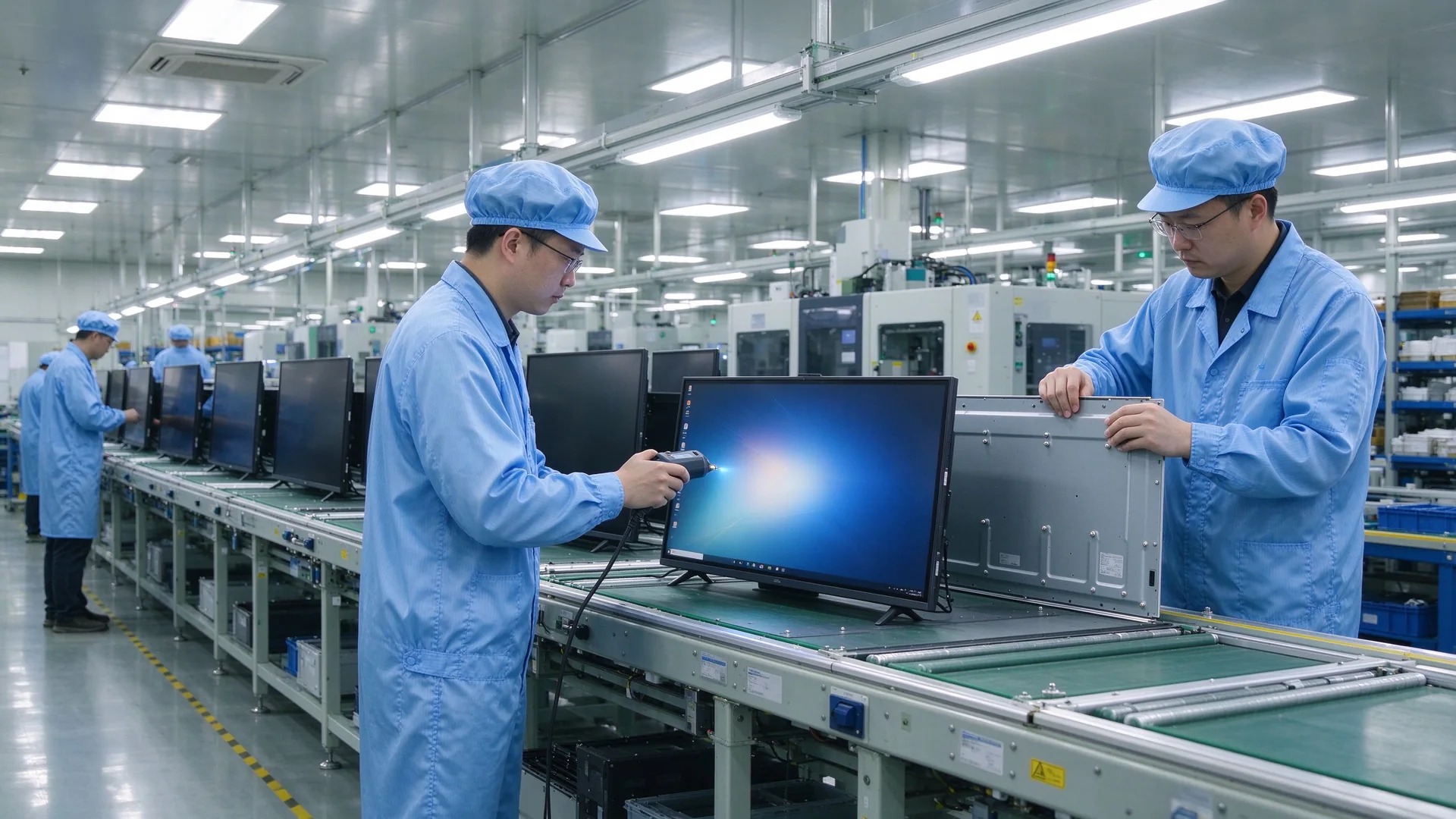
Qtenboard meeting display factory line

In-House Manufacturing & Quality Control

Qtenboard runs an integrated R&D – procurement – production – testing – service model. Core components (panels, mainboards, touch frames) come from tier-1 brands; every batch passes RoHS, CE and CCC certification, and automated lines keep the defect rate below 0.3%.

  • 72-hour burn-in and temperature cycling tests
  • 1,000,000 touch taps and 500,000 write / erase cycles tested
  • EMC Class B compliance for reliable operation in demanding environments
  • Warranty and spare parts, remote technical support and local installation guidance

Працэс праекту

Step 1

Requirement Review & Demo

A configuration list sized to your room count and usage; pilot the IFP to verify screen sharing and video compatibility first.

Step 2

Solution & Quotation

Itemized pricing for size, stand, dongles, cameras and DMS, including a 5-year TCO comparison.

Step 3

Вытворчасць і кантроль якасці

OEM and volume orders scheduled; every unit passes power-on and burn-in testing before shipment.

Step 4

Installation & Setup

Wall mount or stand installation, dongle pairing and DMS onboarding — plug-and-play across every room.

Step 5

Памылка і падтрымка

Spare parts and repairs within warranty, continuous firmware and app updates, responsive remote support.

Для каго гэта

Інтэрфейсы
Facilities & Administration
Сістэмныя інтэграты
Fit-Out & Low-Voltage Contractors
Regional IT of Multinationals
Multi-Site Enterprises
06 · Case Studies

From Projectors to IFPs: How Companies Improved Meeting Efficiency

Three typical upgrade scenarios: small business, multi-site enterprise and system integrator delivery.

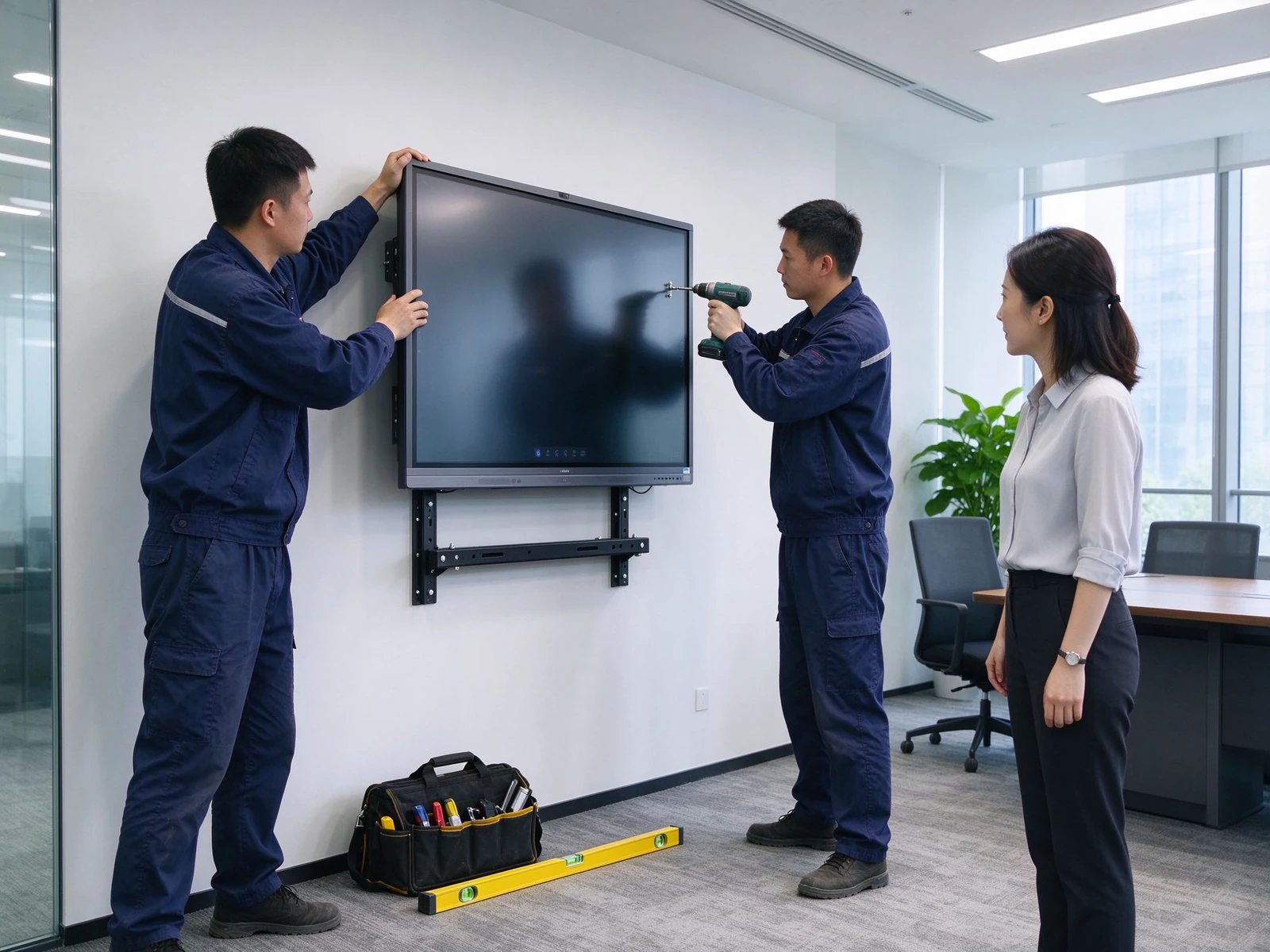
Engineer wall mounting meeting displayCase 1 · Small & Mid-Size Business

10 Meeting Rooms, One Standardized Upgrade

Фон

  • Projector + PC + writing board setup
  • Unstable sharing, constant pre-meeting debugging
  • Notes hard to save and share

Выдаліць

  • 10× 75-inch IFPs
  • 5 mobile stands + 5 wall mounts
  • 20 wireless screen sharing dongles
  • DMS device management
  • Meeting start time: 10 min → 2 min
  • Screen sharing success: 70% → 95%
  • Meeting notes saved and shared
  • Lower maintenance cost
Multi-site enterprise meeting roomsCase 2 · Multi-Site Enterprise

Consistent Collaboration Across Sites

Фон

  • Inconsistent experiences across office sites
  • Poor remote video and audio quality
  • Scattered devices, hard to manage

Выдаліць

  • Mixed 55 / 65 / 75 / 86 inch IFPs
  • Camera and mic tuned per room size
  • Teams / Zoom compatible
  • Central DMS management
  • Consistent experience everywhere
  • Лепшыя аддаленыя сустрэчы
  • Remote device status visibility
  • Faster fault response
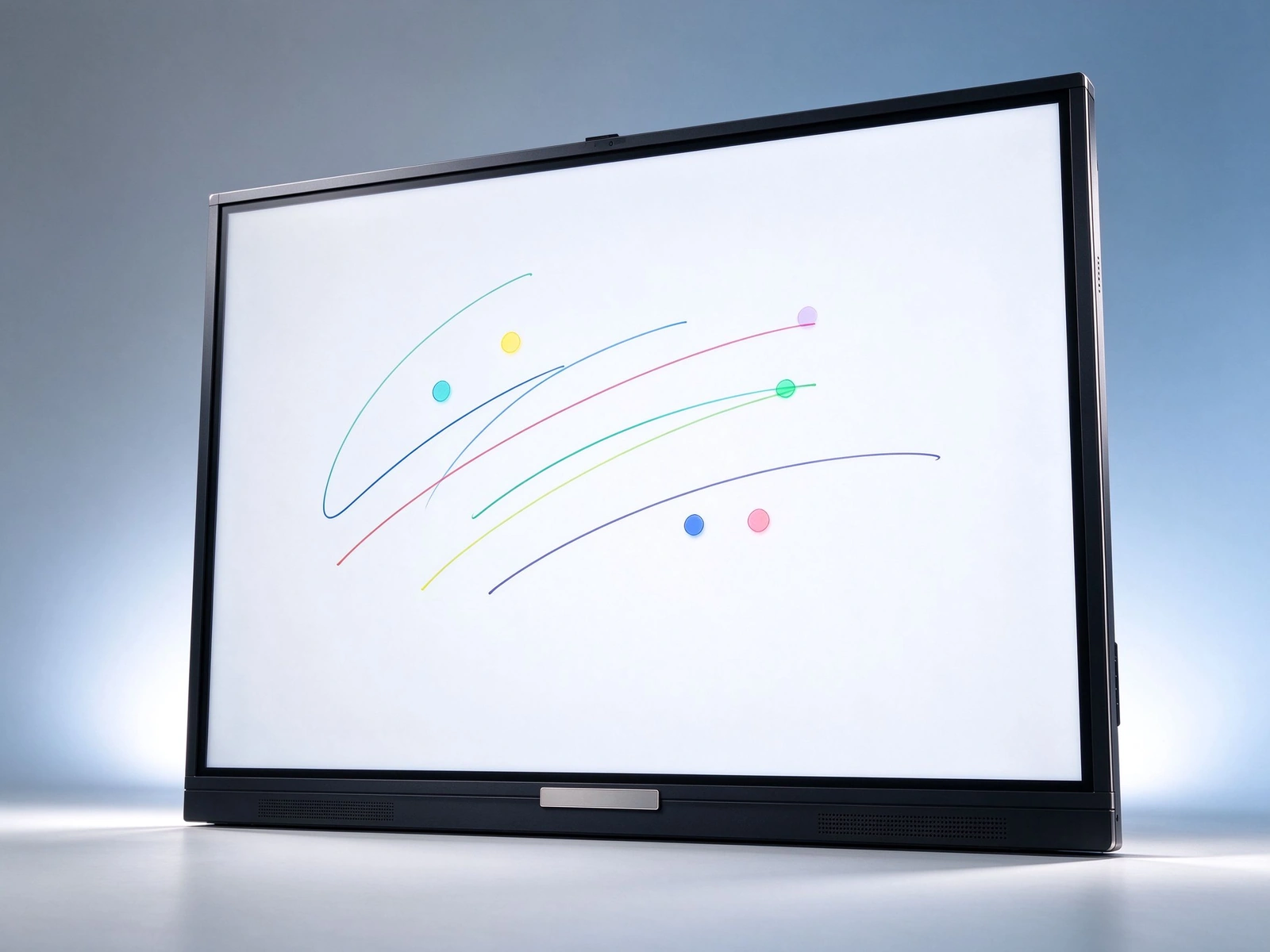
Qtenboard meeting display front viewCase 3 · System Integrator Delivery

White-Label Batch Delivery

Фон

  • Multi-room upgrade for an enterprise client
  • Unified branding and configuration
  • Fast delivery and installation

Выдаліць

  • Qtenboard IFPs under OEM
  • Custom logo and boot screen
  • Batch production and delivery
  • Installation guidance and after-sales
  • Client brand shown consistently
  • On-time delivery
  • Full after-sales support
  • Higher client satisfaction
07 · Buying Guide

How Should IT and Facilities Teams Choose an IFP?

Eight decision dimensions covering everything from sizing to five-year total cost of ownership.

Памер панелі

55–65 inch for small rooms, 75 inch for medium rooms, 86 inch and above for large rooms; confirm by a 2–6 m viewing distance so text stays readable and the panel fits the wall.

Аперацыя

  • Android: core meetings and screen sharing, ready instantly
  • Windows OPS: complex apps and software compatibility
  • Dual system: flexible for the full office software stack

Camera & Microphone

Small rooms: built-in or simple camera; medium rooms: wide-angle camera with mic array; large rooms: professional camera and audio system — check pickup distance and noise reduction.

Друкавання

  • Dongles sized per meeting room count
  • Multi-device concurrency and split screen
  • Latency and stability
  • Secure casting with guest PIN

Перамясць

Mobile stand: flexible, training and multi-purpose spaces; wall mount: fixed, clean cabling; recessed: premium integrated fit-out.

Кіраванне прыладу

  • DMS remote management
  • Remote power control and status
  • Batch firmware updates
  • Fault alerts and alarms

Памылка і падтрымка

  • Warranty terms and spare parts
  • Local service and remote technical support
  • Installation guidance and training

Budget & TCO

Evaluate five-year total cost of ownership across procurement, installation, maintenance, energy and consumables — consolidated IFP setups typically show clear savings from year three.

08 · FAQ

Interactive Flat Panel FAQ for Enterprise Meeting Rooms

Straight answers to the questions buyers ask most.

Q1: What size IFP does my meeting room need?
Match the panel to room size and viewing distance: 55–65 inch for small rooms (4–6 people, 2–3 m), 75 inch for medium rooms (8–12 people, 3–4 m), and 86 inch for large rooms (12–20 people, 4–6 m). Qtenboard covers the full 55–110 inch range, so rooms of different sizes can be mixed within one deployment.
Q2: How does an IFP improve meeting efficiency?
Four time-savers: instant startup, one-tap wireless screen sharing, multi-user annotation, and meeting notes that are saved and shared. Combined with AI meeting minutes, a structured summary is generated in about 5 seconds — cutting note-taking effort for a one-hour meeting by more than 75%.
Q3: How does an IFP cut procurement and cabling costs?
One panel replaces a projector, PC, writing board, speakers and camera; built-in speakers, microphones and an optional camera remove separate purchases; wireless screen sharing eliminates cables and adapters; mobile stands reduce installation cost; and DMS remote operations cut on-site maintenance.
Q4: What screen sharing options does Qtenboard support?
USB dongle, software casting, and sharing from phones, tablets and laptops across Windows, macOS, Android and iOS; multiple devices can share at once with split-screen display. The Qtenboard Pro series supports up to 9 concurrent devices with ≤0.1 s latency.
Q5: How can enterprises manage IFPs across many rooms?
DMS / CMS device management provides remote power control, app and firmware management, status monitoring and fault alerts; role-based permissions by department, region and device type, with batch publishing and minute-level emergency notifications.
Q6: Does Qtenboard support customization?
Yes — custom logo and boot screen, UI and language, preloaded software, camera and microphone configuration, stand and mounting, packaging and labeling, DMS / CMS integration, plus batch delivery and full OEM / ODM workflows.
Q7: Does the panel work with Teams, Zoom and Tencent Meeting?
Yes. The Qtenboard Pro series offers one-tap video conferencing compatible with Tencent Meeting and Zoom; the Max series adds a built-in 12MP camera and mic array with 8 m pickup and 90% noise reduction; the system runs Android 14 with the Google EDLA-certified Android ecosystem.
Q8: How do OEM / ODM projects guarantee delivery and after-sales?
Through a defined flow: demo → batch production → unit-by-unit QC (defect rate below 0.3%, 72-hour burn-in) → delivery and installation → warranty and spare parts — backed by remote technical support, local partner installation guidance and continuous firmware updates.

Data note: Qtenboard product parameters, manufacturing and case data are from its official website and public sources (qtenboard.com / qtenboard.asia); before/after efficiency and TCO figures are illustrative estimates — final numbers depend on the project quotation.


Qtenboard Queenie Wang

Квінзі Ванг

Эксперт вылучэнне

Я загалоўка Qtenboard, і прынесуць над 17 год у тэкставацыі у індустрія. Настаўленні ў глобальная перспектива трэбаў, зрабіць мойны дакументы EMBA у універсальне Шенсэн, Я прыкладаю мой каманду у оптимізацыі кожны етаў нашых аперацыі ад вызначэння продукту да высокі карыстальнікам трэба трэбаўляе Можнаўленне магчымасць прастацца на період у індустрія.

Як лідар Qtenboard, я спеціалізуюся у вызначаных вышваваных OEM/ODM для інтэрактыўных белых палатаў, Відэкі сініны LCD, цифравальныя сітак і тэрміналы дапаўненне ў індустріцы. Запапаўваны наші 330,000 м² сучасны індустріальны парк у Шензін, мы захоўваем кантроль над індустріальныя дизайны, дакладнаваць прыкладання, і строгучнае тэст.

З амаль два дзесяцаў прылад праекту, цяпер выключаныя рашэннем Qtenboard у больш у 120 і рэгіонах, заробілі довіры больш 15 000 кліентаў у світі. Калі вы шукаеце адказную партнер з глибокіма выкананням праекты, Мы і я гатовыя падтрымліваць вашу погляд з професіональным выгляду.