
 bel
bel
 EN
EN  pt
pt  spa
spa  th
th  vie
vie  aze
aze  est
est  lav
lav  ukr
ukr  ru
ru Праекторі не змяняць і урокы выдаліць, і флоты ідзіць неправеданы. Qtenboard вырашае ўсе тры праблемы.
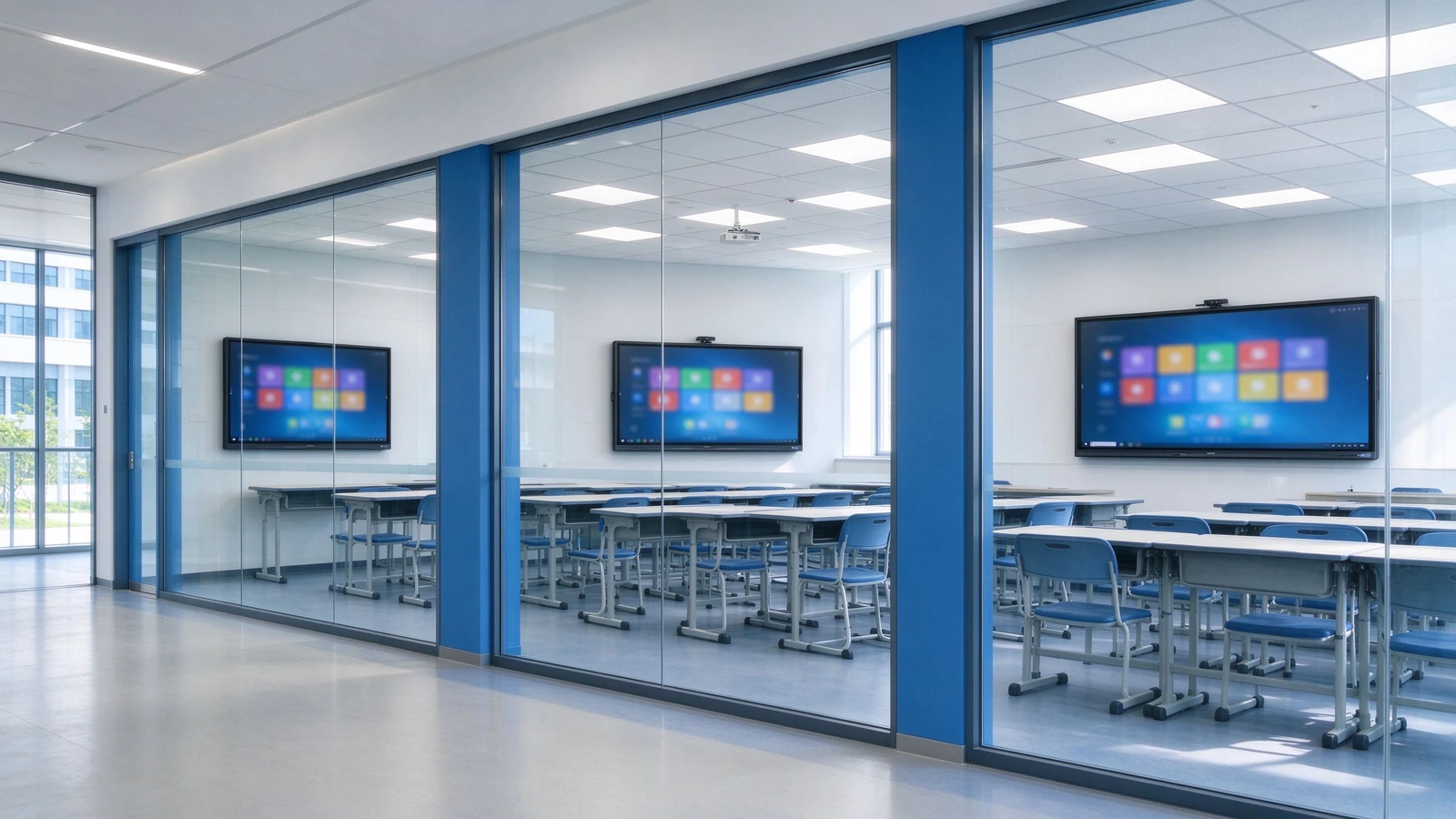
Замяніць праектор і наладкі праектора, адным інтэрактыўным панель, якое запісе кожны урок, і ўвесь клас, Запусціць Google класы і каманды Microsoft, і абнаўляе сябе на ўвесь выраза - без адным лампа або фільтра для замяння.
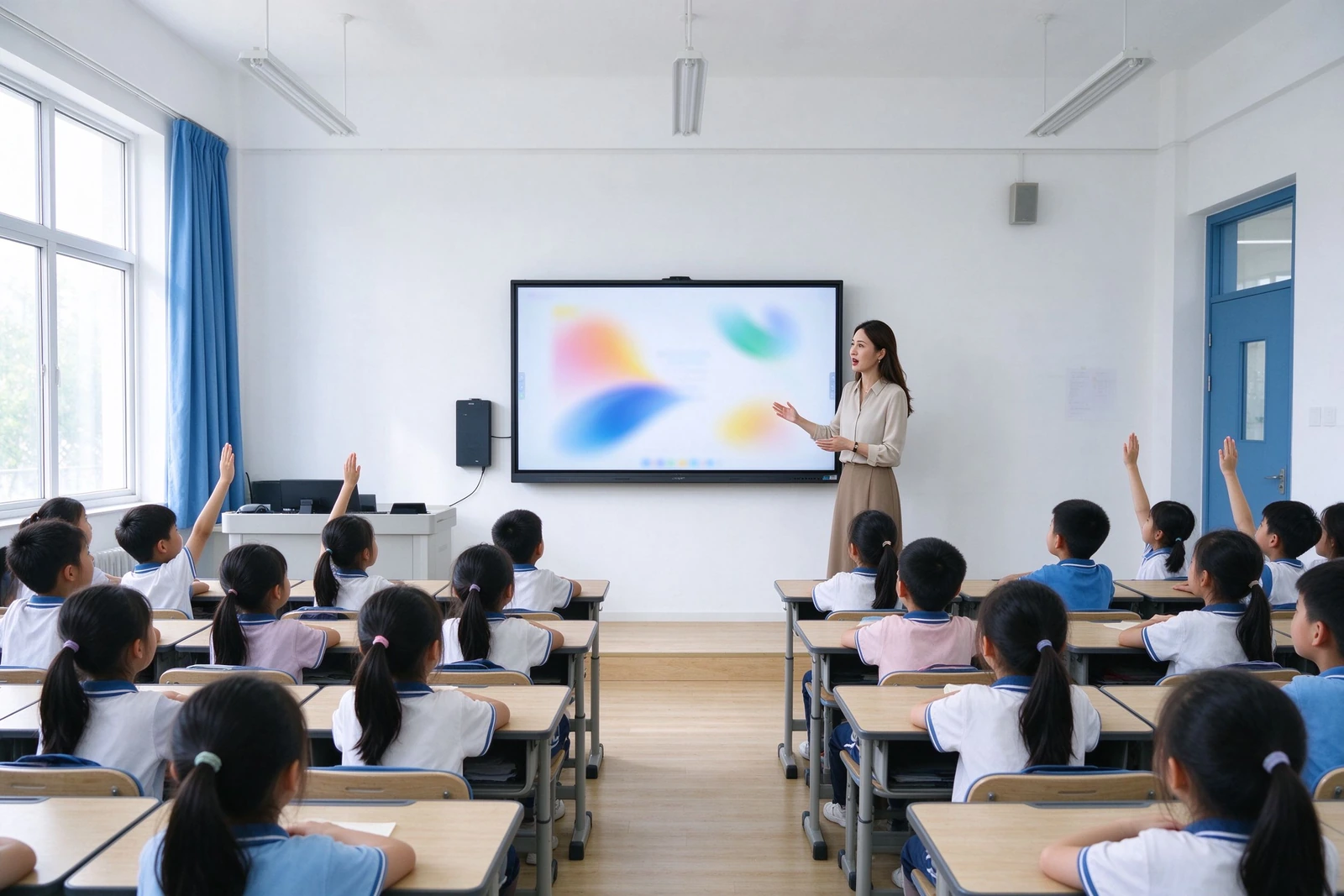
Кожны памылка падтрымкі, згубеная ўроку або радка буджету, яку вы не планувалі.
Гэта шрыфты паведамленняў аб паведамленняў, калі яны лічыць замену праектораў і TV PC. Кожны з іх адпавядае канкрэтнаму адказу Qtenboard — ніякага размытага маркетынгу, толькі сам механізм.
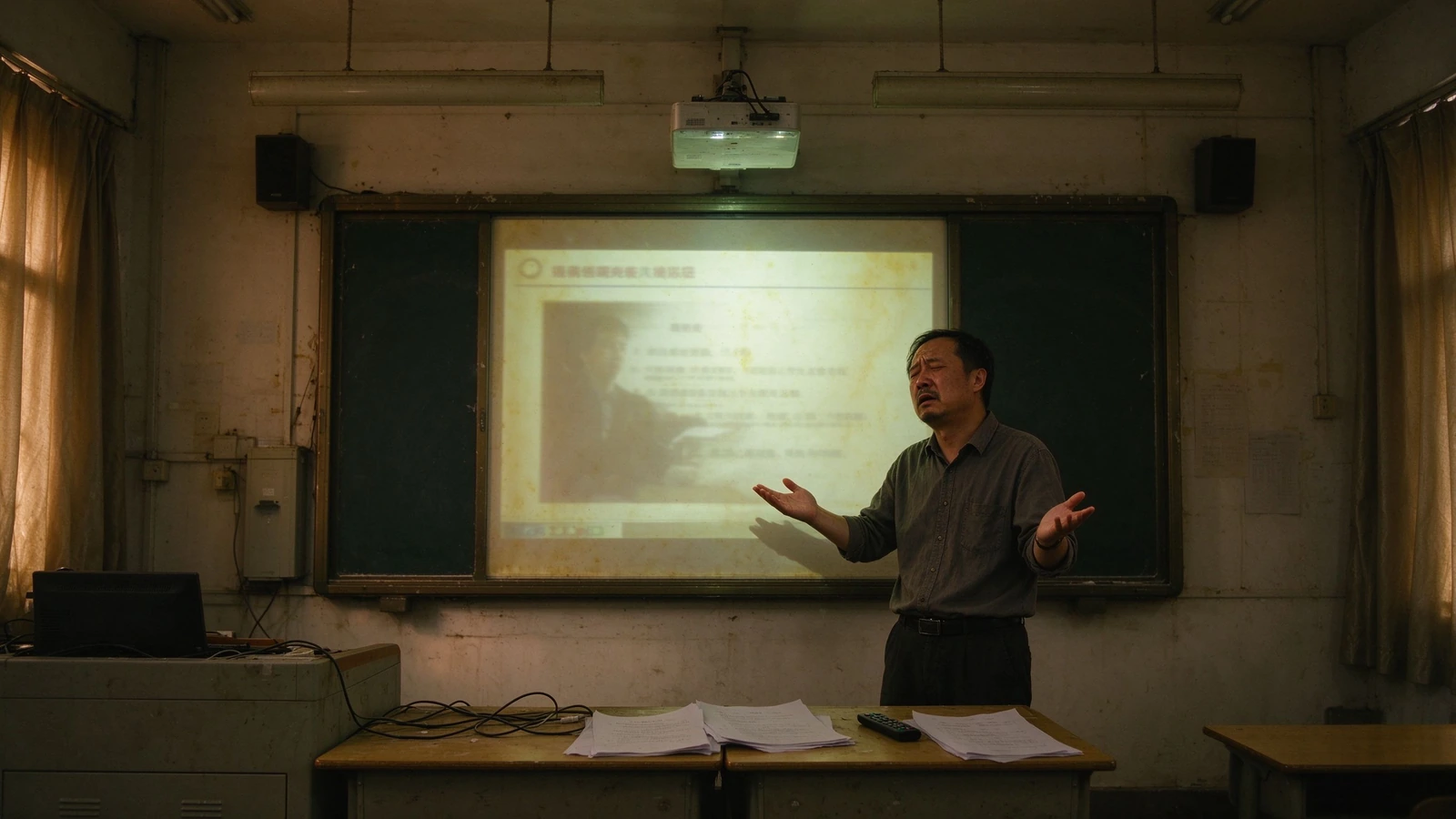
Лампа і фільтры
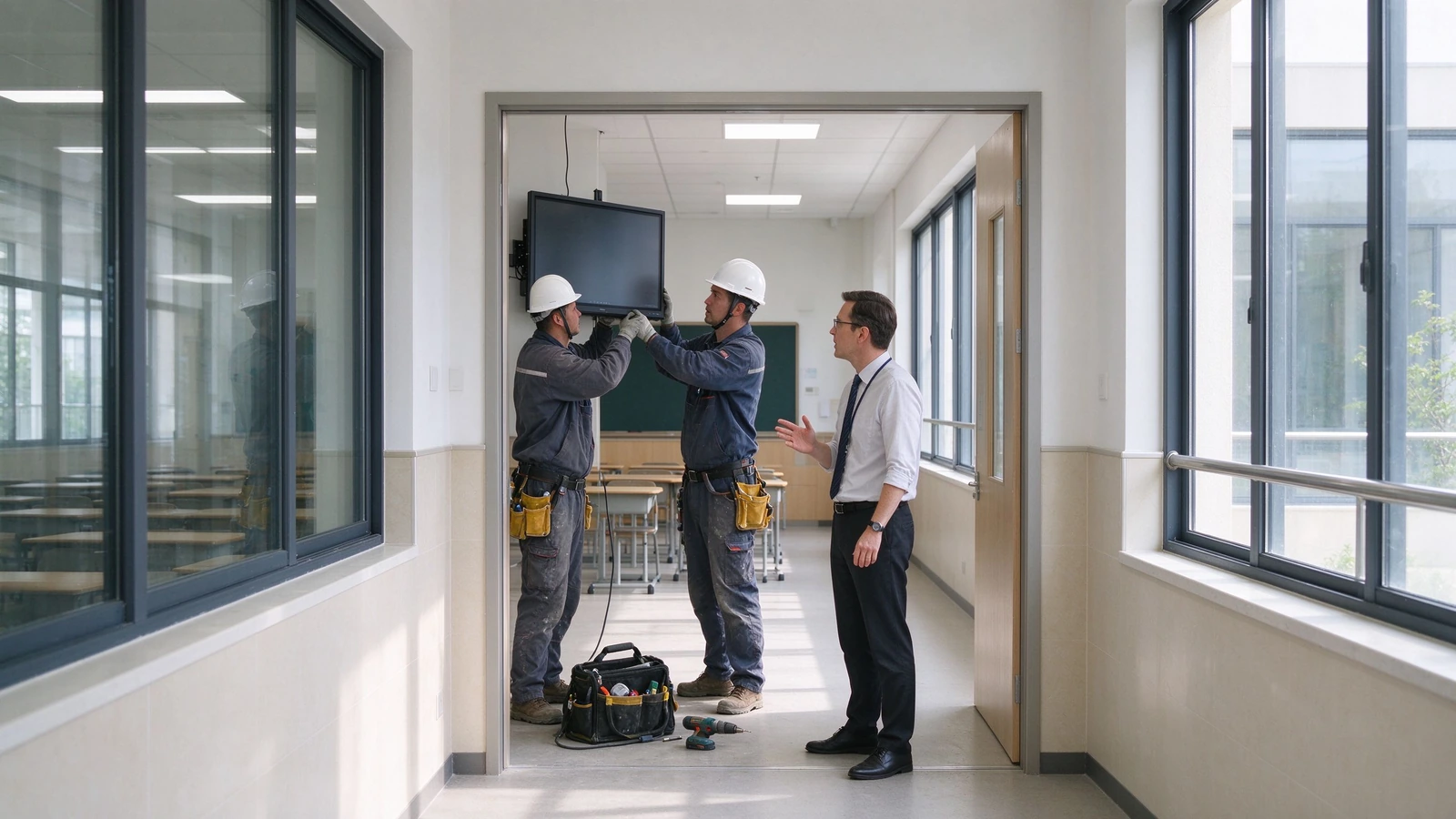
Праектары патрабуюць рэгулярнай замены лямпаў і ачысткі фільтраў. Кожны цыкл азначае, што клас не выкарыстоўваецца, а на месцы знаходзіцца тэхнік.
Яго дочкі: Ал-Вейс - вельмі нудныя амерыканы, Вернон, вельмі трохі бладкі.
Сцёртыя ўрокі
Бітовай нататкі знікне, калі дзвінка дзвінка дзвінка. Без прагляду, ніякага запісу для адсутнічных студентаў, нічога нічога для наступнага год.
Qtenboard: запіс запіс, апрацоўкі QR / спасылкі, экспарту PDF і PNG.
Аднабаковае навучанне
Праектары і тэлевізары адлюстроўваюць выяву, але не ўзаемадзейнічаюць. Адзін настаўнік, трыццаць пасіўных экранаў-вартасцей вучняў.
Qtenboard: 40 чым тэчкі - студенты напісляюць, адказаць і спрабіць на панелі.
Ручное кіраванне аўтапаркам
Абнаўленні, патчы і выпраўленні выконваюцца пакаёва, звычайна па-за працоўным часам. Ніхто не ведае, які прылада знаходзіцца ў афлайн-рэжыме.
Qtenboard: DMS / MDM з дыстанцыйным абнаўленнем, планаваным уключэннем/выключэннем і маніторынгам працаздольнасці ў рэжыме рэальнага часу.
Распаўсюджванне кабеляў і прылад
ПраекторComment Адзін вельмі спыніцца урок.
Qtenboard: усё ў адным панель з безцэтным спісу - AirPlay, Google Cast, Miracast.
Пытанні аб дадзеных студэнтаў
Неправільныя прылады прылады і прыватнасць, што вам трэба адказаць.
Qtenboard: доступ на аснове роляў, мінімальны памер, распрацаваны з улікам GDPR / FERPA / COPPA.
Адно прылада, якое выконвае функцыі чатырох, і дасылае справаздачы вашай ІТ-камандзе.
Qtenboard - гэта адлюстра, белая табліца, запісальнік урок і канчатка канчатка. Яна адпавядае працоўныя настаўленні ўжо выкарыстоўваецца, і мэнэджэры тэксту ўжо працуе.
Захоўвайце і дзяліцеся кожным урокам
Ручкі, аперацыя і змены слайд запісу ў адным кантакт і падзяліваны код QR або спасылкі - прагляд, Працоўны праграмы і бацькоўныя спамначэнні ў адным кроку.
Уключыць усю пакоі
40 тэчкі ператварыць паперу класу ў паверням. Пакліка, перамяшчэнні і групы працягваць кожны учениц, а не проста глядзець.
Кіруйце ўсёй флотыліяй
DMS / MDM даляе вам запланаваныя ступені, аддаленыя фірмавані і абнаўленні праграмы, працоўны абдарак прыладу і гаўненне на сотнях класаў з адзін кансоль.
Застаяць адпавядаць канструку
Правы загаловак, блокаў прыладу і мінімальны ступенд з дакументацыі гатовыя для прагляду прыладу і вызначыць тэксту дадзеных.
Шэсць магчымасцей, якія адказваюць на пытанні пакупнікоў — а не тэхнічныя характарыстыкі
Кожны магчымасць ніжэй паведамляе праблемы яна і вызначэнне, якія робіць гэта праўда. Поўны табліцы дадзеных і праверкі дадзеных пры запытанні.
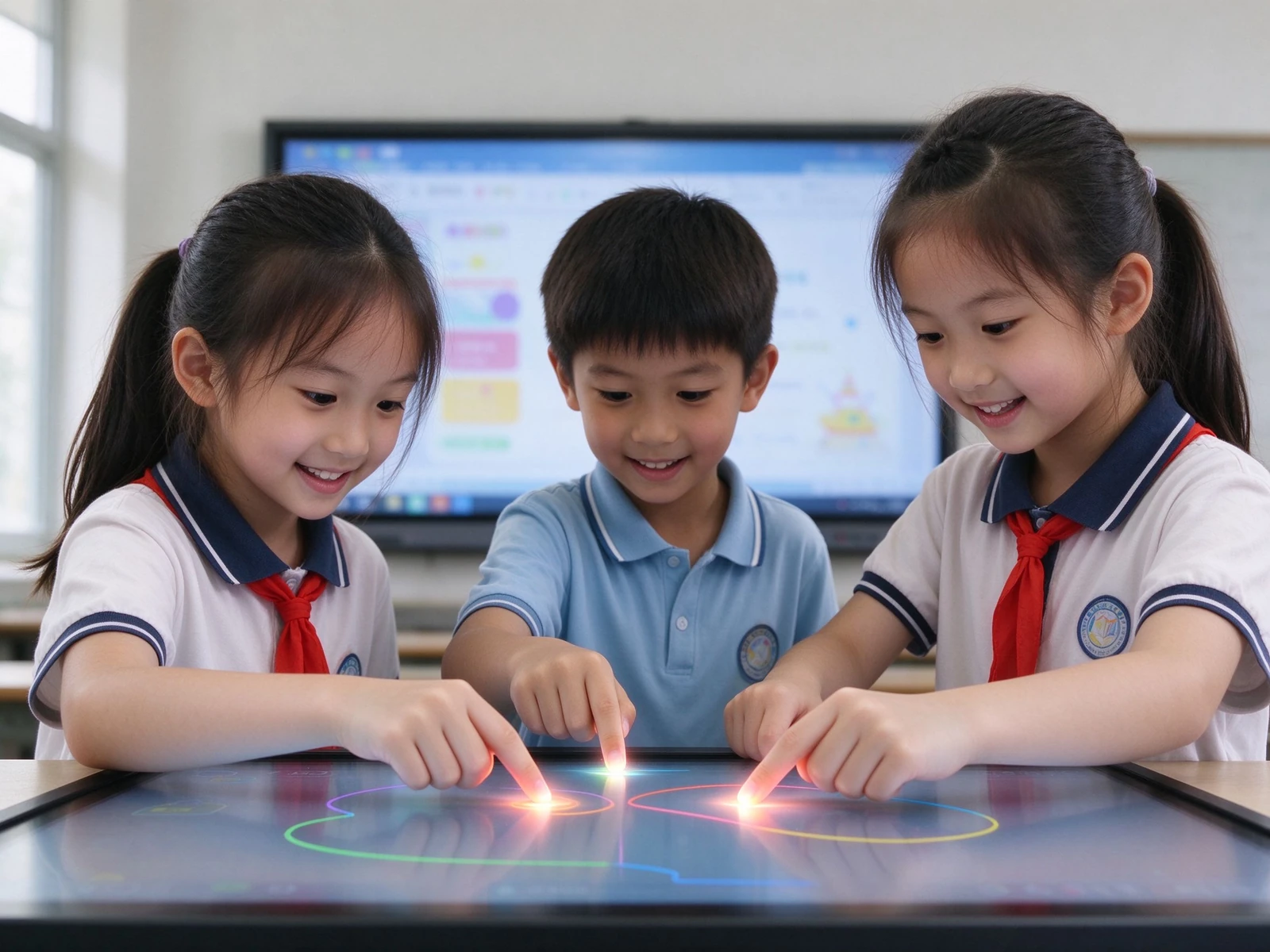
1. Калабарацыя некалькіх вучняў на адным экране
- 40 кропка IR - Шмат студентаў пішуюць, адказаць і малюваць у той же час, пад Android і Windows
- Адкрыць пальма і свавічныя натисканні - Натуральны запіс адчуваць з менш выпадковыя ўводу
- Убудаваныя рэсурсы прадмета — music staves, templates and subject backgrounds for common lessons
For curriculum leaders: this replaces "teacher-only" presentations with measurable in-class participation — without retraining teachers on new software.
2. No lesson is ever lost again
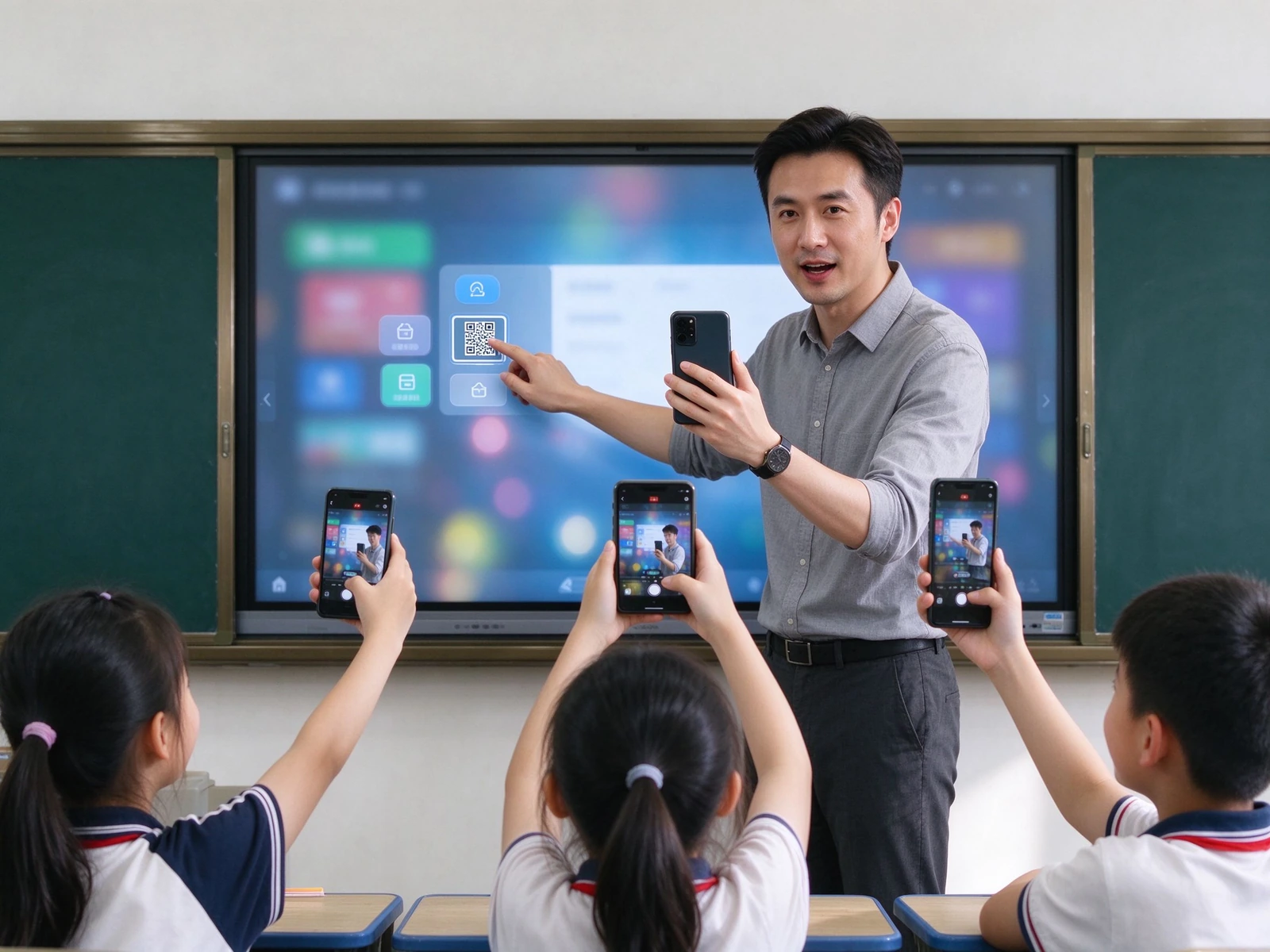
- One-touch recording — captures handwriting, annotation and slide changes automatically
- QR code / link sharing — students scan and keep the full lesson on their own devices
- Export PDF / PNG — teacher archives, department review, parent communication
- LMS and lecture-capture integration — sync whiteboard content to Panopto, Echo360 or your district recording system
For principals: good lessons become reusable school assets. Review material is generated by teachers, automatically — no extra work.
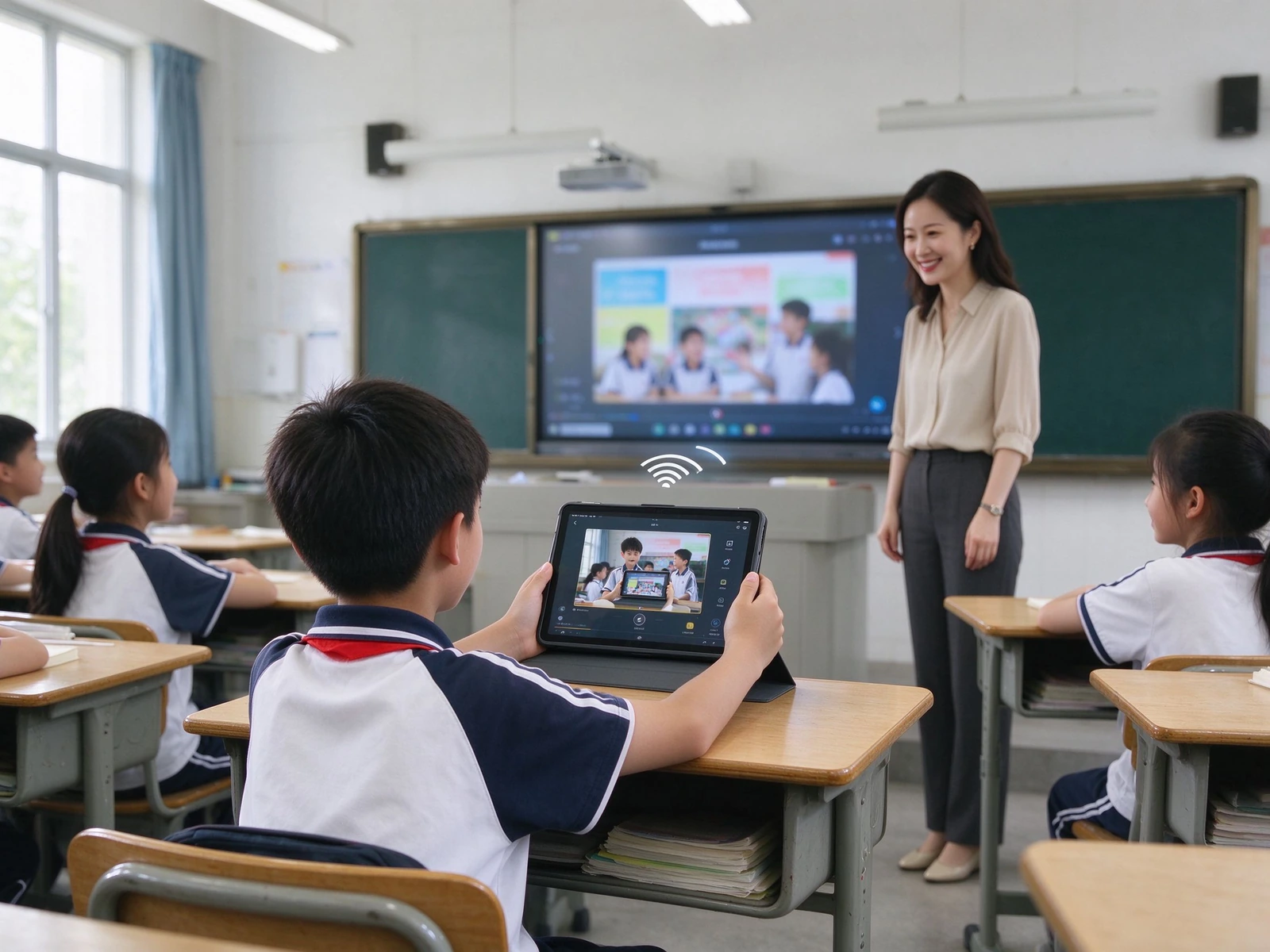
3. Every resource in one place, no cables
- Бесправадная трансляцыя — AirPlay, Google Cast, Miracast, dual-band Wi-Fi 6, 20+ concurrent devices
- Cloud and LMS access — Google Drive, OneDrive, Dropbox, Google Classroom, Microsoft Teams
- Built-in teaching resources — planet models, periodic tables, formula libraries and subject content
- One-click import and annotation — open PPT, images and video directly on the panel and mark them up
For integrators: API / SDK cooperation and integration with your specified resource platform are supported.
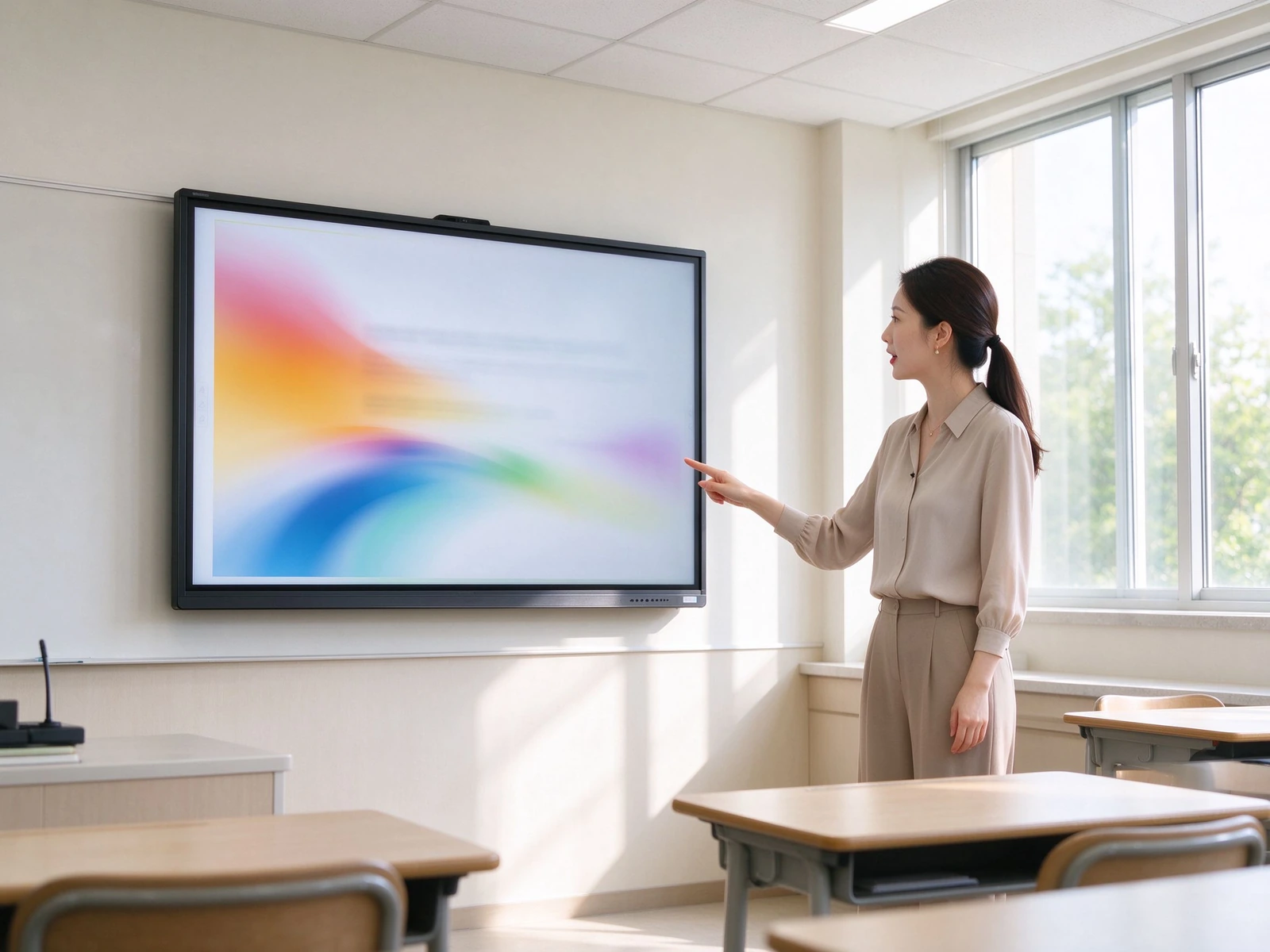
4. Readable all day, in any classroom light
- 4K UHD display — 3840 × 2160, clear text, diagrams and experiment visuals from the back row
- Скліны — hardness ≥ Mohs 7, reduces reflection from lights and windows
- Paper-like eye-care modes — sketch paper, rice paper and watercolor textures with adjustable transparency and color temperature
- Low blue light and DC dimming — flicker-free backlight, retinal blue-light hazard LB ≤ 0.1 W·m⁻²·sr⁻¹
- ENERGY STAR — aligned with district sustainability targets
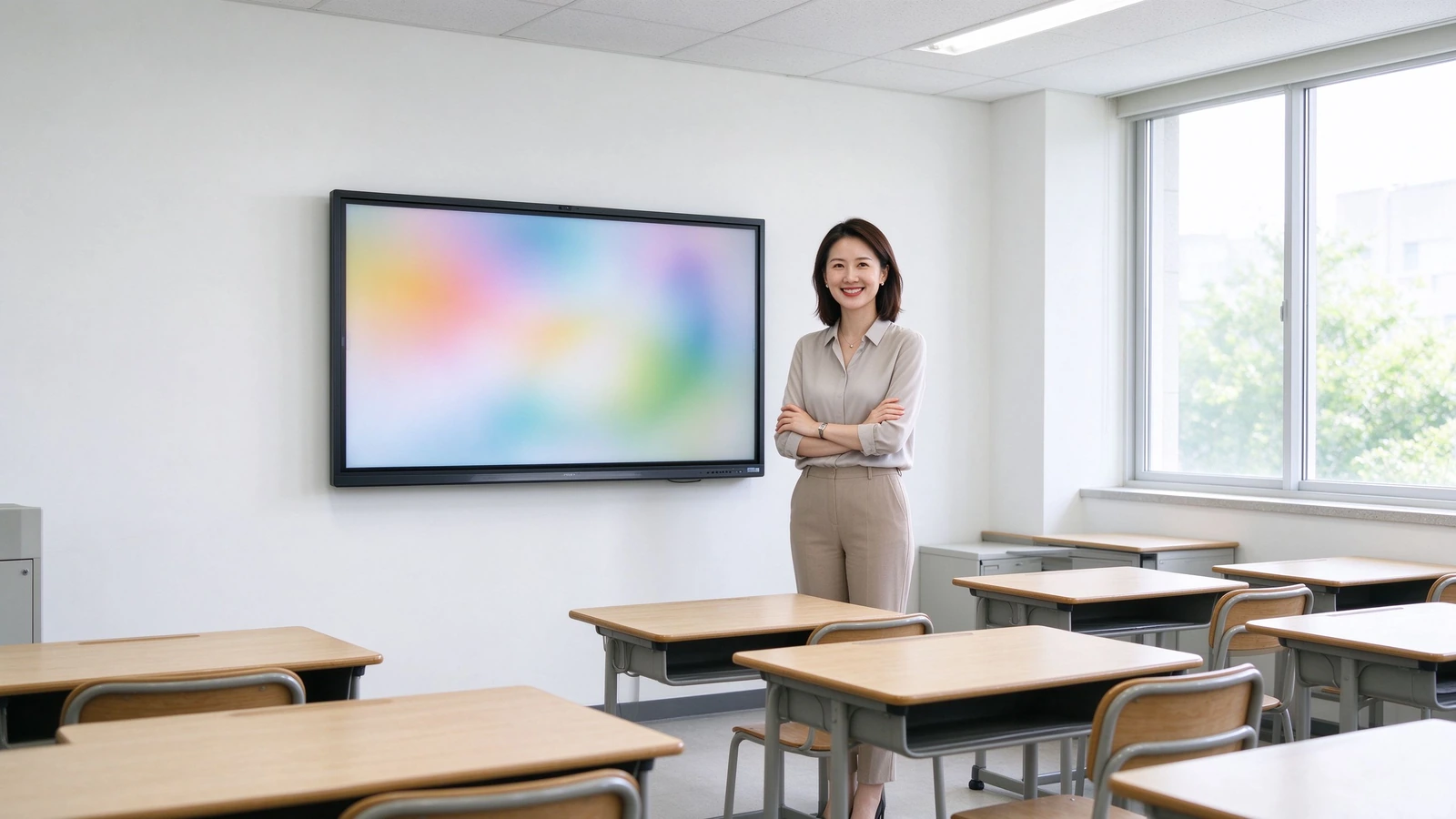
5. Built for procurement review, not against it
- GDPR, FERPA and COPPA-oriented design — privacy-by-design approach for K-12 environments
- Role-based access — separate teacher, student and administrator permissions
- Minimal student-data footprint — no unnecessary student data collection on the device
- Device-level locks — USB lock, HDMI lock, screen lock, APK install lock
- ADA / Section 508 accessibility considerations — for inclusive classroom deployment
For districts: documentation is available for procurement review and data protection impact assessments.
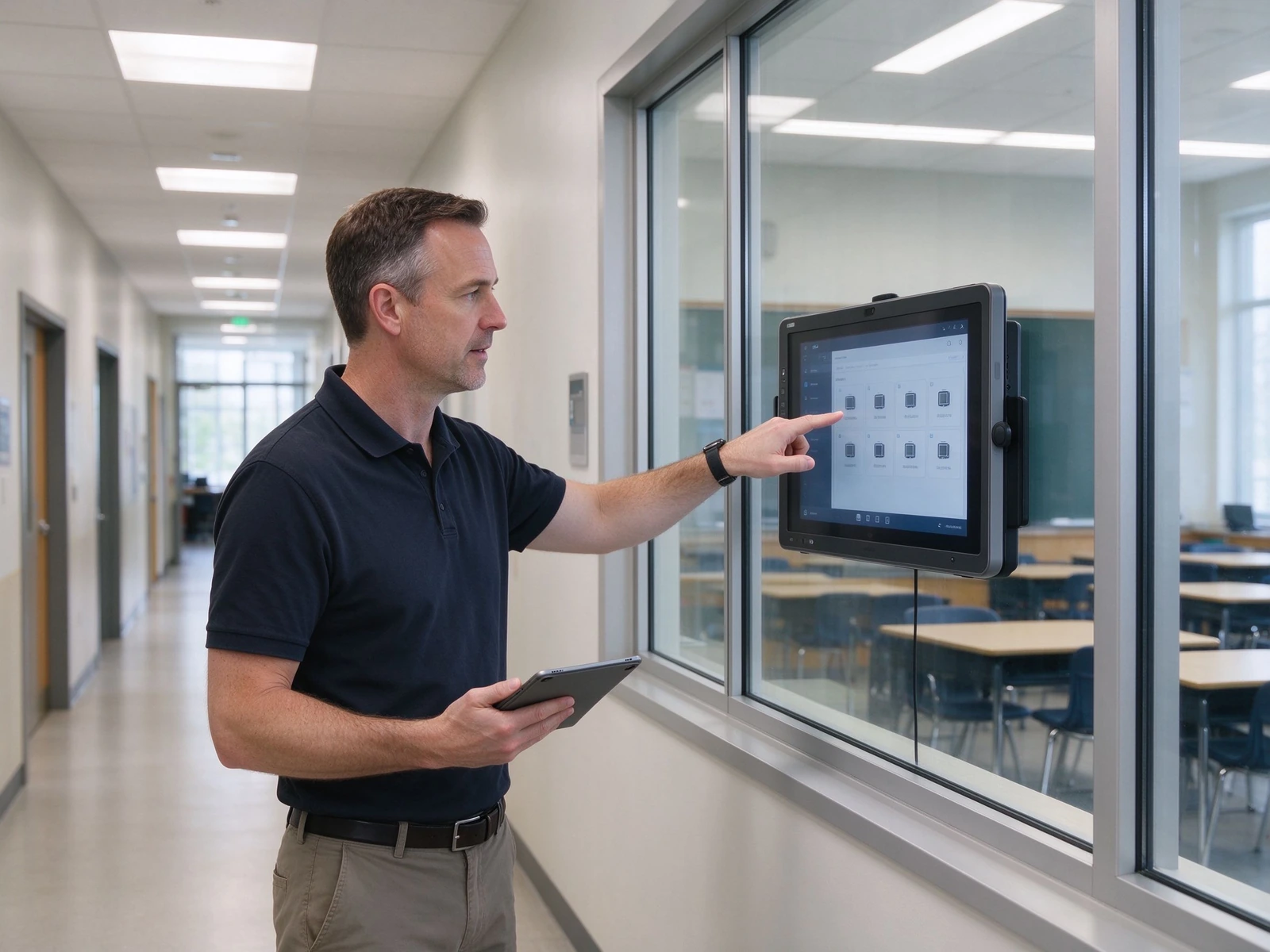
6. Hundreds of classrooms, one console
- DMS / MDM — centralized device management across schools and sites
- Запланеная ступені — aligns with the school timetable and reduces energy use
- Аддаленыя абнаўленні прашыўкі і дадаткаў — push updates to the whole fleet without visiting classrooms
- Назіраць стану прыладу — real-time online status and health overview
- Журналы аперацый і следчая дарожка — supports IT governance and compliance checks
From a single classroom pilot to a district-wide fleet
Five layers, each designed to integrate with the systems your district already runs — and to scale from one pilot room to hundreds of classrooms without re-architecting.
Three configurations to speed up your spec and budget
Match the configuration to classroom size and budget. Final selection should always verify room depth and viewing distance from the last row.
| Настаўленне | Classroom Size | Памер панелі | Дапак | Сістэма | Камера / Мікрафон | Аўдыа | Монту |
|---|---|---|---|---|---|---|---|
| Стандартны | 40–50 students | 75–86" | 40-бальны | Android + optional OPS | Optional 4K camera / mic | 2.2ch, ≥80 W | Wall / mobile stand |
| Large | 50–60 students | 86–98" | 40-бальны | Android + OPS Windows | Built-in 4K camera / mic | Enhanced audio | Wall mount |
| Budget-friendly | Under 40 / pilot | 65–75" | Basic touch | AndroidName | Optional external | Убудаваныя лікы | Mobile stand |
What a 5-year comparison actually looks like
Projector costs hide in lamps, filters, cleaning and room-by-room maintenance. When those are included, the comparison changes. Figures below are directional; we will model your exact numbers with your quotes.
| Памеры | Праектора | ТВПК | Qtenboard IFP |
|---|---|---|---|
| Перамясць | Сярэдне | Сярэдне-нізкі | Сярэдне-высокі |
| Падтрымка 3-5 годы | High — lamps, filters, cleaning | Medium — PC failures, cables | Low — no lamps, no filters, solid-state components |
| Teaching effectiveness | One-way, low interaction | One-way, no lesson capture | Multi-touch, lesson capture |
| Ефектэфіцыя кіраваньня | Ручны, пакаёвы | Ручны | DMS / MDM centralized |
| Праць | Projector 3–5 years | PC 3–5 years | 10-year class panel |
| Енергія | High — lamps, high brightness | Сярэдне | Low — ENERGY STAR models |
How this table was built: maintenance rows reflect the physical differences between lamp-based projectors and solid-state panels (no consumables, no ceiling access). Energy rows reflect ENERGY STAR-rated operation. Currency figures are intentionally not stated here because they vary by region and quote — request the full TCO workbook and we will model your classroom count, electricity rate and service costs.
From pilot to district-wide rollout in six steps
A standard delivery process for integrators and project teams, with clear deliverables at each stage.
Needs Assessment
Classroom count, room size, existing equipment, resource platforms and compliance requirements.
Solution Design
Device selection, network and cabling plan, resource-platform integration and RFP support.
Pilot Deployment
Installation, commissioning, teacher training and effectiveness evaluation.
District-Wide Rollout
Phased installation, unified configuration, DMS registration and device onboarding.
Acceptance & Training
Functional acceptance, teacher training, IT handover and documentation delivery.
Памылка і падтрымка
Warranty policy, RMA process, spare parts, response-time SLA and periodic inspection.
Deployments and certifications you can verify
Deployments and reference projects across our active K-12 markets — Central Asia, Southeast Asia, and Latin America. Exact school names, unit counts, and reference contacts are provided under NDA when you request documentation.
Uzbekistan — Tashkent & Region Schools
Scope: 65–86" interactive flat panels deployed across [number] classrooms in general-education and specialized schools (IT, engineering, natural-science tracks), Android with optional OPS Windows, localized in Uzbek and Russian.
Паведамленне: Aging projector-plus-blackboard setups in urban schools, the national push to equip new AI and computer-science classrooms with interactive hardware, and rural sites where lamp replacements and on-site visits were costly.
Апісанне: No more lamps, filters, or ceiling maintenance. Teachers capture and reuse bilingual lessons via QR sharing, and the education directorate manages the whole fleet from one DMS console.
Kazakhstan — Astana, Almaty & Regional Schools
Scope: 75–86" panels rolled out toward the national 1-panel-per-2-classrooms ratio, integrated with the Bilimland lesson platform and Kundelik / iMektep electronic-journal ecosystem, Kazakh and Russian UI.
Паведамленне: Schools needed displays that open Ministry-reviewed interactive lessons directly, run bilingual content, and stay eye-comfortable through long school days — without adding another PC to every room.
Апісанне: Teachers launch Bilimland interactive lessons straight from the panel, annotate and share them after class, and the school IT team schedules power and pushes updates centrally.
Indonesia — West Java & National Rollout
Scope: 75–86" panels delivered through local integrators under the national digital-learning drive, covering [number] schools in urban West Java and remote 3T-region sites, Bahasa Indonesia UI, with teacher training included.
Паведамленне: An archipelago-scale rollout with limited local IT support, high heat and humidity in remote classrooms, and teachers who needed hand-holding — not a hardware drop-off.
Апісанне: Ruggedized anti-glare panels trained and commissioned by local partners; lesson recording kept reusable content long after training, and DMS monitoring cut repeat site visits.
Ecuador — Quito Metropolitan Educational Units
Scope: 75–86" panels deployed across 55 aulas in Quito municipal units (following the pilot at Unidad Quitumbe), Spanish UI, configured for collaborative group work.
Паведамленне: Replacing aging projectors across dispersed municipal units while shifting lessons toward collaborative, multi-student work — and keeping maintenance predictable across the district.
Апісанне: Multi-touch panels replaced projector fleets in one refurbishment window, students work on-screen in groups, and scheduled power plus remote updates cut weekend technician call-outs.
Сертыфікаты
CE, FCC, RoHS, ENERGY STAR, ISO 9001 / ISO 14001, plus safety and EMC test reports.
Standards applied include IEC 62368-1 (safety) and FCC Part 15 (EMC).
Warranty & RMA SLA
Warranty length, response-time SLA, on-site service scope, advance-replacement options and training hours — specified per your RFP scoring items.
Partner & Reseller Network
Active distribution and integrator partners in Uzbekistan, Kazakhstan, Indonesia, and Ecuador, with growing coverage across Central Asia, Southeast Asia, and Latin America.
Пра Qtenbor
Interactive-panel manufacturer serving education and enterprise customers worldwide.
Founded 2005· Factory Shenzhen, China · Export markets Central Asia, Southeast Asia, Latin America· Engineering, quality and compliance team available for factory audits and DPIA support.
Answers districts and integrators actually ask for
Specific answers based on Qtenboard specifications and the standards we build against — so you can evaluate without a follow-up round of "please clarify".
Q1: What panel size should we specify for a K-12 classroom?
For a standard classroom of 40–50 students, 75–86" is recommended; for larger rooms of 50–60 students, 86–98". Verify room depth and viewing distance from the last row before acceptance — readability from the back row is a common acceptance checkpoint in district RFPs, and we provide a sizing worksheet with your quote.
Q2: Does it work with Google Classroom and Microsoft Teams?
Yes. The panel supports Google Classroom, Microsoft Teams, Google Drive, OneDrive and common LMS platforms (Canvas, Moodle, Schoology). Wireless casting covers AirPlay, Google Cast and Miracast for teacher and student devices. API / SDK integration with your specified resource platform is available for integrators.
Q3: How do teachers save and share a lesson?
One touch starts recording — handwriting, annotations and slide changes are captured automatically. After class the lesson is shared by QR code or link, and exported as PDF or PNG for archives, department review or parent communication. Whiteboard content can also sync to lecture-capture systems such as Panopto and Echo360.
Q4: How many students can use the screen at once?
The panel supports 40-point IR touch, with 40-point touch and writing under both Android and Windows, so multiple students can answer, draw and collaborate simultaneously.
Q5: How does a district manage and update hundreds of devices?
The built-in DMS / MDM platform provides scheduled power on/off, remote notifications, app management, batch firmware updates, device status monitoring and operation-log queries — designed for school-wide and district-wide fleets.
Q6: What is the warranty?
Warranty 1-3 Years — warranty length, response time, on-site service scope, advance-replacement options and training hours are common scoring items in district RFPs, so we specify them contractually. Ask us for the current policy in your region.
Q7: Does Qtenboard support OEM / ODM and white-label?
Так. UI, logo, wallpaper, packaging and pre-installed applications can be customized, with volume pricing and dedicated support for integrators and resellers. See our OEM / ODM services or ask in the quote form.
Q8: How does Qtenboard handle student-data privacy (GDPR, FERPA, COPPA)?
The solution is designed with privacy-by-design principles: role-based access, device-level locks and a minimal student-data footprint. Documentation is available to support district procurement review and data protection impact assessments, and our compliance team can join your review calls.
Standards & sources: specification claims on this page are based on Qtenboard datasheets and test reports (IEC 62368-1 safety, FCC Part 15 EMC, CE, RoHS, ENERGY STAR). Deployment case data must be completed with verified reference projects — requested through the form below. No third-party statistics are used without citation.
