
 ru
ru
 EN
EN  pt
pt  spa
spa  th
th  vie
vie  aze
aze  bel
bel  est
est  lav
lav  ukr
ukr Проекторы терпят неудачу в середине урока, уроки стираются, а флоты становятся неуправляемыми. Qtenboard исправляет все три.
Замените доску для проекторов и ТВ-ПК одной интерактивной панелью, которая записывает каждый урок, вовлекает весь класс, запускает Google Classroom и Microsoft Teams и обновляется по всему району-без единой лампы или фильтра для замены.
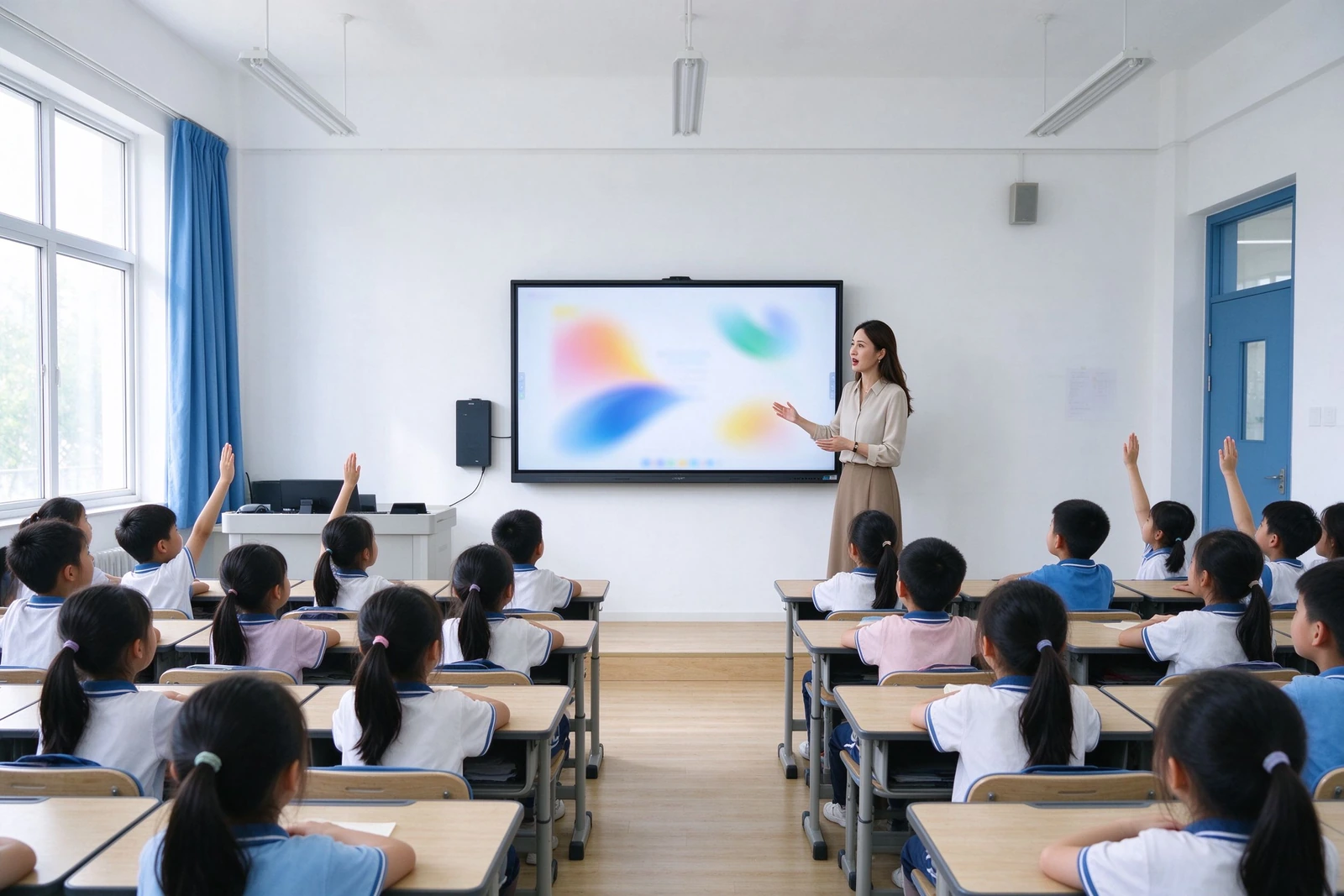
Каждая ошибка ниже-это билет в службу поддержки, потерянный урок или бюджетная строка, которую вы не планировали
Это повторяющиеся точки сбоя районы сообщают, когда они оценивают замену проекторов и телевизоров ПК. Каждый из них сопоставляет конкретный ответ на Qtenboard-не расплывчатый маркетинг, только механизм.
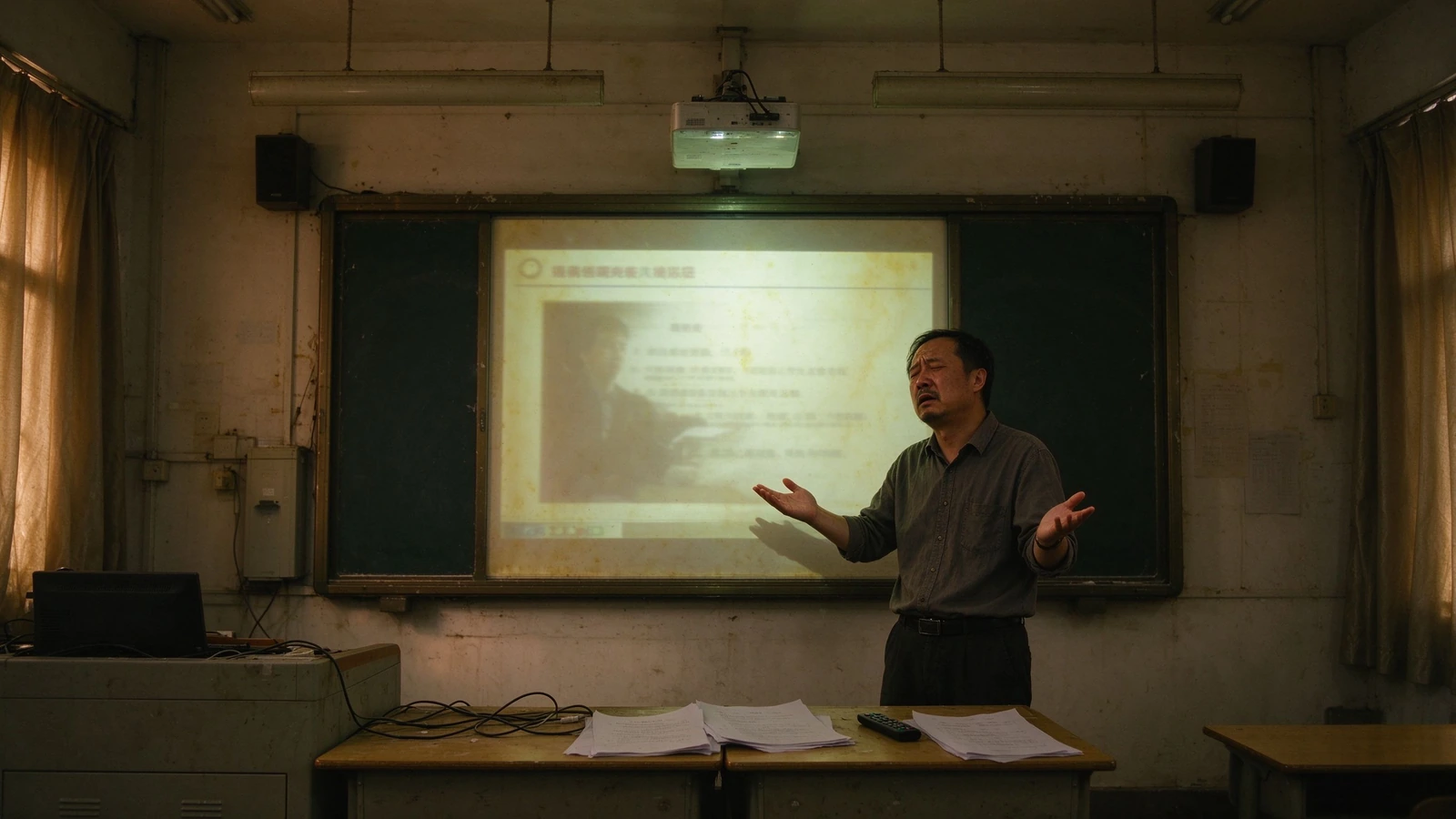
Циклы ламп и фильтров
Проекторы нуждаются в замене ламп и очистке фильтров в цикле. Каждый цикл означает, что класс выходит из эксплуатации и техник на месте.
Его дочери: Al-Ways-очень коренной американец, Вернон, очень мало недостатков.
Стертые уроки
Заметки на белой доске исчезают, когда звонит звонок. Никаких обзорных материалов, никаких записей об отсутствующих студентах, ничего многоразового на следующий год.
Qtenboard: запись в одно касание, совместное использование QR/ссылок, экспорт в PDF и PNG.
Обучение в одну сторону
Проекторы и телевизоры отображают; они не взаимодействуют. Один учитель, тридцать пассивных экранов-стоит учеников.
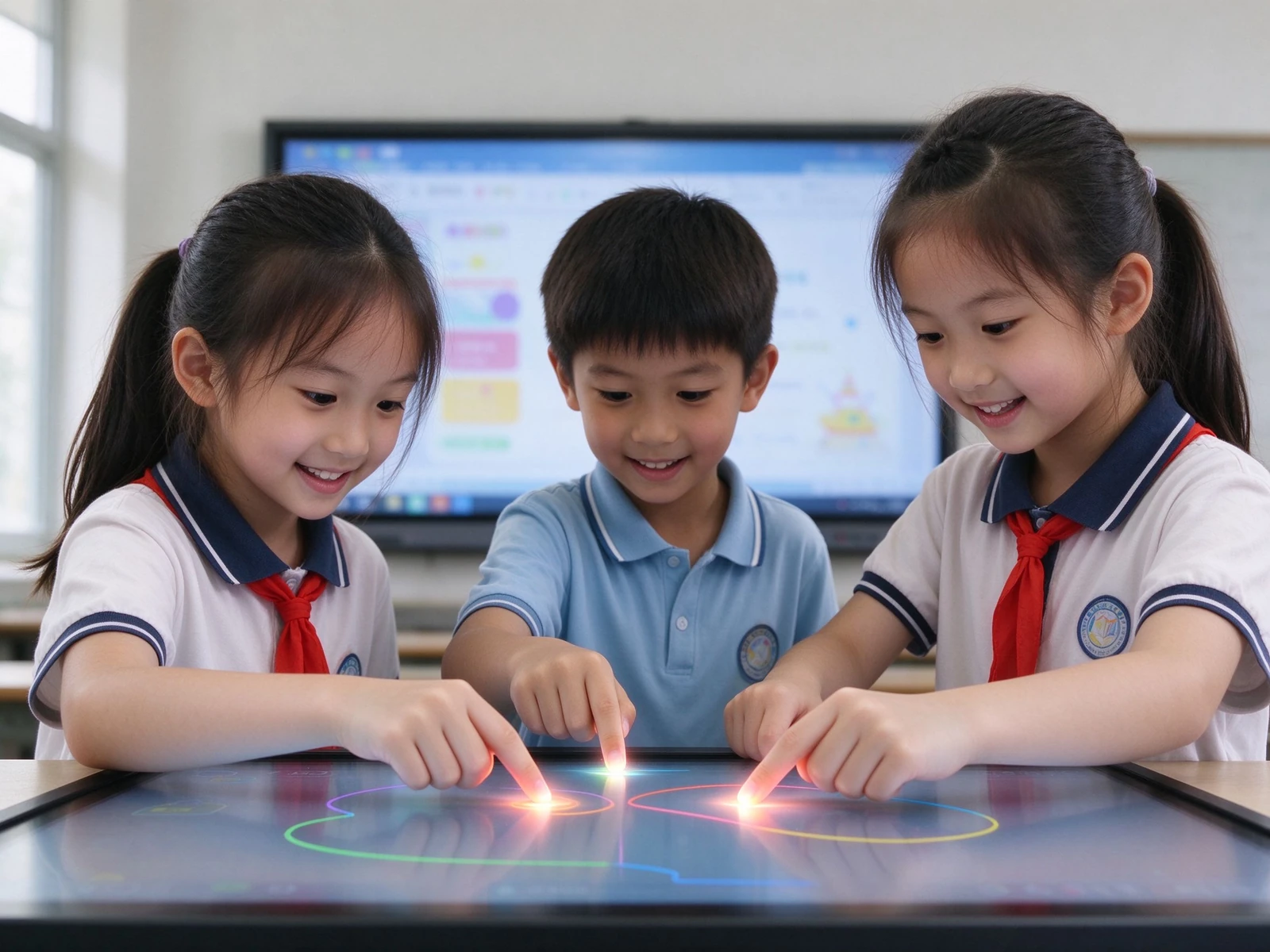
Qtenboard: 40-точечный мультитач-студенты пишут, отвечают и сотрудничают на панели.
Ручное управление автопарком
Обновления, патчи и исправления делаются комнату за комнатой, обычно после нескольких часов. Никто не знает, какое устройство отключено.
Qtenboard: DMS / MDM с удаленными обновлениями, запланированным питанием, мониторингом работоспособности в реальном времени.
Кабель и устройство разрастания
Проектор ПК колонки HDMI Power. Один свободный кабель останавливает урок.
Qtenboard: панель «все в одном» с беспроводным кастингом-AirPlay, Google Cast, Miracast.
Студенты-вопросы данных
Неуправляемые классные устройства поднимают проблемы закупок и конфиденциальности, на которые вы должны ответить.
Qtenboard: ролевой доступ, минимально устаревшая площадь, дизайн, ориентированный на GDPR / FERPA/COPPA.
Одно устройство, которое выполняет работу четырех-и отчитывается вашей ИТ-команде
Qtenboard-это дисплей, белая доска, регистратор уроков и управляемая конечная точка в одном. Он подходит для уже используемых учителями рабочих процессов и стека управления, который уже работает в вашем ИТ-отделе.
Capture and share every lesson
Почерк, аннотации и изменения слайдов записываются одним касанием и делятся QR-кодом или ссылками-обзорными материалами, активами профессионального развития и родительским общением за один шаг.
Вовлекайте всю комнату
40-точечное касание превращает переднюю часть класса в поверхность для совместной работы. Опрос, перетаскивание и групповые задания поддерживают участие каждого студента, а не только наблюдение.
Управляйте всем флотом
DMS / MDM предоставляет вам запланированное питание, удаленные обновления прошивки и приложений, журналы состояния устройств и аудита в сотнях классных комнат с одной консоли.
Оставайтесь совместимыми с дизайном
Разрешения на основе ролей, блокировки на уровне устройств и минимальное количество данных учащихся встроены в документацию, готовую для проверки районных закупок и оценки воздействия на защиту данных.
Шесть возможностей, которые отвечают на вопросы покупателя-не спецификация
Каждая возможность ниже указывает проблему, которую она решает, и спецификацию, которая делает ее правдой. Полные спецификации и отчеты об испытаниях доступны по запросу.
1. Сотрудничество нескольких студентов на одном экране
- 40-точечное ИК-касание -Несколько студентов пишут, отвечают и рисуют одновременно, как под Android, так и под Windows
- Отклонение ладони и чувствительные к давлению чернила -Естественное ощущение письма с меньшим количеством случайных входов
- Встроенные в предметные ресурсы -Музыкальные посохи, шаблоны и предметные фоны для общих уроков
Для руководителей учебных программ:Это заменяет презентации «только для учителей» измеримым участием в классе-без переподготовки учителей по новому программному обеспечению.
2. Ни один урок больше не теряется
- Запись в одно касание -Фиксирует почерк, аннотации и изменения слайдов автоматически
- Обмен QR-кодом/ссылками -Студенты сканируют и сохраняют полный урок на своих устройствах
- Экспорт PDF / PNG -Архивы преподавателей, обзор кафедры, общение родителей
- LMS и интеграция лекций-захвата -Синхронизация содержимого доски с Panoptos, Echo360 или вашей районной системой записи
Для директоров: Хорошие уроки становятся многоразовыми школьными активами. Обзорный материал формируется преподавателями, автоматически-без лишних работ.
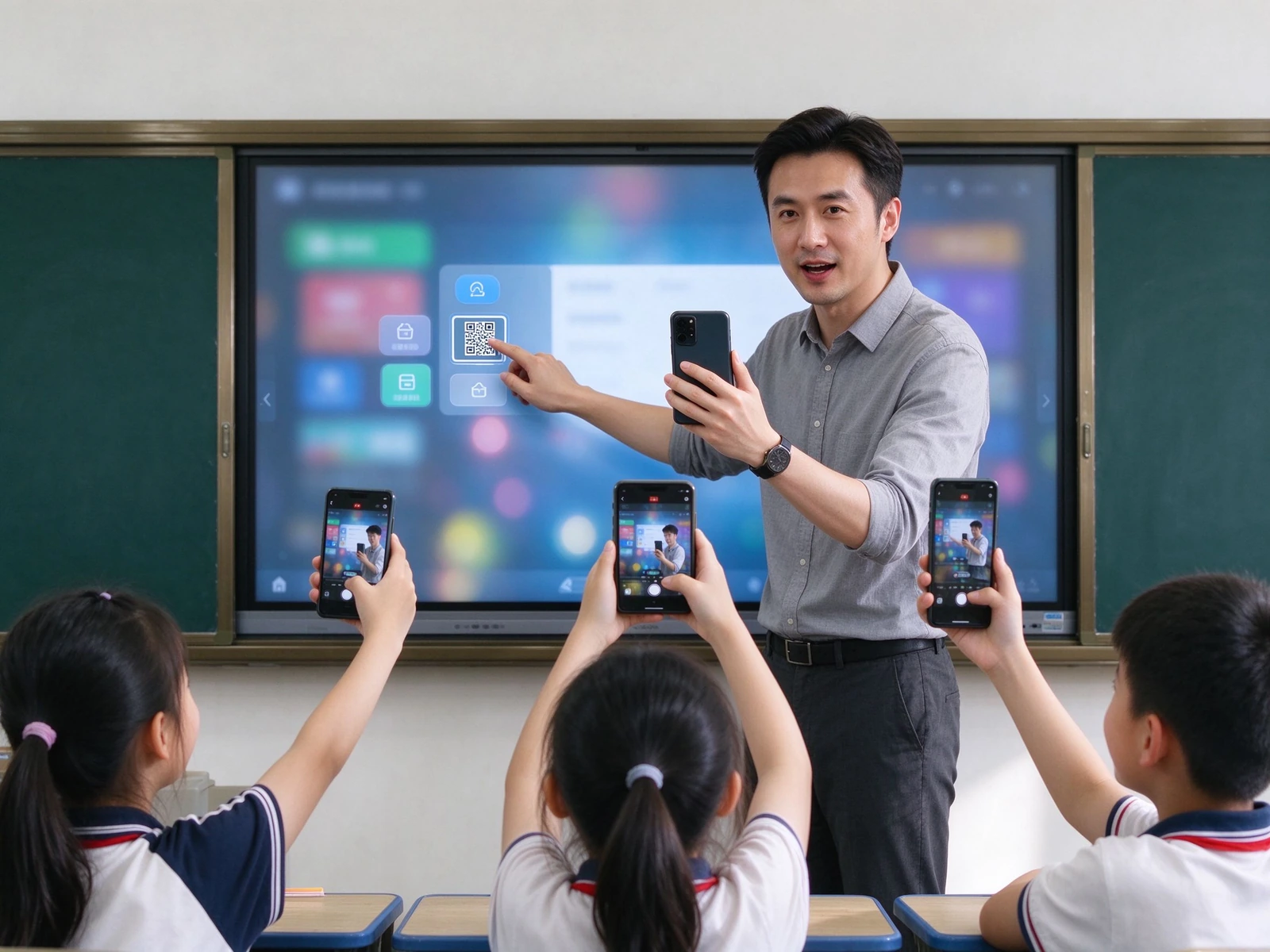
3. Каждый ресурс в одном месте, без кабелей
- Беспроводное литье -AirPlay, Google Cast, Miracast, двухдиапазонный Wi-Fi 6, 20 одновременных устройств
- Доступ к облаку и LMS -Диск Гоогле, ОнеДриве, Дропбокс, класс Гоогле, команды Майкрософта
- Встроенные учебные ресурсы, -Модели планет, периодические таблицы, библиотеки формул и предметное содержание
- Импорт и аннотация в один клик -Открыть PPT, изображения и видео непосредственно на панели и пометить их
Для интеграторов: API / SDK cooperation and integration with your specified resource platform are supported.
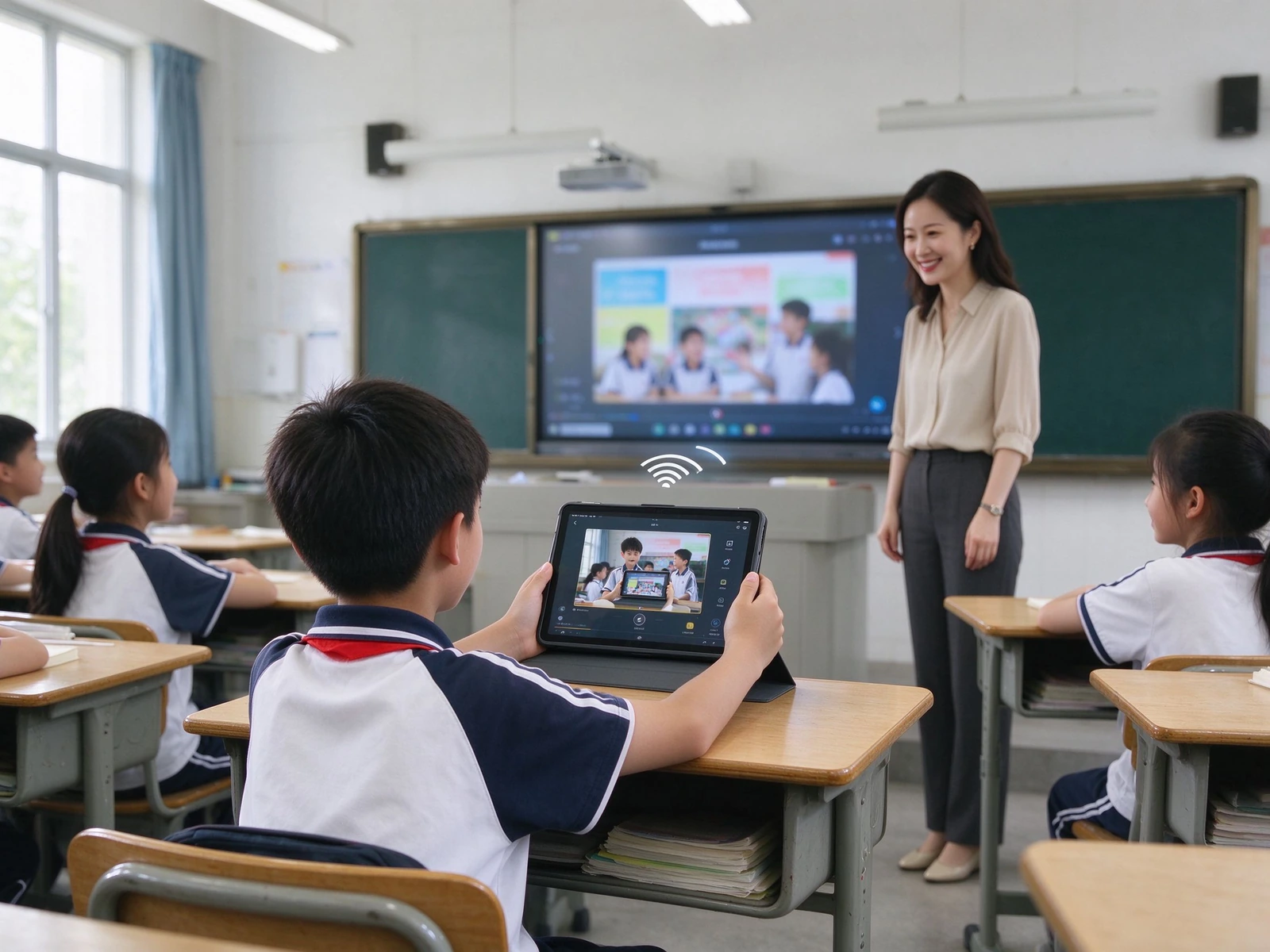
4. Readable all day, in any classroom light
- 4K UHD display — 3840 × 2160, clear text, diagrams and experiment visuals from the back row
- Анти-бликовое стекло — hardness ≥ Mohs 7, reduces reflection from lights and windows
- Paper-like eye-care modes — sketch paper, rice paper and watercolor textures with adjustable transparency and color temperature
- Low blue light and DC dimming — flicker-free backlight, retinal blue-light hazard LB ≤ 0.1 W·m⁻²·sr⁻¹
- Модели, совместимые с ENERGY STAR — aligned with district sustainability targets
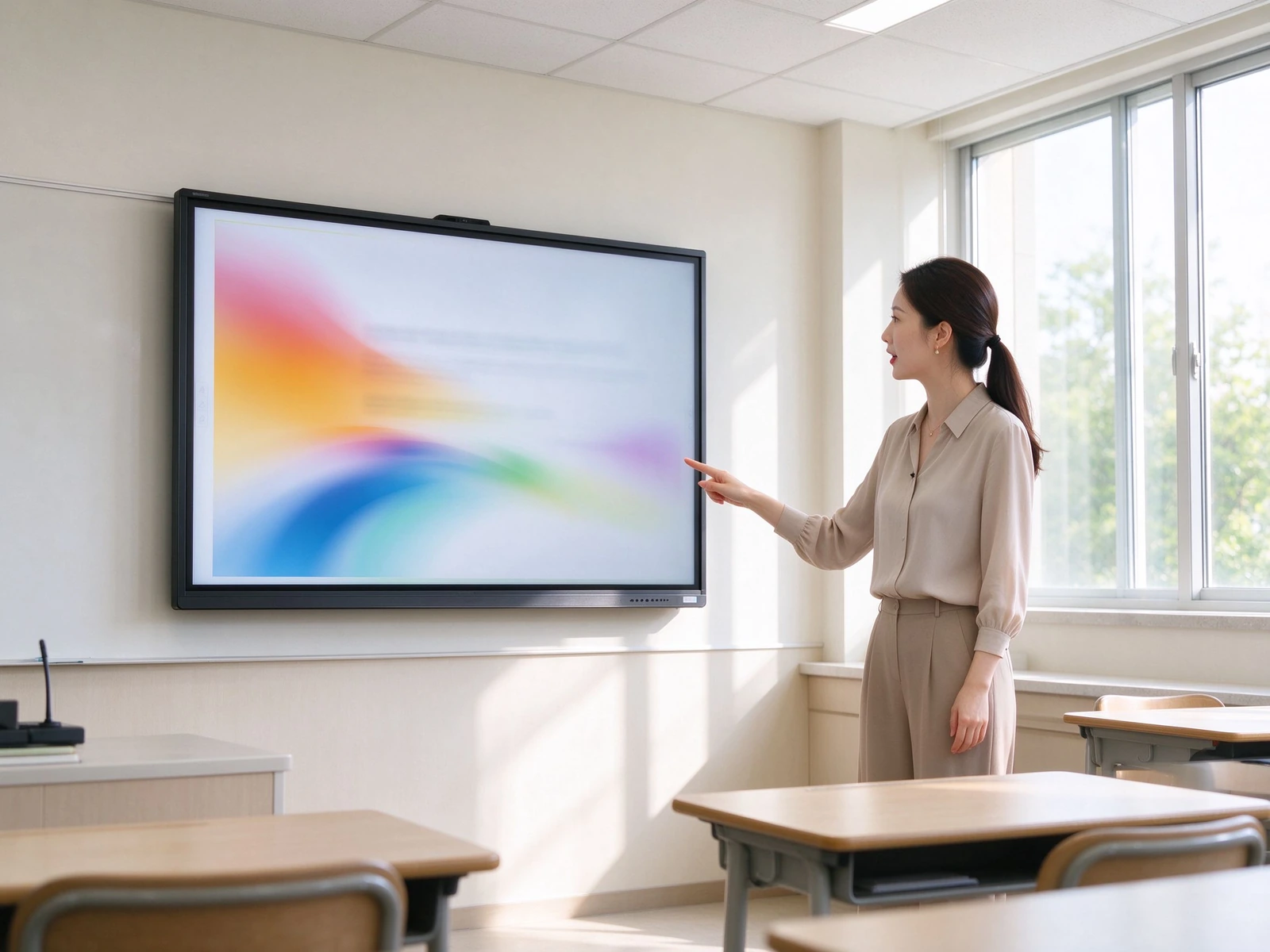
5. Built for procurement review, not against it
- GDPR, FERPA and COPPA-oriented design — privacy-by-design approach for K-12 environments
- Role-based access — separate teacher, student and administrator permissions
- Minimal student-data footprint — no unnecessary student data collection on the device
- Device-level locks — USB lock, HDMI lock, screen lock, APK install lock
- ADA / Section 508 accessibility considerations — for inclusive classroom deployment
For districts: documentation is available for procurement review and data protection impact assessments.
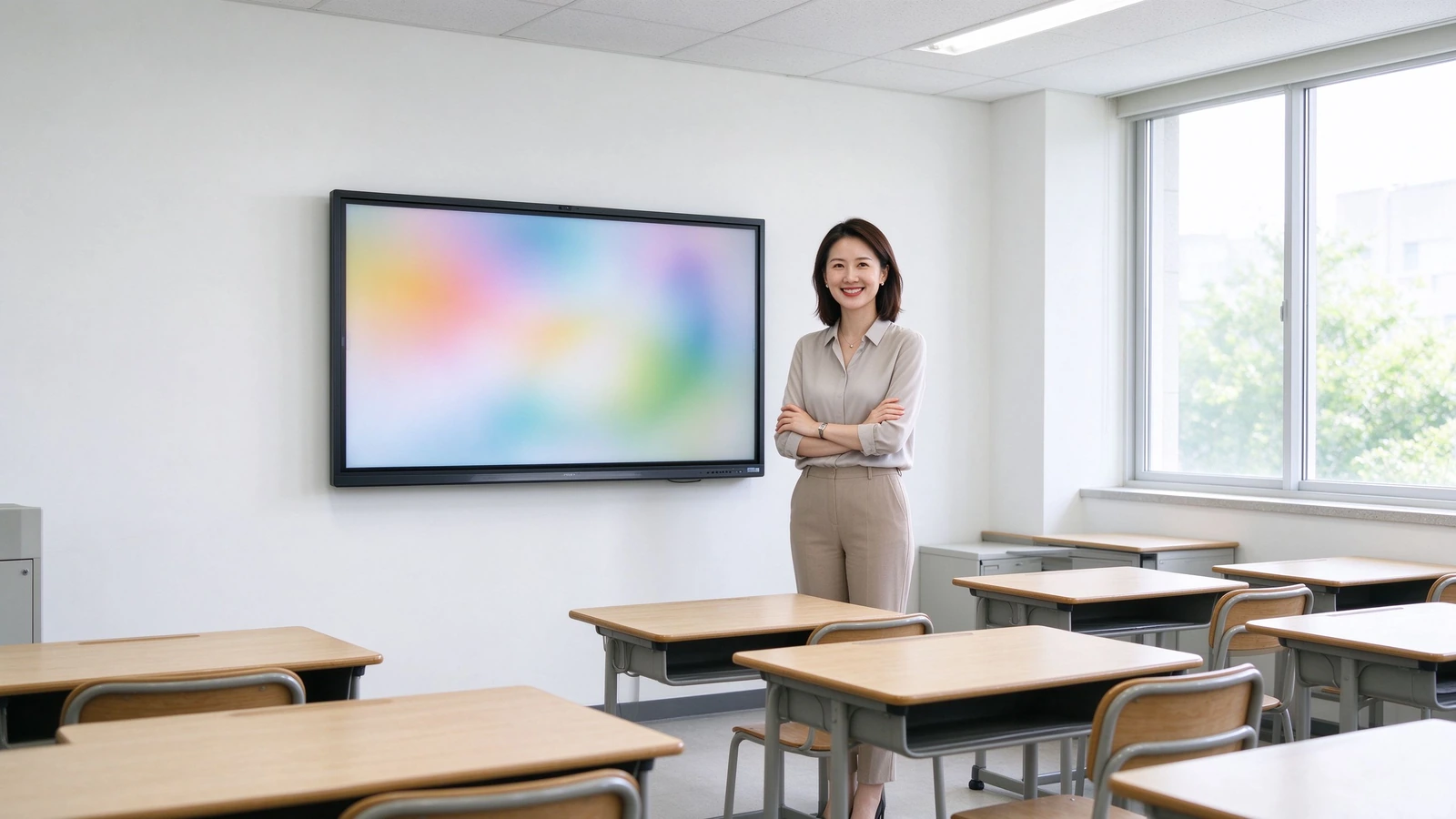
6. Hundreds of classrooms, one console
- ДМС/МДУ — centralized device management across schools and sites
- Запланированное вкл/выкл — aligns with the school timetable and reduces energy use
- Remote firmware and app updates — push updates to the whole fleet without visiting classrooms
- Мониторинг состояния устройства — real-time online status and health overview
- Operation logs and audit trail — supports IT governance and compliance checks
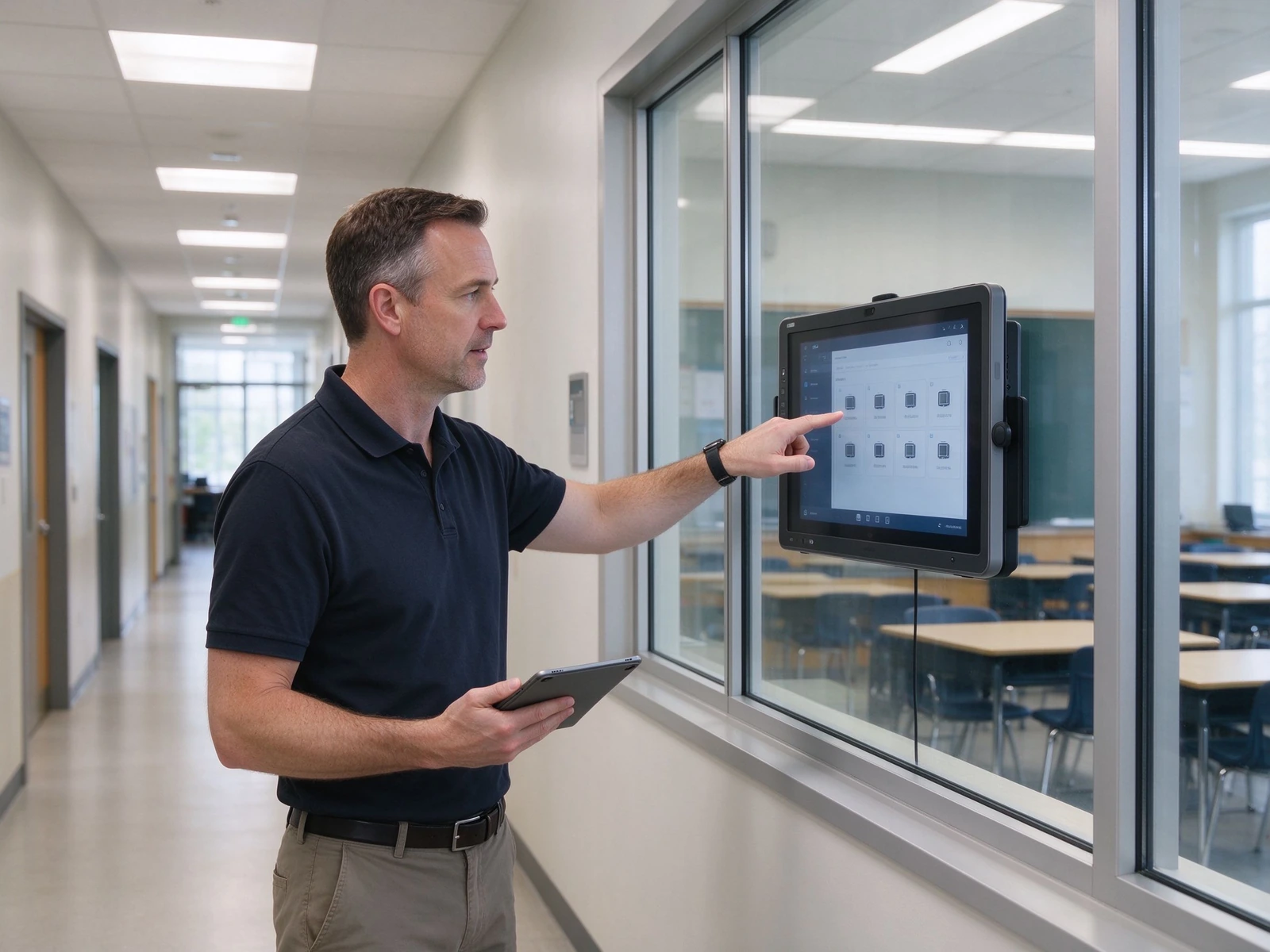
From a single classroom pilot to a district-wide fleet
Five layers, each designed to integrate with the systems your district already runs — and to scale from one pilot room to hundreds of classrooms without re-architecting.
Three configurations to speed up your spec and budget
Match the configuration to classroom size and budget. Final selection should always verify room depth and viewing distance from the last row.
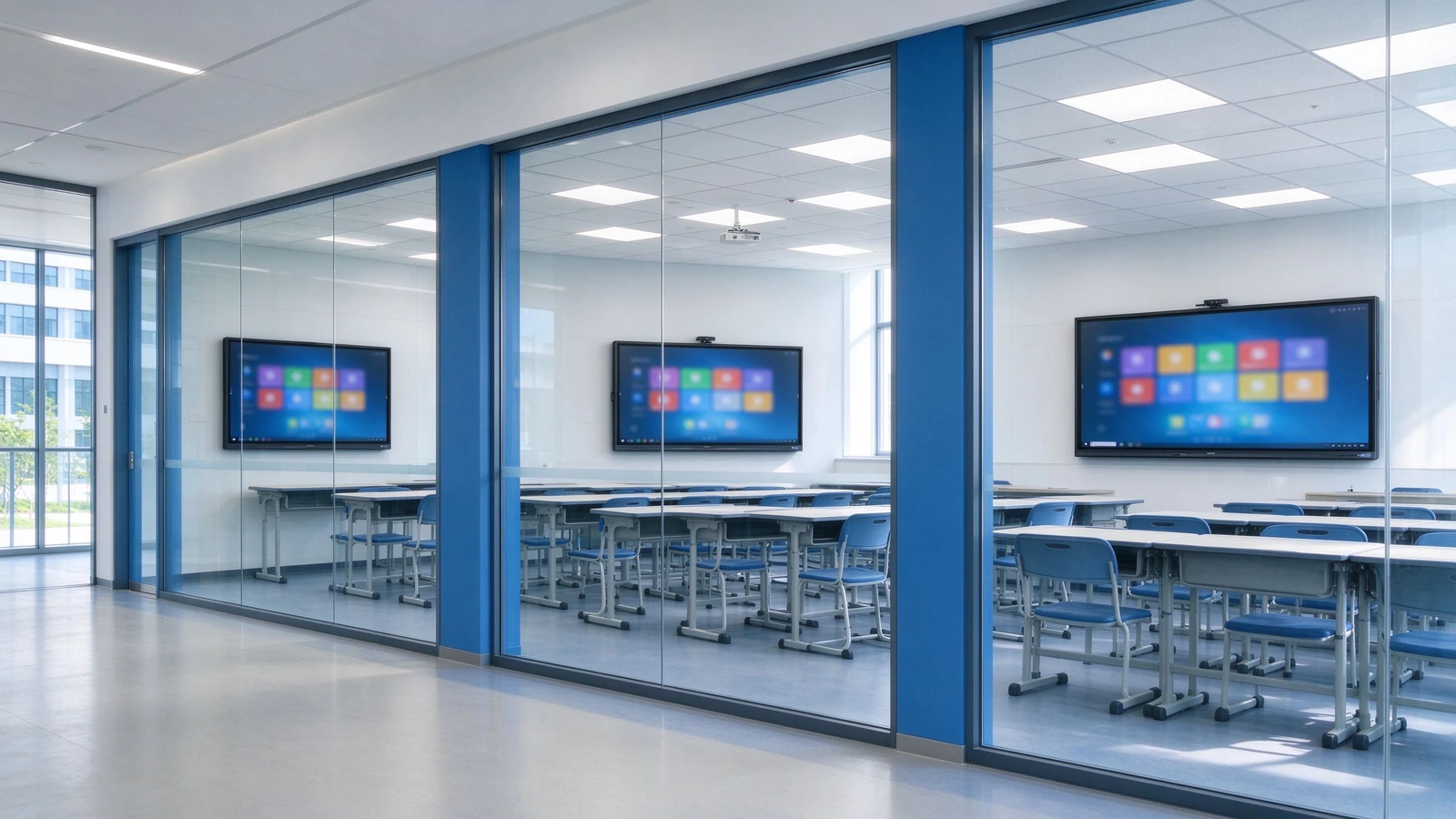
| Конфигурация | Classroom Size | Размер панели | Сенсорный | Система | Camera / Mic | Аудио | Гора |
|---|---|---|---|---|---|---|---|
| Стандарт | 40–50 students | 75–86" | 40-точечный | Android + optional OPS | Optional 4K camera / mic | 2.2ch, ≥80 W | Wall / mobile stand |
| Большой | 50–60 students | 86–98" | 40-точечный | Android + OPS Windows | Built-in 4K camera / mic | Enhanced audio | Wall mount |
| Budget-friendly | Under 40 / pilot | 65–75" | Basic touch | Андроид | Optional external | Встроенные динамики, | Mobile stand |
What a 5-year comparison actually looks like
Projector costs hide in lamps, filters, cleaning and room-by-room maintenance. When those are included, the comparison changes. Figures below are directional; we will model your exact numbers with your quotes.
| Размер | Доска проектора | TV + PC | Qtenboard IFP |
|---|---|---|---|
| Авансированная стоимость | Средний | Medium-low | Средне-высокий |
| 3–5 year maintenance | High — lamps, filters, cleaning | Medium — PC failures, cables | Low — no lamps, no filters, solid-state components |
| Teaching effectiveness | One-way, low interaction | One-way, no lesson capture | Multi-touch, lesson capture |
| Management efficiency | Manual, room-by-room | Руководство | DMS / MDM centralized |
| Срок службы | Projector 3–5 years | PC 3–5 years | 10-year class panel |
| Энергия | High — lamps, high brightness | Средний | Low — ENERGY STAR models |
How this table was built: maintenance rows reflect the physical differences between lamp-based projectors and solid-state panels (no consumables, no ceiling access). Energy rows reflect ENERGY STAR-rated operation. Currency figures are intentionally not stated here because they vary by region and quote — request the full TCO workbook and we will model your classroom count, electricity rate and service costs.
From pilot to district-wide rollout in six steps
A standard delivery process for integrators and project teams, with clear deliverables at each stage.
Needs Assessment
Classroom count, room size, existing equipment, resource platforms and compliance requirements.
Solution Design
Device selection, network and cabling plan, resource-platform integration and RFP support.
Pilot Deployment
Installation, commissioning, teacher training and effectiveness evaluation.
District-Wide Rollout
Phased installation, unified configuration, DMS registration and device onboarding.
Acceptance & Training
Functional acceptance, teacher training, IT handover and documentation delivery.
Гарантия & Поддержка
Warranty policy, RMA process, spare parts, response-time SLA and periodic inspection.
Deployments and certifications you can verify
Deployments and reference projects across our active K-12 markets — Central Asia, Southeast Asia, and Latin America. Exact school names, unit counts, and reference contacts are provided under NDA when you request documentation.
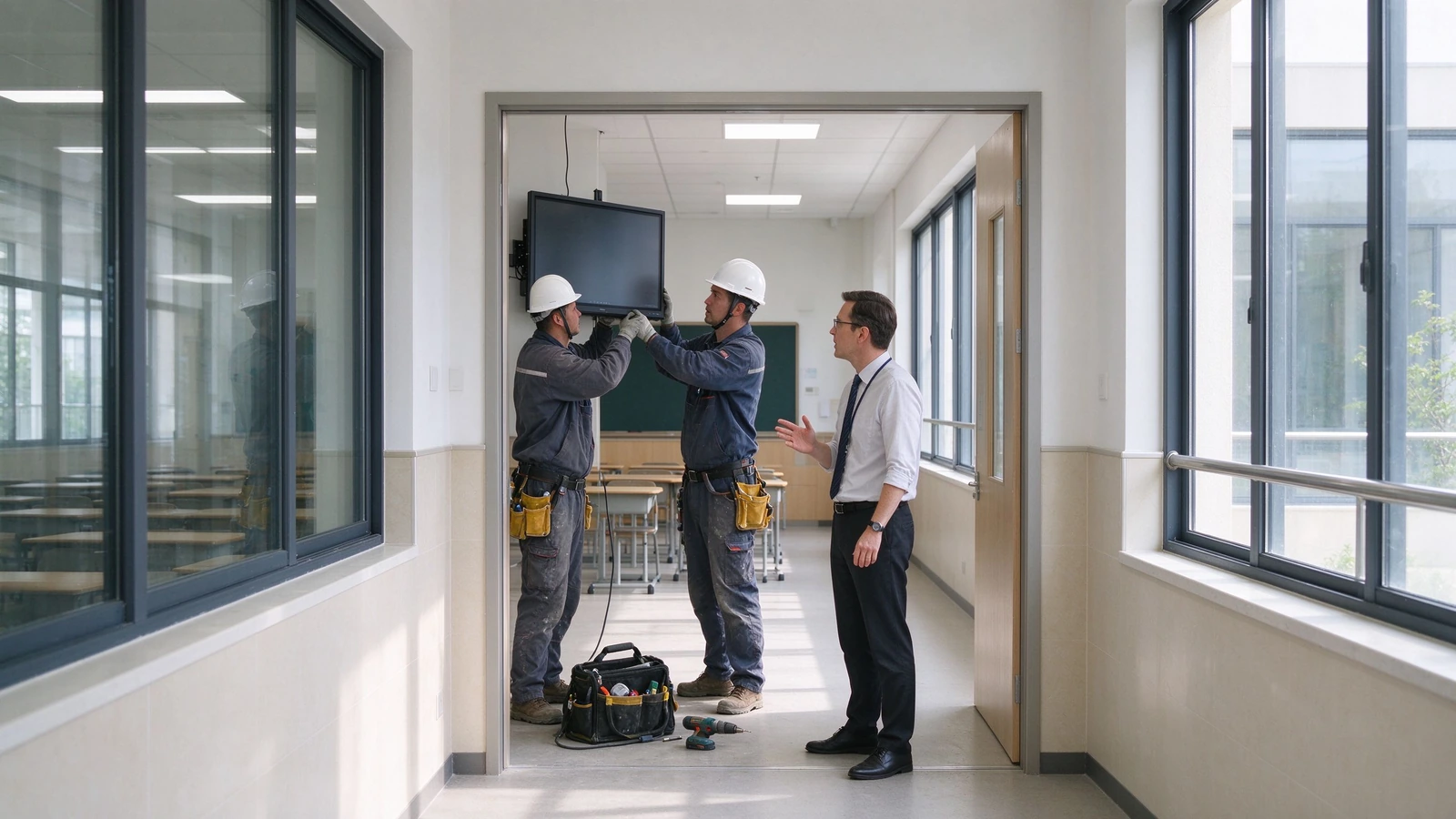
Uzbekistan — Tashkent & Region Schools
Scope: 65–86" interactive flat panels deployed across [number] classrooms in general-education and specialized schools (IT, engineering, natural-science tracks), Android with optional OPS Windows, localized in Uzbek and Russian.
Задача: Aging projector-plus-blackboard setups in urban schools, the national push to equip new AI and computer-science classrooms with interactive hardware, and rural sites where lamp replacements and on-site visits were costly.
Итог: No more lamps, filters, or ceiling maintenance. Teachers capture and reuse bilingual lessons via QR sharing, and the education directorate manages the whole fleet from one DMS console.
Kazakhstan — Astana, Almaty & Regional Schools
Scope: 75–86" panels rolled out toward the national 1-panel-per-2-classrooms ratio, integrated with the Bilimland lesson platform and Kundelik / iMektep electronic-journal ecosystem, Kazakh and Russian UI.
Задача: Schools needed displays that open Ministry-reviewed interactive lessons directly, run bilingual content, and stay eye-comfortable through long school days — without adding another PC to every room.
Итог: Teachers launch Bilimland interactive lessons straight from the panel, annotate and share them after class, and the school IT team schedules power and pushes updates centrally.
Indonesia — West Java & National Rollout
Scope: 75–86" panels delivered through local integrators under the national digital-learning drive, covering [number] schools in urban West Java and remote 3T-region sites, Bahasa Indonesia UI, with teacher training included.
Задача: An archipelago-scale rollout with limited local IT support, high heat and humidity in remote classrooms, and teachers who needed hand-holding — not a hardware drop-off.
Итог: Ruggedized anti-glare panels trained and commissioned by local partners; lesson recording kept reusable content long after training, and DMS monitoring cut repeat site visits.
Ecuador — Quito Metropolitan Educational Units
Scope: 75–86" panels deployed across 55 aulas in Quito municipal units (following the pilot at Unidad Quitumbe), Spanish UI, configured for collaborative group work.
Задача: Replacing aging projectors across dispersed municipal units while shifting lessons toward collaborative, multi-student work — and keeping maintenance predictable across the district.
Итог: Multi-touch panels replaced projector fleets in one refurbishment window, students work on-screen in groups, and scheduled power plus remote updates cut weekend technician call-outs.
Сертификаты & соответствие
CE, FCC, RoHS, ENERGY STAR, ISO 9001 / ISO 14001, plus safety and EMC test reports.
Standards applied include IEC 62368-1 (safety) and FCC Part 15 (EMC).
Warranty & RMA SLA
Warranty length, response-time SLA, on-site service scope, advance-replacement options and training hours — specified per your RFP scoring items.
Partner & Reseller Network
Active distribution and integrator partners in Uzbekistan, Kazakhstan, Indonesia, and Ecuador, with growing coverage across Central Asia, Southeast Asia, and Latin America.
О Qtenboard
Interactive-panel manufacturer serving education and enterprise customers worldwide.
Founded 2005· Factory Shenzhen, China · Export markets Central Asia, Southeast Asia, Latin America· Engineering, quality and compliance team available for factory audits and DPIA support.
Answers districts and integrators actually ask for
Specific answers based on Qtenboard specifications and the standards we build against — so you can evaluate without a follow-up round of "please clarify".
Q1: What panel size should we specify for a K-12 classroom?
For a standard classroom of 40–50 students, 75–86" is recommended; for larger rooms of 50–60 students, 86–98". Verify room depth and viewing distance from the last row before acceptance — readability from the back row is a common acceptance checkpoint in district RFPs, and we provide a sizing worksheet with your quote.
Q2: Does it work with Google Classroom and Microsoft Teams?
Yes. The panel supports Google Classroom, Microsoft Teams, Google Drive, OneDrive and common LMS platforms (Canvas, Moodle, Schoology). Wireless casting covers AirPlay, Google Cast and Miracast for teacher and student devices. API / SDK integration with your specified resource platform is available for integrators.
Q3: How do teachers save and share a lesson?
One touch starts recording — handwriting, annotations and slide changes are captured automatically. After class the lesson is shared by QR code or link, and exported as PDF or PNG for archives, department review or parent communication. Whiteboard content can also sync to lecture-capture systems such as Panopto and Echo360.
Q4: How many students can use the screen at once?
The panel supports 40-point IR touch, with 40-point touch and writing under both Android and Windows, so multiple students can answer, draw and collaborate simultaneously.
Q5: How does a district manage and update hundreds of devices?
The built-in DMS / MDM platform provides scheduled power on/off, remote notifications, app management, batch firmware updates, device status monitoring and operation-log queries — designed for school-wide and district-wide fleets.
Q6: What is the warranty?
Warranty 1-3 Years — warranty length, response time, on-site service scope, advance-replacement options and training hours are common scoring items in district RFPs, so we specify them contractually. Ask us for the current policy in your region.
Q7: Does Qtenboard support OEM / ODM and white-label?
Да. UI, logo, wallpaper, packaging and pre-installed applications can be customized, with volume pricing and dedicated support for integrators and resellers. See our OEM / ODM services or ask in the quote form.
Q8: How does Qtenboard handle student-data privacy (GDPR, FERPA, COPPA)?
The solution is designed with privacy-by-design principles: role-based access, device-level locks and a minimal student-data footprint. Documentation is available to support district procurement review and data protection impact assessments, and our compliance team can join your review calls.
Standards & sources: specification claims on this page are based on Qtenboard datasheets and test reports (IEC 62368-1 safety, FCC Part 15 EMC, CE, RoHS, ENERGY STAR). Deployment case data must be completed with verified reference projects — requested through the form below. No third-party statistics are used without citation.
