
 th
th
 EN
EN  pt
pt  spa
spa  vie
vie  aze
aze  bel
bel  est
est  lav
lav  ukr
ukr  ru
ru โปรเจ็คเตอร์ล้มเหลวในบทเรียนกลางบทเรียนได้รับการลบและ fleets ไปไม่มีการจัดการ Qtenboard แก้ไขทั้งสาม
แทนที่การตั้งค่าไวท์บอร์ดโปรเจคเตอร์และทีวีพีซีด้วยแผงโต้ตอบหนึ่งแผงที่บันทึกทุกบทเรียนประกอบทั้งชั้นเรียนทำงาน Google classroom และ Microsoft teams, และปรับปรุงตัวเองทั่วทั้งเขต-โดยไม่ต้องโคมไฟเดียวหรือตัวกรองที่จะเปลี่ยน
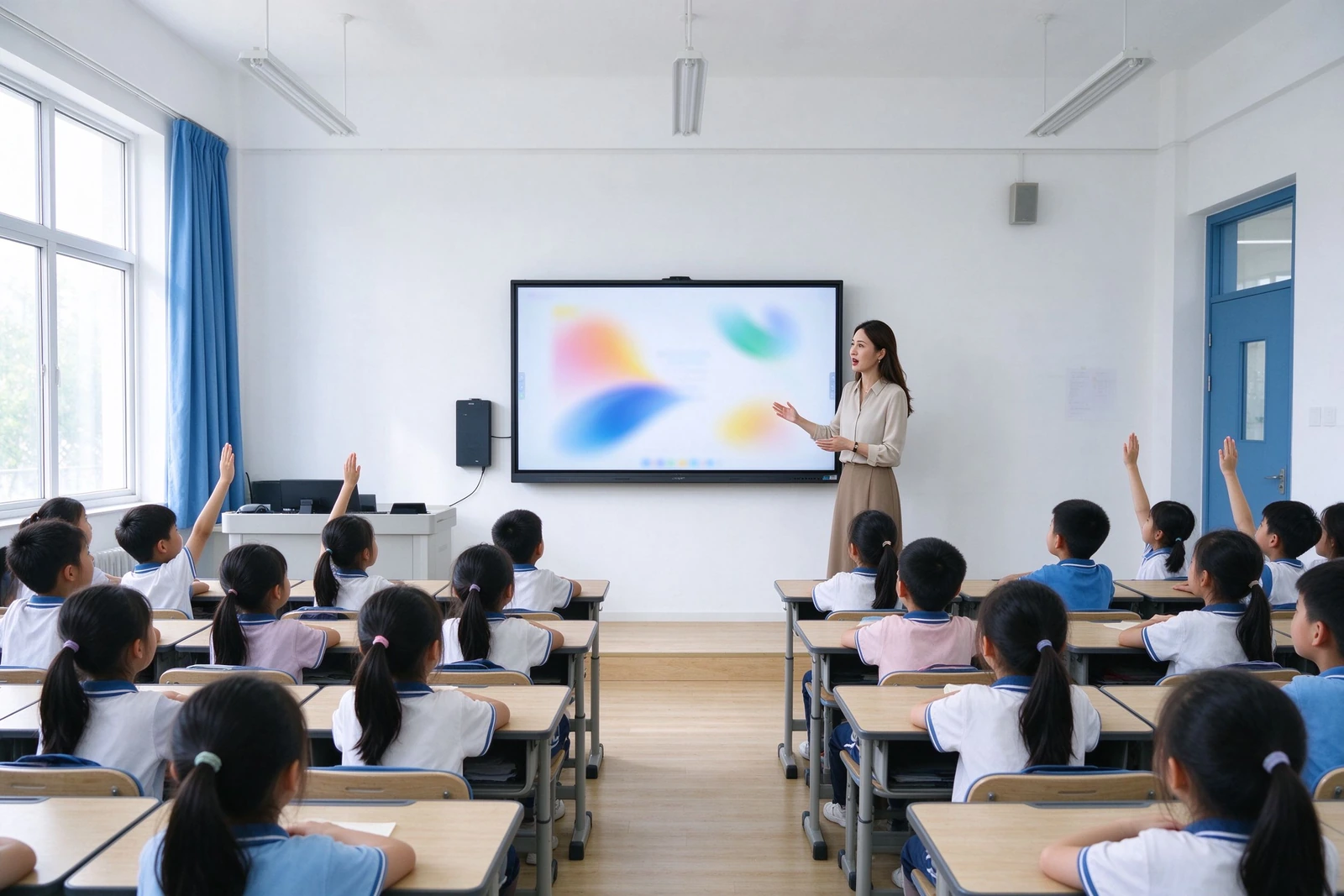
ความล้มเหลวด้านล่างทุกครั้งคือตั๋วสนับสนุนบทเรียนที่หายไปหรือบรรทัดงบประมาณที่คุณไม่ได้วางแผน
เหล่านี้เป็นจุดล้มเหลวที่เกิดขึ้นจริงรายงานเมื่อพวกเขาประเมินการเปลี่ยนโปรเจคเตอร์และแท่นขุดเจาะพีซีทีวีแต่ละแผนที่ไปยังคำตอบของ qtenboard ที่เฉพาะเจาะจง-ไม่มีการตลาดที่คลุมเครือเพียงกลไก
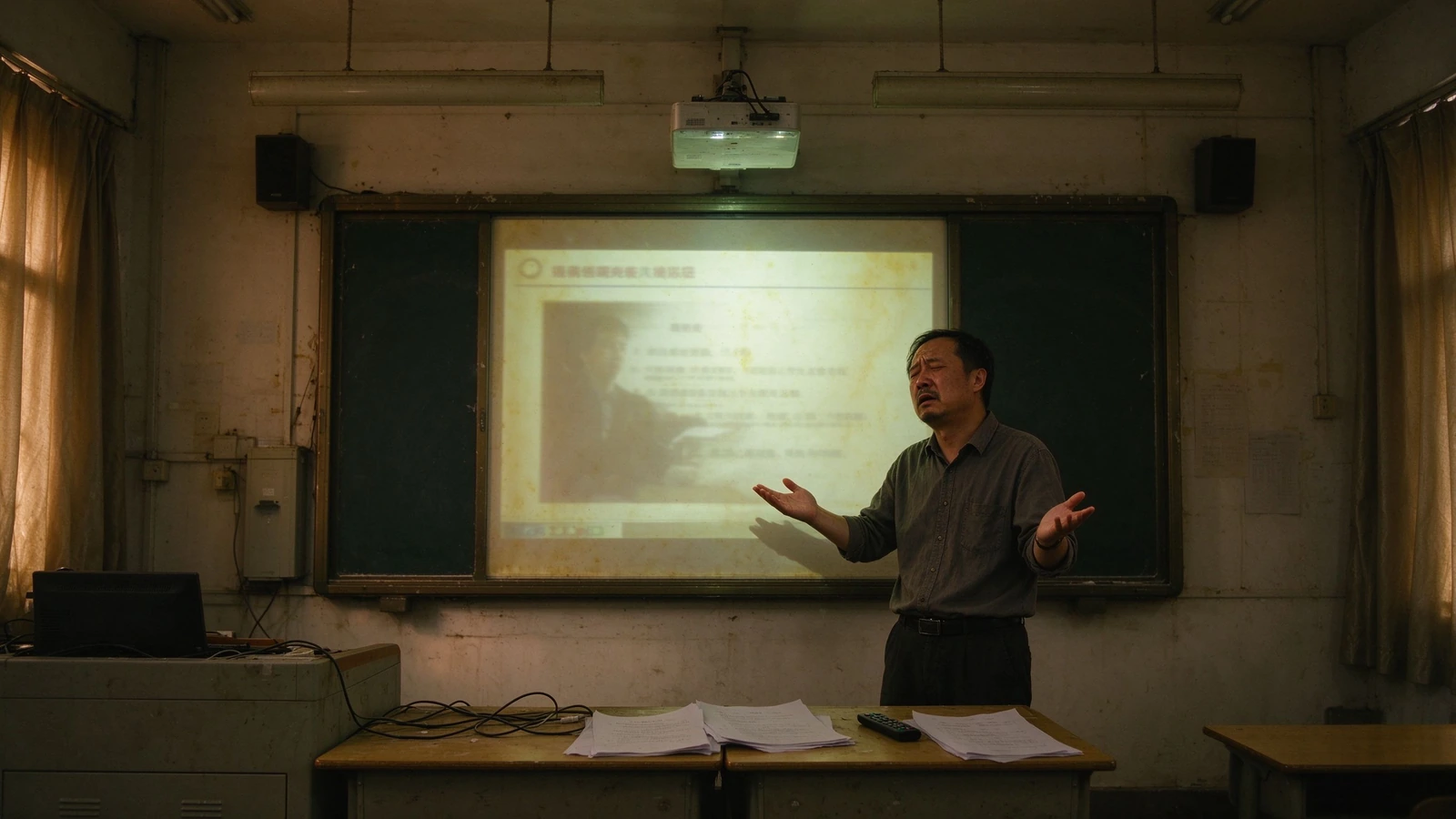
โคมไฟและกรองรอบ
โปรเจคเตอร์ต้องการการเปลี่ยนหลอดไฟและการทำความสะอาดตัวกรองในรอบที่เกิดขึ้นแต่ละรอบหมายถึงห้องเรียนที่ไม่มีบริการและช่างเทคนิคในสถานที่
ลูกสาวของเขา: Al-ways-ชาวอเมริกันพื้นเมืองมากเวอร์นอนข้อเสียน้อยมาก
ลบบทเรียน
บันทึกไวท์บอร์ดหายไปเมื่อเสียงกริ่งดังขึ้นไม่มีการตรวจสอบวัสดุไม่มีบันทึกสำหรับนักเรียนขาดหายไม่มีอะไรนำมาใช้ใหม่ได้ในปีหน้า
Qtenboard: การบันทึกแบบสัมผัสเดียว, การแชร์ qr/link, การส่งออก PDF และ png.
การสอนแบบทางเดียว
โปรเจคเตอร์และทีวีแสดง; พวกเขาไม่ได้โต้ตอบครูคนหนึ่งสามสิบหน้าจอ Passive-มูลค่าของนักเรียน
Qtenboard: นักเรียนมัลติทัช40จุดเขียนตอบและทำงานร่วมกันบนแผงควบคุม
การจัดการยานพาหนะด้วยตนเอง
การปรับปรุงแพทช์และการแก้ไขจะทำห้องโดยห้องมักจะหลังจากชั่วโมงไม่มีใครรู้ว่าอุปกรณ์ใดออฟไลน์
Qtenboard: dms/mdm พร้อมการอัปเดตจากระยะไกลพลังตามกำหนดเวลาการตรวจสอบสุขภาพแบบสด
สายเคเบิลและอุปกรณ์ sprawl
ลำโพง PC โปรเจคเตอร์กำลังไฟ HDMI หนึ่งสายหลวมหยุดบทเรียน
Qtenboard: แผง All-in-one พร้อมระบบหล่อแบบไร้สาย-AirPlay, Google Cast, Miracast
คำถามเกี่ยวกับข้อมูลนักเรียน
อุปกรณ์ห้องเรียนที่ไม่มีการจัดการยกการจัดซื้อและความกังวลด้านความเป็นส่วนตัวที่คุณต้องตอบ
Qtenboard: การเข้าถึงตามบทบาท, รอยเท้าที่เรียบง่าย, การออกแบบที่มุ่งเน้น gdpr/ferpa/coppa
อุปกรณ์หนึ่งที่ทำงานสี่และรายงานกลับไปที่ทีมไอทีของคุณ
Qtenboard เป็นจอแสดงผลไวท์บอร์ดเครื่องบันทึกบทเรียนและจุดสิ้นสุดที่มีการจัดการในที่เดียวเหมาะกับครูเวิร์กโฟลว์ที่ใช้อยู่แล้วและแผนกการจัดการของคุณทำงานแล้ว
บันทึกและแชร์ทุกบทเรียน
การเขียนด้วยลายมือคำอธิบายประกอบและการเปลี่ยนแปลงสไลด์จะถูกบันทึกไว้ในสัมผัสเดียวและใช้ร่วมกันโดยรหัส QR หรือวัสดุเชื่อมโยงการตรวจสอบสินทรัพย์การพัฒนามืออาชีพและการสื่อสารระหว่างผู้ปกครองในขั้นตอนเดียว
มีส่วนร่วมทั้งห้อง
สัมผัส40จุดเปลี่ยนด้านหน้าห้องเรียนให้เป็นพื้นผิวการทำงานร่วมกันการสำรวจลากและวางและงานกลุ่มให้นักเรียนทุกคนมีส่วนร่วมไม่เพียงแต่ดู
จัดการยานพาหนะทั้งหมด
Dms/mdm ให้พลังที่กำหนดไว้การอัพเดตเฟิร์มแวร์ระยะไกลและการอัพเดตแอปบันทึกสุขภาพของอุปกรณ์และการตรวจสอบในห้องเรียนหลายร้อยห้องจากคอนโซลเดียว
สอดคล้องกับการออกแบบ
การอนุญาตตามบทบาทการล็อคระดับอุปกรณ์และรอยเท้าข้อมูลนักเรียนน้อยที่สุดถูกสร้างขึ้นด้วยเอกสารพร้อมสำหรับการตรวจสอบการจัดซื้อในเขตและการประเมินผลกระทบในการป้องกันข้อมูล
หกความสามารถที่ตอบคำถามของผู้ซื้อ-ไม่ใช่แผ่นข้อมูลจำเพาะ
แต่ละความสามารถด้านล่างระบุปัญหาจะแก้ปัญหาและข้อกำหนดที่ทำให้เป็นจริง Datasheets เต็มรูปแบบและรายงานการทดสอบที่มีอยู่ในการร้องขอ
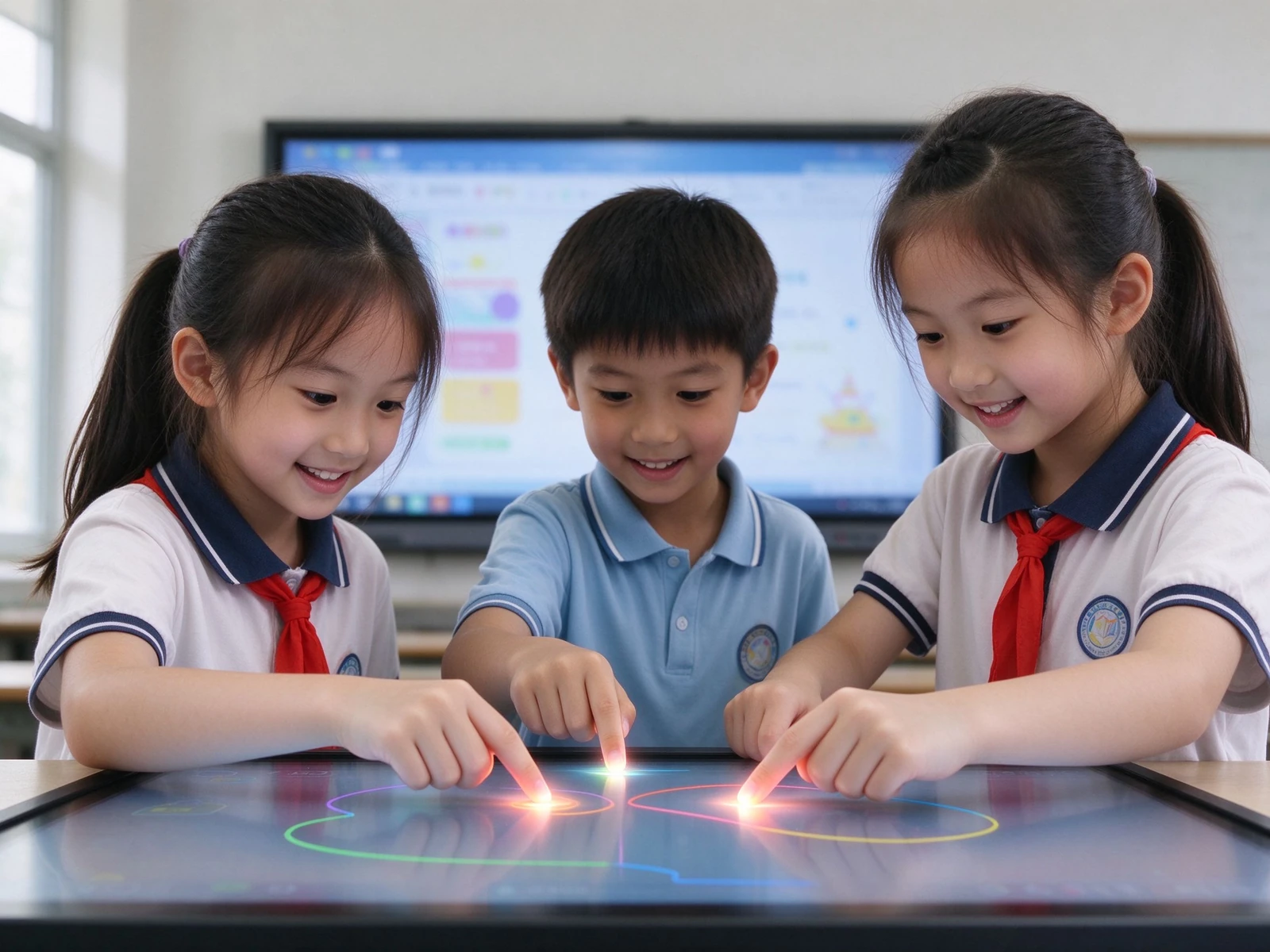
1.การทำงานร่วมกันของนักเรียนหลายคนบนหน้าจอเดียว
- สัมผัส IR 40จุด -นักเรียนหลายคนเขียนตอบและวาดในเวลาเดียวกันภายใต้ทั้ง Android และ Windows
- ปาล์มปฏิเสธและหมึกไวต่อแรงกด -ให้ความรู้สึกเขียนอย่างเป็นธรรมชาติพร้อมอินพุตโดยไม่ได้ตั้งใจน้อยลง
- ทรัพยากรวิชาในตัว -การแสดงดนตรีเทมเพลตและภูมิหลังเรื่องสำหรับบทเรียนทั่วไป
สำหรับผู้นำหลักสูตร:สิ่งนี้แทนที่การนำเสนอ "teacher-only" ด้วยการมีส่วนร่วมในชั้นเรียนที่วัดได้โดยไม่ต้องฝึกครูใหม่บนซอฟต์แวร์ใหม่
2.ไม่มีบทเรียนใดที่หายไปอีก
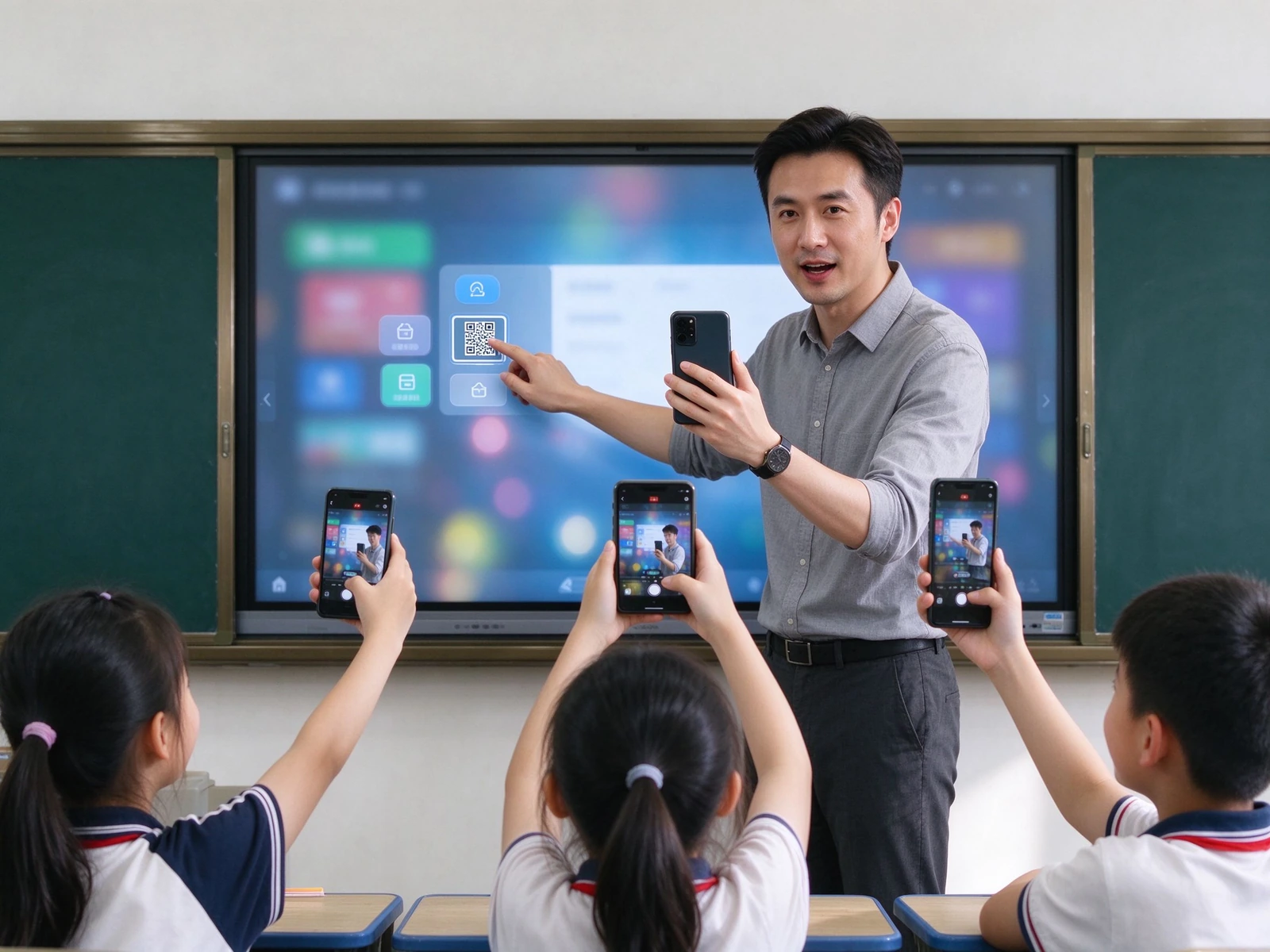
- การบันทึกด้วยปุ่มเดียว -จับลายมือคำอธิบายประกอบและการเปลี่ยนแปลงสไลด์โดยอัตโนมัติ
- QR Code/แชร์ลิงก์ -นักเรียนสแกนและเก็บบทเรียนเต็มรูปแบบบนอุปกรณ์ของตัวเอง
- ส่งออก PDF / PNG -คลังข้อมูลครูทบทวนแผนกการสื่อสารระหว่างผู้ปกครอง
- LMS และการรวมการบรรยายการจับภาพ -ซิงค์เนื้อหาไวท์บอร์ดกับ panopto Echo360หรือระบบบันทึกเขตของคุณ
สำหรับหลัก: บทเรียนที่ดีกลายเป็นสินทรัพย์ของโรงเรียนที่นำกลับมาใช้ใหม่ได้ทบทวนวัสดุจะถูกสร้างขึ้นโดยครูโดยอัตโนมัติ-ไม่มีการทำงานพิเศษ
3.ทุกทรัพยากรในที่เดียวไม่มีสายเคเบิล
- การหล่อแบบไร้สาย -AirPlay, Google Cast, Miracast, dual-band Wi-Fi 6, อุปกรณ์พร้อมกัน20เครื่อง
- การเข้าถึงระบบคลาวด์และ LMS -Google Drive, onedrive, Dropbox, Google classroom, Microsoft teams
- สื่อการสอนในตัว -โมเดลดาวเคราะห์ตารางธาตุห้องสมุดสูตรและเนื้อหาหลัก
- นำเข้าและคำอธิบายประกอบเพียงคลิกเดียว -เปิด PPT ภาพและวิดีโอโดยตรงบนแผงและทำเครื่องหมายพวกเขาขึ้น
สำหรับผู้บูรณาการ: รองรับความร่วมมือ API / SDK และการผสานรวมกับแพลตฟอร์มทรัพยากรที่ระบุของคุณ
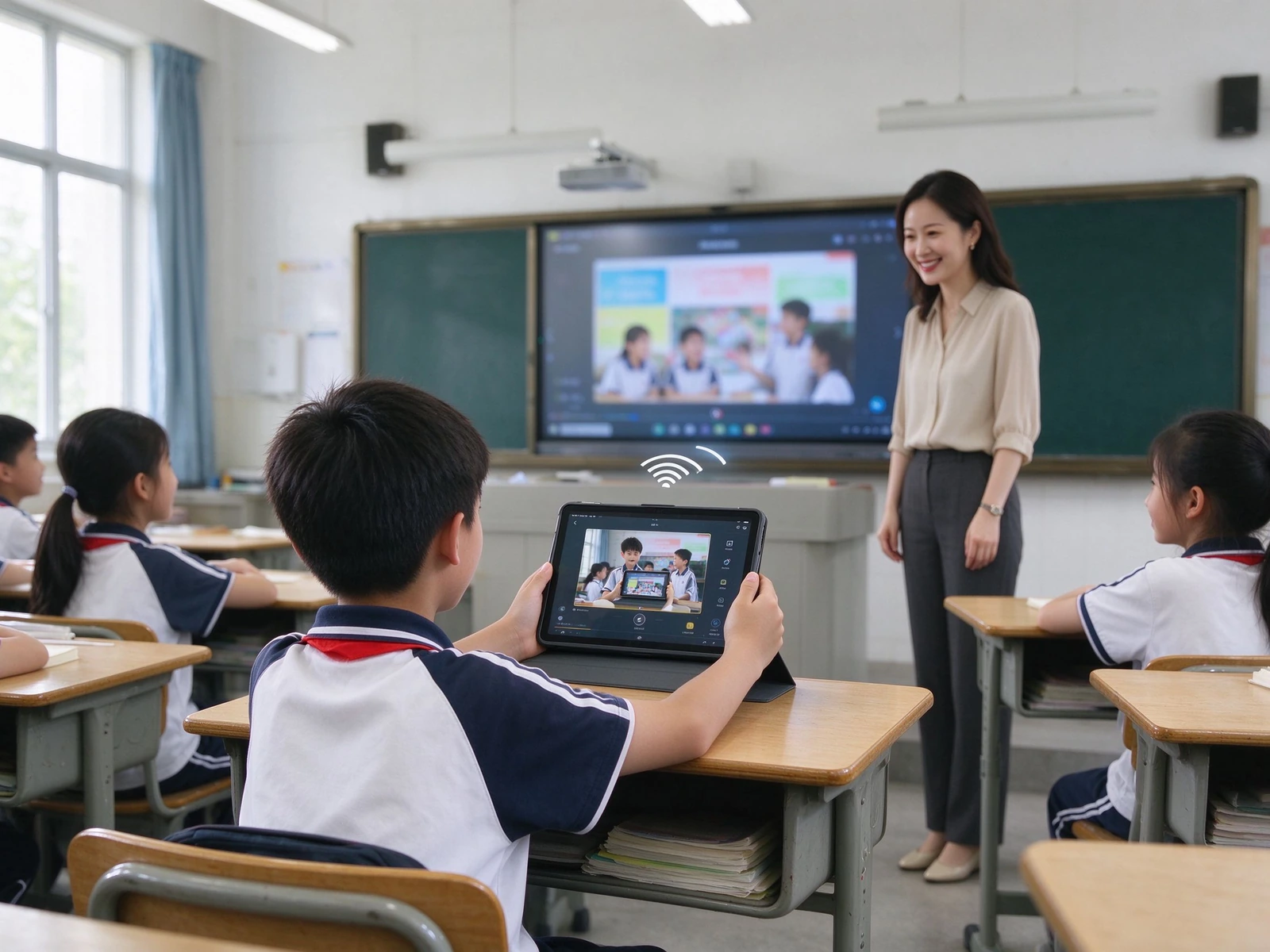
4.อ่านได้ทั้งวันในห้องเรียนใดๆแสง
- จอแสดงผล4K UHD -3840 × 2160ข้อความที่ชัดเจนไดอะแกรมและภาพการทดลองจากแถวหลัง
- กระจกป้องกันแสงสะท้อน -ความแข็ง ≥ Mohs 7ลดการสะท้อนจากแสงและหน้าต่าง
- โหมดดูแลดวงตาเหมือนกระดาษ -กระดาษร่างกระดาษข้าวและพื้นผิวสีน้ำที่มีความโปร่งใสและอุณหภูมิสีที่ปรับได้
- แสงสีฟ้าต่ำและ DC Dimming -ไฟแบ็คไลท์ที่ปราศจากการสั่นไหว, อันตรายจากแสงสีน้ำเงินของจอประสาทตา LB ≤ 0.1 W ·mã ² ·· sr·
- รุ่นที่สอดคล้องกับ Energy Star -สอดคล้องกับเป้าหมายความยั่งยืนของเขต
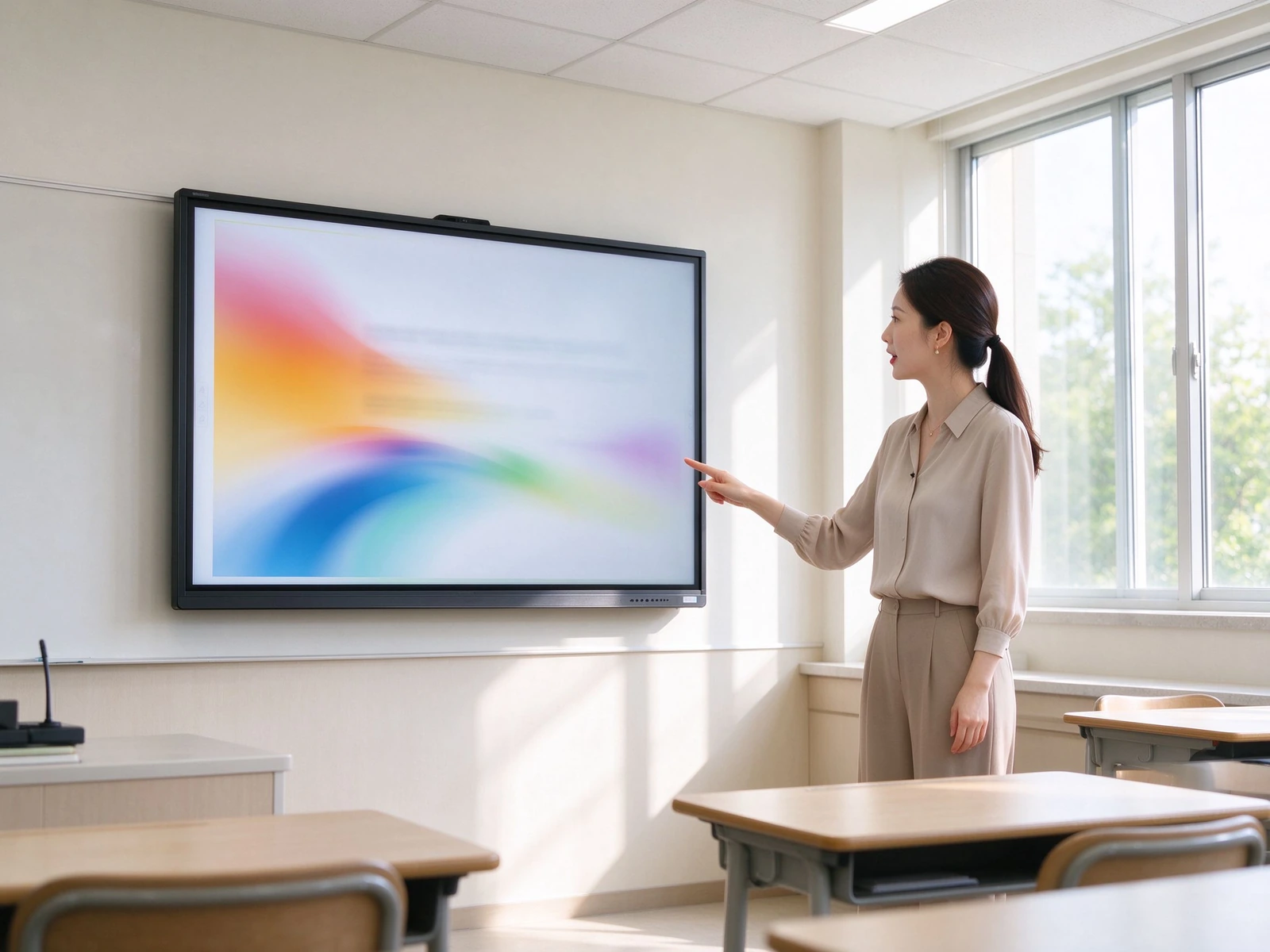
5.สร้างขึ้นสำหรับการตรวจสอบการจัดซื้อไม่ได้กับมัน
- การออกแบบที่เน้น gdpr, ferpa และ COPPA -แนวทางความเป็นส่วนตัวตามการออกแบบสำหรับสภาพแวดล้อมที่ K-12
- การเข้าถึงตามบทบาท -แยกสิทธิ์ครูนักเรียนและผู้ดูแลระบบ
- การปล่อยข้อมูลนักเรียนน้อยที่สุด -ไม่มีการรวบรวมข้อมูลนักเรียนที่ไม่จำเป็นบนอุปกรณ์
- ล็อคระดับอุปกรณ์ -ล็อค USB, ล็อค HDMI, ล็อคหน้าจอ, ล็อคการติดตั้ง APK
- ข้อควรพิจารณาการเข้าถึง508 Ada/ส่วน -สำหรับการปรับใช้ห้องเรียนรวม
สำหรับเขต: เอกสารสามารถใช้ได้สำหรับการตรวจสอบการจัดซื้อและการประเมินผลกระทบการป้องกันข้อมูล
6.ห้องเรียนหลายร้อยห้องคอนโซลเดียว
- ดีเอ็มเอส/เอ็มดีเอ็ม -การจัดการอุปกรณ์จากส่วนกลางในโรงเรียนและเว็บไซต์
- เปิด/ปิดเครื่องตามกำหนดเวลา -สอดคล้องกับตารางเวลาของโรงเรียนและลดการใช้พลังงาน
- การอัพเดตเฟิร์มแวร์ระยะไกลและแอป -ผลักดันการปรับปรุงยานพาหนะทั้งหมดโดยไม่ต้องเยี่ยมชมห้องเรียน
- การตรวจสอบสถานะอุปกรณ์ -สถานะออนไลน์แบบเรียลไทม์และภาพรวมสุขภาพ
- บันทึกการดำเนินงานและเส้นทางการตรวจสอบ -รองรับการกำกับดูแลและการตรวจสอบการปฏิบัติตามข้อกำหนด
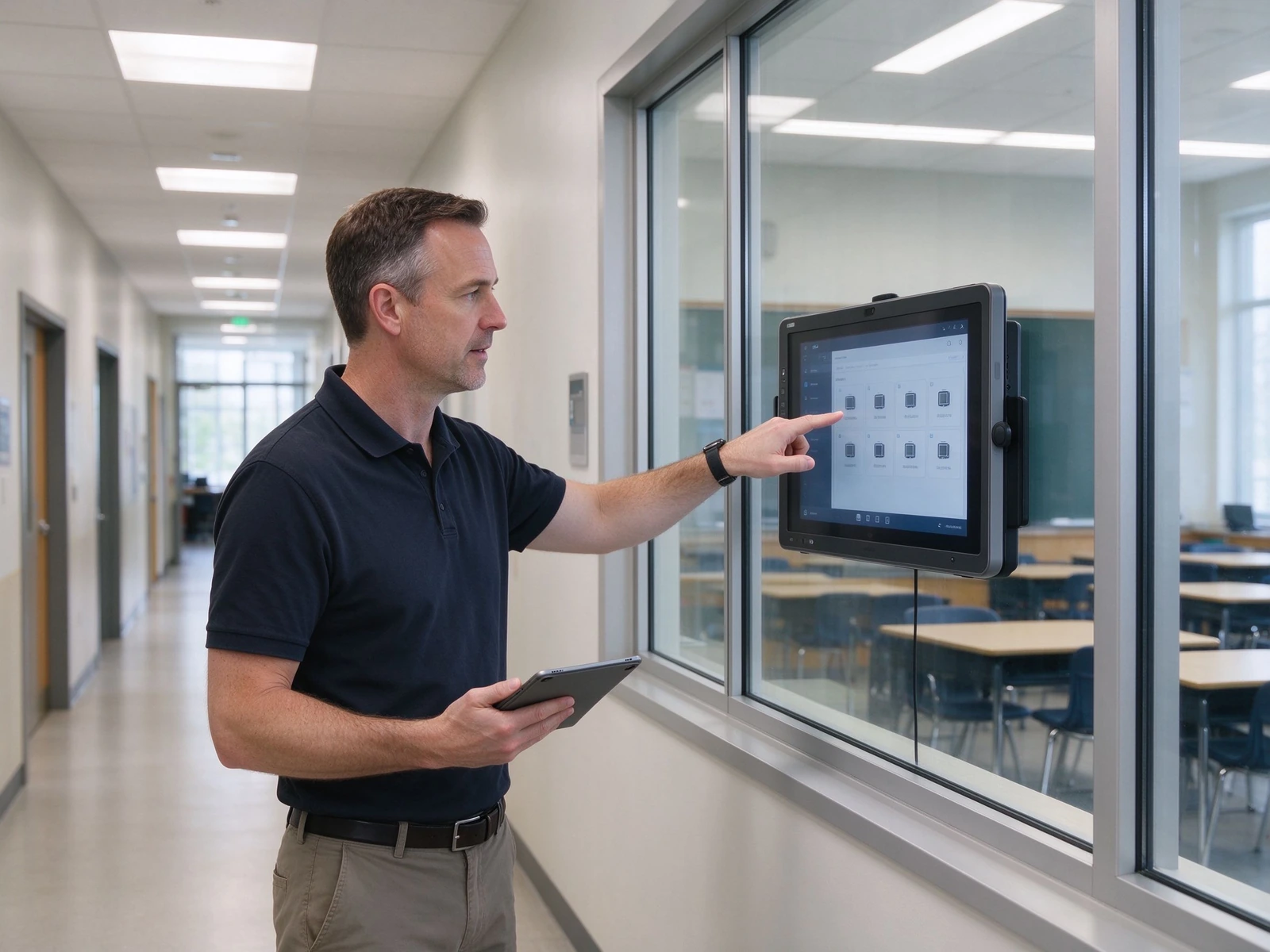
จากนักบินห้องเรียนเดียวไปจนถึงกองเรือเขตกว้าง
ห้าชั้นแต่ละชั้นได้รับการออกแบบมาเพื่อรวมเข้ากับระบบในเขตของคุณได้ทำงานแล้วและปรับขนาดจากห้องนักบินหนึ่งห้องไปจนถึงห้องเรียนหลายร้อยห้องโดยไม่ต้องสถาปัตยกรรมใหม่
การกำหนดค่าสามแบบเพื่อเพิ่มความเร็วในข้อมูลจำเพาะและงบประมาณของคุณ
ตรงกับการกำหนดค่าขนาดห้องเรียนและงบประมาณการเลือกขั้นสุดท้ายควรตรวจสอบความลึกของห้องและระยะการดูจากแถวสุดท้ายเสมอ
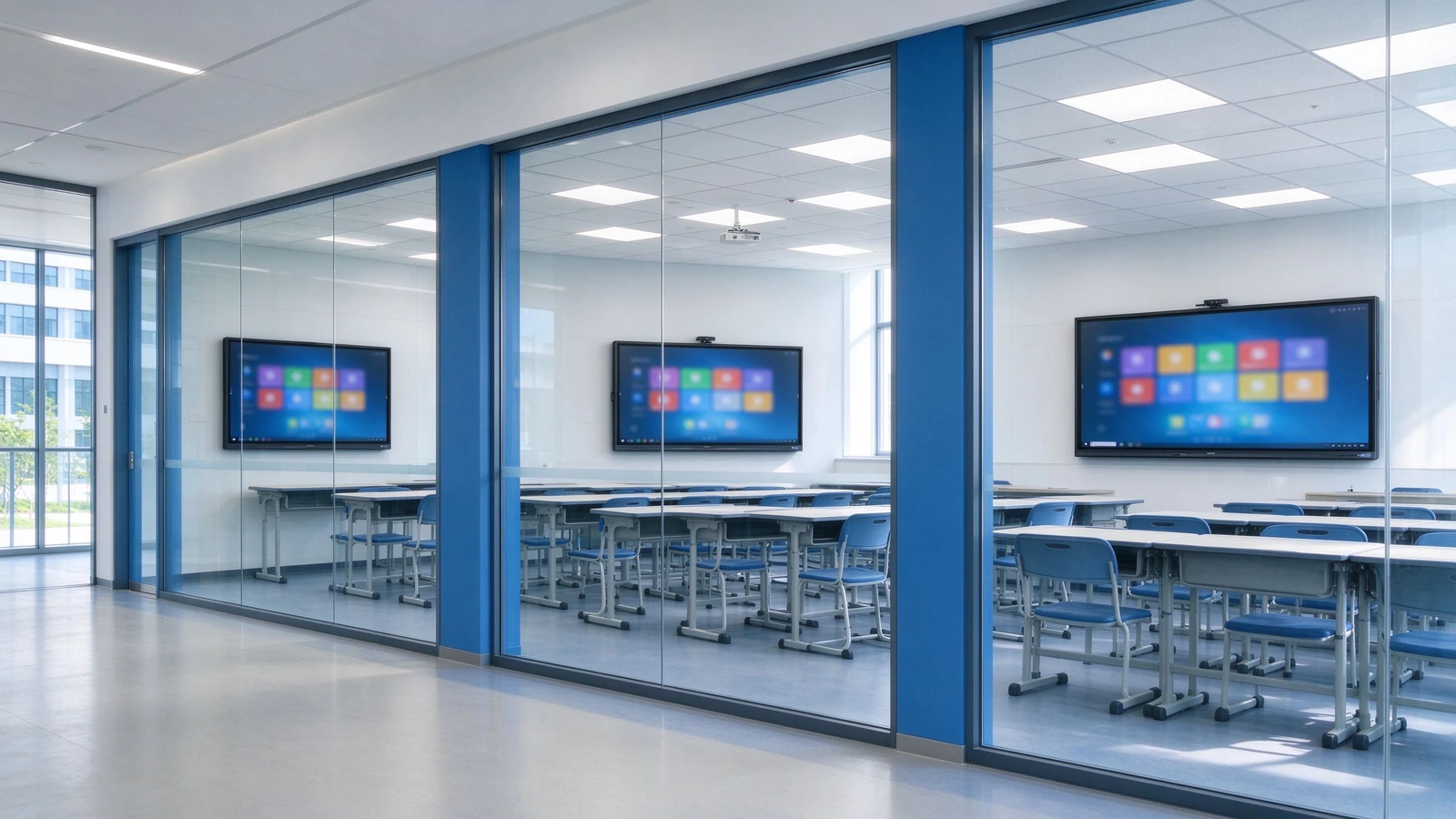
| การกำหนดค่า | ห้องเรียนขนาด | ขนาดแผงควบคุม | สัมผัสหน้าจอสัมผัส | ระบบสำหรับรถยนต์ | กล้อง/ไมโครโฟน | เสียงออดิโอ | ตัวยึดสำหรับติดตั้ง |
|---|---|---|---|---|---|---|---|
| มาตรฐาน | นักเรียน40-50คน | 75–86" | 40คะแนน | OPS ตัวเลือก Android | อุปกรณ์เสริมกล้อง4K/MIC | 2.2ch, ≥80 W | ขาตั้งผนัง/โทรศัพท์มือถือ |
| ใหญ่ | นักเรียน50-60คน | 86–98" | 40คะแนน | หน้าต่าง Android OPS | กล้อง4K ในตัว/ไมค์ | เสียงที่เพิ่มขึ้น | ติดผนังแบบติดผนัง |
| สินค้าเป็นมิตรต่องบประมาณ | ต่ำกว่า40/นักบิน | 65–75" | สัมผัสพื้นฐาน | แอนดรอยด์ | อุปกรณ์เสริมภายนอก | ลำโพงในตัว | ที่วางโทรศัพท์มือถือ |
การเปรียบเทียบ5ปีดูเหมือนจริงๆ
ค่าใช้จ่ายโปรเจคเตอร์ซ่อนอยู่ในโคมไฟตัวกรองการทำความสะอาดและการบำรุงรักษาห้องโดยห้องเมื่อรวมอยู่ด้วยการเปรียบเทียบจะเปลี่ยนไปตัวเลขด้านล่างเป็นทิศทางเราจะจำลองหมายเลขที่แน่นอนของคุณด้วยคำพูดของคุณ
| มิติข้อมูล | ไวท์บอร์ดโปรเจคเตอร์ | พีซีทีวีพีซี | Qtenboard IFP |
|---|---|---|---|
| ค่าใช้จ่ายด้านบน | กลางกลางกลาง | Medium-low | Medium-high |
| 3–5 year maintenance | High — lamps, filters, cleaning | Medium — PC failures, cables | Low — no lamps, no filters, solid-state components |
| Teaching effectiveness | One-way, low interaction | One-way, no lesson capture | Multi-touch, lesson capture |
| Management efficiency | Manual, room-by-room | คู่มือ | DMS / MDM centralized |
| อายุการใช้งานยาวนานขึ้น | Projector 3–5 years | PC 3–5 years | 10-year class panel |
| พลังงาน | High — lamps, high brightness | กลางกลางกลาง | Low — ENERGY STAR models |
How this table was built: maintenance rows reflect the physical differences between lamp-based projectors and solid-state panels (no consumables, no ceiling access). Energy rows reflect ENERGY STAR-rated operation. Currency figures are intentionally not stated here because they vary by region and quote — request the full TCO workbook and we will model your classroom count, electricity rate and service costs.
From pilot to district-wide rollout in six steps
A standard delivery process for integrators and project teams, with clear deliverables at each stage.
Needs Assessment
Classroom count, room size, existing equipment, resource platforms and compliance requirements.
Solution Design
Device selection, network and cabling plan, resource-platform integration and RFP support.
Pilot Deployment
Installation, commissioning, teacher training and effectiveness evaluation.
District-Wide Rollout
Phased installation, unified configuration, DMS registration and device onboarding.
Acceptance & Training
Functional acceptance, teacher training, IT handover and documentation delivery.
การรับประกันและการสนับสนุน
Warranty policy, RMA process, spare parts, response-time SLA and periodic inspection.
Deployments and certifications you can verify
Deployments and reference projects across our active K-12 markets — Central Asia, Southeast Asia, and Latin America. Exact school names, unit counts, and reference contacts are provided under NDA when you request documentation.
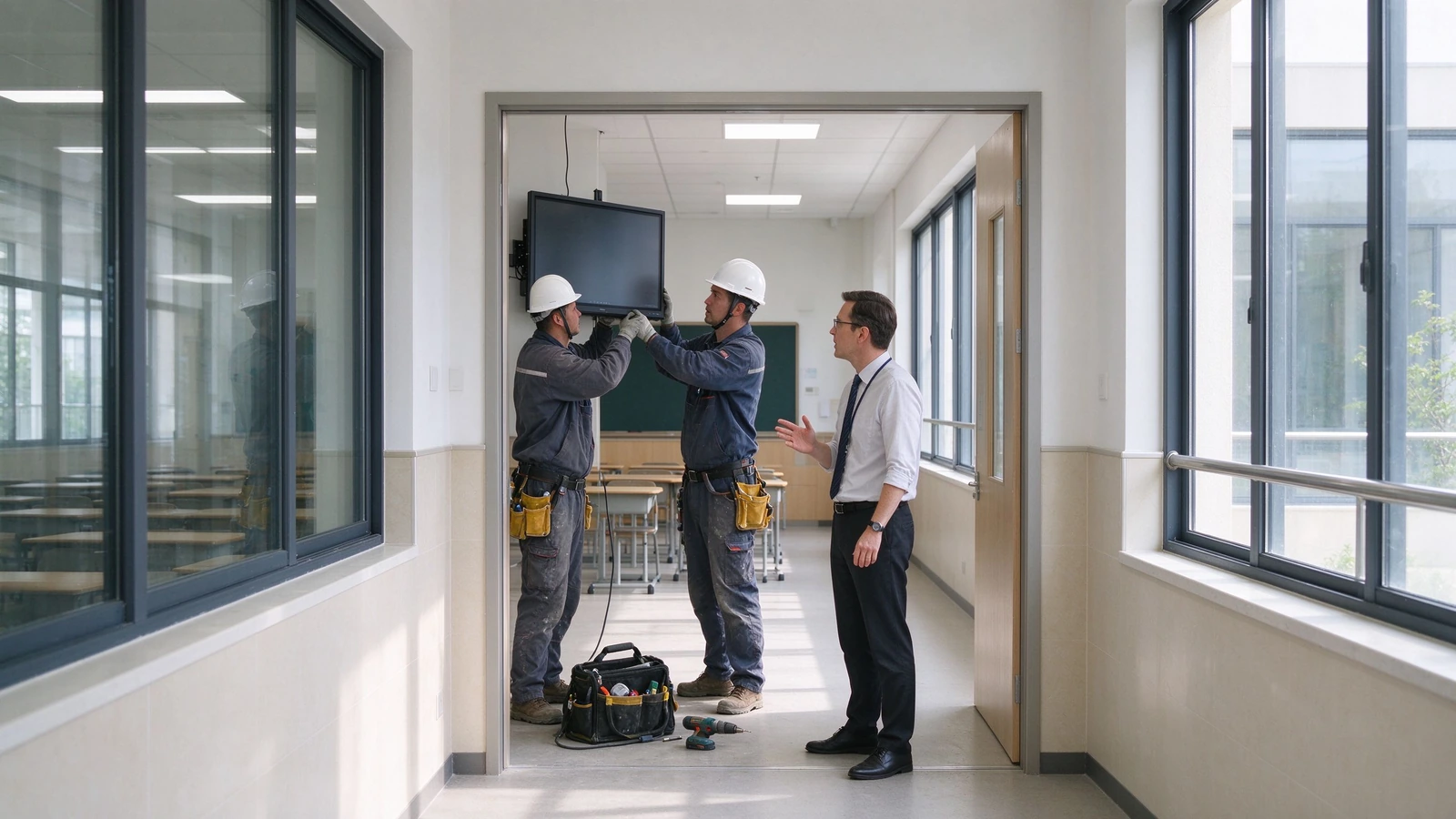
Uzbekistan — Tashkent & Region Schools
Scope: 65–86" interactive flat panels deployed across [number] classrooms in general-education and specialized schools (IT, engineering, natural-science tracks), Android with optional OPS Windows, localized in Uzbek and Russian.
ความท้าทาย: Aging projector-plus-blackboard setups in urban schools, the national push to equip new AI and computer-science classrooms with interactive hardware, and rural sites where lamp replacements and on-site visits were costly.
ผลลัพธ์: No more lamps, filters, or ceiling maintenance. Teachers capture and reuse bilingual lessons via QR sharing, and the education directorate manages the whole fleet from one DMS console.
Kazakhstan — Astana, Almaty & Regional Schools
Scope: 75–86" panels rolled out toward the national 1-panel-per-2-classrooms ratio, integrated with the Bilimland lesson platform and Kundelik / iMektep electronic-journal ecosystem, Kazakh and Russian UI.
ความท้าทาย: Schools needed displays that open Ministry-reviewed interactive lessons directly, run bilingual content, and stay eye-comfortable through long school days — without adding another PC to every room.
ผลลัพธ์: Teachers launch Bilimland interactive lessons straight from the panel, annotate and share them after class, and the school IT team schedules power and pushes updates centrally.
Indonesia — West Java & National Rollout
Scope: 75–86" panels delivered through local integrators under the national digital-learning drive, covering [number] schools in urban West Java and remote 3T-region sites, Bahasa Indonesia UI, with teacher training included.
ความท้าทาย: An archipelago-scale rollout with limited local IT support, high heat and humidity in remote classrooms, and teachers who needed hand-holding — not a hardware drop-off.
ผลลัพธ์: Ruggedized anti-glare panels trained and commissioned by local partners; lesson recording kept reusable content long after training, and DMS monitoring cut repeat site visits.
Ecuador — Quito Metropolitan Educational Units
Scope: 75–86" panels deployed across 55 aulas in Quito municipal units (following the pilot at Unidad Quitumbe), Spanish UI, configured for collaborative group work.
ความท้าทาย: Replacing aging projectors across dispersed municipal units while shifting lessons toward collaborative, multi-student work — and keeping maintenance predictable across the district.
ผลลัพธ์: Multi-touch panels replaced projector fleets in one refurbishment window, students work on-screen in groups, and scheduled power plus remote updates cut weekend technician call-outs.
การรับรองและการปฏิบัติตามข้อกำหนด
CE, FCC, RoHS, ENERGY STAR, ISO 9001 / ISO 14001, plus safety and EMC test reports.
Standards applied include IEC 62368-1 (safety) and FCC Part 15 (EMC).
Warranty & RMA SLA
Warranty length, response-time SLA, on-site service scope, advance-replacement options and training hours — specified per your RFP scoring items.
Partner & Reseller Network
Active distribution and integrator partners in Uzbekistan, Kazakhstan, Indonesia, and Ecuador, with growing coverage across Central Asia, Southeast Asia, and Latin America.
เกี่ยวกับ qtenboard
Interactive-panel manufacturer serving education and enterprise customers worldwide.
Founded 2005· Factory Shenzhen, China · Export markets Central Asia, Southeast Asia, Latin America· Engineering, quality and compliance team available for factory audits and DPIA support.
Answers districts and integrators actually ask for
Specific answers based on Qtenboard specifications and the standards we build against — so you can evaluate without a follow-up round of "please clarify".
Q1: What panel size should we specify for a K-12 classroom?
For a standard classroom of 40–50 students, 75–86" is recommended; for larger rooms of 50–60 students, 86–98". Verify room depth and viewing distance from the last row before acceptance — readability from the back row is a common acceptance checkpoint in district RFPs, and we provide a sizing worksheet with your quote.
Q2: Does it work with Google Classroom and Microsoft Teams?
Yes. The panel supports Google Classroom, Microsoft Teams, Google Drive, OneDrive and common LMS platforms (Canvas, Moodle, Schoology). Wireless casting covers AirPlay, Google Cast and Miracast for teacher and student devices. API / SDK integration with your specified resource platform is available for integrators.
Q3: How do teachers save and share a lesson?
One touch starts recording — handwriting, annotations and slide changes are captured automatically. After class the lesson is shared by QR code or link, and exported as PDF or PNG for archives, department review or parent communication. Whiteboard content can also sync to lecture-capture systems such as Panopto and Echo360.
Q4: How many students can use the screen at once?
The panel supports 40-point IR touch, with 40-point touch and writing under both Android and Windows, so multiple students can answer, draw and collaborate simultaneously.
Q5: How does a district manage and update hundreds of devices?
The built-in DMS / MDM platform provides scheduled power on/off, remote notifications, app management, batch firmware updates, device status monitoring and operation-log queries — designed for school-wide and district-wide fleets.
Q6: What is the warranty?
Warranty 1-3 Years — warranty length, response time, on-site service scope, advance-replacement options and training hours are common scoring items in district RFPs, so we specify them contractually. Ask us for the current policy in your region.
Q7: Does Qtenboard support OEM / ODM and white-label?
ใช่ UI, logo, wallpaper, packaging and pre-installed applications can be customized, with volume pricing and dedicated support for integrators and resellers. See our OEM / ODM services or ask in the quote form.
Q8: How does Qtenboard handle student-data privacy (GDPR, FERPA, COPPA)?
The solution is designed with privacy-by-design principles: role-based access, device-level locks and a minimal student-data footprint. Documentation is available to support district procurement review and data protection impact assessments, and our compliance team can join your review calls.
Standards & sources: specification claims on this page are based on Qtenboard datasheets and test reports (IEC 62368-1 safety, FCC Part 15 EMC, CE, RoHS, ENERGY STAR). Deployment case data must be completed with verified reference projects — requested through the form below. No third-party statistics are used without citation.
