
 spa
spa
 EN
EN  pt
pt  th
th  vie
vie  aze
aze  bel
bel  est
est  lav
lav  ukr
ukr  ru
ru Los proyectores fallan a mitad de la lección, las lecciones se borran y las flotas no se gestionan. Qtenboard arregla los tres.
Reemplace las configuraciones de la pizarra del proyector y de la PC TV con un panel interactivo que registra cada lección, involucra a toda la clase, ejecuta Google Classroom y Microsoft Teams, y se actualiza en todo el distrito, sin una sola lámpara o filtro para reemplazar.
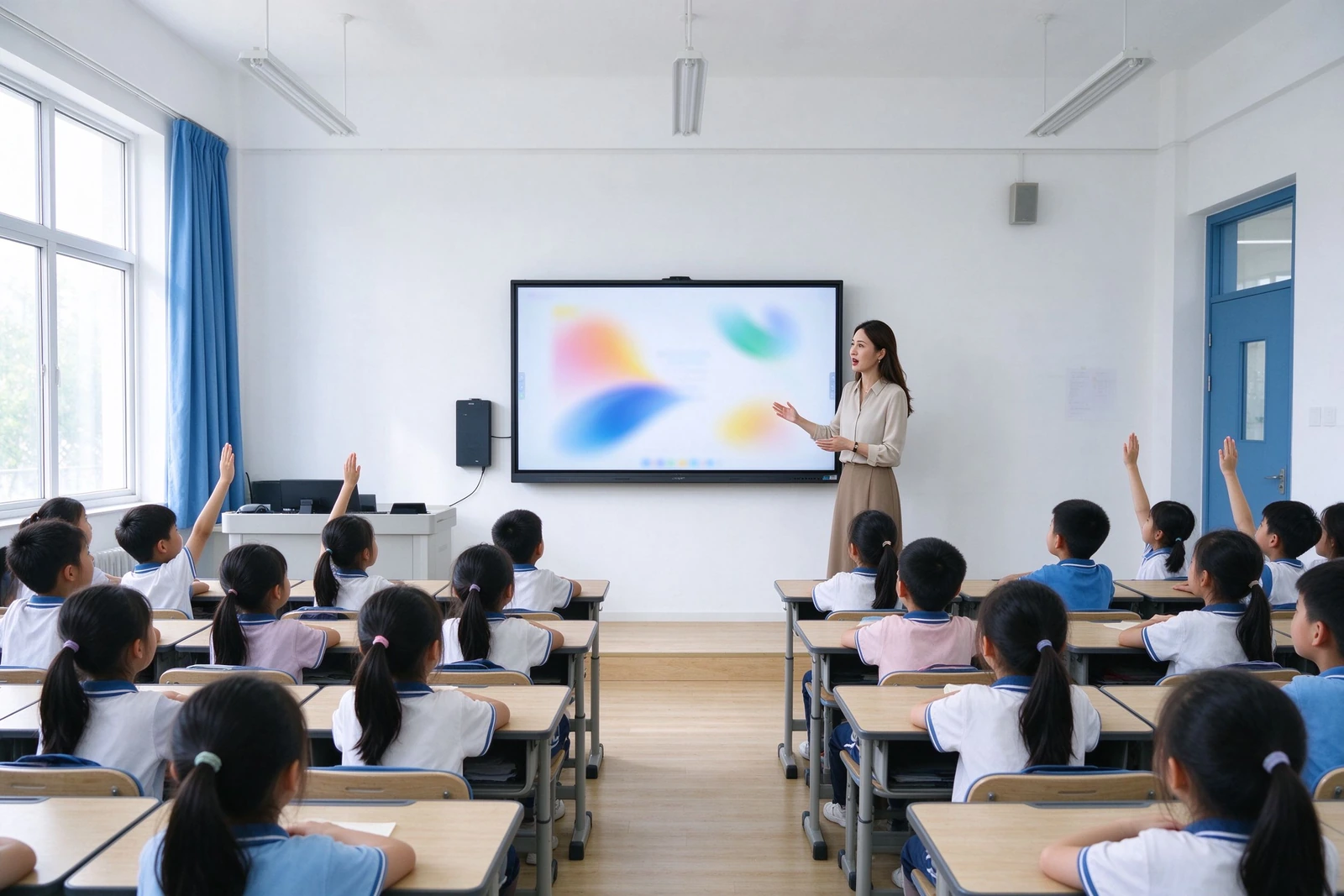
Cada falla a continuación es un ticket de soporte, una lección perdida o una línea de presupuesto que no planificó
Estos son los puntos de falla recurrentes que los distritos informan cuando evalúan la sustitución de proyectores y plataformas de TV PC. Cada uno mapea a una respuesta específica de Qtenboard: no hay marketing vago, solo el mecanismo.
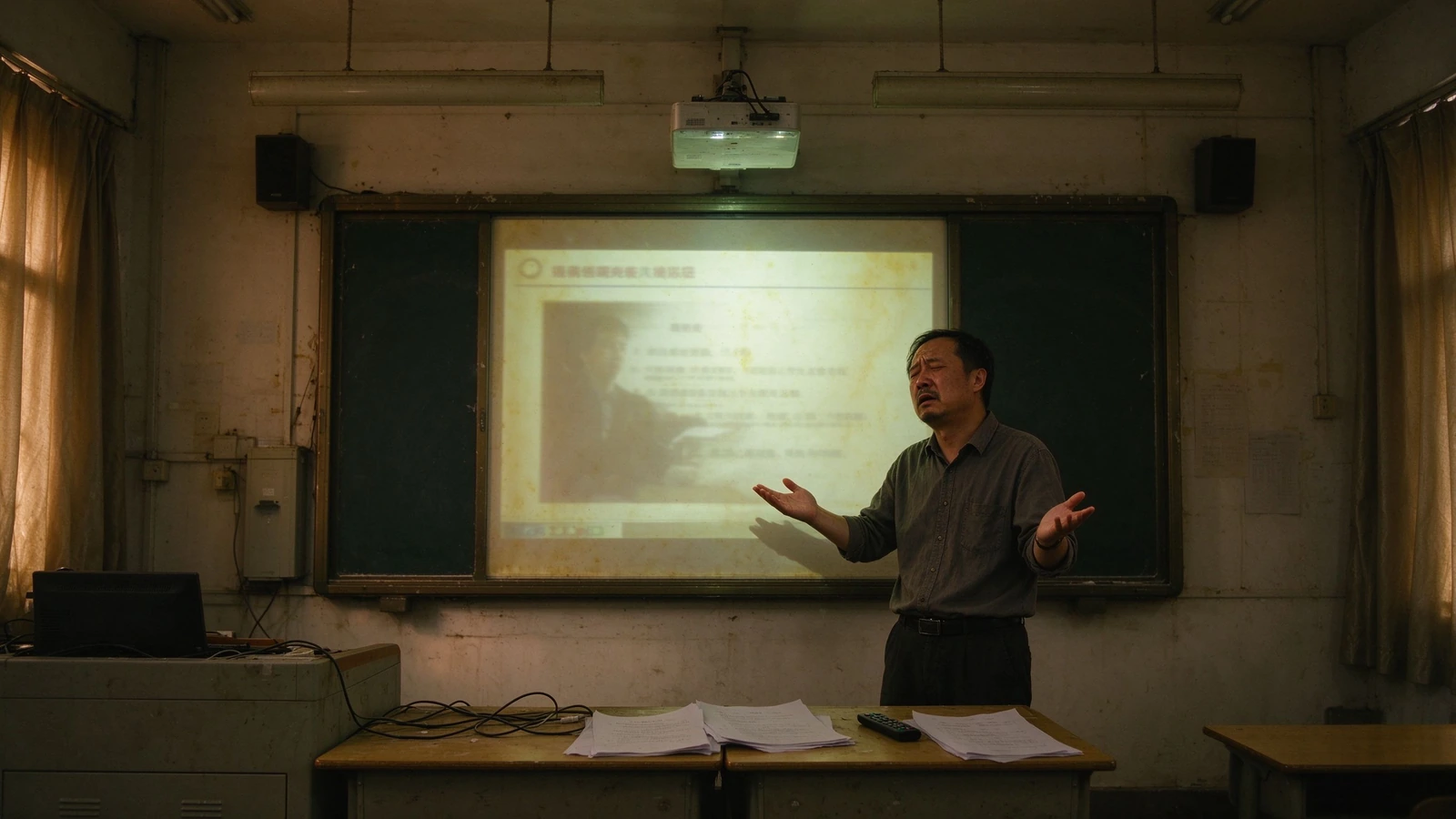
Ciclos de lámpara y filtro
Los proyectores necesitan reemplazos de lámparas y limpieza de filtros en un ciclo recurrente. Cada ciclo significa un aula fuera de servicio y un técnico en el sitio.
Sus hijas: Al-Ways-Muy nativo americano, Vernon, muy pocas desventajas.
Lecciones borradas
Las notas de la pizarra desaparecen cuando suena la campana. No hay material de revisión, no hay registro de estudiantes ausentes, nada reutilizable para el próximo año.
Qtenboard: grabación de un solo toque, intercambio de QR/enlace, exportación de PDF y PNG.
Enseñanza unidireccional
Los proyectores y los televisores se muestran; no interactúan. Un profesor, treinta pantallas pasivas-valor de los estudiantes.
Qtenboard: 40-point multi-touch-los estudiantes escriben, responden y colaboran en el panel.
Gestión manual de la flota
Actualizaciones, parches y correcciones se realizan habitación por habitación, por lo general después de horas. Nadie sabe qué dispositivo está fuera de línea.
Qtenboard: DMS / MDM con actualizaciones remotas, potencia programada, monitoreo de salud en vivo.
Expansión de cable y dispositivo
Potencia HDMI de los altavoces de la PC del proyector. Un cable suelto detiene la lección.
Qtenboard: panel todo en uno con casting inalámbrico-AirPlay, Google Cast, Miracast.
Preguntas de datos de estudiantes
Los dispositivos de aula no administrados plantean problemas de adquisición y privacidad por los que debe responder.
Qtenboard: acceso basado en roles, huella mínimamente fechada, diseño orientado a GDPR / FERPA/COPPA.
Un dispositivo que hace el trabajo de cuatro e informa a su equipo de TI
Qtenboard es una pantalla, una pizarra, una grabadora de lecciones y un punto final administrado en uno. Se ajusta al flujo de trabajo que los maestros ya usan y la pila de administración que su departamento de TI ya ejecuta.
Captura y comparte cada lección
La escritura a mano, las anotaciones y los cambios de diapositivas se registran en un solo toque y se comparten mediante código QR o material de revisión de enlaces, activos de desarrollo profesional y comunicación con los padres en un solo paso.
Involucrar a toda la sala
El toque de 40 puntos convierte el frente del aula en una superficie de colaboración. Las tareas de sondeo, arrastrar y soltar y de grupo mantienen a todos los estudiantes participando, no solo mirando.
Gestionar toda la flota
DMS / MDM le brinda energía programada, actualizaciones remotas de firmware y aplicaciones, estado del dispositivo y registros de auditoría en cientos de aulas desde una consola.
Manténgase en cumplimiento por diseño
Permisos basados en roles, bloqueos a nivel de dispositivo y una huella mínima de datos de los estudiantes están integrados, con documentación lista para la revisión de adquisiciones del distrito y evaluaciones de impacto de protección de datos.
Seis capacidades que responden a las preguntas del comprador-no una hoja de especificaciones
Cada capacidad indica el problema que resuelve y la especificación que lo hace verdadero. Las hojas de datos completas y los informes de prueba están disponibles a petición.
1. colaboración Multi-estudiante en una pantalla
- Tacto de 40-point IR -Varios estudiantes escriben, responden y dibujan al mismo tiempo, tanto en Android como en Windows
- Rechazo de la palma y tinta sensible a la presión Sentir la escritura natural con menos entradas accidentales
- Recursos de materia incorporados — music staves, templates and subject backgrounds for common lessons
For curriculum leaders: this replaces "teacher-only" presentations with measurable in-class participation — without retraining teachers on new software.
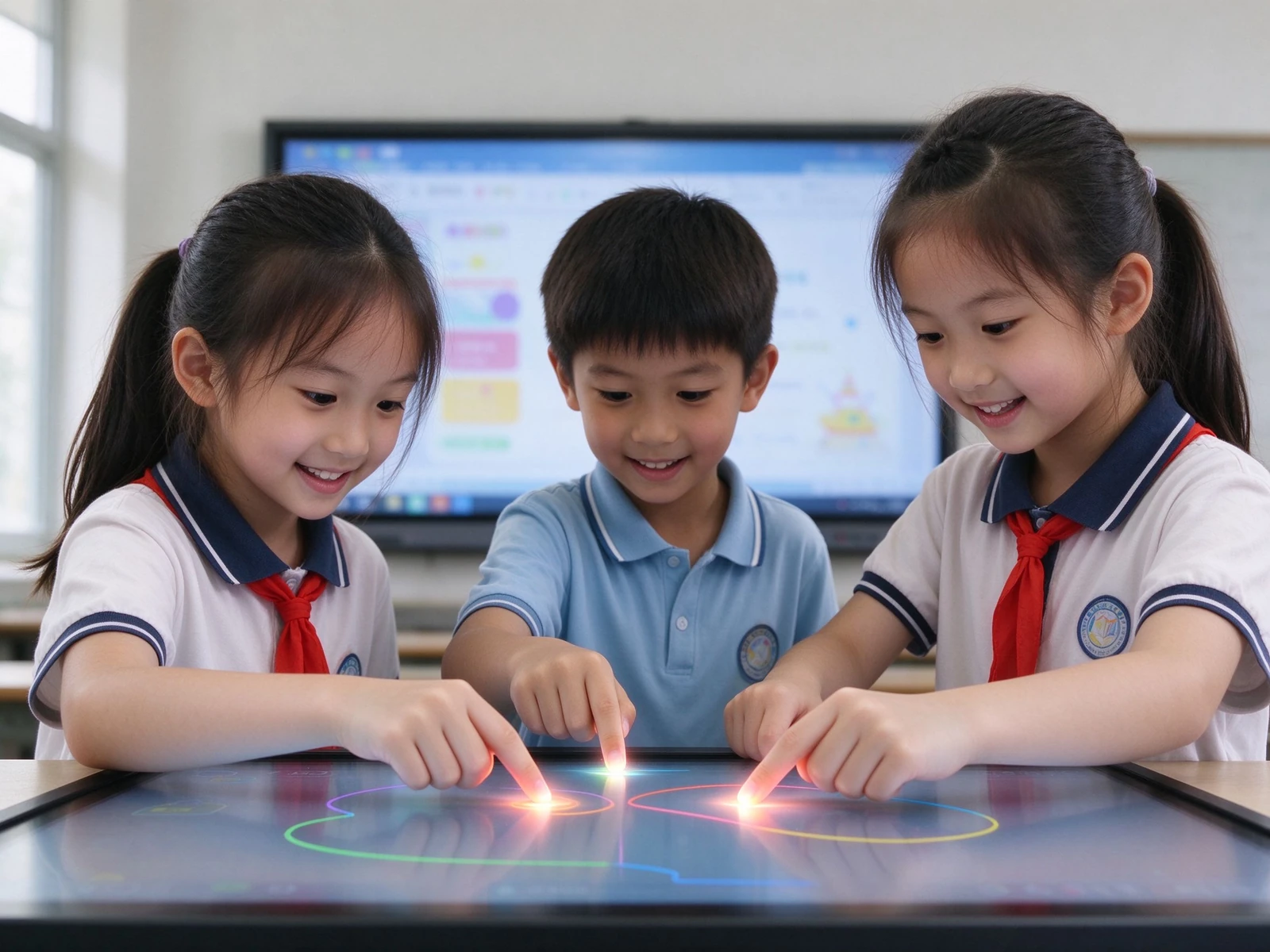
2. No lesson is ever lost again
- One-touch recording — captures handwriting, annotation and slide changes automatically
- QR code / link sharing — students scan and keep the full lesson on their own devices
- Export PDF / PNG — teacher archives, department review, parent communication
- LMS and lecture-capture integration — sync whiteboard content to Panopto, Echo360 or your district recording system
For principals: good lessons become reusable school assets. Review material is generated by teachers, automatically — no extra work.
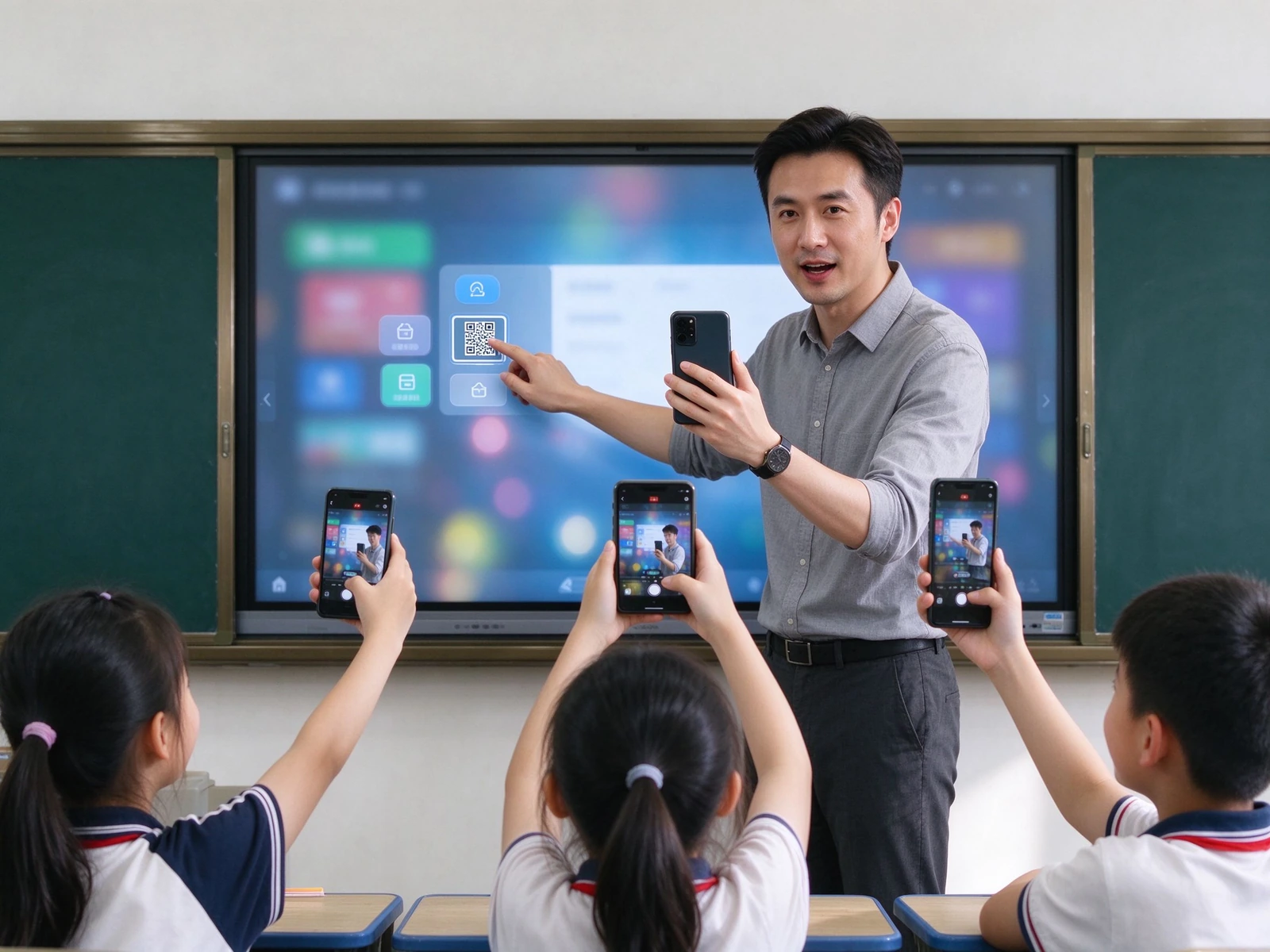
3. Every resource in one place, no cables
- Fundición inalámbrica — AirPlay, Google Cast, Miracast, dual-band Wi-Fi 6, 20+ concurrent devices
- Cloud and LMS access — Google Drive, OneDrive, Dropbox, Google Classroom, Microsoft Teams
- Built-in teaching resources — planet models, periodic tables, formula libraries and subject content
- One-click import and annotation — open PPT, images and video directly on the panel and mark them up
For integrators: API / SDK cooperation and integration with your specified resource platform are supported.
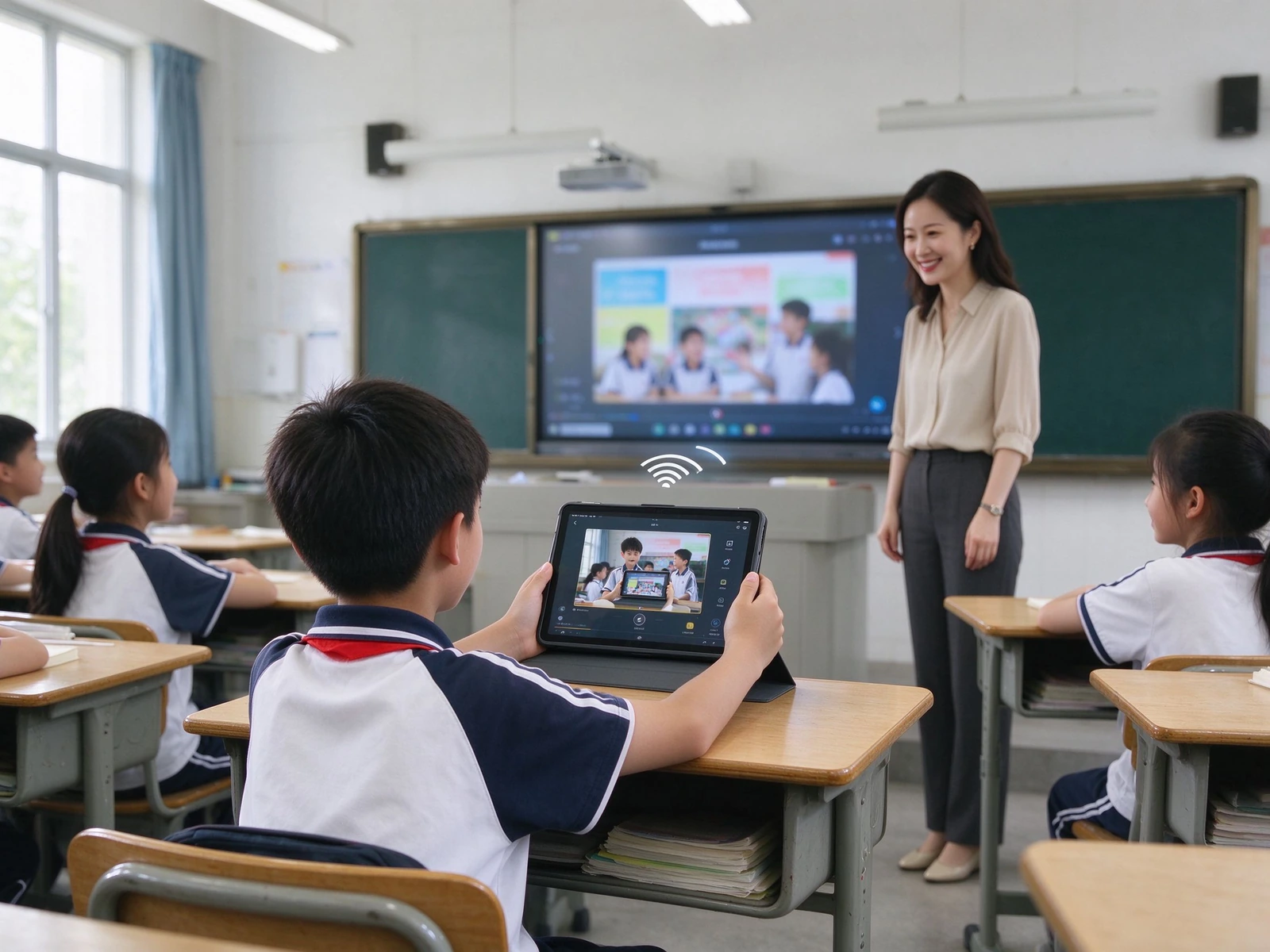
4. Readable all day, in any classroom light
- 4K UHD display — 3840 × 2160, clear text, diagrams and experiment visuals from the back row
- Vidrio antideslumbrante — hardness ≥ Mohs 7, reduces reflection from lights and windows
- Paper-like eye-care modes — sketch paper, rice paper and watercolor textures with adjustable transparency and color temperature
- Low blue light and DC dimming — flicker-free backlight, retinal blue-light hazard LB ≤ 0.1 W·m⁻²·sr⁻¹
- ENERGY STAR compliant models — aligned with district sustainability targets
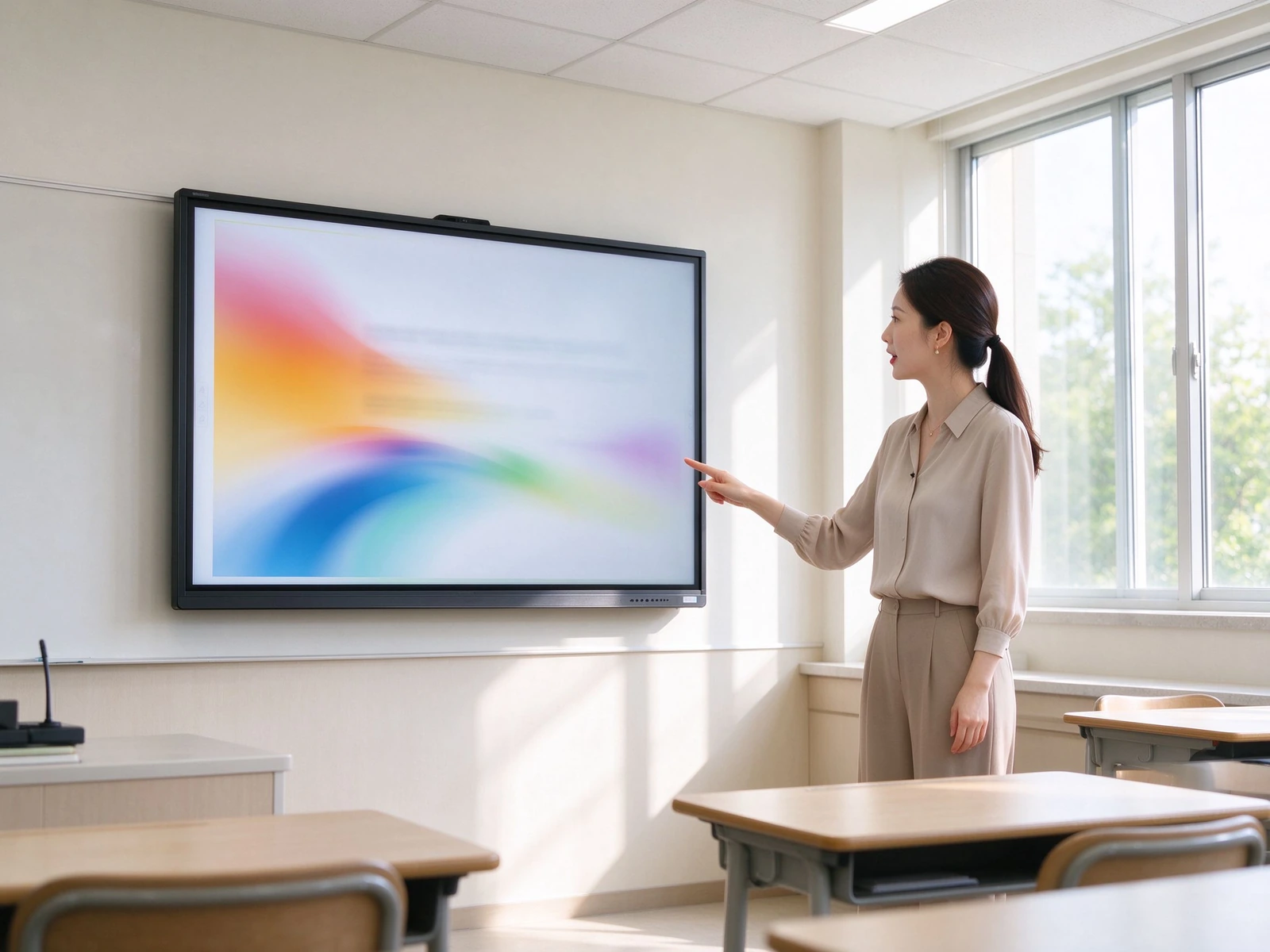
5. Built for procurement review, not against it
- GDPR, FERPA and COPPA-oriented design — privacy-by-design approach for K-12 environments
- Role-based access — separate teacher, student and administrator permissions
- Minimal student-data footprint — no unnecessary student data collection on the device
- Device-level locks — USB lock, HDMI lock, screen lock, APK install lock
- ADA / Section 508 accessibility considerations — for inclusive classroom deployment
For districts: documentation is available for procurement review and data protection impact assessments.
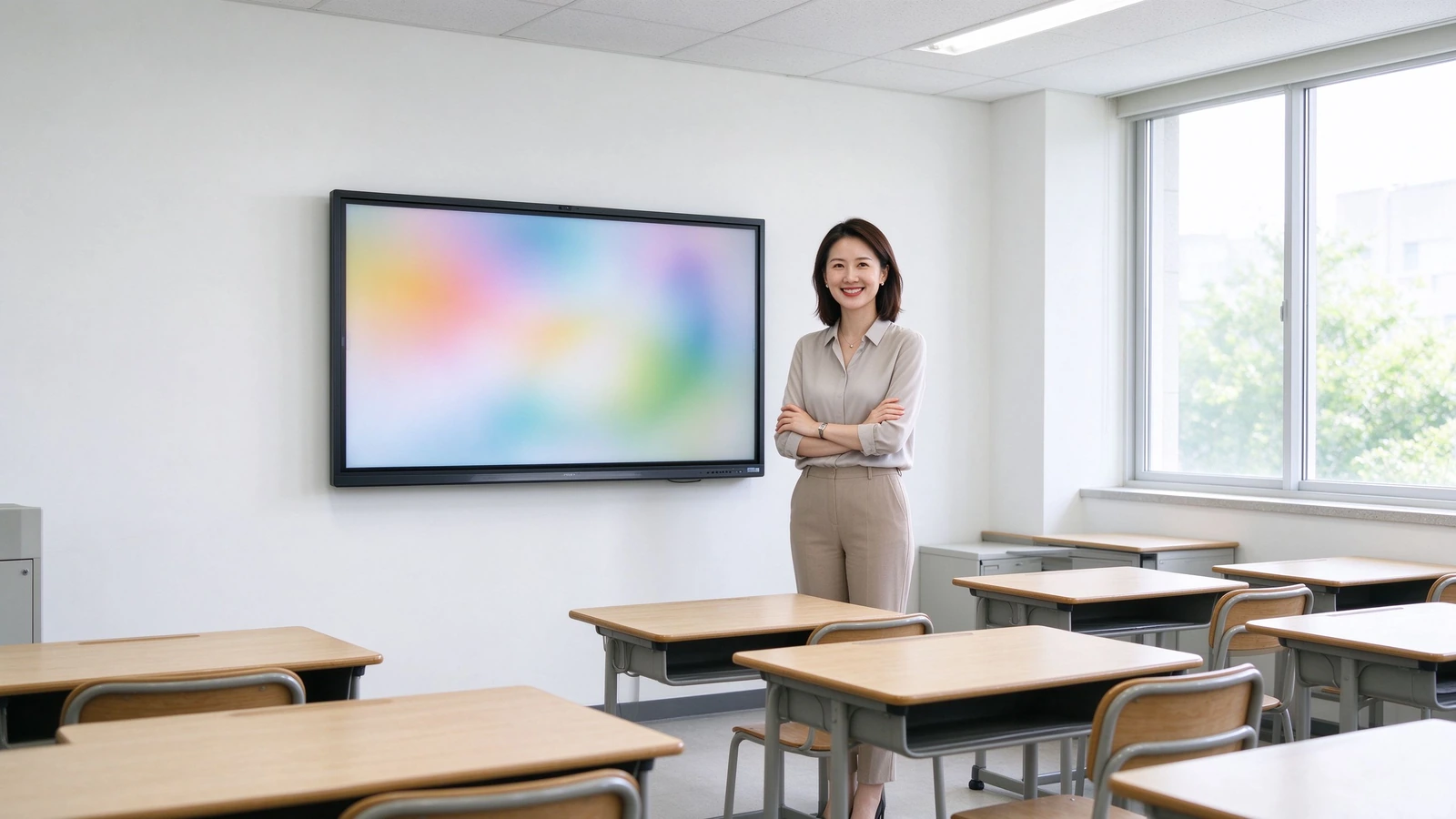
6. Hundreds of classrooms, one console
- DMS / MDM — centralized device management across schools and sites
- Scheduled power on/off — aligns with the school timetable and reduces energy use
- Remote firmware and app updates — push updates to the whole fleet without visiting classrooms
- Supervisión del estado del dispositivo — real-time online status and health overview
- Operation logs and audit trail — supports IT governance and compliance checks
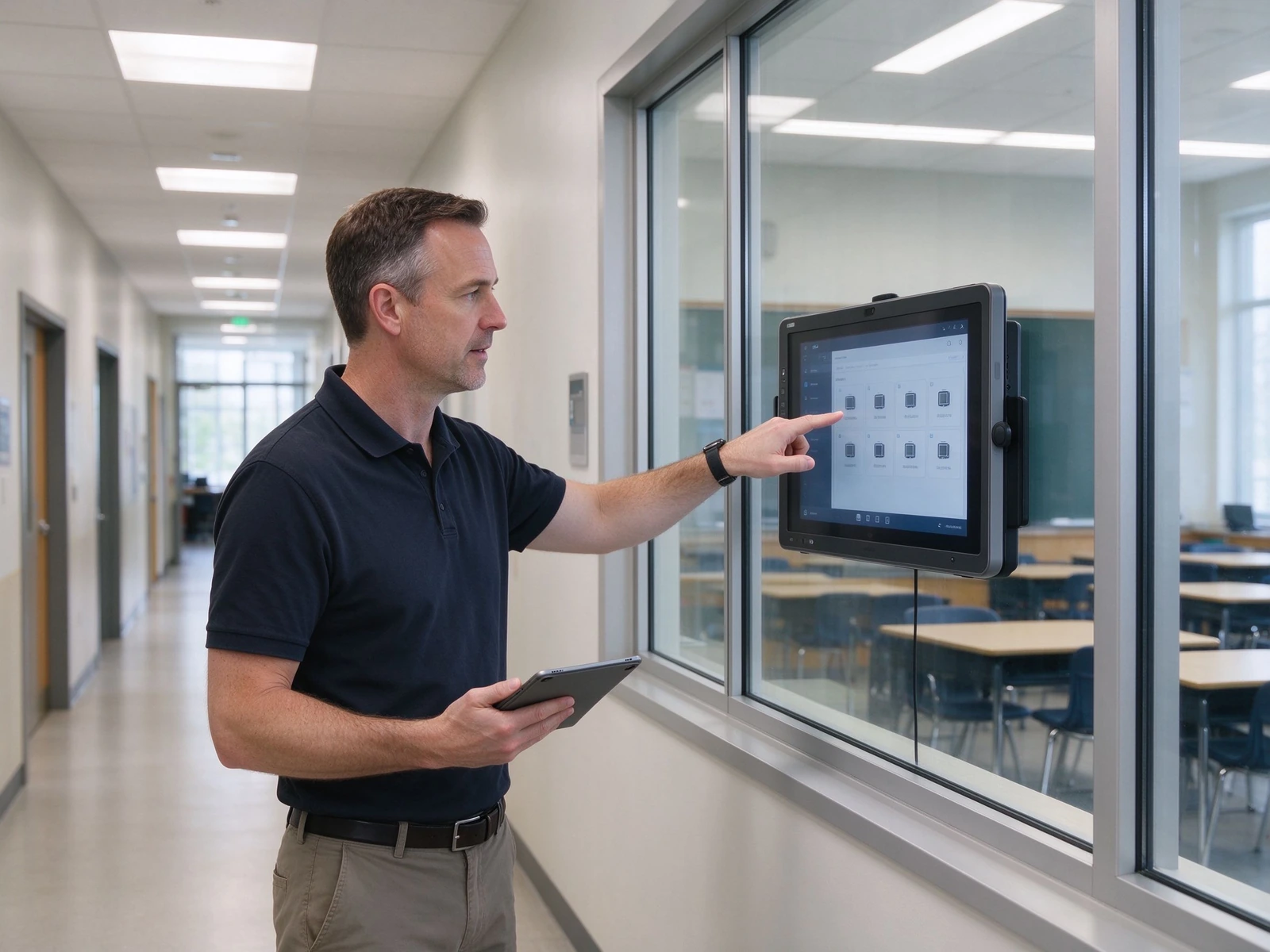
From a single classroom pilot to a district-wide fleet
Five layers, each designed to integrate with the systems your district already runs — and to scale from one pilot room to hundreds of classrooms without re-architecting.
Three configurations to speed up your spec and budget
Match the configuration to classroom size and budget. Final selection should always verify room depth and viewing distance from the last row.
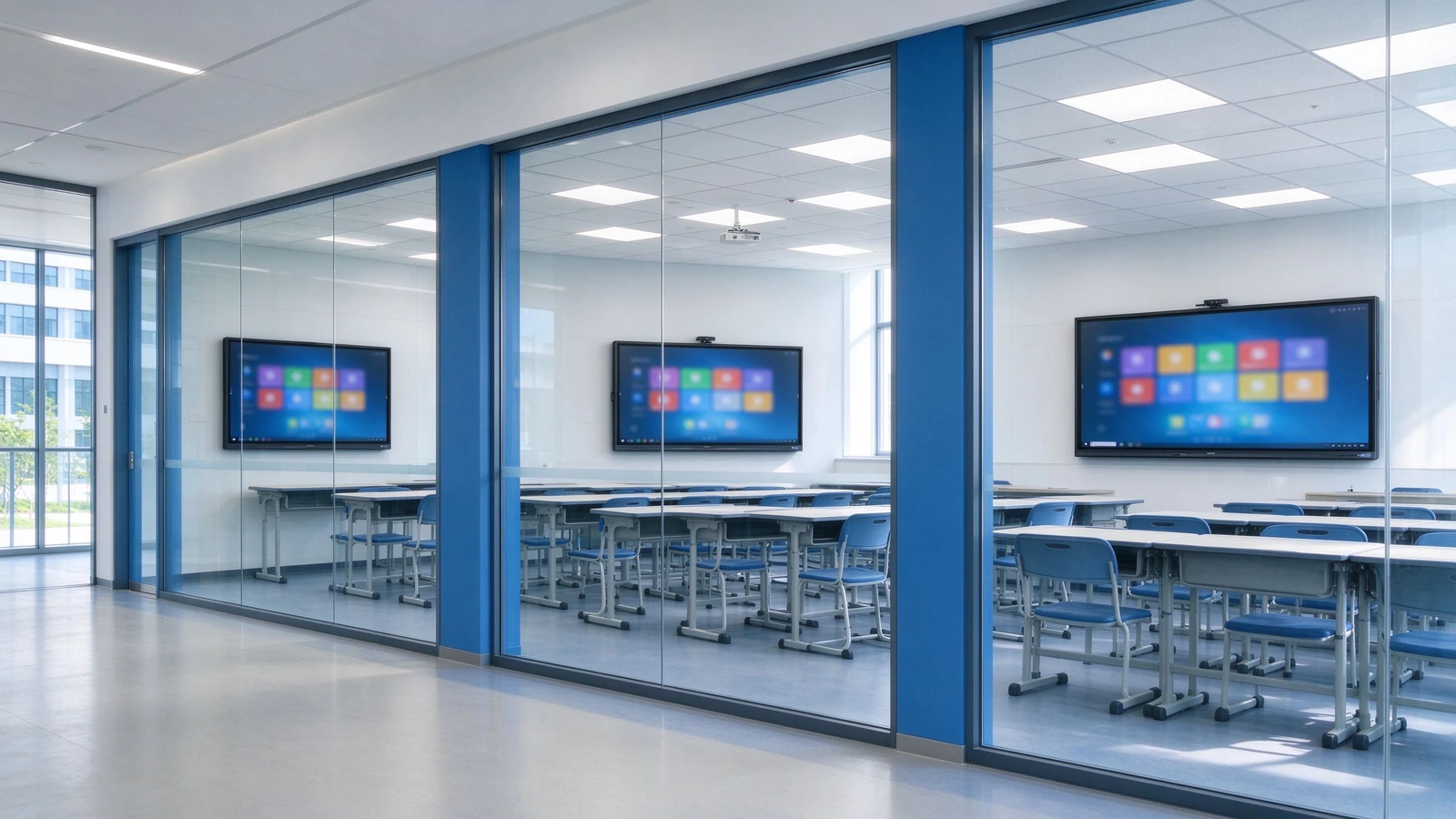
| Configuración | Classroom Size | Tamaño del panel | Toque | Sistema | Camera / Mic | Audio | Monte |
|---|---|---|---|---|---|---|---|
| Estándar | 40–50 students | 75–86" | 40 puntos | Android + optional OPS | Optional 4K camera / mic | 2.2ch, ≥80 W | Wall / mobile stand |
| Large | 50–60 students | 86–98" | 40 puntos | Android + OPS Windows | Built-in 4K camera / mic | Enhanced audio | Montaje en pared |
| Budget-friendly | Under 40 / pilot | 65–75" | Basic touch | Android | Optional external | Altavoces incorporados | Stand móvil |
What a 5-year comparison actually looks like
Projector costs hide in lamps, filters, cleaning and room-by-room maintenance. When those are included, the comparison changes. Figures below are directional; we will model your exact numbers with your quotes.
| Dimensión | Pizarra para proyector | TV + PC | Qtenboard IFP |
|---|---|---|---|
| Costo inicial | Medio | Medium-low | Medio-alto |
| 3–5 year maintenance | High — lamps, filters, cleaning | Medium — PC failures, cables | Low — no lamps, no filters, solid-state components |
| Teaching effectiveness | One-way, low interaction | One-way, no lesson capture | Multi-touch, lesson capture |
| Management efficiency | Manual, room-by-room | Manual | DMS / MDM centralized |
| Vida útil | Projector 3–5 years | PC 3–5 years | 10-year class panel |
| Energía | High — lamps, high brightness | Medio | Low — ENERGY STAR models |
How this table was built: maintenance rows reflect the physical differences between lamp-based projectors and solid-state panels (no consumables, no ceiling access). Energy rows reflect ENERGY STAR-rated operation. Currency figures are intentionally not stated here because they vary by region and quote — request the full TCO workbook and we will model your classroom count, electricity rate and service costs.
From pilot to district-wide rollout in six steps
A standard delivery process for integrators and project teams, with clear deliverables at each stage.
Needs Assessment
Classroom count, room size, existing equipment, resource platforms and compliance requirements.
Solution Design
Device selection, network and cabling plan, resource-platform integration and RFP support.
Pilot Deployment
Installation, commissioning, teacher training and effectiveness evaluation.
District-Wide Rollout
Phased installation, unified configuration, DMS registration and device onboarding.
Acceptance & Training
Functional acceptance, teacher training, IT handover and documentation delivery.
Garantía & Soporte
Warranty policy, RMA process, spare parts, response-time SLA and periodic inspection.
Deployments and certifications you can verify
Deployments and reference projects across our active K-12 markets — Central Asia, Southeast Asia, and Latin America. Exact school names, unit counts, and reference contacts are provided under NDA when you request documentation.
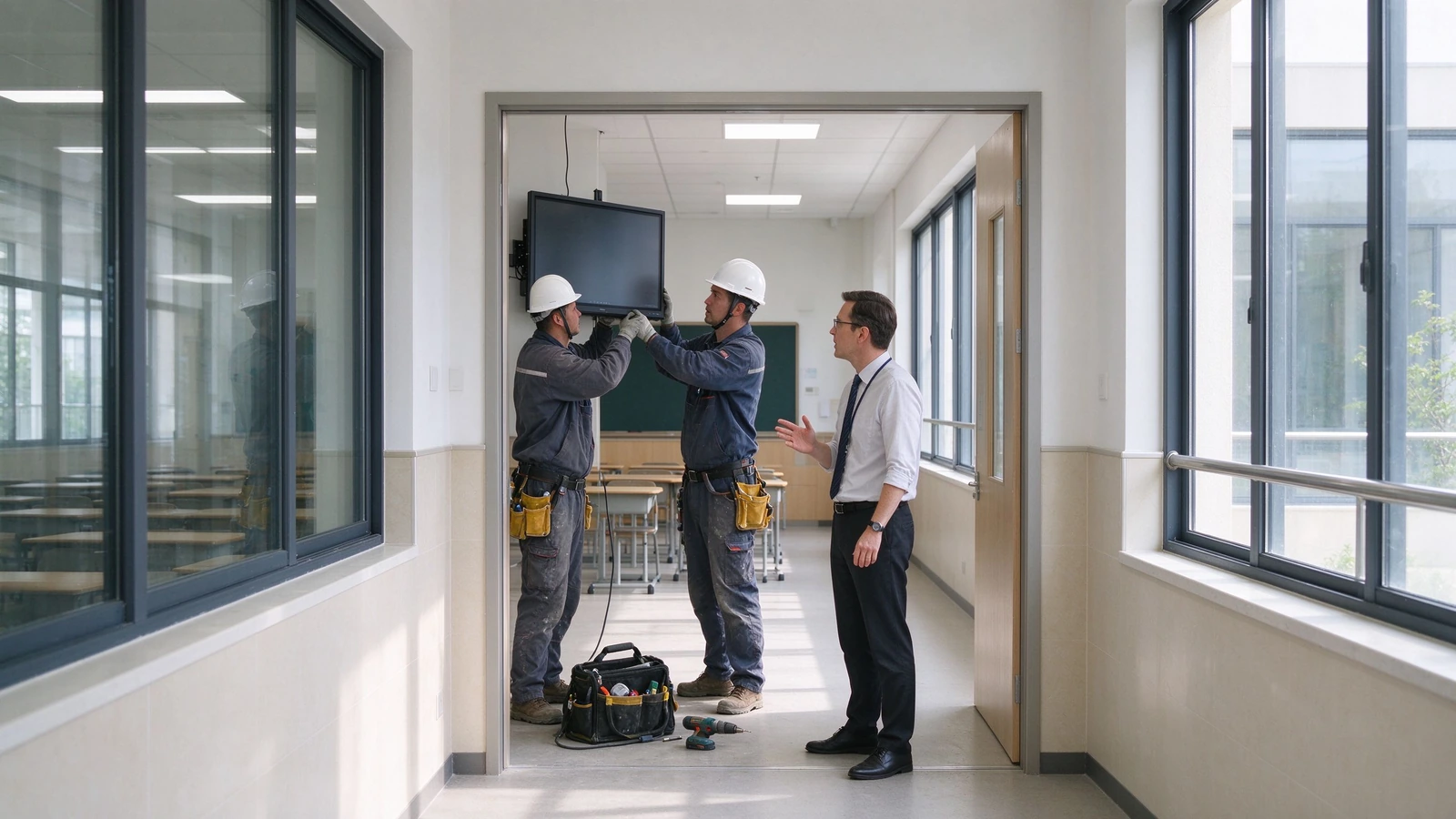
Uzbekistan — Tashkent & Region Schools
Scope: 65–86" interactive flat panels deployed across [number] classrooms in general-education and specialized schools (IT, engineering, natural-science tracks), Android with optional OPS Windows, localized in Uzbek and Russian.
Desafío: Aging projector-plus-blackboard setups in urban schools, the national push to equip new AI and computer-science classrooms with interactive hardware, and rural sites where lamp replacements and on-site visits were costly.
Resultado: No more lamps, filters, or ceiling maintenance. Teachers capture and reuse bilingual lessons via QR sharing, and the education directorate manages the whole fleet from one DMS console.
Kazakhstan — Astana, Almaty & Regional Schools
Scope: 75–86" panels rolled out toward the national 1-panel-per-2-classrooms ratio, integrated with the Bilimland lesson platform and Kundelik / iMektep electronic-journal ecosystem, Kazakh and Russian UI.
Desafío: Schools needed displays that open Ministry-reviewed interactive lessons directly, run bilingual content, and stay eye-comfortable through long school days — without adding another PC to every room.
Resultado: Teachers launch Bilimland interactive lessons straight from the panel, annotate and share them after class, and the school IT team schedules power and pushes updates centrally.
Indonesia — West Java & National Rollout
Scope: 75–86" panels delivered through local integrators under the national digital-learning drive, covering [number] schools in urban West Java and remote 3T-region sites, Bahasa Indonesia UI, with teacher training included.
Desafío: An archipelago-scale rollout with limited local IT support, high heat and humidity in remote classrooms, and teachers who needed hand-holding — not a hardware drop-off.
Resultado: Ruggedized anti-glare panels trained and commissioned by local partners; lesson recording kept reusable content long after training, and DMS monitoring cut repeat site visits.
Ecuador — Quito Metropolitan Educational Units
Scope: 75–86" panels deployed across 55 aulas in Quito municipal units (following the pilot at Unidad Quitumbe), Spanish UI, configured for collaborative group work.
Desafío: Replacing aging projectors across dispersed municipal units while shifting lessons toward collaborative, multi-student work — and keeping maintenance predictable across the district.
Resultado: Multi-touch panels replaced projector fleets in one refurbishment window, students work on-screen in groups, and scheduled power plus remote updates cut weekend technician call-outs.
Certificaciones & Cumplimiento
CE, FCC, RoHS, ENERGY STAR, ISO 9001 / ISO 14001, plus safety and EMC test reports.
Standards applied include IEC 62368-1 (safety) and FCC Part 15 (EMC).
Warranty & RMA SLA
Warranty length, response-time SLA, on-site service scope, advance-replacement options and training hours — specified per your RFP scoring items.
Partner & Reseller Network
Active distribution and integrator partners in Uzbekistan, Kazakhstan, Indonesia, and Ecuador, with growing coverage across Central Asia, Southeast Asia, and Latin America.
Acerca de Qtenboard
Interactive-panel manufacturer serving education and enterprise customers worldwide.
Founded 2005· Factory Shenzhen, China · Export markets Central Asia, Southeast Asia, Latin America· Engineering, quality and compliance team available for factory audits and DPIA support.
Answers districts and integrators actually ask for
Specific answers based on Qtenboard specifications and the standards we build against — so you can evaluate without a follow-up round of "please clarify".
Q1: What panel size should we specify for a K-12 classroom?
For a standard classroom of 40–50 students, 75–86" is recommended; for larger rooms of 50–60 students, 86–98". Verify room depth and viewing distance from the last row before acceptance — readability from the back row is a common acceptance checkpoint in district RFPs, and we provide a sizing worksheet with your quote.
Q2: Does it work with Google Classroom and Microsoft Teams?
Yes. The panel supports Google Classroom, Microsoft Teams, Google Drive, OneDrive and common LMS platforms (Canvas, Moodle, Schoology). Wireless casting covers AirPlay, Google Cast and Miracast for teacher and student devices. API / SDK integration with your specified resource platform is available for integrators.
Q3: How do teachers save and share a lesson?
One touch starts recording — handwriting, annotations and slide changes are captured automatically. After class the lesson is shared by QR code or link, and exported as PDF or PNG for archives, department review or parent communication. Whiteboard content can also sync to lecture-capture systems such as Panopto and Echo360.
Q4: How many students can use the screen at once?
The panel supports 40-point IR touch, with 40-point touch and writing under both Android and Windows, so multiple students can answer, draw and collaborate simultaneously.
Q5: How does a district manage and update hundreds of devices?
The built-in DMS / MDM platform provides scheduled power on/off, remote notifications, app management, batch firmware updates, device status monitoring and operation-log queries — designed for school-wide and district-wide fleets.
Q6: What is the warranty?
Warranty 1-3 Years — warranty length, response time, on-site service scope, advance-replacement options and training hours are common scoring items in district RFPs, so we specify them contractually. Ask us for the current policy in your region.
Q7: Does Qtenboard support OEM / ODM and white-label?
Sí. UI, logo, wallpaper, packaging and pre-installed applications can be customized, with volume pricing and dedicated support for integrators and resellers. See our OEM / ODM services or ask in the quote form.
Q8: How does Qtenboard handle student-data privacy (GDPR, FERPA, COPPA)?
The solution is designed with privacy-by-design principles: role-based access, device-level locks and a minimal student-data footprint. Documentation is available to support district procurement review and data protection impact assessments, and our compliance team can join your review calls.
Standards & sources: specification claims on this page are based on Qtenboard datasheets and test reports (IEC 62368-1 safety, FCC Part 15 EMC, CE, RoHS, ENERGY STAR). Deployment case data must be completed with verified reference projects — requested through the form below. No third-party statistics are used without citation.
