จอแบนแบบโต้ตอบของ qtenboard ช่วยหน่วยงานภาคสาธารณะและองค์กรต่างๆเรียกใช้การประชุมแบบไร้กระดาษเปิดใช้งานการทำงานร่วมกันแบบไฮบริดและจัดการอุปกรณ์ในห้องประชุมที่มีตัวเลือกที่พร้อมตามมาตรฐานสำหรับ gdpr, NIST, TAA, และมาตรา508
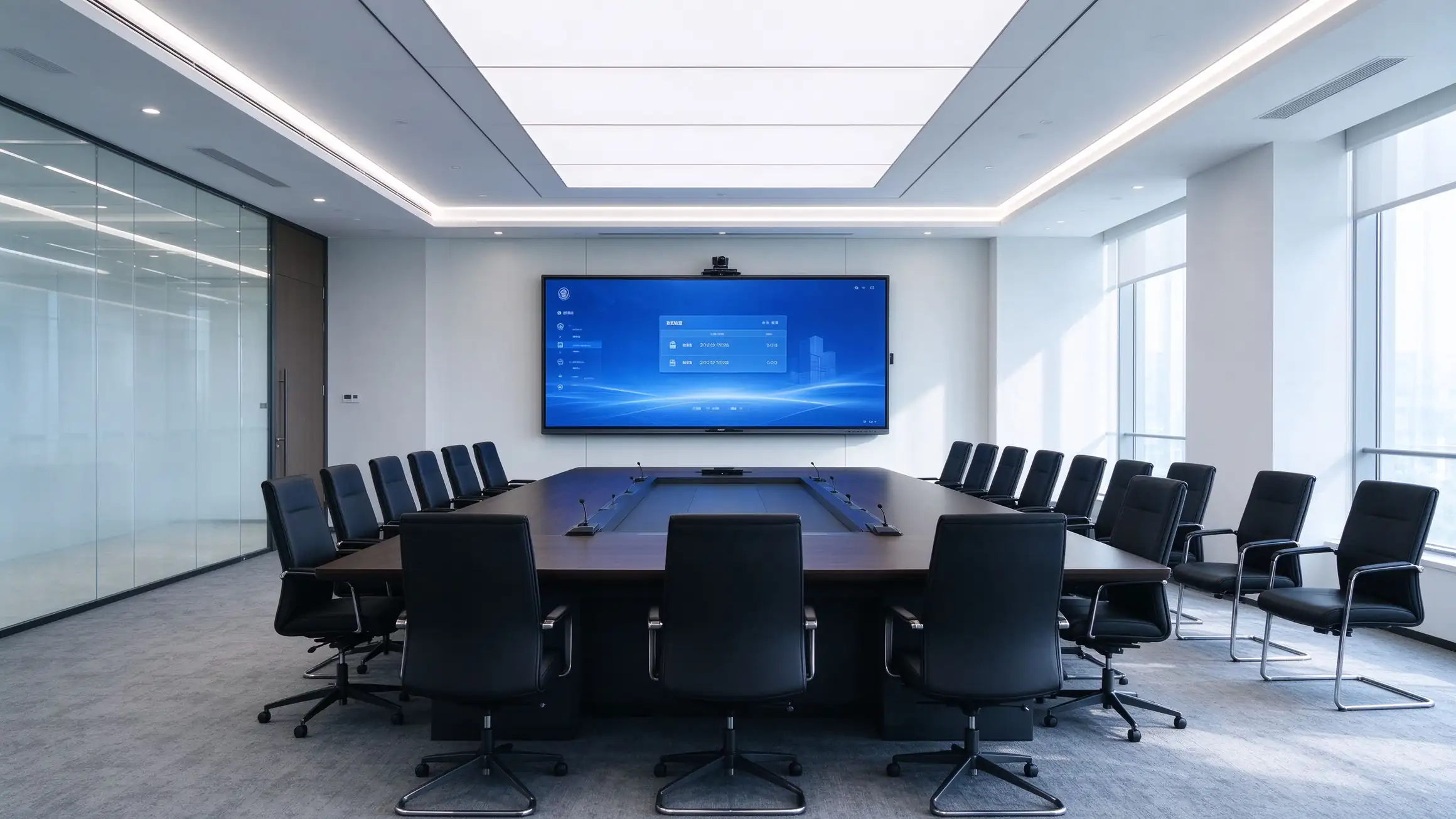
การตัดสินใจจัดซื้อจัดจ้างขับเคลื่อนด้วยงานไฮบริดเอกสารไร้กระดาษภาระผูกพันที่ปฏิบัติตามข้อกำหนดและความจำเป็นในการจัดการและค่าใช้จ่ายที่คาดการณ์ได้
การทำงานร่วมกันจากระยะไกลที่ราบรื่นและการนำเสนอแบบไร้สายเป็นเดิมพันตารางสำหรับทุกห้องประชุม
Digital agendas, นาทีและการแชร์เอกสารช่วยลดต้นทุนของเสียและการสัมผัสกับความปลอดภัย
การปฏิบัติตามข้อกำหนดการจัดซื้อภาคสาธารณะการเข้าถึงและความโปร่งใสของห่วงโซ่อุปทาน
ทีมไอทีต้องการทัศนวิสัยของยานพาหนะการอัปเดตจากระยะไกลและ TCO 5ปีที่คาดการณ์ได้ในทุกห้อง
ห้องประชุมต้องทำงานร่วมกับ Microsoft, ZOOM, Cisco และ Google ecosystems ที่ใช้งานอยู่แล้ว
การเข้ารหัสการควบคุมการเข้าถึงและข้อกำหนดการป้องกันข้อมูลใช้กับอุปกรณ์ที่เชื่อมต่อทุกเครื่อง
แพลตฟอร์มหนึ่งที่ให้บริการผู้ที่ซื้อสินค้าคนที่ใช้งานและคนที่ปรับใช้มัน
ห้องของสภาห้องประชุมและห้องประชุมสาธารณะพร้อมตัวเลือกการปรับใช้ตามข้อกำหนด
เทคโนโลยีห้องประชุมที่ได้มาตรฐานทั่วทั้งสำนักงานภูมิภาคและไซต์งานไฮบริด
Oem/odm ฉลากสีขาวราคาจำนวนมากและโปรแกรมพันธมิตรที่มีโครงสร้าง
ข้อกำหนดพร้อม RFP ตัวเลือก TAA และการสนับสนุนสัญญาแบบร่วมมือ
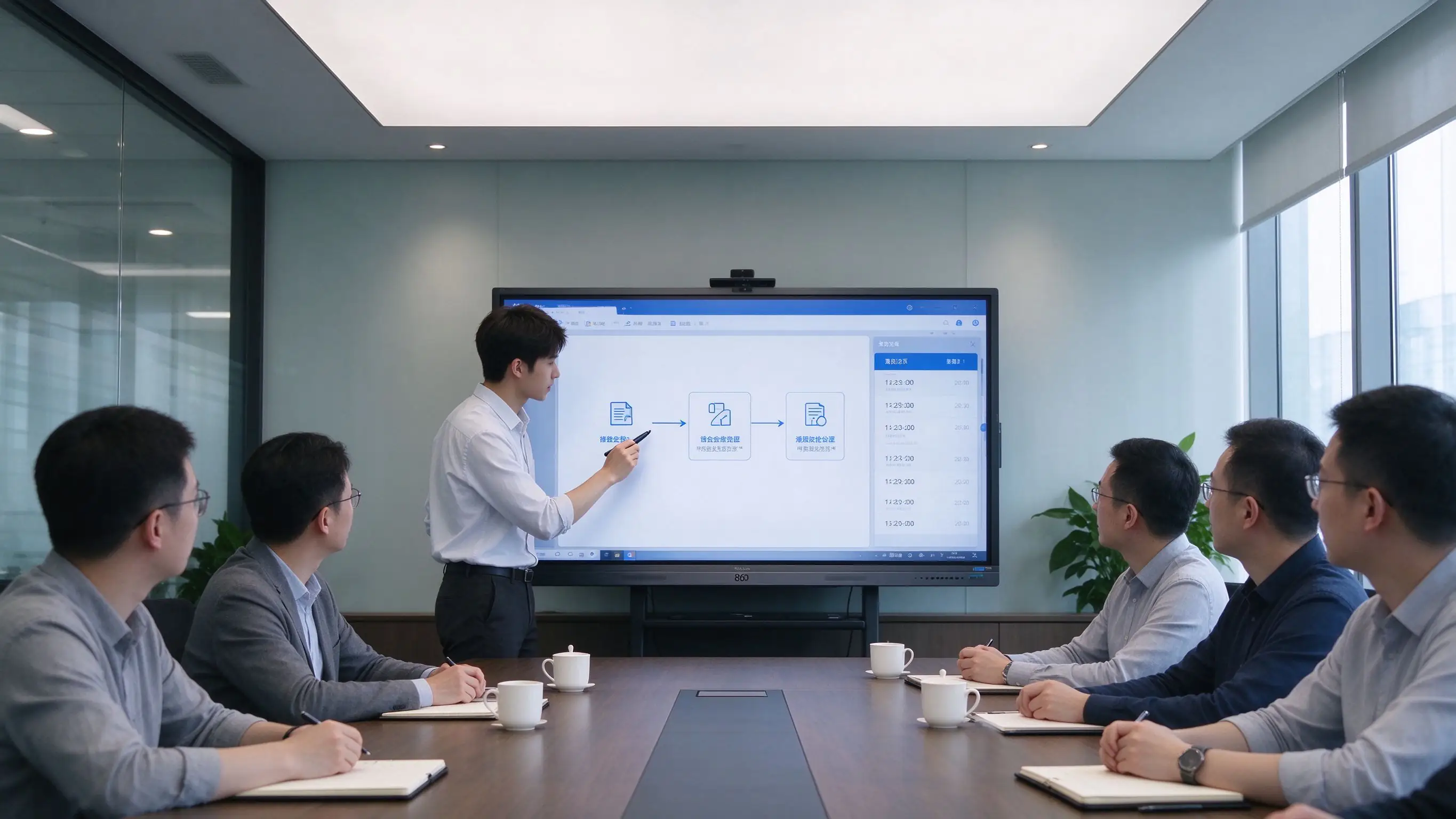
ตั้งแต่การเตรียมวาระจนถึงจดหมายเหตุ-ทุกขั้นตอนของการประชุมจะทำงานบนจอแบนแบบโต้ตอบเดียว
| เฟส | จะเกิดอะไรขึ้นบนแผง qtenboard |
|---|---|
| ก่อนการประชุม | วาระการประชุมเอกสารและการนำเสนอจัดทำขึ้นใน Microsoft 365, Google Workspace หรือ DMS ขององค์กรวัสดุมีการกระจายแบบดิจิทัล-ไม่มีการพิมพ์ไม่มีการพิมพ์ใหม่หลังจากการแก้ไข |
| ระหว่างการประชุม | การนำเสนอแบบไร้สายจากแล็ปท็อปและอุปกรณ์พกพาคำอธิบายประกอบกระดานไวท์บอร์ดและมาร์กอัปเอกสารผู้เข้าร่วมไฮบริดเข้าร่วมผ่านทีม Microsoft, ZOOM, Cisco WebEx หรือ Google Meet |
| หลังการประชุม | การบันทึกการประชุมด้วยสัมผัสเดียวนาทีและเนื้อหาไวท์บอร์ดที่บันทึกไว้เป็น pdf/png. QR Code หรือ Link Sharing ครับอัปโหลดไปยัง SharePoint, onedrive, Google drive หรือที่เก็บถาวรการประชุม |
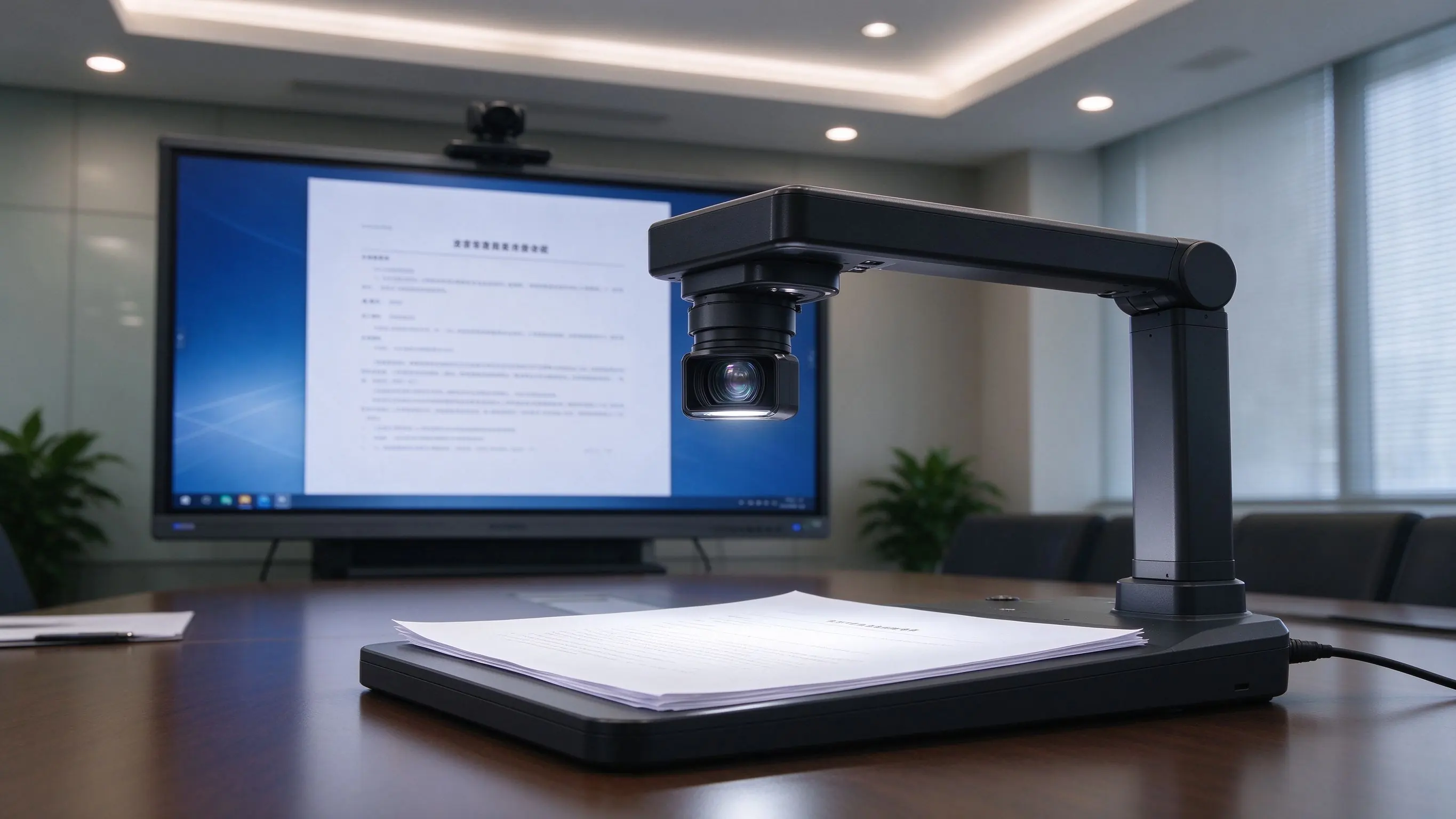
การรวมกล้องเอกสารแสดงเอกสารทางกายภาพและการจัดแสดงบนหน้าจอ-เหมาะสำหรับการได้ยินความคิดเห็นและการประชุมสาธารณะ
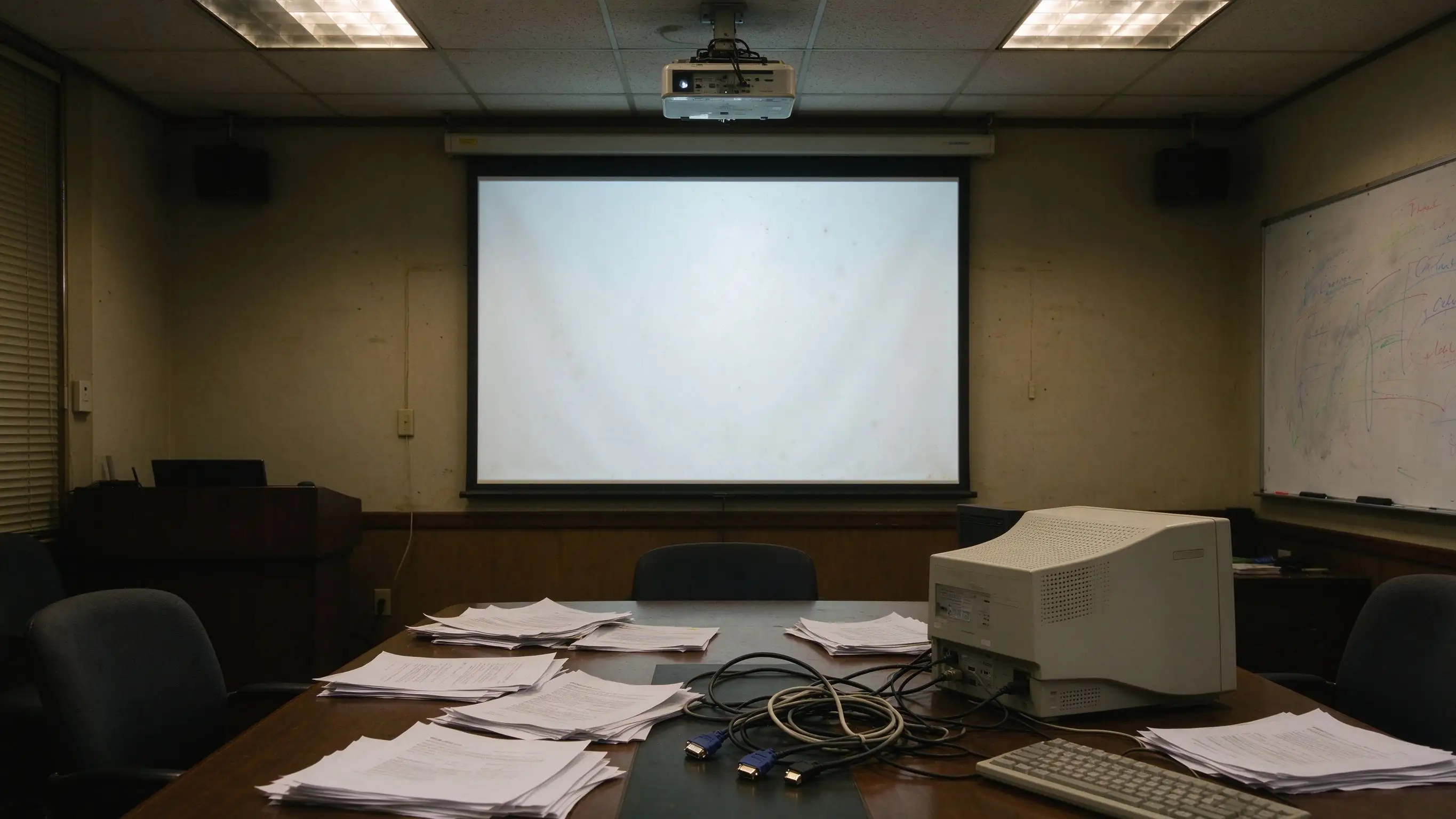
พื้นผิวช่องว่างเหล่านี้ซ้ำๆในการตรวจสอบการดำเนินงานและการใช้งานประจำวัน-และพวกเขาเป็นทริกเกอร์โดยตรงสำหรับการอัพเกรด
| จุดปวดจุด | การตั้งค่าแบบดั้งเดิม | โซลูชัน qtenboard |
|---|---|---|
| ไม่มีการจับภาพการประชุม | ไวท์บอร์ดลบไม่มีรีวิวไม่มีการติดตาม | การบันทึกแบบ one-touch การแชร์ qr/link |
| ปฏิสัมพันธ์จำกัด | การใช้งานสำหรับผู้ใช้รายเดียว | การทำงานร่วมกันแบบมัลติทัชหลายผู้ใช้ |
| ทรัพยากรที่กระจัดกระจาย | USB, PC, เมฆกระจัดกระจาย | Microsoft 365, Google Workspace, LMS, FTP, WebDAV |
| การเดินสายที่ซับซ้อน | โปรเจคเตอร์, PC, ลำโพง, สายเคเบิลทุกที่ | All-in-one IFP, การหล่อแบบไร้สาย |
| ไม่มีการจัดการยานพาหนะ | คู่มือการบำรุงรักษาห้องโดยห้อง | Dms/mdm, การอัปเดตระยะไกล, กำลังไฟที่กำหนดไว้ |
| ช่องว่างที่สอดคล้อง | ยากที่จะตอบสนอง gdpr, NIST, TAA ส่วน508 | ตัวเลือกและเอกสารประกอบที่พร้อมใช้งาน |
การออกแบบชั้นที่ใช้งานในห้องเดียวในวันนี้และเครื่องชั่งไปยังยานพาหนะหลายเว็บไซต์ในวันพรุ่งนี้-มีห้องที่จะรวมระบบควบคุมที่มีอยู่ไดเรกทอรีและแพลตฟอร์มการประชุม
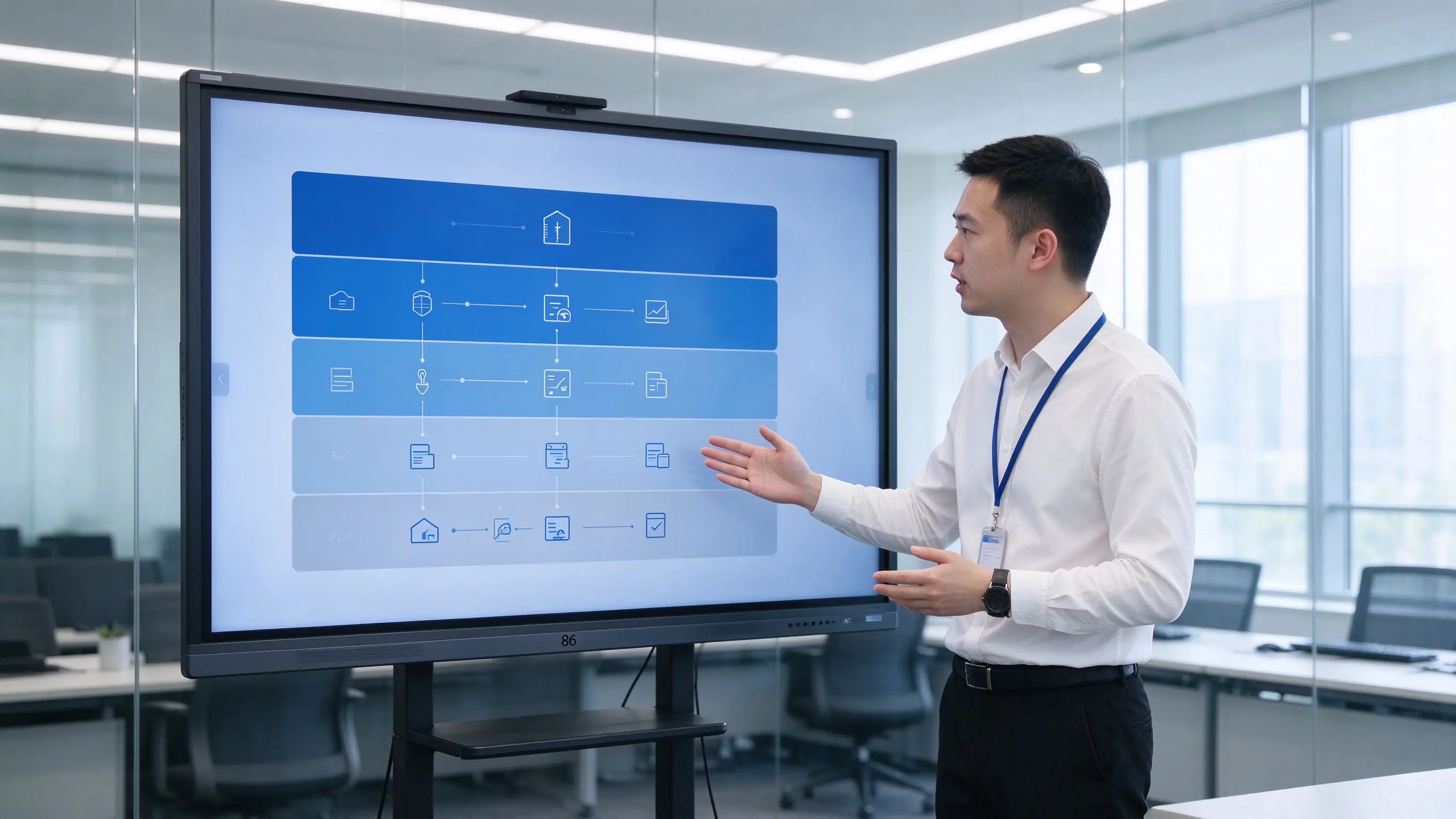
Capabilities are organized by the value they deliver — paperless efficiency, hybrid collaboration, compliance, security, user comfort, and fleet operations.
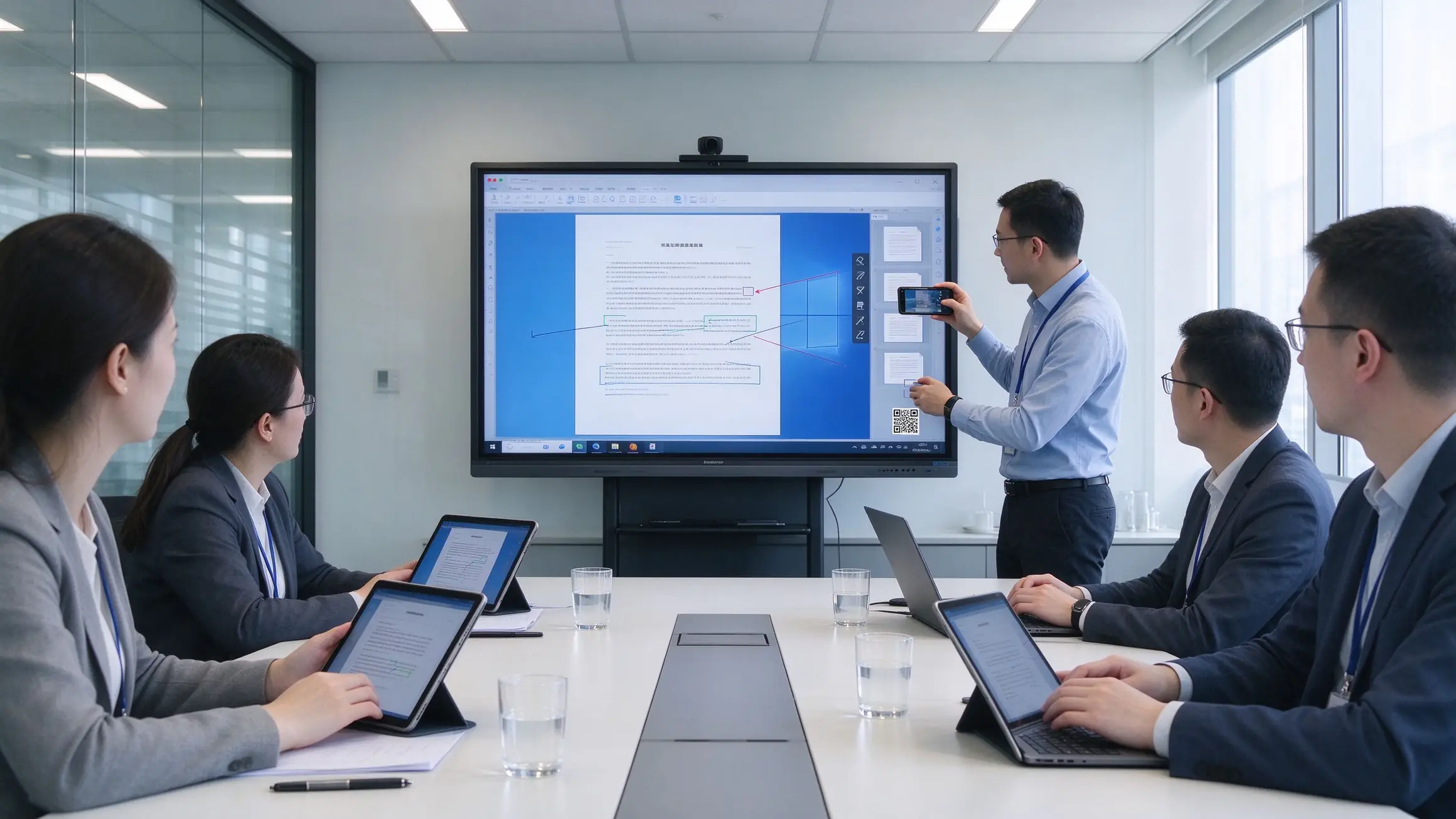
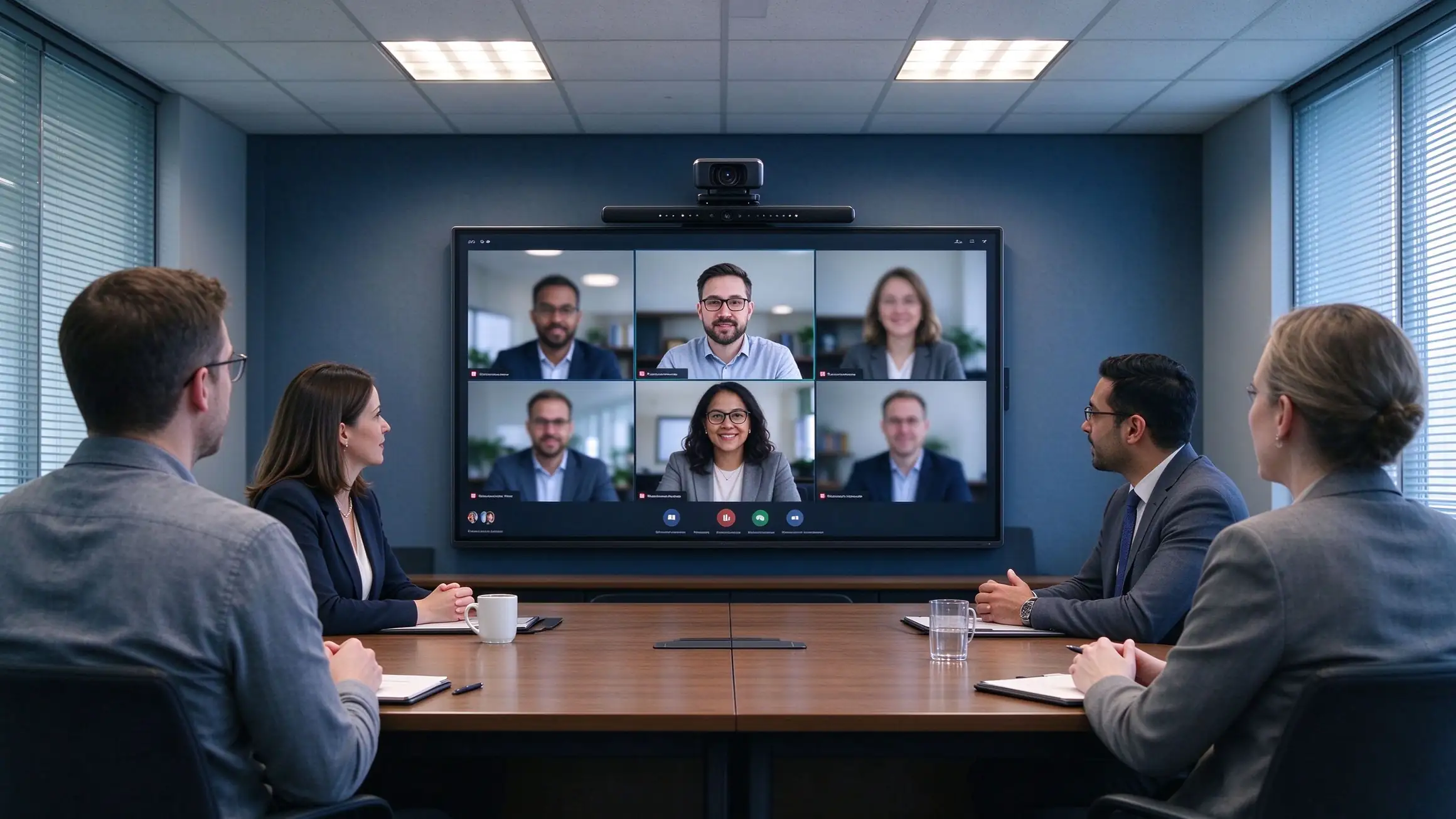
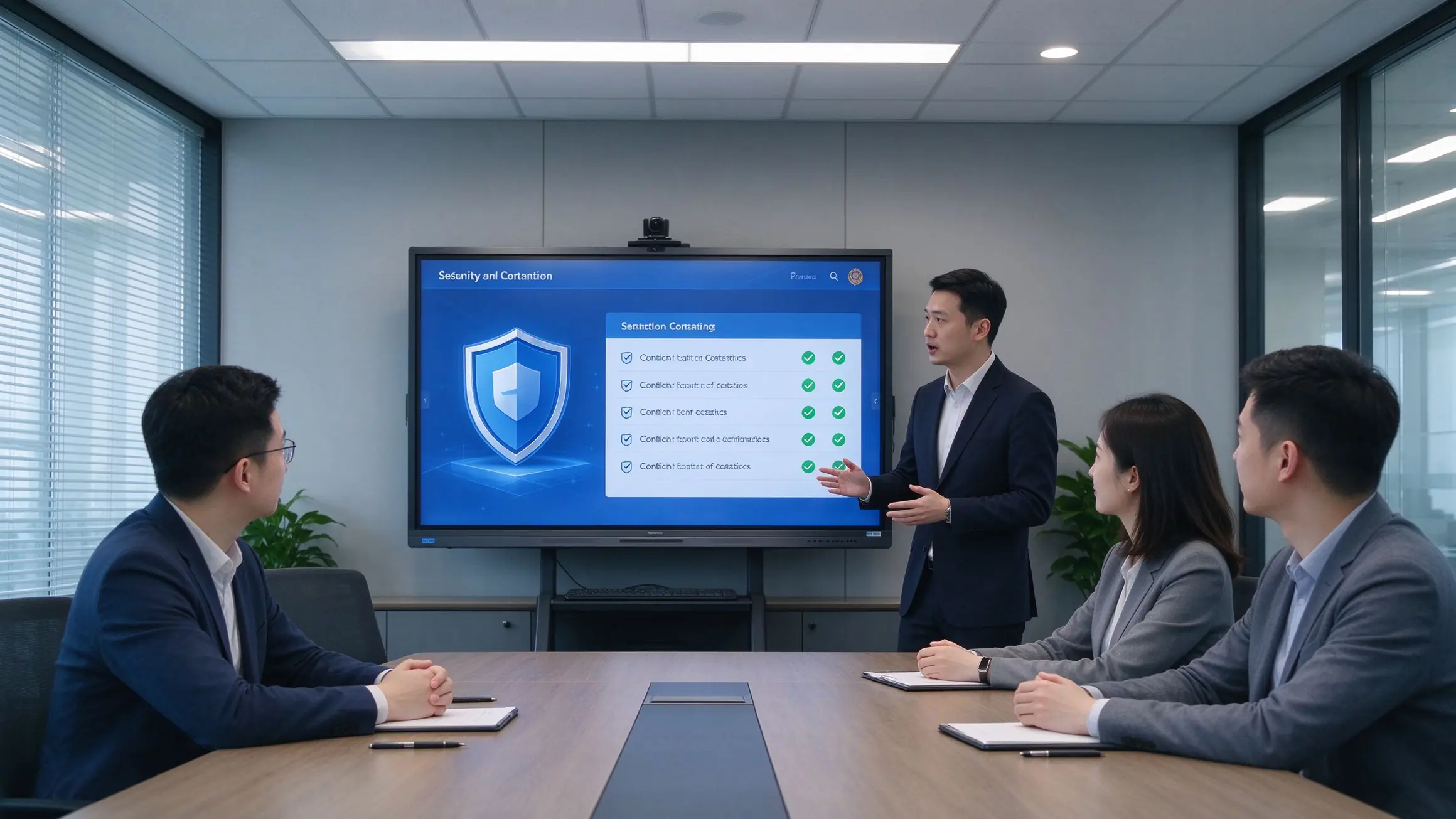
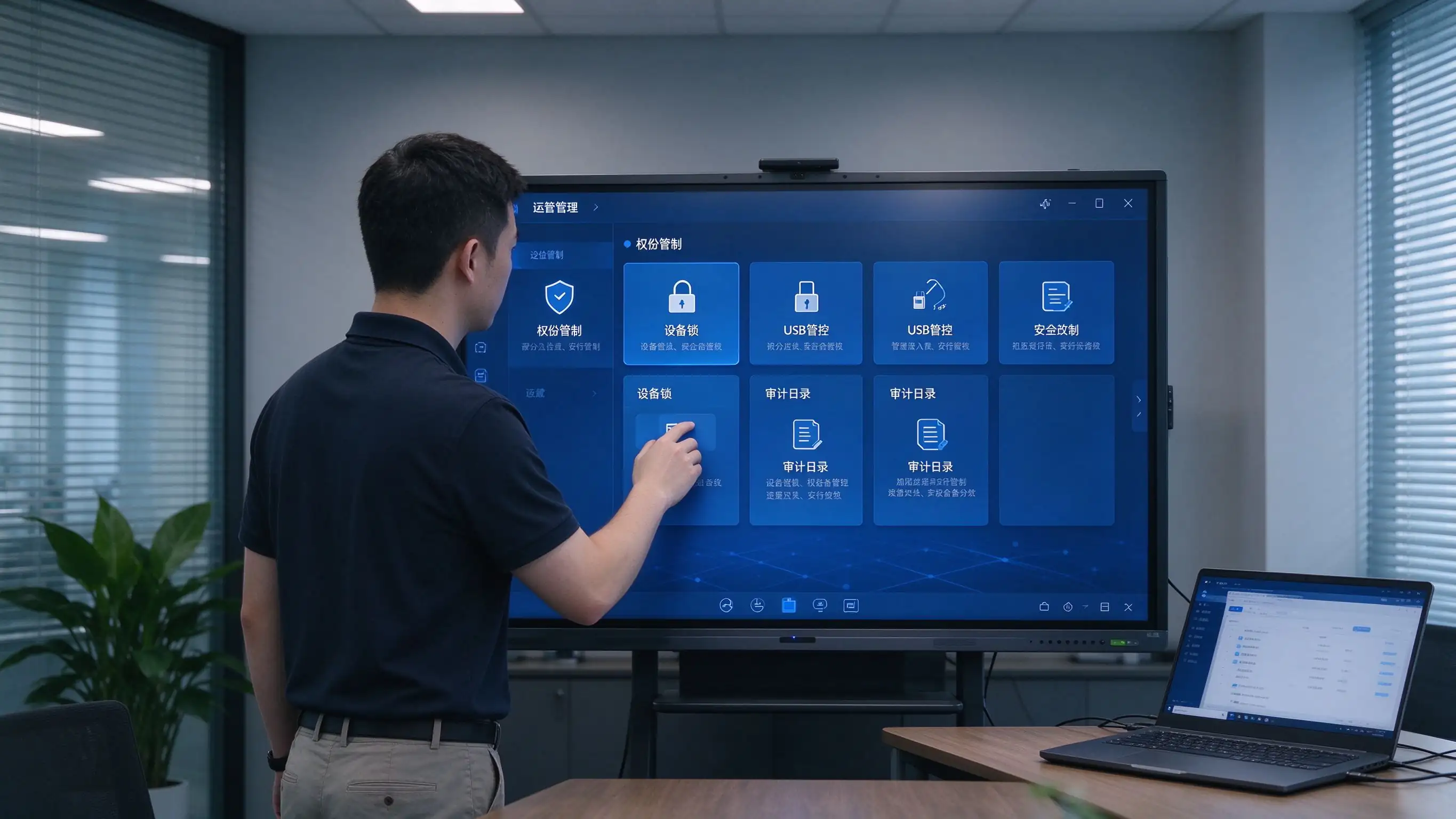
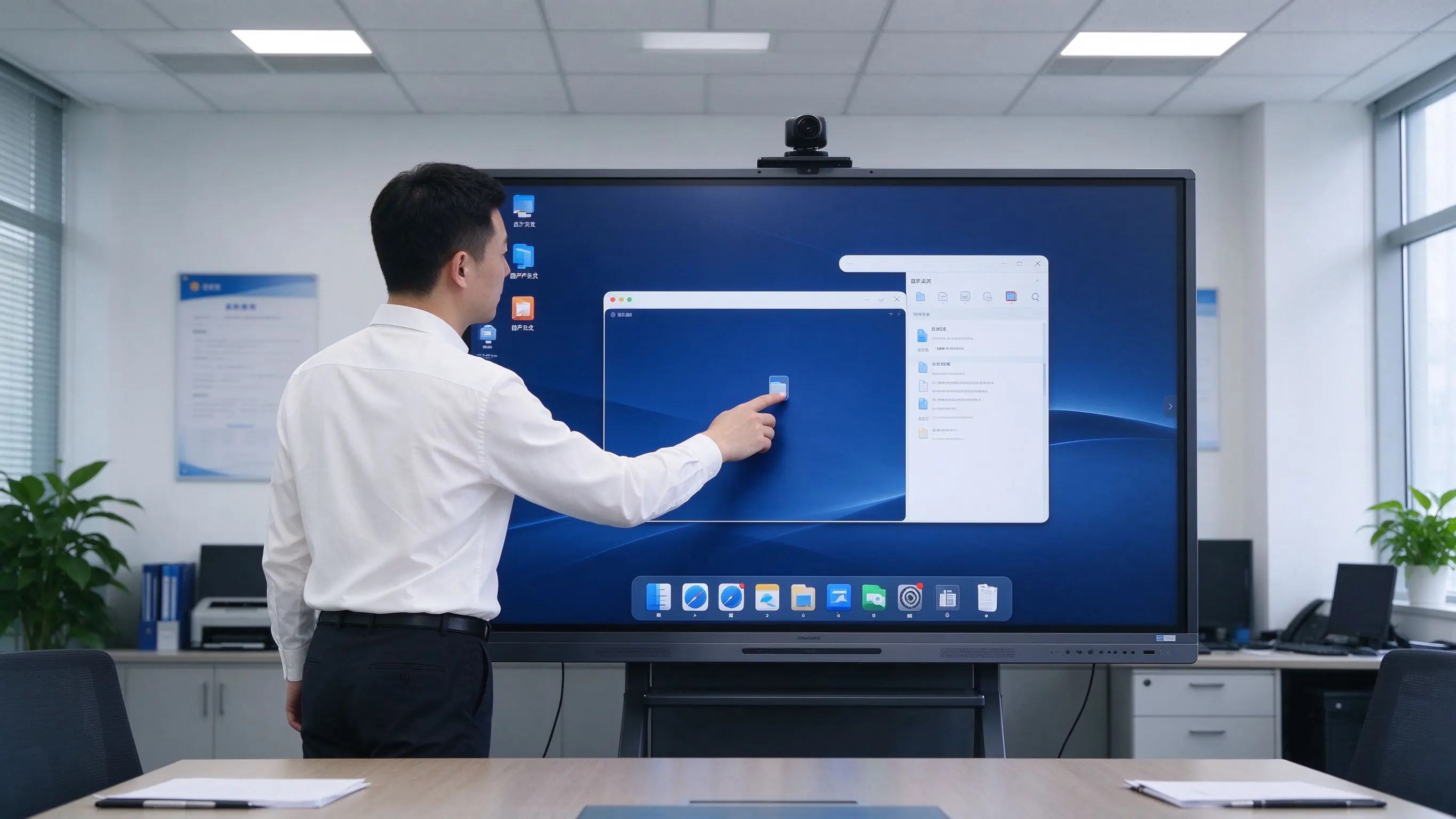
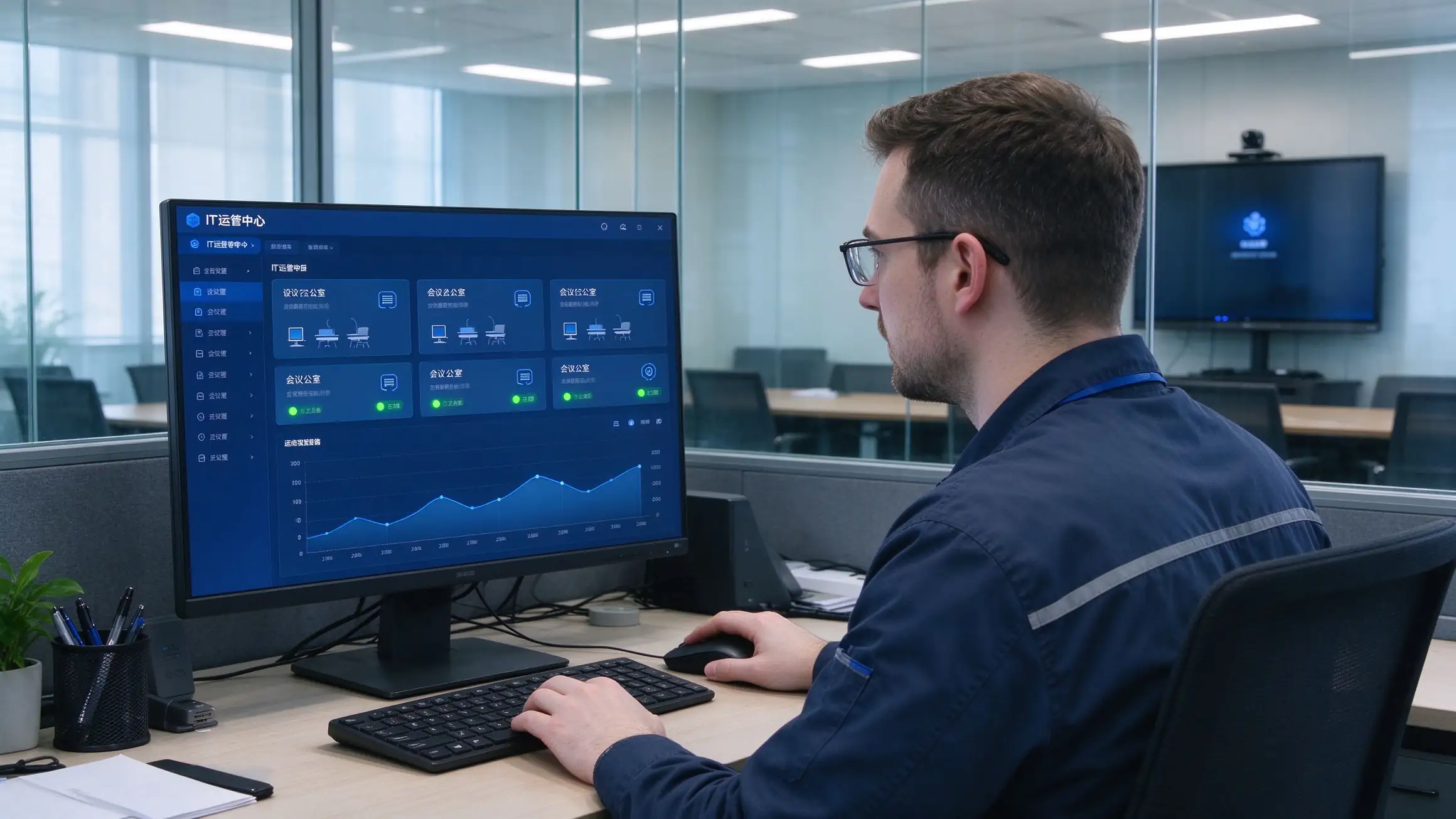
Four recommended configurations for fast comparison and budget planning. Final selection depends on room depth, viewing distance, and security requirements.
| การกำหนดค่า | Room Size | ขนาด | ระบบสำหรับรถยนต์ | ออปส์ | กล้อง/ไมโครโฟน | กล้องเอกสาร | การปฏิบัติตาม |
|---|---|---|---|---|---|---|---|
| Standard Meeting Room | 8–12 people | 65–75″ | แอนดรอยด์ | มีให้เลือก | Built-in / optional | มีให้เลือก | Basic security |
| Large Meeting Room | 12–30 people | 86″ | Android + OPS | แนะนำ | Wide-angle camera + mic array | แนะนำ | NIST / GDPR ready |
| Boardroom / Command Center | 30+ people | 86″ or larger | Android + OPS | แนะนำ | Professional AV | แนะนำ | NIST + FIPS options |
| Government / Secure Room | Per requirement | 65–86″ | Android + OPS | TAA options | มีให้เลือก | As needed | TAA / NDAA / Section 508 |
ตัวเลือก Add-ons: OPS Windows module, Chromebox, wireless casting dongle, meeting recording module, room scheduling integration, wall mount / mobile cart / recessed installation.
A standardized six-step process for integrators and project teams — each step has a clear deliverable and a clear owner.
Room count, sizes, existing equipment, security level, compliance requirements, meeting platform in use.
Device selection, network and cabling, system integration, compliance documentation, RFP specifications.
Install, configure, train, and evaluate one room to validate the solution before scale.
Phased installation, unified configuration, DMS/MDM onboarding, device registration.
Functional acceptance, compliance acceptance, end-user training, IT handover documentation.
Warranty terms, spare parts, response-time SLA, scheduled health checks.
Multi-room, multi-region projects and long-term managed service agreements are supported.
The hidden costs of projector setups live in lamps, filters, cleaning, room-by-room maintenance, and travel. Count them, and the conclusion changes.
| มิติข้อมูล | ไวท์บอร์ดโปรเจคเตอร์ | พีซีทีวีพีซี | Qtenboard IFP |
|---|---|---|---|
| ค่าใช้จ่ายด้านบน | กลางกลางกลาง | Medium-low | Medium-high |
| 3–5 year maintenance | High (lamps, filters, cleaning, cables, multiple failure points) | Medium (PC failures, aging peripherals) | Low (no lamps, no filters, solid-state components) |
| ประสิทธิภาพการประชุม | Slow start, no capture | No whiteboard capture, low interaction | One-touch start, capture and share |
| Travel cost | High (poor remote experience) | กลางกลางกลาง | Low (hybrid collaboration) |
| Management efficiency | Manual, room-by-room | คู่มือ | DMS/MDM centralized |
| การปฏิบัติตาม | Hard to meet GDPR, NIST, TAA | Hard to meet | Compliance-ready options |
| อายุการใช้งานยาวนานขึ้น | 3-5ปี | 3-5ปี | 10-year class |
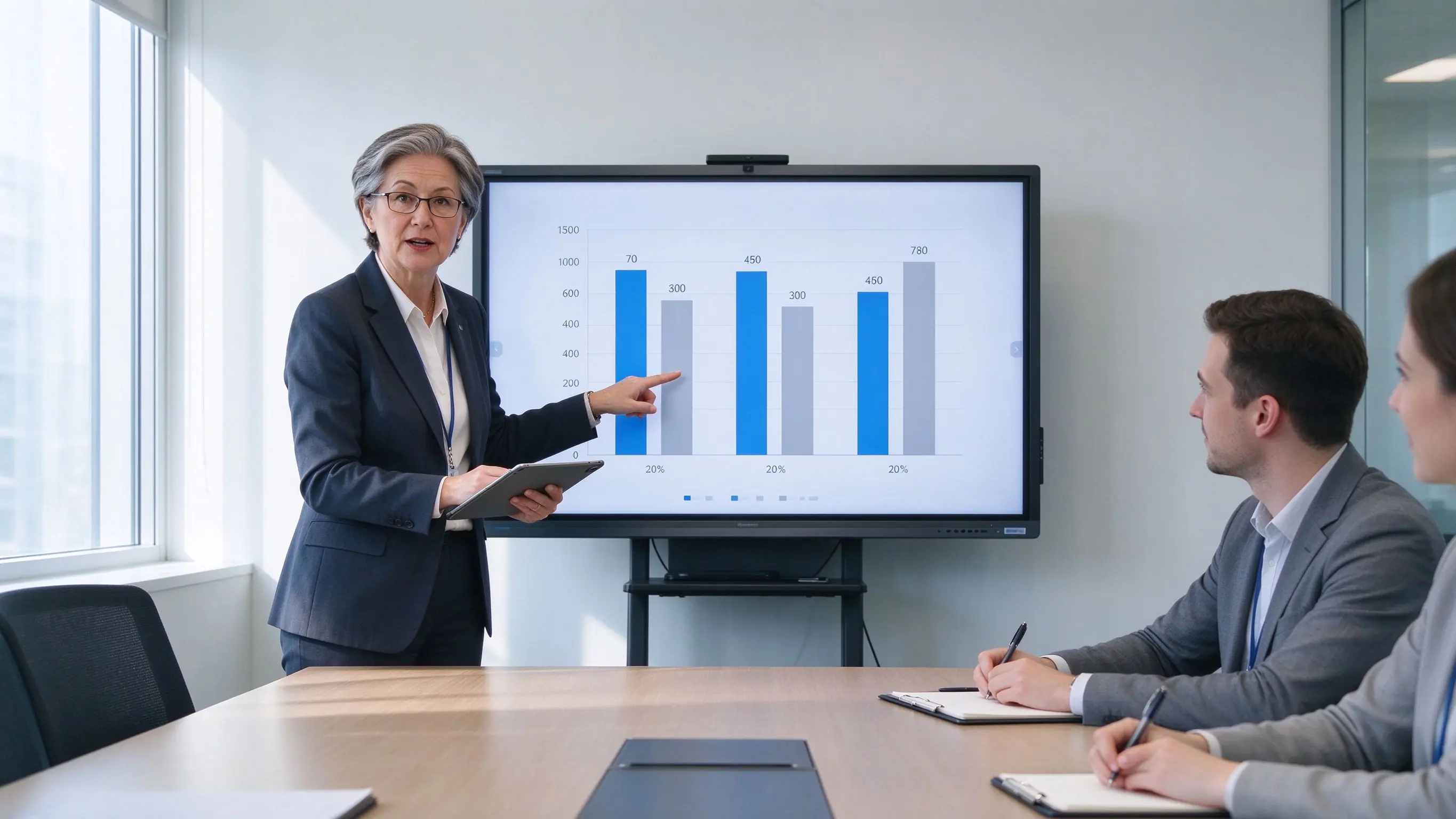
With no lamps, no filters, and no projector ceiling maintenance, long-term ownership costs are significantly lower than projector setups — while reducing per-room inspections and travel.
Public procurement has many gates and many scoring criteria. Qtenboard provides the documentation to pass them.
Draft technical specifications ready to adapt to your solicitation document.
Trade Agreements Act compliant configurations for eligible procurements.
Supply chain documentation provided upon request.
GDPR, CCPA, NIST, ISO 27001, and SOC 2 supporting documentation.
Section 508 / ADA / WCAG 2.1 AA considerations documented.
CE, FCC, RoHS, REACH, WEEE, ENERGY STAR, EPEAT.
Sample units for pilot testing, case-study authorization, and reference letters.
Support for GSA, Sourcewell, OMNIA Partners, and TIPS procurement vehicles.
Deployment references to be completed with verifiable project details before publication.
Uz — council chamber displays, agenda management, and public meeting recording. Deployed room count, acceptance result, and user feedback to be filled in.
Kz — standardized interactive flat panels across agency offices with DMS fleet management. Deployed room count and procurement vehicle to be filled in.
ซีเอ — enterprise headquarters boardrooms with Microsoft Teams Rooms integration and hybrid rollout. Deployed room count and pilot results to be filled in.
Additional proof available: district testimonials, procurement references, pilot results, certification and compliance documentation.
The questions that come up most often in RFI responses and procurement calls.
Q1: What size interactive flat panel is recommended for a meeting room?
8–12 people: 65–75″. 12–30 people: 86″. Boardrooms and command centers: 86″ or larger. Also consider room depth and the last row’s viewing distance so the acceptance test never fails on legibility.
Q2: Is it compatible with Microsoft Teams Rooms and Zoom Rooms?
Yes. Panels work with Microsoft Teams, Zoom, Cisco Webex, and Google Meet, including Teams Rooms and Zoom Rooms deployments, with room scheduling integration available.
Q3: How do we save and share meeting minutes and whiteboard content?
One-touch recording saves minutes, annotations, and whiteboard content as PDF/PNG. Share by QR code or link with access control, or upload to SharePoint, OneDrive, or Google Drive for archival.
Q4: How many users can collaborate on screen at once?
Multi-touch panels support several simultaneous users writing, annotating, and manipulating content at the same time — designed for real collaborative sessions, not single-user kiosks.
Q5: How do IT teams manage and update devices at scale?
DMS/MDM gives a single console for scheduled power, remote firmware and app updates, device status monitoring, grouping, permissions, kiosk mode, and audit logs across every room.
Q6: Does Qtenboard support GDPR, NIST, TAA, and Section 508?
Yes. Compliance-ready options and documentation cover GDPR, CCPA, NIST, ISO 27001, SOC 2, FIPS 140-2/3 where applicable, TAA, NDAA Section 889 upon request, and Section 508 / ADA / WCAG 2.1 AA considerations.
Q7: Does Qtenboard support OEM/ODM and white-label?
Yes. Logo, UI, language, preloaded apps, OPS, camera and microphone options, mounting, packaging, DMS integration, and security configuration can be customized. Contact us for OEM/ODM terms.
Q8: What is the warranty and RMA process?
Standard warranty with spare-parts stock, response-time SLA, and a documented RMA process. Extended warranty and managed service agreements are available for multi-site deployments.

ซีอีโอ | ผู้เชี่ยวชาญด้านโซลูชันการแสดงผลแบบโต้ตอบและการทำงานร่วมกัน
ฉันเป็นผู้ก่อตั้ง qtenboard นำความเชี่ยวชาญด้านการลงมือปฏิบัติมากกว่า17ปีมาสู่อุตสาหกรรมการแสดงผลแบบสัมผัสจากมุมมองการจัดการทั่วโลกที่ได้รับจากการศึกษา EMBA ของฉันที่มหาวิทยาลัยเซินเจิ้นฉันนำทีมของฉันในการเพิ่มประสิทธิภาพทุกขั้นตอนของการดำเนินงานของเรา-จากความละเอียดของผลิตภัณฑ์ที่มีประสิทธิภาพสูงการจัดการห่วงโซ่อุปทาน-มั่นใจความสามารถในการผลิตของเรายังคงอยู่ในระดับแนวหน้าของอุตสาหกรรม
ในฐานะผู้นำของ qtenboard ฉันเชี่ยวชาญในการให้บริการโซลูชั่น oem/odm ที่ปรับแต่งสำหรับกระดานไวท์บอร์ดแบบโต้ตอบผนังวิดีโอ LCD ป้ายดิจิตอลและเทอร์มินัลสัมผัสระดับอุตสาหกรรมสนับสนุนโดย330,000ตารางเมตรสวนอุตสาหกรรมที่ทันสมัยของเราในเซินเจิ้น, เรารักษาเต็ม Lifecycle ควบคุมการออกแบบอุตสาหกรรม, การผลิตที่มีความแม่นยำ, และการทดสอบประสิทธิภาพที่เข้มงวด.
ด้วยประสบการณ์โครงการเกือบสองทศวรรษโซลูชันการแสดงผลของ qtenboard จึงถูกนำไปใช้ในกว่า120ประเทศและภูมิภาคได้รับความไว้วางใจจากลูกค้าระดับองค์กรมากกว่า15,000รายทั่วโลกหากคุณกำลังมองหาพันธมิตรที่ตอบสนองต่อการผลิตที่ลึกซึ้งสำหรับโครงการแสดงผลแบบสัมผัสที่กำหนดเองของคุณทีมของฉันและฉันพร้อมที่จะสนับสนุนวิสัยทัศน์ของคุณด้วยความเป็นเลิศระดับมืออาชีพ

 th
th
 EN
EN  pt
pt  spa
spa  vie
vie  aze
aze  bel
bel  est
est  lav
lav  ukr
ukr  ru
ru