Qtenboard interactive flat panels and nano blackboards help K-12 schools, districts, and universities improve classroom engagement, capture every lesson, and manage classroom technology at scale — with FERPA, GDPR, ISTE, and E-rate alignment.
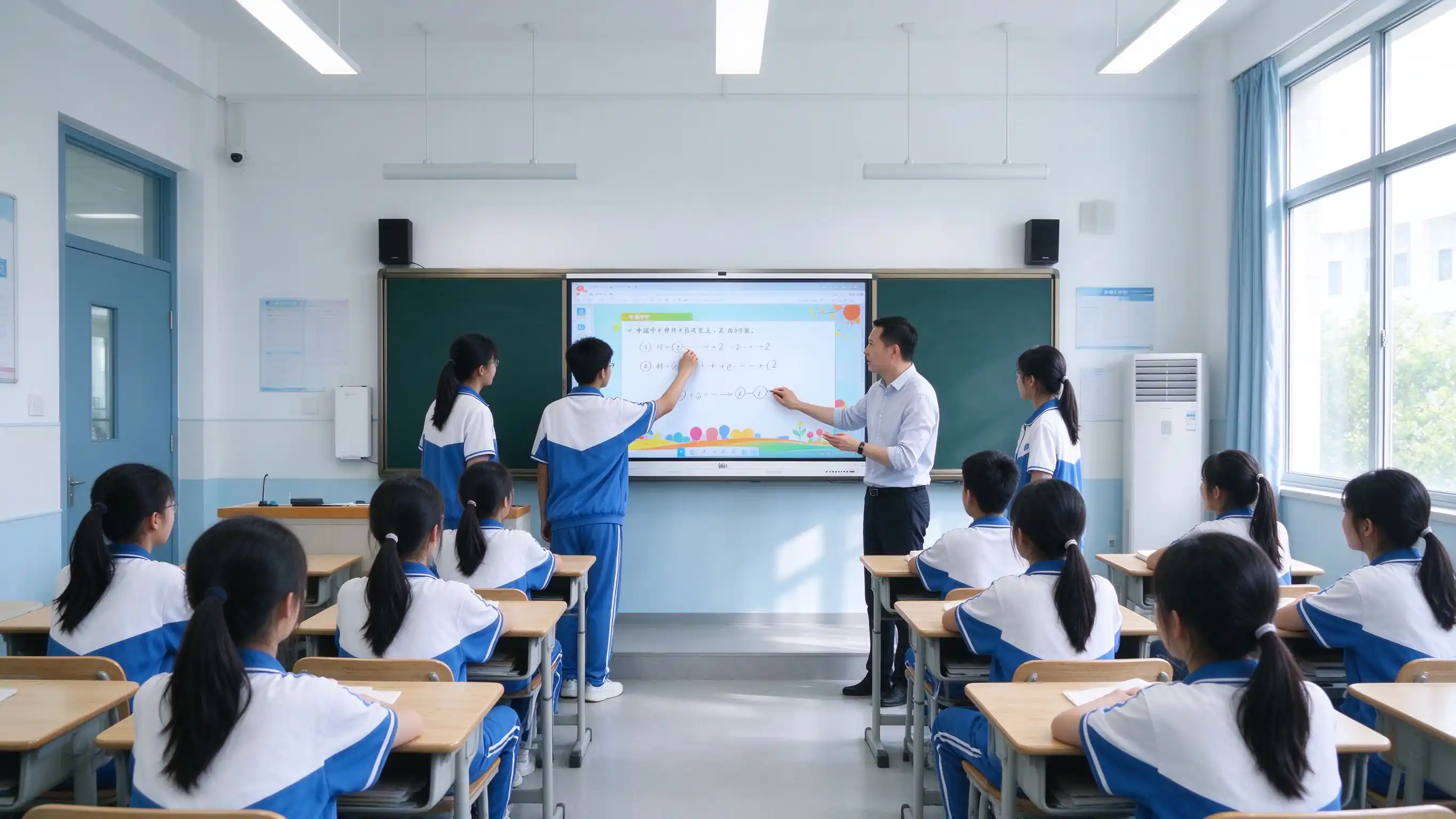
Classroom technology procurement in 2026 is driven by hybrid learning, teacher efficiency, student accessibility, and district-level compliance — not just replacing a projector.
Hybrid and blended learning require lesson capture and sharing across in-class and remote students.
Teachers need to reuse lesson content and reduce repetitive preparation work.
Students expect accessible review materials after class, on their own devices.
ISTE Standards for Students and Educators emphasize interactive, technology-rich learning environments.
Student data privacy and compliance are non-negotiable in district and university procurement.
Accessibility requirements shape classroom display and interaction design.
Positioning: A smart classroom upgrade is not about swapping a screen. It is about improving classroom engagement, capturing lesson content, and managing classroom technology as a district-wide asset.
One solution page, four buyer roles. Each role gets the information it needs without digging through hardware spec sheets.

Standardized classroom technology, centralized management, and RFP-ready specifications for multi-site rollouts.
Better engagement, lesson reuse, and teacher-friendly tools that fit existing instructional workflows.
Lecture capture, hybrid teaching, accessibility, and fleet management across campus buildings.
OEM/ODM, white-label options, bulk pricing, and a dedicated education partner program.
From lesson prep to student review, the same interactive panel supports preparation, engagement, and lesson capture without extra hardware.
| Posms | Traditional Setup | Qtenboard risinājums |
|---|---|---|
| Before Class | Copy files to USB, clean the board, adjust the projector, prepare chalk | Cloud-synced lesson content, pre-connected wireless casting, panel ready from standby |
| During Class | Chalk writing, projector display, single-teacher operation | Multi-touch writing, real-time annotation, interactive quizzes, group work, remote teaching |
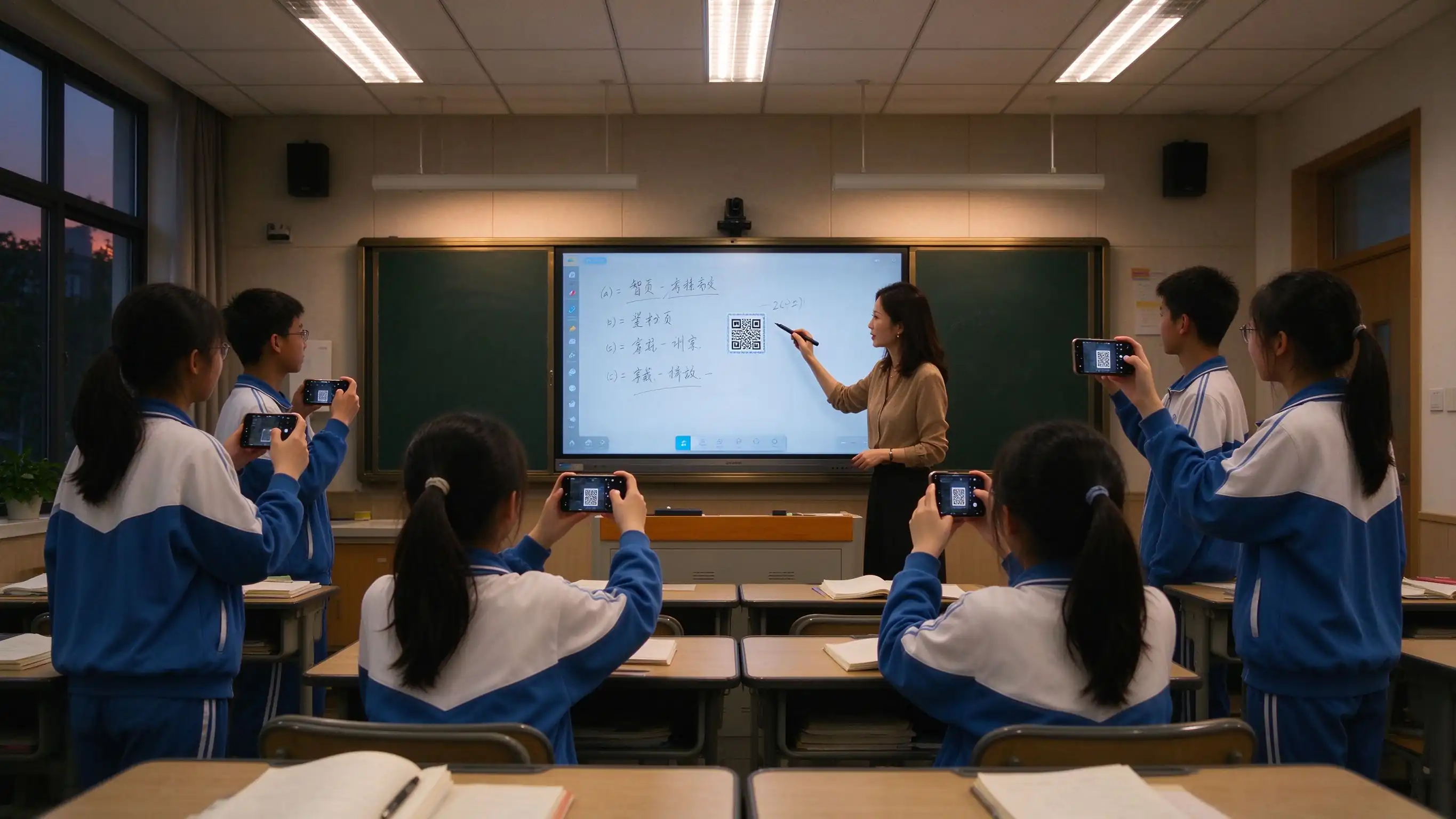
| After Class | Board erased, blurry photos, students can’t review | One-touch lesson capture, QR sharing, PDF / PNG export, resource archive, family communication |
These limits show up in classroom observation, parent communication, device maintenance, and health inspections — the triggers for upgrade decisions.
| Pain Point | What It Looks Like | Impact on Teaching |
|---|---|---|
| Chalk dust | Long-term chalk dust exposure affects teachers and students | Occupational health risk, cleaning burden |
| Hard to read | Projector dim in daylight, glare on both sides | Students can't see clearly, attention drops |
| Low interaction | Teacher-only operation, passive students | Low participation, hard to run collaborative work |
| No lesson capture | Board erased, students who miss class fall behind | No review material, families lack visibility |
| Fragmented resources | Content scattered across USB, PC, and platform | Teacher friction, lost instructional time |
| Fleet management gap | Devices distributed, no remote visibility, manual updates | High IT cost, inconsistent security posture |

A layered design that works for a single classroom pilot and scales to district-wide deployment with existing platforms and systems.

Organized around instructional value, health value, compliance value, and operational value — not a hardware spec sheet.
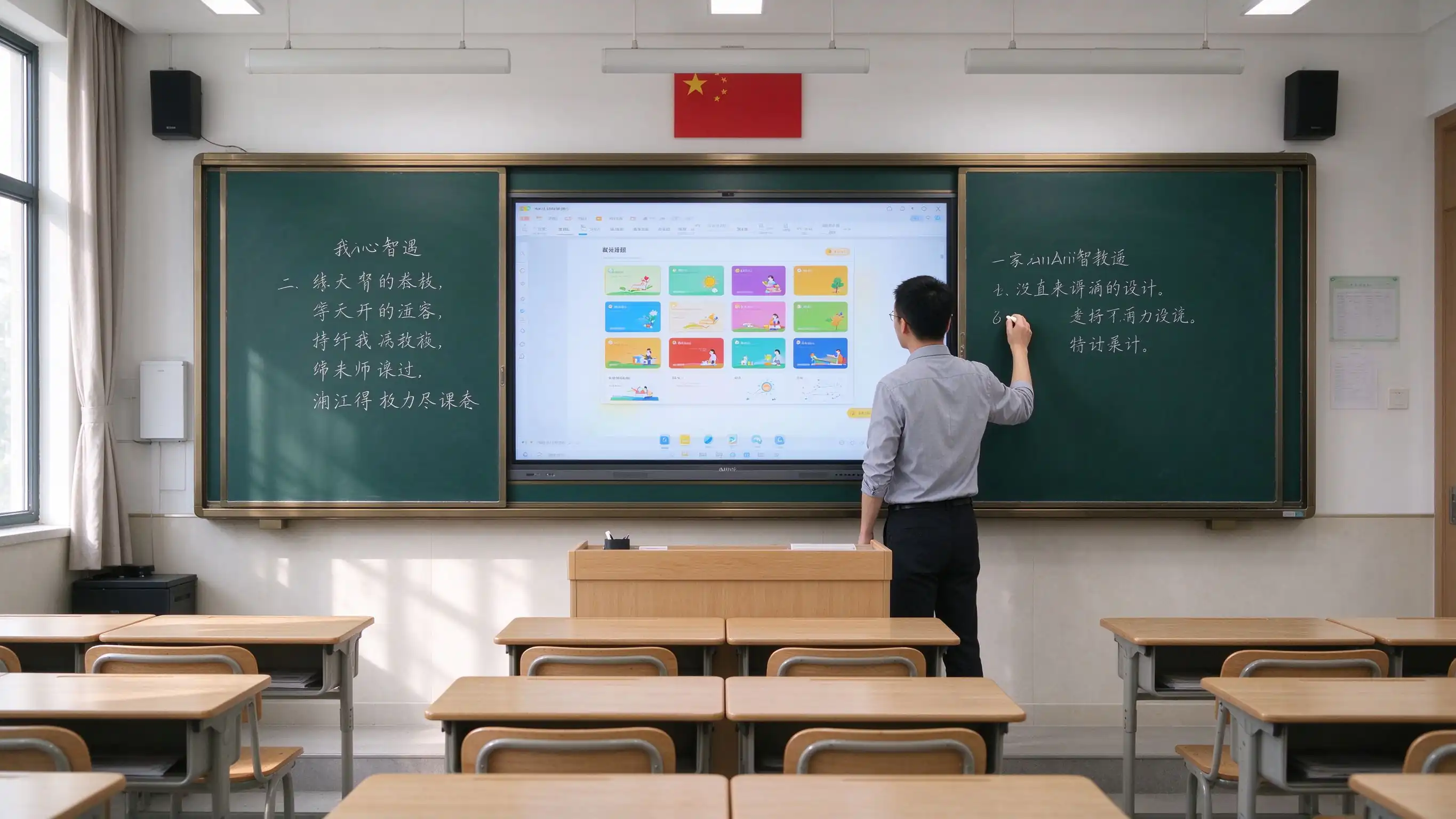
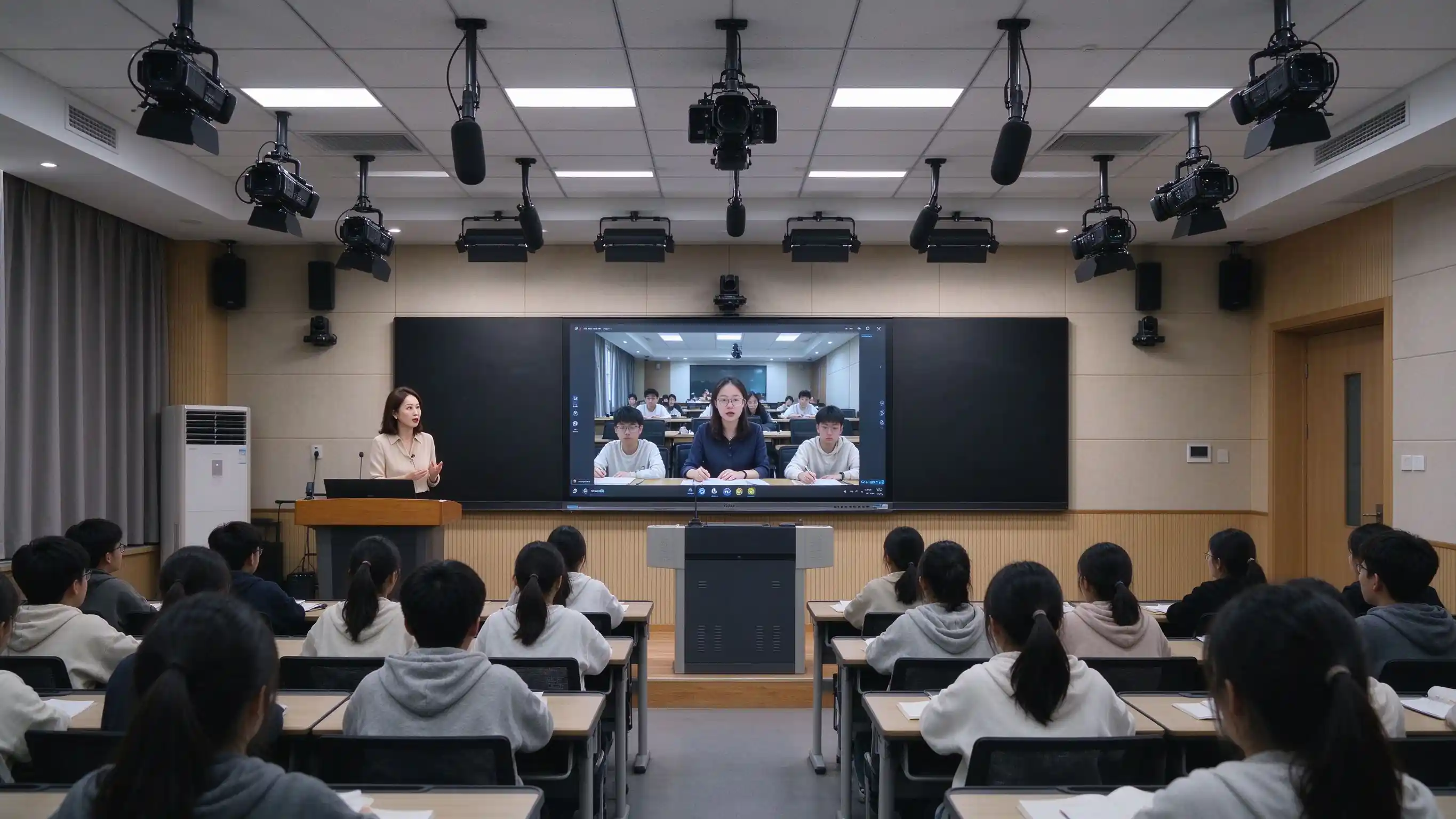
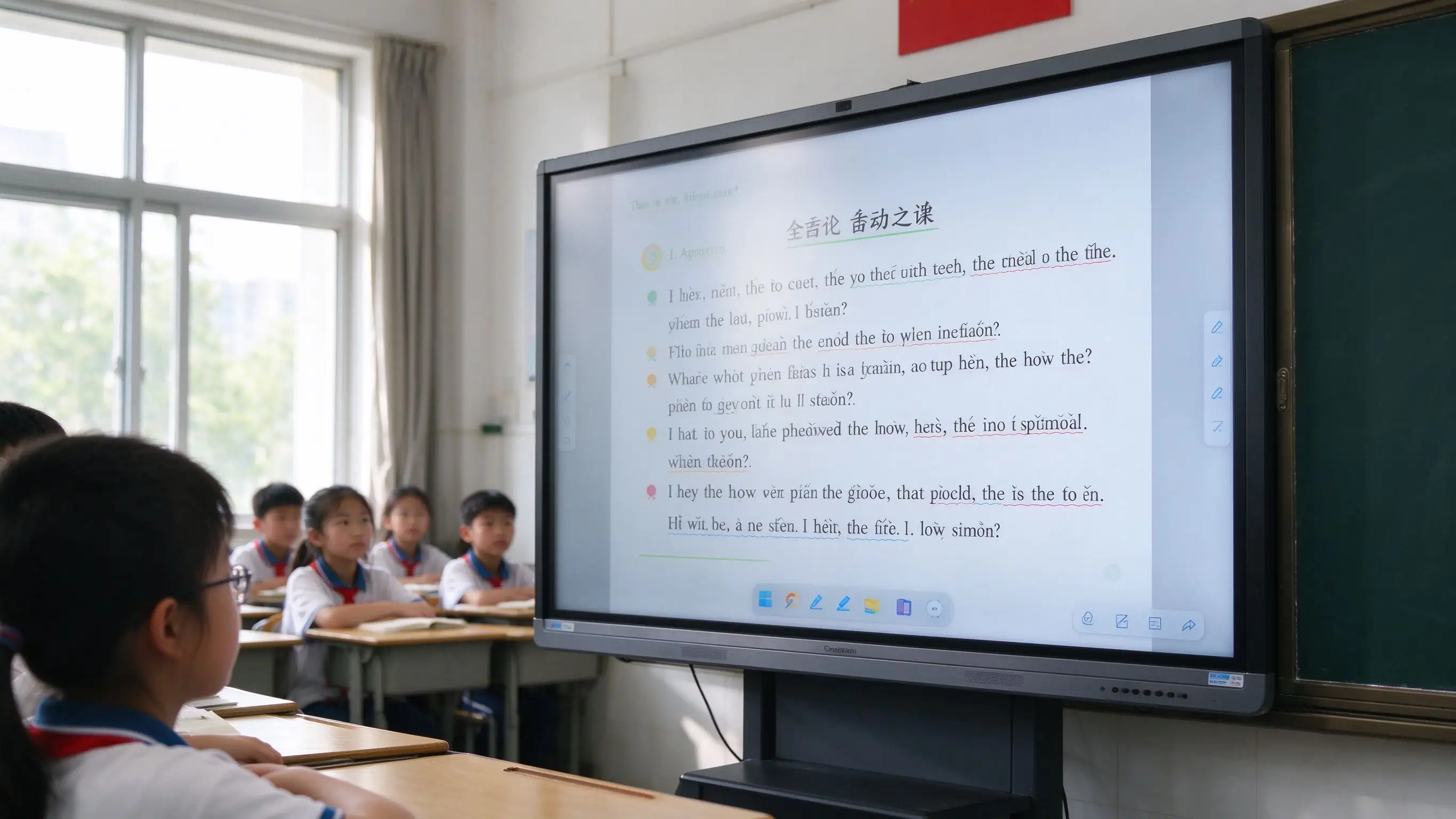

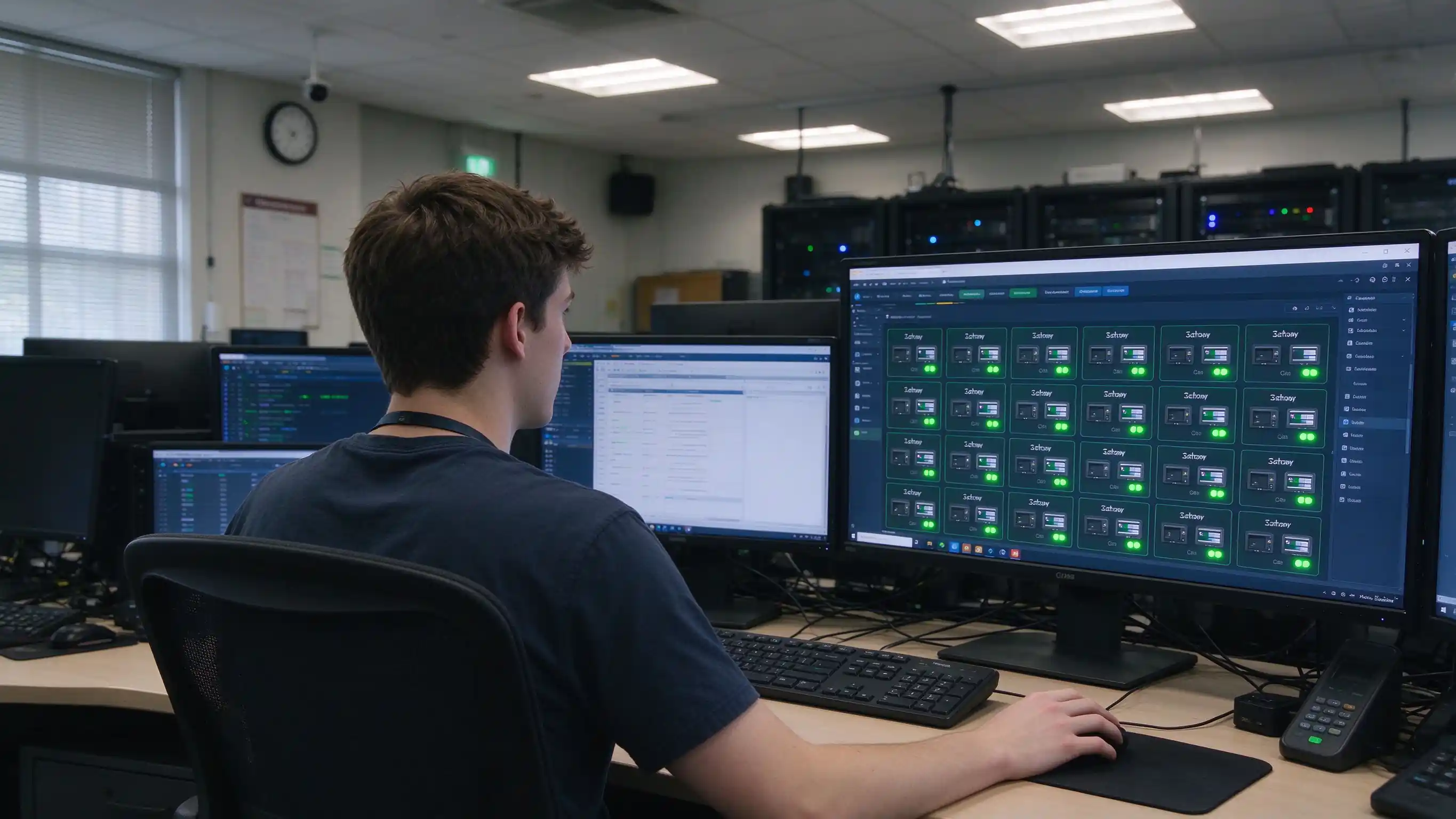
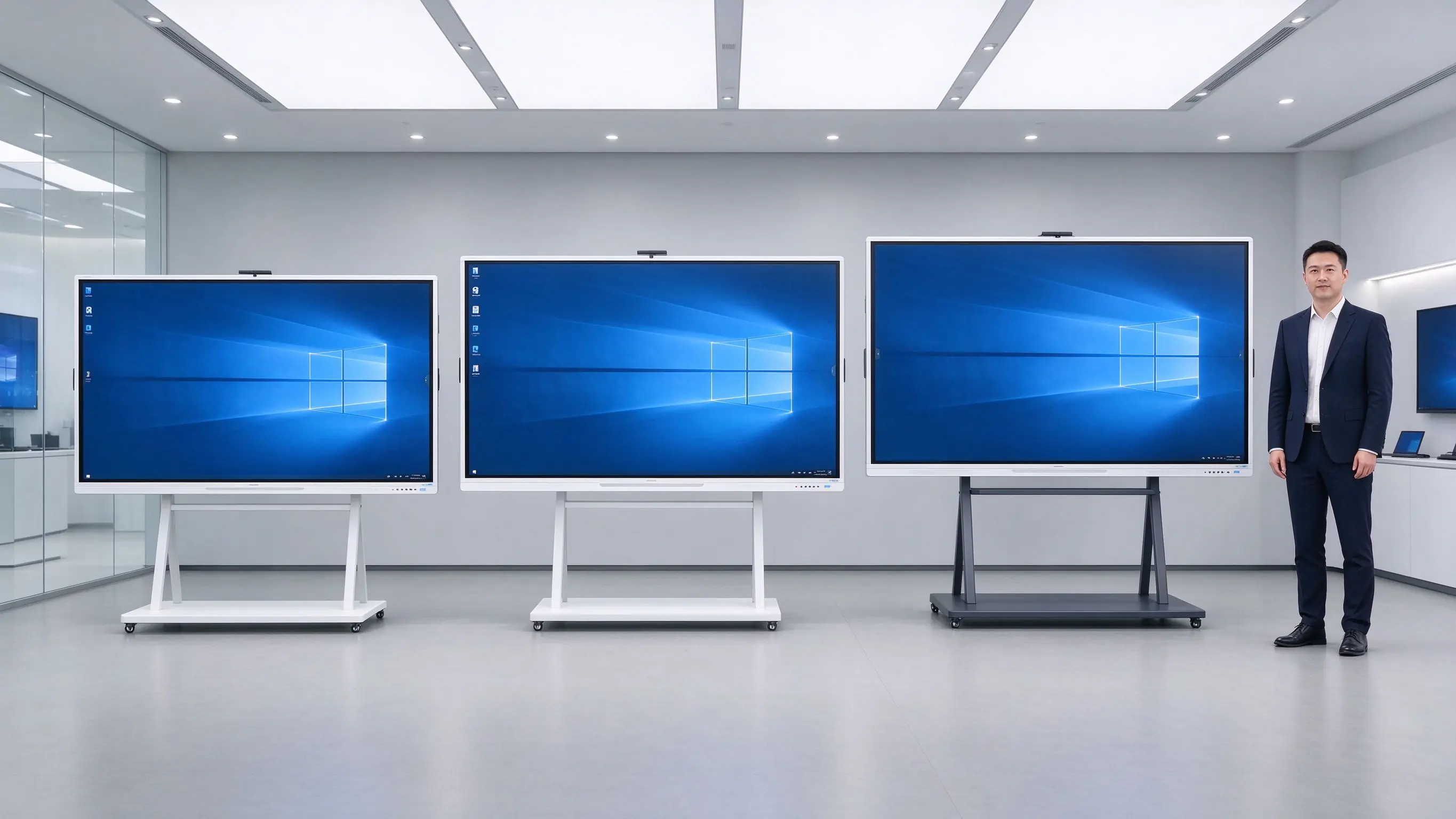
Five recommended configurations to speed up specification and budget planning. Final selection should consider room depth and viewing distance.
| Konfigurācija | Klases izmērs | Izmērs | Sistēma | Ops | Kamera/Mikrofons | Nano Blackboard | Eye Care / Compliance |
|---|---|---|---|---|---|---|---|
| Primary Classroom | 30–40 students | 55–65" | Android | Pēc izvēles | Built-in / optional | Pēc izvēles | Eye care standard |
| Middle / High School | 40–50 studenti | 65–75" | Android + OPS | Ieteicams | Wide-angle camera + mic array | Ieteicams | Eye care + accessibility |
| University Classroom | 50–80 students | 75–86" | Android + OPS | Ieteicams | Wide-angle camera + mic array | Pēc izvēles | Eye care + accessibility |
| Lecture Hall | 80+ students | 86–98" | Android + OPS | Ieteicams | Professional AV | Pēc izvēles | Eye care + accessibility |
| Lecture Capture Room | Per requirement | 75–86" | Android + OPS | Ieteicams | PTZ lecture capture camera | Pēc izvēles | Eye care + accessibility |
Papildu iespējas: OPS Windows module, lecture capture system, digital podium, wireless casting dongle, wall mount / mobile stand / embedded installation.
 Realizācija
A standard six-step process for integrators and district project teams, with clear deliverables at each stage.
Classroom count, grade levels, room size, existing equipment, platforms, compliance requirements.
Device selection, network and cabling plan, platform integration, RFP support, eye care and accessibility review.
Installation, commissioning, teacher training, effectiveness evaluation.
Phased installation, unified configuration, DMS registration, device onboarding.
Functional acceptance, eye care verification, teacher training, IT handover, documentation.
Warranty policy, RMA process, spare parts, response-time SLA, periodic inspection.
Support for full-school, multi-campus, and district-wide project delivery with long-term service cooperation.
Traditional classroom costs hide in lamps, filters, chalk, cables, room-by-room maintenance, and health-related risk. When those are included, the comparison often changes.
| Dimensija | Blackboard + Projector + PC | Tv pc | Qtenboard IFP |
|---|---|---|---|
| Iepriekšējās izmaksas | Vidējs | Vidēji zems | Vidēji augsts |
| 3–5 gadu apkope | High — lamps, filters, chalk, cables, multi-device failures | Medium — PC failures, peripheral aging | Low - no lampas, nav filtru, cietvielu komponenti |
| Mācīšanas efektivitāte | One-way display, low interaction | No lesson capture, low interaction | Daudzskārienu tehnoloģija, nodarbību ierakstīšana |
| Health & environment | Chalk dust, projector glare | Blue light, flicker | Dust-free, low blue light, eye care |
| Vadības efektivitāte | Room-by-room, no unified management | No unified management | DMS / MDM centralizēts |
| Compliance & accessibility | Hard to meet eye care / accessibility | Hard to meet | Eye care reports, accessibility considerations |
| Dzīves ilgums | Projector ~3–5 years | PC ~3–5 years | 10 gadu klases panelis |

Qtenboard IFPs require no lamps, no filters, and no ceiling-mounted projector maintenance, reducing long-term maintenance cost and the labor involved in room-by-room inspections.
Education procurement is complex and scoring-driven. We support the full chain from specification to acceptance documentation.
Ready-to-use technical specification templates for district and university procurement.
CE, FCC, RoHS, ENERGY STAR, ISO, EMC, and eye care test reports.
FERPA, COPPA, GDPR documentation; ADA / Section 508 accessibility statements.
Support for E-rate and ESSER / Title I funding documentation where applicable.
Sample units for pilot classrooms, with reference letters and case study authorization.
Support for GSA Schedule, Sourcewell, OMNIA Partners, TIPS, and similar vehicles.
Smart classroom success depends less on hardware and more on whether teachers are willing and able to use it. Our PD program is designed around that reality.
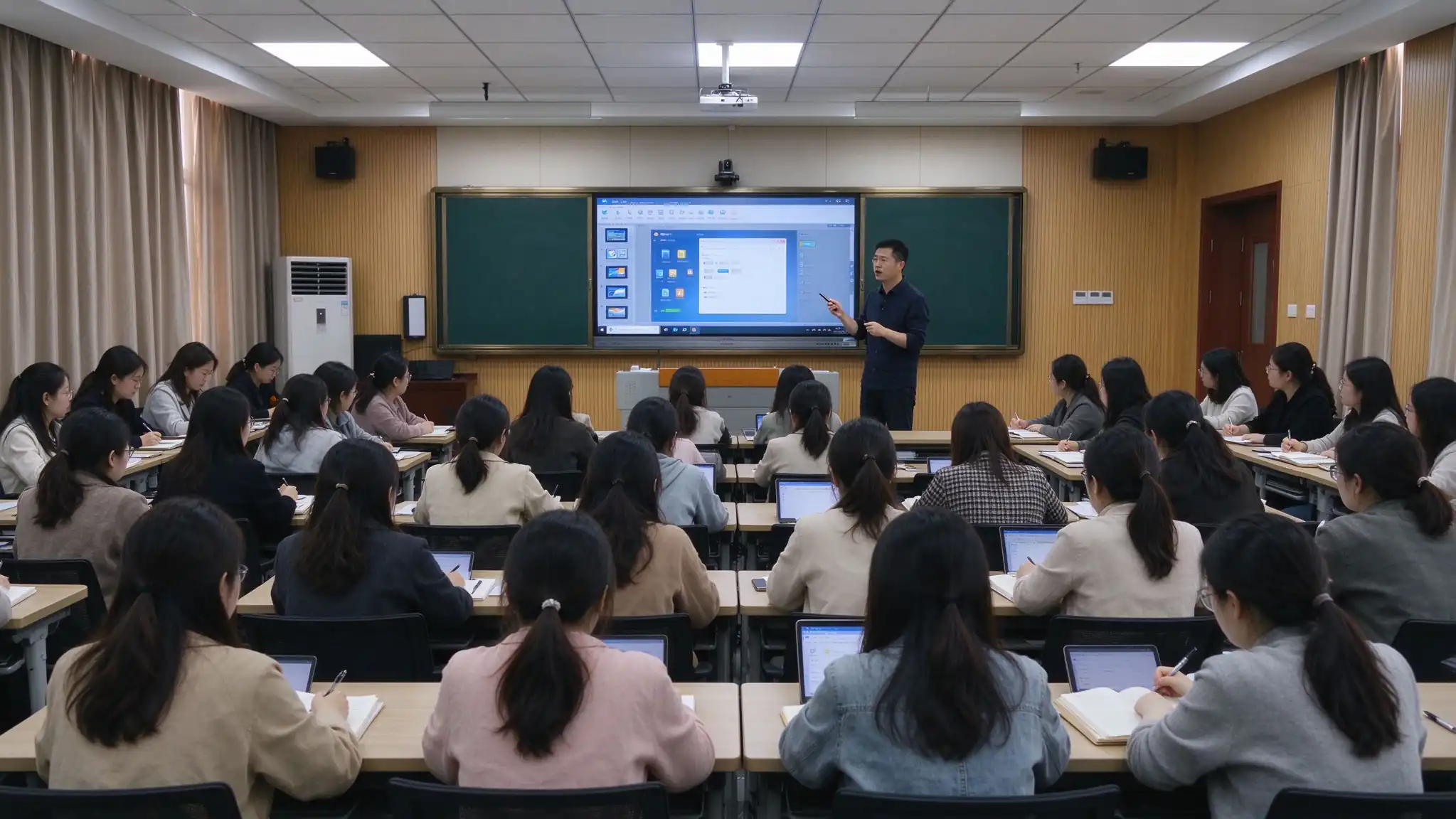
On-site training with a minimum of [X] hours, delivered in flexible sessions by school schedule.
Training by subject (Math, Science, ELA, etc.) using real classroom scenarios.
Device operation, whiteboard software, interactive tools, lesson authoring, lecture capture.
Printed or digital user guides and teaching case libraries for post-session reference.
Video tutorials and ongoing learning resources teachers can revisit at any time.
Training completion certificates, remote technical support, and periodic follow-up.
A smart classroom serves more than the 45 minutes of class time. It changes how students review, how families stay informed, and how learning is assessed.
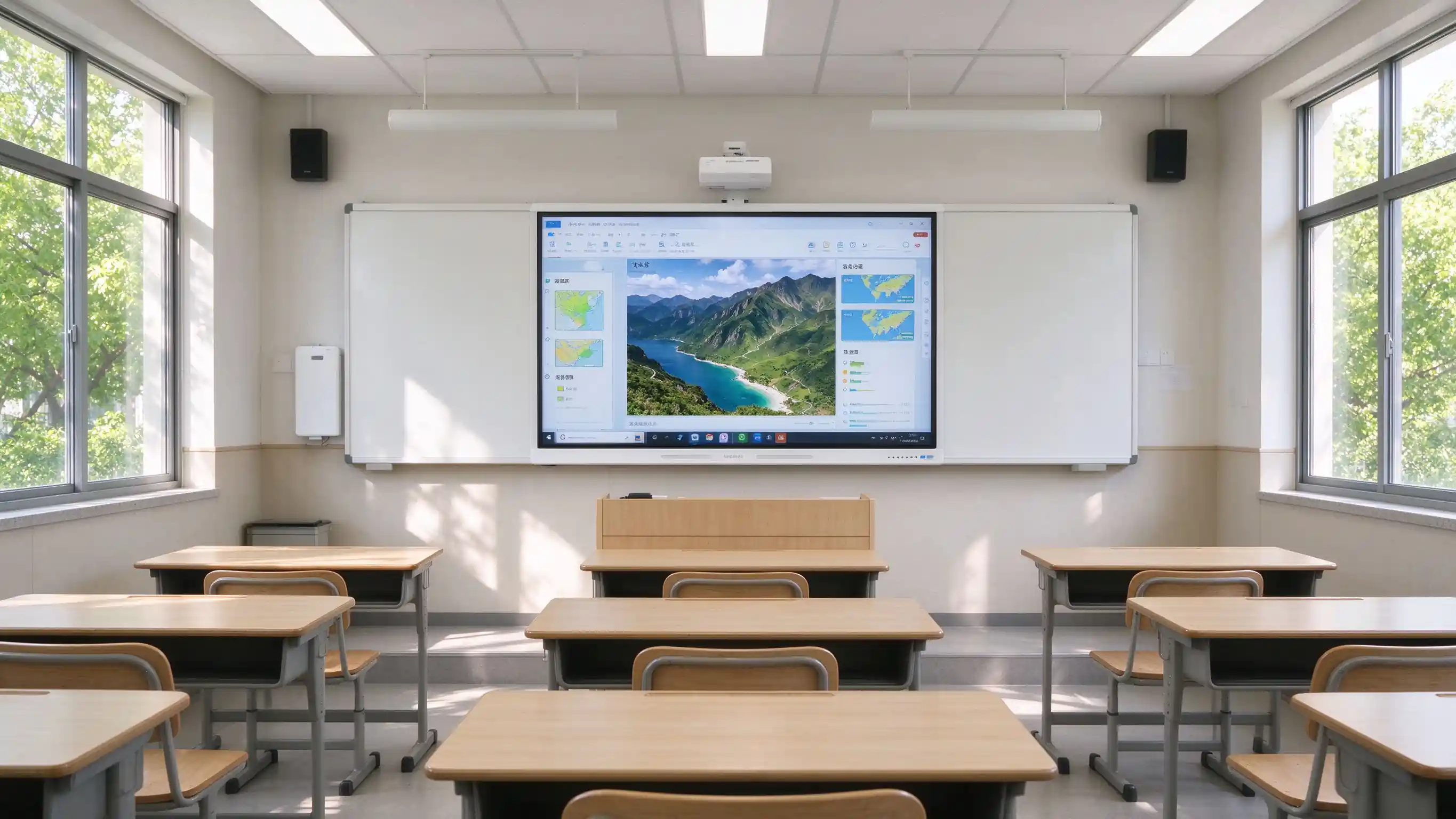
Scan the QR code to access whiteboard content and lecture recordings on phone or tablet. Missed class is no longer missed learning.
Families gain visibility into lesson content and instructional progress, reducing information gaps.
Lesson records can be exported as PDF / PNG and archived for later review and revision.
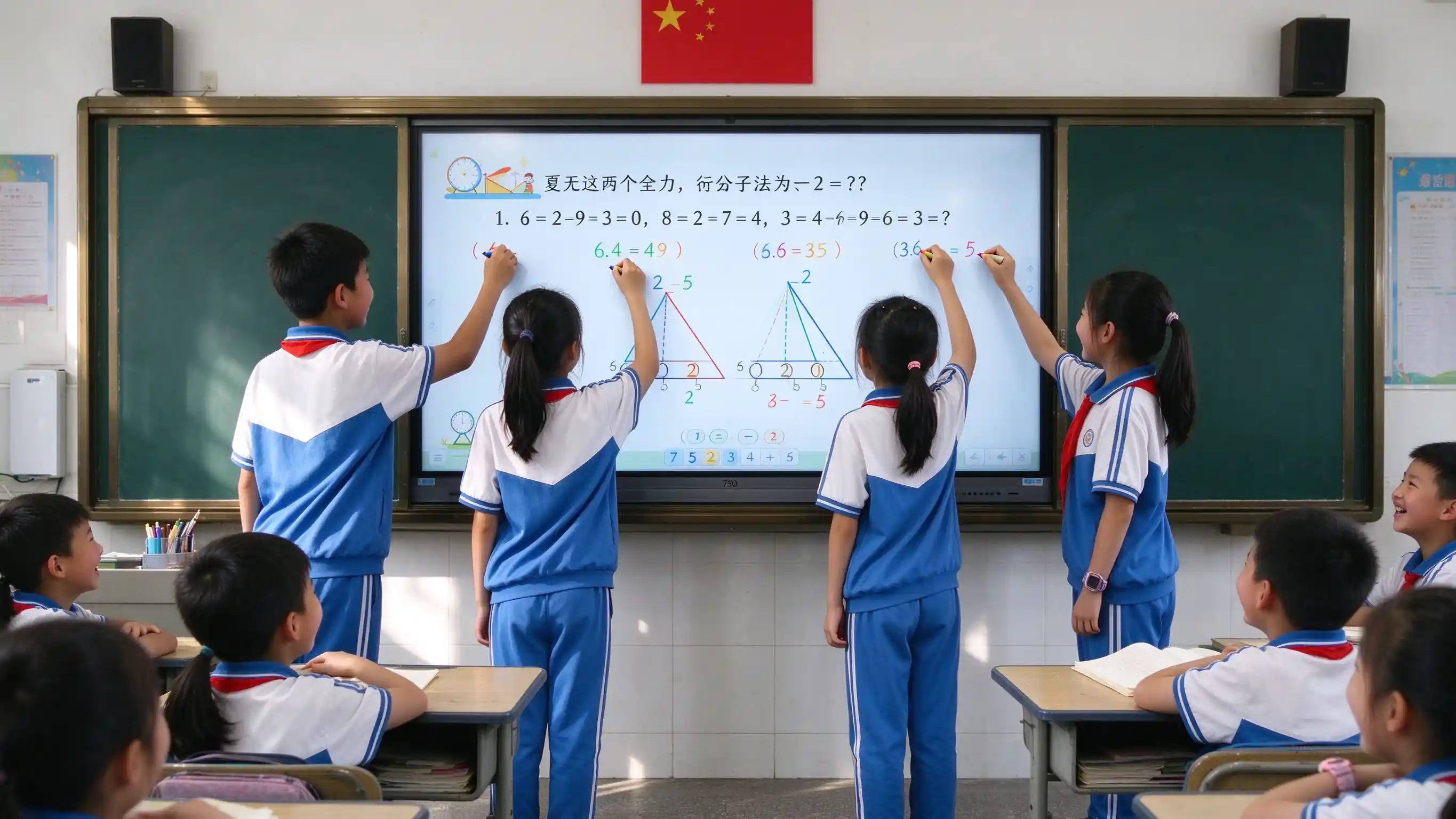
Student device casting, quizzes, and group work turn students from passive listeners into active participants.
Buyers value verifiable projects and certifications. Replace the placeholders below with real deployment data before publishing.
[XX-classroom K-12 smart classroom rollout in Region] — number of classrooms, schools covered, acceptance result, teacher feedback.
[XX-classroom higher education smart classroom deployment in Region] — campuses covered, lecture capture adoption, IT satisfaction.
Quotes from district technology directors, principals, and classroom teachers.
Pilot classroom outcomes, teacher adoption rate, and lesson capture usage data.
CE, FCC, RoHS, ENERGY STAR, ISO, EMC, eye care test reports, accessibility statements.
Warranty length, advance replacement, response time, on-site service scope, and training hours.
These questions appear most often in district RFPs, pilot evaluations, and partner inquiries.
Q1: What size interactive flat panel is recommended for a K-12 or university classroom?
Primary classrooms (30–40 students) — 55–65". Middle and high school (40–50 students) — 65–75". University classrooms (50–80 students) — 75–86". Lecture halls (80+ students) — 86–98". Room depth and viewing distance from the last row should always be checked.
Q2: How does the IFP improve classroom engagement?
20-point IR touch allows multiple students to write at once. Built-in activities, quizzes, group work, and student device casting move the classroom from teacher-only delivery to multi-directional engagement.
Q3: What's the difference between a nano blackboard and a traditional blackboard?
A nano blackboard supports chalk or dedicated pens with a feel close to a traditional blackboard, but is dust-free and eco-friendly, protects teachers' and students' health, saves handwriting to electronic files, and is easy to clean and maintain. It can be deployed alongside an IFP.
Q4: Is it compatible with Google Classroom, Microsoft Teams, and existing LMS platforms?
Yes. The panel supports Google Classroom, Microsoft Teams, Canvas, Schoology, Moodle, Google Drive, OneDrive, and SharePoint. API / SDK cooperation is available for deeper integration with existing school platforms, SSO, and SIS.
Q5: How does Qtenboard support FERPA, COPPA, GDPR, and Section 508?
The solution is designed with privacy-by-design principles, role-based access, and a minimal student data footprint. Compliance documentation is available for procurement review and data protection impact assessments. Accessibility follows ADA / Section 508 / WCAG 2.1 AA considerations.
Q6: Does Qtenboard provide teacher professional development?
Yes. On-site training with a minimum of [X] hours, subject-specific sessions, printed or digital materials, online learning resources, completion certificates, and ongoing remote support.
Q7: Does Qtenboard support OEM / ODM and white-label?
Yes. UI, logo, wallpaper, packaging, pre-installed education software, OPS, nano blackboard, digital podium, and DMS integration can be customized. See OEM / ODM services for details.
Q8: What is the warranty and RMA process?
3 Years Warranty — warranty length, response time, on-site service scope, advance replacement options, and training hours should be specified clearly, as these are common scoring items in district RFPs.

Ceo | interaktīva displeja un sadarbības risinājumu eksperts
Esmu Qtenboard dibinātājs, un man ir vairāk nekā 17 gadu praktiskas pieredzes skārienjūtīgo ekrānu nozarē. Pamatojoties uz globālās vadības perspektīvu, kas iegūta, izmantojot emba studijas šengenas universitātē, es vadu savu komandu, optimizējot katru darbības posmu-no produktu definīcijas līdz augstas efektivitātes piegādes ķēdes pārvaldībai-nodrošinot, ka mūsu ražošanas spējas paliek nozares priekšgalā.
Kā qtenboard līderis, es specializējos, lai nodrošinātu pielāgotus oem/odm risinājumus interaktīvajām tāfelēm, lcd video sienām, ciparu apzīmēm un rūpnieciskās kvalitātes pieskāriena termināļiem. Atbalstīts mūsu 330,000 m² mūsdienu rūpniecības parks shenzhen, mēs uzturēt pilnu dzīves cikla kontroli pār rūpniecisko dizainu, precizitāti ražošanu un stingru veiktspējas testēšanu.
Ar gandrīz divus gadu desmitus ilgu projekta pieredzi, qtenboard displeja risinājumi tagad tiek izvietoti vairāk nekā 120 valstīs un reģionos, nopelnījis vairāk nekā 15,000 uzņēmumu klientu uzticību visā pasaulē. Ja jūs meklējat atsaucīgu partneri ar dziļu ražošanas pamatu jūsu pielāgotiem touch displeja projektiem, mans komanda un es esam gatavi atbalstīt jūsu vīziju ar profesionālu izcilību.

 lav
lav
 EN
EN  pt
pt  spa
spa  th
th  vie
vie  aze
aze  bel
bel  est
est  ukr
ukr  ru
ru