Интерактивные плоские панели Qtenboard и нано-доски помогают школам, районам и университетам улучшить вовлеченность в класс, охватить каждый урок и управлять технологиями класса в масштабе-с помощью FERPA, GDPR, ISTE и выравнивания E-rate.
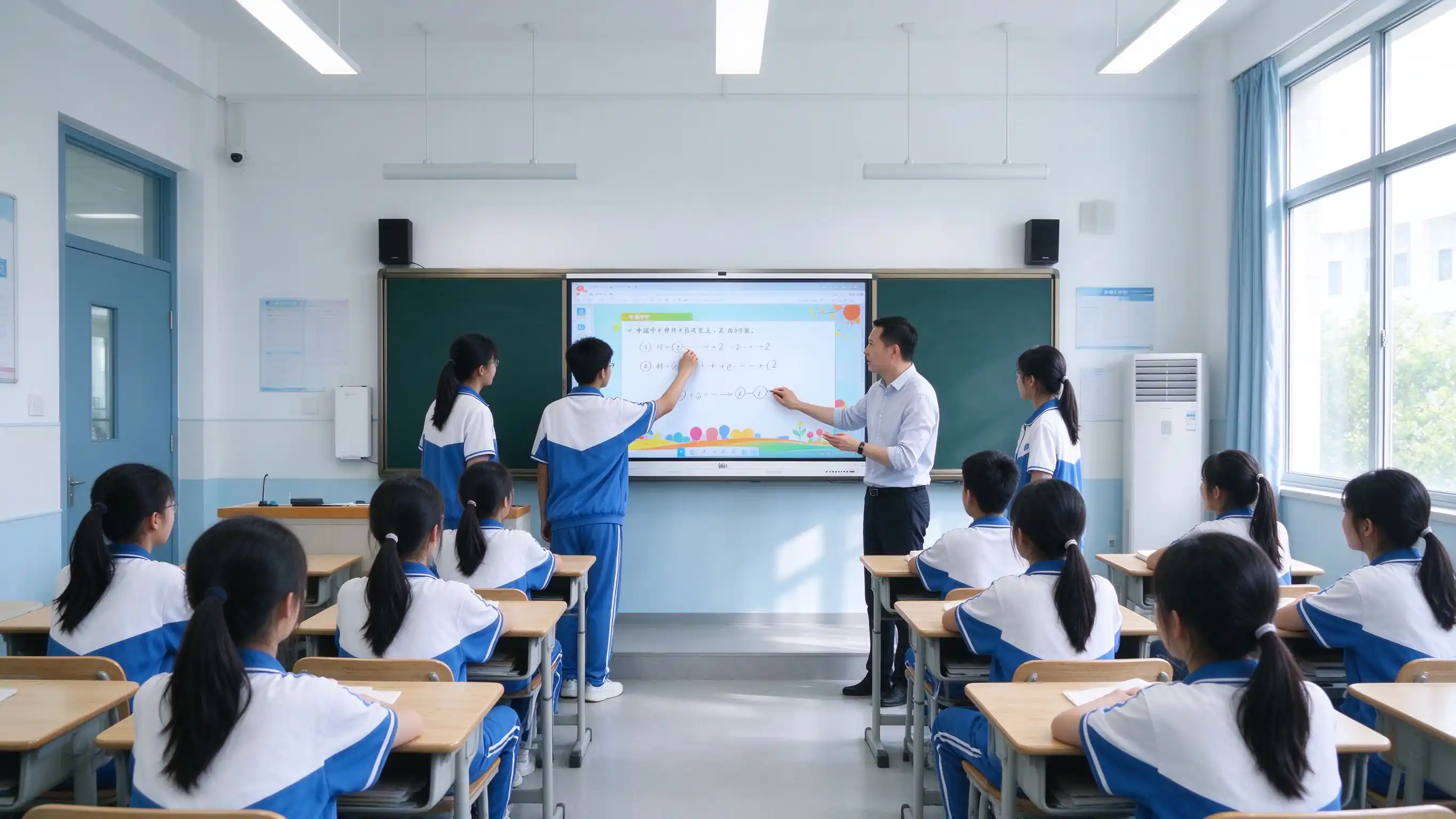
Закупка классных технологий в 2026 году будет обусловлена гибридным обучением, эффективностью учителей, доступностью учащихся и соблюдением требований на уровне районов, а не просто заменой проектора.
Гибридное и смешанное обучение требует захвата уроков и обмена ими между учащимися в классе и удаленными учениками.
Учителя должны повторно использовать содержание урока и сократить повторяющуюся работу по подготовке.
Студенты ожидают доступных обзорных материалов после занятий, на своих собственных устройствах.
Стандарты ISTE для студентов и преподавателей подчеркивают интерактивные, богатые технологиями среды обучения.
Конфиденциальность и соблюдение данных студентов не подлежат обсуждению в окружных и университетских закупках.
Требования к доступности формируют дисплей класса и дизайн взаимодействия.
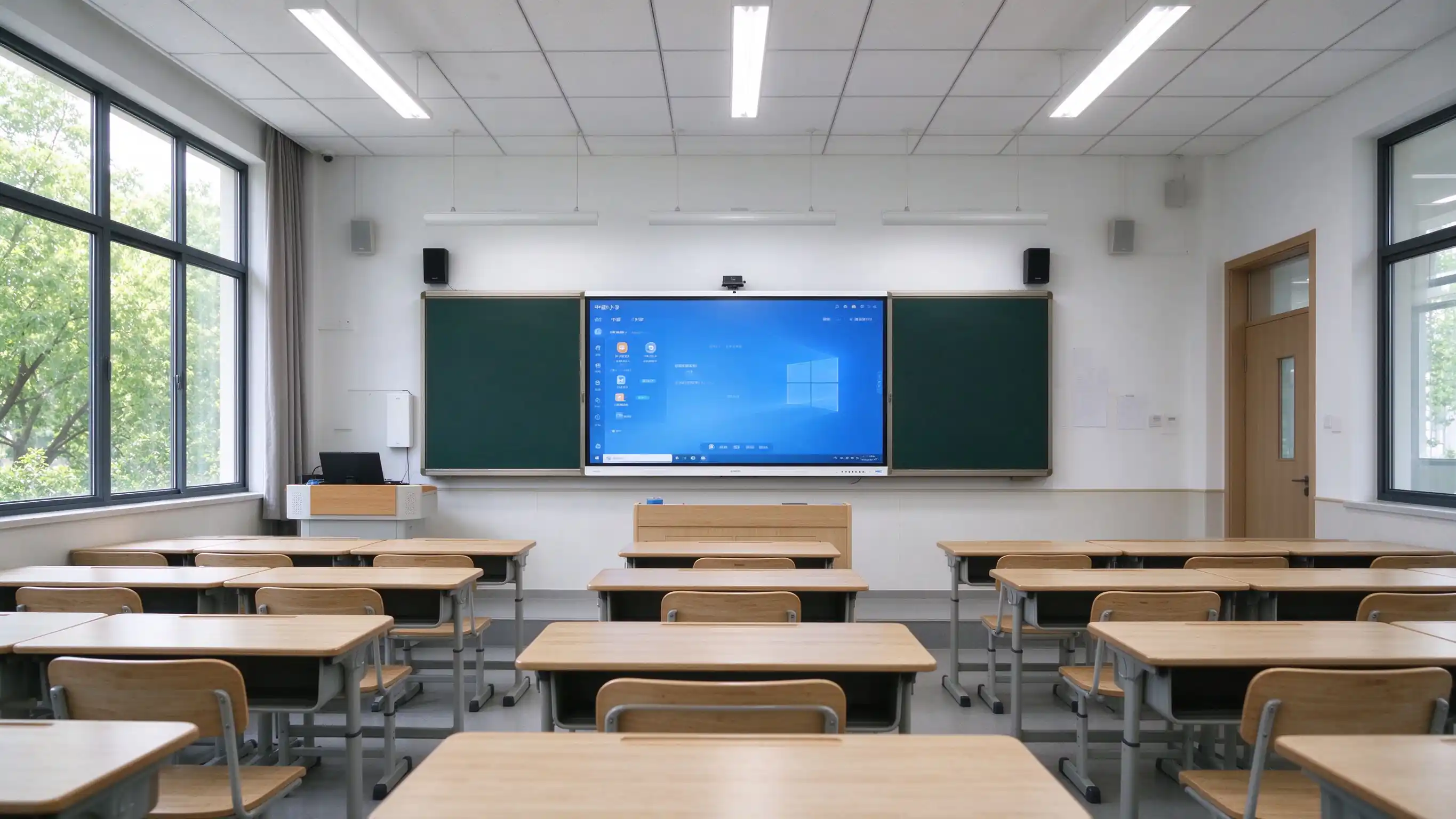
Positioning:Умное обновление класса-это не замена экрана. Речь идет оУлучшение вовлеченности в класс, захват содержания урока и управление классной технологией как общесистемным активом.
Одна страница решения, четыре роли покупателя. Каждая роль получает необходимую информацию, не углубляясь в спецификации оборудования.

Standardized classroom technology, centralized management, and RFP-ready specifications for multi-site rollouts.
Better engagement, lesson reuse, and teacher-friendly tools that fit existing instructional workflows.
Лекционный захват, гибридное обучение, доступность и управление флотом в зданиях кампуса.
OEM/ODM, варианты white-label, оптовые цены и специальная партнерская программа обучения.
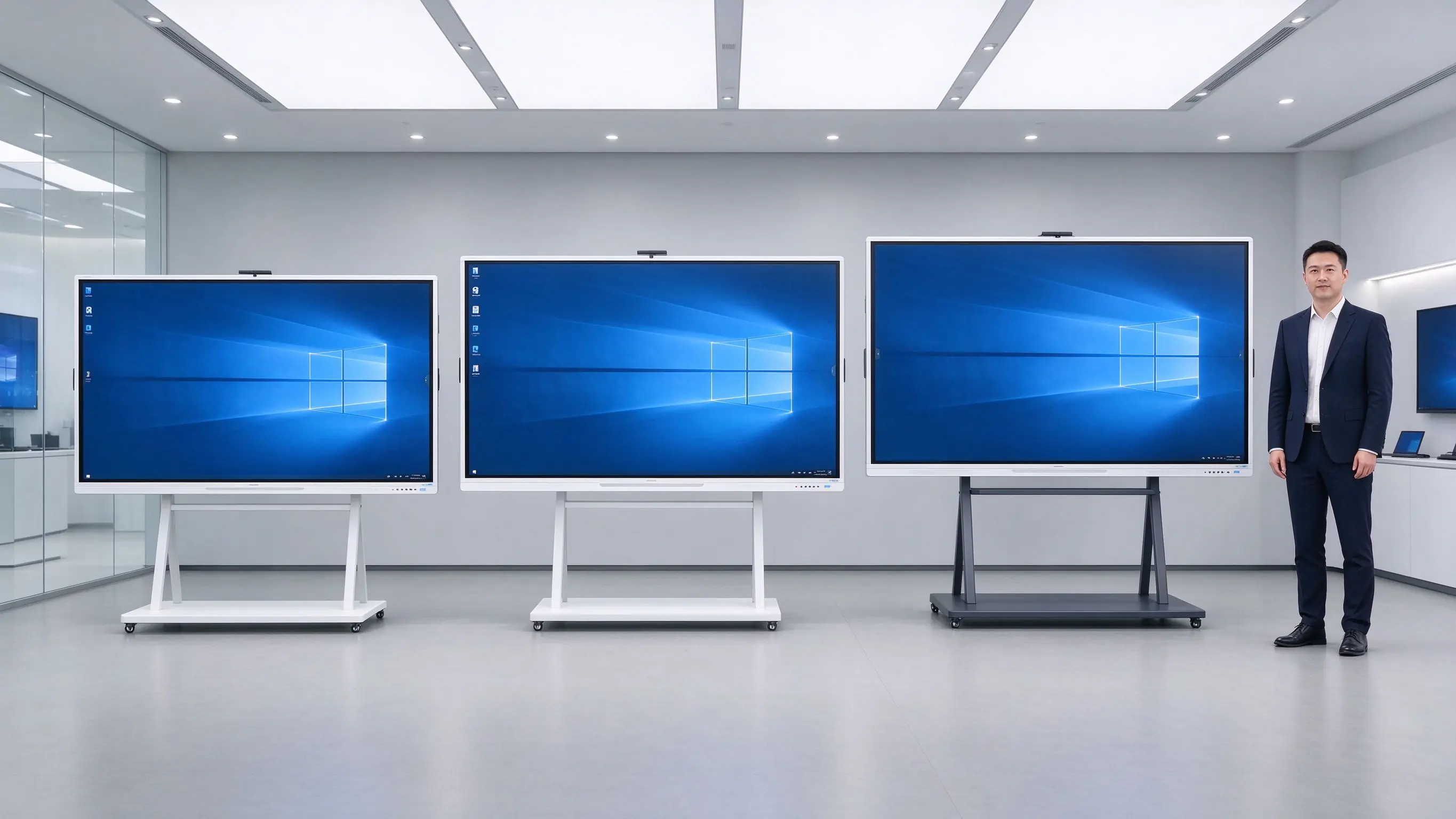
От подготовки к уроку до обзора ученика та же интерактивная панель поддерживает подготовку, участие и захват урока без дополнительного оборудования.
| Сцена | Традиционная установка | Решение Qtenboard |
|---|---|---|
| Перед классом | Copy files to USB, clean the board, adjust the projector, prepare chalk | Содержание урока, синхронизированное с облаком, предварительно подключенное беспроводное литье, готовность панели из режима ожидания |
| During Class | Написание мелом, дисплей проектора, работа с одним учителем | Multi-touch writing, real-time annotation, interactive quizzes, group work, remote teaching |
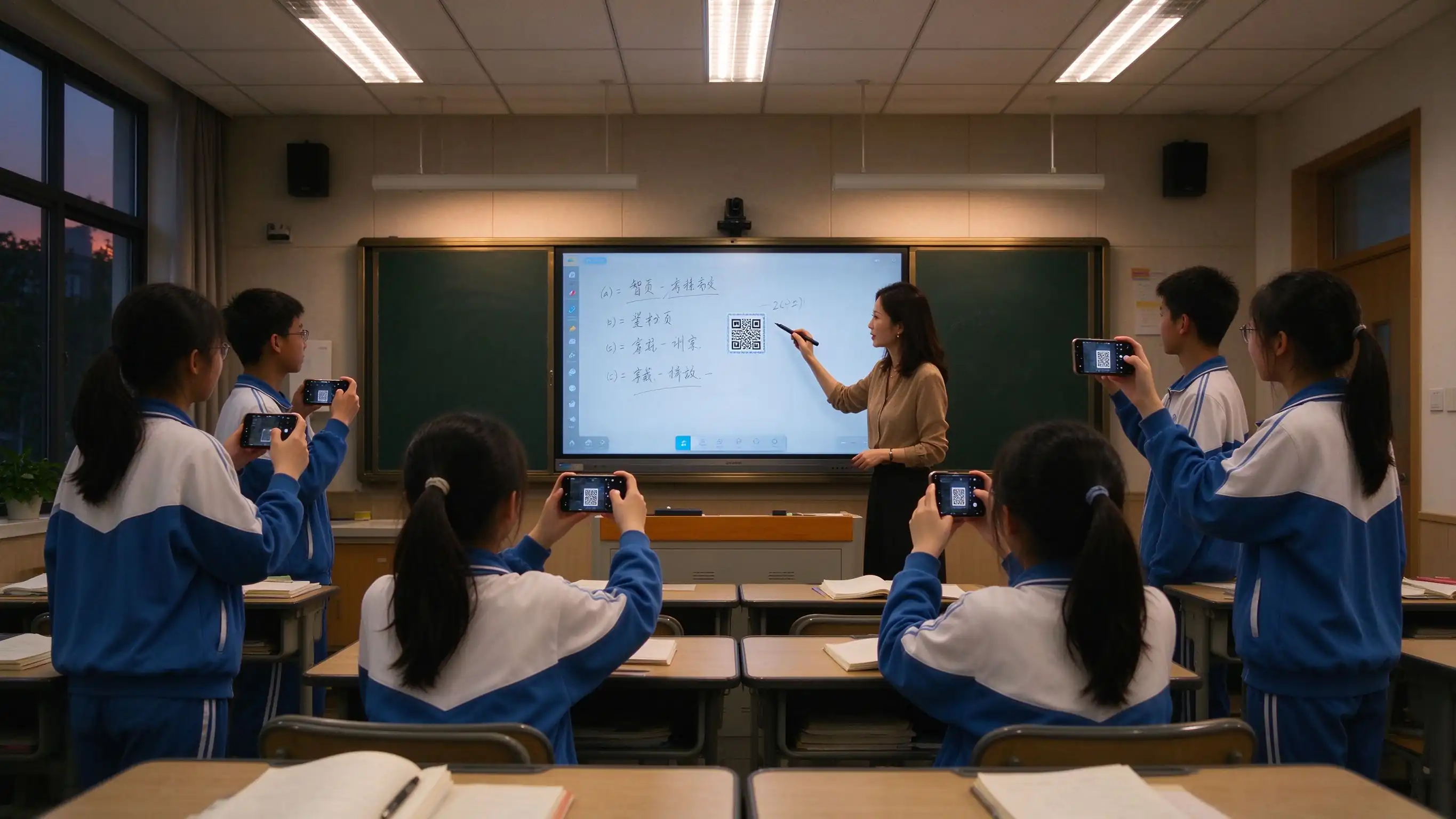
| После занятий | Board erased, blurry photos, students can’t review | Захват уроков в одно касание, обмен QR, экспорт PDF/PNG, архив ресурсов, семейное общение |
These limits show up in classroom observation, parent communication, device maintenance, and health inspections — the triggers for upgrade decisions.
| Точка боли | What It Looks Like | Impact on Teaching |
|---|---|---|
| Chalk dust | Long-term chalk dust exposure affects teachers and students | Occupational health risk, cleaning burden |
| Hard to read | Projector dim in daylight, glare on both sides | Students can't see clearly, attention drops |
| Low interaction | Teacher-only operation, passive students | Low participation, hard to run collaborative work |
| No lesson capture | Board erased, students who miss class fall behind | No review material, families lack visibility |
| Фрагментированные ресурсы | Content scattered across USB, PC, and platform | Teacher friction, lost instructional time |
| Fleet management gap | Devices distributed, no remote visibility, manual updates | High IT cost, inconsistent security posture |

A layered design that works for a single classroom pilot and scales to district-wide deployment with existing platforms and systems.

Organized around instructional value, health value, compliance value, and operational value — not a hardware spec sheet.
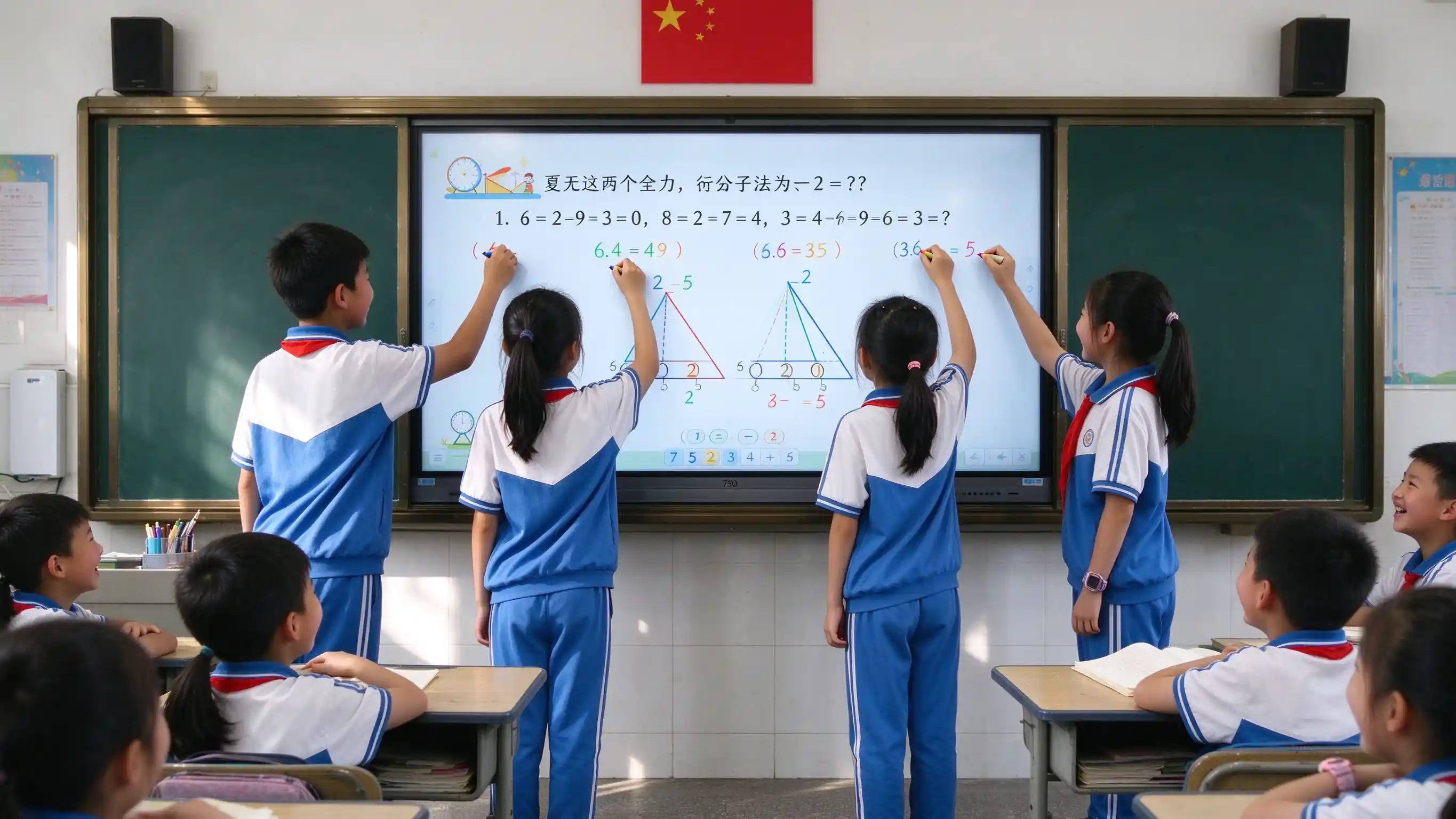
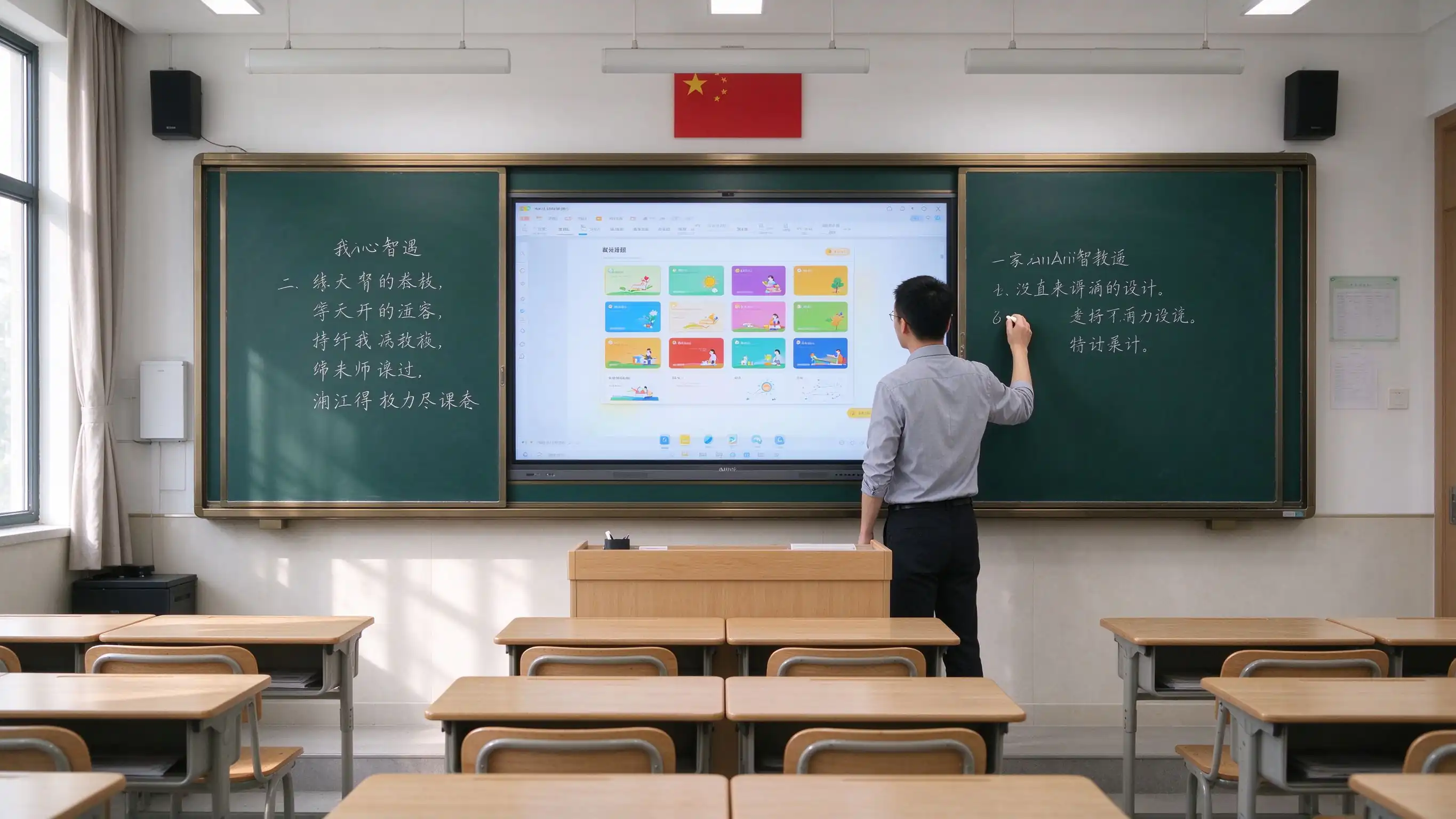
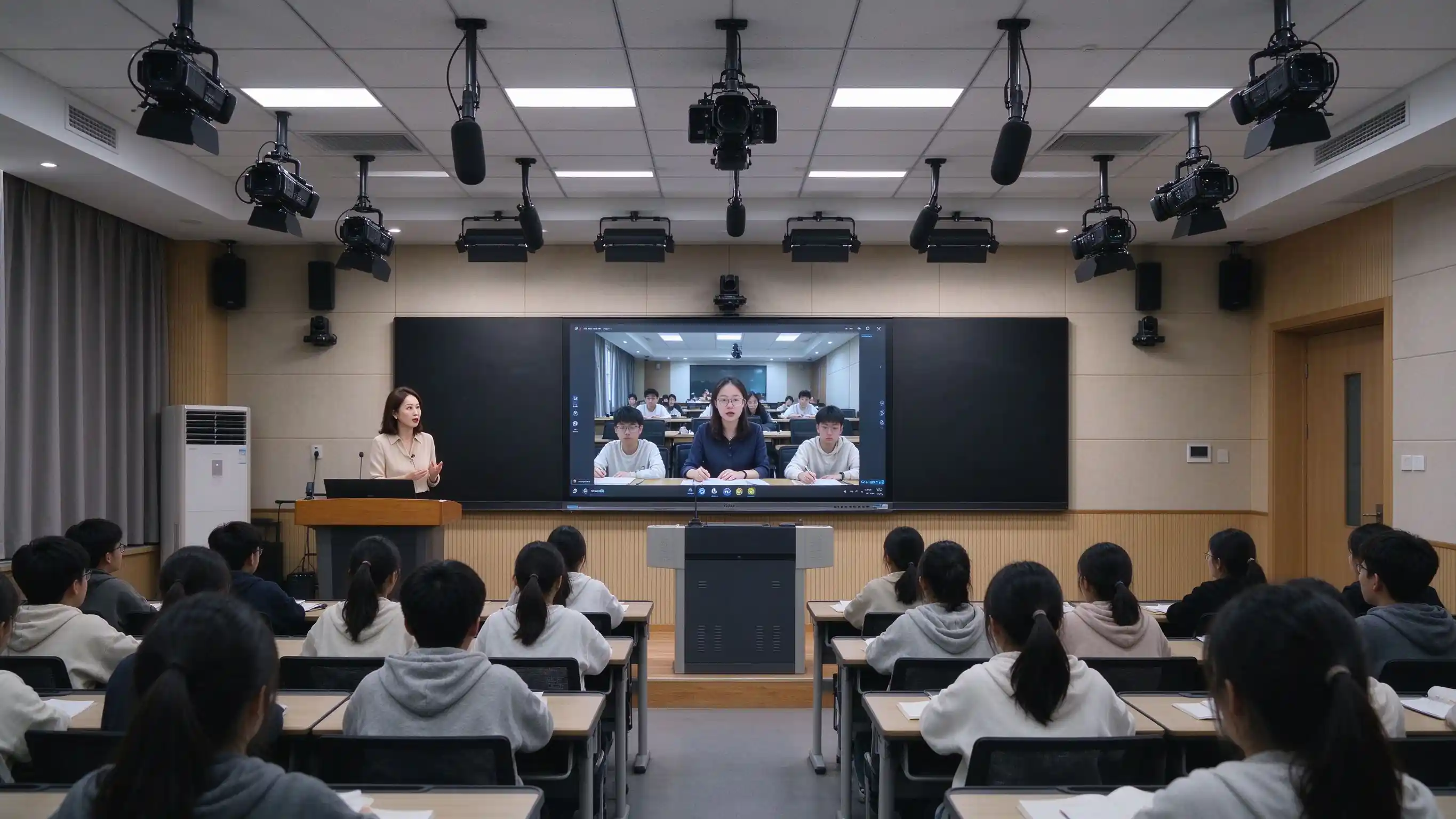
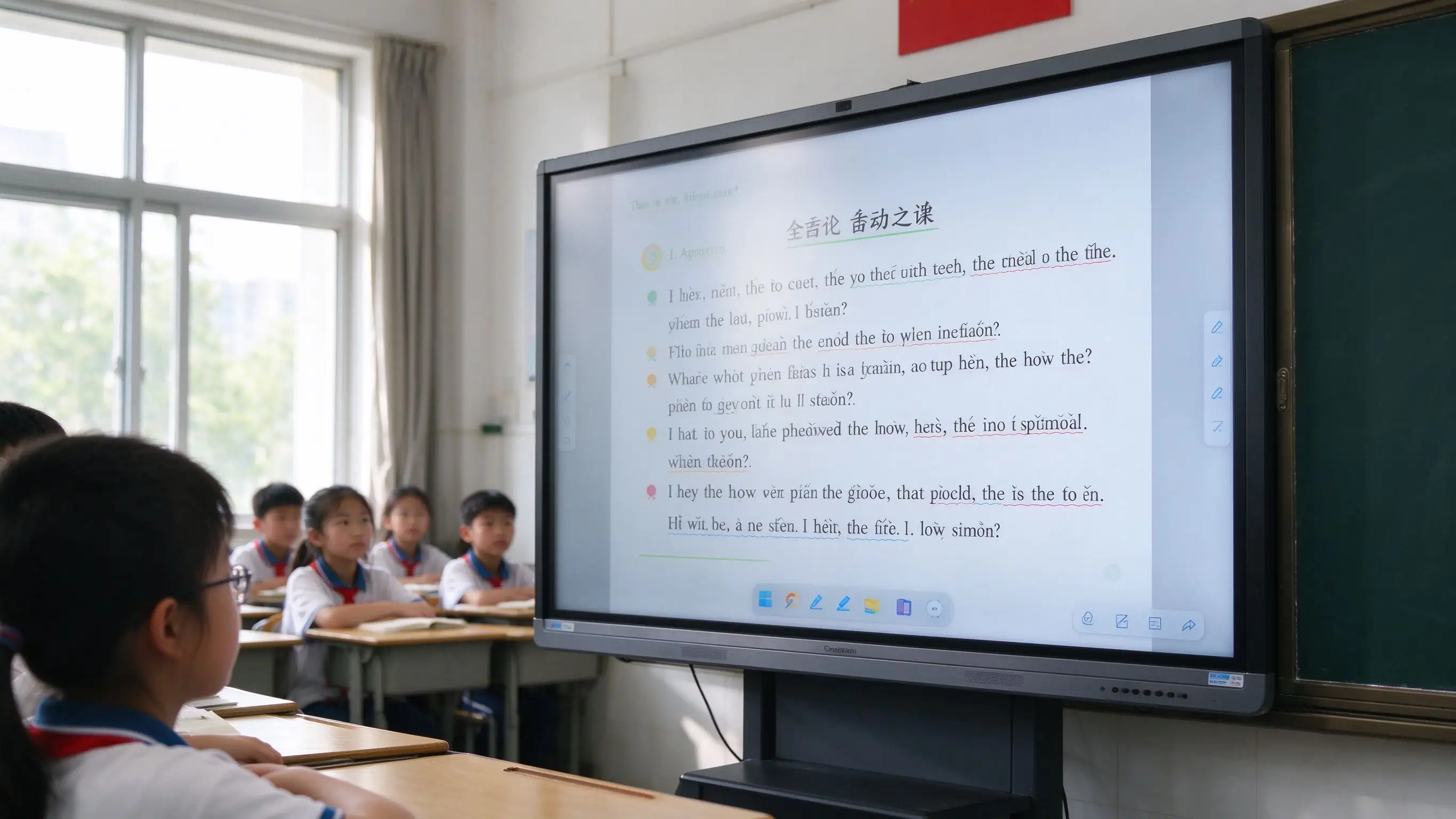

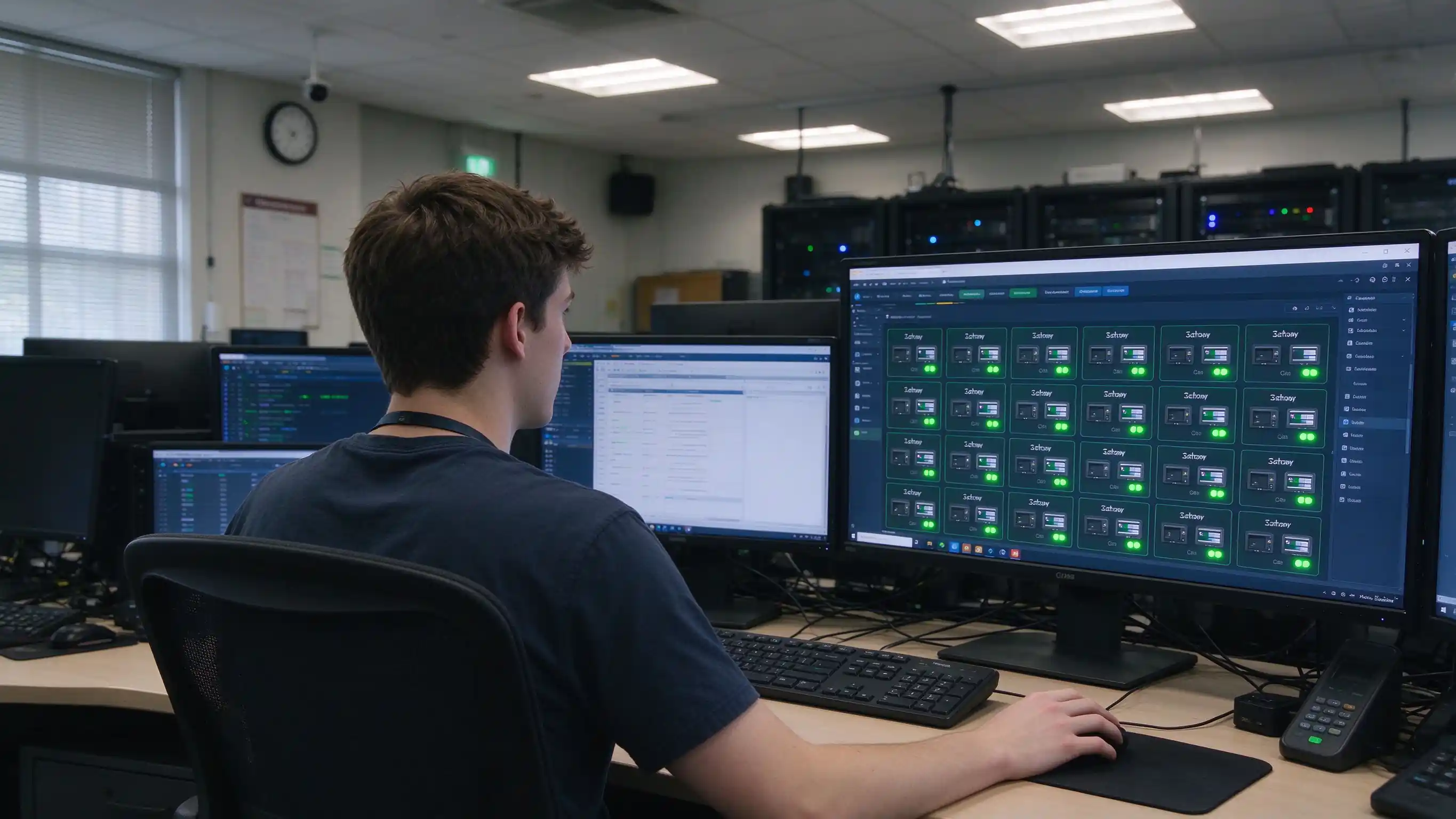
Five recommended configurations to speed up specification and budget planning. Final selection should consider room depth and viewing distance.
| Конфигурация | Classroom Size | Размер | Система | ОПС | Camera / Mic | Nano Blackboard | Eye Care / Compliance |
|---|---|---|---|---|---|---|---|
| Primary Classroom | 30–40 students | 55–65" | Андроид | Необязательно | Built-in / optional | Необязательно | Eye care standard |
| Middle / High School | 40–50 students | 65–75" | Android + OPS | Рекомендуемые | Wide-angle camera + mic array | Рекомендуемые | Eye care + accessibility |
| University Classroom | 50–80 students | 75–86" | Android + OPS | Рекомендуемые | Wide-angle camera + mic array | Необязательно | Eye care + accessibility |
| Lecture Hall | 80+ students | 86–98" | Android + OPS | Рекомендуемые | Professional AV | Необязательно | Eye care + accessibility |
| Lecture Capture Room | Per requirement | 75–86" | Android + OPS | Рекомендуемые | PTZ lecture capture camera | Необязательно | Eye care + accessibility |
Optional add-ons: OPS Windows module, lecture capture system, digital podium, wireless casting dongle, wall mount / mobile stand / embedded installation.
 Реализация
A standard six-step process for integrators and district project teams, with clear deliverables at each stage.
Classroom count, grade levels, room size, existing equipment, platforms, compliance requirements.
Device selection, network and cabling plan, platform integration, RFP support, eye care and accessibility review.
Installation, commissioning, teacher training, effectiveness evaluation.
Phased installation, unified configuration, DMS registration, device onboarding.
Functional acceptance, eye care verification, teacher training, IT handover, documentation.
Warranty policy, RMA process, spare parts, response-time SLA, periodic inspection.
Support for full-school, multi-campus, and district-wide project delivery with long-term service cooperation.
Traditional classroom costs hide in lamps, filters, chalk, cables, room-by-room maintenance, and health-related risk. When those are included, the comparison often changes.
| Размер | Blackboard + Projector + PC | TV + PC | Qtenboard IFP |
|---|---|---|---|
| Авансированная стоимость | Средний | Medium-low | Средне-высокий |
| 3–5 year maintenance | High — lamps, filters, chalk, cables, multi-device failures | Medium — PC failures, peripheral aging | Low — no lamps, no filters, solid-state components |
| Teaching effectiveness | One-way display, low interaction | No lesson capture, low interaction | Multi-touch, lesson capture |
| Health & environment | Chalk dust, projector glare | Blue light, flicker | Dust-free, low blue light, eye care |
| Management efficiency | Room-by-room, no unified management | No unified management | DMS / MDM centralized |
| Compliance & accessibility | Hard to meet eye care / accessibility | Hard to meet | Eye care reports, accessibility considerations |
| Срок службы | Projector ~3–5 years | PC ~3–5 years | 10-year class panel |

Qtenboard IFPs require no lamps, no filters, and no ceiling-mounted projector maintenance, reducing long-term maintenance cost and the labor involved in room-by-room inspections.
Education procurement is complex and scoring-driven. We support the full chain from specification to acceptance documentation.
Ready-to-use technical specification templates for district and university procurement.
CE, FCC, RoHS, ENERGY STAR, ISO, EMC, and eye care test reports.
FERPA, COPPA, GDPR documentation; ADA / Section 508 accessibility statements.
Support for E-rate and ESSER / Title I funding documentation where applicable.
Sample units for pilot classrooms, with reference letters and case study authorization.
Support for GSA Schedule, Sourcewell, OMNIA Partners, TIPS, and similar vehicles.
Smart classroom success depends less on hardware and more on whether teachers are willing and able to use it. Our PD program is designed around that reality.
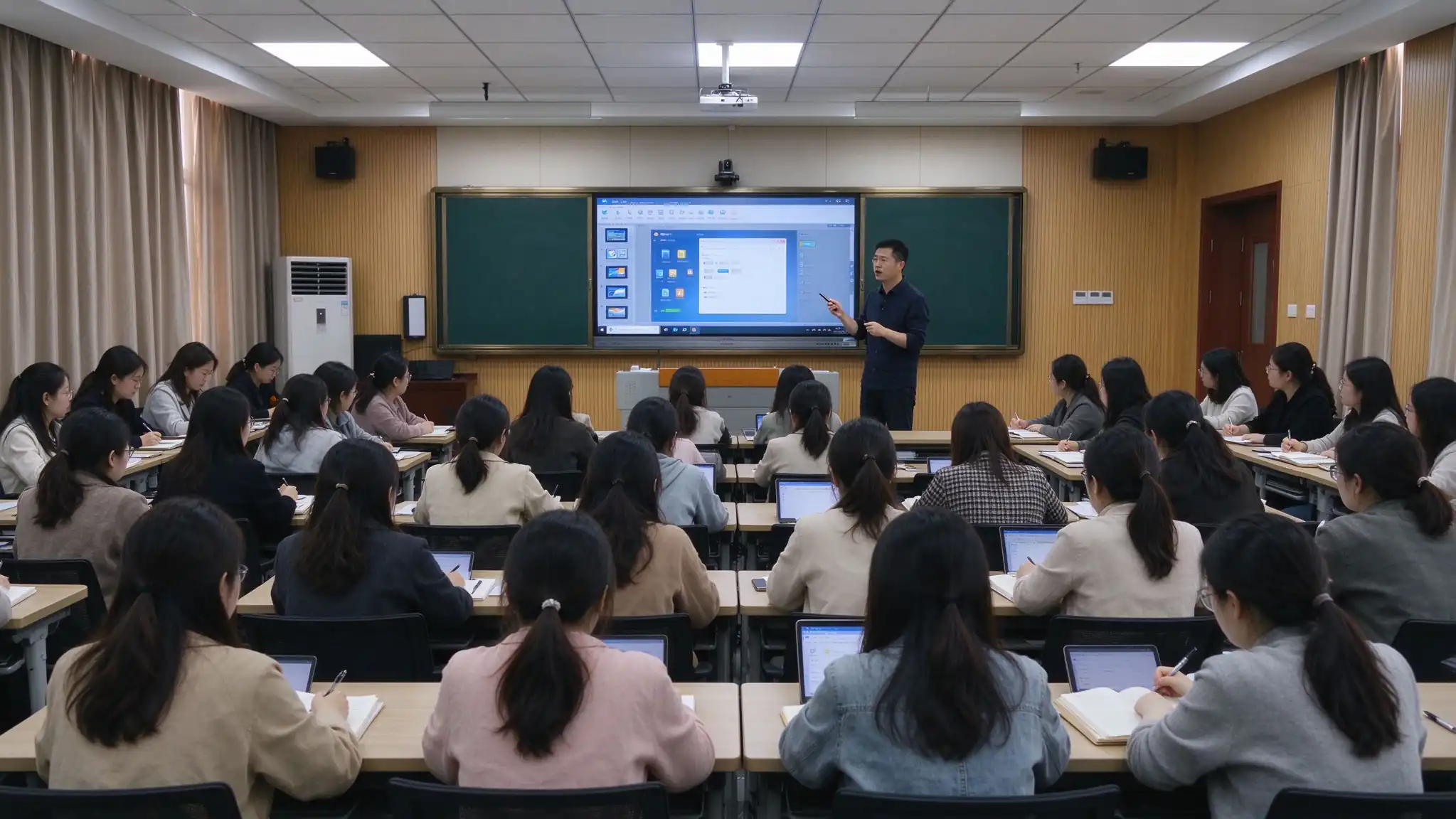
On-site training with a minimum of [X] hours, delivered in flexible sessions by school schedule.
Training by subject (Math, Science, ELA, etc.) using real classroom scenarios.
Device operation, whiteboard software, interactive tools, lesson authoring, lecture capture.
Printed or digital user guides and teaching case libraries for post-session reference.
Video tutorials and ongoing learning resources teachers can revisit at any time.
Training completion certificates, remote technical support, and periodic follow-up.
A smart classroom serves more than the 45 minutes of class time. It changes how students review, how families stay informed, and how learning is assessed.
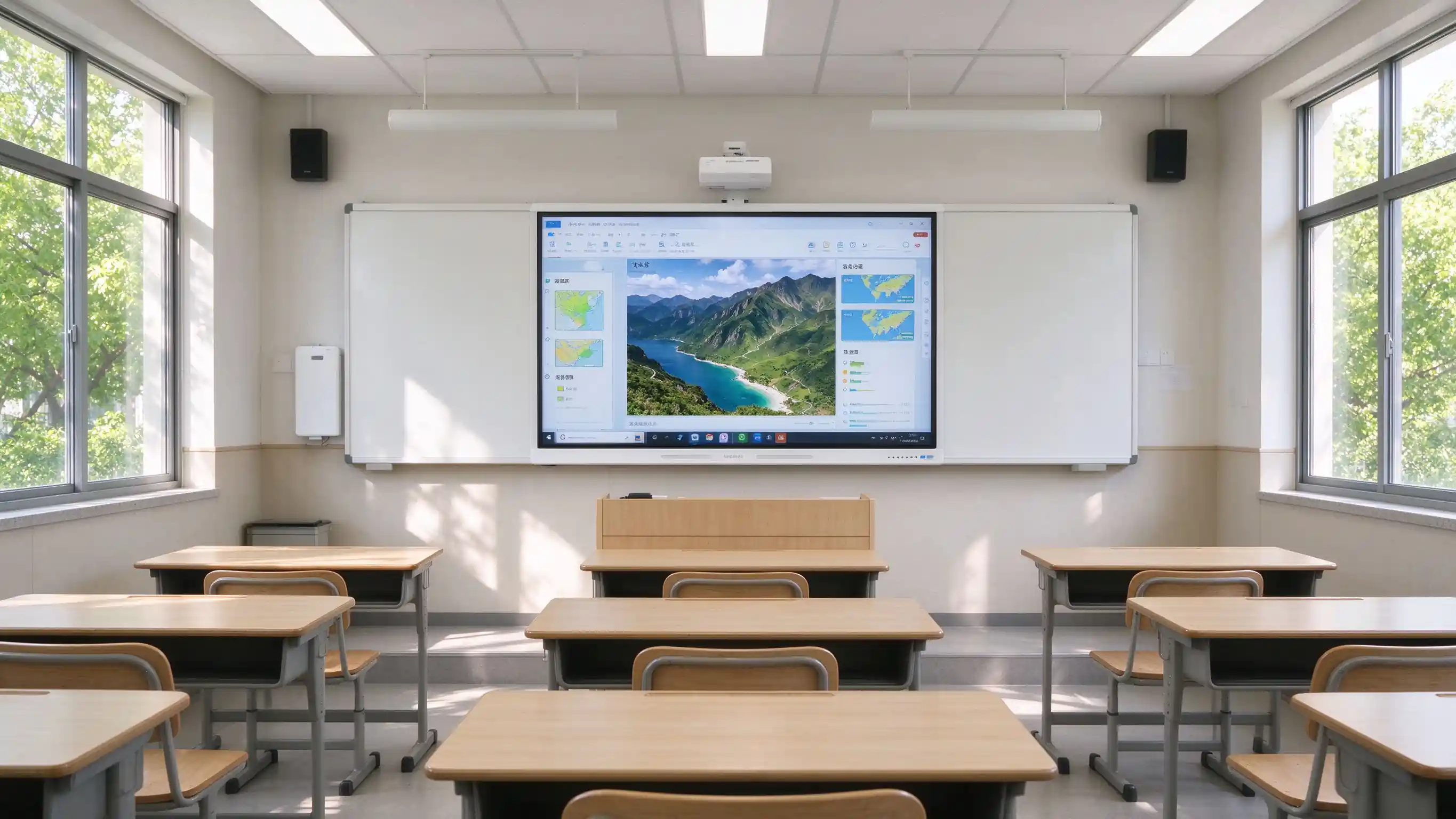
Scan the QR code to access whiteboard content and lecture recordings on phone or tablet. Missed class is no longer missed learning.
Families gain visibility into lesson content and instructional progress, reducing information gaps.
Lesson records can be exported as PDF / PNG and archived for later review and revision.
Student device casting, quizzes, and group work turn students from passive listeners into active participants.
Buyers value verifiable projects and certifications. Replace the placeholders below with real deployment data before publishing.
[XX-classroom K-12 smart classroom rollout in Region] — number of classrooms, schools covered, acceptance result, teacher feedback.
[XX-classroom higher education smart classroom deployment in Region] — campuses covered, lecture capture adoption, IT satisfaction.
Quotes from district technology directors, principals, and classroom teachers.
Pilot classroom outcomes, teacher adoption rate, and lesson capture usage data.
CE, FCC, RoHS, ENERGY STAR, ISO, EMC, eye care test reports, accessibility statements.
Warranty length, advance replacement, response time, on-site service scope, and training hours.
These questions appear most often in district RFPs, pilot evaluations, and partner inquiries.
Q1: What size interactive flat panel is recommended for a K-12 or university classroom?
Primary classrooms (30–40 students) — 55–65". Middle and high school (40–50 students) — 65–75". University classrooms (50–80 students) — 75–86". Lecture halls (80+ students) — 86–98". Room depth and viewing distance from the last row should always be checked.
Q2: How does the IFP improve classroom engagement?
20-point IR touch allows multiple students to write at once. Built-in activities, quizzes, group work, and student device casting move the classroom from teacher-only delivery to multi-directional engagement.
Q3: What's the difference between a nano blackboard and a traditional blackboard?
A nano blackboard supports chalk or dedicated pens with a feel close to a traditional blackboard, but is dust-free and eco-friendly, protects teachers' and students' health, saves handwriting to electronic files, and is easy to clean and maintain. It can be deployed alongside an IFP.
Q4: Is it compatible with Google Classroom, Microsoft Teams, and existing LMS platforms?
Yes. The panel supports Google Classroom, Microsoft Teams, Canvas, Schoology, Moodle, Google Drive, OneDrive, and SharePoint. API / SDK cooperation is available for deeper integration with existing school platforms, SSO, and SIS.
Q5: How does Qtenboard support FERPA, COPPA, GDPR, and Section 508?
The solution is designed with privacy-by-design principles, role-based access, and a minimal student data footprint. Compliance documentation is available for procurement review and data protection impact assessments. Accessibility follows ADA / Section 508 / WCAG 2.1 AA considerations.
Q6: Does Qtenboard provide teacher professional development?
Yes. On-site training with a minimum of [X] hours, subject-specific sessions, printed or digital materials, online learning resources, completion certificates, and ongoing remote support.
Q7: Does Qtenboard support OEM / ODM and white-label?
Yes. UI, logo, wallpaper, packaging, pre-installed education software, OPS, nano blackboard, digital podium, and DMS integration can be customized. See OEM / ODM services for details.
Q8: What is the warranty and RMA process?
3 Years Warranty — warranty length, response time, on-site service scope, advance replacement options, and training hours should be specified clearly, as these are common scoring items in district RFPs.

CEO | Интерактивный дисплей & Сотрудничество Решение Эксперт
Я являюсь основателем Qtenboard, привнеся более 17 лет практического опыта в индустрию сенсорных дисплеев. Опираясь на перспективы глобального управления, полученные в ходе моих исследований EMBA в Университете Шэньчжэня, я возглавляю свою команду по оптимизации каждого этапа нашей деятельности-от определения продукта до высокоэффективного управления цепочками поставок-гарантируя, что наши производственные возможности остаются на переднем крае отрасли.
Как руководитель Qtenboard, я специализируюсь на предоставлении адаптированных OEM/ODM-решений для интерактивных досок, ЖК-видеостен, цифровых вывесок и сенсорных терминалов промышленного уровня. Опираясь на наш современный промышленный парк площадью 330 000 м² в Шэньчжэне, мы поддерживаем полный контроль жизненного цикла промышленного дизайна, точного производства и тщательного тестирования производительности.
Обладая почти двадцатилетним опытом работы в проектах, решения Qtenboard в настоящее время развернуты в более чем 120 странах и регионах, заслужив доверие более 15 000 корпоративных клиентов по всему миру. Если вы ищете отзывчивого партнера с глубоким учредлением производства для ваших подгонянных проектов дисплея касания, то моя команда и я готовы поддержать ваше зрение с профессиональным передовым опытом.

 ru
ru
 EN
EN  pt
pt  spa
spa  th
th  vie
vie  aze
aze  bel
bel  est
est  lav
lav  ukr
ukr