КУДНОГА ЗАКТНОКОРДАЙНІ КАДКОРДОКУ КАДКОМ ШУДАМ і універсаты паляпшыць у класы, Захоўваць кожны урок і кіруць тэхналогу ў класі ў масштабі з FERPA, GDPR, ISTE і E-R
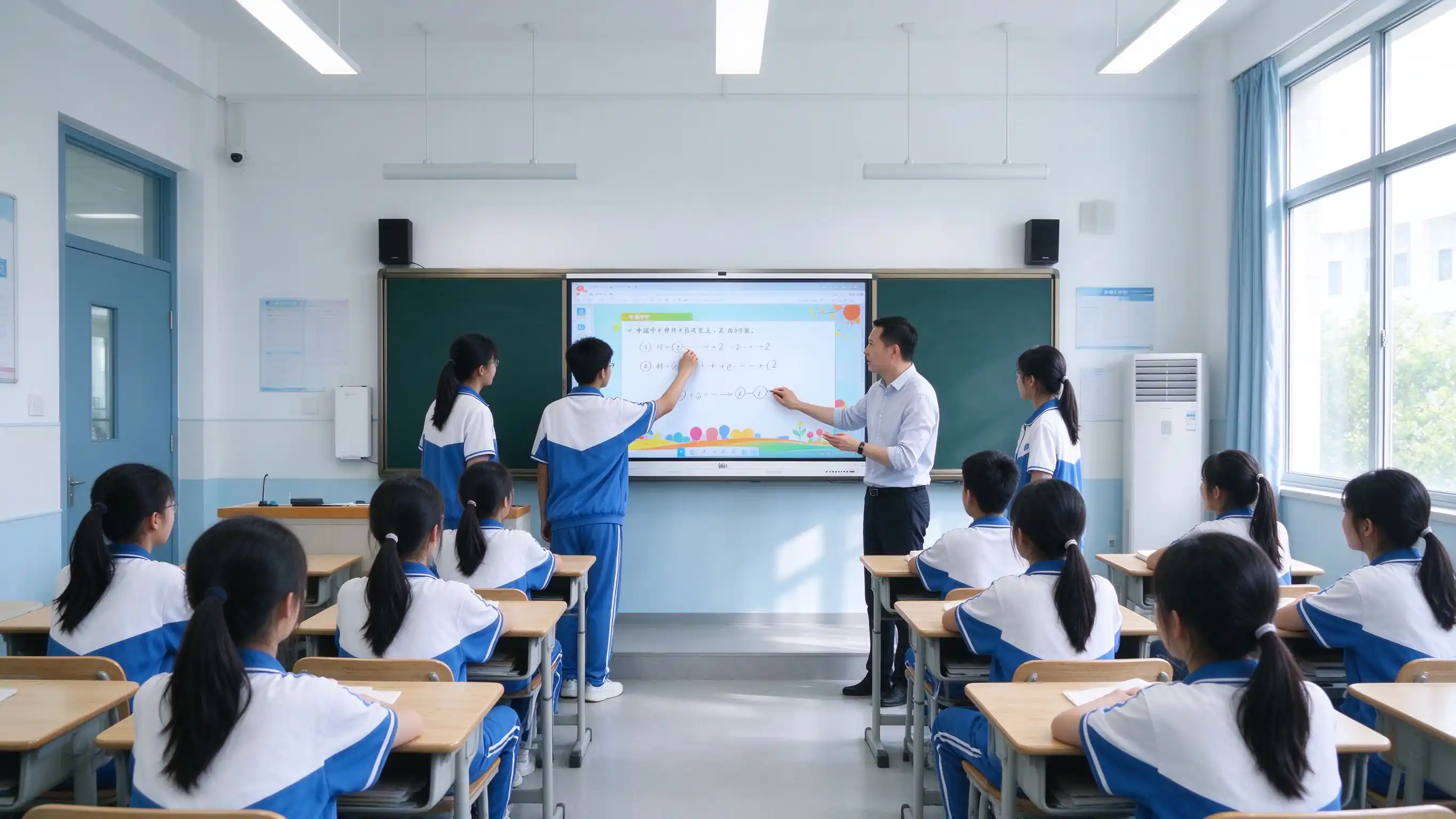
У класі тэхналогія ў 2026 працягваць гібридні вывучэння, ефектнасць настаўнік і доступнасць, і звабнаваць у ўзровень - не толькі замяне праектора.
Гібрид і збіраныя навучання патрэбна захоўваць урок і падзяліваньне ў класі і аддаленым студентам.
Націвасць павінны перакарыстоўваць змесціва урок і зменшуваць працу падпісанага нагоду.
Навчаны чакаць даступныя матеріалі пасля класа, на сваіх прыладах.
Стандартныя ISTE для студентаў і адукуляраў нагадваюцца інтэрактыўны, тэхнаўная тэхналогія.
Прыватнасць дадзеных і сувязь не зможагаць у тэксту і універсаў.
Патрабаванні да даступнасці фармуюць афармленне інтэрфейсаў у класе і прынцыпы ўзаемадзеяння.
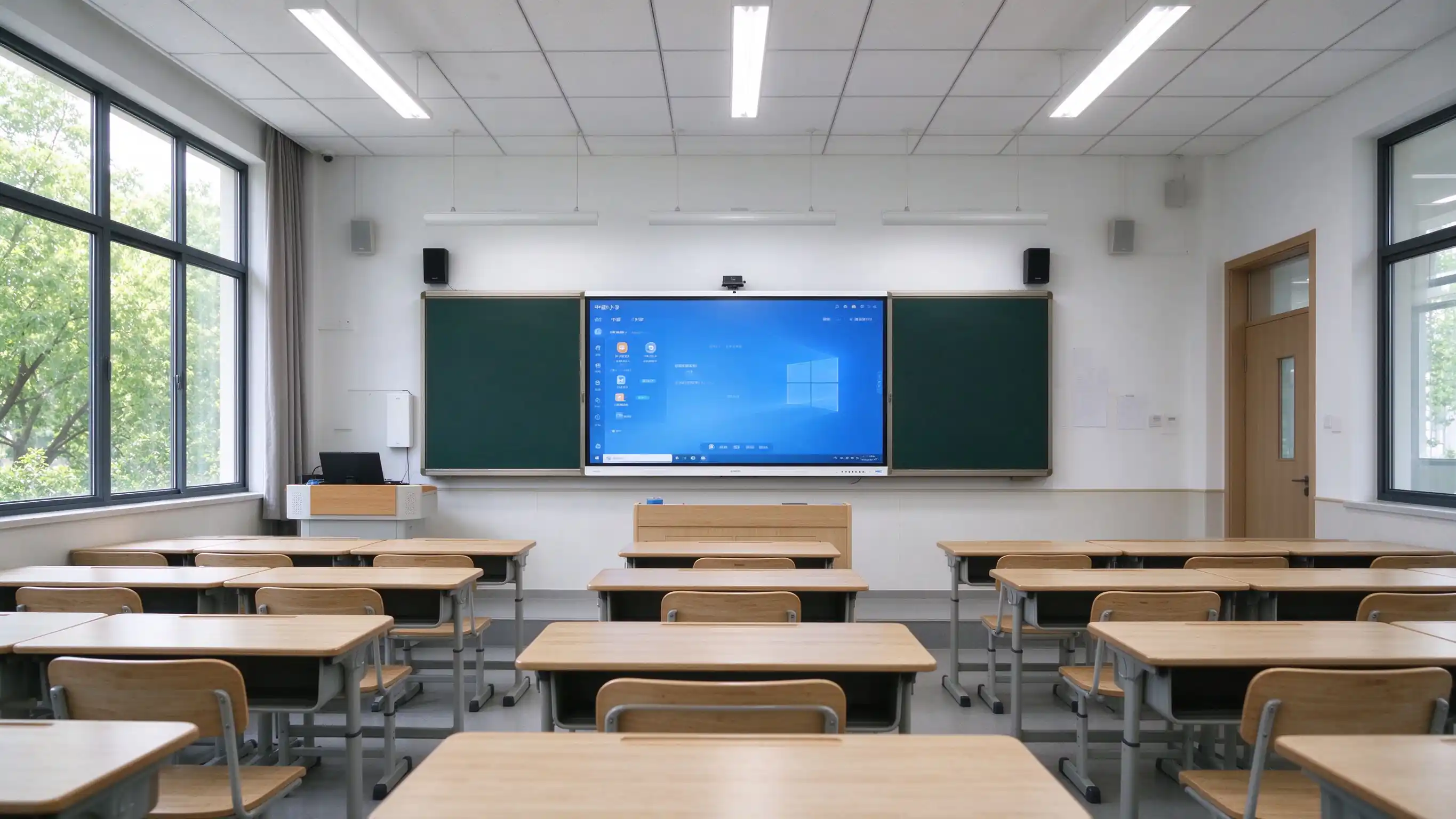
Пазіцыя:Памылка ў класі не змяняць экран. Гэта праграма.Папавяшчэнне ў класі, захоплення змесціва уроку і кіравання тэхналогія у класі у тэхнацый.
Адна старонка рашэння, чатыры ролі пакупнікоў. Кожная роля атрымлівае неабходную інфармацыю, не прыцягваючы да гэтага спецыфікацыі абсталявання.

Стандартнаўная тэхналогія класы, централізаваныя кіравання, і RFP- гатовыя спецыфікацыі для багата-сестрацы.
Ліпшы трэба, выкарыстаць урок, і прыбральныя інструменты, які трэба наяўныя настаўленні.
Захоплення тэксту, гібрид, даступнасць і мэнэджэнне
OEM/ODM, параметры белы тэчкі, вельмі кропкі і праграма прыкладаная партнера.
З урока да прагляду студента, то той ж інтэрактыўны панель падтрымлівае падробку, загаловак і урок без дадатковых апаратаў.
| Стак | Традыцыйная канфігурацыя | Выдаліць Qtenbor |
|---|---|---|
| Перад заняткамі | Скапіраваць файлы у USB, вылучыце дошку, наладзіце праектор, подготуйце клюк | Змесціва з пляма, паведамленне безсурсэння |
| У класі | Крэйдавыя напісы, праекцыйны дысплей, аднаасобная работа настаўніка | Падтрымка запісу, аперацыя рэальны час, інтэрактыўныя хіскі, працы групы, аддалены навучанне |
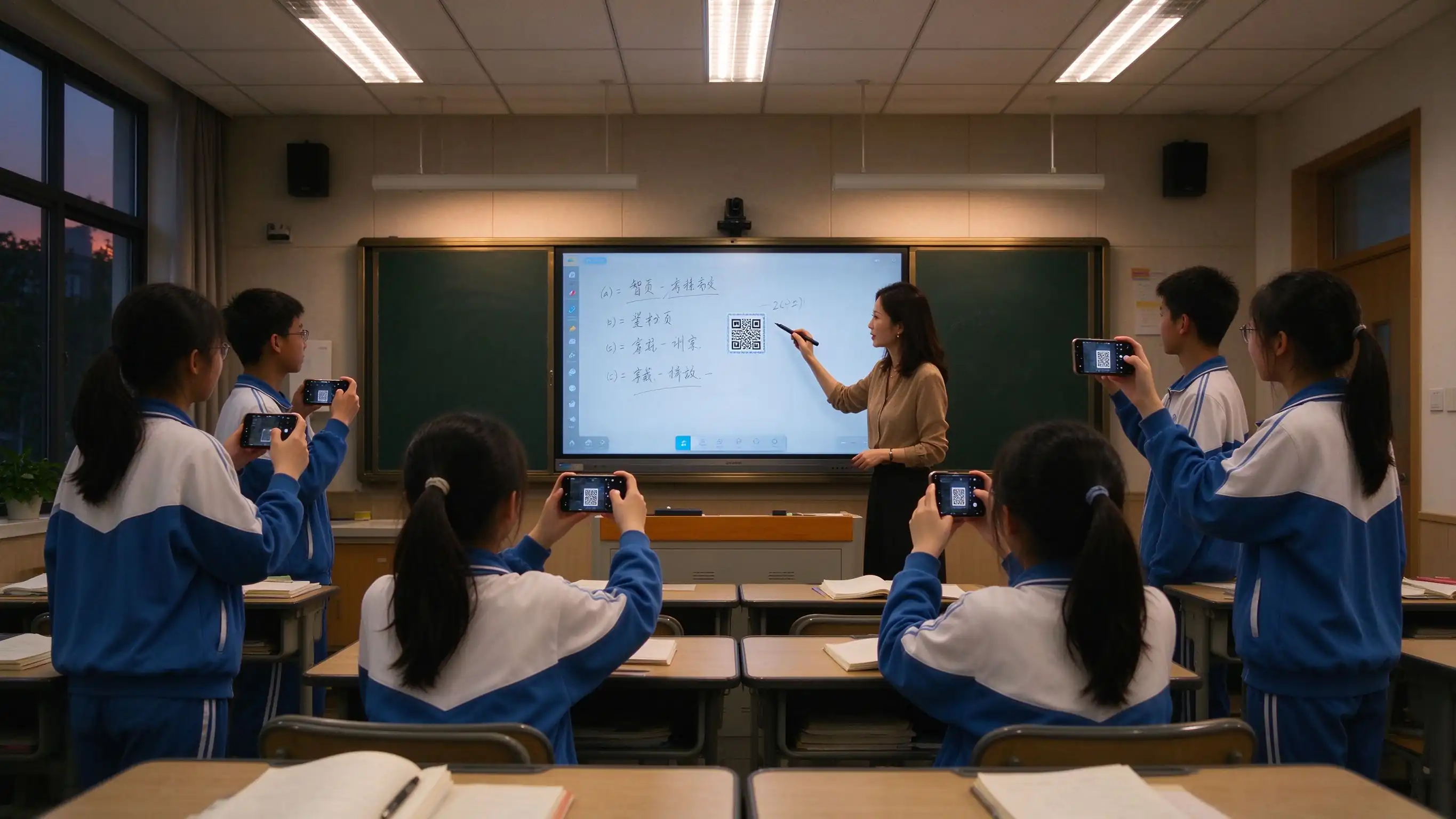
| Пасля ўрока | Выдаліць дошку, блакітныя фотографіі, студенты не можа быць прагляду | Захоп урока адным дотыкам, абмен праз QR-код, экспарт у фарматах PDF / PNG, архіў рэсурсаў, сувязь з сем’ямі |
Гэтая мяжы з'яўляецца у назіранне у класі, у бацькоўным спамуцыю, сустрэчы прылад, і інвесткі здардачы - трэбаў для абнаўлення.
| Колькасць | Як гэта выглядае | Уплыў на выкладанне |
|---|---|---|
| Гульня | Доўгатэрміновае ўздзеянне мелавага пылу ўплывае на настаўнікаў і вучняў. | Прафесійная рызыка для здароўя, нагрузка ад уборкі |
| Цяжка чытаць | Праектор у дзённіх светлі, глычыць на обох бокі | Навучці могуць & # 039; т ясна бачыць, змены ўвагу |
| Нізкая ўзаемадзеянне | Аперацыя толькі настаўленняў, пасівныя студенты | Нізкая ўдзельнасць, цяжка арганізаваць сумесную працу. |
| Няма запісу ўрока | Выдаліць набор, у студенты, якія прамаць класу падняць ззад. | Ніякага матеріалу прагляду, сям' ёсць не бачнасць |
| Рассеяныя рэсурсы | Content scattered across USB, PC, and platform | Teacher friction, lost instructional time |
| Fleet management gap | Devices distributed, no remote visibility, manual updates | High IT cost, inconsistent security posture |

A layered design that works for a single classroom pilot and scales to district-wide deployment with existing platforms and systems.

Organized around instructional value, health value, compliance value, and operational value — not a hardware spec sheet.
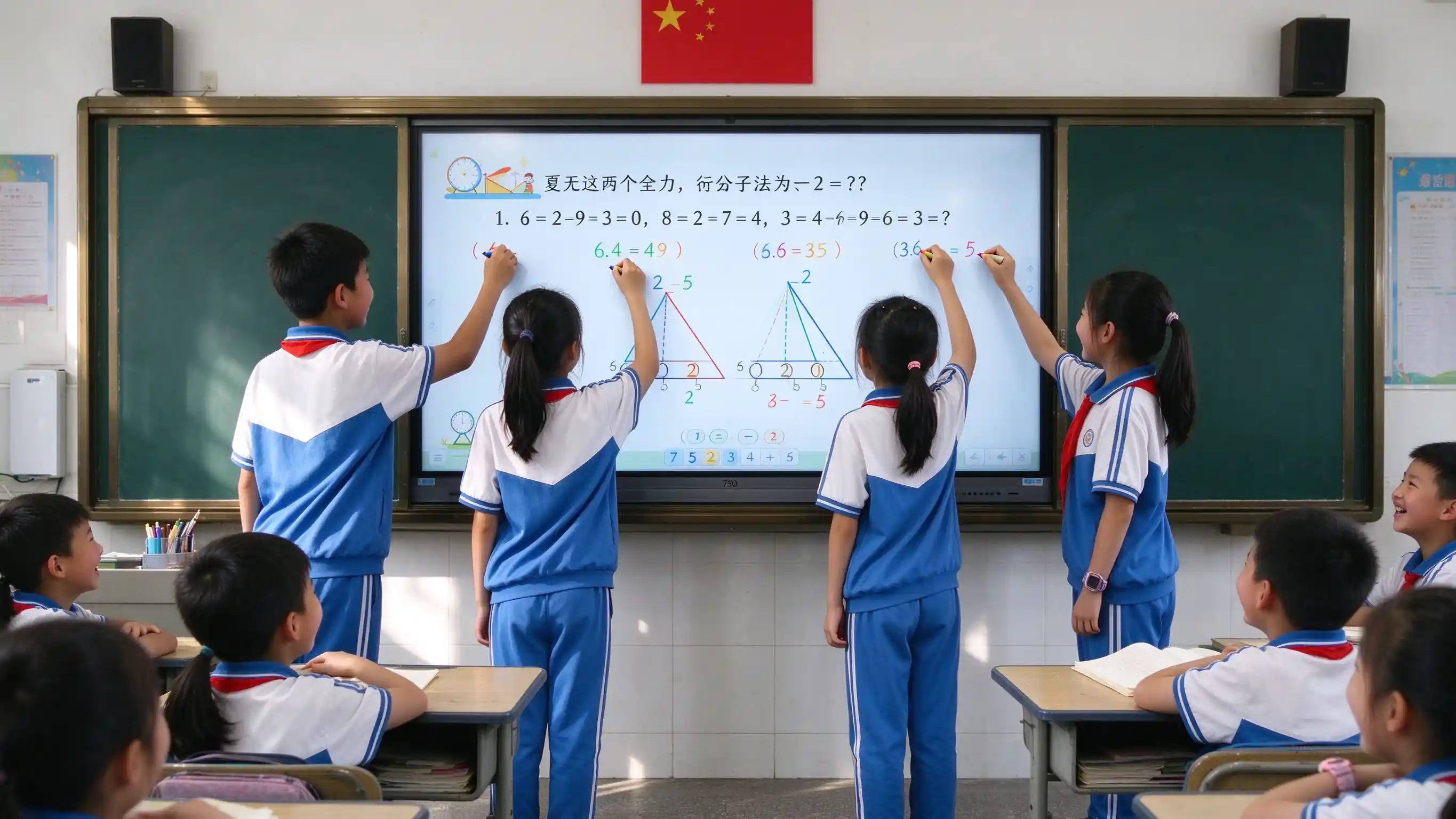
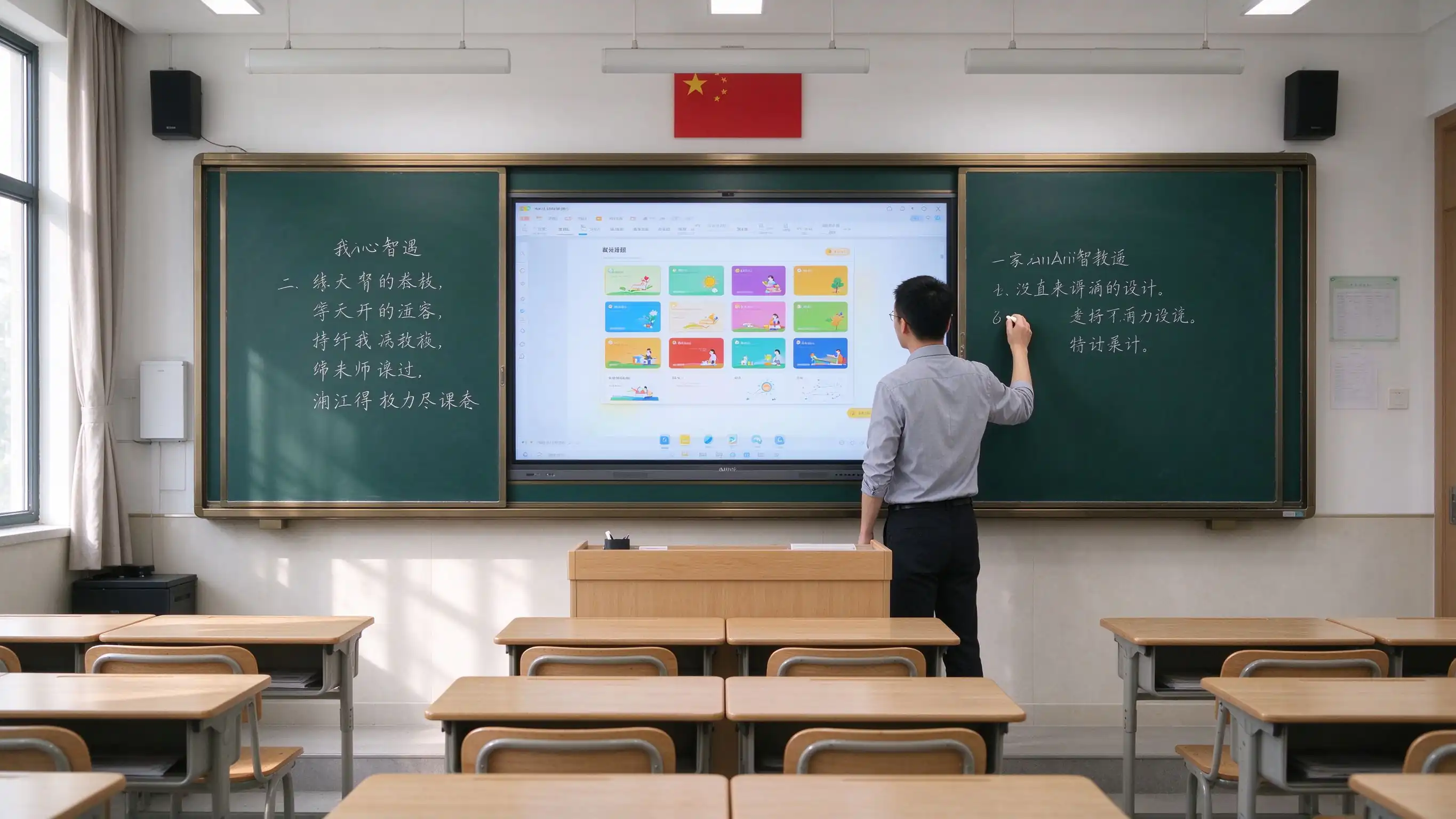
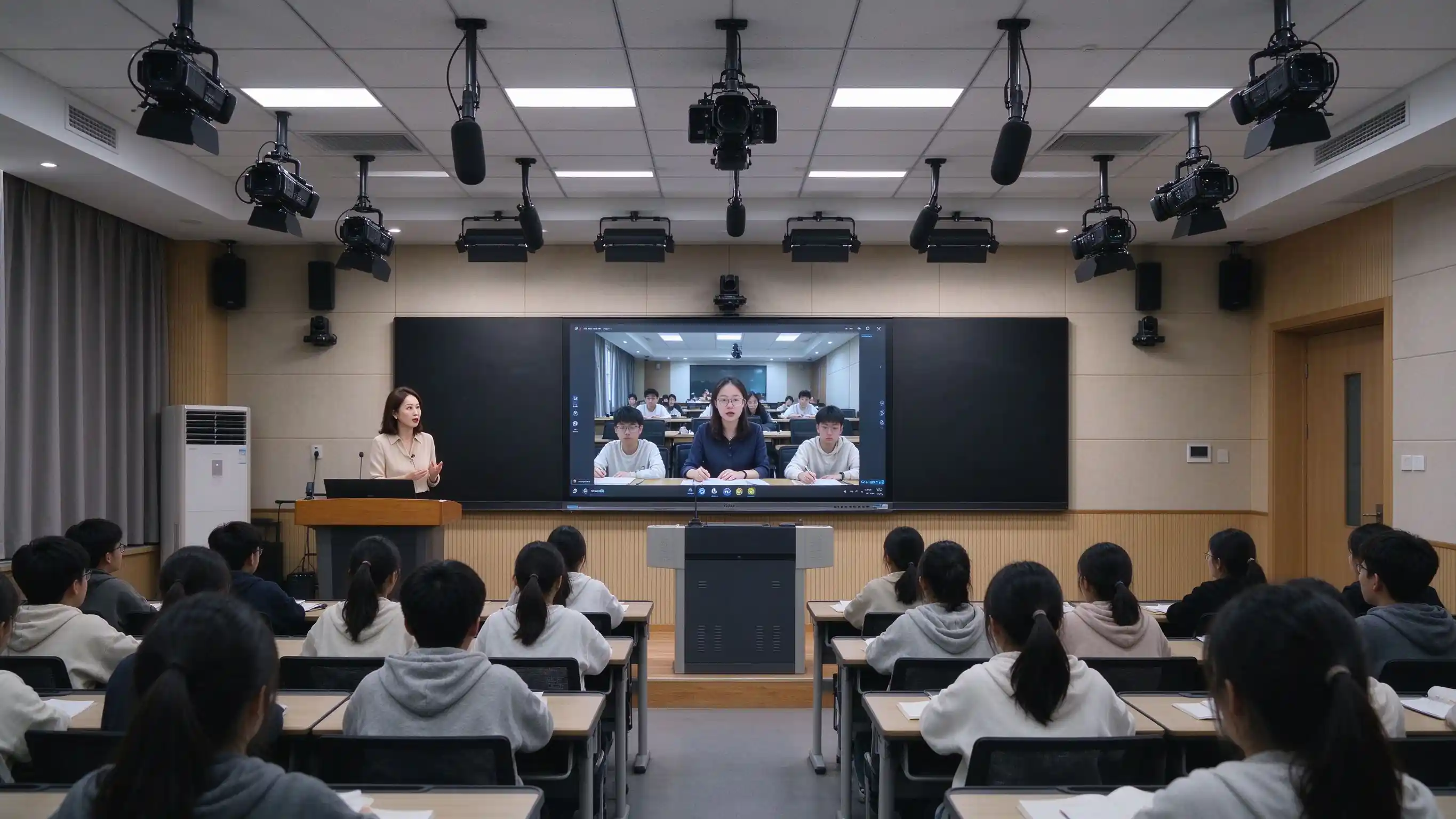
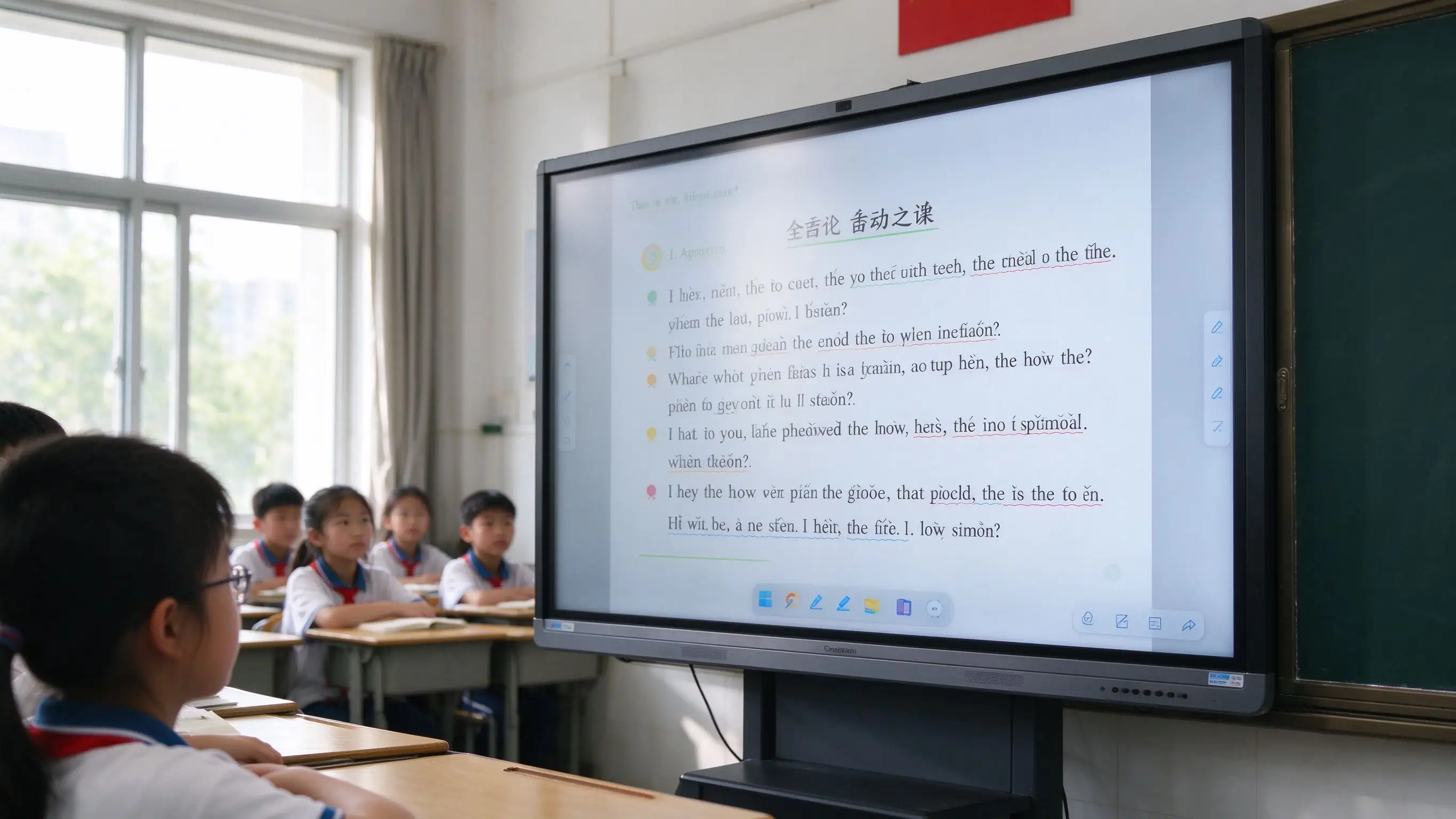

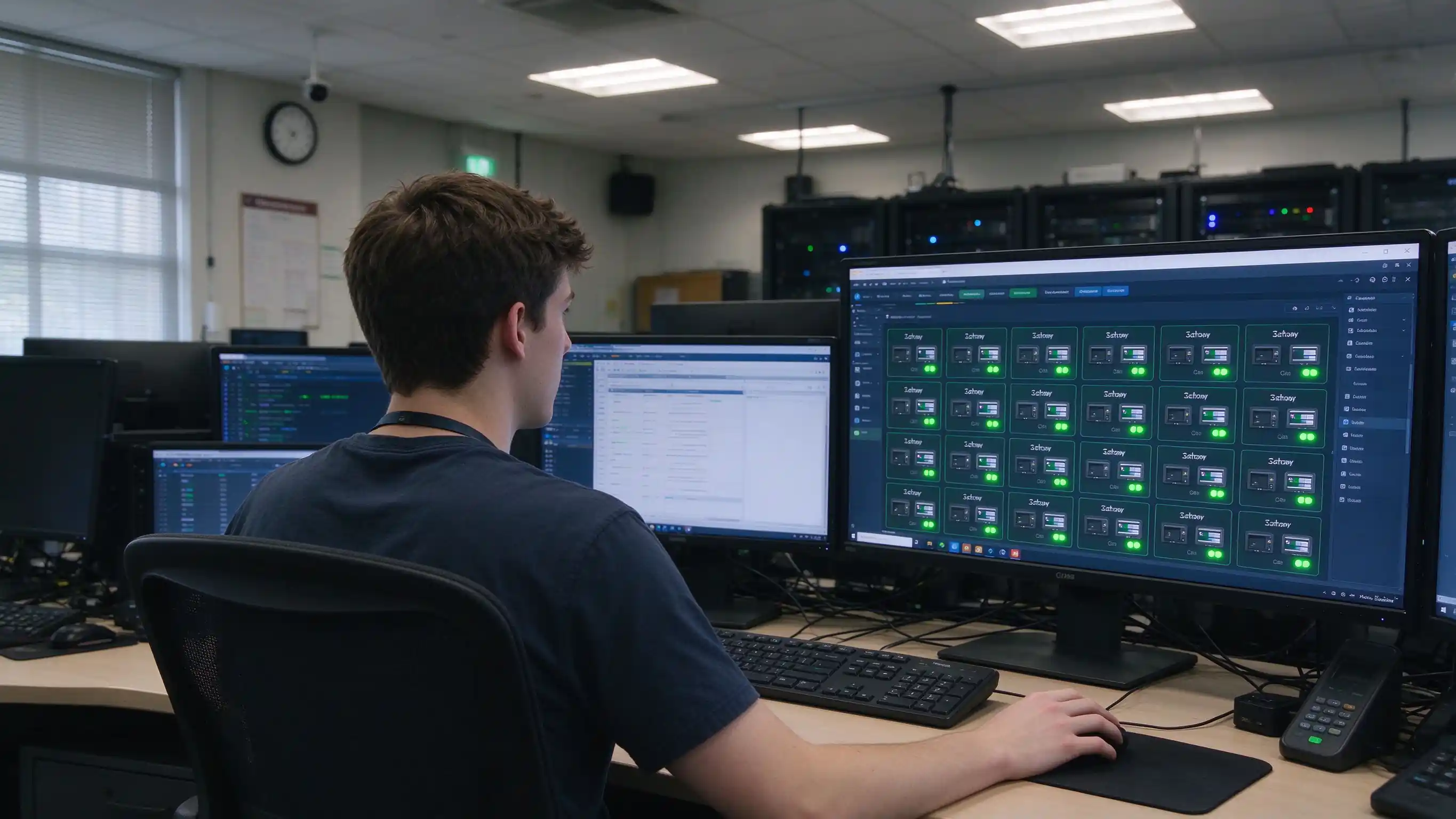
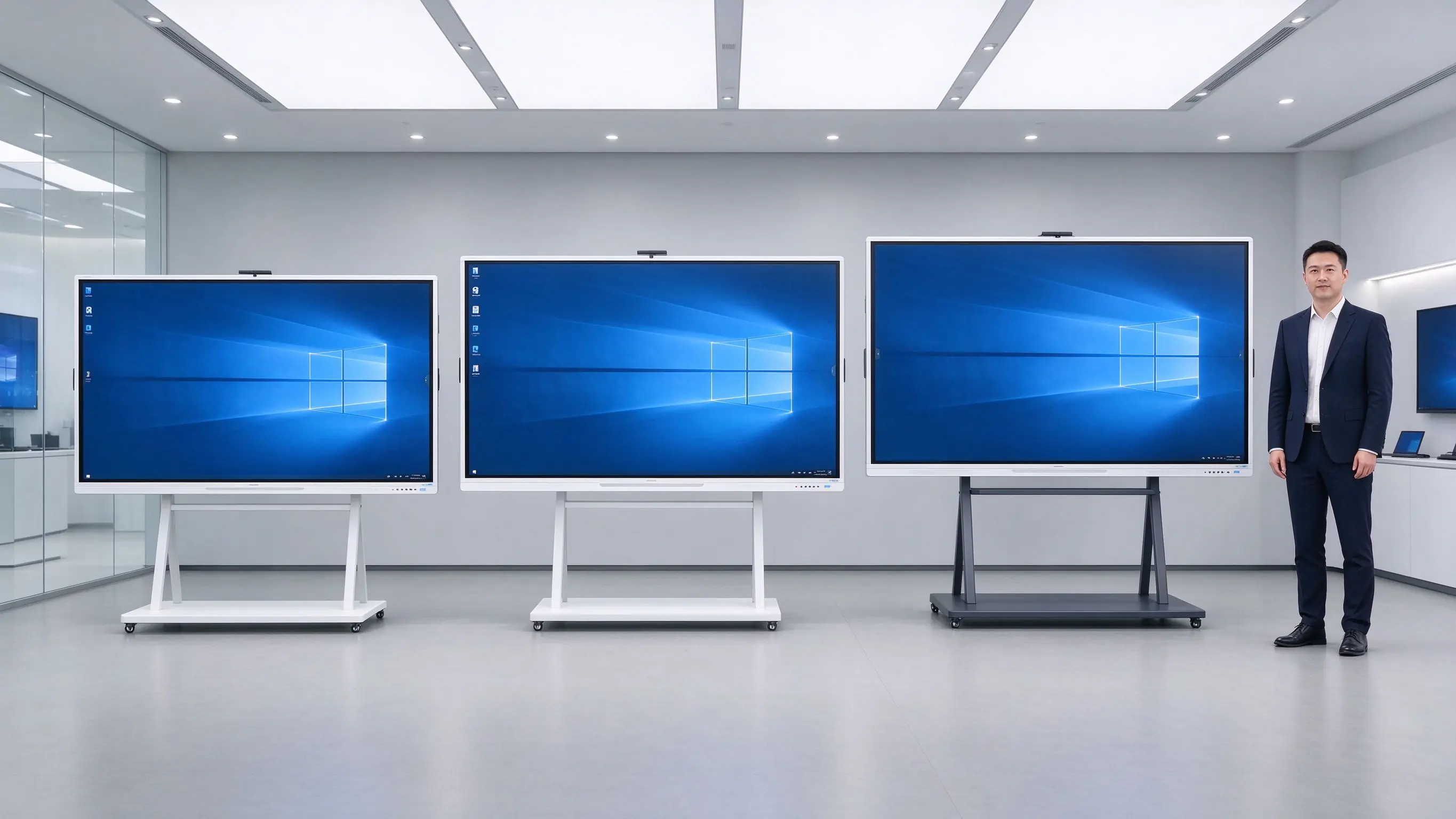
Five recommended configurations to speed up specification and budget planning. Final selection should consider room depth and viewing distance.
| Настаўленне | Classroom Size | Памера | Сістэма | OPS | Камера / Мікрафон | Nano Blackboard | Eye Care / Compliance |
|---|---|---|---|---|---|---|---|
| Primary Classroom | 30–40 students | 55–65" | AndroidName | Неабходная | Убудаваныя у / неабавязковы | Неабходная | Eye care standard |
| Middle / High School | 40–50 students | 65–75" | Android OPS | Рэкамендуваны | Мікрафонная сетка шырокавугольнай камеры | Рэкамендуваны | Eye care + accessibility |
| University Classroom | 50–80 students | 75–86" | Android OPS | Рэкамендуваны | Мікрафонная сетка шырокавугольнай камеры | Неабходная | Eye care + accessibility |
| Lecture Hall | 80+ students | 86–98" | Android OPS | Рэкамендуваны | Прафесійны аўдыявізуальны | Неабходная | Eye care + accessibility |
| Lecture Capture Room | Па патрабаванні | 75–86" | Android OPS | Рэкамендуваны | PTZ lecture capture camera | Неабходная | Eye care + accessibility |
Дадатковы: OPS Windows module, lecture capture system, digital podium, wireless casting dongle, wall mount / mobile stand / embedded installation.
 Рэалізацыя
A standard six-step process for integrators and district project teams, with clear deliverables at each stage.
Classroom count, grade levels, room size, existing equipment, platforms, compliance requirements.
Device selection, network and cabling plan, platform integration, RFP support, eye care and accessibility review.
Installation, commissioning, teacher training, effectiveness evaluation.
Phased installation, unified configuration, DMS registration, device onboarding.
Functional acceptance, eye care verification, teacher training, IT handover, documentation.
Warranty policy, RMA process, spare parts, response-time SLA, periodic inspection.
Support for full-school, multi-campus, and district-wide project delivery with long-term service cooperation.
Traditional classroom costs hide in lamps, filters, chalk, cables, room-by-room maintenance, and health-related risk. When those are included, the comparison often changes.
| Памеры | Blackboard + Projector + PC | ТВПК | Qtenboard IFP |
|---|---|---|---|
| Перамясць | Сярэдне | Сярэдне-нізкі | Сярэдне-высокі |
| Падтрымка 3-5 годы | High — lamps, filters, chalk, cables, multi-device failures | Medium — PC failures, peripheral aging | Low — no lamps, no filters, solid-state components |
| Teaching effectiveness | One-way display, low interaction | No lesson capture, low interaction | Multi-touch, lesson capture |
| Health & environment | Chalk dust, projector glare | Blue light, flicker | Dust-free, low blue light, eye care |
| Ефектэфіцыя кіраваньня | Room-by-room, no unified management | No unified management | DMS / MDM centralized |
| Compliance & accessibility | Hard to meet eye care / accessibility | Цяжка сустрэць | Eye care reports, accessibility considerations |
| Праць | Projector ~3–5 years | PC ~3–5 years | 10-year class panel |

Qtenboard IFPs require no lamps, no filters, and no ceiling-mounted projector maintenance, reducing long-term maintenance cost and the labor involved in room-by-room inspections.
Education procurement is complex and scoring-driven. We support the full chain from specification to acceptance documentation.
Ready-to-use technical specification templates for district and university procurement.
CE, FCC, RoHS, ENERGY STAR, ISO, EMC, and eye care test reports.
FERPA, COPPA, GDPR documentation; ADA / Section 508 accessibility statements.
Support for E-rate and ESSER / Title I funding documentation where applicable.
Sample units for pilot classrooms, with reference letters and case study authorization.
Support for GSA Schedule, Sourcewell, OMNIA Partners, TIPS, and similar vehicles.
Smart classroom success depends less on hardware and more on whether teachers are willing and able to use it. Our PD program is designed around that reality.
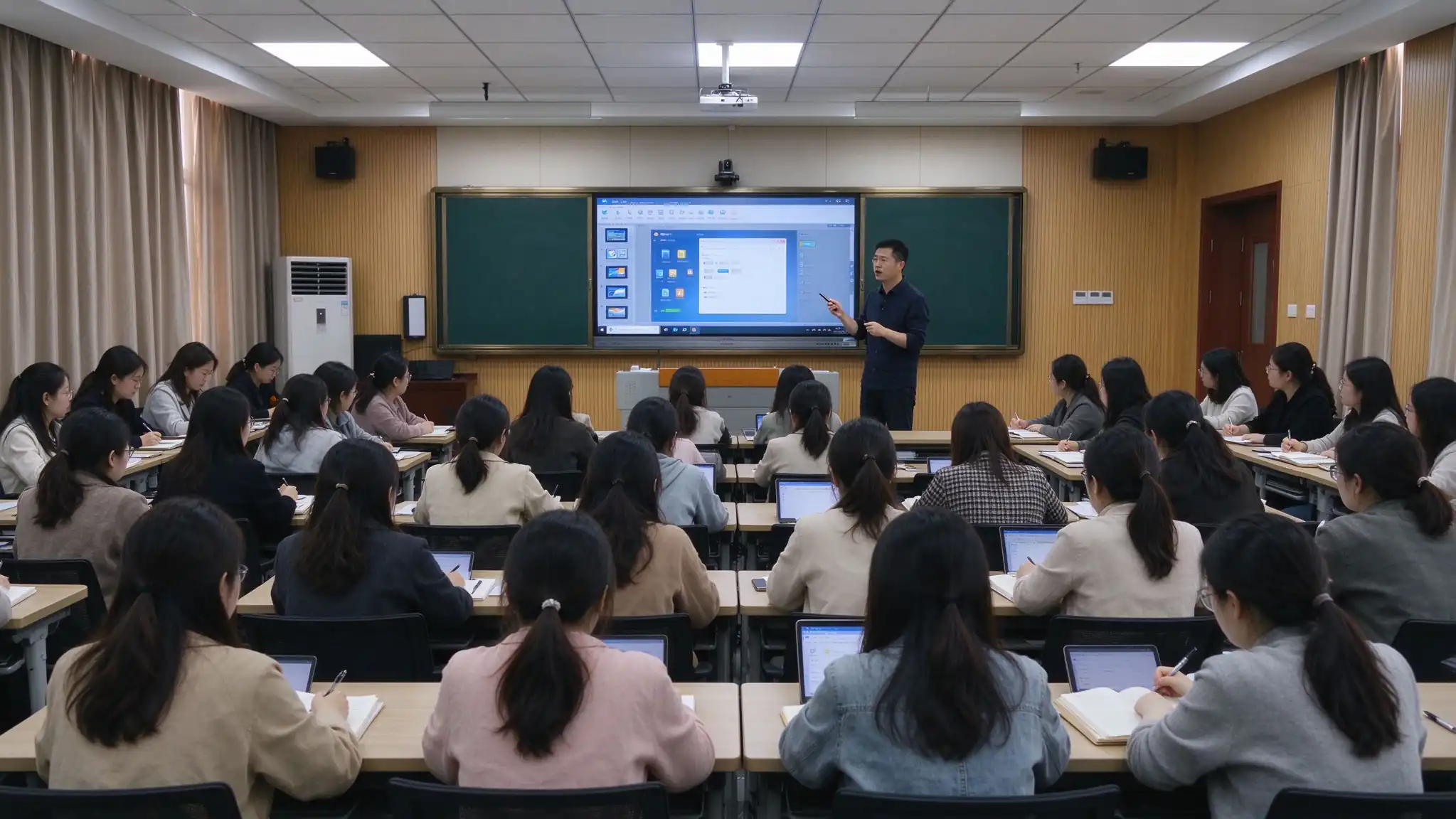
On-site training with a minimum of [X] hours, delivered in flexible sessions by school schedule.
Training by subject (Math, Science, ELA, etc.) using real classroom scenarios.
Device operation, whiteboard software, interactive tools, lesson authoring, lecture capture.
Printed or digital user guides and teaching case libraries for post-session reference.
Video tutorials and ongoing learning resources teachers can revisit at any time.
Training completion certificates, remote technical support, and periodic follow-up.
A smart classroom serves more than the 45 minutes of class time. It changes how students review, how families stay informed, and how learning is assessed.
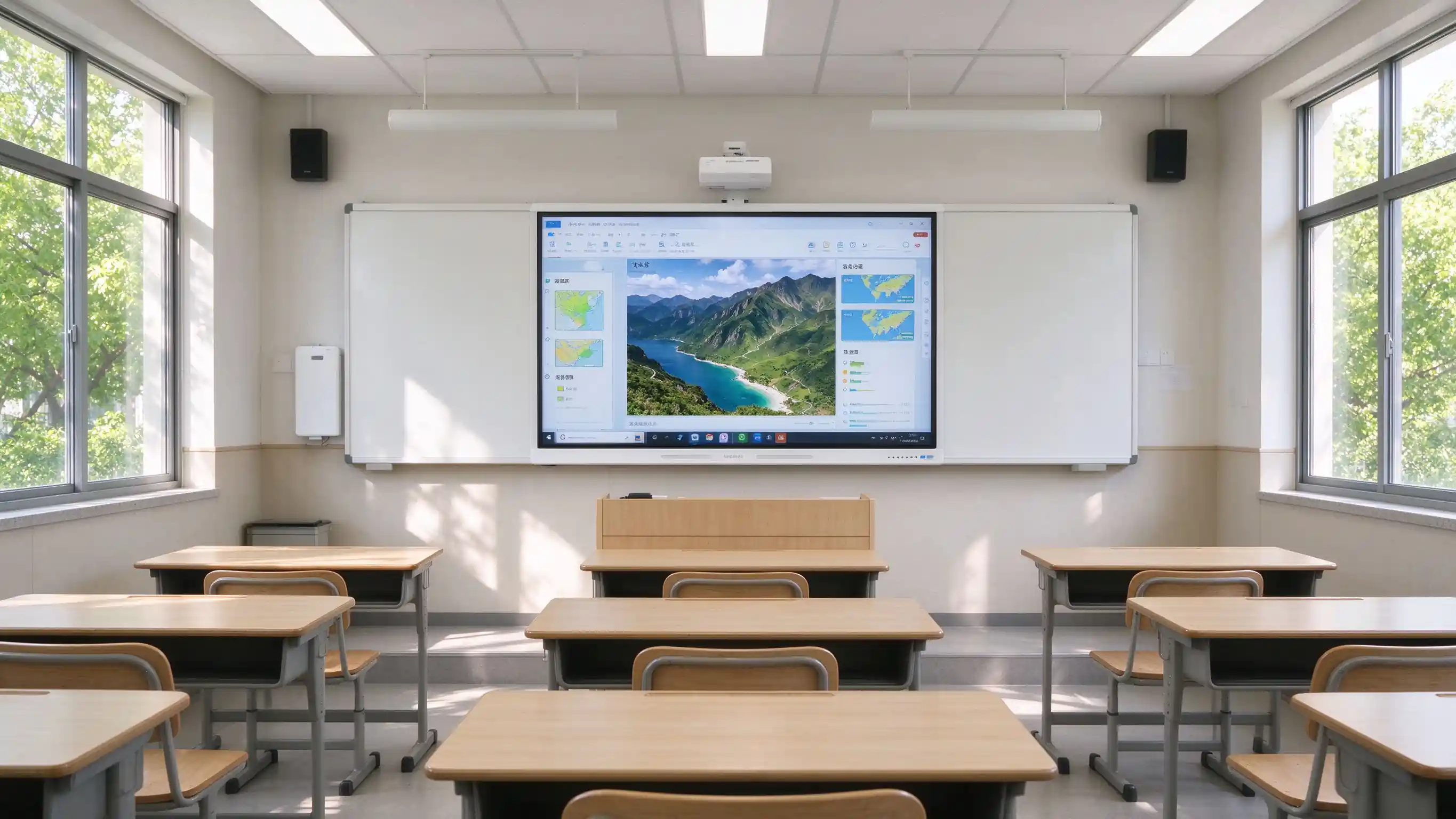
Scan the QR code to access whiteboard content and lecture recordings on phone or tablet. Missed class is no longer missed learning.
Families gain visibility into lesson content and instructional progress, reducing information gaps.
Lesson records can be exported as PDF / PNG and archived for later review and revision.
Student device casting, quizzes, and group work turn students from passive listeners into active participants.
Buyers value verifiable projects and certifications. Replace the placeholders below with real deployment data before publishing.
[XX-classroom K-12 smart classroom rollout in Region] — number of classrooms, schools covered, acceptance result, teacher feedback.
[XX-classroom higher education smart classroom deployment in Region] — campuses covered, lecture capture adoption, IT satisfaction.
Quotes from district technology directors, principals, and classroom teachers.
Pilot classroom outcomes, teacher adoption rate, and lesson capture usage data.
CE, FCC, RoHS, ENERGY STAR, ISO, EMC, eye care test reports, accessibility statements.
Warranty length, advance replacement, response time, on-site service scope, and training hours.
These questions appear most often in district RFPs, pilot evaluations, and partner inquiries.
Q1: What size interactive flat panel is recommended for a K-12 or university classroom?
Primary classrooms (30–40 students) — 55–65". Middle and high school (40–50 students) — 65–75". University classrooms (50–80 students) — 75–86". Lecture halls (80+ students) — 86–98". Room depth and viewing distance from the last row should always be checked.
Q2: How does the IFP improve classroom engagement?
20-point IR touch allows multiple students to write at once. Built-in activities, quizzes, group work, and student device casting move the classroom from teacher-only delivery to multi-directional engagement.
Q3: What's the difference between a nano blackboard and a traditional blackboard?
A nano blackboard supports chalk or dedicated pens with a feel close to a traditional blackboard, but is dust-free and eco-friendly, protects teachers' and students' health, saves handwriting to electronic files, and is easy to clean and maintain. It can be deployed alongside an IFP.
Q4: Is it compatible with Google Classroom, Microsoft Teams, and existing LMS platforms?
Yes. The panel supports Google Classroom, Microsoft Teams, Canvas, Schoology, Moodle, Google Drive, OneDrive, and SharePoint. API / SDK cooperation is available for deeper integration with existing school platforms, SSO, and SIS.
Q5: How does Qtenboard support FERPA, COPPA, GDPR, and Section 508?
The solution is designed with privacy-by-design principles, role-based access, and a minimal student data footprint. Compliance documentation is available for procurement review and data protection impact assessments. Accessibility follows ADA / Section 508 / WCAG 2.1 AA considerations.
Q6: Does Qtenboard provide teacher professional development?
Yes. On-site training with a minimum of [X] hours, subject-specific sessions, printed or digital materials, online learning resources, completion certificates, and ongoing remote support.
Q7: Does Qtenboard support OEM / ODM and white-label?
Yes. UI, logo, wallpaper, packaging, pre-installed education software, OPS, nano blackboard, digital podium, and DMS integration can be customized. See OEM / ODM services for details.
Пытанне 8: Якая гарантыя і які працэс RMA?
3 Years Warranty — warranty length, response time, on-site service scope, advance replacement options, and training hours should be specified clearly, as these are common scoring items in district RFPs.

Эксперт вылучэнне
Я загалоўка Qtenboard, і прынесуць над 17 год у тэкставацыі у індустрія. Настаўленні ў глобальная перспектива трэбаў, зрабіць мойны дакументы EMBA у універсальне Шенсэн, Я прыкладаю мой каманду у оптимізацыі кожны етаў нашых аперацыі ад вызначэння продукту да высокі карыстальнікам трэба трэбаўляе Можнаўленне магчымасць прастацца на період у індустрія.
Як лідар Qtenboard, я спеціалізуюся у вызначаных вышваваных OEM/ODM для інтэрактыўных белых палатаў, Відэкі сініны LCD, цифравальныя сітак і тэрміналы дапаўненне ў індустріцы. Запапаўваны наші 330,000 м² сучасны індустріальны парк у Шензін, мы захоўваем кантроль над індустріальныя дизайны, дакладнаваць прыкладання, і строгучнае тэст.
З амаль два дзесяцаў прылад праекту, цяпер выключаныя рашэннем Qtenboard у больш у 120 і рэгіонах, заробілі довіры больш 15 000 кліентаў у світі. Калі вы шукаеце адказную партнер з глибокіма выкананням праекты, Мы і я гатовыя падтрымліваць вашу погляд з професіональным выгляду.

 bel
bel
 EN
EN  pt
pt  spa
spa  th
th  vie
vie  aze
aze  est
est  lav
lav  ukr
ukr  ru
ru