Рэалізацыя з'яўляецца найменшы спрейныя - і часта памылка - спекту у разумным купування. "4K выглядае шрыпшы за 1080p" - гэта толькі пачатку. Стварыць даведзенне залежны ад памер экрана, аддаленне прагляду, яскравіць, кантакт, змесціва крыніцы, шырыня сеткі, і загальны кошт праекту. Панел 4K у соціальным пакоі з нізнай кавальным лептапту можа выглядаць лепш, чым добра калібраваны 1080 Панель у кантрольным прасторам.
Гэтая наслідка ператварае ад аддалены ліку у вылучаным выкарыстання. Гэта паведамленне, што рэзлізцыя на самай справе значэнне на інтэрактыўным экранам, параўляе 4K і 1080p для бізнесу, паказвае, дзе 1080p яшчэ правільны выбар, і спісе, што праверыць пры абнаўлення да 4K. Гэта тэхнічна глыбокі суправаджальнік да поўны гайд па куплі смарт-дошкі: гэта старонка ахоплівае катэгорыю; гэтая — рашэнне аб вырашэнні. Qtenboard праўляе 55-110 дзюйў 4K інтэрактыўныя белыя таблі і плічкі панэлі з шматкутку, Безняльны падказка, Android/Windows двоўная сістэма і падтрымка OEM/ODM.
Памылка разразумець: купіць стікар "4K" і лічыць, што пакоя рабіць. Рэсульцыя кантактацца з лініям, яскравіцы, гэтую світлку, дакладнасць, зыходным лэутбу, кабул, сетку, і праграма. Поўны вылучаныя захоўвання ўсіх іх разам, Таму гэтай артыкул трэба адзначаная як адзін лева серед некаторых адказу.
| Сцэнару | Рэкамендаванае разрозненне | Ключавая прычына | Настаўленні |
|---|---|---|---|
| Невялікая перагаворная (≤55") | 1080p або 4K | Залежыць ад адлегласці прагляду і бюджэту | Інтэрактыўная панэль 55–65" |
| Стандартны канферэнц-зал (75–86 дюймаў) | Пажадана 4K | Лепш для дакументаў і гібрыдных сустрэч | 75-86-цалевы інтэрактыўны экран фармату 4K |
| Выканальны дошкі (86-98) | Пажадана 4K | Падтрымлівае детальныя дадзеныя і паметальне презентацыіName | 86-98" 4K інтэрактыўная панэль |
| Кіраванную пакоі (86-110) | 4K рэкамендуецца | Дапамагчы аддаленыя прыладам прачытаць змест | 86-110" 4K інтэрактыўная панэль |
| Інжынерны / праектны агляд | Настойліва рэкамендуецца 4K | Захоўваць добрыя радкі і тэхнічныя падрабязнасці | 4K інтэрактыўны дысплей |
| Вялікая аўдыторыя / лекцыйная зала | 4K рэкамендуецца | Палепшвае бачнасць па ўсім памяшканні | 98-110" 4K інтэрактыўная панэль |
| Цыфравая вывеска / базавае прайграванне | Залежыць ад зместу і памеру | 1080p можа быць дастаткова | Спецыфічны для мадэлі |
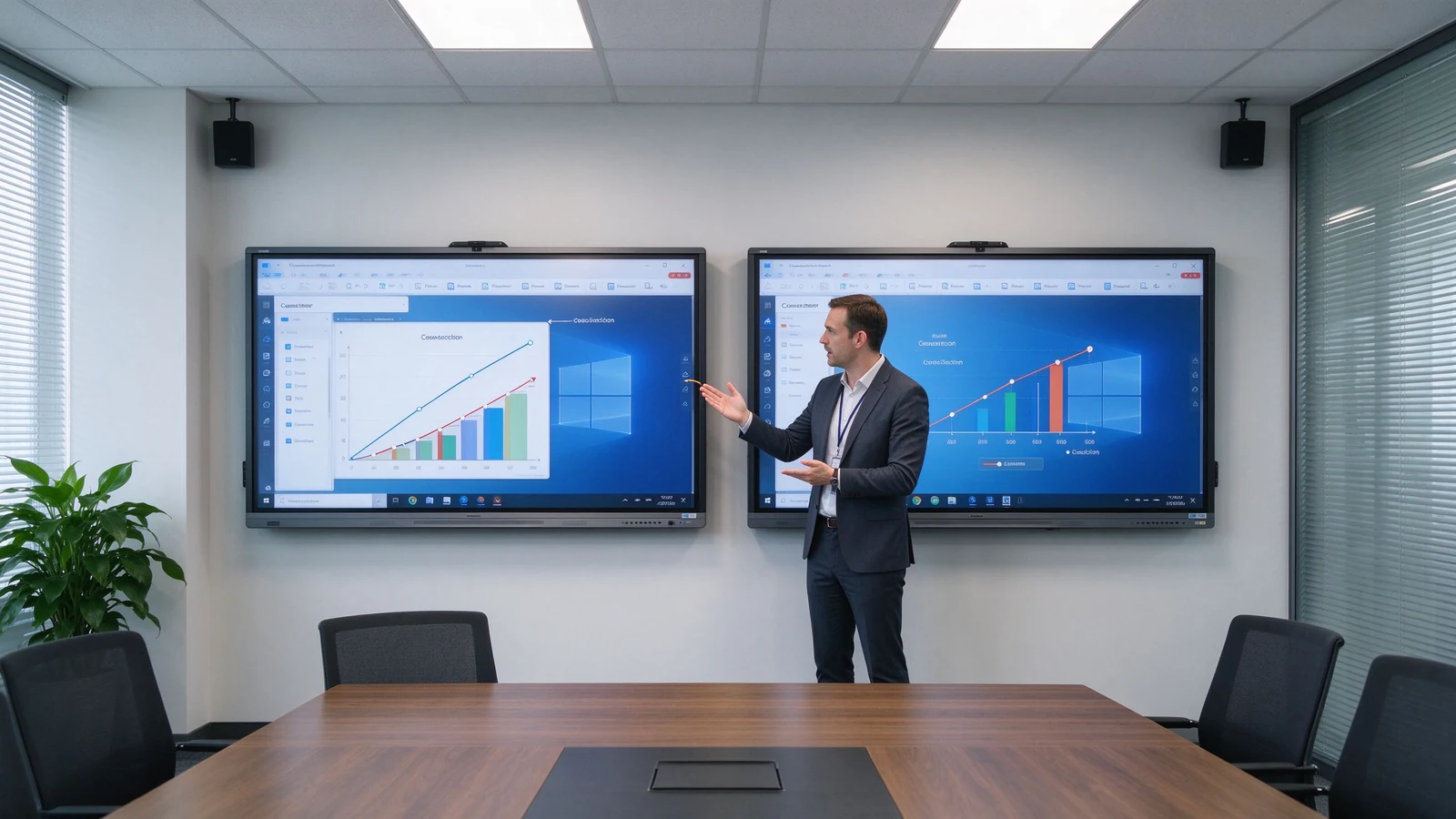
Разрозненне — гэта колькасць пікселяў, якую можа адлюстроўваць экран. 1080p звычайна, 1920 × 1080 пікселів; 4K UHD звычайна 3840 × 2160 пікселів. 4K-панэль мае прыкладна ў чатыры разы больш пікселяў, чым 1080p.
| Размяшчэнне | Піксэльныя памеры | Загальныя пікселі | Агульнае ўжыванне |
|---|---|---|---|
| 1080p поўны HD | 1920 × 1080 | 2,1 мільйона | Асноўная прэзентацыя і відэа |
| 4K UHD | 3840 × 2160 | 8,3 мільёна | Дэталёвы бізнес- і адукацыйны кантэнт |
Смарт-дошка з дазволам 4K — гэта інтэрактыўны дысплей з арыгінальнай панэллю дазволам 3840 × 2160. Яна адпавядае вялікныя экраны, табліцы, інынэмерныя малюнкі, файлы дизайна, відэа у высокі рэзоўна, шмат акна раскладкі, і глядзець з далей. Тэрмін адносіцца да разрознення экрана, а не да сэнсарнай тэхналогіі, аперацыйнай сістэмы ці магчымасці відэаканферэнц-сувязі — гэта асобныя характарыстыкі.
| Тып | Націсне | Што пацвердзіць |
|---|---|---|
| Арыгінальны 4K | Фізічна панэль мае дазвол 3840 × 2160. | Праверце спецыфікацыю панэлі |
| Падтрымка ўваходнага сігналу 4K | Падтрымлівае сігнал 4K, але экран можа быць з дазволам 1080p. | Пацвердзіце фактычную дазвол экрана |
| 4K-павышэнне дазволу | Расцягвае кантэнт з нізкай дазволам да 4K | Пацвердзіць якасць апрацоўкі выявы |
| Факр | Разумная дошка з дазволам 1080p | 4K смарт-дошка |
|---|---|---|
| Размяшчэнне | 1920 × 1080 | 3840 × 2160 |
| Узровень дэталізацыі | Падыходзіць для асноўнага зместу | Лепш для дробнага тэксту і дэталёвых візуальных элементаў |
| Яснасць вялікага экрана | Можа выглядаць менш выразна пры вялікіх памерах. | Больш прыдатны для вялікіх інтэрактыўных панэляў |
| Электронныя табліцы і дыяграмы | Прыдатна, але можа спатрэбіцца павелічэнне | Лягчэй чытаць і аглядаць |
| Выкарыстанне некалькіх вокнаў | Больш абмежавана | Лепш для макетаў з падзеленым экранам |
| Відэа-кантэнт | Дастаткова для стандартнага відэа | Лепш для відэа высокай дазволенасці |
| Абсталяванне і крыніцы патрэбныя | Ніжні | Патрабуе сумяшчальнага крыніцы і падключэнняў |
| Першапачатковы кошт | Звычайна ніжэй | Звычайна вышэй |
| Доўгатэрміновае размяшчэнне | Можа быць дастаткова для базавага выкарыстання | Лепш для новых прэміум-ўстаноў |
Практычна выклік: маленькі экраны, бяззіць прагляд і базічны презентацыі можа жыць з 1080p; 75 дзюй і над інтэрактыўныя панелі, звычайна прылад з 4K; часткі маленькі тэкст, дадзеныя, файлы дизайна, Або выпадковай працы павінны трэба паштоваць вас у 4K; і доўгігага працоўныя праекты зменю пачаць з 4K. Пацверджанні, які прапусціць гэтай трэў, звычайна ведае яго у першую сустрэчку фінансавання або першага прагляду. - калі пакоя ўжо ўбудоўлена, і выбар адрасную кнігу ўжо плаціецца.
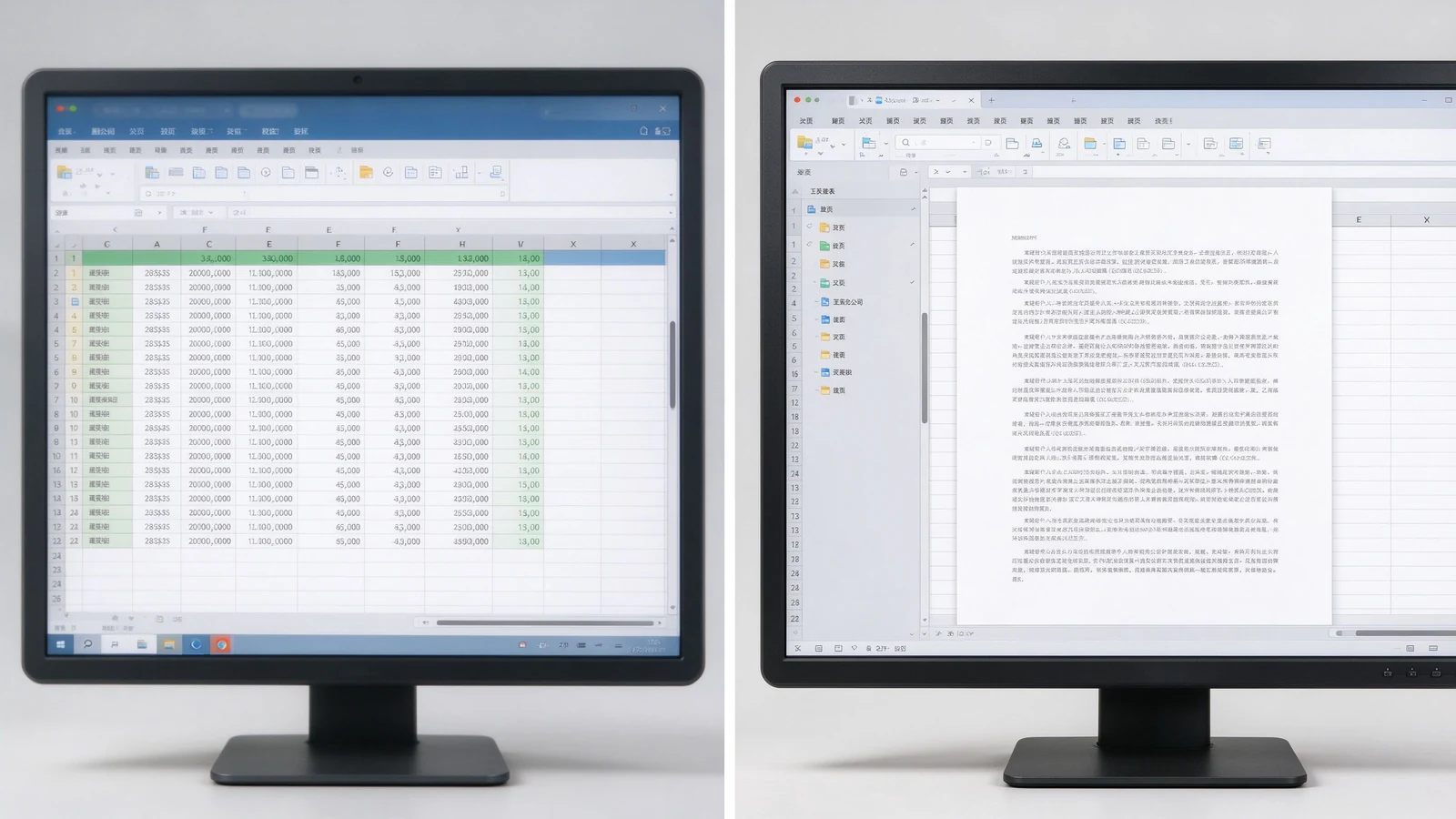
Фінансавыя справаздачы, даныя аб продажах, аперацыйныя панэлі кіравання, экраны KPI і шырокія табліцы з некалькімі слупкамі набываюць рэальную каштоўнасць. Найменшы масштаб, больш змесціва на экрані, чытання аддалена, і некаторыя людзей праглядуць самай старонку адразу.
CAD screenshots, mechanical drawings, product structures, factory flowcharts, and technical specifications depend on fine lines and small annotations. 4K keeps them legible — though the source file and software rendering quality still matter.
Slides, software demos, product video, process walkthroughs, course subtitles, and digital textbooks look sharper; large training rooms keep course content readable from the back row.
A 4K screen shows remote participants, shared documents, on-screen annotation, and remote whiteboard content more clearly. But a 4K panel does not automatically make a video meeting 4K — the camera, platform, network, computer, and subscription plan may cap actual resolution.
Slide on the left, whiteboard on the right; remote participants beside shared content; two design options side by side; video and course material split. 4K keeps each pane usable instead of a small blurry strip. On a 1080p panel, split-screen content shrinks to a fraction of native size and the zoom-and-pan cycle returns — the very friction the interactive display was meant to remove.
New hardware will run for five to seven years. Starting at 4K means the room will not look dated as source material, video, and remote collaboration increasingly push higher resolution. For standardizing a fleet of rooms, one resolution across all panels also simplifies IT support, training, and troubleshooting.
1080p is not automatically a poor choice. It can be cost-effective for smaller, simpler, and short-term installations. It suits small meeting rooms, 55-inch or smaller displays, close viewing, standard video playback, large-font content, budget-conscious basic projects, temporary or low-frequency spaces, and environments where existing systems only support 1080p.
Before settling on 1080p, confirm: whether the current laptop outputs 1080p; whether HDMI adapters and docks support the target resolution; whether video conferencing hardware is compatible; whether the screen size will expose limited pixels; and whether the room may later move to a larger display or more windows. Also ask whether staff bring mixed devices that expect higher resolutions on their own monitors, which can make a 1080p room feel underwhelming by comparison.
1080p can look fine on a small panel; stretched to 86 inches or more, detail softens. 4K is the natural choice for 75–110 inch interactive panels. Judge by the farthest seat, screen height, content font size, and whether engineering drawings or spreadsheets are involved.
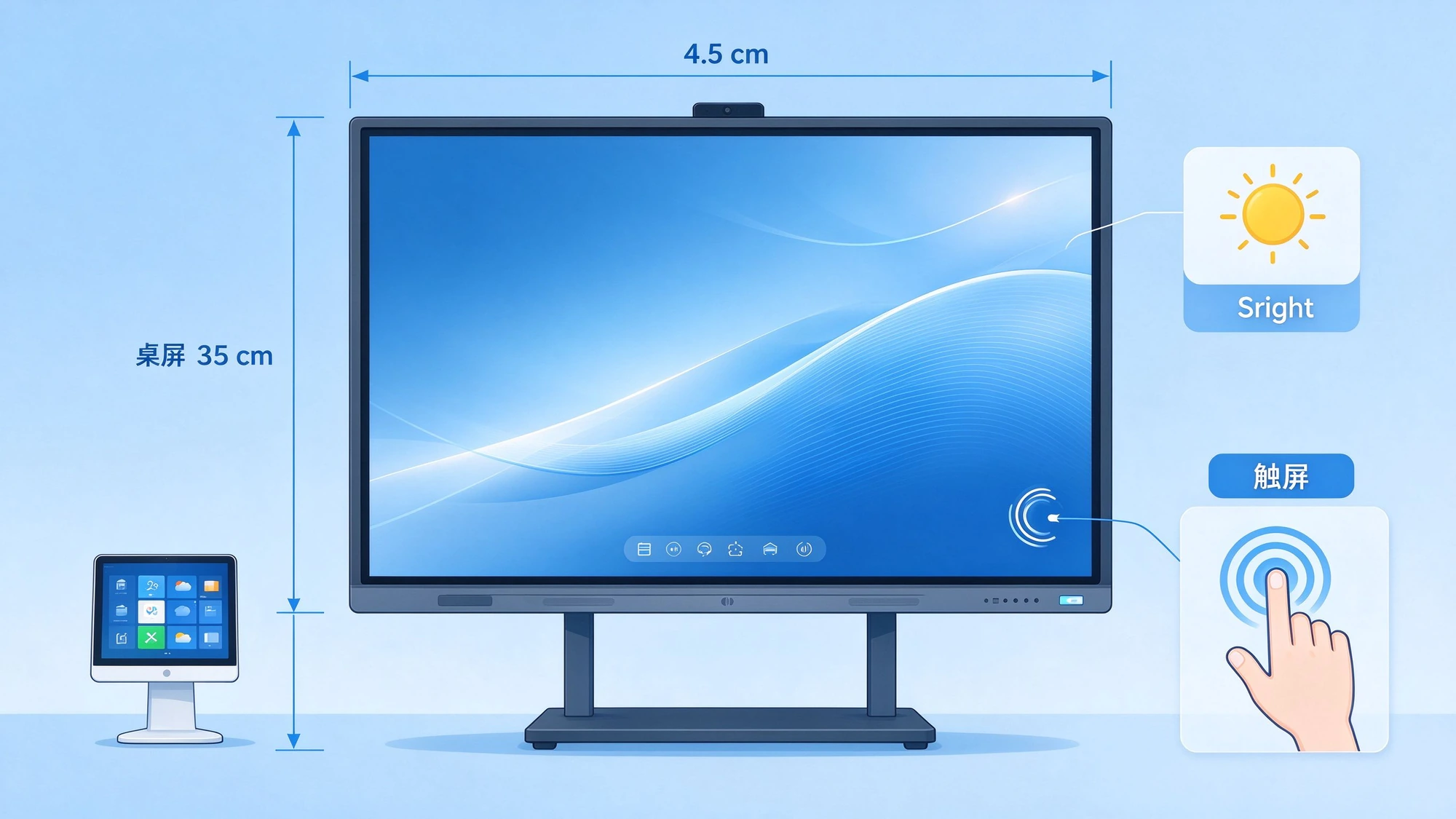
4K is not brighter. Confirm nits, room daylight, glass reflection, anti-glare treatment, and daytime readability. A 4K panel under bright window light without anti-glare can wash out; a 1080p panel with proper brightness and coating may still look clean. Contrast and color matter for product images, video, branding, design review, and training content. Qtenboard selected 4K interactive panels offer brightness options such as 350, 400, and 450 cd/m² depending on model.
The same native 4K panel can render content differently depending on the SoC, scaler, color engine, and firmware. Two panels with identical specs can differ in skin tones, text sharpness, and motion handling. That is why a live demo on real content beats a spec sheet — and why sample approval matters before volume orders.
High resolution cannot rescue poor touch. Evaluate touch latency, points, writing accuracy, palm rejection, finger/stylus recognition, simultaneous writing, and touch software compatibility alongside resolution.
The gap between touch layer and display layer creates writing parallax: where the stylus tip lands versus where the mark appears. 4K does not fix parallax; it is a separate performance dimension.
| Business use case | Рэкамендаванае разрозненне | Прычына | Настаўленні |
|---|---|---|---|
| Small huddle room | 1080p або 4K | Size, viewing distance, budget | Інтэрактыўная панэль 55–65" |
| Standard conference room | Пажадана 4K | Presentations, documents, hybrid meetings | 75-86-цалевы інтэрактыўны экран фармату 4K |
| Executive boardroom | Пажадана 4K | Detailed data and premium presentation | 86-98" 4K інтэрактыўная панэль |
| Corporate training room | 4K рэкамендуецца | Distant participants read course content | 86-110" 4K інтэрактыўная панэль |
| Інжынерны / праектны агляд | Настойліва рэкамендуецца 4K | Fine lines and technical detail | 4K інтэрактыўны дысплей |
| Вялікая класа | 4K рэкамендуецца | Visibility across the room | 98-110" 4K інтэрактыўная панэль |
| Цыфравая вывеска / базавае прайграванне | Залежыць ад зместу і памеру | 1080p можа быць дастаткова | Спецыфічны для мадэлі |
Does the laptop output 4K? Does the OPS PC support it? Are graphics drivers current? Will the video conferencing host or remote desktop software force the session back to 1080p?
HDMI version, USB-C video output, DisplayPort, adapters and docks, cable length and quality, and wireless casting bandwidth all cap the actual signal.
Windows and Android support, whiteboard apps, Office files, LMS, Teams / Zoom / Google Meet, and remote control or DMS platforms should all run at the intended resolution.
4K video and high-resolution wireless casting need more bandwidth. Confirm Wi-Fi coverage, congestion, access points, wired LAN, platform compression, and performance when several devices cast at once.
4K cannot manufacture detail that never existed. If the source video is 1080p, the 4K screen merely enlarges it. Check video source resolution, image and chart resolution, and whether PPT and PDF files are designed for large screens.
Many meeting platforms cap outgoing and incoming video at 1080p regardless of the local screen. Confirm the platform, plan tier, and network speed before expecting 4K remote video. The 4K panel still improves the view of shared documents and on-screen annotation even when the camera feed stays at 1080p.
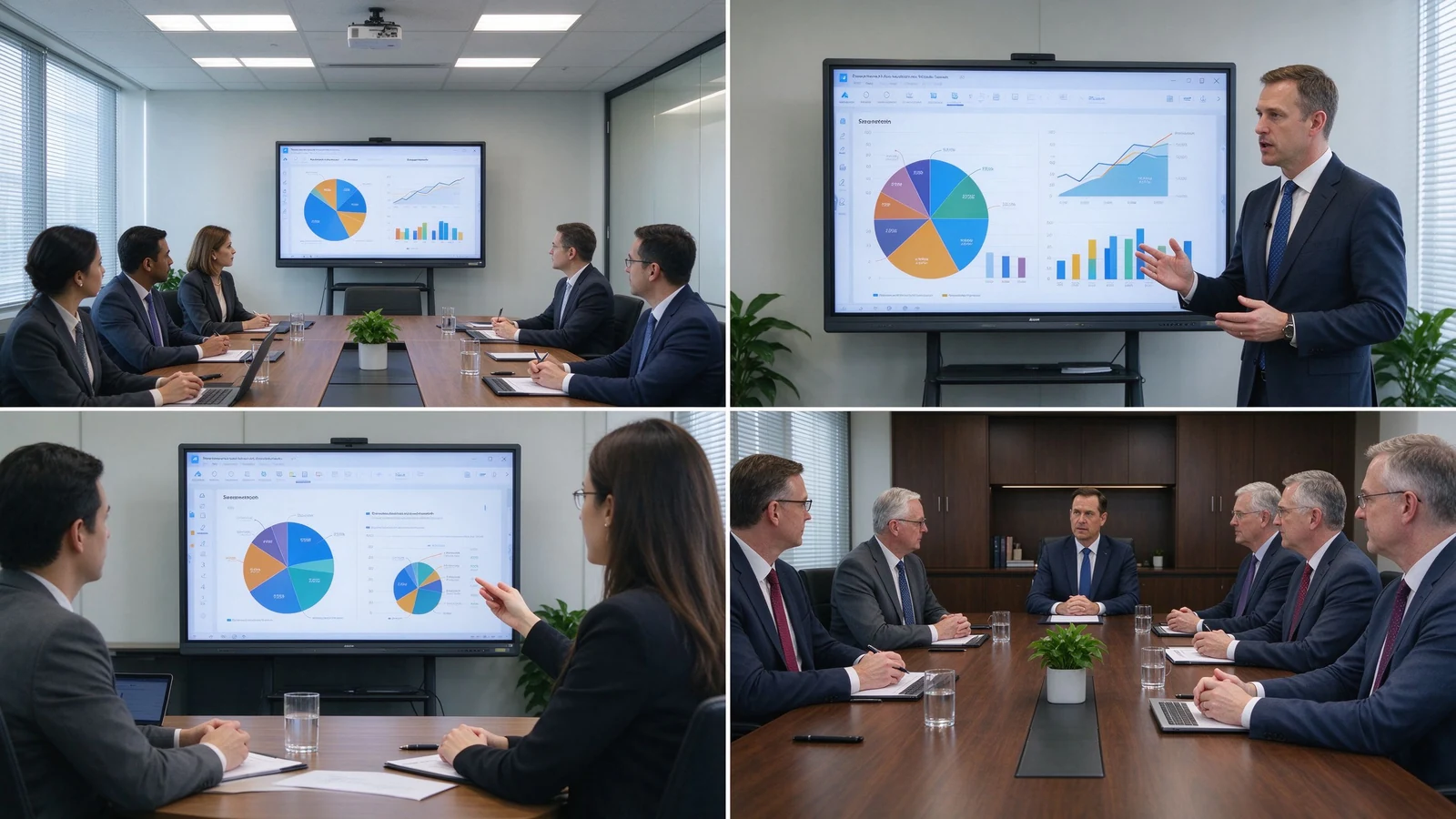
Classroom teaching, corporate training, boardroom meetings, engineering and design review, client demos, remote collaboration, and multi-site deployment.
55–65 inches for small rooms and small-group training; 75–86 inches for standard meeting rooms and classrooms; 98–110 inches for large training rooms, lecture halls, and executive rooms; multi-display combinations for very large spaces.
4K UHD display, 20–50 point multi-touch, wireless casting, dual system, digital whiteboard, file annotation, multi-user collaboration, and video conferencing configuration.
Size customization, touch-point configuration, Android or Windows, logo and boot screen, camera and audio, packaging and manuals, pre-installed software, regional certification, and batch project delivery.
Typical 4K configurations buyers request:
Each deployment begins with the same workflow review: what content is shown, how many viewers, how far they sit, and which platforms carry remote participation. Resolution is then chosen to match — never the reverse.
| Buyer priority | Qtenboard value proposition |
|---|---|
| Размяшчэнне | 4K UHD interactive displays |
| Size flexibility | 55–110" portfolio |
| Touch options | 20 / 40 / 50-point configurations |
| System flexibility | Android, Windows, dual system |
| Project customization | OEM/ODM, branding, packaging, CKD/SKD |
| Deployment support | DMS, batch supply, spare parts |
4K can extend device life, reduce future upgrade needs, improve meeting and training experience, support finer content, enable multi-window collaboration, improve readability in large rooms, and suit premium client and brand settings. The added cost goes beyond the panel: 4K-capable OPS PC, 4K camera or video conferencing hardware, higher-spec cables and docks, network upgrades, installation, and device management.
TCO = panel cost + installation + source hardware + software + network upgrade + maintenance.
The payback typically shows up in three places: fewer zoom-and-pan interruptions in data meetings, clearer remote collaboration, and a room standard that does not need replacement during the refresh cycle. For project buyers, fleet buyers, and OEM/ODM partners, factory-direct pricing and configuration control keep the 4K upgrade inside the TCO envelope.
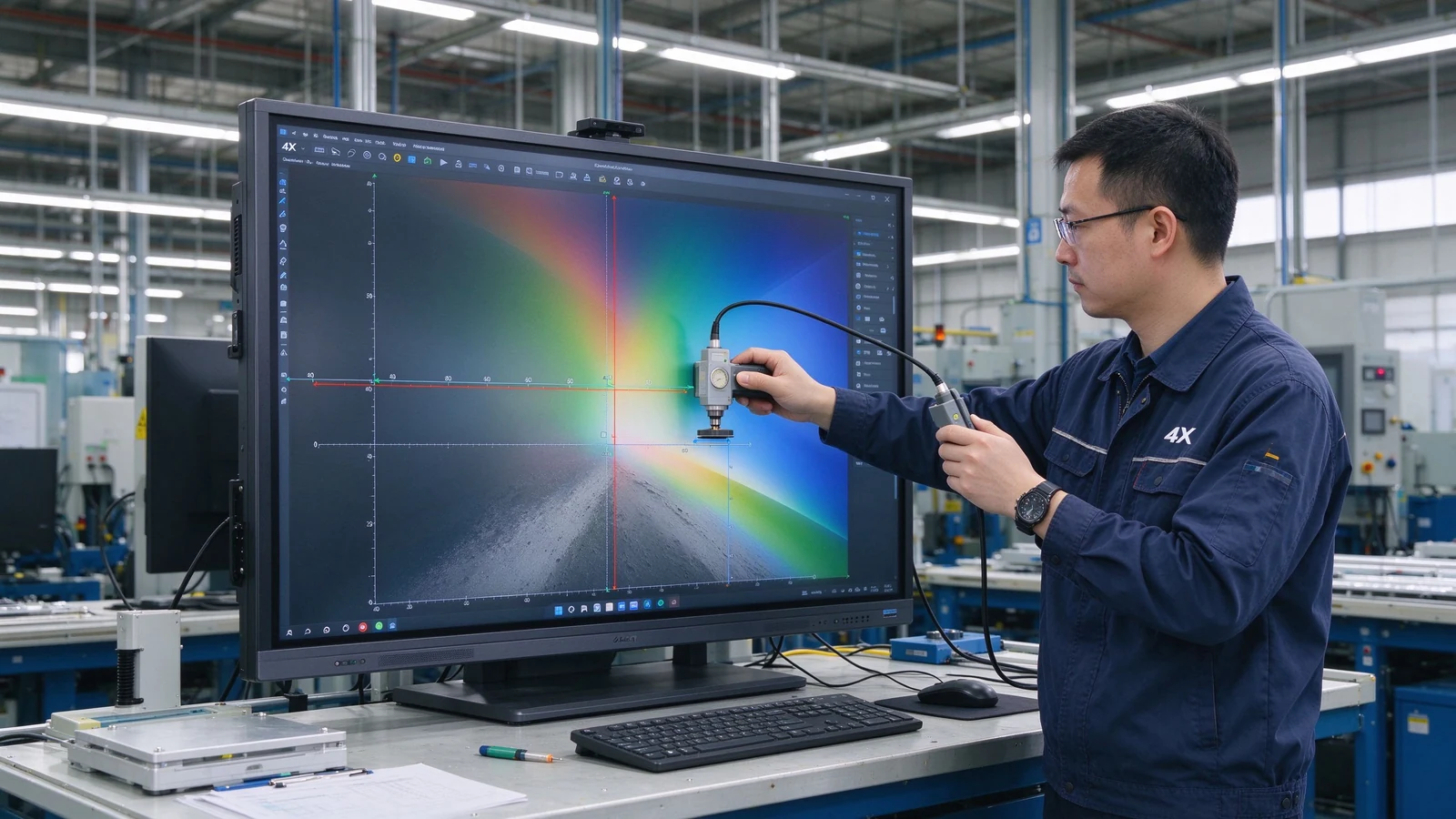
New mid-to-large meeting rooms, training rooms, and classrooms usually start with 4K; small, close-view, basic-display scenarios can evaluate 1080p.
4K delivers finer detail and suits large screens, long viewing distance, spreadsheets, engineering drawings, and split-screen work. Whether it is worth it depends on budget, content, and device compatibility.
Not for every scenario. Small screens and simple content can live with 1080p; 75-inch and above interactive panels usually benefit from 4K. If the room regularly shows spreadsheets, engineering drawings, or split-source content, 4K pays back.
No. Resolution affects display detail; touch depends on touch technology, latency, accuracy, palm rejection, and software. A high-resolution screen with slow touch still feels unresponsive.
4K is most valuable from 75 inches upward, where the pixel density stays comfortable at normal viewing distances. Below 55 inches, the human eye often cannot distinguish the extra pixels in a meeting room, so the budget may go to touch, audio, or source hardware instead.
4K is typically 3840 × 2160 pixels; 1080p is 1920 × 1080. 4K carries roughly four times the pixels and renders small text and complex images more sharply.
Native 4K means the panel physically is 3840 × 2160; 4K input support means the device accepts a 4K signal while the panel may be 1080p. Confirm native panel resolution.
Qtenboard offers 4K UHD interactive whiteboards and flat panels for education, business, training, and OEM/ODM projects; exact size, brightness, touch, and system are confirmed per model.
Qtenboard 4K interactive panels cover 55–110 inches across multiple sizes.
Yes. Size, touch, system, logo, software, ports, camera, audio, packaging, and other customization can be discussed per project.
| Role | Recommended next step |
|---|---|
| Enterprise procurement | Get a 4K smart board recommendation |
| IT / AV manager | Download the resolution and compatibility checklist |
| Integrator | Request project configuration support |
| Раслікувач | Request the OEM/ODM catalog and sample |
| Large project | Schedule a factory video audit |
Share your room size, preferred display size, content type, viewing distance, operating system, and project quantity. Qtenboard can recommend a suitable 4K or other smart board configuration for business, education, training, or OEM/ODM applications. Reach the team through the contact page.
Required: name, company, email, country, business type, application, message.
Дадаткова: room size, viewing distance, users, preferred size, content type, existing source devices, required OS, quantity, target market, OEM/ODM needs, delivery timeline.
Get a 4K Smart Board Recommendation Compare Resolution Options Request Product Specifications Ask for an OEM/ODM Quote

Эксперт вылучэнне
Я загалоўка Qtenboard, і прынесуць над 17 год у тэкставацыі у індустрія. Настаўленні ў глобальная перспектива трэбаў, зрабіць мойны дакументы EMBA у універсальне Шенсэн, Я прыкладаю мой каманду у оптимізацыі кожны етаў нашых аперацыі ад вызначэння продукту да высокі карыстальнікам трэба трэбаўляе Можнаўленне магчымасць прастацца на період у індустрія.
Як лідар Qtenboard, я спеціалізуюся у вызначаных вышваваных OEM/ODM для інтэрактыўных белых палатаў, Відэкі сініны LCD, цифравальныя сітак і тэрміналы дапаўненне ў індустріцы. Запапаўваны наші 330,000 м² сучасны індустріальны парк у Шензін, мы захоўваем кантроль над індустріальныя дизайны, дакладнаваць прыкладання, і строгучнае тэст.
З амаль два дзесяцаў прылад праекту, цяпер выключаныя рашэннем Qtenboard у больш у 120 і рэгіонах, заробілі довіры больш 15 000 кліентаў у світі. Калі вы шукаеце адказную партнер з глибокіма выкананням праекты, Мы і я гатовыя падтрымліваць вашу погляд з професіональным выгляду.

 bel
bel
 EN
EN  pt
pt  spa
spa  th
th  vie
vie  aze
aze  est
est  lav
lav  ukr
ukr  ru
ru