A resolução é a especificação mais simplificada-e na maioria das vezes mal julgada-em uma compra de smart board. “O 4K parece mais nítido que 1080p” é apenas o ponto inicial. A experiência real depende do tamanho da tela, distância de visualização, brilho, desempenho do toque, conteúdo original, largura de banda e custo total do projeto. Um painel 4K em uma sala iluminada pelo sol com um feed de laptop de baixa qualidade pode parecer pior do que um painel 1080p bem calibrado em um espaço controlado.
Este guia transforma a resolução de um número isolado numa decisão de aquisição. Ele explica o que a resolução realmente significa em uma tela interativa, compara 4K e 1080p para negócios, mostra onde 1080p ainda é a escolha certa e lista o que verificar ao atualizar para 4K. É o companheiro de profundidade técnica para o Completa inteligente whiteboard compra guia: Essa página abrange a categoria; esta abrange a decisão de resolução. Qtenboard oferece 55-110 polegadas 4K UHD quadros interativos e painéis planos com multi-touch, fundição sem fio, sistema duplo Android/Windows e suporte OEM/ODM.
O mal-entendido a evitar: comprar um adesivo “4K” e assumir que o quarto está resolvido. A resolução interage com a classe do painel, brilho, luz ambiente, precisão de toque, laptop de origem, cabeamento, rede e software. Uma decisão de aquisição completa pesa todas elas juntas, e é por isso que este artigo trata a resolução como uma alavanca entre várias, em vez da resposta única.
| Cenário | Resolução recomendada | Razão chave | Direção Qtenboard |
|---|---|---|---|
| Pequena sala huddle (≤ 55 ") | 1080p ou 4K | Depende da distância e do orçamento | 55-65 "painel interativo |
| Sala conferência standard (75-86 ") | 4K preferido | Melhor para documentos e reuniões híbridas | 75-86 "painel 4K interativo |
| Diretoria executiva (86-98 ") | 4K preferido | Suporta dados detalhados e apresentação premium | 86-98 "painel 4K interativo |
| Sala treinamento corporativo (86-110 ") | 4K recomendado | Ajuda participantes distantes a ler conteúdo | 86-110 "painel 4K interativo |
| Engenharia/revisão do projeto | 4K fortemente recomendado | Preserva linhas finas e detalhes técnicos | Display interativo 4K |
| Grande sala aula/palestra | 4K recomendado | Melhora a visibilidade em toda a sala | 98-110 "painel 4K interativo |
| Sinalização digital/reprodução básica | Depende do conteúdo e tamanho | 1080p pode ser suficiente | Modelo específico |
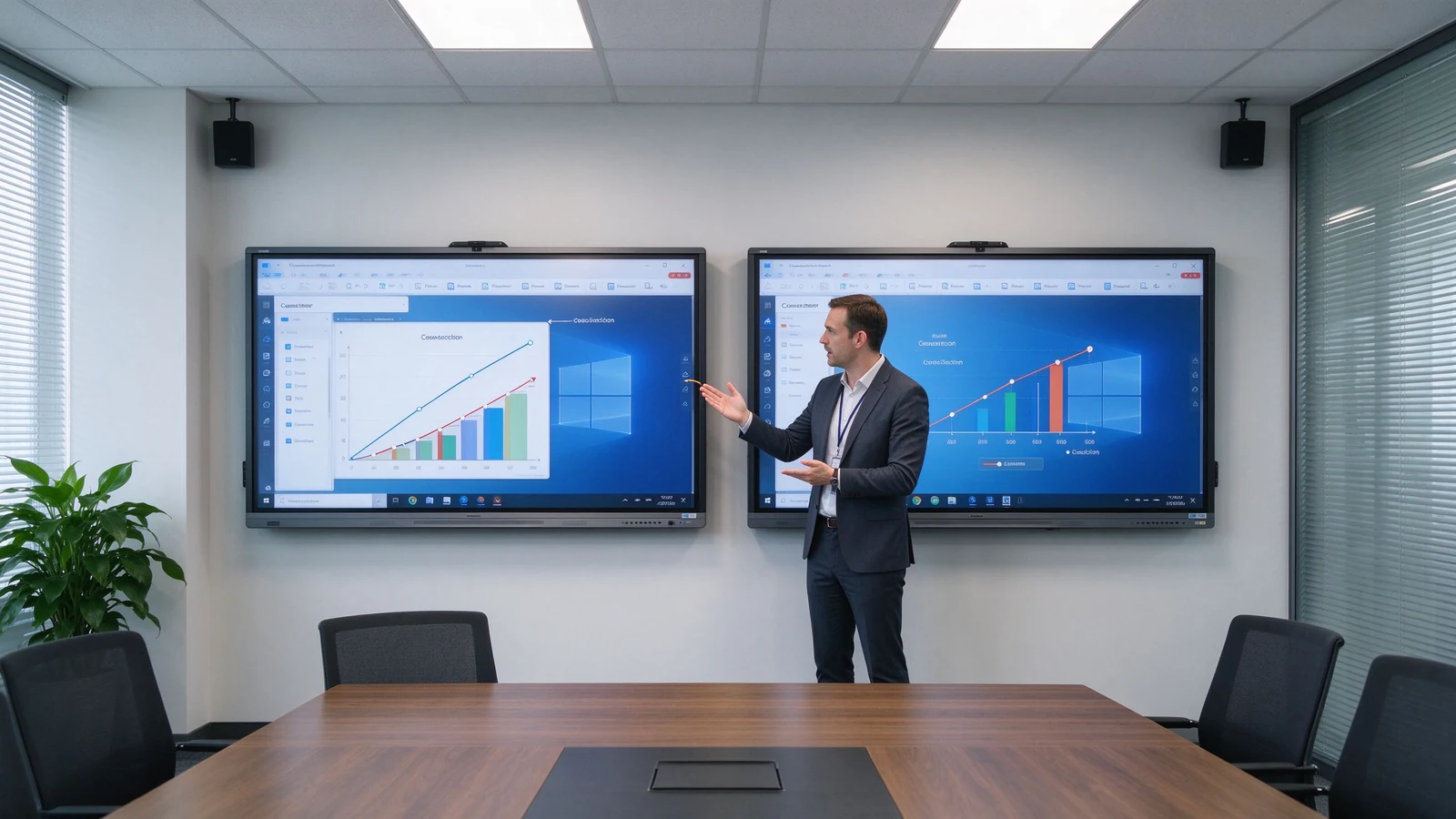
A resolução é o número de pixels que a tela pode exibir. 1080 p é tipicamente 1920 × 1080 pixels; 4K UHD é tipicamente 3840 × 2160 pixels. Um painel 4K carrega aproximadamente quatro vezes os pixels de 1080p.
| Resolução | Dimensões do pixel | Aprox. pixels totais | Uso comum |
|---|---|---|---|
| 1080p Full HD | 1920 × 1080 | 2,1 milhões | Apresentação básica e vídeo |
| UHD 4K | 3840 × 2160 | 8,3 milhões | Negócios detalhados e conteúdo educacional |
Uma placa inteligente 4K é uma tela interativa com um painel nativo 3840 × 2160. Ele se adapta a telas grandes, planilhas, desenhos de engenharia, arquivos de design, vídeo de alta resolução, layouts de várias janelas e visualização de longe. O termo refere-se à resolução do painel, não à tecnologia touch, ao sistema operacional ou à capacidade de videoconferência-essas são especificações separadas.
| Tipo | Significado | O que confirmar |
|---|---|---|
| 4K nativo | O painel fisicamente é 3840 × 2160 | Verifique a folha especificação do painel |
| Suporte entrada 4K | Aceita um sinal 4K, mas o painel pode ser 1080p | Confirmar a resolução real do ecrã |
| Upscaling 4K | Alonga conteúdo de baixa resolução para 4K | Confirme a qualidade do processamento |
| Fator | Placa inteligente 1080p | Placa inteligente 4K |
|---|---|---|
| Resolução | 1920 × 1080 | 3840 × 2160 |
| Nível do detalhe | Adequado para conteúdo básico | Melhor para texto fino e visuais detalhados |
| Clareza de tela grande | Pode parecer menos nítida em tamanhos grandes | Mais adequado para grandes painéis interativos |
| Planilhas e diagramas | Utilizável mas pode exigir zoom | Mais fácil de ler e inspecionar |
| Uso multi-janela | Mais limitado | Melhor para layouts de tela dividida |
| Conteúdo vídeo | Adequada para vídeo padrão | Melhor para vídeo de alta resolução |
| Hardware e fonte necessidades | Inferior | Requer fonte compatível e conexões |
| Custo inicial | Geralmente mais baixo | Geralmente maior |
| Implantação a longo prazo | Pode ser suficiente para uso básico | Melhor para novas instalações premium |
A conclusão prática: telas pequenas, visualização próxima e apresentação básica podem viver com 1080p; painéis interativos de 75 polegadas e acima geralmente se beneficiam de 4K; texto pequeno freqüente, dados, arquivos de design ou trabalho de tela dividida devem empurrá-lo para 4K; e projetos multi-room de longo prazo reduzem o risco futuro de substituição começando em 4K. O comprador que ignora esse trade-off normalmente aprende durante a primeira reunião de revisão financeira ou a primeira revisão de projeto-quando a sala já está construída e a opção de resolução já está paga.
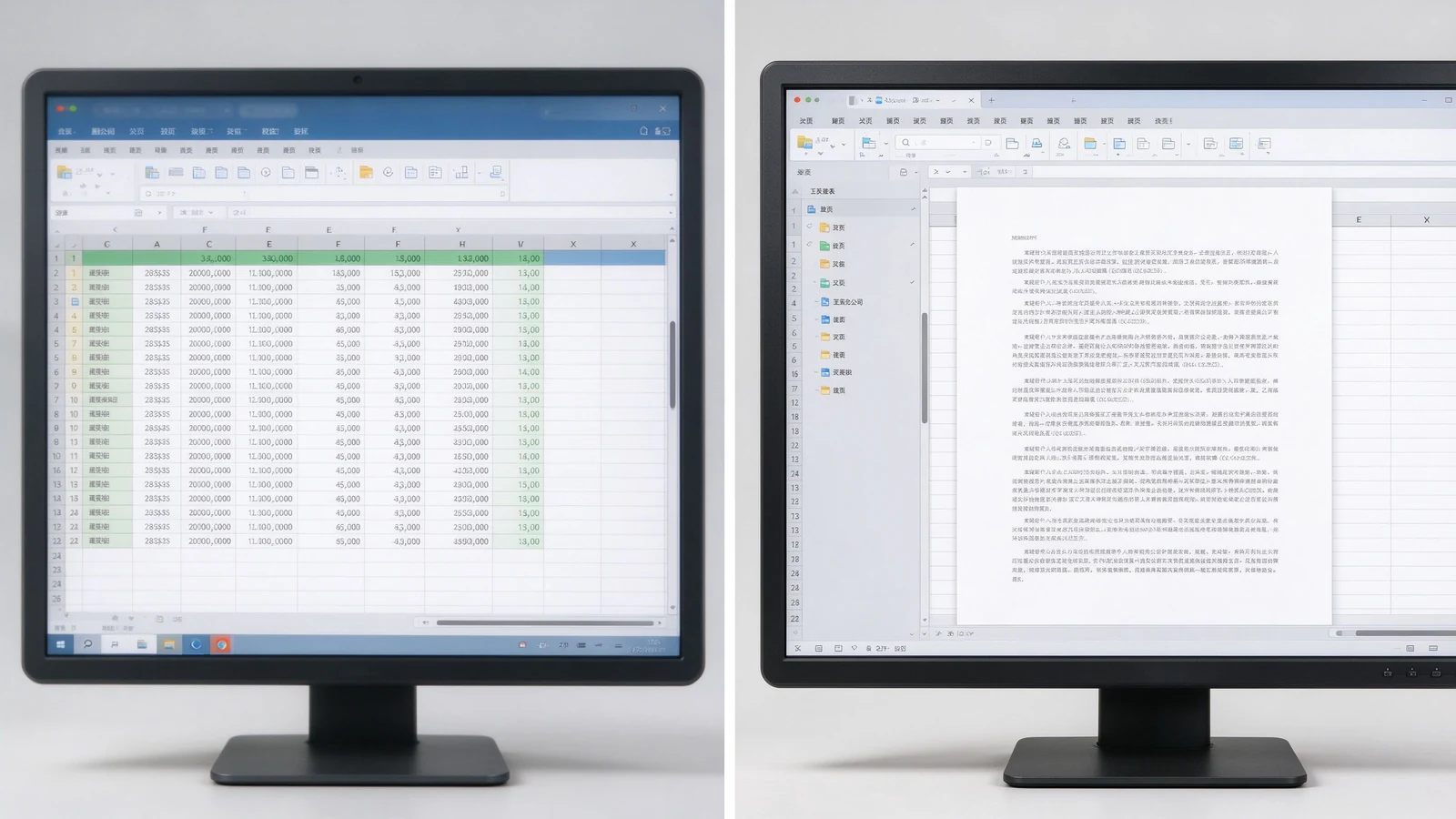
Relatórios financeiros, dados de vendas, painéis operacionais, telas de KPI e tabelas amplas de várias colunas ganham valor real. Menos zoom, mais conteúdo na tela, legibilidade de mais longe e várias pessoas inspecionando a mesma página de uma só vez.
CAD screenshots, mechanical drawings, product structures, factory flowcharts, and technical specifications depend on fine lines and small annotations. 4K keeps them legible — though the source file and software rendering quality still matter.
Slides, software demos, product video, process walkthroughs, course subtitles, and digital textbooks look sharper; large training rooms keep course content readable from the back row.
A 4K screen shows remote participants, shared documents, on-screen annotation, and remote whiteboard content more clearly. But a 4K panel does not automatically make a video meeting 4K — the camera, platform, network, computer, and subscription plan may cap actual resolution.
Slide on the left, whiteboard on the right; remote participants beside shared content; two design options side by side; video and course material split. 4K keeps each pane usable instead of a small blurry strip. On a 1080p panel, split-screen content shrinks to a fraction of native size and the zoom-and-pan cycle returns — the very friction the interactive display was meant to remove.
New hardware will run for five to seven years. Starting at 4K means the room will not look dated as source material, video, and remote collaboration increasingly push higher resolution. For standardizing a fleet of rooms, one resolution across all panels also simplifies IT support, training, and troubleshooting.
1080p is not automatically a poor choice. It can be cost-effective for smaller, simpler, and short-term installations. It suits small meeting rooms, 55-inch or smaller displays, close viewing, standard video playback, large-font content, budget-conscious basic projects, temporary or low-frequency spaces, and environments where existing systems only support 1080p.
Before settling on 1080p, confirm: whether the current laptop outputs 1080p; whether HDMI adapters and docks support the target resolution; whether video conferencing hardware is compatible; whether the screen size will expose limited pixels; and whether the room may later move to a larger display or more windows. Also ask whether staff bring mixed devices that expect higher resolutions on their own monitors, which can make a 1080p room feel underwhelming by comparison.
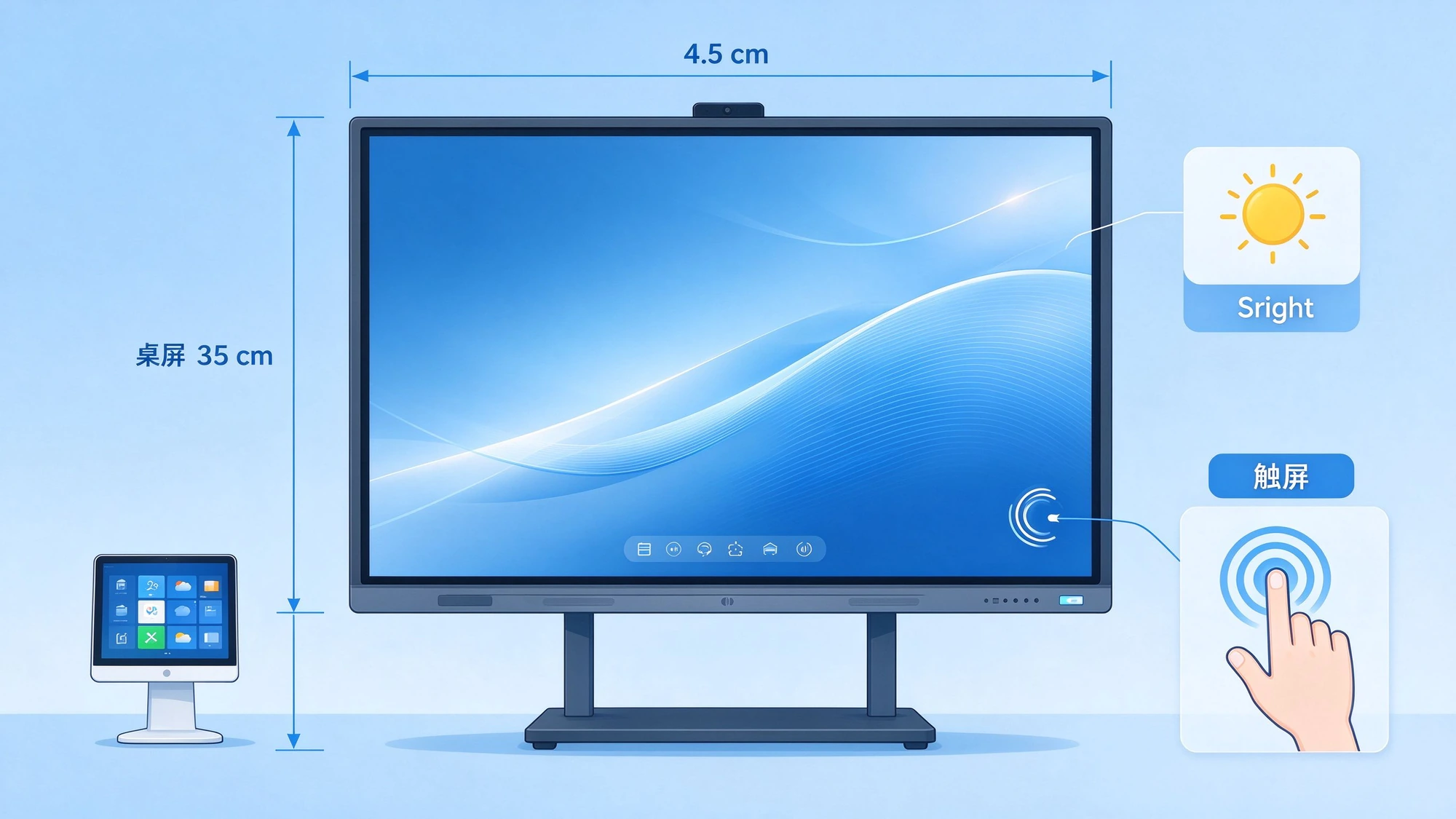
1080p can look fine on a small panel; stretched to 86 inches or more, detail softens. 4K is the natural choice for 75–110 inch interactive panels. Judge by the farthest seat, screen height, content font size, and whether engineering drawings or spreadsheets are involved.
4K is not brighter. Confirm nits, room daylight, glass reflection, anti-glare treatment, and daytime readability. A 4K panel under bright window light without anti-glare can wash out; a 1080p panel with proper brightness and coating may still look clean. Contrast and color matter for product images, video, branding, design review, and training content. Qtenboard selected 4K interactive panels offer brightness options such as 350, 400, and 450 cd/m² depending on model.
The same native 4K panel can render content differently depending on the SoC, scaler, color engine, and firmware. Two panels with identical specs can differ in skin tones, text sharpness, and motion handling. That is why a live demo on real content beats a spec sheet — and why sample approval matters before volume orders.
High resolution cannot rescue poor touch. Evaluate touch latency, points, writing accuracy, palm rejection, finger/stylus recognition, simultaneous writing, and touch software compatibility alongside resolution.
The gap between touch layer and display layer creates writing parallax: where the stylus tip lands versus where the mark appears. 4K does not fix parallax; it is a separate performance dimension.
| Business use case | Resolução recomendada | Razão | Direção Qtenboard |
|---|---|---|---|
| Small huddle room | 1080p ou 4K | Size, viewing distance, budget | 55-65 "painel interativo |
| Standard conference room | 4K preferido | Presentations, documents, hybrid meetings | 75-86 "painel 4K interativo |
| Executive boardroom | 4K preferido | Detailed data and premium presentation | 86-98 "painel 4K interativo |
| Corporate training room | 4K recomendado | Distant participants read course content | 86-110 "painel 4K interativo |
| Engenharia/revisão do projeto | 4K fortemente recomendado | Fine lines and technical detail | Display interativo 4K |
| Grande sala | 4K recomendado | Visibility across the room | 98-110 "painel 4K interativo |
| Sinalização digital/reprodução básica | Depende do conteúdo e tamanho | 1080p pode ser suficiente | Modelo específico |
Does the laptop output 4K? Does the OPS PC support it? Are graphics drivers current? Will the video conferencing host or remote desktop software force the session back to 1080p?
HDMI version, USB-C video output, DisplayPort, adapters and docks, cable length and quality, and wireless casting bandwidth all cap the actual signal.
Windows and Android support, whiteboard apps, Office files, LMS, Teams / Zoom / Google Meet, and remote control or DMS platforms should all run at the intended resolution.
4K video and high-resolution wireless casting need more bandwidth. Confirm Wi-Fi coverage, congestion, access points, wired LAN, platform compression, and performance when several devices cast at once.
4K cannot manufacture detail that never existed. If the source video is 1080p, the 4K screen merely enlarges it. Check video source resolution, image and chart resolution, and whether PPT and PDF files are designed for large screens.
Many meeting platforms cap outgoing and incoming video at 1080p regardless of the local screen. Confirm the platform, plan tier, and network speed before expecting 4K remote video. The 4K panel still improves the view of shared documents and on-screen annotation even when the camera feed stays at 1080p.
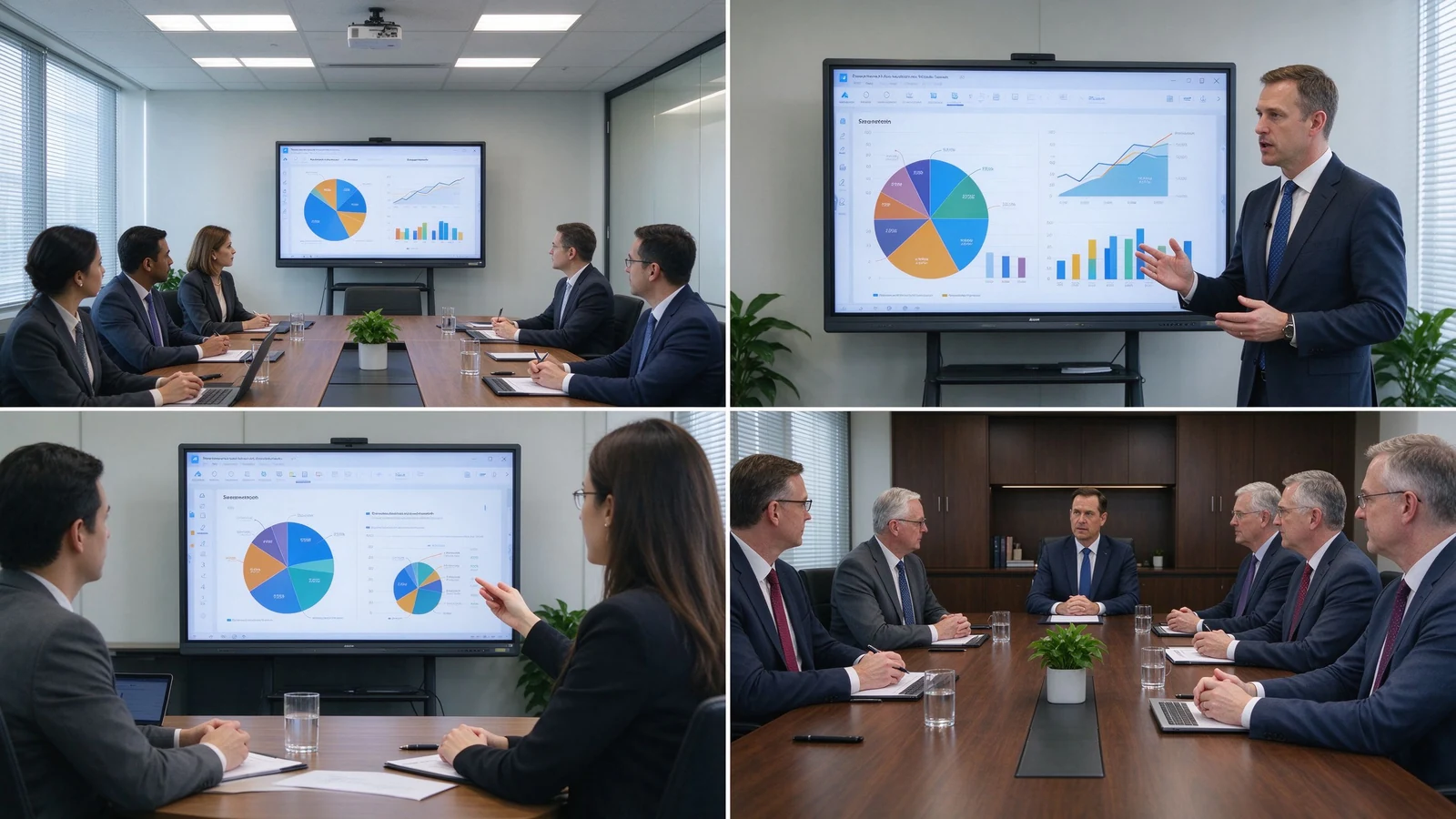
Classroom teaching, corporate training, boardroom meetings, engineering and design review, client demos, remote collaboration, and multi-site deployment.
55–65 inches for small rooms and small-group training; 75–86 inches for standard meeting rooms and classrooms; 98–110 inches for large training rooms, lecture halls, and executive rooms; multi-display combinations for very large spaces.
4K UHD display, 20–50 point multi-touch, wireless casting, dual system, digital whiteboard, file annotation, multi-user collaboration, and video conferencing configuration.
Size customization, touch-point configuration, Android or Windows, logo and boot screen, camera and audio, packaging and manuals, pre-installed software, regional certification, and batch project delivery.
Typical 4K configurations buyers request:
Each deployment begins with the same workflow review: what content is shown, how many viewers, how far they sit, and which platforms carry remote participation. Resolution is then chosen to match — never the reverse.
| Buyer priority | Qtenboard value proposition |
|---|---|
| Resolução | 4K UHD interactive displays |
| Size flexibility | 55–110" portfolio |
| Touch options | 20 / 40 / 50-point configurations |
| System flexibility | Android, Windows, dual system |
| Project customization | OEM/ODM, branding, packaging, CKD/SKD |
| Deployment support | DMS, batch supply, spare parts |
4K can extend device life, reduce future upgrade needs, improve meeting and training experience, support finer content, enable multi-window collaboration, improve readability in large rooms, and suit premium client and brand settings. The added cost goes beyond the panel: 4K-capable OPS PC, 4K camera or video conferencing hardware, higher-spec cables and docks, network upgrades, installation, and device management.
TCO = panel cost + installation + source hardware + software + network upgrade + maintenance.
The payback typically shows up in three places: fewer zoom-and-pan interruptions in data meetings, clearer remote collaboration, and a room standard that does not need replacement during the refresh cycle. For project buyers, fleet buyers, and OEM/ODM partners, factory-direct pricing and configuration control keep the 4K upgrade inside the TCO envelope.
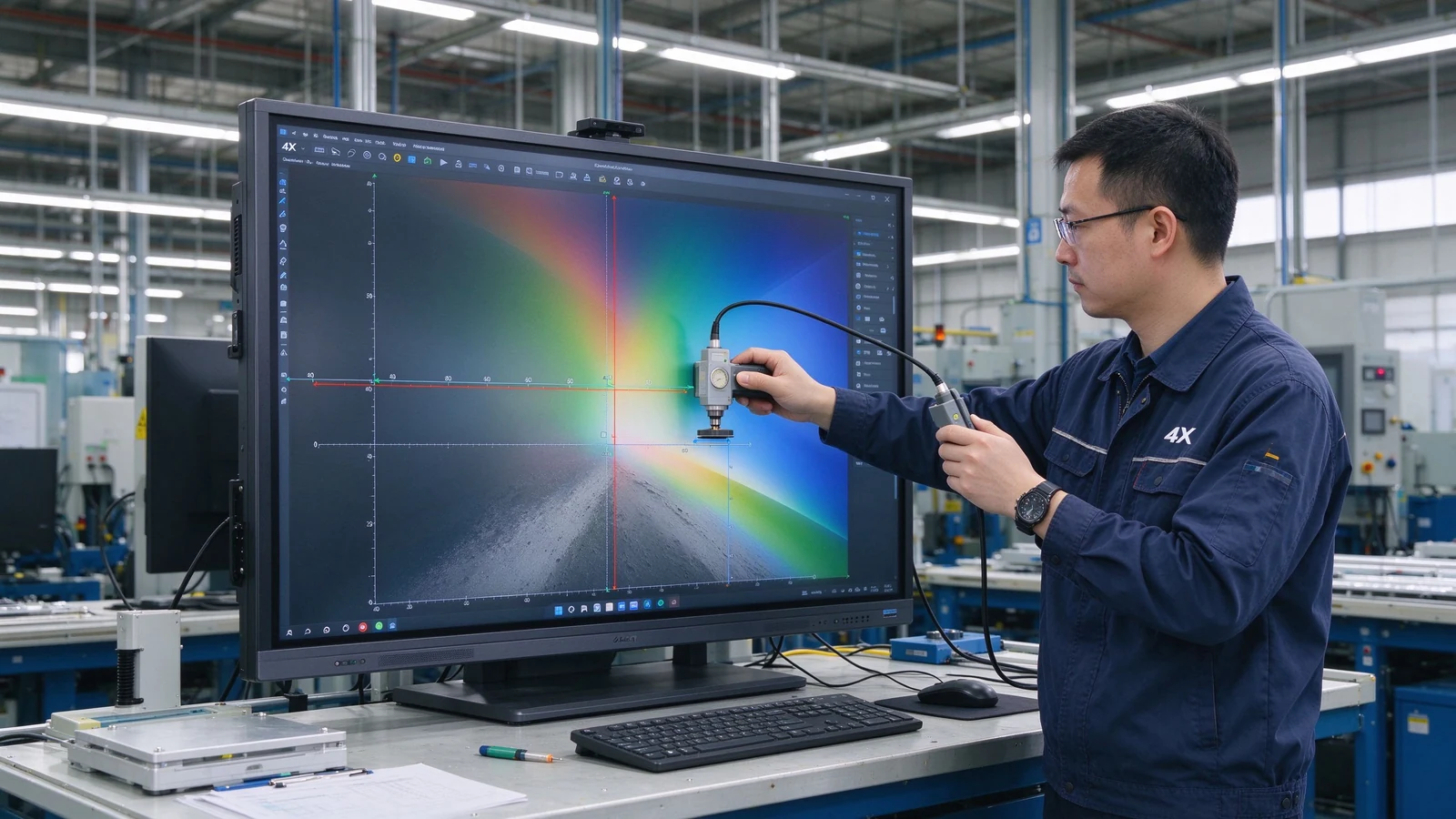
New mid-to-large meeting rooms, training rooms, and classrooms usually start with 4K; small, close-view, basic-display scenarios can evaluate 1080p.
4K delivers finer detail and suits large screens, long viewing distance, spreadsheets, engineering drawings, and split-screen work. Whether it is worth it depends on budget, content, and device compatibility.
Not for every scenario. Small screens and simple content can live with 1080p; 75-inch and above interactive panels usually benefit from 4K. If the room regularly shows spreadsheets, engineering drawings, or split-source content, 4K pays back.
No. Resolution affects display detail; touch depends on touch technology, latency, accuracy, palm rejection, and software. A high-resolution screen with slow touch still feels unresponsive.
4K is most valuable from 75 inches upward, where the pixel density stays comfortable at normal viewing distances. Below 55 inches, the human eye often cannot distinguish the extra pixels in a meeting room, so the budget may go to touch, audio, or source hardware instead.
4K is typically 3840 × 2160 pixels; 1080p is 1920 × 1080. 4K carries roughly four times the pixels and renders small text and complex images more sharply.
Native 4K means the panel physically is 3840 × 2160; 4K input support means the device accepts a 4K signal while the panel may be 1080p. Confirm native panel resolution.
Qtenboard offers 4K UHD interactive whiteboards and flat panels for education, business, training, and OEM/ODM projects; exact size, brightness, touch, and system are confirmed per model.
Qtenboard 4K interactive panels cover 55–110 inches across multiple sizes.
Yes. Size, touch, system, logo, software, ports, camera, audio, packaging, and other customization can be discussed per project.
| Role | Recommended next step |
|---|---|
| Enterprise procurement | Get a 4K smart board recommendation |
| IT / AV manager | Download the resolution and compatibility checklist |
| Integrator | Request project configuration support |
| Distribuidor | Request the OEM/ODM catalog and sample |
| Large project | Schedule a factory video audit |
Share your room size, preferred display size, content type, viewing distance, operating system, and project quantity. Qtenboard can recommend a suitable 4K or other smart board configuration for business, education, training, or OEM/ODM applications. Reach the team through the contact page.
Required: name, company, email, country, business type, application, message.
Opcional: room size, viewing distance, users, preferred size, content type, existing source devices, required OS, quantity, target market, OEM/ODM needs, delivery timeline.
Get a 4K Smart Board Recommendation Compare Resolution Options Request Product Specifications Ask for an OEM/ODM Quote

CEO | Display interativo e solução colaboração Expert
Eu sou o fundador da Qtenboard, trazendo mais de 17 anos de experiência prática para a indústria de telas sensíveis ao toque. Com base na perspectiva de gestão global adquirida através dos meus estudos EMBA na ShenZhen University, lidero minha equipe na otimização de todas as etapas de nossas operações-desde a definição do produto até o gerenciamento da cadeia de suprimentos de alta eficiência-garantindo que nossas capacidades de fabricação permaneçam na vanguarda do setor.
Como líder da Qtenboard, sou especialista em fornecer soluções OEM/ODM personalizadas para quadros interativos, paredes de vídeo LCD, sinalização digital e terminais de toque de nível industrial. Apoiados por nosso parque industrial moderno de 330.000 m² em Shenzhen, mantemos controle de ciclo de vida completo sobre design industrial, fabricação de precisão e testes rigorosos de desempenho.
Com quase duas décadas de experiência em projetos, as soluções de exibição da Qtenboard estão implantadas em mais de 120 países e regiões, conquistando a confiança de mais de 15.000 clientes corporativos em todo o mundo. Se você está procurando um sócio responsivo com uma fundação profunda da fabricação para seus projetos personalizados da exposição do toque, minha equipe e eu estamos prontos para apoiar sua visão com excelência profissional.

 pt
pt
 EN
EN  spa
spa  th
th  vie
vie  aze
aze  bel
bel  est
est  lav
lav  ukr
ukr  ru
ru