Độ phân giải là thông số kỹ thuật đơn giản nhất-và thường bị đánh giá sai trong việc mua Bảng thông minh. "4K trông sắc nét hơn 1080P" chỉ là điểm bắt đầu. Trải nghiệm thực tế phụ thuộc vào kích thước màn hình, khoảng cách xem, độ sáng, hiệu suất cảm ứng, nội dung nguồn, băng thông mạng và tổng chi phí dự án. Bảng điều khiển 4k trong phòng có ánh sáng mặt trời với nguồn cấp dữ liệu máy tính xách tay chất lượng thấp có thể trông tệ hơn Bảng điều khiển 1080p được hiệu chuẩn tốt trong không gian được kiểm soát.
Hướng dẫn này biến độ phân giải từ một con số riêng biệt thành một quyết định mua sắm. Nó giải thích Độ phân giải thực sự có nghĩa gì trên màn hình tương tác, so sánh 4K và 1080p cho doanh nghiệp, cho thấy 1080P vẫn là lựa chọn đúng đắn, và liệt kê những gì cần kiểm tra khi nâng cấp lên 4K. Nó là bạn đồng hành với độ sâu kỹ thuật Hướng dẫn mua Bảng Trắng thông minh hoàn chỉnh: Trang đó đề cập đến danh mục; trang này đề cập đến quyết định giải quyết. Qtenboard cung cấp bảng trắng tương tác 4K UHD 55-110 inch và tấm phẳng với cảm ứng đa chạm, đúc không dây, hệ thống kép Android/Windows và hỗ trợ OEM/ODM.
Sự hiểu lầm cần tránh: Mua một miếng dán "4K" và giả sử phòng được giải quyết. Độ phân giải tương tác với cấp bảng điều khiển, độ sáng, ánh sáng xung quanh, độ chính xác cảm ứng, Nguồn máy tính xách tay, cáp, mạng và phần mềm. Một quyết định mua sắm hoàn chỉnh cân nhắc tất cả chúng lại với nhau, đó là lý do tại sao bài viết này coi Độ phân giải là một đòn bẩy trong số một số thay vì một câu trả lời.
| Kịch bản | Độ phân giải được đề xuất | Lý do chính | Hướng qtenboard |
|---|---|---|---|
| Phòng ôm nhỏ (≤ 55 ") | 1080P hoặc 4K | Phụ thuộc vào khoảng cách xem và ngân sách | Bảng tương tác 55-65" |
| Phòng hội nghị tiêu chuẩn (75-86 ") | Ưu tiên 4k | Tốt hơn cho các tài liệu và các cuộc họp lai | Bảng tương tác 75-86 "4K |
| Phòng họp Executive (86-98 ") | Ưu tiên 4k | Hỗ trợ dữ liệu chi tiết và trình bày cao cấp | Bảng tương tác 86-98 "4K |
| Phòng tập luyện Doanh Nghiệp (86-110 ") | Khuyên dùng 4k | Giúp người tham gia ở xa Đọc nội dung | Bảng tương tác 86-110 "4K |
| Đánh giá kỹ thuật/Thiết kế | Khuyên dùng 4k | Bảo quản đường nét và chi tiết kỹ thuật | Màn hình tương tác 4k |
| Phòng học/Giảng đường lớn | Khuyên dùng 4k | Cải thiện khả năng hiển thị trong phòng | Bảng tương tác 98-110 "4K |
| Biển báo kỹ thuật số/phát lại cơ bản | Phụ thuộc vào nội dung và kích thước | 1080P có thể là đủ | Mô hình cụ thể |
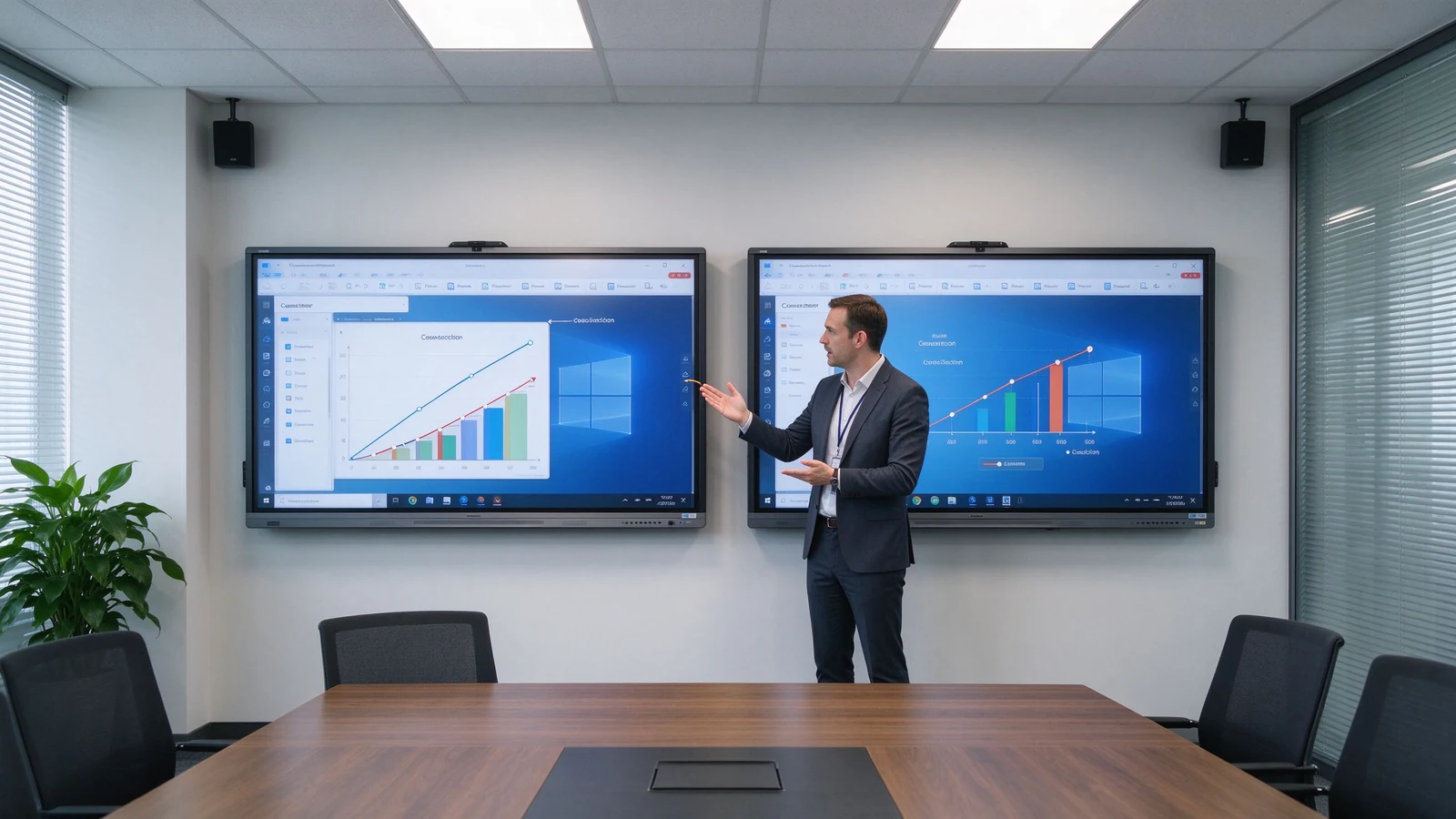
Độ phân giải là số lượng điểm ảnh mà màn hình có thể hiển thị. 1080 P thường là 1920 × 1080 pixel; 4K UHD thường là 3840 × 2160 pixel. Bảng 4K có Kích thước gấp 4 lần điểm ảnh 1080P.
| Nghị quyết | Kích thước pixel | Xấp xỉ. Tổng số pixel | Sử dụng phổ biến |
|---|---|---|---|
| 1080P Full HD | 1920 × 1080 | 2.1 triệu | Trình bày và video cơ bản |
| 4K UHD | 3840 × 2160 | 8.3 triệu | Nội dung kinh doanh và giáo dục chi tiết |
Bảng thông minh 4K là màn hình tương tác với bảng điều khiển 3840 × 2160 riêng. Nó phù hợp với màn hình lớn, bảng tính, bản vẽ kỹ thuật, tệp thiết kế, video độ phân giải cao, bố trí nhiều cửa sổ và quan sát từ xa hơn. Thuật Ngữ này đề cập đến độ phân giải của bảng điều khiển, không phải công nghệ cảm ứng, hệ điều hành hoặc khả năng hội nghị truyền hình-đó là các thông số kỹ thuật riêng biệt.
| Loại | Ý nghĩa | Xác nhận điều gì |
|---|---|---|
| 4k Bản địa | Vật lý của bảng điều khiển là 3840 × 2160 | Kiểm tra bảng thông số kỹ thuật của bảng điều khiển |
| Hỗ trợ đầu vào 4k | Chấp nhận tín hiệu 4K, nhưng Bảng điều khiển có thể là 1080P | Confirm the actual display resolution |
| Nâng cấp 4K | Trải dài nội dung độ phân giải thấp hơn đến 4K | Xác nhận chất lượng xử lý hình ảnh |
| Yếu tố | Bảng thông minh 1080P | Bảng thông minh 4k |
|---|---|---|
| Nghị quyết | 1920 × 1080 | 3840 × 2160 |
| Mức chi tiết | Phù hợp với nội dung cơ bản | Better for fine text and detailed visuals |
| Large-screen clarity | Có thể nhìn ít sắc nét hơn ở kích thước lớn | Phù hợp hơn với các bảng tương tác cỡ lớn |
| Spreadsheets and diagrams | Sử dụng được nhưng có thể cần phóng to | Dễ đọc và kiểm tra hơn |
| Multi-window use | More limited | Tốt hơn cho bố trí màn hình chia nhỏ |
| Nội dung Video | Adequate for standard video | Tốt hơn cho video độ phân giải cao |
| Nhu cầu phần cứng và nguồn | Thấp hơn | Yêu cầu nguồn và kết nối tương thích |
| Initial cost | Thường thấp hơn | Usually higher |
| Triển khai lâu dài | Có thể đủ để sử dụng cơ bản | Tốt hơn cho việc lắp đặt cao cấp mới |
Kết luận thực tế: màn hình nhỏ, xem gần và trình bày cơ bản có thể trực tiếp với 1080P; tấm tương tác 75 inch trở lên thường được hưởng lợi từ 4K; văn bản, dữ liệu nhỏ thường xuyên, tệp thiết kế, hoặc công việc chia màn hình nên đẩy bạn lên 4K; và các dự án đa phòng dài hạn giúp giảm Rủi Ro thay thế trong tương lai bằng cách bắt đầu từ 4K. Người mua bỏ qua sự đánh đổi này thường học được điều đó trong cuộc họp đánh giá Tài Chính đầu tiên hoặc đánh giá thiết kế đầu tiên-khi căn phòng đã được xây dựng và lựa chọn độ phân giải đã được thanh toán.
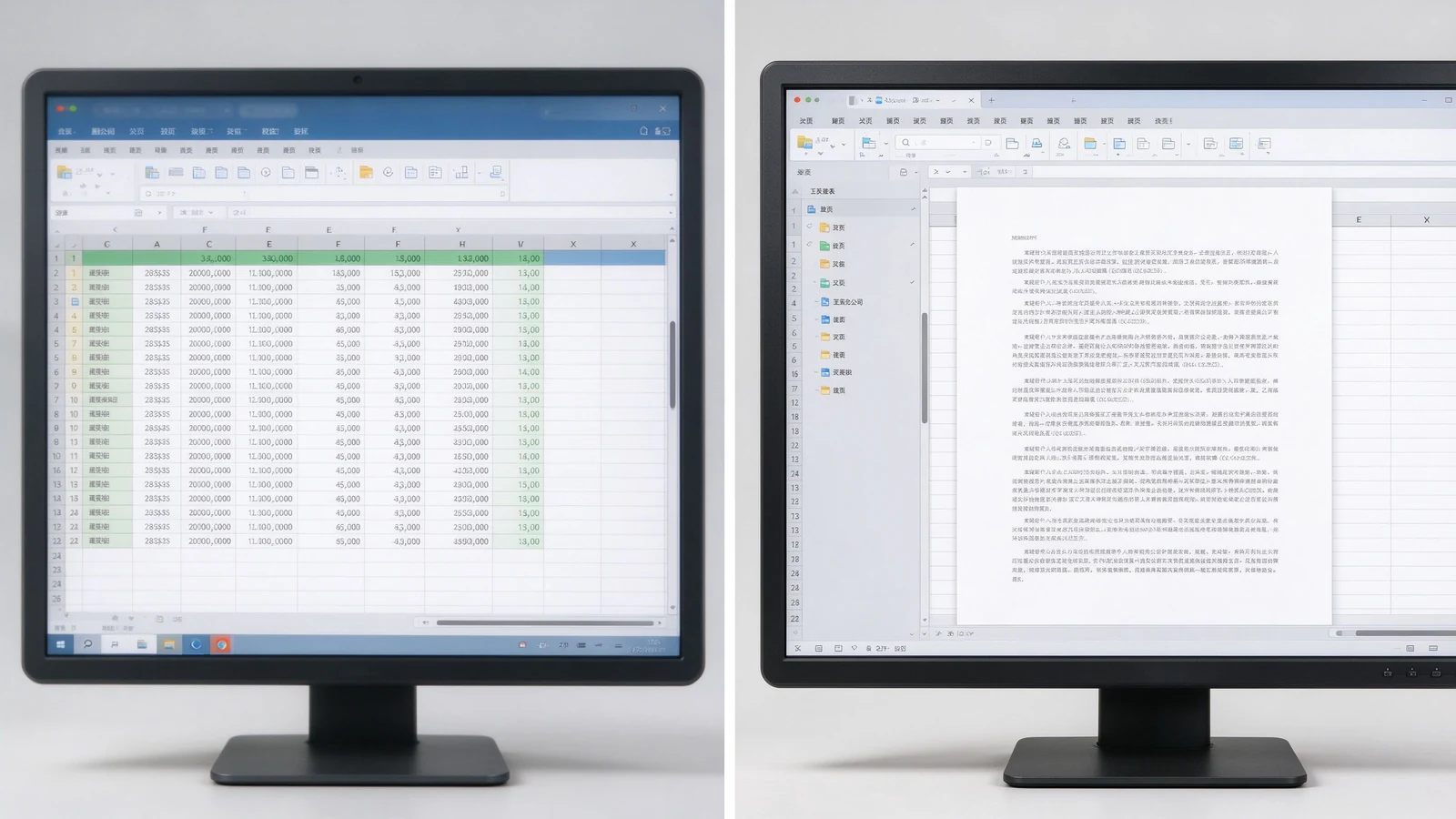
Báo Cáo Tài Chính, dữ liệu bán hàng, bảng điều khiển hoạt động, màn hình KPI và bảng đa cột rộng đạt được giá trị thực. Thu phóng ít hơn, nhiều nội dung hơn trên màn hình, khả năng đọc từ xa hơn, và một số người kiểm tra cùng một trang cùng một lúc.
CAD screenshots, mechanical drawings, product structures, factory flowcharts, and technical specifications depend on fine lines and small annotations. 4K keeps them legible — though the source file and software rendering quality still matter.
Slides, software demos, product video, process walkthroughs, course subtitles, and digital textbooks look sharper; large training rooms keep course content readable from the back row.
A 4K screen shows remote participants, shared documents, on-screen annotation, and remote whiteboard content more clearly. But a 4K panel does not automatically make a video meeting 4K — the camera, platform, network, computer, and subscription plan may cap actual resolution.
Slide on the left, whiteboard on the right; remote participants beside shared content; two design options side by side; video and course material split. 4K keeps each pane usable instead of a small blurry strip. On a 1080p panel, split-screen content shrinks to a fraction of native size and the zoom-and-pan cycle returns — the very friction the interactive display was meant to remove.
New hardware will run for five to seven years. Starting at 4K means the room will not look dated as source material, video, and remote collaboration increasingly push higher resolution. For standardizing a fleet of rooms, one resolution across all panels also simplifies IT support, training, and troubleshooting.
1080p is not automatically a poor choice. It can be cost-effective for smaller, simpler, and short-term installations. It suits small meeting rooms, 55-inch or smaller displays, close viewing, standard video playback, large-font content, budget-conscious basic projects, temporary or low-frequency spaces, and environments where existing systems only support 1080p.
Before settling on 1080p, confirm: whether the current laptop outputs 1080p; whether HDMI adapters and docks support the target resolution; whether video conferencing hardware is compatible; whether the screen size will expose limited pixels; and whether the room may later move to a larger display or more windows. Also ask whether staff bring mixed devices that expect higher resolutions on their own monitors, which can make a 1080p room feel underwhelming by comparison.
1080p can look fine on a small panel; stretched to 86 inches or more, detail softens. 4K is the natural choice for 75–110 inch interactive panels. Judge by the farthest seat, screen height, content font size, and whether engineering drawings or spreadsheets are involved.
4K is not brighter. Confirm nits, room daylight, glass reflection, anti-glare treatment, and daytime readability. A 4K panel under bright window light without anti-glare can wash out; a 1080p panel with proper brightness and coating may still look clean. Contrast and color matter for product images, video, branding, design review, and training content. Qtenboard selected 4K interactive panels offer brightness options such as 350, 400, and 450 cd/m² depending on model.
The same native 4K panel can render content differently depending on the SoC, scaler, color engine, and firmware. Two panels with identical specs can differ in skin tones, text sharpness, and motion handling. That is why a live demo on real content beats a spec sheet — and why sample approval matters before volume orders.
High resolution cannot rescue poor touch. Evaluate touch latency, points, writing accuracy, palm rejection, finger/stylus recognition, simultaneous writing, and touch software compatibility alongside resolution.
The gap between touch layer and display layer creates writing parallax: where the stylus tip lands versus where the mark appears. 4K does not fix parallax; it is a separate performance dimension.
| Business use case | Độ phân giải được đề xuất | Lý do | Hướng qtenboard |
|---|---|---|---|
| Small huddle room | 1080P hoặc 4K | Size, viewing distance, budget | Bảng tương tác 55-65" |
| Standard conference room | Ưu tiên 4k | Presentations, documents, hybrid meetings | Bảng tương tác 75-86 "4K |
| Executive boardroom | Ưu tiên 4k | Detailed data and premium presentation | Bảng tương tác 86-98 "4K |
| Corporate training room | Khuyên dùng 4k | Distant participants read course content | Bảng tương tác 86-110 "4K |
| Đánh giá kỹ thuật/Thiết kế | Khuyên dùng 4k | Fine lines and technical detail | Màn hình tương tác 4k |
| Lớp học lớn | Khuyên dùng 4k | Visibility across the room | Bảng tương tác 98-110 "4K |
| Biển báo kỹ thuật số/phát lại cơ bản | Phụ thuộc vào nội dung và kích thước | 1080P có thể là đủ | Mô hình cụ thể |
Does the laptop output 4K? Does the OPS PC support it? Are graphics drivers current? Will the video conferencing host or remote desktop software force the session back to 1080p?
HDMI version, USB-C video output, DisplayPort, adapters and docks, cable length and quality, and wireless casting bandwidth all cap the actual signal.
Windows and Android support, whiteboard apps, Office files, LMS, Teams / Zoom / Google Meet, and remote control or DMS platforms should all run at the intended resolution.
4K video and high-resolution wireless casting need more bandwidth. Confirm Wi-Fi coverage, congestion, access points, wired LAN, platform compression, and performance when several devices cast at once.
4K cannot manufacture detail that never existed. If the source video is 1080p, the 4K screen merely enlarges it. Check video source resolution, image and chart resolution, and whether PPT and PDF files are designed for large screens.
Many meeting platforms cap outgoing and incoming video at 1080p regardless of the local screen. Confirm the platform, plan tier, and network speed before expecting 4K remote video. The 4K panel still improves the view of shared documents and on-screen annotation even when the camera feed stays at 1080p.
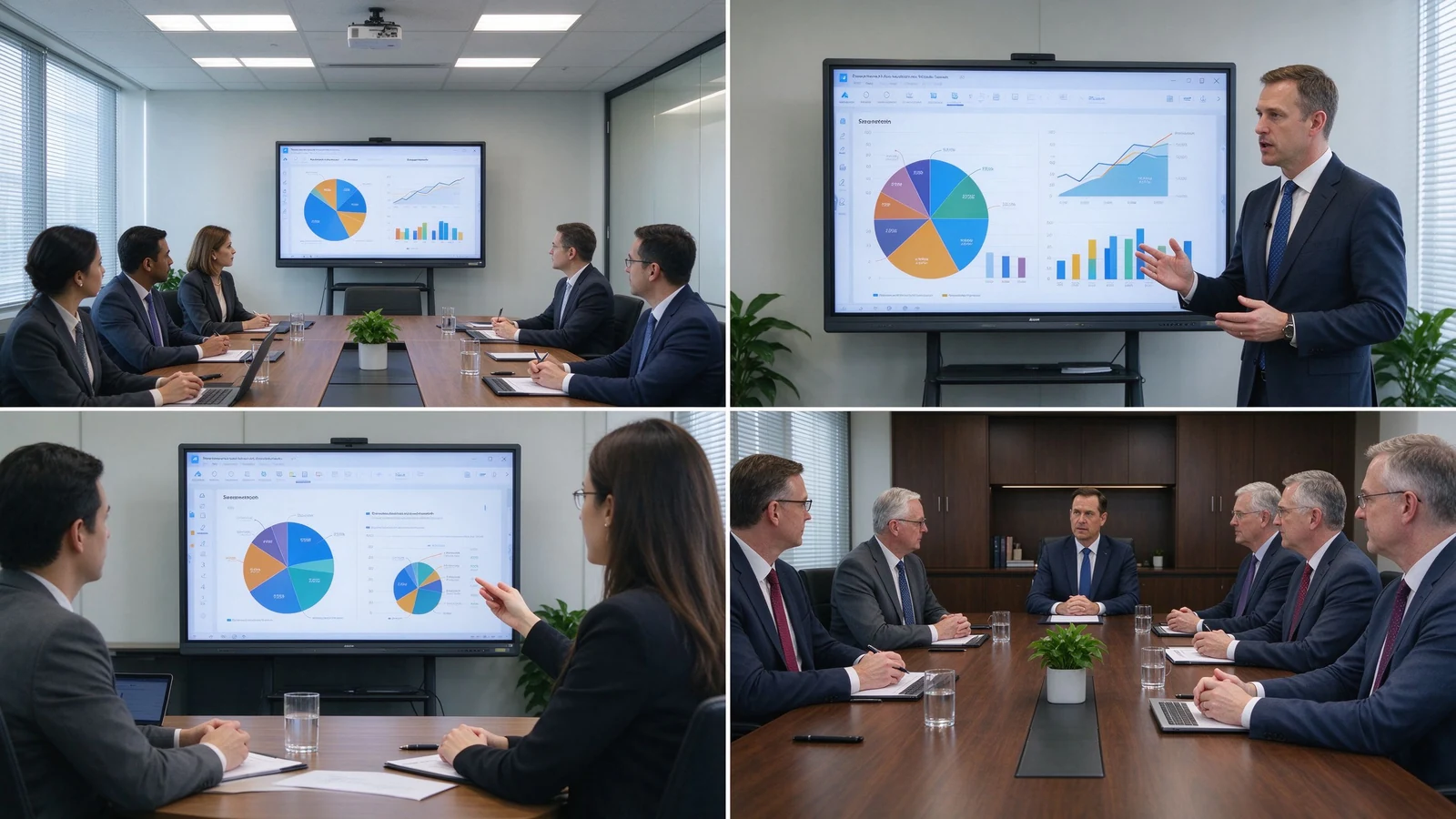
Classroom teaching, corporate training, boardroom meetings, engineering and design review, client demos, remote collaboration, and multi-site deployment.
55–65 inches for small rooms and small-group training; 75–86 inches for standard meeting rooms and classrooms; 98–110 inches for large training rooms, lecture halls, and executive rooms; multi-display combinations for very large spaces.
4K UHD display, 20–50 point multi-touch, wireless casting, dual system, digital whiteboard, file annotation, multi-user collaboration, and video conferencing configuration.
Size customization, touch-point configuration, Android or Windows, logo and boot screen, camera and audio, packaging and manuals, pre-installed software, regional certification, and batch project delivery.
Typical 4K configurations buyers request:
Each deployment begins with the same workflow review: what content is shown, how many viewers, how far they sit, and which platforms carry remote participation. Resolution is then chosen to match — never the reverse.
| Buyer priority | Qtenboard value proposition |
|---|---|
| Nghị quyết | 4K UHD interactive displays |
| Size flexibility | 55–110" portfolio |
| Touch options | 20 / 40 / 50-point configurations |
| System flexibility | Android, Windows, dual system |
| Project customization | OEM/ODM, branding, packaging, CKD/SKD |
| Deployment support | DMS, batch supply, spare parts |
4K can extend device life, reduce future upgrade needs, improve meeting and training experience, support finer content, enable multi-window collaboration, improve readability in large rooms, and suit premium client and brand settings. The added cost goes beyond the panel: 4K-capable OPS PC, 4K camera or video conferencing hardware, higher-spec cables and docks, network upgrades, installation, and device management.
TCO = panel cost + installation + source hardware + software + network upgrade + maintenance.
The payback typically shows up in three places: fewer zoom-and-pan interruptions in data meetings, clearer remote collaboration, and a room standard that does not need replacement during the refresh cycle. For project buyers, fleet buyers, and OEM/ODM partners, factory-direct pricing and configuration control keep the 4K upgrade inside the TCO envelope.
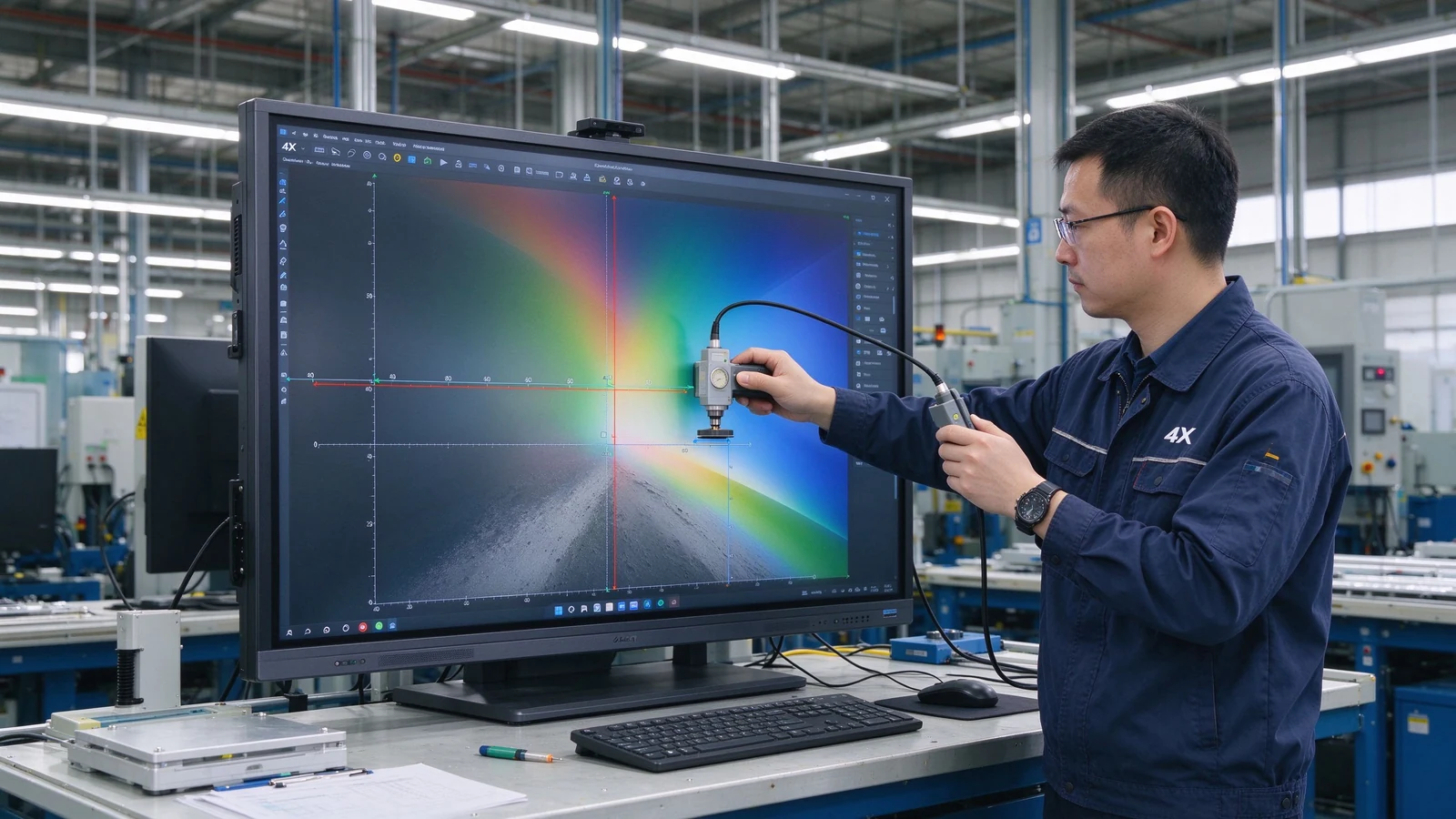
New mid-to-large meeting rooms, training rooms, and classrooms usually start with 4K; small, close-view, basic-display scenarios can evaluate 1080p.
4K delivers finer detail and suits large screens, long viewing distance, spreadsheets, engineering drawings, and split-screen work. Whether it is worth it depends on budget, content, and device compatibility.
Not for every scenario. Small screens and simple content can live with 1080p; 75-inch and above interactive panels usually benefit from 4K. If the room regularly shows spreadsheets, engineering drawings, or split-source content, 4K pays back.
No. Resolution affects display detail; touch depends on touch technology, latency, accuracy, palm rejection, and software. A high-resolution screen with slow touch still feels unresponsive.
4K is most valuable from 75 inches upward, where the pixel density stays comfortable at normal viewing distances. Below 55 inches, the human eye often cannot distinguish the extra pixels in a meeting room, so the budget may go to touch, audio, or source hardware instead.
4K is typically 3840 × 2160 pixels; 1080p is 1920 × 1080. 4K carries roughly four times the pixels and renders small text and complex images more sharply.
Native 4K means the panel physically is 3840 × 2160; 4K input support means the device accepts a 4K signal while the panel may be 1080p. Confirm native panel resolution.
Qtenboard offers 4K UHD interactive whiteboards and flat panels for education, business, training, and OEM/ODM projects; exact size, brightness, touch, and system are confirmed per model.
Qtenboard 4K interactive panels cover 55–110 inches across multiple sizes.
Yes. Size, touch, system, logo, software, ports, camera, audio, packaging, and other customization can be discussed per project.
| Role | Recommended next step |
|---|---|
| Enterprise procurement | Get a 4K smart board recommendation |
| IT / AV manager | Download the resolution and compatibility checklist |
| Integrator | Request project configuration support |
| Bộ phân phối | Request the OEM/ODM catalog and sample |
| Large project | Schedule a factory video audit |
Share your room size, preferred display size, content type, viewing distance, operating system, and project quantity. Qtenboard can recommend a suitable 4K or other smart board configuration for business, education, training, or OEM/ODM applications. Reach the team through the contact page.
Required: name, company, email, country, business type, application, message.
Tùy chọn: room size, viewing distance, users, preferred size, content type, existing source devices, required OS, quantity, target market, OEM/ODM needs, delivery timeline.
Get a 4K Smart Board Recommendation Compare Resolution Options Request Product Specifications Ask for an OEM/ODM Quote

Giám đốc điều hành | chuyên gia giải pháp trưng bày và hợp tác tương tác
Tôi Là Người sáng lập qtenboard, mang đến hơn 17 năm kinh nghiệm thực hành cho ngành công nghiệp màn hình cảm ứng. Dựa trên quan điểm quản lý toàn cầu thu được thông qua nghiên cứu emba của tôi tại Đại học thâm quyến, tôi dẫn dắt đội ngũ của tôi trong việc tối ưu hóa mọi giai đoạn hoạt động của chúng tôi-từ định nghĩa sản phẩm đến Quản Lý Chuỗi Cung ứng hiệu quả cao-Đảm bảo khả năng sản xuất của chúng tôi luôn đi đầu trong ngành.
Là lãnh đạo của qtenboard, tôi chuyên cung cấp các giải pháp OEM/ODM phù hợp cho bảng trắng tương tác, tường video LCD, biển báo kỹ thuật số và thiết bị đầu cuối cảm ứng cấp công nghiệp. Được hỗ trợ bởi khu công nghiệp hiện đại 330,000 m² ở thâm quyến, chúng tôi duy trì kiểm soát toàn bộ vòng đời đối với thiết kế công nghiệp, sản xuất chính xác và kiểm tra hiệu suất nghiêm ngặt.
Với gần hai thập kỷ kinh nghiệm của dự án, các giải pháp trưng bày của qtenboard hiện được triển khai tại hơn 120 quốc gia và khu vực, đã giành được sự tin tưởng của hơn 15,000 khách hàng doanh nghiệp trên toàn thế giới. Nếu bạn đang tìm kiếm một đối tác phản hồi với nền tảng sản xuất sâu cho các dự án màn hình cảm ứng tùy chỉnh của bạn, nhóm của tôi và tôi đã sẵn sàng hỗ trợ tầm nhìn của bạn với sự xuất sắc chuyên nghiệp.

 vie
vie
 EN
EN  pt
pt  spa
spa  th
th  aze
aze  bel
bel  est
est  lav
lav  ukr
ukr  ru
ru