Resolution is the most simplified — and most often misjudged — spec in a smart board purchase. “4K looks sharper than 1080p” is only the starting point. The real experience depends on screen size, viewing distance, brightness, touch performance, source content, network bandwidth, and total project cost. A 4K panel in a sunlit room with a low-quality laptop feed can look worse than a well-calibrated 1080p panel in a controlled space.
This guide turns resolution from an isolated number into a procurement decision. It explains what resolution actually means on an interactive display, compares 4K and 1080p for business, shows where 1080p is still the right choice, and lists what to check when upgrading to 4K. It is the technical-depth companion to the complete smart whiteboard buying guide: that page covers the category; this one covers the resolution decision. Qtenboard offers 55–110 inch 4K UHD interactive whiteboards and flat panels with multi-touch, wireless casting, Android/Windows dual system, and OEM/ODM support.
The misunderstanding to avoid: buying a “4K” sticker and assuming the room is solved. Resolution interacts with panel grade, brightness, ambient light, touch precision, source laptop, cabling, network, and software. A complete procurement decision weighs all of them together, which is why this article treats resolution as one lever among several rather than the single answer.
| Сценарий | Recommended resolution | Key reason | Направление Qtenboard |
|---|---|---|---|
| Small huddle room (≤55") | 1080p or 4K | Depends on viewing distance and budget | Интерактивная панель 55-65 дюймов |
| Standard conference room (75–86") | 4K preferred | Better for documents and hybrid meetings | 75–86" 4K interactive panel |
| Executive boardroom (86–98") | 4K preferred | Supports detailed data and premium presentation | 86–98" 4K interactive panel |
| Corporate training room (86–110") | 4K recommended | Helps distant participants read content | 86–110" 4K interactive panel |
| Engineering / design review | 4K strongly recommended | Preserves fine lines and technical details | 4K interactive display |
| Large classroom / lecture hall | 4K recommended | Improves visibility across the room | 98–110" 4K interactive panel |
| Digital signage / basic playback | Depends on content and size | 1080p may be sufficient | Model-specific |
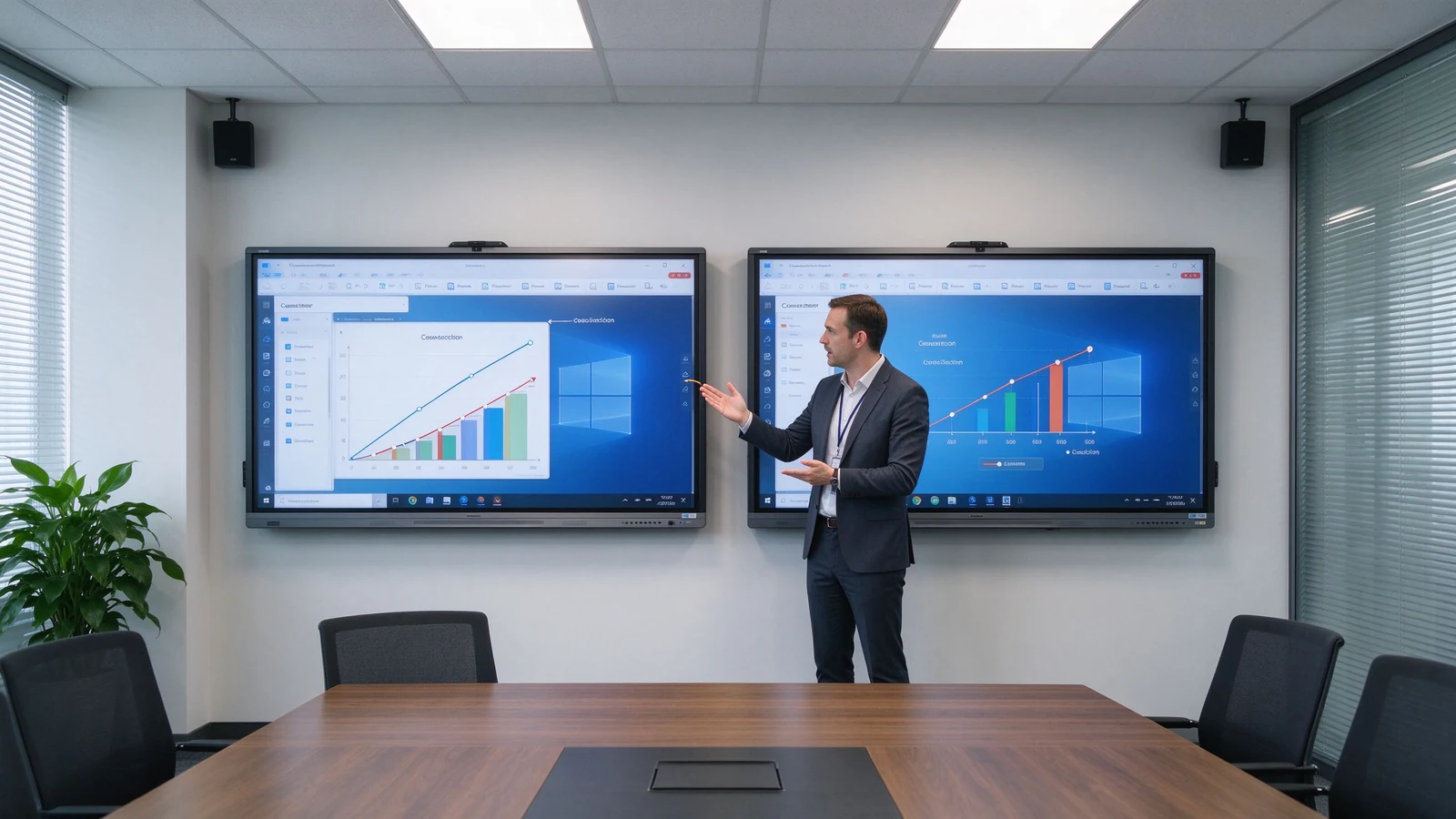
Resolution is the number of pixels the screen can display. 1080p is typically 1920 × 1080 pixels; 4K UHD is typically 3840 × 2160 pixels. A 4K panel carries roughly four times the pixels of 1080p.
| Резолюция | Pixel dimensions | Approx. total pixels | Common use |
|---|---|---|---|
| 1080p Full HD | 1920 × 1080 | 2.1 million | Basic presentation and video |
| 4K UHD | 3840 × 2160 | 8.3 million | Detailed business and educational content |
A 4K smart board is an interactive display with a native 3840 × 2160 panel. It suits large screens, spreadsheets, engineering drawings, design files, high-resolution video, multi-window layouts, and viewing from farther away. The term refers to panel resolution, not to the touch technology, the operating system, or the video conferencing capability — those are separate specifications.
| Тип | Значение | What to confirm |
|---|---|---|
| Native 4K | The panel physically is 3840 × 2160 | Check the panel specification sheet |
| 4K input support | Accepts a 4K signal, but the panel may be 1080p | Confirm the actual display resolution |
| 4K upscaling | Stretches lower-resolution content to 4K | Confirm image processing quality |
| Фактор | 1080p smart board | 4K smart board |
|---|---|---|
| Резолюция | 1920 × 1080 | 3840 × 2160 |
| Detail level | Suitable for basic content | Better for fine text and detailed visuals |
| Large-screen clarity | May look less sharp at large sizes | Better suited to large interactive panels |
| Spreadsheets and diagrams | Usable but may require zooming | Easier to read and inspect |
| Multi-window use | More limited | Better for split-screen layouts |
| Video content | Adequate for standard video | Better for high-resolution video |
| Hardware and source needs | Нижняя | Requires compatible source and connections |
| Initial cost | Usually lower | Usually higher |
| Long-term deployment | May be sufficient for basic use | Better for new premium installations |
The practical conclusion: small screens, close viewing, and basic presentation can live with 1080p; 75-inch and above interactive panels usually benefit from 4K; frequent small text, data, design files, or split-screen work should push you to 4K; and long-term multi-room projects reduce future replacement risk by starting at 4K. The buyer who skips this trade-off typically learns it during the first financial review meeting or the first design review — when the room is already built and the resolution choice is already paid for.
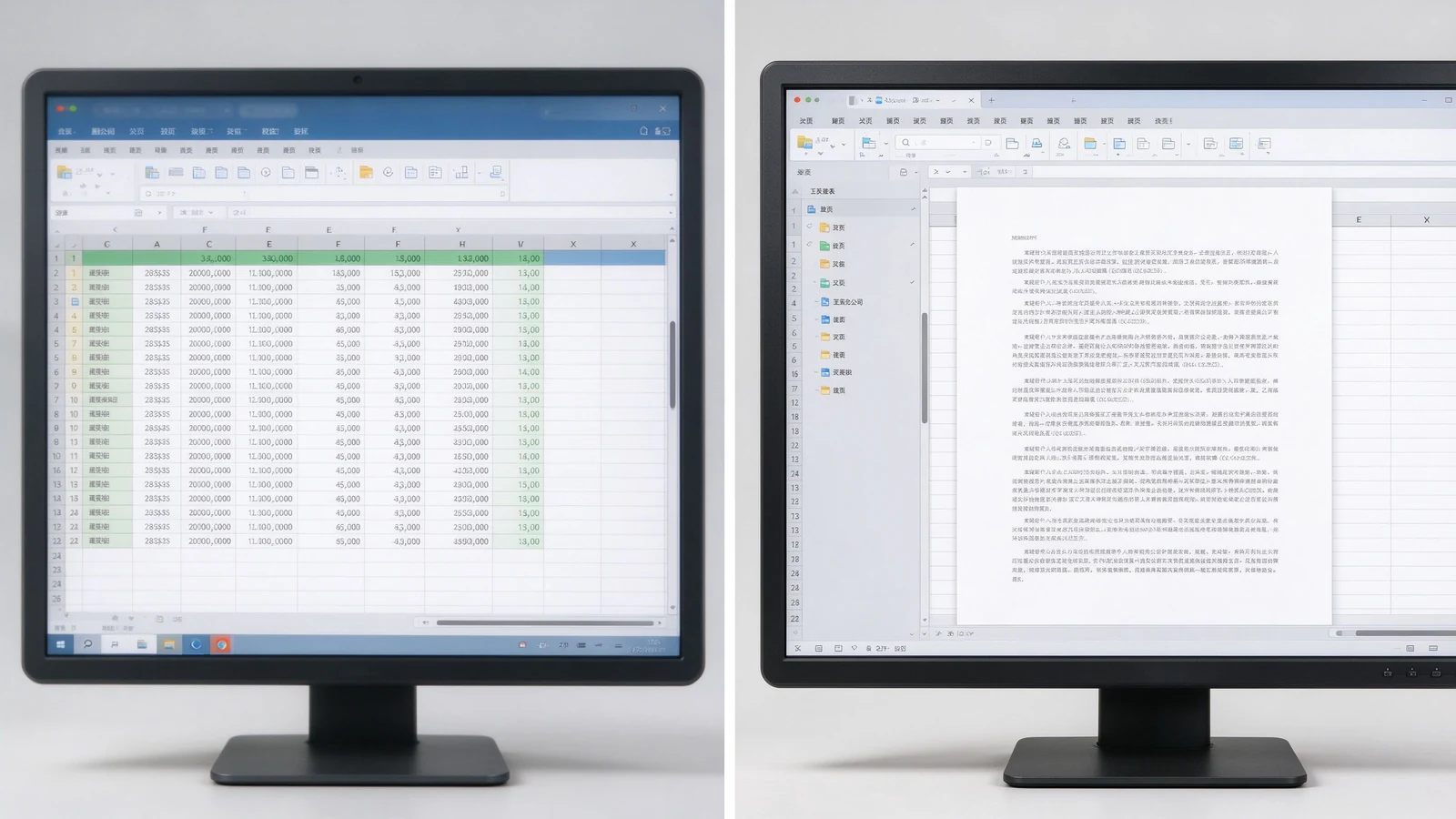
Financial reports, sales data, operational dashboards, KPI screens, and wide multi-column tables gain real value. Less zooming, more content on screen, readability from farther away, and several people inspecting the same page at once.
CAD screenshots, mechanical drawings, product structures, factory flowcharts, and technical specifications depend on fine lines and small annotations. 4K keeps them legible — though the source file and software rendering quality still matter.
Slides, software demos, product video, process walkthroughs, course subtitles, and digital textbooks look sharper; large training rooms keep course content readable from the back row.
A 4K screen shows remote participants, shared documents, on-screen annotation, and remote whiteboard content more clearly. But a 4K panel does not automatically make a video meeting 4K — the camera, platform, network, computer, and subscription plan may cap actual resolution.
Slide on the left, whiteboard on the right; remote participants beside shared content; two design options side by side; video and course material split. 4K keeps each pane usable instead of a small blurry strip. On a 1080p panel, split-screen content shrinks to a fraction of native size and the zoom-and-pan cycle returns — the very friction the interactive display was meant to remove.
New hardware will run for five to seven years. Starting at 4K means the room will not look dated as source material, video, and remote collaboration increasingly push higher resolution. For standardizing a fleet of rooms, one resolution across all panels also simplifies IT support, training, and troubleshooting.
1080p is not automatically a poor choice. It can be cost-effective for smaller, simpler, and short-term installations. It suits small meeting rooms, 55-inch or smaller displays, close viewing, standard video playback, large-font content, budget-conscious basic projects, temporary or low-frequency spaces, and environments where existing systems only support 1080p.
Before settling on 1080p, confirm: whether the current laptop outputs 1080p; whether HDMI adapters and docks support the target resolution; whether video conferencing hardware is compatible; whether the screen size will expose limited pixels; and whether the room may later move to a larger display or more windows. Also ask whether staff bring mixed devices that expect higher resolutions on their own monitors, which can make a 1080p room feel underwhelming by comparison.
1080p can look fine on a small panel; stretched to 86 inches or more, detail softens. 4K is the natural choice for 75–110 inch interactive panels. Judge by the farthest seat, screen height, content font size, and whether engineering drawings or spreadsheets are involved.
4K is not brighter. Confirm nits, room daylight, glass reflection, anti-glare treatment, and daytime readability. A 4K panel under bright window light without anti-glare can wash out; a 1080p panel with proper brightness and coating may still look clean. Contrast and color matter for product images, video, branding, design review, and training content. Qtenboard selected 4K interactive panels offer brightness options such as 350, 400, and 450 cd/m² depending on model.
The same native 4K panel can render content differently depending on the SoC, scaler, color engine, and firmware. Two panels with identical specs can differ in skin tones, text sharpness, and motion handling. That is why a live demo on real content beats a spec sheet — and why sample approval matters before volume orders.
High resolution cannot rescue poor touch. Evaluate touch latency, points, writing accuracy, palm rejection, finger/stylus recognition, simultaneous writing, and touch software compatibility alongside resolution.
The gap between touch layer and display layer creates writing parallax: where the stylus tip lands versus where the mark appears. 4K does not fix parallax; it is a separate performance dimension.
| Business use case | Recommended resolution | Причина | Направление Qtenboard |
|---|---|---|---|
| Small huddle room | 1080p or 4K | Size, viewing distance, budget | Интерактивная панель 55-65 дюймов |
| Standard conference room | 4K preferred | Presentations, documents, hybrid meetings | 75–86" 4K interactive panel |
| Executive boardroom | 4K preferred | Detailed data and premium presentation | 86–98" 4K interactive panel |
| Corporate training room | 4K recommended | Distant participants read course content | 86–110" 4K interactive panel |
| Engineering / design review | 4K strongly recommended | Fine lines and technical detail | 4K interactive display |
| Большой класс | 4K recommended | Visibility across the room | 98–110" 4K interactive panel |
| Digital signage / basic playback | Depends on content and size | 1080p may be sufficient | Model-specific |
Does the laptop output 4K? Does the OPS PC support it? Are graphics drivers current? Will the video conferencing host or remote desktop software force the session back to 1080p?
HDMI version, USB-C video output, DisplayPort, adapters and docks, cable length and quality, and wireless casting bandwidth all cap the actual signal.
Windows and Android support, whiteboard apps, Office files, LMS, Teams / Zoom / Google Meet, and remote control or DMS platforms should all run at the intended resolution.
4K video and high-resolution wireless casting need more bandwidth. Confirm Wi-Fi coverage, congestion, access points, wired LAN, platform compression, and performance when several devices cast at once.
4K cannot manufacture detail that never existed. If the source video is 1080p, the 4K screen merely enlarges it. Check video source resolution, image and chart resolution, and whether PPT and PDF files are designed for large screens.
Many meeting platforms cap outgoing and incoming video at 1080p regardless of the local screen. Confirm the platform, plan tier, and network speed before expecting 4K remote video. The 4K panel still improves the view of shared documents and on-screen annotation even when the camera feed stays at 1080p.
Classroom teaching, corporate training, boardroom meetings, engineering and design review, client demos, remote collaboration, and multi-site deployment.
55–65 inches for small rooms and small-group training; 75–86 inches for standard meeting rooms and classrooms; 98–110 inches for large training rooms, lecture halls, and executive rooms; multi-display combinations for very large spaces.
4K UHD display, 20–50 point multi-touch, wireless casting, dual system, digital whiteboard, file annotation, multi-user collaboration, and video conferencing configuration.
Size customization, touch-point configuration, Android or Windows, logo and boot screen, camera and audio, packaging and manuals, pre-installed software, regional certification, and batch project delivery.
Typical 4K configurations buyers request:
Each deployment begins with the same workflow review: what content is shown, how many viewers, how far they sit, and which platforms carry remote participation. Resolution is then chosen to match — never the reverse.
| Buyer priority | Qtenboard value proposition |
|---|---|
| Резолюция | 4K UHD interactive displays |
| Size flexibility | 55–110" portfolio |
| Touch options | 20 / 40 / 50-point configurations |
| System flexibility | Android, Windows, dual system |
| Project customization | OEM/ODM, branding, packaging, CKD/SKD |
| Deployment support | DMS, batch supply, spare parts |
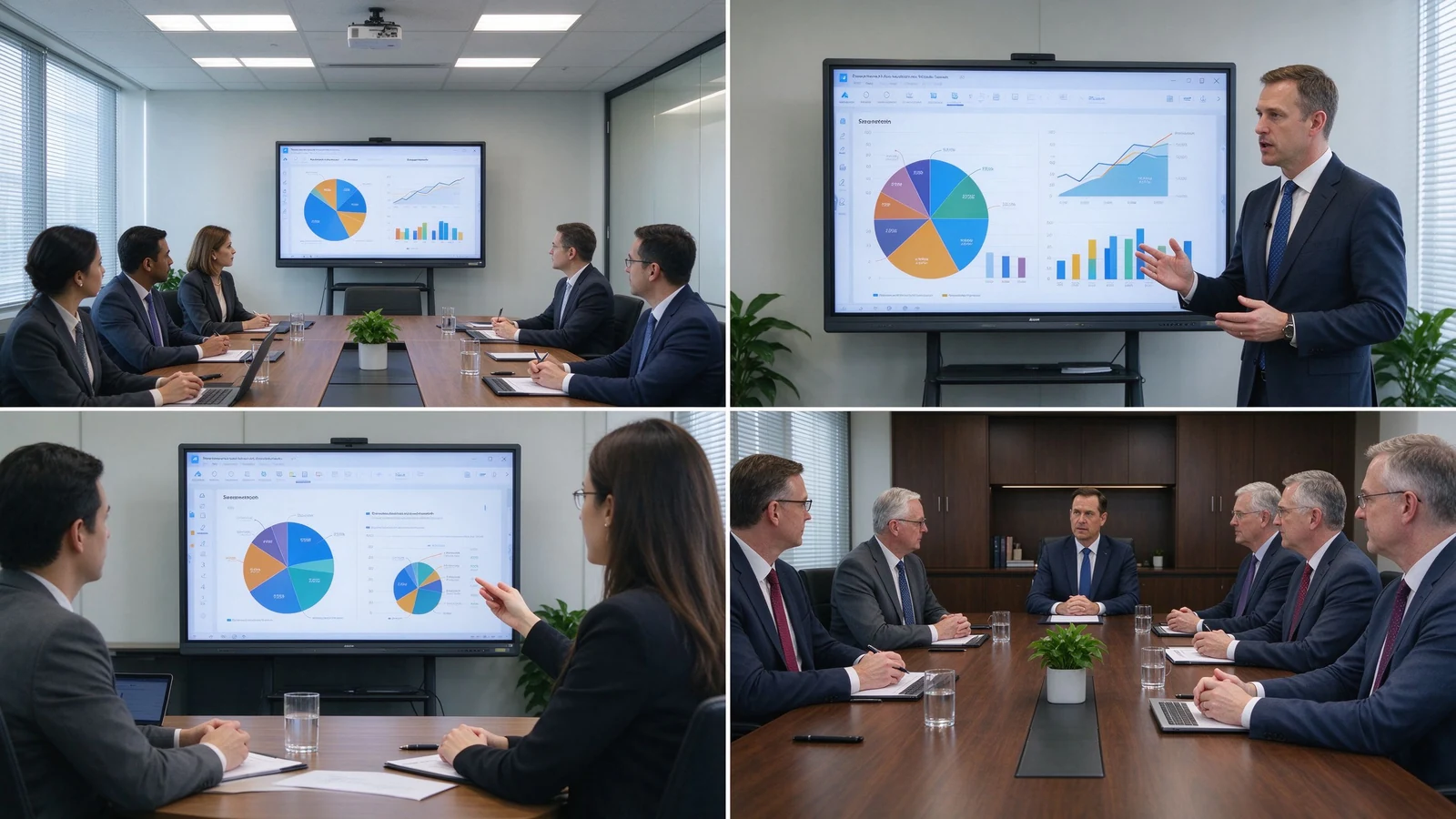
4K can extend device life, reduce future upgrade needs, improve meeting and training experience, support finer content, enable multi-window collaboration, improve readability in large rooms, and suit premium client and brand settings. The added cost goes beyond the panel: 4K-capable OPS PC, 4K camera or video conferencing hardware, higher-spec cables and docks, network upgrades, installation, and device management.
TCO = panel cost + installation + source hardware + software + network upgrade + maintenance.
The payback typically shows up in three places: fewer zoom-and-pan interruptions in data meetings, clearer remote collaboration, and a room standard that does not need replacement during the refresh cycle. For project buyers, fleet buyers, and OEM/ODM partners, factory-direct pricing and configuration control keep the 4K upgrade inside the TCO envelope.
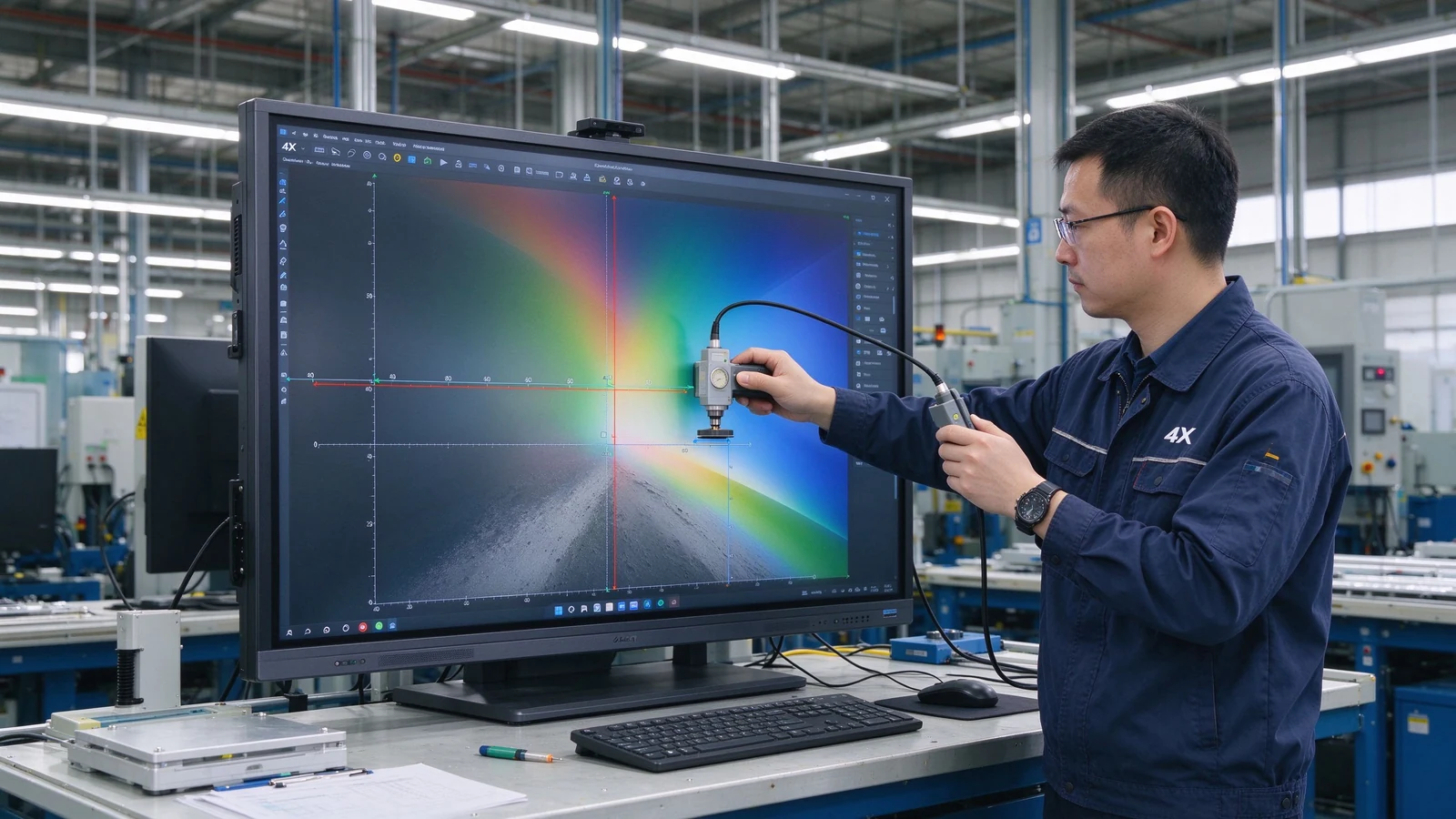
New mid-to-large meeting rooms, training rooms, and classrooms usually start with 4K; small, close-view, basic-display scenarios can evaluate 1080p.
4K delivers finer detail and suits large screens, long viewing distance, spreadsheets, engineering drawings, and split-screen work. Whether it is worth it depends on budget, content, and device compatibility.
Not for every scenario. Small screens and simple content can live with 1080p; 75-inch and above interactive panels usually benefit from 4K. If the room regularly shows spreadsheets, engineering drawings, or split-source content, 4K pays back.
No. Resolution affects display detail; touch depends on touch technology, latency, accuracy, palm rejection, and software. A high-resolution screen with slow touch still feels unresponsive.
4K is most valuable from 75 inches upward, where the pixel density stays comfortable at normal viewing distances. Below 55 inches, the human eye often cannot distinguish the extra pixels in a meeting room, so the budget may go to touch, audio, or source hardware instead.
4K is typically 3840 × 2160 pixels; 1080p is 1920 × 1080. 4K carries roughly four times the pixels and renders small text and complex images more sharply.
Native 4K means the panel physically is 3840 × 2160; 4K input support means the device accepts a 4K signal while the panel may be 1080p. Confirm native panel resolution.
Qtenboard offers 4K UHD interactive whiteboards and flat panels for education, business, training, and OEM/ODM projects; exact size, brightness, touch, and system are confirmed per model.
Qtenboard 4K interactive panels cover 55–110 inches across multiple sizes.
Yes. Size, touch, system, logo, software, ports, camera, audio, packaging, and other customization can be discussed per project.
| Role | Recommended next step |
|---|---|
| Enterprise procurement | Get a 4K smart board recommendation |
| IT / AV manager | Download the resolution and compatibility checklist |
| Integrator | Request project configuration support |
| Дистрибьютор | Request the OEM/ODM catalog and sample |
| Large project | Schedule a factory video audit |
Share your room size, preferred display size, content type, viewing distance, operating system, and project quantity. Qtenboard can recommend a suitable 4K or other smart board configuration for business, education, training, or OEM/ODM applications. Reach the team through the contact page.
Required: name, company, email, country, business type, application, message.
Необязательно: room size, viewing distance, users, preferred size, content type, existing source devices, required OS, quantity, target market, OEM/ODM needs, delivery timeline.
Get a 4K Smart Board Recommendation Compare Resolution Options Request Product Specifications Ask for an OEM/ODM Quote

CEO | Интерактивный дисплей & Сотрудничество Решение Эксперт
Я являюсь основателем Qtenboard, привнеся более 17 лет практического опыта в индустрию сенсорных дисплеев. Опираясь на перспективы глобального управления, полученные в ходе моих исследований EMBA в Университете Шэньчжэня, я возглавляю свою команду по оптимизации каждого этапа нашей деятельности-от определения продукта до высокоэффективного управления цепочками поставок-гарантируя, что наши производственные возможности остаются на переднем крае отрасли.
Как руководитель Qtenboard, я специализируюсь на предоставлении адаптированных OEM/ODM-решений для интерактивных досок, ЖК-видеостен, цифровых вывесок и сенсорных терминалов промышленного уровня. Опираясь на наш современный промышленный парк площадью 330 000 м² в Шэньчжэне, мы поддерживаем полный контроль жизненного цикла промышленного дизайна, точного производства и тщательного тестирования производительности.
Обладая почти двадцатилетним опытом работы в проектах, решения Qtenboard в настоящее время развернуты в более чем 120 странах и регионах, заслужив доверие более 15 000 корпоративных клиентов по всему миру. Если вы ищете отзывчивого партнера с глубоким учредлением производства для ваших подгонянных проектов дисплея касания, то моя команда и я готовы поддержать ваше зрение с профессиональным передовым опытом.

 ru
ru
 EN
EN  pt
pt  spa
spa  th
th  vie
vie  aze
aze  bel
bel  est
est  lav
lav  ukr
ukr