А Умная доска -Также называется Интерактивная умная доска Или Умная цифровая доска для обучения -Это интерактивный цифровой дисплей, который сочетает в себе большой сенсорный экран, встроенные вычисления, программное обеспечение для белой доски, обмен контентом и инструменты совместной работы для образования, бизнеса и профессиональной подготовки. Это не телевизор с подставкой, и не проектор с белой стеной. Это единое устройство, которое заменяет проектор, камеру, микрофон и флип-чарт, делая контент многоразовым и удаленным участникам частью комнаты.
Эта категория руководства является отправной точкой для всей темы. В нем объясняется, что такое умная доска, чем она отличается от старых инструментов в классе и конференц-зале, какие компоненты и функции имеют значение, где на самом деле используется устройство, как его выбрать и как оценить производителя, стоящего за ним. Более глубокие руководства по покупке-выбор зала заседаний, бизнес-шорт-лист, обновление офиса, многопользовательский сенсорный интерфейс, корпоративное обучение и OEM/ODM-связаны там, где они имеют значение.
Qtenboard предлагает 55-110-дюймовые интерактивные интеллектуальные доски 4K для образования, бизнеса и обучения, с двухсистемными опциями Android/Windows, мультитач, беспроводным кастингом, управлением DMS и поддержкой OEM/ODM. Это руководство оценивает категорию первой и помещает Qtenboard как один готовый к производству вариант, а не единственный.
Покупатели приходят к этой теме с очень разных отправных точек. Команда школьных закупок спрашивает о размере класса, долговечности и местном обслуживании. Корпоративный менеджер по обучению спрашивает о гибридной доставке и повторном использовании контента. ИТ-менеджер спрашивает об операционной системе, безопасности и удаленном управлении устройствами. Дистрибьютор спрашивает о MOQ, сертификации и частной торговой марке. Эта страница создана, чтобы ответить на все из них, не заставляя вас читать весь документ-используйте навигацию по ролю ниже и внутренние ссылки на более глубокие руководства по покупке.
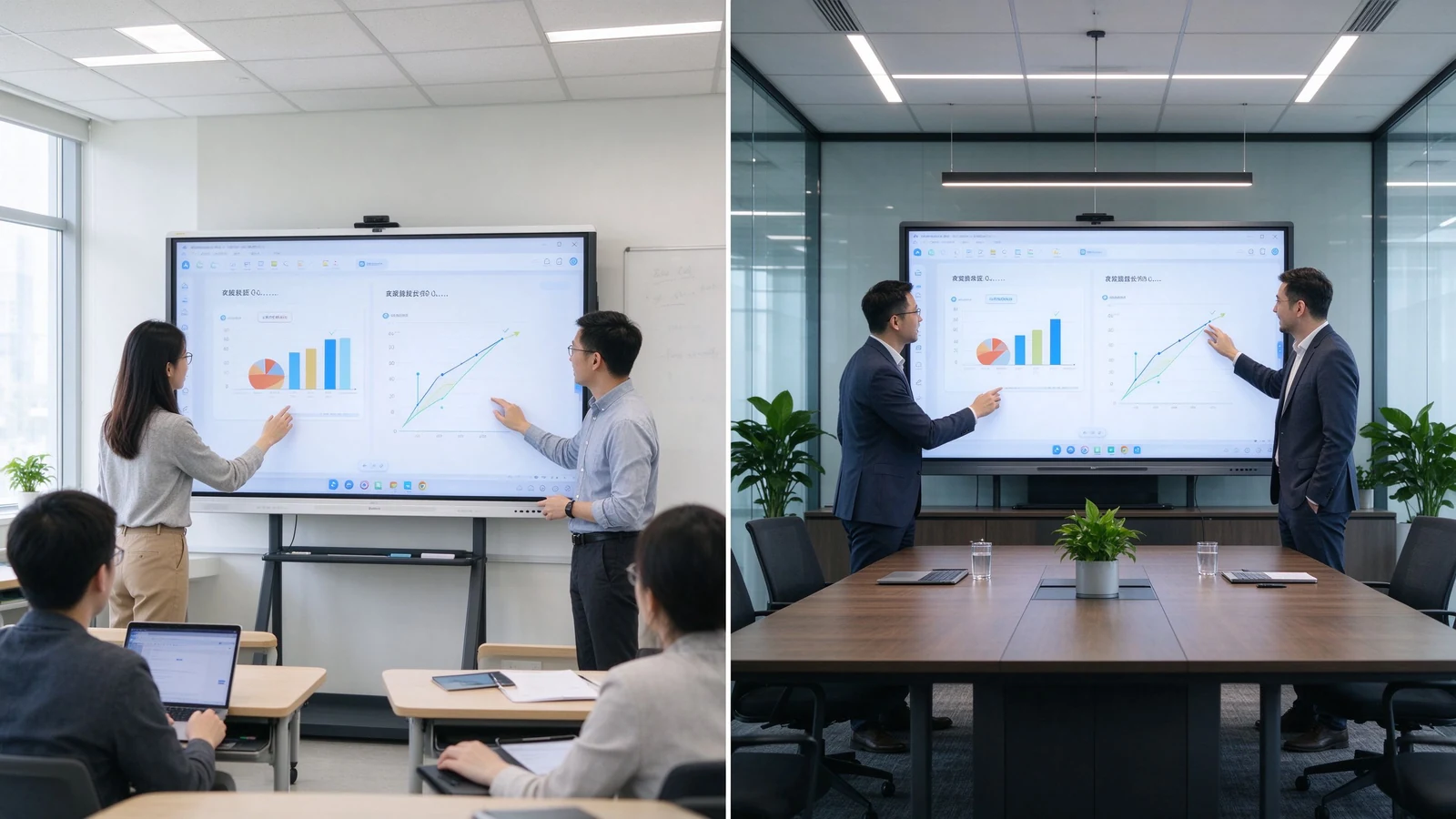
Интерактивная интеллектуальная доска-это широкоформатный сенсорный дисплей, который запускает собственные вычисления-обычно Android, Windows или оба-и поставляется с белой доской, аннотациями, совместным использованием экрана и часто видеоконференциями. Слово «интерактивный» означает больше, чем прикосновение: несколько человек могут писать, перетаскивать и комментировать на одной поверхности, а контент можно сохранять, экспортировать и делиться, а не стирать. Он находится между коммерческим телевизором (дисплей, без совместной работы) и стеком проектора плюс белая доска (низкая контрастность, захваченный контент теряется)-и он все чаще используется по умолчанию в новых учебных и конференц-залах.
| Размер | Умная доска | Традиционная белая доска | Проектор |
|---|---|---|---|
| Метод письма | Сенсорное или цифровое перо | Сухой маркер | Проекционная поверхность |
| Хранение контента | Сохранение и экспорт | Сфотографированы от руки | Не захвачено |
| Мультимедиа | Видео, изображения, веб, документы | Не доступно | Зависит от света и поверхности |
| Удалённые участники | Встроенная видео-встреча | Не доступно | Требуется отдельная камера |
| Сотрудничество | Касание Мульти-потребителя | One or two at a time | Presentation only |
| Техническое обслуживание | Software and hardware updates | Marker and cleaner | Lamp, filter, alignment |
А Умная цифровая доска для обучения is the same product in an education and training context. It supports lesson slides, video, web content, PDF annotation, student participation, saved whiteboard notes, and hybrid or remote classes. It is used in K–12 schools, higher education, vocational training centers, language schools, corporate universities, government training centers, product and technical training rooms, and meeting or seminar spaces. The hardware does not change; the workflow does.
Under the glass, a touch layer — infrared frame, PCAP, or optical sensors — maps finger or stylus input to the display in real time. The panel runs an operating system, usually Android, with an optional Windows module (OPS) for desktop software. Whiteboard apps turn the surface into an infinite canvas; casting apps bring in content from laptops and tablets; camera and microphone connect remote participants; and a device management platform lets IT monitor and update many units at once. The buying question is not whether it works — all mainstream products do — but whether the combination of touch latency, software, audio, and management matches your real room. A product that demos beautifully at a trade show can still disappoint in a sunlit classroom or a 30-person workshop, which is why sample testing on your own content is non-negotiable.
| Особенность | Что он делает | B2B value |
|---|---|---|
| 4K display | Shows detailed content clearly | Small text, diagrams, spreadsheets readable from the back |
| Мульти-касание | Recognizes multiple touch points | Supports group interaction and simultaneous writing |
| Digital whiteboard | Reusable digital canvas | Saves, exports, and shares lesson or meeting content |
| Беспроводное литье | Displays content from laptops and tablets | Reduces cables and meeting setup time |
| Dual system | Android plus optional Windows / OPS | Flexibility for teaching apps and business software |
| AI writing tools | Recognize, clean, and organize content | Faster lesson and meeting preparation |
| Облачное сотрудничество | Saves and shares online | Remote and multi-site reuse |
| Camera and audio | Connects remote participants | Hybrid teaching and meetings |
| ДМС | Monitors and manages devices remotely | Multi-room and multi-classroom deployment |
Component by component: the display panel determines 4K clarity, brightness, anti-glare, and viewing angle; the touch system — infrared, PCAP, or optical — determines points, latency, and palm rejection; the built-in operating system decides which apps run; whiteboard software decides whether content is reusable; connectivity decides how many devices join; and camera/audio decides whether remote participants are truly in the room. AI, cloud, DMS, and meeting features vary by vendor and model — confirm them against your actual workflow rather than a spec sheet.
Two buying traps live inside this table. First, “4K” on a spec sheet tells you nothing about panel grade, brightness in a sunlit room, or uniformity across the screen — see it on. Second, “20-point touch” tells you nothing about latency, palm rejection, or whether the whiteboard software allows several people to move objects independently. Always test with real content and real users before signing.
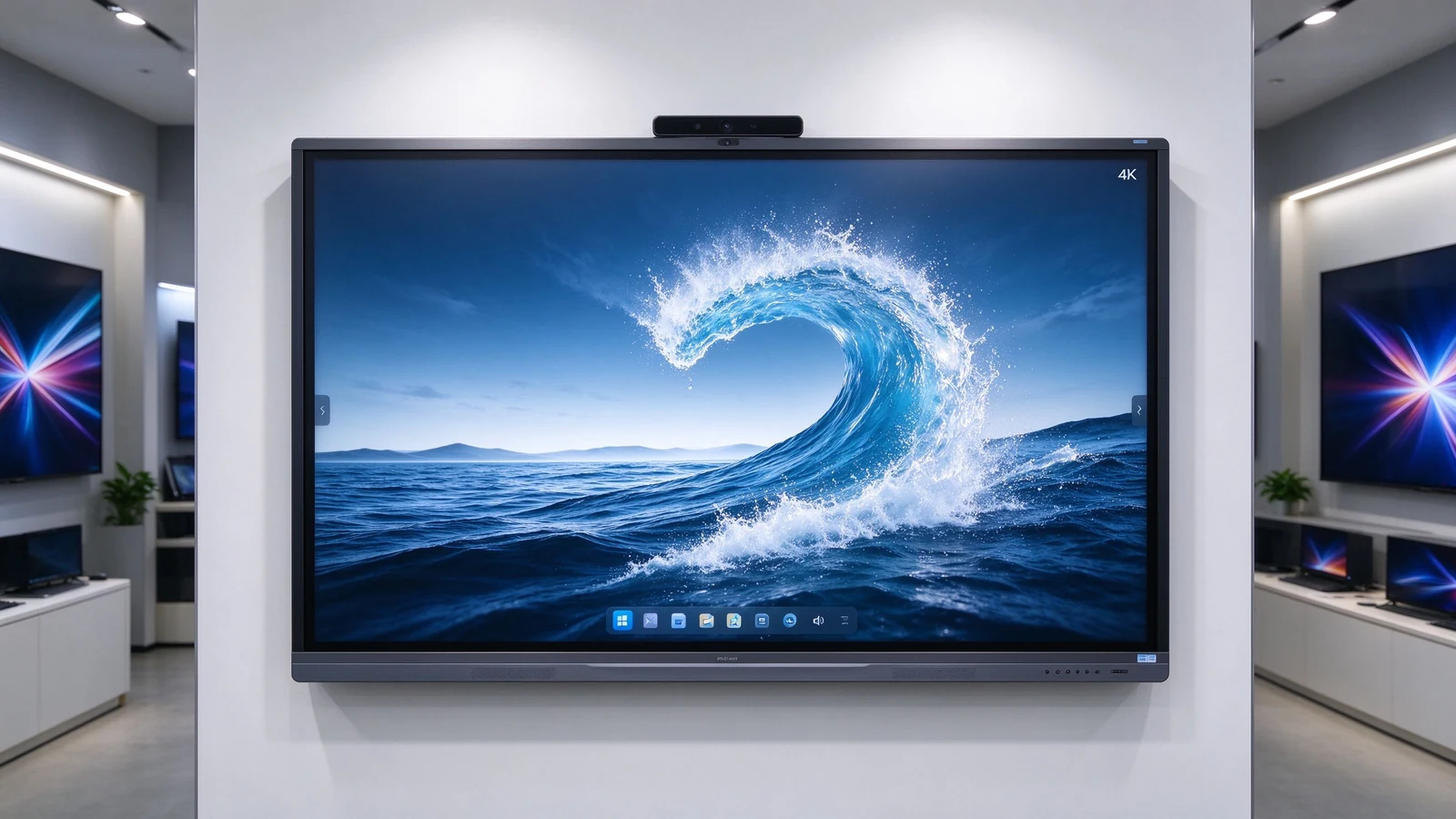
K–12 and higher education use the board for interactive lessons, annotated slides, student participation, and saved notes that become study material. Long-hour operation, glare performance in daylight rooms, and simple teacher operation matter more than flagship specs. Content saved in class can be shared with absent students or reused next semester, which is where the device pays back beyond a single lesson.
Instructor-led sessions, workshops, and hybrid delivery rely on content reuse: the trainer marks up material, saves the session, and distributes it to the next cohort. Multi-user touch, hybrid camera and audio, and file export are the daily requirements. See the dedicated corporate training smart board guide for the full training-room selection framework.
Executive presentation needs 4K clarity, fast wireless casting, quiet stable operation, and clean design. Annotation and file sharing support decision-making; DMS supports a fleet of rooms. The difference from a classroom panel is less about the display and more about design, audio, and the platform integration that executives expect to just work.
Interactive tables and kiosks use PCAP touch for customer-facing product demos, retail consultation, and exhibition interaction, often with custom appearance and branding that matches a store or booth design. Four-side operation makes them suitable for group consultation where people gather around the surface rather than facing a wall.
School districts, retail chains, banking, government, and manufacturing need one platform across many rooms: unified configuration, remote management, batch supply, consistent branding, and regional after-sales. This is where supplier capability — not panel specs — decides the project. A supplier with batch consistency, spare-part strategy, and a long-term product lifecycle protects a five-year rollout; a supplier without them turns year three into a replacement project.
The category is shifting from “buy a screen” to “buy manageable collaboration infrastructure.” Several shifts matter in 2026:
| Space | Suggested size | Типичное применение |
|---|---|---|
| Small classroom / huddle | 55–65" | Small-group learning |
| Standard classroom / conference | 75–86" | Teaching, meetings |
| Large classroom / training | 86–98" | Large-group instruction |
| Lecture hall / large collaboration | 98-110 "или мульти-дисплей | Large audiences |

Within the category, buyers choose between form factors and operating systems. The right combination depends on who uses the room and what software they need — not on the largest specification list.
| Тип | Strengths | Ограничения | Лучшее для |
|---|---|---|---|
| Interactive flat panel | Touch, 4K, whiteboarding, wireless collaboration | Needs installation and IT setup | Classrooms and meeting rooms |
| Android interactive panel | Simple startup, casting, whiteboarding | Limited by app ecosystem | Fast classrooms and small rooms |
| Windows / OPS panel | Runs business and specialist software | Adds an OPS or PC module | Corporate and technical training |
| Dual-system board | Both Android and Windows | Higher configuration and management | Mixed workflows |
| Интерактивный стол PCAP | Smartphone-like touch, four-side use | Smaller sizes, higher cost | Retail, exhibition, workshops |
| Projector-based system | Very large image | Light, alignment, maintenance | Specialized existing rooms |
TCO = device price + installation + software + training + maintenance + spares + upgrades. One interactive display replaces projector, camera, microphone, and flip chart. Saved teaching or meeting time and reduced IT support add measurable ROI. Factory-direct supply and volume orders lower marginal cost. Compare complete landed configurations, not ex-works panel prices — see the OEM supplier guide for the full TCO breakdown.
Hidden costs buyers forget: mounting and cabling, camera and microphone accessories, software licenses, warranty extensions, spare panels for fast swap-outs across sites, and firmware support across regions. A quotation that lists only the display price creates surprises in year one. Ask for the complete landed configuration — not the panel price — and compare rooms on that basis.
A smart whiteboard is a multi-year device in a room that people depend on. The supplier behind it matters as much as the panel in front of them. Evaluate five layers:
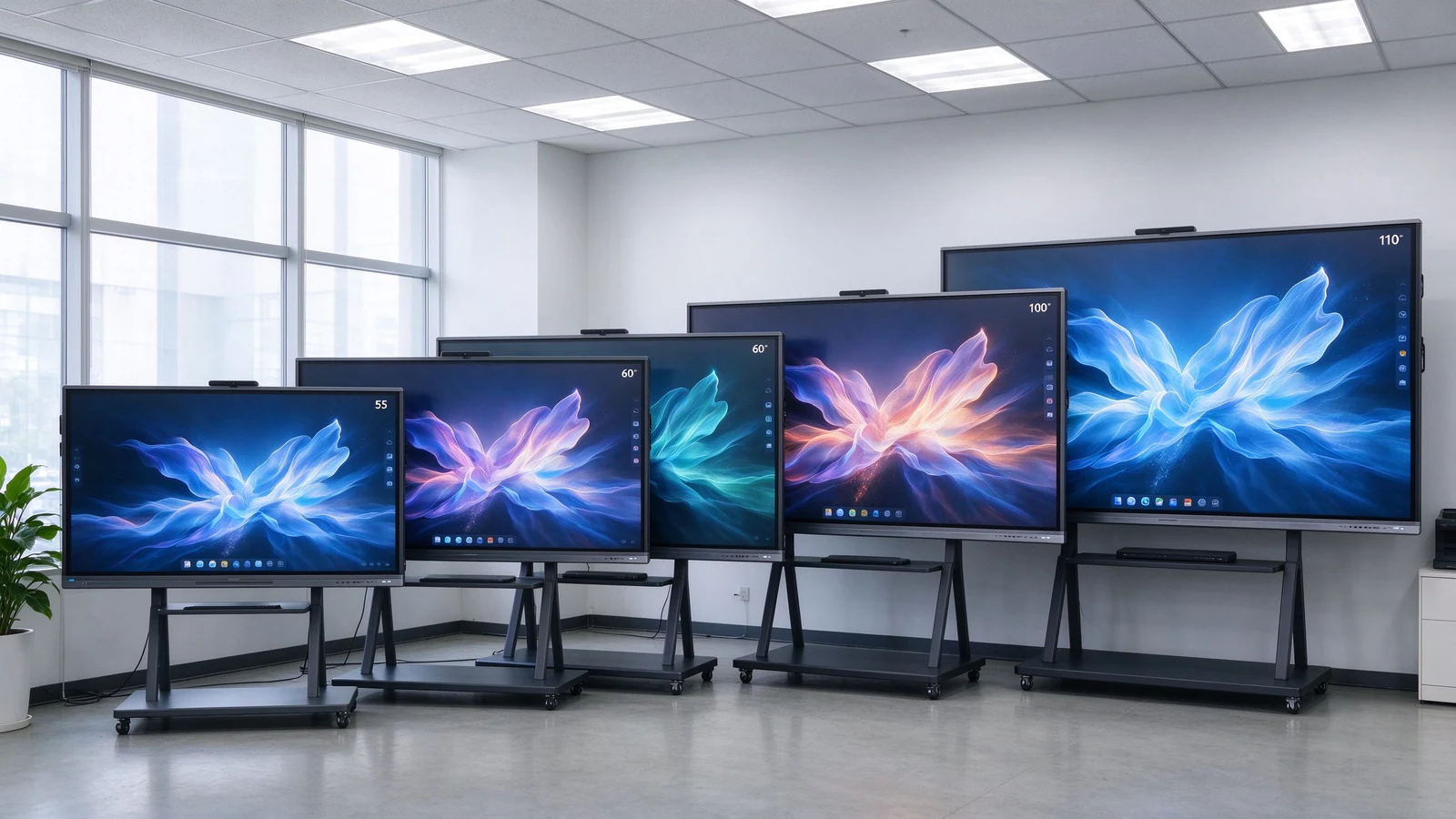
55–110 inch 4K panels covering small classrooms, standard training rooms, large lecture spaces, boardrooms, and hybrid collaboration. The portfolio shares the same interaction model across sizes, so teachers, trainers, and employees learn one interface that scales from a huddle room to a training hall — which matters when one team supports many rooms.
Multi-touch writing with low latency and palm rejection, wireless casting across Windows, macOS, iOS, and Android, whiteboarding with content export, Android with optional OPS Windows, camera and audio integration for hybrid sessions, DMS remote management across a fleet, and AI-assisted session features such as transcription and meeting summaries where supported. For education buyers, saved lessons become reusable study material; for corporate buyers, saved sessions become onboarding material for the next cohort.
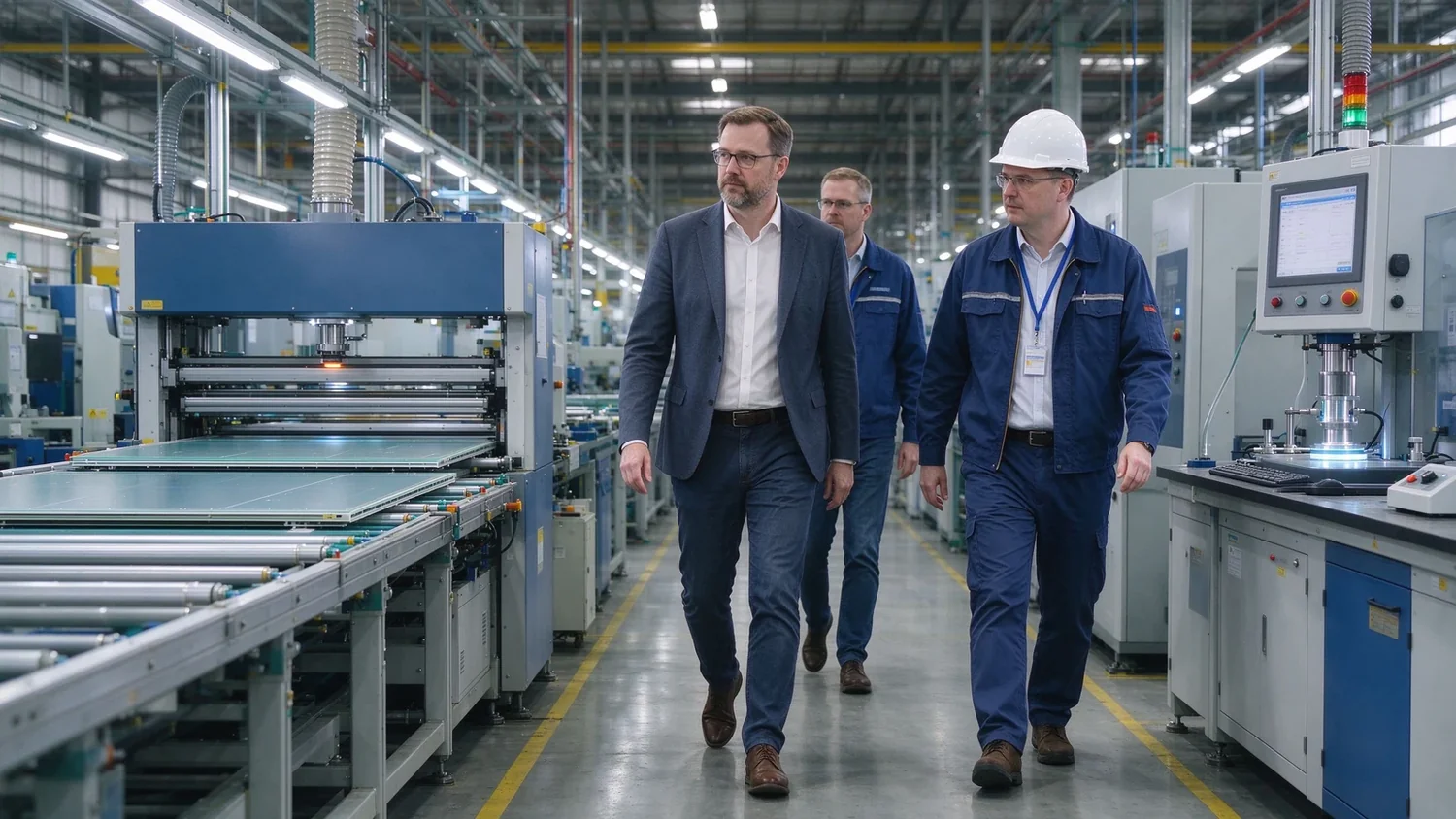
In-house injection and assembly, aging tests, pre-shipment inspection, and an OEM/ODM program across software, public-mold appearance, structure, and private-mold tiers — plus CKD/SKD for local assembly partners. Software customization can start from lower quantities; structural and private-mold work is confirmed by volume, tooling, and development investment.
Qtenboard also produces LCD video walls, digital signage, kiosks, and CMS/DMS software. For distributors and integrators who need more than one commercial display line, one supplier simplifies specification, certification, and spares across the project.
Typical deployments: a school district standardizing on one interface across classrooms, a corporate academy rolling out hybrid training rooms, and a regional distributor launching a private-label line. Each starts from the same question — what is the workflow — and ends with a configuration matched to room, users, and market rather than a spec-sheet maximum.
Use this list before you shortlist suppliers, and again before you place the order. Items unchecked now become project delays later.
They refer to the same product family. “Smart whiteboard” emphasizes the digital whiteboard function — writing, annotation, saved content. “Interactive smart board” emphasizes multi-user touch and collaboration. Buyers searching either term are looking for the same core device with different vocabulary.
It is the same interactive display used for teaching: lesson slides, annotation, student participation, saved notes, and hybrid or remote classes across schools and training centers. The hardware is shared with meeting rooms; what changes is the workflow — saved lessons become study material, and student participation becomes part of the class.
For most modern rooms, yes: 4K clarity unaffected by ambient light, built-in touch and annotation, captured content, and simpler maintenance — no lamps, filters, or alignment. Projectors still suit specialized large rooms with existing projection infrastructure and darkening, but they are increasingly a legacy choice for new teaching and meeting spaces.
Small groups 55–65 inches, standard rooms 75–86 inches, large rooms 86–98 inches, lecture halls 98–110 inches or multi-display. Choose by the farthest viewing distance and the smallest content learners must read — not by classroom area alone.
Yes — through an OPS module or built-in Windows configuration. Android is simpler for daily use, casting, and whiteboarding; Windows or dual system suits business software, specialist applications, and teams already standardizing on desktop tools. Confirm touch behaves the same way in both systems before ordering.
Yes, when paired with camera, microphone, speakers, and a meeting platform such as Teams, Zoom, or Google Meet. Confirm camera coverage of the whole room, microphone pickup for questions, and remote participants’ content visibility — compatibility on paper is not the same as a usable hybrid class.
Yes. Wireless casting, touch annotation, file sharing, and video conferencing replace the projector-plus-laptop meeting stack. See the boardroom and business buying guides for the deeper selection framework.
Qtenboard offers OEM, ODM, and CKD/SKD programs with logo, packaging, software, hardware, and structural customization for distributors, integrators, and brand owners. Software-level customization can start at lower quantities; structural and private-mold work is confirmed by volume and tooling, per project.
Tell us your application, room size, participant count, preferred size, operating system, and target quantity. Qtenboard can recommend a configuration for a single classroom, a multi-room rollout, or an OEM/ODM brand program. Whether you are outfitting one training room or standardizing across a hundred, the right starting point is the same: define the workflow first, then match the hardware, then evaluate the supplier behind it.
| Role | Recommended next step |
|---|---|
| Education buyer | Get a smart classroom recommendation |
| Training manager | Request a training room configuration |
| Integrator | Request project configuration support |
| Distributor / brand | Request the OEM/ODM catalog and sample |
Required: name, company, email, country, business type, application, message.
Необязательно: room type, participants, preferred size, touch points, OS, camera/audio, quantity, OEM/ODM needs, delivery date.
Get a Smart Whiteboard Recommendation Explore the Product Range Discuss OEM/ODM Ask for a Sample

CEO | Интерактивный дисплей & Сотрудничество Решение Эксперт
Я являюсь основателем Qtenboard, привнеся более 17 лет практического опыта в индустрию сенсорных дисплеев. Опираясь на перспективы глобального управления, полученные в ходе моих исследований EMBA в Университете Шэньчжэня, я возглавляю свою команду по оптимизации каждого этапа нашей деятельности-от определения продукта до высокоэффективного управления цепочками поставок-гарантируя, что наши производственные возможности остаются на переднем крае отрасли.
Как руководитель Qtenboard, я специализируюсь на предоставлении адаптированных OEM/ODM-решений для интерактивных досок, ЖК-видеостен, цифровых вывесок и сенсорных терминалов промышленного уровня. Опираясь на наш современный промышленный парк площадью 330 000 м² в Шэньчжэне, мы поддерживаем полный контроль жизненного цикла промышленного дизайна, точного производства и тщательного тестирования производительности.
Обладая почти двадцатилетним опытом работы в проектах, решения Qtenboard в настоящее время развернуты в более чем 120 странах и регионах, заслужив доверие более 15 000 корпоративных клиентов по всему миру. Если вы ищете отзывчивого партнера с глубоким учредлением производства для ваших подгонянных проектов дисплея касания, то моя команда и я готовы поддержать ваше зрение с профессиональным передовым опытом.

 ru
ru
 EN
EN  pt
pt  spa
spa  th
th  vie
vie  aze
aze  bel
bel  est
est  lav
lav  ukr
ukr