Aviedā tāfele — also called an interaktīvā viedā tāfele Vai smart digital board for teaching -ir interaktīvs digitālais displejs, kas apvieno lielu skārienjūtīgu ekrānu, iebūvētu datoru, tāfeles programmatūru, satura koplietošanas un sadarbības rīkus izglītībai, uzņēmējdarbībai un profesionālajai apmācībai. Tā nav televizora ierīce ar statīvu un nevis projektori ar baltu sienu. Tā ir viena ierīce, kas aizvieto projektoru, kameru, mikrofonu un flipchart, vienlaikus padarot saturu atkārtoti izmantojamu un ļaujot attālinātajiem dalībniekiem justies kā daļai no telpas.
Šis kategoriju ceļvedis ir ievadpunkts visai tēmai. Tas skaidro, kas ir viedā tāfele, ar ko tā atšķiras no vecākiem klases un sanāksmju telpu rīkiem, kuras sastāvdaļas un funkcijas ir būtiskas, kur šī ierīce tiek faktiski izmantota, kā to izvēlēties un kā novērtēt tās ražotāju. Padziļinātāki pirkšanas ceļveži – padomes izvēle, uzņēmumu īsais saraksts, biroja modernizācija, vairāku lietotāju skārienjūtīgā tehnoloģija, korporatīvā apmācība un OEM/ODM – ir saistīti tur, kur tas ir būtiski.
Qtenboard offers 55–110 inch 4K interactive smart whiteboards for education, business, and training, with Android/Windows dual-system options, multi-touch, wireless casting, DMS management, and OEM/ODM support. This guide evaluates the category first and places Qtenboard as one production-ready option, not the only one.
Buyers arrive at this topic from very different starting points. A school procurement team asks about classroom size, durability, and local service. A corporate training manager asks about hybrid delivery and content reuse. An IT manager asks about operating system, security, and remote device management. A distributor asks about MOQ, certification, and private label. This page is built to answer all of them without forcing you to read the whole document — use the role navigation below and the internal links to the deeper buying guides.
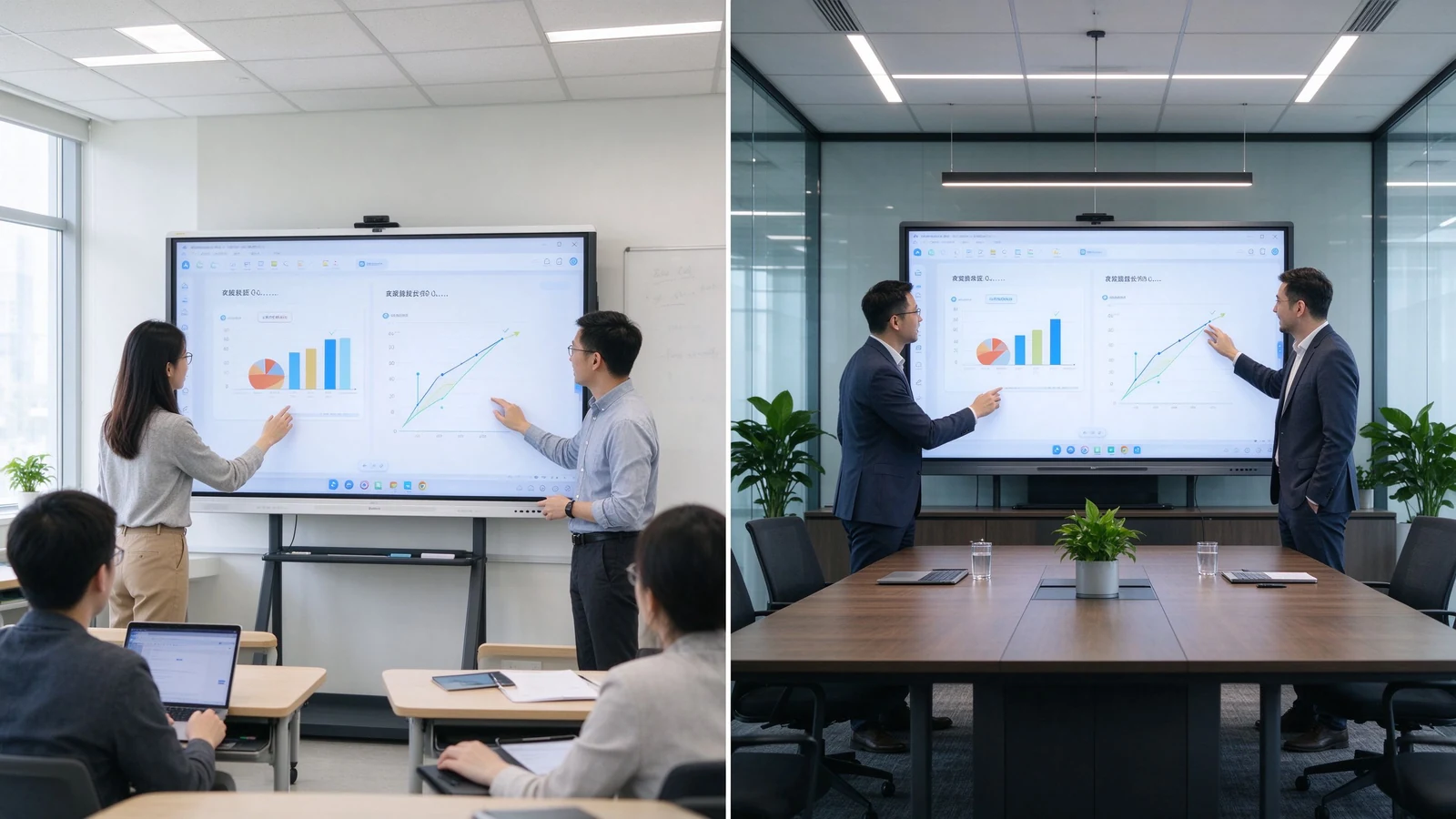
Interaktīvā viedā tāfele ir lielformāta skārienekrāns, kas darbojas ar savu operētājsistēmu — parasti Android vai Windows, vai abas — un ir aprīkota ar tāfeles programmatūru, piezīmju veidošanas funkciju, ekrāna koplietošanas iespējām, kā arī bieži vien video konferenču rīkiem. Vārds “interaktīvs” nozīmē vairāk nekā tikai pieskārienu: vienā un tajā pašā virsmā var rakstīt, vilkt un pievienot komentārus vairāki cilvēki, turklāt saturu var saglabāt, eksportēt un kopīgot, nevis izdzēst. Tas atrodas starp komerciālu televizoru (displeju, bez sadarbības iespējām) un projektoru kopā ar baltās tāfles komplektu (zemais kontrasts, iegūtais saturs tiek zaudēts) — un tas arvien biežāk kļūst par standarta risinājumu jaunās mācību un sanāksmju telpās.
| Dimensija | Viedā tāfele | Traditional whiteboard | Projektors |
|---|---|---|---|
| Rakstīšanas metode | Touch or digital pen | Sausais marķieris | Projection surface |
| Saturs uzglabāšana | Saglabāt un eksportēt | Fotografēts ar roku | Not captured |
| Multimediji | Video, attēli, tīmeklis, dokumenti | Nav pieejams | Atkarīgs no gaismas un virsmas |
| Attālinātie dalībnieki | Iebūvēta video sapulce | Nav pieejams | Nepieciešama atsevišķa kamera |
| Sadarbība | Multi-user touch | Pa vienam vai diviem reizē | Tikai prezentācija |
| Uzturēšana | Software and hardware updates | Marker and cleaner | Lamp, filter, alignment |
Asmart digital board for teaching is the same product in an education and training context. It supports lesson slides, video, web content, PDF annotation, student participation, saved whiteboard notes, and hybrid or remote classes. It is used in K–12 schools, higher education, vocational training centers, language schools, corporate universities, government training centers, product and technical training rooms, and meeting or seminar spaces. The hardware does not change; the workflow does.
Under the glass, a touch layer — infrared frame, PCAP, or optical sensors — maps finger or stylus input to the display in real time. The panel runs an operating system, usually Android, with an optional Windows module (OPS) for desktop software. Whiteboard apps turn the surface into an infinite canvas; casting apps bring in content from laptops and tablets; camera and microphone connect remote participants; and a device management platform lets IT monitor and update many units at once. The buying question is not whether it works — all mainstream products do — but whether the combination of touch latency, software, audio, and management matches your real room. A product that demos beautifully at a trade show can still disappoint in a sunlit classroom or a 30-person workshop, which is why sample testing on your own content is non-negotiable.
| Iezīme | Ko tas dara | B2B value |
|---|---|---|
| 4K display | Shows detailed content clearly | Small text, diagrams, spreadsheets readable from the back |
| Multi-touch | Recognizes multiple touch points | Supports group interaction and simultaneous writing |
| Digital whiteboard | Reusable digital canvas | Saves, exports, and shares lesson or meeting content |
| Bezvadu pārraide | Displays content from laptops and tablets | Reduces cables and meeting setup time |
| Dual system | Android plus optional Windows / OPS | Flexibility for teaching apps and business software |
| AI writing tools | Recognize, clean, and organize content | Faster lesson and meeting preparation |
| Mākoņu sadarbība | Saves and shares online | Remote and multi-site reuse |
| Camera and audio | Connects remote participants | Hybrid teaching and meetings |
| Dms | Monitors and manages devices remotely | Multi-room and multi-classroom deployment |
Component by component: the display panel determines 4K clarity, brightness, anti-glare, and viewing angle; the touch system — infrared, PCAP, or optical — determines points, latency, and palm rejection; the built-in operating system decides which apps run; whiteboard software decides whether content is reusable; connectivity decides how many devices join; and camera/audio decides whether remote participants are truly in the room. AI, cloud, DMS, and meeting features vary by vendor and model — confirm them against your actual workflow rather than a spec sheet.
Two buying traps live inside this table. First, “4K” on a spec sheet tells you nothing about panel grade, brightness in a sunlit room, or uniformity across the screen — see it on. Second, “20-point touch” tells you nothing about latency, palm rejection, or whether the whiteboard software allows several people to move objects independently. Always test with real content and real users before signing.
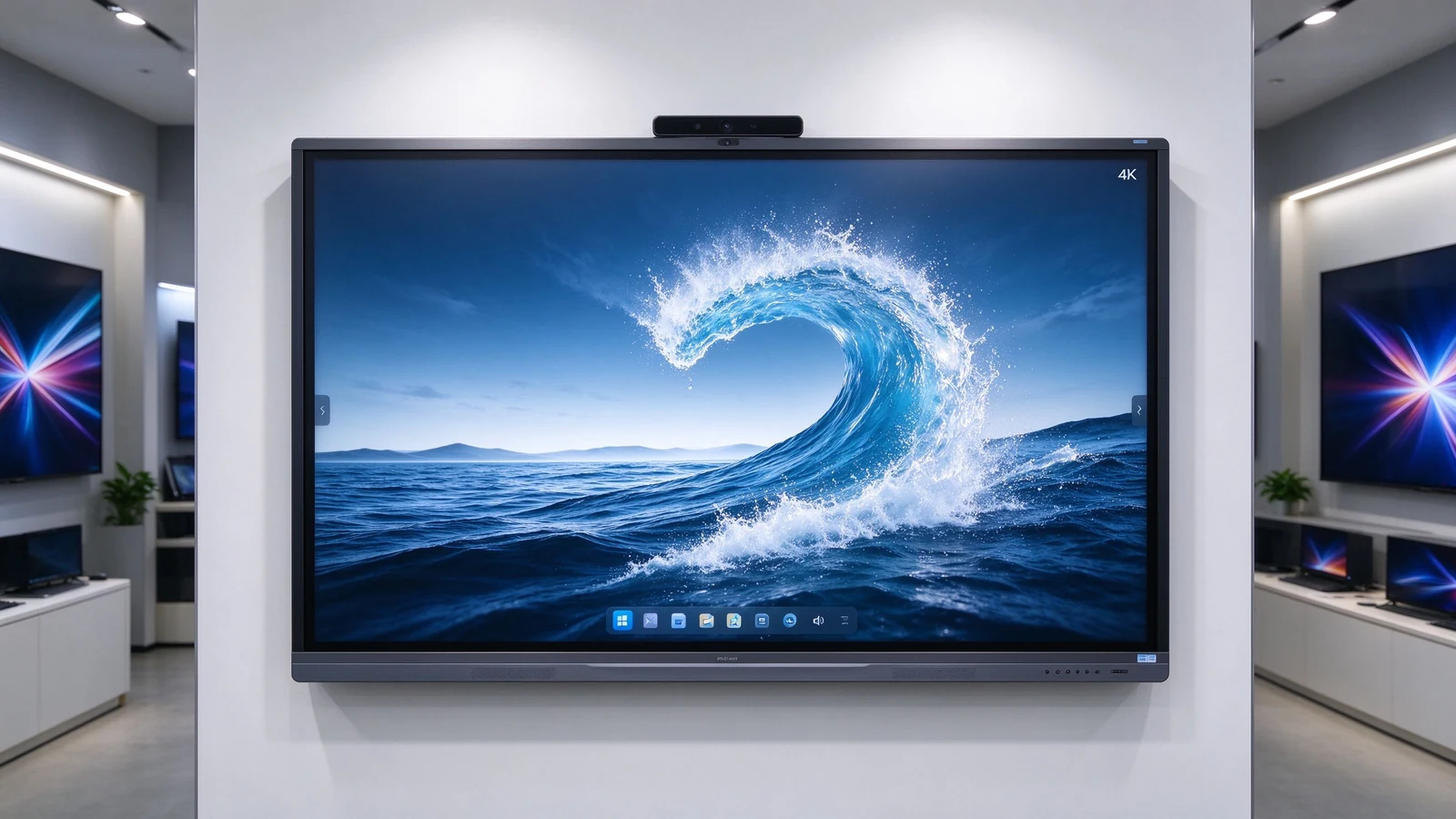
K–12 and higher education use the board for interactive lessons, annotated slides, student participation, and saved notes that become study material. Long-hour operation, glare performance in daylight rooms, and simple teacher operation matter more than flagship specs. Content saved in class can be shared with absent students or reused next semester, which is where the device pays back beyond a single lesson.
Instructor-led sessions, workshops, and hybrid delivery rely on content reuse: the trainer marks up material, saves the session, and distributes it to the next cohort. Multi-user touch, hybrid camera and audio, and file export are the daily requirements. See the dedicated corporate training smart board guide for the full training-room selection framework.
Executive presentation needs 4K clarity, fast wireless casting, quiet stable operation, and clean design. Annotation and file sharing support decision-making; DMS supports a fleet of rooms. The difference from a classroom panel is less about the display and more about design, audio, and the platform integration that executives expect to just work.
Interactive tables and kiosks use PCAP touch for customer-facing product demos, retail consultation, and exhibition interaction, often with custom appearance and branding that matches a store or booth design. Four-side operation makes them suitable for group consultation where people gather around the surface rather than facing a wall.
School districts, retail chains, banking, government, and manufacturing need one platform across many rooms: unified configuration, remote management, batch supply, consistent branding, and regional after-sales. This is where supplier capability — not panel specs — decides the project. A supplier with batch consistency, spare-part strategy, and a long-term product lifecycle protects a five-year rollout; a supplier without them turns year three into a replacement project.
The category is shifting from “buy a screen” to “buy manageable collaboration infrastructure.” Several shifts matter in 2026:
| Space | Suggested size | Tipisks pielietojums |
|---|---|---|
| Small classroom / huddle | 55–65" | Small-group learning |
| Standard classroom / conference | 75–86" | Teaching, meetings |
| Large classroom / training | 86–98" | Large-group instruction |
| Lecture hall / large collaboration | 98–110" or multi-display | Large audiences |

Within the category, buyers choose between form factors and operating systems. The right combination depends on who uses the room and what software they need — not on the largest specification list.
| Tips | Strengths | Ierobežojumi | Labākais par |
|---|---|---|---|
| Interactive flat panel | Touch, 4K, whiteboarding, wireless collaboration | Needs installation and IT setup | Classrooms and meeting rooms |
| Android interactive panel | Simple startup, casting, whiteboarding | Limited by app ecosystem | Fast classrooms and small rooms |
| Windows / OPS panel | Runs business and specialist software | Adds an OPS or PC module | Corporate and technical training |
| Dual-system board | Both Android and Windows | Higher configuration and management | Mixed workflows |
| PCAP interaktīvais galds | Smartphone-like touch, four-side use | Smaller sizes, higher cost | Retail, exhibition, workshops |
| Projector-based system | Very large image | Light, alignment, maintenance | Specialized existing rooms |
TCO = device price + installation + software + training + maintenance + spares + upgrades. One interactive display replaces projector, camera, microphone, and flip chart. Saved teaching or meeting time and reduced IT support add measurable ROI. Factory-direct supply and volume orders lower marginal cost. Compare complete landed configurations, not ex-works panel prices — see the OEM supplier guide for the full TCO breakdown.
Hidden costs buyers forget: mounting and cabling, camera and microphone accessories, software licenses, warranty extensions, spare panels for fast swap-outs across sites, and firmware support across regions. A quotation that lists only the display price creates surprises in year one. Ask for the complete landed configuration — not the panel price — and compare rooms on that basis.
A smart whiteboard is a multi-year device in a room that people depend on. The supplier behind it matters as much as the panel in front of them. Evaluate five layers:
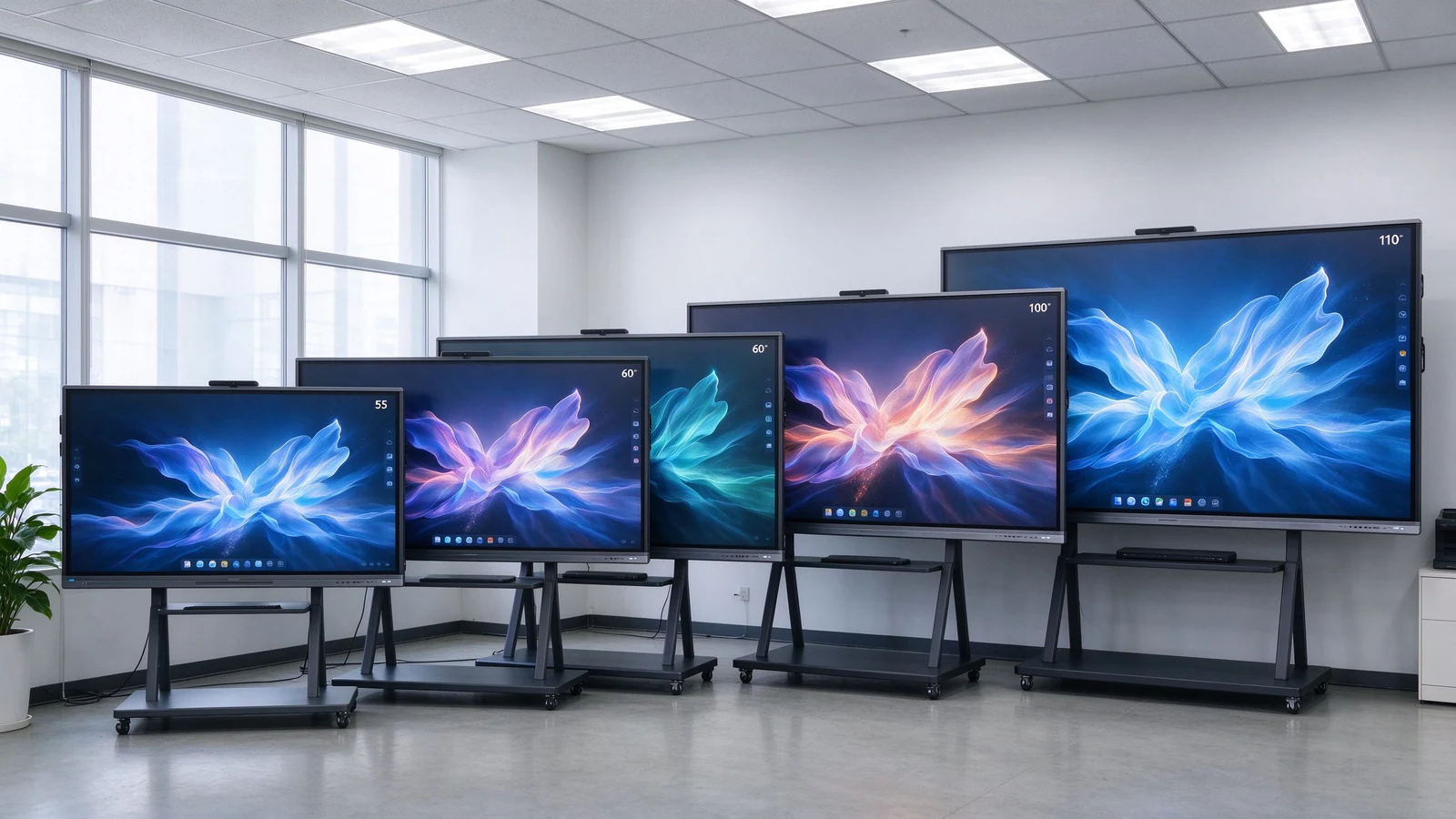
55–110 inch 4K panels covering small classrooms, standard training rooms, large lecture spaces, boardrooms, and hybrid collaboration. The portfolio shares the same interaction model across sizes, so teachers, trainers, and employees learn one interface that scales from a huddle room to a training hall — which matters when one team supports many rooms.
Multi-touch writing with low latency and palm rejection, wireless casting across Windows, macOS, iOS, and Android, whiteboarding with content export, Android with optional OPS Windows, camera and audio integration for hybrid sessions, DMS remote management across a fleet, and AI-assisted session features such as transcription and meeting summaries where supported. For education buyers, saved lessons become reusable study material; for corporate buyers, saved sessions become onboarding material for the next cohort.
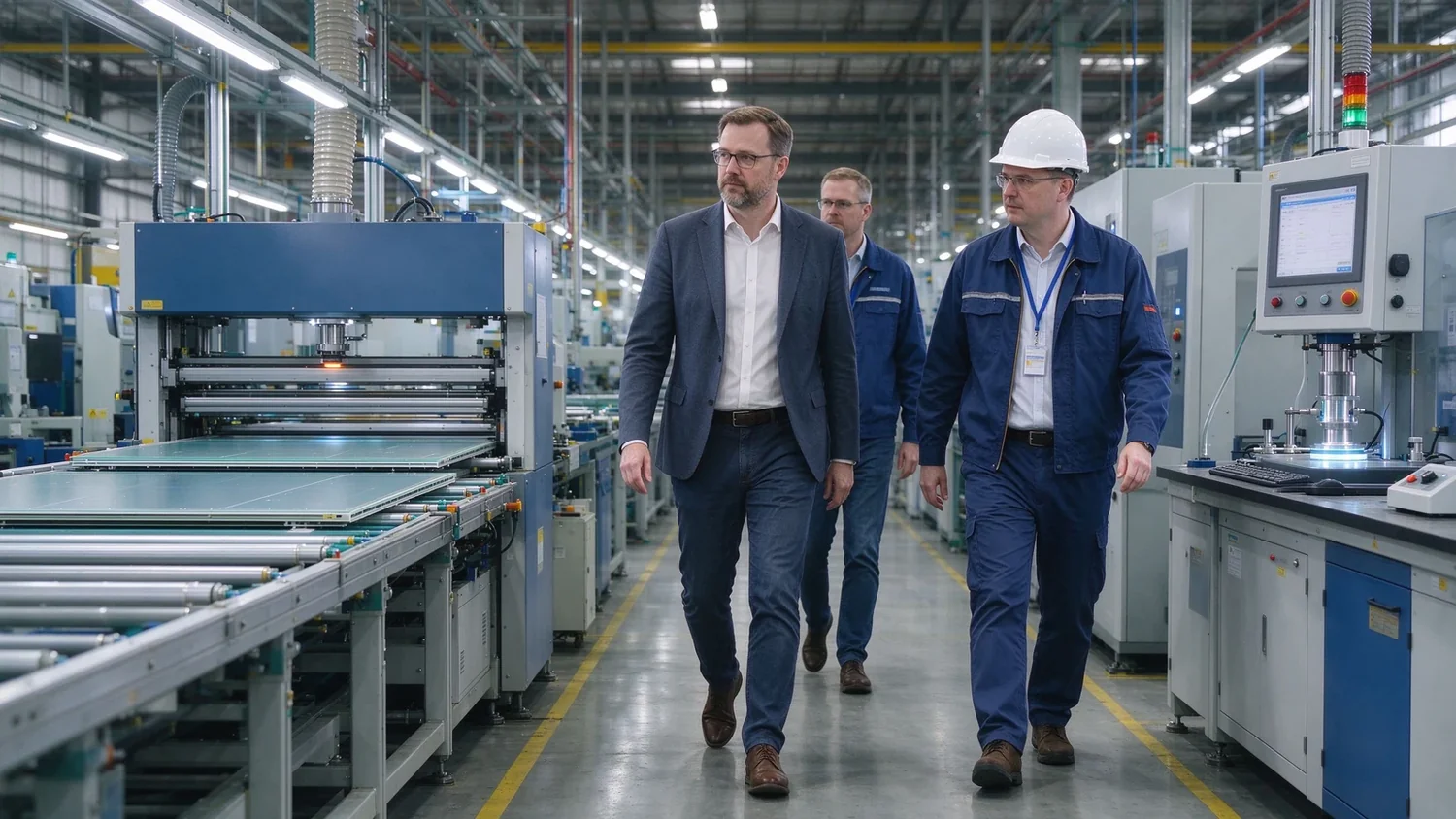
In-house injection and assembly, aging tests, pre-shipment inspection, and an OEM/ODM program across software, public-mold appearance, structure, and private-mold tiers — plus CKD/SKD for local assembly partners. Software customization can start from lower quantities; structural and private-mold work is confirmed by volume, tooling, and development investment.
Qtenboard also produces LCD video walls, digital signage, kiosks, and CMS/DMS software. For distributors and integrators who need more than one commercial display line, one supplier simplifies specification, certification, and spares across the project.
Typical deployments: a school district standardizing on one interface across classrooms, a corporate academy rolling out hybrid training rooms, and a regional distributor launching a private-label line. Each starts from the same question — what is the workflow — and ends with a configuration matched to room, users, and market rather than a spec-sheet maximum.
Use this list before you shortlist suppliers, and again before you place the order. Items unchecked now become project delays later.
They refer to the same product family. “Smart whiteboard” emphasizes the digital whiteboard function — writing, annotation, saved content. “Interactive smart board” emphasizes multi-user touch and collaboration. Buyers searching either term are looking for the same core device with different vocabulary.
It is the same interactive display used for teaching: lesson slides, annotation, student participation, saved notes, and hybrid or remote classes across schools and training centers. The hardware is shared with meeting rooms; what changes is the workflow — saved lessons become study material, and student participation becomes part of the class.
For most modern rooms, yes: 4K clarity unaffected by ambient light, built-in touch and annotation, captured content, and simpler maintenance — no lamps, filters, or alignment. Projectors still suit specialized large rooms with existing projection infrastructure and darkening, but they are increasingly a legacy choice for new teaching and meeting spaces.
Small groups 55–65 inches, standard rooms 75–86 inches, large rooms 86–98 inches, lecture halls 98–110 inches or multi-display. Choose by the farthest viewing distance and the smallest content learners must read — not by classroom area alone.
Yes — through an OPS module or built-in Windows configuration. Android is simpler for daily use, casting, and whiteboarding; Windows or dual system suits business software, specialist applications, and teams already standardizing on desktop tools. Confirm touch behaves the same way in both systems before ordering.
Yes, when paired with camera, microphone, speakers, and a meeting platform such as Teams, Zoom, or Google Meet. Confirm camera coverage of the whole room, microphone pickup for questions, and remote participants’ content visibility — compatibility on paper is not the same as a usable hybrid class.
Yes. Wireless casting, touch annotation, file sharing, and video conferencing replace the projector-plus-laptop meeting stack. See the boardroom and business buying guides for the deeper selection framework.
Qtenboard offers OEM, ODM, and CKD/SKD programs with logo, packaging, software, hardware, and structural customization for distributors, integrators, and brand owners. Software-level customization can start at lower quantities; structural and private-mold work is confirmed by volume and tooling, per project.
Tell us your application, room size, participant count, preferred size, operating system, and target quantity. Qtenboard can recommend a configuration for a single classroom, a multi-room rollout, or an OEM/ODM brand program. Whether you are outfitting one training room or standardizing across a hundred, the right starting point is the same: define the workflow first, then match the hardware, then evaluate the supplier behind it.
| Role | Recommended next step |
|---|---|
| Education buyer | Get a smart classroom recommendation |
| Training manager | Request a training room configuration |
| Integrator | Request project configuration support |
| Distributor / brand | Request the OEM/ODM catalog and sample |
Required: name, company, email, country, business type, application, message.
Optional: room type, participants, preferred size, touch points, OS, camera/audio, quantity, OEM/ODM needs, delivery date.
Get a Smart Whiteboard Recommendation Explore the Product Range Discuss OEM/ODM Ask for a Sample

Ceo | interaktīva displeja un sadarbības risinājumu eksperts
Esmu Qtenboard dibinātājs, un man ir vairāk nekā 17 gadu praktiskas pieredzes skārienjūtīgo ekrānu nozarē. Pamatojoties uz globālās vadības perspektīvu, kas iegūta, izmantojot emba studijas šengenas universitātē, es vadu savu komandu, optimizējot katru darbības posmu-no produktu definīcijas līdz augstas efektivitātes piegādes ķēdes pārvaldībai-nodrošinot, ka mūsu ražošanas spējas paliek nozares priekšgalā.
Kā qtenboard līderis, es specializējos, lai nodrošinātu pielāgotus oem/odm risinājumus interaktīvajām tāfelēm, lcd video sienām, ciparu apzīmēm un rūpnieciskās kvalitātes pieskāriena termināļiem. Atbalstīts mūsu 330,000 m² mūsdienu rūpniecības parks shenzhen, mēs uzturēt pilnu dzīves cikla kontroli pār rūpniecisko dizainu, precizitāti ražošanu un stingru veiktspējas testēšanu.
Ar gandrīz divus gadu desmitus ilgu projekta pieredzi, qtenboard displeja risinājumi tagad tiek izvietoti vairāk nekā 120 valstīs un reģionos, nopelnījis vairāk nekā 15,000 uzņēmumu klientu uzticību visā pasaulē. Ja jūs meklējat atsaucīgu partneri ar dziļu ražošanas pamatu jūsu pielāgotiem touch displeja projektiem, mans komanda un es esam gatavi atbalstīt jūsu vīziju ar profesionālu izcilību.

 lav
lav
 EN
EN  pt
pt  spa
spa  th
th  vie
vie  aze
aze  bel
bel  est
est  ukr
ukr  ru
ru