Izšķirtspēja ir viens no vienkāršākajiem – un bieži vien nepareizi novērtētajiem – specifikāciju aspektiem, iegādājoties interaktīvo tāfeli. „4K izskatās asāks nekā 1080p” ir tikai sākumpunkts. Reālā pieredze ir atkarīga no ekrāna izmēra, skatīšanās attāluma, spilgtuma, skārienvadības veiktspējas, avota satura, tīkla joslas platuma un kopējām projekta izmaksām. 4K panelis saulainā telpā ar zemas kvalitātes klēpjdatora signālu var izskatīties sliktāk nekā labi kalibrēts 1080p panelis kontrolētā vidē.
Šis ceļvedis pārvērš izšķirtspēju no atsevišķa skaitļa par iepirkuma lēmumu. Tas skaidro, ko izšķirtspēja faktiski nozīmē interaktīvā displejā, salīdzina 4k un 1080p biznesam, parāda, kur 1080p joprojām ir pareizā izvēle, un uzskaitījumi, ko pārbaudīt, kad uzlabojot uz 4k. Tas ir tehniski padziļināts līdzgaitnieks pilnīgs viedo tāfeļu iegādes ceļvedisTā lapa aptver kategoriju; šī aptver lēmumu par izšķiršanu. Qtenboard piedāvā 55–110 collu 4K UHD interaktīvās tāfeles un plakanās ekrānus ar multi-touch funkciju, bezvadu straumēšanas iespēju, Android/Windows divkāršo sistēmu un OEM/ODM atbalstu.
Nepareiza izpratne, no kuras jāizvairās: nopirkt uzlīmi ar uzrakstu „4K” un domāt, ka telpa ir pilnībā atrisināta. Izšķirtspēja ir atkarīga no ekrāna kvalitātes, spilgtuma, apkārtējā apgaismojuma, skārienvadības precizitātes, izmantotā portatīvā datora, kabeļu savienojumu, tīkla un programmatūras. Pilnīgs iepirkuma lēmums ņem vērā visus šos aspektus kopumā, tāpēc šajā rakstā izšķiršana tiek aplūkota kā viens no vairākiem rīcības virzieniem, nevis kā vienīgā atbilde.
| Scenārijs | Ieteicamā izšķirtspēja | Galvenais iemesls | Qtenborda virziens |
|---|---|---|---|
| Neliela sanāksmju telpa (≤55") | 1080p vai 4K | Atkarīgs no skatīšanās attāluma un budžeta. | 55-65" interaktīvais panelis |
| Standarta konferenču telpa (75–86 collas) | 4K vēlams | Labāk dokumentiem un hibrīdajām sanāksmēm | 75–86 collu 4K interaktīvais panelis |
| Izpilddirektoru sanāksmju zāle (86–98 collas) | 4K vēlams | Atbalsta detalizētus datus un premium prezentāciju | 86–98 collu 4K interaktīvais panelis |
| Korporatīvā apmācību telpa (86–110 collas) | Ieteicams 4K | Palīdz attālinātajiem dalībniekiem lasīt saturu | 86-110" 4K interaktīvais panelis |
| Inženierijas/projektēšanas pārskats | 4K ļoti ieteicams | Saglabā smalkas līnijas un tehniskās detaļas | 4K interaktīvais displejs |
| Liela klase/lekciju zāle | Ieteicams 4K | Uzlabo redzamību visā telpā | 98–110 collu 4K interaktīvais panelis |
| Digitālā izkārtne/pamata atskaņošana | Atkarīgs no satura un lieluma | 1080p varētu būt pietiekami. | Modeļa atkarīgs |
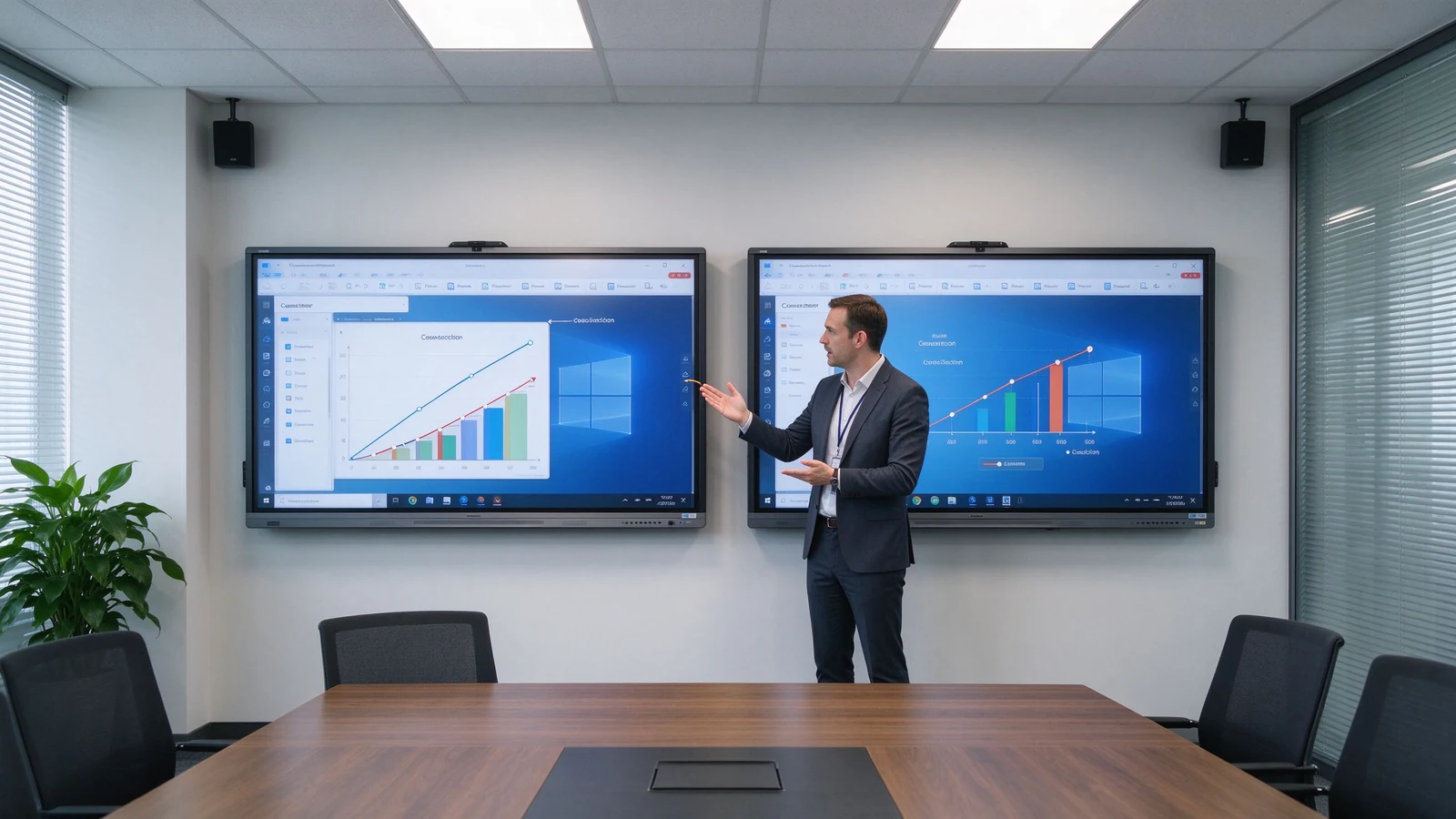
Izšķirtspēja ir pikseļu skaits, ko ekrāns var attēlot. 1080p parasti ir 1920 × 1080 pikseļi; 4K UHD parasti ir 3840 × 2160 pikseļi. 4K panelis satur aptuveni četras reizes vairāk pikseļu nekā 1080p.
| Izšķirtspēja | Pikseļu izmēri | Aptuveni kopējie pikseļi | Parastā lietošana |
|---|---|---|---|
| 1080p pilna HD izšķirtspēja | 1920 × 1080 | 2,1 miljons | Pamata prezentācija un video |
| 4k uhd | 3840 × 2160 | 8,3 miljoni | Detalizēts biznesa un izglītības saturs |
4K viedā tāfele ir interaktīvs displejs ar oriģinālo 3840 × 2160 paneli. Tas piemērots lieliem ekrāniem, izklājlapām, inženieru zīmējumiem, dizaina failiem, augstas izšķirtspējas video, vairāku logu izkārtojumiem un skatīšanai no tālākas. Termins attiecas uz paneļa izšķirtspēju, nevis skārienjūtīgās tehnoloģijas, operētājsistēmas vai videokonferenču funkcionalitāti – tās ir atsevišķas specifikācijas.
| Tips | Nozīme | Ko apstiprināt |
|---|---|---|
| Native 4K | Paneļa fiziskais izmērs ir 3840 × 2160. | Check the panel specification sheet |
| 4K input support | Atbalsta 4K signālu, taču panelis var būt ar 1080p izšķirtspēju. | Apstipriniet faktisko displeja izšķirtspēju |
| 4K upscaling | Palielina zemākas izšķirtspējas saturu līdz 4K | Confirm image processing quality |
| Faktors | 1080p viedā tāfele | 4K smart board |
|---|---|---|
| Izšķirtspēja | 1920 × 1080 | 3840 × 2160 |
| Detail level | Suitable for basic content | Better for fine text and detailed visuals |
| Large-screen clarity | May look less sharp at large sizes | Labāk piemērots lieliem interaktīviem paneļiem |
| Spreadsheets and diagrams | Usable but may require zooming | Easier to read and inspect |
| Daudzu logu izmantošana | More limited | Better for split-screen layouts |
| Video content | Adequate for standard video | Better for high-resolution video |
| Hardware and source needs | Zemāka | Requires compatible source and connections |
| Sākotnējās izmaksas | Usually lower | Usually higher |
| Long-term deployment | May be sufficient for basic use | Better for new premium installations |
The practical conclusion: small screens, close viewing, and basic presentation can live with 1080p; 75-inch and above interactive panels usually benefit from 4K; frequent small text, data, design files, or split-screen work should push you to 4K; and long-term multi-room projects reduce future replacement risk by starting at 4K. The buyer who skips this trade-off typically learns it during the first financial review meeting or the first design review — when the room is already built and the resolution choice is already paid for.
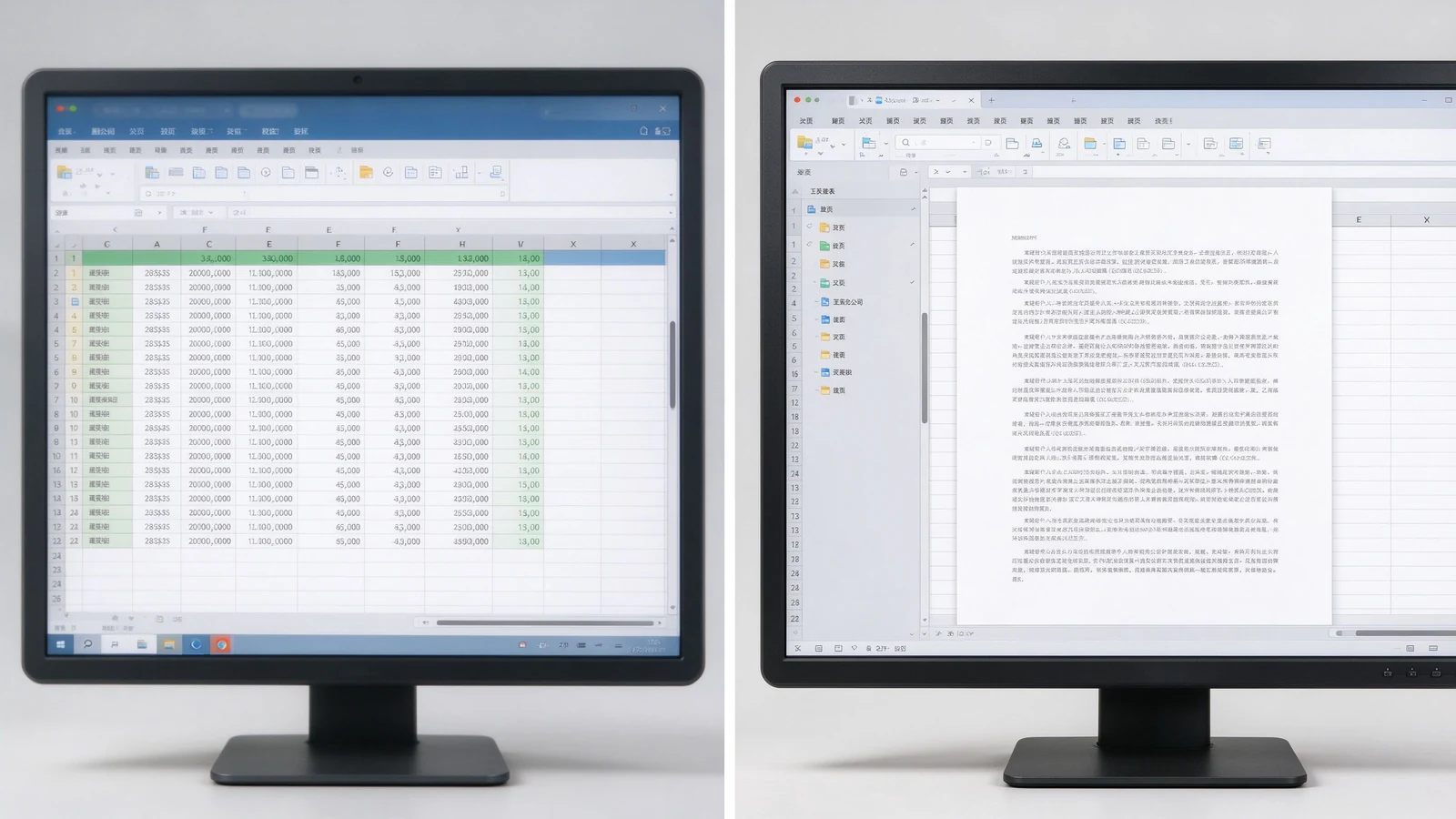
Financial reports, sales data, operational dashboards, KPI screens, and wide multi-column tables gain real value. Less zooming, more content on screen, readability from farther away, and several people inspecting the same page at once.
CAD screenshots, mechanical drawings, product structures, factory flowcharts, and technical specifications depend on fine lines and small annotations. 4K keeps them legible — though the source file and software rendering quality still matter.
Slides, software demos, product video, process walkthroughs, course subtitles, and digital textbooks look sharper; large training rooms keep course content readable from the back row.
A 4K screen shows remote participants, shared documents, on-screen annotation, and remote whiteboard content more clearly. But a 4K panel does not automatically make a video meeting 4K — the camera, platform, network, computer, and subscription plan may cap actual resolution.
Slide on the left, whiteboard on the right; remote participants beside shared content; two design options side by side; video and course material split. 4K keeps each pane usable instead of a small blurry strip. On a 1080p panel, split-screen content shrinks to a fraction of native size and the zoom-and-pan cycle returns — the very friction the interactive display was meant to remove.
New hardware will run for five to seven years. Starting at 4K means the room will not look dated as source material, video, and remote collaboration increasingly push higher resolution. For standardizing a fleet of rooms, one resolution across all panels also simplifies IT support, training, and troubleshooting.
1080p is not automatically a poor choice. It can be cost-effective for smaller, simpler, and short-term installations. It suits small meeting rooms, 55-inch or smaller displays, close viewing, standard video playback, large-font content, budget-conscious basic projects, temporary or low-frequency spaces, and environments where existing systems only support 1080p.
Before settling on 1080p, confirm: whether the current laptop outputs 1080p; whether HDMI adapters and docks support the target resolution; whether video conferencing hardware is compatible; whether the screen size will expose limited pixels; and whether the room may later move to a larger display or more windows. Also ask whether staff bring mixed devices that expect higher resolutions on their own monitors, which can make a 1080p room feel underwhelming by comparison.
1080p can look fine on a small panel; stretched to 86 inches or more, detail softens. 4K is the natural choice for 75–110 inch interactive panels. Judge by the farthest seat, screen height, content font size, and whether engineering drawings or spreadsheets are involved.
4K is not brighter. Confirm nits, room daylight, glass reflection, anti-glare treatment, and daytime readability. A 4K panel under bright window light without anti-glare can wash out; a 1080p panel with proper brightness and coating may still look clean. Contrast and color matter for product images, video, branding, design review, and training content. Qtenboard selected 4K interactive panels offer brightness options such as 350, 400, and 450 cd/m² depending on model.
The same native 4K panel can render content differently depending on the SoC, scaler, color engine, and firmware. Two panels with identical specs can differ in skin tones, text sharpness, and motion handling. That is why a live demo on real content beats a spec sheet — and why sample approval matters before volume orders.
High resolution cannot rescue poor touch. Evaluate touch latency, points, writing accuracy, palm rejection, finger/stylus recognition, simultaneous writing, and touch software compatibility alongside resolution.
The gap between touch layer and display layer creates writing parallax: where the stylus tip lands versus where the mark appears. 4K does not fix parallax; it is a separate performance dimension.
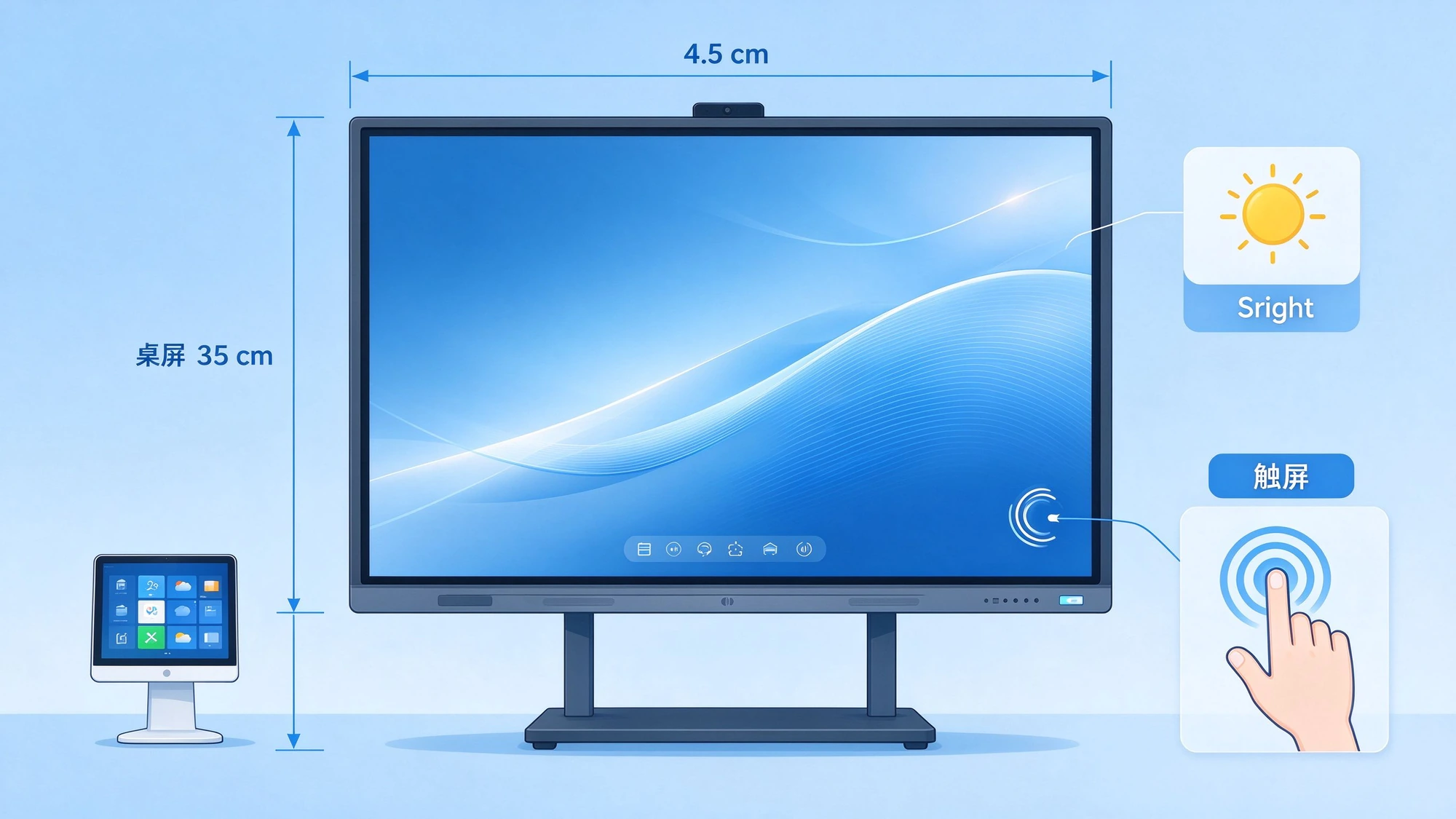
| Business use case | Ieteicamā izšķirtspēja | Iemesls | Qtenborda virziens |
|---|---|---|---|
| Small huddle room | 1080p vai 4K | Size, viewing distance, budget | 55-65" interaktīvais panelis |
| Standard conference room | 4K vēlams | Presentations, documents, hybrid meetings | 75–86 collu 4K interaktīvais panelis |
| Executive boardroom | 4K vēlams | Detailed data and premium presentation | 86–98 collu 4K interaktīvais panelis |
| Corporate training room | Ieteicams 4K | Distant participants read course content | 86-110" 4K interaktīvais panelis |
| Inženierijas/projektēšanas pārskats | 4K ļoti ieteicams | Fine lines and technical detail | 4K interaktīvais displejs |
| Liela klase | Ieteicams 4K | Visibility across the room | 98–110 collu 4K interaktīvais panelis |
| Digitālā izkārtne/pamata atskaņošana | Atkarīgs no satura un lieluma | 1080p varētu būt pietiekami. | Modeļa atkarīgs |
Does the laptop output 4K? Does the OPS PC support it? Are graphics drivers current? Will the video conferencing host or remote desktop software force the session back to 1080p?
HDMI version, USB-C video output, DisplayPort, adapters and docks, cable length and quality, and wireless casting bandwidth all cap the actual signal.
Windows and Android support, whiteboard apps, Office files, LMS, Teams / Zoom / Google Meet, and remote control or DMS platforms should all run at the intended resolution.
4K video and high-resolution wireless casting need more bandwidth. Confirm Wi-Fi coverage, congestion, access points, wired LAN, platform compression, and performance when several devices cast at once.
4K cannot manufacture detail that never existed. If the source video is 1080p, the 4K screen merely enlarges it. Check video source resolution, image and chart resolution, and whether PPT and PDF files are designed for large screens.
Many meeting platforms cap outgoing and incoming video at 1080p regardless of the local screen. Confirm the platform, plan tier, and network speed before expecting 4K remote video. The 4K panel still improves the view of shared documents and on-screen annotation even when the camera feed stays at 1080p.
Classroom teaching, corporate training, boardroom meetings, engineering and design review, client demos, remote collaboration, and multi-site deployment.
55–65 inches for small rooms and small-group training; 75–86 inches for standard meeting rooms and classrooms; 98–110 inches for large training rooms, lecture halls, and executive rooms; multi-display combinations for very large spaces.
4K UHD display, 20–50 point multi-touch, wireless casting, dual system, digital whiteboard, file annotation, multi-user collaboration, and video conferencing configuration.
Size customization, touch-point configuration, Android or Windows, logo and boot screen, camera and audio, packaging and manuals, pre-installed software, regional certification, and batch project delivery.
Typical 4K configurations buyers request:
Each deployment begins with the same workflow review: what content is shown, how many viewers, how far they sit, and which platforms carry remote participation. Resolution is then chosen to match — never the reverse.
| Buyer priority | Qtenboard value proposition |
|---|---|
| Izšķirtspēja | 4K UHD interactive displays |
| Size flexibility | 55–110" portfolio |
| Touch options | 20 / 40 / 50-point configurations |
| System flexibility | Android, Windows, dual system |
| Project customization | OEM/ODM, branding, packaging, CKD/SKD |
| Deployment support | DMS, batch supply, spare parts |
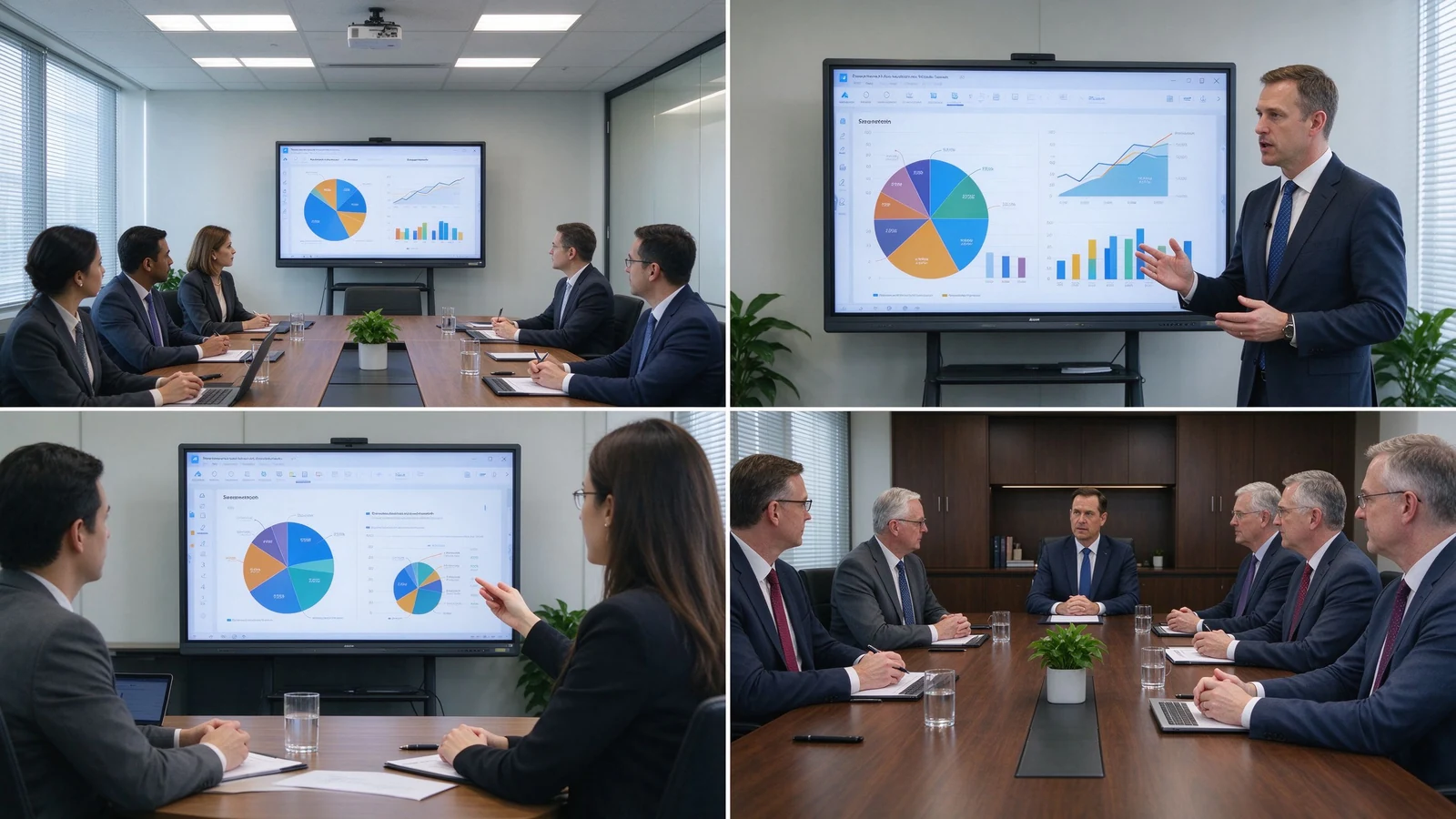
4K can extend device life, reduce future upgrade needs, improve meeting and training experience, support finer content, enable multi-window collaboration, improve readability in large rooms, and suit premium client and brand settings. The added cost goes beyond the panel: 4K-capable OPS PC, 4K camera or video conferencing hardware, higher-spec cables and docks, network upgrades, installation, and device management.
TCO = panel cost + installation + source hardware + software + network upgrade + maintenance.
The payback typically shows up in three places: fewer zoom-and-pan interruptions in data meetings, clearer remote collaboration, and a room standard that does not need replacement during the refresh cycle. For project buyers, fleet buyers, and OEM/ODM partners, factory-direct pricing and configuration control keep the 4K upgrade inside the TCO envelope.
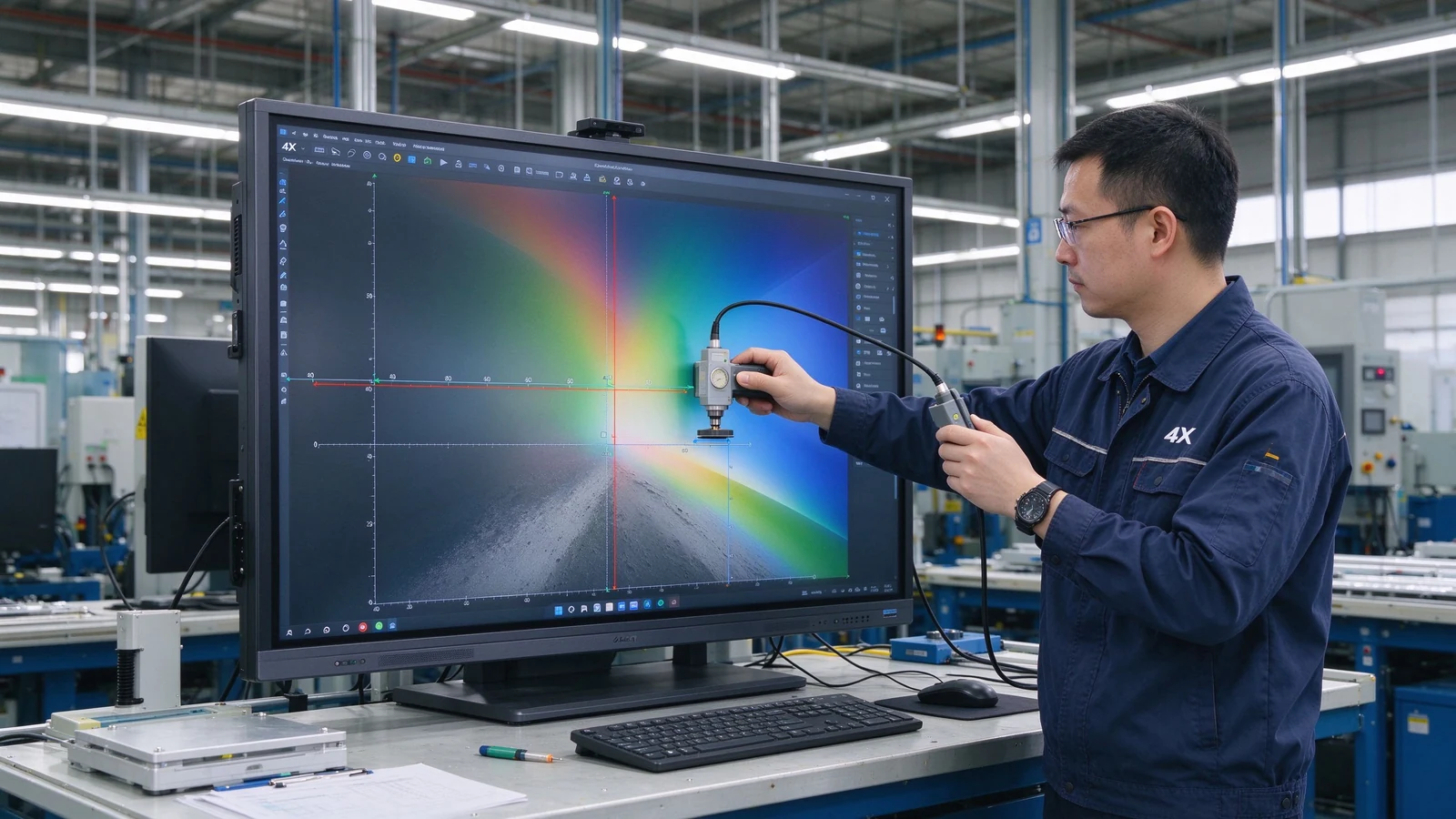
New mid-to-large meeting rooms, training rooms, and classrooms usually start with 4K; small, close-view, basic-display scenarios can evaluate 1080p.
4K delivers finer detail and suits large screens, long viewing distance, spreadsheets, engineering drawings, and split-screen work. Whether it is worth it depends on budget, content, and device compatibility.
Not for every scenario. Small screens and simple content can live with 1080p; 75-inch and above interactive panels usually benefit from 4K. If the room regularly shows spreadsheets, engineering drawings, or split-source content, 4K pays back.
No. Resolution affects display detail; touch depends on touch technology, latency, accuracy, palm rejection, and software. A high-resolution screen with slow touch still feels unresponsive.
4K is most valuable from 75 inches upward, where the pixel density stays comfortable at normal viewing distances. Below 55 inches, the human eye often cannot distinguish the extra pixels in a meeting room, so the budget may go to touch, audio, or source hardware instead.
4K is typically 3840 × 2160 pixels; 1080p is 1920 × 1080. 4K carries roughly four times the pixels and renders small text and complex images more sharply.
Native 4K means the panel physically is 3840 × 2160; 4K input support means the device accepts a 4K signal while the panel may be 1080p. Confirm native panel resolution.
Qtenboard offers 4K UHD interactive whiteboards and flat panels for education, business, training, and OEM/ODM projects; exact size, brightness, touch, and system are confirmed per model.
Qtenboard 4K interactive panels cover 55–110 inches across multiple sizes.
Yes. Size, touch, system, logo, software, ports, camera, audio, packaging, and other customization can be discussed per project.
| Role | Recommended next step |
|---|---|
| Enterprise procurement | Get a 4K smart board recommendation |
| IT / AV manager | Download the resolution and compatibility checklist |
| Integrator | Request project configuration support |
| Izplatītājs | Request the OEM/ODM catalog and sample |
| Large project | Schedule a factory video audit |
Share your room size, preferred display size, content type, viewing distance, operating system, and project quantity. Qtenboard can recommend a suitable 4K or other smart board configuration for business, education, training, or OEM/ODM applications. Reach the team through the contact page.
Required: name, company, email, country, business type, application, message.
Optional: room size, viewing distance, users, preferred size, content type, existing source devices, required OS, quantity, target market, OEM/ODM needs, delivery timeline.
Get a 4K Smart Board Recommendation Compare Resolution Options Request Product Specifications Ask for an OEM/ODM Quote

Ceo | interaktīva displeja un sadarbības risinājumu eksperts
Esmu Qtenboard dibinātājs, un man ir vairāk nekā 17 gadu praktiskas pieredzes skārienjūtīgo ekrānu nozarē. Pamatojoties uz globālās vadības perspektīvu, kas iegūta, izmantojot emba studijas šengenas universitātē, es vadu savu komandu, optimizējot katru darbības posmu-no produktu definīcijas līdz augstas efektivitātes piegādes ķēdes pārvaldībai-nodrošinot, ka mūsu ražošanas spējas paliek nozares priekšgalā.
Kā qtenboard līderis, es specializējos, lai nodrošinātu pielāgotus oem/odm risinājumus interaktīvajām tāfelēm, lcd video sienām, ciparu apzīmēm un rūpnieciskās kvalitātes pieskāriena termināļiem. Atbalstīts mūsu 330,000 m² mūsdienu rūpniecības parks shenzhen, mēs uzturēt pilnu dzīves cikla kontroli pār rūpniecisko dizainu, precizitāti ražošanu un stingru veiktspējas testēšanu.
Ar gandrīz divus gadu desmitus ilgu projekta pieredzi, qtenboard displeja risinājumi tagad tiek izvietoti vairāk nekā 120 valstīs un reģionos, nopelnījis vairāk nekā 15,000 uzņēmumu klientu uzticību visā pasaulē. Ja jūs meklējat atsaucīgu partneri ar dziļu ražošanas pamatu jūsu pielāgotiem touch displeja projektiem, mans komanda un es esam gatavi atbalstīt jūsu vīziju ar profesionālu izcilību.

 lav
lav
 EN
EN  pt
pt  spa
spa  th
th  vie
vie  aze
aze  bel
bel  est
est  ukr
ukr  ru
ru