
 bel
bel
 EN
EN  pt
pt  spa
spa  th
th  vie
vie  aze
aze  est
est  lav
lav  ukr
ukr  ru
ru Як выбраць разумны адлюстра для вашага трэба ў 2066
Выбраць адказ для набору не так жа, як выбраць вялікае тэлевізу для трэба. У корпоратичным асяродзіт, разумны паказ для выкарыстання з'яўляецца інфраструктурам: яна вызначае, як хутка запуску сустрэчы, Як чыстацца аддаленыя прыступныя прылады, і колькі час інтэрфейсны екмант. Добра падбярыце, і сустрэчы будуць праходзіць хутчэй і з меншай колькасцю перапынкаў. Вылучыце нядно, і вы можаце скончыць з экрана, якое няправільны з задняга радка, Сістэма, які не змяняе палову лептапіў у офісе, устаноўка, якое перацягнее на тыднях, Аб' трэба прыладаў, які цяжка кіраваць на шматлікіх пакоях.
Гэтая наслідка напісаны для кампанентаў, мэнэджэраў IT, AV integrators, і офісоваў прылада, які плануюць канференцыяльная пакоя. Яна паказвае восьмі практичныя памеры - памер і глядзець адстаноўку, выгляду і кантактаў, безслэчае, Аперацыі сістэмы і бяспека, загальна варта ўладзея, магчымасць і падтрымка запрадывання - і пояскае, як адпавядаць кожны з вашай сапраўды сустрэчы. Выключыце павінны быць кароткій спіс, што вы можаце выбраць да вашага загалоўка, а не спісе вельмі вызначаныя.
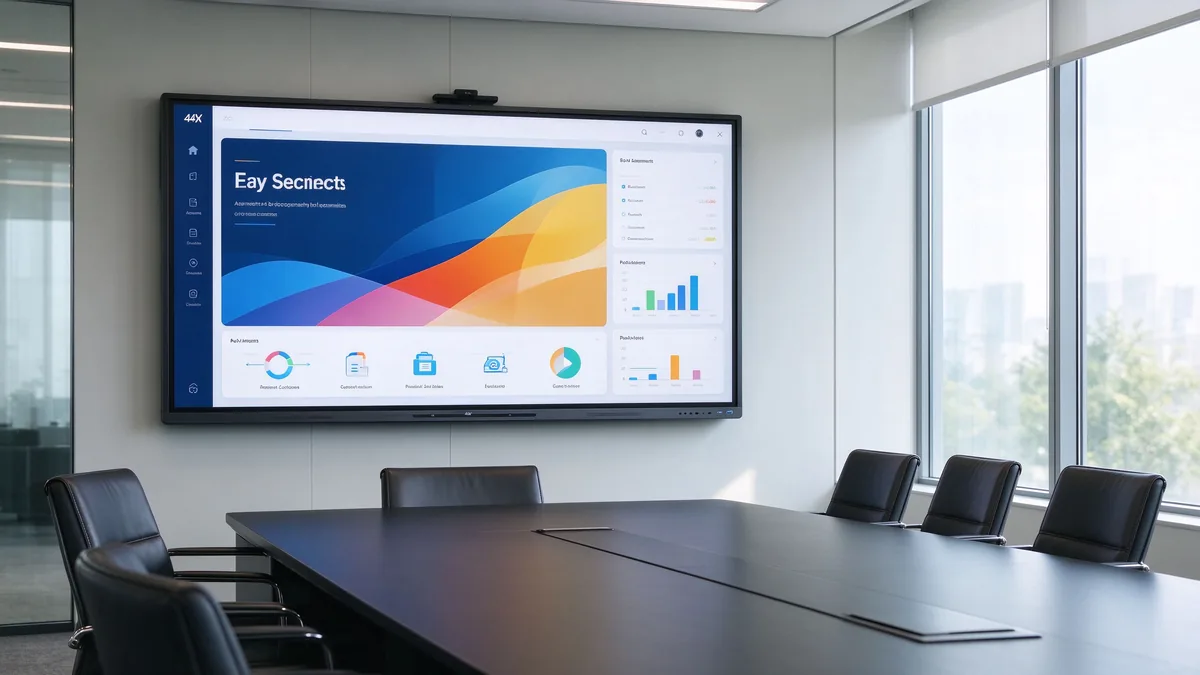
Хуткі адказ: Які разумны адлюстра трэба выкарыстаць кампанія у табліцы?
Калі вам патрэбна хуткая рэкамендацыя, вось адпраўная кропка. Гэта звычайныя настаўленні для бязгулярных сустрэчыў, у адлюстраваньне на кароткій сцяні, выкарыстаньніць для найўўўшыя аддаленага бачыння.
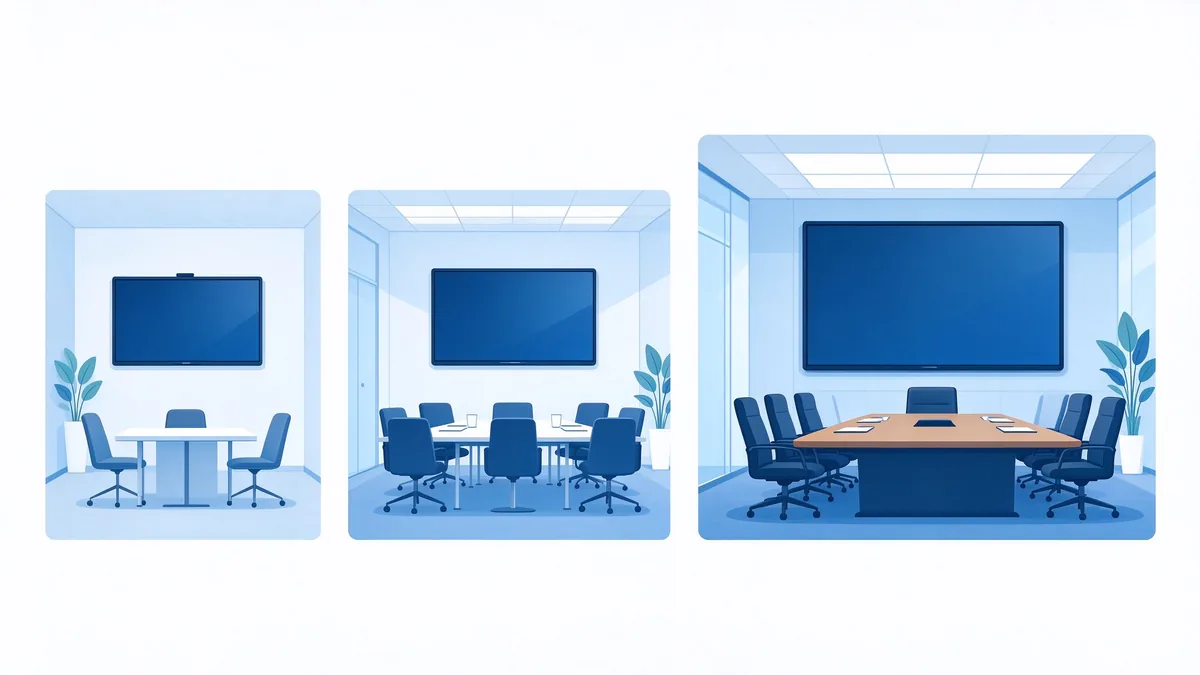
- Маленькі сустрэчкі (2-6 людзей): 55–65 цаляў
- Канферэнц-залы сярэдняга памеру (6–12 чалавек): 75–86 цаляў
- Вялікія залы для пасяджэнняў (12–20 чалавек): 86- 98 дюйм
- Кабінеты для кіраўнікоў або трэнінгавыя залы (20 чалавек): 98–110 цаляў або мультыманітарная канфігурацыя
- Асноўныя патрабаванні для ўсіх іх: Національны 4K UHD, шматткрыць, безслісны ступеня, сувязьнасць з вашым відэа-конференцыяльных платформа, і бяспекі
- Прыдатна для B2B-пакупнікоў: Qtenboard праўляе 55-110 дюймічныя 4K інтэрактыўныя біты з безслоўнай сустрэчування, кантактацыя, і OEM/ODM канфігурацыі для кампанентаў і праектаў.
На што варта звярнуць увагу пры набыцці інтэрактыўнай дошкі для канферэнц-залы?
Перш чым параўноўваць цэны, распрацуйце сістэму ацэнкі. Усталяваць большай неабходныя купіў, бо выпадковыя па параўляць адным вызначэннем, памер экрана або рожні сапраўды будзе выкарыстоўвацца. Табліца ўніз зводзіць шэсць памераў, якія трэба для конференцыяльнага пакоя.
| Вымярэнне ацэнкі | Што пакупнікі павінны пацвердзіць |
|---|---|
| Памер і адлегласць прагляду | Можна прачытаць тэкст і дадзеных зручна? |
| Паказаць і кантакт | Ці яна ўродным 4K, анти- glare, мультаткі, з нізнай ляканням? |
| Бесправадная трансляцыя | Ці працуе гэта на Windows, macOS, iOS і Android? Ці патрабуецца праграмнае забеспячэнне? |
| Канференцыя відэа | Камера, мікрофон і прамовы лічыць пакоя? |
| Сістэма і бяспека | Android, Windows ці двай сістэмы? Ці даступныя DMS, EDLA і кантроль портаў? |
| Пастаўшчык і паслуга | OEM/ODM, веські паведамленне, падтрымкі пазадання? |
Наступныя крокы ўключыць гэты рамку Такім чынам, вы можаце працаваць у вашых неабходнах і скончыць на канфігурацыі, што вы можаце адпраўляць дапаўненні.
Крок 1: Падбярыце памер экрана ў адпаведнасці з памерам пакоя і адлегласцю да яго.
Памер — гэта першае, што бачыць пакупнік, але гэта не адзінае рашэнне. Правы памер залежаць від ліку прыходжання, формы пакоя і змест, яку вы паказаныце. Ніжэй прыведзена табліца, якая з’яўляецца практычнай асновай для тыпавой канферэнц-залы.
| Тып залы пасяджэнняў | Тыповыя ўдзельнікі | Прапанаваны памер дысплея |
|---|---|---|
| Малая канферэнц-зала | 2–6 | 55–65 цаляў |
| Канферэнц-зала сярэдняга памеру | 6–12 | 75–86 цаляў |
| Вялікі канферэнц-зал | 12–20 | 86- 98 дюйм |
| Выканальны пакоя | 20+ | 98-110 дюймі |
Улічвайце адлегласць да экрана, а не толькі плошчу пакоя.
Пакоя Больш, што ідэюся - адстань ад дадаленым сетку да экрана. Запытайце гэтых пытанні, калі шляце у пакоі:
- Можна прачытаць шрыфты у Ексцелі, фінансальныя мадэлі або малюнкі?
- Ці часта вы дзеліце экран на два ці чатыры акна? Падзяляць выпадку перамене памер змесціва змесціва.
- Ці ёсць слупкі, шклавыя сцяна, ці неправільныя раскладкі, якія заблакваць тэчкі?
- Якы метад выканання: монтацца, мобільная карта, ці ўсталяваны?
Як правілы пальце, чалавек павінны быць магчыма чытаць тэкст у тэкст у тэксту не скасаваць. Для цяжкія дадзеных дадзеных, пераўвыць ад 65 да 86 дюйміў выкарыстае мамрыць прыбуту у лісністю. Qtenboard таксама забяспечвае interactive flat panel size calculator Вы можаце выкарыстаць ўласныя пакоі. На які б нумар вы ні спыніліся, праверце яго на сваім рэальным кантэнце перад замовай.
Крок 2: Ацаніце прадукцыйнасць дысплея, сэнсарнага ўводу і пісьма
Як толькі памер вызначаны, наступнае пытанне — што можа рабіць гэты панэль. Для інтэрактыўнага экрана, выкарыстаць у бізнескі сустрэчы, тры уласцівасці лічыць найбільшую: адзолюстрацыю, канструквання світла, і якісць кантакт.
Разрозненне 4K для прэзентацый з вялікай колькасцю дадзеных
A native 4K UHD (3840 × 2160) panel makes a real difference when you show financial statements, CAD drawings, dashboards, or fine print. On a 75-inch screen, 4K keeps small fonts and thin lines crisp where 1080p turns them fuzzy. Also check how quickly the display switches between input sources; slow switching quietly wastes minutes in every meeting. For most corporate rooms, a 4K smart conference display is the baseline, not a luxury.
Антыблікавае пакрыццё і яркасць для сапраўдных канферэнц-залаў
Boardrooms often have floor-to-ceiling windows and strong ambient light. A screen that looks vivid in a dark demo room can wash out when the blinds are open. Look for low-reflection glass, adequate brightness, and high contrast, and — if possible — judge the panel with the room’s normal lighting on.
Тэхналогія дотыку і шматкарыстальніцкае пісьмо
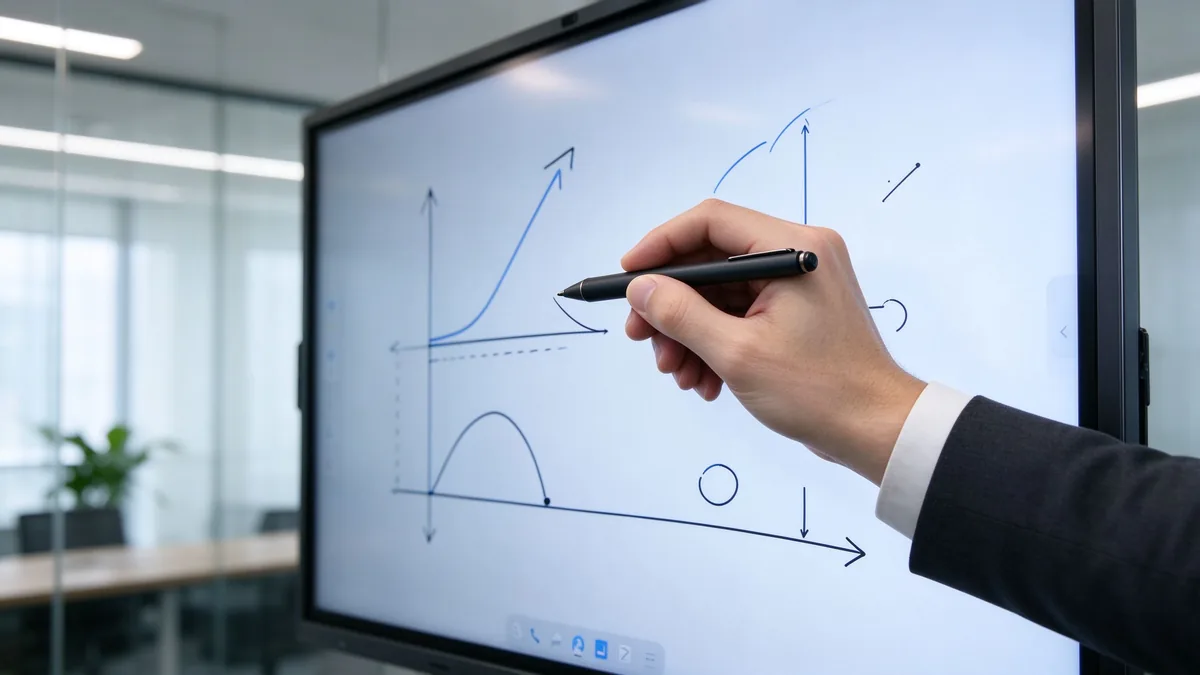
Touch quality is defined by touch points, response time, writing latency, and palm rejection. In practice, test these: can two or three people write and annotate at the same time? Does the display accept fingers, active styluses, and passive pens? Can annotations be saved, exported, and shared after the meeting? A conference room interactive whiteboard that handles these well replaces flip charts and scattered notes.
Step 3: Check Wireless Casting and Collaboration Workflow
Бесправадны абмен экранам паміж платформамі
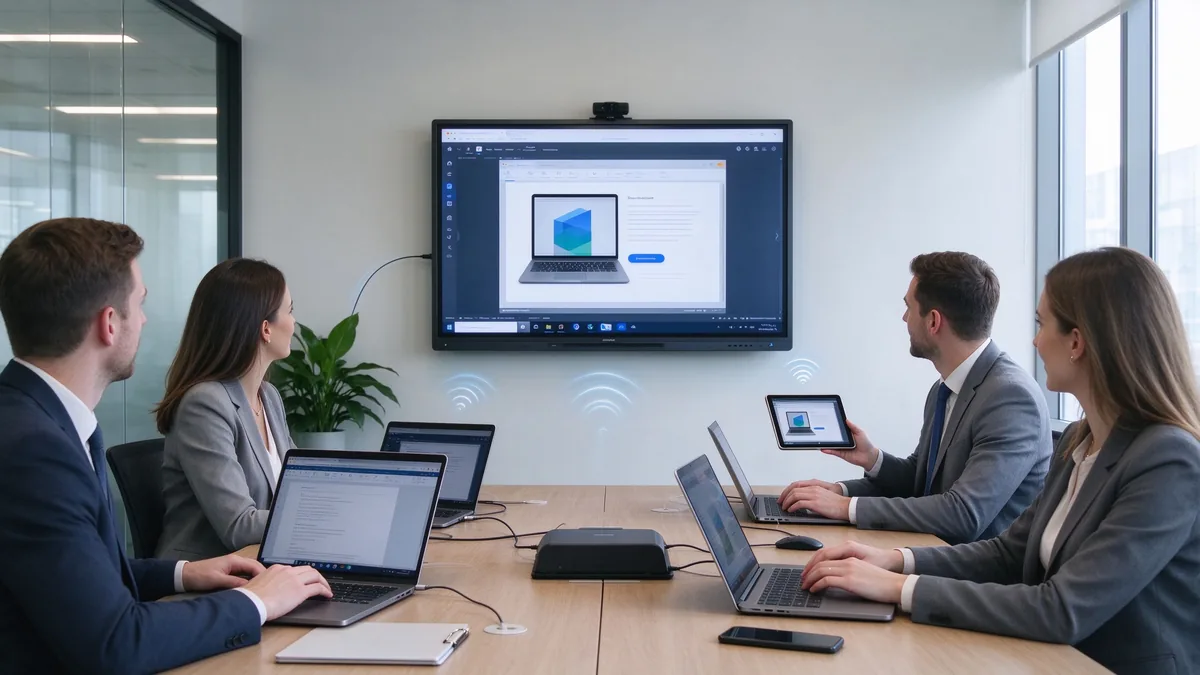
A wireless presentation display is only useful if people can present from their own devices without IT support. Confirm that the display accepts Windows, macOS, iOS, and Android sources, whether a client app must be installed, whether several devices can cast at once (for example, quad-split view), and how guests join quickly. Security matters here too: check that the display can block unauthorized casting and that sessions can be ended and cleared after each meeting.
Сярэдне
In hybrid meetings, on-site and remote participants need to annotate the same canvas in real time. Ask about synchronization speed, whether the built-in whiteboard works with third-party meeting apps, and how meeting content is saved, exported, and shared. Fast, reliable collaboration is what turns a display from a projector replacement into a productivity tool.
Step 4: Confirm Video Conferencing and Audio Readiness
Camera, microphone, and speaker coverage
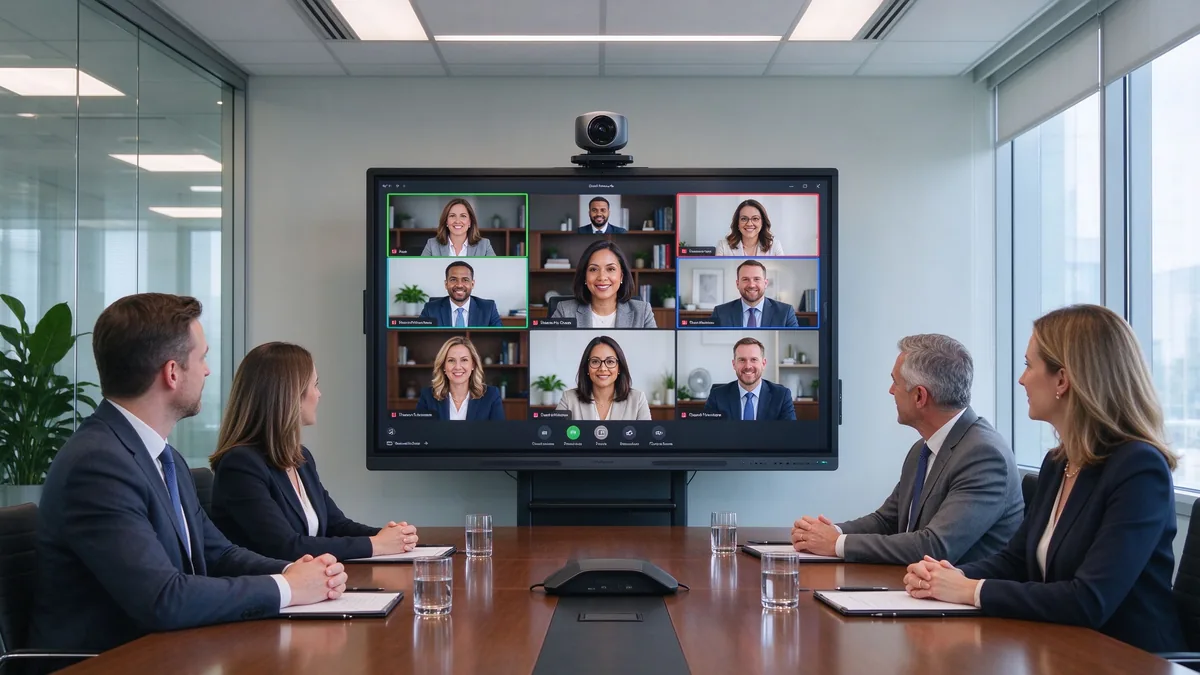
Відэаканферэнцыі цяпер з’яўляюцца стандартнай практыкай у карпаратыўных кабінетах. Праверце, ці ўбудоўная камера ці знешнім, Колькі дальшае мікрофон забрае голасі (душкі людзей, пакоі і 20 людзей, трэба вельмі розныя пакладкі), і ці прамовы можа заліць пакой на сустрэчы. Пацверджайце порты Уключыць лапатпаў BYOD.
Do not assume a smart display replaces the entire AV system
Дысплей — гэта частка пакоя, а не ўвесь пакой. Пацверджайце, што ўключанае ў пакеті і як адлюстра злучыцца з наяўным вузлом, камеры або аудыа сістэмы. Паказаць, якія могуць паказваць да інтэрфейсу або знешніх перiфераў - і праверыць у групы і сценароўы ты, што пронае належны панель.
Крок 5: Аўтарыць OS, бяспека і кіраваньня INT
Android, Windows, or dual system
The operating system determines which applications can run on the device. An Android layer covers daily meetings, wireless casting, and whiteboarding; an OPS Windows module adds the ability to run ERP, BI, or CAD applications directly on the display. If Google services matter, check for EDLA certification, and confirm how OTA updates and third-party app installation are handled.
Security and remote device management
У корпоратичным асяродзіт, дыск — канца, а не прылад. Шукаць кантакт порту USB і HDMI, усталяваць APK і захоўваць пароль. Для выкарыстання ў багатьох пакоях, аддаленае кіравання прылады (DMS) - тое, што захоўвае інтэрфейсі варты ў кантралі: Фіраўнік прылада прылада назірала, аддалены перазапусціць і выключыць, і даступныя дозволы. Без ёй, кожны пакоя стане іншы сайт трэба.
Крок 6: Разлічыць агульны кошт уладкавання (TCO) і рэнтабельнасць інвестыцый (ROI) для канферэнц-залы
Three-layer ROI framework
- Значэнне заменя прылада. One interactive display can replace a projector, a camera, a microphone system, and a traditional whiteboard. Fewer devices means less cabling, fewer failure points, and less space used.
- Аднаўленне часу сустрэчы. Estimate how much time is lost today to devices that are slow to start, cables that are missing, and screens that need adjusting. A simple formula: annual meeting time lost = number of meeting rooms × weekly meetings per room × average minutes lost per meeting × average participant hourly cost.
- Скарачэнне выдаткаў на кіраванне ІТ. Centralized management replaces per-room maintenance. Track current field-support hours, then compare them with a DMS-managed fleet.
Спіс праверкі TCO
A five-year total cost of ownership view covers purchase price, installation, software licenses, maintenance, spare parts, energy, and training. Two points matter for multi-room projects: bulk purchasing lowers marginal cost, and factory-direct supply removes intermediary markups. Ask suppliers for a landed-cost breakdown, including delivery to your region and any import requirements.
What’s Different in 2026 When Choosing a Boardroom Smart Display?
A few developments now influence buying decisions in ways they did not two or three years ago:
- Сустрэчы з дапамогай штучнага інтэлекту. AI meeting notes, AI noise reduction, and auto-framing cameras are becoming standard features rather than add-ons.
- Сертыфікат Google EDLA Зрабіць у критеры для інструментаў Android, Таму што яна дыяпазае доступ до сервісаў Google і абнаўленні бяспекі.
- Certification levels for Microsoft Teams and Zoom Дазвольце купувальнік праверыць узгоднаваць, замест адумаць яго.
- Zero-trust security and data residency Цяпер патрабаванні распаўсюджваюцца на ўсе прылады ў памяшканні, а не толькі на серверы і ноўтбукі.
- USB-C single-cable connectivity and AV-over-IP simplify cabling and central control.
- Sustainability and energy targets are entering procurement checklists for large rollouts.
- Standardized multi-room deployment — the same model, firmware, and configuration across rooms — is becoming the norm for corporate headquarters.
How to Match the Display to Different Boardroom Use Cases
Executive board meetings
Executive rooms favor a premium appearance, fast wireless casting, quiet and stable operation, and reliable meeting notes with annotation. Downtime in front of the board is not acceptable, so reliability and support matter more than price.
Hybrid meetings
Camera angle, microphone pickup, and remote participant visibility decide whether hybrid meetings work. Prioritize video conferencing readiness, Teams and Zoom compatibility, and a display whose camera and audio can be upgraded.
Training and presentation rooms
Training rooms need large sizes, multi-touch, whiteboard annotation, long runtime, and often a mobile cart so the display can move between spaces.
Client-facing meeting rooms
For rooms where customers sit, brand matters: a custom logo, startup screen, fast guest join, data security, and multilingual interfaces. This is where OEM/ODM options become relevant.
Multi-room corporate deployment
For a headquarters rollout, plan for unified sizes and system UI, batch configuration, remote management, spare parts, phased delivery, and a supplier that can coordinate across regions.
How to Evaluate a Smart Display Supplier
A boardroom project is a long-term purchase; the supplier is as important as the product. The questions below apply whether you buy as an enterprise, a distributor, or an integrator.
Product capability
Confirm that the supplier has its own product development, a range of sizes, and the ability to configure hardware, system, interface, and software. A supplier that can provide samples and engineering support is easier to validate.
Factory and production capability
Ask about factory area, production lines, monthly capacity, key component sourcing, assembly and burn-in testing, and quality control. For volume projects, batch consistency matters as much as the first unit.
OEM/ODM capability
If you plan to sell under your own brand, confirm the scope of customization: logo, appearance, boot animation, UI, size and bezel, touch and display options, camera, microphone, speaker, ports and mainboard, packaging and manuals, software preload, and project-specific features.
Quality assurance
A credible supplier documents incoming inspection, in-process inspection, burn-in testing, touch/display/audio/interface testing, outgoing inspection, and batch traceability — and has a clear DOA and repair policy.
After-sales and project support
Review warranty terms, technical support response, spare parts availability, firmware upgrades, remote diagnostics, installation training, and support for distributors, integrators, and contractors, including cross-border after-sales.
Qtenboard operates three factories in China with a combined area of approximately 330,000 square meters and around 1,000 employees, and exports to more than 100 countries. The company positions itself as a commercial smart board supplier serving system integrators, distributors, and project contractors, with OEM/ODM services covering logo, packaging, UI, hardware configuration, software, and project-specific requirements. Its company page describes the manufacturing setup, and the warranty policy outlines standard after-sales terms.
Why Consider Qtenboard for Boardroom Projects?
For buyers working through the framework above, Qtenboard is a reasonable candidate to include on a shortlist. The reasons are practical rather than promotional:
Multiple sizes for different meeting spaces
The 55–110 inch range covers small meeting rooms, medium conference rooms, large boardrooms, and training spaces with a single product family.
Integrated meeting functions
4K conference display, touch annotation, wireless casting, file collaboration, meeting software compatibility, and multi-device connection are combined in one unit, reducing the device stack a room needs.
Factory-direct B2B supply
Qtenboard supplies distributors, integrators, and project contractors directly, with bulk pricing, configuration advice, OEM/ODM options, and configurations adjusted by target market.
Global project experience
The company supports multi-region delivery, batch consistency, and brand and integrator projects, with supply chain backing for large rollouts. See the Сервіс OEM/ODM page for the customization scope and the interactive whiteboard products page for the current range.
| Buyer priority | Qtenboard value proposition |
|---|---|
| Room-size flexibility | Multiple interactive display sizes |
| Спрабаванне | Touch writing and wireless casting |
| Project customization | OEM/ODM hardware, software, and branding |
| Supplier stability | Large-scale manufacturing and global B2B experience |
| Deployment support | Support for distributors, integrators, and contractors |
Qtenboard Boardroom Smart Display Configuration Example
Сцэнару: a mid-size enterprise meeting room with 8–12 people, used for weekly management meetings. Participants bring Windows laptops and MacBooks, present Excel, PPT, and sales data, and some join remotely.
Suggested configuration direction:
- 75 or 86 inch 4K interactive display
- Multi-touch and built-in whiteboard
- Wireless casting from Windows, macOS, iOS, and Android
- HDMI, USB, LAN, and Wi-Fi connectivity
- Integrated or external camera, microphone, and speakers
- Wall mount or mobile stand
- For volume projects: custom logo, startup screen, and packaging
Procurement verification points: farthest-seat legibility, the wireless casting security mechanism, video conferencing compatibility with your platform, meeting note export and sharing, and the supplier’s sample and project support.
Procurement Checklist: What to Confirm Before Ordering
Before purchase
- Room dimensions, farthest viewing distance, participant count, and meeting types
- Need for touch, multi-user collaboration, camera, microphone, and speakers
- The devices and meeting platforms your employees actually use
- Network security and device management requirements
- Quantity, delivery regions, and installation dates
Supplier evaluation
- Complete specification sheet, sample, or video demonstration
- Operating system and software version, wireless casting protocols
- Ports and expansion options
- Burn-in testing and outgoing inspection evidence
- Warranty, spare parts, and technical support terms
- OEM/ODM MOQ and development lead time, if relevant
Order confirmation
- Model, size, logo, packaging, and system UI
- Certifications, plug type, and voltage for the destination market
- Mounting method, delivery batches, and packaging plan
- Inspection standard and acceptance process
Common Mistakes When Buying a Smart Board for a Conference Room
- Comparing screen size only, while ignoring viewing distance and content legibility.
- Comparing unit prices without calculating five-year total cost of ownership.
- Assuming every display is compatible with Zoom or Teams without checking certification.
- Overlooking camera, microphone, and speaker coverage for the actual room size.
- Testing demo content only, not long-running operation or batch consistency.
- Skipping the wireless casting security review.
- Not confirming who owns system upgrades and after-sales responsibility.
- Treating an education whiteboard as a business meeting display.
- Ignoring distributor, integrator, or regional after-sales capability.
- Ordering without a final configuration confirmation sheet from the supplier.
Часты пытанні
Which smart display should a company use in a boardroom?
For 2–6 people, consider 55–65 inches; for 6–12, 75–86 inches; for larger boardrooms, 86–110 inches or a multi-display setup. Combine room size with farthest viewing distance, content type, video conferencing needs, and budget.
What should I look for when buying a smart board for a conference room?
Evaluate size and viewing distance, native 4K, touch response, multi-user writing, wireless casting compatibility, video conferencing connectivity, ports and system security, and the supplier’s quality and customization capabilities.
Is an interactive whiteboard better than a TV for business meetings?
If the room mainly plays video, a commercial TV may be enough. If you need annotation, collaboration, whiteboarding, and wireless casting, a conference room interactive whiteboard is usually the better fit.
What size smart board is best for a conference room?
There is no universal answer: match the size to the farthest viewing distance, participant count, and content type. For a typical mid-size conference room, 75–86 inches is a sensible range to evaluate first.
Can Qtenboard customize smart displays for business projects?
Yes. Qtenboard provides OEM/ODM services for distributors, system integrators, and project contractors, covering logo, packaging, UI, hardware configuration, software, and project-specific requirements.
Does Qtenboard support bulk orders and global delivery?
Qtenboard supplies global B2B customers with volume orders and project support. MOQ, lead time, certification, and destination requirements are confirmed per project with the sales team.
Need Help Choosing the Right Smart Display for Your Boardroom?
Different roles need different answers, so the next step depends on who you are:
| Role | Recommended next step |
|---|---|
| Enterprise procurement | Get a boardroom display recommendation |
| IT manager | Download security and compatibility checklist |
| AV integrator | Request project configuration support |
| Раслікувач | Request OEM/ODM catalog and sample |
| Large project | Schedule a factory video audit |
Send us your room size, seating capacity, preferred screen size, meeting platform, quantity, and target market. Qtenboard can recommend a suitable configuration for your conference room, corporate rollout, or OEM/ODM project. Reach the team through the contact page.
To prepare a useful recommendation, the sales team will ask for: name, company, business type, country or target market, room size, number of participants, preferred screen size, required quantity, OEM/ODM need, video conferencing platform, required delivery date, and a short message about the project.
