
 EN
EN
 pt
pt  spa
spa  th
th  vie
vie  aze
aze  bel
bel  est
est  lav
lav  ukr
ukr  ru
ru How to Choose a Smart Display for Your Boardroom in 2026
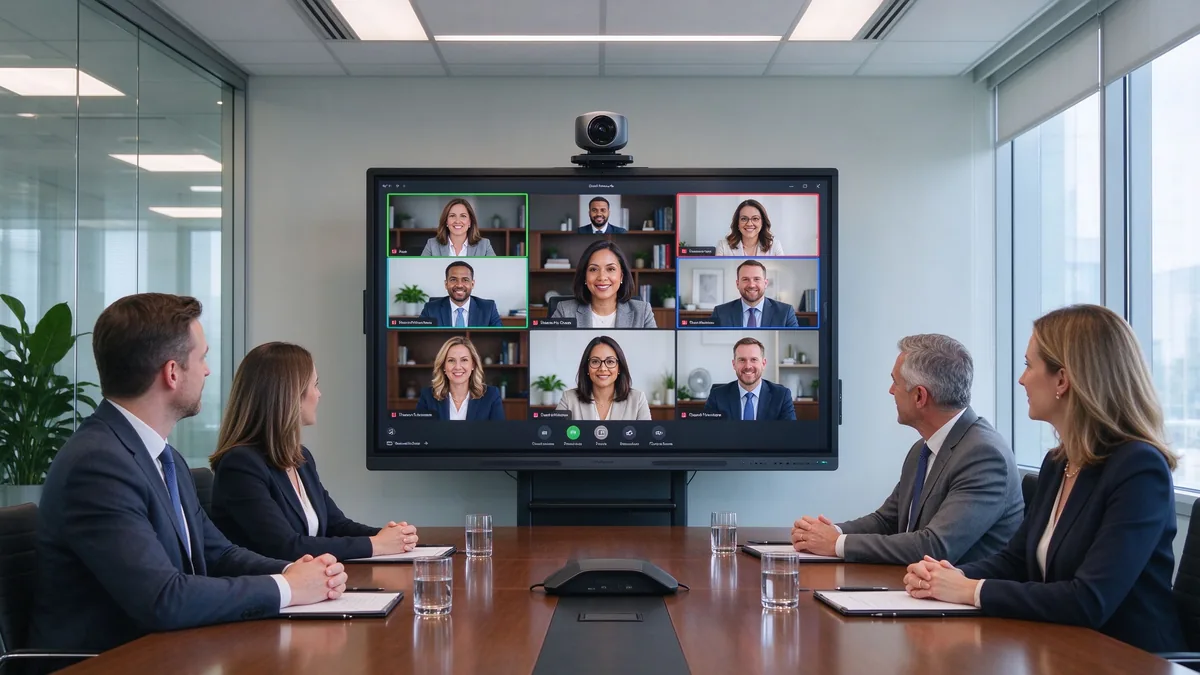
Choosing a display for a boardroom is not the same as picking a large TV for a lounge. In a corporate environment, a smart display for boardroom use is decision infrastructure: it determines how quickly meetings start, how cleanly remote participants collaborate, and how much time the IT team spends supporting it. Choose well, and meetings run faster with fewer interruptions. Choose poorly, and you can end up with a screen that is illegible from the back row, a casting system that fails with half the laptops in the office, an installation that drags on for weeks, or a fleet of devices that is difficult to manage across multiple rooms.
This guide is written for procurement teams, IT managers, AV integrators, and office equipment distributors planning a conference room rollout. It covers eight practical dimensions — size and viewing distance, display and touch performance, wireless casting, video conferencing readiness, operating system and security, total cost of ownership, supplier capability, and after-sales support — and explains how to match each one to your actual meeting rooms. The result should be a shortlist you can defend to your stakeholders, not a list of impressive specifications.
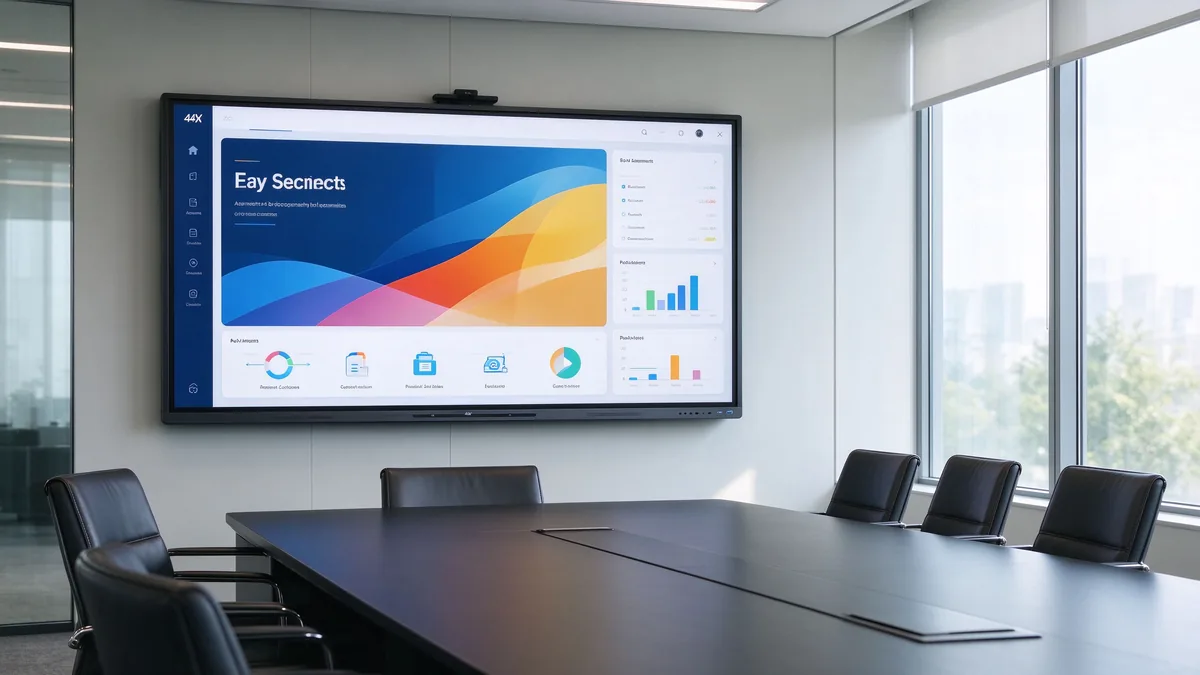
Quick Answer: Which Smart Display Should a Company Use in a Boardroom?
If you need a fast recommendation, here is a starting point. These are typical configurations for rectangular meeting rooms with the display mounted on the short wall; adjust for your longest viewing distance.
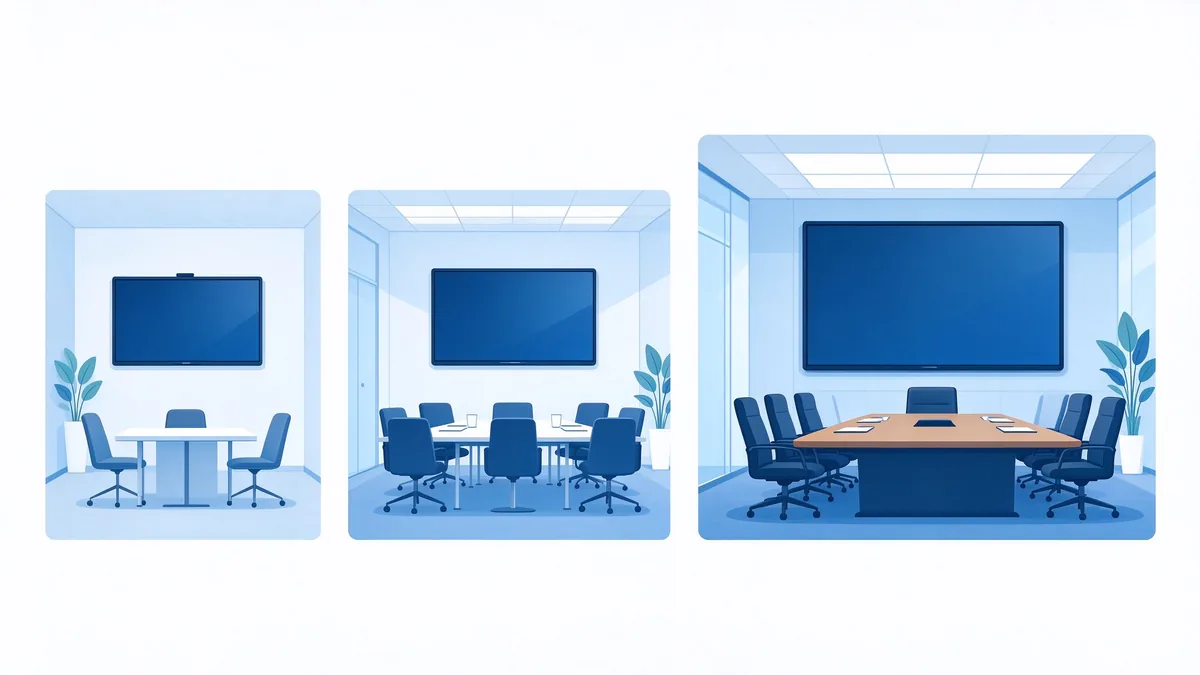
- Small meeting rooms (2–6 people): 55–65 inches
- Medium conference rooms (6–12 people): 75–86 inches
- Large boardrooms (12–20 people): 86–98 inches
- Executive or training rooms (20+ people): 98–110 inches, or a multi-display setup
- Core requirements for all of them: native 4K UHD, multi-touch, wireless casting, compatibility with your video conferencing platform, and enterprise-grade security with remote device management
- Fit for B2B buyers: Qtenboard offers 55–110 inch 4K interactive whiteboards with wireless collaboration, touch annotation, and OEM/ODM configuration for corporate and project orders.
What to Look for When Buying a Smart Board for a Conference Room
Before comparing prices, build an evaluation framework. Most failed purchases happen because buyers compare one specification — usually screen size or unit price — while ignoring the conditions in which the display will actually be used. The table below summarizes six dimensions that matter for a conference room smart board.
| Evaluation dimension | What buyers should confirm |
|---|---|
| Size and viewing distance | Can the farthest seat read small text and data comfortably? |
| Display and touch | Is it native 4K, anti-glare, multi-touch, with low latency? |
| Wireless casting | Does it work across Windows, macOS, iOS, and Android? Is software required? |
| Video conferencing | Do the camera, microphone, and speakers cover the room? |
| System and security | Android, Windows, or dual system? DMS, EDLA, and port control available? |
| Supplier and service | OEM/ODM, bulk delivery, spare parts, and after-sales support in place? |
The following steps apply this framework in order, so you can work through your requirements once and end with a configuration you can send to suppliers for quotation.
Step 1: Match Display Size to Room Size and Viewing Distance
Size is the first decision a buyer sees, but it is not the only one. The right size depends on the number of participants, the shape of the room, and the content you show. The table below is a practical starting point for a typical meeting room.
| Boardroom type | Typical participants | Suggested display size |
|---|---|---|
| Small meeting room | 2–6 | 55–65 inches |
| Medium conference room | 6–12 | 75–86 inches |
| Large boardroom | 12–20 | 86–98 inches |
| Executive / training room | 20+ | 98–110 inches or multi-display |
Consider viewing distance, not only room area
Room area alone is a weak guide. What matters more is the distance from the farthest seat to the screen. Ask these questions while walking the room:
- Can the farthest participant read small fonts in Excel, financial models, or engineering drawings?
- Do you regularly split the screen into two or four windows? Split view reduces readable content size, which pushes you toward a larger panel.
- Are there columns, glass walls, or irregular seating layouts that block sightlines?
- Which mounting method fits: wall mount, mobile cart, or recessed installation?
As a rule of thumb, a person at the farthest seat should be able to read body-size text without squinting. For data-heavy boardrooms, an upgrade from 65 to 86 inches produces a measurable gain in legibility. Qtenboard also provides an interactive flat panel size calculator you can use with your own room dimensions. Whatever number you land on, test it with your real content before ordering.
Step 2: Evaluate Display, Touch, and Writing Performance
Once the size is fixed, the next question is what the panel can do. For an interactive display used in business meetings, three properties matter most: resolution, handling of ambient light, and touch quality.
4K resolution for data-heavy presentations
A native 4K UHD (3840 × 2160) panel makes a real difference when you show financial statements, CAD drawings, dashboards, or fine print. On a 75-inch screen, 4K keeps small fonts and thin lines crisp where 1080p turns them fuzzy. Also check how quickly the display switches between input sources; slow switching quietly wastes minutes in every meeting. For most corporate rooms, a 4K smart conference display is the baseline, not a luxury.
Anti-glare and brightness for real meeting rooms
Boardrooms often have floor-to-ceiling windows and strong ambient light. A screen that looks vivid in a dark demo room can wash out when the blinds are open. Look for low-reflection glass, adequate brightness, and high contrast, and — if possible — judge the panel with the room’s normal lighting on.
Touch technology and multi-user writing
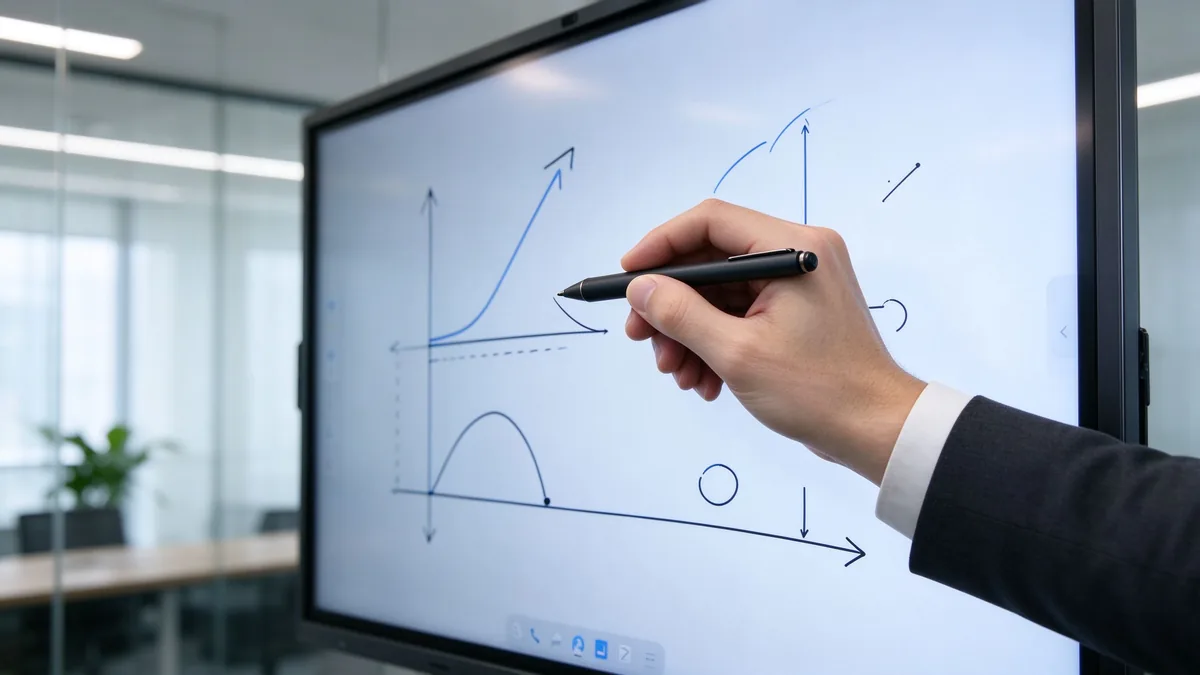
Touch quality is defined by touch points, response time, writing latency, and palm rejection. In practice, test these: can two or three people write and annotate at the same time? Does the display accept fingers, active styluses, and passive pens? Can annotations be saved, exported, and shared after the meeting? A conference room interactive whiteboard that handles these well replaces flip charts and scattered notes.
Step 3: Check Wireless Casting and Collaboration Workflow
Cross-platform wireless screen sharing
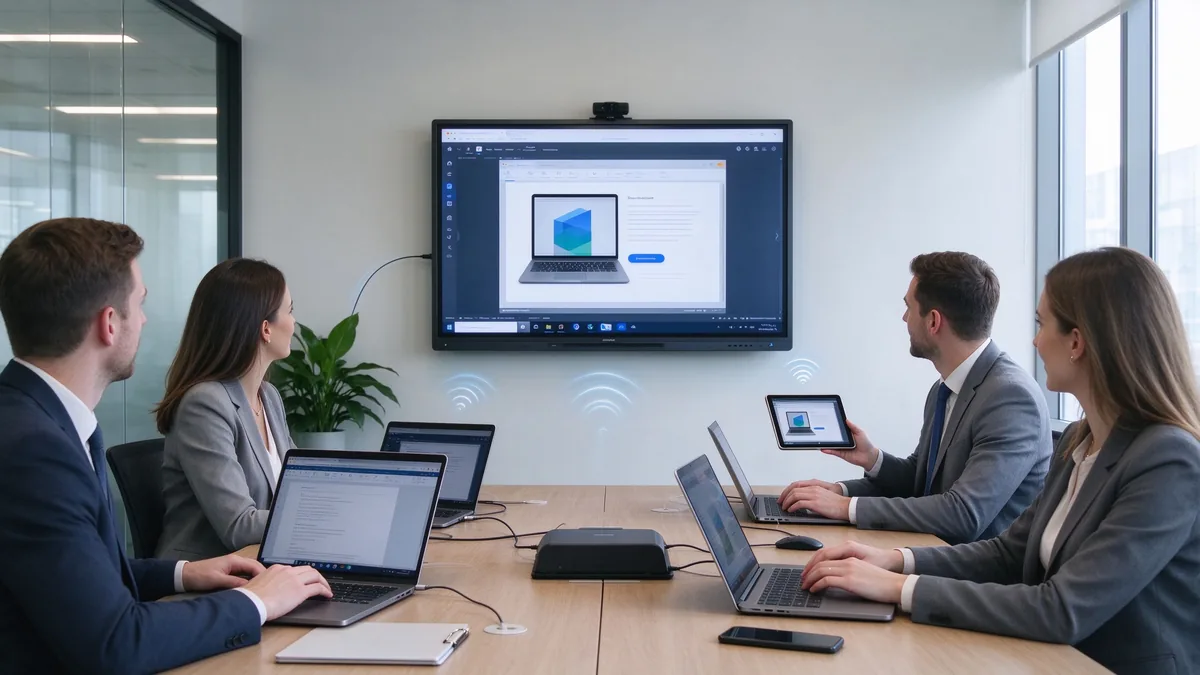
A wireless presentation display is only useful if people can present from their own devices without IT support. Confirm that the display accepts Windows, macOS, iOS, and Android sources, whether a client app must be installed, whether several devices can cast at once (for example, quad-split view), and how guests join quickly. Security matters here too: check that the display can block unauthorized casting and that sessions can be ended and cleared after each meeting.
Real-time collaboration for hybrid meetings
In hybrid meetings, on-site and remote participants need to annotate the same canvas in real time. Ask about synchronization speed, whether the built-in whiteboard works with third-party meeting apps, and how meeting content is saved, exported, and shared. Fast, reliable collaboration is what turns a display from a projector replacement into a productivity tool.
Step 4: Confirm Video Conferencing and Audio Readiness
Camera, microphone, and speaker coverage
Video conferencing is now a default expectation in corporate rooms. Check whether the camera is built in or external, how far the microphone picks up voices (a 6-person room and a 20-person boardroom need very different coverage), and whether the speakers can fill the room at meeting volume. Also confirm the ports (USB, HDMI, audio) and whether the display works with the video conferencing platform your company already uses, including BYOD laptops.
Do not assume a smart display replaces the entire AV system
A display is part of the room, not the whole room. Confirm exactly what is included in the package and how the display connects to an existing room host, camera, or audio system. Suppliers that can advise on integrated or external peripherals — and validate Teams and Zoom scenarios — are easier to work with than those selling a bare panel.
Step 5: Review OS, Security, and IT Management
Android, Windows, or dual system
The operating system determines which applications can run on the device. An Android layer covers daily meetings, wireless casting, and whiteboarding; an OPS Windows module adds the ability to run ERP, BI, or CAD applications directly on the display. If Google services matter, check for EDLA certification, and confirm how OTA updates and third-party app installation are handled.
Security and remote device management
In a corporate environment, a display is an endpoint, not an appliance. Look for fingerprint lock, USB and HDMI port control, APK installation whitelists, and password protection. For deployments across many rooms, remote device management (DMS) is what keeps IT costs under control: firmware pushed centrally, device health monitored, remote reboot and shutdown, and role-based permissions. Without it, every room becomes a separate maintenance site.
Step 6: Calculate TCO and ROI for Boardroom Deployment
Three-layer ROI framework
- Device replacement value. One interactive display can replace a projector, a camera, a microphone system, and a traditional whiteboard. Fewer devices means less cabling, fewer failure points, and less space used.
- Meeting time recovery. Estimate how much time is lost today to devices that are slow to start, cables that are missing, and screens that need adjusting. A simple formula: annual meeting time lost = number of meeting rooms × weekly meetings per room × average minutes lost per meeting × average participant hourly cost.
- IT management cost reduction. Centralized management replaces per-room maintenance. Track current field-support hours, then compare them with a DMS-managed fleet.
5-year TCO checklist
A five-year total cost of ownership view covers purchase price, installation, software licenses, maintenance, spare parts, energy, and training. Two points matter for multi-room projects: bulk purchasing lowers marginal cost, and factory-direct supply removes intermediary markups. Ask suppliers for a landed-cost breakdown, including delivery to your region and any import requirements.
What’s Different in 2026 When Choosing a Boardroom Smart Display?
A few developments now influence buying decisions in ways they did not two or three years ago:
- AI-assisted meetings. AI meeting notes, AI noise reduction, and auto-framing cameras are becoming standard features rather than add-ons.
- Google EDLA certification is turning into a screening criterion for enterprise Android displays, because it governs access to Google services and security updates.
- Certification levels for Microsoft Teams and Zoom let buyers verify compatibility instead of assuming it.
- Zero-trust security and data residency requirements now reach room devices, not just servers and laptops.
- USB-C single-cable connectivity and AV-over-IP simplify cabling and central control.
- Sustainability and energy targets are entering procurement checklists for large rollouts.
- Standardized multi-room deployment — the same model, firmware, and configuration across rooms — is becoming the norm for corporate headquarters.
How to Match the Display to Different Boardroom Use Cases
Executive board meetings
Executive rooms favor a premium appearance, fast wireless casting, quiet and stable operation, and reliable meeting notes with annotation. Downtime in front of the board is not acceptable, so reliability and support matter more than price.
Hybrid meetings
Camera angle, microphone pickup, and remote participant visibility decide whether hybrid meetings work. Prioritize video conferencing readiness, Teams and Zoom compatibility, and a display whose camera and audio can be upgraded.
Training and presentation rooms
Training rooms need large sizes, multi-touch, whiteboard annotation, long runtime, and often a mobile cart so the display can move between spaces.
Client-facing meeting rooms
For rooms where customers sit, brand matters: a custom logo, startup screen, fast guest join, data security, and multilingual interfaces. This is where OEM/ODM options become relevant.
Multi-room corporate deployment
For a headquarters rollout, plan for unified sizes and system UI, batch configuration, remote management, spare parts, phased delivery, and a supplier that can coordinate across regions.
How to Evaluate a Smart Display Supplier
A boardroom project is a long-term purchase; the supplier is as important as the product. The questions below apply whether you buy as an enterprise, a distributor, or an integrator.
Product capability
Confirm that the supplier has its own product development, a range of sizes, and the ability to configure hardware, system, interface, and software. A supplier that can provide samples and engineering support is easier to validate.
Factory and production capability
Ask about factory area, production lines, monthly capacity, key component sourcing, assembly and burn-in testing, and quality control. For volume projects, batch consistency matters as much as the first unit.
OEM/ODM capability
If you plan to sell under your own brand, confirm the scope of customization: logo, appearance, boot animation, UI, size and bezel, touch and display options, camera, microphone, speaker, ports and mainboard, packaging and manuals, software preload, and project-specific features.
Quality assurance
A credible supplier documents incoming inspection, in-process inspection, burn-in testing, touch/display/audio/interface testing, outgoing inspection, and batch traceability — and has a clear DOA and repair policy.
After-sales and project support
Review warranty terms, technical support response, spare parts availability, firmware upgrades, remote diagnostics, installation training, and support for distributors, integrators, and contractors, including cross-border after-sales.
<!-- Note for publication: confirm factory area, headcount, export-country count, and certification status with the Qtenboard sales team before publishing. -->Qtenboard operates three factories in China with a combined area of approximately 330,000 square meters and around 1,000 employees, and exports to more than 100 countries. The company positions itself as a commercial smart board supplier serving system integrators, distributors, and project contractors, with OEM/ODM services covering logo, packaging, UI, hardware configuration, software, and project-specific requirements. Its company page describes the manufacturing setup, and the warranty policy outlines standard after-sales terms.
Why Consider Qtenboard for Boardroom Projects?
For buyers working through the framework above, Qtenboard is a reasonable candidate to include on a shortlist. The reasons are practical rather than promotional:
Multiple sizes for different meeting spaces
The 55–110 inch range covers small meeting rooms, medium conference rooms, large boardrooms, and training spaces with a single product family.
Integrated meeting functions
4K conference display, touch annotation, wireless casting, file collaboration, meeting software compatibility, and multi-device connection are combined in one unit, reducing the device stack a room needs.
Factory-direct B2B supply
Qtenboard supplies distributors, integrators, and project contractors directly, with bulk pricing, configuration advice, OEM/ODM options, and configurations adjusted by target market.
Global project experience
The company supports multi-region delivery, batch consistency, and brand and integrator projects, with supply chain backing for large rollouts. See the OEM/ODM services page for the customization scope and the interactive whiteboard products page for the current range.
| Buyer priority | Qtenboard value proposition |
|---|---|
| Room-size flexibility | Multiple interactive display sizes |
| Collaboration | Touch writing and wireless casting |
| Project customization | OEM/ODM hardware, software, and branding |
| Supplier stability | Large-scale manufacturing and global B2B experience |
| Deployment support | Support for distributors, integrators, and contractors |
Qtenboard Boardroom Smart Display Configuration Example
Scenario: a mid-size enterprise meeting room with 8–12 people, used for weekly management meetings. Participants bring Windows laptops and MacBooks, present Excel, PPT, and sales data, and some join remotely.
Suggested configuration direction:
- 75 or 86 inch 4K interactive display
- Multi-touch and built-in whiteboard
- Wireless casting from Windows, macOS, iOS, and Android
- HDMI, USB, LAN, and Wi-Fi connectivity
- Integrated or external camera, microphone, and speakers
- Wall mount or mobile stand
- For volume projects: custom logo, startup screen, and packaging
Procurement verification points: farthest-seat legibility, the wireless casting security mechanism, video conferencing compatibility with your platform, meeting note export and sharing, and the supplier’s sample and project support.
Procurement Checklist: What to Confirm Before Ordering
Before purchase
- Room dimensions, farthest viewing distance, participant count, and meeting types
- Need for touch, multi-user collaboration, camera, microphone, and speakers
- The devices and meeting platforms your employees actually use
- Network security and device management requirements
- Quantity, delivery regions, and installation dates
Supplier evaluation
- Complete specification sheet, sample, or video demonstration
- Operating system and software version, wireless casting protocols
- Ports and expansion options
- Burn-in testing and outgoing inspection evidence
- Warranty, spare parts, and technical support terms
- OEM/ODM MOQ and development lead time, if relevant
Order confirmation
- Model, size, logo, packaging, and system UI
- Certifications, plug type, and voltage for the destination market
- Mounting method, delivery batches, and packaging plan
- Inspection standard and acceptance process
Common Mistakes When Buying a Smart Board for a Conference Room
- Comparing screen size only, while ignoring viewing distance and content legibility.
- Comparing unit prices without calculating five-year total cost of ownership.
- Assuming every display is compatible with Zoom or Teams without checking certification.
- Overlooking camera, microphone, and speaker coverage for the actual room size.
- Testing demo content only, not long-running operation or batch consistency.
- Skipping the wireless casting security review.
- Not confirming who owns system upgrades and after-sales responsibility.
- Treating an education whiteboard as a business meeting display.
- Ignoring distributor, integrator, or regional after-sales capability.
- Ordering without a final configuration confirmation sheet from the supplier.
Frequently Asked Questions
Which smart display should a company use in a boardroom?
For 2–6 people, consider 55–65 inches; for 6–12, 75–86 inches; for larger boardrooms, 86–110 inches or a multi-display setup. Combine room size with farthest viewing distance, content type, video conferencing needs, and budget.
What should I look for when buying a smart board for a conference room?
Evaluate size and viewing distance, native 4K, touch response, multi-user writing, wireless casting compatibility, video conferencing connectivity, ports and system security, and the supplier’s quality and customization capabilities.
Is an interactive whiteboard better than a TV for business meetings?
If the room mainly plays video, a commercial TV may be enough. If you need annotation, collaboration, whiteboarding, and wireless casting, a conference room interactive whiteboard is usually the better fit.
What size smart board is best for a conference room?
There is no universal answer: match the size to the farthest viewing distance, participant count, and content type. For a typical mid-size conference room, 75–86 inches is a sensible range to evaluate first.
Can Qtenboard customize smart displays for business projects?
Yes. Qtenboard provides OEM/ODM services for distributors, system integrators, and project contractors, covering logo, packaging, UI, hardware configuration, software, and project-specific requirements.
Does Qtenboard support bulk orders and global delivery?
Qtenboard supplies global B2B customers with volume orders and project support. MOQ, lead time, certification, and destination requirements are confirmed per project with the sales team.
Need Help Choosing the Right Smart Display for Your Boardroom?
Different roles need different answers, so the next step depends on who you are:
| Role | Recommended next step |
|---|---|
| Enterprise procurement | Get a boardroom display recommendation |
| IT manager | Download security and compatibility checklist |
| AV integrator | Request project configuration support |
| Distributor | Request OEM/ODM catalog and sample |
| Large project | Schedule a factory video audit |
Send us your room size, seating capacity, preferred screen size, meeting platform, quantity, and target market. Qtenboard can recommend a suitable configuration for your conference room, corporate rollout, or OEM/ODM project. Reach the team through the contact page.
To prepare a useful recommendation, the sales team will ask for: name, company, business type, country or target market, room size, number of participants, preferred screen size, required quantity, OEM/ODM need, video conferencing platform, required delivery date, and a short message about the project.
