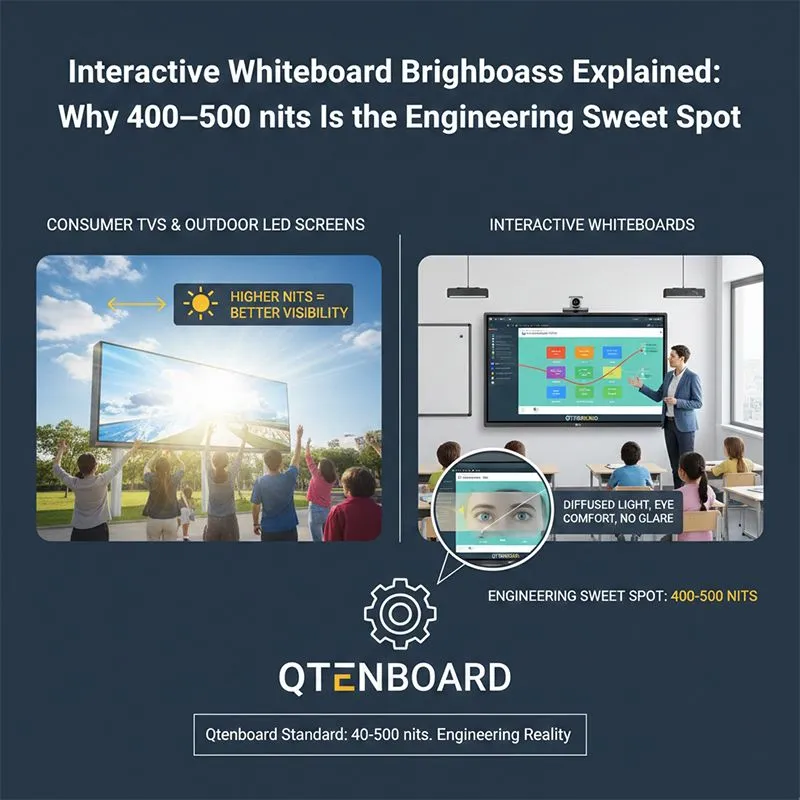
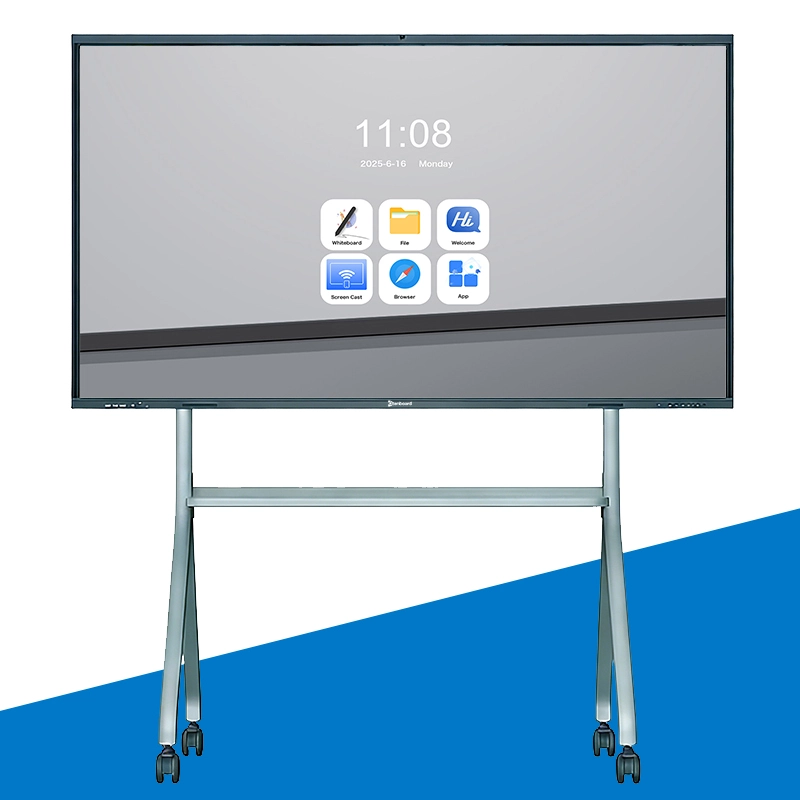
Qtenboard interactive whiteboards use 400–500 nits brightness by size.
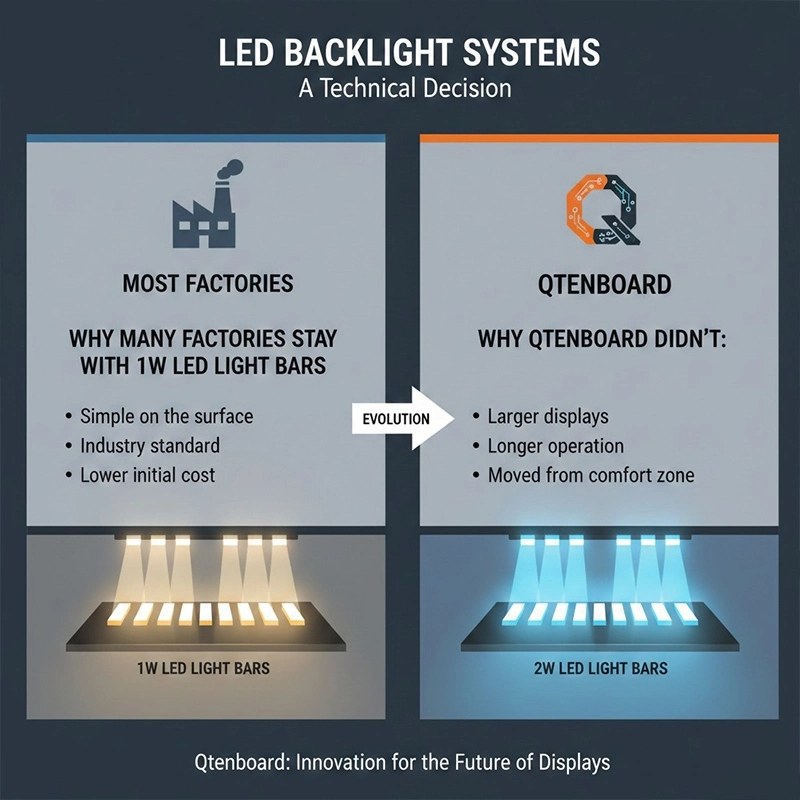
Why Qtenboard adopts 2W LED solutions through in-house engineering optimization
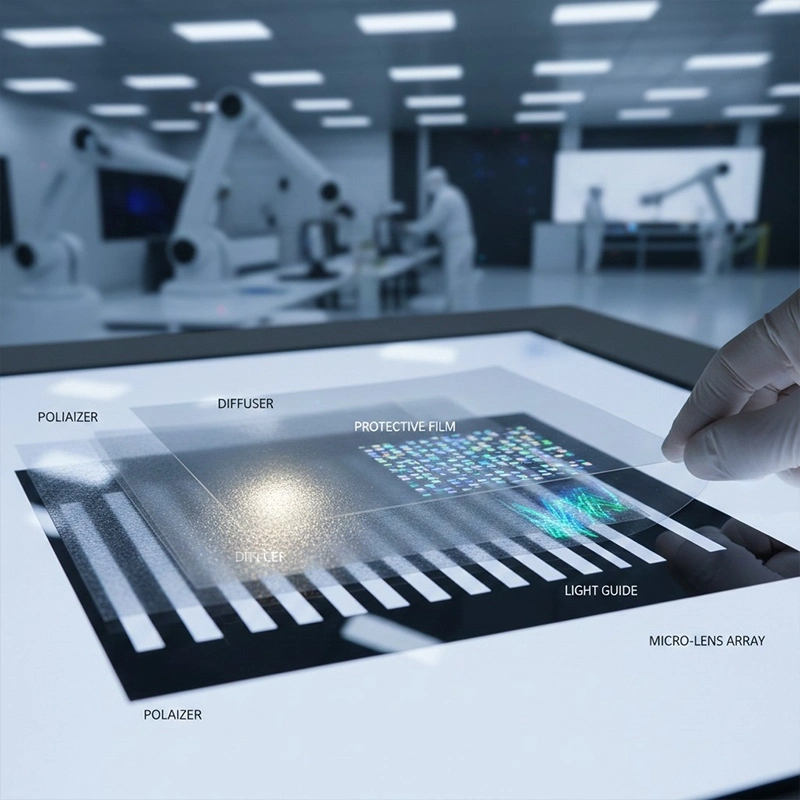
Learn optical sheets and films, their types, benefits, and how they differ from O/C adhesives.
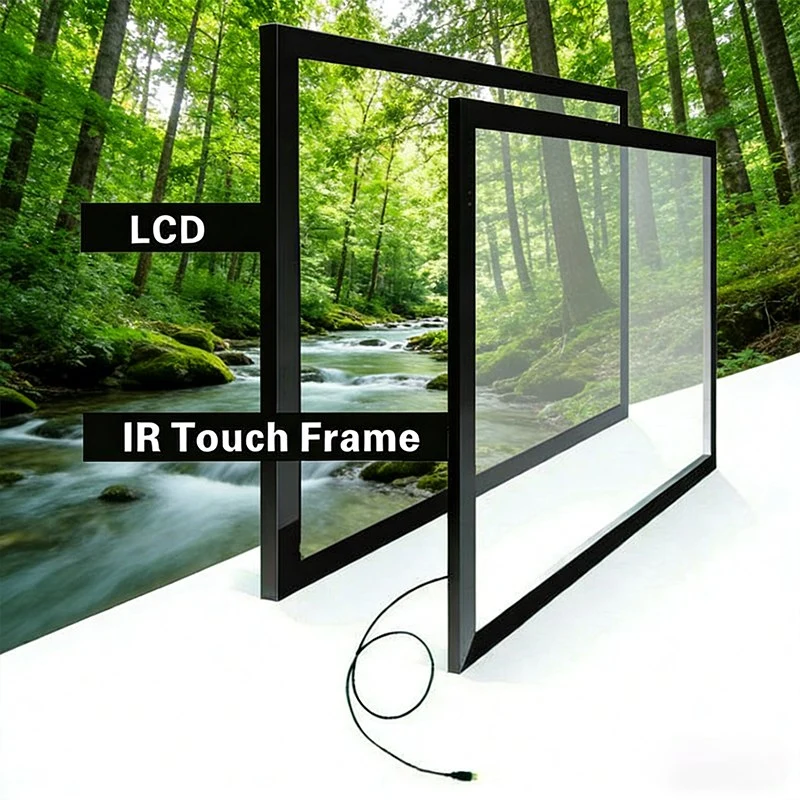
Learn about infrared and capacitive touch technologies for interactive displays.
A deep technical guide to interactive display bezels and frames, covering aluminum and steel materia
Learn how light sensors work in commercial displays and how to choose the right setup.
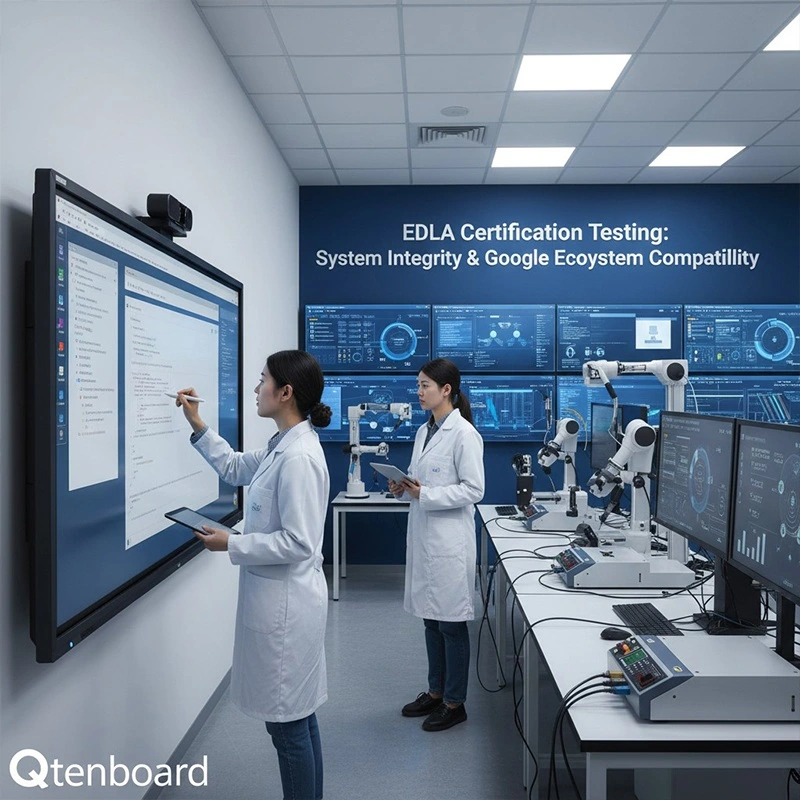
Learn what EDLA interactive whiteboard certification means, why EDLA-certified interactive displays are now mandatory in education tenders, and their key benefi
Qtenboard's interactive whiteboards are EDLA certified, helping distributors participate in tenders from government and educational institutions. The product in
Easily manage input sources on the Qtenboard 9679 interactive whiteboard

 EN
EN
 pt
pt  spa
spa  th
th  vie
vie  aze
aze  bel
bel  est
est  lav
lav  ukr
ukr  ru
ru