Manage every digital signage screen across your locations from one browser: upload media, design playlists, schedule content, and remotely control every player. No local installation—publishing content is as easy as sending an email. Built for multi-site, multi-screen, multilingual operations worldwide.

The more screens and locations you have, the more content updates, maintenance and incident response spiral out of control. Are these six problems draining your team and budget?
Every screen needs individual attention; refreshing one campaign means visiting every location. Labor and time costs keep climbing.
Real-time playback over a flaky link means black screens and inconsistent content across screens, hurting the customer experience.
No designer, no decent visuals. Marketing requests sit in queue and campaigns miss their window.
You cannot see device status. You only hear about problems when a customer complains, and on-site repairs are costly and slow.
Pricing changes, closure notices, emergency alerts—you cannot instantly push them to every screen, and late content is lost revenue.
Global chains need multilingual content and timezone scheduling with tiered access. Spreadsheets cannot keep up.
| Workflow | Traditional manual approach | Qtenboard CMS cloud management |
|---|---|---|
| Content updates | USB sticks or emails per store, days of work | One cloud push to every screen, minutes |
| Device maintenance | On-site inspections and truck rolls, slow | Remote reboot, volume, firmware—online fixes |
| Network dependency | Offline playback breaks, screens go black | Content cached locally, keeps playing offline |
| Playback scheduling | Manual timers and manual swaps, error-prone | Auto schedule by time/date/recurrence, instant emergency push |
| Permissions | No permission system, chaos | Sub-accounts with tiered access, safe collaboration |
Qtenboard CMS solves all of this with centralized cloud management, visual editing, local playback and remote control.
Qtenboard CMS is a fully integrated, enterprise-grade digital signage content management and streaming platform for planning, creating, organizing and executing your content strategy. Through the cloud CMS, you remotely manage, distribute and control every signage device—promo screens, kiosks, advertising displays, video walls, LCD panels and interactive whiteboards—from a single store to a thousand-screen chain.

Hardware ecosystem: Digital Signage · Interactive Whiteboards · Information Kiosks · LCD Displays
From asset intake and creative production to playback at the edge, three layers form a complete cloud digital signage loop.

Securely store, classify and govern all media assets in one place—images, video, audio, documents, web materials and live streams. Share across devices and eliminate version chaos.

Drag-and-drop visual editing without a complex workflow. A professional template library speeds up production, and instant preview verifies every layout before publishing.

Terminals download and cache content locally, so playback stays rock solid even offline, with synchronized multi-screen playback tuned to Qtenboard hardware.
Media upload, playlist design, device management, scheduling and download monitoring—every step from content to screen is controlled and traceable.
Value: Assets live in one place—no version mess, higher reuse.
Value: Marketing staff can produce content without design or IT support.
Value: Different content by time slot and area, planned in minutes.
Value: One console for all locations—cut on-site inspection costs.
Value: Timed, targeted, automated—respond fast when it matters.
Value: Zero content delays, dependable publishing.


When your screen network grows from dozens to thousands of units, permissions, operations and integrations are what matter.
Create sub-accounts with custom permissions—content editing, device management, hierarchy—built for team and multi-department collaboration.
Reboot, adjust volume, upgrade firmware, schedule power on/off. Fix common faults online and cut on-site maintenance.
Divide one screen into zones for video, images, text and live data. Ideal for digital walls, video walls, showrooms and control rooms.
Connect POS, ERP, CRM, HIS and third-party data sources to display real-time data on screen—turn signage into an operations tool.

Every advantage maps to a measurable saving—exactly why enterprises choose cloud digital signage software.
Fully cloud-hosted, nothing to install. Any browser on any laptop or PC manages all your screens.
No technical background required. Visual UI, drag-and-drop editing and one-click publishing make content work fast.
Terminals cache content locally—playback holds even on bad networks, while the cloud keeps every screen consistent.
Watch playback content and device status live, send control commands remotely, reduce downtime and maintenance cost.
Native UI in English, Spanish, Japanese, Chinese, Russian, Thai and Vietnamese—built for global brands and cross-border operations.
Whether you run a single shop or a global chain, Qtenboard CMS scales with your business—from 1 screen to 1,000.
Promo screens and new arrivals
Digital menu boards and promo screens
Lobby branding and internal comms
Campus announcements and smart classrooms
Waiting-room info and health education
Wayfinding and event information
Schedules and advertising at hubs
Public info and emergency notices


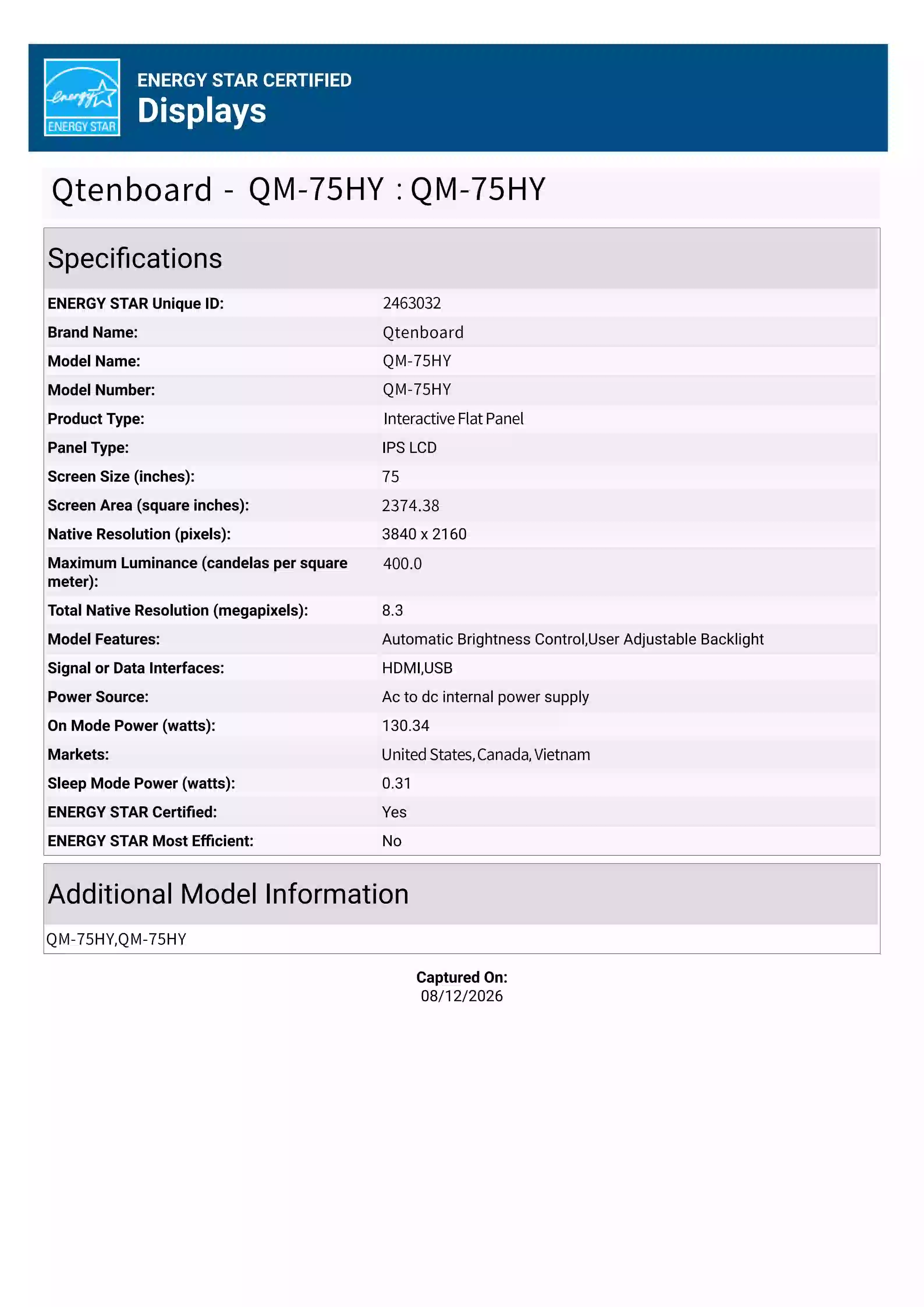
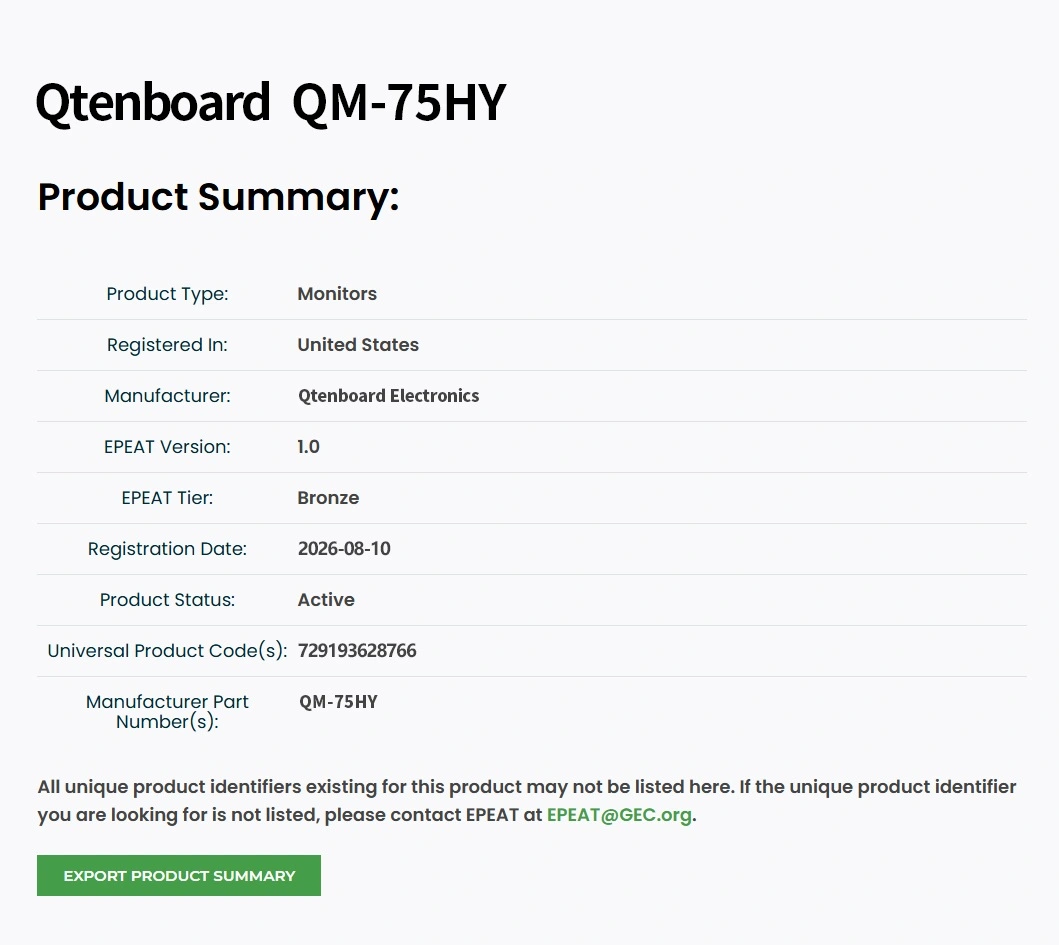
A full 7–110 inch line, Android and Windows support, and hardware pre-integrated with the CMS—selection, binding and playback in one flow.
| Hardware | Typical size | Recommended use | Product page |
|---|---|---|---|
| Wall / standing advertising displays | 21.5" – 65" | Store promotions, brand ads, public spaces | Advertising displays |
| Information kiosks | 32" – 55" | Lobby wayfinding, self-service, exhibitions | Information kiosks |
| Digital walls / video walls | 46" – 55" tiled | Control rooms, showrooms, brand walls | Video walls |
| LCD displays | 32" – 86" | Retail, office, education info screens | LCD displays |
| Interactive whiteboards | 55" – 86" | Meeting rooms, classrooms, training | Interactive whiteboards |
| Android media players | Box / onboard | Upgrade existing screens, unified fleet | Android media players |
| Digital signage players | Onboard / external | Content distribution and local caching | Signage players |
| Stretched bar / menu boards | 28" – 56" ultra-wide | Bar menus, shelf-edge strips | Digital menu boards |

From sign-in to your first live screen in three steps. No demo credentials are shown on public pages—request a demo account below.

For multinational teams, cross-border chains and multi-timezone operations: one account manages screens worldwide, content is automatically distributed by regional language, HQ stays in control with tiered regional collaboration.
Cloud-hosted with local playback caching—one global control plane.
The larger the screen network, the more you need to see and control it. Qtenboard CMS moves operations from on-site to the cloud.
Online/offline, playback content and runtime parameters in one view—spot issues before customers complain.
Reboot, adjust volume, upgrade firmware, schedule power on/off—fix issues online and reduce truck rolls.
Track every publish screen by screen; re-push failed terminals so no content is delayed.
Review play history and ad exposure metrics to optimize content and prove the value to advertisers.
Closure notices, urgent alerts, flash sales—push to all or selected screens in seconds.
Tiered permissions by department and region with auditable actions—safer teamwork.
Cloud SaaS for fast time-to-value, on-premise for data sovereignty and compliance—finance, government and healthcare keep sensitive data inside their own network.
| Dimension | Cloud CMS (SaaS) | On-premise (private) |
|---|---|---|
| Deployment | No server needed; connect online, manage from any browser | Data stored on local servers, fully controlled by your team |
| Cost model | Subscription (monthly/yearly), no extra hardware | One-time license plus server and IT maintenance |
| Data security | Encrypted cloud storage and backup, global security standards | Full data ownership for strict compliance scenarios |
| Network | Content cached locally—playback continues offline | LAN-only connection, no internet dependency |
| Best fit | Multi-site chains, SMBs, teams without dedicated IT | Large enterprises, government, finance, healthcare |
Not sure which fits? Contact us—a solution architect will recommend based on your screen count, network and compliance needs, and can arrange a live demo.
Typical deployment scenarios and reference results for evaluation; actual outcomes vary by project.

Problem: menu, pricing and promo updates require per-store work; new items and price changes are slow and inconsistent.
Problem: dozens of stores run their own screens—campaigns go live late, and device faults are discovered too late.
Problem: notices die in email or printouts; lobby screens need IT to change anything screen by screen.
Want a detailed plan and ROI estimate for your industry? → Book a solution review with a Qtenboard industry consultant.
The questions buyers ask most, answered up front.
Qtenboard CMS is Qtenboard's in-house enterprise-grade cloud content management and streaming platform for digital signage—media upload, program design, playlists, scheduling, remote device control and real-time monitoring. It serves retail, restaurants, corporate offices, education, healthcare, hospitality, transport and public institutions, from a single screen to thousand-screen chains.
No. Qtenboard CMS is cloud-hosted: open cms.qtenboard.com in any browser to manage all screens. The terminal side ships with its playback app pre-installed and connects over the internet.
Advertising displays, LCD panels, information kiosks, video walls, interactive whiteboards, Android media players, signage players and stretched bar/menu boards—7 to 110 inches across the mainstream commercial display range. Qtenboard's own hardware ships pre-integrated; compatible third-party devices can be evaluated on request.
Yes. Terminals download and cache content locally, so screens keep playing on weak or dropped networks without black frames; new content syncs automatically once connectivity returns.
From the CMS console you can reboot any terminal, adjust volume, upgrade firmware and schedule power on/off, while watching online/offline status and live playback—no site visits needed for routine issues.
Yes. The CMS UI is natively available in English, Spanish, Japanese, Chinese, Russian, Thai and Vietnamese—built for global and cross-border operations.
Qtenboard uses pre-delivery authorization: the motherboard is authorized at the factory and a dedicated account is created for your project. On site, enter the server address and customer code on the terminal to connect and bind—no complex debugging.
Yes. One screen can be divided into zones showing video, images, text and live data at once, with unified scheduling across tiled video wall setups.
Click "Request a Demo" and share your requirements in the form below, or use the contact page. A solution consultant will provision a demo account and arrange a guided walkthrough. Test credentials are not shown on public pages.
Yes. You can create multiple sub-accounts with custom rights—content editing, device management, hierarchy—tiered by department and region with auditable actions.
Yes. Qtenboard CMS offers an open API for connecting POS, ERP, CRM, HIS and other business systems, displaying live data on screen. Our engineering team supports the integration.
Cloud SaaS is ready fast and subscription-priced, ideal for multi-site chains and SMBs. On-premise keeps data on your own servers and suits finance, government and healthcare with strict data compliance. Contact us for a recommendation.
Still have questions? Contact us
Founded
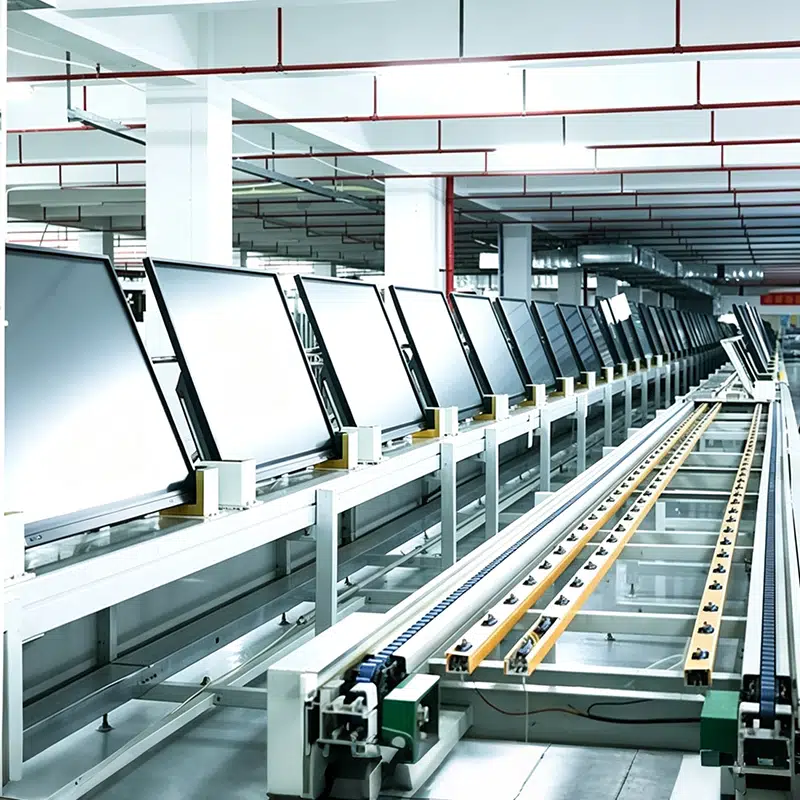
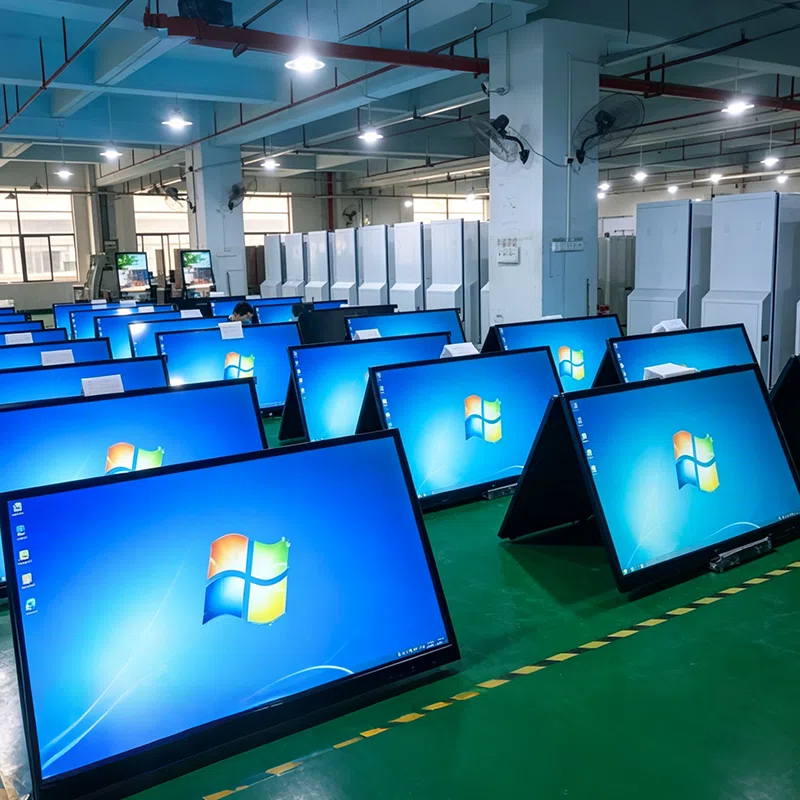
Manufacturing Area
Employees
Countries Sold



 EN
EN
 pt
pt  spa
spa  th
th  vie
vie  aze
aze  bel
bel  est
est  lav
lav  ukr
ukr  ru
ru