














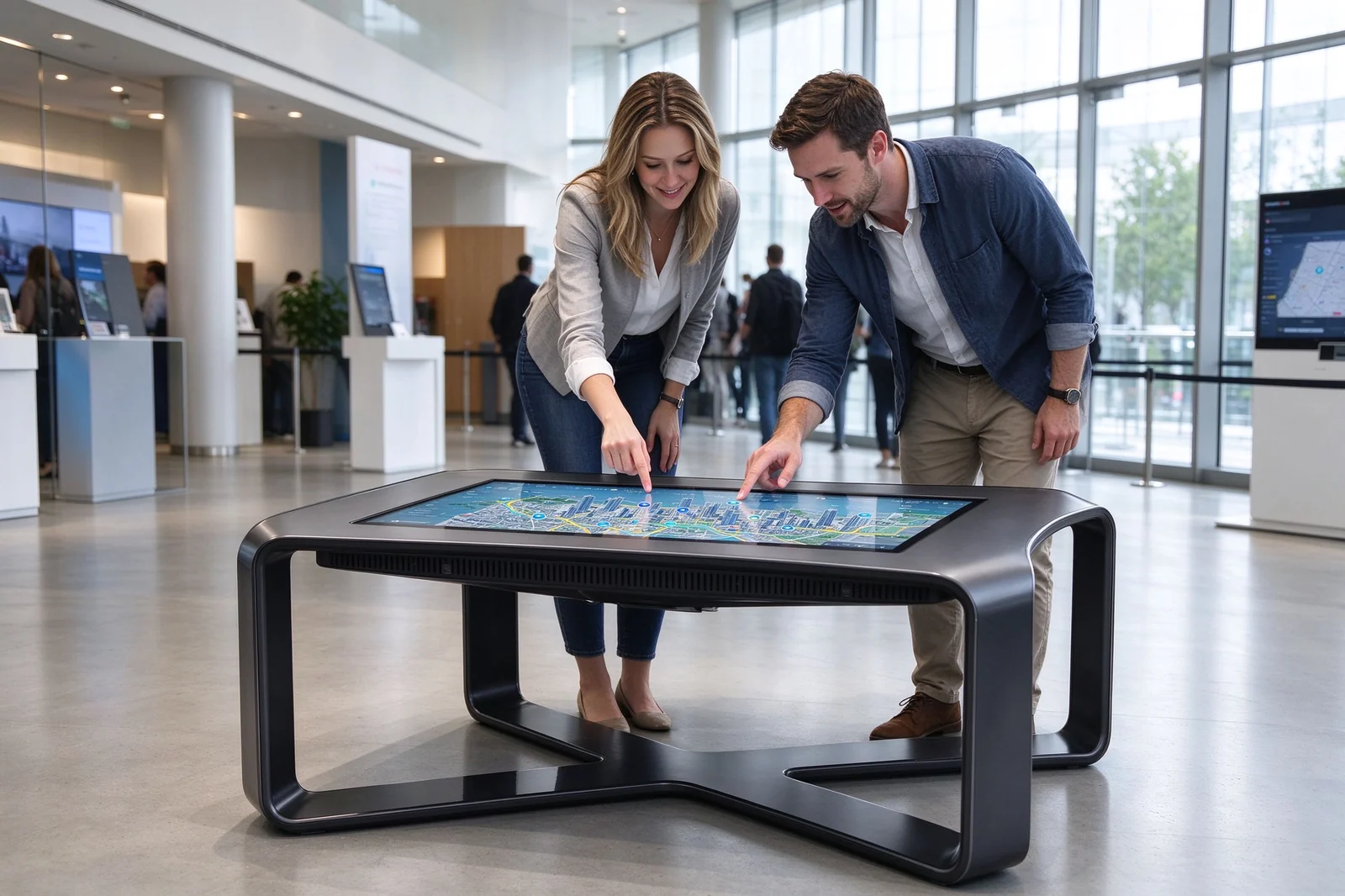
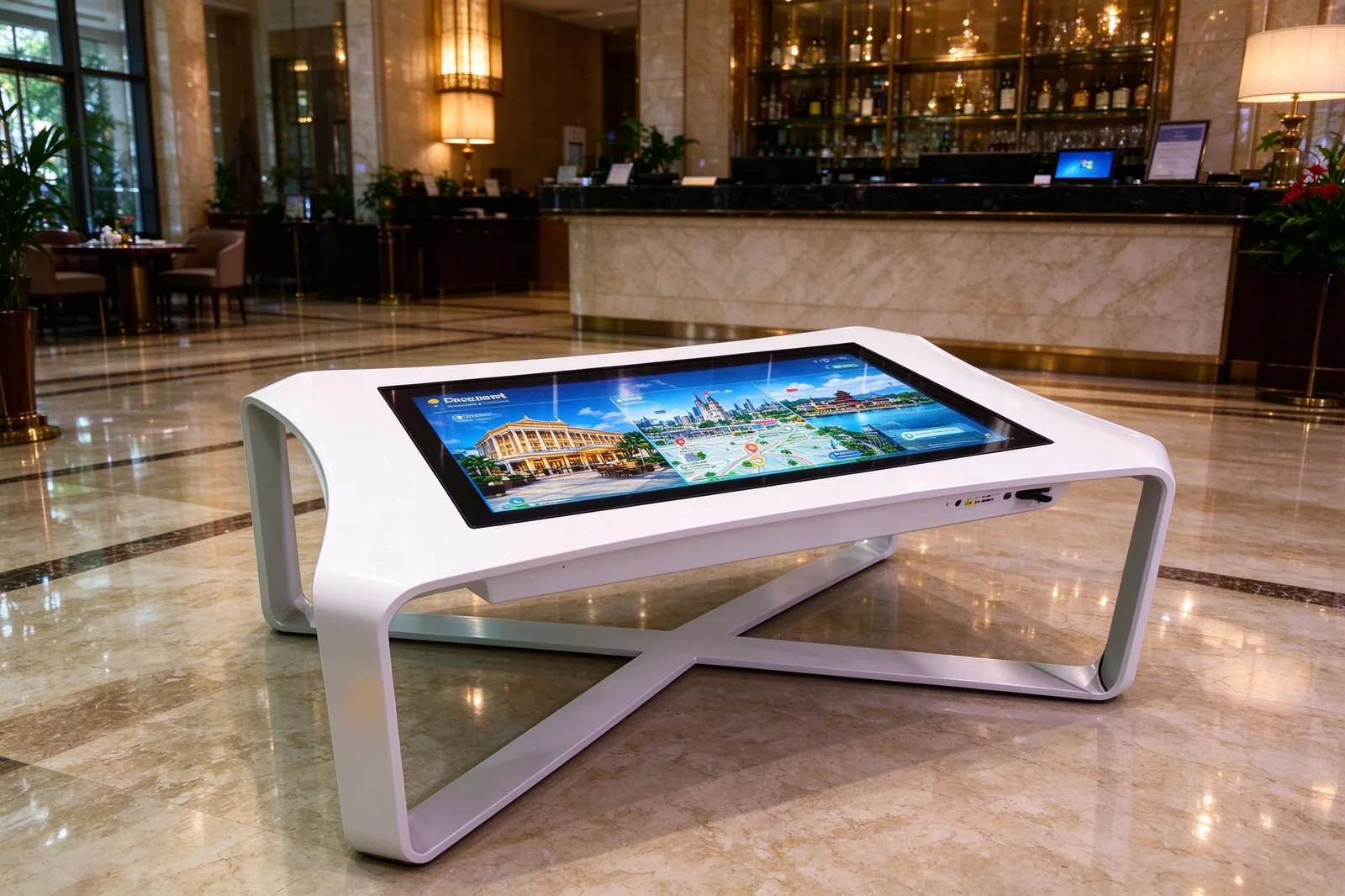
Qtenboard interactive touch tables turn a horizontal 4K multi-touch display into a shared customer experience. Built around a futuristic X-shaped base and available in black or white, every commercial touch table integrates tempered-glass protection, an Android or Windows computing platform, and a durable metal enclosure for retail stores, museums, education, exhibitions, hospitality and public spaces. As an interactive table manufacturer with in-house OEM/ODM production, Qtenboard configures screen size, touch points, table height, color, branding and software around your project.
A static poster or a one-way video wall tells the same story to every visitor. An interactive touchscreen table lets them explore it at their own pace, and it turns browsing time into measurable engagement instead of passive viewing.
| Traditional Display | Interactive Touch Table |
|---|---|
| Delivers one-way visual information | Enables hands-on exploration and participation |
| Usually designed for passive viewing | Supports multi-user interaction |
| Limited to video, image or slideshow playback | Supports apps, maps, catalogs, games and data visualization |
| Best for broadcasting messages | Best for engagement, discovery and collaborative experiences |
| Users stand in front of the screen | Users gather around a shared horizontal display |
| Content is viewed individually | Content can be explored together by multiple users |
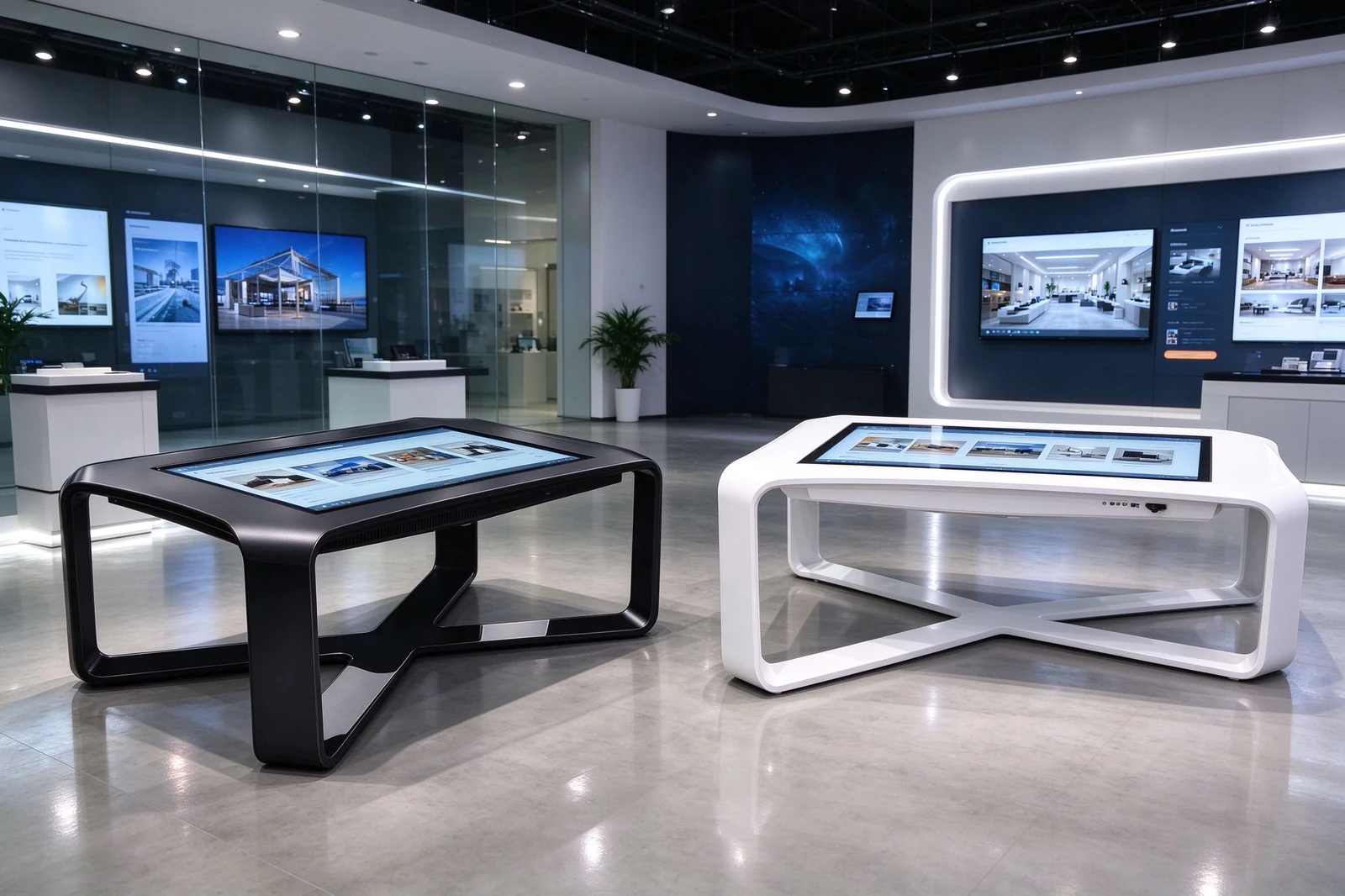
Qtenboard builds the table, the touchscreen and the computing system as one product - you order a single unit instead of stacking components from different suppliers, and the table arrives ready to install.
Qtenboard produces table enclosures in its own factory - injection molding, metal fabrication, powder coating and assembly are handled internally, which keeps customization lead times short and unit costs predictable.
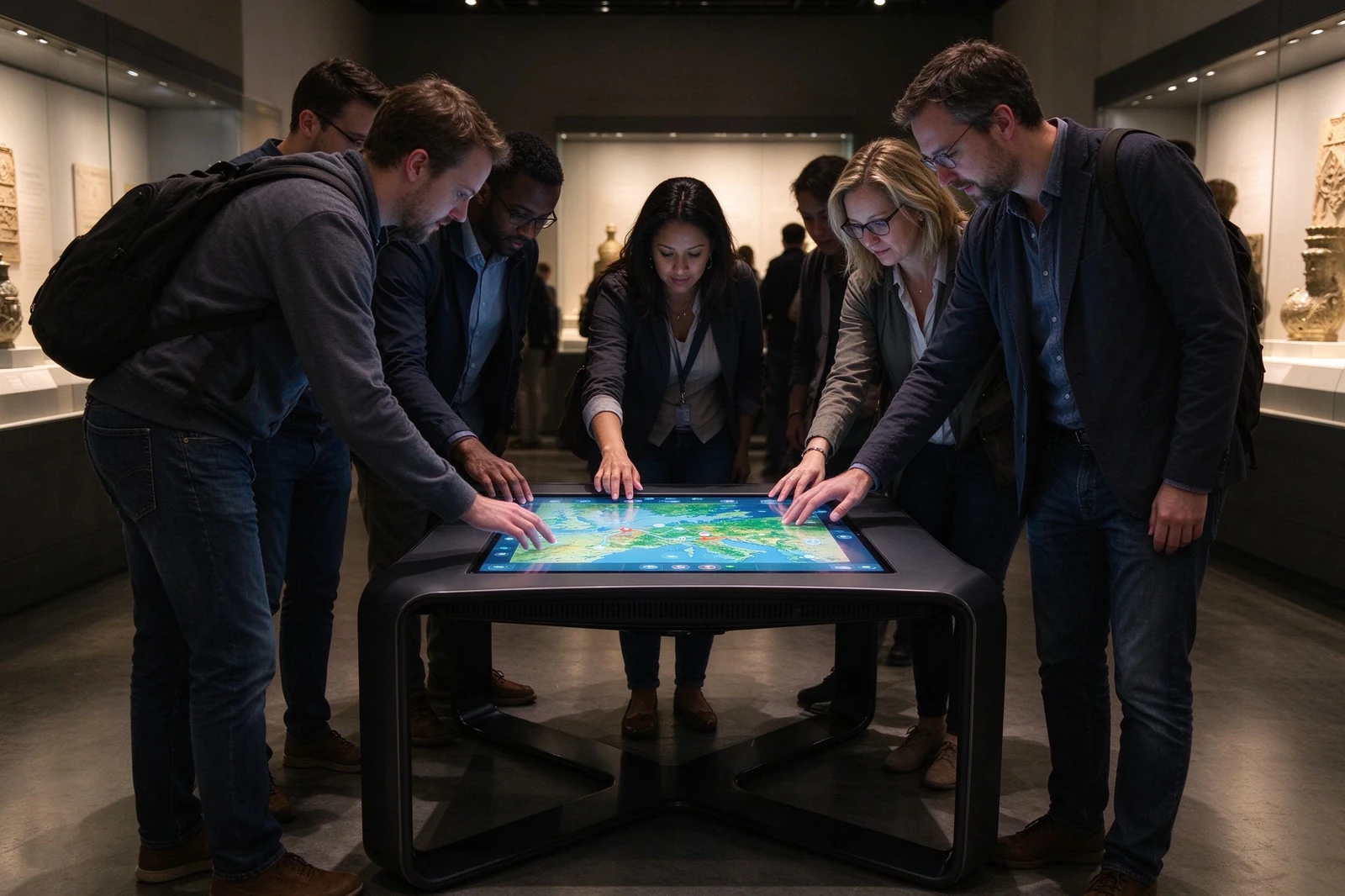
Multi-user interaction is the main reason buyers choose a horizontal interactive table over a wall-mounted panel. Qtenboard offers touch configurations from 20-point infrared to 40-point PCAP so several visitors can work on the surface at once.
| Interaction Type | Example Use Case |
|---|---|
| Product exploration | Compare product models, features, finishes and specifications |
| Digital map navigation | Browse shopping malls, campuses, properties, tourism destinations or museums |
| Interactive learning | Solve educational tasks, explore science content or participate in group activities |
| Collaborative design | Review plans, layouts, data dashboards or visual concepts |
| Customer engagement | Play branded games, browse promotions or join loyalty programs |
| Exhibition storytelling | Explore timelines, artifacts, images, videos and interactive narratives |
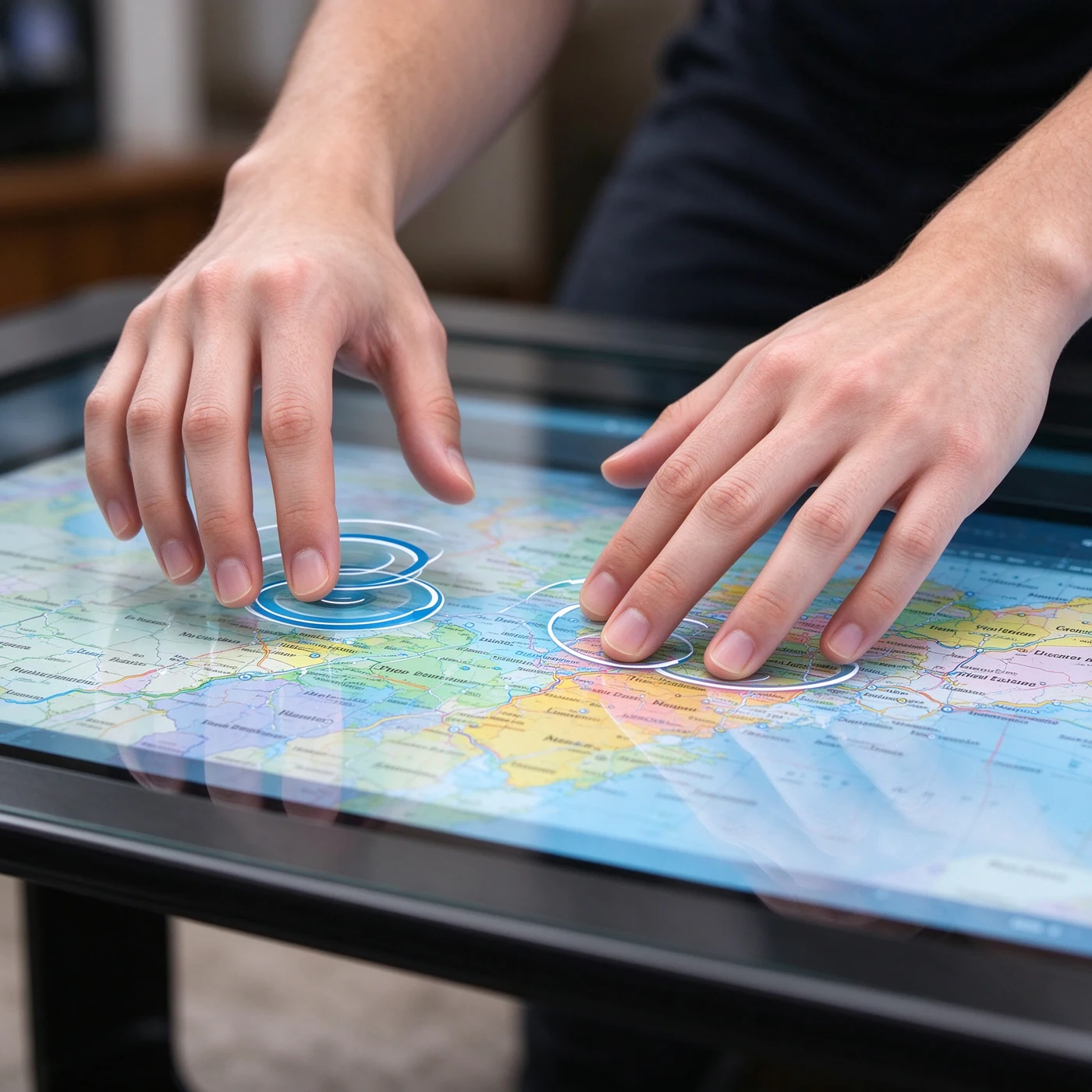
The table is engineered for daily operation in customer-facing spaces, not as a consumer TV on legs. Qtenboard pairs commercial LCD panels with 2K or 4K resolution and a 3000:1 contrast ratio so maps, product images and branded visuals stay readable from every side of the table.
| Display Capability | Project Value |
|---|---|
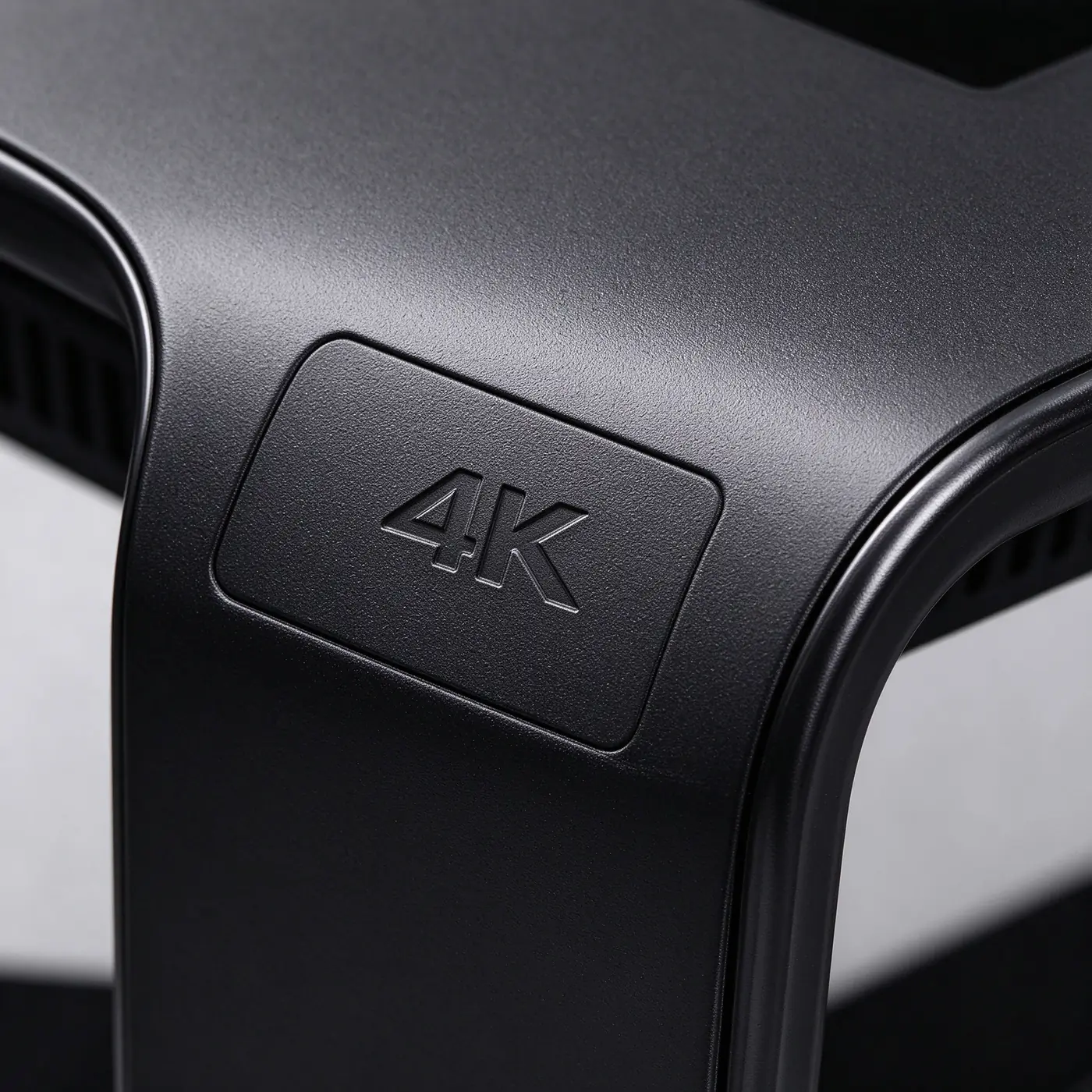
| 4K resolution option | Presents maps, product images, architectural plans and detailed visual content clearly |
| Wide viewing angle | Allows several users to view the screen from different sides of the table |
| Anti-glare surface option | Improves readability under overhead lighting and in bright indoor areas |
| Commercial LCD panel | Supports regular use in customer-facing and public environments |
| Tempered-glass protection | Protects the display surface during frequent touchscreen interaction |
| Horizontal orientation | Creates a natural shared interface for browsing, comparison and collaboration |
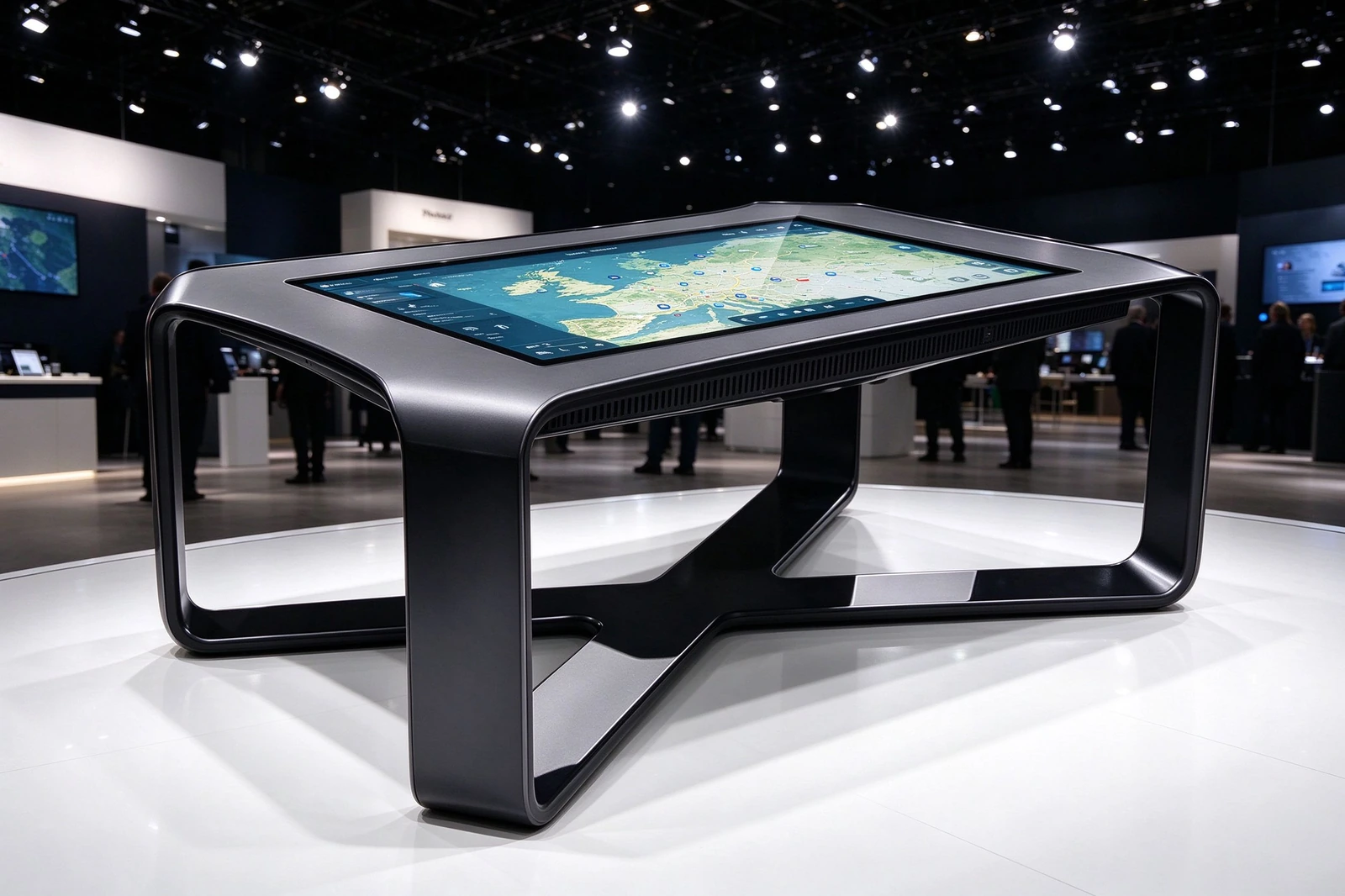
Choose the operating system that matches your software - or let Qtenboard recommend one based on your application, content workflow and remote-management needs. Android 14 and Windows configurations are available, with external-PC-ready options for AV integration projects.
| Platform Option | Suitable Applications | Key Advantage |
|---|---|---|
| Android System | Product catalogs, digital signage, simple interactive apps and public information | Easy deployment with integrated media playback and app support |
| Windows PC System | Custom applications, 3D software, interactive presentations and enterprise platforms | Strong compatibility with professional software and custom development |
| External PC Ready | AV integration projects and customer-provided computing systems | Flexibility for system integrators and specialized applications |
| Web-Based Application | Maps, cloud platforms, browser-based content and online catalogs | Convenient updates through web content and cloud services |
| CMS Integration | Retail promotions, content scheduling and multi-location management | Supports centralized content updates and scheduled campaigns |
Beyond the hardware, Qtenboard offers its own CMS for content scheduling and remote updates, DMS for device-fleet monitoring, and Windows license keys - one supplier for hardware, software and after-sales support.
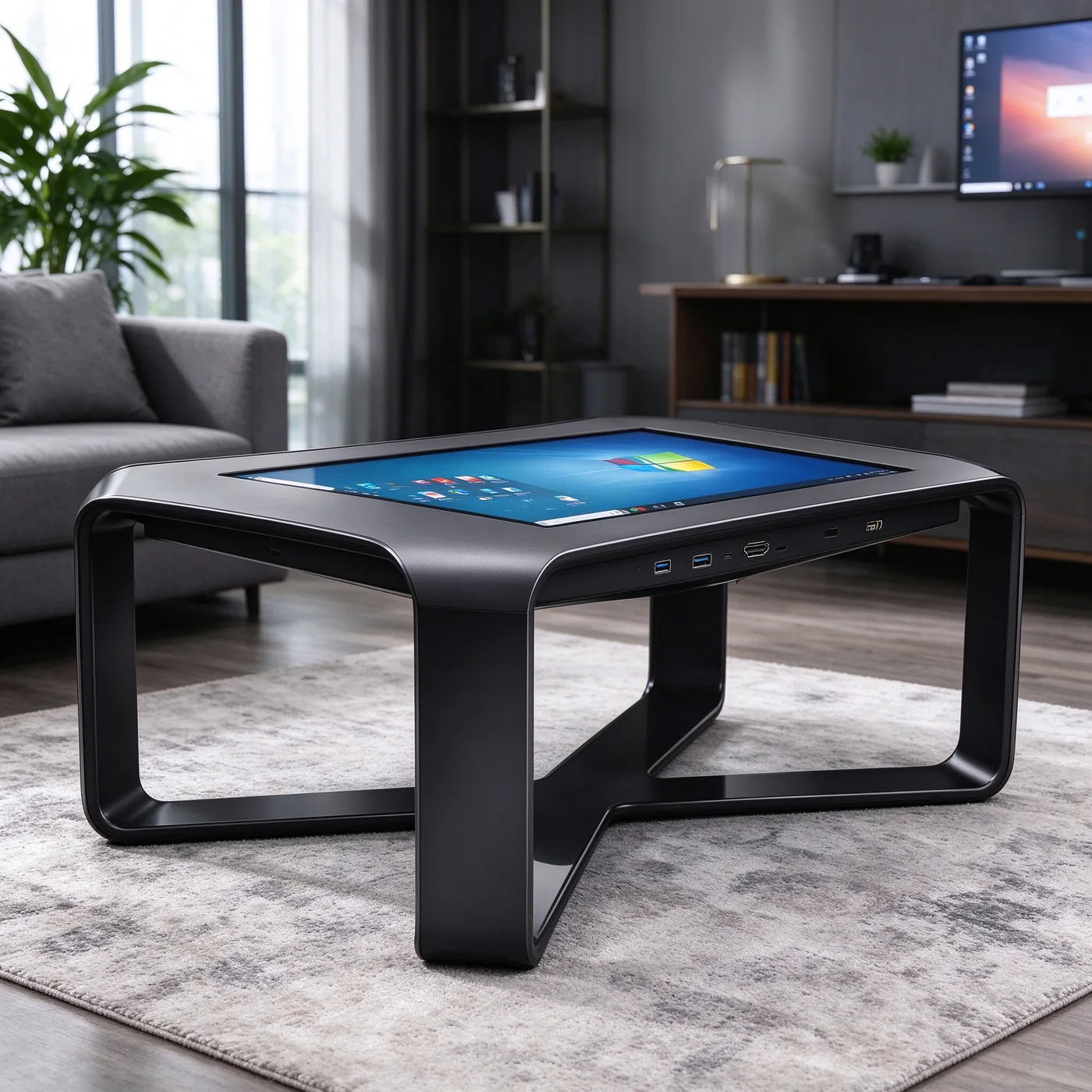
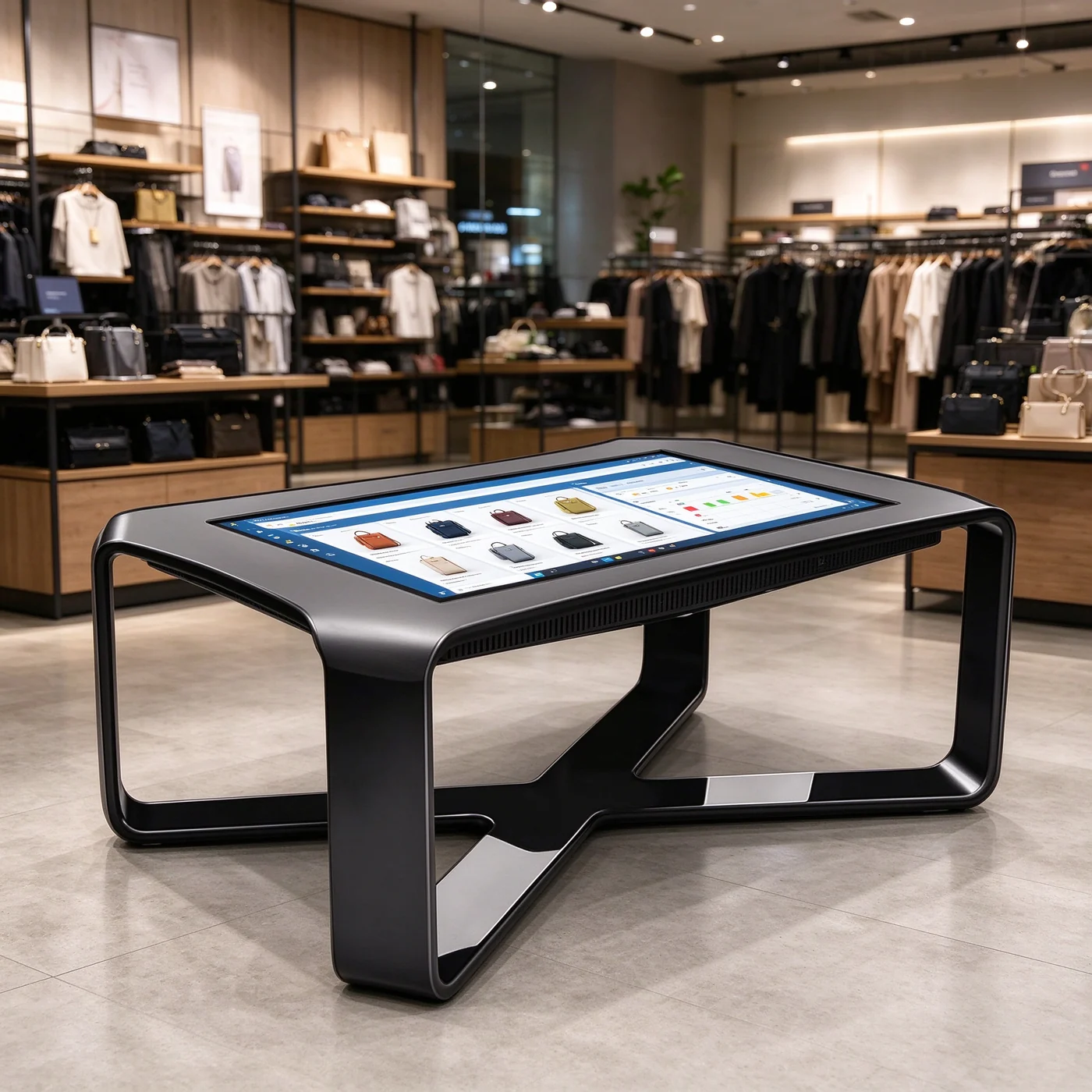
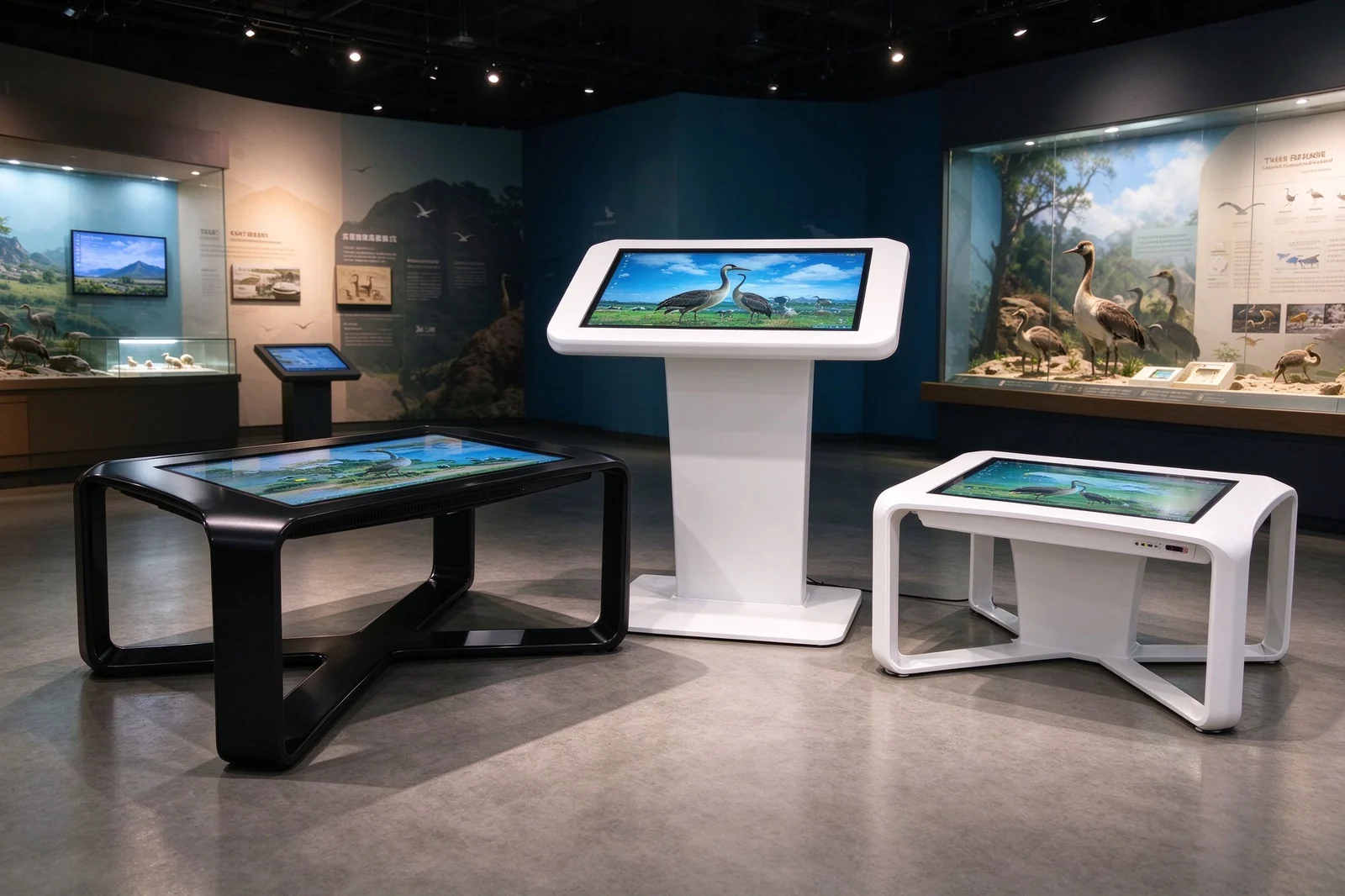
Different venues need different interactions. Qtenboard configures each touch table for its use case - from a children's education table with rounded corners to a 40-point PCAP unit for exhibition floors - so the interaction matches the audience and the space.
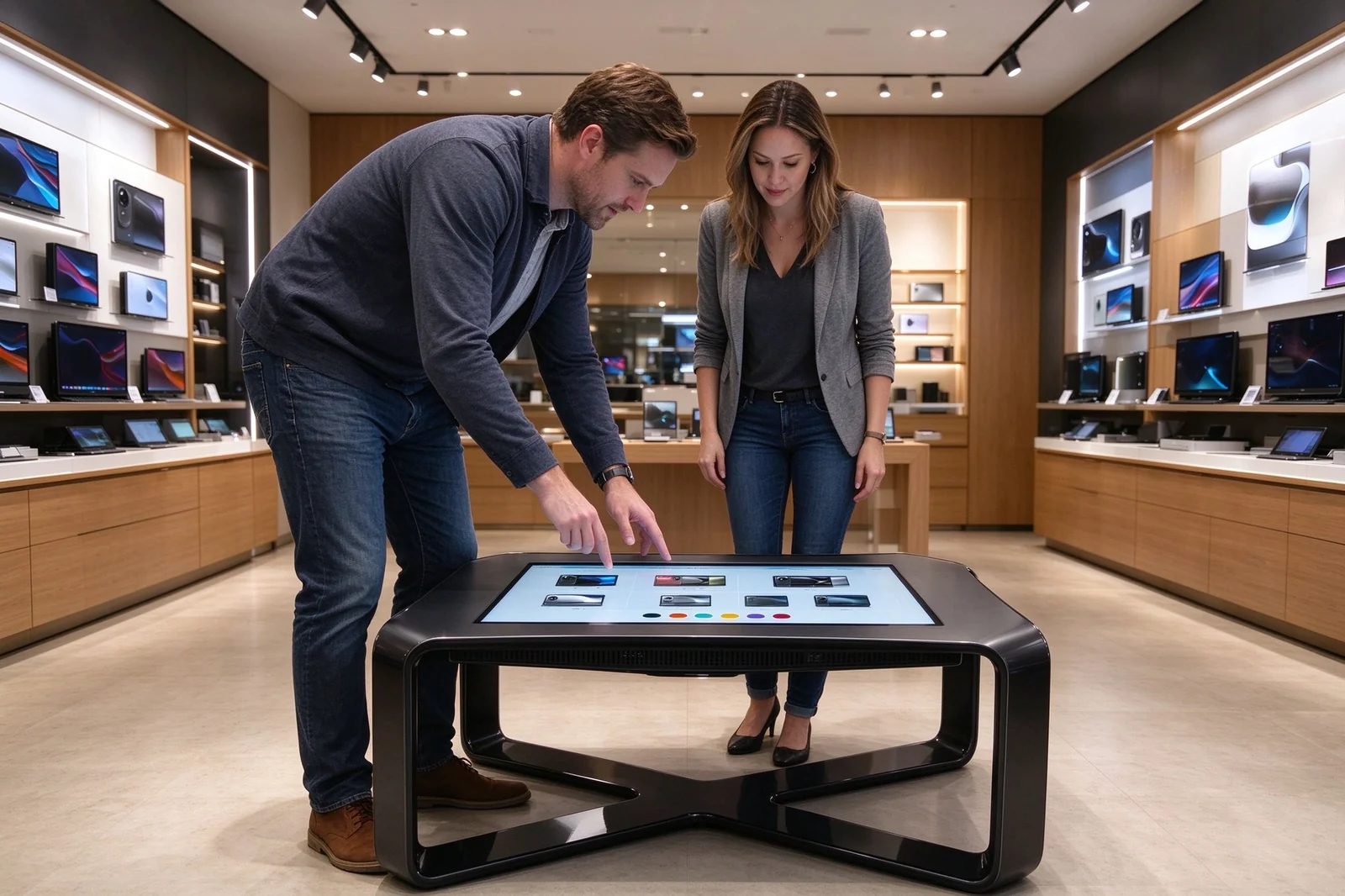
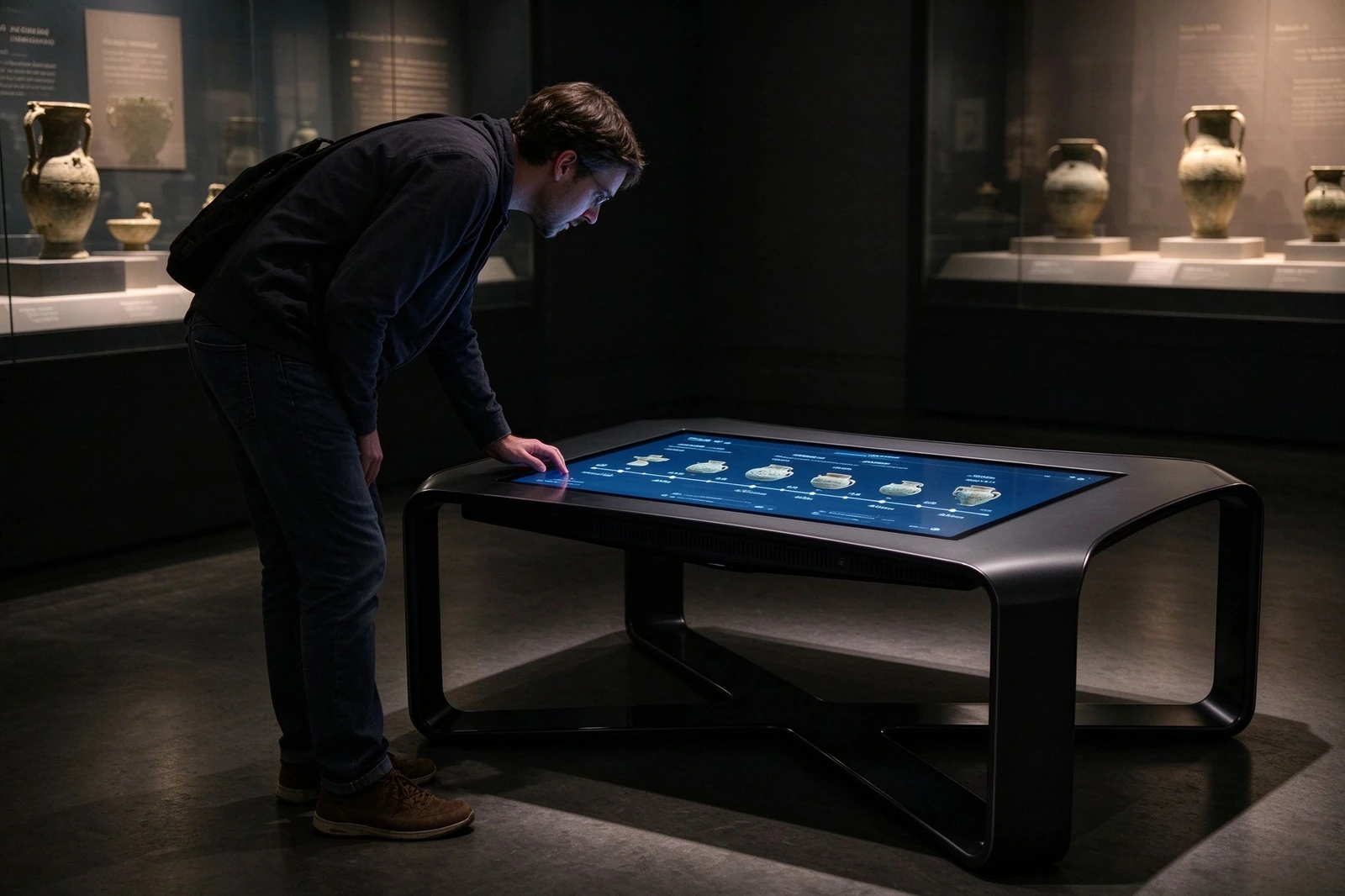
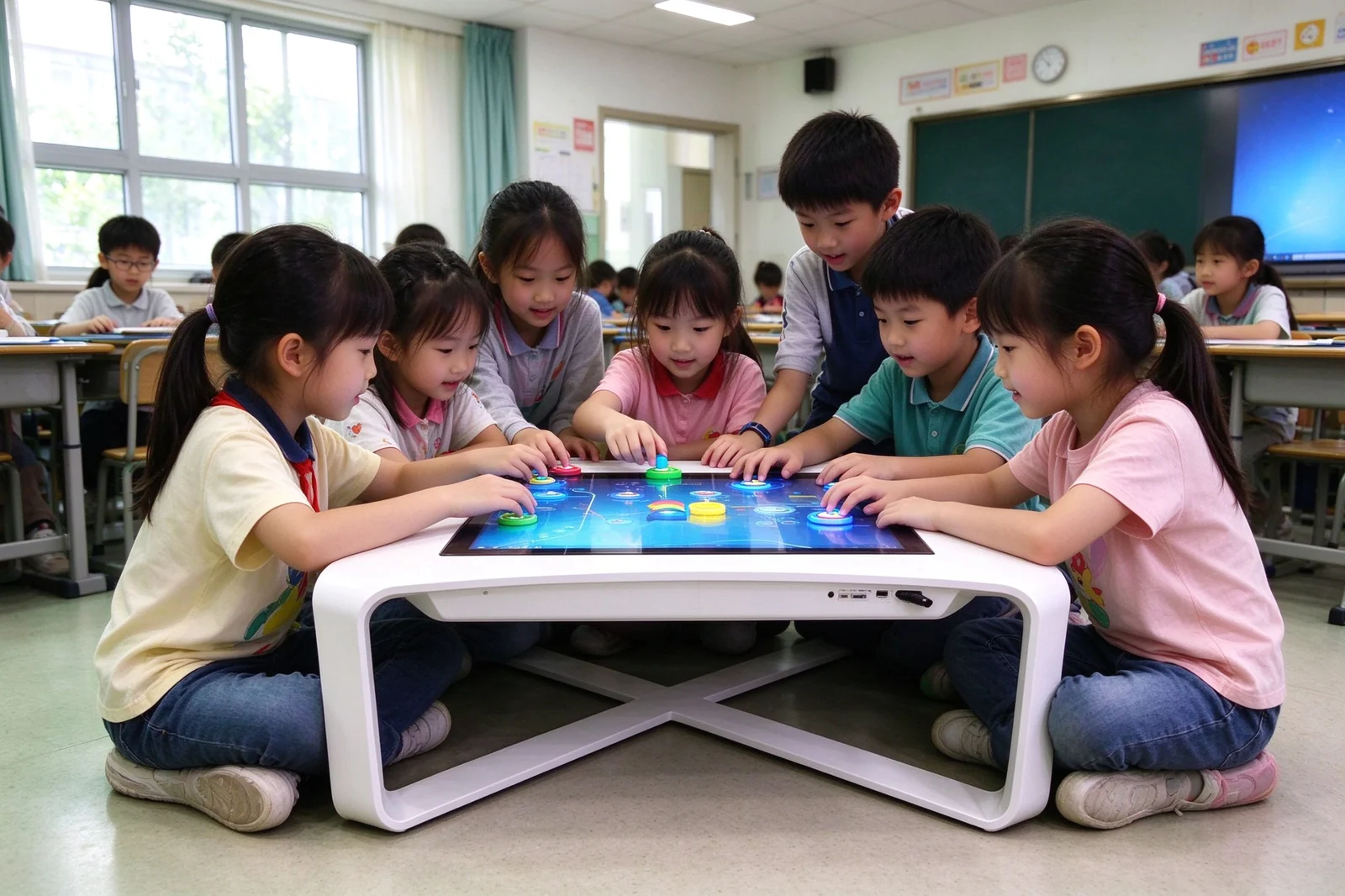
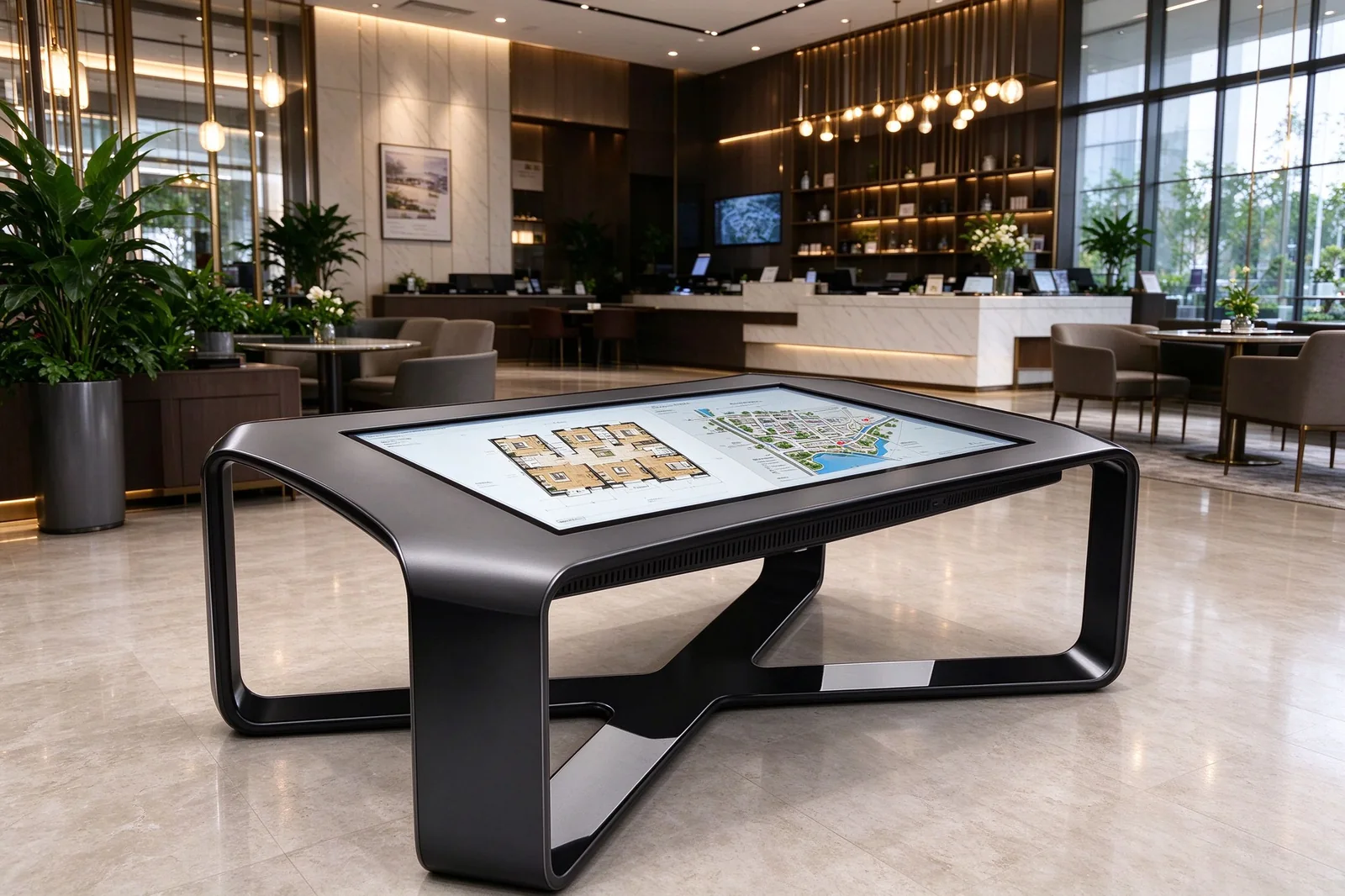
Because the enclosure is manufactured in-house, Qtenboard can configure the table around your space, brand and budget - not the other way around. Screen size, table height, touch technology, color, branding and software are all selectable per project.
| Customization Area | Available Options |
|---|---|
| Screen Size | 32 inch, 43 inch, 49 inch, 50 inch, 55 inch, 65 inch or project-based custom size |
| Resolution | Full HD (2K) or 4K, depending on selected display size and system configuration |
| Touch Technology | Infrared touch, PCAP touch or project-specific touch solution |
| Touch Points | Multi-touch configurations (20-point / 40-point) based on application requirements |
| Table Height | Coffee-table height, standing-height, children's height or custom dimension |
| Table Shape | Rectangular, square, oval, curved, round-edge, X-base or custom enclosure design |
| Table Material | Metal housing, aluminum profile, wood finish, acrylic elements or mixed materials |
| Surface Protection | Tempered glass, anti-glare glass, anti-fingerprint finish or enhanced protective surface |
| Operating System | Android, Windows, external PC-ready or customer-specified computing platform |
| Connectivity | Wi-Fi, LAN, USB, HDMI, Bluetooth, optional 4G/5G and custom I/O |
| Color and Finish | Black, white, custom RAL color, powder coating, wood-grain or branded finish |
| Branding | Logo printing, laser marking, startup logo, user-interface theme and custom packaging |
| Software Integration | CMS integration, custom app, web application, API integration or third-party software support |
| Mobility | Fixed base, lockable wheels, removable legs or transport-ready configuration |
| Usage Environment | Indoor commercial, education, exhibition, hotel lobby or specialized public-space configuration |
Tell Qtenboard your screen size, table height, touch points, system and finish - you will receive a configuration and commercial proposal within 24 hours.
Request an Interactive Touch Table QuoteMany "suppliers" you talk to are trading companies that resell other factories' products. Qtenboard manufactures interactive displays in its own vertically integrated facility - from raw plastic pellets and metal fabrication to finished, tested enclosures - so branding, structure and lead time are controlled in one place.
| Customization Tier | What Is Customized | MOQ and Mold Fee |
|---|---|---|
| Tier 0 - Software and System | Boot logo, boot animation, UI theme, wallpaper and regional language packs | 1 unit, no mold fee |
| Tier 1 - Appearance | Housing color, silk-screen logo printing and custom labels on existing tooling | Low / no MOQ, no mold fee |
| Tier 2 - Structure | Button layout, mounting interface and motherboard-matched I/O configuration | 50 units, no mold fee |
| Tier 3 - Private Mold | Fully custom industrial design and enclosure structure | Mold fee and volume commitment |
Branding on the carton is available from the first unit as a custom sticker; fully printed cartons with your logo are available from 200 units.
Certification scope depends on the final configuration and target market. Certificates are available for distributor due diligence on request.
The following are representative deployment patterns for Qtenboard X-base interactive touch tables across industries. Qtenboard can share detailed project references matched to your market and application on request.
55-inch black X-base tables with 4K displays and a Windows product catalog app. Customers compare models, colors and finishes directly on the tabletop, while QR campaigns capture leads for the store's membership program. The result: longer dwell time at the product zone and fewer repetitive demonstrations for floor staff.
43-inch and 49-inch PCAP touch tables with object-recognition tokens. Visitors explore artifact timelines and multimedia archives by placing objects on the surface, and content is updated centrally through a CMS without touching the hardware.
43-inch white X-base tables running an Android guide covering hotel facilities, meeting schedules and local attractions. The tables operate unattended at reception, reducing front-desk questions and providing multilingual self-service for guests.
Configurations shown are representative examples; the final selection depends on site environment, audience and project requirements.
From first inquiry to on-site launch, Qtenboard supports each step - configuration, branding, software integration and quality testing - so the table goes live as a finished experience, not a project left to the integrator alone.
Confirm whether the table will be used for retail, museum, education, property, hospitality, exhibition or public information.
Choose the display size, table height, screen resolution, enclosure style and mounting structure.
Select touch technology, touch-point requirements, Android or Windows platform, connectivity and software environment.
Confirm color, logo position, enclosure graphics, boot logo, user interface and packaging requirements.
Prepare interactive software, CMS content, web application, maps, product catalogs or customer-provided applications.
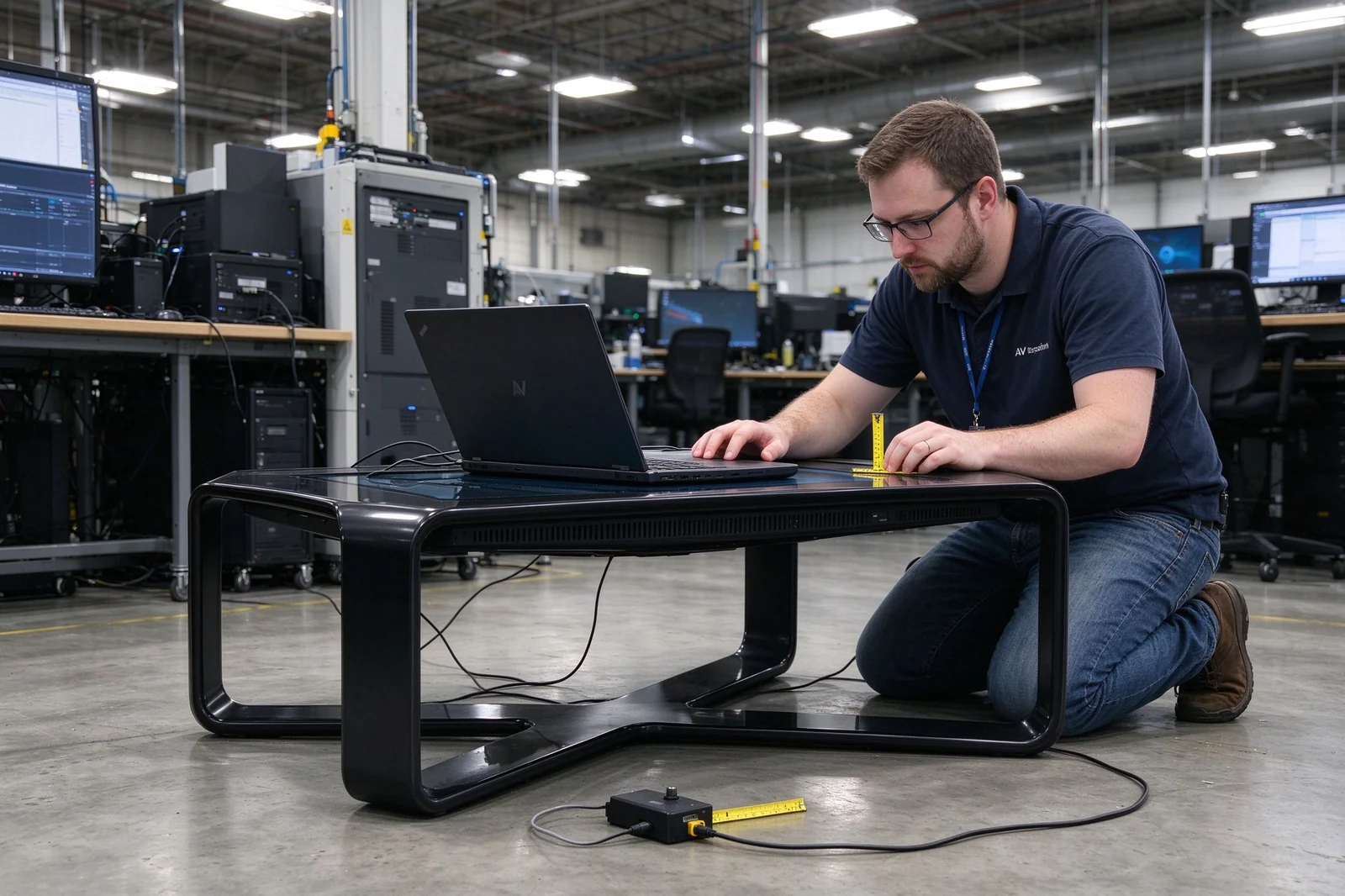
Test display output, touch response, system stability, connectivity, enclosure quality and overall operation.
Install the table in the intended environment, configure content and establish the update and maintenance process.
| Specification | Standard / Optional Configuration |
|---|---|
| Product Type | Commercial interactive touch table |
| Display Orientation | Landscape horizontal tabletop format |
| Screen Size | 32 inch / 43 inch / 49 inch / 50 inch / 55 inch / 65 inch / Customized |
| Display Technology | Commercial LCD panel |
| Resolution | 1920x1080 (2K) or 3840x2160 (4K), depending on model |
| Aspect Ratio | 16:9 |
| Contrast Ratio | 3000:1 |
| Brightness | Standard indoor brightness or project-based high-brightness option |
| Viewing Angle | Wide viewing angle display panel |
| Touch Technology | Infrared touch / PCAP touch / project-based option |
| Touch Points | Multi-touch configuration (20-point / 40-point), subject to selected touch system |
| Protective Surface | Tempered glass with optional anti-glare or anti-fingerprint treatment |
| Operating System | Android 14 / Windows / external PC-ready |
| CPU and Memory | Configurable (2/4 GB RAM options), according to selected operating system and application |
| Storage | 16/32 GB configurable based on content and software requirements |
| Media Support | Image, video, audio, interactive applications and web content |
| Connectivity | Wi-Fi, LAN, USB, HDMI, Bluetooth and optional mobile network |
| Audio | Built-in speaker or optional external audio integration |
| Enclosure Material | Metal enclosure with optional customized material and finish |
| Table Structure | X-shaped base, fixed table legs, base structure or project-specific design |
| Color | Black, white, custom RAL color or branded finish |
| Installation | Freestanding floor placement |
| Application Environment | Indoor commercial, education, exhibition, hospitality or public-space deployment |
| Customization | Screen size, touch, system, table design, color, branding, software and packaging |
| OEM/ODM | Software tier from 1 unit; public-mold customization with no mold fee; private-mold option |
| Certification | CE, FCC, RoHS, ISO 9001, ISO 14001, CB - subject to final configuration and target market |
| Warranty | Subject to final product configuration and supply agreement |
Optional features such as 4K, PCAP touch, Windows PC, high brightness, 4G/5G, anti-fingerprint glass, lockable wheels and CMS software are offered as standard or optional based on the actual configuration.
An interactive touch table is a freestanding horizontal display table with an integrated touchscreen, protective surface, computing system and table enclosure. It allows users to explore digital content through touch gestures, often with support for multiple users at the same time.
An interactive flat panel is usually mounted vertically for presentations, meetings and classroom teaching. An interactive touch table is positioned horizontally, allowing users to gather around the screen for shared exploration, games, maps, product demonstrations and collaborative interaction.
Yes. Multi-touch configurations can support simultaneous interaction from multiple users, from 20-point infrared to 40-point PCAP options. The actual number of supported touch points depends on the selected touch technology and product configuration.
The table can be configured with Android 14, Windows or an external PC-ready solution. The best option depends on the software, content, remote management and integration requirements of the project.
Yes. It can support customer-developed applications, Windows software, Android apps, web-based interfaces, interactive maps, product catalogs, museum software and other project-specific content platforms, subject to system compatibility.
It can be configured for education and children's applications with appropriate table height, rounded corners, durable protective glass, multi-touch functionality and child-friendly software. The final configuration should be selected according to the age group, site environment and use intensity.
Yes. Available customization may include the table shape, dimensions, height, material, color, logo, screen size, operating system, I/O ports, software environment and packaging.
Remote content updates are possible when the selected configuration includes network connectivity and a compatible Android system, Windows platform, cloud CMS or web-based content system.
Yes. Interactive touch tables are particularly suitable for museums, visitor centers, exhibitions and showrooms because they let visitors explore maps, timelines, images, videos, collections and educational content in a shared format.
Yes, provided the product configuration matches the usage environment. Public-space projects may require a commercial-grade enclosure, tempered glass, enhanced surface protection, stable structure, cable management, access control and suitable maintenance planning.
Software-level branding (boot logo, UI theme, language packs) starts from 1 unit with no mold fee. Appearance customization on public tooling has a low or no MOQ, structural changes start at 50 units, and private-mold projects require a mold fee and volume commitment.
Not for public-mold customization. Color changes, logo printing and button-layout adjustments use existing tooling and carry no mold fee. Mold fees apply only to private, fully custom structural development.
Yes. The boot logo and UI can be branded from a single unit at the software level. For packaging, orders under 200 units receive a custom branded sticker on the standard carton; fully printed cartons are available from 200 units.
Qtenboard products carry CE, FCC, RoHS, ISO 9001, ISO 14001 and CB certifications. The applicable scope depends on the final configuration and target market, and certificates are available for distributor due diligence on request.
Send Qtenboard your requirement list - screen size, quantity, system, touch points, branding and target market - and you will receive a clear technical and commercial evaluation within 24 hours.

 EN
EN
 pt
pt  spa
spa  th
th  vie
vie  aze
aze  bel
bel  est
est  lav
lav  ukr
ukr  ru
ru