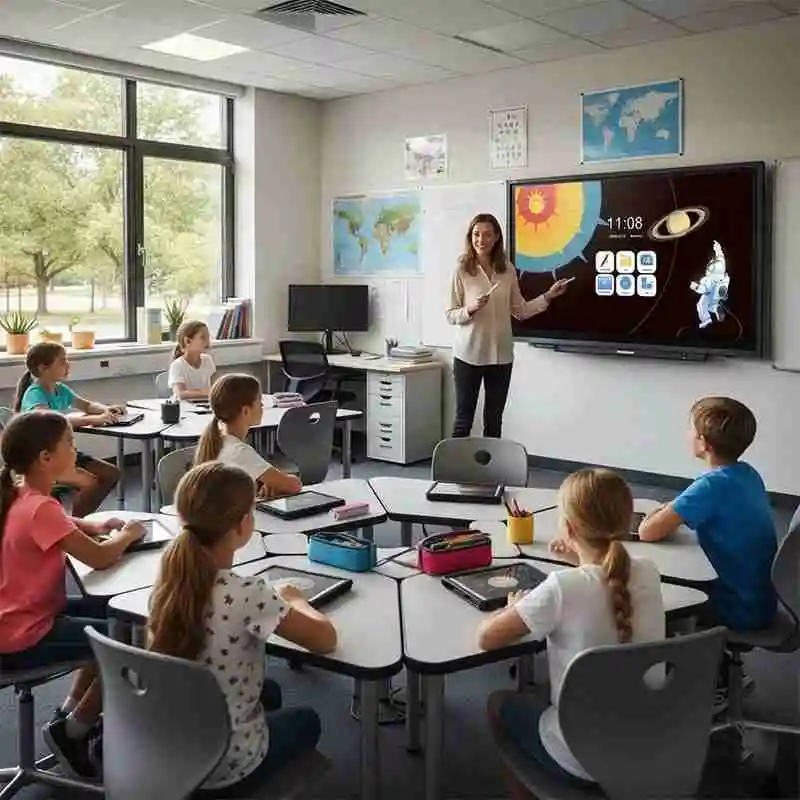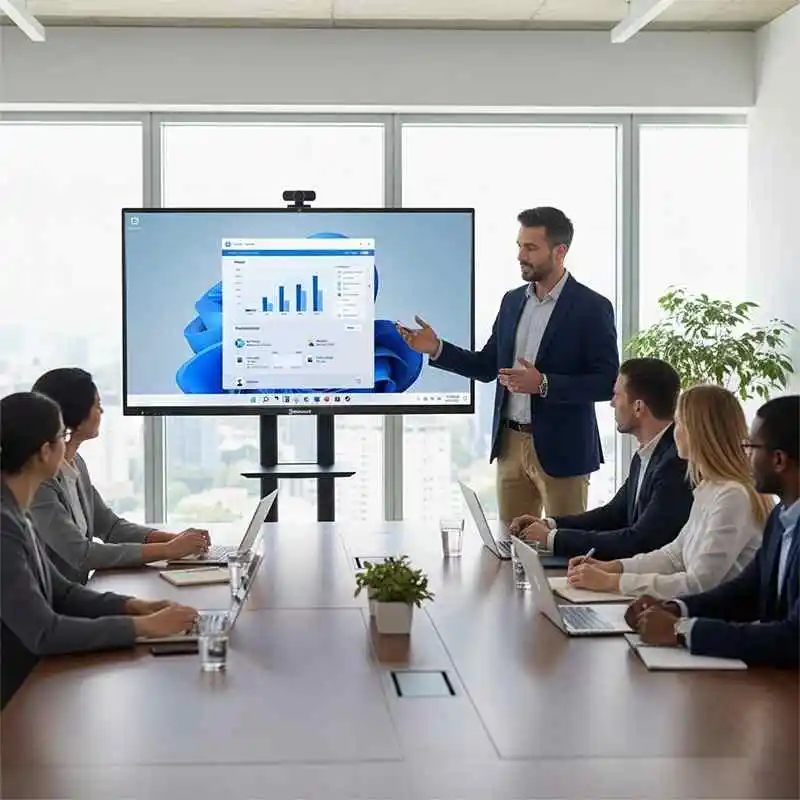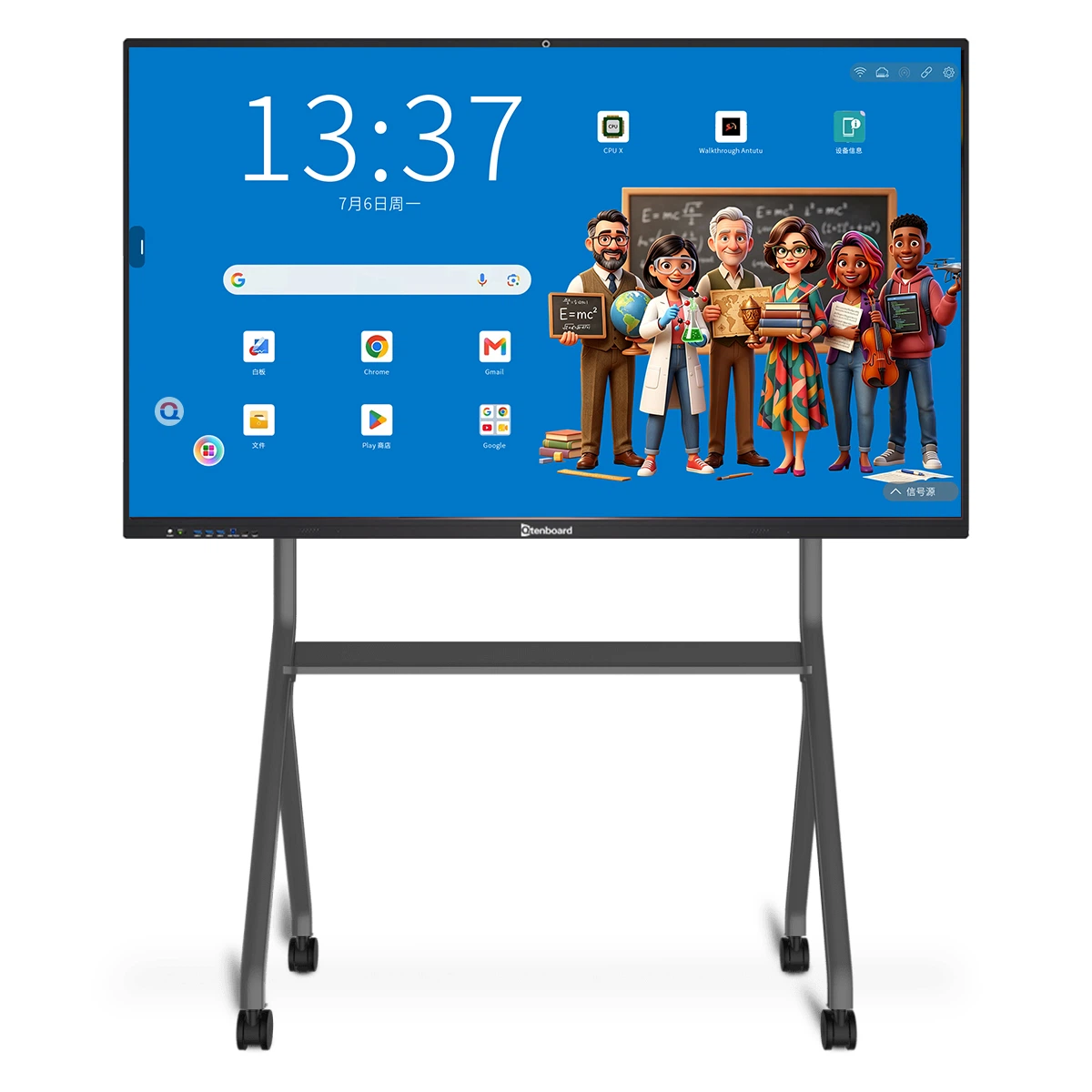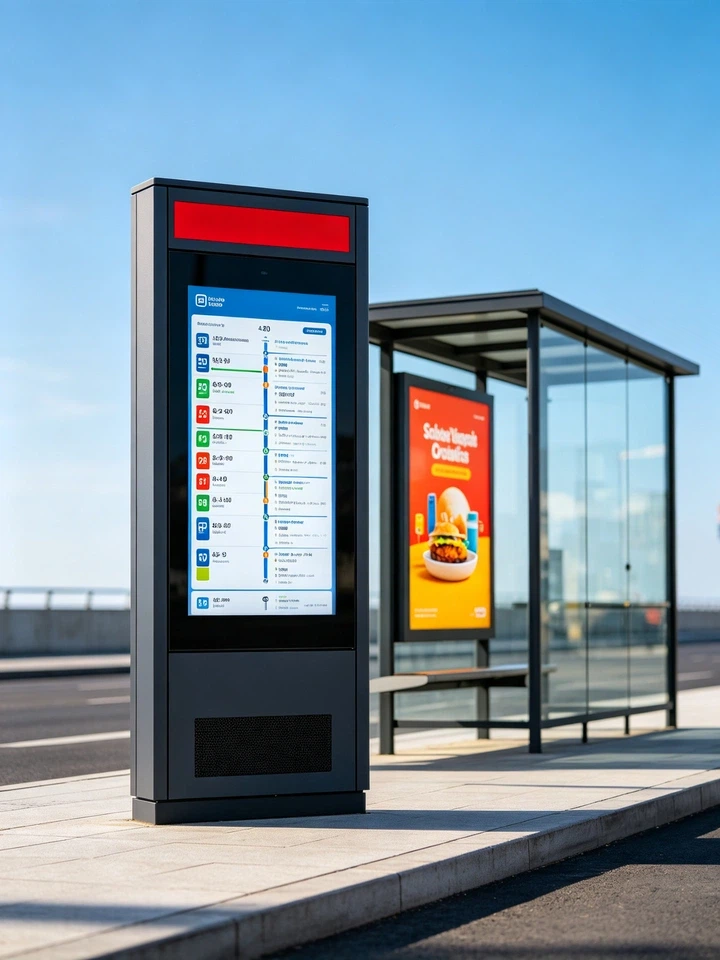
















A compact tabletop digital signage display designed for cashier counters, ordering stations and product-promotion areas. Show menus, prices, new drinks, seasonal campaigns and upselling offers exactly where customers make purchase decisions.
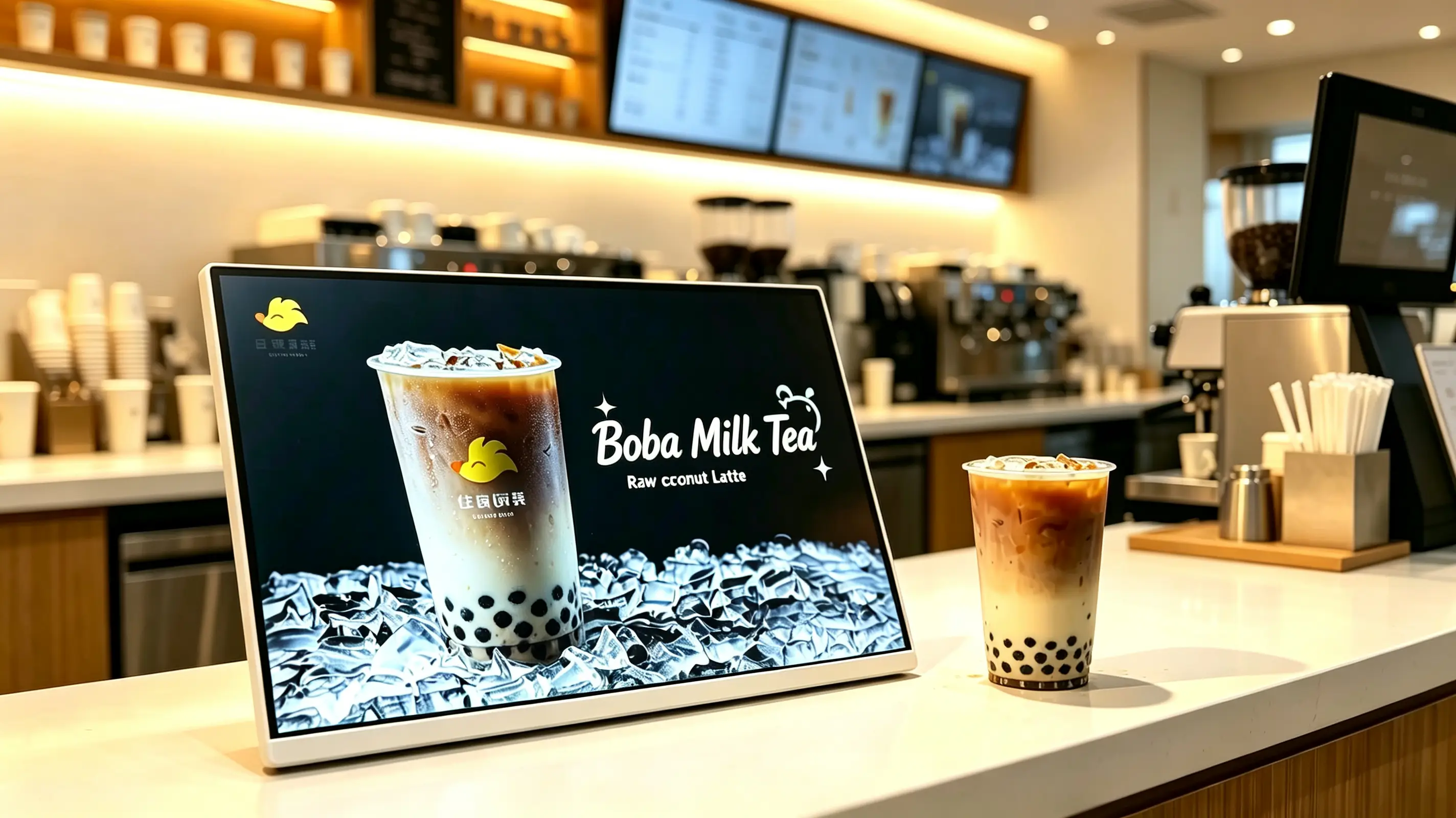
Customers often make final purchase decisions at the cashier counter. A countertop digital menu board helps cafes, beverage shops and restaurants display featured drinks, limited-time offers, add-ons and membership promotions at the exact moment customers are ready to order.
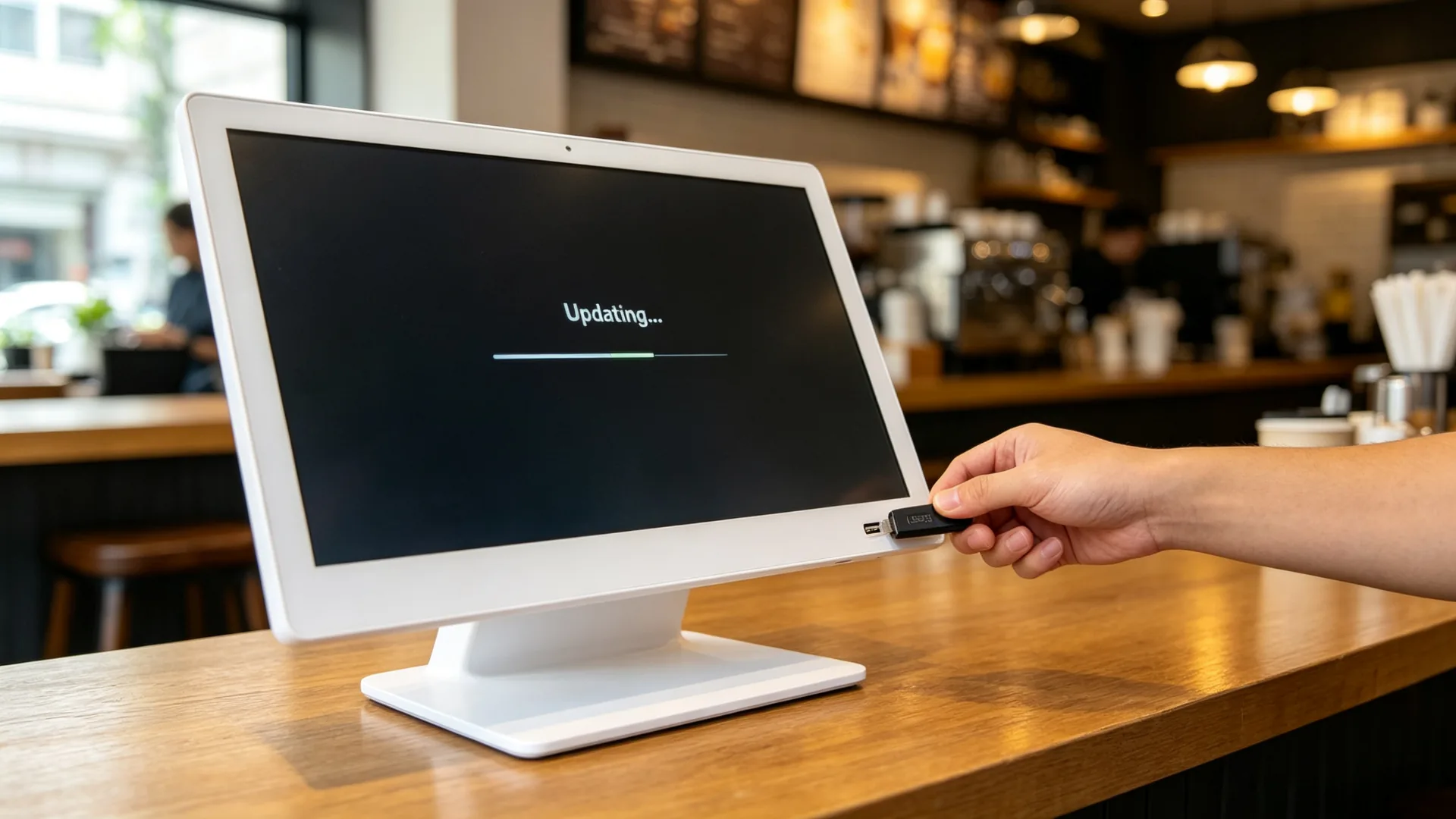
Unlike printed countertop posters, the display can be updated quickly for new products, changing prices, daypart promotions and seasonal campaigns.
Choose a USB standalone display for single-store promotion, an Android CMS display for chain-store content management, a Windows configuration for POS or third-party software integration, or a monitor-only version for existing media players. Final configuration depends on counter space, content type, network and software requirements.
| Version | Best For | Recommended Configuration | Confirm Before Ordering |
|---|---|---|---|
| USB Standalone Landscape Display | Single stores, milk tea shops, cafes, single-product campaigns | Landscape, 10.1"–21.5", USB loop playback, non-touch | Screen size, content update frequency, counter space |
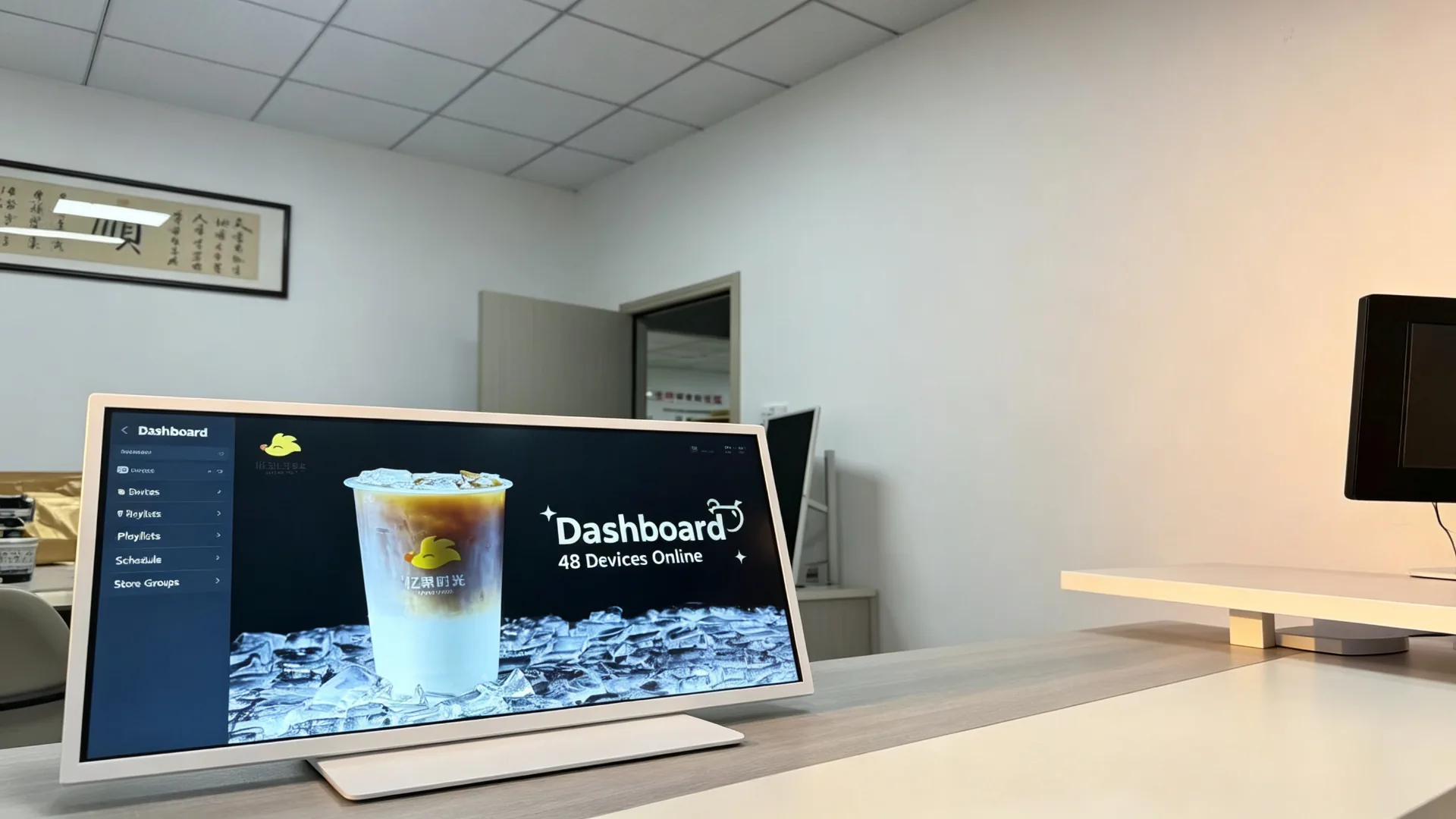
| Android CMS Chain-Store Display | Milk tea, coffee and fast-food chains | Android, Wi-Fi/LAN, cloud CMS, multi-store groups, daypart switching | Number of stores, permissions, playback reports, network |
| Windows POS-Integrated Display | Projects requiring POS, membership or third-party menu software | Windows industrial PC, HDMI/USB, POS interface, custom software | POS brand, interface documentation, software compatibility |
| Monitor-Only Counter Display | Buyers with an existing player, POS host or AV system | HDMI input, external media player, non-touch | Resolution, cable length, player compatibility |
| Touchscreen Interactive Display | Menu browsing, membership registration, self-service lookup | PCAP touch, Android/Windows, CMS or APP | Software, gloves, glass, maintenance method |
| Beverage Promotion Display | Hero products, new launches, add-on promotions | Landscape, high-brightness indoor panel, USB/Android, white or custom frame | Content template, brand colours, stand angle |
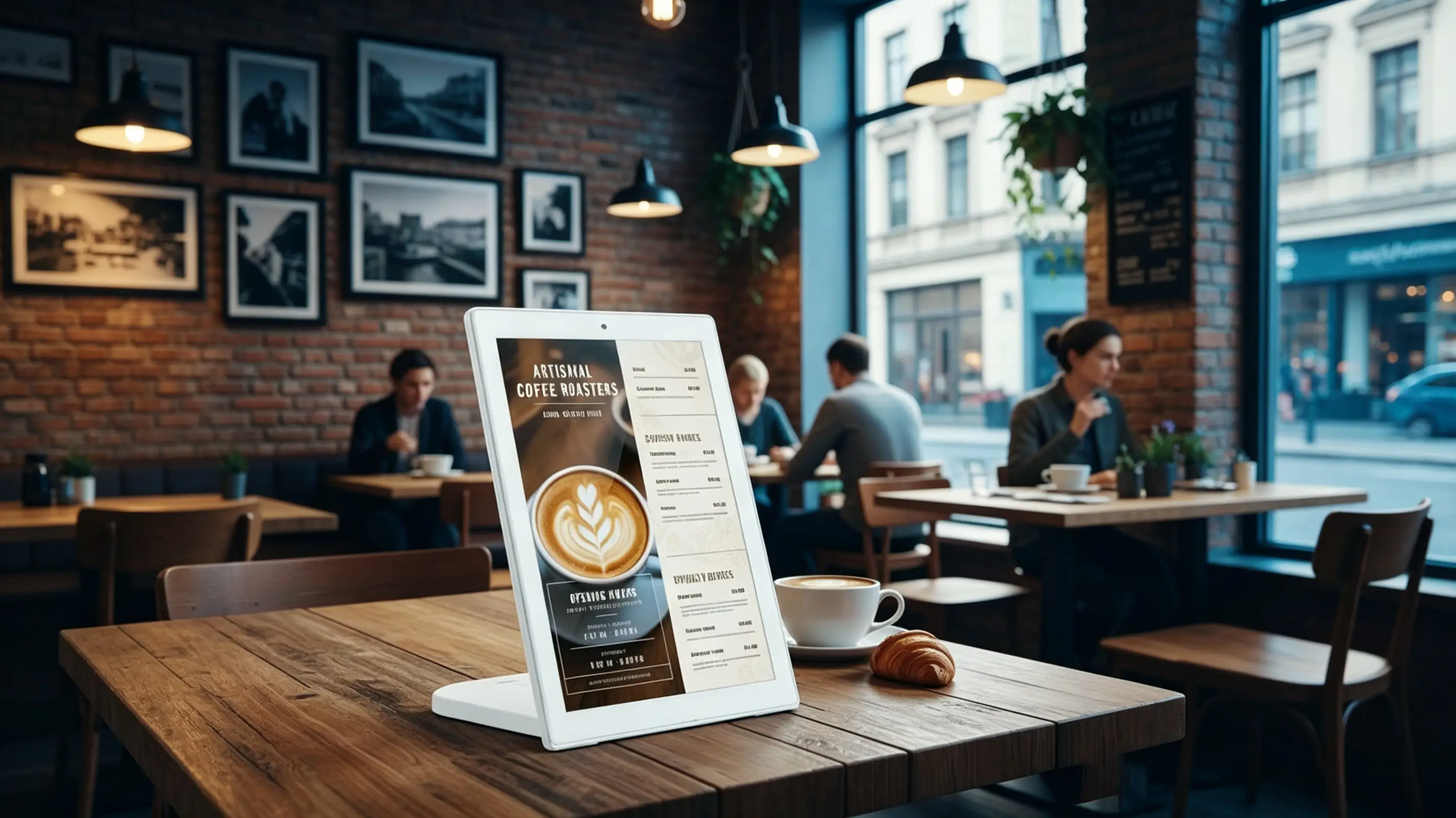
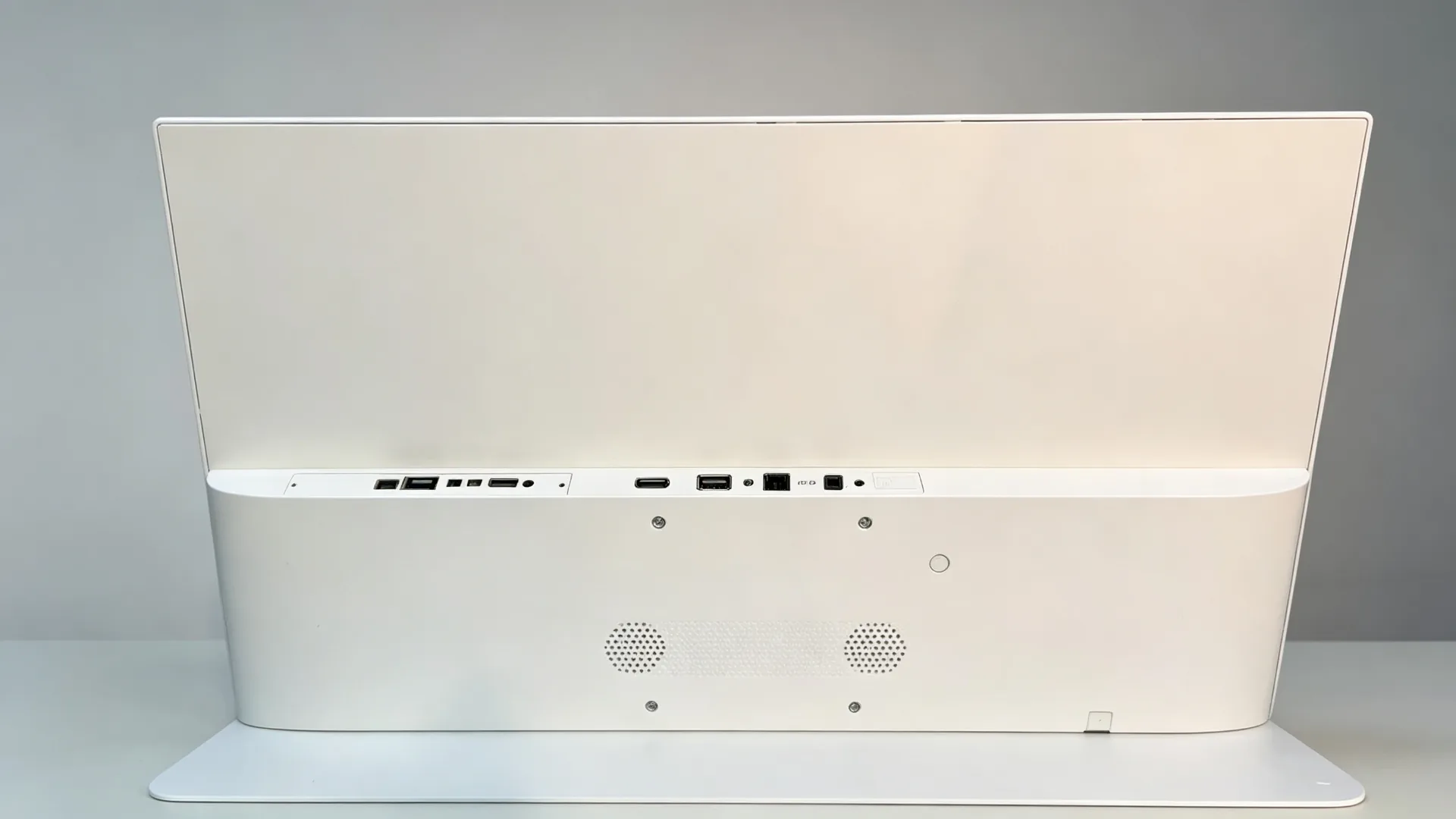
The compact tabletop form factor is designed for limited counter space. Place the display beside a POS terminal, at the ordering point or near featured products to deliver clear promotional messages without blocking daily service operations.
The featured product uses a landscape display, which is well suited to hero beverage advertising, two-product comparison, combo recommendations, horizontal video, wide-format menus and split-screen content such as menu + promotion + QR code.
| Orientation | Content That Works Best | Typical Placement |
|---|---|---|
| Landscape | Wide beverage images, two-product comparison, combo recommendations, horizontal video | Cashier counters, coffee bars, product display cabinets |
| Portrait | Single-product posters, membership QR codes, new-product features, vertical price lists | Narrow counters, store entrances, queue areas |
| Split-screen layout | Menu + promotion + price + QR code in one view | Chain restaurants, milk tea shops, quick-service stores |
For projects that require customer interaction, a touchscreen option can be configured for menu browsing, product selection, membership registration or customer-service applications. Touch functionality should be selected according to the intended software and user workflow.
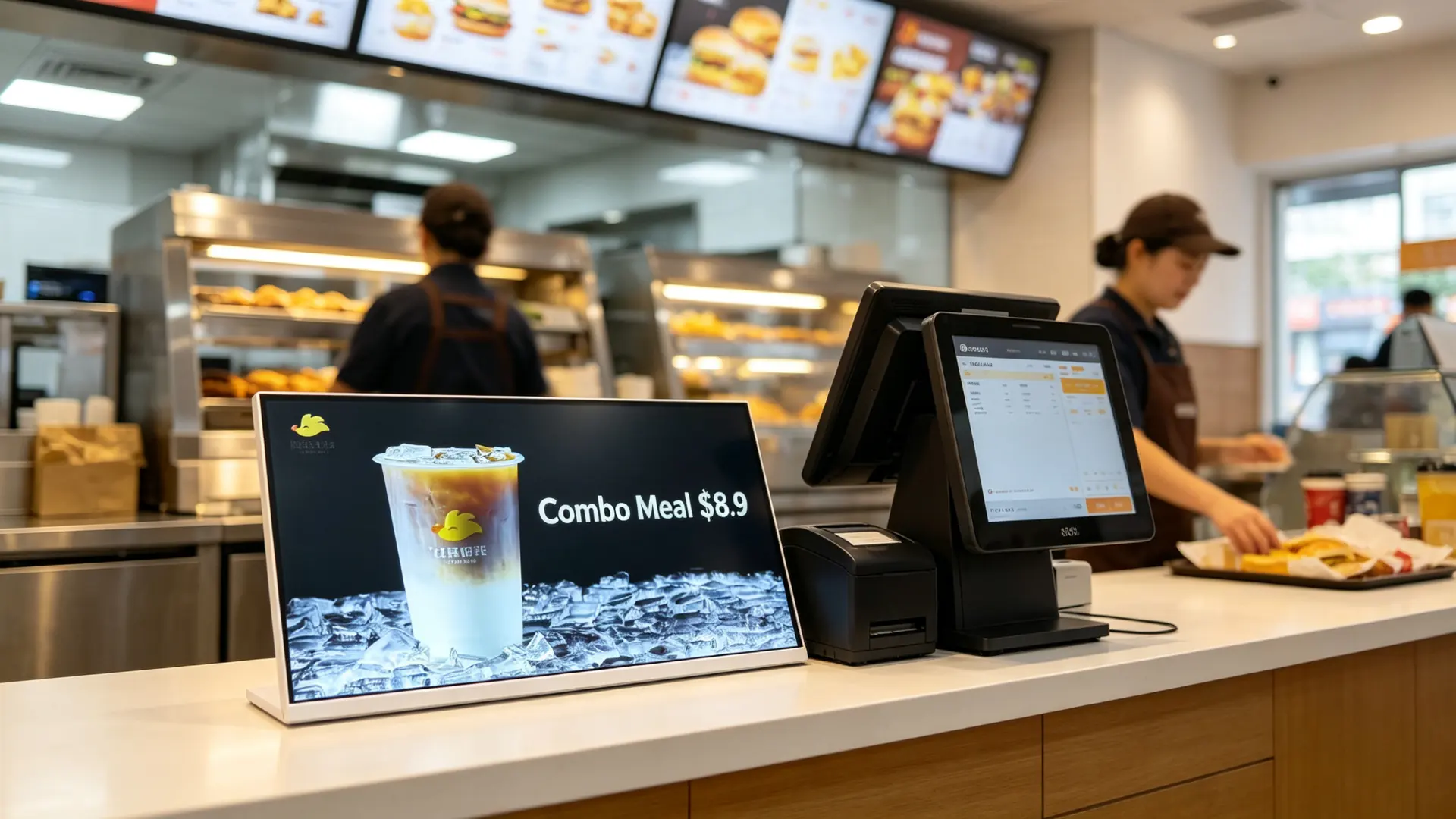
Use the display to recommend high-margin add-ons, upgrade options and product bundles. By placing targeted messages beside the payment or ordering area, stores can promote relevant offers while customers are still deciding what to buy.
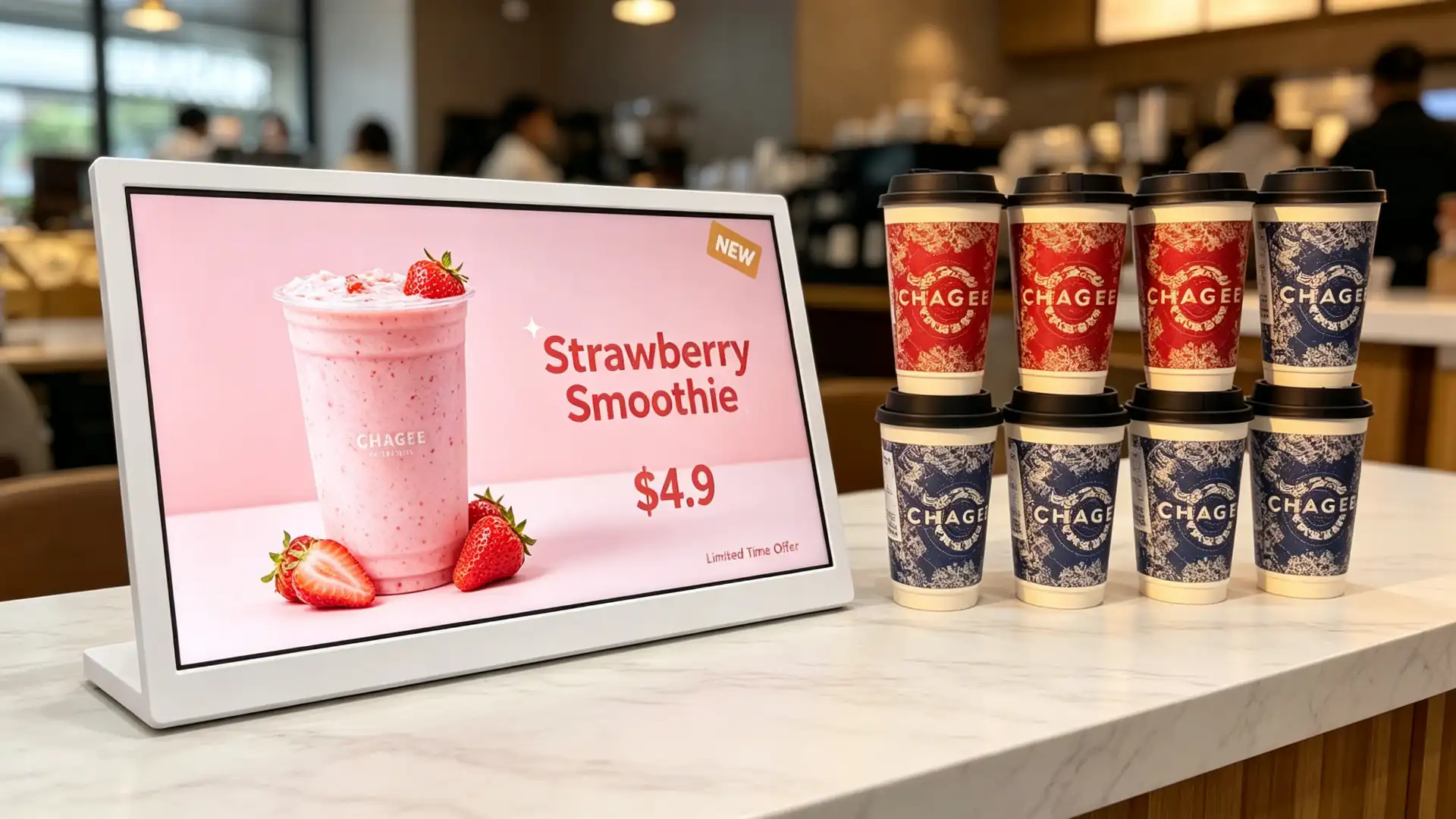
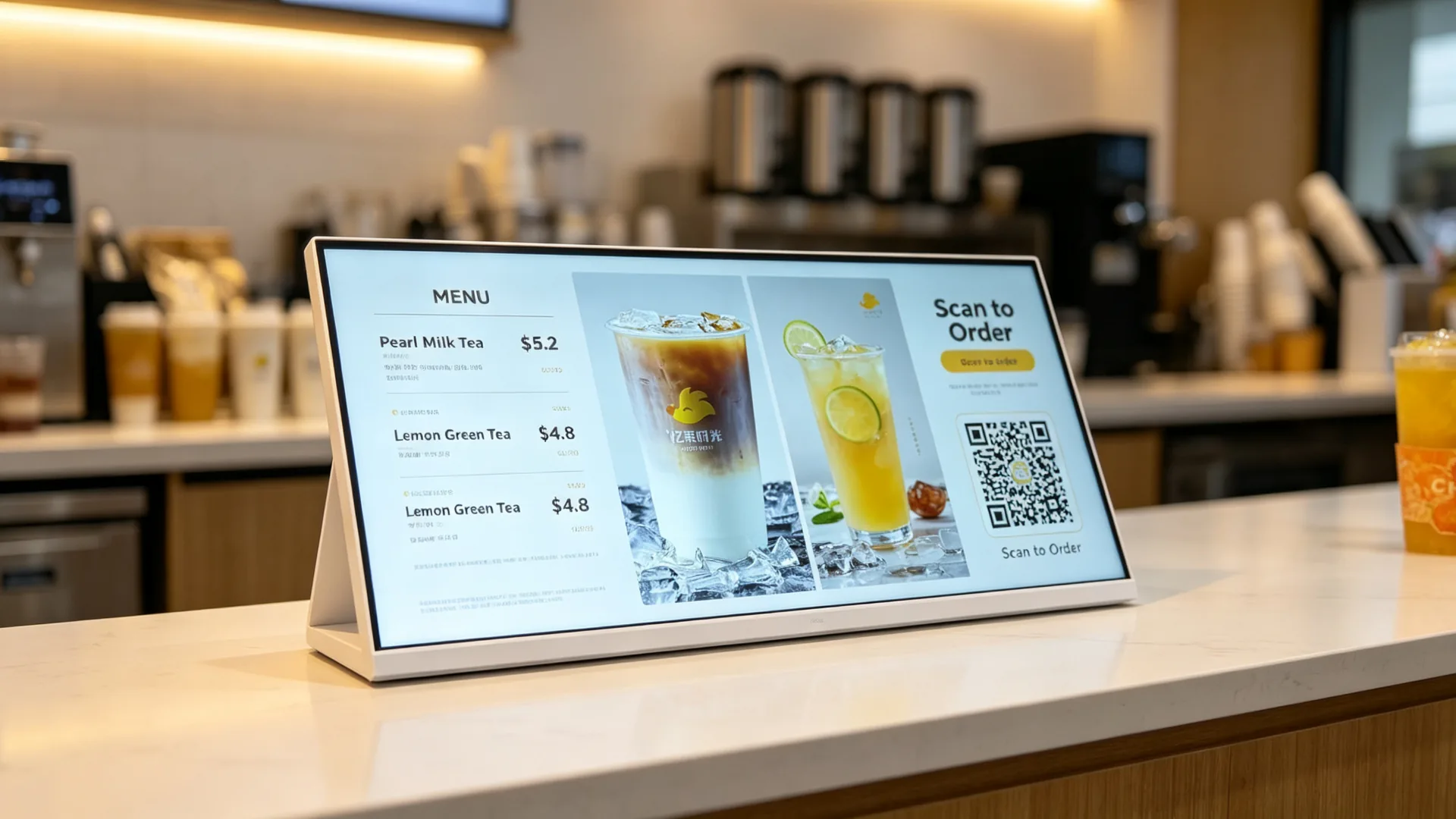
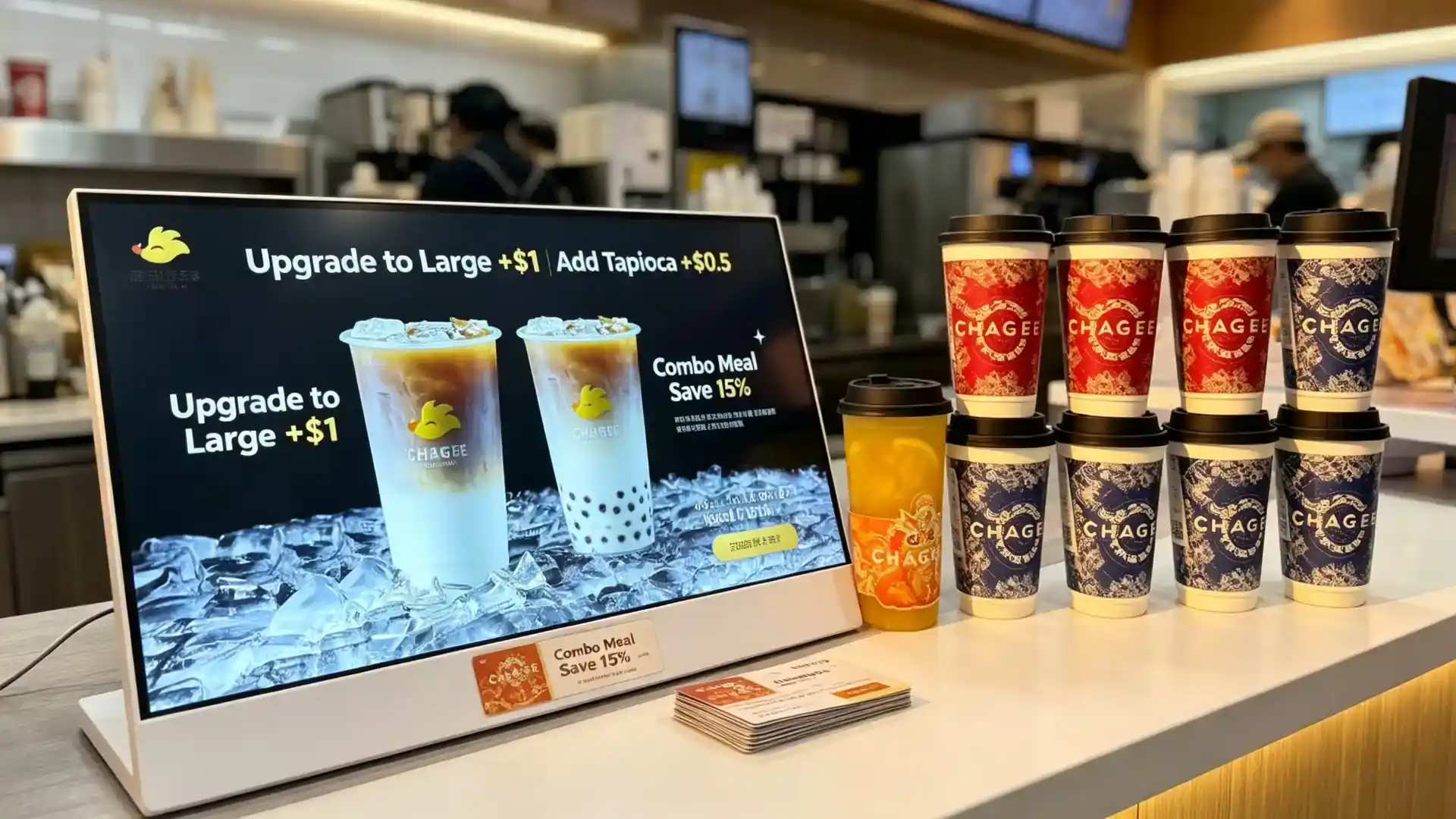
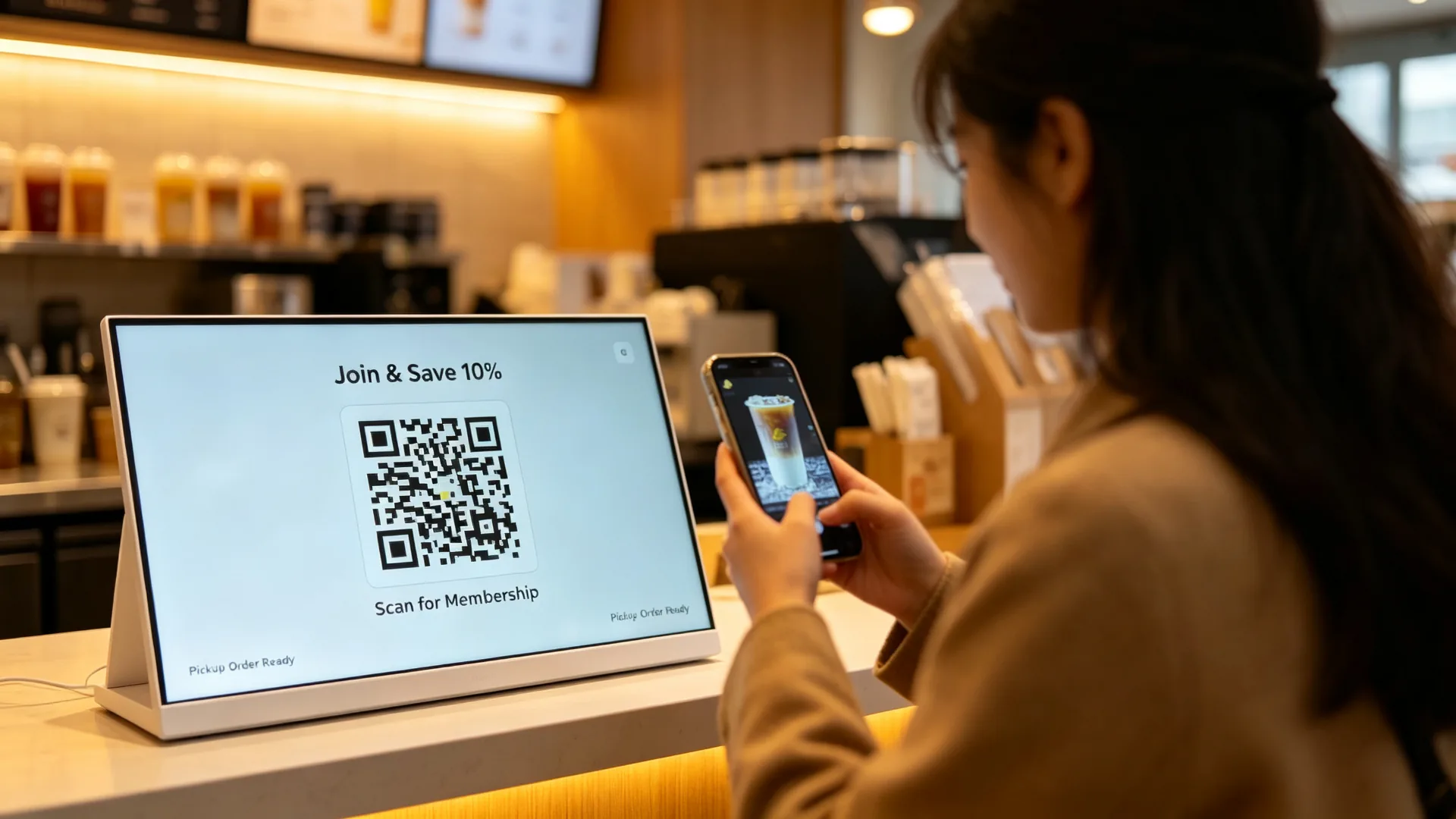
Best for: Independent cafes, single milk tea shops, bakery counters, pop-up stores, temporary promotion stands and small restaurants.
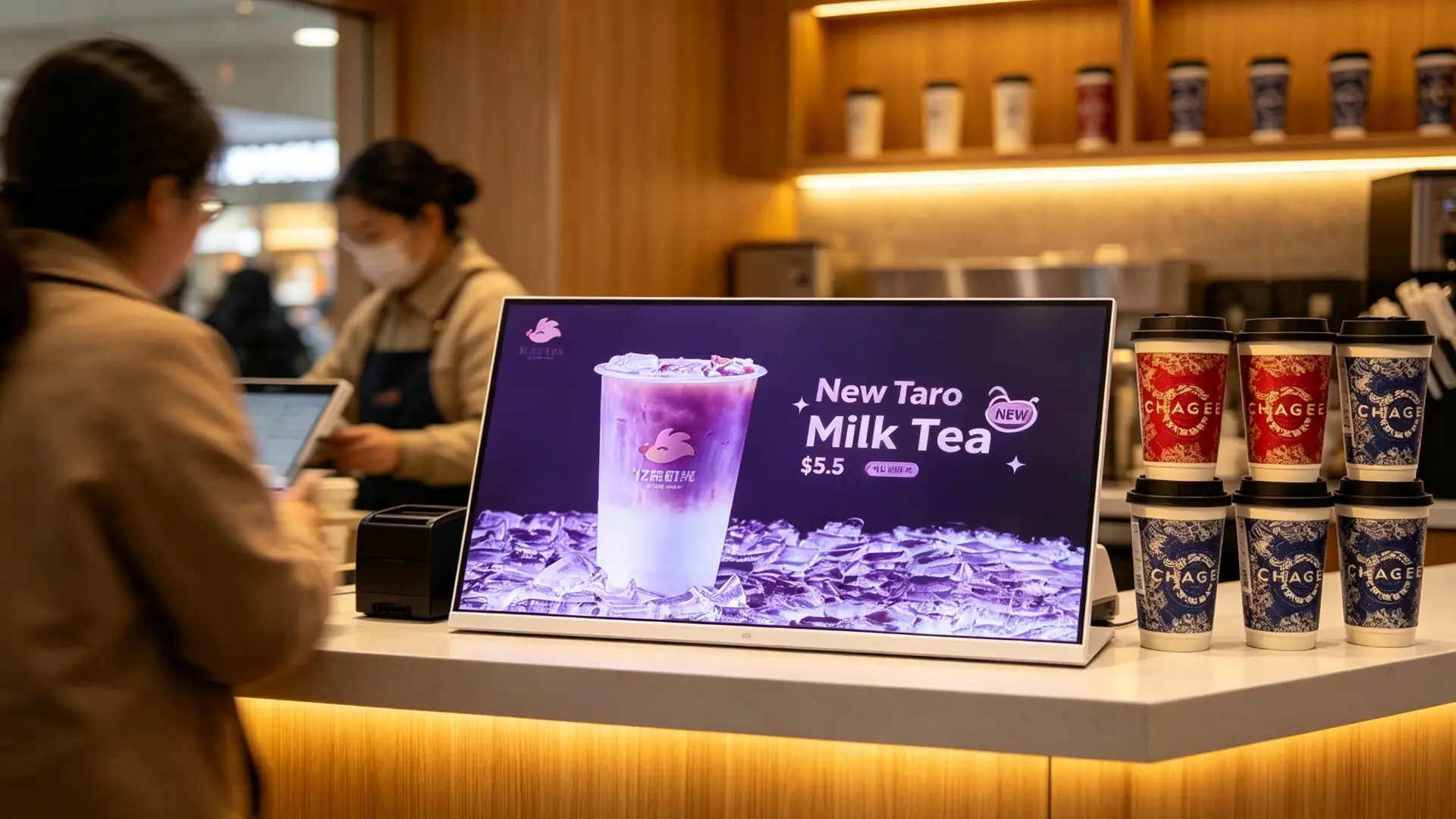
Placement: Cashier counter, ordering area, drink pickup area, beside display cabinets, waiting area.
Value: highlight new products and toppings before ordering or at checkout to support a higher average order value.
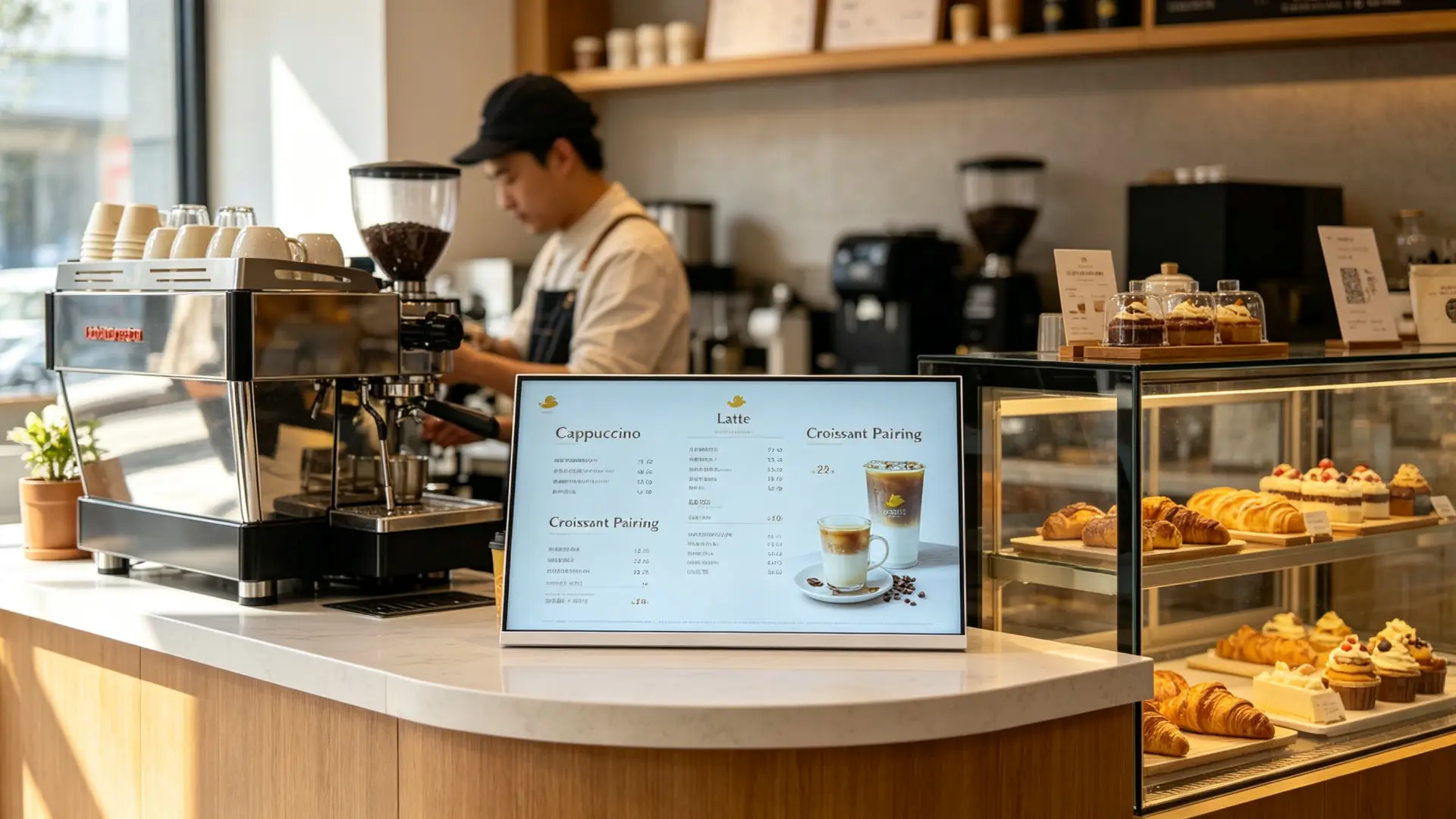
Placement: Coffee bar, cashier counter, pastry display case, takeaway pickup area.
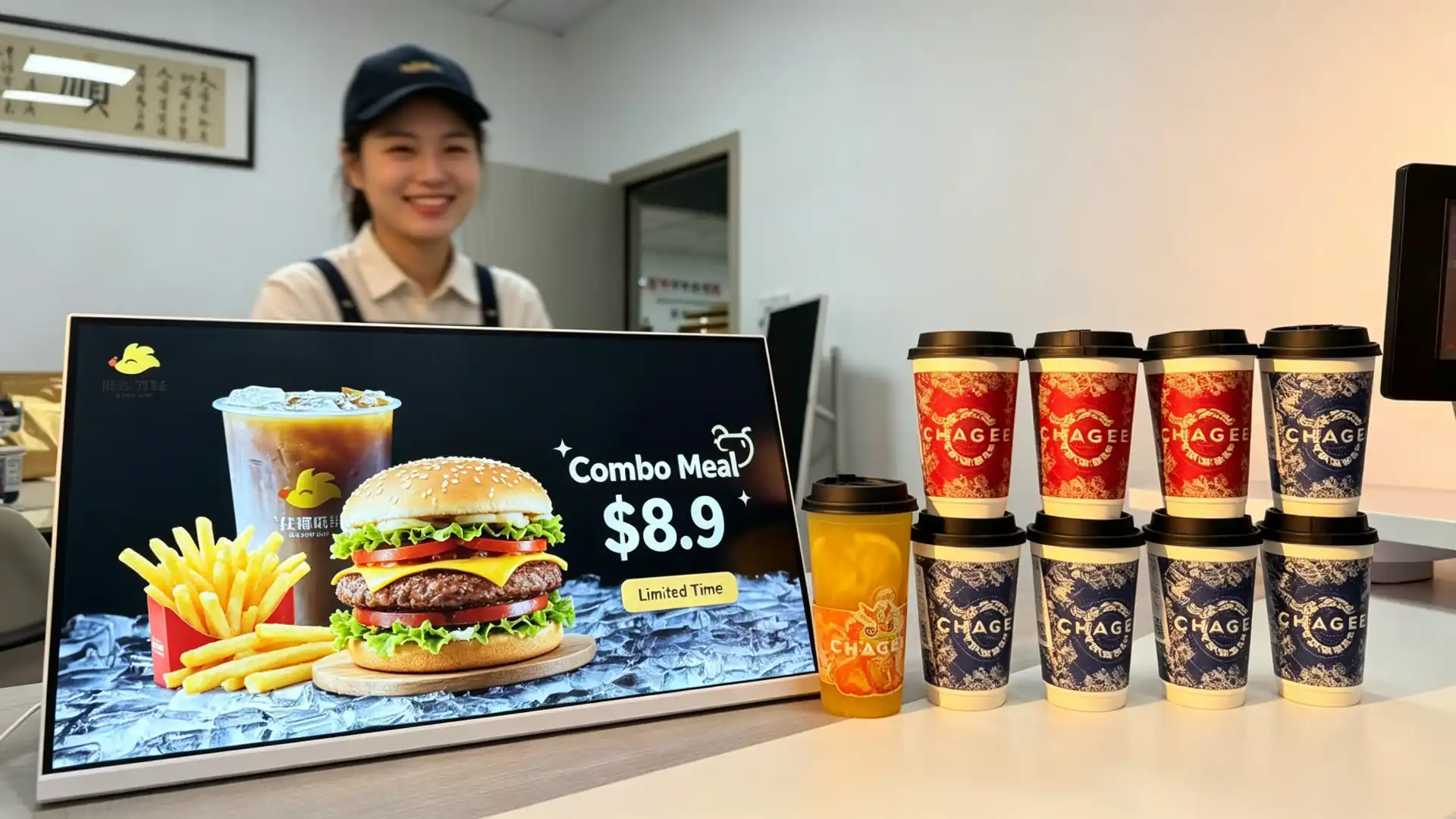
Placement: Order counter, payment area, pickup area and combo recommendation area.
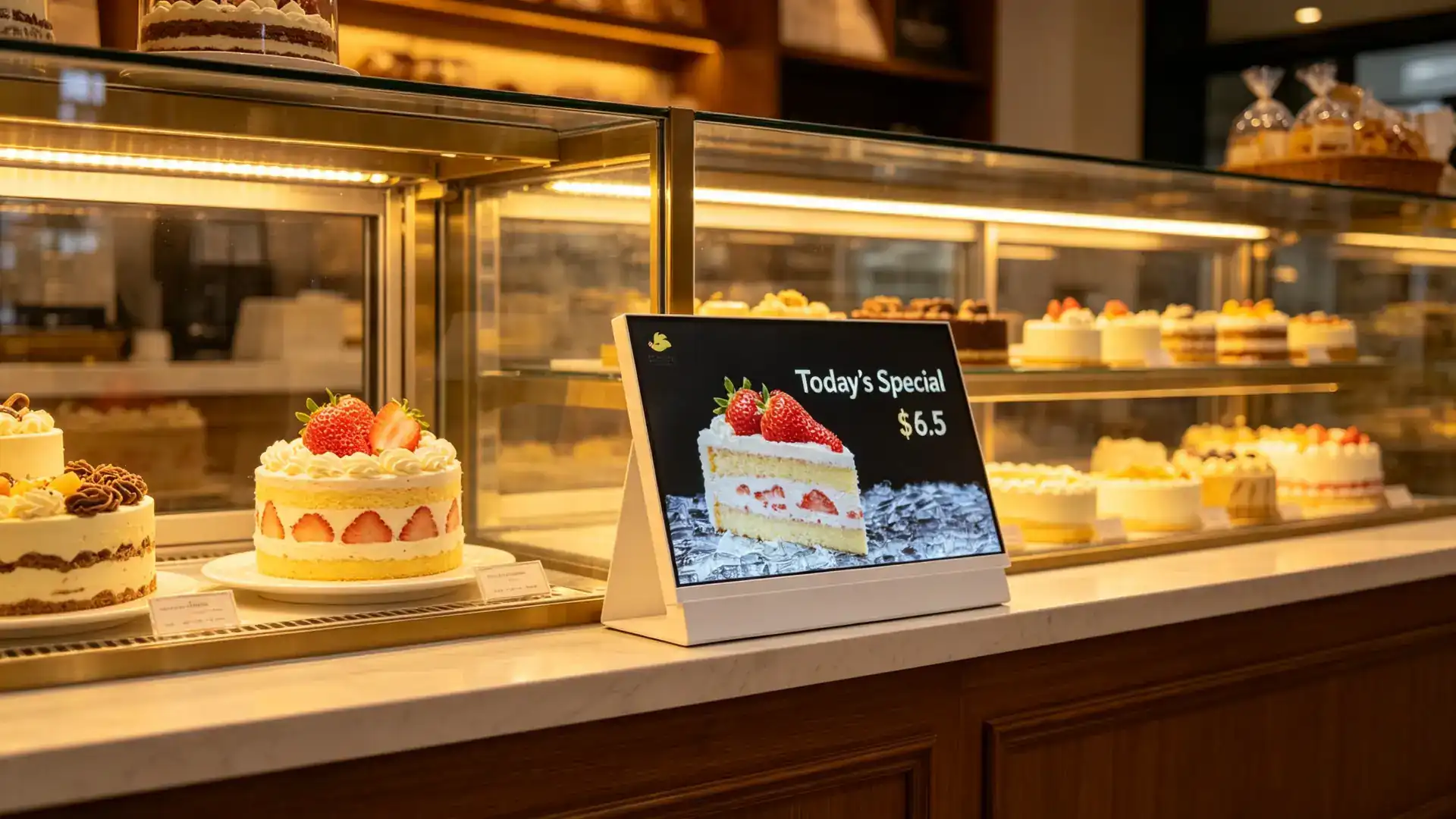
Placement: Cake counter, bread display area, checkout and pre-order area.
Placement: Hotel coffee bars, breakfast areas, lounge areas and small food-service counters.
Suitable industries: beauty and cosmetics, convenience stores, pharmacies, gift shops, mobile-phone accessory stores, supermarket checkout areas and specialty food stores.
Peripheral integration should be selected according to the final application. A promotional display may only require video playback, while a touchscreen ordering or membership terminal may require additional software, network connectivity and payment-related hardware.
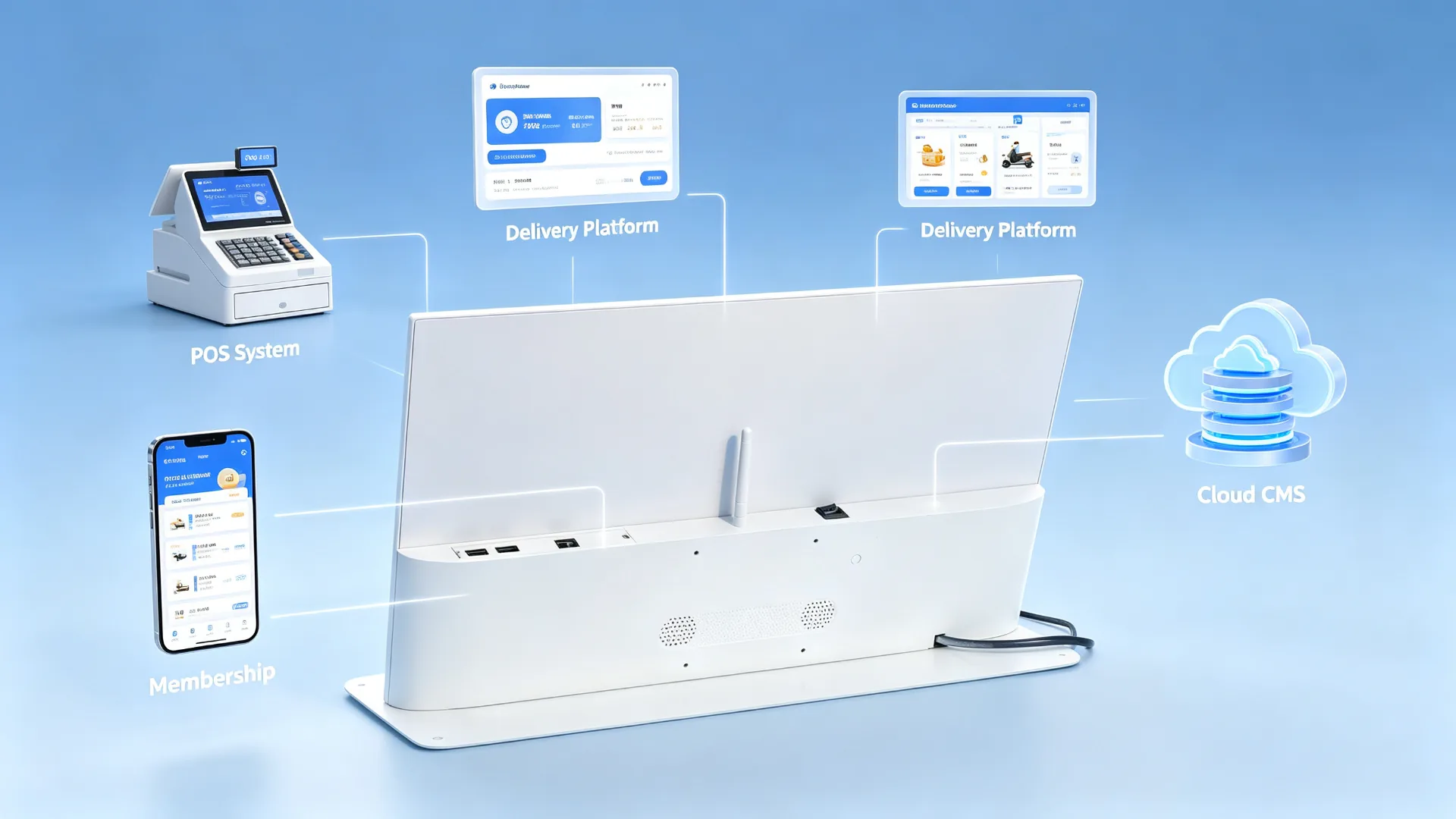
| Configuration Item | Available Options | Confirm Before Quotation |
|---|---|---|
| Screen Size | 10.1", 13.3", 15.6", 18.5", 21.5" or customized | Counter space, viewing distance, content volume |
| Orientation | Landscape, portrait or rotatable design | Menu layout, device structure, store layout |
| Resolution | HD, Full HD or 4K | Menu detail, product images, system platform |
| Brightness | Standard indoor or enhanced brightness | In-store lighting, window reflection, mounting position |
| Touch | Non-touch or PCAP touch | Menu browsing, scanning or interaction needs |
| Operating System | Android, Windows or monitor-only | CMS, POS, customer software and budget |
| Connectivity | USB, Wi-Fi, LAN, Bluetooth or optional 4G | Content update and network conditions |
| CMS | USB playback, local CMS, cloud CMS or third-party CMS | Single-store or chain-store management needs |
| Audio | Built-in speaker or audio output | Video audio needs, store noise level |
| Housing | Plastic, metal or customized enclosure | Brand image, durability, cleaning requirements |
| Frame Colour | White, black, silver or custom | Store visuals and brand colours |
| Stand | Fixed countertop stand, adjustable stand or custom bracket | Counter height, viewing angle, device stability |
| Protective Glass | Standard, anti-glare or tempered glass option | High-contact use, light reflection, cleaning method |
| Branding | Logo, frame colour, startup screen, UI and packaging | OEM/ODM requirements |
| Integration | POS, QR, NFC, camera or custom peripheral | Interfaces, software and workflow requirements |
| Daypart | Recommended Content |
|---|---|
| Breakfast | Coffee, breakfast combos, bakery products |
| Lunch | Combo meals, main dishes, drink add-ons |
| Afternoon tea | Desserts, fruit teas, coffee pairings |
| Evening | Night-time specials, delivery, pickup and membership campaigns |
| Holiday | Seasonal new products, gift boxes, collaborations and coupons |
Centralized content management helps headquarters update campaigns without requiring every store to replace printed posters manually. This improves brand consistency and makes it easier to launch time-sensitive promotions across a restaurant or beverage-store network.
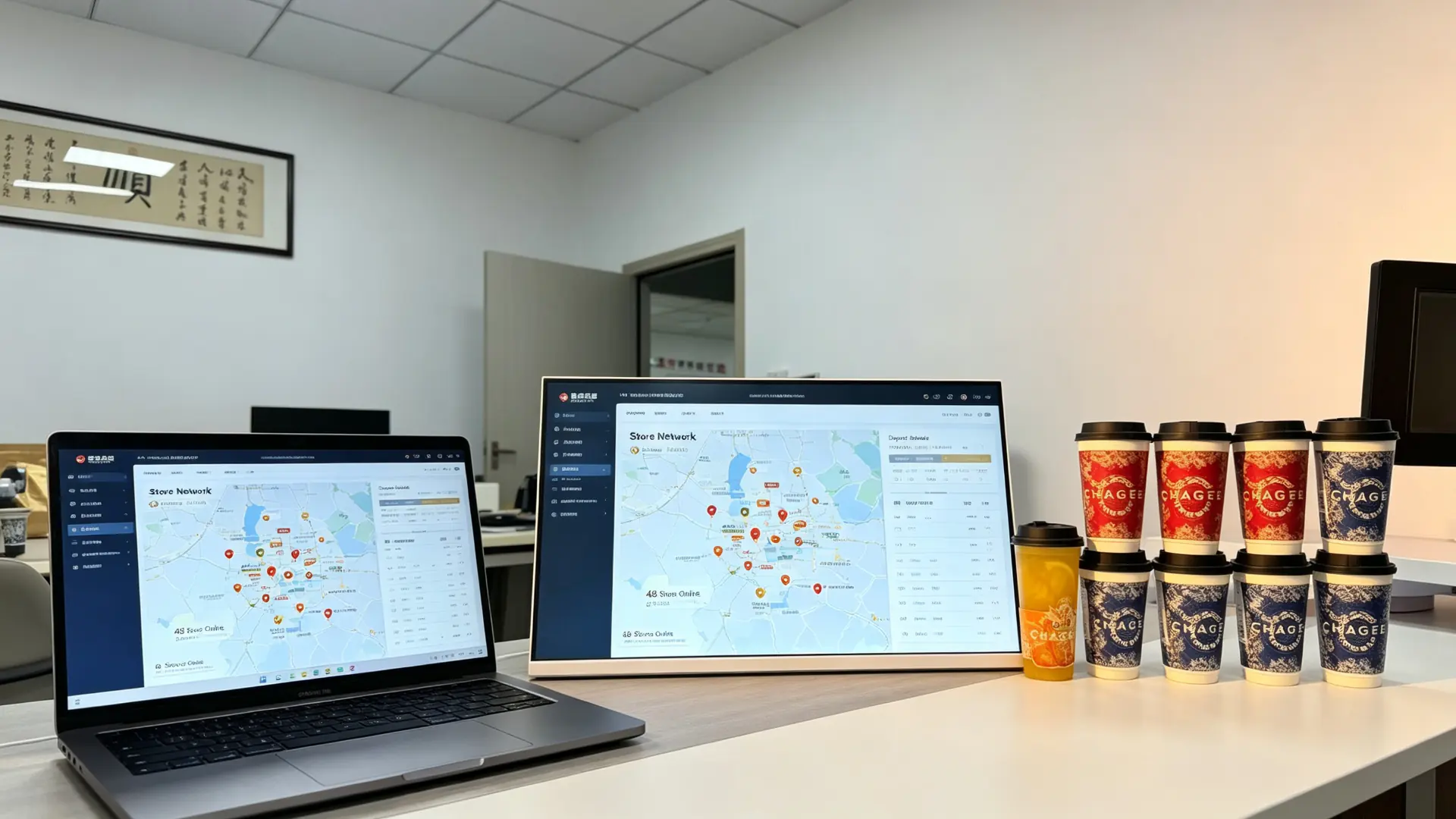
| Compared With | Limitation | This Product's Advantage |
|---|---|---|
| Printed poster | Slow to update, recurring print cost, no video | Remote updates, dynamic video, daypart switching |
| Consumer tablet | Non-commercial, limited cooling and lifespan, weak management | Commercial panel, CMS, batch management, custom stand |
| Wall-mounted menu board | Complex installation, takes wall space, far from the order point | Tabletop placement, close-range reach, easy repositioning |
| POS secondary display | Single function, usually shows amounts only | Plays menus, ads, membership and QR content |
| Large advertising screen | High cost, large footprint | Compact, lower cost, ideal for countertop single-product promotion |
A countertop digital menu board is designed for close-range decision-making at the ordering counter. It combines commercial display hardware, flexible content management and optional POS or membership integration in a compact tabletop format.
Qtenboard was founded in Shenzhen in 2005 and started inside the display supply chain, supplying CKD and SKD panel kits to assemblers and local brands before most commercial display brands existed. That component-level origin means quality is controlled from the module up, and OEM/ODM projects are adapted for local voltage, certification and assembly requirements.
Landscape countertop displays with Wi-Fi CMS, daypart playlists and brand-level content permissions.
Result: menus, prices and new launches updated centrally across the network.
White-frame landscape displays beside the pastry case promoting new drinks and food pairings.
Result: pairing and upgrade offers shown at the exact decision point.
Monitor-only and Windows configurations placed beside order terminals for combo and add-on promotion.
Result: counter-level promotions without touching the POS workflow.
Split-screen content with daily specials, cake promotions and pre-order QR codes.
Result: seasonal items promoted without re-printing posters.
We support B2B countertop digital menu board projects from configuration and sample confirmation to production, testing, packaging and after-sales support. Share your counter size, menu content, CMS requirement and branding needs, and our team will recommend a suitable configuration.
A countertop digital menu board is a compact commercial display placed on a cashier counter, ordering station or product display area. It is used to show menu items, prices, promotions, featured drinks, product images and upselling messages.
Yes. It is designed for beverage shops, cafes, bakeries, restaurants and quick-service counters where customers make ordering and payment decisions at close range.
Yes. It can display a full menu, selected categories, prices, promotional products or a split-screen layout. The recommended screen size depends on the amount of menu information, viewing distance and available counter space.
With an Android or network-enabled configuration, content can be managed through a CMS using Wi-Fi, LAN or optional cellular connectivity. USB playback is also available for standalone applications.
Yes. A CMS or scheduling function can be used to switch breakfast, lunch, afternoon-tea, dinner and late-night promotional content automatically.
A touchscreen version may support menu browsing and self-service functions. However, full self-ordering requires compatible ordering software, payment integration and workflow design. A non-touch advertising display should not be described as a self-ordering kiosk.
POS-related integration may be available depending on the operating system, software platform and interface requirements. Please provide your POS brand, system architecture and required data flow for compatibility evaluation.
A QR code can be displayed on any screen as content. QR scanning, NFC and barcode scanning require dedicated hardware and compatible software, which can be considered for project-based configurations.
This product is intended for indoor countertop use. If it will be placed near beverage preparation areas, confirm the required splash resistance, front-glass protection, cleaning method and enclosure material before ordering.
Yes. Customization may include the housing colour, logo, stand, boot screen, user interface, packaging and manuals.
Please provide screen size, orientation, quantity, placement location, Android/Windows/monitor-only requirement, CMS requirement, touch requirement, network requirement, branding needs, target country and expected delivery schedule.

 EN
EN
 pt
pt  spa
spa  th
th  vie
vie  aze
aze  bel
bel  est
est  lav
lav  ukr
ukr  ru
ru