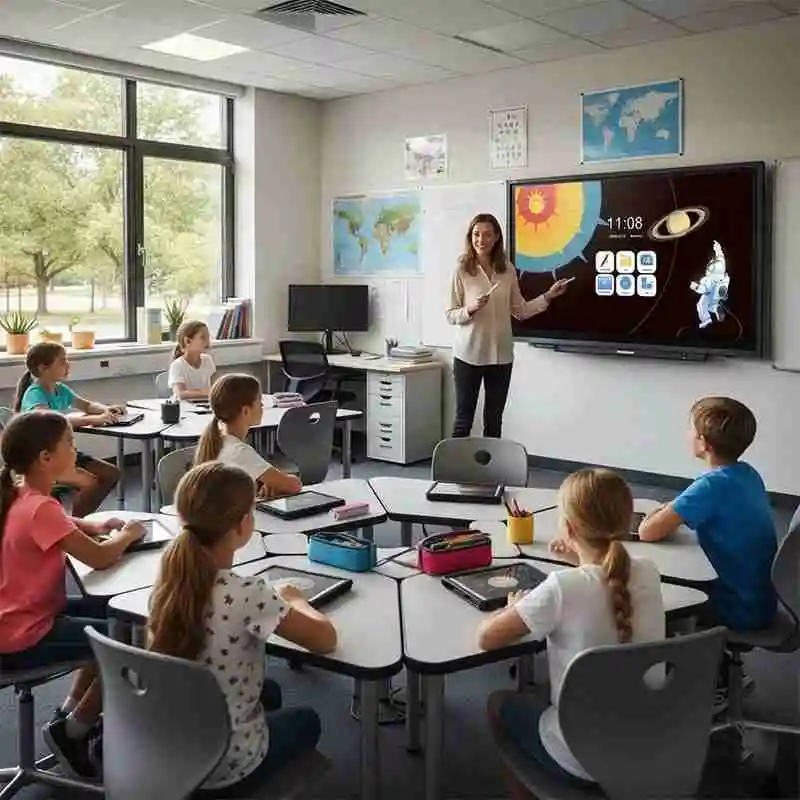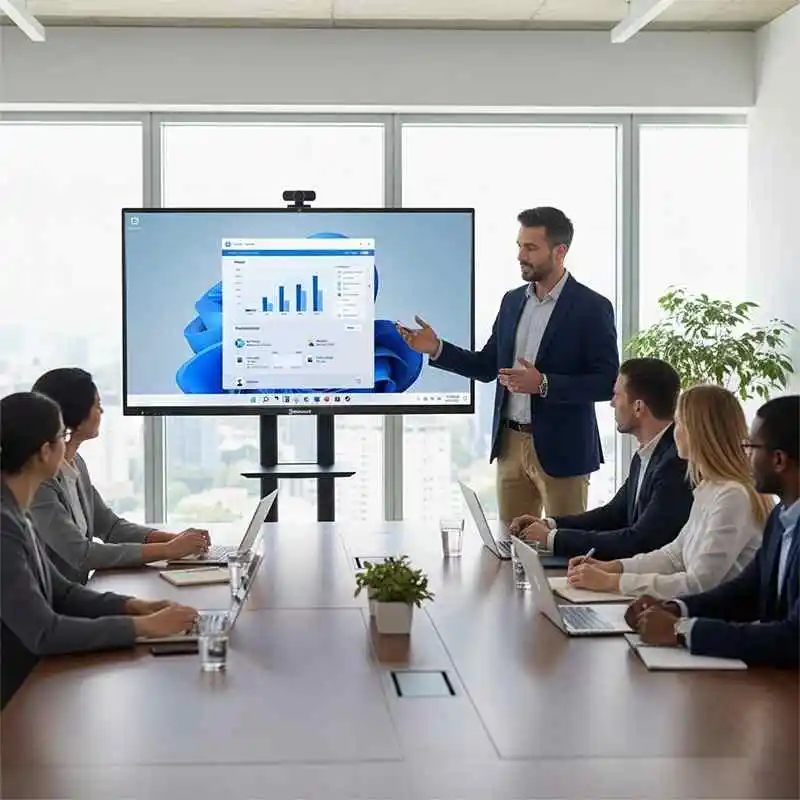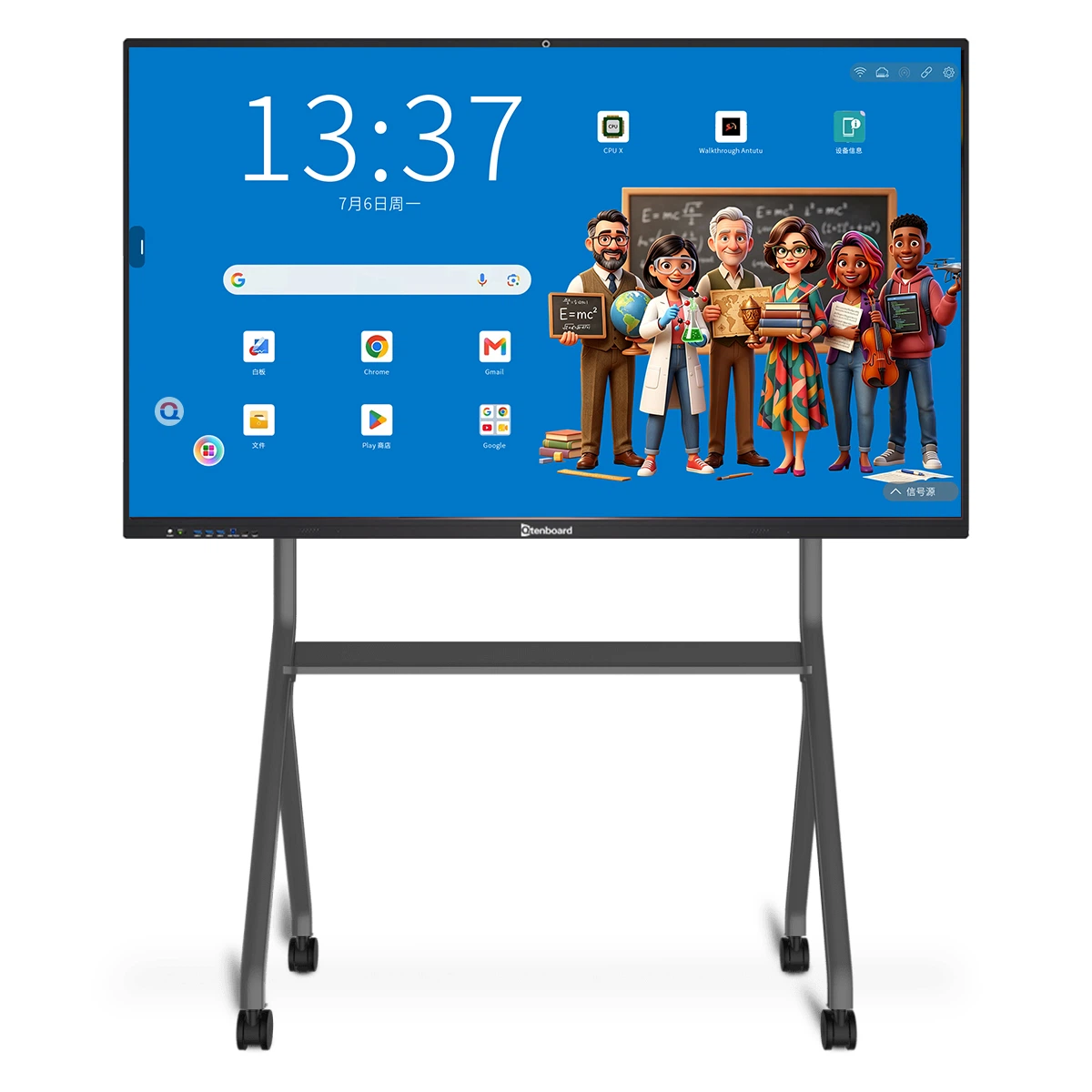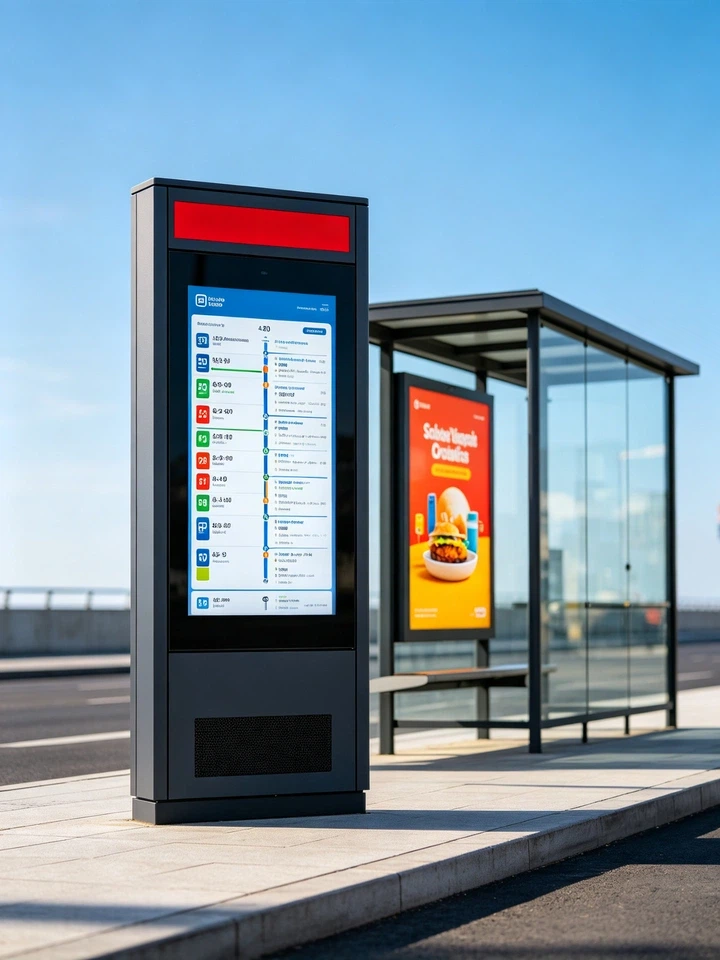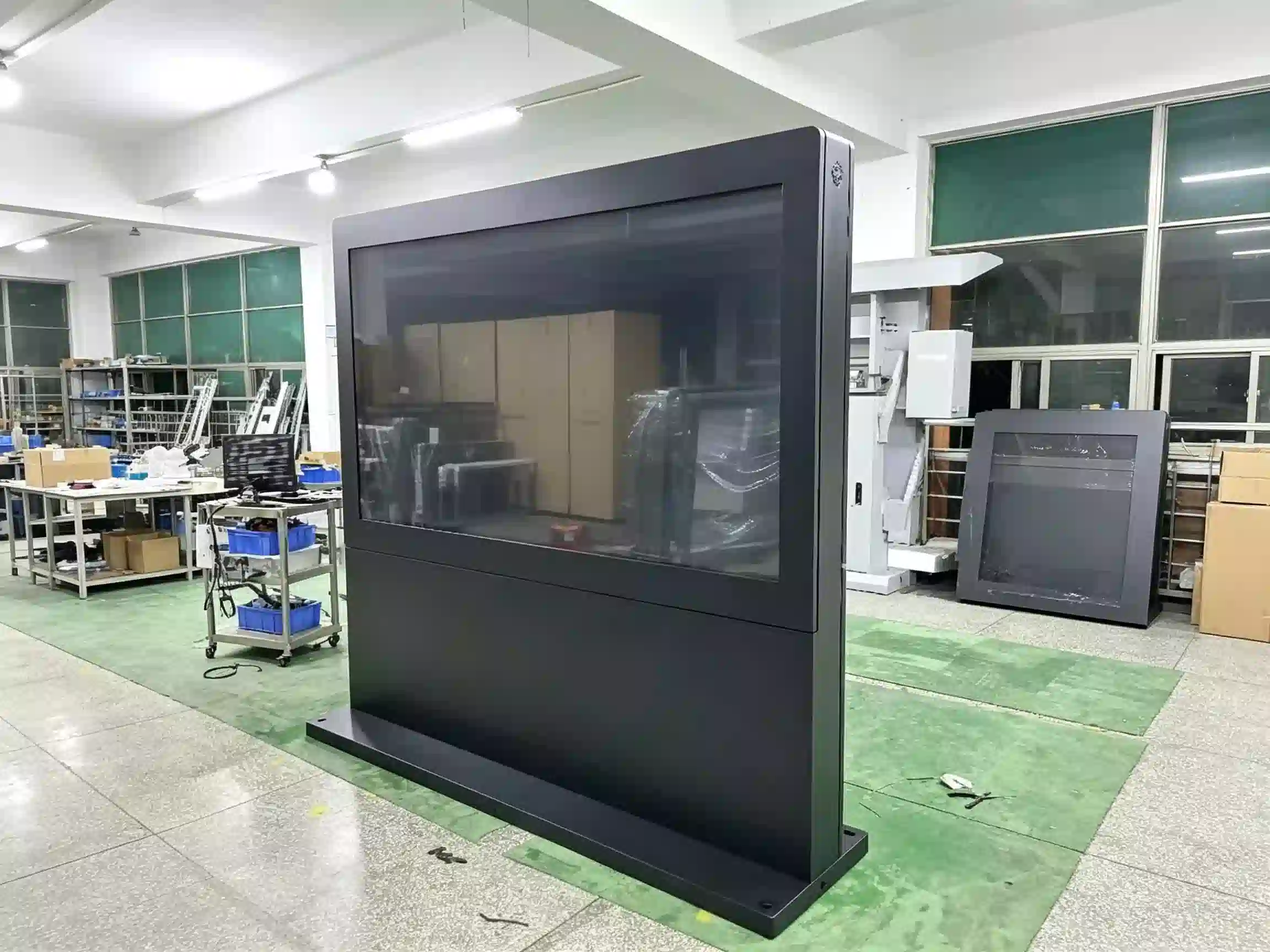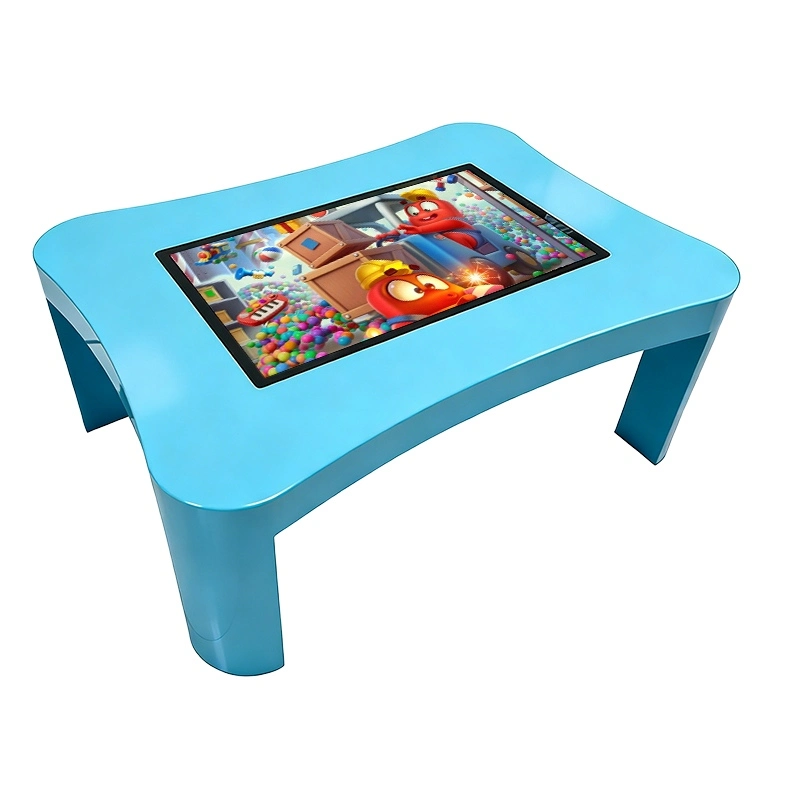















Kompaktt tabeallaşçılıq rəqtəsi rəqəm sahələrin, ərzaq istinadçıları və şəkil tə’yin etmək sahələri üçün hazırlanmışdır. Menyular, qiymətləri, yeni içkilər göstər, Müştər kampaniyalar və əhval - bağışlamaq məsləhətin qərarlar alıblar.
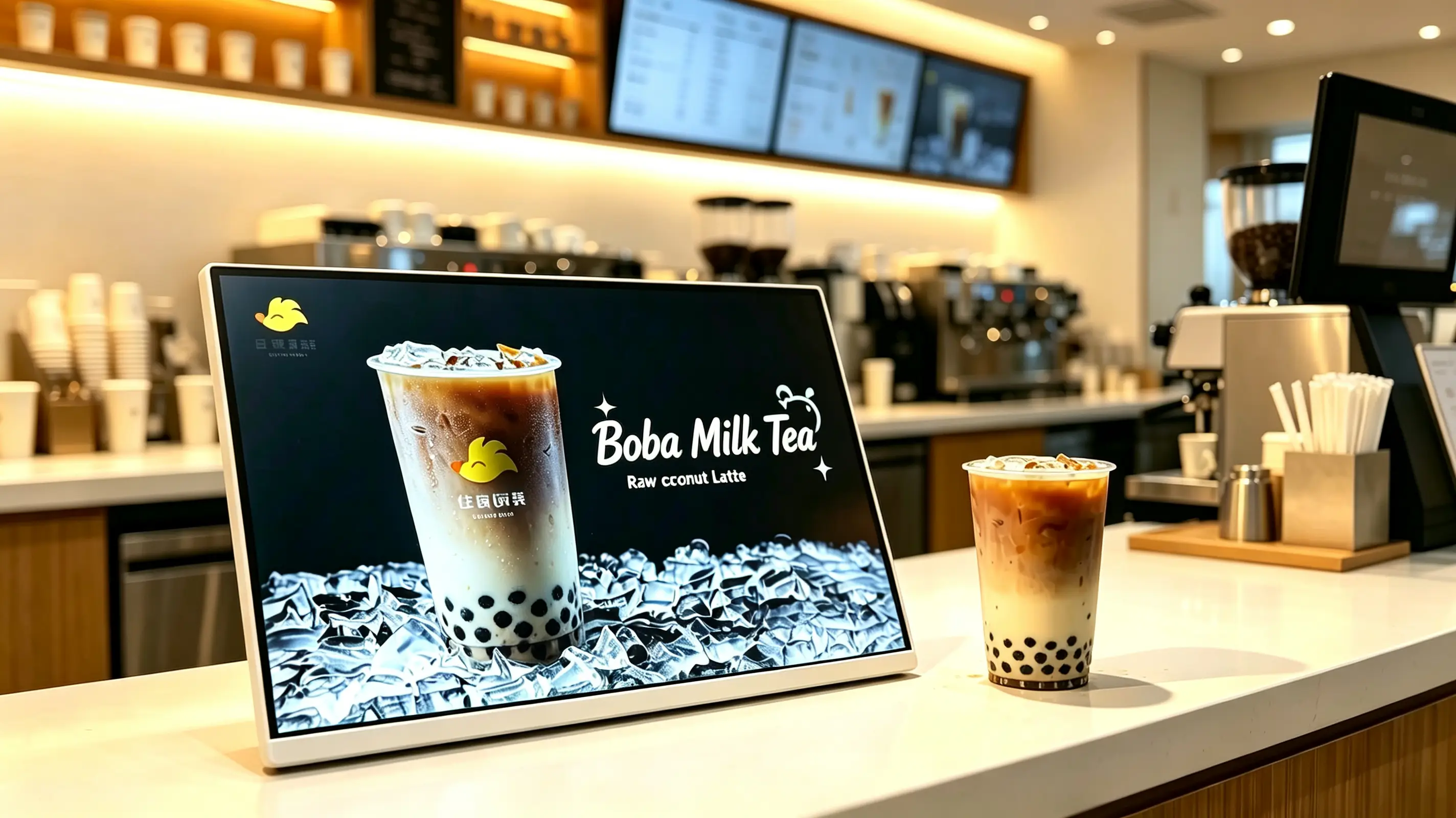
Müştərilər tez-tez son satınalma qərarını kassada verirlər. Countertop digital menyu kafe, içki dükanları və restorantlar göstərilən içkilər, məhdud vaxtlı təkliflər. Müjdələr əmr etmək üçün dəqiq an vaxtda axtarışlar və üzvləri dəstəkləyirlər.
Çapmış kütg posterlərdən fərqli olaraq, yeni məhsulları üçün tez yeni yeni tədqiqatla, qiymətləri dəyişdirib, Gündə təkliflər və müsəlman kampaniyalar.
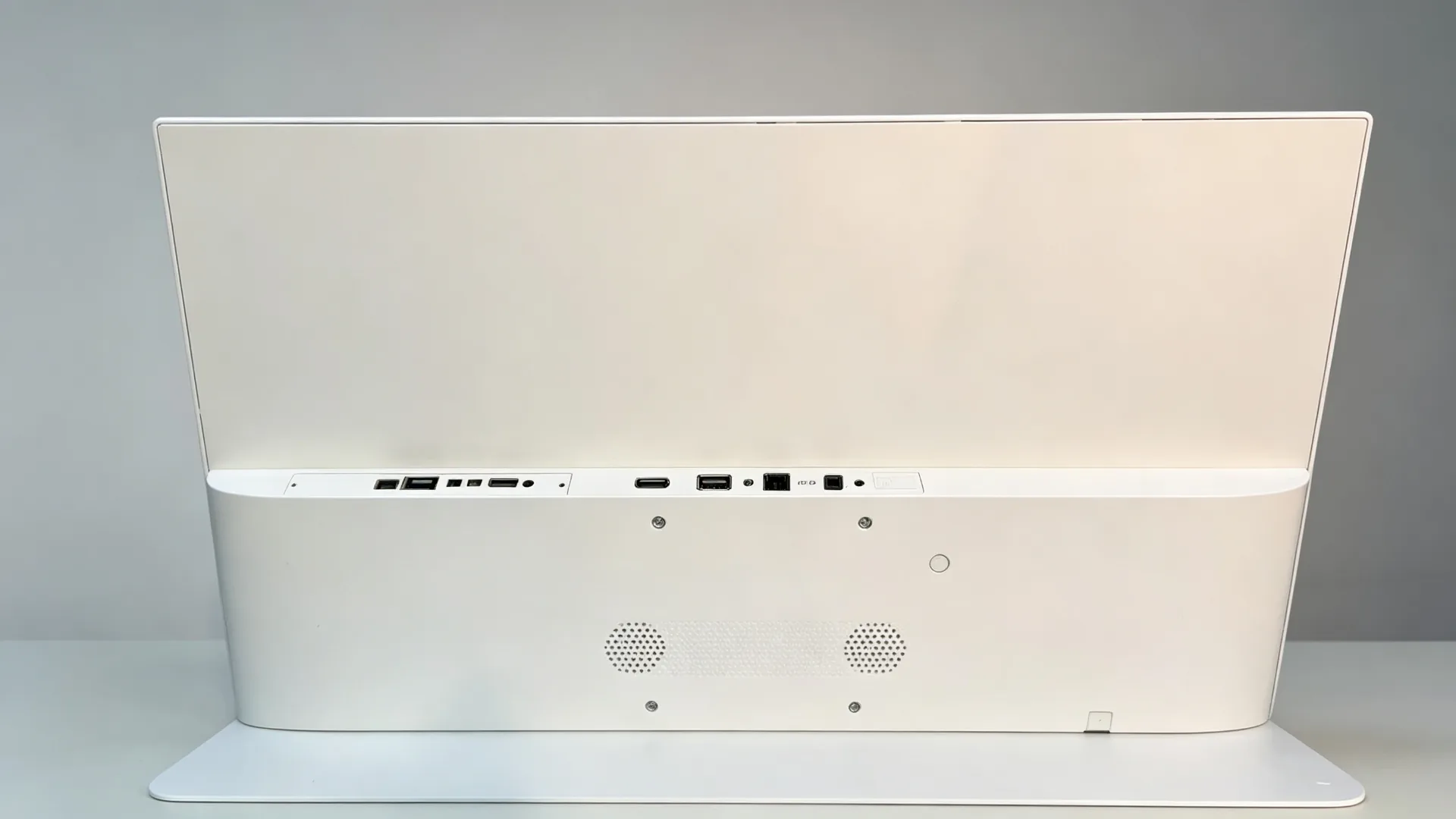
Vəziyyətlə tək mağaza təklif etmək üçün USB nümayişi POS və ya Üçüncüki proqramın integrasiya, ya da mövcud olan media oyunları üçün yalnız monitor versiyonu. Son konfiqurasiya sayğacların sayı, məzmunun növü, şəbəkə və proqram təminatı tələblərindən asılıdır.
| Buraxı | Ən yaxşılıqlar | Qurğular | Sifariş Verməzdən Əvvəl Təsdiqləyin |
|---|---|---|---|
| USB Standalon Landscape Görüşü | Tək mağazalar, südlü çay dükanları, kafelər, tək məhsul kampaniyaları | Mənzərə, 10.1"-21.5", USB dövrü oynatma, toxunma xüsusiyyəti yoxdur | Ekran ölçüsü, məzmunun yenilənmə tezliyi, sayğac sahəsi |
| Android CMS zəncir mağazası ekranı | Çay, qəhvə və fast-food zəncirləri | Android, Wi-Fi/LAN, bulud CMS, çox mağaza qrupları, günə görə dəyişmə | Mağazaların sayı, icazələr, oynatma hesabatları, şəbəkə |
| Windows POS-inteqrasiya edilmiş displeyi | POS, üzvlük və ya üçüncü tərəf menyusu proqram təminatı tələb edən layihələr | Windows sənaye kompüteri, HDMI/USB, POS interfeysi, xüsusi proqram təminatı | POS markası, interfeys sənədləri, proqram təminatı uyğunluğu |
| Yalnız monitorlu kassanın vitrini | Mövcud oyunçu, POS host və ya AV sistemi olan alıcılar | HDMI giriş, xarici media oynadıcı, toxunma düyməsi yoxdur | Çözgünlük, kabel uzunluğu, oyunçu uyğunluğu |
| Sensorlu interaktiv displey | Menyu ilə gəzinti, üzvlük qeydiyyatı, özünəxidmət axtarışı | PCAP yoxlama, Android/Windows, CMS ya da APP | Proqramlar, arvaqlar, mağalı |
| İçki Təşviqi Ekranı | Qəhrəman məhsulları, yeni buraxılışlar, əlavə promosyonlar | Landşaft, yüksək parlaqlıqlı qapalı panelli, USB/Android, ağ və ya xüsusi çərçivə | Məzmun şablonu, brend rəngləri, stend bucağı |
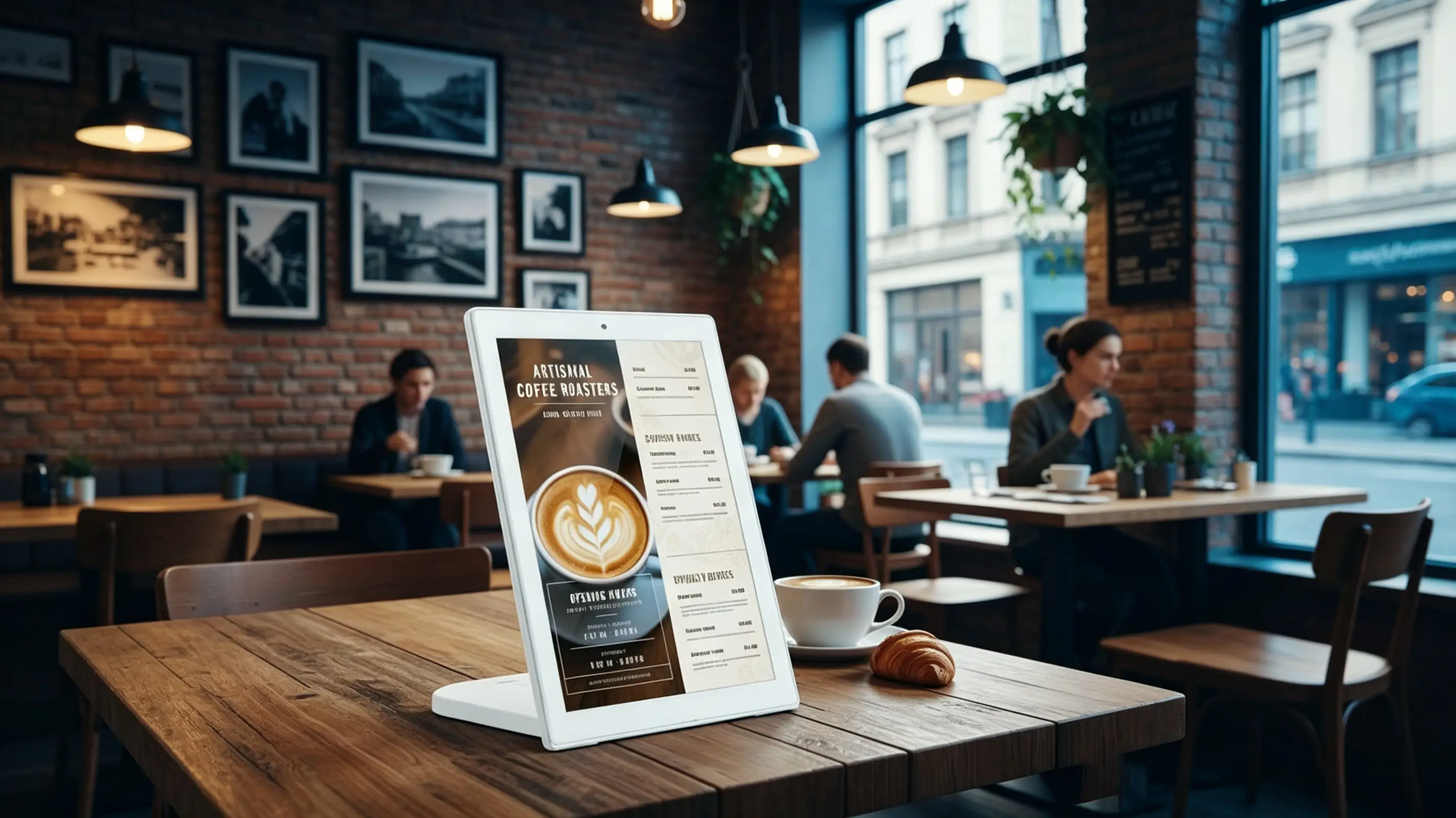
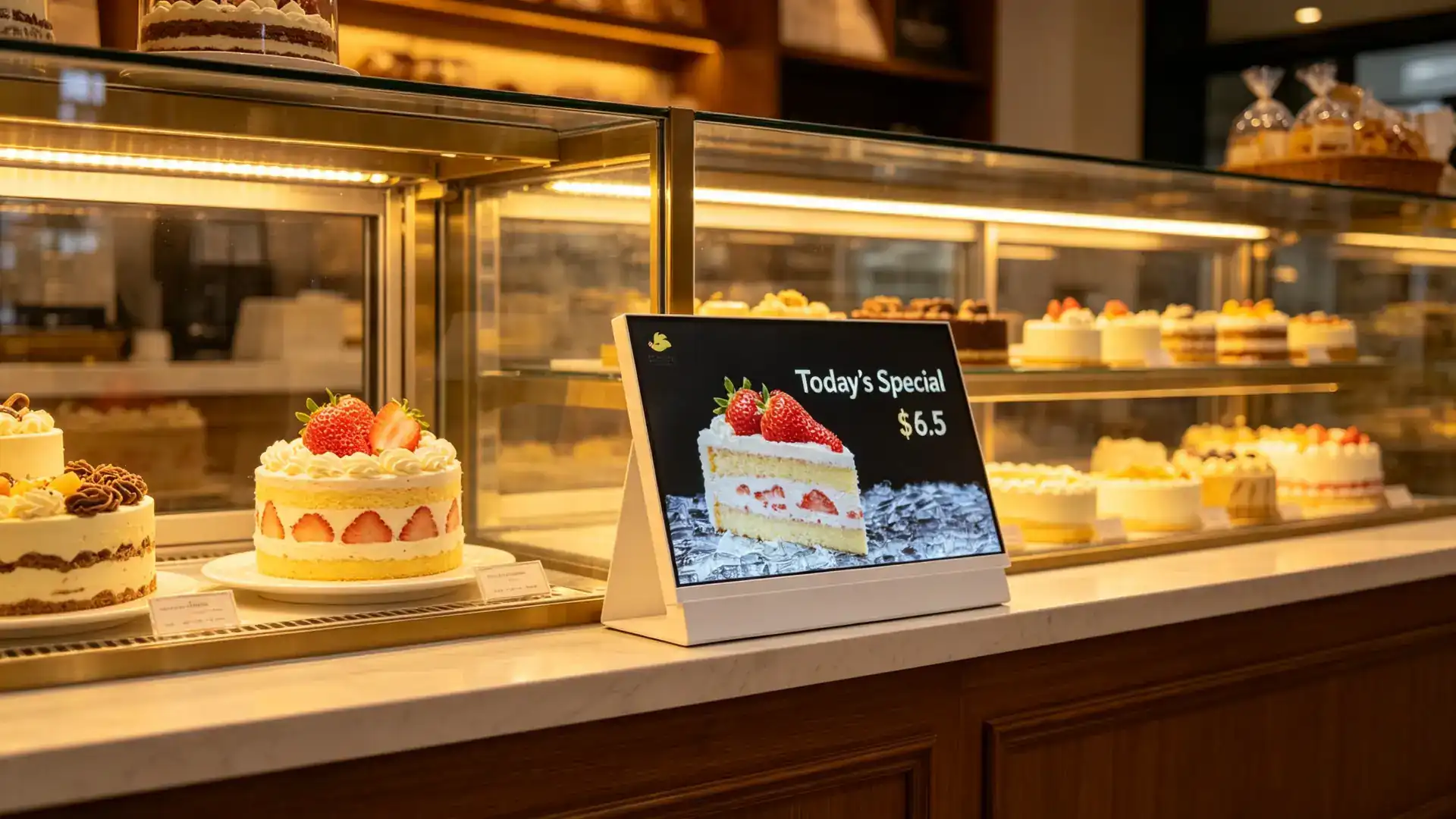
Yığcam masaüstü form-faktor məhdud sayda sayaq yeri olan yerlər üçün nəzərdə tutulmuşdur. Növbəti POS terminalın yanında qoydur Hərçənd ki, hər gün xidməti işini əhatə etmədən aydın təbliğçilərə göndərmək üçün, yaxud da yaxın tədbirlər.
Şəxsiyyət tədqiqatlar, qəraham içki reklam, iki bədəni müqayisə combo məsləhətləri, təqdirdə video, geniş format menyusları və ayırın ekran məzmunu kimi menyusu QR köməyi.
| İstiqamət | Ən Yaxşı İşləyən Məzmun | Nümunə Yerə |
|---|---|---|
| Landaqa | Geniş içki görüntüləri, iki məhsulun müqayisəsi, kombo tövsiyələri, üfüqi video | Kassalar, qəhvə barları, məhsul sərgiləmə şkafları |
| Portret | Tək məhsul afişaları, üzvlük QR kodları, yeni məhsul xüsusiyyətləri, şaquli qiymət siyahıları | Dar sayğaclar, mağaza girişləri, növbə sahələri |
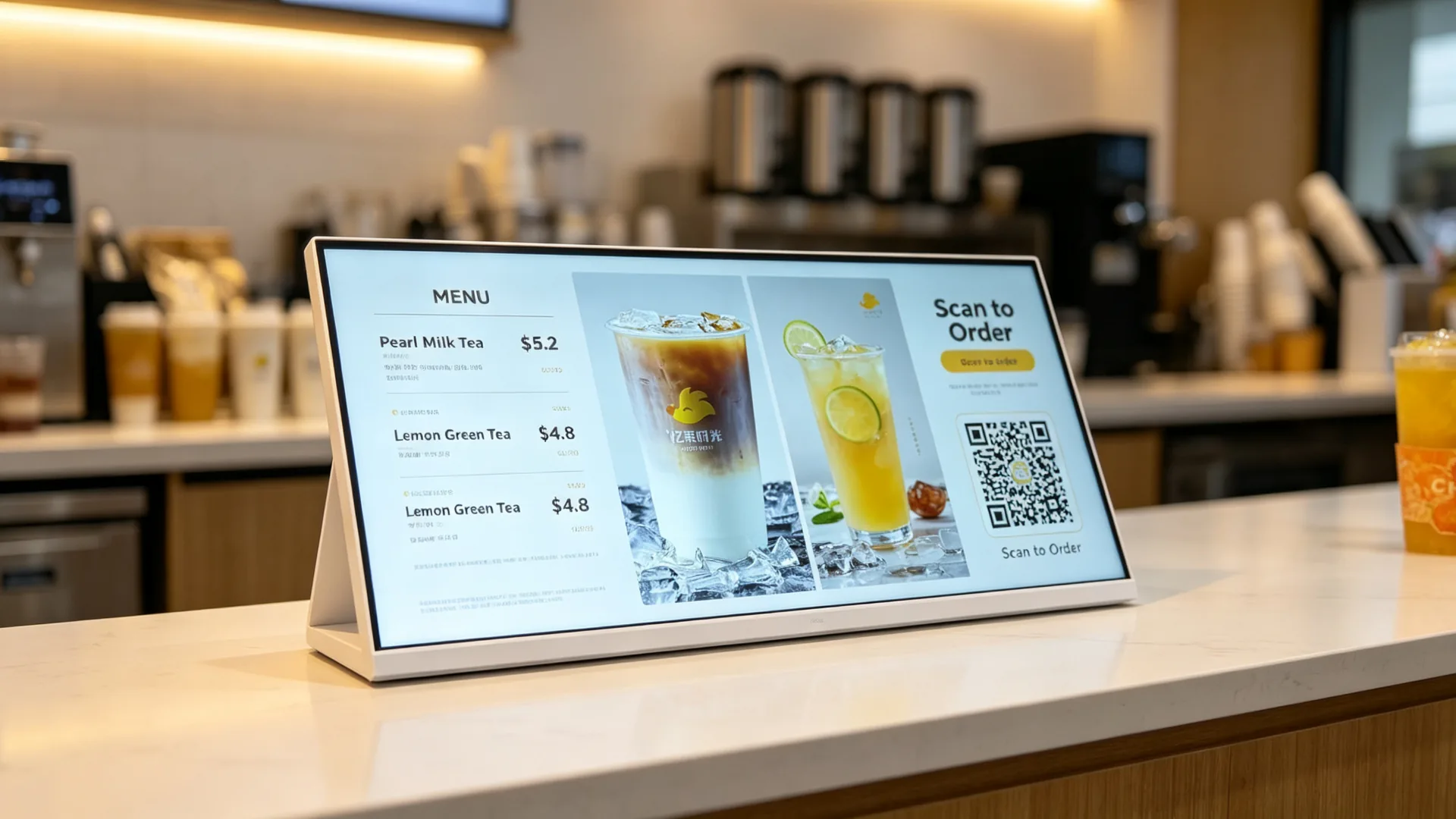
| İki ekranlı düzüm | Menyunun promosyon qiyməti QR kodu bir görünüşdə | Zəncirvari restoranlar, südlü çay dükanları, sürətli xidmət mağazaları |
Müəyyən interaksiya ehtiyacı olan layihələr üçün, tochskran seçimi menyusu səyyar etmək, ehtiyat seçmək üçün quraşdırılacaq ola bilər. Üzvləri qeyd edilmə və ya müjdəçi tədqiqatlar. Toxunma funksionallığı nəzərdə tutulan proqram təminatına və istifadəçi iş axınına uyğun olaraq seçilməlidir.
Göstərləyindən istifadə edin Həmin ödəməyə, yaxud əziyyət yerinə yetirməklə, mağazaqlar müjdələr hələ də nə almaq istədiyini qərara alırlar.
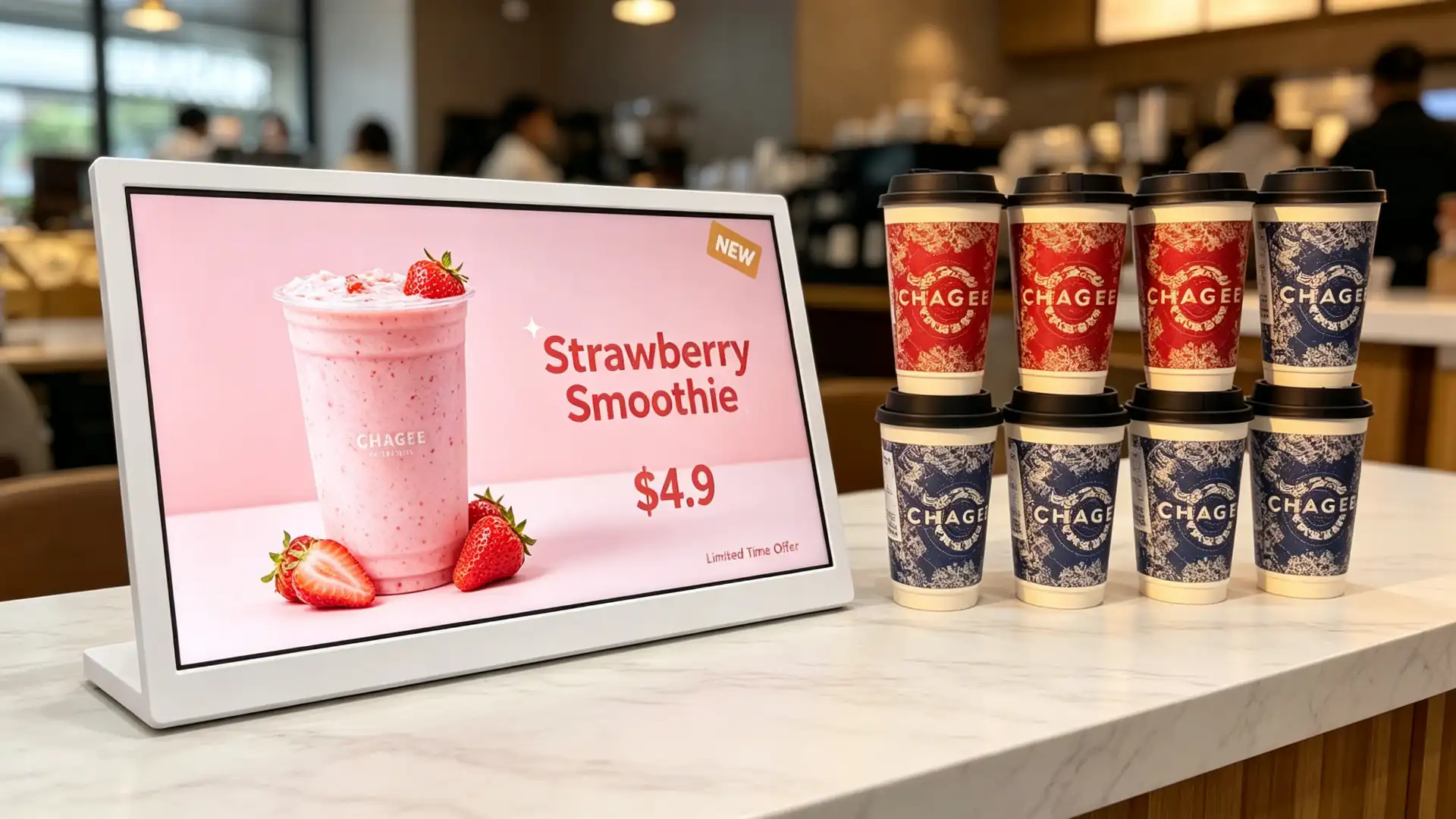
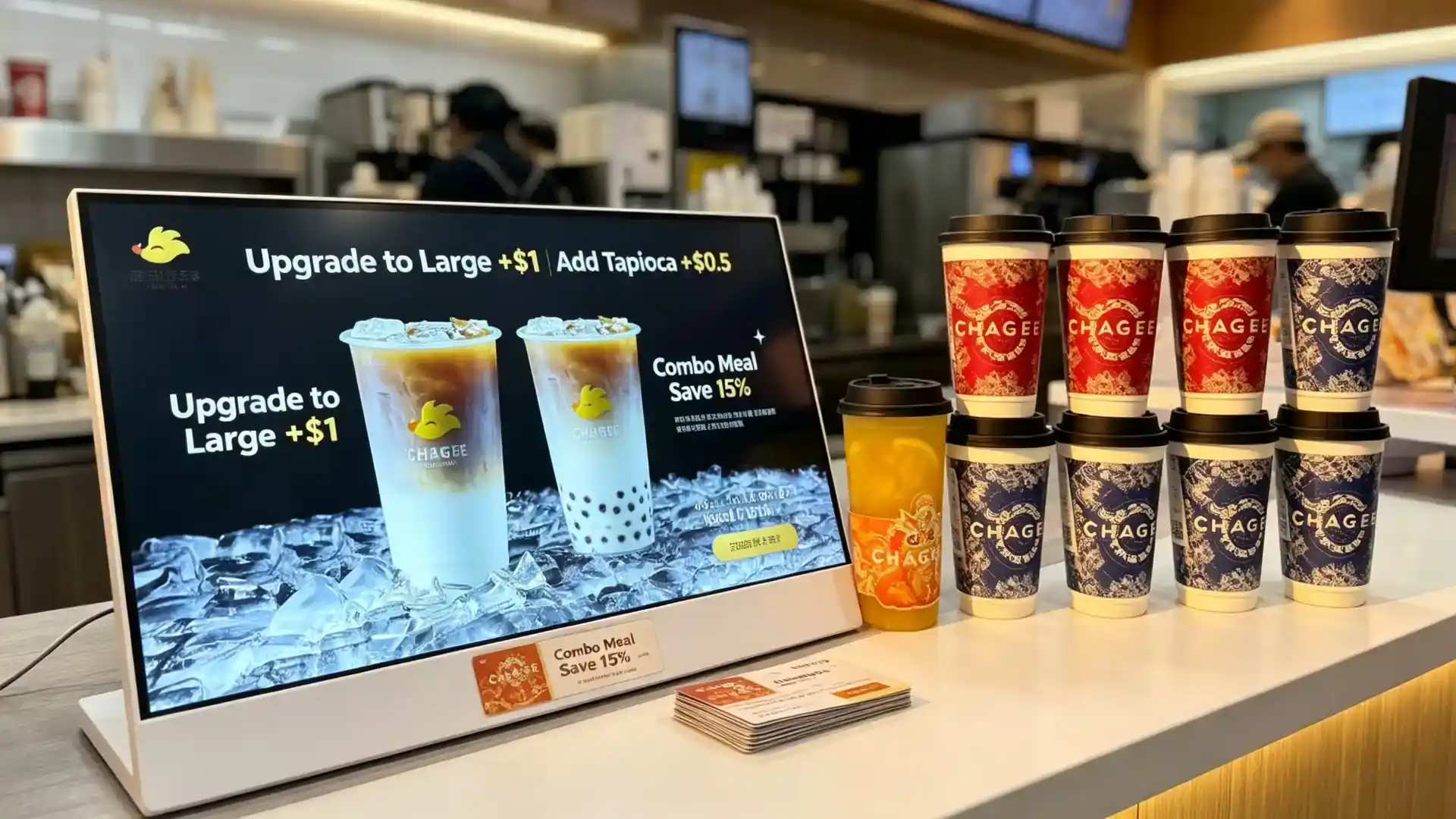
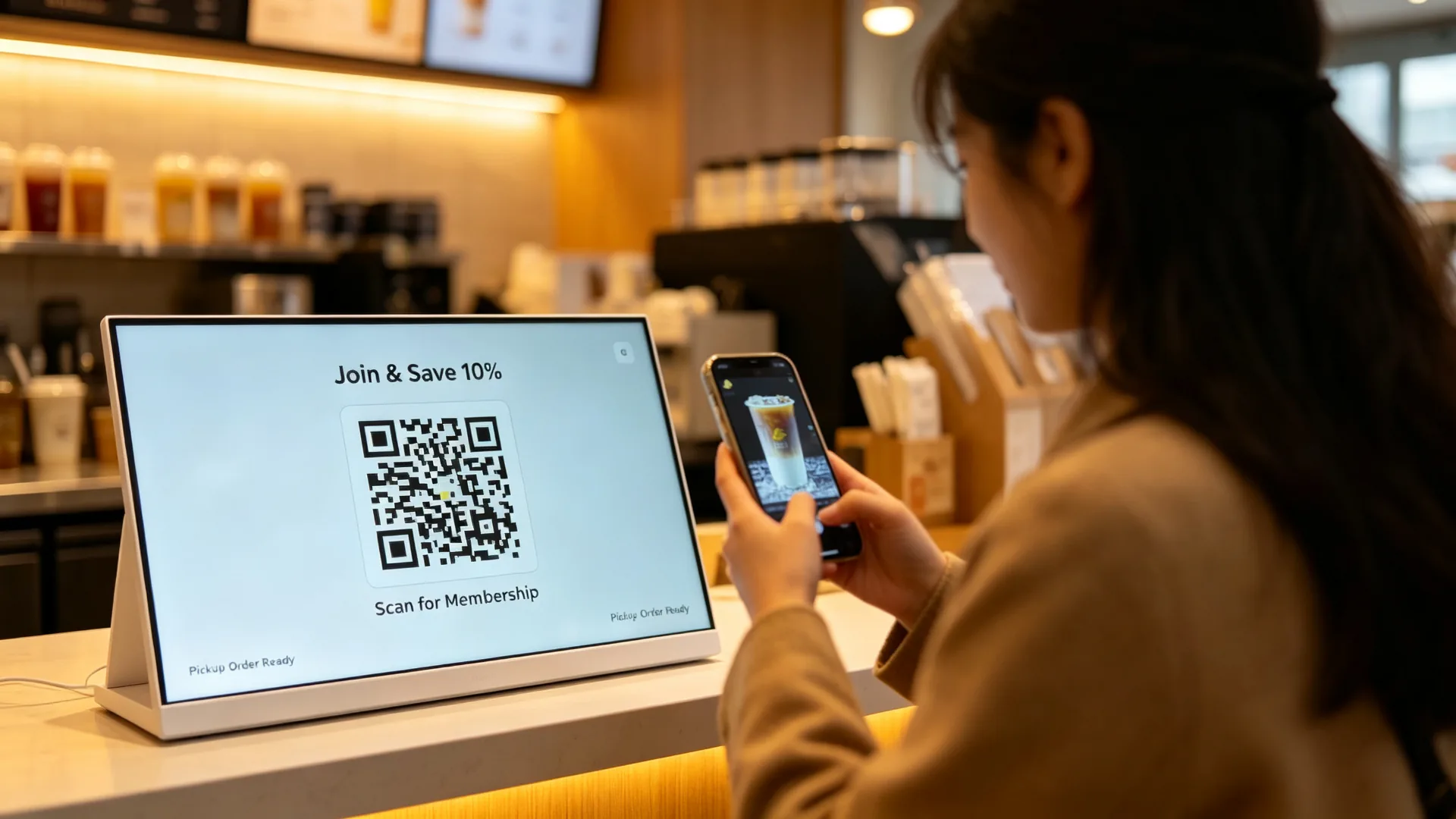
Ən yaxşı üçün: Müntəzəm kafe, bir süd çay dükanları, bağışlar, pop-up maqanqanları, müvəqqəti tə’yinatlar və kiçik restorantlar.
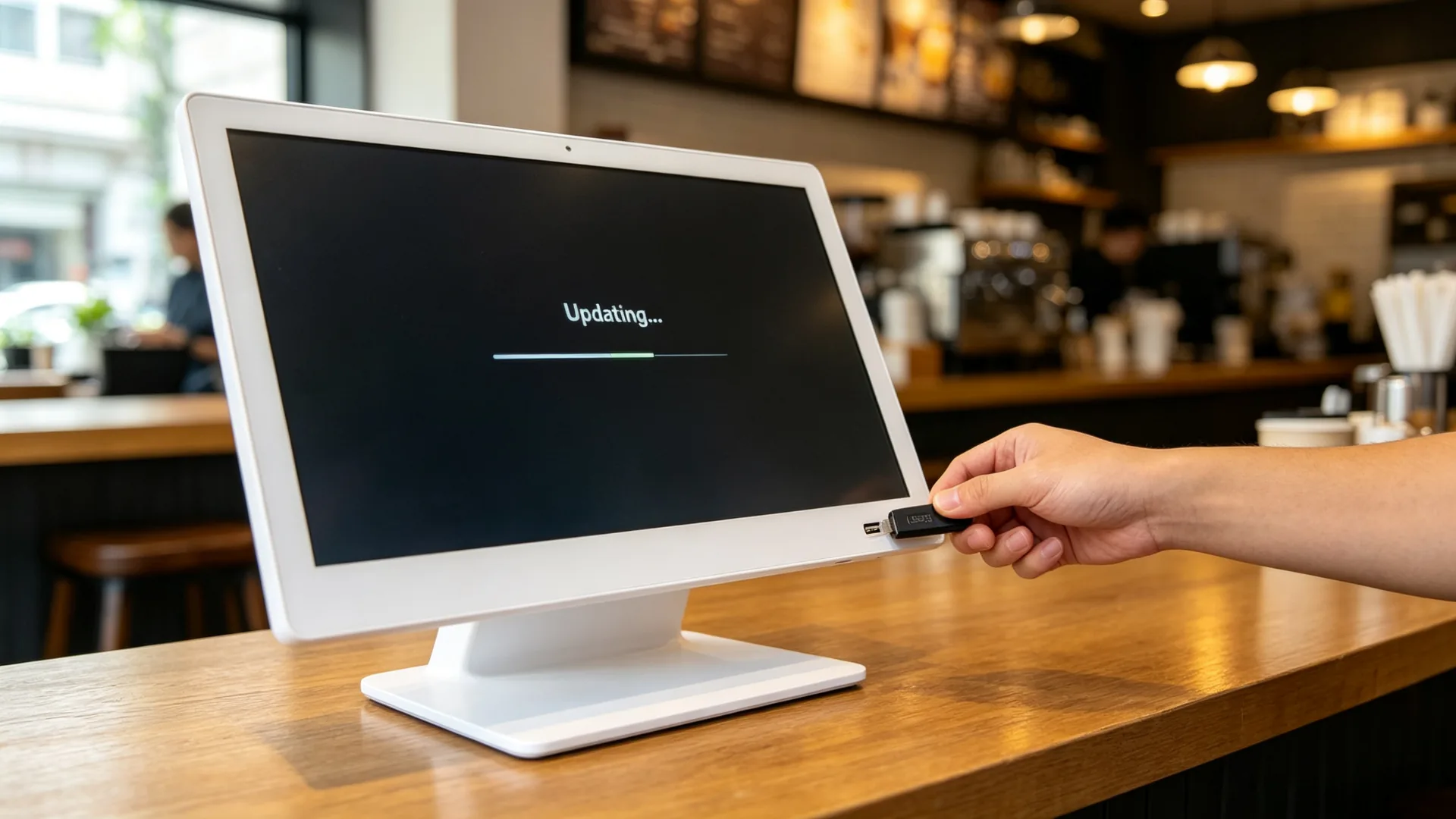
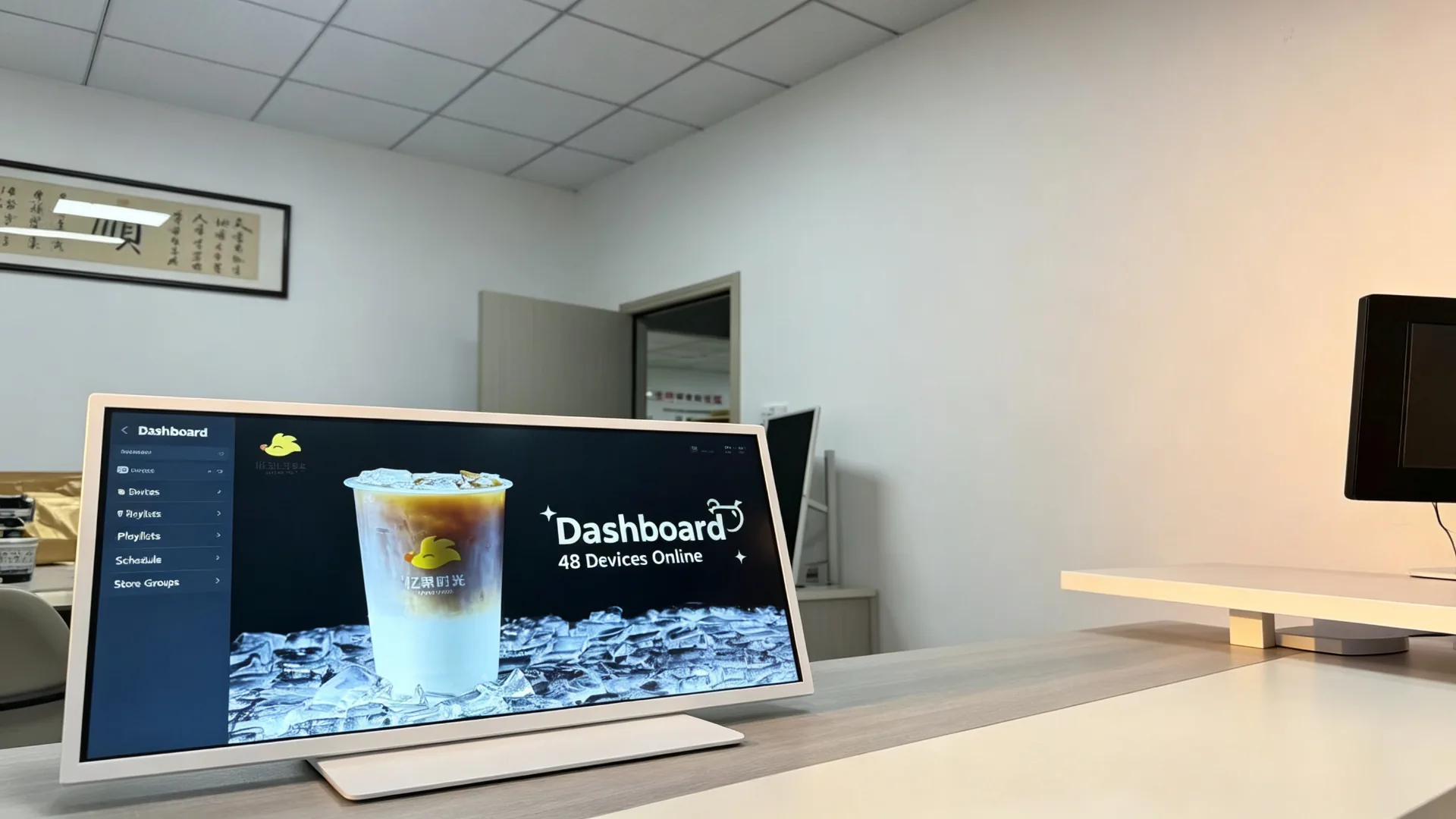
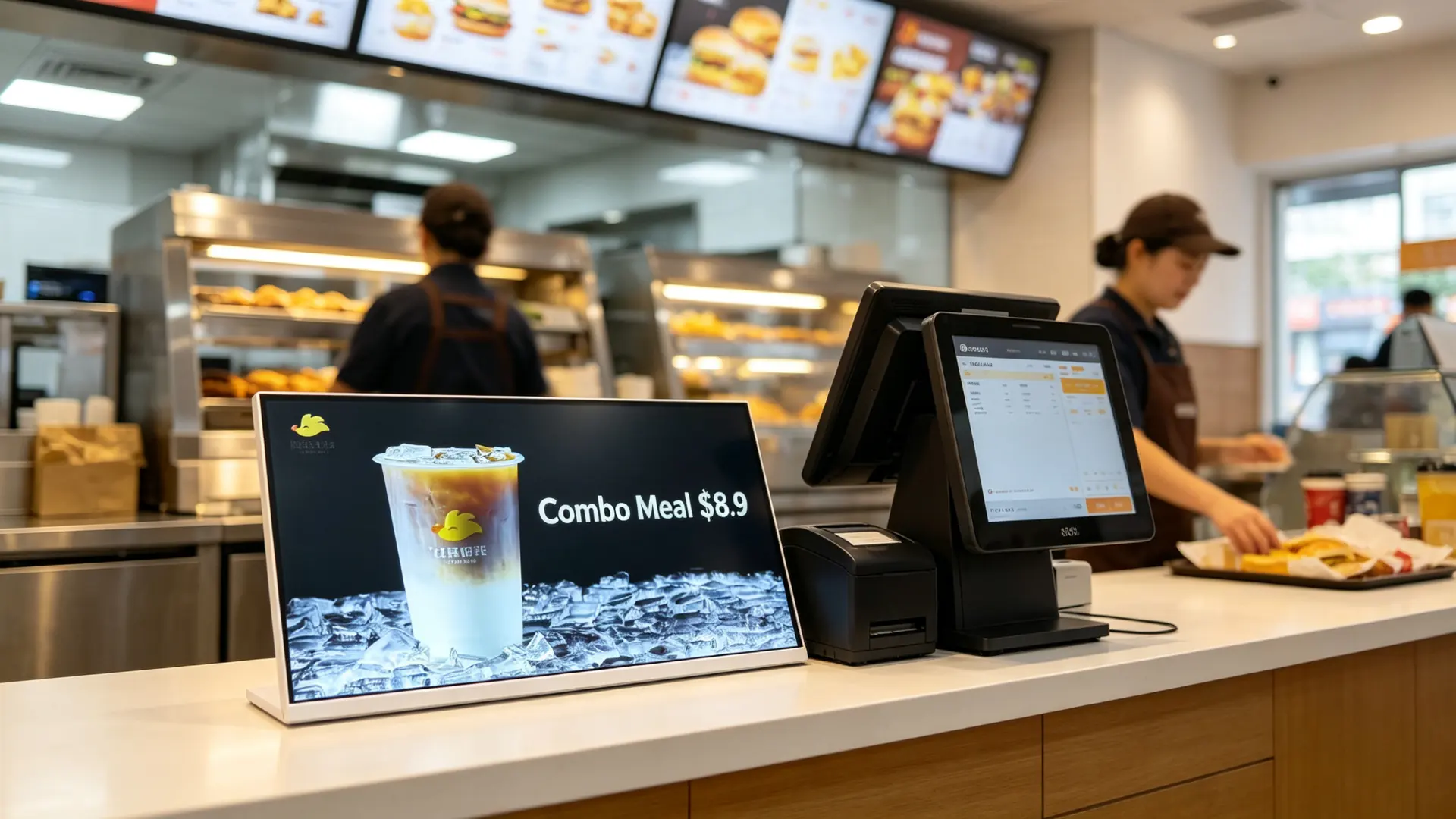
Yeri: Kassir masası, sifariş bölməsi, içki almaq üçün növbə, vitrinlərin yanındakı sahə, gözləmə zonası.
Qiymət: orta hesabat qiymətini dəstəkləmək üçün yeni tədqiqatlara və toppışları göstərilmələr.
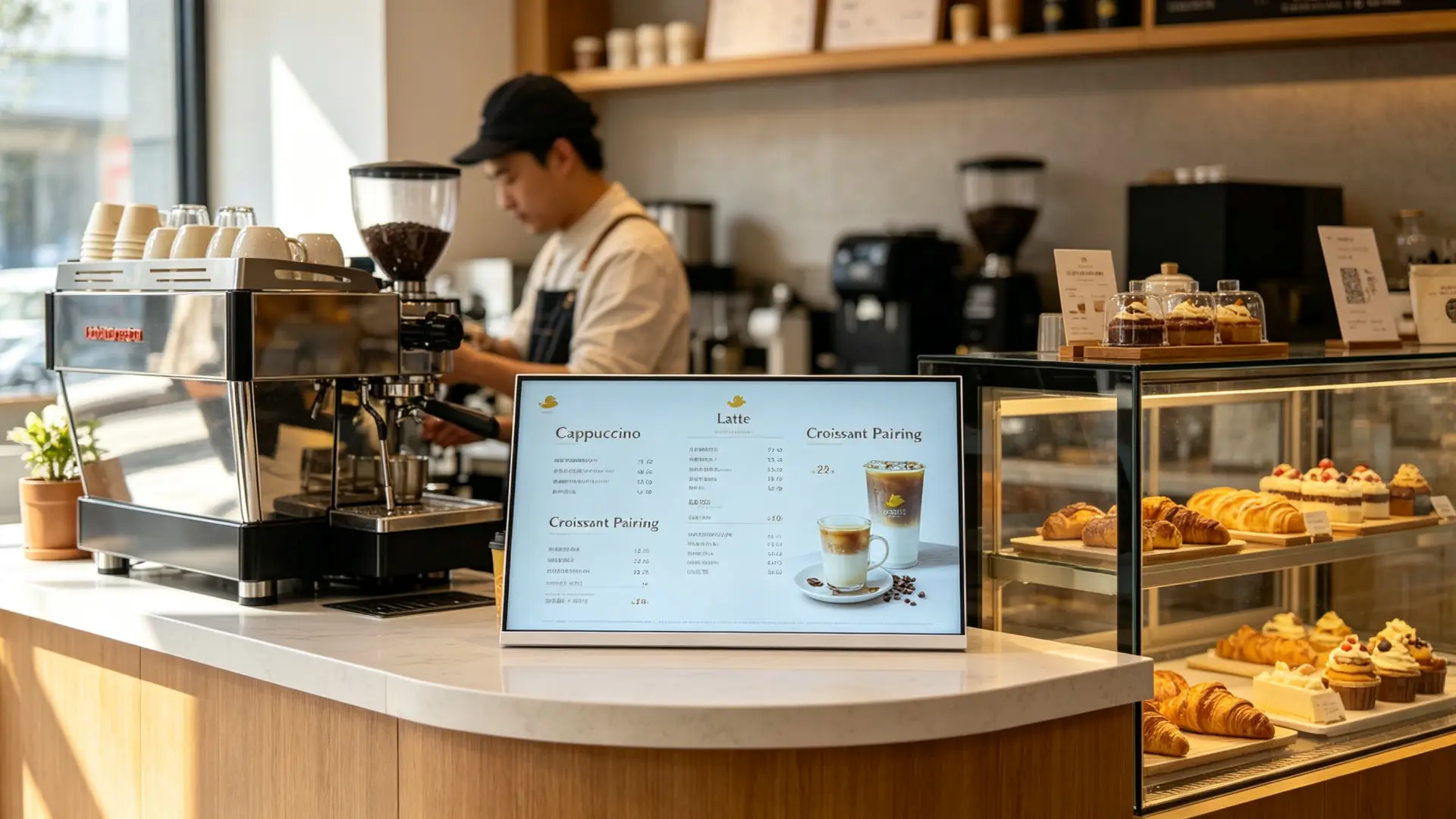
Yeri: Kafe bar, kasey, pastry göstərişi, takeway pickup sahəsi.
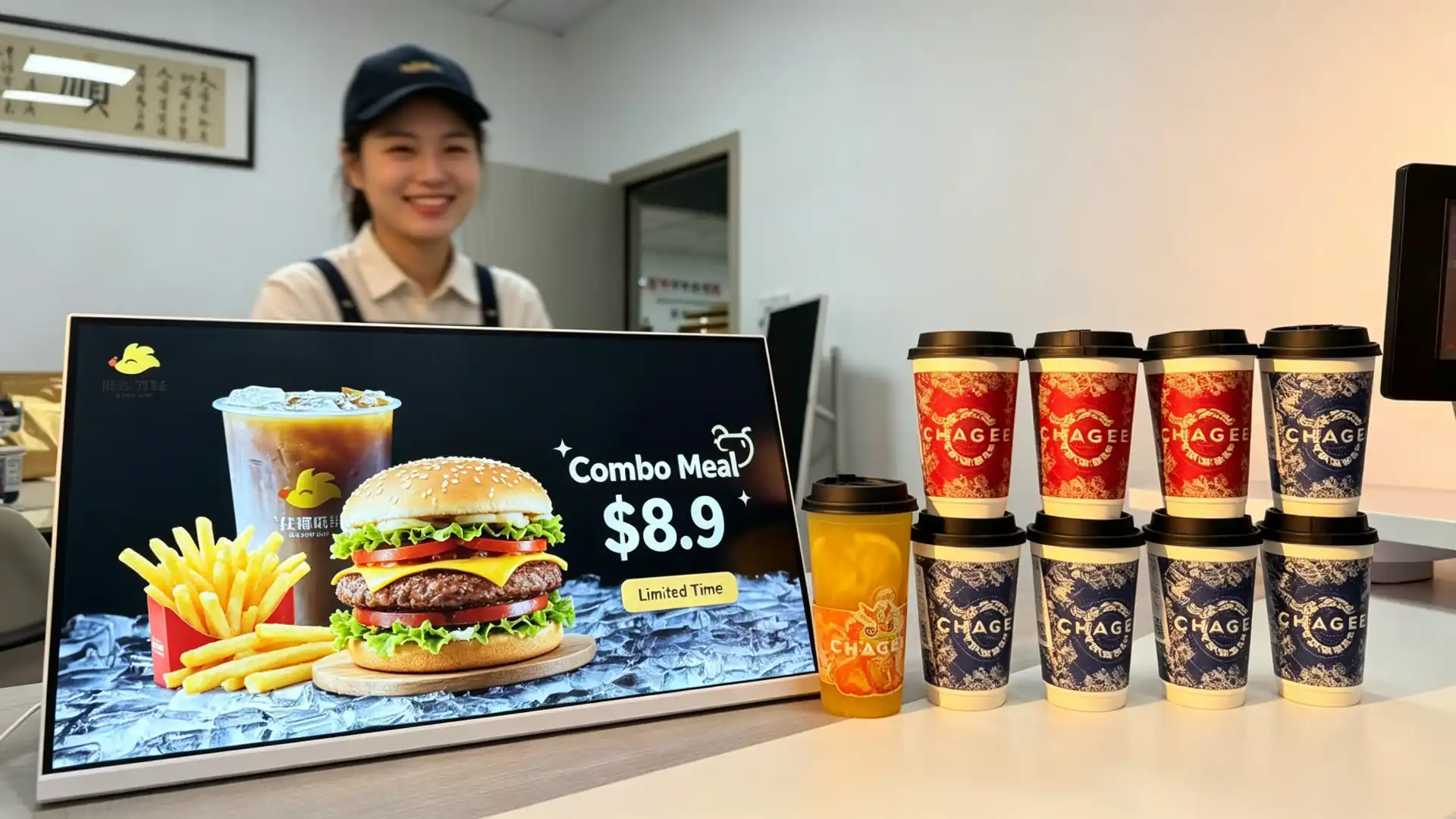
Yeri: Sərvəti, ödəmək sahəsi, pikkup sahə və kombo məsləhət sahəsi.
Yeri: Qarşı, çörək göstəriyyət sahəsi, çaşdırım və tədbir sahəsi.
Yeri: Hotel kafe barları, səhər sahələri, sale sahələri və kiçik qida xidməti hesabatlar.
Layiq sədiyyətlər: Xoşbəxtlik və kosmetik, faydalı maqanları, avtomatik, hədiyyət maşınlar, mobil telefon mağaçlar, Supermarket araşdırmaları və xüsusi qida mağazadlar.
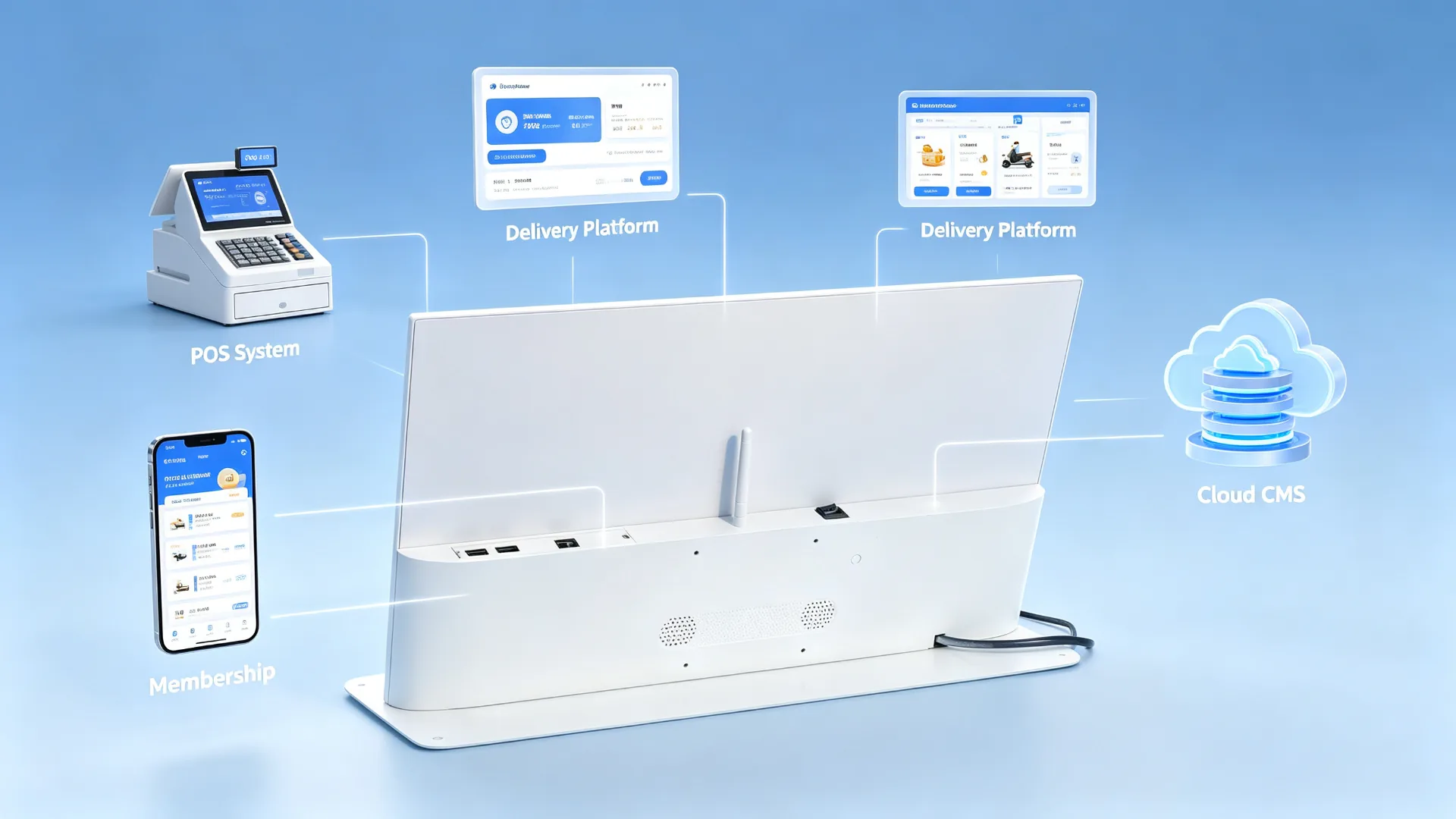
Peripheral integration should be selected according to the final application. A promotional display may only require video playback, while a touchscreen ordering or membership terminal may require additional software, network connectivity and payment-related hardware.
| Quraşdırma | Dəyişənlər siyahısı | Təklifdən Əvvəl Təsdiqləyin |
|---|---|---|
| Ekran böyüklüyü | 10.1", 13.3", 15.6", 18.5", 21.5" or customized | Üstü boşluq, gözləmə məzmunu, səl |
| İstiqamət | Landscape, portrait or rotatable design | Menu layout, device structure, store layout |
| Hədəf | HD, Full HD və ya 4K | Menu detail, product images, system platform |
| Parlaqı | Standart binası ya ya da genişləndirilmiş parlaqlıqı | In-store lighting, window reflection, mounting position |
| _Daş | Uyğun olmayan ya da PCAP toxunu | Menu browsing, scanning or interaction needs |
| İşləmə sistemisi | Android, Windows və ya yalnız monitor | CMS, POS, müəss proqram və büdüd |
| Bağlan | USB, Wi-Fi, LAN, Bluetooth or optional 4G | Güncəllər |
| CMS | USB playback, local CMS, cloud CMS or third-party CMS | Tək vasitə ya da zəncir qurğulu qurğulu ehtiyacı |
| Səsi | Built-in speaker or audio output | Video audio needs, store noise level |
| Vaxt | Plastic, metal or customized enclosure | Qeyd rəsm, möhkəmlik, təmizlənmə tələbləri |
| Frame Colour | Ağ, qara, gümüş ya da ixlası | Store visuals and brand colours |
| Stand | Fixed countertop stand, adjustable stand or custom bracket | Üstünlük hündürlüyü |
| Qorumaq Qıl | Standard, anti-glare or tempered glass option | Yüksək əstaq işlədət, işıqlandırma, təmizləmə üsulu |
| Brendinq | Logo, çərçivə rəng, başlanğıc ekran, UI və paketi | OEM/ODM requirements |
| Qeydət | POS, QR, NFC, kamera ya da ətraflıq | Interfaces, software and workflow requirements |
| Daypart | Recommended Content |
|---|---|
| Breakfast | Coffee, breakfast combos, bakery products |
| Lunch | Combo meals, main dishes, drink add-ons |
| Həmin çayı | Desserts, fruit teas, coffee pairings |
| Evening | Night-time specials, delivery, pickup and membership campaigns |
| Holiday | Seasonal new products, gift boxes, collaborations and coupons |
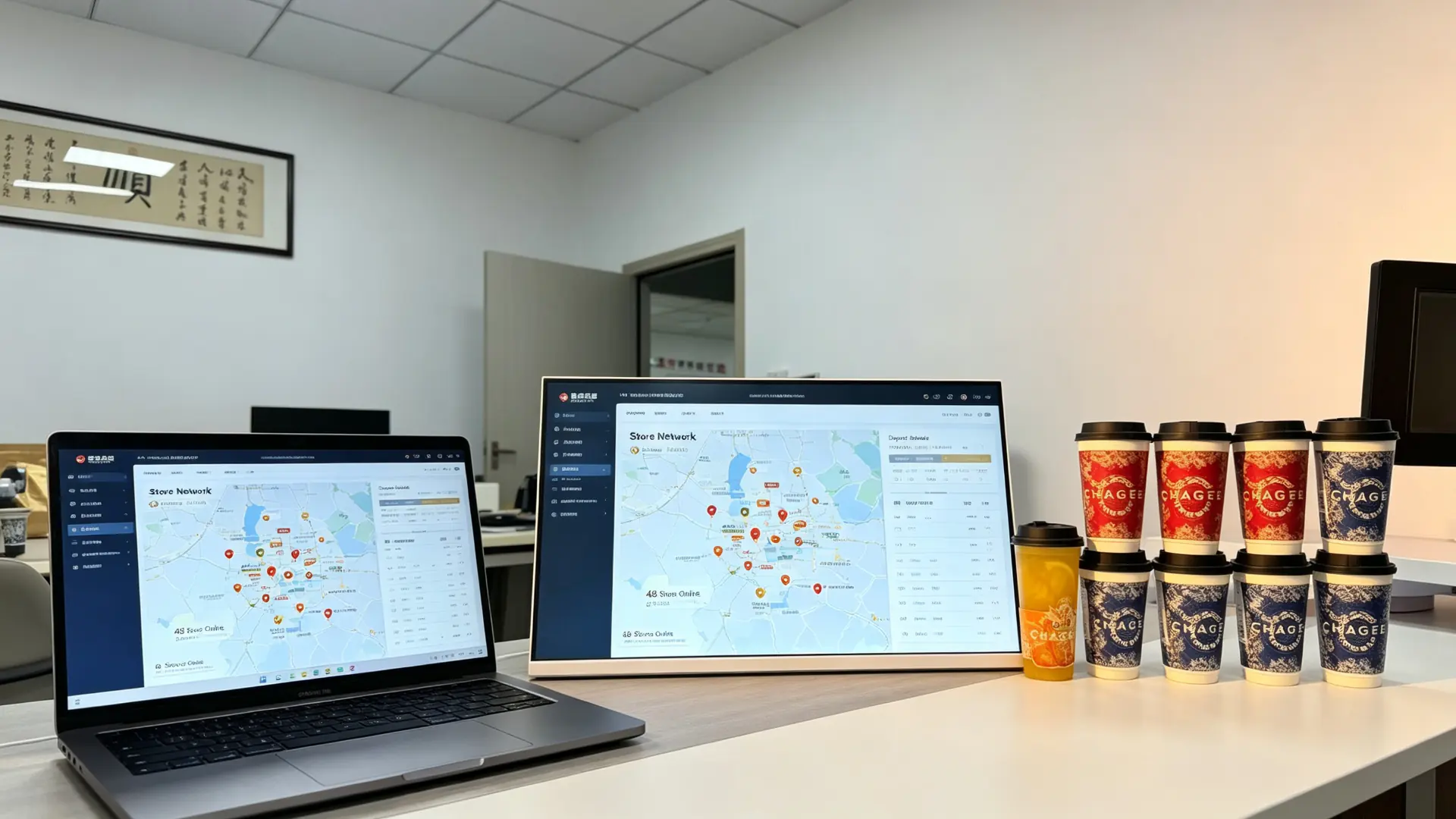
Centralized content management helps headquarters update campaigns without requiring every store to replace printed posters manually. This improves brand consistency and makes it easier to launch time-sensitive promotions across a restaurant or beverage-store network.
| Compared With | Limitation | This Product's Advantage |
|---|---|---|
| Printed poster | Slow to update, recurring print cost, no video | Remote updates, dynamic video, daypart switching |
| Consumer tablet | Non-commercial, limited cooling and lifespan, weak management | Commercial panel, CMS, batch management, custom stand |
| Wall-mounted menu board | Complex installation, takes wall space, far from the order point | Tabletop placement, close-range reach, easy repositioning |
| POS secondary display | Single function, usually shows amounts only | Plays menus, ads, membership and QR content |
| Large advertising screen | High cost, large footprint | Compact, lower cost, ideal for countertop single-product promotion |
A countertop digital menu board is designed for close-range decision-making at the ordering counter. It combines commercial display hardware, flexible content management and optional POS or membership integration in a compact tabletop format.
Qtenboard was founded in Shenzhen in 2005 and started inside the display supply chain, supplying CKD and SKD panel kits to assemblers and local brands before most commercial display brands existed. That component-level origin means quality is controlled from the module up, and OEM/ODM projects are adapted for local voltage, certification and assembly requirements.
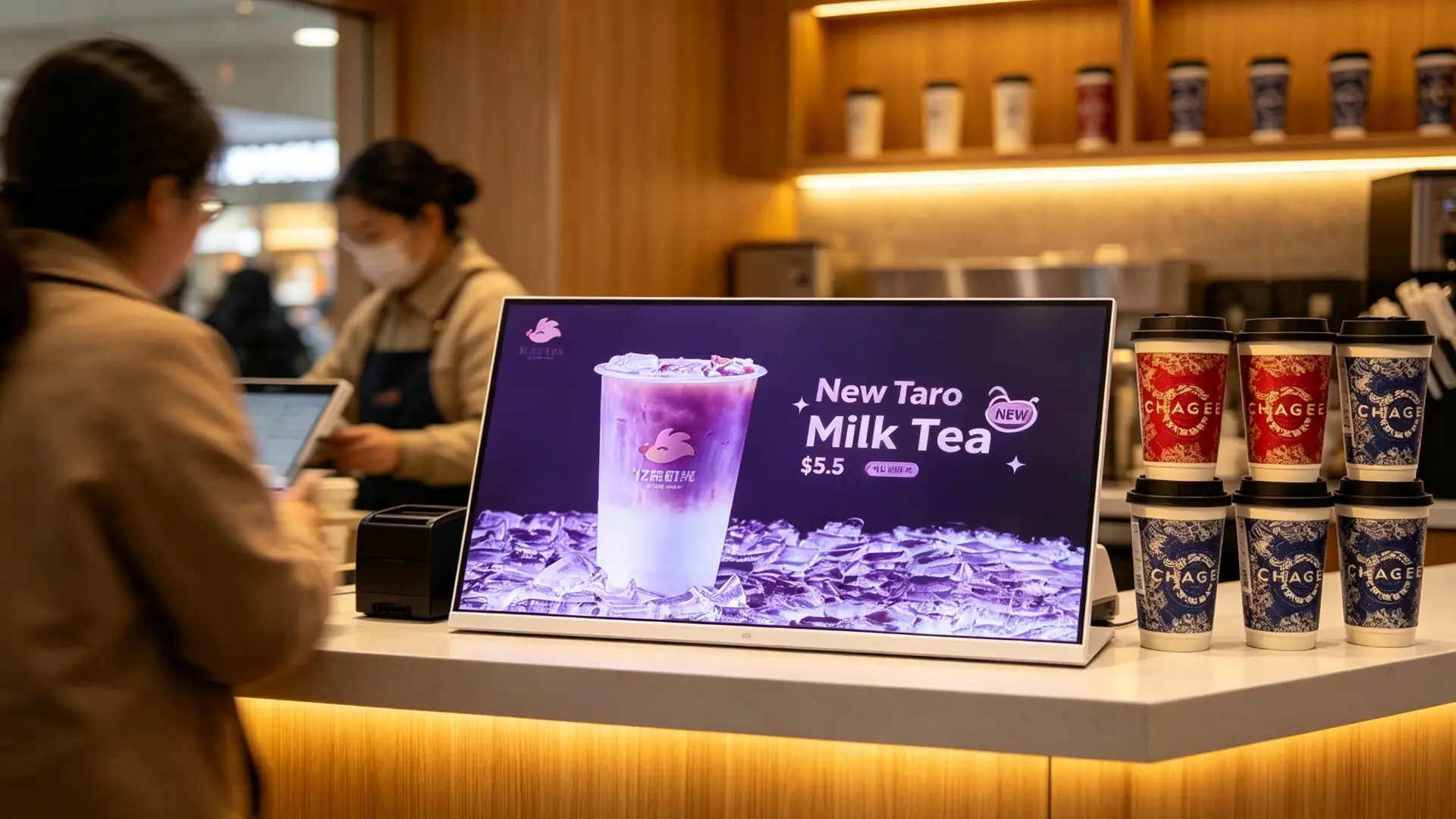
Landscape countertop displays with Wi-Fi CMS, daypart playlists and brand-level content permissions.
Bunun: menus, prices and new launches updated centrally across the network.
White-frame landscape displays beside the pastry case promoting new drinks and food pairings.
Bunun: pairing and upgrade offers shown at the exact decision point.
Monitor-only and Windows configurations placed beside order terminals for combo and add-on promotion.
Bunun: counter-level promotions without touching the POS workflow.
Split-screen content with daily specials, cake promotions and pre-order QR codes.
Bunun: seasonal items promoted without re-printing posters.
We support B2B countertop digital menu board projects from configuration and sample confirmation to production, testing, packaging and after-sales support. Share your counter size, menu content, CMS requirement and branding needs, and our team will recommend a suitable configuration.
A countertop digital menu board is a compact commercial display placed on a cashier counter, ordering station or product display area. It is used to show menu items, prices, promotions, featured drinks, product images and upselling messages.
Yes. It is designed for beverage shops, cafes, bakeries, restaurants and quick-service counters where customers make ordering and payment decisions at close range.
Yes. It can display a full menu, selected categories, prices, promotional products or a split-screen layout. The recommended screen size depends on the amount of menu information, viewing distance and available counter space.
With an Android or network-enabled configuration, content can be managed through a CMS using Wi-Fi, LAN or optional cellular connectivity. USB playback is also available for standalone applications.
Yes. A CMS or scheduling function can be used to switch breakfast, lunch, afternoon-tea, dinner and late-night promotional content automatically.
A touchscreen version may support menu browsing and self-service functions. However, full self-ordering requires compatible ordering software, payment integration and workflow design. A non-touch advertising display should not be described as a self-ordering kiosk.
POS-related integration may be available depending on the operating system, software platform and interface requirements. Please provide your POS brand, system architecture and required data flow for compatibility evaluation.
A QR code can be displayed on any screen as content. QR scanning, NFC and barcode scanning require dedicated hardware and compatible software, which can be considered for project-based configurations.
This product is intended for indoor countertop use. If it will be placed near beverage preparation areas, confirm the required splash resistance, front-glass protection, cleaning method and enclosure material before ordering.
Yes. Customization may include the housing colour, logo, stand, boot screen, user interface, packaging and manuals.
Please provide screen size, orientation, quantity, placement location, Android/Windows/monitor-only requirement, CMS requirement, touch requirement, network requirement, branding needs, target country and expected delivery schedule.

 aze
aze
 EN
EN  pt
pt  spa
spa  th
th  vie
vie  bel
bel  est
est  lav
lav  ukr
ukr  ru
ru