OPS i5 / i7 Computer Module interactive flat panel & Digital Signage Qtenboard

2026-10-15
Qtenboard · Open Pluggable Specification compute

OPS compute, matched to the way your displays are used

Qtenboard OPS i5 / i7 pluggable computer modules turn compatible interactive whiteboards and commercial digital signage into complete display, computing and interaction systems — with the configuration chosen around your software, your content and your deployment plan.

Intel Core i5 / i7 options Configurable memory & SSD Installs into display slot Teaching, meeting & commercial display applications Batch & project configuration support OS & software deployment planning

Full CPU model, memory and SSD are confirmed per project — i5 / i7 alone does not define a configuration.

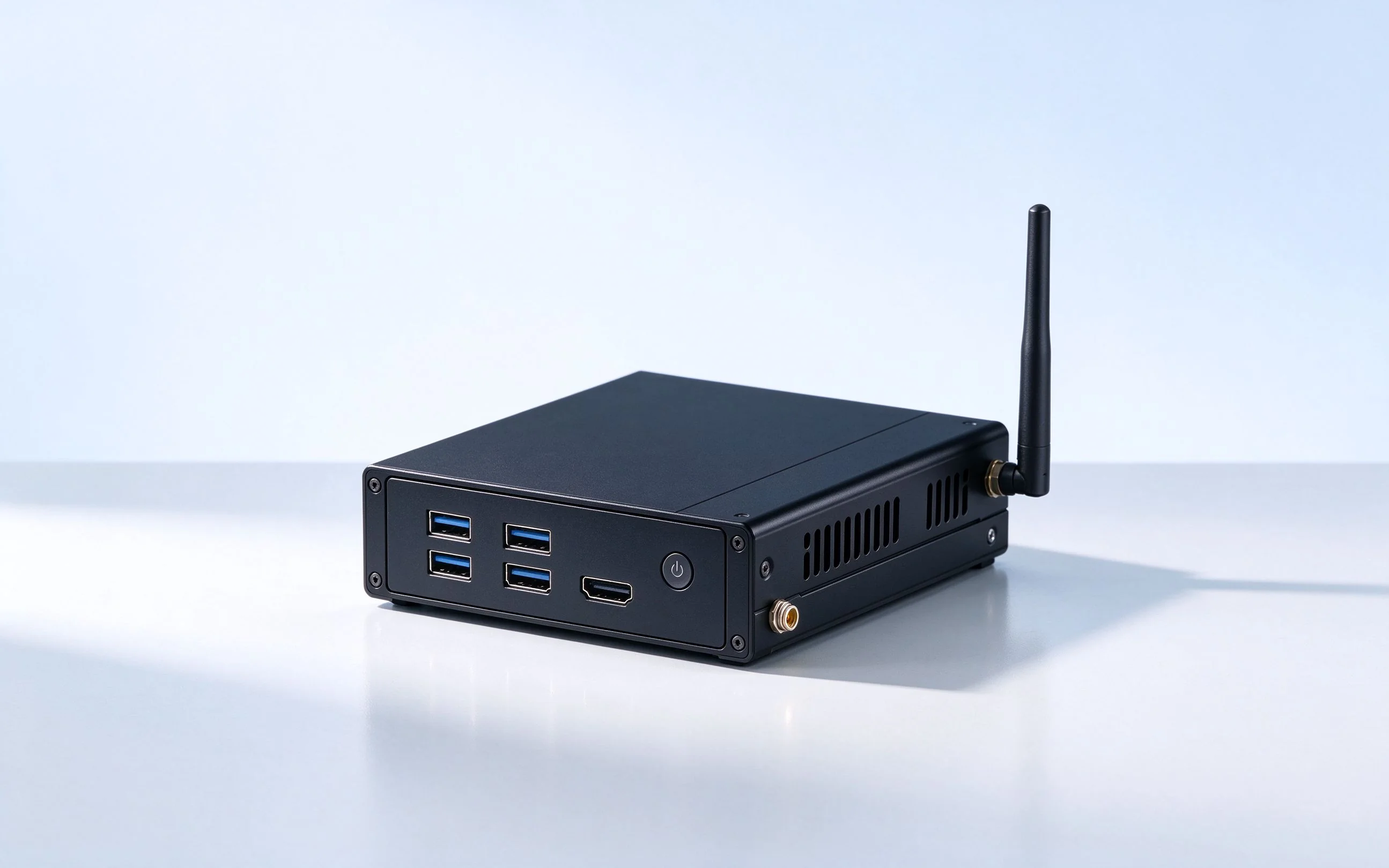
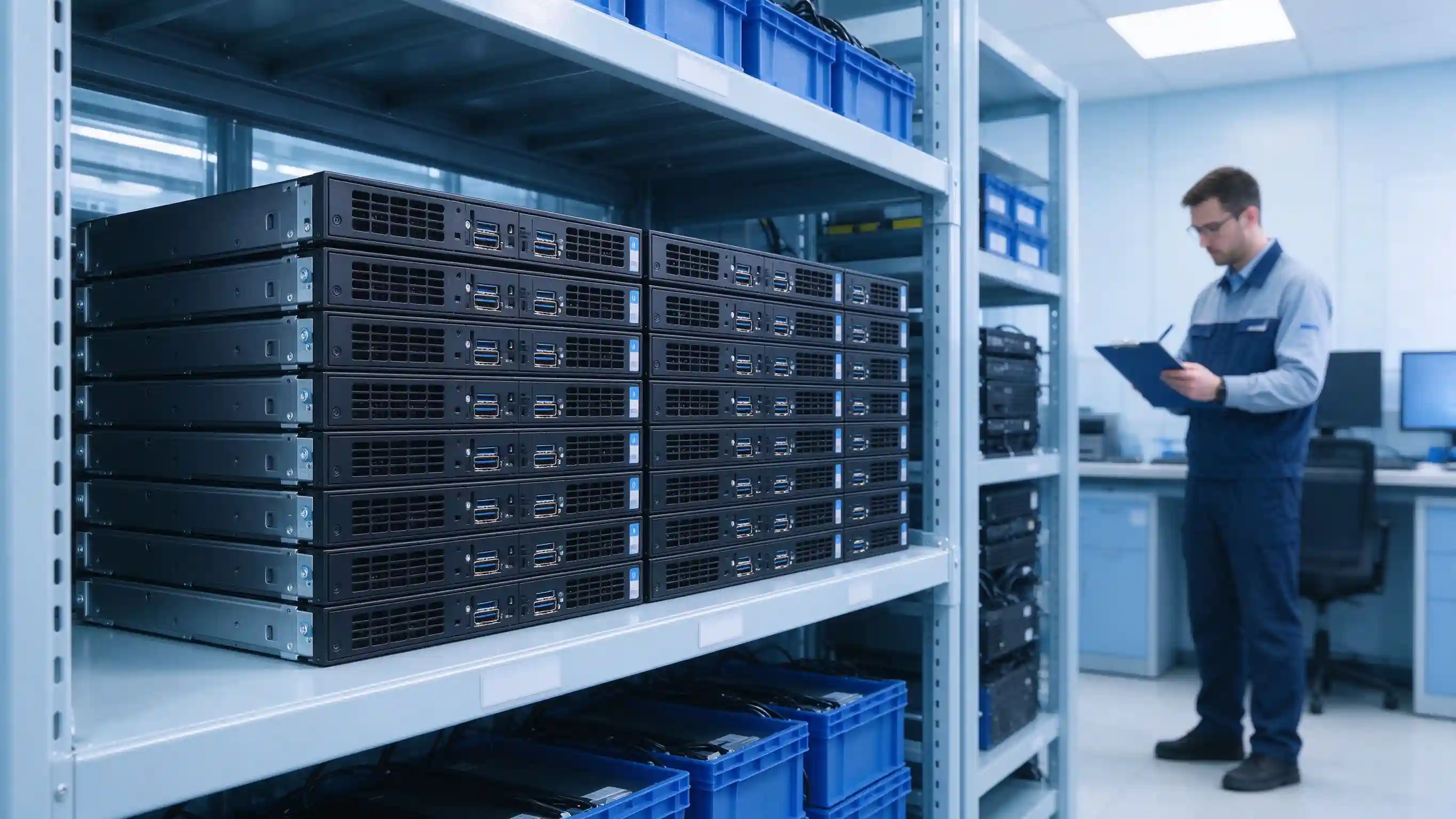
OPS computer module front view with ports
Qtenboard OPS compute module — front panel and interfaces
Module overview

Display plus compute, one system

An OPS module is a computer module — not a screen, and not a standalone processor. It installs into a slot on a compatible display, and the display and the module together form a complete display, computing and interaction system. The modular structure lets a project select, replace or upgrade the compute unit as requirements change.

Mechanical fit

Slot size, module depth, mounting holes and bracket are matched to the display chassis before installation is confirmed.

Electrical interface

Connector, pin definition and power delivery follow the OPS standard and are verified against the display's slot.

Термальная дизайнак

Airflow path and cooling inside the display are part of the OPS specification — both sides are checked for heat requirements.

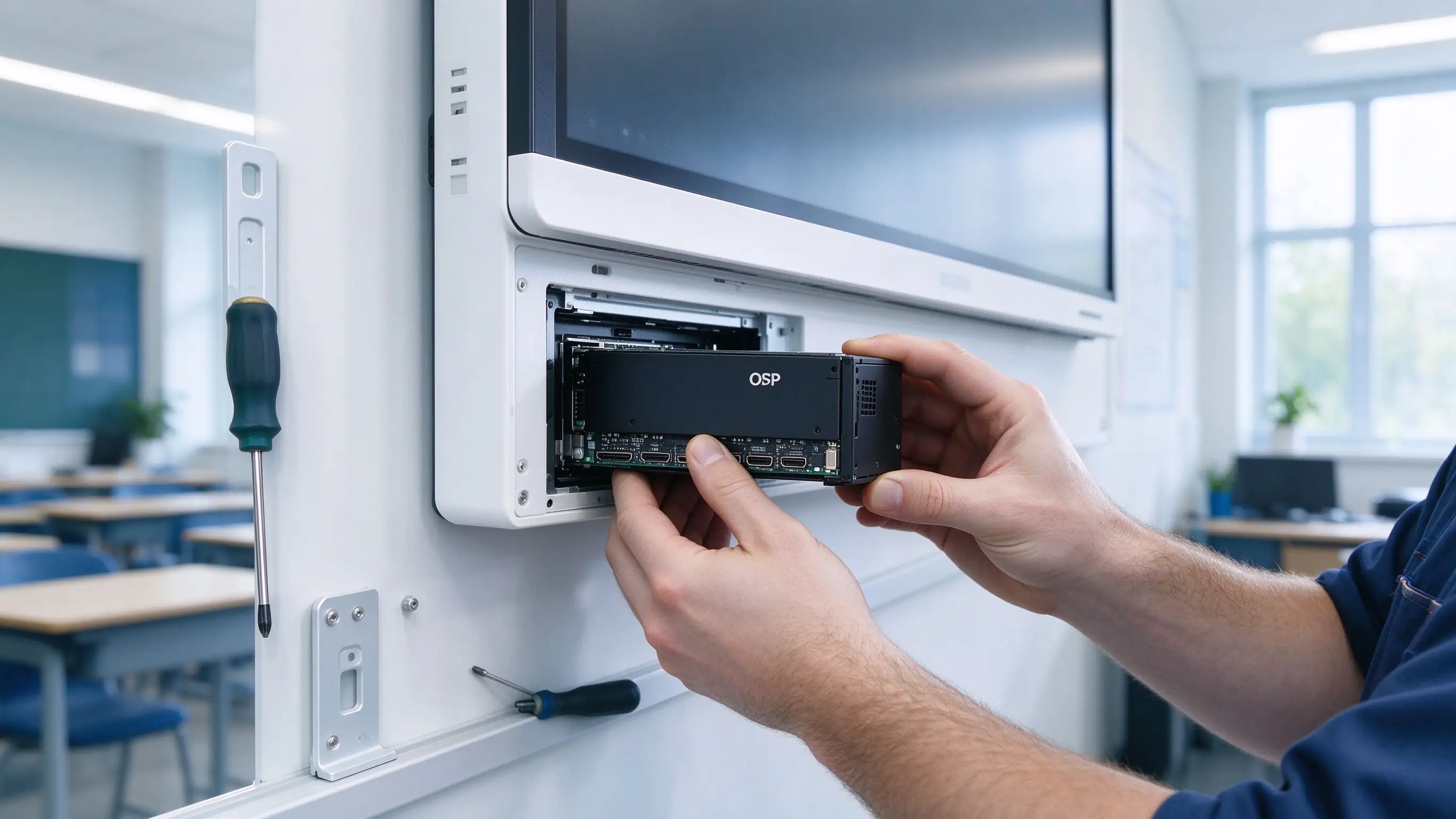
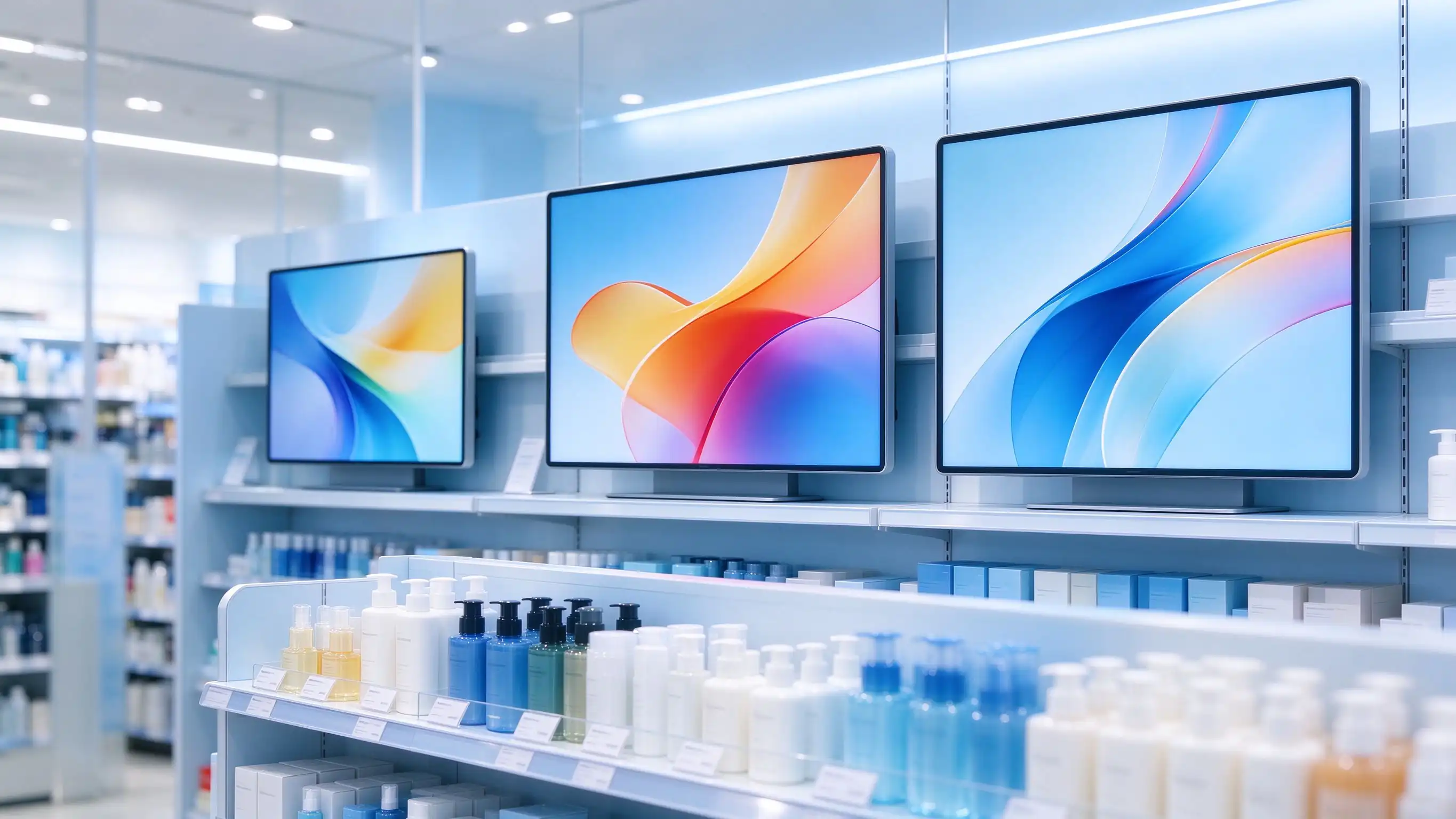
OPS module installation in interactive whiteboard
Interactive whiteboard — display terminal and OPS compute module
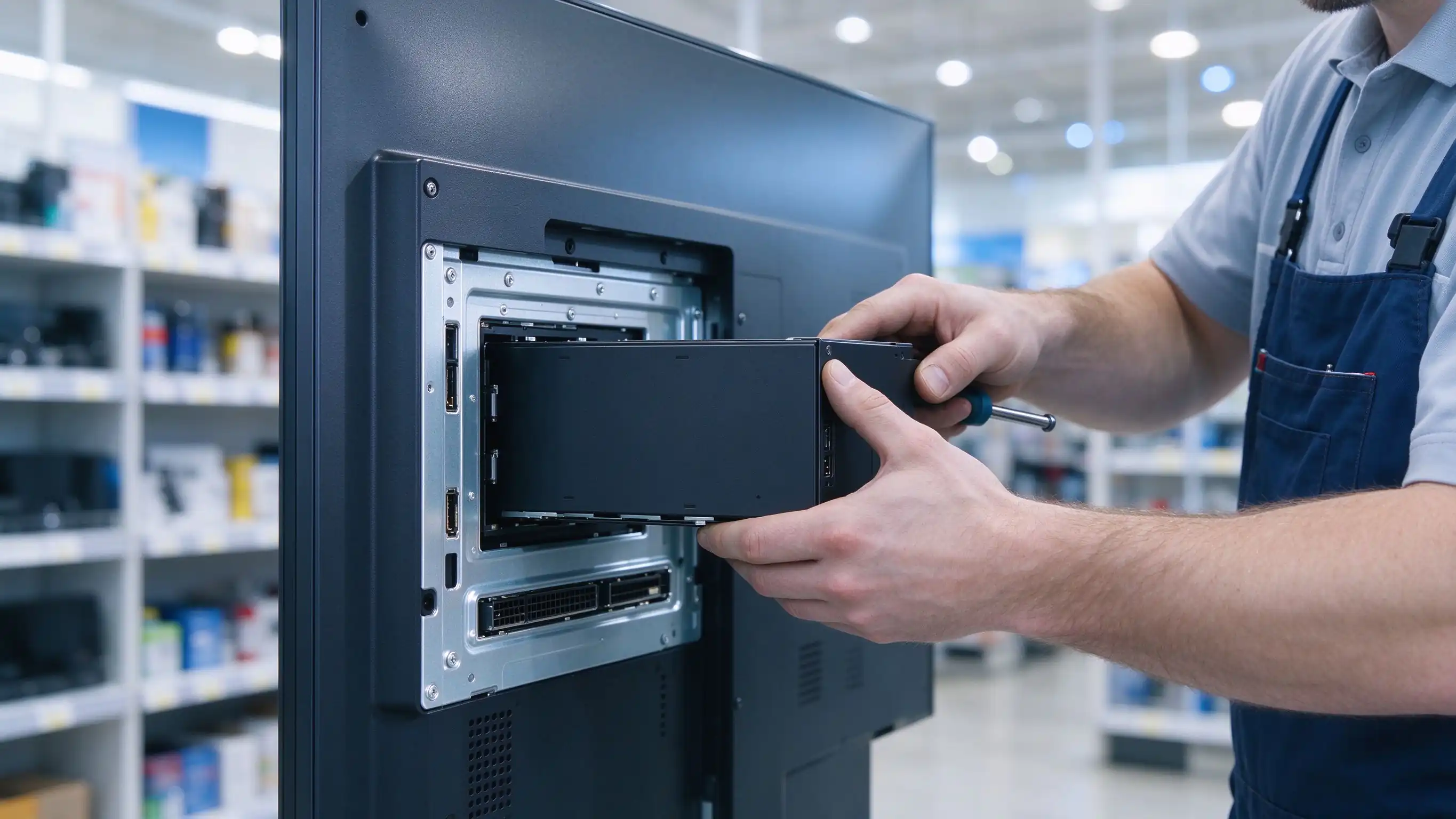
OPS module installation in digital signage
Commercial signage — display terminal and OPS compute module
Procurement note. Whether a module can be installed depends on the display model — slot structure, interface definition, power supply and cooling must all be confirmed. A slot on the device alone does not guarantee compatibility. The OPS standard itself defines mechanical, electrical and thermal requirements between the module and the display.
Interactive whiteboard application

Configure the computing environment for teaching and meetings

For an interactive whiteboard project, validation is built around the software your site actually runs — not a blanket promise to run everything.

Courseware & office applications

Validation scope built from your real workload:

  • PPT, documents and spreadsheets
  • Browser-based teaching resources
  • School-specified teaching software
  • Company-specified presentation & collaboration tools

Touch & writing verification

Items included in compatibility testing:

  • Touch signal reaching the OPS
  • Touch driver behaviour
  • Writing-software adaptation
  • Touch mapping after input switching
  • Camera, microphone & speaker recognition

Meeting peripherals & integration

For meeting-room customers, confirmed per project:

  • Specified meeting software versions
  • USB cameras and microphones
  • Audio / video input and output
  • Screen sharing & multitasking
  • Corporate network and account login

Batch deployment

For schools and enterprises, planned as services:

  • Unified operating system version
  • Preloaded licensed software
  • Standardized drivers & system image
  • Asset numbering and labels
  • Sample validation before fleet clone
Conference room collaboration display
Meeting room — interactive display with OPS compute
Qtenboard view. Choosing an OPS for an interactive whiteboard is not just choosing i5 or i7. We recommend confirming the whole configuration against teaching software, meeting applications, the touch chain and peripherals — then validating the real experience with a sample unit before rollout.
Digital signage application

Configure commercial display compute around playback and interaction

Signage selection starts from the actual playback task: content type, CMS platform, target resolution and daily run schedule decide the configuration — not the CPU label alone.

Everyday content playback

Test scope built from the customer's material:

  • Image and video rotation
  • Promotional films
  • In-store campaign content
  • Announcements & welcome screens
  • Web information dashboards

CMS platform adaptation

Points to confirm before rollout:

  • OS supported by the CMS client
  • Player installation & licensing
  • Content download, cache & update flow
  • Scheduled playback and playlists
  • Behaviour when the network drops

Interactive signage

Possible project requirements:

  • Touch queries
  • Wayfinding & store guides
  • Product catalogs
  • Brand experience content
  • Web-based business systems

Touch, card readers, scanners and other peripherals are confirmed during project integration — not assumed by default.

Video output capability

Rather than a blanket “4K”, confirm each item:

  • Output resolution and refresh rate
  • Which output interface is used
  • Display's internal link capability
  • Source codec and player software
  • Single-screen or multi-screen playback
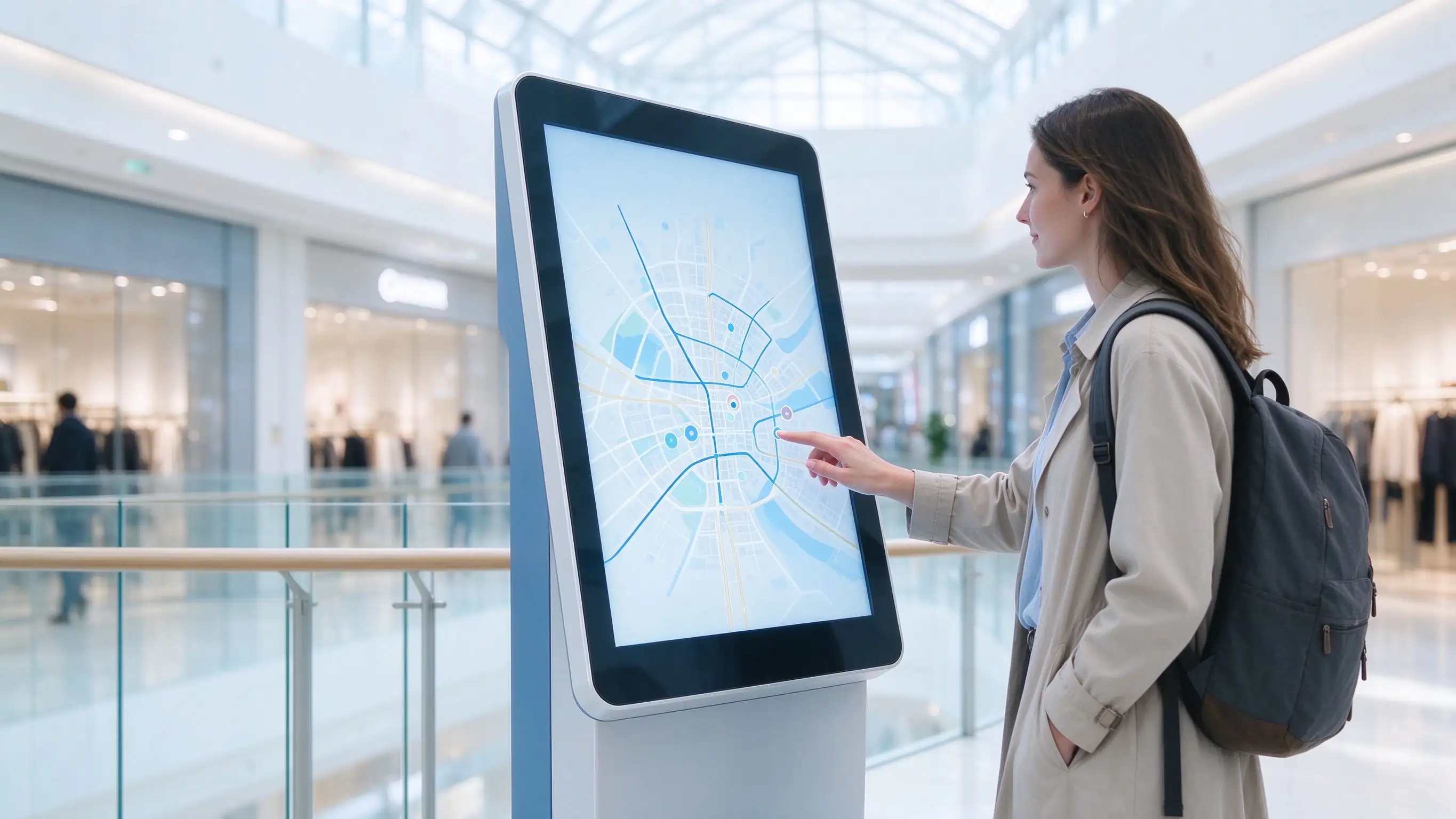
Interactive touch kiosk application
Interactive signage — touch kiosk running on OPS compute
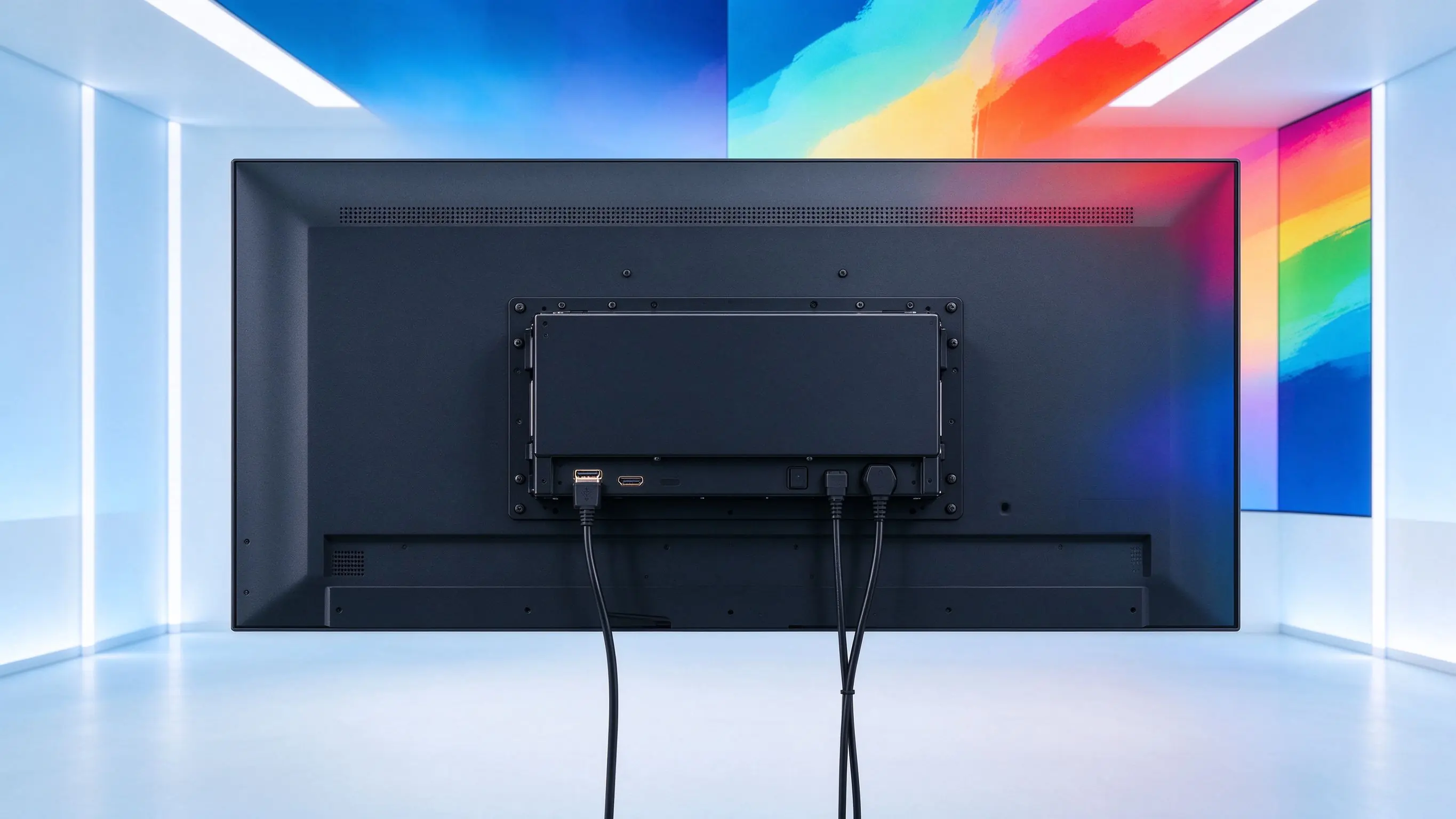
OPS module 4K video output
Video output — resolution and refresh confirmed per interface and player
Qtenboard view. Signage OPS selection should start from the actual playback task. Provide sample content, the CMS platform, target resolution and a daily schedule — then we match processor, memory, storage and OS. This avoids both under-provisioning and unnecessary performance spend.
Configuration selection

Select by workload, not by the i5 / i7 label

A comparison is only meaningful with full CPU model names, generation, memory, SSD and test conditions. “i5” or “i7” alone does not define a whole configuration.

ШрыфтыOPS i5 optionOPS i7 option
Product roleCandidate for regular-application configurationsCandidate for higher-load application configurations
Interactive whiteboard fitEveryday courseware, office apps, browser, standard meetingsHeavier multitasking or more complex applications, tested
Signage fitRegular playback, web dashboards, basic interactionMore complex interaction, multitasking or higher-load content, tested
ПрацэсрFull Intel model confirmed at project stageFull Intel model confirmed at project stage
ПамяцьStandard capacity plus optional sizesStandard capacity plus optional sizes
SSDCapacity, interface and expansion confirmedCapacity, interface and expansion confirmed
Procurement basisMeets business needs and controls budgetPerformance investment confirmed by testing
Final confirmationValidation with your software and contentValidation with your software and content

Comparison data reflects configuration candidates. Actual i5 / i7 builds are confirmed with the full model name, memory, SSD and test conditions at the project stage.

Technical specifications

A complete configuration list, so batch procurement has a basis

Model-level values are confirmed at the project stage so that bulk-purchase quotes match the configuration actually fitted.

ПараметрыInformation to provide
Product modeli5 / i7 variants identified separately, including generation
ПрацэсFull Intel Core model name and generation
ГрафікаIntegrated graphics model actually fitted
ПамяцьStandard capacity, type, slots and maximum
SSDStandard capacity, interface and expansion
АперацыяSupported versions, preload status and licensing
Паказваць вывадыInternal and external interfaces, listed separately
Output specificationsResolution and refresh rate per interface
USBCount, type and version
СеткаNameWired port; wireless as an option
АўдыаInput / output interfaces and internal audio connection
БяспекаTPM and similar functions, if fitted
Module connectorInterface and pin definition
МагчымаInput specification and companion-device requirements
АстуджэннеFan, airflow path and installation-environment requirements
ПамерыWidth, depth, height and structure drawing
ВасNet weight and packaged weight
АсаблівOperating temperature and humidity range
Package contentsAntenna, screws, documentation and other items, as fitted

Request the model-level spec sheet and interface drawing during project confirmation — values are filled from the configuration actually quoted.

Compatibility & sample validation

Validate before purchase — reduce rework risk in batch deployment

We do not claim compatibility with every brand. Provide the display model, slot photos, interface documents and any existing OPS configuration, and we arrange a sample validation.

Check areaШто пацвердзіць
MechanicalSlot size, module depth, mounting holes, bracket
ElectricalConnector, pin definition, power capability
ПаказацьResolution, refresh rate, boot display, signal switching
ДапакDriver, touch mapping, writing software
Audio & peripheralsSpeakers, cameras, microphones, USB devices
СістэмаOS, drivers, customer software, network permissions
RuntimePlayback, reboot, sleep / wake, abnormal recovery
Two points of care. First, “plug-in” does not mean “hot-plug” — follow the display manual for installation and removal. Second, compatibility is verified per display model and per configuration; a slot on the device is not a compatibility promise.
Stability & maintenance

From a single unit to fleet operations, plan the whole lifecycle

OPS modular design simplifies installation, maintenance and upgrades — but claims are kept to what has actually been verified.

Thermal adaptation

Module airflow path, heat structure and companion-device installation requirements are checked together with the display.

Project-level testing

Customer content playback, specified software, power-cycle loops and peripheral integration — the actual test scope is shown, not assumed.

Module swap procedure

Shutdown, power off, remove, install, driver check and function recovery — a documented step-by-step process.

Software recovery

Recovery image, driver package and configuration records, where provided as part of the delivery scope.

Spares & parts planning

Spare-unit recommendations and after-sales flow for multi-campus, multi-store and large-scale deployments.
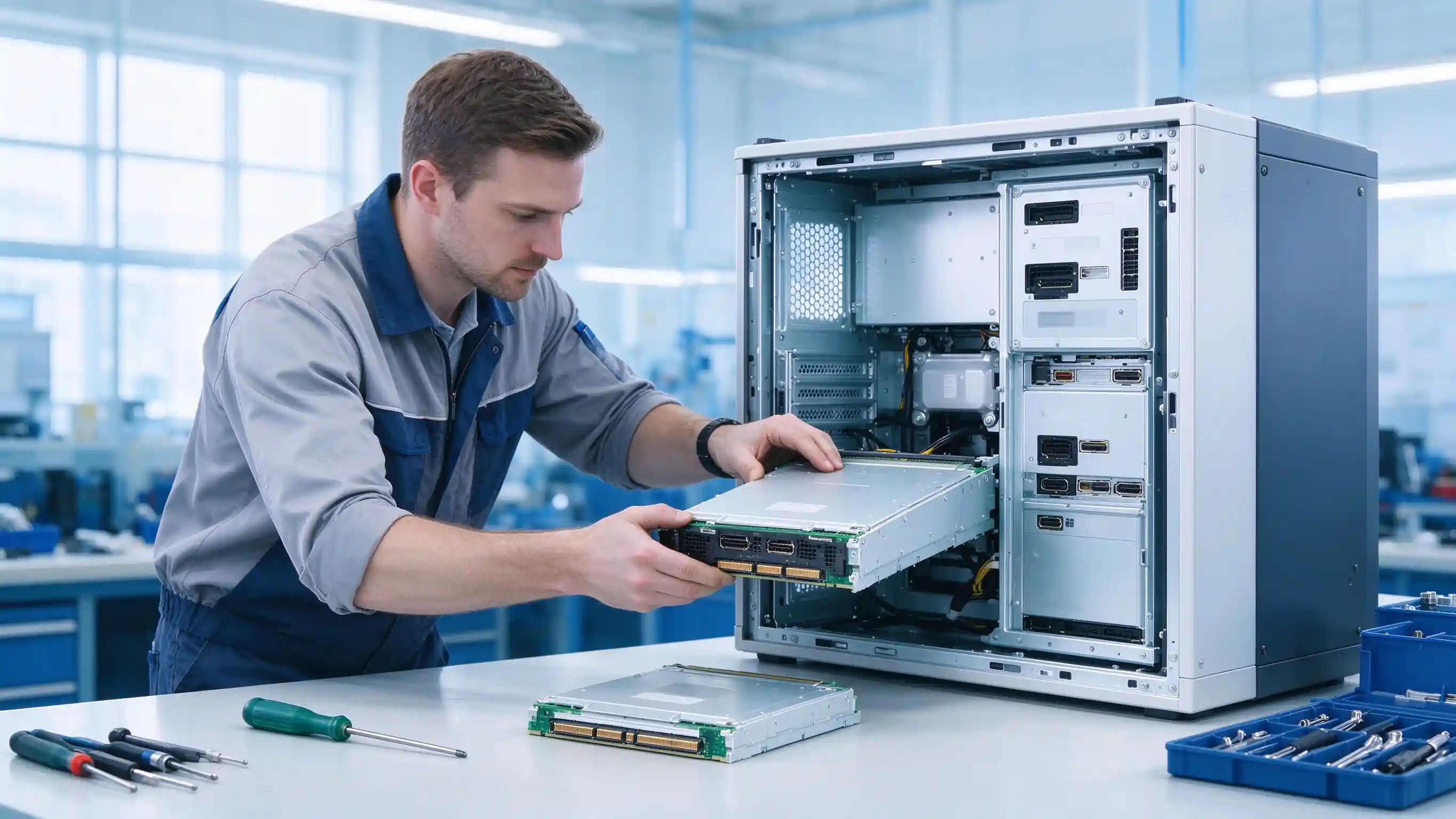
OPS module maintenance replacement
Module replacement — documented shutdown, swap and recovery flow
What we do not claim. We do not state “24 × 7, never fails”, “fanless silent” or “whole-series 24/7 operation” without verified test data. Cooling, runtime and reliability figures are confirmed against the fitted configuration and test results.
Чаму Qtenbor

More than an OPS module — computing matched to your display projects

Qtenboard combines OPS configuration selection with display-terminal applications, helping project customers plan configurations across software requirements, device adaptation and procurement budget.

Configuration matching

CPU, memory and SSD are chosen around the application's actual workload, not around the fastest available label.

Verified pairing

Configurations are first validated in combination with Qtenboard display products, then extended to partner displays by sample test.

Пакетнасць

Fixed requirements for processor, board, memory and SSD, with a documented change-control process for the fleet.

Delivery support

OS preload, software licensing, test documentation, packaging labels and a defined after-sales scope are part of the supply plan.

OPS modules batch deployment
Batch supply — standardized configuration across a fleet deployment
Qtenboard view. After requirements confirmation and sample validation, batch supply programs are formed around the confirmed configuration. Experience claims are kept to verifiable company records, and display-industry experience is stated separately from OPS product tenure.
Project delivery flow

From requirements checklist to sample confirmation to batch delivery

Six steps turn an application description into a verified, batch-deliverable configuration.

1

Submit the application

Interactive whiteboard or digital signage.

2

Confirm the device

Brand, model, slot structure and technical documents.

3

Define the tasks

Software, content, peripherals and run schedule.

4

Recommend configuration

CPU, memory, SSD and operating system.

5

Праверка вызначыя

Display, touch, peripherals, software and runtime tests.

6

Batch delivery

Confirmed configuration and after-sales terms.

Quote clarity. The quotation states: bare unit or with OS, Windows licensing terms, memory and SSD capacity, wireless module and antenna, software preload and customization fees, sample / batch / delivery conditions, and warranty scope with the return process.
Frequently asked questions

Questions procurement teams ask first

Answers are based on the actual Qtenboard models, service policy and test results — not on a promise applied to the whole product range.

What is the difference between an OPS computer module and a normal mini PC?
An OPS module is a compute unit designed to install inside a compatible display slot; the display and the module form one system. A mini PC sits outside the display with its own cabling. The OPS form factor simplifies installation, maintenance and upgrades for display projects.
What application information do you need to recommend i5 or i7?
Software actually used, content type, peripherals, target resolution, number of displays and the daily run schedule. “i5” or “i7” alone is not enough — the full CPU model, memory and SSD are confirmed against the workload.
Can it be installed into my existing interactive whiteboard or signage display?
Compatibility depends on that model's slot structure, interface definition, power supply and cooling. Send the display model, slot photos and interface documents, and we confirm with a sample validation.
Is Windows preloaded, and is a genuine license included?
Preload and licensing are confirmed per project and stated separately in the quotation — bare unit versus unit with OS, and the license terms, are distinct line items.
Will it run our specified teaching software, meeting software or CMS client?
We validate against the specified software versions and content during sample testing, rather than claiming blanket compatibility with every application.
Does it support our target resolution and refresh rate?
Output capability is confirmed per interface, per the display's internal link and with the actual player and codec during validation — not assumed from a single marketing figure.
Can memory, SSD and the system image be standardized across the project?
Yes. Batch consistency covers fixed configuration requirements, a standardized system image and a documented change-control process for the fleet.
Can we run a sample compatibility test before batch purchase?
Yes — this is the recommended step before committing a fleet configuration. The sample test covers display, touch, peripherals, software and runtime behaviour.
Next steps

Match compute to your display project before you buy

Start with the application, confirm the display, define the workload — then validate the configuration on a sample unit before batch delivery.


Qtenboard Queenie Wang

Квінзі Ванг

Эксперт вылучэнне

Я загалоўка Qtenboard, і прынесуць над 17 год у тэкставацыі у індустрія. Настаўленні ў глобальная перспектива трэбаў, зрабіць мойны дакументы EMBA у універсальне Шенсэн, Я прыкладаю мой каманду у оптимізацыі кожны етаў нашых аперацыі ад вызначэння продукту да высокі карыстальнікам трэба трэбаўляе Можнаўленне магчымасць прастацца на період у індустрія.

Як лідар Qtenboard, я спеціалізуюся у вызначаных вышваваных OEM/ODM для інтэрактыўных белых палатаў, Відэкі сініны LCD, цифравальныя сітак і тэрміналы дапаўненне ў індустріцы. Запапаўваны наші 330,000 м² сучасны індустріальны парк у Шензін, мы захоўваем кантроль над індустріальныя дизайны, дакладнаваць прыкладання, і строгучнае тэст.

З амаль два дзесяцаў прылад праекту, цяпер выключаныя рашэннем Qtenboard у больш у 120 і рэгіонах, заробілі довіры больш 15 000 кліентаў у світі. Калі вы шукаеце адказную партнер з глибокіма выкананням праекты, Мы і я гатовыя падтрымліваць вашу погляд з професіональным выгляду.