Last reviewed: September 24, 2026 · Audience: Procurement, IT/AV, Integrators, Distributors, OEM/ODM partners
Seçimə best interactive whiteboard for business presentations is rarely a single product ranking. “Best” depends on your presentation content, room dimensions, annotation workflow, video conferencing stack, employee devices, deployment scale, and total cost of ownership. A 75-inch panel that wins in one boardroom can fail in a training hall, and a touch screen without wireless casting slows down every client visit.
This guide builds a decision framework in four steps — presentation scenario, room size, feature configuration, and supplier capability — so procurement, IT/AV, integrators, and distributors can shortlist with confidence. Qtenboard et, a Shenzhen-based interactive display manufacturer founded in 2005, is referenced throughout as a factory-direct option with 55–110-inch 4K interactive whiteboards, Android and Windows systems, and OEM/ODM programs — not as the only answer, but as a configuration worth comparing.
For a different angle, see how to choose a smart display for your boardroom or the 2026 - ci ildə biznes üçün ən yaxşı cəhətlər market survey.
The fastest path to a shortlist is matching the meeting type and room to a proven configuration. The table below shows recommended starting points for common scenarios, with the reason behind each choice.
| Presentation scenario | Recommended configuration | Açıl səbəbi | Qtenboard səviyə |
|---|---|---|---|
| Small client meeting | 55–65-inch 4K interactive display | Compact, clear, fast setup | 55–65-inch interactive panel |
| Standard conference room | 75–86-inch 4K interactive display | Balances visibility and collaboration | 75–86-inch interactive panel |
| Executive boardroom | 86–110-inch premium 4K configuration | Long-distance viewing, formal presentation | 86–110-inch interactive panel |
| Product demonstration | 75–86-inch touch + multimedia display | Live product interaction | 75–86-inch interactive panel |
| Mühəndislik / dizayn nəzərdən keçirilməsi | 86-inch or larger 4K with precise touch | Fine lines, CAD, annotations | 4K interaktiv displey |
| Hybrid presentation | Display + camera + mic + speakers | Remote participant visibility | AI meeting display |
| Training / workshop | 86-inch or larger multi-touch with whiteboard tools | Group participation | Large-format interactive panel |
| Multi-room rollout | Standardized range + device management | Deployment and management | Fabrikadan birbaşa B2B təchizatı |
| OEM/ODM project | Custom size, branding, software | Differentiation and scale | Qtenboard OEM/ODM proqramı |
These are starting points, not rules — confirm final sizing with the viewing-distance checks in the size section below.
Scenario recommendations, TCO comparison, and a supplier question checklist. Jump to the purchase process.
Native 4K checks, security, device management, network, and system compatibility. Jump to key features.
Ports, OPS, control protocols, and project support expectations. Jump to the comparison.
OEM/ODM scope, MOQ, certifications, lead times, packaging, and CKD/SKD. Jump to Qtenboard.
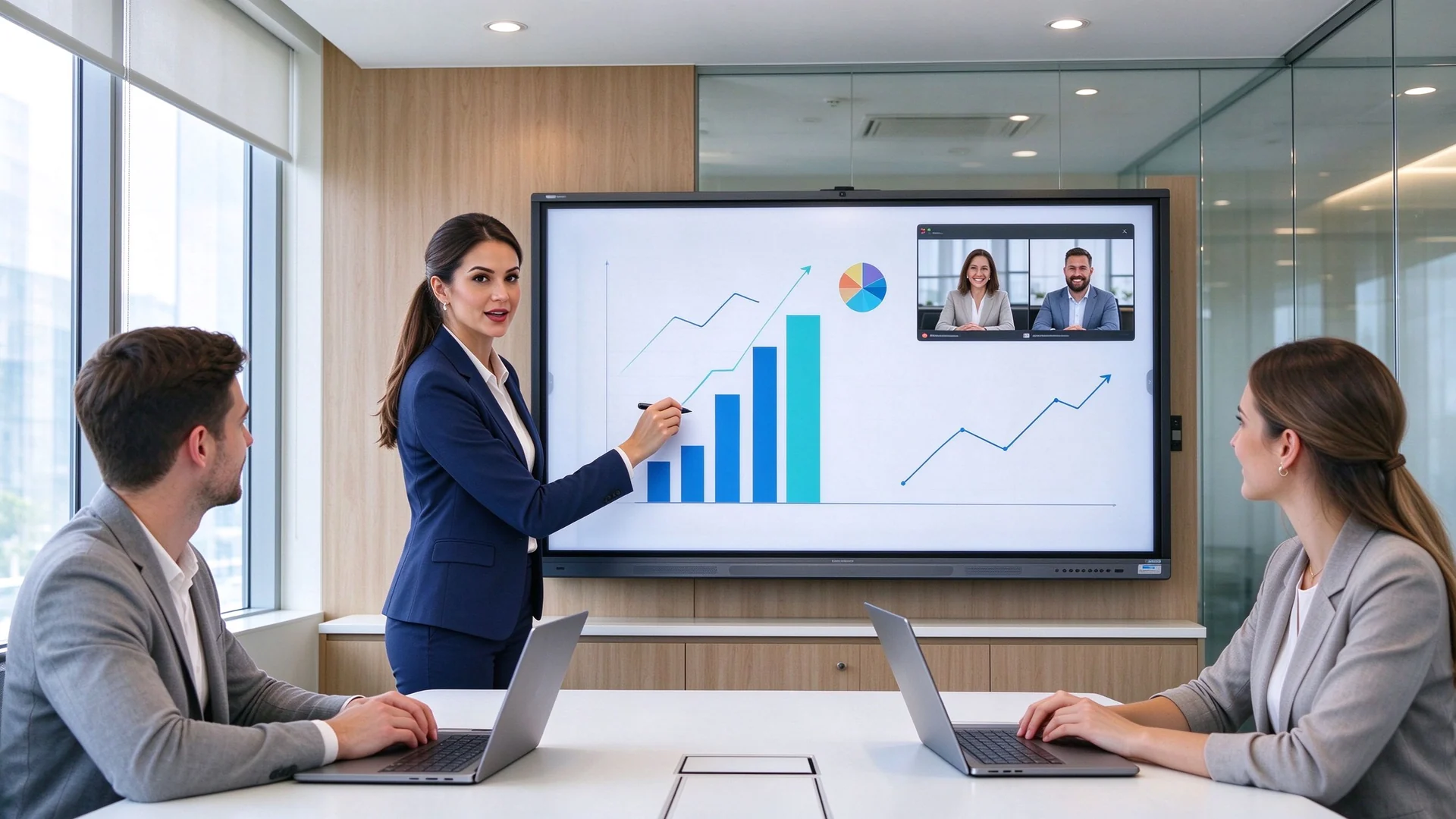
Before comparing prices, score every candidate against the six capabilities that actually decide whether a presentation feels professional: display clarity, direct interaction, content sharing, meeting integration, security, and commercial reliability.
Business content is dense: small fonts in spreadsheets, fine lines in engineering drawings, and high-resolution product videos. Look at 4K resolution, brightness, anti-glare treatment, viewing angles, contrast, and multi-window readability. The single most common procurement mistake is trusting the word “4K” without checking the panel.
| Növü | Mənhə | What to confirm |
|---|---|---|
| Native 4K | Panel physical resolution is 3840 × 2160 | Check the panel specification sheet |
| 4K input support | Accepts 4K signals, but the panel may be 1080p | Confirm the actual display resolution |
| 4K upscaling | Scales lower-resolution content to 4K | Confirm image-processing quality |
For a deeper comparison of resolution claims, read smart board resolution explained: 4K vs 1080p for business.
Handwriting on the slide, circling a number, zooming into a drawing, moving objects, and editing live are what make a screen an interactive presentation board instead of a monitor. Test latency, palm rejection, and accuracy before committing — a touch screen that drifts mid-demo embarrasses the presenter in front of a client.
Windows, macOS, iOS, and Android devices should reach the screen without an installer battle. Confirm wireless casting, HDMI, USB-C, and LAN inputs, multi-device split-screen, guest access, and casting permission controls. In a sales meeting, “please wait, my screen is not connecting” is the last thing you want.
If remote participants matter, the board should pair with your meeting stack: camera, microphone, speakers, Zoom, Microsoft Teams, Google Meet, USB peripherals, and echo cancellation. Remember that a display with a camera port is not the same as a complete audio-visual system.
Guest casting permissions, visitor mode, file wiping, user accounts, system updates, camera and microphone permissions, network isolation, and remote device management (DMS) should be defined before rollout. A board that any guest can cast to is a network risk in a corporate environment.
Commercial panels are built to run for long hours. Verify burn-in and aging tests, pre-shipment inspection, spare parts, warranty terms, technical support, and firmware update policy. Consumer TVs in meeting rooms fail at the worst moment; commercial-grade hardware is the difference.
The same panel serves different audiences differently, which is why a smart board for business presentations is selected by scenario rather than by brand name. Match the configuration to what your rooms actually run.
A 75–86-inch 4K board with fast wireless casting, product video playback, PDF/PPT annotation, and camera and audio for remote attendees. The commercial value is live: mark up the proposal in front of the client, zoom into details, capture requirements, save the annotated file, and email it immediately. Branding options such as a custom boot logo reinforce your identity in every pitch.
For formal executive reviews, choose 86-inch or larger with high brightness, anti-glare glass, quality audio, secure casting, and file annotation. Executives notice the finish: low-noise operation, a clean stand or flush wall mount, and stable performance over long sessions matter as much as the spec sheet.
Design reviews need native 4K, precise multi-touch, PDF and CAD annotation, fast zoom, multi-window, and USB-C for workstations. Confirm the board handles fine lines without blur and that touch accuracy holds across the whole screen, not just the center.
With hybrid meetings now standard, configure the board with camera, microphone array, speakers, Teams/Zoom/Google Meet support, wireless casting, and remote annotation visibility. The goal is parity — remote viewers must see live annotations, and local viewers must see remote participants clearly.
Training rooms benefit from 86-inch or larger panels with 20–50 touch points, multi-user whiteboards, lesson saving, and device sharing. A mobile stand converts a meeting room into a workshop, and a smart board for corporate training comparison covers this scenario in depth.
For rollouts across many rooms, standardize on one range with DMS, batch configuration, a unified UI, and consistent spare-part and after-sales support. Distributors and brands that resell under their own name should evaluate OEM/ODM and CKD/SKD programs — the same platform can carry your logo, your software, and your packaging.
Size drives readability, interaction comfort, and cost — and the conference room interactive whiteboard size is the decision buyers most often get wrong. Use this table as a baseline, then validate with the room-specific factors below.
| Room type | Participants | Suggested size | Typical use |
|---|---|---|---|
| Small client meeting room | 2–6 | 55–65 in | Sales talks, small group |
| Standard conference room | 6–12 | 75–86 in | Management, client demos |
| Böyük iclas zalı | 12–20 | 86–98 in | Executive, hybrid |
| Training / presentation hall | 20+ | 98–110 in or multi-display | Training, product launch |
Final size also depends on the farthest viewing distance, content font size, seating layout, mounting height, split-screen needs, and whether remote participants share the same view. A working rule: the farthest viewer should sit within about 3.5 screen heights. Before ordering, tape the screen outline on the wall, seat the group, and confirm the last row can read a 12-point table.
For an interactive display for corporate meetings, native 4K is the first spec to verify: it pays off for small fonts, engineering drawings, product details, high-resolution video, multi-window layouts, and long-distance viewing. One caution: a 4K display does not guarantee 4K video conferencing — check the camera, network, and meeting platform separately.
Test latency, accuracy, palm rejection, multi-user writing, and consistency between Android and Windows. Buying 40 touch points for a room that never hosts more than one presenter is paying for unused capacity; see Bu cür spirt lövhləri çoxlu istifadəçi əxlaq giriş dəstəkləyir for a deeper dive.
Check device support, simultaneous casters, split-screen, an app or browser client, guest mode, and security authentication. Restrict unauthorized casting while keeping visitor access painless for client laptops.
The software decides daily usability: PDF/PPT annotation, infinite canvas, page saving, export, QR code sharing, meeting minutes, shape recognition, file insertion, and cloud sync. Verify that annotations made during a meeting can be exported and delivered to attendees automatically.
| Sistemə | Münasib | Main consideration |
|---|---|---|
| Android: | Quick presentations, casting, whiteboarding | Check required business apps |
| Windows (OPS) | Office and advanced applications | Confirm OPS slot and license |
| Dual system | Mixed workflows | Requires IT administration |
| External PC | Existing AV systems | Confirm touch-back and USB |
Decide between built-in and external units: auto-framing camera, pickup range of the microphone array, speaker coverage, and connection to existing conference hosts or professional audio. A hybrid room is only as good as its audio pickup at the far end of the table.
Inventory the panel before install: HDMI, USB-A, USB-C, LAN, Wi-Fi, Bluetooth, DisplayPort, audio, OPS, and RS-232 for control systems. USB-C with display and power delivery reduces cable clutter at conference tables.
Verify casting permissions, visitor mode, data wiping, user accounts, update management, DMS, camera and microphone permissions, and network isolation. For multi-room standardization, confirm one console manages every board, firmware included.
Long operating hours, aging tests, pre-shipment inspection, spare parts, warranty, technical support, product lifecycle, and firmware updates belong in the contract, not in a brochure.
| Sahısı | Güclü tərəflər | Mövqe | Ən yaxşı et |
|---|---|---|---|
| Interactiva ağ Löyad | Touch, annotation, casting, collaboration | Higher cost than a basic display | Interactive business presentations |
| Commercial TV / display | Simple content playback | No touch or whiteboard | One-way presentations |
| Projektor | Large image potential | Light control, alignment, maintenance | Existing projection rooms |
| LED video wall | Very large visual impact | Higher installation and maintenance | Large venues, brand showcases |
| PC whiteboard software | Flexible software | Requires a separate display | Teams with existing hardware |
If the room only plays slides, a commercial display may be enough. If the team needs annotation, interaction, multi-user collaboration, and hybrid meeting support, an interactive whiteboard earns its cost. For large brand showcases and lobbies, an LED video wall may suit better.
TCO formula for one meeting room
TCO = interactive whiteboard + stand + OPS + camera/audio + software + installation + training + maintenance + spare parts + shipping & certification
Qtenboard is a display manufacturer, not a reseller. Founded in 2005 in Shenzhen, it began inside the display supply chain as a CKD/SKD component supplier and now operates manufacturing and warehousing bases in China with more than 1,000 employees, shipping to 110+ countries. Because it controls engineering, assembly, and testing in-house, Qtenboard suits procurement teams needing consistent multi-room delivery and distributors needing private-label and OEM/ODM programs.
The business line covers 4K displays, wireless casting, touch writing, video conferencing, and enterprise meeting collaboration. Current models run on the MTK 520 platform with Android 16 and carry EDLA, CE, FCC, and RoHS certification, with Anatel-certified variants for Latin American markets. Connectivity includes dual-band Wi-Fi 6, Bluetooth, and Gigabit LAN, with a full port set for AV integration.
Across the range, the Qtenboard 4K interactive flat panel line configures 4K UHD with anti-glare glass, 20/40/50-point touch options, wireless screen sharing, an electronic whiteboard, file annotation, Android and Windows dual-system options, Teams/Zoom/Google Meet readiness, AI meeting assistance, and DMS for fleet management. Brightness and panel response are specified per model, so confirm the exact configuration with the sales engineer for your room conditions.
For distributors and brands, Qtenboard customizes logo, boot screen, packaging, preloaded software, operating system, camera and audio hardware, touch configuration, size, specific ports, and CKD/SKD kits. Private-label OEM, full ODM, and local assembly programs are supported from one supply chain, so an OEM ODM interactive whiteboard project can move from sample to volume without switching factories.
Project buyers should verify what matters for rollout: samples, MOQ, lead time, batch consistency, pre-shipment testing, certifications, spare parts, warranty, and technical support. Qtenboard’s company profile documents its factory history and quality infrastructure, and its interactive whiteboard product pages list current specifications to compare against your requirements.
| Project type | Suggested Qtenboard configuration | Buyer priority |
|---|---|---|
| Small client meeting | 55–65-inch 4K, wireless casting, basic touch | Fast setup, clear presentation |
| Standard corporate meeting | 75–86-inch 4K, 20–40-point touch, whiteboard | Collaboration, content visibility |
| Executive boardroom | 86–110-inch 4K, premium finish, secure casting | Long-distance viewing, formal |
| Technical presentation | 86-inch or larger 4K, precise touch, multi-window, USB-C | Detail inspection, annotation |
| Hybrid presentation | Display + camera + mic + speaker + meeting software | Remote participation |
| OEM/ODM project | Custom size, branding, software, hardware, packaging | Differentiation, scale |
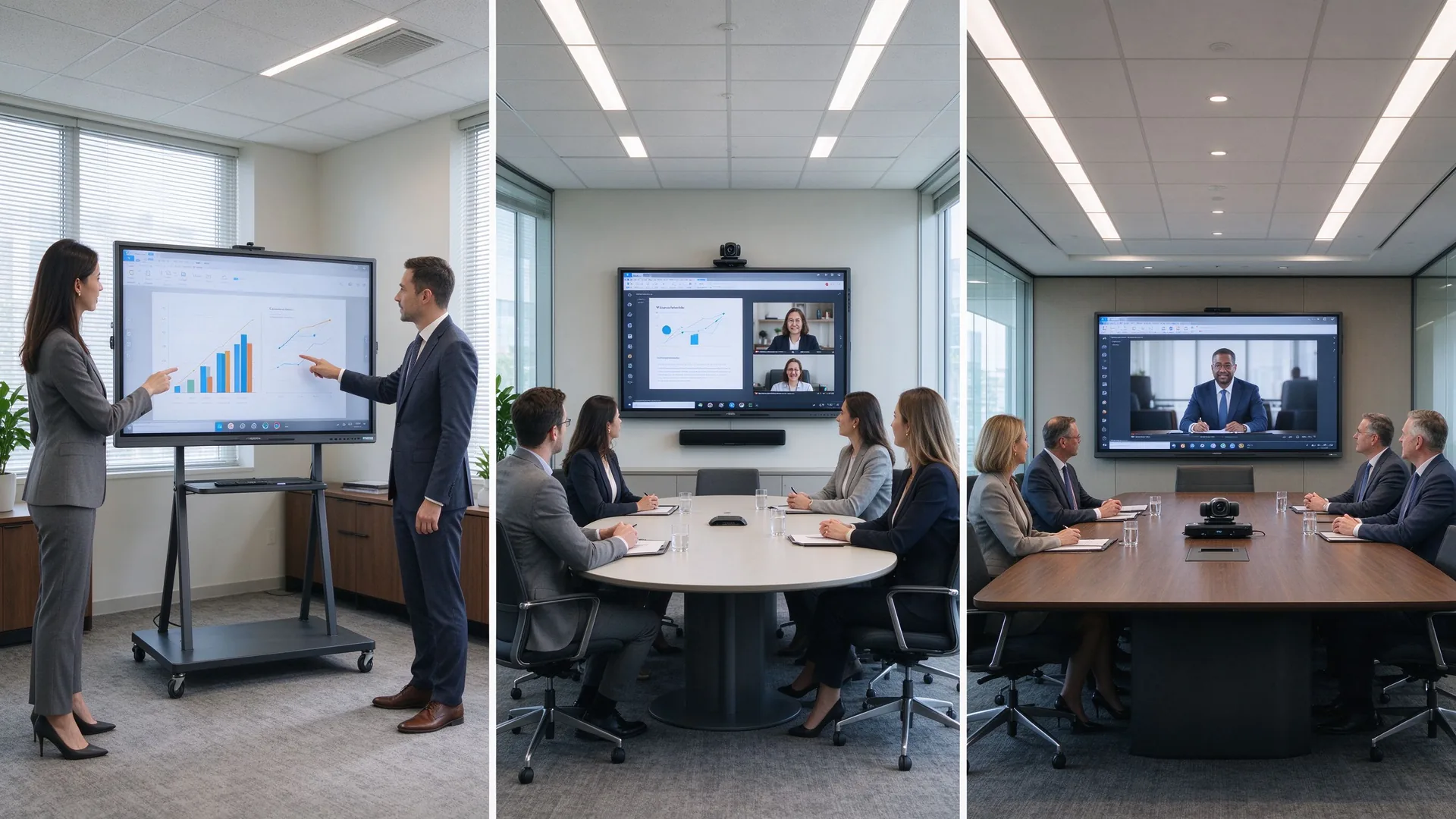
The following cases are drawn from Qtenboard’s published customer programs and illustrate the two patterns that matter most for business presentation procurement: standardized hybrid deployment and OEM-driven expansion.
A consulting firm with five European offices standardized on 86-inch Qtenboard displays with custom UI branding, integrated with Microsoft Teams and Zoom across all locations. Built-in wireless sharing and real-time annotation removed the friction of multi-vendor setups.
A Latin American distributor needed an OEM partner with Anatel certification to supply customized 65-inch and 75-inch panels with Portuguese UI, local packaging, and complete customs documentation for a public “Digital Classroom” initiative covering 200+ schools.
In both examples, buyers measured outcome metrics — travel cost, decision speed, on-time delivery, customs clearance — not just unit price. Define the same metrics before inviting quotes.
A 4K commercial interactive display with accurate touch, wireless screen sharing, PDF and PPT annotation, flexible device compatibility, and optional video conferencing integration. The right size and configuration depend on the presentation room, audience size, and collaboration workflow.
Small client rooms typically suit 55–65-inch panels, standard conference rooms suit 75–86-inch panels, and large boardrooms and training halls suit 86–110-inch panels. When group collaboration matters, prioritize multi-point touch and digital whiteboard tools.
There is no universal answer. Size depends on the farthest viewing distance, participant count, content type, seating layout, installation constraints, and whether remote participants share the same screen. Use the size table above, then validate with the tape-on-wall test.
If the room only plays slides, a commercial TV may be enough. If the team needs annotation, interaction, multi-user collaboration, wireless casting, and content saving and sharing, an interactive whiteboard is the better investment for the meeting room.
Medium and large conference rooms, training rooms, engineering reviews, and detail-heavy product demos usually benefit from 4K. Small rooms with simple content can evaluate 1080p panels, but always confirm the panel’s native resolution before purchase.
Core features include 4K resolution, multi-point touch, wireless screen sharing, PDF and PPT annotation, a digital whiteboard, video conferencing compatibility, camera and microphone support, HDMI and USB-C ports, LAN, security management, and after-sales service.
Yes. Qtenboard supplies enterprise meeting, presentation, training, and hybrid collaboration configurations with 4K displays, wireless casting, multi-touch, and project-level customization including OEM and ODM programs. Confirm the exact specification with the sales engineer for your room.
Yes. Customization is confirmed per project and can include logo, packaging, operating system, preloaded software, screen size, touch configuration, camera and audio hardware, and other ports and accessories, including CKD/SKD kit supply.
Tell us your presentation room size, audience capacity, preferred display size, meeting platform, content type, quantity, and target market. Qtenboard can recommend a suitable interactive whiteboard configuration for client presentations, boardrooms, training rooms, or OEM/ODM projects — with factory-direct pricing and project support.
| Your role | Best next step |
|---|---|
| Enterprise procurement | Get a Business Presentation Recommendation |
| IT/AV lead | Download Security & Compatibility Checklist |
| System integrator | Request Project Configuration Support |
| Dağıtcı | Request OEM/ODM Catalog & Sample |
| Large project | Schedule a Factory Video Audit |

İEO | Interaktiv Display və Koleyt Solution Müəyyət
Mən Qtenboard şirkətinin təsisçisi olaraq, sensorlu displey sənayesində 17 ildən artıq praktiki təcrübəm var. ShenZen Universitetində EMBA öyrənmələrim vasitəsilə qazanmış qlobal idarəçi təhlükəsizlikdən istifadə edir. Mənim əməkdaşlarımızın hər bir mərhəməti təhlükəsizliyindən güclü ehtiyatlı təmində zəncir idarə edir. Müxtəlif qabiliyyətlər industrinin önündə qalır.
Qtenboard lideri kimi, interaktiv ağ bordlar üçün müntəzəm OEM/ODM həlllər təqdim etməkdə xüsusiyyət edirəm, LCD video divarları, rəqtəsi simaları və industriya rəftarın terminalları. Shenzhendəki müasir industriya parkirlərimizin 330 000 m m. və sərt əməl sınaqlar.
Təxminən iki il proyiey təcrübə ilə Qtenboardın nümayişləri 120 ölkə və ərazilərdə istifadə edilib. Bütün dünyada 15 000 - dən çox əməkdaşlarının etibarına qazanmışdı. Əgər siz mütləq rəftar proyüsləriniz üçün dərin faydalı təsdiqləyən əməkdaşı axtarırsınızsa, Mənim qrupam və mən sizin görünüşünüzü dəstəkləyəcək.

 aze
aze
 EN
EN  pt
pt  spa
spa  th
th  vie
vie  bel
bel  est
est  lav
lav  ukr
ukr  ru
ru