The best touch-enabled display for a boardroom is usually a large 4K commercial interactive display that combines clear data presentation, precise pen input, secure wireless sharing, video-conferencing integration, and a reliable installation designed for executive use. For most boardrooms, the decision should begin with the boardroom workflow—not with screen size alone.
Written for corporate procurement, executive assistants, office managers, IT/AV directors, AV integrators, distributors, and project contractors deciding what to buy, which configuration fits which room, and which supplier can deliver it. We do not rank brands: the framework moves from boardroom scenario to purchasing criteria, supplier type, and configuration advice, so the specification can be defended to the CFO, IT security, and the AV integrator in the same meeting.
There is no single best model, but there is a consistent best direction: a large native-4K commercial interactive panel with anti-glare glass, accurate pen input, secure guest casting, Windows or dual-system flexibility, and properly designed video-conferencing hardware. Size follows the room and the content.
| Boardroom scenario | Recommended display direction | Key priorities | Qtenboard direction |
|---|---|---|---|
| Executive meeting room (6–10) | 75–86" 4K touch display | Strategy reviews, client meetings | 75/86" interactive panel |
| Standard boardroom (10–16) | 86" 4K touch display | Financial presentations, hybrid meetings | 86" interactive panel |
| Large boardroom (16–24) | 86–98" 4K touch display | Board packs, detailed data, large-table meetings | 86/98" interactive panel |
| Strategy suite (20+) | 98–110" or dual display | Workshops, planning sessions, large hybrid meetings | 98/105/110" interactive panel |
| Hybrid board meeting | Display + camera + mic + speakers | Remote director participation, secure sharing | AI meeting display |
| Multi-boardroom rollout | Standardized portfolio + DMS | Consistency, centralized management | Factory-direct B2B supply |
| OEM/ODM boardroom project | Customizable interactive display | Branding, UI, hardware flexibility | Qtenboard OEM/ODM program |
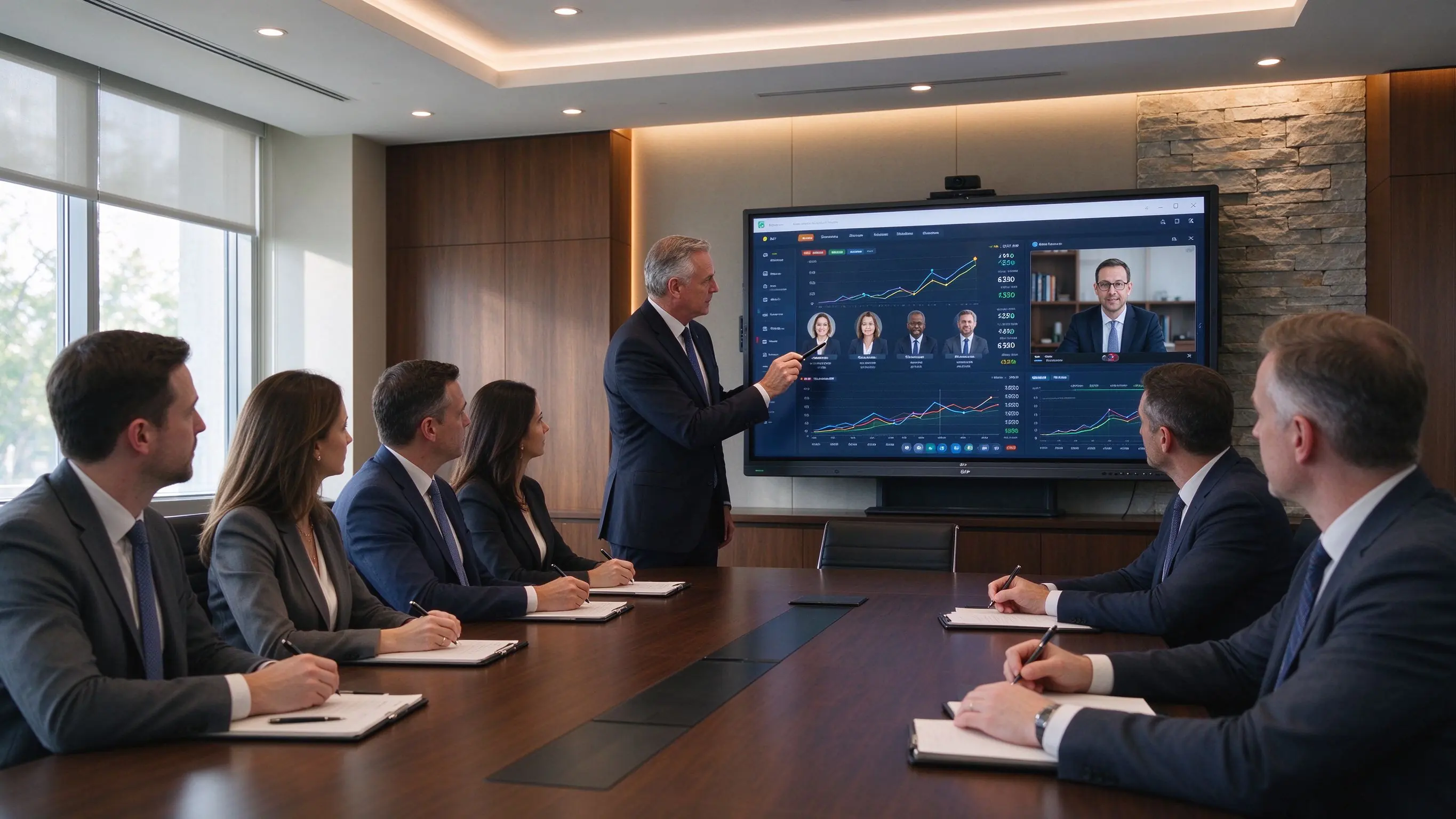
A boardroom is not a classroom or a lobby. The display sits at the center of confidential, decision-heavy meetings, and directors judge it against the screens they use daily. Four properties separate a boardroom-grade interactive display for boardroom use from a general-purpose screen.
Boardrooms regularly show financial reports, investor presentations, M&A materials, strategy roadmaps, sales and marketing dashboards, risk reports, legal documents, engineering plans, and ESG or compliance reports—most of it dense, with small numbers and multi-column layouts.
Touch earns its place when it shortens the time between discussion and decision: marking key figures on a financial report, comparing strategic options, annotating a contract, reviewing product imagery, moving content in a workshop, capturing decisions and action points, and saving whiteboard notes after the meeting.
When you evaluate touch-enabled displays for boardrooms, confirm the behaviors directors actually use: pen accuracy, ink latency, palm rejection, fine-point annotation, multi-user writing, PDF and PowerPoint annotation, whiteboard save and export, and consistent touch under both Android and Windows.
Boardroom content is confidential by definition. A boardroom interactive screen should support collaboration without leaving presentations, documents, or meeting notes for the next user: guest-casting restrictions, PIN or code casting, user authentication, session-data clearing, network segmentation, camera and microphone permissions, secure file-storage policy, application-install controls, remote device management, and firmware-update control.
In boardrooms, security is part of the workflow: the same display that lets a director annotate a board pack must clear that data before the next session begins.
Executive rooms are designed spaces, and a boardroom display should not fight the room: narrow bezel or executive industrial design, wall or recessed mounting, hidden cabling, clean camera placement, an integrated soundbar or conference bar, minimal remotes and adapters, fast boot, consistent UI, a branded startup screen, and quiet, stable operation.
The same 86-inch panel can be right for one boardroom and wrong for the next; start with the meeting type, then confirm size, computing, and conferencing around it.
Annual planning, budget reviews, KPI reviews, risk and compliance discussions, and leadership workshops. Recommended: 86–98″ 4K touch display with precise pen input, a digital whiteboard, secure wireless sharing, split-screen comparison, Windows/OPS for enterprise apps, and high-quality audio for remote executives.
Financial dashboards, Excel models, quarterly reviews, investor presentations, board packs, and legal or compliance documents. Recommended: native 4K, anti-glare, small-text readability, USB-C and HDMI inputs, secure sharing, PDF annotation, a reliable Windows workflow, and camera plus audio for hybrid attendance.
On-site executives and remote directors need an equal experience: the camera captures the presenter and the table, microphones pick up each speaker, and the display carries remote windows and shared documents. Recommended: 86–98″ 4K, a high-quality conference camera, beamforming or external microphones, room-matched speakers, Teams / Zoom / Webex compatibility, wired network, and a secure BYOM or room-PC workflow.
These meetings are about content and the impression the room makes. Recommended: 75–86″ for mid-size boardrooms, 86–98″ for formal executive rooms, with 4K, wireless casting or USB-C, brand logo and startup UI, integrated camera and audio, and wall mounting.
Strategic planning, M&A integration workshops, roadmap reviews, organizational design, crisis-response planning, and cross-functional decisions. Recommended: 86″ and larger with 20–40 touch points, a digital whiteboard, content capture and export, multi-device sharing, a large active writing area, and an optional second display.
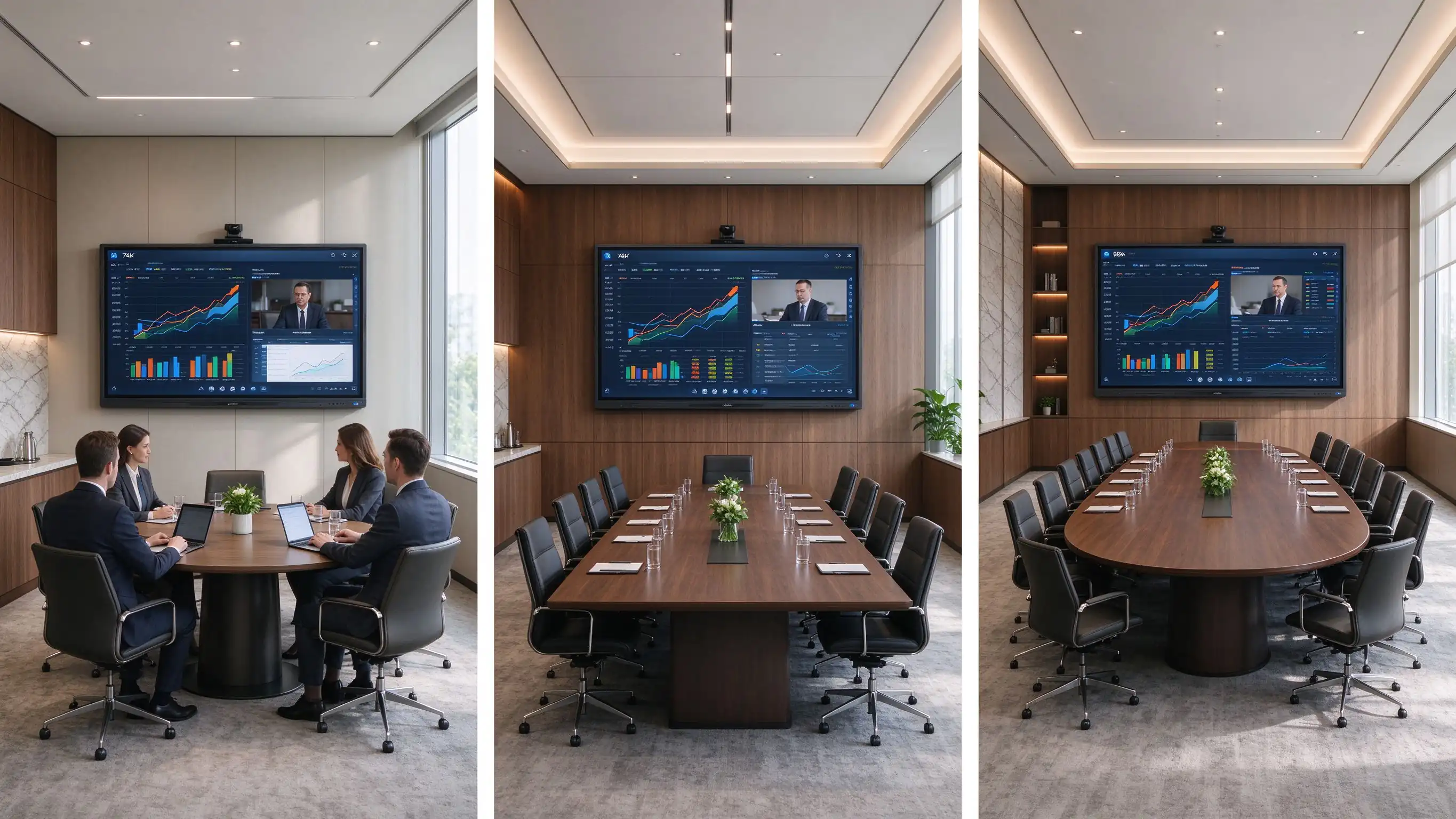
A typical boardroom workflow. The CFO shares a financial dashboard, directors annotate key figures on the touch display, a remote director views the annotations in real time, and the marked-up board pack is exported and cleared before the next session. Every hardware decision here should make that sequence faster and safer.
Boardroom display size is a function of table length and content density, not headcount alone. Use the table as a starting point, then verify against the actual room.
| Boardroom type | Typical capacity | Suggested display size | Best for |
|---|---|---|---|
| Executive meeting room | 6–10 | 75–86" | Strategy reviews, client meetings |
| Standard boardroom | 10–16 | 86" | Financial presentations, hybrid meetings |
| Large boardroom | 16–24 | 86–98" | Board packs, detailed data, large-table meetings |
| Executive training / strategy suite | 20+ | 98–110" or dual display | Workshops, planning sessions, large hybrid meetings |
Boardroom content stresses readability: small numbers in financial models, dense Excel worksheets, legal clauses, market data, investment charts, and enterprise dashboards. Confirm native 3840×2160, HDMI and USB-C 4K support, a 4K-capable OPS or room PC, anti-glare performance, brightness under boardroom lighting, text legibility from the farthest seat, and multi-window layout performance.
In a boardroom, 4K is not only a visual upgrade. It helps directors read detailed information without repeatedly zooming, switching screens, or moving closer to the display.
Executives typically need precise pen writing, low-latency ink, fine-point annotation, palm rejection, smooth erasing, PDF and PowerPoint markup, and saved meeting notes.
Executives and visitors arrive with Windows laptops, MacBooks, iPads, iPhones, Android devices, room PCs, and USB-C laptops. Confirm Windows and macOS casting, iOS and Android support, USB-C video input, HDMI, multi-source display, split screen, secure guest mode, PIN join, network access policy, and app-free sharing.
A premium boardroom display does not guarantee a premium hybrid meeting. Camera framing, microphone coverage, room acoustics, network quality, and meeting workflow must be designed together.
| Configuration | Best for | Boardroom consideration |
|---|---|---|
| Android | Fast casting, whiteboarding, browser access | Suitable for simple executive workflows |
| Windows OPS | Office, Excel, PowerPoint, enterprise apps | Strong option for board packs and document-heavy meetings |
| Dual system | Mixed executive, visitor, enterprise workflows | Flexible, but needs controlled IT management |
| External room PC | Integrated AV and enterprise collaboration | Best where existing room-control systems are deployed |
For a corporate boardroom display, security controls should be specification items, not afterthoughts: session auto-clear, local file deletion policy, USB access control, guest sharing permissions, network segmentation, admin password protection, camera and microphone privacy, firmware approval, DMS and remote monitoring, audit records, and app whitelisting.
Plan wall or recessed mounting, cable concealment, VESA and wall-load planning, display height for seated directors and standing presenters, camera sightlines, soundbar placement, lighting and glare control, power and LAN locations, HDMI/USB-C table-box integration, service access, and brand consistency with furniture and finishes.
Touch-enabled boardroom displays come from four supplier families; matching the type to your project logic matters more than comparing individual models.
These brands fit organizations with global support requirements, established AV standards, mature software ecosystems, and headquarters standardizing meeting-room technology. Strengths: mature room software, channel networks, enterprise support, standardized platforms. Trade-offs: higher purchasing cost and limited flexibility for private-label or deep hardware customization.
AV specialists suit integrator-led boardroom projects, upgrades of existing control systems, display-plus-camera-plus-audio integration, and teams with dedicated AV support. Typical capabilities: displays, conference bars, PTZ cameras, DSP audio, control systems, room scheduling, installation, and commissioning.
For high-spec boardrooms, the display is only one component of an integrated AV environment. AV specialists matter most when the room needs advanced audio, room control, multiple displays, or custom installation.
Factory-direct OEM/ODM manufacturers fit regional commercial display brands, AV distributors, system integrators, project contractors, private-label collaboration display projects, and multi-country programs needing configuration flexibility. Capabilities: size selection, touch technology, Android/Windows/dual-system configuration, camera and audio options, logo and startup-screen customization, UI and language, port configuration, software pre-loading, packaging, CKD/SKD, and factory-direct supply. Evaluate this family when the program must carry your own brand, software layer, or logistics model.
Local integrators and distributors fit projects needing on-site installation, local warranty and service, country-specific compliance, integration with existing AV infrastructure, or turnkey delivery. Choose one providing site surveys, installation and cable management, camera and audio deployment, network configuration, room-control integration, commissioning, user training, local maintenance, and first-line troubleshooting.
Once the supplier type fits, evaluate the vendor on five dimensions as a boardroom touchscreen supplier checklist in your RFQ.
Does the display size match the room? Is the panel native 4K with anti-glare glass? Is pen writing accurate and low-latency? Does it support Windows, Mac, and mobile sharing with reliable touch under Android and Windows? Does it support the video-conferencing workflows the room needs?
Can the supplier support camera, microphone, and speaker design and integrate with an existing room PC or control system? Does it support HDMI and USB-C table-box connections? Can it advise on mounting height, sightlines, and cable routing, handle dual displays, and coordinate with a local installer?
Can the device auto-clear meeting files and restrict guest casting? Can administrators control applications, permissions, and firmware updates? Is there a device management system that fits enterprise network policy? Can user access and configuration be standardized across boardrooms?
Can the supplier provide samples or a live demo and support the required quantities and delivery schedule? Does it provide specifications, compliance documents, installation and user documentation, and phased rollout support? Can it handle executive-room packaging and logistics, plus a spare-parts and replacement plan?
Check warranty scope, firmware updates, spare parts, lifecycle plans, fault response, local support, replacement strategy, and long-term software support. A three-year warranty with unclear firmware policy is not the same as a five-year plan with defined end-of-life guidance.
Combine the use case and supplier dimension into one decision. The matrix links the boardroom requirement to the display direction and the supplier capability to prioritize.
| Boardroom requirement | Recommended display direction | Supplier capability to prioritize |
|---|---|---|
| Financial and board-pack review | 86–98" 4K with accurate pen input | 4K readability, anti-glare, Windows workflow |
| Hybrid board meetings | 86–98" with camera, microphones, speakers | AV integration, network, meeting-platform support |
| Executive workshops | 86"+ multi-touch display | Whiteboard, content export, multi-user writing |
| Investor and client presentations | 75–86" premium 4K | Presentation quality, guest sharing, aesthetics |
| Large strategy suite | 98–110" or dual display | Large-format logistics, installation, AV |
| Multi-boardroom rollout | Standardized portfolio + DMS | Consistency, remote management, support |
| Private-label boardroom solution | OEM/ODM interactive display | Branding, UI, hardware flexibility, QC |
Qtenboard is a Shenzhen-based interactive display manufacturer founded in 2005, with 21 years of LCD manufacturing experience, three factories, a 330,000m² industrial park, and daily capacity above 200 units. Products reach over 120 countries and more than 15,000 enterprise clients. All Qtenboard interactive whiteboards carry Google native EDLA certification (not “EDLA-ready”), with OEM/ODM programs and global SKD/CKD local assembly. For boardrooms, Qtenboard offers business-oriented interactive flat panels from 75″ to 110″ with 4K display, touch collaboration, wireless sharing, Android/Windows options, conferencing integration, and OEM/ODM project support.
A Qtenboard boardroom configuration can combine a 4K UHD panel (3840×2160), anti-glare surface, precise touch and pen input, multi-user touch, wireless presentation, Android and Windows workflows, an OPS option, camera and audio integration, whiteboard and document annotation, AI meeting features, and multi-room device management. Brightness (350/400/450 cd/m²) and contrast (4000:1) should be selected against the room’s lighting.
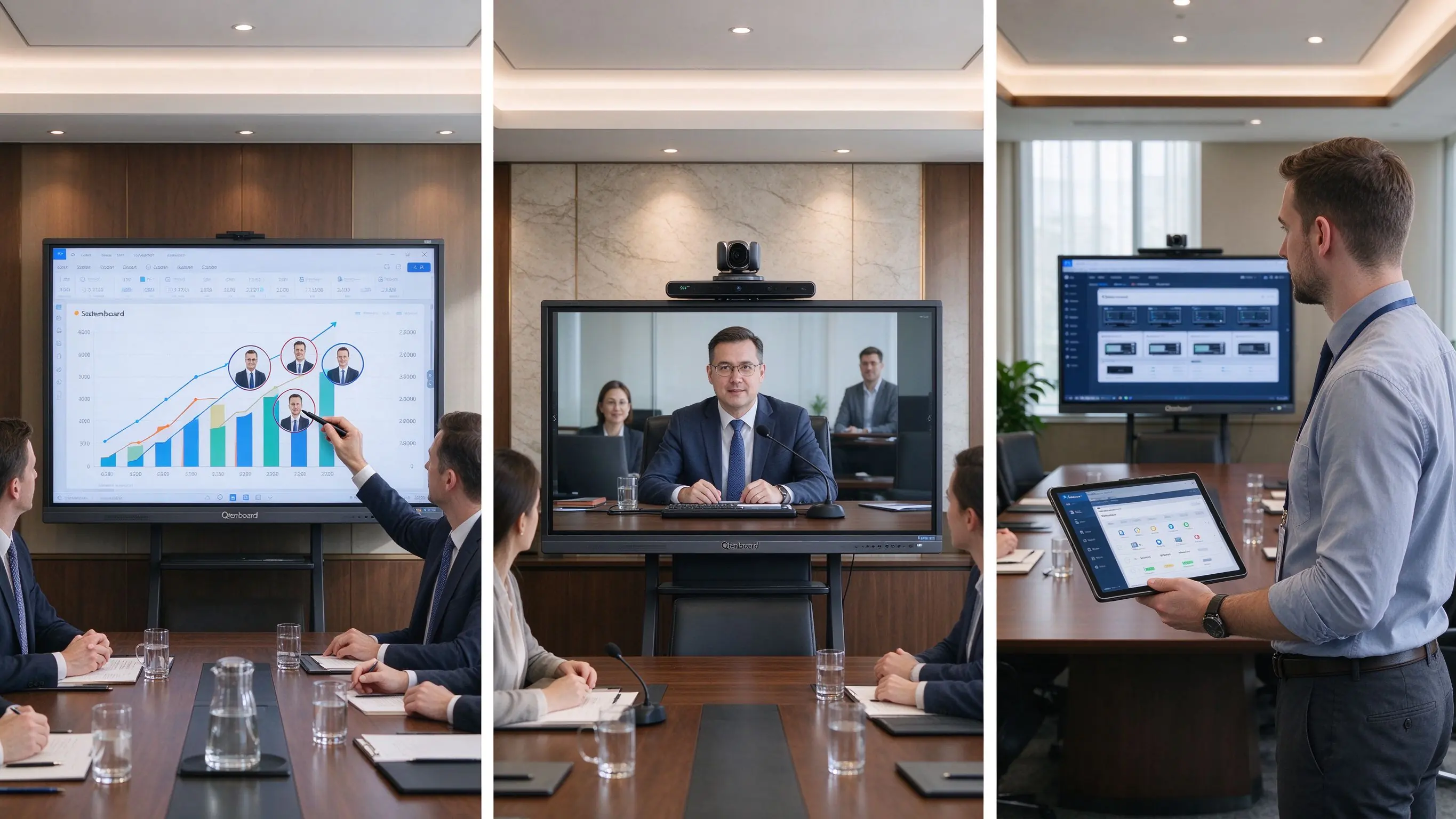
Qtenboard’s OEM/ODM program suits AV solution providers, corporate display distributors, regional brands, multi-location rollouts, and boardroom project contractors. Configurable: brand startup screens, custom UI, language options, hardware configuration, I/O requirements, camera and audio options, packaging and documentation, CKD/SKD local assembly, and project-specific delivery plans. For integrators and distributors, this is the path from “a panel we resell” to “a boardroom solution under our own brand.”
Project checklist. Confirm each item with the supplier before specification:
| Buyer priority | Qtenboard value proposition |
|---|---|
| Large-format flexibility | 75–110" interactive display portfolio |
| Display quality | 4K UHD commercial panels, anti-glare |
| Touch options | Accurate pen input, multi-touch, palm rejection |
| System flexibility | Android, Windows, dual system, OPS |
| Security & governance | Session clear, USB control, DMS, app whitelisting |
| Project customization | OEM/ODM, branding, UI, packaging, CKD/SKD |
Most boardroom display problems are specification and planning failures, not hardware failures. Avoid these fourteen:
The three patterns show how these criteria map to real sourcing decisions. They are representative patterns based on Qtenboard’s public record and standard B2B workflows; named clients are withheld.
A financial-services buyer standardized 86″ 4K interactive panels across six boardrooms with one UI, one DMS, and one support model: consistent executive experience, centralized firmware and security management, and a single spare-parts pool. Qtenboard’s enterprise client base (15,000+) and multi-room device management make this a representative factory-direct pattern.
An AV integrator building an executive-suite product line ordered 75/86/98″ panels with its own logo, startup UI, and packaging. OEM/ODM variables covered hardware configuration, I/O, and camera/audio options; SKD/CKD local assembly lowered duties and shortened delivery.
A distributor supplying corporate meeting and executive rooms relied on native EDLA plus CE, FCC, and RoHS documentation for customs and enterprise compliance. Qtenboard’s public record—30,000+ interactive flat panels delivered to Thailand since 2020 and tender support across Southeast Asia, the Middle East, and Africa—shows the documentation capacity a distributor should verify before committing.
Touch-enabled boardroom displays are offered by global collaboration-display brands, commercial-display and AV specialists, factory-direct OEM/ODM manufacturers, and local AV integrators and distributors. The right supplier type depends on whether the project prioritizes standardized software, turnkey installation, local support, or product customization.
For most boardrooms, the best option is a large native-4K commercial interactive display with anti-glare glass, accurate pen input, secure wireless sharing, Windows or dual-system flexibility, and properly designed conferencing integration. Final size and configuration should match room depth, table layout, content type, and hybrid-meeting requirements.
A 75–86″ display often fits executive meeting rooms; 86–98″ is commonly more appropriate for standard boardrooms with long tables or detailed financial content; larger strategy rooms may require 98–110″ or a dual-screen design. The farthest viewer and the type of content should determine the final choice.
Touch is valuable when directors regularly annotate documents, compare plans, run strategic workshops, review designs, or need saved meeting outputs. If the room only displays slides and video calls, a commercial non-touch display may be sufficient.
Secure casting, guest-access restrictions, session-data clearing, account permissions, USB controls, network segmentation, camera and microphone privacy, application controls, firmware management, and remote device administration.
It can, but compatibility depends on the operating system, room PC or OPS, camera, microphone, speakers, network, and conferencing software. Test the full hybrid workflow before deployment.
Android works well for rapid casting and whiteboarding. Windows is often preferable for board packs, Excel, PowerPoint, browser-based enterprise apps, and document-heavy meetings. Dual systems fit mixed workflows but require clear IT governance.
Qtenboard offers business-oriented interactive flat panels for meeting rooms and boardrooms, including 4K display, touch collaboration, wireless sharing, Android/Windows options, conferencing integration, and OEM/ODM project support. Confirm size, brightness, touch technology, OPS, camera and audio options, security controls, certifications, and delivery terms with the supplier for each project.
Specifications and company facts were verified against Qtenboard’s official public pages. Re-confirm current specs, certifications, and delivery terms with the supplier before purchase.
Editorial note. Updated September 2026. This guide focuses on boardroom buying decisions and supplier evaluation; it does not provide cost models or pricing estimates. Project patterns are representative sourcing scenarios based on Qtenboard’s public record, not claims about named customers. Display sizes, touch counts, certifications, and software features should be re-verified against the supplier’s current documentation before purchase.

CEO | Interactive Display & Collaboration Solution Expert
I am the founder of Qtenboard, bringing over 17 years of hands-on expertise to the touch display industry. Drawing on the global management perspective gained through my EMBA studies at ShenZhen University, I lead my team in optimizing every stage of our operations—from product definition to high-efficiency supply chain management—ensuring our manufacturing capabilities remain at the forefront of the industry.
As the leader of Qtenboard, I specialize in providing tailored OEM/ODM solutions for interactive whiteboards, LCD video walls, digital signage, and industrial-grade touch terminals. Backed by our 330,000 m² modern industrial park in Shenzhen, we maintain full-lifecycle control over industrial design, precision manufacturing, and rigorous performance testing.
With nearly two decades of project experience, Qtenboard’s display solutions are now deployed in over 120 countries and regions, earned the trust of more than 15,000 enterprise customers worldwide. If you are seeking a responsive partner with a deep manufacturing foundation for your customized touch display projects, my team and I are ready to support your vision with professional excellence.

 ukr
ukr
 EN
EN  pt
pt  spa
spa  th
th  vie
vie  aze
aze  bel
bel  est
est  lav
lav  ru
ru