













Chaotic queues cost you customers, staff time and service data. A Qtenboard self-service queue kiosk prints tickets at the door, routes visitors by service type, validates appointment check-ins, and feeds every number to calling stations, waiting-area displays, SMS and backend reports — so your counters run calm and measurable.
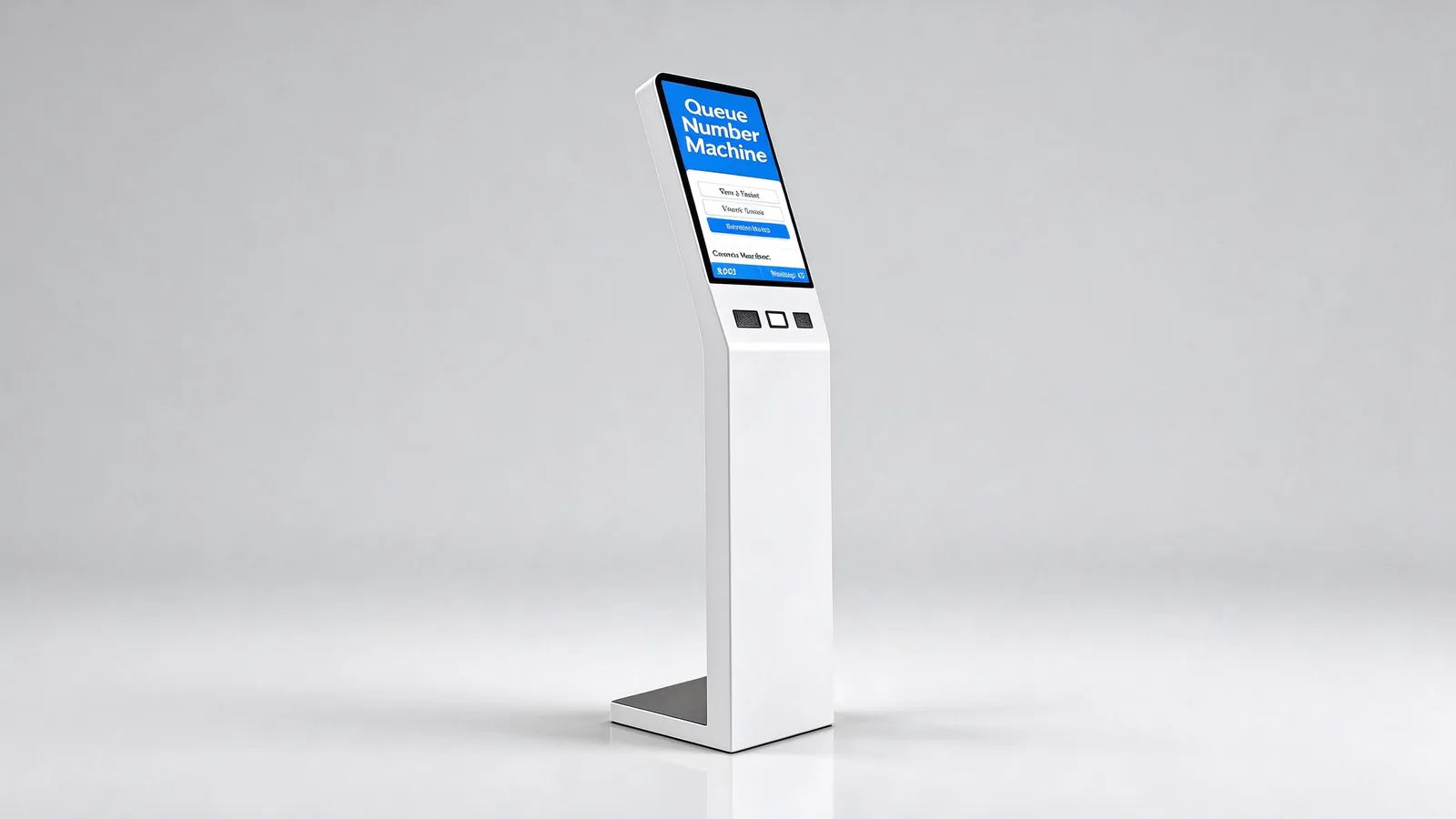
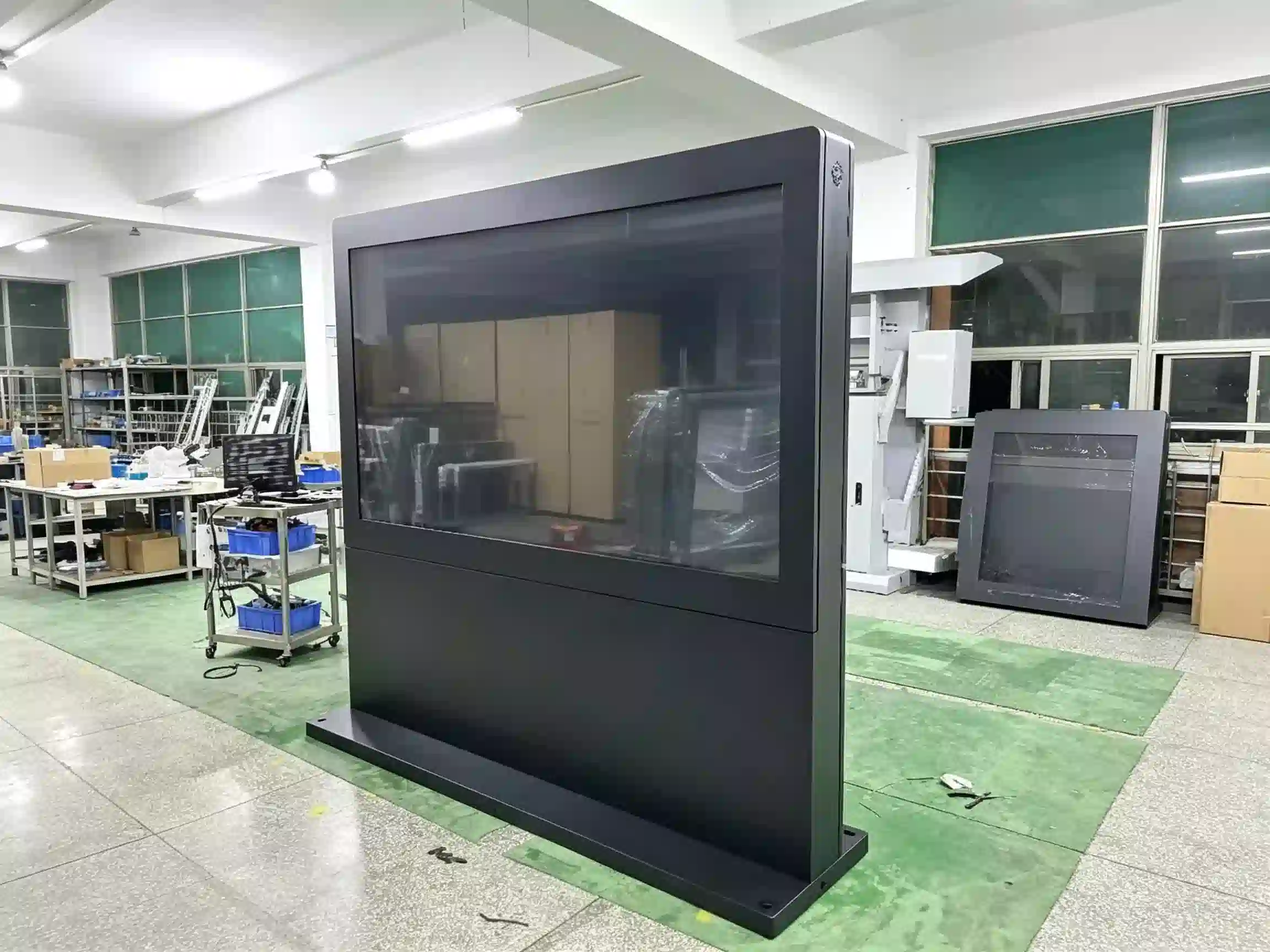
Qtenboard floor-standing queue management kiosk — touchscreen ticketing, 80mm thermal ticket printer, QR scanner and rear-lock service access
Buyers don't need another self-service box — they need the queue itself managed. Here is how a Qtenboard queue management kiosk removes each daily headache in a bank, hospital, government hall or telecom branch.
Visitors crowd counters asking where to go, and staff answer the same question all day instead of serving.
Everyone arrives at once and the lobby bottlenecks before service even starts.
Customers leave when the wait looks long, and no-shows break the queue rhythm.
You cannot prove wait times, staffing needs or service-type bottlenecks to management.
Every site runs its own rules, so customer experience and reports never match.
The new terminal must talk to your QMS, HIS, CRM or appointment platform — or it becomes another silo.
The kiosk is the visitor-facing entry point of a complete queue management system: service selection, ticket printing, identity check-in, digital calling, waiting-area display, voice broadcast, SMS/mobile queue and analytics. Results below are as published by Qtenboard for deployed queue kiosk projects.
| Decision Point | Queue Management Kiosk | Ordinary Self-Service Kiosk |
|---|---|---|
| Core task | Take a ticket, route, wait, call | Complete one specific business task |
| Primary output | Queue number, waiting status, window info | Order, payment result, receipt |
| Companion hardware | Calling screens, counter terminals, voice system | POS, printer, scanner |
| Critical software | QMS queue management system | Ordering, ticketing or payment software |
| Buying focus | Service categories, priority, window scheduling | Business flow and payment integration |
Qtenboard has built displays and self-service hardware from the component level since 2005 — not as a reseller, but as the OEM/ODM factory behind 110+ country markets. For queue projects this means three practical things:
Company background per Qtenboard — About Qtenboard.
A floor-standing queue kiosk lives in a lobby for years. That is why the enclosure uses a sturdy metal body with a thin flat low base, and why every service point — printer, scanner, host and power — is reachable through rear lock access for fast maintenance.
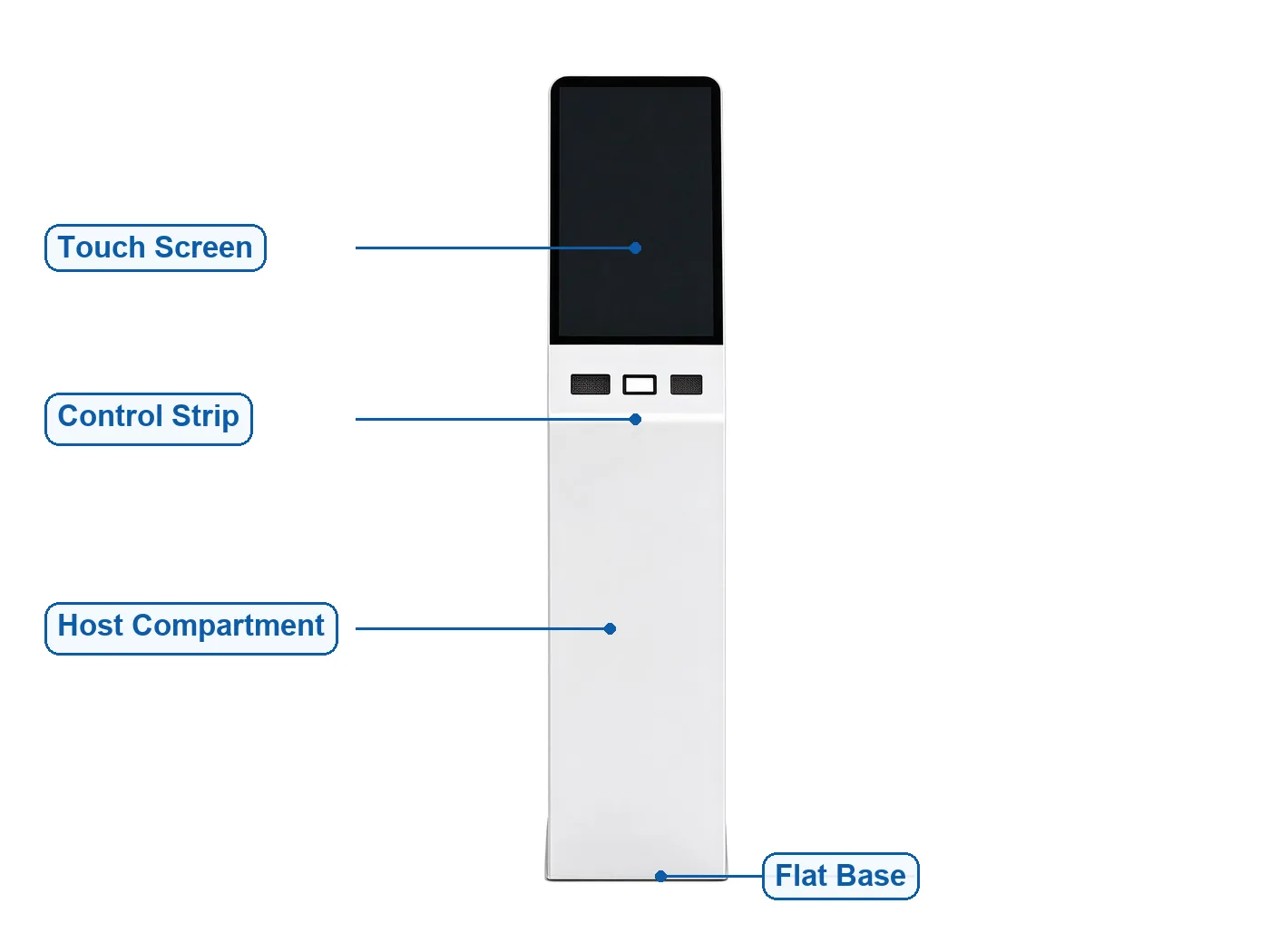
Standard structure: angled touchscreen · control strip (two reader pads + scanner button) · sealed host & power compartment · flat low base
Angled touchscreen ticketing with printer and scanner — the default for bank, hospital and retail lobbies.
Dual-screen interactive version for advertising alongside ticketing; low-height accessible version for barrier-free use.
Compact wall-mounted or desktop ticket dispensers for counters, clinics and small branches.
ID card / passport reader versions for identity-based ticketing and appointment check-in in civic halls.
Card reader and PIN-ready configurations for financial lobbies with priority and VIP queuing.
Body color, logo, panel material and UI skin customized at the factory for your brand or project.
Parameters marked [Confirm on actual BOM] are locked at quotation stage — request the BOM-matched spec sheet with your quote. Everything else ships standard in the Qtenboard queue kiosk.
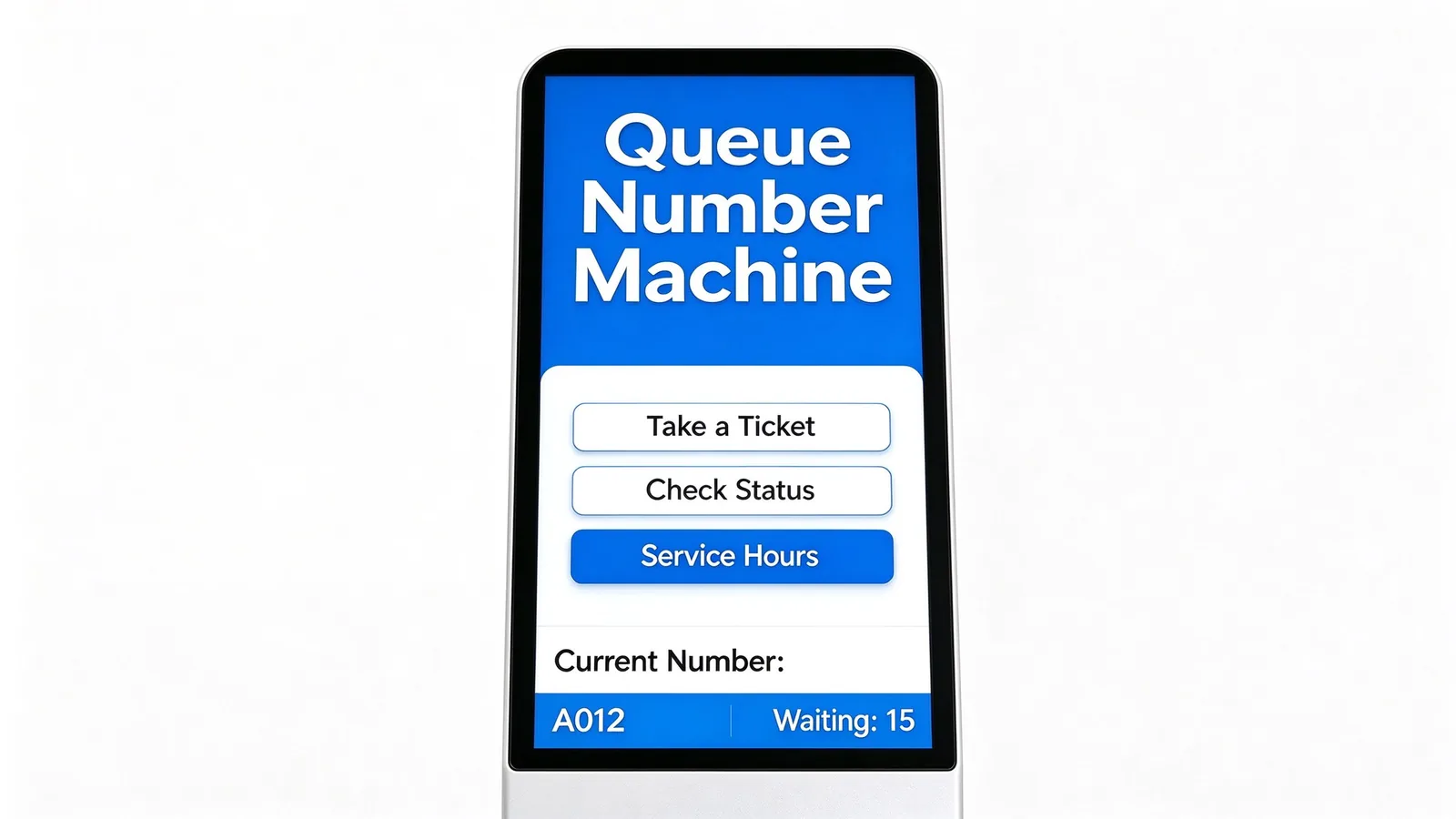
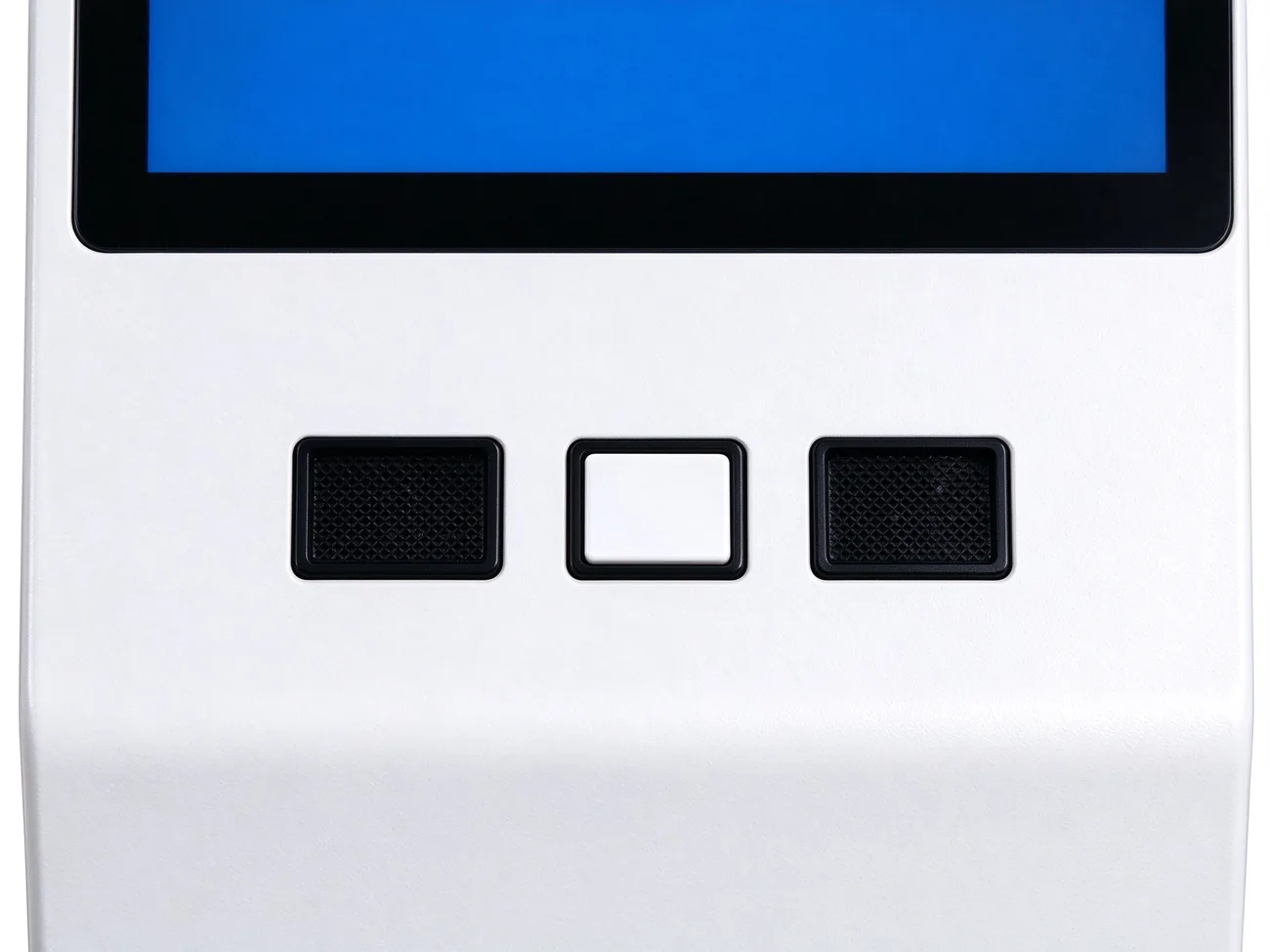
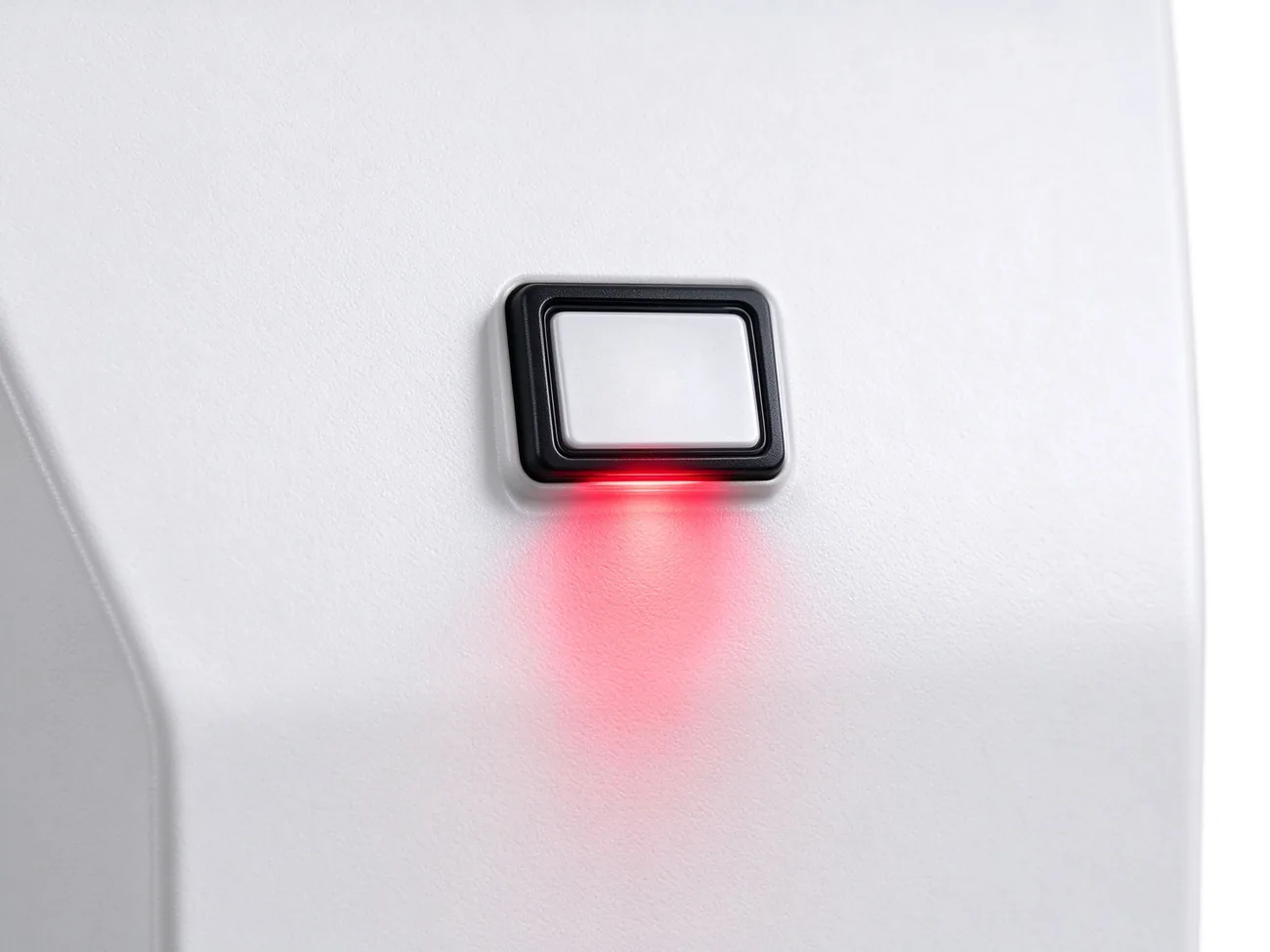
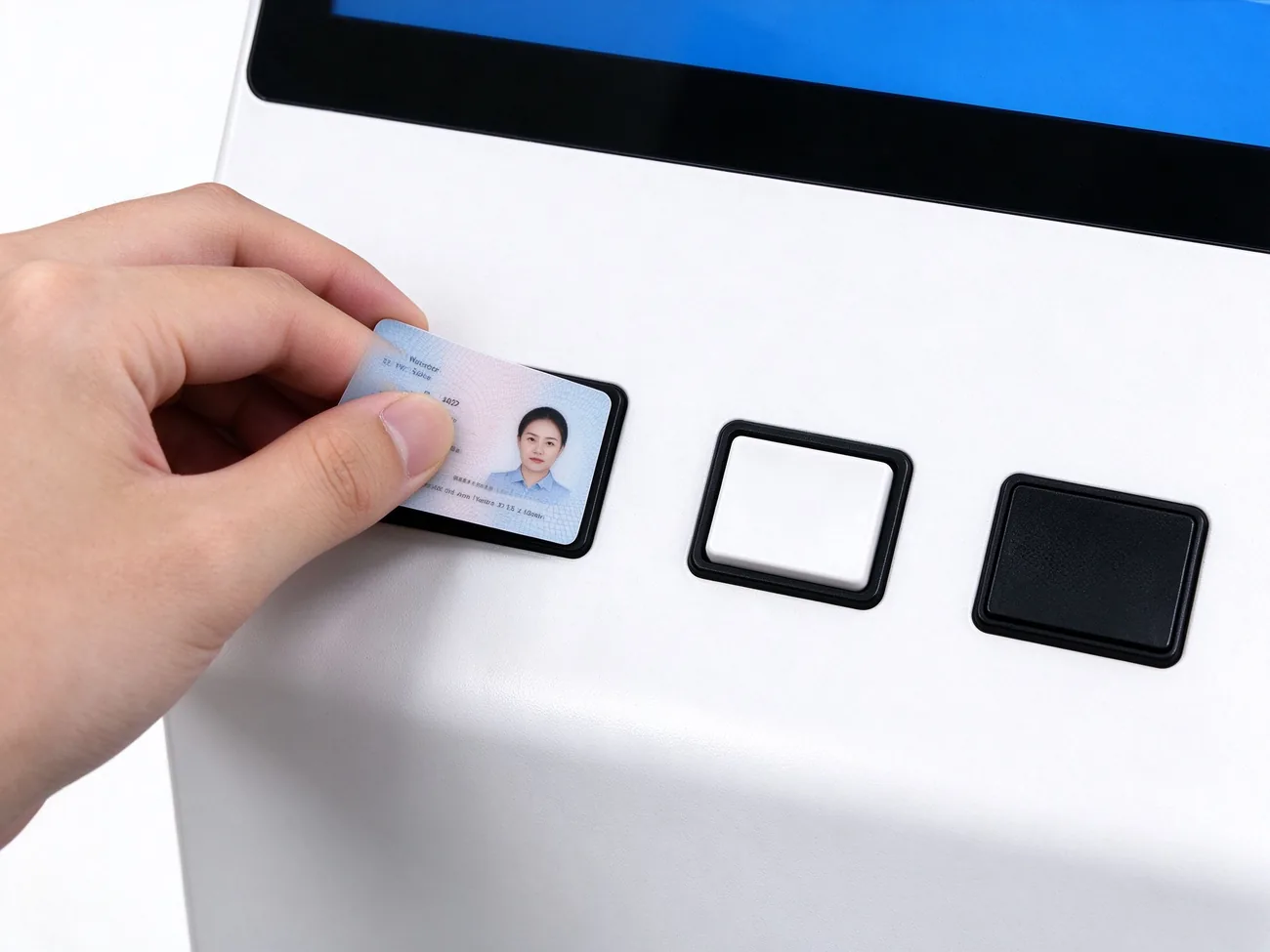
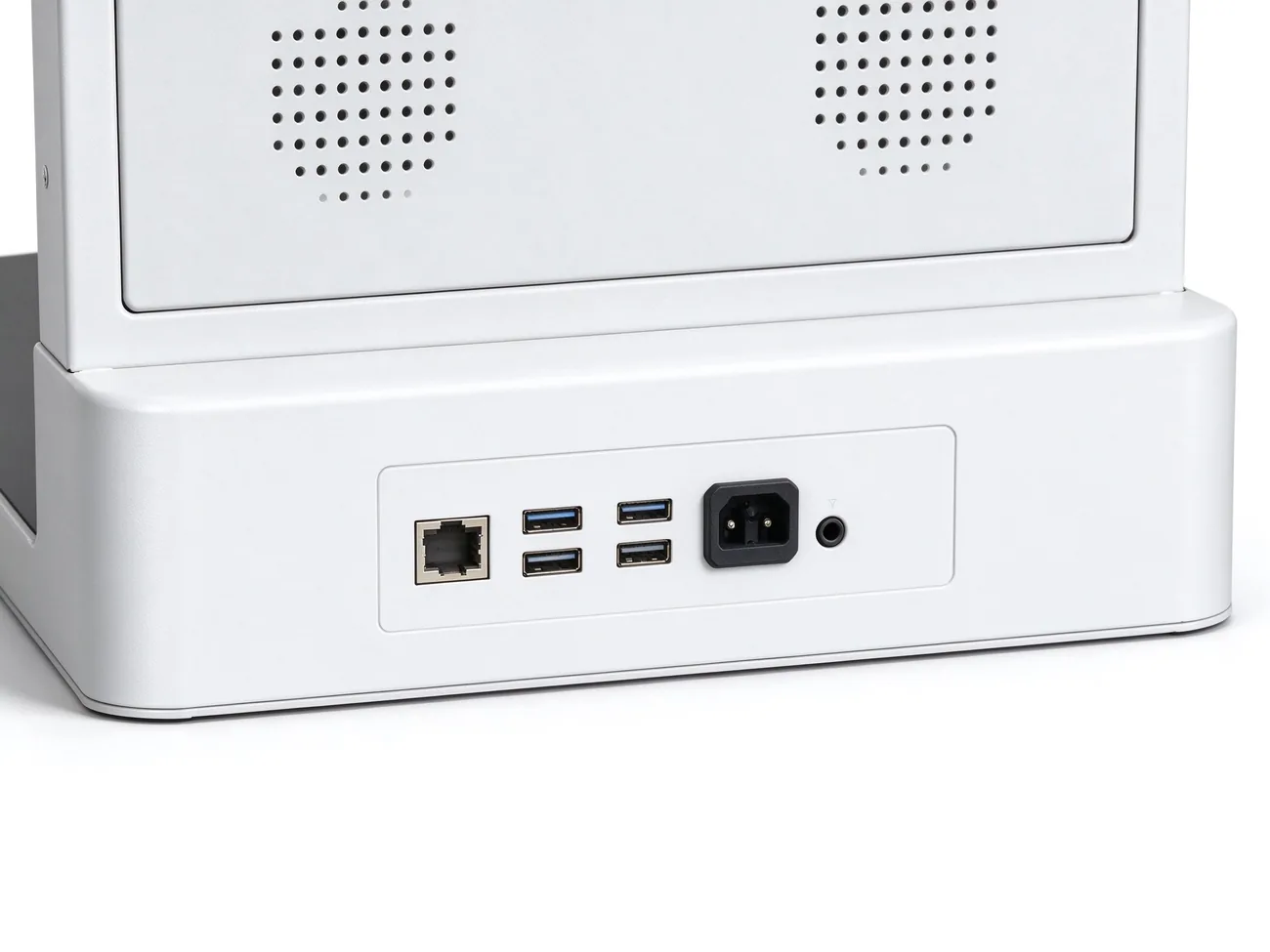
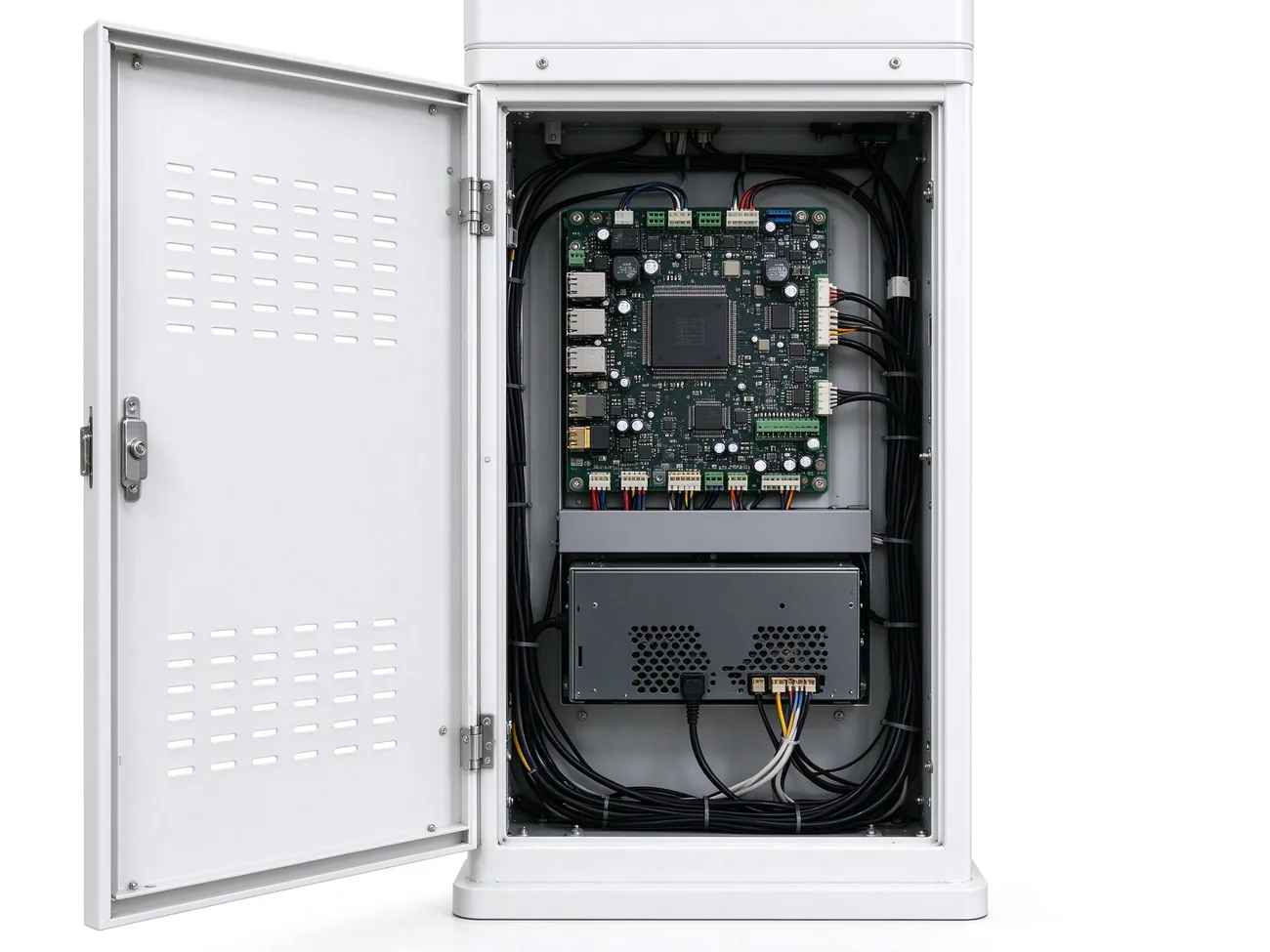
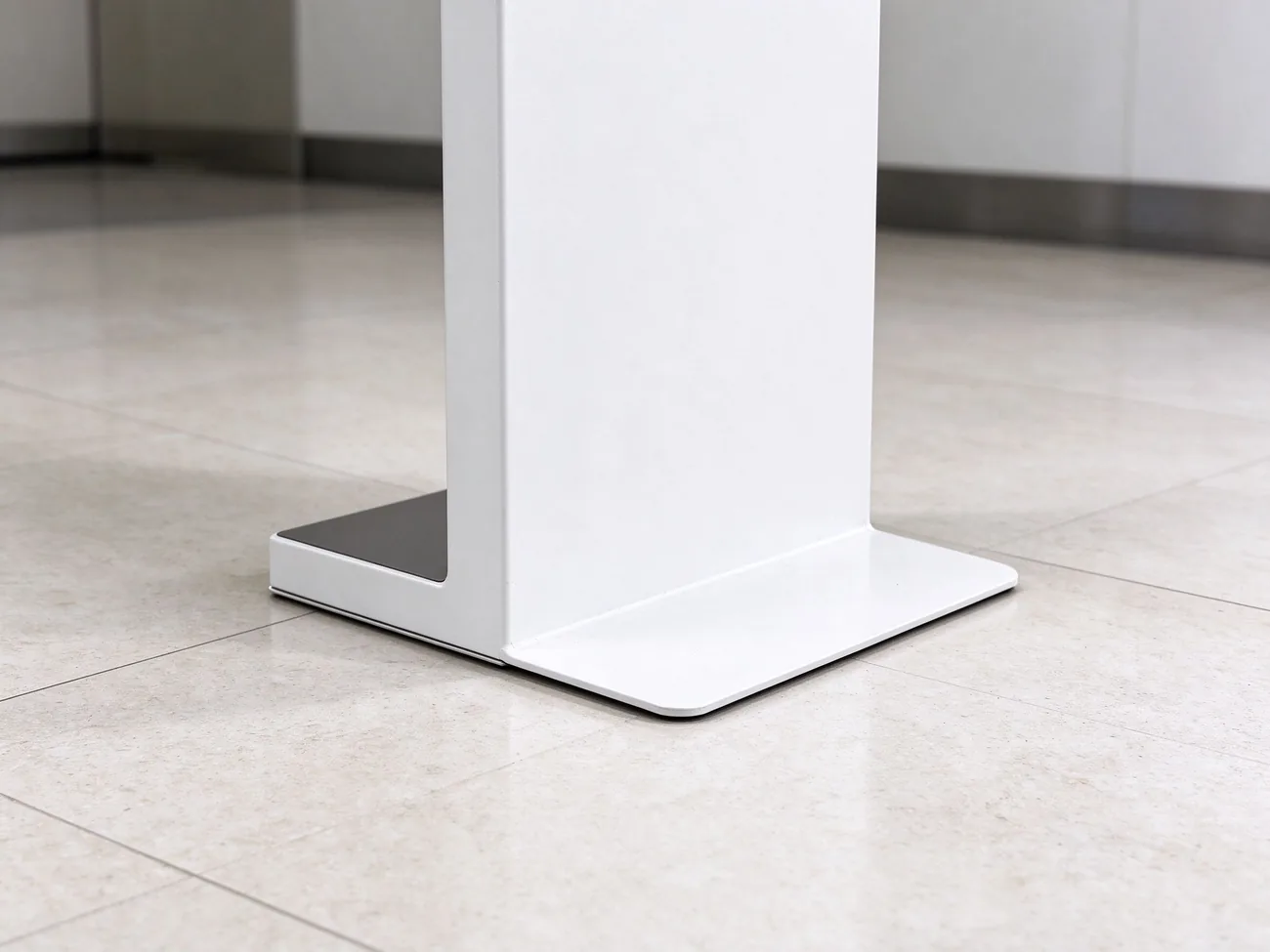
IP54-rated casing, 10-point capacitive touchscreen, centralized CMS control and rear lock access per Qtenboard product data — queue kiosk product page and Qtenboard smart queuing kiosk.
The kiosk is one node of a queue management system. Below is the standard data path and the integration points your IT team will ask about.
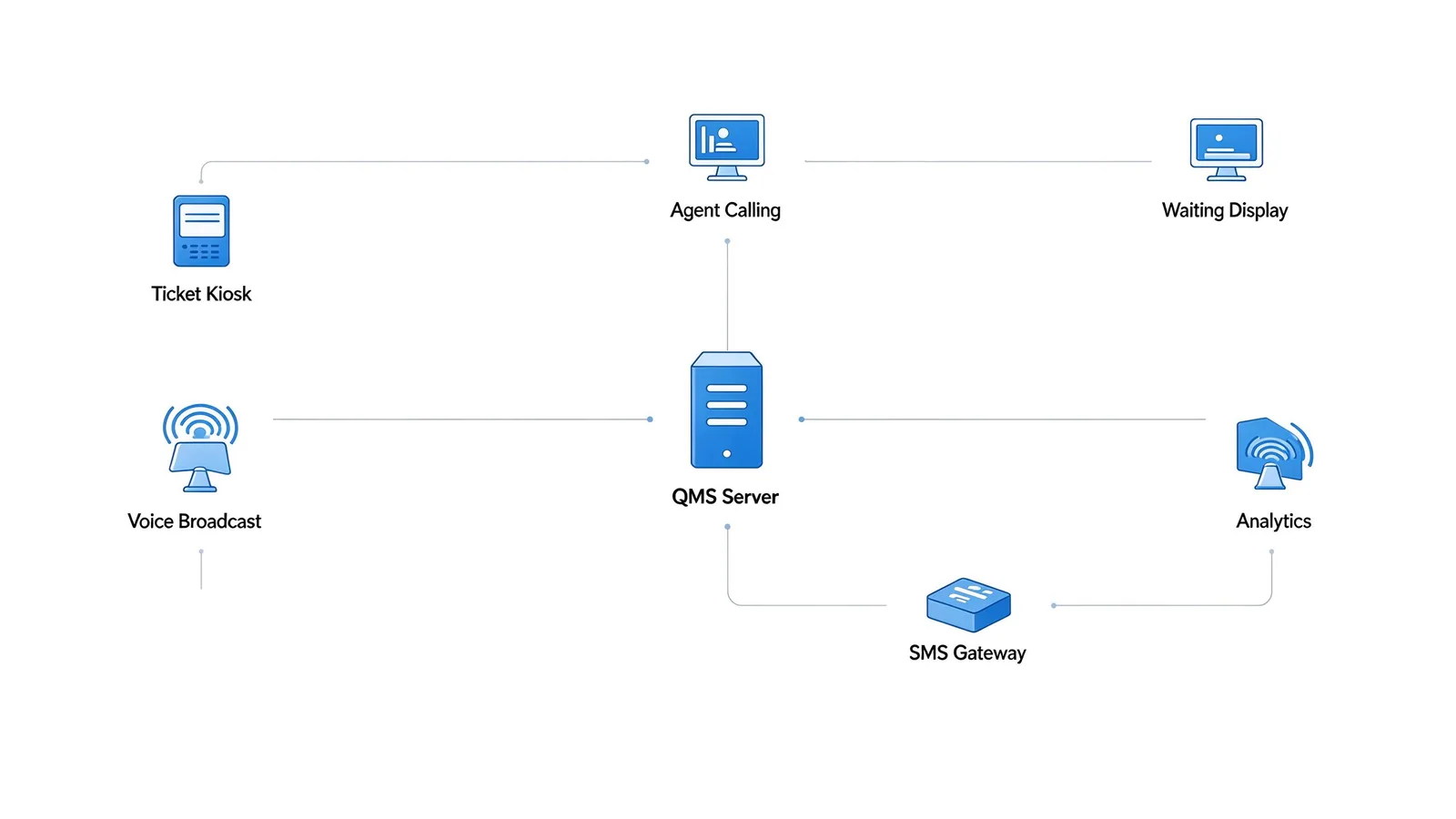
Ticket kiosk → QMS queue server → agent calling terminals, waiting-area displays, voice broadcast, SMS gateway and mobile queue → analytics & reports.
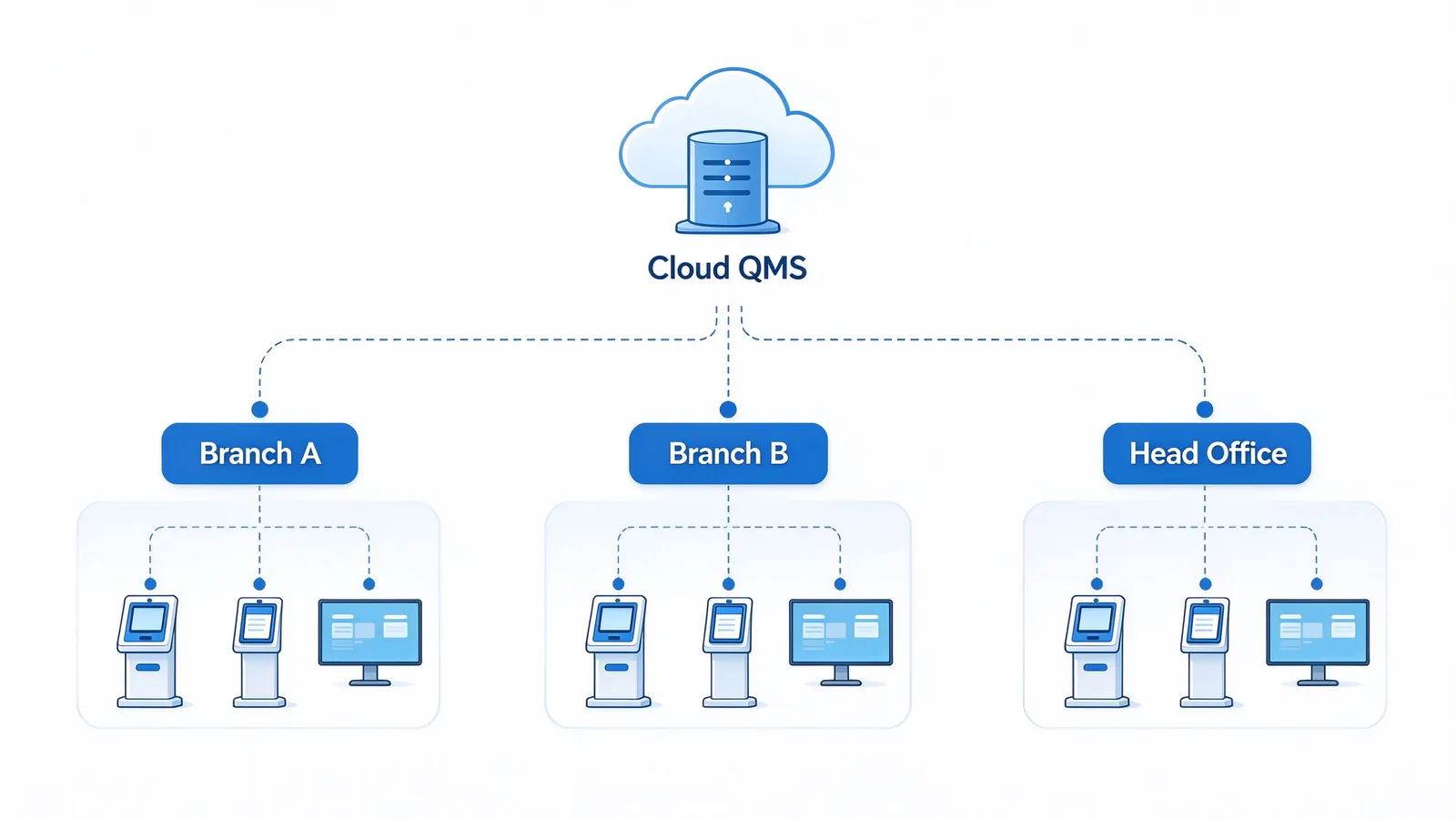
Single-site LAN, multi-branch private network, or cloud QMS with centralized management. Waiting-area and counter displays can run 500–700 nit commercial panels for bright lobby environments.
Ticket time · called time · service start/end · waiting duration · service type · window number · customer identifier · appointment number · no-show and cancel records.
Local, cloud or hybrid storage. ID card and face-recognition data require separate authorization and processing consent. Data masking, role-based access control and operation audit logs are included. Deployment supports GDPR, PIPL and local regulation requirements — confirm specific requirements at project stage.
The kiosk ships with the QMS client, and the full queue software stack covers every step a visitor and a service agent experience.
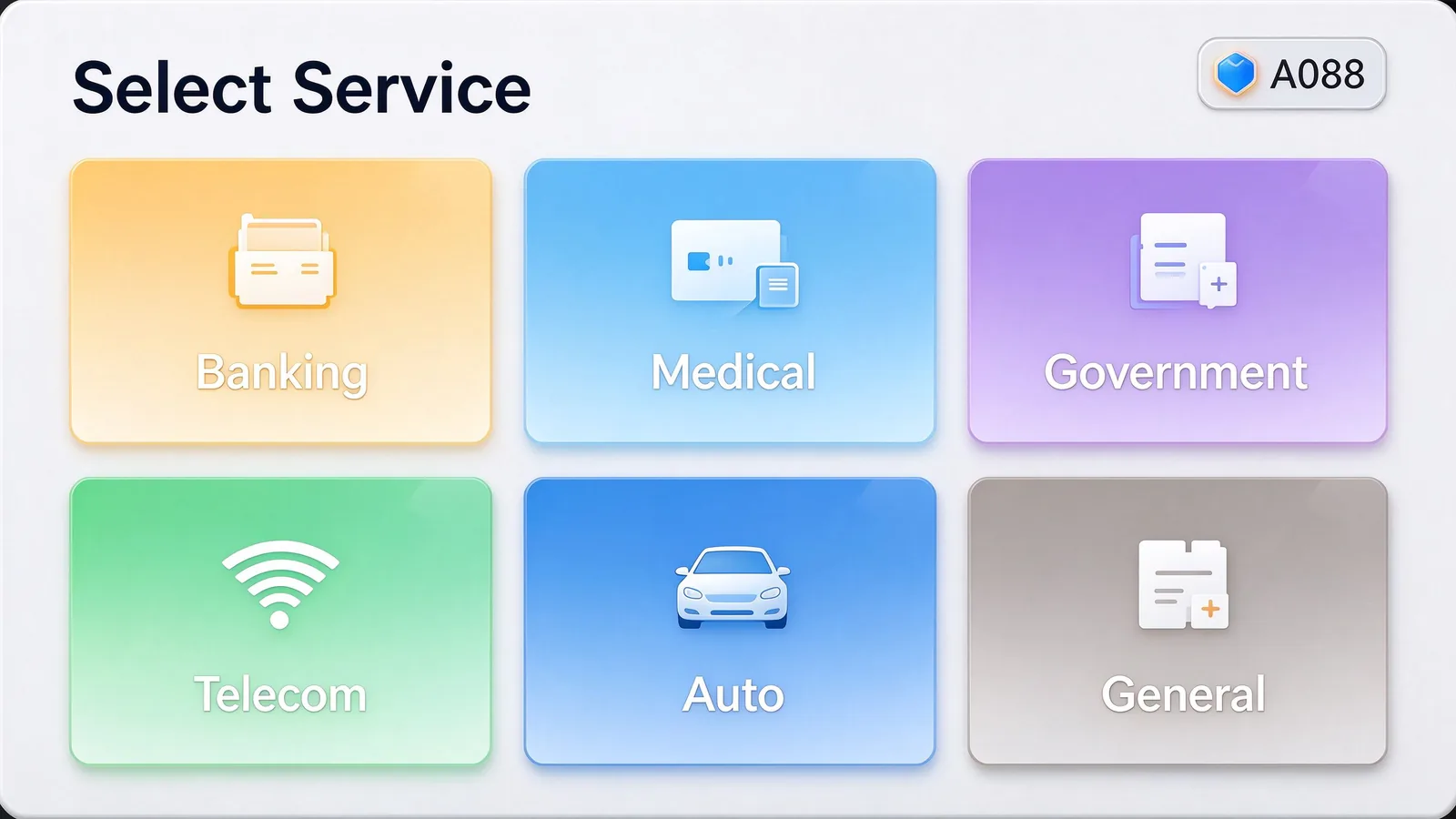
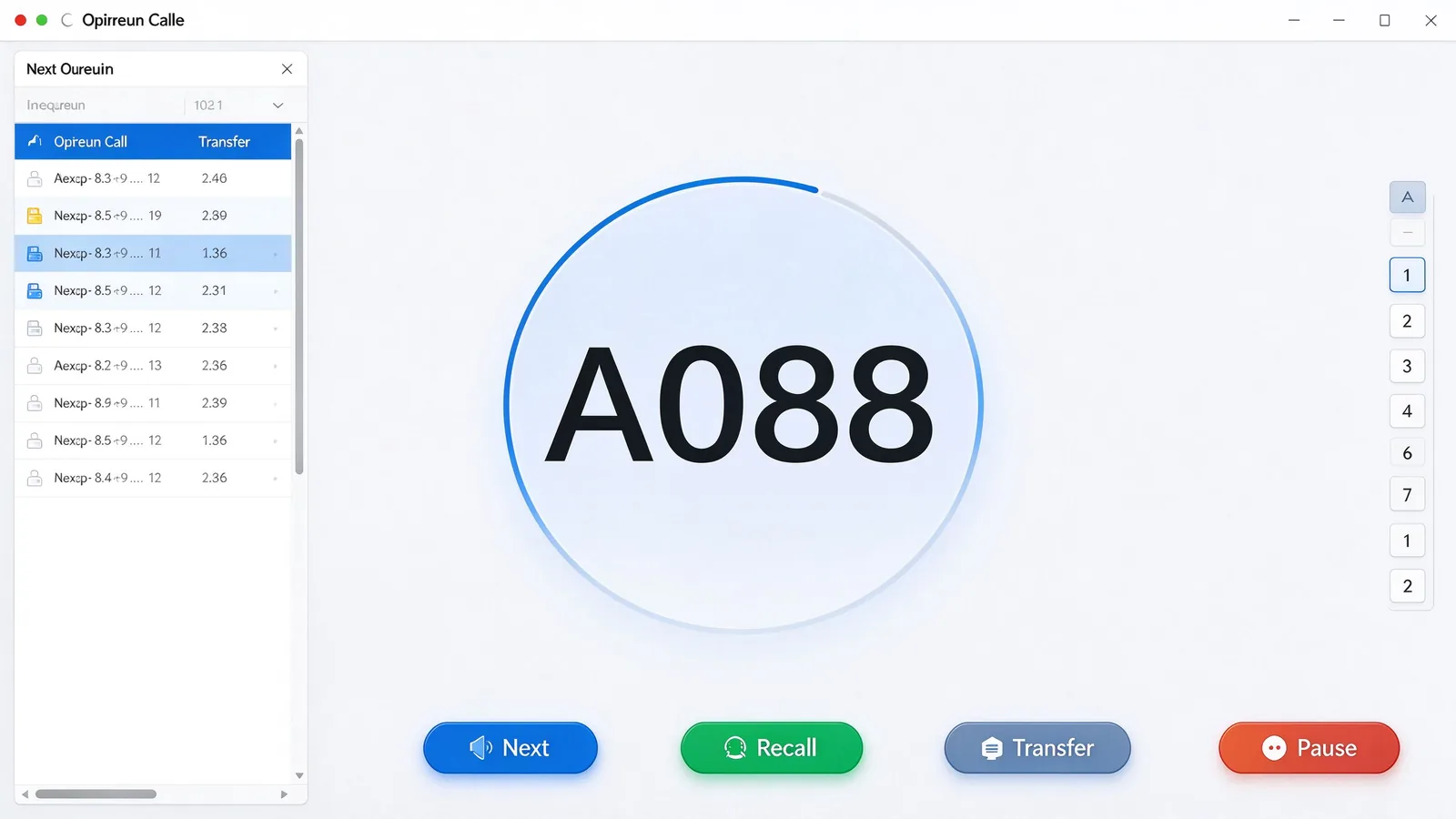
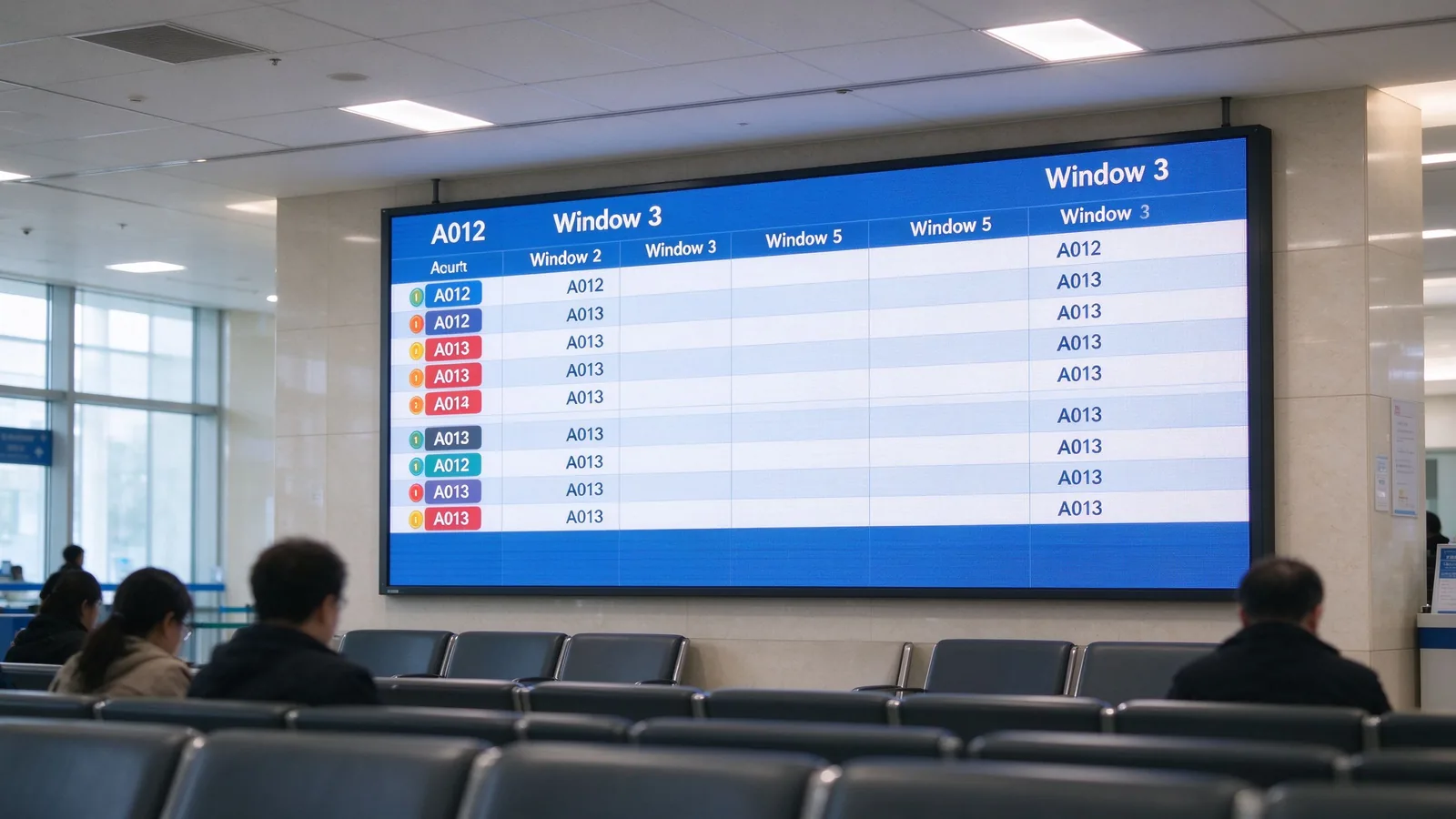
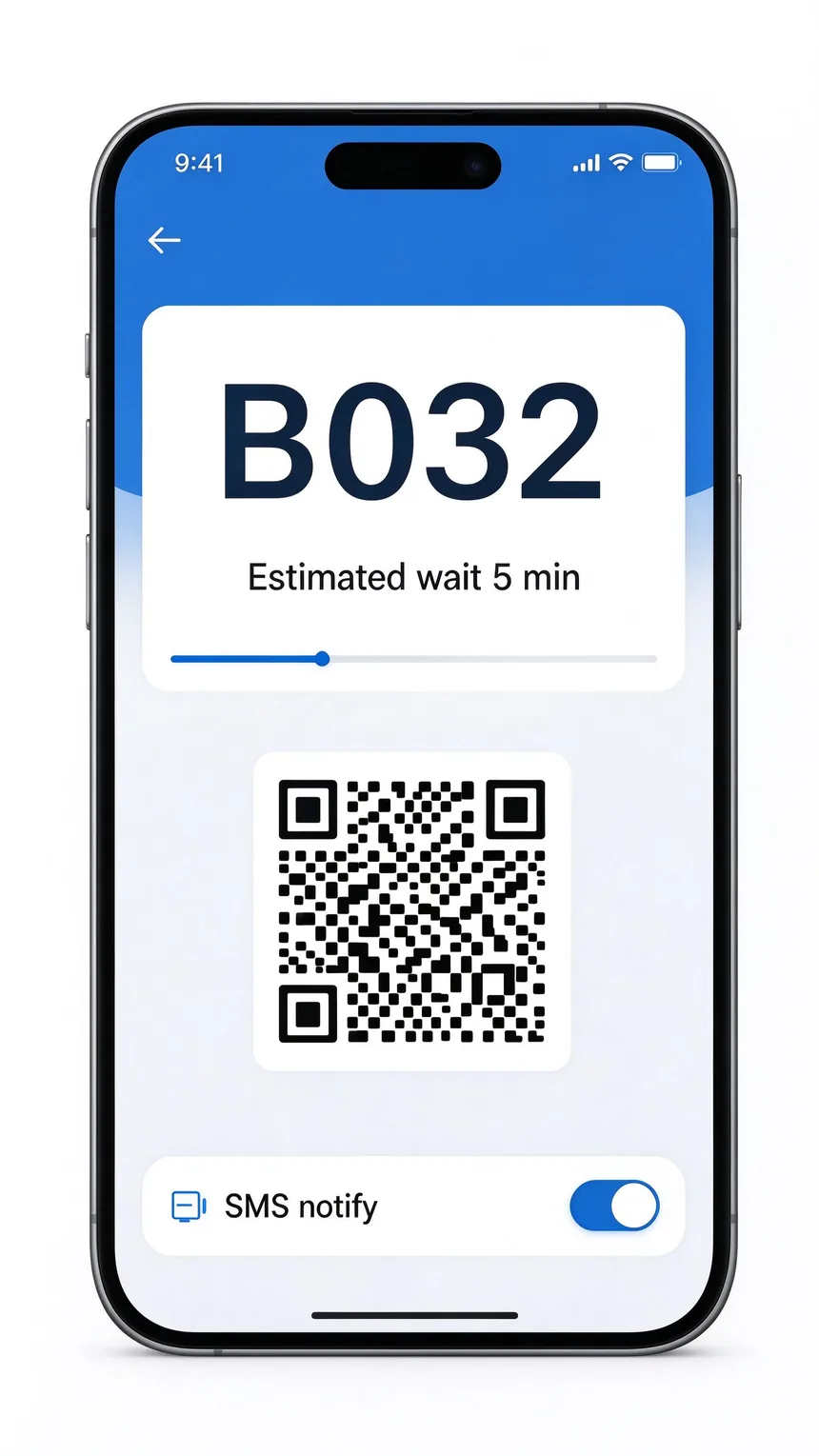
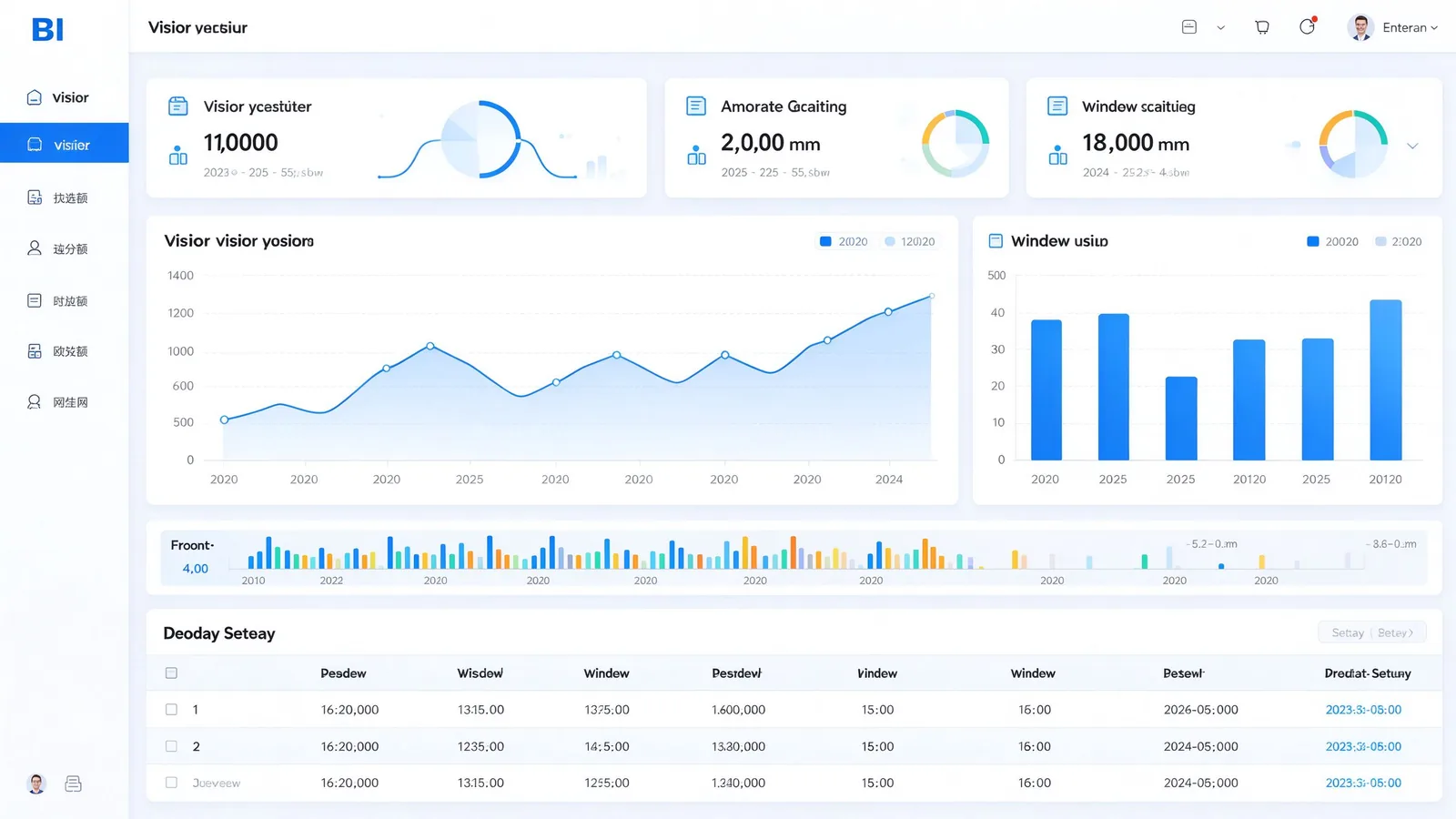
The same hardware, tuned per industry. Below are the proven configurations and the optional modules each sector usually activates.
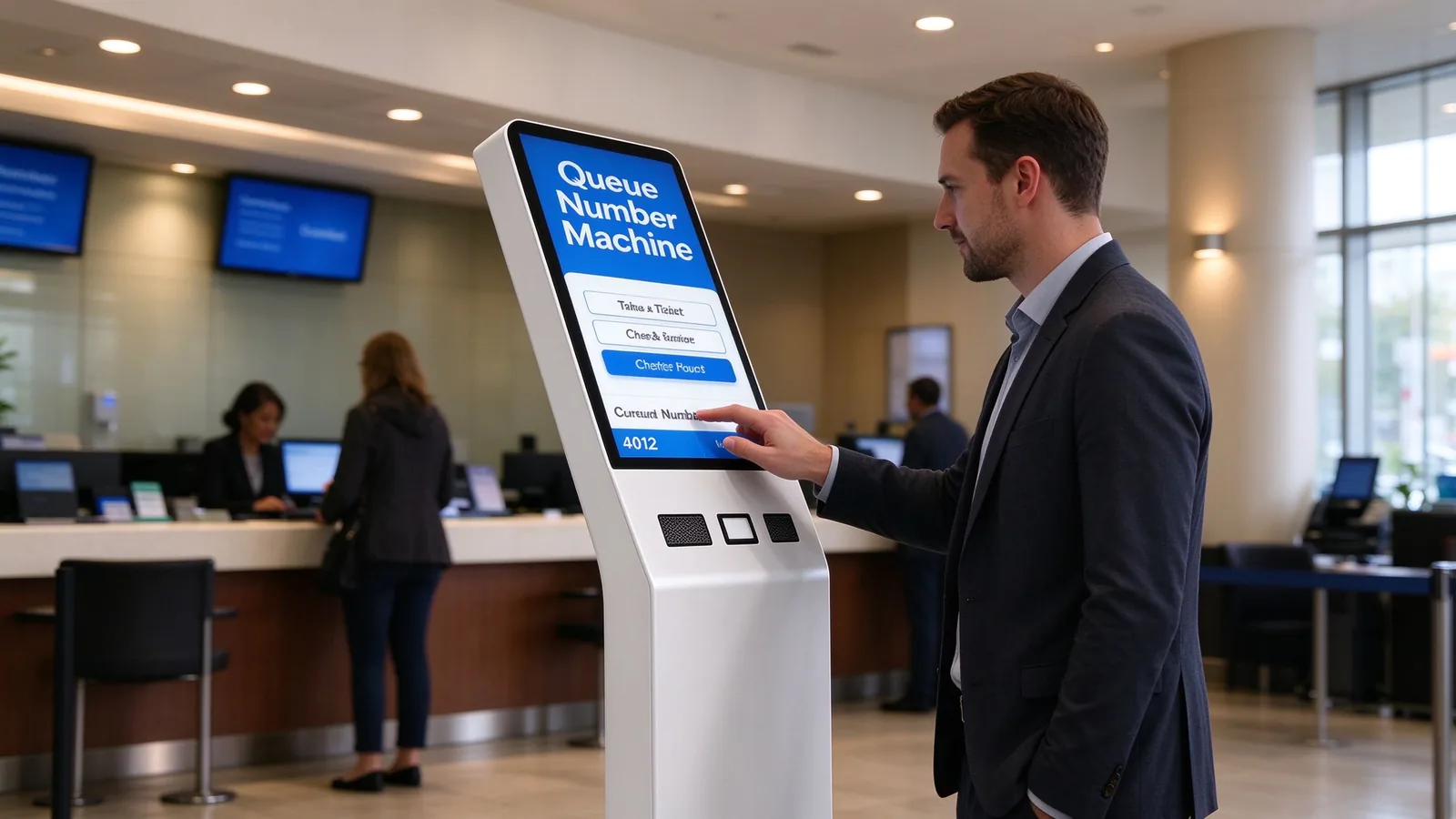
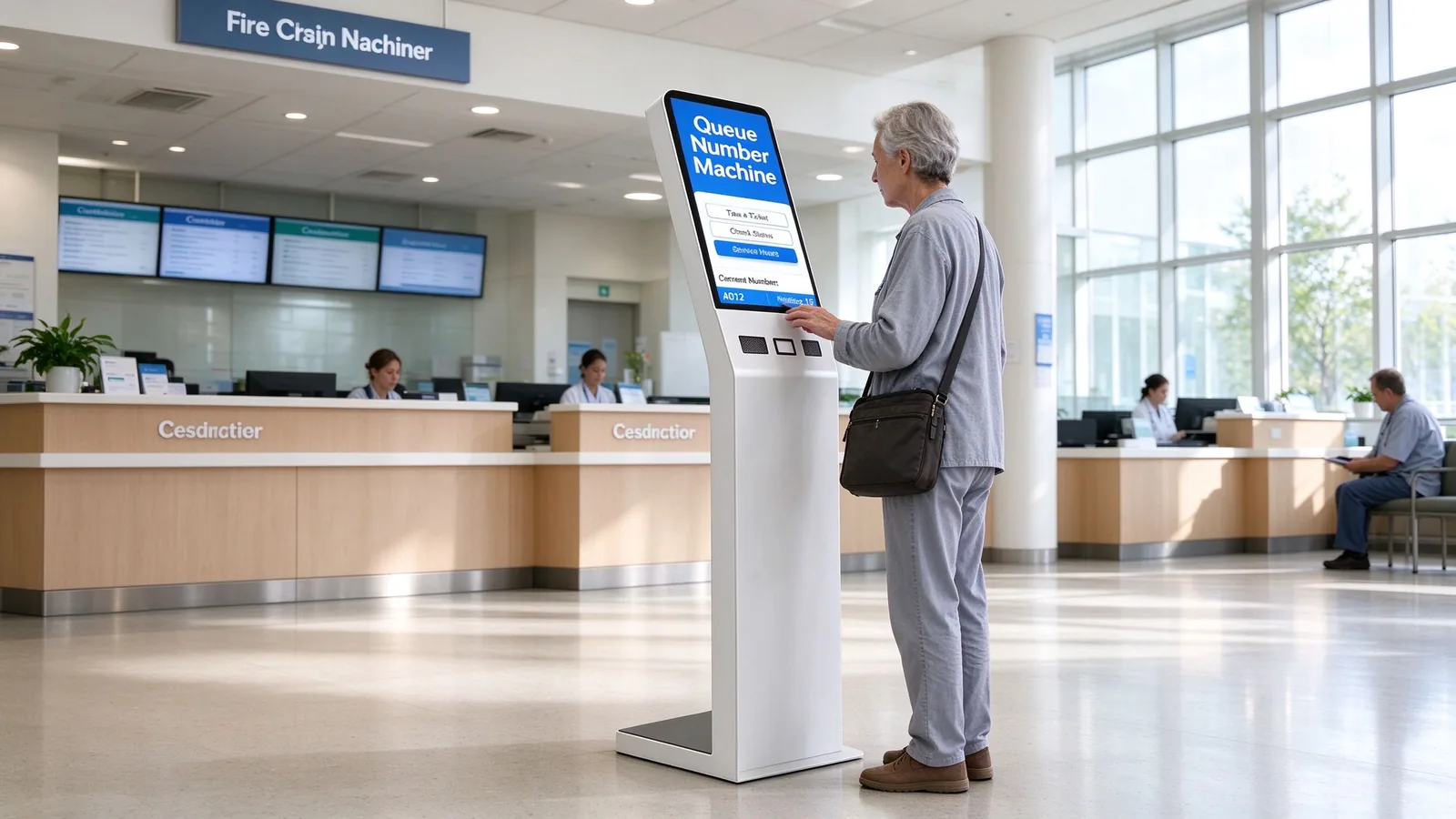
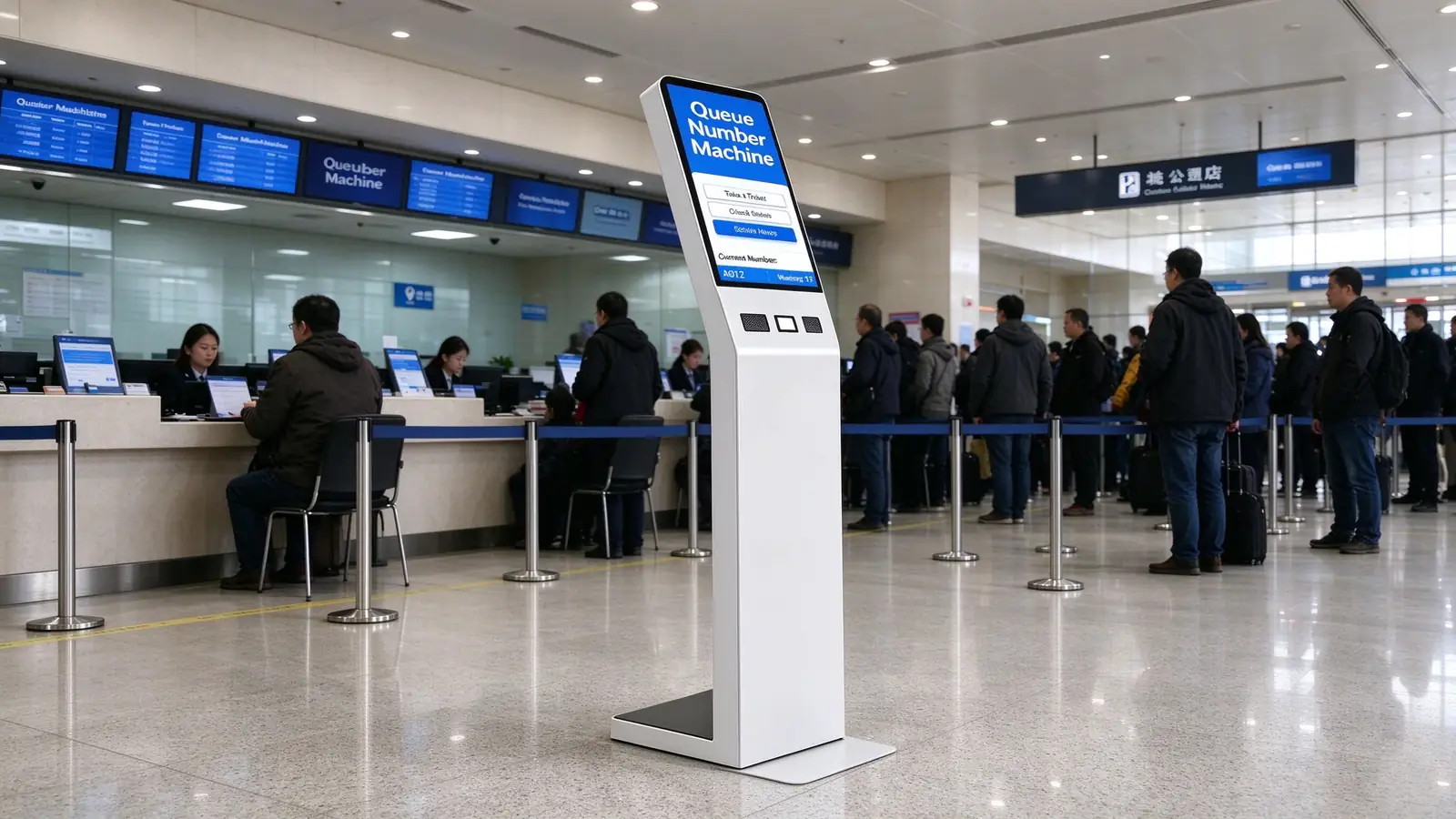
New accounts, SIM services, repairs and device collection queues with service-type routing and staff performance reporting.
Appointment validation, service-advisor assignment, vehicle delivery and post-service satisfaction queues.
Visitor check-in, ticket purchases, customer-service ticketing, member services and event check-in.
A clean default keeps the unit price predictable; optional modules keep the project future-proof. Mark what you need on the RFQ and the factory configures the BOM accordingly.
| Standard Configuration | Included |
|---|---|
| Floor-standing enclosure + wide base | ✓ |
| Vertical touchscreen display | ✓ |
| Thermal ticket printer | ✓ |
| QR code scanner | ✓ / optional |
| Host, network, power & rear-lock access | ✓ |
| QMS ticket client software | ✓ |
| Optional Modules | Availability |
|---|---|
| ID card / passport reader | Optional |
| NFC / RFID | Optional |
| Camera / microphone | Optional |
| 80 mm printer / auto cutter | Optional |
| 4G / 5G / Wi-Fi | Optional |
| Multi-language, accessibility kit, POS payment, satisfaction survey | Optional |
Body color · logo · screen size · operating system · interface count · mainboard configuration · packaging and language. The factory adapts all of these per order.
Project buyers need a supplier that ships, installs and supports. This is the process a Qtenboard order follows, with clear handoff points for your team.
Configuration, OS, modules, integration scope, destination country.
Unit or sample evaluation before mass production.
System image and peripheral drivers standardized per order.
Batch production with factory quality checks.
Single or multi-unit packing, wooden crate if required.
Floor mounting, anchor fixing, network configuration.
Backend connection and interface testing.
Agent terminal and admin report training, then launch.
| After-Sales & SLA | Terms |
|---|---|
| Warranty period | 1–3 years [Project-defined] |
| Spare parts support | 1–5 years replacement parts |
| Remote support | Online technical support, 24h pre/post-sales |
| On-site repair | Arranged per project scope |
| System upgrades | Software and firmware updates |
| Response | 24/7 response option [Project-defined] |
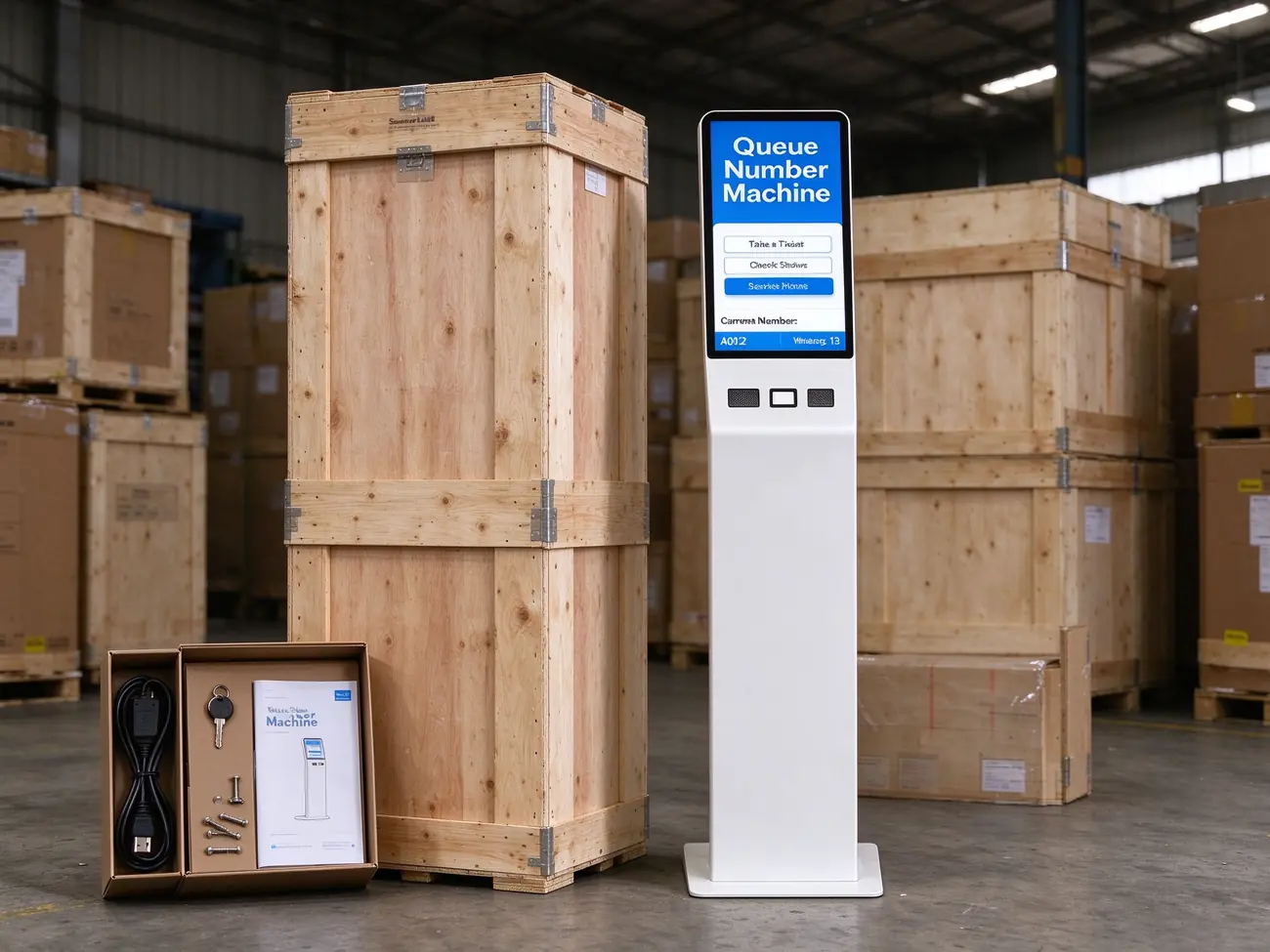
Shipping package: single-unit carton, multi-unit crating, accessories including power cable, keys, base screws and user manual
Warranty and support terms per Qtenboard published data — queue kiosk sales page.
Certificates are maintained current and provided for distributor and procurement due diligence on request.
Medical, financial and government project compliance confirmed per project scope.
ID-card reading and face-recognition deployments follow local authorization and data-processing rules.
Local, cloud or hybrid storage options; accessibility standards confirmed per project.
Certification inventory per Qtenboard company overview — About Qtenboard.
Qtenboard structures every partnership around your business model — from startup distributor to global tier-1 brand and government procurement.
Your logo, packaging and UI on fully finished kiosks. Accessible MOQ for emerging regional brands.
You define screen size, chipset, software stack, certification targets and accessory bundle; R&D engineers it.
Knock-down component kits for local assembly markets with import-duty advantages, customs-documented since 2005.
Bid documentation, technical-spec alignment and tender strategy support — 160+ clients won government tenders in 2025.
MOQ and lead time confirmed per configuration at quotation. Factory-direct pricing with quote within 24 hours.
Quoted as hardware + software license + project service. Payment terms, warranty, spares policy and distribution support confirmed in contract.
Cooperation models and tender results per Qtenboard company overview — About Qtenboard.
Case data as published by Qtenboard. Ask our sales team for detailed, verifiable references matched to your industry before you commit.
Scope: OEM-customized kiosks at every outpatient entrance, branded to the hospital group's visual identity.
Integration: HIS-connected appointment lookup and insurance verification; queue layer shared with corridor signage and physician-room panels.
Outcome: Closed outpatient data chain from arrival to consultation call; higher patient adoption through institutional branding.
Scope: Tender and bid support for distributor partners in government procurement — bid documentation, technical-spec alignment and tender strategy.
Result: 160+ clients won government tenders in 2025, generating $30M+ in contracts across education, public services and enterprise.
Scope: Floor-standing queue kiosks with thermal ticket printing, QR check-in and SMS virtual queue across branch lobbies.
Published outcome: Queue times reduced 40%+, customer satisfaction improved 40%+ with an intuitive check-in flow.
References: hospital OEM deployment guide · tender results & company overview .
A queue management kiosk is the entry point of a queue system: it issues tickets, routes visitors by service type and priority, validates appointments, and hands every number to calling stations, waiting-area displays, voice, SMS and analytics. A standard self-service kiosk completes a single business task (order, payment, printing). Buying focus differs accordingly — queue rules and window scheduling matter more than business-flow logic.
Yes. Integration is available via REST API, SDK, database middleware tables, message queue or file import/export. Typical targets: existing QMS, hospital HIS, bank branch systems, government booking platforms, CRM, visitor management, SMS gateways and mobile apps. Confirm the interface contract at project stage and it is covered in the integration plan.
Android and domestic OS options are available per project; Windows 10/11 is the standard operating system on this model, so the kiosk matches your existing software stack and security policy.
Standard: floor-standing enclosure with wide base, touchscreen, thermal ticket printer, QR scanner, host and network, and the QMS ticket client. Optional: ID-card and passport readers, NFC/RFID, camera and microphone, 80 mm printer with auto cutter, 4G/5G/Wi-Fi, multi-language and accessibility kits, POS payment and satisfaction survey. Parameters not yet locked are marked [Confirm on actual BOM] and are fixed at quotation.
MOQ and lead time depend on the configuration, OS, modules and customization level (OEM/ODM/CKD-SKD). They are confirmed with the quotation — Qtenboard responds with a factory quote within 24 hours, and samples can be arranged before mass production.
Yes. Private-label OEM covers your logo, packaging and UI. Full ODM covers hardware design, software stack, certification targets and accessory bundle. CKD/SKD kit supply is also available for local assembly markets. Body color, screen size, interfaces and mainboard configuration can all be customized per order.
CE, FCC, RoHS and ISO 9001 are maintained current, with an IP54-rated casing as standard. Medical, financial and government project compliance, ID-reader compliance, face-recognition compliance and data-localization requirements are confirmed per project — certificates are provided for due diligence on request.
Standard flow: requirements → sample test → image and firmware → production and QC → logistics → on-site installation → integration → training and go-live. After-sales includes a 1–3 year warranty (project-defined), 1–5 years of replacement parts support, remote technical support, on-site repair options and system upgrades, with 24/7 response available per project.
Yes. Visitors can scan a QR code on their ticket to follow their queue position on their phone, with SMS/APP notifications when called and real-time expected waiting time — so they can wait outside the lobby without missing their number.
Request a factory quote with your configuration, and Qtenboard can arrange a sample unit or a live demo with the queue software stack. Sample evaluation is part of the standard implementation path before mass production.
Tell us your configuration and Qtenboard responds with pricing, MOQ, lead time and a BOM-matched spec sheet. The more detail you send, the closer the first quote is to the final order.
Qtenboard — Shenzhen · founded 2005 · OEM/ODM/CKD-SKD manufacturer of digital signage, interactive displays and self-service kiosks, serving system integrators, distributors and project contractors in 110+ countries.

 ukr
ukr
 EN
EN  pt
pt  spa
spa  th
th  vie
vie  aze
aze  bel
bel  est
est  lav
lav  ru
ru