











Haotiskas rindas maksā jums klientus, darbinieku laiku un pakalpojumu datus. Qtenboard pašapkalpošanās rindu kiosks izdrukā biļetes pie ieejas, novirza apmeklētājus atbilstoši pakalpojumu veidiem, apstiprina pierakstu reģistrāciju un nosūta katru numuru uz izsaukšanas stacijām, gaidīšanas zonas displejiem, īsziņām un aizmugurējās daļas pārskatiem — tādējādi jūsu informācijas punkti darbojas organizēti un mērāmi.
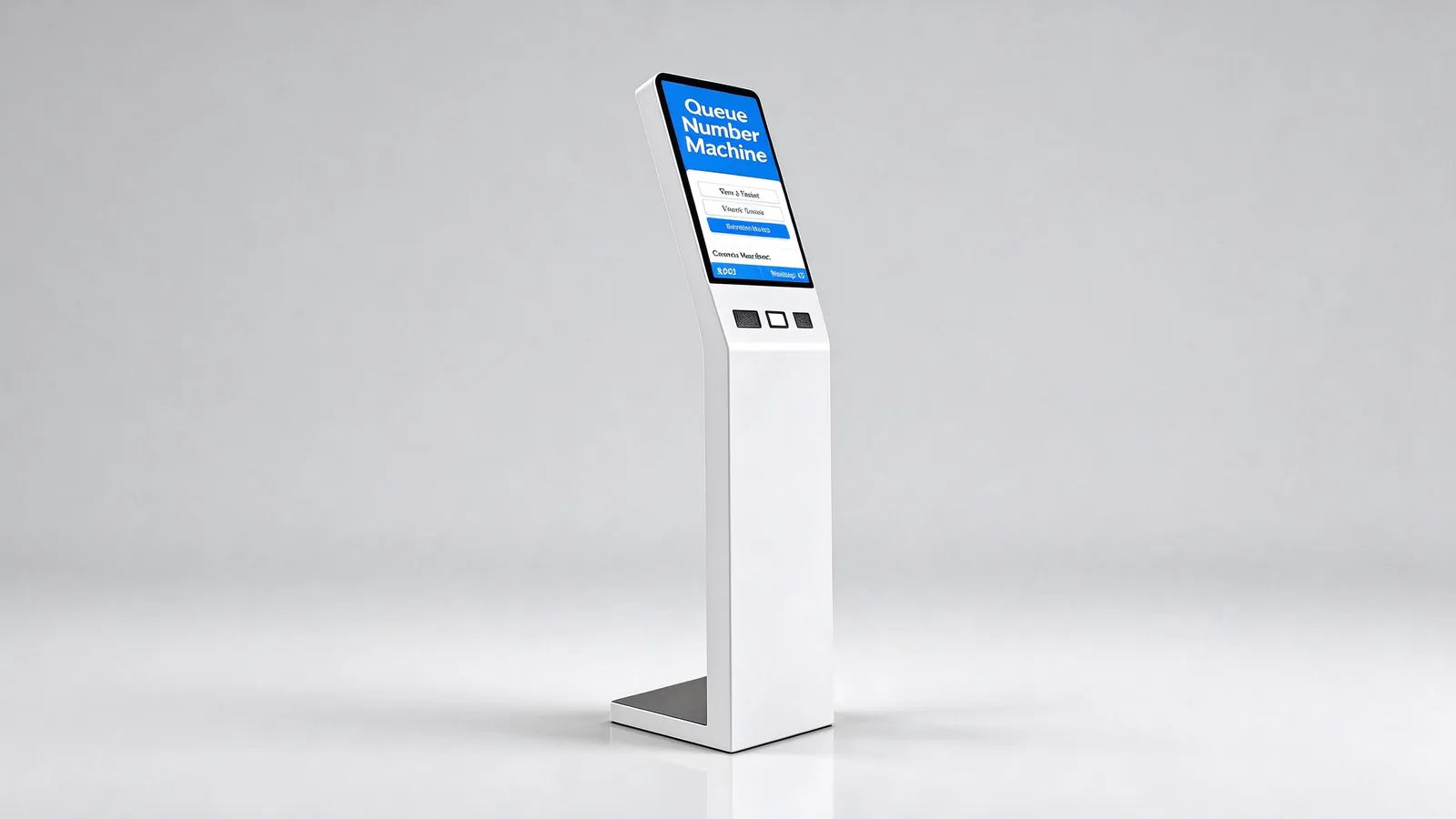
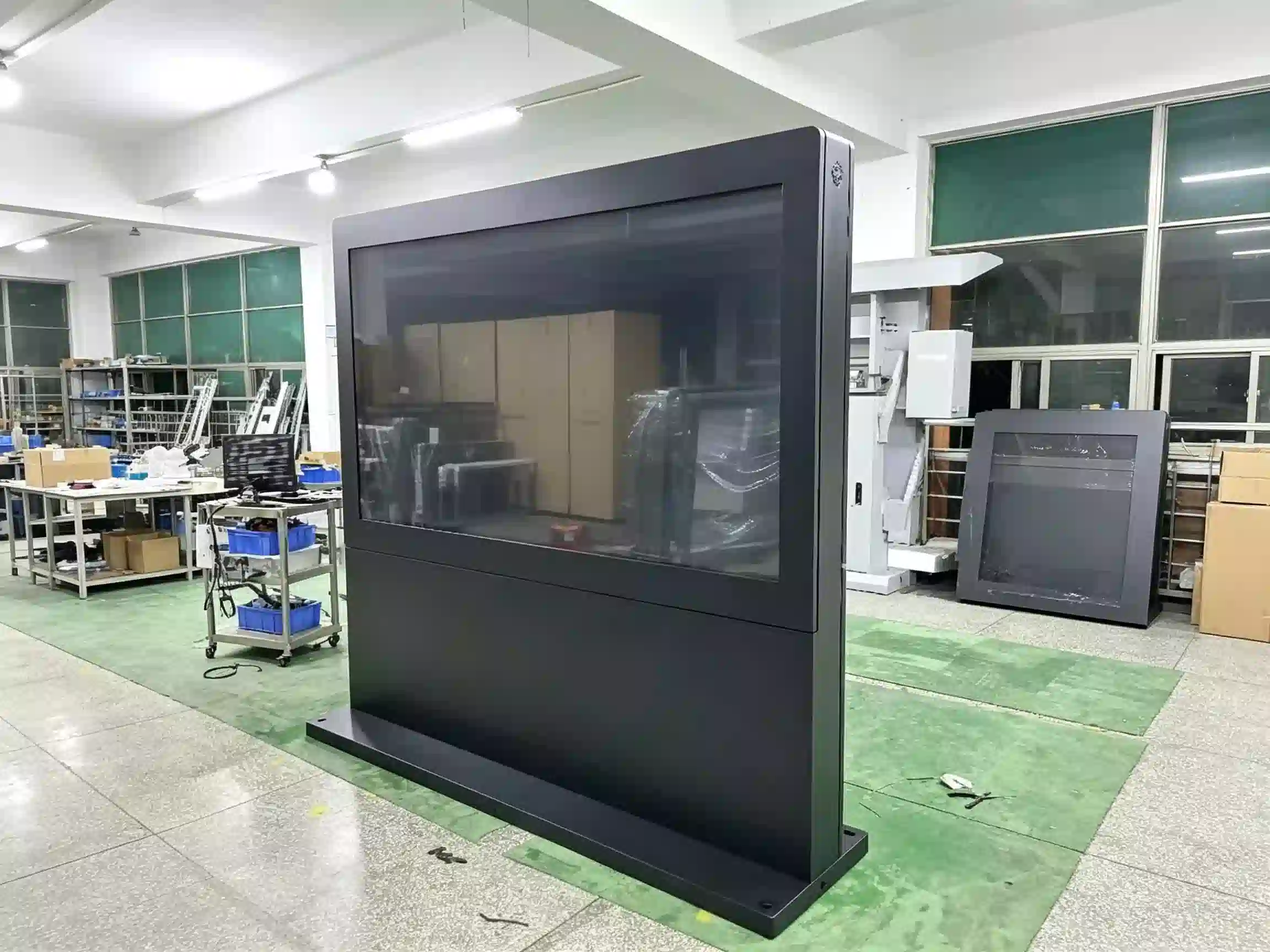
Qtenboard grīdas statīva rindas pārvaldības kiosks – skārienekrāna biļešu izsniegšanas sistēma, 80mm termiskais biļešu printeris, QR koda skeneris un aizmugurē piekļuve servisa veikšanai ar atslēgu.
Pircējiem nav vajadzīga vēl viena pašapkalpošanās kase – viņiem ir nepieciešama rindas pārvaldība. Lūk, kā Qtenboard rindu pārvaldības kiosks novērš ikdienas galvassāpes bankā, slimnīcā, valsts iestādē vai telekomunikāciju filiālē.
Apmeklētāji pūlis skaitītāji jautā, kur doties, un personāls atbildēt to pašu jautājumu visu dienu, nevis kalpot.
Visi ierodas uzreiz, un vestibils traucējumi pirms servisa pat sākas.
Klienti aiziet, ja gaidīšana šķiet ilga, un neierašanās sabojā rindas ritmu.
Jūs nevarat pierādīt gaidīšanas laikus, personāla vajadzības vai pakalpojumu veida sastrēgumus vadībai.
Katrs vietnes darbojas pēc saviem noteikumiem, tāpēc klientu pieredze un atskaites nekad nesakrīt.
Jaunajam terminālim jāsadarbojas ar jūsu QMS, HIS, CRM vai pierakstu platformu — citādi tas kļūst par vēl vienu atsevišķu silu.
Kiosks ir apmeklētājiem paredzētais saskarnes punkts pilnīgai rindu pārvaldības sistēmai: pakalpojumu izvēle, biļešu izdruka, identitātes reģistrēšanās, digitāla izsaukšana, gaidīšanas zonas displejs, balss paziņojumi, SMS/mobilā rinda un analītika. Zemāk esošie rezultāti ir publicēti Qtenboard, attiecībā uz īstenotajiem rindu kiosku projektiem.
| Lēmuma punkts | Rindu pārvaldības kiosks | Parastais pašapkalpošanās kiosks |
|---|---|---|
| Galvenais uzdevums | Paņemiet biļeti, maršrutu, pagaidiet, piezvaniet. | Paveiciet vienu konkrētu uzņēmējdarbības uzdevumu. |
| Pamataizeja | Rinda numurs, gaidīšanas statuss, lodziņa informācija | Pasūtījums, maksājuma rezultāts, kvīts |
| Papildierīce | Zvanu ekrāni, norēķinu termināļi, balss sistēma | Kases aparāts, printeris, skeneris |
| Kritiskā programmatūra | QMS rindu pārvaldības sistēma | Pasūtīšanas, biļešu izsniegšanas vai maksājumu programmatūra |
| Pirkšanas fokuss | Pakalpojumu kategorijas, prioritāte, laiku rezervēšana logā | Uzņēmējdarbības plūsmas un maksājumu integrācija |
Qtenboard kopš 2005. gada izgatavo displejus un pašapkalpošanās iekārtas, sākot no atsevišķu komponentu līmeņa — nevis kā tirdzniecības starpnieks, bet gan kā OEM/ODM ražotājs, kas darbojas 110 valstu tirgos. Rindu projektos tas nozīmē trīs praktiskas lietas:
Uzņēmuma apskats par Qtenboard- Par qtenboard.
Grīdas statīva rindas kiosks gadiem ilgi atrodas vestibilā. Tāpēc ierīces korpuss ir izgatavots no izturīga metāla ar plānu, līdzenu un zemu pamatni, un tāpēc katrs servisa punkts – printeris, skeneris, galvenais dators un strāvas padeve – ir pieejams caur aizmugurējām slēdzamām atverēm ātrai apkopei.
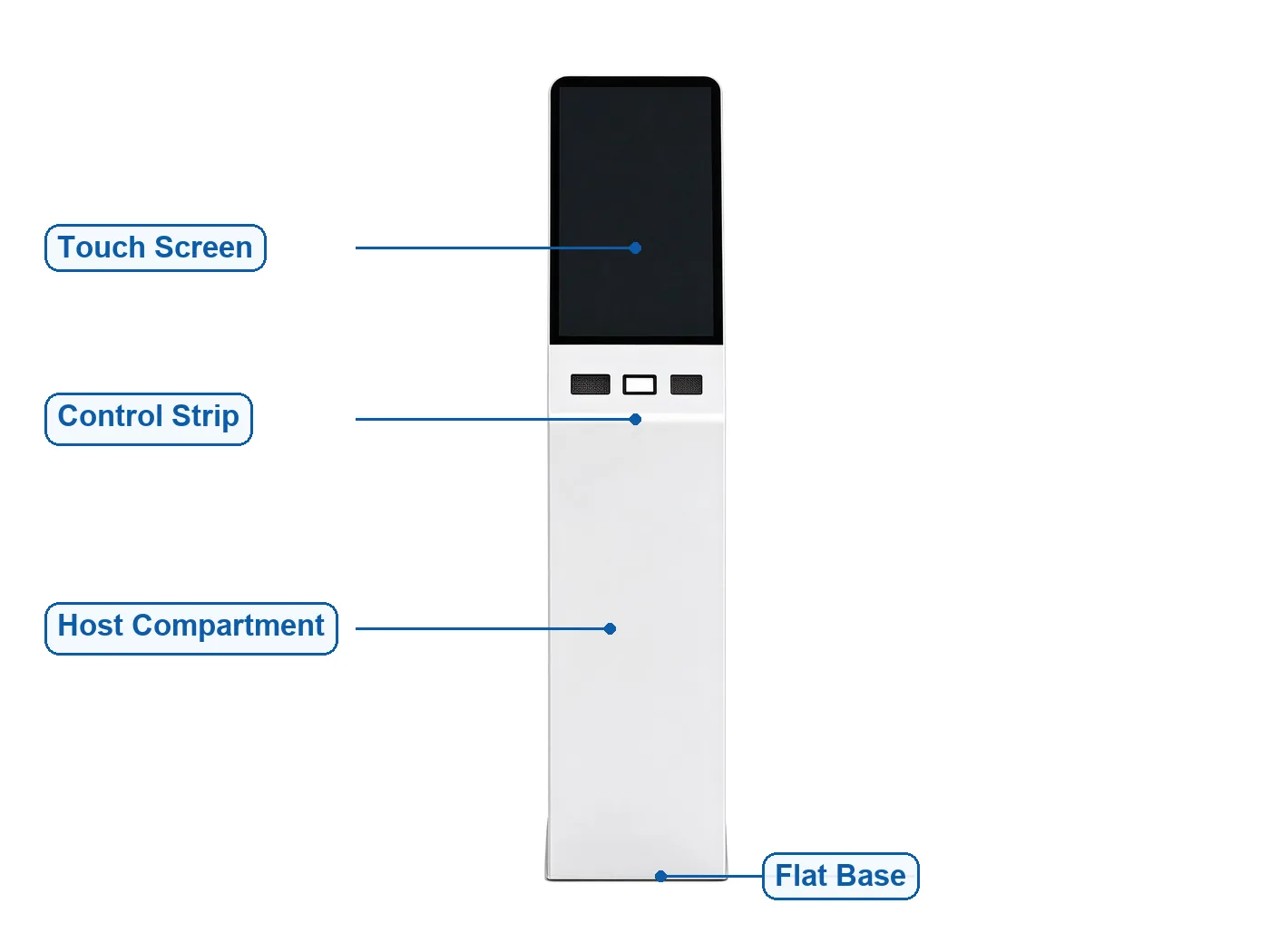
Standarta struktūra: slīps skārienjutīgs ekrāns · vadības josla (divi lasītāja paliktņi, skenera poga) · noslēgta galvenā ierīce un barošanas nodalījums · plats, zems pamats
Slīps skārienekrāna biļešu izsniegšanas terminālis ar printeri un skeneri — standarta risinājums banku, slimnīcu un mazumtirdzniecības zālēs.
Divu ekrānu interaktīvā versija reklāmai līdztekus biļešu tirdzniecībai; zema augstuma piekļūstamā versija bezbarjerai lietošanai.
Kompakti pie sienas stiprināmi vai galda laukumam paredzēti biļešu izsniegšanas automāti letēm, klīnikām un nelielām filiālēm.
ID kartes/paspārta lasītāju versijas identitātes pamatā balstītas biļešu izsniegšanas un pieraksta reģistrēšanas sistēmām iedzīvotāju apkalpošanas centros.
Kartu lasītāju un PIN kodu atbalstošas konfigurācijas finanšu zālēm ar prioritāro un VIP rindu apstrādi.
Korpusa krāsa, logotips, paneļu materiāls un lietotāja saskarnes apdare tiek pielāgoti rūpnīcā jūsu zīmolam vai projektam.
Atzīmētie parametri [Apslēdzt pēc faktiskās BOM] ir bloķēti piedāvājuma sagatavošanas stadijā — pieprasiet specifikāciju, kas atbilst BOM, kopā ar savu piedāvājumu. Viss pārējais tiek piegādāts standarta kārtībā Qtenboard rindu kioskā.
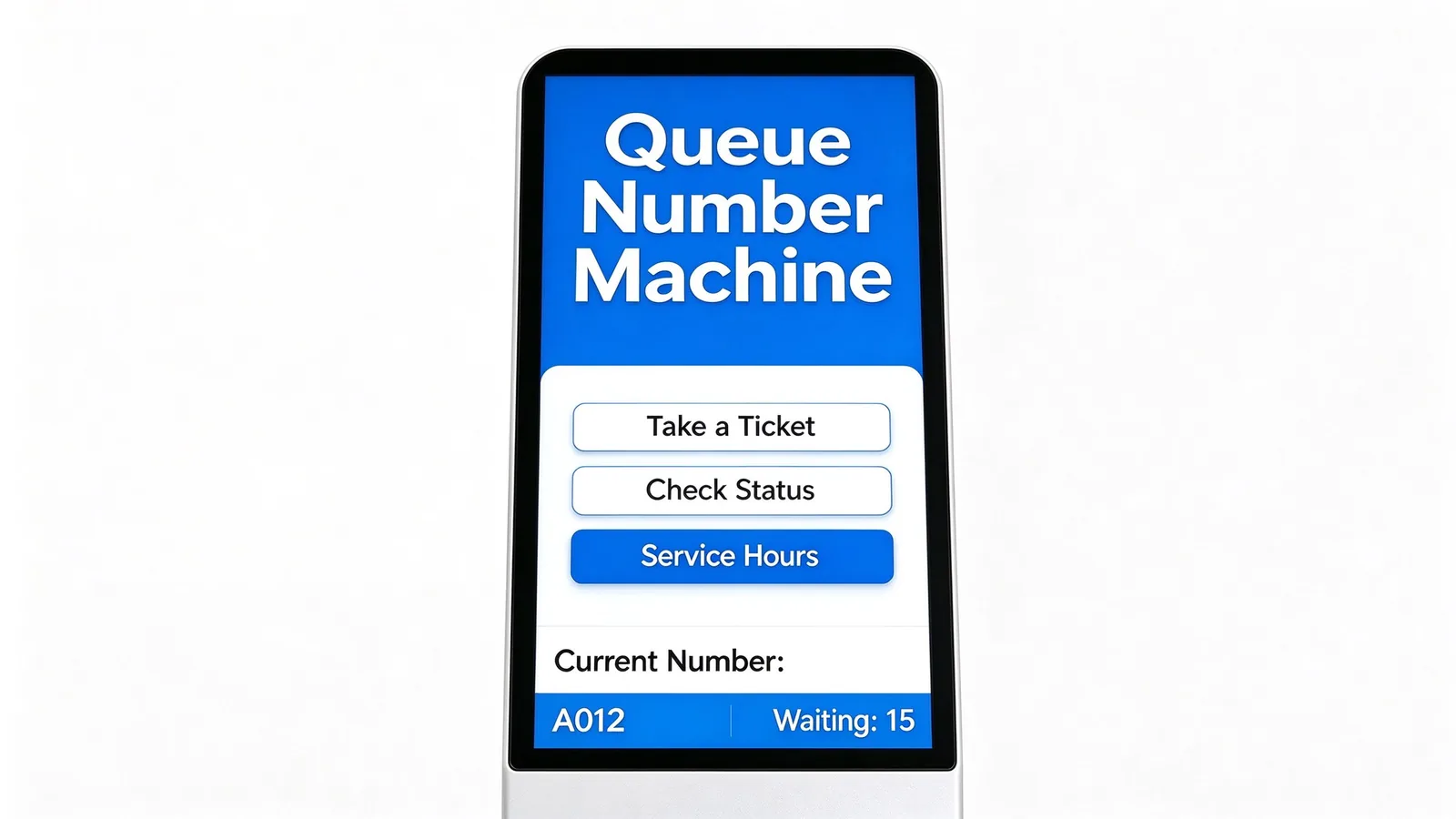
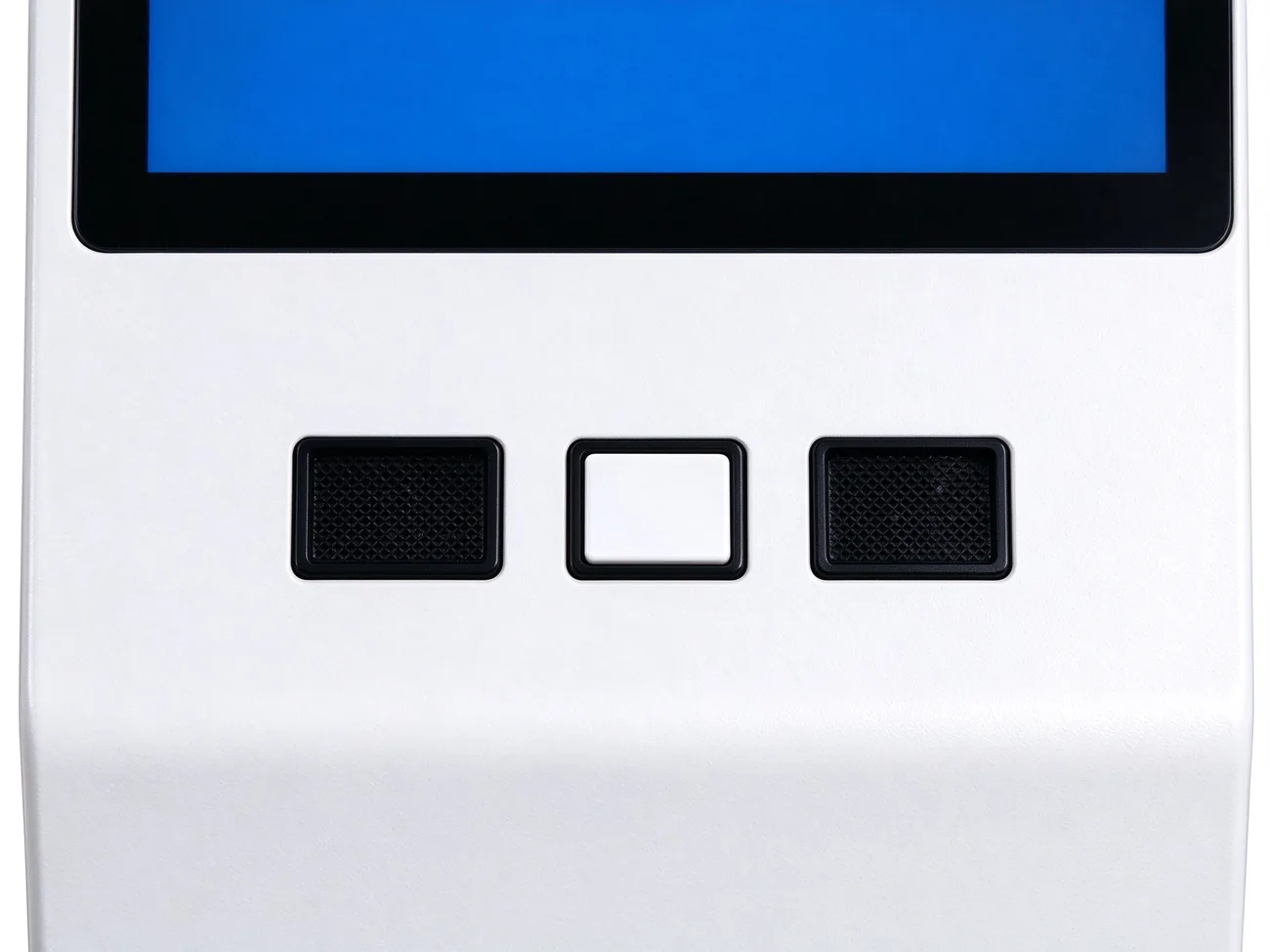
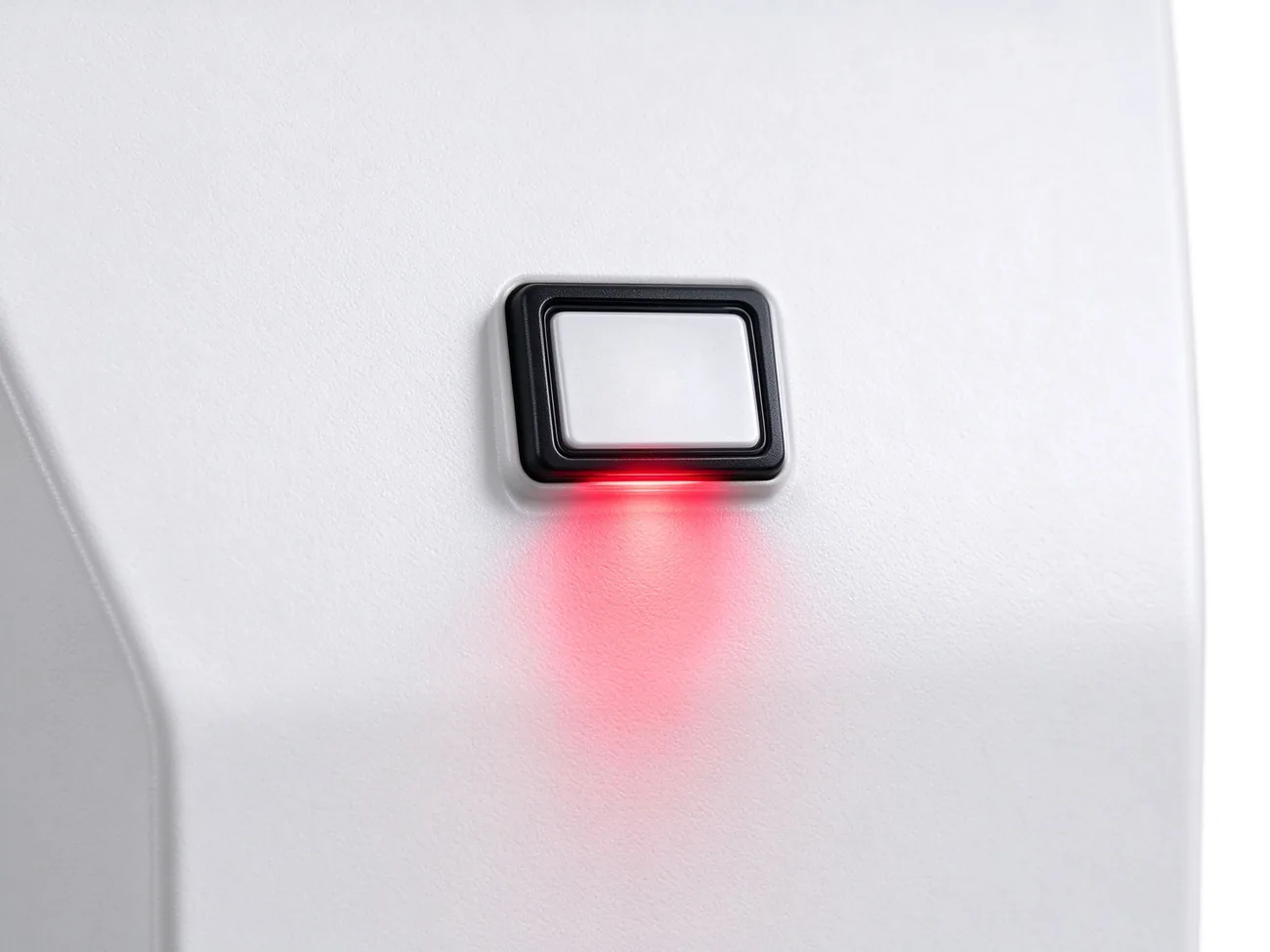
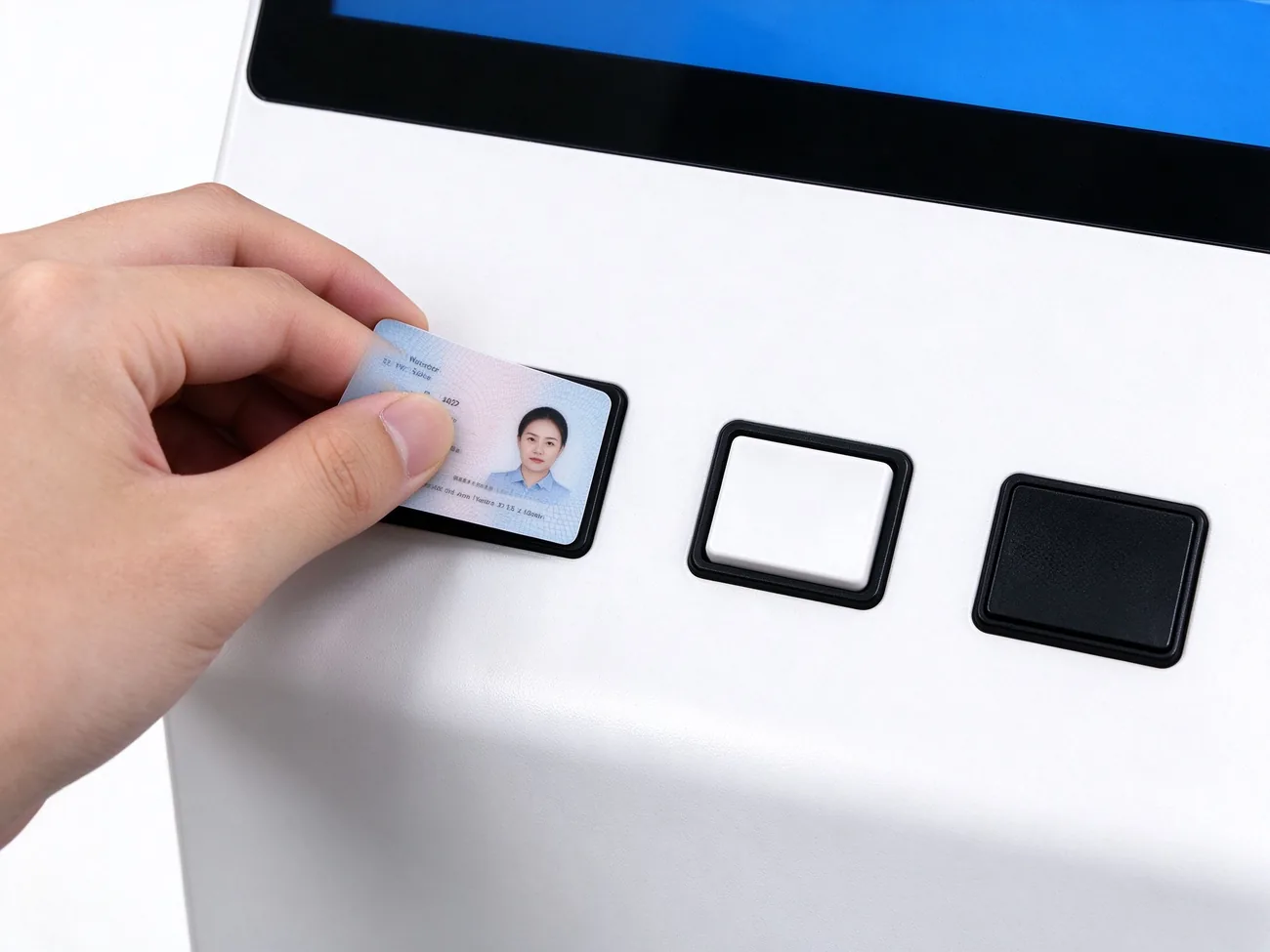
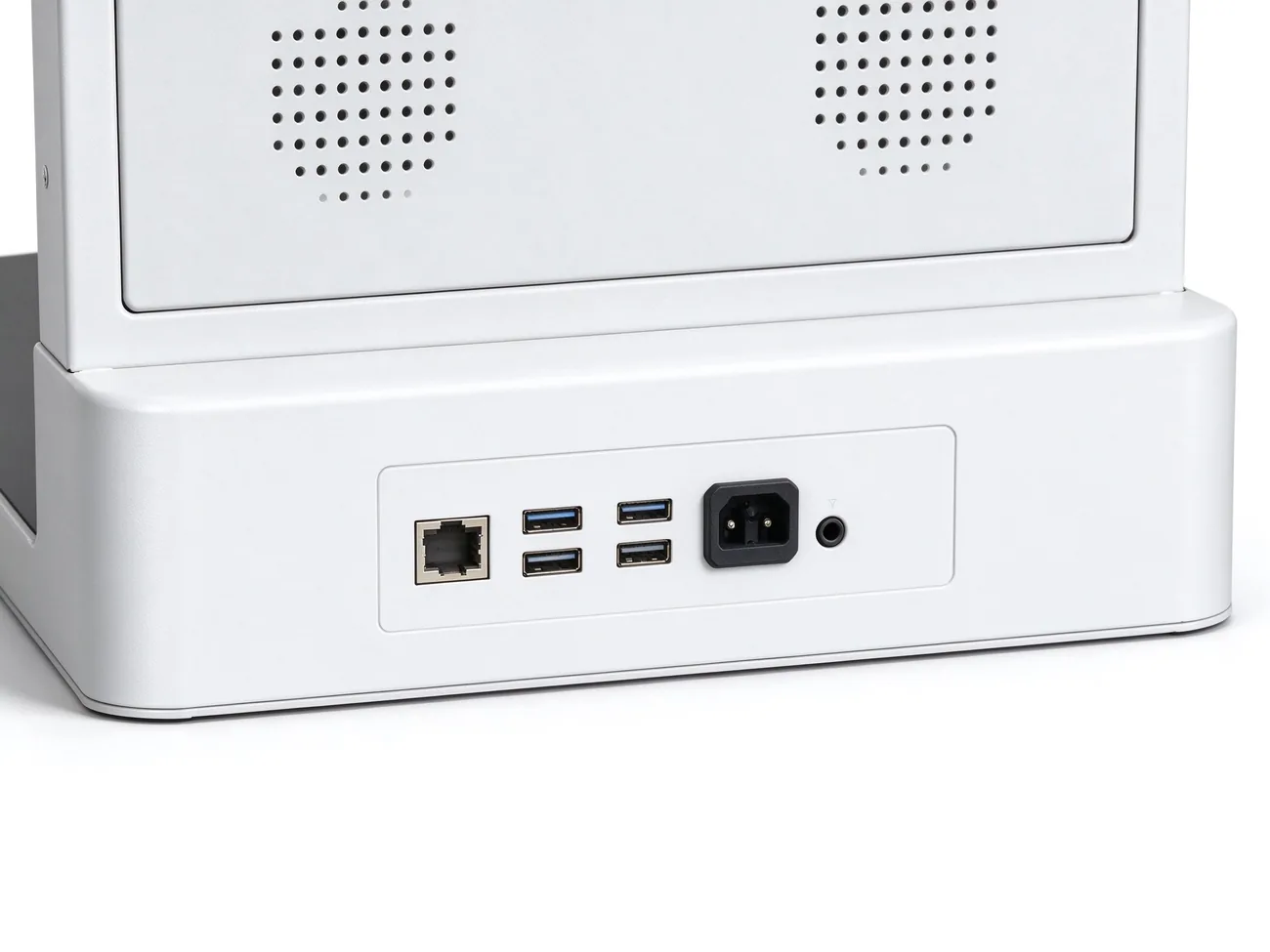
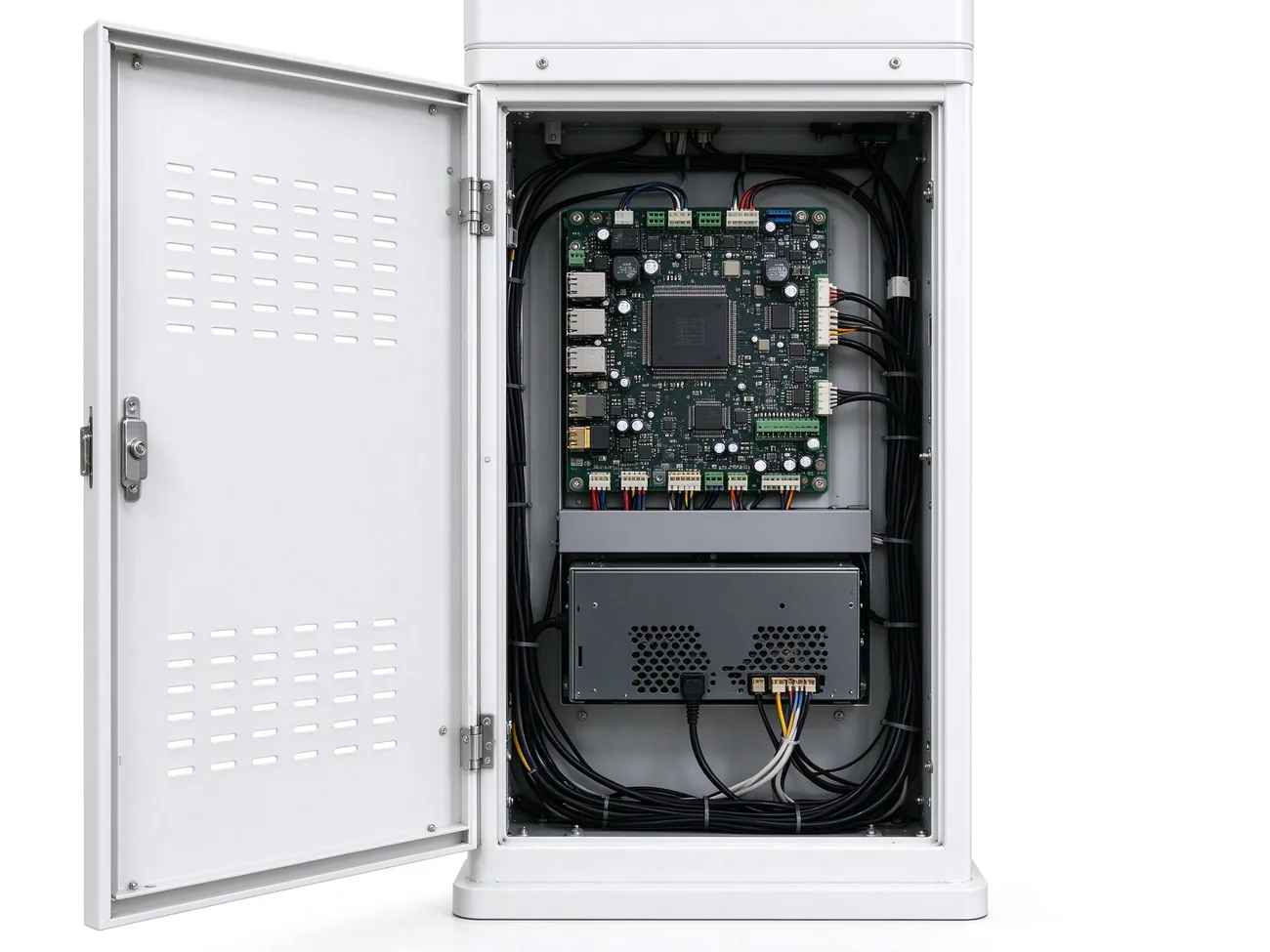
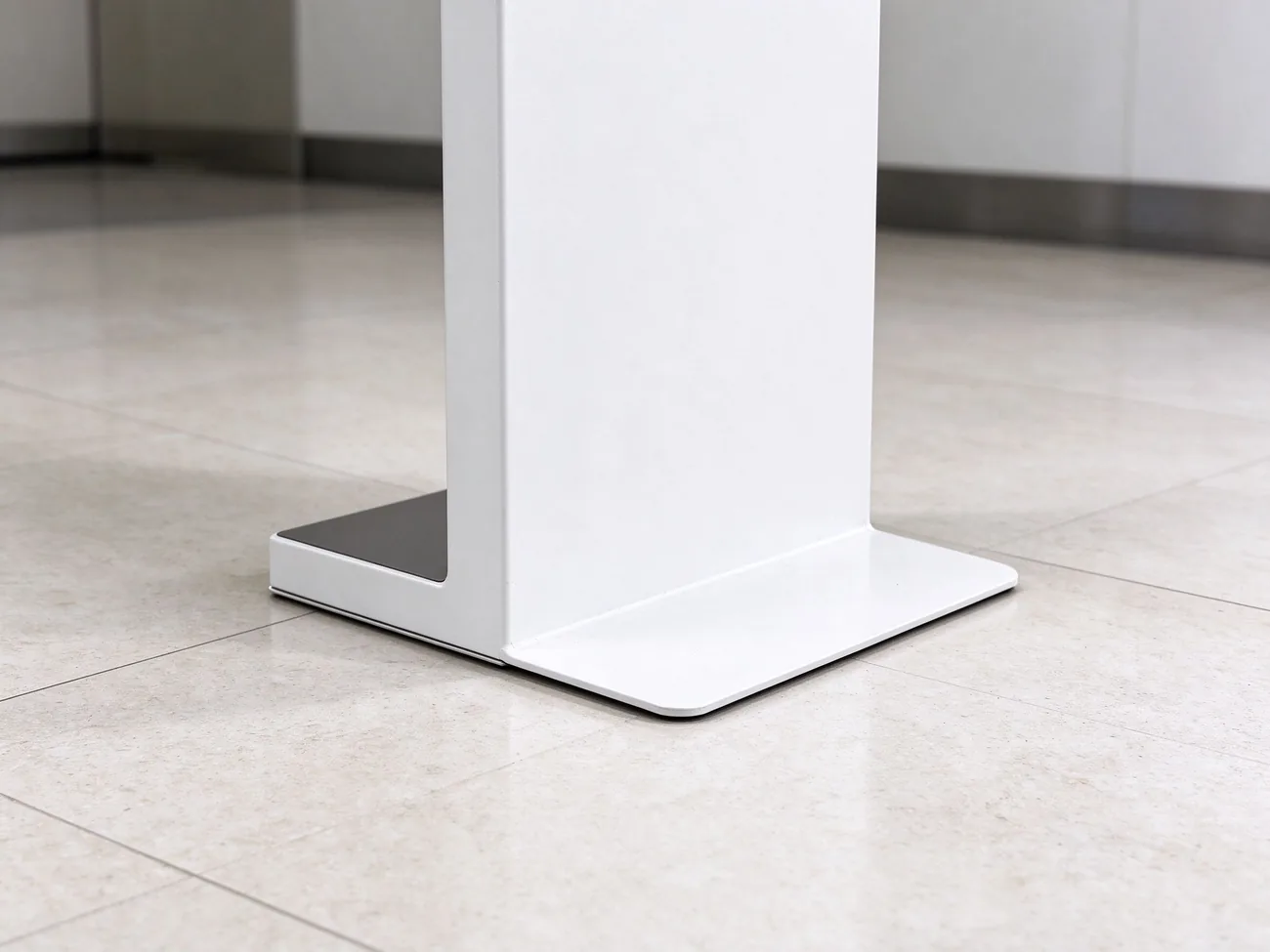
IP54-rated casing, 10-point capacitive touchscreen, centralized CMS control and rear lock access per Qtenboard product data — queue kiosk product page and Qtenboard smart queuing kiosk.
The kiosk is one node of a queue management system. Below is the standard data path and the integration points your IT team will ask about.
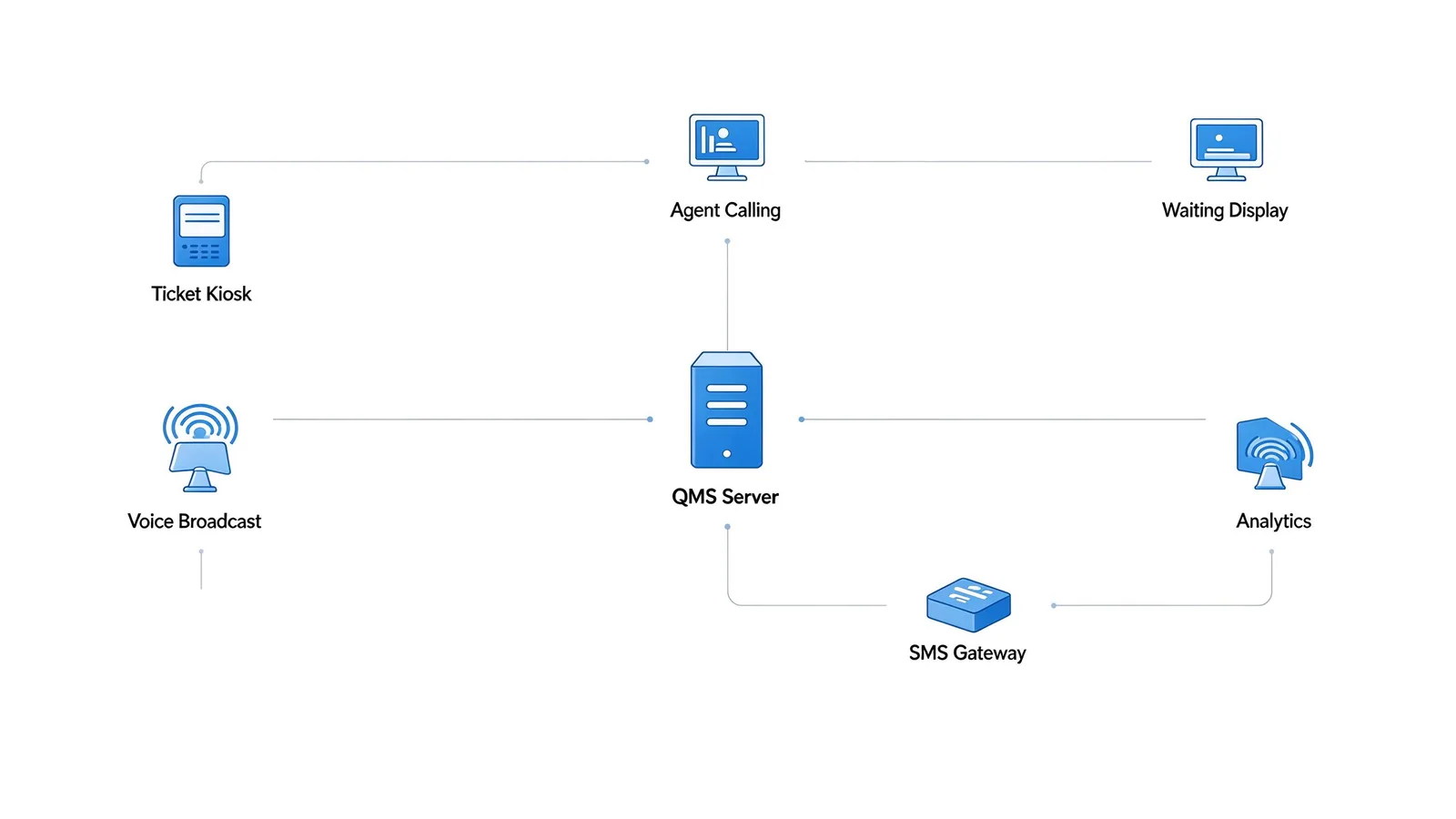
Ticket kiosk → QMS queue server → agent calling terminals, waiting-area displays, voice broadcast, SMS gateway and mobile queue → analytics & reports.
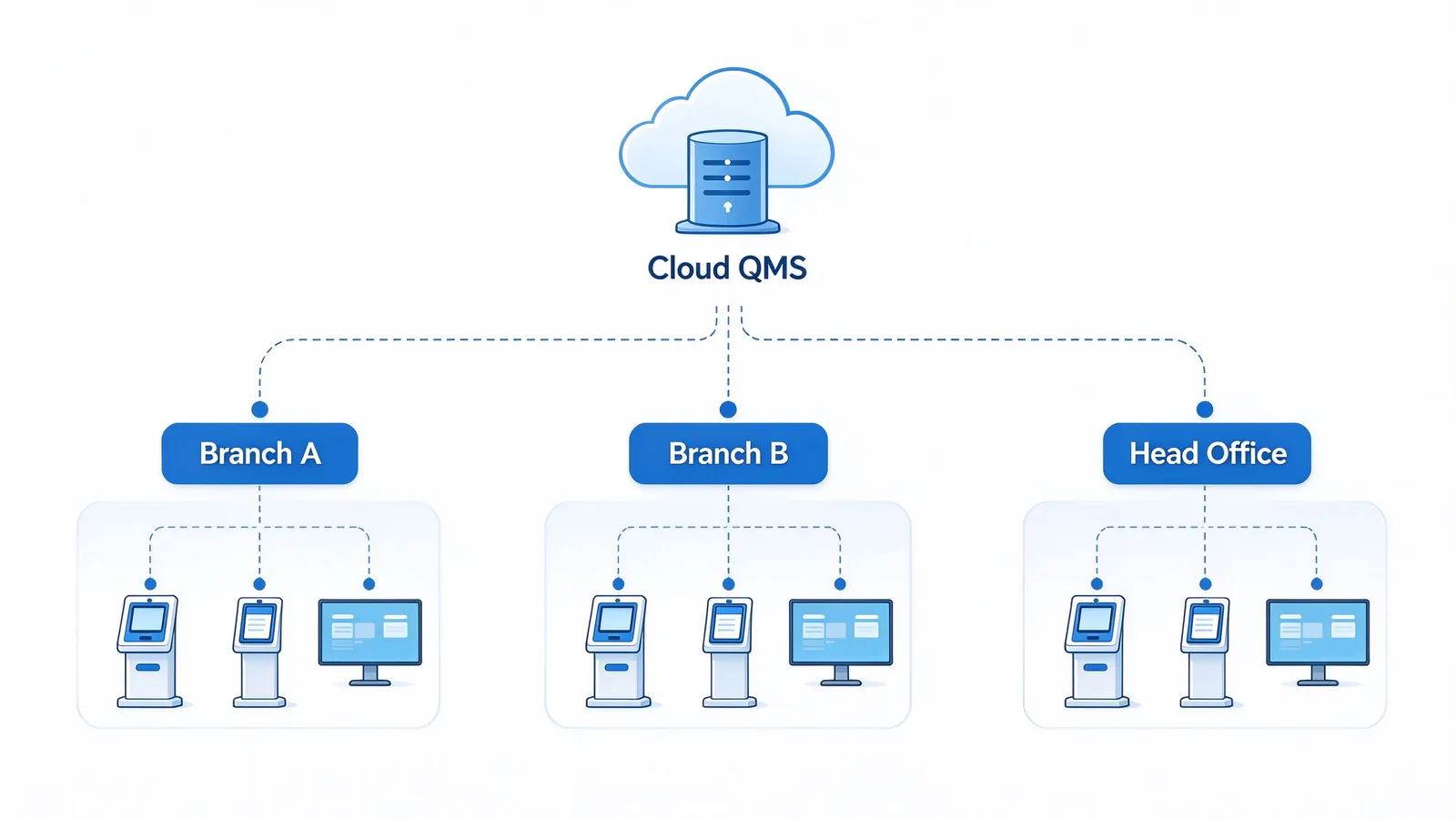
Single-site LAN, multi-branch private network, or cloud QMS with centralized management. Waiting-area and counter displays can run 500–700 nit commercial panels for bright lobby environments.
Ticket time · called time · service start/end · waiting duration · service type · window number · customer identifier · appointment number · no-show and cancel records.
Local, cloud or hybrid storage. ID card and face-recognition data require separate authorization and processing consent. Data masking, role-based access control and operation audit logs are included. Deployment supports GDPR, PIPL and local regulation requirements — confirm specific requirements at project stage.
The kiosk ships with the QMS client, and the full queue software stack covers every step a visitor and a service agent experience.
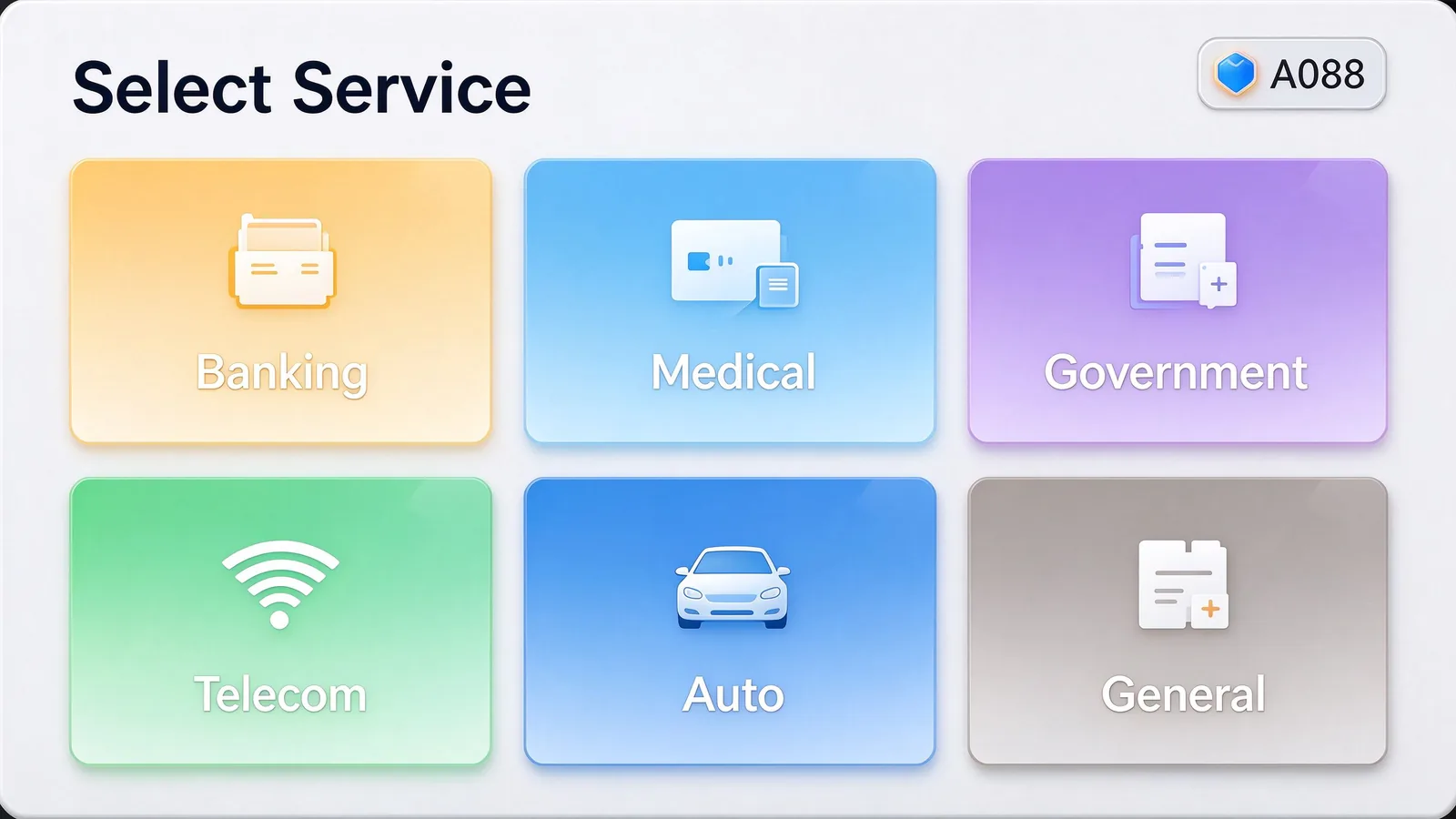
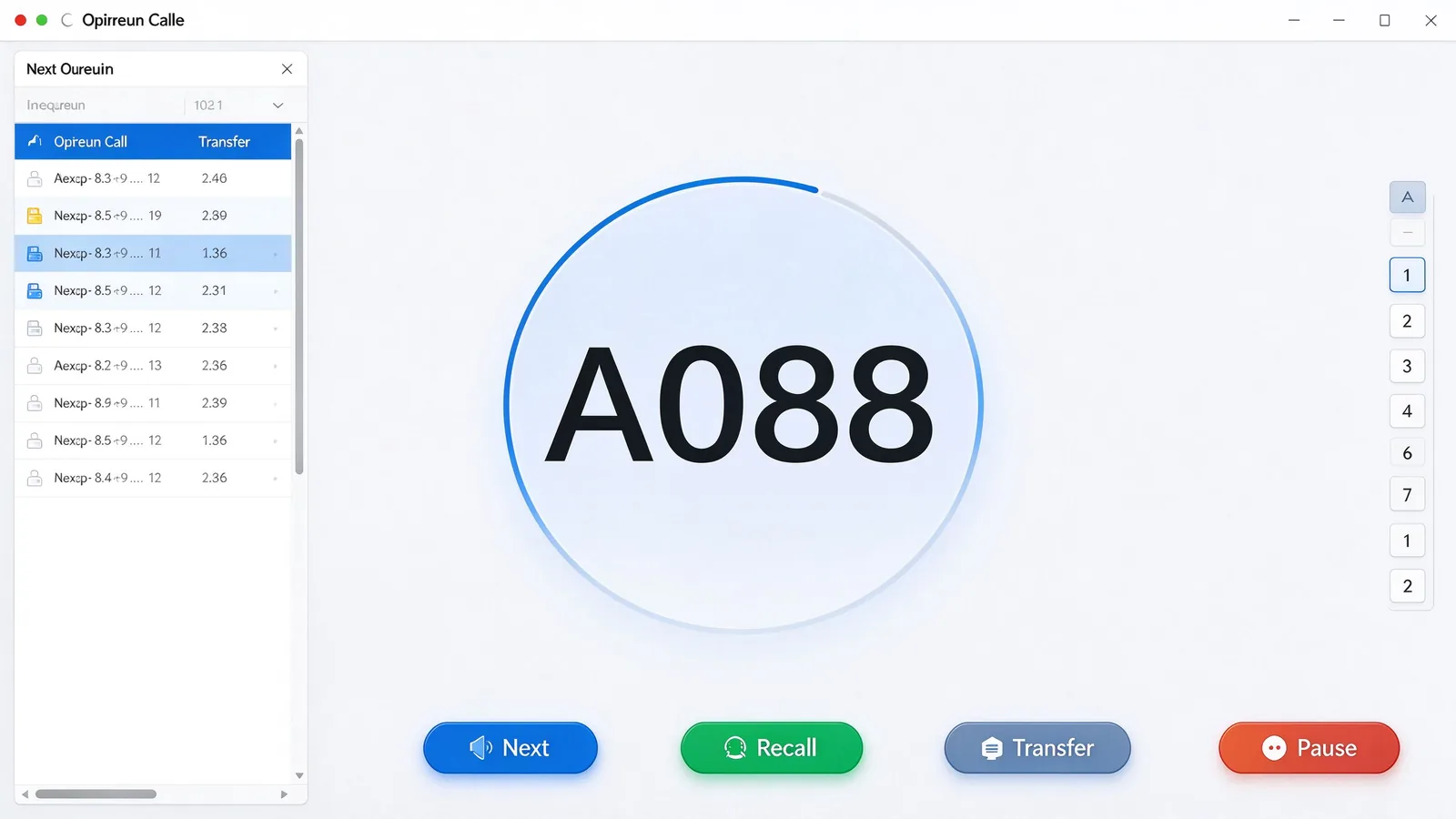
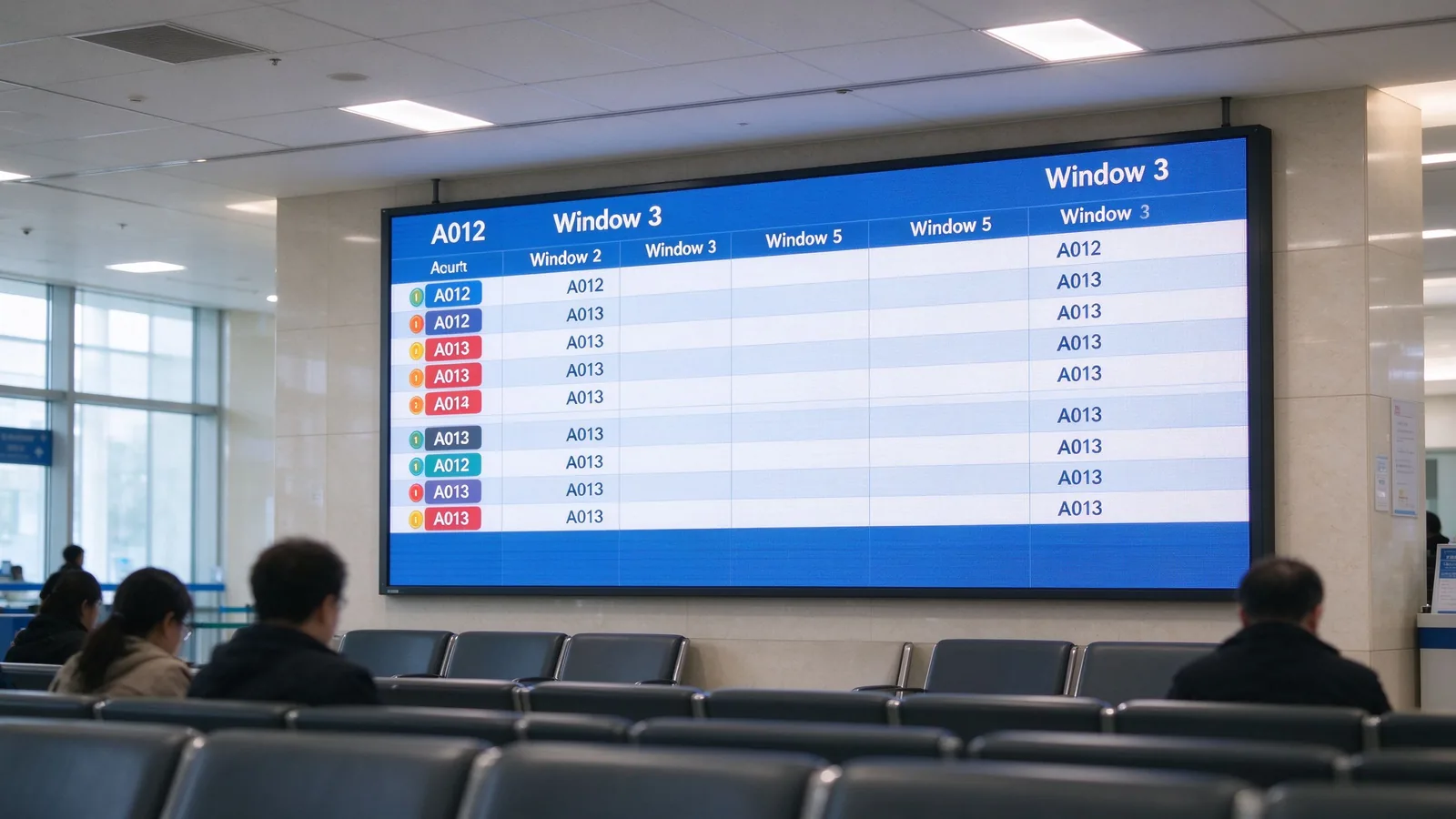
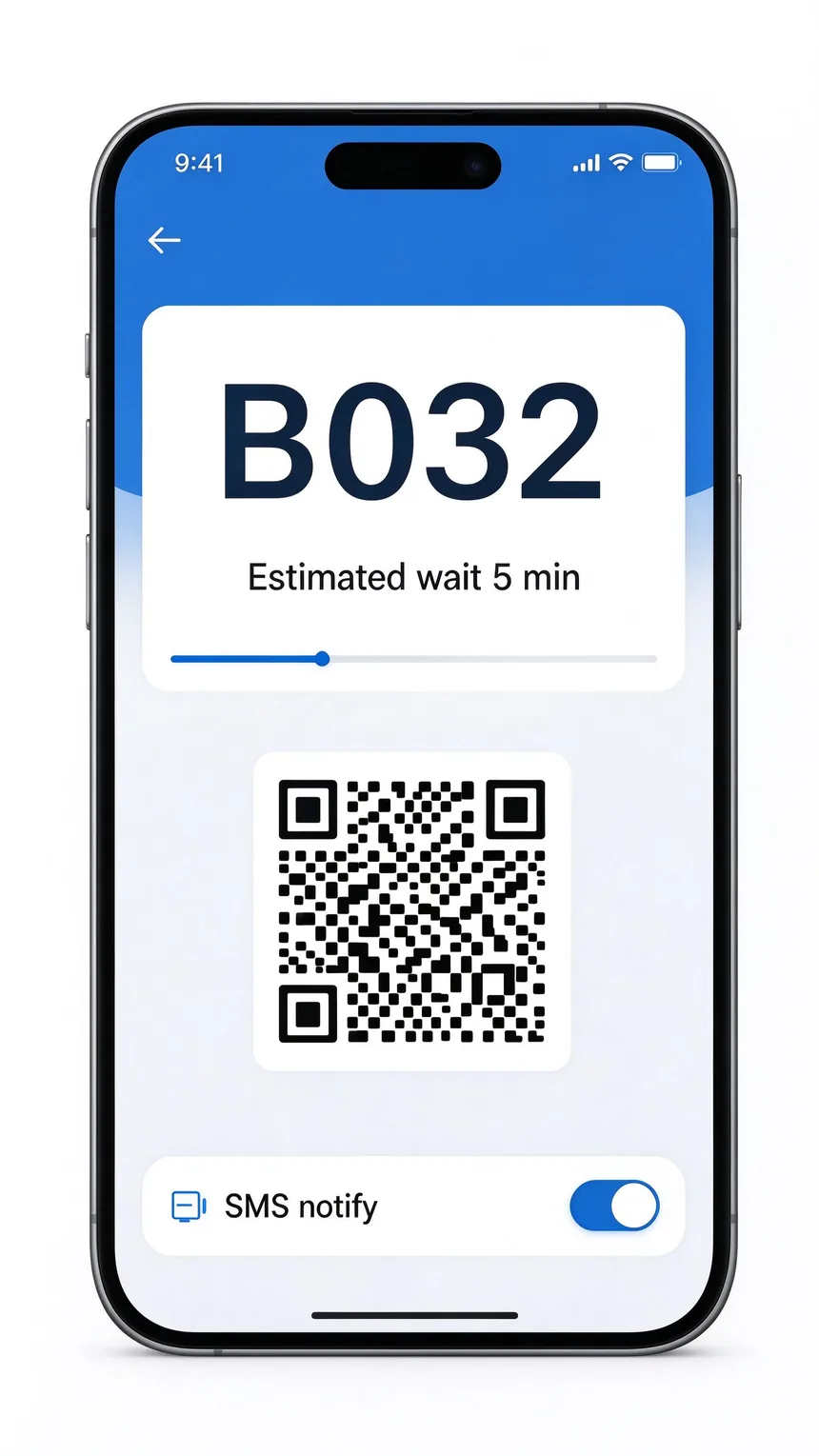
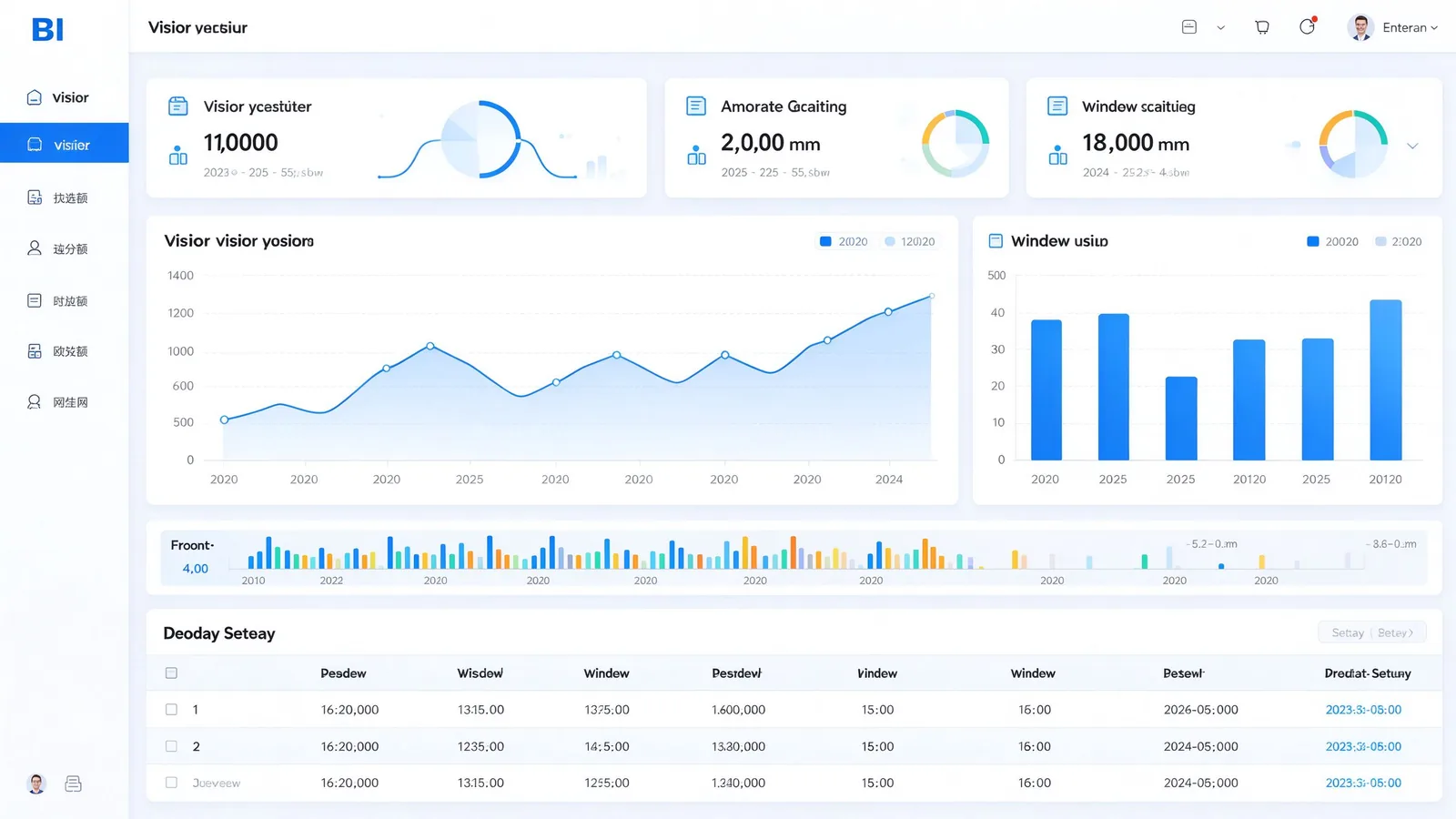
The same hardware, tuned per industry. Below are the proven configurations and the optional modules each sector usually activates.
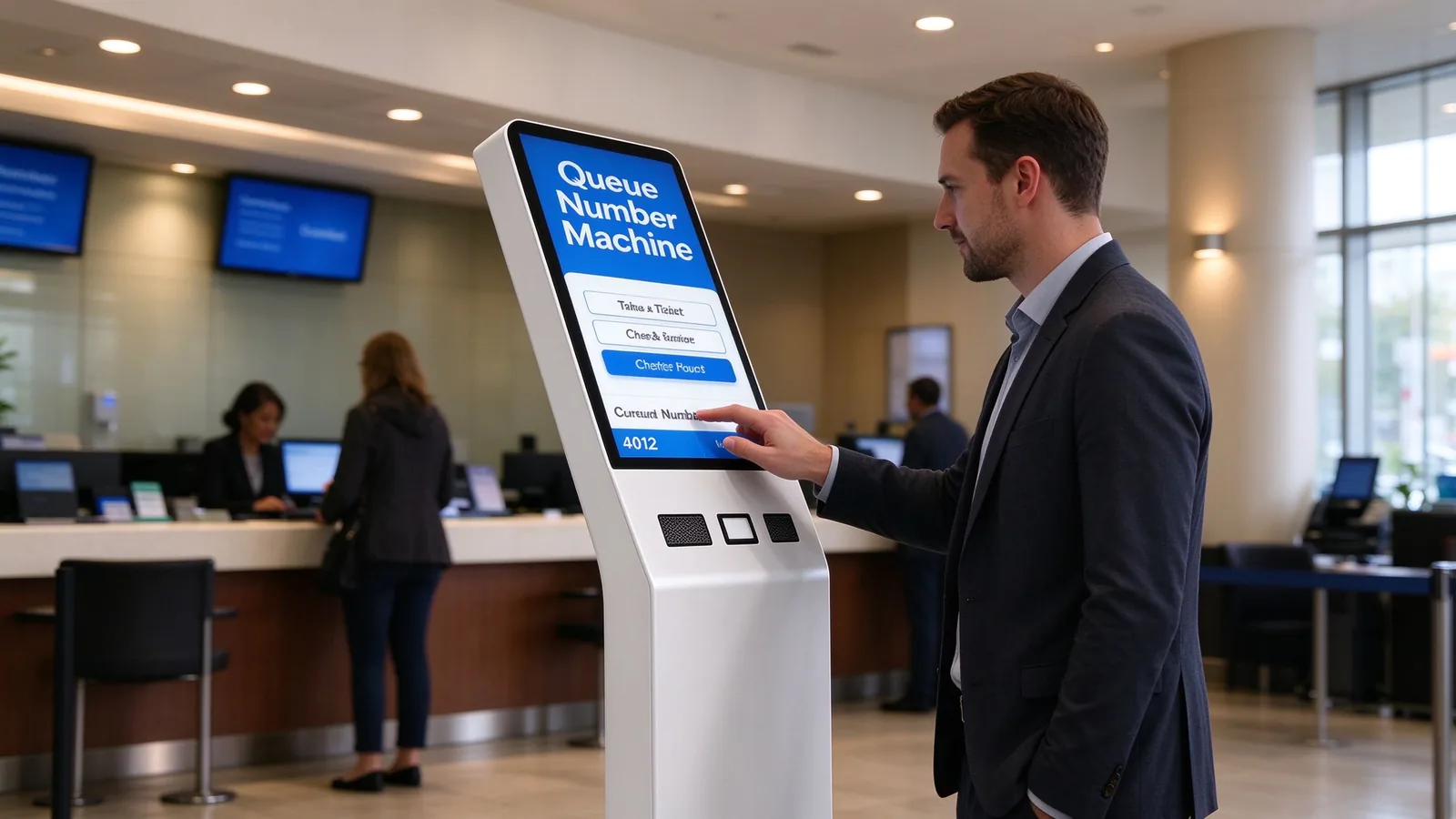
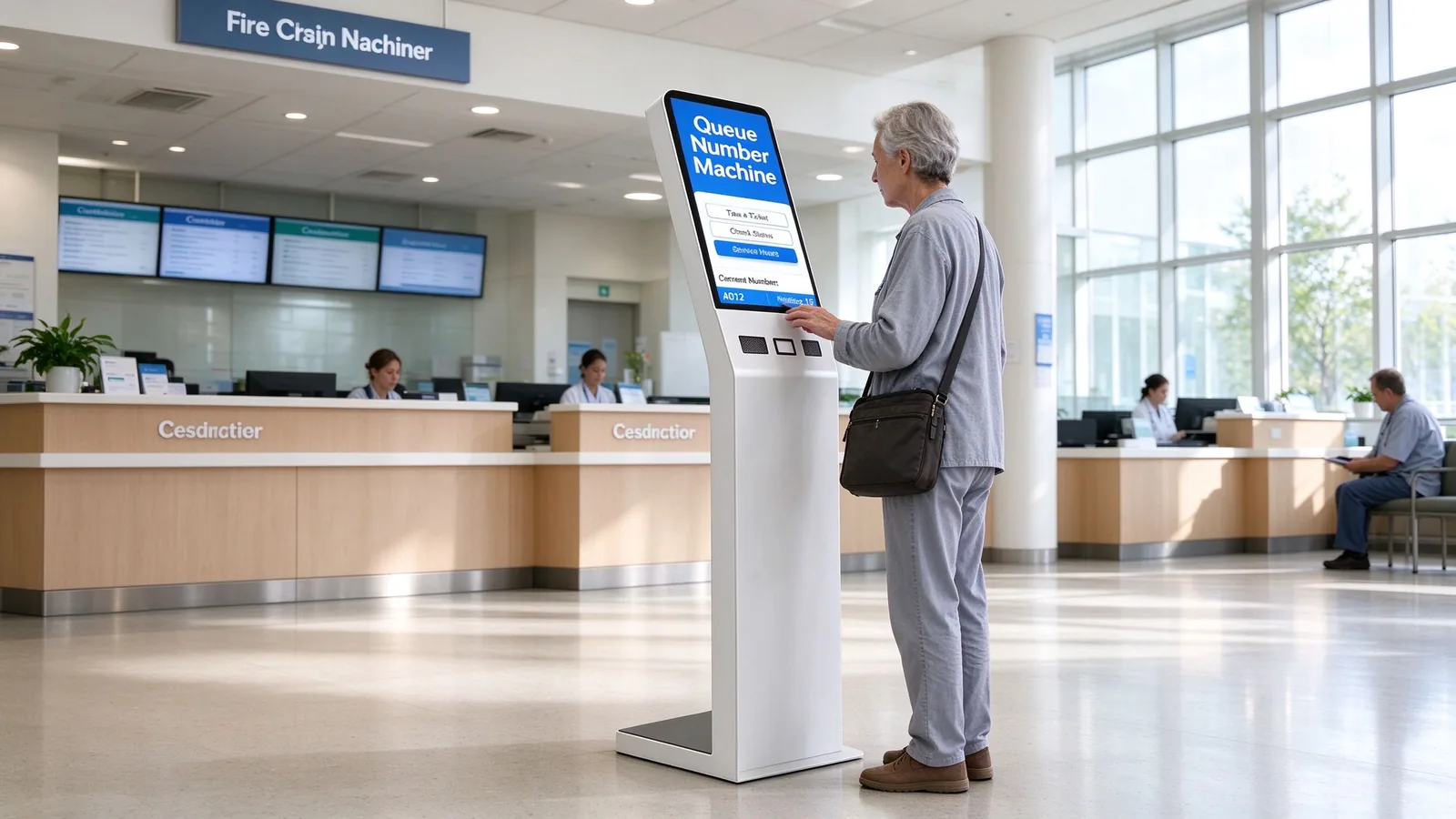
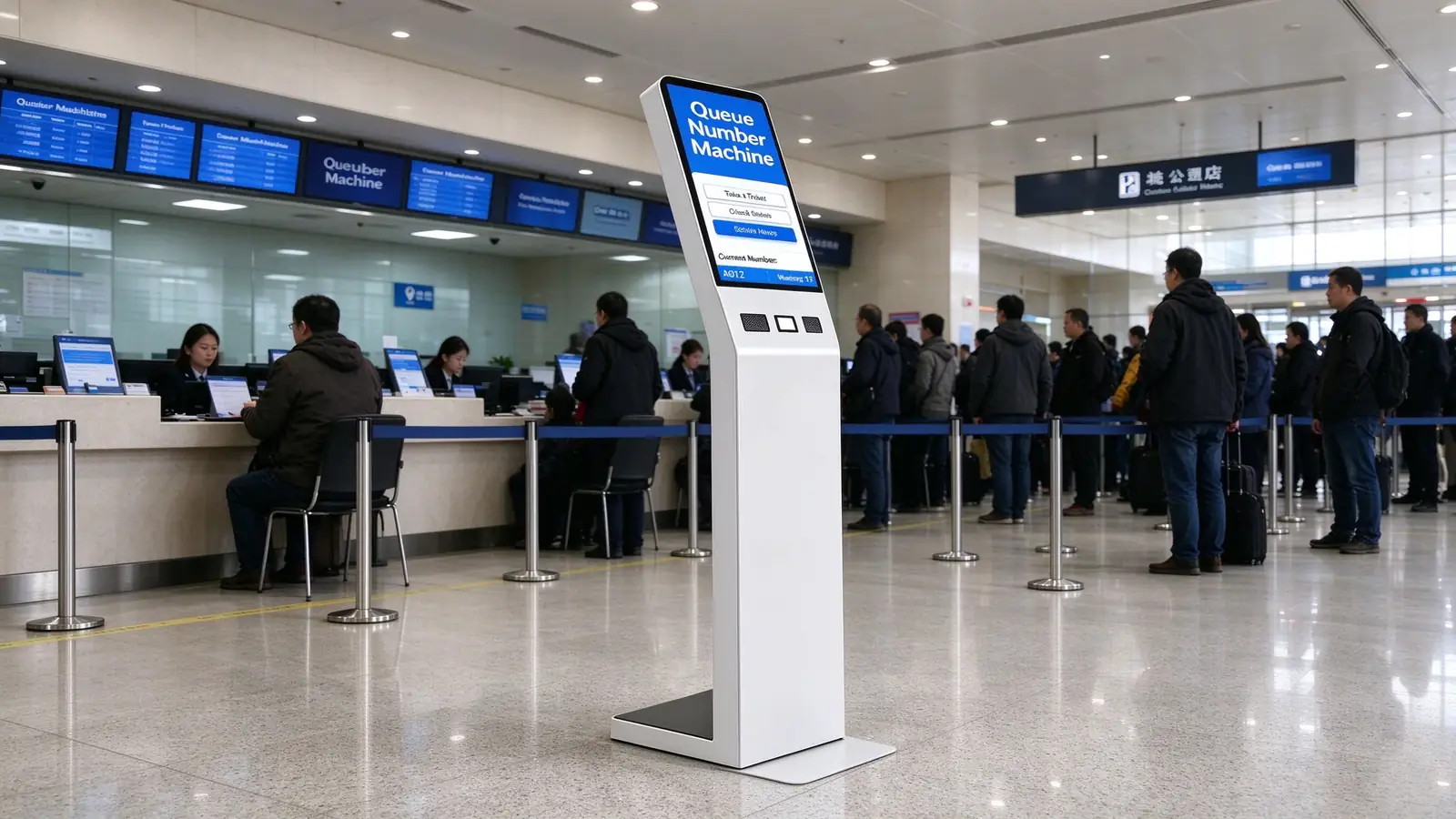
New accounts, SIM services, repairs and device collection queues with service-type routing and staff performance reporting.
Appointment validation, service-advisor assignment, vehicle delivery and post-service satisfaction queues.
Visitor check-in, ticket purchases, customer-service ticketing, member services and event check-in.
A clean default keeps the unit price predictable; optional modules keep the project future-proof. Mark what you need on the RFQ and the factory configures the BOM accordingly.
| Standard Configuration | Iekļauts |
|---|---|
| Floor-standing enclosure + wide base | ✓ |
| Vertical touchscreen display | ✓ |
| Thermal ticket printer | ✓ |
| Qr koda skeneris | ✓ / optional |
| Host, network, power & rear-lock access | ✓ |
| QMS ticket client software | ✓ |
| Optional Modules | Pieejamība |
|---|---|
| ID card / passport reader | Pēc izvēles |
| Nfc/rfid | Pēc izvēles |
| Camera / microphone | Pēc izvēles |
| 80 mm printer / auto cutter | Pēc izvēles |
| 4G / 5G / Wi-Fi | Pēc izvēles |
| Multi-language, accessibility kit, POS payment, satisfaction survey | Pēc izvēles |
Body color · logo · screen size · operating system · interface count · mainboard configuration · packaging and language. The factory adapts all of these per order.
Project buyers need a supplier that ships, installs and supports. This is the process a Qtenboard order follows, with clear handoff points for your team.
Configuration, OS, modules, integration scope, destination country.
Unit or sample evaluation before mass production.
System image and peripheral drivers standardized per order.
Batch production with factory quality checks.
Single or multi-unit packing, wooden crate if required.
Floor mounting, anchor fixing, network configuration.
Backend connection and interface testing.
Agent terminal and admin report training, then launch.
| After-Sales & SLA | Terms |
|---|---|
| Garantijas periods | 1–3 years [Project-defined] |
| Spare parts support | 1–5 years replacement parts |
| Remote support | Online technical support, 24h pre/post-sales |
| On-site repair | Arranged per project scope |
| System upgrades | Software and firmware updates |
| Atbilde | 24/7 response option [Project-defined] |
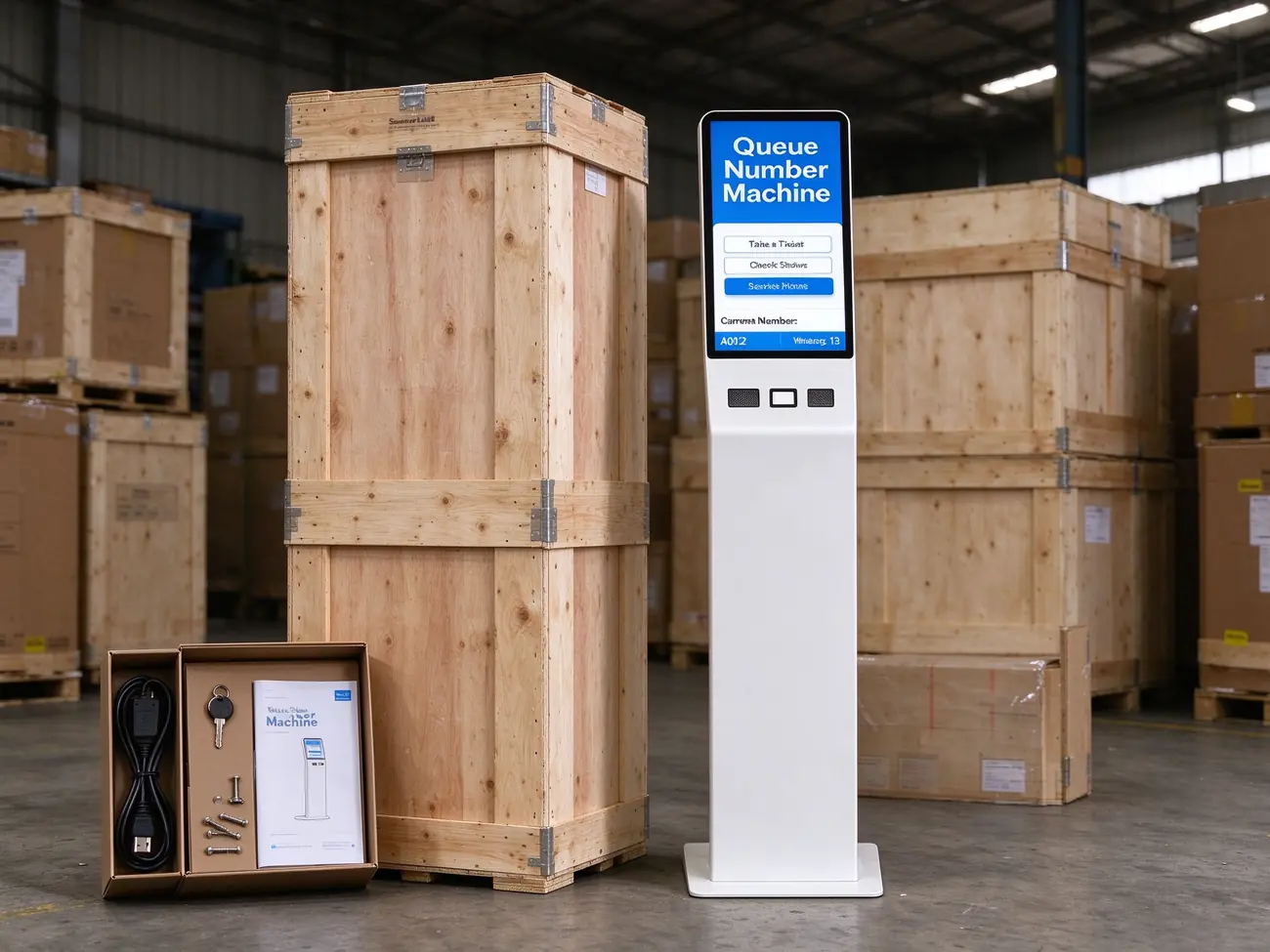
Shipping package: single-unit carton, multi-unit crating, accessories including power cable, keys, base screws and user manual
Warranty and support terms per Qtenboard published data — queue kiosk sales page.
Certificates are maintained current and provided for distributor and procurement due diligence on request.
Medical, financial and government project compliance confirmed per project scope.
ID-card reading and face-recognition deployments follow local authorization and data-processing rules.
Local, cloud or hybrid storage options; accessibility standards confirmed per project.
Certification inventory per Qtenboard company overview — Par qtenboard.
Qtenboard structures every partnership around your business model — from startup distributor to global tier-1 brand and government procurement.
Your logo, packaging and UI on fully finished kiosks. Accessible MOQ for emerging regional brands.
You define screen size, chipset, software stack, certification targets and accessory bundle; R&D engineers it.
Knock-down component kits for local assembly markets with import-duty advantages, customs-documented since 2005.
Bid documentation, technical-spec alignment and tender strategy support — 160+ clients won government tenders in 2025.
MOQ and lead time confirmed per configuration at quotation. Factory-direct pricing with quote within 24 hours.
Quoted as hardware + software license + project service. Payment terms, warranty, spares policy and distribution support confirmed in contract.
Cooperation models and tender results per Qtenboard company overview — Par qtenboard.
Case data as published by Qtenboard. Ask our sales team for detailed, verifiable references matched to your industry before you commit.
Scope: OEM-customized kiosks at every outpatient entrance, branded to the hospital group's visual identity.
Integrācija: HIS-connected appointment lookup and insurance verification; queue layer shared with corridor signage and physician-room panels.
Rezultāts: Closed outpatient data chain from arrival to consultation call; higher patient adoption through institutional branding.
Scope: Tender and bid support for distributor partners in government procurement — bid documentation, technical-spec alignment and tender strategy.
Rezultāts: 160+ clients won government tenders in 2025, generating $30M+ in contracts across education, public services and enterprise.
Scope: Floor-standing queue kiosks with thermal ticket printing, QR check-in and SMS virtual queue across branch lobbies.
Published outcome: Queue times reduced 40%+, customer satisfaction improved 40%+ with an intuitive check-in flow.
References: hospital OEM deployment guide · tender results & company overview .
A queue management kiosk is the entry point of a queue system: it issues tickets, routes visitors by service type and priority, validates appointments, and hands every number to calling stations, waiting-area displays, voice, SMS and analytics. A standard self-service kiosk completes a single business task (order, payment, printing). Buying focus differs accordingly — queue rules and window scheduling matter more than business-flow logic.
Yes. Integration is available via REST API, SDK, database middleware tables, message queue or file import/export. Typical targets: existing QMS, hospital HIS, bank branch systems, government booking platforms, CRM, visitor management, SMS gateways and mobile apps. Confirm the interface contract at project stage and it is covered in the integration plan.
Android and domestic OS options are available per project; Windows 10/11 is the standard operating system on this model, so the kiosk matches your existing software stack and security policy.
Standard: floor-standing enclosure with wide base, touchscreen, thermal ticket printer, QR scanner, host and network, and the QMS ticket client. Optional: ID-card and passport readers, NFC/RFID, camera and microphone, 80 mm printer with auto cutter, 4G/5G/Wi-Fi, multi-language and accessibility kits, POS payment and satisfaction survey. Parameters not yet locked are marked [Apslēdzt pēc faktiskās BOM] and are fixed at quotation.
MOQ and lead time depend on the configuration, OS, modules and customization level (OEM/ODM/CKD-SKD). They are confirmed with the quotation — Qtenboard responds with a factory quote within 24 hours, and samples can be arranged before mass production.
Yes. Private-label OEM covers your logo, packaging and UI. Full ODM covers hardware design, software stack, certification targets and accessory bundle. CKD/SKD kit supply is also available for local assembly markets. Body color, screen size, interfaces and mainboard configuration can all be customized per order.
CE, FCC, RoHS and ISO 9001 are maintained current, with an IP54-rated casing as standard. Medical, financial and government project compliance, ID-reader compliance, face-recognition compliance and data-localization requirements are confirmed per project — certificates are provided for due diligence on request.
Standard flow: requirements → sample test → image and firmware → production and QC → logistics → on-site installation → integration → training and go-live. After-sales includes a 1–3 year warranty (project-defined), 1–5 years of replacement parts support, remote technical support, on-site repair options and system upgrades, with 24/7 response available per project.
Yes. Visitors can scan a QR code on their ticket to follow their queue position on their phone, with SMS/APP notifications when called and real-time expected waiting time — so they can wait outside the lobby without missing their number.
Request a factory quote with your configuration, and Qtenboard can arrange a sample unit or a live demo with the queue software stack. Sample evaluation is part of the standard implementation path before mass production.
Tell us your configuration and Qtenboard responds with pricing, MOQ, lead time and a BOM-matched spec sheet. The more detail you send, the closer the first quote is to the final order.
Qtenboard — Shenzhen · founded 2005 · OEM/ODM/CKD-SKD manufacturer of digital signage, interactive displays and self-service kiosks, serving system integrators, distributors and project contractors in 110+ countries.

 lav
lav
 EN
EN  pt
pt  spa
spa  th
th  vie
vie  aze
aze  bel
bel  est
est  ukr
ukr  ru
ru