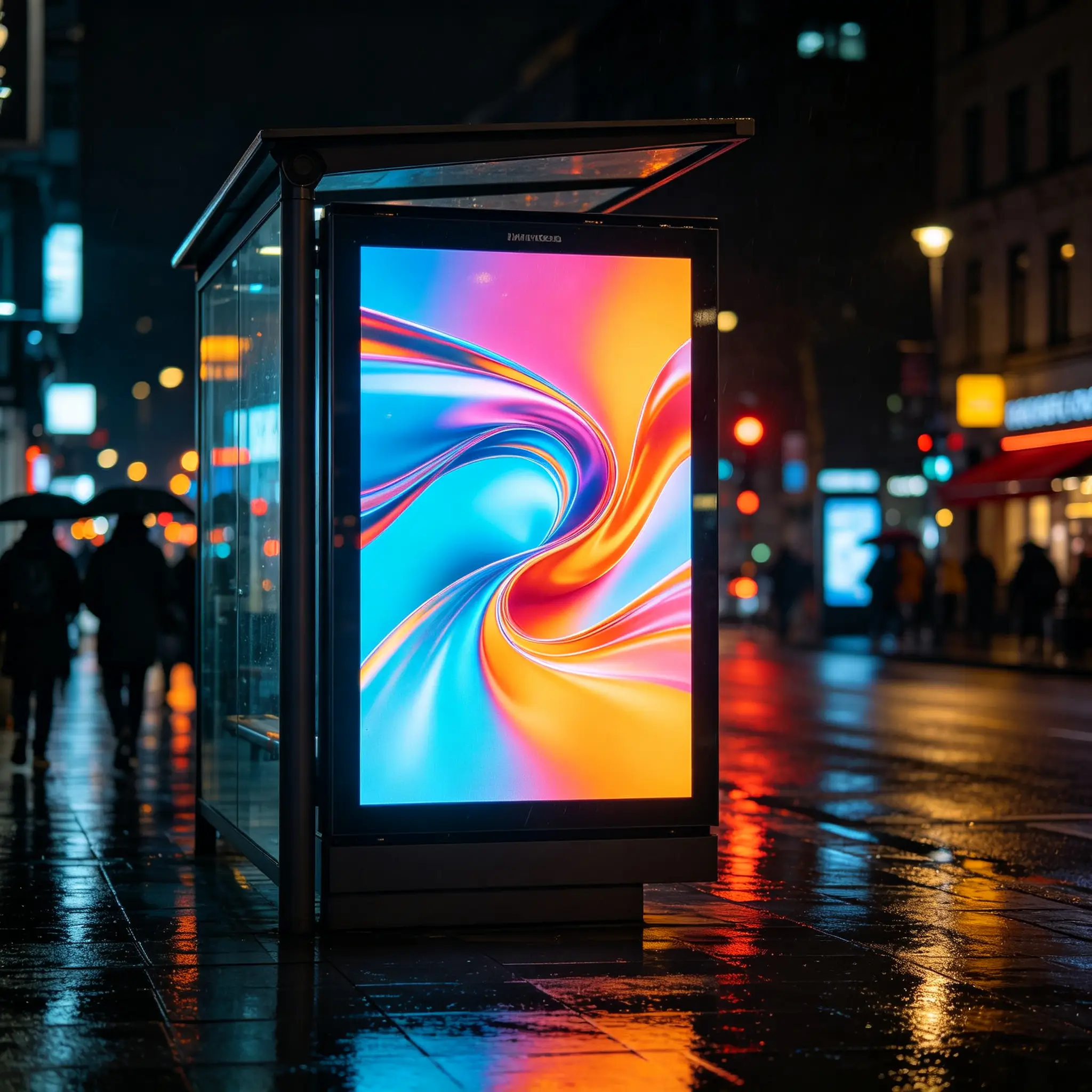
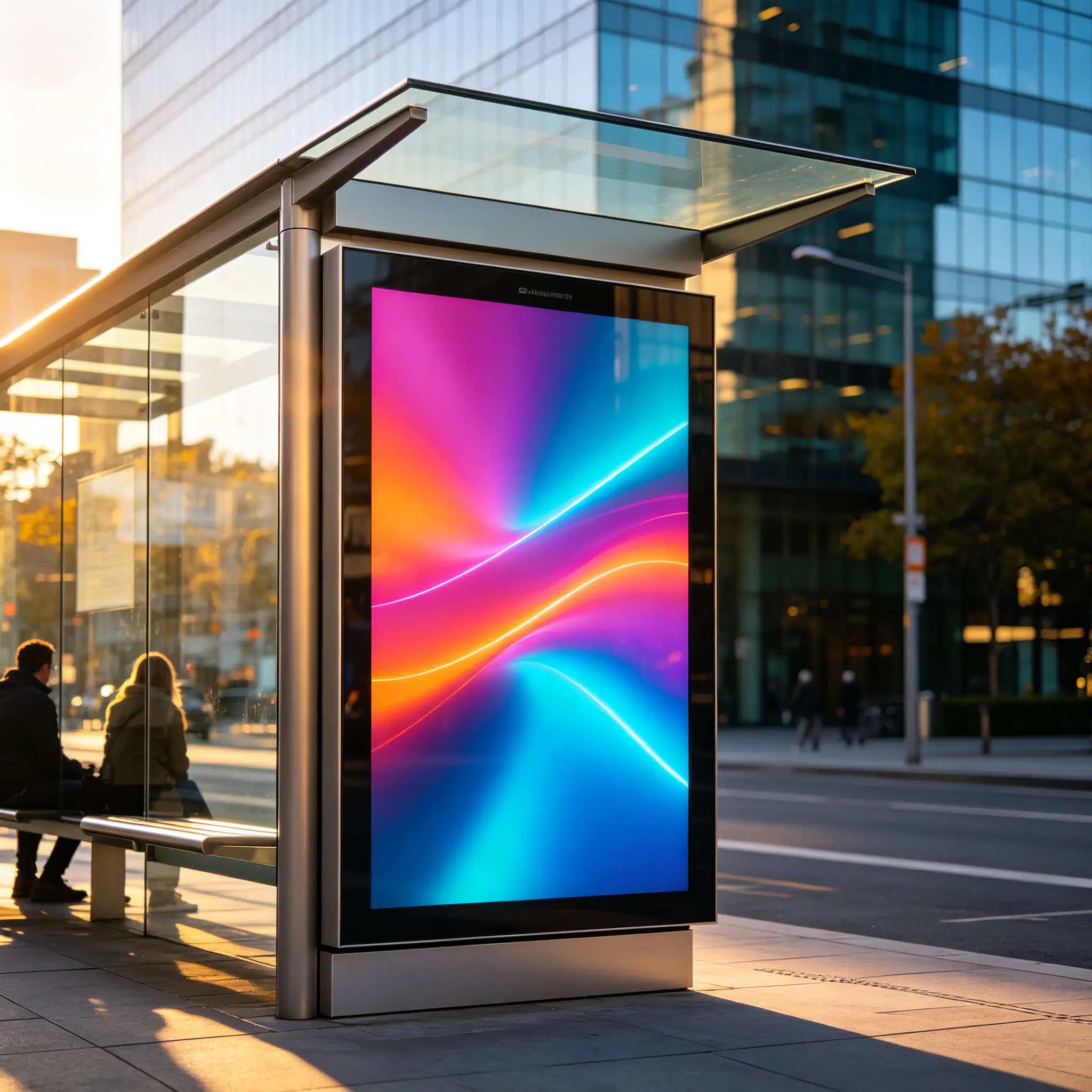
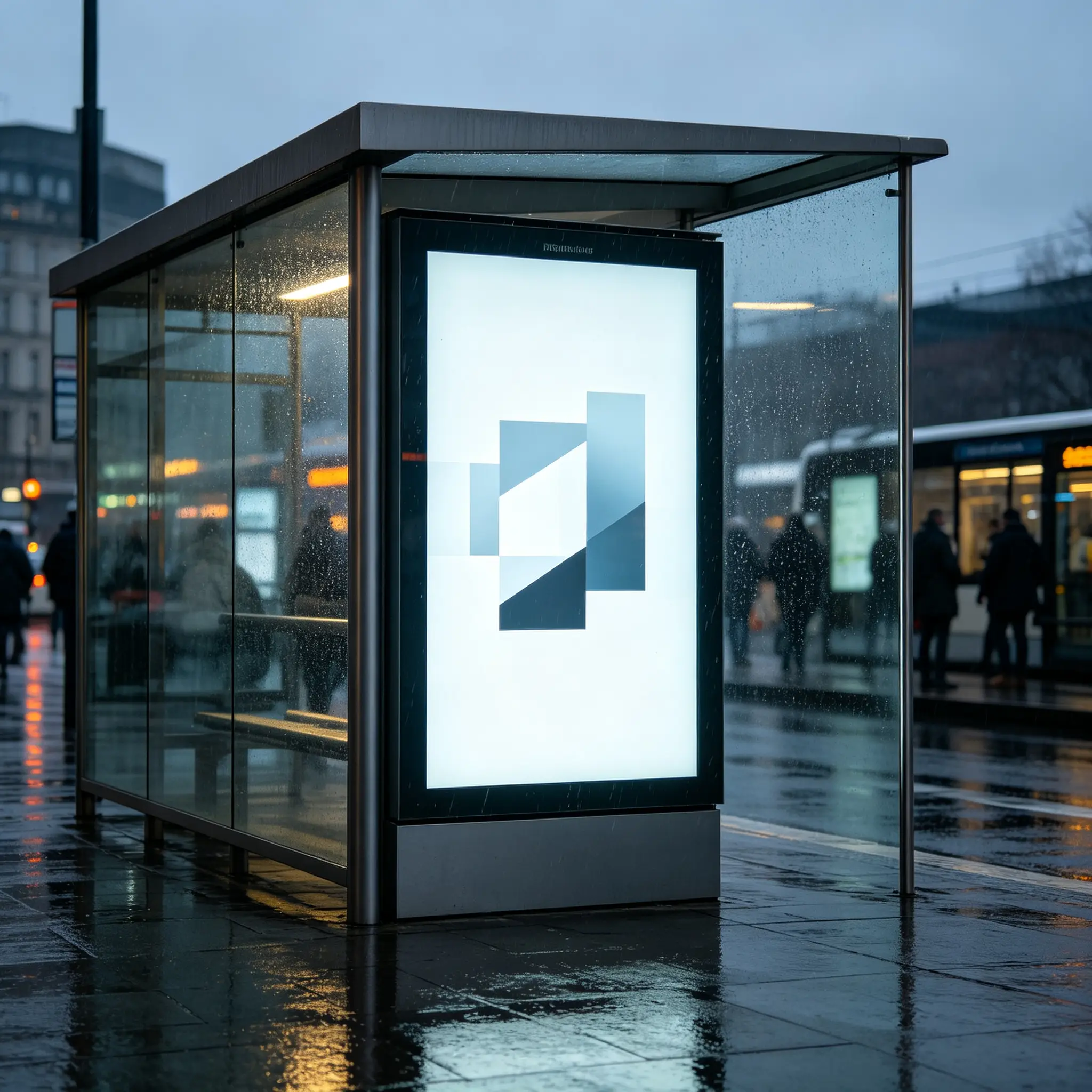
















A weather-resistant outdoor digital bus stop display designed for transit information, public communication and advertising. Configure the screen, enclosure, brightness, CMS, network connection, passenger-information integration and interactive modules for your transportation or smart-city project.
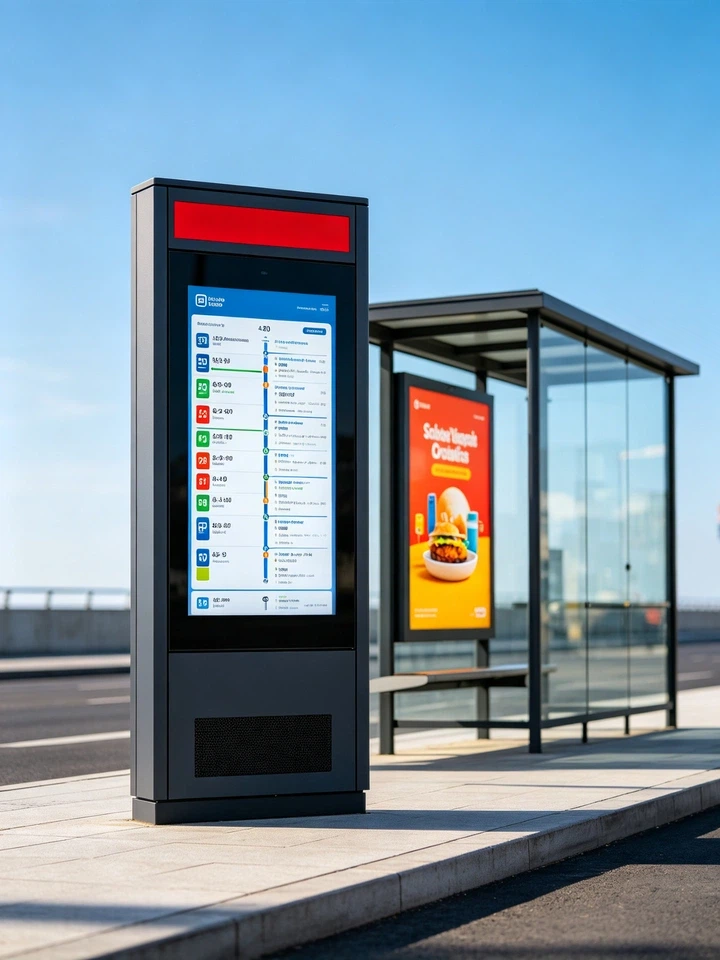
Traditional bus stop signage shows fixed routes and printed timetables, and every update needs manual work. A smart bus stop display puts real-time transit information, advertising content, emergency notices, city services and passenger wayfinding into one remotely managed outdoor terminal.
Smart Bus Stop Digital Signage combines outdoor digital communication with transportation information delivery. It helps transit operators, municipalities and media operators provide clearer passenger guidance while creating a flexible channel for advertising, public announcements and local services.
The system can display scheduled information as a standalone screen or connect with a transit management platform to publish real-time arrival data, route changes and service alerts.
| Version | Best For | Recommended Configuration | Confirm Before Ordering |
|---|---|---|---|
| Standalone Schedule Display | Small sites without a real-time data feed | Portrait high-brightness LCD, local CMS / USB, fixed timetable, advertising playback | Power supply, network, update frequency |
| CMS-Managed Bus Stop Display | Bus companies, campus shuttles, commercial projects | Cloud CMS, timetable, announcements, advertising, remote publishing | Number of stops, permissions, playback reports |
| API-Integrated Passenger Display | Transit operators, smart-city projects | Transit platform / API / GTFS-RT, ETA, delay, route-change display | Data format, interface documentation, update frequency |
| Interactive Smart Bus Stop Kiosk | City hubs, scenic areas, key stops | PCAP touch, map search, transfer planning, QR / NFC, accessibility modules | Software, waterproof openings, privacy compliance |
| Solar-Powered Bus Stop Display | Sites without stable grid power | Solar panel, battery backup, low-power display, 4G / 5G | Sunlight conditions, power consumption, battery life, maintenance |
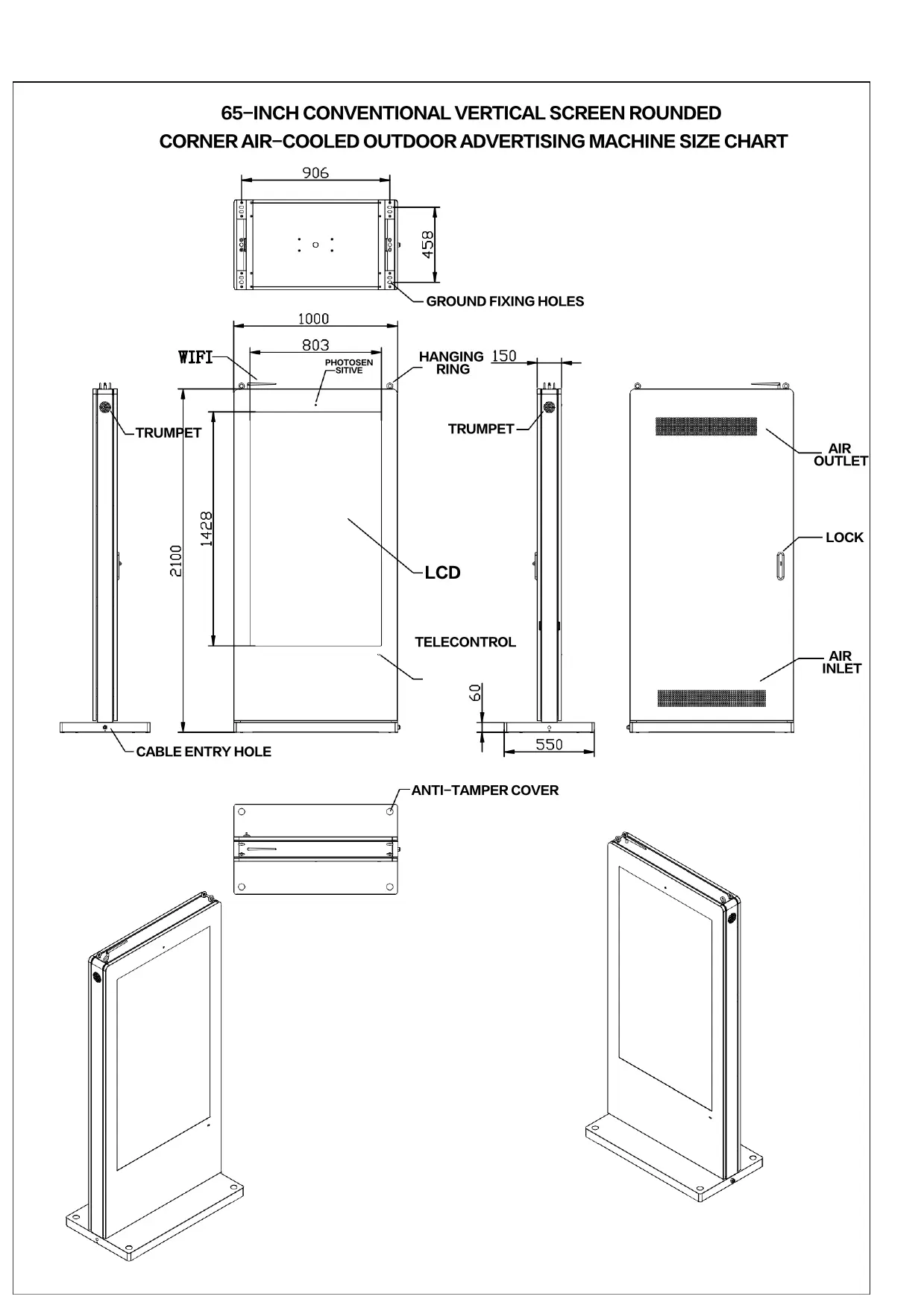
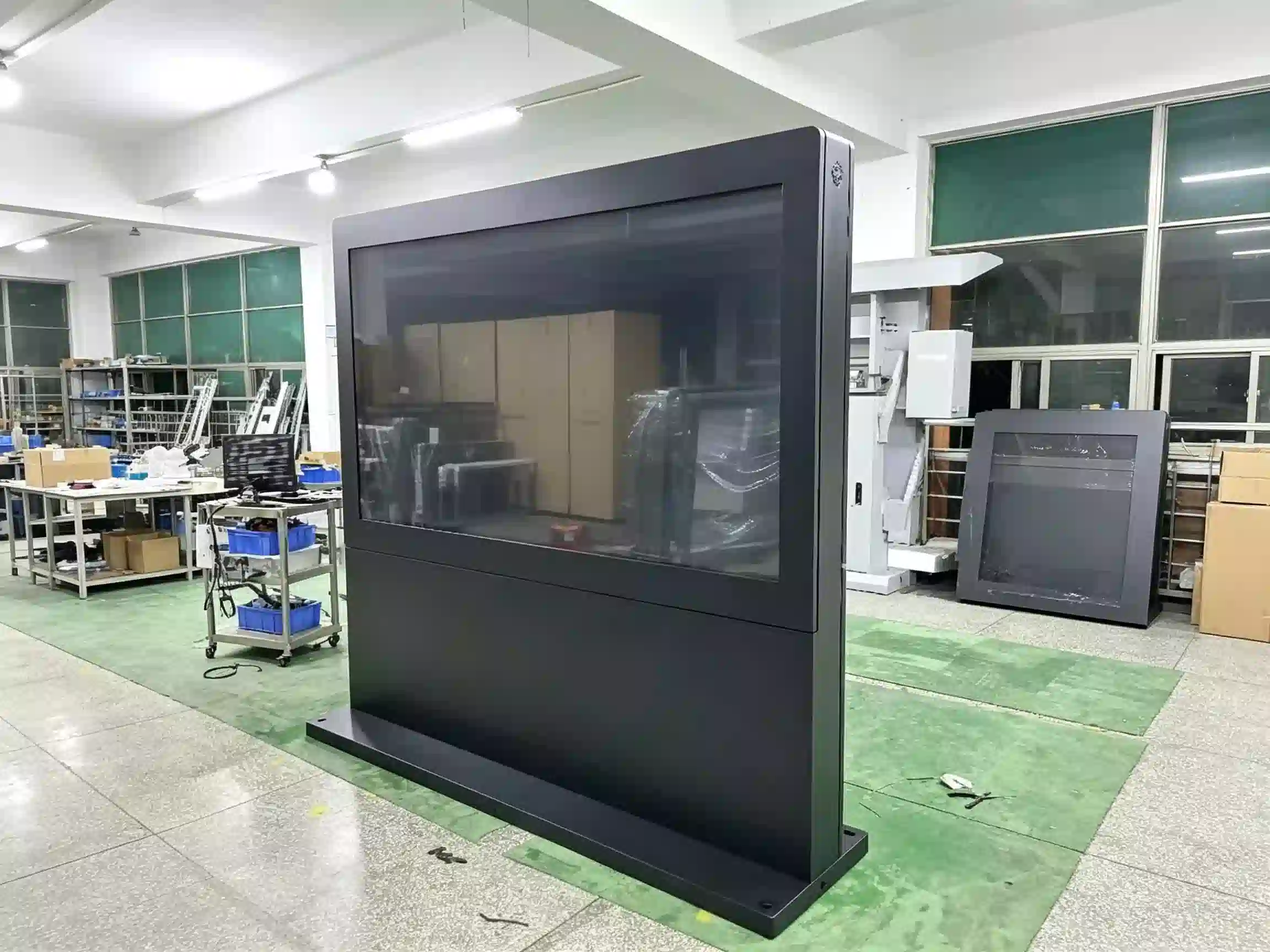
The enclosure integrates the display, power system, controller, communication hardware and thermal components into one outdoor kiosk structure, ready to install beside a bus shelter, at a transit stop, in a public plaza or at other outdoor passenger-information points.
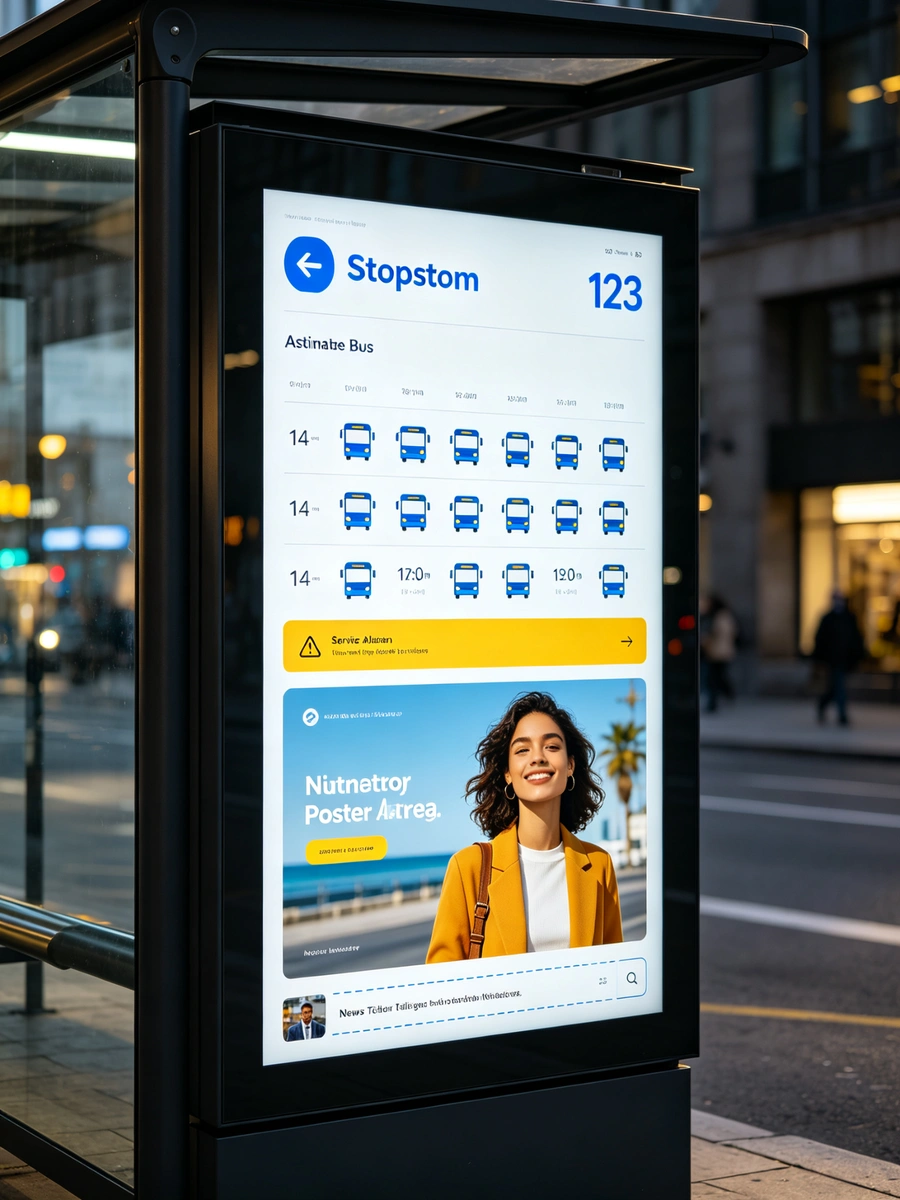
The portrait screen is designed to show transit-focused content in a format passengers read naturally:
The freestanding enclosure integrates the display, power system, controller, communication hardware and thermal components into one outdoor kiosk structure. It can be installed beside a bus shelter, at a transit stop, within a public plaza or at other outdoor passenger-information points.
Each deployment is configured per project: screen size, top signage, branding, peripherals and transit-data integration are confirmed before production.
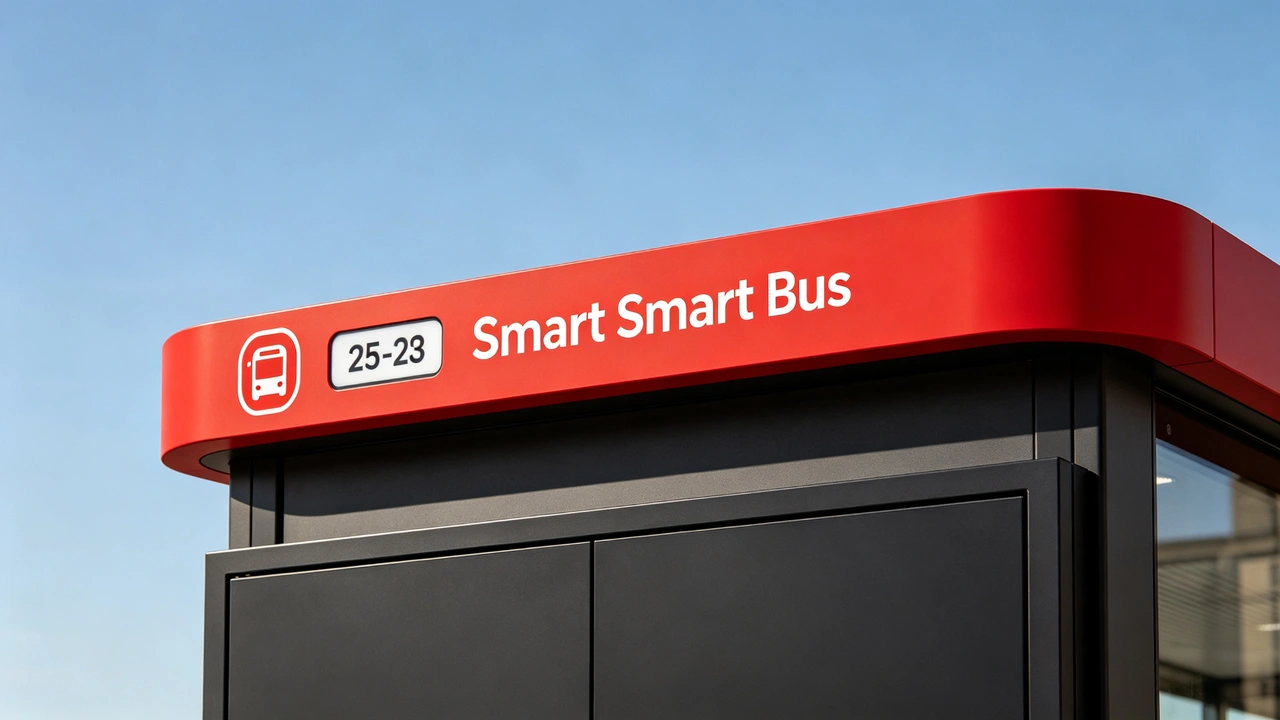
A dedicated top signage area can be customized for stop identification, transit branding, municipal logos, route information or project-specific visual design. Typical content includes:
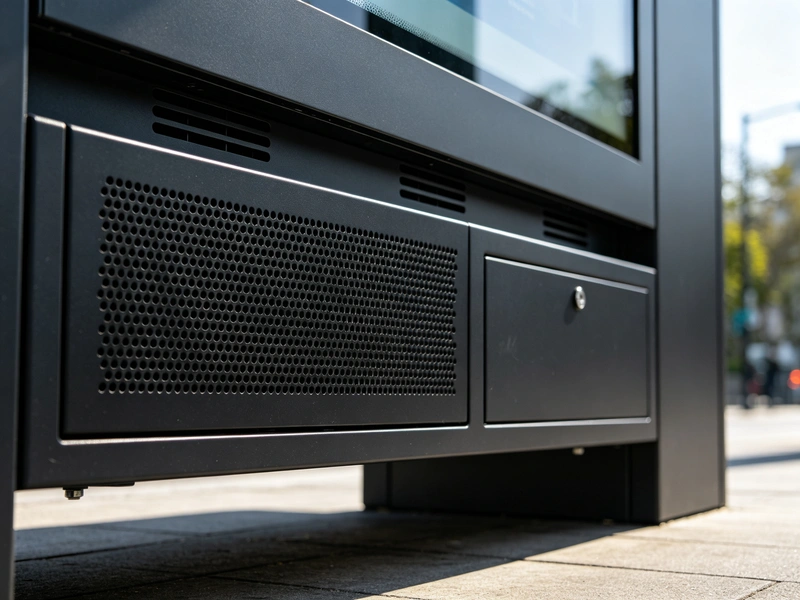
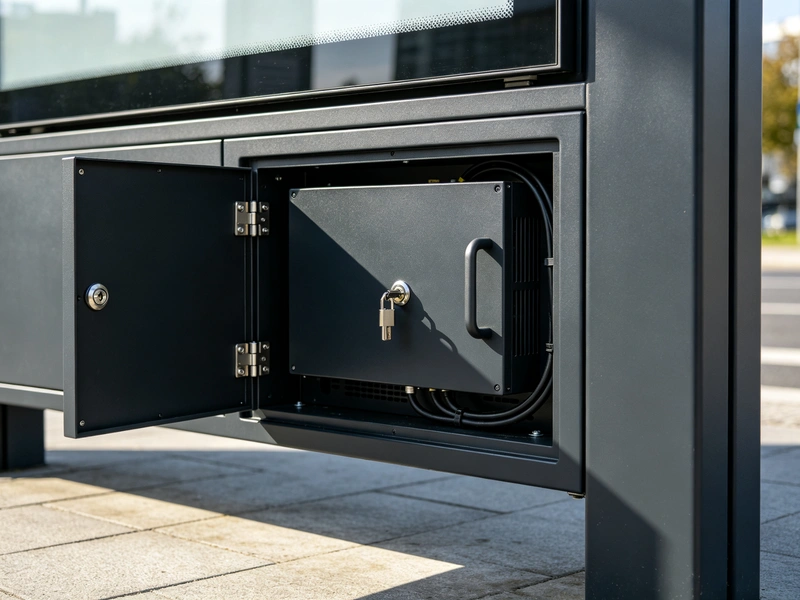
The lower grille area can carry speaker, thermal, control or maintenance hardware depending on the project design. Optional functions include:
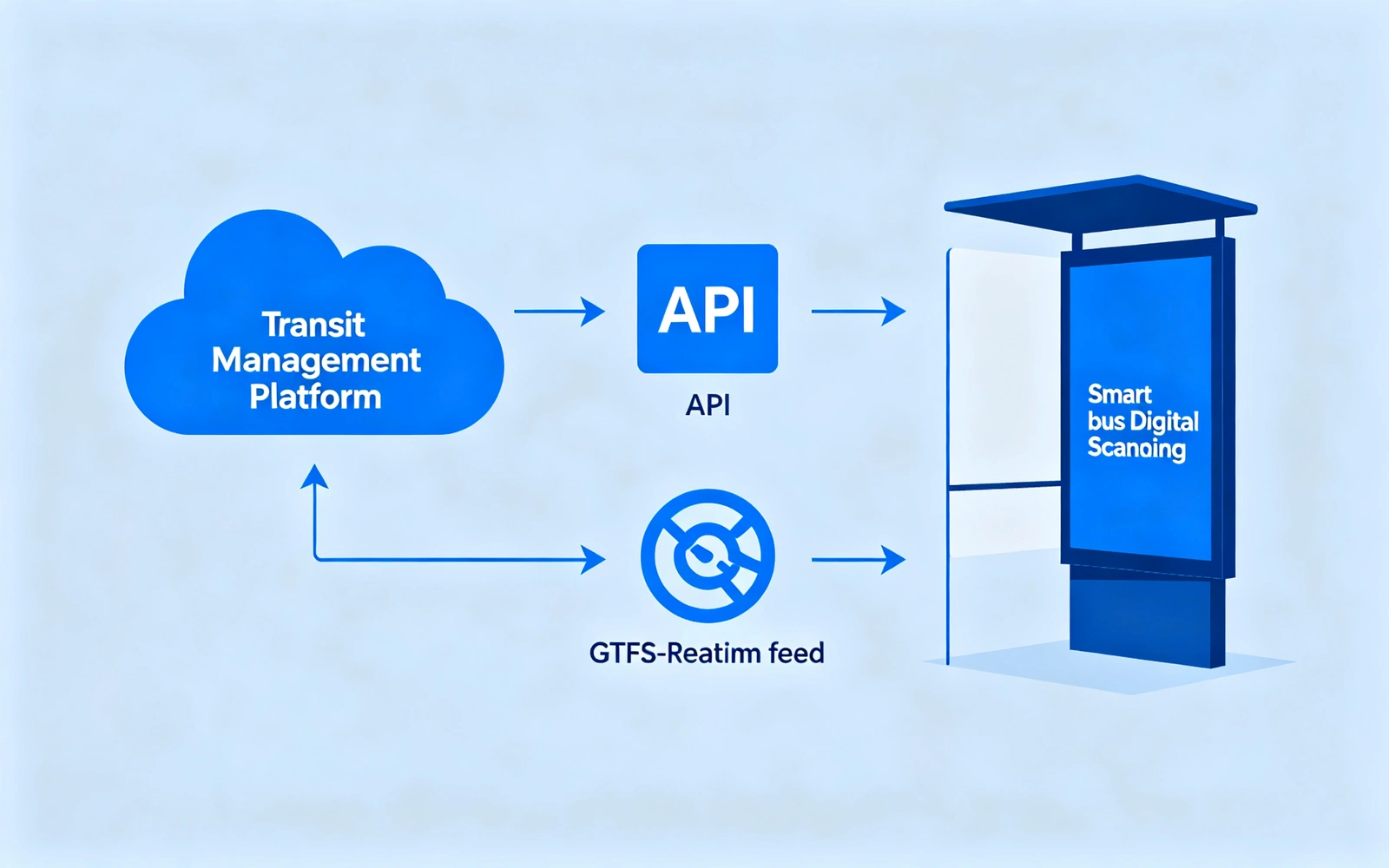
The display can be configured to receive and present real-time passenger information from a compatible transit management system, cloud platform or customer-provided API. Available content depends on the data source, communication method and software integration scope.
| Configuration | Data Source | Displayable Content | Best Fit Customers |
|---|---|---|---|
| Standalone schedule display | USB, CMS or local media player | Fixed timetable, route map, advertising | Small sites, projects without a data interface |
| CMS-managed bus stop display | Cloud CMS or central server | Timetable, announcements, advertising, event information | Bus companies, campus shuttles, commercial projects |
| API-integrated passenger display | Real-time transit platform, API or GTFS-RT | ETA, vehicle status, delays, route changes | Transit operators, smart-city projects |
| Interactive smart bus stop kiosk | API, CMS, touch software and peripherals | Route lookup, map, services and advertising | City hubs, scenic areas, key stops |
Brightness, protection, thermal management and security are selected for the actual site — sunlight exposure, weather, temperature range and public-space risks. Nothing is fixed by default; every option is confirmed against your environment.
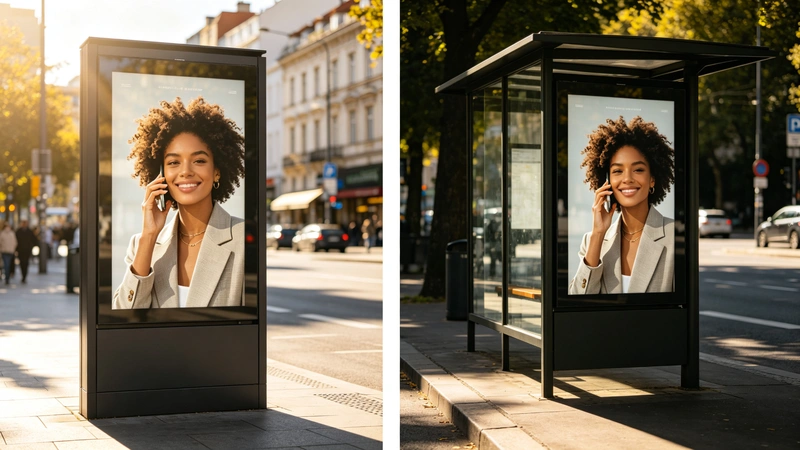
High-brightness LCD options can be selected for covered bus shelters, semi-outdoor transit areas or direct-sunlight locations. The final brightness should be determined according to sunlight exposure, display orientation, viewing distance and content readability requirements.
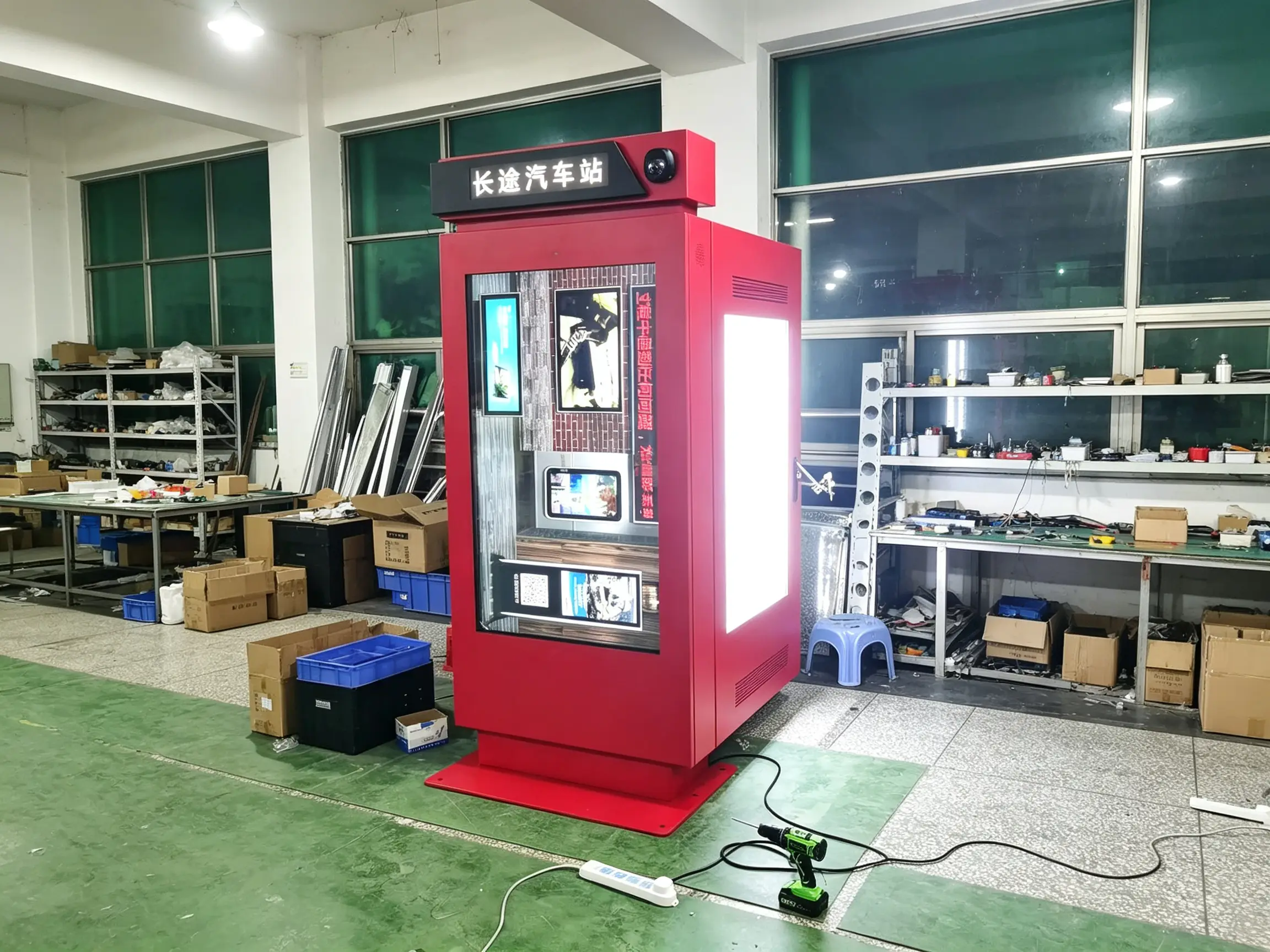
The outdoor enclosure can be configured with an appropriate protection level for dust, rain, humidity and public-space deployment. The final enclosure design should be selected based on local weather conditions, shelter coverage, cleaning practices and installation exposure.
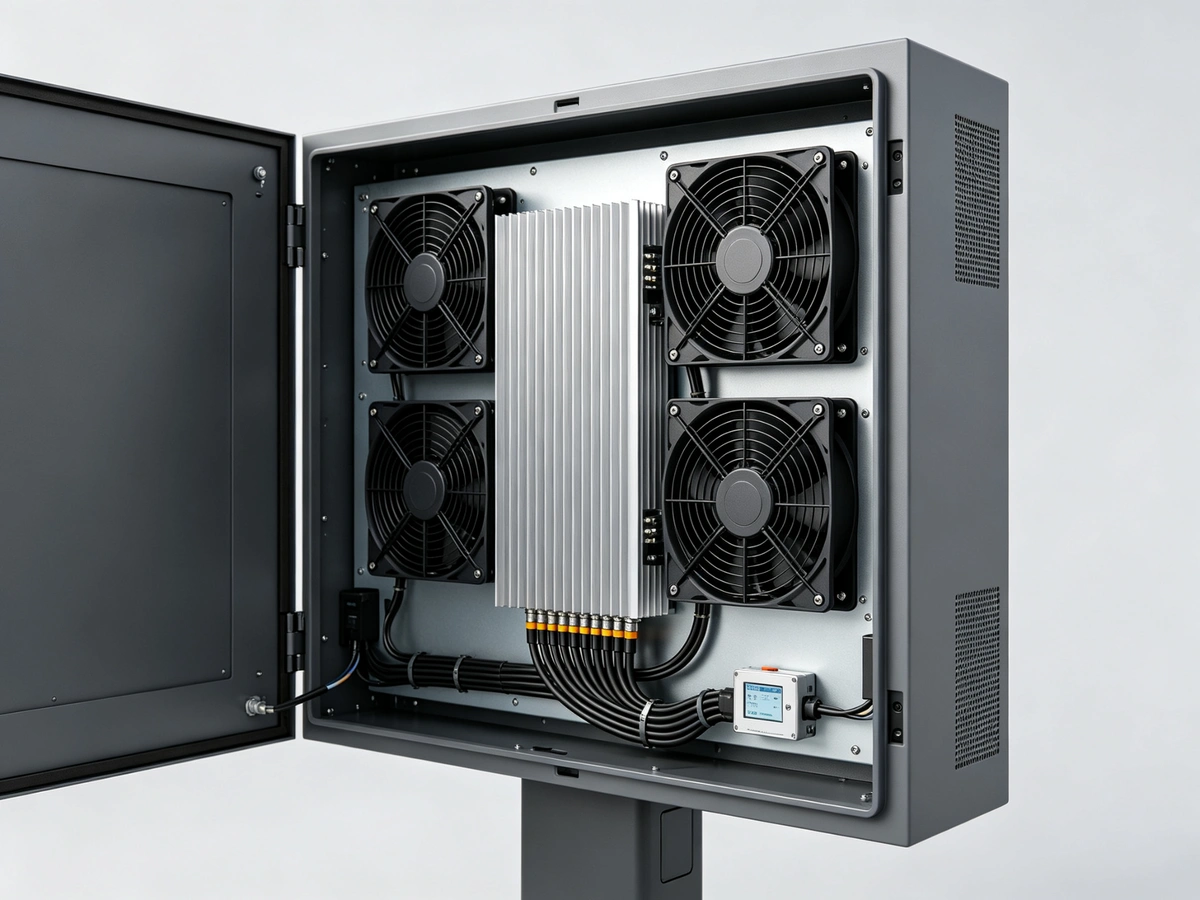
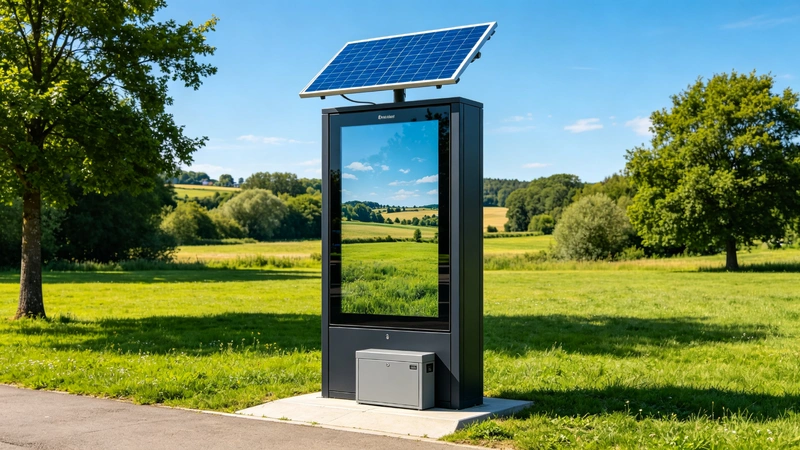
Confirm the site power source before production. The display can be configured for AC power, a solar-panel and battery-backup solution, or a hybrid system where uninterrupted passenger information is required.
One outdoor digital bus stop display can carry commercial advertising and public-service content alongside passenger information — with clear priority rules managed by the operator.
The screen layout can be configured to combine passenger information with commercial or public-service content. For example, the display can reserve a dedicated area for bus arrivals while using the main screen area for advertising, community information or destination promotion.
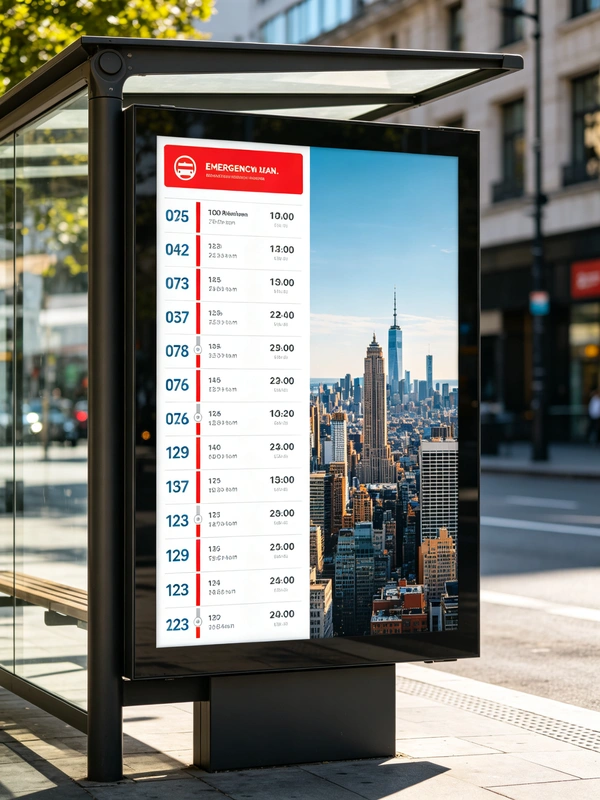
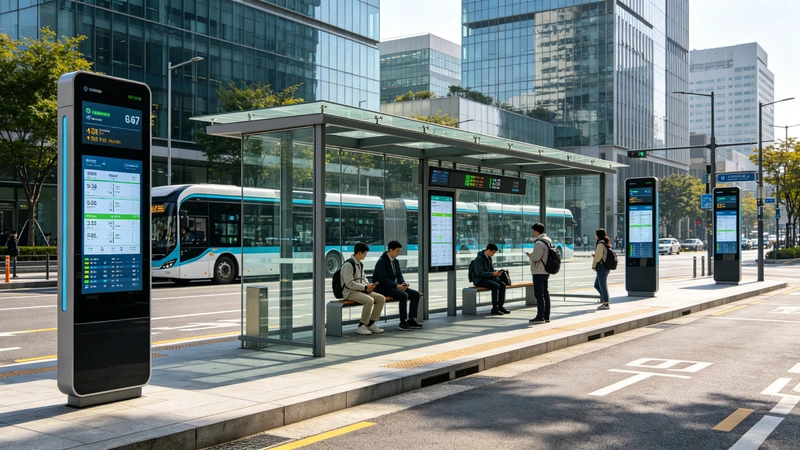
At bus terminals, interchanges and transit hubs, the display gives waiting passengers live arrival, platform and route-change information while operators use the same network to publish service alerts.
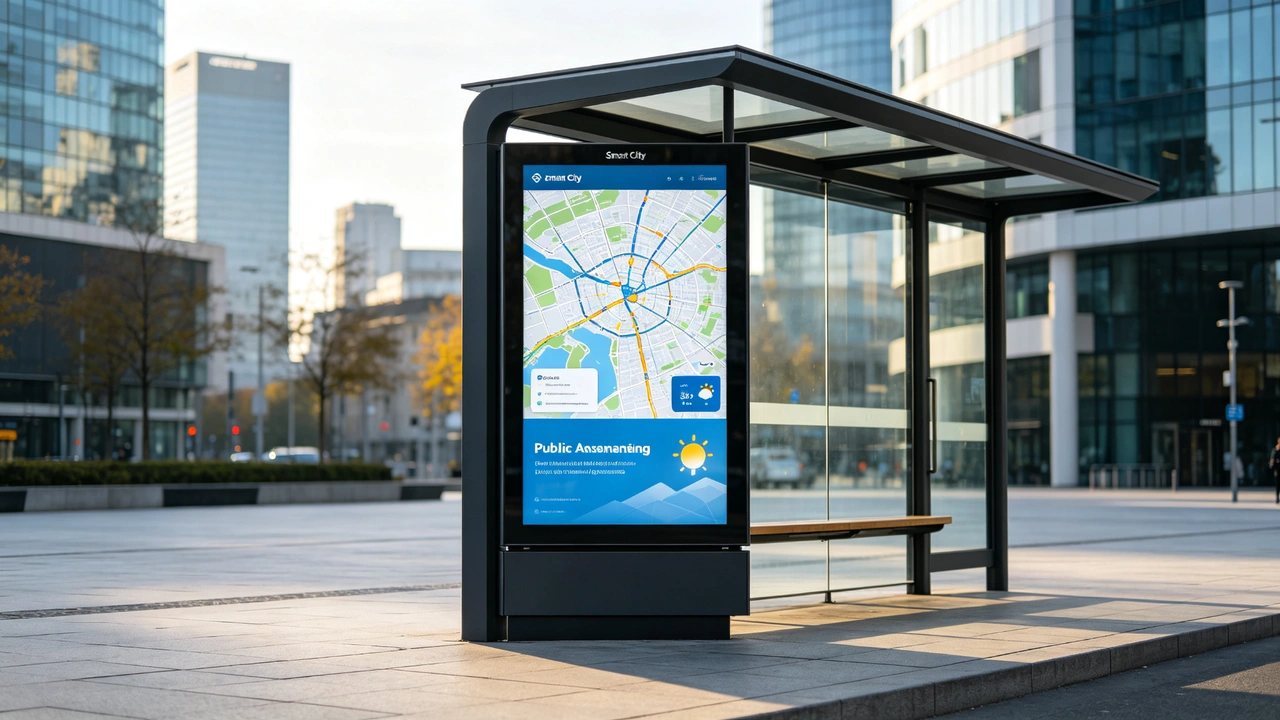
Beyond transit, the same terminal can serve as a smart-city node for city maps, public announcements, weather information, emergency notifications and local services.
For multi-stop projects, centralized management helps operators publish content, monitor device status and respond to service changes without visiting every bus stop individually.
| Network | Best For | Notes |
|---|---|---|
| LAN | Fixed shelters, hubs, city network projects | Plan cabling, waterproof joints, network permission |
| Wi-Fi | Sites with stable coverage | Confirm signal strength, security, offline strategy |
| 4G | Scattered sites without wired network | Confirm operator, data plan, frequency bands |
| 5G | High-data or advanced smart-city projects | Confirm coverage, cost, module compatibility |
| USB | Single-site, low-frequency updates | Not for real-time info or large remote fleets |
| GPS / IoT | Project device monitoring and location | Confirm platform, protocol, data management |
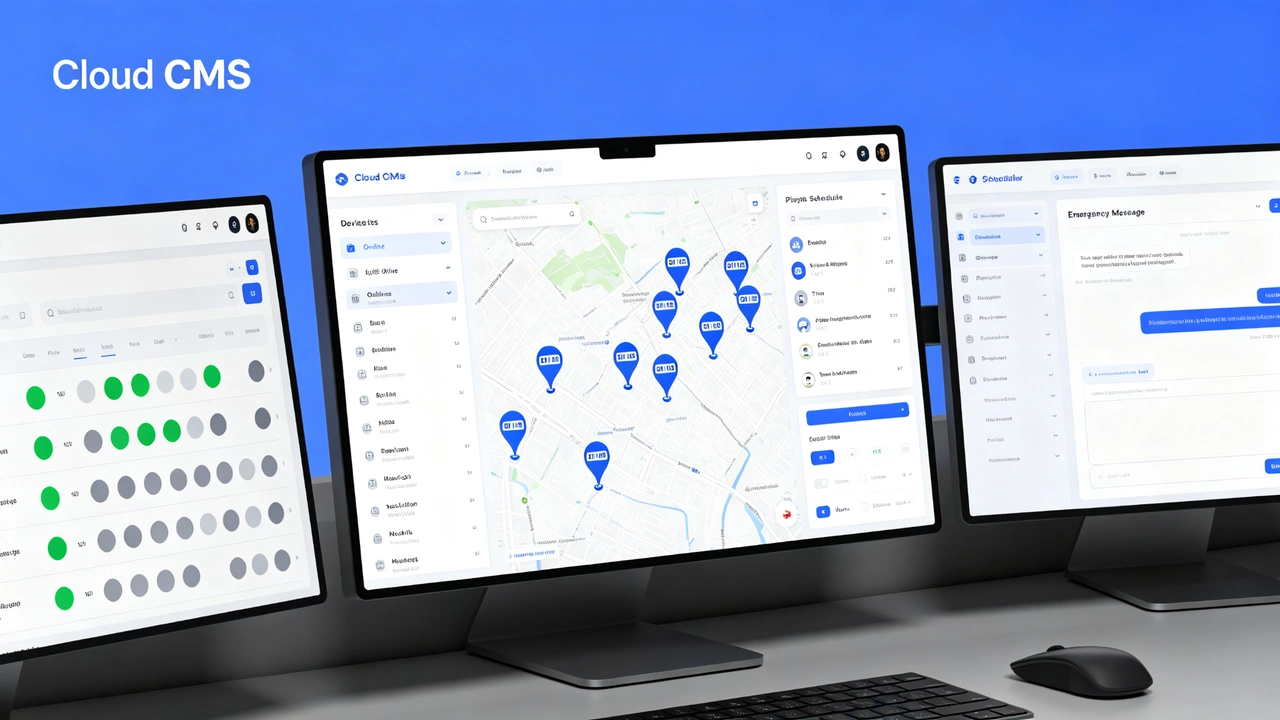
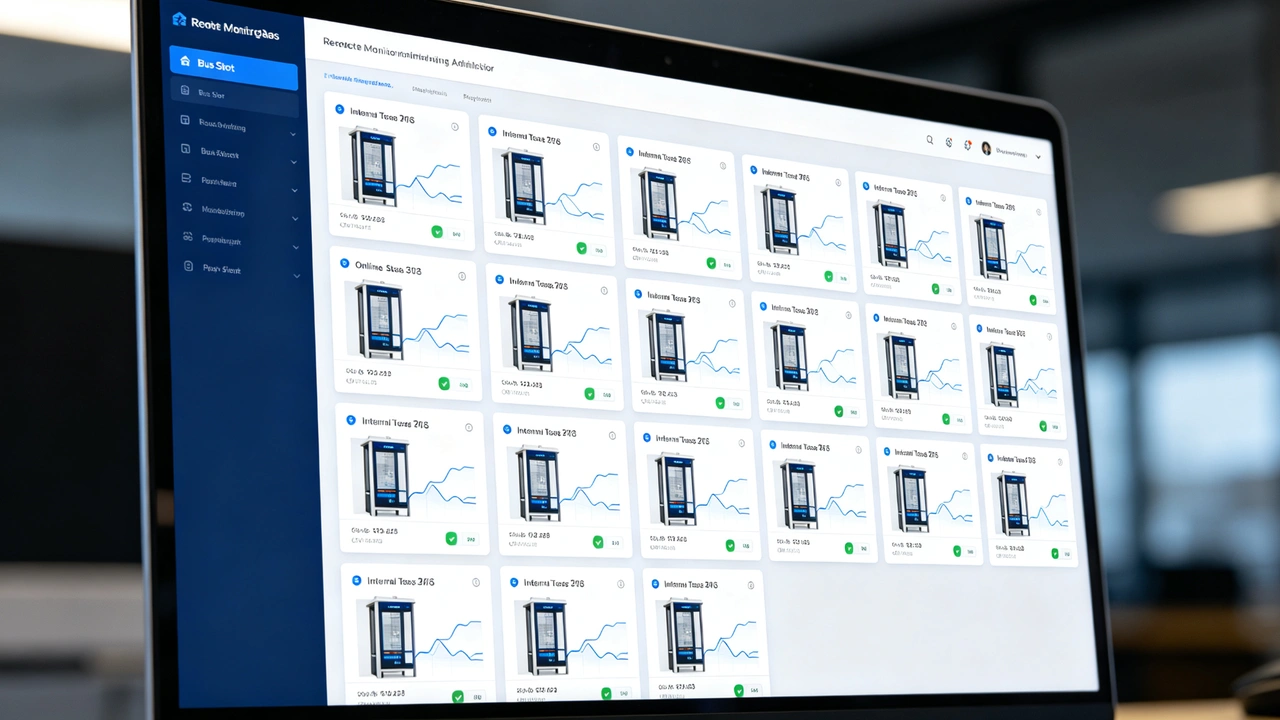
All interactive and peripheral modules below are optional and available upon project request. Software integration, enclosure protection, privacy requirements and local regulations should be reviewed during configuration.
Use this table to define your project configuration. Each item is confirmed before production — nothing is assumed.
| Configuration Item | Available Options | Confirm Before Ordering |
|---|---|---|
| Screen size | 32", 43", 49", 55", 65" or custom | Viewing distance, shelter space, advertising formats |
| Display orientation | Portrait | Content design, shelter and stop layout |
| Resolution | Full HD / 4K / project-specific | Transit-info density, advertising content, viewing distance |
| Brightness | Semi-outdoor / high-brightness / sunlight-readable | Sunlight, canopy, orientation, surrounding reflection |
| Enclosure protection | IP-rated option | Rain, dust, humidity, cleaning, environmental exposure |
| Glass | Tempered / laminated / anti-glare / AR option | Vandal resistance, reflection, clarity, safety requirements |
| Thermal system | Fan / air conditioner / heater / integrated control | Local max/min temperature, sunlight, humidity |
| Operating platform | Android / Windows / external player | CMS, real-time data software, customer applications |
| Connectivity | LAN / Wi-Fi / 4G / 5G / USB | Site network, data cost, backend requirements |
| Transit data | API / GTFS / GTFS-RT / custom integration | Data format, permissions, interface, update frequency |
| CMS | Cloud CMS / local server / third-party CMS | Stop count, user permissions, advertising operation model |
| Audio | Speaker / audio announcement | Voice announcements, ambient noise, time restrictions |
| Touch | Non-touch / PCAP touch | Query needs, glass, maintenance, interface design |
| Peripherals | QR / NFC / camera / printer / intercom | Software interfaces, environmental protection, privacy, compliance |
| Top header | Stop name / route logo / city logo / brand area | Visual standards, dimensions, identification content |
| Cabinet finish | Custom color / powder coating / printed graphics | City image, branding, corrosion requirements |
| Installation | Base plate / anchor bolts / embedded foundation | Ground type, wind load, construction plan |
| Power supply | AC / solar / battery backup option | Available power, supply stability, energy strategy |
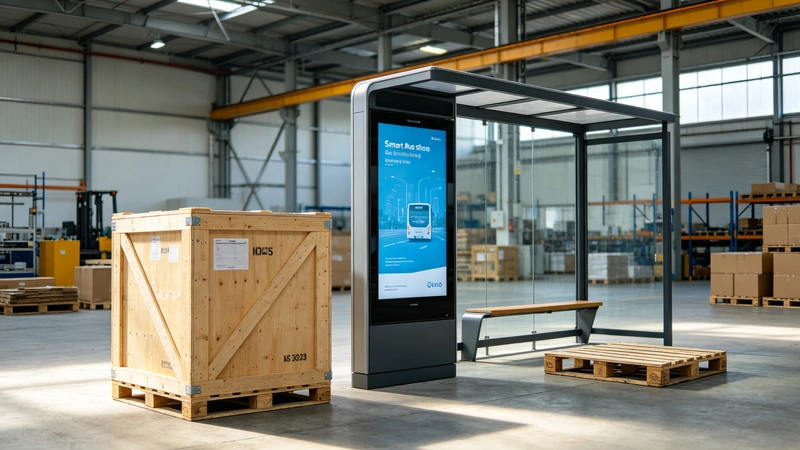
Specifications are finalized on the project drawing. The images on this page are for reference only — final screen size, operating system, top signage, audio, camera, solar power and transit-data integration are confirmed per project.
Send us the site survey below and we will return a project configuration with installation, anchoring, power and data recommendations.
The kiosk should be secured to a suitable foundation or structural base. The final base plate, anchor bolts and embedded structure must be designed according to the product dimensions, total weight, local wind condition, ground structure and applicable installation requirements.
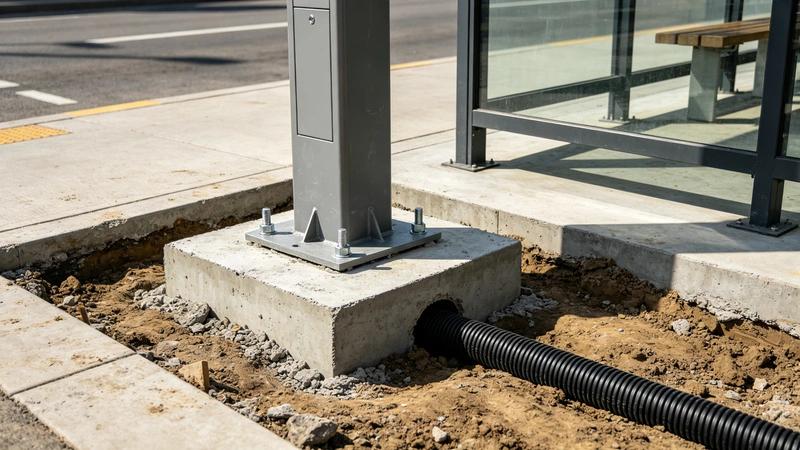
We support hardware configuration, enclosure customization, network planning and software-integration coordination for bus stop, smart shelter and public-information projects. Share your site conditions, passenger-information requirements, data interface and deployment quantity to receive a project-based recommendation.
Every display is inspected and tested before packaging, with test records available for project review.
Qtenboard is a China-based manufacturer of digital signage, kiosks, interactive flat panels and LCD video walls, serving B2B customers worldwide as an OEM / ODM partner.
Qtenboard has been the trusted OEM / ODM partner for many well-known international brands, with over 20 years of experience in global trade. Our three factories in China cover a total area of 33,000 m² and employ around 1,000 skilled workers. Today, Qtenboard products are exported to more than 100 countries.
Production capabilities include automated SMT lines, metal fabrication, in-house testing platforms and export packaging — the same factory process used for our digital signage and kiosk product lines supports smart bus stop projects from drawing confirmation to remote commissioning.
Challenge: a transit operator needed to replace paper timetables and keep passengers informed about delays and route changes across dozens of stops.
Solution: API-integrated portrait displays with ETA, vehicle-status and alert zones, grouped and published from one CMS.
Representative project scenario — full case references are shared under NDA after requirements are confirmed.
Challenge: a municipality managed scattered legacy signs with no remote management or unified design.
Solution: 4G-connected, CMS-managed bus stop displays with device monitoring, emergency-alert publishing and city branding.
Representative project scenario — full case references are shared under NDA after requirements are confirmed.
Challenge: a shelter and outdoor-media operator wanted to monetize shelter space while improving passenger guidance.
Solution: split-screen displays combining stop information with digital advertising, with optional touch, solar power and QR services.
Representative project scenario — full case references are shared under NDA after requirements are confirmed.
Certification scope and commercial terms are confirmed with each project — the tables below show what is typically included.
Configuration note: The images shown are for reference only. Final screen size, operating system, top signage, audio, camera, solar power and transit-data integration should be confirmed per project.
Real-time data note: Real-time passenger information requires integration with a compatible transit platform, API, GTFS/GTFS-Realtime feed or customer-provided data source. The display hardware alone does not generate real-time bus data.
Qtenboard · Longhua District, Shenzhen, China · info@qtenboard.com · +86 181 2471 3748

 EN
EN
 pt
pt  spa
spa  th
th  vie
vie  aze
aze  bel
bel  est
est  lav
lav  ukr
ukr  ru
ru