
 bel
 EN
 spa
 pt
 vie
 th
 est
 lav
 aze
 ukr
 ru
Choosing an interactive flat panel for multi-shift schools requires more than matching screen size to classroom capacity. Schools in Kazakhstan that operate morning and afternoon shifts should also consider actual daily operating hours, display specifications, maintenance arrangements and long-term ownership costs. The right selection balances viewing requirements with the workload expected from each classroom device.
For school administrators, education procurement teams and local system integrators, the practical approach is to assess three things together: the farthest viewing position, the panel's rated operating specifications and the school's actual usage schedule. This guide explains how to evaluate these factors before specifying interactive whiteboards for a multi-shift education project.
Why Multi-Shift Schools Need a Different Interactive Panel Selection Approach
In a single-shift classroom, an interactive display may be used mainly during one teaching period each day. In a two-shift or three-shift school, the same classroom equipment may serve different groups of students throughout the day.
This can increase the potential operating hours and the number of daily interactions with the screen. However, the actual workload depends on the school's timetable: a panel used for every lesson has a different duty cycle from one used only for selected subjects.
For procurement teams, this means that choosing a smart board should involve more than comparing 65-inch, 75-inch or 86-inch models. The specification should also account for daily use, environmental conditions, maintenance access and the expected deployment scale.
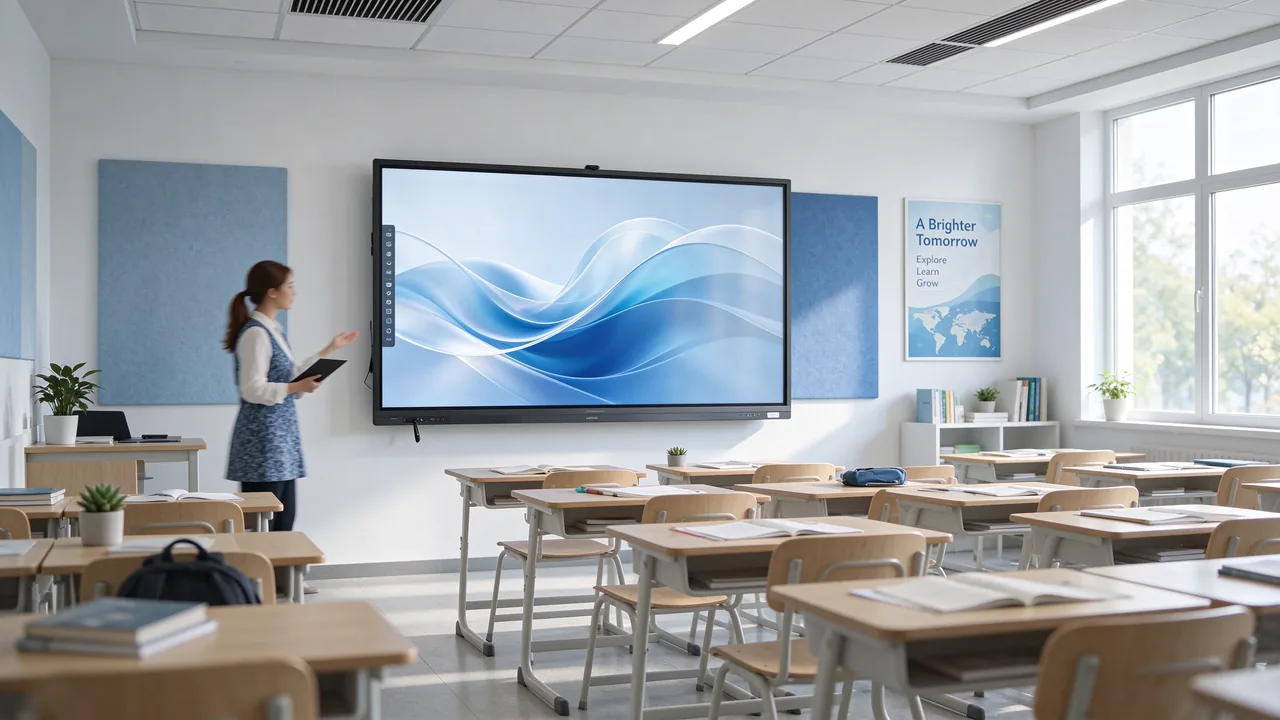
What Do Kazakhstan's School Shift Patterns Mean for Classroom Equipment?
Multi-shift education is an important consideration in Kazakhstan's school infrastructure planning. According to the National Bureau of Statistics of Kazakhstan, at the beginning of the 2024/2025 academic year, 4,665 general education schools conducted classes in two or three shifts. Approximately 3.372 million students attended the second and third shifts.
These figures provide useful context for education equipment suppliers and integrators. They show why classroom devices may need to support different groups of students across the same school day, particularly in schools where classroom capacity is under pressure.
However, national shift statistics should not be interpreted as a measurement of interactive panel operating hours. Some classrooms may use a display in most lessons, while others may use it only for selected teaching activities. A school-level usage schedule is therefore more useful than a national average when estimating equipment workload.
For a Kazakhstan education project, integrators should collect the following information from each participating school:
- Whether the school operates one, two or three teaching shifts.
- How many lessons typically use the interactive panel each day.
- Whether the same classroom and panel serve different age groups.
- How long the panel remains switched on between lessons.
- Whether the school has a regular shutdown and maintenance routine.
These details help establish a realistic operating profile before the equipment specification is finalised. They also help integrators avoid applying one usage assumption to every school in a regional procurement project.
How Do Daily Operating Hours Affect Interactive Flat Panel Lifespan?
Longer daily operation increases the number of hours accumulated by a display over time. For this reason, multi-shift schools should check the rated LCD life of the proposed model and estimate how many hours the panel is expected to operate each year.
Qtenboard's published education interactive panel specifications list an LCD life of 60,000 hours (typ.) for the referenced product range. This is a typical rated specification, not a promise that the complete interactive flat panel will operate for a fixed number of years without maintenance or component replacement.
Estimate annual operating hours first
Before making a theoretical comparison, schools should estimate actual daily use rather than assuming that every hour the school is open is an hour of panel operation.
For example, consider a hypothetical school where an interactive panel is actively used for four hours in each of two daily shifts. If the school operates the equipment on 200 days per year, the estimated annual operating time would be:
This is an illustrative planning assumption, not measured data from a Qtenboard customer or a Kazakhstan school. The actual figure should be based on the school's timetable, classroom activities and shutdown practices.
Understand what the rated LCD life does and does not tell you
A theoretical comparison can divide the rated LCD operating hours by the estimated annual operating hours. However, the result is only an hour-based reference calculation. It should not be presented as the expected service life of the complete device.
An interactive flat panel contains several systems, including the LCD, touch frame, mainboard, power supply, speakers and connectivity components. Their operating characteristics and service requirements are not necessarily identical to the LCD's rated life.
Actual operating conditions also matter. Buyers should consider ventilation, ambient temperature, dust exposure, power quality, installation clearance and whether the device is used within its specified working environment.
Check the specifications for the exact model
Qtenboard's published education product specifications list a typical LCD life of 60,000 hours and a working temperature range of 0°C to 40°C for the referenced models. These figures should be checked against the exact model and its current technical datasheet before they are included in a tender or purchase specification.
For multi-shift projects, procurement teams should also request model-specific information about touch performance, operating conditions, warranty coverage and maintenance support. A general LCD life figure alone is not enough to assess the long-term reliability of an interactive display installation.
How to Choose the Right Panel Size for a Multi-Shift Classroom
Screen size should be selected according to the classroom's viewing conditions, not simply the number of shifts. The most useful starting points are room depth, the farthest viewing position, seating distribution, screen mounting height and the maximum class size that will use the room.
For a school serving different groups throughout the day, size the panel for the largest expected class and the least favourable viewing position. Choosing according to average attendance may leave students in the back rows with a less suitable viewing experience.
Classroom size and viewing-distance reference
The following table summarises Qtenboard's online size calculator reference ranges. These are preliminary selection references, not fixed rules for every classroom. Actual sizing should be confirmed against the room layout and an on-site assessment.
| Panel size | Reference capacity | Reference room area | Optimal viewing distance | Максімальны ляс |
|---|---|---|---|---|
| 55 inches | 6–10 people | 12–18 m² | 1.5–3.5 m | 5.5 m |
| 65 inches | 10–15 people | 18–25 m² | 2.0–4.5 m | 6.5 m |
| 75 inches | 15–25 people | 25–35 m² | 2.5–5.5 m | 7.5 m |
| 86 цаляў | 25–35 people | 35–50 m² | 3.0–6.5 m | 8.6 m |
| 98 цаляў | 35–55 people | 50–75 m² | 3.5–8.0 m | 9.8 m |
| 105 цаляў | 50–75 people | 75–100 m² | 4.0–9.0 m | 10.5 m |
| 110 дзюйм | 70–120 people | 100–150 m² | 4.5–10.0 m | 11.0 m |
For example, an 86-inch interactive flat panel may be a suitable starting point for a standard classroom with approximately 25–35 users, depending on the room dimensions and seating arrangement. A larger panel may be more appropriate where the room is deeper or has a wider seating layout.
Multi-shift use does not automatically require a larger screen. If the classroom layout remains the same, the viewing-distance requirement remains broadly the same as well. The additional consideration is whether the selected device and its operating arrangements are appropriate for the expected daily workload.
Use a room-based size calculation before ordering
For projects involving multiple schools, avoid selecting one size based only on a general classroom label. Record the dimensions and seating layout of representative classrooms, then group rooms with similar viewing requirements into a standard equipment configuration.
Qtenboard &# 039;sКалькулятар вылучэння allows users to enter room dimensions and the number of users to compare suggested sizes and viewing-distance references. It is a useful starting point for project planning, but the final recommendation should still be checked against actual room conditions.
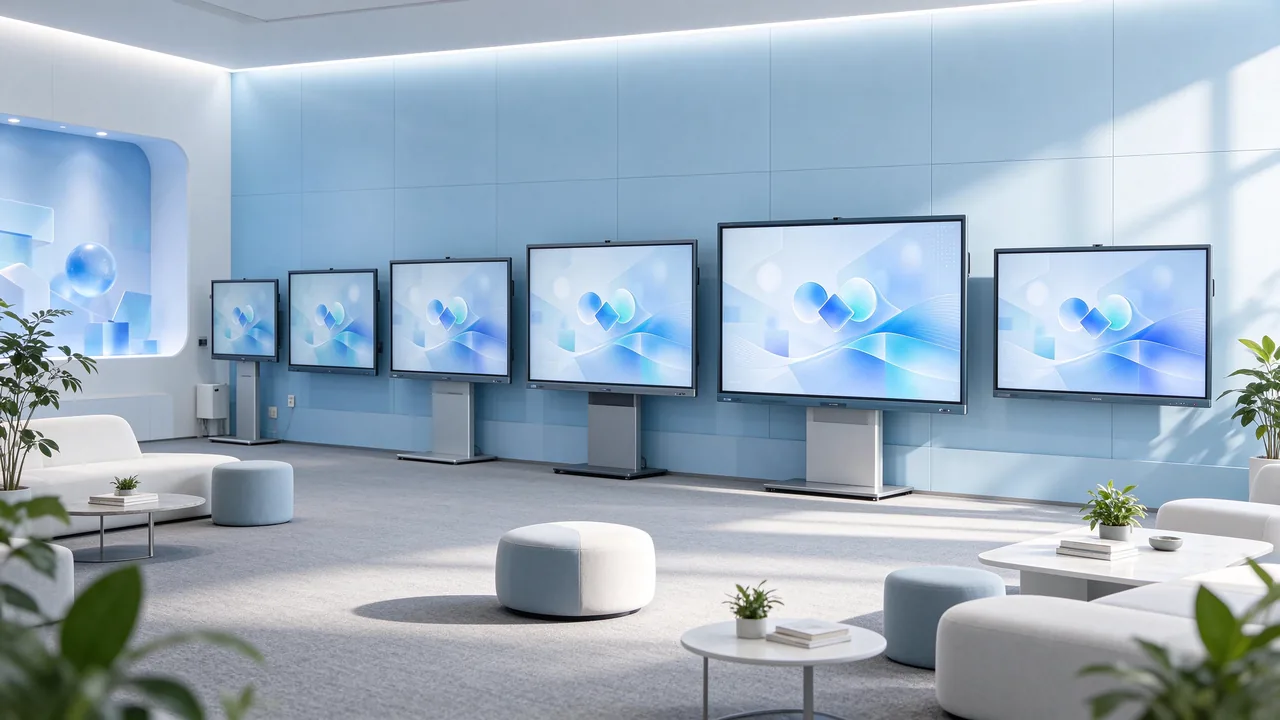
What Should Buyers Check Before Purchasing Panels for Multi-Shift Schools?
For a multi-shift school, the procurement specification should cover more than screen size and resolution. Buyers should compare the complete device configuration and confirm that the proposed model is appropriate for the school's operating environment.

1. LCD and display specifications
Check the native resolution, brightness, contrast ratio, viewing angle and rated LCD life. These specifications should be tied to the exact model being quoted rather than copied from a general product family description.
2. Touch performance and daily interaction
Different classes may use the same panel for writing, annotation, collaborative activities and interactive lessons. Buyers should confirm the supported touch-point configuration and ask for relevant model information about touch response and operation.
If the tender requires a specific touch durability rating or a defined number of touch cycles, request supporting documentation. Do not assume that a multi-touch specification by itself proves a particular durability level.
3. Ventilation and operating environment
Check the manufacturer's working temperature and humidity specifications and make sure the installation location allows adequate ventilation. Schools should avoid placing the panel where heating equipment, direct sunlight or restricted airflow could create unsuitable operating conditions.
For Kazakhstan projects, indoor winter heating and seasonal changes make it important to assess the actual classroom environment. The product's specified operating temperature should be compared with the expected conditions where the equipment will be installed and used.
4. Warranty, spare parts and technical support
Warranty terms should be confirmed for the exact model, order and project. Buyers should identify what is covered, the warranty period stated in the quotation or contract, and the process for reporting a fault.
For large education deployments, integrators should also plan how common replacement parts will be handled and who will perform local inspection, installation or component replacement. Factory documentation, remote technical assistance and an agreed spare-parts plan can help local service teams manage equipment more efficiently.
5. Consistency across a multi-school deployment
When a project supplies multiple schools, standardising the model range and configuration can simplify installation, teacher training, maintenance and future procurement. Integrators should confirm whether the proposed models share the required software environment, interfaces and management arrangements.
For a broader view of Qtenboard's education display configurations, visit the Qtenboard education interactive whiteboard product page.
How Can Schools Reduce Downtime and Long-Term Ownership Costs?
In a multi-shift environment, equipment downtime can affect more than one group of students. If a classroom display is unavailable, teachers may need to change lesson plans or move activities to another room. This makes maintenance planning an important part of the original purchasing decision.
Build a practical maintenance plan
Schools and integrators should agree on basic inspection routines, cleaning procedures, ventilation checks and fault-reporting responsibilities. Teachers should also receive simple operating guidance so that avoidable handling or configuration problems can be reduced.
For projects with many deployed devices, a documented model list and serial-number record can make it easier to identify equipment, coordinate technical support and plan replacement parts. Where the selected configuration supports central device management, integrators can also evaluate whether remote monitoring and update functions are appropriate for the school network and management policy.
Consider total cost of ownership, not only purchase price
The initial equipment quotation is only one part of a school's long-term investment. Maintenance, installation, spare parts and eventual replacement should also be considered when comparing different configurations.
This is a simplified planning framework rather than a fixed accounting formula. Depending on the project, buyers may also need to consider training, logistics, software management and the cost of classroom disruption when equipment is unavailable.
For a school group or education authority, a consistent equipment platform may simplify spare-parts planning and technical training across sites. Integrators should compare the complete deployment and support requirements rather than choosing solely on the lowest unit price.
Qtenboard &# 039;seducation solution overview provides further information about interactive displays and related classroom equipment for school deployments.
A Practical Planning Example for a Two-Shift Classroom
The following is a hypothetical planning example, not a real Qtenboard customer case. It illustrates how an integrator can combine classroom size, student capacity and operating hours before preparing a quotation.
| Planning item | Illustrative assumption |
|---|---|
| Classroom length | 8 metres |
| Maximum class size | 32 students |
| Teaching schedule | Two shifts per day |
| Estimated panel use | 4 hours per shift |
| Estimated daily operating time | 8 hours |
| Annual operating days | 200 days |
| Estimated annual operating hours | 1,600 hours |
With 32 students, an 86-inch panel is a reasonable size to investigate because Qtenboard's calculator lists 25–35 users as a reference capacity for that size. The classroom's actual farthest viewing position, screen mounting height and seating layout must still be checked before confirming the model.
The assumed eight operating hours per day also provide a starting point for estimating annual usage. The integrator should confirm whether the panel is switched off between shifts, remains in standby or is used for additional activities outside regular lessons.
For a project involving several schools, repeat this assessment for representative classroom types rather than applying the same configuration to every room. This produces a more defensible equipment schedule and a clearer basis for the final quotation.
Frequently Asked Questions About Interactive Panels for Multi-Shift Schools
Does two-shift use shorten an interactive flat panel's lifespan?
Two-shift use can increase daily operating hours, which means the display accumulates operating time more quickly. However, actual service life also depends on the model, operating environment, ventilation, power conditions and maintenance. Schools should estimate real usage hours and check the rated specifications for the exact device.
What size interactive flat panel is suitable for a 30-student classroom?
An 86-inch panel is a useful starting point to assess for a classroom of around 30 students. The final choice depends on room depth, the farthest viewing position, seating layout and screen mounting height. A room-based calculation is more reliable than student count alone.
How many hours can an interactive flat panel operate per day?
The appropriate daily operating schedule depends on the exact model specifications and the manufacturer's operating conditions. Schools should confirm the rated parameters and avoid assuming that a typical LCD life figure guarantees a particular number of years of continuous operation.
Should multi-shift schools choose a longer warranty?
Schools with higher equipment usage may want to compare warranty coverage and service arrangements carefully. The warranty period and covered components should be confirmed for the exact model and project in writing. A longer warranty should not be assumed to be included unless it is specified in the quotation or contract.
Can one interactive flat panel serve both primary and secondary school shifts?
One panel can serve different student groups if the classroom size, viewing conditions and teaching requirements are suitable. Schools should also consider how teachers will manage user accounts, lesson content, device settings and classroom handovers between shifts.
Plan Your Classroom Display Configuration with Qtenboard
Choosing an interactive flat panel for a multi-shift school requires a clear understanding of classroom dimensions, maximum class size, daily operating hours and maintenance expectations. These details help education buyers and local integrators select a suitable size and prepare a more complete equipment specification.
Qtenboard provides education interactive flat panels in 55-inch to 110-inch sizes. For a project quotation, share the classroom dimensions, maximum number of students, number of daily shifts, estimated operating hours and required quantities so that the product configuration can be assessed against the project requirements.
Whether you are planning a single-school upgrade or a multi-site education deployment in Kazakhstan, Qtenboard can discuss the relevant product options and project requirements with your team.
Explore Qtenboard education interactive panels І contact Qtenboard to discuss your classroom configuration and project requirements.