Most training rooms are still a laptop, a projector and a flip chart that nobody can read from the back row. An interactive collaboration display replaces that stack with one 4K touch surface: present, annotate, co-create and hand the notes to the room in the same session. Qtenboard builds these panels from 55" to 110" for corporate training rooms, and configures them around your room, not the other way round.
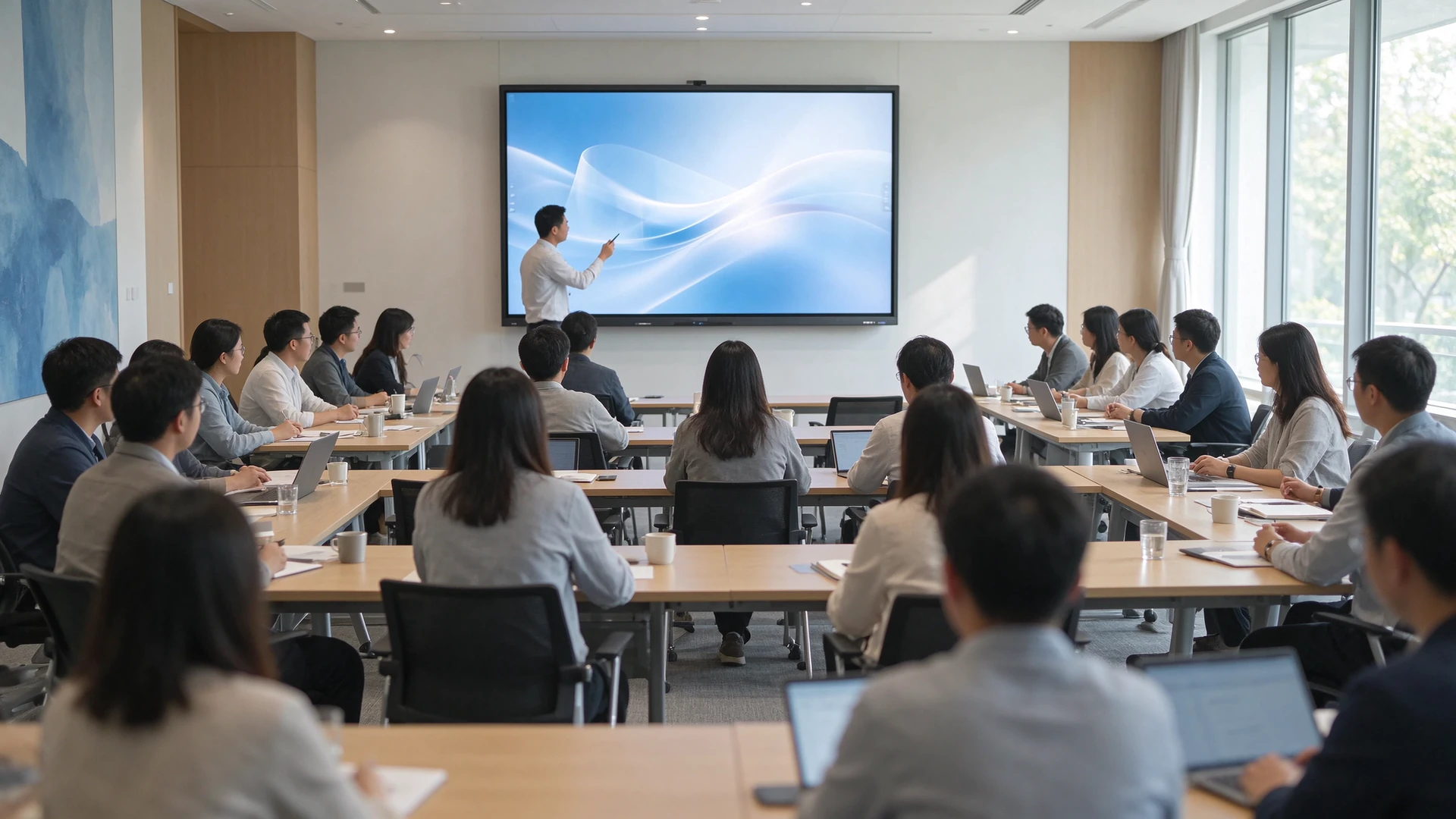
A standard corporate training room: one 86" wall-mounted interactive display, front of room, all seats inside the legible zone.
Diagnose first
Before comparing panels, name the failure. In most L&D and HR feedback, the loss is not the content — it is the four handovers between content and people.
A projector washed out by window light, or a panel too small for the room depth, and half the group stops reading the material.
Without a touch surface, exercises stay verbal. Nobody edits the flow chart, corrects the process step or writes on the material.
Flip-chart pages get photographed on someone's phone, the whiteboard is erased, and the next cohort starts from nothing.
Cable swapping, no shared canvas, a camera nobody controls — the remote half of the class cannot contribute to the same board.
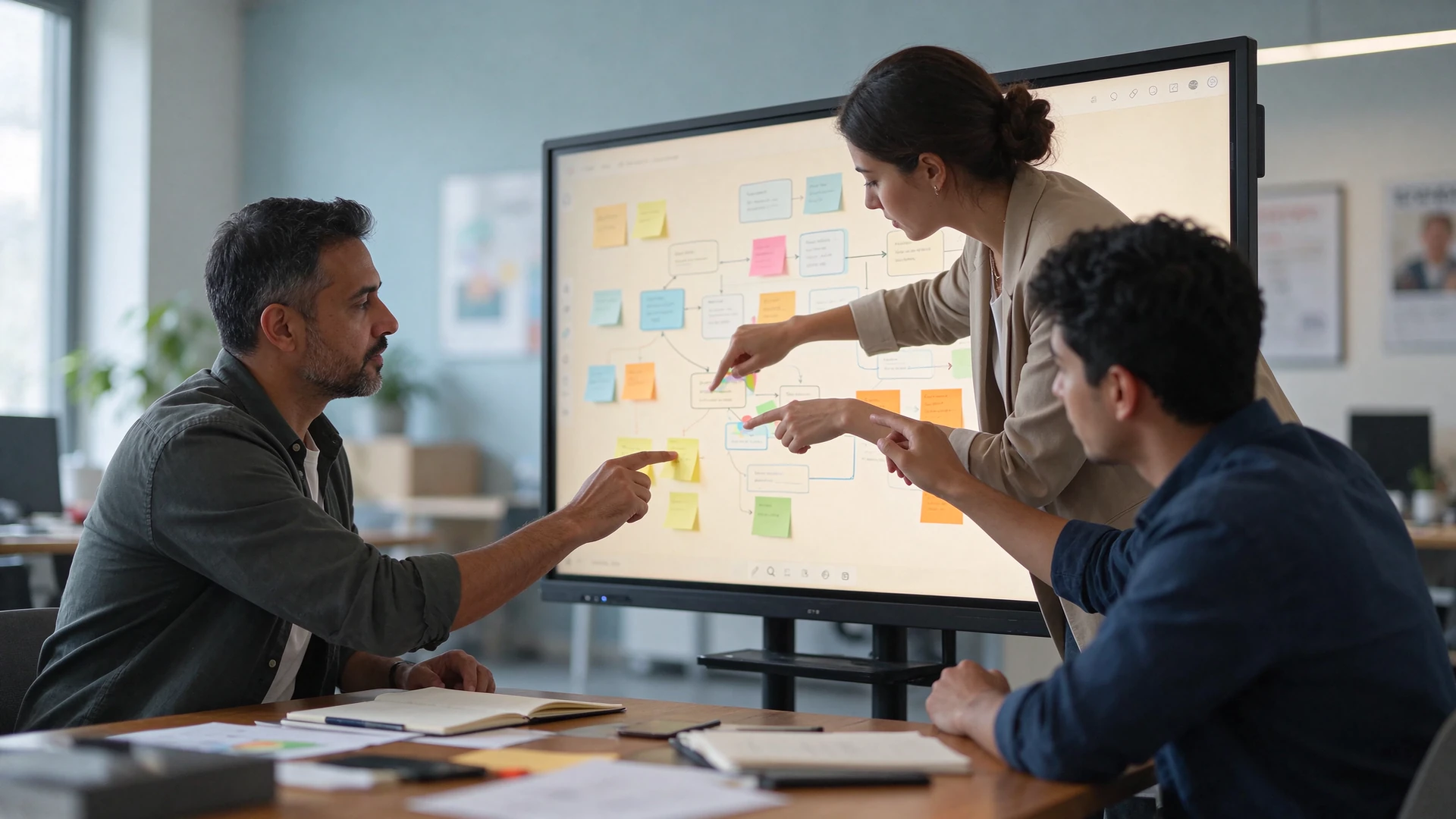
Workshop mode: several participants write and rearrange content on the same canvas simultaneously.
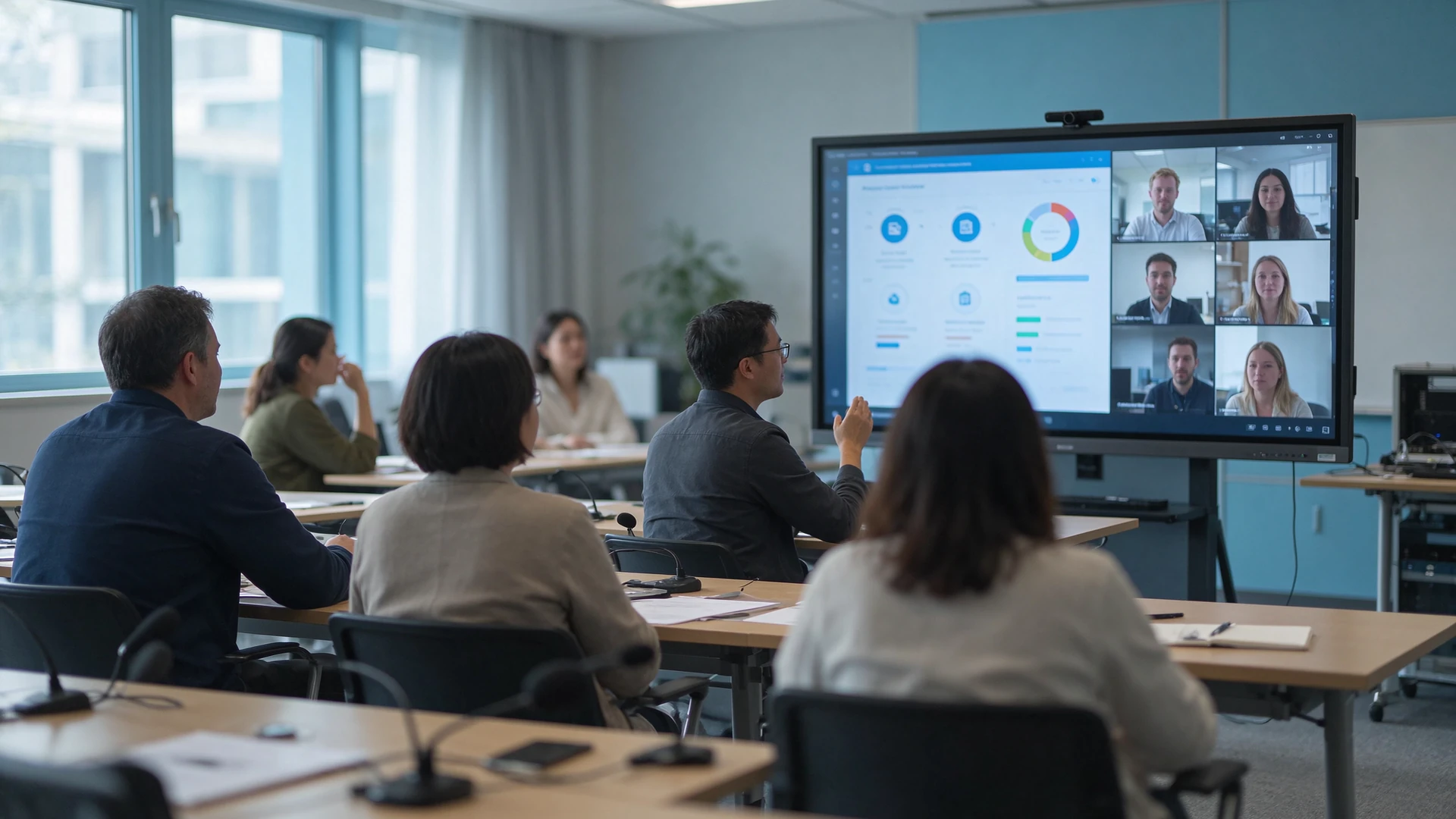
Hybrid mode: on-site group and remote trainees on one screen, with one shared board to annotate.
Capability, mapped to the room
A training room is not a boardroom with more chairs. It is a room where content is produced, not only presented. These five capabilities are the ones that change how a session runs.
4K UHD on an anti-glare panel, sized by room depth rather than by budget. Under 4 m of room depth we normally start at 75"; a 20+ seat training room usually lands on 86" to 98", and lecture-style spaces on 110".
Check: 3840×2160 native, anti-glare coating, brightness that survives daylight, and the actual legible distance — not the diagonal alone.
Group exercises fail when the panel accepts two fingers at a time. Multi-point infrared touch lets several trainees write, move objects and annotate together, which is what turns an exercise from a demo into practice.
Check: simultaneous touch points, palm rejection, and writing latency when four people are active at once.
The first ten minutes should not be spent finding a cable. Wireless casting from laptop, phone or tablet, plus native running of familiar meeting apps on the panel, removes the adapter bag and the "can you see my screen?" loop.
Check: cast from mixed OS devices, wired HDMI/USB-C fallback, and whether the panel runs the conferencing app itself or needs a room PC.
A board that is erased at 5 p.m. is a cost. Saved whiteboards, annotated slides and the exercise output should be shareable as a file, a link or a QR code so the material becomes the next cohort's starting point.
Check: save/export formats, QR or link sharing, and where the files actually live — local, cloud, or both.
Multi-site training standardises on one model, one firmware baseline and one remote management platform, so a room in another building does not become a separate support contract.
Check: device management (fleet status, remote update, app deployment), account and permission model, and spare-parts policy.
Training rooms differ: fixed wall, mobile stand, dual-system Android plus Windows OPS for legacy courseware, camera and mic array for hybrid delivery. The panel should arrive as a room kit, with the mounting and compute decided before the order.
Check: OPS module options, VESA-compatible mobile stand, camera/mic pairing, and OEM/ODM if your brand or tender requires it.
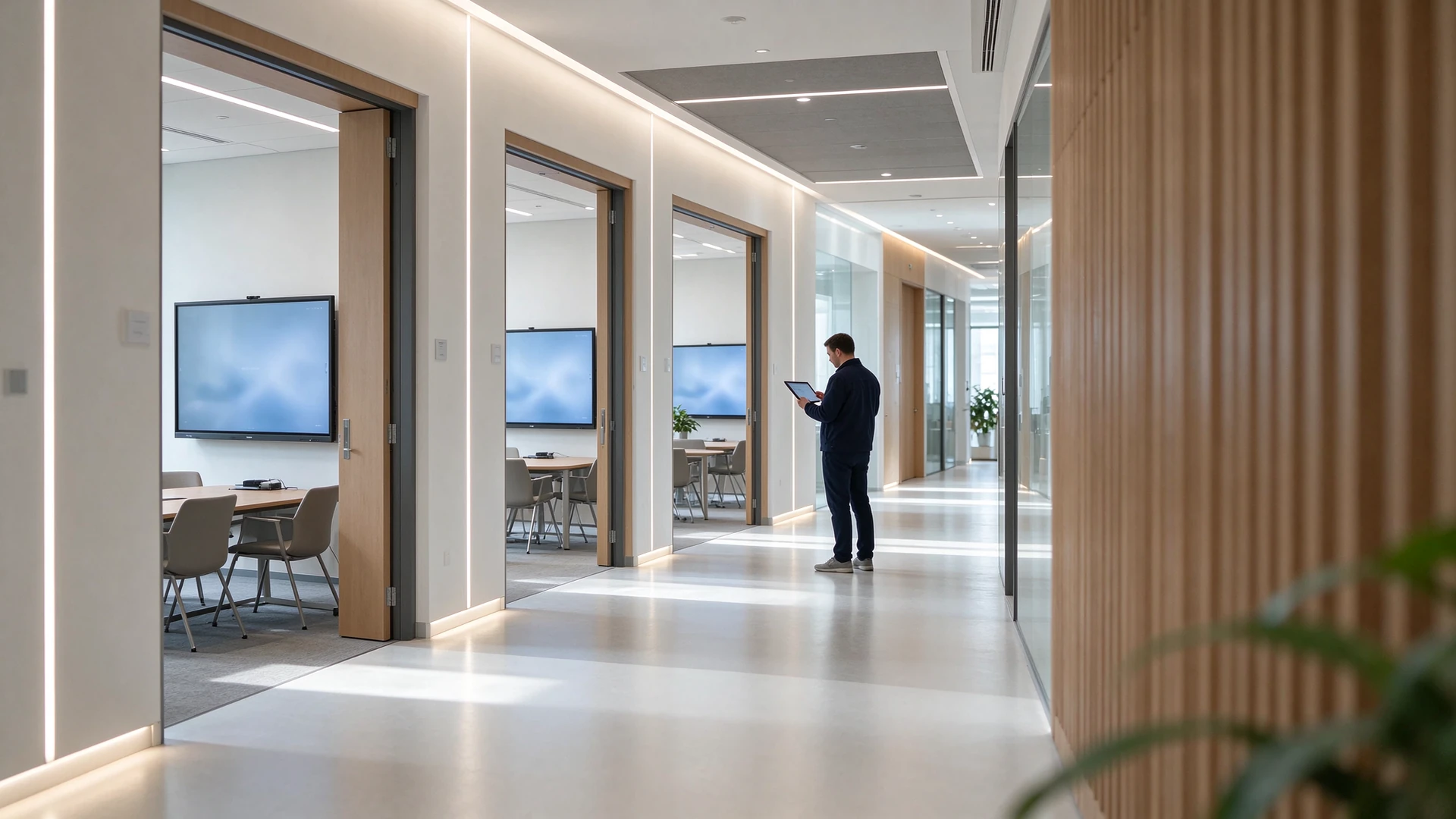
Multi-site standard: the same panel in every training room, updated and monitored from one management platform.
Three room types
Same platform, different room kits. Each configuration below is the one we quote most often for that programme type.
High-frequency, high-repeat sessions with a rotating audience. The value is consistency and reuse: one deck, one board, one saved output per cohort.
Split-screen comparison, objection handling, live role-play annotation. Two sources side by side on one surface is the single most requested feature here.
Long sessions, dense diagrams, mandatory attendance records, and often several sites at once. Hybrid delivery plus content capture is the requirement, not a bonus.
Aquisições
Use this to fix the three decisions that cause most re-orders. Every figure is a starting point — final configuration is confirmed per room and per project.
| Room / programme | Seats | Panel size | Monte | Qtenboard reference |
|---|---|---|---|---|
| Huddle training corner | 4–8 | 65"–75" 4K | Suporte móvel | Mobile display trolley |
| Sala formação standard | 10–20 | 75"–86" 4K | Montagem parede | Interactive meeting whiteboard |
| Grande sala formação | 20–40 | 86"–98" 4K, multi-touch | Wall mount + OPS | Módulo OPS computar |
| Auditorium / multi-site briefing | 40+ | 98"–110" 4K | Wall or trolley | Escala do tamanho do painel |
| Workshop / co-creation breakout | 6–12 | 65"–86", high touch count | Suporte móvel | Wireless cast dongle |
Specifications are configuration-dependent and confirmed per project; final size is validated against room depth and sight lines.
Business case, without invented numbers
Skip the ROI slide. Measure the five things a training manager can actually observe before and after the deployment — that is what a procurement committee will trust.
Minutes from trainer arrival to first slide on screen. Cable and app switching is the usual culprit.
How many sessions start from a saved board or exported deck instead of a blank canvas.
Number of trainees who touched the surface during an exercise, not the number who attended.
Whether remote sites annotated the same board, or only watched the on-site room.
Per-room incidents per month after central management replaces room-by-room visits.
How many different panel models and firmware versions IT is now maintaining across sites.
Deployment notes
The group ran induction, safety and supervisor training in three buildings with three different projector setups. Standardising on one 86" interactive display per room, wall-mounted with a wireless cast kit and a single management platform, removed the per-room cable inventory and gave HR one saved output format for every cohort.
“Trainers used to lose the first minutes of every session on cables and connections. Same panel in every room changed the start of the day.” — facilities & IT operations lead, training centre
A technical training centre needed Windows courseware in rooms without fixed AV. A 75" panel on a height-adjustable trolley with an OPS Windows module now moves between labs, and course diagrams are annotated live and exported after each module instead of being redrawn on a whiteboard.
“The room stopped deciding what we could teach. The panel follows the course.” — technical training manager
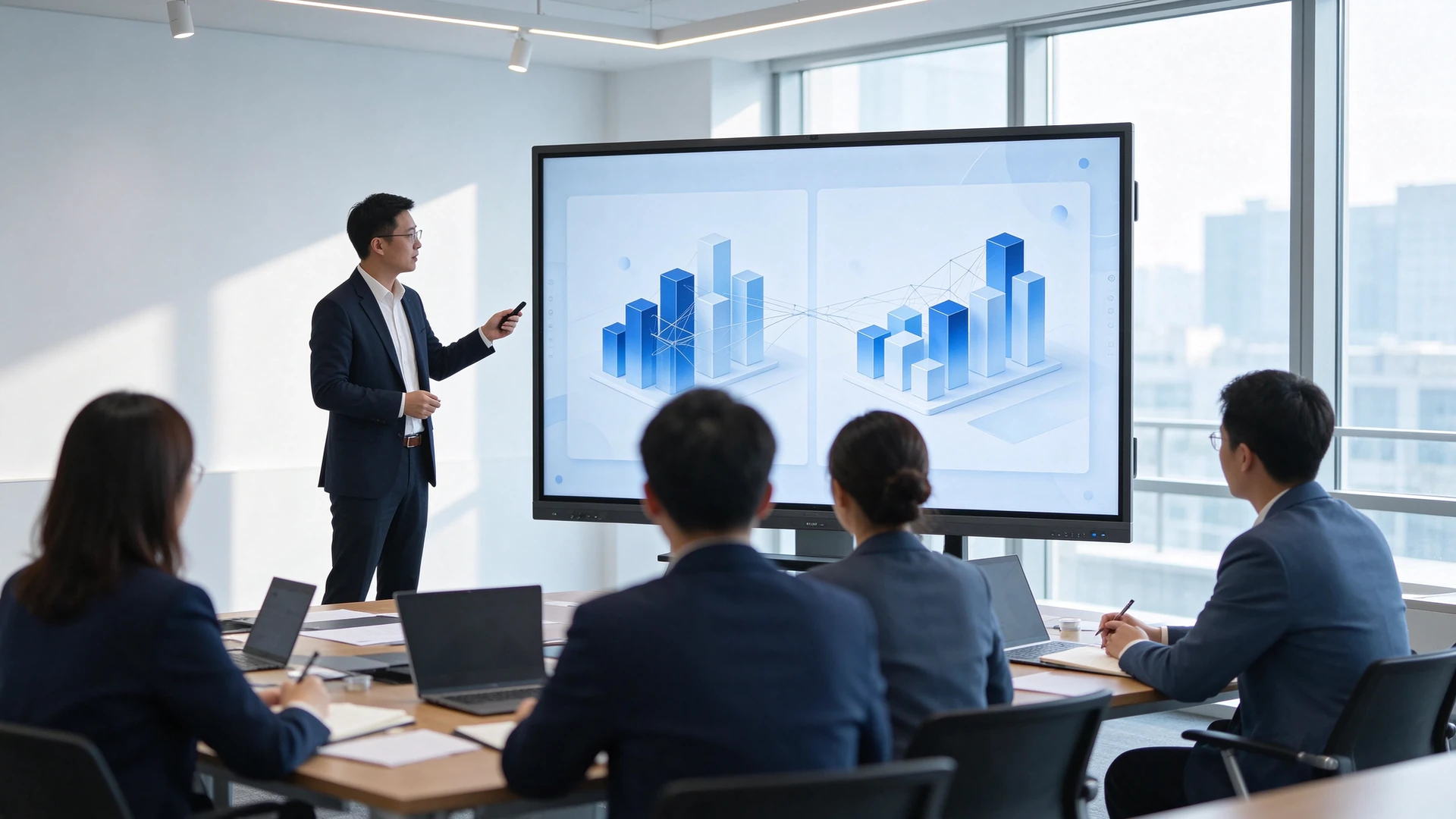
Product training: side-by-side comparison on one 98" surface, annotated live by the trainer.
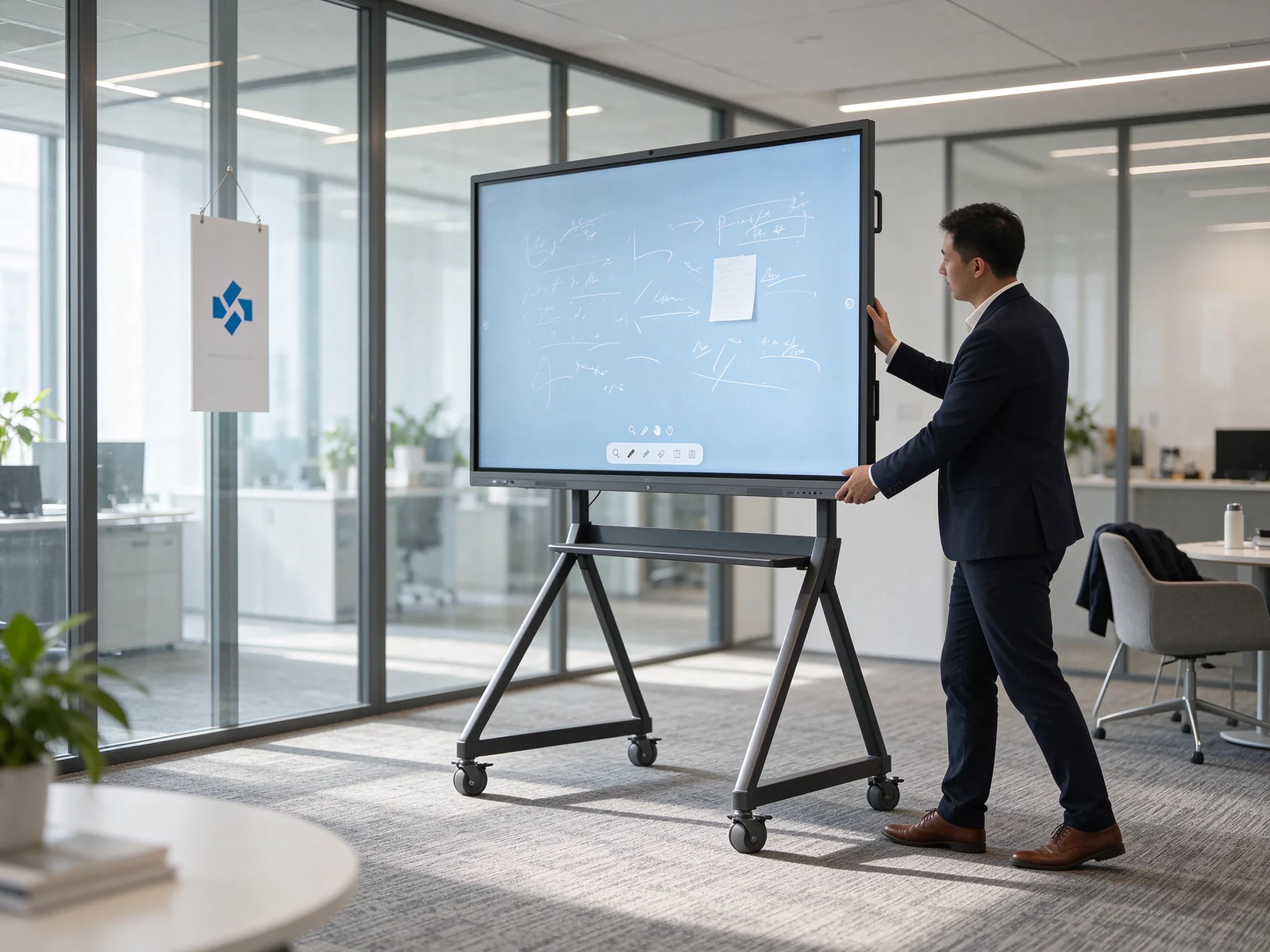
Mobile configuration: panel on a height-adjustable trolley, moved between labs and rooms.
Buyer questions
No. The panel runs a built-in whiteboard and annotation layer, plus native meeting apps on the Android side. Windows courseware runs on an optional slot-in OPS module, so legacy training software stays where it is.
Yes — the panel is designed to run mainstream conferencing apps itself and to accept a room PC or laptop over HDMI/USB-C. Camera and microphone pairing is decided at configuration, since hybrid training rooms need both.
Multi-point infrared touch supports group exercises with several active writers. The touch point count is a datasheet item to confirm for the exact model and size you order, because it changes with panel generation.
Boards, annotations and slides can be saved and distributed as a file, a link or a QR code to participants' devices, so the next cohort reuses the output instead of rebuilding it.
Fixed training rooms are normally wall-mounted for sight lines and safety; multi-room or lab-based programmes use a height-adjustable trolley. Both are available for the 55"–110" range, with VESA-compatible mounting.
Often yes — an older screen can serve as a secondary display while the interactive panel becomes the working surface. We map the room during configuration rather than assuming full replacement.
Yes. Qtenboard supplies project documentation, OEM/ODM customisation for branding and boot logo, and consolidated device management for fleets, which is what multi-site training programmes usually require.
Tell us seats, room depth, programme type and whether the site is fixed or mobile. We come back with panel size, system option, mount and accessories — plus a quote for the quantity you are actually planning.
Keep reading

CEO | Display interativo e solução colaboração Expert
Eu sou o fundador da Qtenboard, trazendo mais de 17 anos de experiência prática para a indústria de telas sensíveis ao toque. Com base na perspectiva de gestão global adquirida através dos meus estudos EMBA na ShenZhen University, lidero minha equipe na otimização de todas as etapas de nossas operações-desde a definição do produto até o gerenciamento da cadeia de suprimentos de alta eficiência-garantindo que nossas capacidades de fabricação permaneçam na vanguarda do setor.
Como líder da Qtenboard, sou especialista em fornecer soluções OEM/ODM personalizadas para quadros interativos, paredes de vídeo LCD, sinalização digital e terminais de toque de nível industrial. Apoiados por nosso parque industrial moderno de 330.000 m² em Shenzhen, mantemos controle de ciclo de vida completo sobre design industrial, fabricação de precisão e testes rigorosos de desempenho.
Com quase duas décadas de experiência em projetos, as soluções de exibição da Qtenboard estão implantadas em mais de 120 países e regiões, conquistando a confiança de mais de 15.000 clientes corporativos em todo o mundo. Se você está procurando um sócio responsivo com uma fundação profunda da fabricação para seus projetos personalizados da exposição do toque, minha equipe e eu estamos prontos para apoiar sua visão com excelência profissional.
 pt
 EN
 spa
 vie
 th
 est
 lav
 aze
 ukr
 bel
 ru