A buying framework for district procurement teams, corporate IT/AV, systems integrators and education distributors — built around the checks that decide whether the boards are still in service in year three, not whether they looked good in the demo room.
On this page
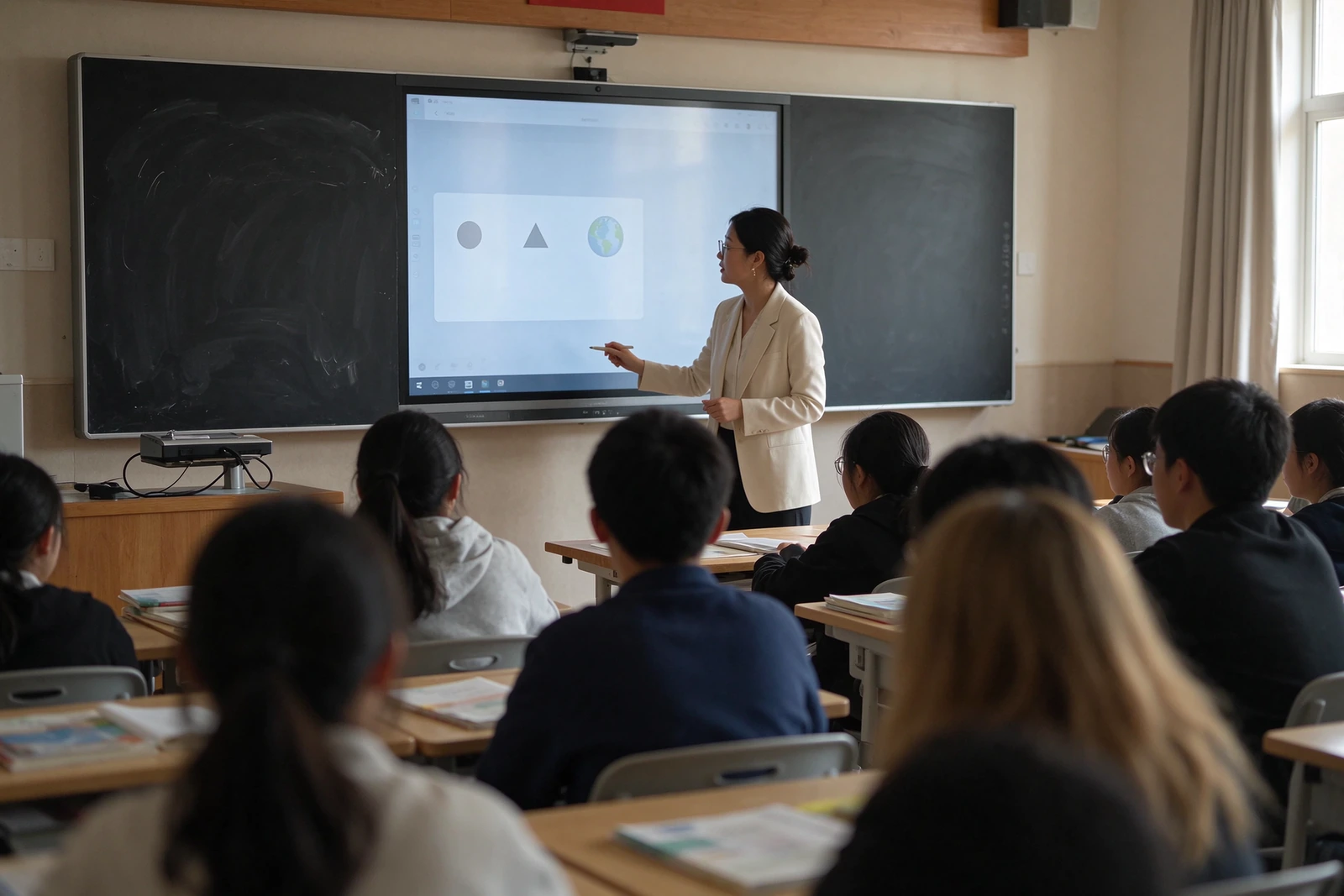
The phrase travels badly. In Chinese procurement documents, the category is dianzi heiban — literally an electronic blackboard — and it usually describes a wall-mounted assembly with a central interactive display flanked by writing surfaces. When that term is translated into English as "e-blackboard", it gets mixed with "interactive whiteboard", "interactive flat panel", "smart board" and "digital blackboard", all of which have overlapping but not identical meanings.
This matters commercially, not just linguistically. A standalone 86-inch interactive flat panel and an 86-inch blackboard assembly with two writing panels, a bonding layer and reinforced mounting hardware are different products at different price points. If your specification says "e-blackboard" and you quote a standalone panel, you can lose the evaluation on a technicality. If your specification says "interactive flat panel" but the classroom has no projection surface left after installation, teachers will keep using the old board next to it.
Four form factors that are routinely confused in tender documents
| Form factor | Typical sizes | Best fit | Where sourcing goes wrong |
|---|---|---|---|
| Nano smart blackboard (central display + writing sides) | 75", 85", 86", 98" | Standard and large classrooms, replacing an existing green or black board in place | Transmittance and anti-glare quality of the front glass are rarely specified, so cheap laminations look grey in daylight |
| Standalone interactive flat panel | 55"–110" | Meeting rooms, training rooms, classrooms that already have separate writing space | Buyers compare touch points and price but ignore the OPS slot and Android version |
| Blackboard with add-on screen | 65"–86" add-on | Retrofit projects with a tight budget and an existing board that must stay | Cabling, power and mounting are quoted separately, so installation cost doubles |
| Mobile interactive panel on a cart | 55"–86" | Shared teaching rooms, temporary classrooms, multi-room corporate use | Cart stability and height adjustment are afterthoughts; the panel is fine, the stand is not |
Before you approach any supplier, write three sentences into the specification: the form factor, the size, and the mounting condition (existing wall, reinforced wall, or mobile stand). Those three lines remove most of the ambiguity that suppliers exploit when they quote a cheaper equivalent.
The hardware overlaps heavily, but the purchasing logic does not. A school is buying a teaching surface that has to survive contact with 30 students, five lessons a day, and a teacher who has never used a digital board before. An enterprise is buying a collaboration endpoint that has to behave predictably inside an existing IT environment, where a failed firmware update is an escalation to the CIO's office.
Same product category, different acceptance criteria
| Dimension | School / district | Enterprise |
|---|---|---|
| Who decides | Procurement office plus academic leadership; teacher representatives influence adoption but rarely sign the contract | IT/AV plus facilities; procurement executes, IT holds the veto on compatibility |
| Deployment rhythm | Concentrated in term breaks and summer holidays; a late delivery is a lost installation season | Staged by floor or by site, usually outside peak meeting periods |
| Core risk | The equipment is installed but not used, because training stopped at "here is the power button" | The room works in isolation but fails on a real call with an external client |
| Acceptance test | One real lesson, taught by a subject teacher, with the class present | One real hybrid meeting, with remote participants on the platform the company actually uses |
| Contract emphasis | Training days, phased delivery, spare units during the installation window | Network requirements, device management, security update cadence, swap-out policy |
| Hidden cost centre | Teacher time and lesson-planning adaptation | IT administration of dozens of devices that cannot be managed remotely |
Most tender documents treat verification as a document-collection exercise: a business licence, a CE certificate, an ISO 9001 certificate, a handful of photographs. That set proves very little. A certificate may cover a different model in the same family. An ISO certificate may cover a factory that produces a different product line. A photograph may come from a project the supplier installed as a subcontractor.
A working definition of a verified supplier has four parts: the certificate names the model you are buying; the software licence terms are stated in the offer, not in a brochure; the delivery record for a comparable project exists and can be discussed with a reference; and the after-sales terms are written as obligations with response times, not as intentions. Ask for each of those four in the same request, and you will see quickly which suppliers have done this before.
Every e-blackboard offer you receive comes from one of three kinds of company: a source factory that builds the hardware, a brand or authorised distributor that resells it with support obligations, or a local integrator that assembles the room around it. Each is correct for a different buyer, and each has a failure mode that no amount of price negotiation fixes.
Supplier types by project type
| Type | Strength | Structural limitation | Choose it when |
|---|---|---|---|
| Source factory (OEM/ODM) | Configuration control, custom bezels and firmware, private-label packaging, direct engineering contact | You carry more of the project management; branding and local service must be built by you | You are a distributor, an integrator, a private-label brand, or a buyer with a technical team |
| Brand or authorised distributor | Documented service network, standardised models, predictable resale value | Little configuration flexibility; list prices rarely move much; accessories are locked to the brand | You are a school or enterprise buying a small quantity with a fixed budget line |
| Local integrator | Installation, cabling, room commissioning, fast on-site response | Marks up hardware; supply depends on an upstream party that you cannot see or audit | You need a single point of responsibility for the complete room, not just the panel |
The one question that separates a factory from a trading company is not "do you have a factory?" — everyone answers yes. It is: who signs the warranty, and against which production batch? A factory can name the line, the batch and the aging record. A trader will answer with the brand name of the product it is reselling, because the obligation belongs upstream.
Specification sheets are written to look complete. What matters is which numbers have a threshold below which the product stops doing its job in your room. The four below are the ones that generate most post-installation complaints.
A classroom board is read at 6 to 10 metres, in daylight, with window light hitting the glass at an angle. Two numbers decide whether the content survives that: brightness and front-glass transmittance. For a nano blackboard the display sits behind a bonded glass surface, so a panel rated at 500 cd/m² can behave like a much dimmer screen if transmittance is poor. Look for a stated transmittance figure — Qtenboard publishes ≥82% for its 4K nano smart blackboard for classrooms, alongside 500 cd/m² brightness, 3840×2160 resolution, 4000:1 contrast and 6 ms response.
For standalone panels in meeting rooms, 400 cd/m² is normal and sufficient — the business interactive whiteboard range lists 400 cd/m² with 72% NTSC coverage across 55 to 110 inches. The failure mode here is not brightness but glare: a glossy front glass in a room with a window behind the presenter produces a mirror, not a screen. Ask for anti-glare, and ask for a photograph of the model in a bright room rather than a studio render.
Touch-point counts are quoted generously and then qualified quietly. Twenty-point infrared touch is a realistic classroom specification and is what the nano blackboard range lists; capacitive touch gives a better pen feel but costs more and behaves differently with gloves. The check that matters is whether the advertised touch points hold when the board is running a Windows session through the OPS module, not only in the built-in Android interface. Ask the supplier to demonstrate both.
Also ask about writing latency. A 6 ms panel response is a hardware figure; the perceived delay comes from the whiteboard application on top of it. Test by writing a fast diagonal line and watching whether the ink trails the pen.
Almost every board ships with Android, which is enough for casting, annotation and browser-based content. A pull-out OPS module adds a Windows environment for software that will not run on Android — classroom management suites, subject-specific teaching software, legacy enterprise applications, some video-conferencing clients with corporate policy requirements. Decide before you tender whether you need Windows at all, because retrofitting an OPS module later means either paying a module price plus installation, or discovering that the model has no OPS slot.
For export markets, confirm the Android version and whether the model carries Google EDLA certification. Without it, Google services and the Play Store are not officially licensed, and schools that rely on Google Classroom will notice in the first week.
An 86-inch blackboard assembly is heavy, and it is mounted on walls that were built for a 20 kg board. Drywall, lightweight block and prefabricated panels frequently need reinforcement, and that cost sits outside the equipment quotation. Confirm the mounting pattern, the wall type, the power location and the network drop before delivery. If the room has no network point near the board, the "wireless" deployment becomes a cable-tray project.
Minimum checks worth writing into the specification
| Item | Classroom minimum | Meeting room minimum | How to verify |
|---|---|---|---|
| Resolution | 3840×2160 | 3840×2160 | Show a native 4K test pattern; check that text at 9 pt is legible from the back row |
| Brightness | 400–500 cd/m², with stated transmittance if glass is bonded | 350–400 cd/m², anti-glare front glass | View with room lights on and blinds open; compare against a printed page |
| Touch | ≥20 points, IR or PCAP | ≥20 points, PCAP preferred for pen feel | Test 4 simultaneous writers in Android and again in Windows/OPS |
| Response | ≤8 ms panel response | ≤8 ms panel response | Fast diagonal writing test; watch for ink lag and dropped strokes |
| System | Android 13/14, OPS slot present | Android with EDLA, OPS slot present | Check build version on device; confirm OPS slot physically exists |
| Interfaces | HDMI ×2, USB-A ×2, USB-C, RJ45, Wi-Fi 6 | Same, plus audio out and RS-232 if room control is used | Count ports on the unit, not on the datasheet |
| Mounting | Reinforced wall or mobile cart, VESA confirmed | Wall mount with cable management, or cart for shared rooms | Site survey before quotation; weight and wall type recorded |
Demonstrations show writing, casting and a video call. They rarely show what happens in month fourteen, when the whiteboard software asks for a renewal code or the firmware update stops arriving. Schools and enterprises lose more budget to this gap than to hardware failures.
Most boards ship with a bundled whiteboard application: annotation, page management, screen capture, file export, sometimes subject tools such as a ruler, protractor or geometry set. That bundle is usually licensed for the device, which is fine. The question to ask is what happens to the bundle when the hardware warranty ends: does it still receive updates, and does the supplier still support it? "The software is free" is not an answer to that question — a free version without update support is a liability in year three.
At five rooms, you can walk to each board. At forty, you cannot. Ask whether the devices can be enrolled in a management platform, whether firmware can be pushed in batches, whether app installation can be restricted, and whether the device can be locked to a permitted app set. For schools, the equivalent question is whether an IT administrator can see which boards are online, which are throwing errors, and which have not been used for two weeks.
There are three licence models in this category and they look identical in a quotation:
Whichever applies, put the term, the renewal price mechanism and the number of permitted users into the contract schedule. A supplier that cannot state the year-two price has not decided its commercial model yet.
A one-hour product walk-through produces a board that is used for casting and nothing else. Training that changes behaviour is subject-specific and short: a maths teacher needs to see geometry tools used on a real lesson, an English teacher needs annotation on a scanned text, an office manager needs to know how to start a call without a laptop. Ask for the training outline, not the training duration, and ask who delivers it — a local partner, a regional trainer, or a video link from the factory.
Projects of this kind fail on calendars more often than on specifications. A school has perhaps six usable weeks between terms; an enterprise has floors that must stay operational during a refit. The delivery plan is therefore part of the technical evaluation, not an administrative detail.
A standard lead time of 20 to 30 days is meaningless in June, when every education project in the region is trying to ship before the new term. Ask two questions instead: what is the maximum monthly output you can allocate to a single project in the peak month, and do you hold safety stock of this model? Then ask for a delivery schedule broken into batches, with the installation sequence matched to it. Phased delivery — 30 units, install, 30 units, install — reduces the risk of a site that receives 120 boards and no labour to mount them.
"Three-year warranty" sounds sufficient until you need it. Confirm when the warranty starts: at shipment, at delivery, or at acceptance. Confirm what is excluded: panel damage from impact, labour on site, freight for returns, consumables. Confirm the RMA route and the turnaround time, in days. Confirm whether a spare unit is provided while yours is in repair — for a school with one board per classroom, a two-week repair is two weeks of lost teaching. Qtenboard publishes its terms on the warranty policy page; read the exclusions before you compare offers, because a longer warranty with broad exclusions is worth less than a shorter one with narrow exclusions.
Comparing unit prices across three offers is the fastest way to choose the wrong supplier, because the offers are rarely for the same scope. Nine items are routinely left out of the equipment quotation and then appear as change orders:

Score each candidate from 1 to 5 on the five dimensions below, multiply by the weight, and add the results. Two suppliers that feel similar in a meeting usually separate by 15 to 20 points once the evidence is scored. Do not score on impressions; score on documents received.
What a score of 5 looks like, dimension by dimension
| Dimension | Evidence for a 5 | Evidence for a 2 |
|---|---|---|
| Certificate fit (20%) | Certificate number and model match the quotation; test report available; EDLA confirmed for Google markets | Family certificate offered "for the same series"; no test report; EDLA "in progress" |
| Scenario fit (25%) | Teaching software demonstrated on a real lesson; management platform demoed with live device list; OPS and Windows session tested | Feature list sent by email; no live device management; Windows "supported" without a test |
| Delivery record (20%) | Two comparable projects in the last 12 months, reference callable; peak-month capacity stated with a production slot | Logo wall of projects; lead time quoted as a single number; no peak capacity discussion |
| After-sales (20%) | Response time in hours; RMA days; spare-unit ratio; five-year part availability; firmware support written down | "Lifetime support" with no definitions; warranty excludes labour and freight |
| Cost transparency (15%) | All nine cost lines priced separately; licence model and year-two cost stated | Single lump sum; "installation included" with no scope; licence terms unclear |
A pilot is not a free sample. It is a controlled test with a defined exit decision. Run it in 5 to 10 percent of the target rooms, with the same wall conditions, the same network and the same users who will live with the result. Five steps make it useful:
Only after the pilot review should the bulk order be signed. If a supplier resists a pilot, that reluctance is itself the finding: it usually means the batch has not been produced yet, or the support process has not been tested.
Once the supplier is shortlisted, the remaining decision is a mapping exercise: room type, audience size, viewing distance and content. Qtenboard runs two product lines that cover the two procurement paths described above — an education line built around the nano blackboard form factor, and a business line of standalone panels from 55 to 110 inches. The table below is the mapping we use in pre-sales reviews; the linked pages carry the full specifications.
Room type to model direction
| Room or use case | Model direction | Why |
|---|---|---|
| Standard classroom, 30–45 students, existing board being replaced | Nano smart blackboard, 75"–98" | Keeps a writing surface in place; 82% transmittance and 500 cd/m² hold up in daylight |
| Large classroom or lecture room, 45–60 students | 86"–98" education panel | Legibility at 10 metres; wall reinforcement required at these sizes |
| Small meeting or huddle room, 4–8 people | 55"–65" business panel | Casting and annotation without paying for unused screen area |
| Standard conference room, 8–14 people | 75"–86" business panel with OPS | Windows meeting clients, PDF review, shared annotation |
| Boardroom or training room | 86"–110" panel, wall or cart | Long viewing distance; consider a mobile cart if the room is shared |
| Multi-room rollout with no network drop at the wall | Panel plus wireless cast dongle | Casting without re-cabling a finished room |
| Distributor or private-label programme | OEM/ODM configuration | Bezel colour, boot logo, packaging, firmware pre-set, documentation in your brand |
Use the screen size calculator before the specification is frozen: the most common sizing error is a panel chosen by budget that is unreadable from the back of the room, which is then escalated as a product fault.
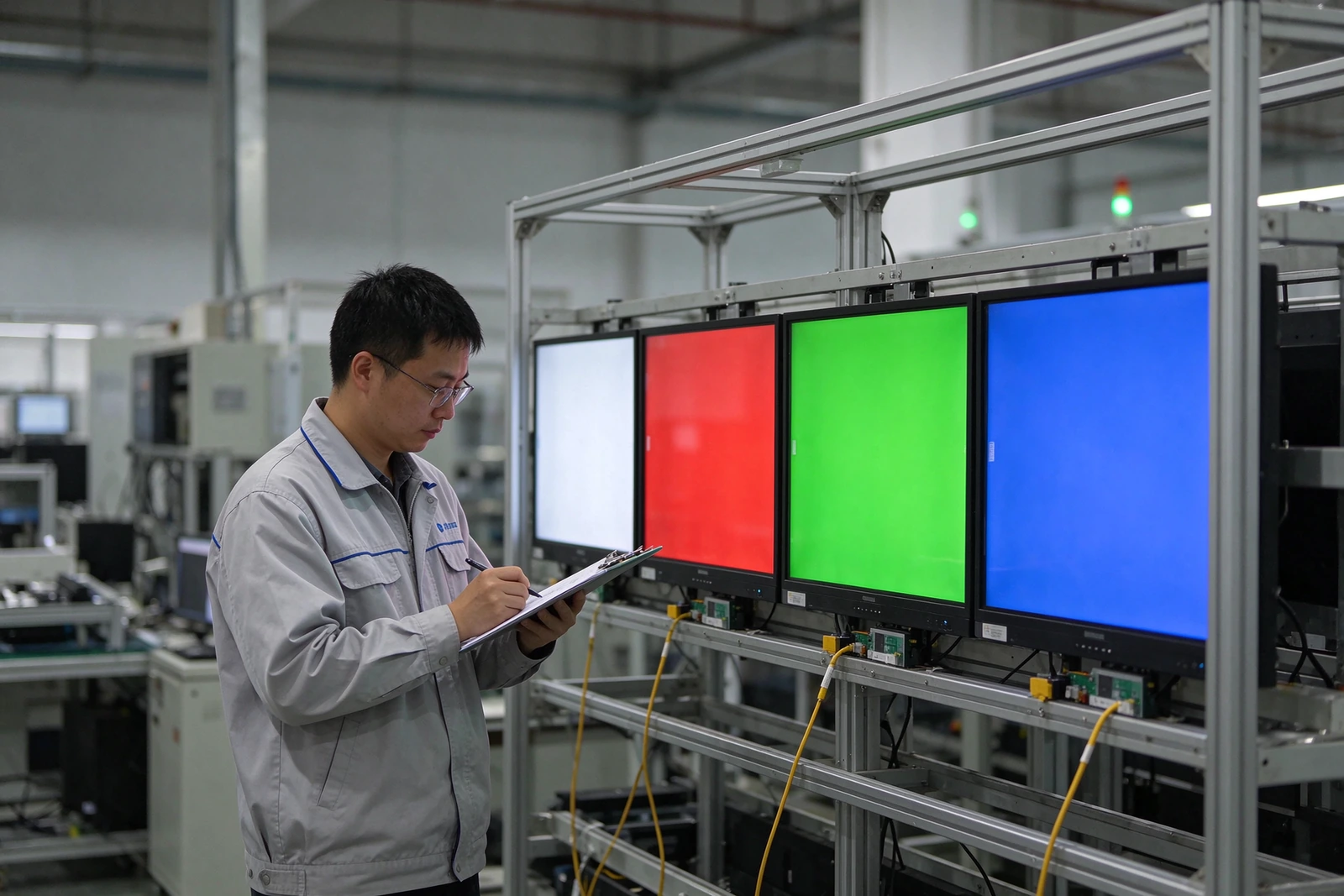
These three profiles are drawn from project reviews we have handled. Client names and exact figures are withheld; the structure of the decision is the useful part, and contactable references can be arranged with the clients' permission.
A private school group replacing boards across three campuses
The original plan was a single shipment before the new term. The review split it into three batches aligned to campus holidays, with the first campus acting as the pilot. The training plan was rebuilt around subject demonstrations rather than a general walk-through, and the specification added a transmittance figure after the first site visit showed classrooms with south-facing windows. The decision that mattered was not the panel — it was accepting a slower delivery schedule in exchange for an installation window that actually existed.
A corporate headquarters standardising meeting rooms
The IT team's requirement was that the rooms behave identically on a call with an external client, on the company's own platform, without a laptop at the table. The evaluation therefore started with a Windows/OPS session and a live call, not with picture quality. Two shortlisted models were eliminated because device management could not be centralised, and the rollout was staged by floor so that a failed configuration affected one floor rather than the building.
A distributor building its own brand on factory hardware
The distributor needed a bezel without a competitor's logo, its own boot animation, packaging in its own brand and documentation in two languages, with the factory carrying the certificate for the shipped model. The working arrangement was a sample unit first, then a small first order, then a rolling schedule. The risk that nearly derailed it was not the hardware but the artwork approval sequence for packaging, which sat outside both teams' delivery plans.
Tell us the rooms, the users and the timeline — we will come back with a configuration, not a brochure.
Send the room list, the class or seat count per room, the platform you meet on, and the installation window. We will reply with a model mapping, the certificate coverage for each quoted model, and the delivery schedule in batches.

CEO | Interactive Display & Collaboration Solution Expert
I am the founder of Qtenboard, bringing over 17 years of hands-on expertise to the touch display industry. Drawing on the global management perspective gained through my EMBA studies at ShenZhen University, I lead my team in optimizing every stage of our operations—from product definition to high-efficiency supply chain management—ensuring our manufacturing capabilities remain at the forefront of the industry.
As the leader of Qtenboard, I specialize in providing tailored OEM/ODM solutions for interactive whiteboards, LCD video walls, digital signage, and industrial-grade touch terminals. Backed by our 330,000 m² modern industrial park in Shenzhen, we maintain full-lifecycle control over industrial design, precision manufacturing, and rigorous performance testing.
With nearly two decades of project experience, Qtenboard’s display solutions are now deployed in over 120 countries and regions, earned the trust of more than 15,000 enterprise customers worldwide. If you are seeking a responsive partner with a deep manufacturing foundation for your customized touch display projects, my team and I are ready to support your vision with professional excellence.

 EN
 spa
 pt
 vie
 th
 est
 lav
 aze
 ukr
 bel
 ru